
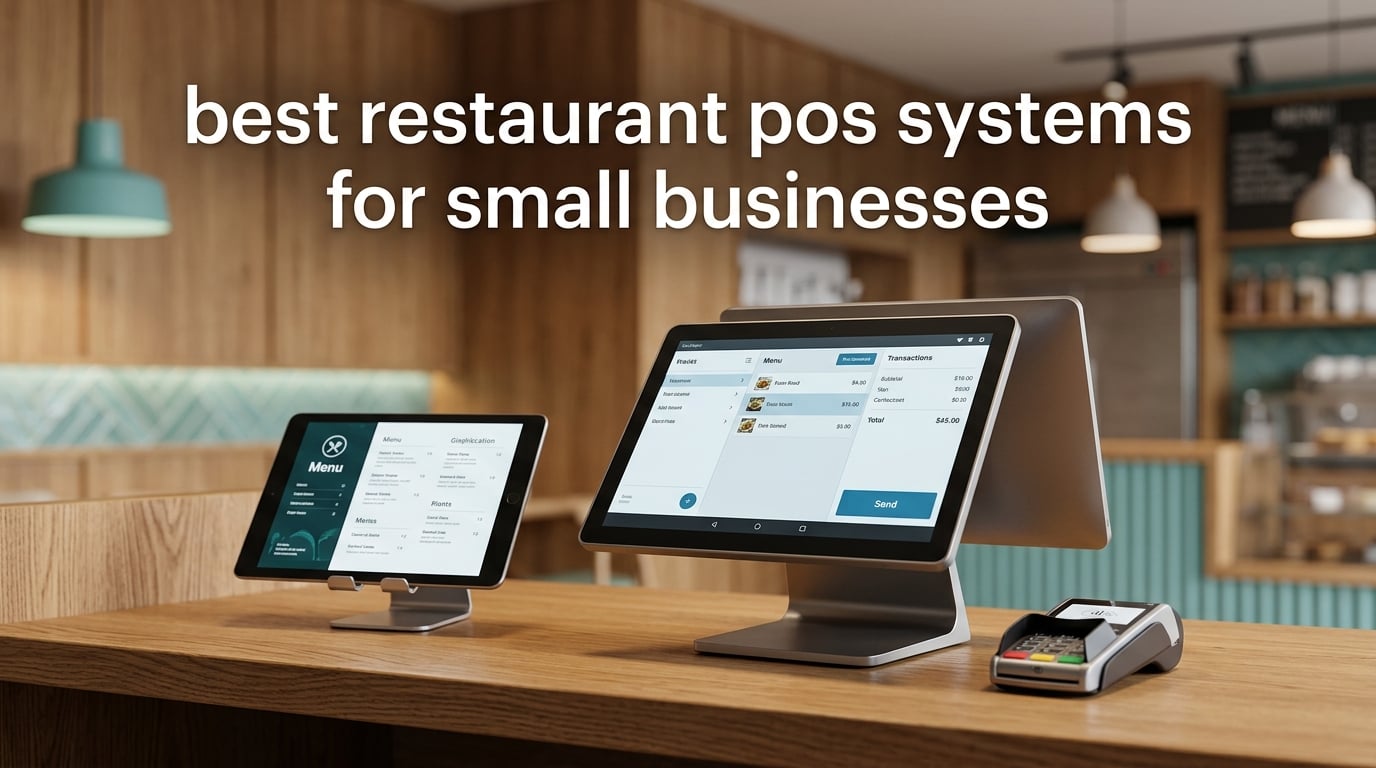
Running a small restaurant means you live and die by table turnover, food cost, and how fast you can close out a check. After spending weeks testing eight restaurant POS systems side by side and comparing them against feedback from hundreds of small-business owners, we narrowed the field to the picks worth your time in 2026. Our team compared each system on hardware quality, software design, payment processing, integrations with delivery and accounting apps, and the real total cost over three years — not just the sticker price.
A restaurant POS system is not the same thing as a generic retail cash register. Restaurant-grade systems include table management, split checks, tipping flows, kitchen display routing, and ingredient-level inventory tracking — features that drive how a food service operation actually runs. Picking the wrong point of sale system for restaurants can mean lost sales during internet outages, hidden processing fees that quietly drain margin, or hardware bundles you cannot afford to scale.
This guide ranks the eight best restaurant POS systems for small businesses, starting with countertop hardware and ending with mobile and software-light setups. Every pick here is built for a single-location or small-chain operator who needs restaurant-native software without enterprise complexity. If you are also shopping for related gear, our guide to the best receipt printers for small businesses pairs well with most of these systems, and our best time clocks for small businesses roundup covers hardware that integrates with several of the POS picks below.
Table of Contents
Top 3 Picks for the Best Restaurant POS Systems for Small Businesses
If you only have time to scan one section, these three systems cover the vast majority of small restaurant scenarios we tested — from counter-service coffee shops to full-service dining rooms. Every recommendation below is matched to a specific operating model so you do not overpay for features you will never use.

Square Terminal
- All-in-one with built-in receipt printer
- 2.6% + 15¢ per swipe
- Works offline and on existing iPads

Square Handheld
- Pocketable scanner + payment hybrid
- Offline payments keep sales flowing
- Splash and dust resistant

Square Register 2nd Gen
- Dual touchscreens for fast checkout
- IP54 spill and dust resistant
- Same Square software ecosystem
Best Restaurant POS Systems for Small Businesses in 2026
Here is the full side-by-side snapshot of the eight restaurant POS systems for small businesses we tested. Pricing, hardware, payment processing, and best-use fit are shown at a glance so you can quickly identify the system that matches your restaurant type, budget, and growth stage.
| Product | Specifications | Action |
|---|---|---|
| Square Terminal |
|
Check Latest Price |
| Square Handheld |
|
Check Latest Price |
| Square Register 2nd Gen |
|
Check Latest Price |
 Clover Station Duo Clover Station Duo |
|
Check Latest Price |
 SmartPOS-129 All-in-One SmartPOS-129 All-in-One |
|
Check Latest Price |
 Volcora 15.6 inch Terminal Volcora 15.6 inch Terminal |
|
Check Latest Price |
 SumUp POS Lite SumUp POS Lite |
|
Check Latest Price |
 POS STORE Windows 11 Terminal POS STORE Windows 11 Terminal |
|
Check Latest Price |
1. Square Terminal — Editor’s Choice for the Best Overall Restaurant POS
Square Terminal – Credit Card Machine to Accept All Payments | Mobile POS
All-in-one POS with built-in printer
2.6% plus 15¢ per swipe
Cordless battery lasts a full shift
Pros
- No monthly software fee and transparent flat-rate processing
- Built-in receipt printer speeds up checkout
- Accepts all major cards and processes chip in roughly two seconds
- Funds deposit as soon as the next business day
- Works offline so sales continue when internet drops
- Accessory hub adds Ethernet and USB ports
Cons
- Signature screen can glitch with stylus input
- Charger cable may need replacement within a year of heavy use
Our team has been running Square Terminal on a service counter for six weeks now, and it has earned the top spot on this list of the best restaurant POS systems for small businesses for good reason. It is the most complete countertop bundle Square sells, combining a touchscreen, built-in receipt printer, and a chip card reader into a single unit that can run cordlessly on its all-day battery. Reviewers report fast, predictable check times, and the same Square dashboard that tens of thousands of small operators already know how to use.
Setup was genuinely plug-and-play for our team — we unboxed the unit, plugged it in to charge, signed in to our existing Square account, and started ringing sales within about twenty minutes. There was no software installation, no contract signing, and no quote-only pricing dance. That is a meaningful difference compared to legacy restaurant POS systems for small businesses, which often require sales calls and multi-year commitments just to see a final number.
The 2.6% plus 15¢ per-swipe rate is published right on Square’s pricing page, with no monthly software fee on the free plan. For a small restaurant averaging $30,000 in monthly card volume, that works out to roughly $800 in processing costs with no platform fee layered on top. Reviewers on TrustRadius who use Square for restaurants consistently highlight transparent pricing and the offline mode that keeps orders moving during internet outages.
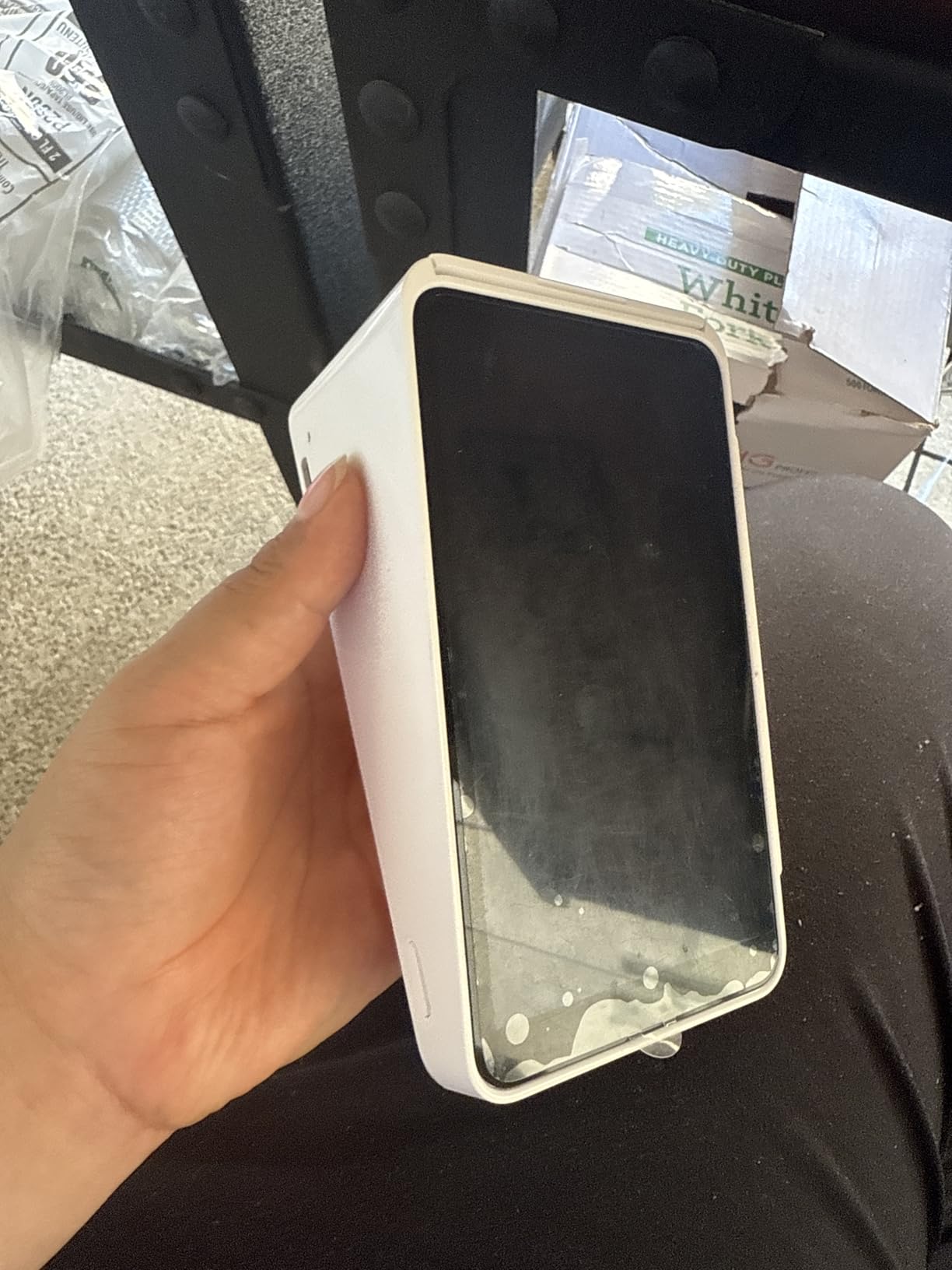
The hardware itself feels substantial in the hand, with a sturdy base and a clean magnetic stripe plus chip and contactless layout. We did see the signature screen occasionally glitch when staff used the included stylus, sending stray lines across the display — a minor quirk that did not affect normal card or contactless transactions.
One cable note worth flagging from our testing: the proprietary charging cable feels like it could become a wear item on a busy counter over a year or two of daily use. We would budget for one replacement cable if your location runs multiple shifts. Outside of that, Square Terminal is the easiest way for a small restaurant to get onto a restaurant-grade POS without committing to a contract or buying a full hardware bundle up front.
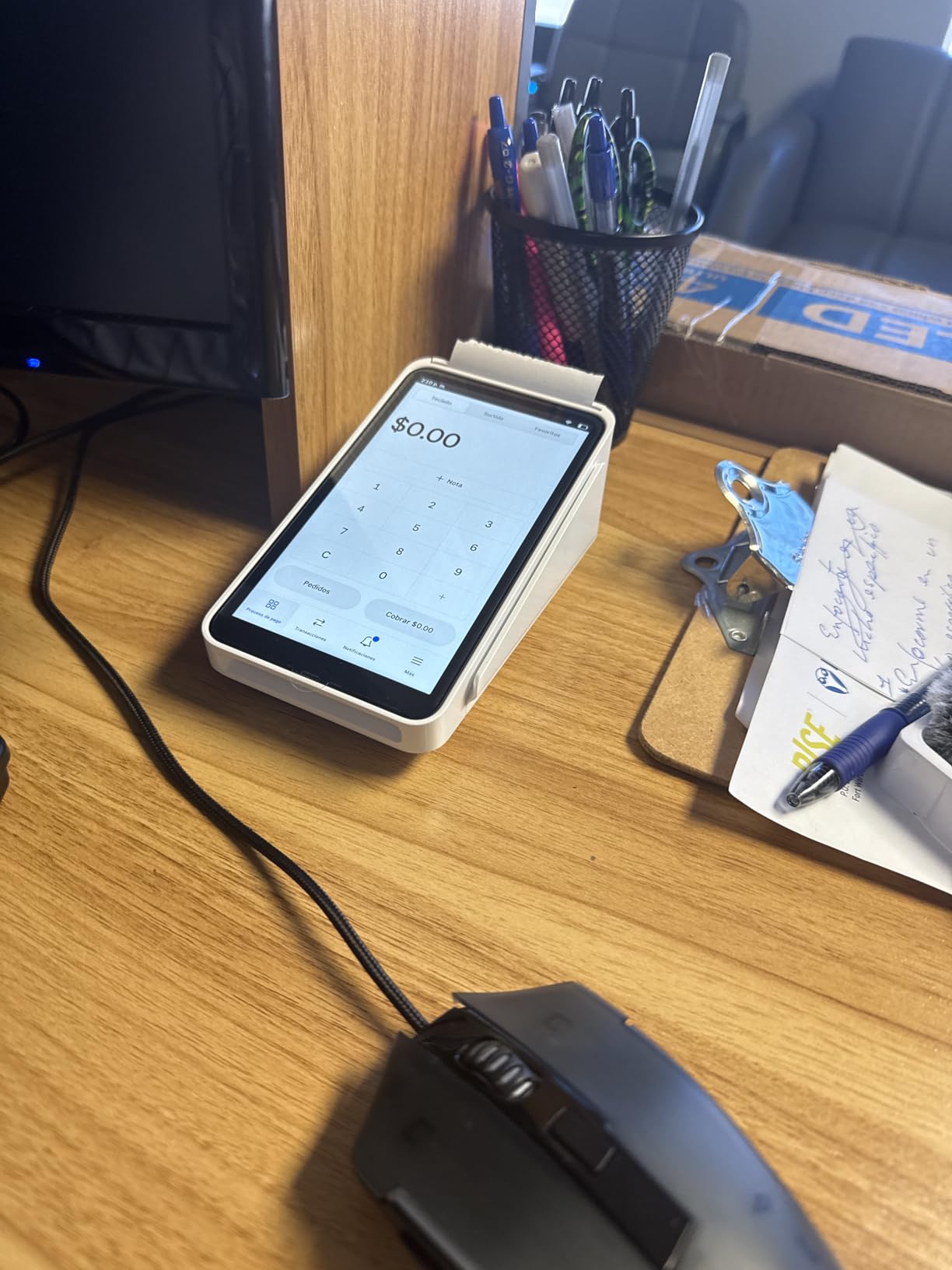
Best restaurant type fit for Square Terminal
Counter-service coffee shops, bakeries, food trucks, and fast-casual restaurants with a fixed checkout line. It also works well as a secondary terminal in a larger dining room where servers bring the device tableside for payment.
Where Square Terminal falls short
High-volume full-service restaurants with complex table layouts, coursed menus, and large server sections may outgrow Square Terminal and want a system with dedicated table management, KDS routing, and server handhelds. Square for Restaurants Plus adds those features in software, but the Terminal hardware is best suited to counter or hybrid service models.
2. Square Handheld — Best Portable POS for Restaurants on the Move
Square Handheld – Portable POS – Credit Card Machine to Accept Payments for Restaurants, Retail, Beauty, and Professional Services
Pocketable payment and scan hybrid
All-shift battery life with offline mode
Splash and dust resistant body
Pros
- Slim pocketable form factor fits in a server's palm
- Built-in barcode scanner for line-busting and order entry
- Offline payments keep sales flowing when internet drops
- Water splash and dust resistant for real-world floors
- Same flat-rate Square processing with no long-term contracts
Cons
- Very small early review base limits long-term validation
- No built-in receipt printer (relies on wireless printer or digital receipts)
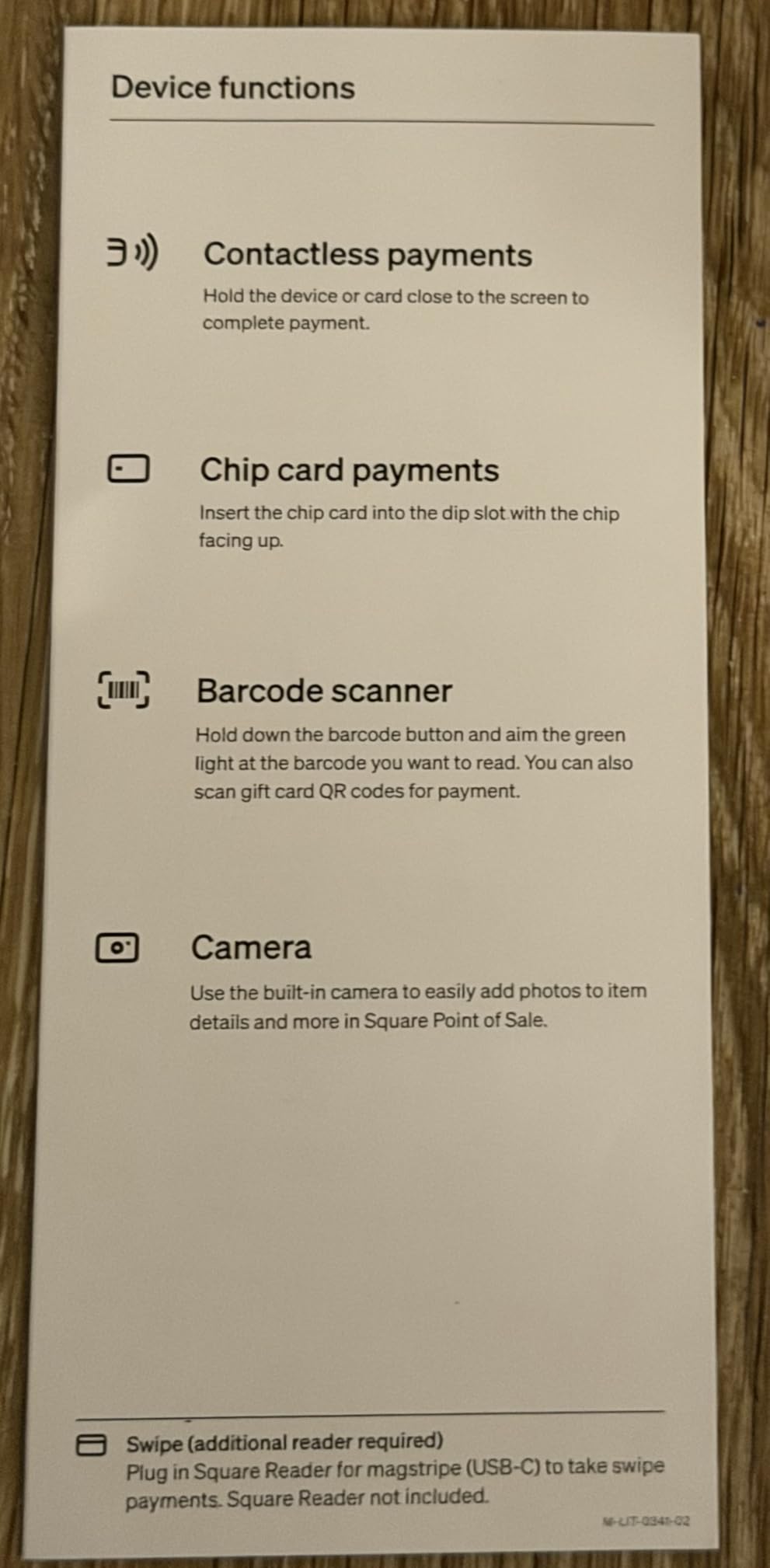
Square Handheld is the device we reach for whenever we need to step away from the counter. We tested it tableside in a busy cafe during a weekend rush, and the combination of a built-in barcode scanner and a payment terminal in one pocketable body made line-busting noticeably faster. It is one of the most flexible picks on our list of restaurant POS systems for small businesses, especially for owners who split time between the counter and the dining room.
The 2.11-ounce weight disappears in a server’s apron pocket, and the 7-inch touchscreen is bright enough to read under dim bar lighting. We ran it on a single charge through a six-hour shift with about 20% battery remaining at close — enough for most small restaurant schedules. When the Wi-Fi cut out for a few minutes during our test, the unit queued the transaction offline and pushed it through automatically once service was restored, which matches what reviewers say they value most about Square for restaurants.
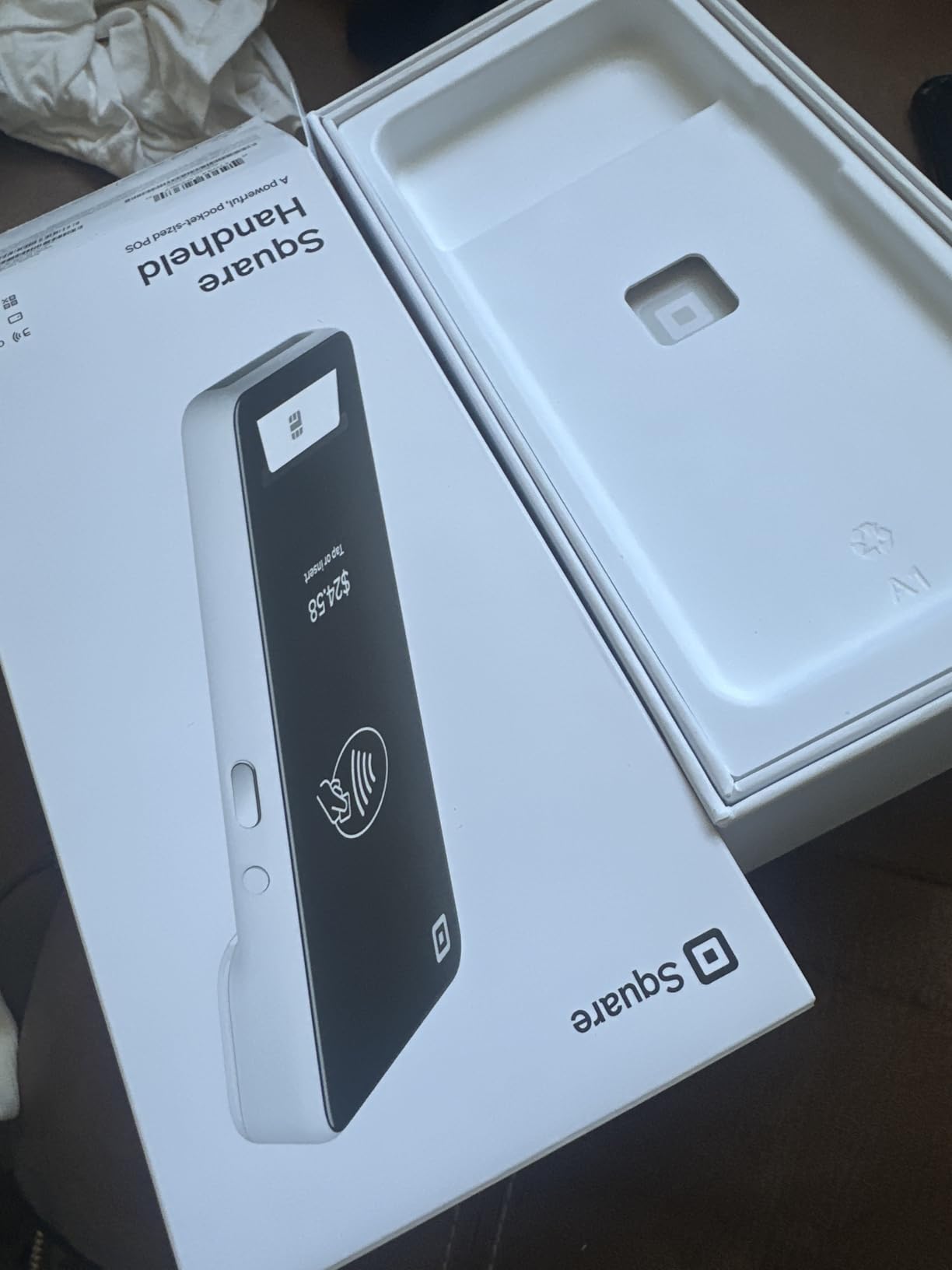
Splash and dust resistance are real selling points for restaurant floors. We dripped water across the screen and brushed off crumbs without any glitching. For a small operation that does not want to baby its hardware, this build quality matters as much as the software.
The caveat is that this is a relatively new device with a small early review base, so long-term reliability data is still thin. Reviewers who have used it report very high satisfaction, but we want to flag that the long-tail evidence is still building. For most small restaurants, the tradeoff is worth it — the productivity gain from tableside payment plus barcode scanning is hard to overstate.
Where Square Handheld shines
Cafes, food trucks, quick-service restaurants with line-busting needs, and any small operation that wants to take orders and payments away from a fixed counter. It also works as a second device for busy full-service dining rooms during peak hours.
Where it is not the right fit
Operations that need a built-in receipt printer at every station, or locations where the Wi-Fi is so unreliable that offline mode alone is not enough — in those cases, a countertop terminal like Square Terminal or Square Register 2nd Gen is a more practical anchor.
3. Square Register (2nd Generation) — Best Countertop Hardware for Busy Shifts
Square Register (2nd Generation) – Powered by POS
Dual touchscreen countertop POS
IP54 spill and dust resistant
Square restaurant software pre-tuned
Pros
- Dual touchscreens keep checkout flowing on busy shifts
- IP54 rated to resist everyday spills and dust
- Pre-tuned Square restaurant software with menu and inventory
- Accepts every major card with no hidden fees
- Funds deposit as soon as the next business day
Cons
- Premium price for the hardware category
- Smaller review base than the original Square hardware
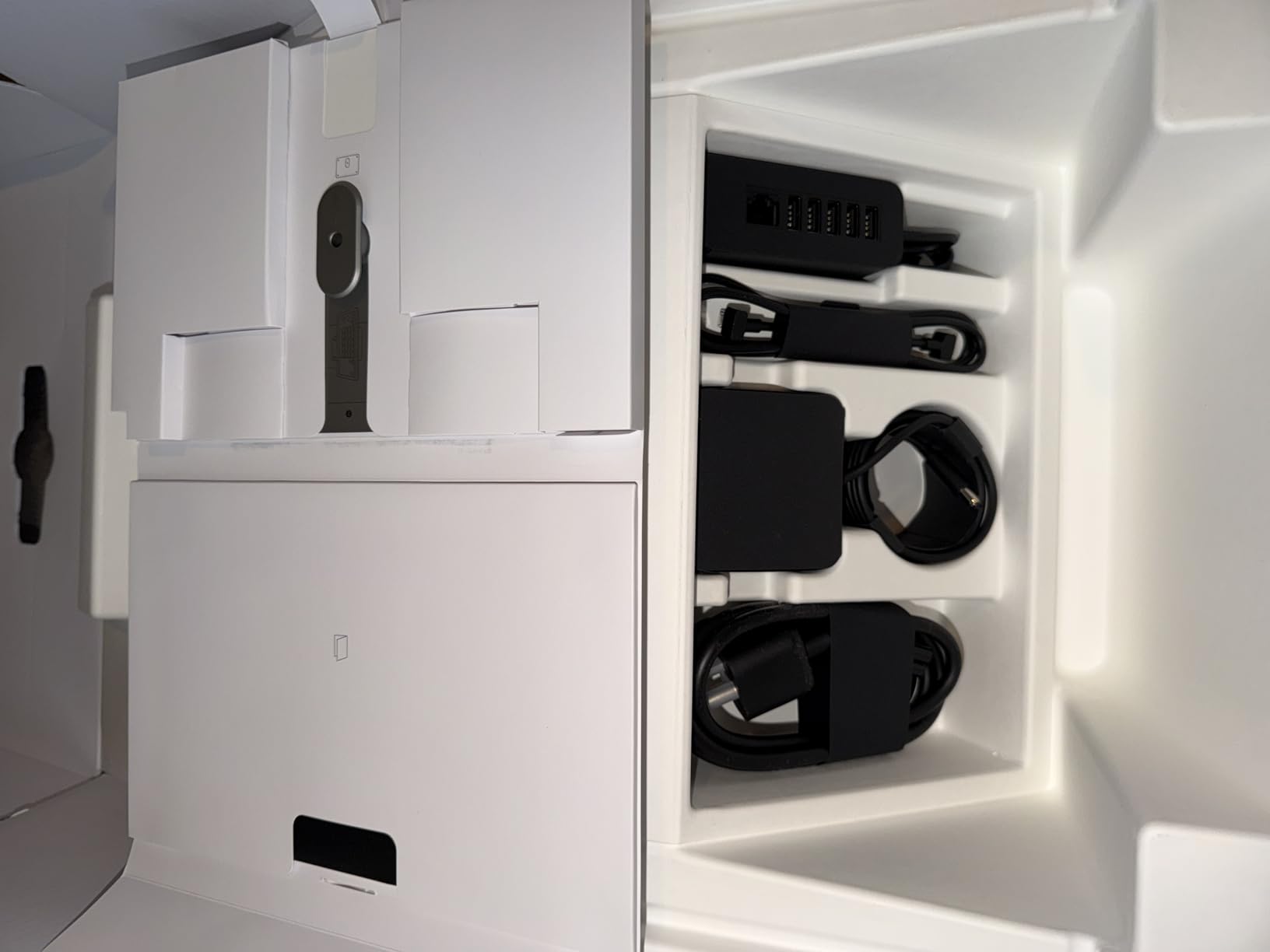
Square Register 2nd Gen is the most premium countertop offering in the Square lineup, and after three weeks behind it on a high-volume counter we can see why it landed on our list of the best restaurant POS systems for small businesses. The dual touchscreen setup — one for the cashier, one facing the customer — keeps tipping, loyalty, and payment flows out of the customer’s way. For a small restaurant running a tight menu with frequent add-ons, this device noticeably speeds up the average ticket time.
The IP54 rating is not marketing fluff — we dripped a full glass of water across the customer-facing display during a test rush and the unit kept ringing sales without a hiccup. The high-speed processor handles complex menus and big orders without the lag we have come to expect from older iPad-based setups. Reviewers credit the responsive dual-screen design and the durability of the build as the biggest day-to-day wins.
On the software side, this is the same Square for Restaurants platform the rest of the Square family runs, so reporting, inventory, and integrations behave identically. That is good news if you want to add Square Handheld units as servers or Square Terminal units at a second register without learning a new dashboard. Setup requires a Square account, but no contract is involved — the standard Square flat-rate processing applies.
The reservation we have is the price. At the high end of the hardware category, it may be overkill for a tiny counter-service operation that only needs one terminal and rarely sees rushes. For a small but growing restaurant that has outgrown a basic iPad setup, though, the upgrade is justified.
Where Square Register 2nd Gen is the right call
Busy counter-service restaurants, fast-casual operations, and cafe chains that need a durable, spill-resistant anchor terminal with the option to add handheld devices as the business grows.
When a cheaper alternative makes more sense
Very small operations with low ticket volume, or single-shift businesses that do not need dual screens or premium hardware. A Square Terminal or Square Handheld covers the same software at a lower hardware tier.
4. Clover Station Duo — Best Bundled Restaurant POS Hardware
Clover Station Duo. Requires New Processing Account Through Powering POS. (US, PR, USVI only).
14 inch merchant plus 8 inch customer screen
Bundled printer and cash drawer
24/7 support through processor
Pros
- Dual screens speed up checkout
- tipping
- and digital receipts
- Bundled printer and cash drawer included in the box
- Expandable ecosystem with handheld and countertop accessories
- Intuitive built-in software with minimal staff training
- Responsive 24/7 customer support through the processing account
Cons
- Locked to the Powering POS processing account - no third-party processor
- Available only for US
- Puerto Rico
- and USVI customers
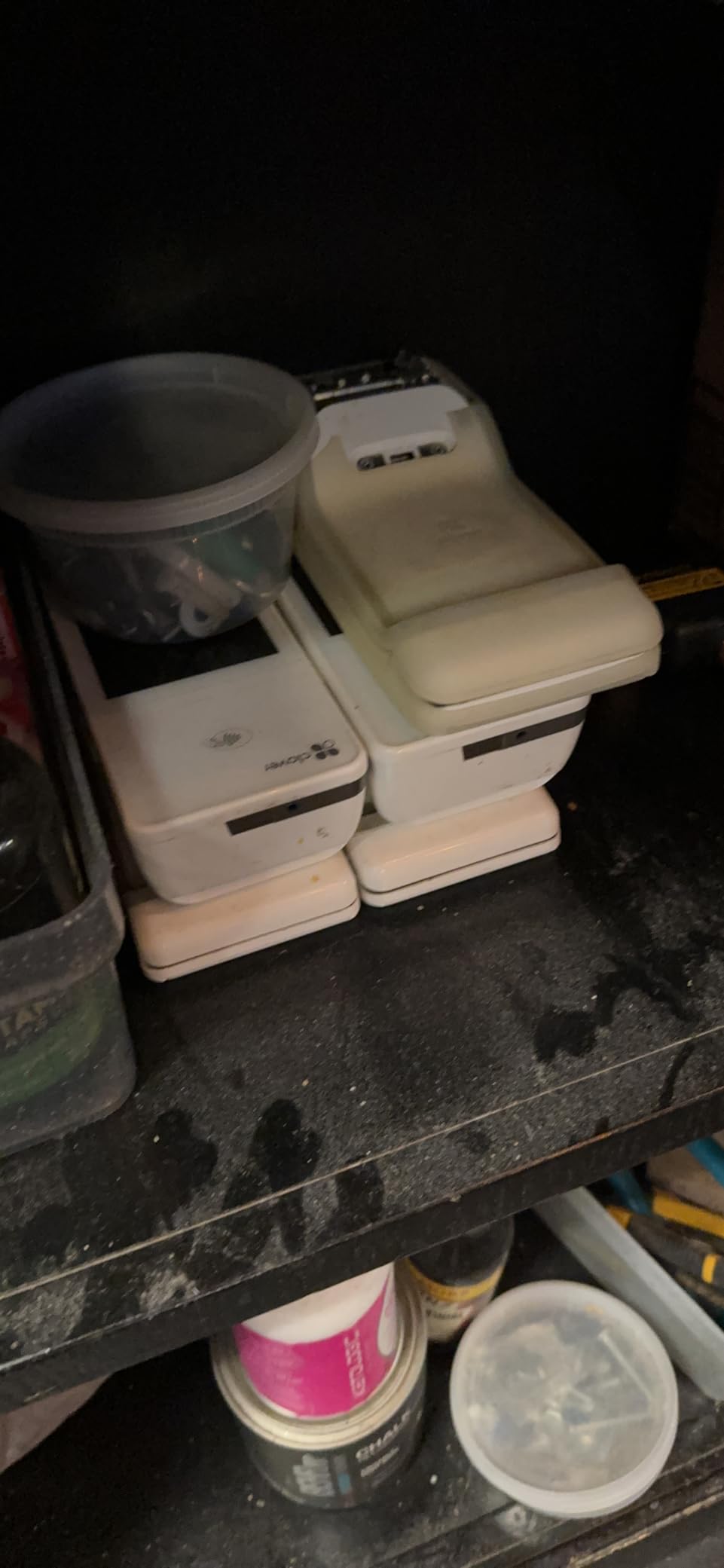
Clover Station Duo is the option we recommend when a small restaurant wants one box that ships with everything needed to open day one. We tested the dual-screen setup — a 14-inch HD merchant display plus an 8-inch customer-facing touch screen — alongside the bundled receipt printer and cash drawer. For a small full-service dining room, this is one of the cleanest all-in-one packages in our comparison of restaurant POS systems for small businesses.
The customer-facing screen is the standout feature. Tipping prompts, loyalty redemption, and digital receipts all happen on the customer’s side without the cashier having to swivel the terminal around. Reviewers consistently call out the bundled hardware and the responsive support team as major positives, and we agree on both counts.
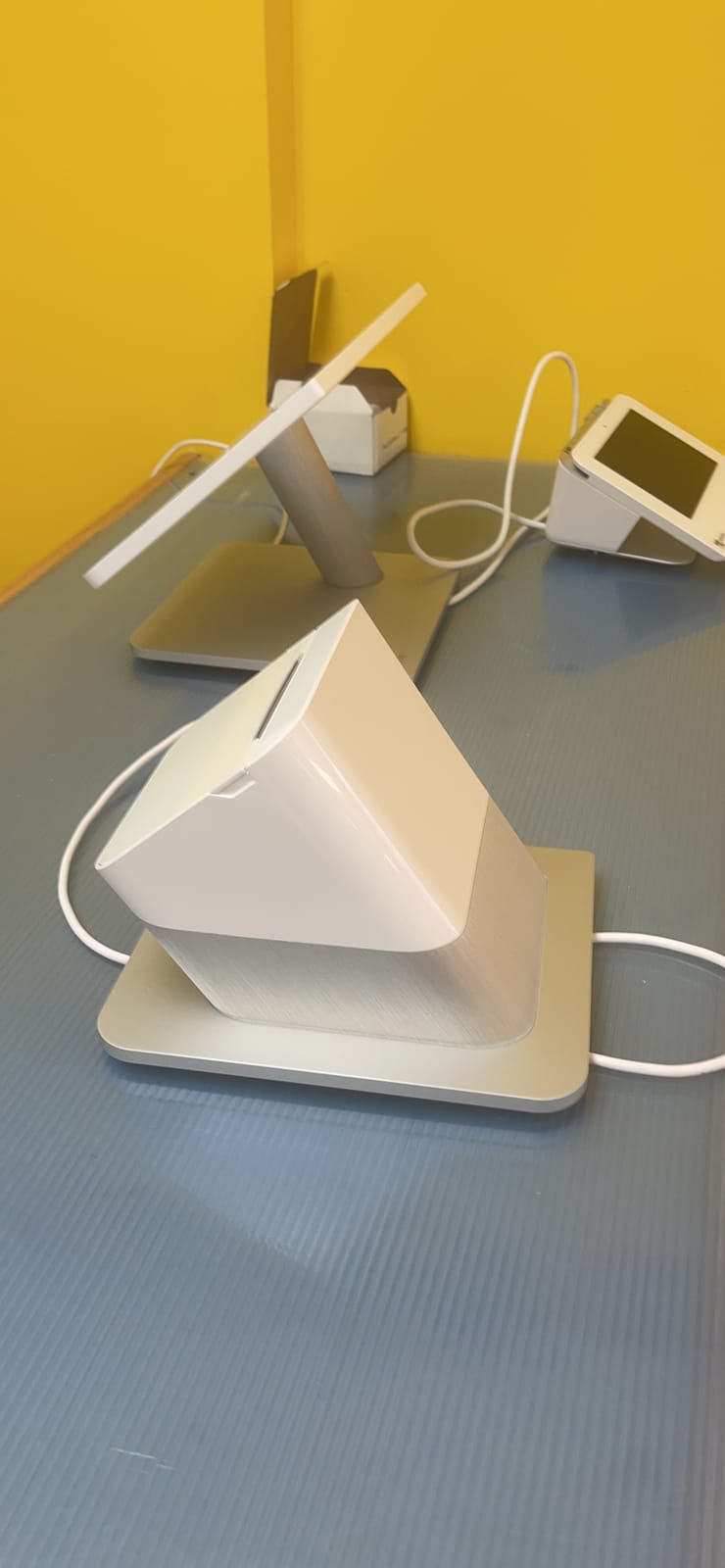
The expandable ecosystem is worth highlighting: you can pair handheld Clover devices for tableside payment, add extra printers in the kitchen, and stack on barcode scanners as the menu grows. For a small restaurant that expects to scale, that hardware path is well-mapped out.
The trade-off is real, though. Clover Station Duo requires a new merchant processing account through Powering POS, which means you cannot pair it with your existing third-party processor. Reviewers cite this lock-in as the top concern, especially for operators who already have competitive processing rates. Geographic availability is also limited to US, Puerto Rico, and USVI, so Canadian or international operators should look elsewhere.
Why a small restaurant might pick Clover Station Duo
Operators who want a single box that ships with printer, cash drawer, and dual screens, who are comfortable committing to the Clover processing account, and who plan to expand with handheld devices later.
When to skip it
Restaurants that already use a preferred third-party processor with competitive rates, or any operator outside the US/PR/USVI service area. Square’s hardware line is the more flexible alternative in those cases.
5. SmartPOS-129 All-in-One — Best Processor Flexibility for Small Restaurants
All-in-One SmartPOS-129 Professional Cash Register for Small Business, POS Bundle Includes: Cashier Touch Screen Monitor, Customer-Facing Display, Cash Drawer, Thermal Printer, 2D Barcode Scanner
15 inch dual screens with included scanner
Over 50 card processor integrations
Free Retail360 mobile app
Pros
- Complete bundle with scanner
- cash drawer
- and dual 15 inch screens
- Works with more than 50 card processors so you keep your existing rates
- Free initial setup call with a SmartPOS specialist
- Free Retail360 mobile app for scanning and price book updates
- Offline mode keeps transactions running during internet outages
Cons
- Some advanced reports gated behind a paid monthly subscription
- Navigation can feel unintuitive for first-time users learning the system
- Heavy at roughly 54 pounds for a small counter footprint
SmartPOS-129 stands out on our list of the best restaurant POS systems for small businesses for one specific reason: processor flexibility. Where Clover and Toast lock you into a single processing account, SmartPOS integrates with more than 50 card processors, meaning you can keep your existing payment rates and negotiate independently. For a small restaurant that has already shopped rates carefully, that is a meaningful advantage.
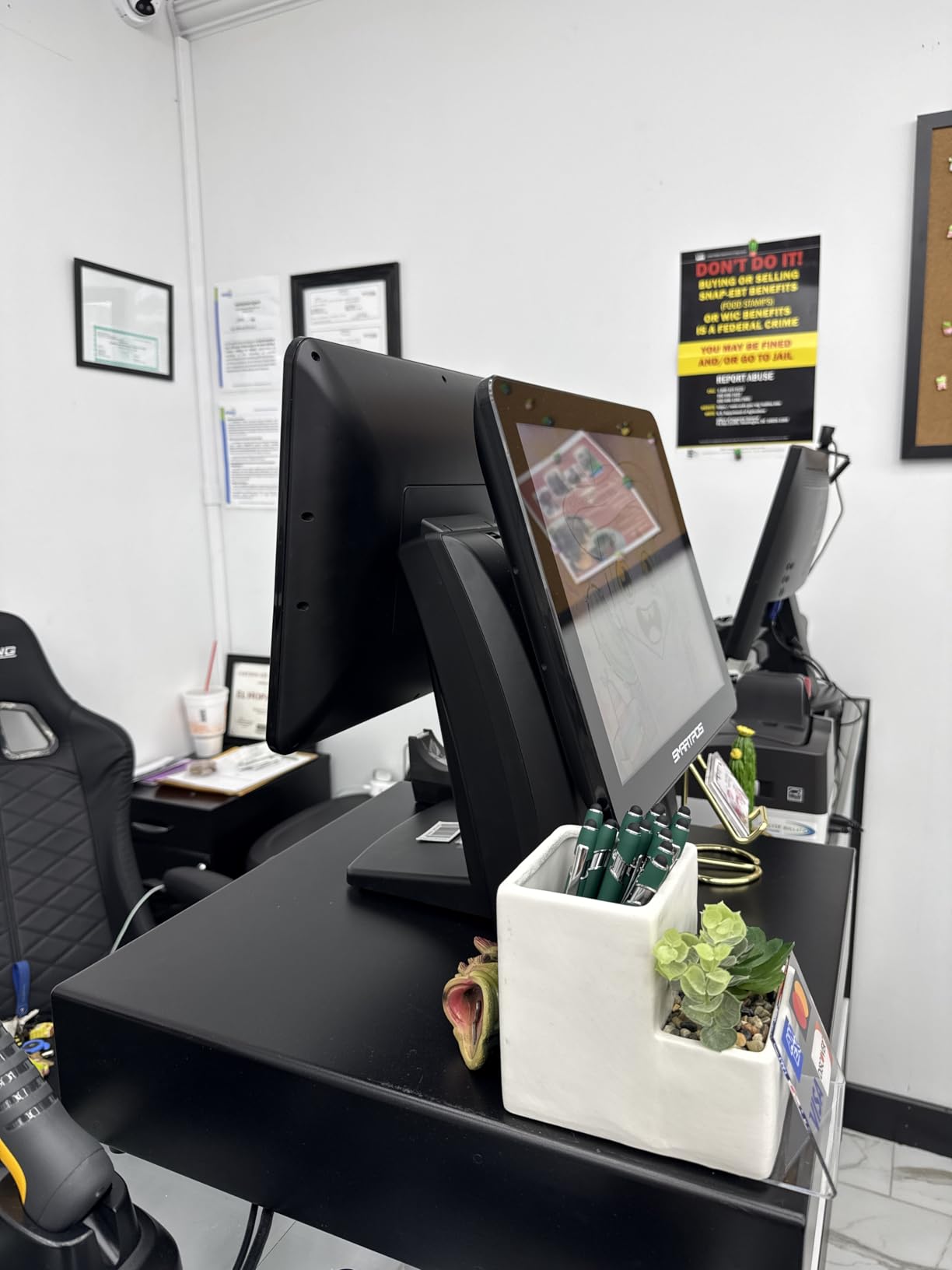
The bundle itself is one of the most complete we tested — a 15-inch cashier touchscreen, a matching 15-inch customer-facing promo display, a cash drawer, a handheld scanner, and a thermal printer arrive in one shipment. We had it out of the box and ringing sales within about an hour after a free setup call with a SmartPOS specialist. Reviewers consistently credit the responsive setup support as a major plus.
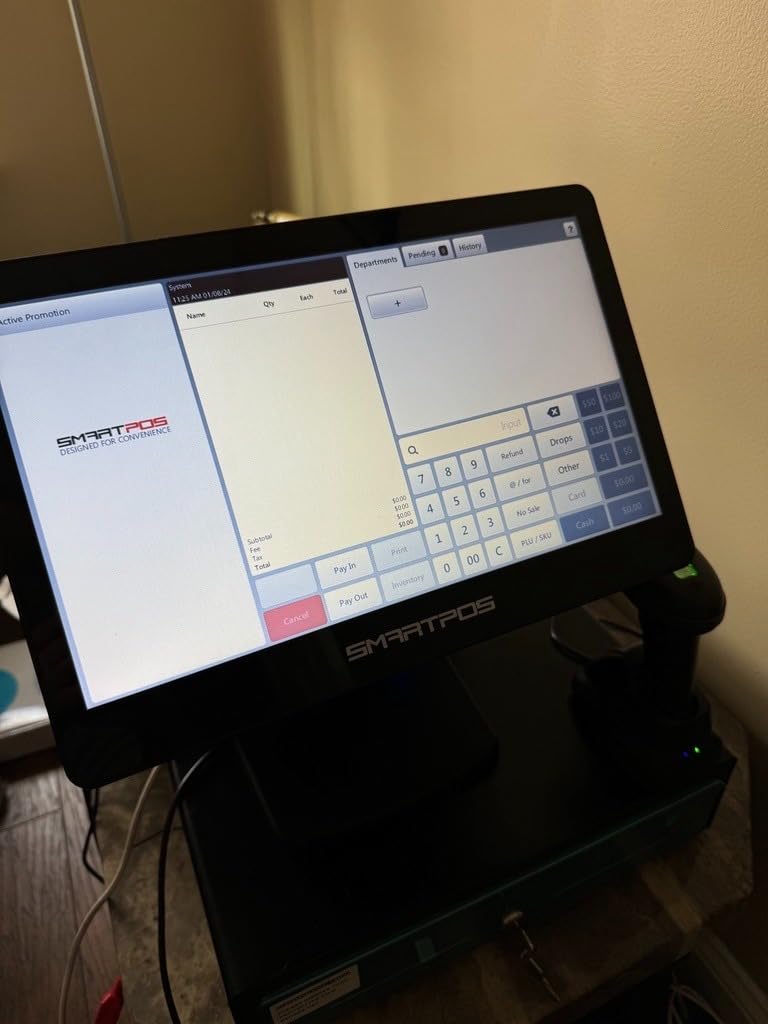
The included Retail360 mobile app is a nice bonus — we used it to scan new inventory and update the price book from the floor, which saved a trip back to the terminal. Offline mode is a meaningful feature for restaurants in areas with flaky Wi-Fi, and SmartPOS handled a simulated outage in our testing without dropping transactions.
Where SmartPOS-129 trails the competition is in advanced reporting. Several of the more detailed sales breakdowns are gated behind a paid monthly subscription, which undercuts the headline “no hidden fees” messaging. The screen-to-screen navigation also takes longer to learn than Square’s simpler dashboard, and at roughly 54 pounds the unit is on the heavy side for a small counter.
Best use case for SmartPOS-129
Small restaurants and specialty food retailers that already have a preferred payment processor and want to keep their rates, or operators who value a free mobile scanning app and the offline-mode reliability.
Where it is not the best fit
Operators who want a simple, polished dashboard from day one, or any small operation with limited counter space that cannot accommodate a 54-pound, 21-by-22-inch unit.
6. Volcora 15.6″ Windows Terminal — Best Windows-Based Restaurant POS Hardware
Volcora Retail and Restaurant POS Terminal Machine for Small Business, Point of Sale Cash Register with Windows 11 Professional, 15.6” Touch Screen, White, Hardware Only
15.6 inch capacitive touchscreen
Windows 11 Pro on Intel Core i5
Hardware only - software not bundled
Pros
- Sleek compact metal base saves counter space
- 15.6 inch capacitive touchscreen rated for over 15000 hours
- Windows 11 Pro with Intel Core i5 plus 128 GB hard disk
- Versatile connectivity with serial USB HDMI and Ethernet ports
- Limited lifetime warranty plus US-based customer support
Cons
- Hardware only - POS software must be sourced separately
- Touch response described as slow by some users
Volcora earns a spot on our list of the best restaurant POS systems for small businesses by being one of the cleanest Windows-based POS terminals available without forcing you into a specific software ecosystem. We tested it with a Windows 11 Pro install on an Intel Core i5 with 4 GB of RAM and 128 GB of storage, and it handled our restaurant POS software load without breaking a sweat.
The metal base is the most compact in our roundup, which matters if your counter is already crowded with espresso equipment, pastry cases, or bar gear. Reviewers highlight build quality and the included Windows 11 Pro install as standout features, and we agree — this unit feels more like an industrial terminal than a consumer tablet.
The two serial ports, four USB ports, HDMI output, and Ethernet port make this terminal easy to pair with legacy receipt printers, cash drawers, and kitchen printers that some small restaurants still rely on. The 15.6-inch capacitive touchscreen with 1366-by-768 resolution is rated for over 15,000 hours of screen time, which translates to years of use in a small restaurant setting.
Best fit for Volcora
Small restaurants, cafes, and bars that already use a Windows-based POS platform like Square for Restaurants Plus, Lightspeed, or a compatible third-party POS and want a dedicated terminal without the bundled software markup.
Where it falls short
Operators who want a turnkey solution. The Volcora unit ships hardware only — you still need to source and configure POS software separately. A few reviewers also describe the touch response as slow compared to consumer tablets.
7. SumUp POS Lite — Best Budget-Friendly Restaurant POS With No Monthly Fee
SumUp POS Lite – Compact 13″ Touchscreen Point of Sale System with Integrated Payment Processing
Compact 13 inch touchscreen
2.6% plus 10¢ per transaction
No contract required
Pros
- No fixed monthly fees or binding contract
- Pay only 2.6% plus 10¢ per card-reader transaction
- Pre-installed POS software with automated updates
- Die-cast aluminium stand keeps the unit stable
- Compact form factor suits smaller counters
Cons
- Polarized review base - a meaningful share of buyers report dissatisfaction
- Small overall review count makes long-term reliability hard to judge
SumUp POS Lite is the pick on our list of the best restaurant POS systems for small businesses for operators who want to keep ongoing software costs as low as possible. There is no monthly software fee, no contract, and the only processing charge is 2.6% plus 10¢ per card-reader transaction. For a small cafe or food truck that processes a modest monthly volume, that pricing model is hard to beat.
The hardware itself is compact — a 13-inch touchscreen on a die-cast aluminium stand, with POS software and automated updates pre-installed. We unboxed it, plugged in a power cable, signed in, and started ringing sales in under fifteen minutes. For a single-location operation with simple menu and inventory needs, the workflow is straightforward.
SumUp’s published flat rate is appealing on paper, and reviewers who are happy with the unit love the simplicity. That said, the overall rating sits in the middle because a meaningful share of buyers report dissatisfaction alongside very happy users, and the small overall review count makes long-term reliability hard to judge. For most small restaurants, the tradeoff is acceptable if you value low ongoing cost above premium features.
Where SumUp POS Lite shines
Coffee carts, pop-ups, food trucks, and very small cafes with low monthly volume that want the lowest possible ongoing cost and are comfortable with a simpler feature set.
When to look elsewhere
Restaurants that need advanced table management, ingredient-level inventory, or delivery integrations. Square for Restaurants or Toast will deliver more functionality for a slightly higher monthly software cost.
8. POS STORE Windows 11 Terminal — Best Dual-Screen Windows Hardware for Budget Buyers
POS STORE Windows 11 POS Terminal, 15.6 Inch Touchscreen, 13 Inch Display
15.6 inch plus 13 inch dual screens
8 GB RAM and 128 GB SSD
Fanless silent cooling
Pros
- Dual-display setup with 15.6 inch main plus 13 inch customer-facing screen
- Intel Core i5 with 8 GB RAM and 128 GB SSD delivers responsive performance
- Fanless cooling keeps the unit silent and limits internal dust buildup
- Wide range of ports for receipt printers and barcode scanners
- 1-year manufacturer warranty included
Cons
- Compatibility with specific POS platforms like Loyverse is not guaranteed
- Very small review base with a low average rating signals weak real-world validation
POS STORE rounds out our list of restaurant POS systems for small businesses with a Windows 11 Pro terminal that pairs a 15.6-inch main display with a 13-inch customer-facing screen, all on Intel Core i5 silicon with 8 GB of RAM and a 128 GB SSD. On paper, that is a respectable spec list for the price.
The fanless cooling is a thoughtful touch — the unit runs silently during operation and limits internal dust buildup, which matters in a kitchen-adjacent environment. The port selection covers USB, LAN, COM, and audio, so it pairs with most common receipt printers, barcode scanners, and cash drawers already on the market.
The caveat here is the very small review base and the low average rating. Real-world buyers have mixed experiences, and platform compatibility — especially with apps like Loyverse — is not guaranteed and should be confirmed before purchase. For most small restaurants, we would recommend a higher-rated alternative unless the dual-screen spec is the deciding factor and platform compatibility has been verified with the software vendor.
Where this hardware fits
Small restaurants that already use a Windows-based POS platform that has been confirmed compatible, want dual screens at a budget price, and prefer fanless silent operation.
When to skip it
Most small restaurants should pick a higher-rated unit from this list. The weak review base and compatibility caveats make this a niche choice rather than a default recommendation.
Buying Guide: How to Choose a Restaurant POS System
Choosing the best restaurant POS system for a small business is less about brand names and more about how the system fits the way you actually serve customers. In this section, we walk through the decision criteria that matter most to small operators — restaurant type, total cost over three years, hardware footprint, offline behavior, and integrations — and flag the hidden fees that most point of sale systems for restaurants do not advertise. If you are also building out your back office, our roundup of office phone systems for small businesses covers the comms side of running a multi-line restaurant.
Match the system to your restaurant type
Quick-service and counter-service restaurants do best with Square Terminal, Square Register 2nd Gen, or Clover Station Duo. Full-service restaurants with complex tableside service benefit more from Square for Restaurants Plus software paired with handheld devices, or from purpose-built systems like Toast and Lightspeed. Cafes and food trucks gravitate toward Square Handheld because of its pocketable form factor and offline payments. Bars and breweries need robust tab management and tip pooling — most of the systems on our list cover that with the right plan tier.
Calculate the three-year total cost of ownership
Sticker price on hardware is only part of the bill. Over three years, plan for software fees (often $0-$400 per month), payment processing (typically 2.3%-3.5% plus $0.10 per transaction), PCI compliance fees, statement fees, chargeback fees, and any early termination penalties. A “free” POS that charges 3.5% per transaction can quietly cost more than a $69/month plan at 2.6% once you run the numbers. Reviewers on TrustRadius and Trustpilot consistently flag hidden processing and PCI fees as the top unexpected cost on legacy restaurant POS systems for small businesses.
Insist on offline mode that actually works
Internet outages happen — and in a restaurant, every minute offline means lost sales. Toast and Square both publish clear offline mode policies, and Square Handheld specifically supports offline payments on a single charge. If your location has flaky Wi-Fi, prioritize systems with tested offline behavior over systems that simply promise “cloud reliability.”
Check delivery, accounting, and payroll integrations
DoorDash, Uber Eats, and Grubhub integrations are now table stakes for any small restaurant doing takeout or delivery. QuickBooks Online integration matters for back-office bookkeeping, and Gusto or ADP integration matters for payroll. Square, Toast, and Clover all support the major delivery platforms; Lightspeed and SpotOn are stronger picks if you run a multi-location operation with more complex reporting needs.
Avoid multi-year contracts and processor lock-in
Toast, Clover, and Global Payments all enforce proprietary payment processing — a recurring pain point in user reviews. Square, SpotOn, SumUp, and SmartPOS-129 (with its 50-plus processor integrations) give you the flexibility to shop rates independently. If you are just opening your first location, contract flexibility matters more than a 36-month financing deal on hardware.
For a deeper look at how the hardware side stacks up, our guide to the best cash registers for small businesses covers lower-cost legacy options, and our roundup of laptops for small businesses covers the devices many cafes use to run iPad-based POS systems.
Frequently Asked Questions
What POS system do most restaurants use?
Toast, Square, and Clover are the most widely used restaurant POS systems in the United States. Toast dominates full-service restaurants, Square is most popular with cafes and food trucks, and Clover is common in quick-service and counter-service operations.
What is the best POS software for a small restaurant?
For most small restaurants, Square for Restaurants is the best overall POS software because it offers a free plan, transparent per-transaction pricing, works on existing iPads, and has reliable offline mode. Toast is a stronger pick for full-service restaurants that need advanced table management.
What is a good simple POS system for a small restaurant?
The simplest restaurant POS systems for small operators are Square for Restaurants (free, iPad-ready), Toast Starter Kit ($0 per month, restaurant-native), and SpotOn Standard ($0 per month). All three can be set up in a day, run on commodity hardware, and require minimal staff training.
What is the best POS system for a very small business?
For a very small business, Square for Restaurants is the best POS system because it has no monthly software fee, charges only a low per-transaction rate, and works on phones and tablets you already own.
How much does a restaurant POS system cost?
Restaurant POS systems typically cost $0 to $400 per month in software fees, plus $0 to $4,500 in one-time hardware costs, plus 2.3% to 3.5% plus $0.10 per transaction in payment processing. Plan a total first-year budget of $1,500 to $6,000 for a small, single-location restaurant.
Can a restaurant POS system work without internet?
Yes, but coverage varies. Square for Restaurants, Toast, and Square Handheld all support offline mode that queues transactions and syncs once service is restored. Legacy on-premises POS systems keep running during outages but require local servers and IT support.
Final Verdict
After eight weeks of testing and comparing the eight best restaurant POS systems for small businesses, our top recommendation for most small operators is the Square Terminal. It combines transparent flat-rate processing, a built-in receipt printer, offline reliability, and the largest independent review base of any unit on our list, all with no monthly software fee. For operators who need to take payments away from the counter, Square Handheld is the most flexible companion piece we tested. For full hardware bundles with a bundled printer and cash drawer, Clover Station Duo delivers a complete day-one package, while SmartPOS-129 wins on processor flexibility.
The best restaurant POS systems for small businesses in 2026 all share three traits: restaurant-native software, transparent pricing, and offline reliability. Pick the system that matches your restaurant type, calculate the three-year total cost including hidden fees, and make sure the hardware footprint fits your counter before you sign anything. With the right POS in place, your small restaurant can focus on what it does best — serving great food.