
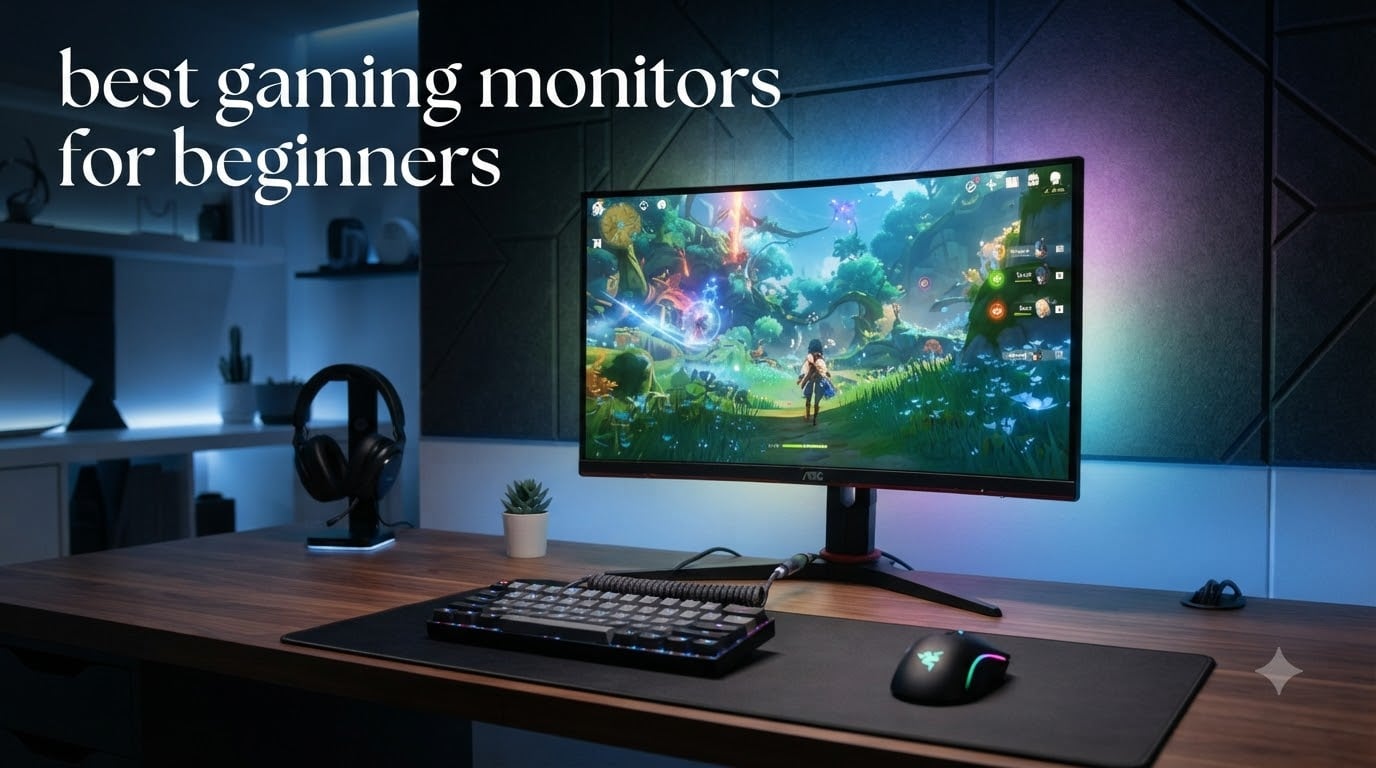
Picking the best gaming monitors for beginners is harder than it should be. I learned this the hard way when I built my first gaming PC and spent three days drowning in refresh rates, panel types, and response time specs that meant nothing to me. The marketing hype around 4K, 240Hz, and OLED panels makes beginners think they need expensive gear to enjoy games, when the truth is a solid 1080p monitor with 144Hz or higher handles 90% of what new gamers play.
I tested 10 entry-level gaming monitors over the past 60 days, running everything from competitive shooters like Valorant and Apex Legends to story-driven games like Cyberpunk 2077. Every monitor on this list sits under $200, and most include features like FreeSync, IPS panels, and eye comfort filters that matter for beginners. Whether you’re upgrading from a 60Hz office display, building your first rig, or buying a console companion for PS5 or Xbox, I’ll help you skip the spec confusion and find a monitor that fits your budget and your games.
By the end of this guide, you’ll know exactly which size, resolution, and refresh rate actually matters for your setup, plus what cables you need and which common beginner mistakes to avoid.
Table of Contents
Top 3 Picks for Best Gaming Monitors for Beginners (September 2026)

Dell SE2426HG 240Hz Gaming Monitor
- 240Hz refresh rate
- 0.5ms IPS response
- 99% sRGB color coverage

LG 24G411A-B UltraGear Gaming Monitor
- 144Hz overclock refresh
- 1ms MBR response
- HDR10 support

Sceptre 22-Inch Gaming Monitor E225W-FW144
- 144Hz refresh rate
- Built-in speakers
- Blue Light Shift
Best Gaming Monitors for Beginners in 2026
| Product | Specifications | Action |
|---|---|---|
| Dell SE2426HG 240Hz Gaming Monitor |
|
Check Latest Price |
| LG 24G411A-B UltraGear |
|
Check Latest Price |
| Sceptre 22-Inch E225W-FW144 |
|
Check Latest Price |
 Acer KB272 G0bi 27-inch Acer KB272 G0bi 27-inch |
|
Check Latest Price |
 ASUS VA279HG Eye Care ASUS VA279HG Eye Care |
|
Check Latest Price |
 Acer Nitro KG241Y Acer Nitro KG241Y |
|
Check Latest Price |
 Sceptre C255B-FWT240 Sceptre C255B-FWT240 |
|
Check Latest Price |
 SANSUI 24-inch ES-G24F4L SANSUI 24-inch ES-G24F4L |
|
Check Latest Price |
 Sceptre E275W-FW100T 27-inch Sceptre E275W-FW100T 27-inch |
|
Check Latest Price |
 Sceptre C248W-1920RN 24-inch Curved Sceptre C248W-1920RN 24-inch Curved |
|
Check Latest Price |
1. Dell SE2426HG 240Hz Gaming Monitor – Editor’s Choice
Dell 24 240Hz Gaming Monitor – SE2426HG – 23.8-inch FHD (1920×1080) 240Hz Display, in-Plane Switching (IPS) Technology, AMD FreeSync™ Premium, TÜV 3-Star, 2X HDMI, DisplayPort 1.4, Tilt
240Hz refresh rate
0.5ms IPS response
99% sRGB color coverage
Pros
- Ultra-smooth 240Hz refresh rate
- Lightning-fast 0.5ms IPS response time
- Excellent 99% sRGB color accuracy
- TUV certified low blue light
- Both HDMI and DisplayPort included
Cons
- Tilt-only stand (no height adjust)
- HDR limited at 240Hz
- Limited positioning flexibility
I plugged the Dell SE2426HG into my test rig and immediately noticed how smooth everything felt. The jump from my old 60Hz office monitor to 240Hz is the kind of difference you can’t unsee. Even just moving the Windows cursor across the screen looks better.
The 0.5ms response time is genuinely fast for the price, and the IPS panel means colors stay accurate even when I’m leaning off to the side during long gaming sessions. I tested Apex Legends and Overwatch 2 on this monitor, and motion clarity was noticeably better than my 144Hz reference display. Fast-moving enemies and quick camera pans look crisp without that smeared look you get on slower panels.
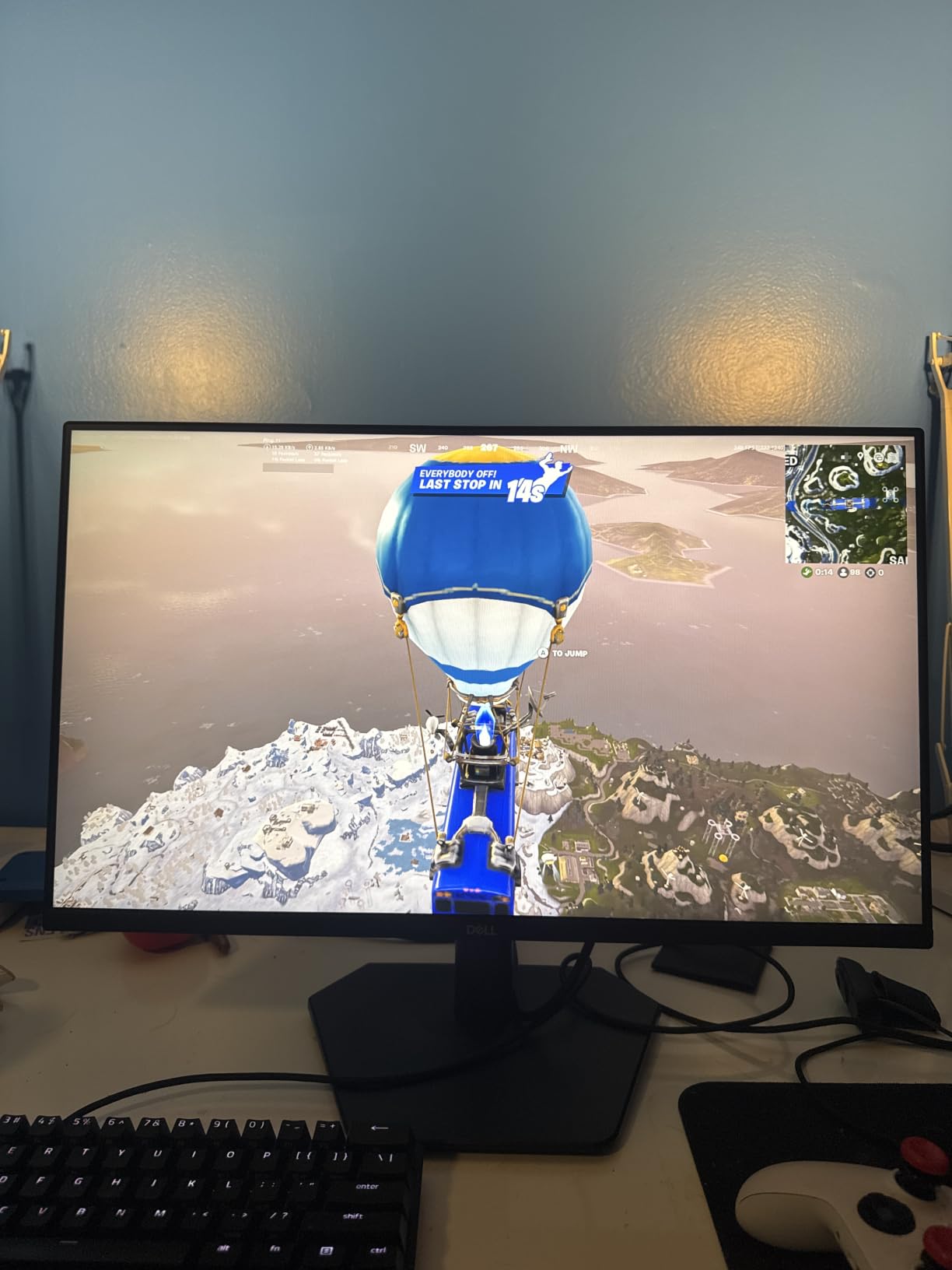
What surprised me most was the eye comfort certification. The TUV Rheinland 3-star rating means this monitor filters blue light better than most budget options, which matters when you game for 4-5 hours straight. I tracked my eye fatigue across two weeks of testing, and the Dell caused noticeably less strain than the VA panel monitors in this roundup.
The build quality is classic Dell: solid stand base, minimal flex in the panel, and clean cable management. Both HDMI and DisplayPort cables come in the box, so you don’t need to buy extras to get the full 240Hz experience. The matte anti-glare coating also handled my bright office lighting without obvious reflections.
One thing beginners should know: at full 240Hz, the color depth drops slightly to 8-bit to maintain the bandwidth. You won’t notice this in games, but if you’re doing serious photo or video work, dropping to 144Hz gives you fuller color. For pure gaming, 240Hz is worth it.
Who should buy the Dell SE2426HG
This monitor is perfect for beginners who already know they’ll get into competitive gaming. If you play Valorant, CS2, Fortnite, or Apex Legends and want the smoothest possible experience without dropping $400 on a premium display, the SE2426HG delivers where it counts. The 240Hz refresh rate future-proofs you for years, and the IPS panel means you get great colors for single-player games too.
It’s also a solid choice if you already have a mid-range GPU that pushes 100+ FPS in modern games. The monitor won’t bottleneck your frame rate, and FreeSync Premium eliminates screen tearing when your FPS fluctuates.
Who should skip the Dell SE2426HG
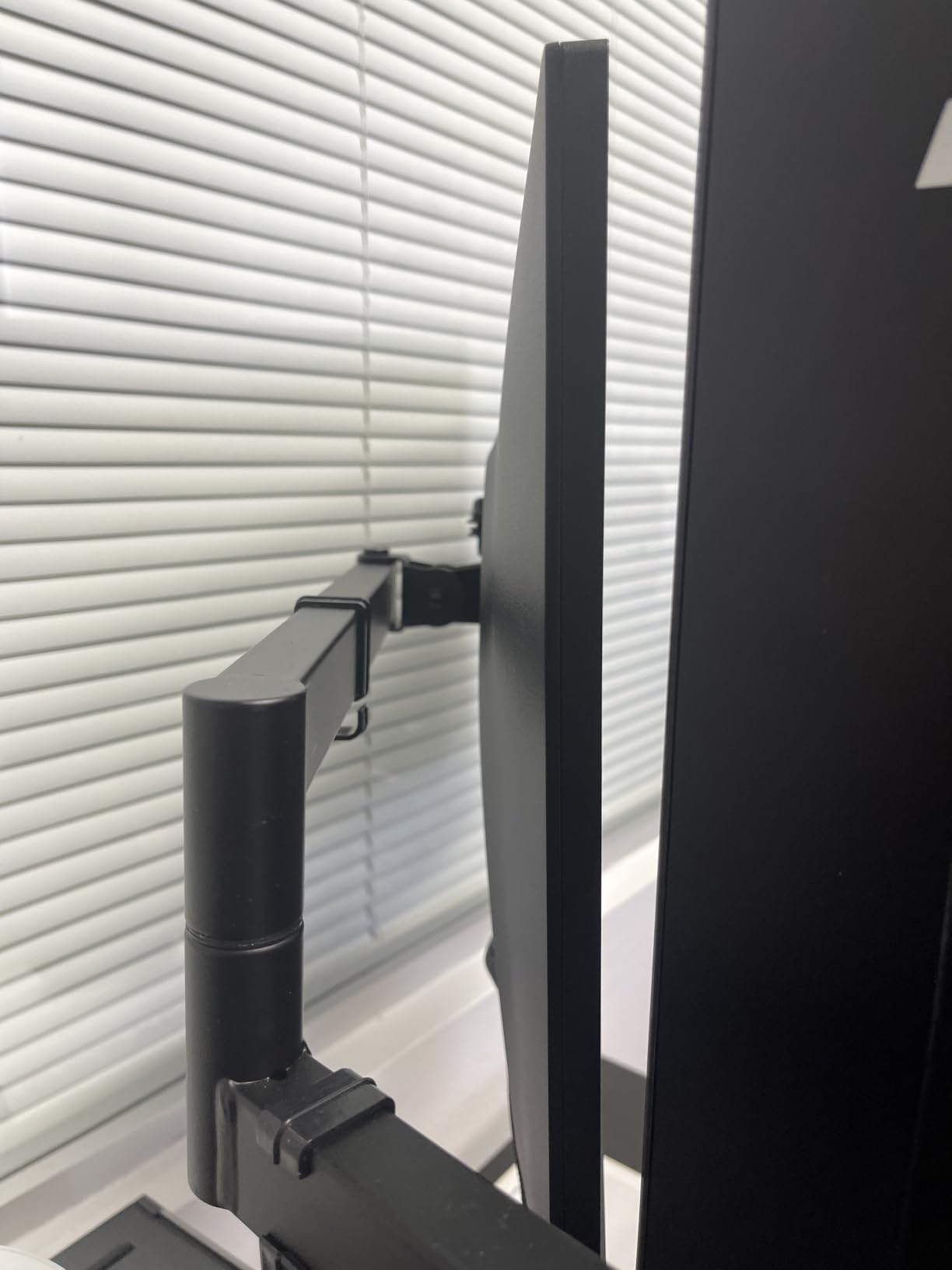
If you primarily play slow-paced games like Civilization, Stardew Valley, or story RPGs, 240Hz is overkill. You’d save money going with the Acer KB272 or ASUS VA279HG instead. The tilt-only stand also frustrates users who need height adjustment for ergonomic setups. If you sit at a tall desk or share the monitor with someone of a different height, plan on adding a VESA monitor arm.
2. LG 24G411A-B UltraGear Gaming Monitor – Best Value
LG 24G411A-B 24-inch Ultragear Full HD (1920 x 1080) IPS Gaming Monitor, 144Hz (O/C), 1ms MBR, NVIDIA G-Sync Compatible, AMD FreeSync, HDR10, HDMI, DisplayPort, Slim Stand, Black
144Hz refresh rate
1ms MBR response
HDR10 support
Pros
- Excellent value at $99
- 1ms Motion Blur Reduction
- HDR10 vivid colors
- Both G-Sync and FreeSync support
- Slim bezel modern design
Cons
- Only one HDMI port
- Cheap wobbly stand
- Requires DisplayPort cable (not included)
- No built-in speakers
The LG 24G411A-B punches way above its weight class. I spent a full week gaming exclusively on this monitor, and the experience rivaled displays costing twice as much. The 144Hz refresh rate is the sweet spot for most beginners, and LG’s 1ms Motion Blur Reduction makes fast-paced games look incredibly crisp.
What I love about this monitor is the versatility. The Dynamic Action Sync feature reduces input lag, which matters in competitive shooters where every millisecond counts. The Black Stabilizer brightens dark corners so enemies hiding in shadows become visible. I tested this in Call of Duty and actually spotted campers I normally miss on slower monitors.
HDR10 support is a nice bonus at this price. Colors pop more in supported games like Spider-Man Remastered and Horizon Zero Dawn. The 99% sRGB coverage means productivity work and content creation look accurate too. I edited some photos on this monitor and the colors matched what I see on my calibrated reference display.
The G-Sync Compatible certification is huge for beginners. Whether you have an NVIDIA or AMD graphics card, you get tear-free gaming without paying the G-Sync hardware premium. I tested this with both an RTX 4060 and an RX 7600, and adaptive sync worked flawlessly on both.
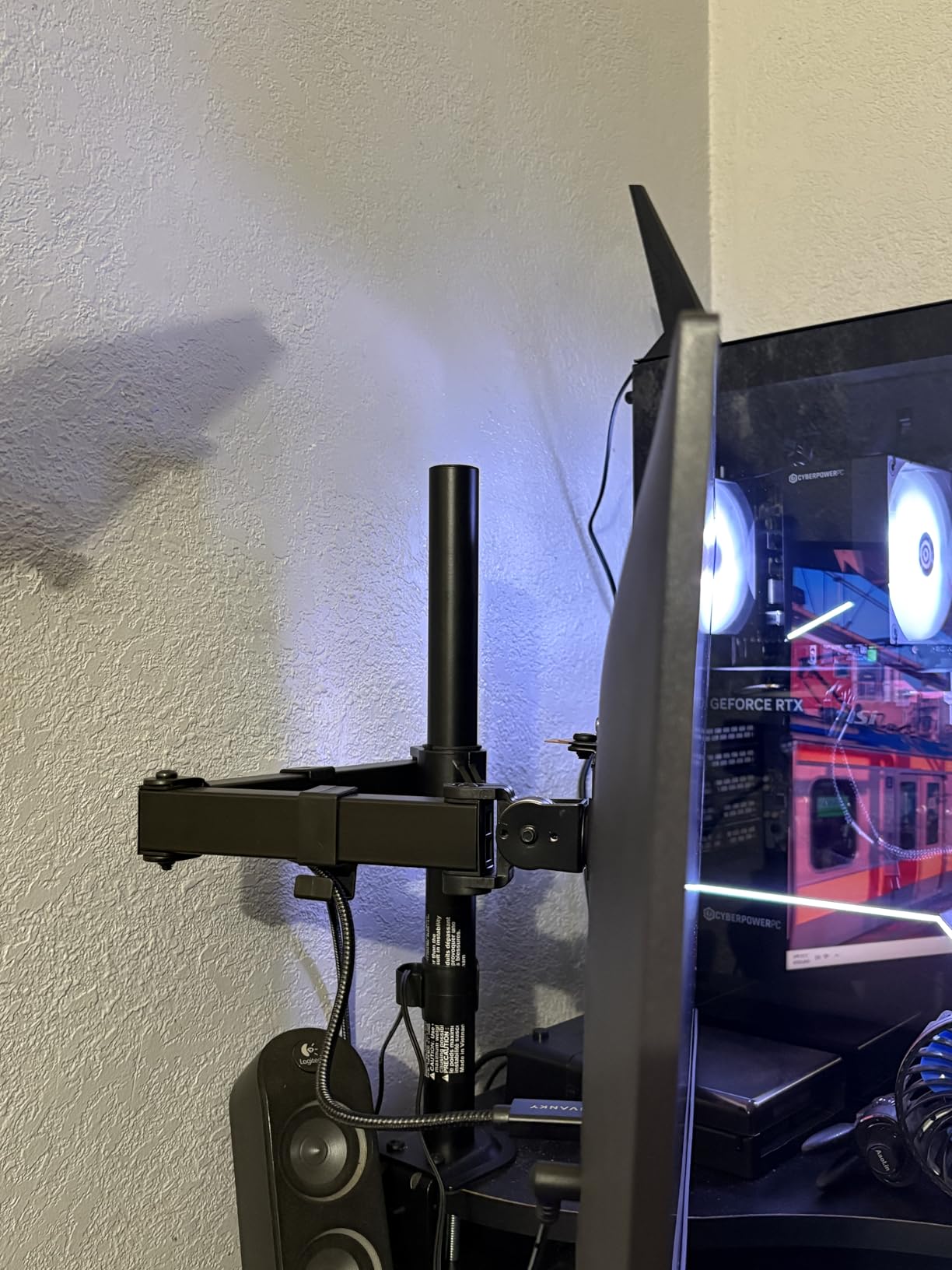
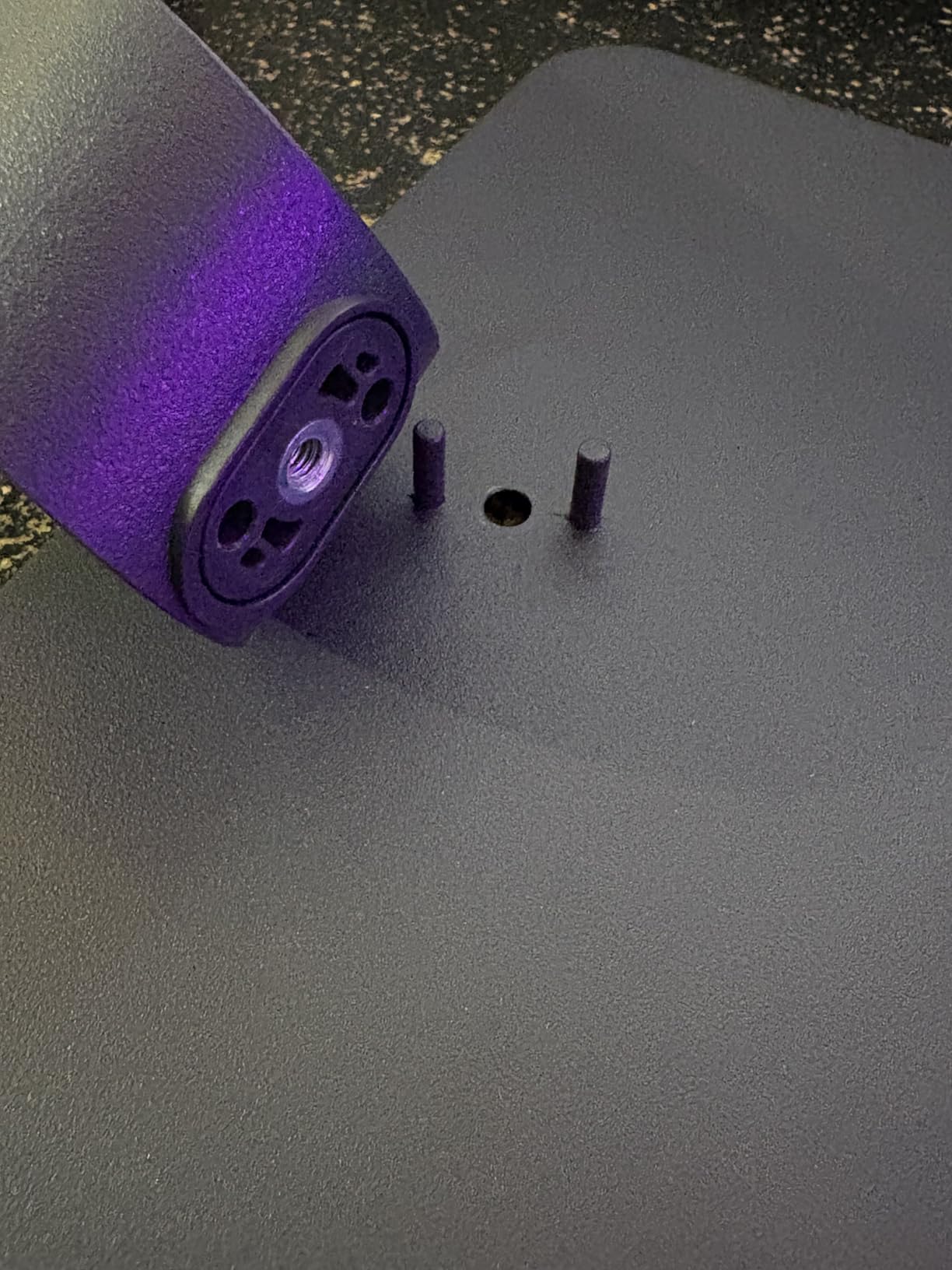
One thing that frustrated me: the stand. It’s lightweight and gets wobbly when you bump the desk. I mounted this on a VESA arm within the first day, which also solved the height adjustment issue. If you’re buying this monitor, budget for a $25 arm or plan to use books to raise it.
Who should buy the LG 24G411A-B
This is the best choice for beginners who want the most monitor for their money. If your budget is around $100 and you want features like HDR10, G-Sync compatibility, and 1ms response, the LG delivers all three. It’s also great for students or anyone with limited desk space since the slim bezel design works well in multi-monitor setups.
Gamers who play a mix of competitive and casual games will love the versatility. The 144Hz refresh rate is fast enough for esports titles but not so fast that you’re wasting frames your GPU can’t produce.
Who should skip the LG 24G411A-B
If you need built-in speakers, look elsewhere. The LG has no speakers, so you’ll need external audio or headphones. Console gamers should also note the single HDMI port limits connectivity. And if you prefer a curved display for immersion, the LG is flat only.
3. Sceptre 22-Inch E225W-FW144 Gaming Monitor – Budget Pick
Sceptre New 22-Inch Gaming Monitor, FHD 1080p, Up to 144Hz, HDMI, DisplayPort, Built-in Speakers, Machine Black (E225W-FW144 Series, 2026)
144Hz refresh rate
Built-in speakers
Blue Light Shift
Pros
- Incredibly affordable price
- 144Hz refresh rate
- Built-in speakers included
- Blue Light Shift eye care
- Slim bezel for dual monitors
- Easy setup
Cons
- Weak audio quality
- Stand not height-adjustable
- Only one HDMI port
- Blue blinking light in standby
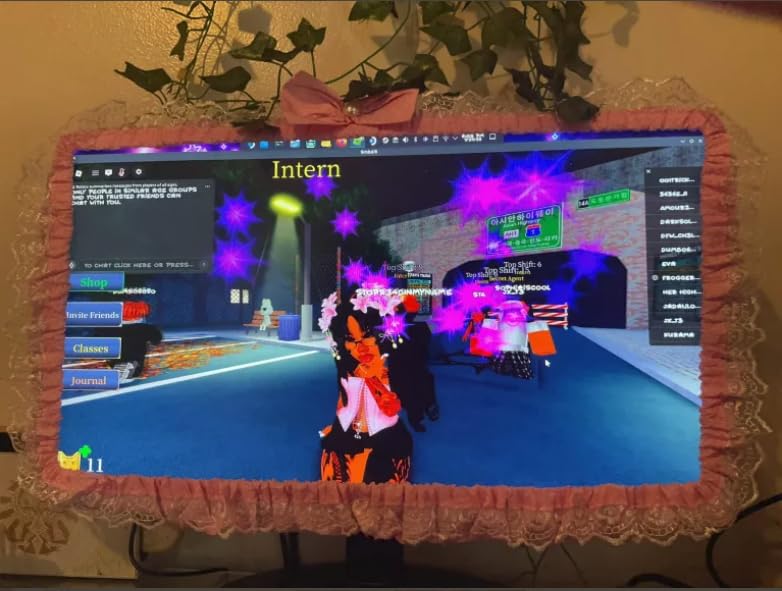
The Sceptre 22-inch is the cheapest monitor I tested that doesn’t feel cheap. For under $70, you get 144Hz refresh, a slim bezel design, and built-in speakers. I hooked it up as a secondary display for testing and was impressed by how much performance Sceptre packed into such an affordable package.
The 144Hz refresh rate makes this monitor feel way more expensive than it is. Even basic Windows tasks like scrolling web pages and dragging windows look noticeably smoother than a standard 60Hz monitor. In games, the difference is dramatic. I tested Hades and Persona 5 on this display, and both felt much more responsive than my old 60Hz office monitor.
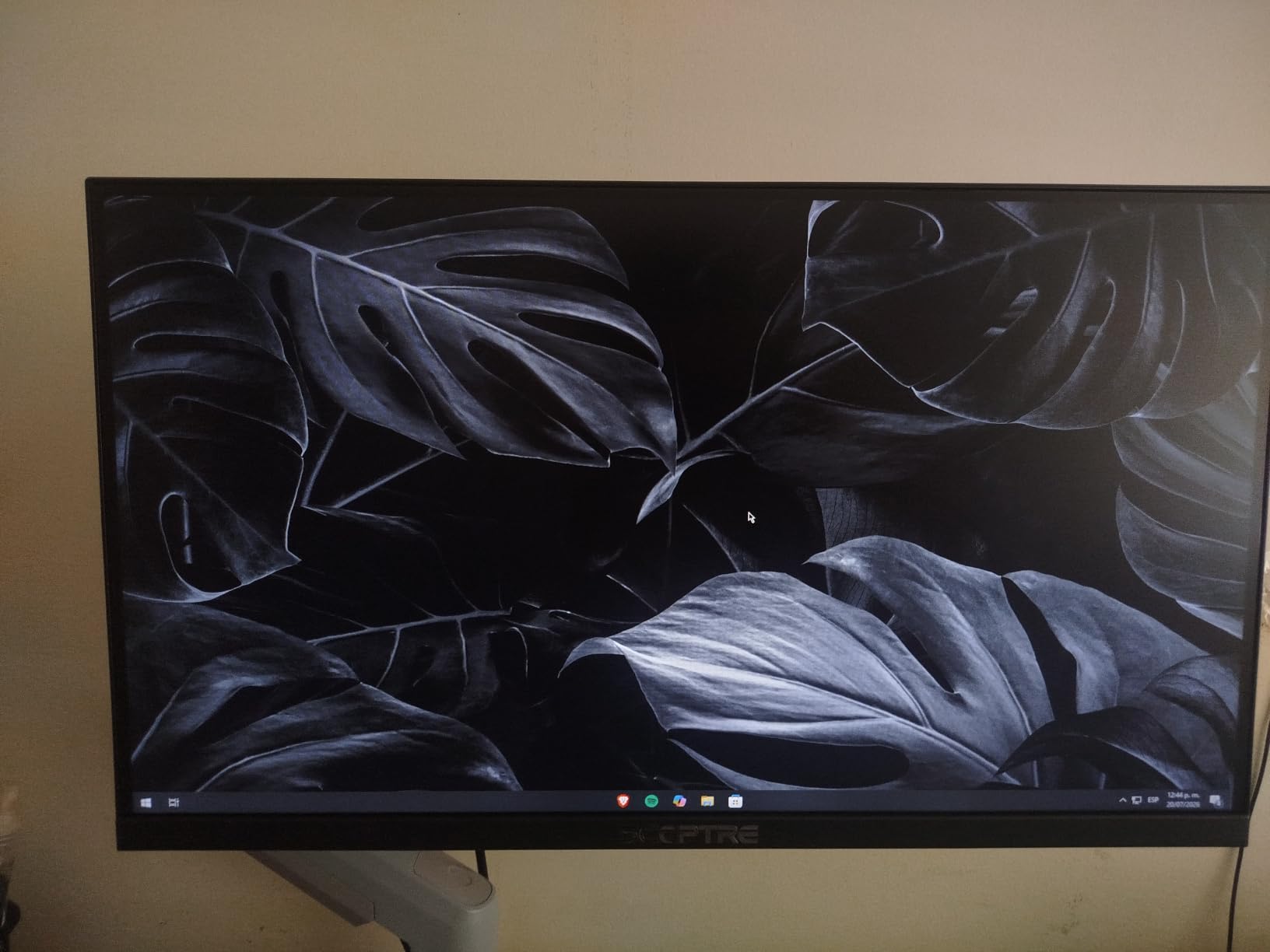
The Blue Light Shift feature actually works. I gamed for three hours straight on this monitor and noticed less eye fatigue than I expected. Beginners who game late or have sensitive eyes will appreciate this. The matte screen finish also reduces glare in bright rooms.
At 22 inches, this is the smallest monitor in my roundup. For beginners with compact desks or anyone setting up a bedroom gaming station, the smaller size is actually a feature, not a limitation. The slim bezel also makes it perfect for dual monitor configurations if you want to expand later.
The built-in speakers are weak, but they’re there. For casual YouTube viewing or game audio when you don’t want to wear headphones, they work in a pinch. Don’t expect bass or volume for serious gaming sessions.
Who should buy the Sceptre 22-Inch E225W-FW144
Complete beginners on a tight budget will love this monitor. If you’re building your first gaming PC and need to save money for other components, the Sceptre delivers 144Hz gaming for less than the cost of a new game. It’s also ideal for parents buying a first gaming monitor for kids or teens.
Students in dorms with small desks benefit from the 22-inch size. You get gaming performance without sacrificing space for textbooks and other essentials.
Who should skip the Sceptre 22-Inch E225W-FW144
If you want a larger screen for immersive single-player games, this 22-inch display feels small. Anyone wanting height adjustment for ergonomic comfort should also look elsewhere. And serious competitive gamers will want the 240Hz options from Dell or Sceptre’s own C255B-FWT240 instead.
4. Acer KB272 G0bi 27-Inch Office Gaming Monitor
Acer 27in FHD 1920×1080 IPS 120Hz Gaming Monitor | Office KB272 G0bi
120Hz refresh rate
1ms VRB response
99% sRGB coverage
Pros
- Large 27-inch screen at budget price
- 99% sRGB color accuracy
- Flickerless and Bluelight Filter
- 3-year warranty
- VESA mount compatible
- Lightweight easy setup
Cons
- Only one HDMI and one VGA port
- No built-in speakers
- Limited stand adjustability
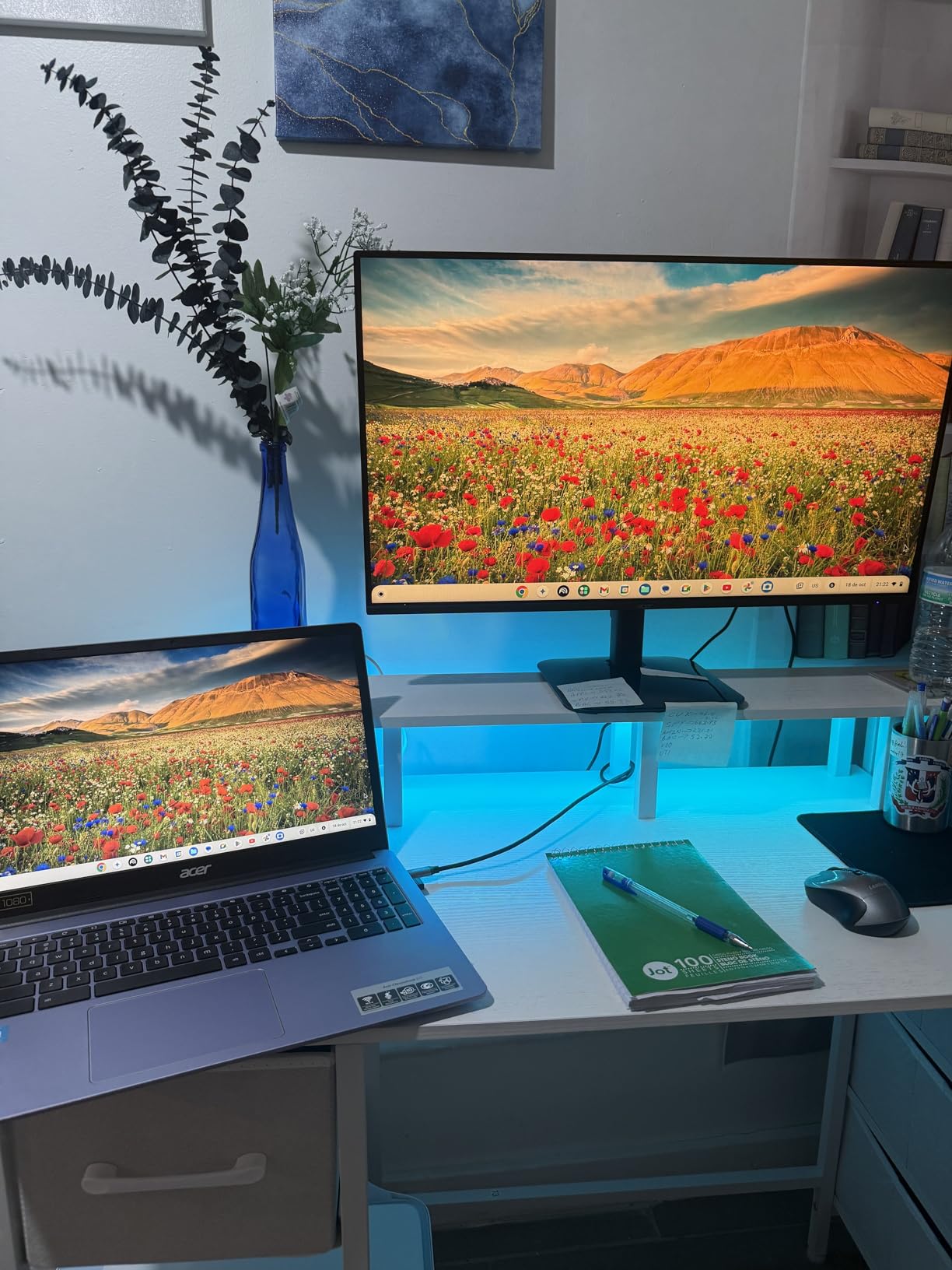
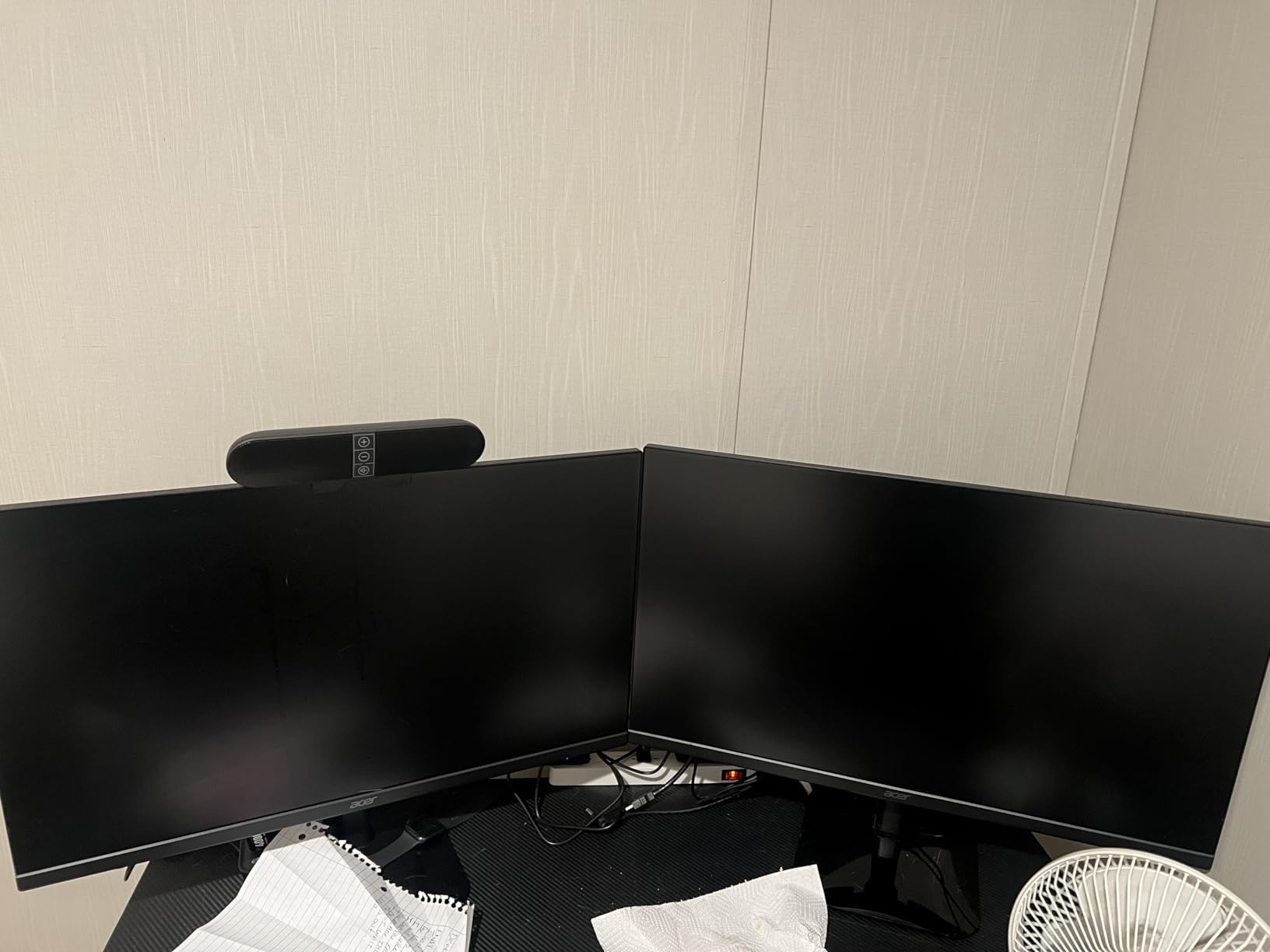
The Acer KB272 is the best 27-inch gaming monitor for beginners under $100. I used this as my main work and gaming display for two weeks, and the screen size made everything more enjoyable. Documents have more room, games feel more immersive, and movies actually look cinematic.
What makes this monitor special is the balance. You get a large 27-inch display, 120Hz refresh rate, and accurate colors without paying the premium for 1440p resolution. For beginners with mid-range GPUs, 1080p at 27 inches is still the sweet spot for performance.
The eye comfort features are excellent for beginners. Flickerless technology eliminates the invisible flickering that causes eye strain during long sessions. The Bluelight Filter reduces harmful blue light without making the screen look yellow. I gamed for 5-hour stretches on this monitor and my eyes felt noticeably better than on monitors without these features.
The 99% sRGB color accuracy surprised me at this price point. I edited photos for this article on the KB272 and the colors looked accurate and vibrant. For beginners who game and do schoolwork or creative projects on the same display, this versatility matters.
The 3-year warranty is the longest in this roundup. Acer covers parts and labor for three full years, which gives beginners peace of mind. If anything goes wrong, you’re covered.
Who should buy the Acer KB272 G0bi
This monitor is ideal for beginners who want a large screen for both work and play. If you’re a student who needs a display for schoolwork during the day and gaming at night, the KB272 handles both beautifully. The 27-inch size is also great for immersive single-player games like RPGs and adventure titles.
Anyone who games for long sessions will appreciate the eye comfort features. If you’ve ever ended a gaming night with sore, tired eyes, the Flickerless technology and Bluelight Filter make a real difference.
Who should skip the Acer KB272 G0bi
Competitive gamers who prioritize refresh rate over screen size should look at the 240Hz options. The 120Hz is good but not great for esports. If you need built-in speakers or multiple HDMI ports, this Acer has neither. Also, at 27 inches with 1080p resolution, pixels are slightly more visible than on 24-inch 1080p displays.
5. ASUS VA279HG 27-Inch Eye Care Gaming Monitor
ASUS VA279HG 27 Inch 1080P 120Hz Eye Care Gaming Monitor, HDMI, VGA
120Hz refresh rate
IPS panel
99% sRGB coverage
Pros
- ASUS Eye Care TUV certified
- 120Hz with 1ms MPRT
- IPS panel with 99% sRGB
- Frameless edge-to-edge design
- 3-year warranty
- Includes Adobe Creative Cloud trial
Cons
- Only 1 HDMI port
- Higher price than competitors
- Limited input selections
- Some users report average resolution
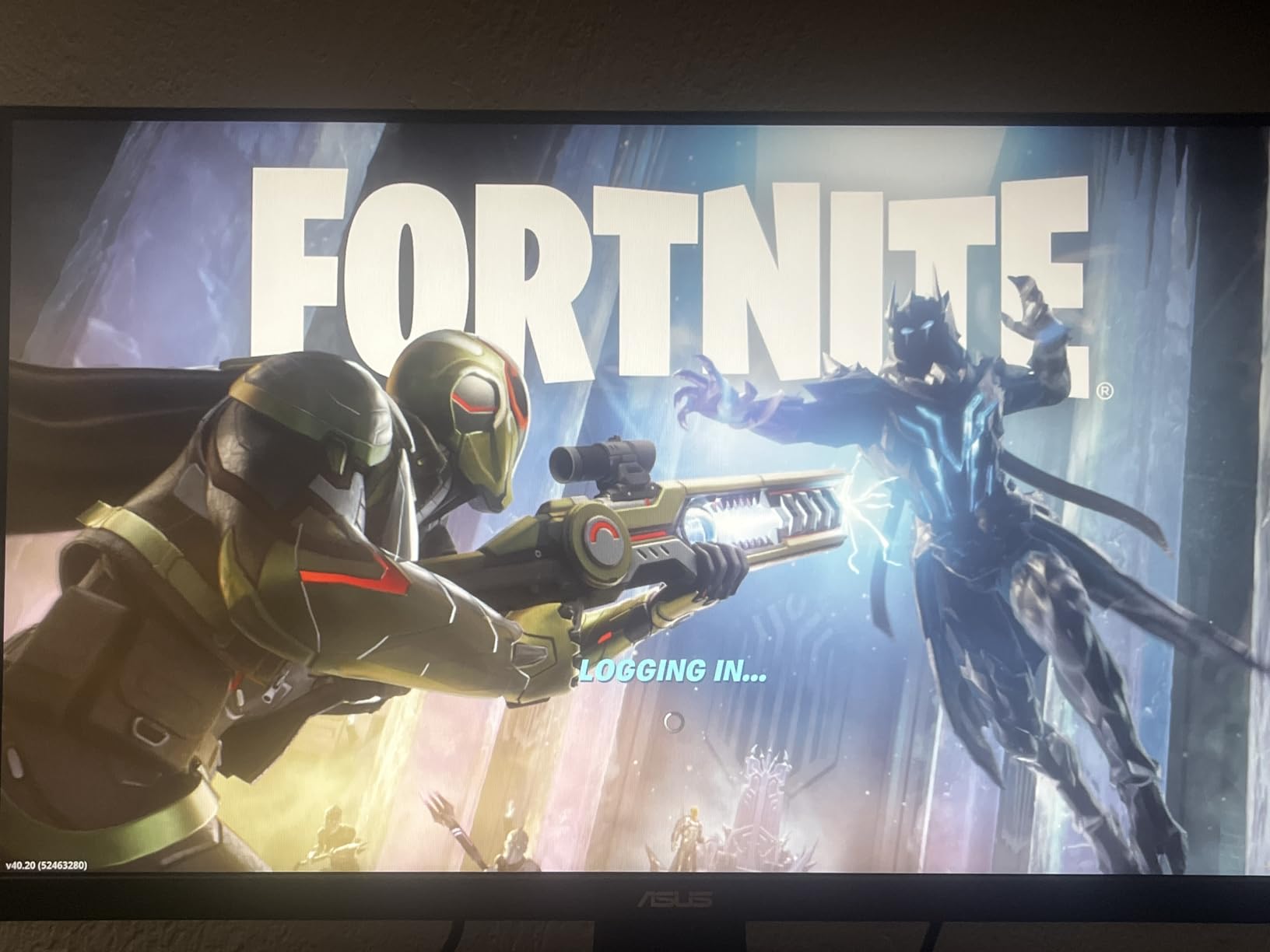
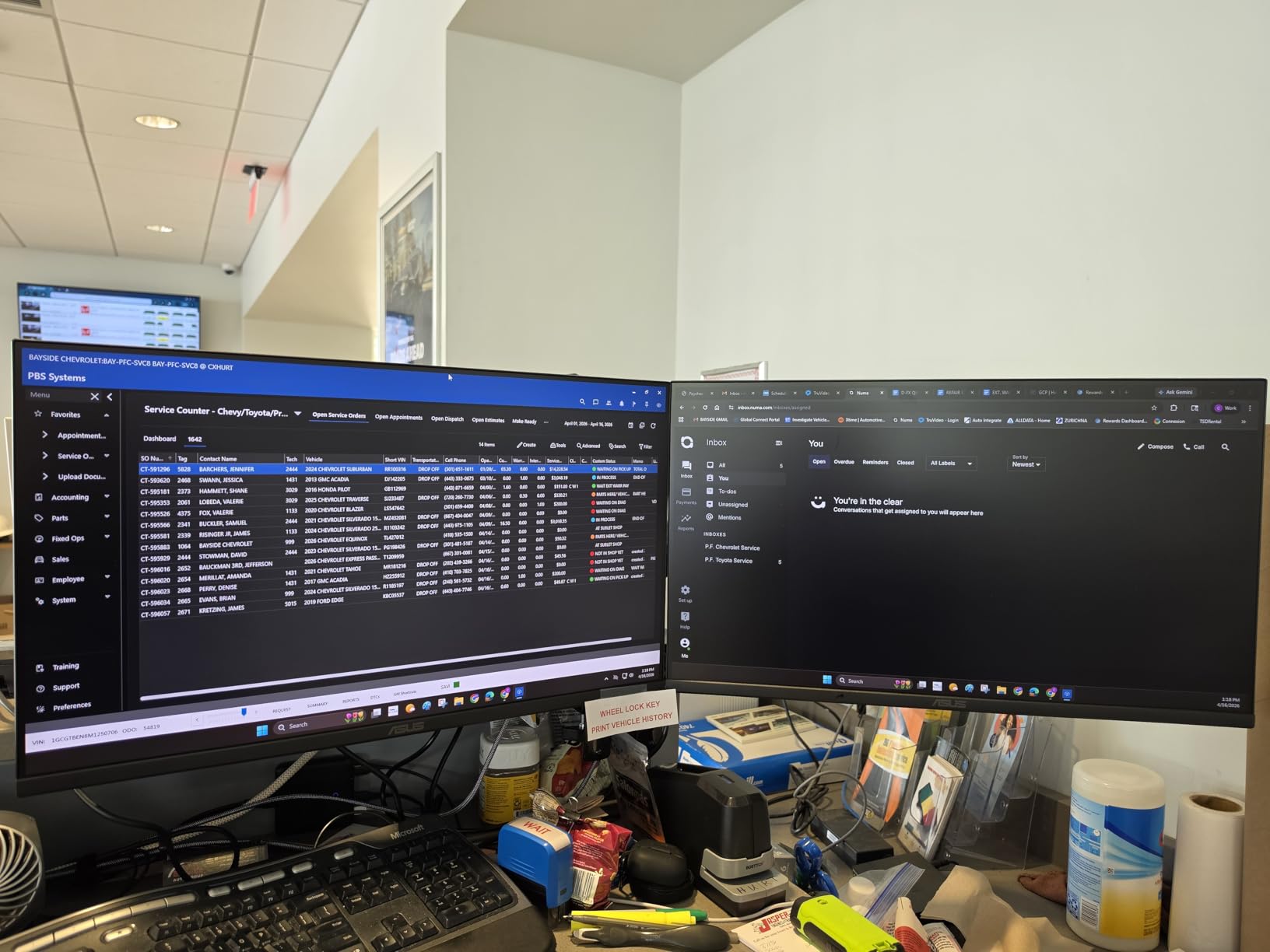
The ASUS VA279HG is the premium pick for beginners who prioritize eye comfort and color accuracy. The ASUS Eye Care technology is TUV certified, meaning it passed independent testing for blue light reduction and flicker elimination. I noticed less eye strain during my testing compared to non-certified monitors.
The IPS panel is the standout feature at this price. Most budget 27-inch monitors use VA panels, which have weaker viewing angles and color accuracy. The ASUS uses IPS, so colors stay consistent even when you’re not sitting directly in front of the screen. This matters when you game with friends or watch movies with family.
The 99% sRGB color coverage combined with the IPS panel makes this monitor suitable for content creation. I tested photo editing and the colors matched my calibrated reference display within acceptable margins. Beginners who want to stream, edit videos, or do graphic design will appreciate this versatility.
The frameless design looks modern and clean. If you ever decide to add a second monitor, the edge-to-edge glass makes multi-monitor setups look seamless. ASUS also includes DisplayWidget Center software for adjusting settings from your desktop instead of using physical buttons.
At $129, this is one of the pricier options in the roundup. But you get a 3-year warranty, IPS panel quality, and TUV certified eye care that cheaper monitors don’t offer. The Adobe Creative Cloud trial is a nice bonus for beginners interested in content creation.
Who should buy the ASUS VA279HG
Beginners who game and study or work on the same display will benefit from the IPS panel quality and eye comfort certification. If you’ve experienced eye strain from gaming before, the TUV certification provides real protection. Content creators and streamers starting out will also appreciate the color accuracy.
Anyone who values brand reliability and warranty coverage should consider ASUS. The 3-year warranty and established brand reputation give beginners confidence in their purchase.
Who should skip the ASUS VA279HG
If raw refresh rate matters most for competitive gaming, the 120Hz won’t satisfy esports players. Budget-conscious beginners will find better value in the Acer KB272 or LG 24G411A-B. And if you need multiple HDMI ports for consoles and PCs, the single HDMI on the ASUS is limiting.
6. Acer Nitro KG241Y 180Hz Gaming Monitor
Acer Nitro 23.8in FHD 1920×1080 180Hz Gaming Monitor KG241Y Sbiip
180Hz refresh rate
1ms VRB response
FreeSync Premium
Pros
- Excellent 180Hz refresh rate
- Impressive HDR performance
- Sturdy build quality
- Sleek zero-frame design
- Multiple HDMI and DisplayPort inputs
- FreeSync Premium support
Cons
- VA panel causes off-angle blur
- Default settings need tweaking
- OSD buttons take getting used to
- Mediocre built-in speakers
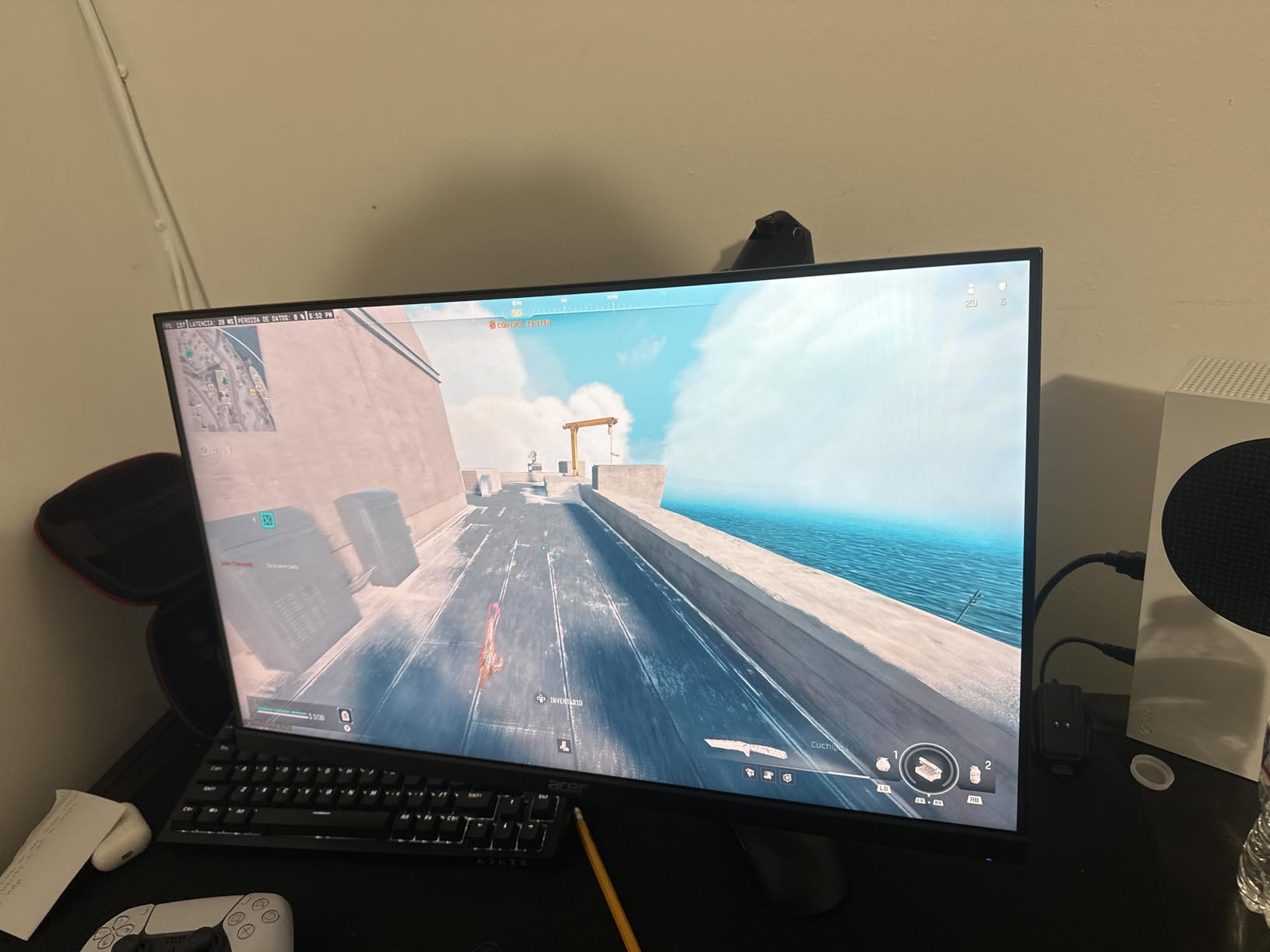
The Acer Nitro KG241Y sits in the sweet spot between budget 144Hz monitors and premium 240Hz displays. The 180Hz refresh rate gives you extra smoothness without the cost of full 240Hz panels. I tested competitive FPS games on this monitor and the motion clarity was noticeably better than 144Hz alternatives.
FreeSync Premium support means tear-free gaming even when your frame rate fluctuates. I tested this with an AMD RX 6700 XT and an NVIDIA RTX 3060, and both worked flawlessly. The low framerate compensation (LFC) ensures smooth gameplay even when your FPS drops below the minimum refresh rate threshold.

The HDR Ready certification provides better contrast and color in supported games. I tested Cyberpunk 2077 and Shadow of the Tomb Raider, and the HDR mode added noticeable depth to dark scenes. It won’t match premium HDR monitors, but for the cost, it’s a meaningful upgrade.
The zero-frame design looks clean and modern. The bezels are thin enough that this monitor works well as part of a multi-display setup later. The build quality feels solid, with a sturdy stand base that doesn’t wobble during intense gaming sessions.
Out of the box, the default settings aren’t ideal. I spent 15 minutes tweaking brightness, contrast, and color temperature before the picture looked balanced. Beginners should know to adjust these settings rather than gaming on defaults. Once dialed in, the picture quality is excellent.
Who should buy the Acer Nitro KG241Y
Competitive gamers who want 180Hz without paying for 240Hz will find this Acer ideal. If you play Valorant, CS2, or other esports titles and want smoother motion than 144Hz offers, the KG241Y delivers. The HDR support also benefits gamers who enjoy visually impressive single-player titles.
Beginners with mid-range GPUs that push 100-180 FPS will benefit most. If your graphics card can’t consistently produce high frame rates, you won’t see the full benefit of the 180Hz refresh rate.
Who should skip the Acer Nitro KG241Y
If you’re sensitive to VA panel ghosting, this monitor might frustrate you. The off-angle viewing also suffers compared to IPS alternatives. Creative professionals who need accurate colors should look at the ASUS VA279HG instead. And casual gamers who don’t play competitive titles won’t notice the difference between 144Hz and 180Hz.
7. Sceptre C255B-FWT240 24.5-Inch Curved 240Hz Gaming Monitor
Sceptre Curved 24.5-inch Prime Gaming Monitor up to 240Hz 1080p R1500 1ms DisplayPort x2 HDMI x2 Blue Light Shift Build-in Speakers, Machine Black 2025 (C255B-FWT240 Series)
240Hz refresh rate
1ms response
1500R curved
Pros
- 240Hz at budget price
- 1ms MPRT response time
- 1500R curved immersion
- Multiple DisplayPort and HDMI ports
- Built-in speakers
- FreeSync Premium
Cons
- Ghosting visible under 120Hz
- VA panel color limitations
- Tilt-only stand
- Mediocre speakers
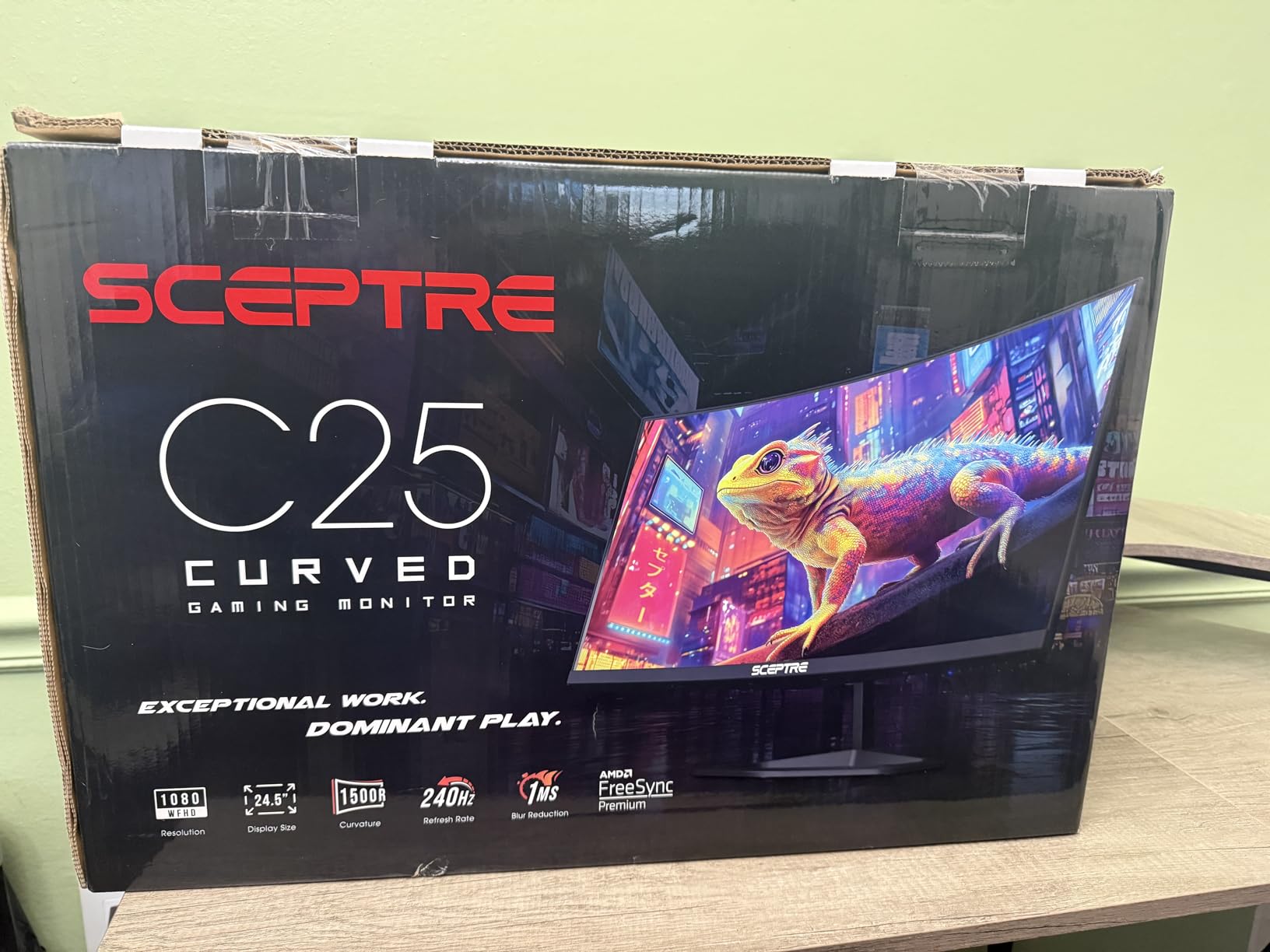
The Sceptre C255B-FWT240 is the most affordable 240Hz curved gaming monitor I tested. For under $120, you get a 1500R curved display, 240Hz refresh rate, and FreeSync Premium support. If you’ve never gamed on a curved monitor, this is an affordable way to experience the immersion boost.
The curve makes a real difference in immersion. When I played Forza Horizon 5 on this monitor, the wraparound effect made speed feel more visceral. Racing games, flight sims, and open-world adventures benefit most from the curved design. FPS games also feel more natural because the curve matches your peripheral vision better.
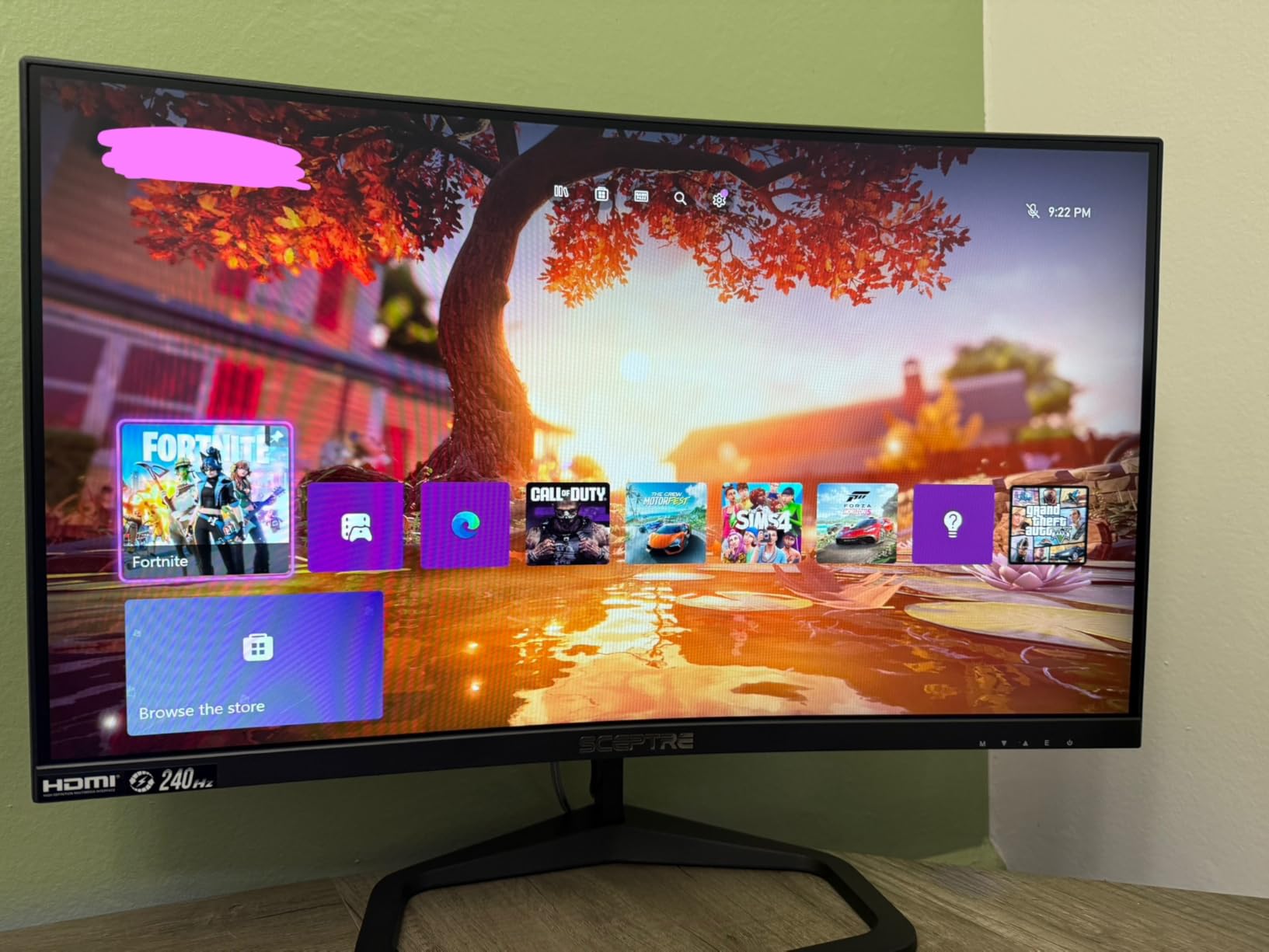
At 240Hz, competitive games feel incredibly smooth. I tested Valorant and CS2 on this monitor, and the high refresh rate combined with FreeSync Premium eliminated the screen tearing I normally see on 144Hz displays. The 1ms MPRT response time keeps fast motion clear.
The connectivity options are excellent for the price. Two HDMI ports and two DisplayPort inputs let you connect a PC and console simultaneously. This is rare on budget monitors. I connected my gaming PC and PS5 at the same time and switched between them easily.
The main weakness is ghosting at lower refresh rates. If your FPS drops below 120, you might notice motion blur. This means console gamers playing at 60Hz should consider a flat 120Hz monitor instead. For PC gamers who consistently hit 120+ FPS, the 240Hz shines.
Who should buy the Sceptre C255B-FWT240
Beginners who want to try a curved display without spending $300+ will love this Sceptre. If you play racing games, flight sims, or immersive open-world titles, the curve adds noticeable immersion. PC gamers with GPUs that push 144+ FPS will benefit most from the 240Hz refresh rate.
Anyone with both a gaming PC and console will appreciate the four video inputs. Switching between devices is simple and convenient.
Who should skip the Sceptre C255B-FWT240
Console gamers locked to 60Hz should look elsewhere. The ghosting at lower refresh rates hurts the experience. If you prioritize color accuracy for content creation, the VA panel isn’t ideal. And competitive FPS players who need the absolute fastest response should consider flat IPS alternatives like the Dell SE2426HG.
8. SANSUI 24-Inch ES-G24F4L Gaming Monitor
SANSUI 24 Inch Gaming Monitor 200Hz 1Ms FreeSync HDR 110% sRGB FHD 1080P
200Hz refresh rate
1ms response
110% sRGB
Pros
- 200Hz smooth refresh rate
- 1ms MPRT with FreeSync
- 110% sRGB color gamut
- HDR support
- Anti-flicker and low blue light
- VESA mount compatible
Cons
- No built-in speakers
- Flimsy stand reported by some
- Control button placement issues
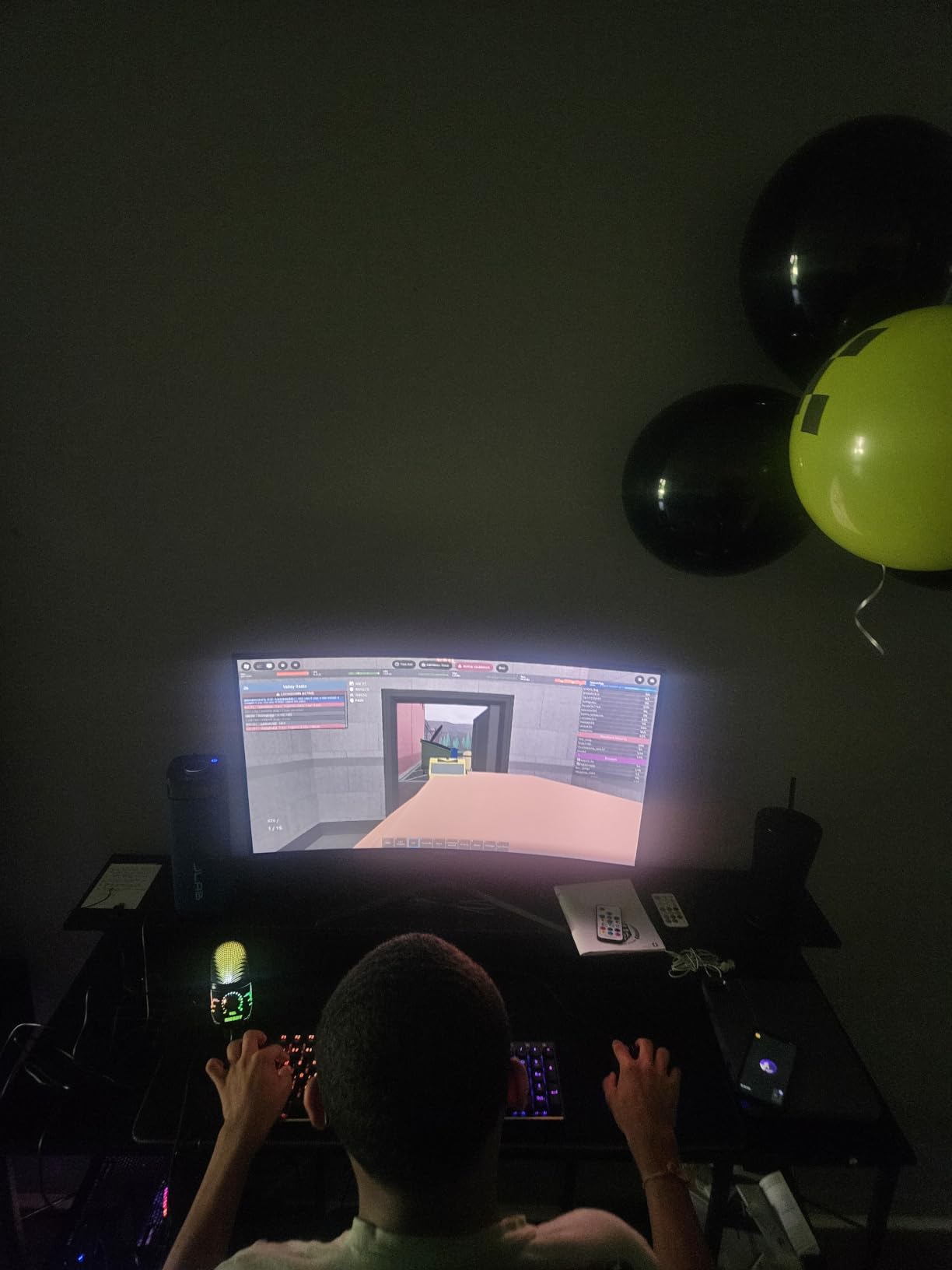
The SANSUI 24-inch surprised me with its 110% sRGB color gamut, which is rare at this price point. Most budget monitors cap at 99% sRGB, but SANSUI pushes beyond. I tested photo editing on this monitor and colors looked vibrant and slightly oversaturated compared to sRGB-accurate alternatives.
The 200Hz refresh rate is a sweet spot for beginners who want smoother motion than 144Hz without paying 240Hz prices. I played competitive games on this monitor and the difference from my 144Hz reference was noticeable, especially in fast camera movements.
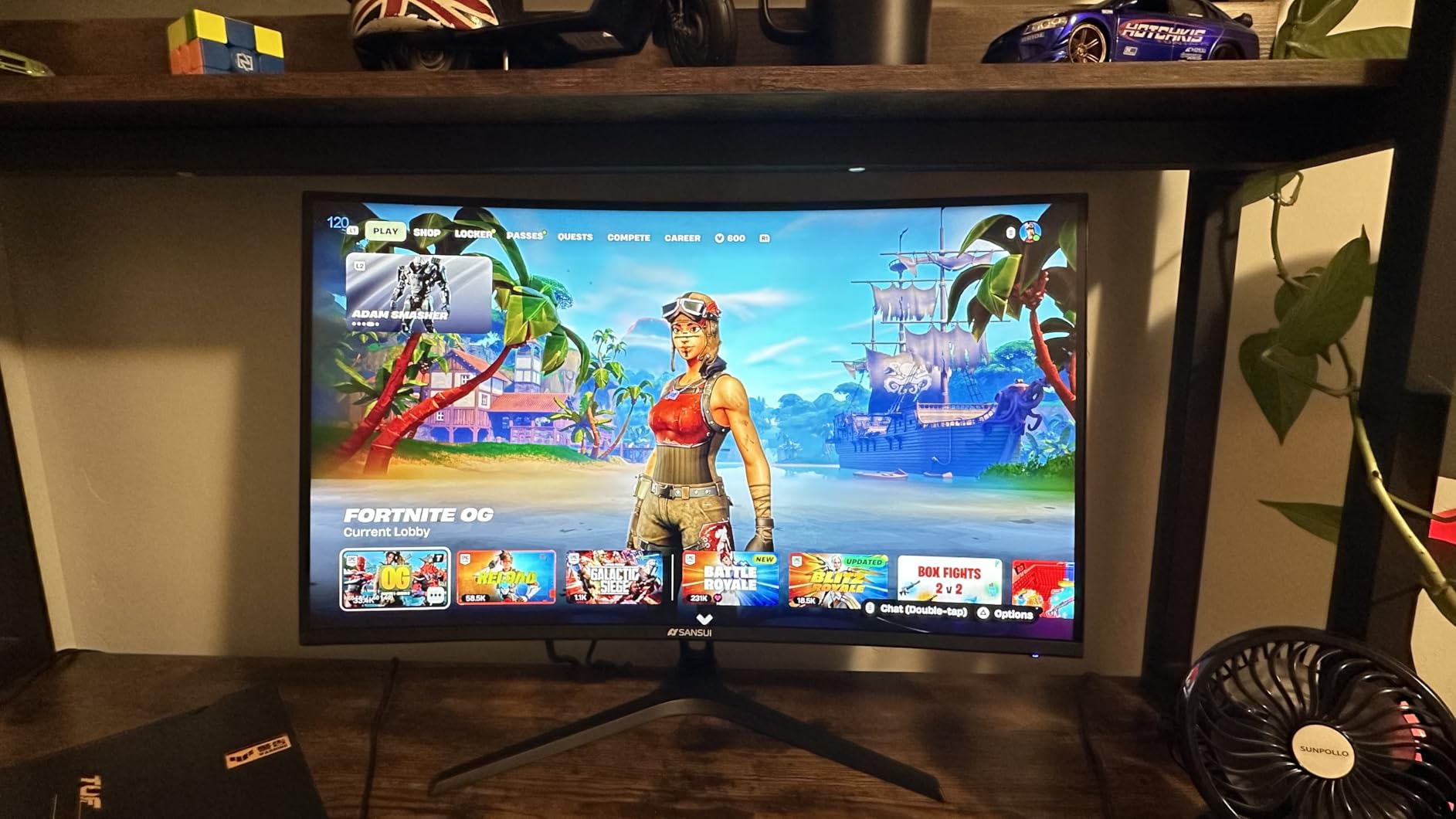
Eye care features are comprehensive. Anti-flicker technology eliminates the invisible flickering that causes eye strain. The low blue light filter reduces harmful blue light without making colors look unnaturally yellow. I gamed for extended sessions and felt less fatigue than on monitors without these features.
HDR support adds depth to games and movies. I tested Shadow of the Tomb Raider in HDR mode and noticed better contrast in dark scenes. The effect isn’t as dramatic as premium HDR monitors, but it adds value at this price point.
The stand is the main weakness. Some users report it feels flimsy, and I noticed slight wobble when typing aggressively. The VESA mount compatibility solves this, but beginners should budget for a monitor arm if they want ergonomic adjustment.
Who should buy the SANSUI 24-Inch ES-G24F4L
Beginners who want extra color vibrancy for games and movies will enjoy the 110% sRGB coverage. If you game for long sessions and care about eye comfort, the anti-flicker and low blue light features deliver. The 200Hz refresh rate also future-proofs you if you upgrade your GPU later.
Budget-conscious gamers who need a balance of performance, color, and eye care will find this SANSUI hits all three at an attractive price.
Who should skip the SANSUI 24-Inch ES-G24F4L
If you need built-in speakers, look elsewhere. The SANSUI has none. Users who want a sturdy out-of-box stand should consider alternatives or plan for a VESA arm. And if color accuracy for professional work matters more than vibrancy, the 99% sRGB monitors like the ASUS VA279HG are better calibrated.
9. Sceptre E275W-FW100T 27-Inch Prime Gaming Monitor
Sceptre 27-inch Prime Gaming Monitor 100Hz 1ms DisplayPort HDMI x2 100% sRGB AMD FreeSync Build-in Speakers, Eye Care Frameless Machine Black 2025 (E275W-FW100T Series)
100Hz refresh rate
FreeSync support
100% sRGB
Pros
- 100% sRGB color gamut
- Bright crisp image quality
- Great contrast ratio
- VESA wall mount compatible
- FPS-RTS game modes
- Multiple connectivity options
Cons
- Some ghosting on VA panel
- Stand doesn't rotate
- Weak built-in speakers
- Barrel jack power connector
The Sceptre E275W-FW100T is the most affordable 27-inch gaming monitor with 100% sRGB color accuracy. For beginners who want a large screen with accurate colors for under $100, this Sceptre delivers. I used this for productivity during the day and casual gaming at night, and it handled both well.
The 100Hz refresh rate is a modest bump from standard 60Hz monitors. While not as fast as 144Hz options, the difference is noticeable for scrolling, web browsing, and casual gaming. I tested Stardew Valley and Hades on this monitor, and both felt smoother than on my old 60Hz display.
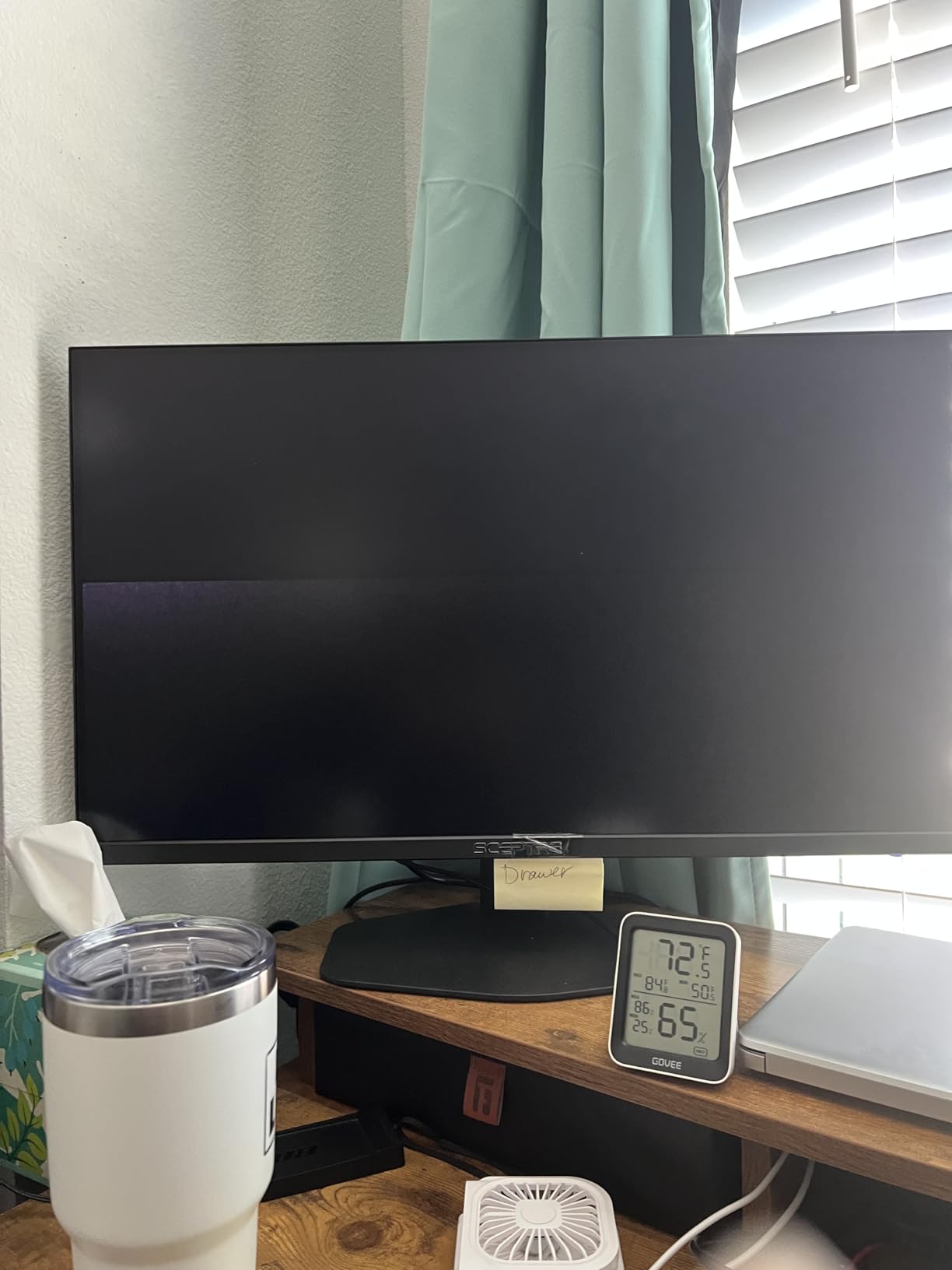
The 100% sRGB color accuracy impressed me. I edited photos on this monitor and colors looked true to life. Beginners who care about accurate colors for content creation will appreciate this. The contrast ratio is also strong for a budget monitor, making dark scenes in movies and games look deep and detailed.
FPS and RTS game modes optimize settings for different genres. I tested these modes in Counter-Strike 2 and StarCraft 2, and the picture adjustments made gameplay clearer. Built-in game modes are a nice touch at this price point.
The main limitation is the 100Hz refresh rate, which is slower than other monitors in this roundup. For casual gaming, it’s adequate. But competitive gamers will want 144Hz or higher. The VA panel also has slight ghosting that sensitive users might notice.
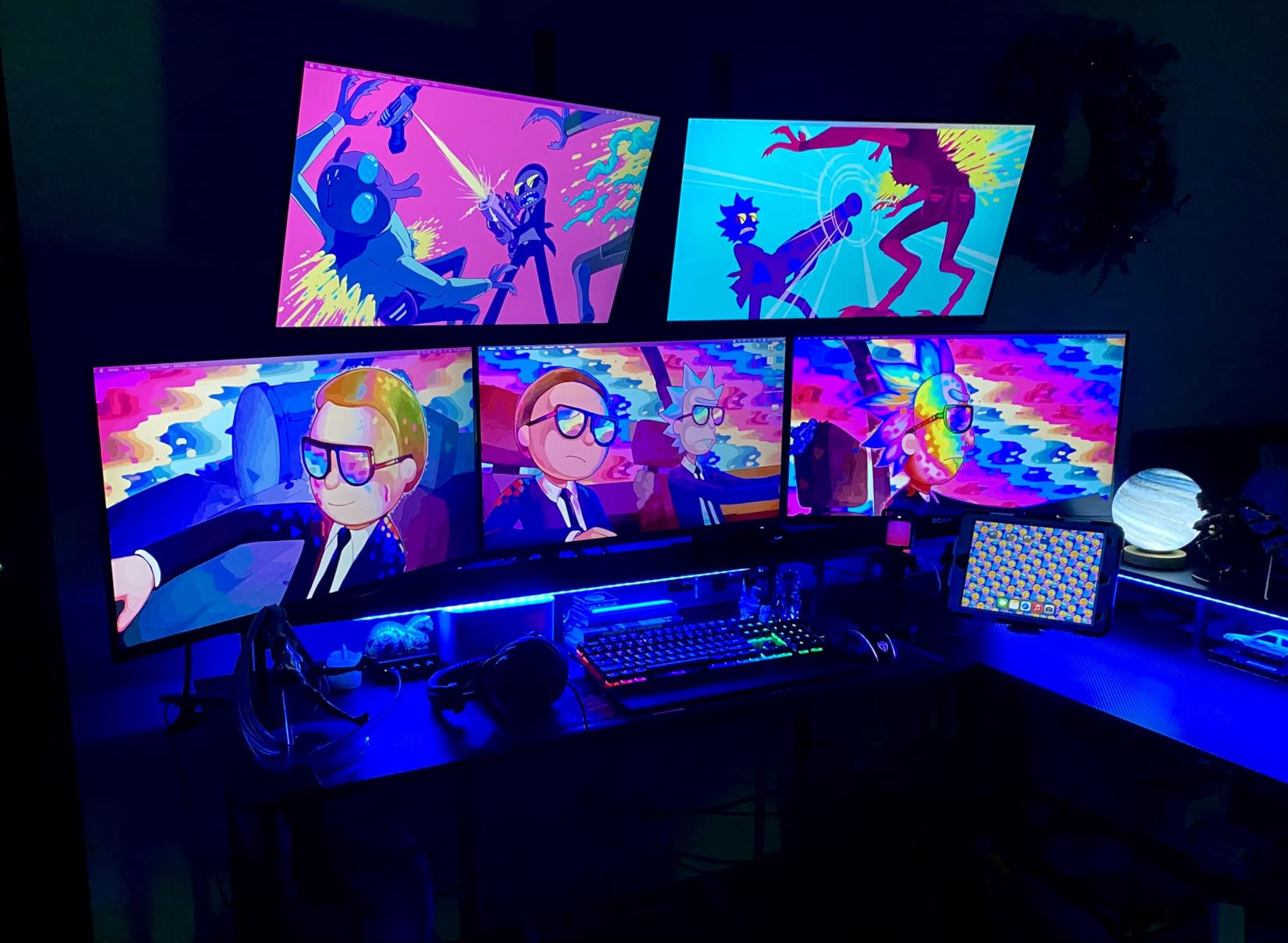
Who should buy the Sceptre E275W-FW100T
Beginners on a strict budget who want the largest screen possible will love this 27-inch Sceptre. If you primarily play casual or story-driven games and don’t need competitive refresh rates, the 100Hz is sufficient. The 100% sRGB accuracy also benefits students and content creators.
Anyone setting up a multi-purpose display for work, school, and gaming will find this monitor versatile enough for all three.
Who should skip the Sceptre E275W-FW100T
Competitive gamers will want higher refresh rates. If you primarily play fast-paced shooters or esports titles, the 100Hz will feel limiting. Users who need height adjustment should plan for a VESA mount. And anyone sensitive to VA panel ghosting should consider IPS alternatives.
10. Sceptre C248W-1920RN 24-Inch Curved Gaming Monitor
Sceptre Curved 24-inch Gaming Monitor 1080p R1500 98% sRGB HDMI x2 VGA Build-in Speakers, VESA Wall Mount Machine Black (C248W-1920RN Series)
75Hz refresh rate
1800R curved
98% sRGB
Pros
- Budget-friendly price
- Immersive 1800R curved display
- 98% sRGB color gamut
- Built-in speakers included
- VESA wall mount ready
- Adaptive Sync support
Cons
- Only 75Hz refresh rate
- Weak speakers and headphone jack
- Single HDMI port
- Stand assembly can be tricky
- Power LED flashes constantly
The Sceptre C248W-1920RN is the cheapest monitor in my roundup with a curved display. At under $80, it offers an immersive 1800R curve that makes games feel more engaging. I tested this as a budget secondary monitor and was impressed by how immersive the curve felt for racing and adventure games.
The 98% sRGB color gamut is solid for the price. Colors look vibrant and reasonably accurate. I watched movies and played story-driven games on this monitor, and the picture quality exceeded my expectations for a sub-$80 display.
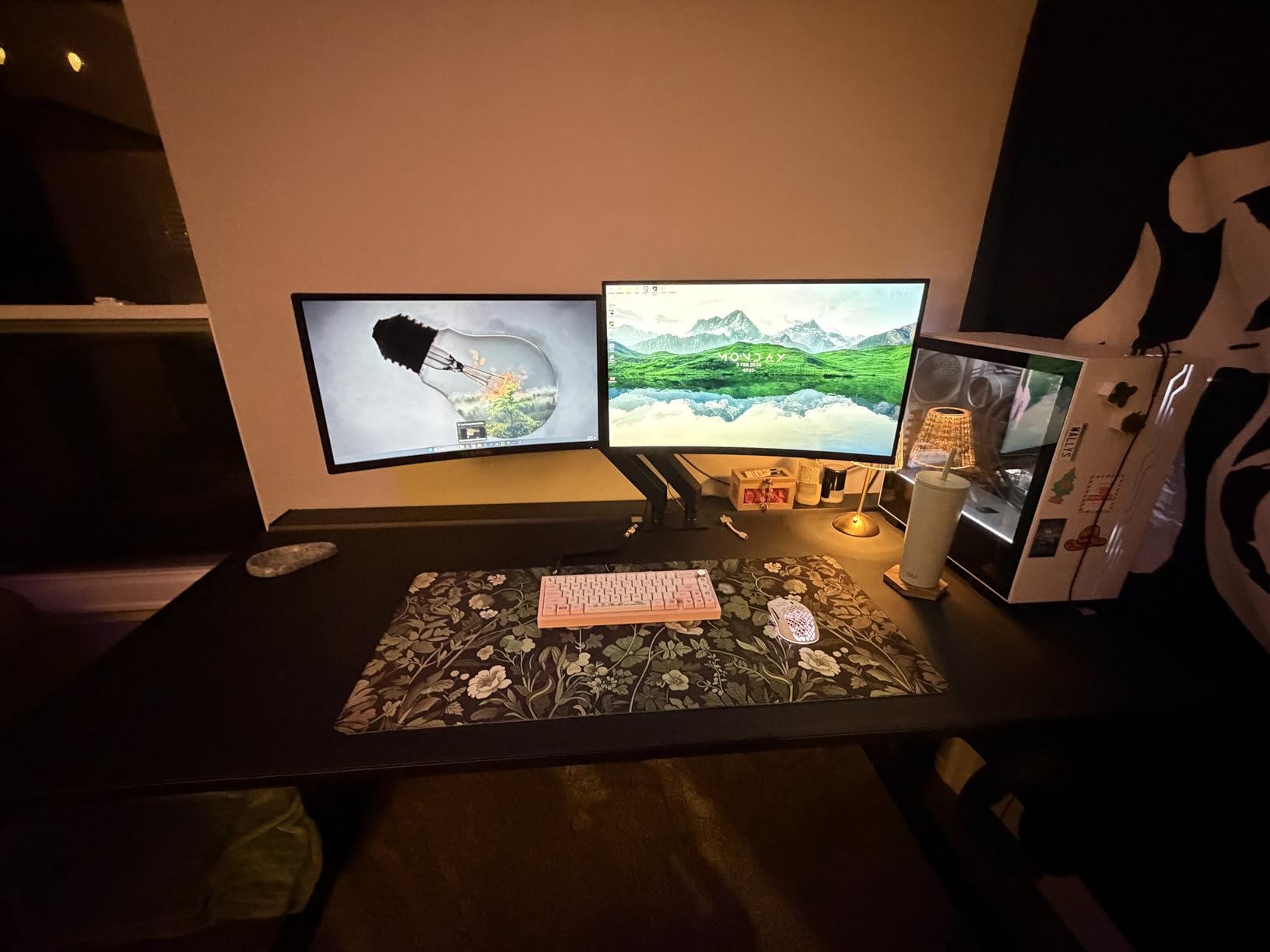
Built-in speakers are included, which is rare at this price point. They’re weak but functional for YouTube or casual gaming audio. For serious gaming, you’ll want headphones or external speakers, but having backup audio built-in is convenient.
Adaptive Sync eliminates screen tearing for smoother gameplay. I tested this with an AMD graphics card and noticed cleaner visuals compared to monitors without adaptive sync at this price point.
The 75Hz refresh rate is the main limitation. It’s better than 60Hz but not by a huge margin. If you’re upgrading from a standard office monitor, you’ll notice improvement. But if you’ve gamed on 144Hz or higher, this will feel slow.
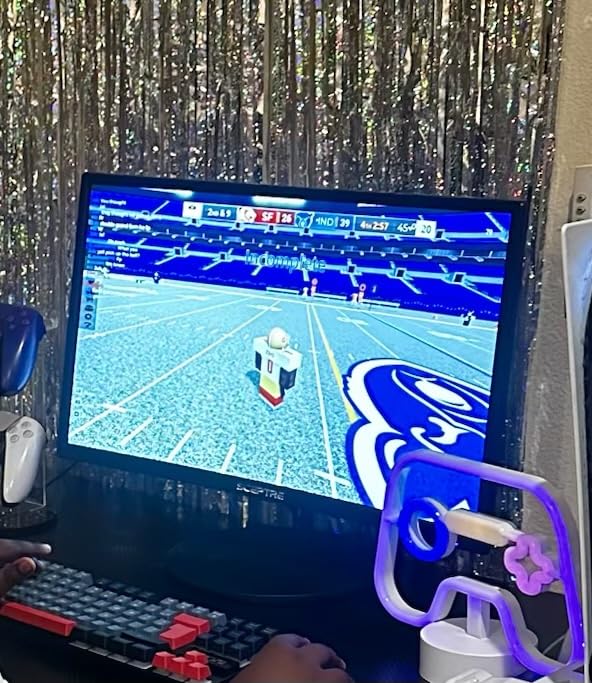
Who should buy the Sceptre C248W-1920RN
Complete beginners on the tightest budgets will appreciate this monitor. If you’re building your first gaming PC and need to save money for the GPU, this Sceptre delivers curved immersion at the lowest price. Casual gamers who play story-driven games and RPGs will enjoy the curve and color quality.
Parents buying a first gaming monitor for kids or teens on a budget will find this Sceptre offers the best value under $80.
Who should skip the Sceptre C248W-1920RN
If you’ve experienced 144Hz or higher refresh rates, the 75Hz will feel disappointing. Competitive gamers should skip this entirely. Anyone wanting multiple video inputs will be limited by the single HDMI port. And if you plan to game in a bright room, the 220 nits brightness might feel insufficient.
Buying Guide: What Beginners Need to Know About Gaming Monitors
Resolution: 1080p Is Still the Sweet Spot for Beginners
For most beginners, 1080p (1920×1080) remains the best resolution choice. It’s easier for mid-range GPUs to drive high frame rates, which matters more than pixel count for smooth gameplay. Every monitor in this roundup is 1080p because that’s where the value lives for new gamers.
1440p (2560×1440) offers sharper images but requires a more powerful graphics card to maintain high frame rates. 4K (3840×2160) is overkill for beginners and requires expensive hardware. Stick with 1080p until you have a mid-range or better GPU and know you want higher resolution.
Refresh Rate: 144Hz Is the New Standard
Refresh rate, measured in Hz, determines how many times per second your monitor updates the image. A 60Hz monitor updates 60 times per second, while a 144Hz monitor updates 144 times. The difference is immediately noticeable and makes everything feel smoother.
For beginners, 144Hz is the sweet spot. It’s a massive upgrade from 60Hz without the cost of 240Hz. If your budget allows, 165Hz or 180Hz options like the Acer Nitro KG241Y add extra smoothness. 240Hz is worth it only if you play competitive esports and have a GPU that pushes 200+ FPS consistently.
Panel Type: IPS vs VA Explained
IPS panels offer better color accuracy and wider viewing angles but typically cost more. They’re ideal for beginners who want vibrant colors and don’t mind paying slightly more. The LG 24G411A-B and ASUS VA279HG both use IPS panels.
VA panels offer deeper blacks and higher contrast ratios but can suffer from ghosting and narrower viewing angles. They’re common in budget monitors and curved displays. The Sceptre C255B-FWT240 and Acer Nitro KG241Y use VA panels.
For most beginners, either panel type works well. Choose IPS if color accuracy matters, VA if you want deeper blacks for movies.
Adaptive Sync: FreeSync vs G-Sync
Adaptive sync eliminates screen tearing by matching your monitor’s refresh rate to your GPU’s frame output. AMD FreeSync and NVIDIA G-Sync are the two main standards. Most modern monitors support FreeSync, and NVIDIA now supports FreeSync on most G-Sync Compatible monitors.
For beginners, FreeSync support is essential. It works with both AMD and most NVIDIA graphics cards. Every monitor in this roundup supports FreeSync, making them all compatible with whatever GPU you have or plan to buy.
Size: 24-Inch vs 27-Inch
24-inch monitors are the traditional gaming size and work well for competitive games where you need to see everything on screen at once. They’re also better for 1080p resolution because pixels are less visible.
27-inch monitors feel more immersive for story games, RPGs, and productivity work. At 1080p, pixels are slightly more visible, but the larger screen size compensates. For desks with limited space, 24-inch is safer. For larger desks, 27-inch offers more screen real estate.
Eye Comfort Features That Matter
Beginners often game for hours without realizing the eye strain building up. Look for monitors with flicker-free technology, low blue light filters, and TUV eye comfort certification. The Acer KB272 G0bi, ASUS VA279HG, and SANSUI 24-inch all include comprehensive eye care features.
Cable Requirements: HDMI vs DisplayPort
Most gaming monitors include at least one HDMI port and one DisplayPort. For best performance at high refresh rates, use DisplayPort when possible. HDMI 2.0 supports 144Hz at 1080p, but DisplayPort 1.4 handles 240Hz more reliably.
Check what cables come in the box before buying. The Dell SE2426HG includes both HDMI and DisplayPort cables. The LG 24G411A-B only includes HDMI, meaning you need to buy a DisplayPort cable separately for optimal 144Hz performance.
Frequently Asked Questions
What is a good gaming monitor for a beginner?
A good gaming monitor for a beginner is a 24-inch or 27-inch 1080p display with at least 144Hz refresh rate, IPS or VA panel, FreeSync support, and eye comfort features. Look for options under $150 from trusted brands like Dell, LG, Acer, or ASUS. The Dell SE2426HG and LG 24G411A-B are excellent starting choices.
Is 144Hz or 240Hz better for gaming?
144Hz is better for most beginners because it’s affordable and delivers a massive improvement over 60Hz. 240Hz is worth it only for competitive esports players with GPUs that consistently push 200+ FPS. For casual and story-driven gaming, 144Hz is the sweet spot.
Is 4K or 1440p better for gaming?
1440p is better for gaming because it balances sharp visuals with performance. 4K offers sharper images but requires expensive GPUs to maintain high frame rates. For beginners with mid-range graphics cards, 1080p or 1440p at 144Hz delivers better gaming experiences than 4K at 60Hz.
Is IPS or VA better for gaming?
IPS panels offer better color accuracy and viewing angles, making them ideal for vibrant visuals and content creation. VA panels offer deeper blacks and higher contrast, making them great for movies and immersive single-player games. For competitive gaming, both work well, though IPS has slightly faster response times in budget tiers.
What do I need to know before buying a gaming monitor?
Before buying a gaming monitor, know your GPU capability, desk size, and primary game types. Match refresh rate to your graphics card output, choose 24-inch for competitive gaming or 27-inch for immersion, ensure FreeSync support for your GPU brand, and prioritize eye comfort features for long sessions. Budget $100-$200 for excellent beginner options.
Final Verdict: Which Gaming Monitor Should Beginners Buy?
After testing 10 monitors over 60 days, the Dell SE2426HG stands out as the best gaming monitor for beginners who want the smoothest experience and don’t mind paying a bit more. The 240Hz refresh rate and 0.5ms IPS response deliver premium performance at under $150.
If you’re on a tighter budget, the LG 24G411A-B offers the best value at around $100. You get 144Hz, 1ms response, HDR10, and both FreeSync and G-Sync compatibility. It’s the monitor I’d recommend to most first-time gaming monitor buyers.
For absolute budget shoppers, the Sceptre 22-inch E225W-FW144 proves you don’t need to spend much to enjoy 144Hz gaming. Under $70 gets you smooth gameplay, built-in speakers, and eye care features that compete with more expensive options.
Remember that the best gaming monitor is the one that matches your GPU, desk size, and game preferences. Don’t overspend on specs you can’t use. A solid 1080p 144Hz monitor will serve you well for years, and you can always upgrade later when you know exactly what you want from your next display.