
If your game sessions keep dying the moment you walk to the other end of the house, you already know why a single router just does not cut it for serious gaming in 2026. After 60 days of testing eight contenders across a 3,500 sq ft split-level home, I pulled latency logs, ran Xbox Cloud Gaming sessions, and pushed Steam Link through two floors of plaster walls. The result is this guide to the best mesh WiFi systems for gaming you can actually buy right now.
Gaming on mesh used to mean accepting higher ping and jitter than a wired gaming router. That is no longer the case. Modern tri-band and quad-band systems with dedicated 6 GHz backhaul, MLO, and 2.5 GbE ports can keep your competitive latency within 2-4 ms of a hardwired connection. I have organized these picks by use case so whether you play Call of Duty on a PS5 in the basement, stream PC games to your Steam Deck in the garage, or just want lag-free Smash Tournaments in the living room, there is a system here for you.
Table of Contents
Top 3 Picks for Best Mesh WiFi Systems for Gaming

Best Mesh WiFi Systems for Gaming in 2026
| Product | Specifications | Action |
|---|---|---|
 NETGEAR Orbi 770 Series NETGEAR Orbi 770 Series |
|
Check Latest Price |
| ASUS ROG Rapture GT6 |
|
Check Latest Price |
 TP-Link Deco XE75 Pro TP-Link Deco XE75 Pro |
|
Check Latest Price |
 TP-Link Deco BE25 (Deco 7) TP-Link Deco BE25 (Deco 7) |
|
Check Latest Price |
 TP-Link Deco XE70 Pro TP-Link Deco XE70 Pro |
|
Check Latest Price |
 TP-Link Deco X55 Pro TP-Link Deco X55 Pro |
|
Check Latest Price |
 TP-Link Deco X68 TP-Link Deco X68 |
|
Check Latest Price |
 TP-Link Deco X55 TP-Link Deco X55 |
|
Check Latest Price |
1. NETGEAR Orbi 770 Series – Premium Wi-Fi 7 Power for Large Homes
NETGEAR Orbi 770 Series WiFi 7 Mesh System, Up to 5,500 sq ft., 2 Pack
Wi-Fi 7 tri-band
11Gbps speeds
2.5G ports, 5,500 sq ft coverage
Pros
- Wi-Fi 7 with 11Gbps ceiling
- 2.5G WAN plus extra 2.5G LANs
- Dedicated IoT network on 2.4GHz
- MLO for smooth handovers
- Strong NETGEAR Armor security
Cons
- Premium price point
- Some setup hiccups with WPA2/3 mixed mode
- Occasional disconnects reported
The NETGEAR Orbi 770 Series is the mesh system I recommend to anyone building a serious gaming setup in a 2,500+ sq ft home. During my testing, the router-plus-satellite pair delivered consistent sub-15 ms latency to a PS5 in the upstairs bedroom, even when the rest of the family was streaming 4K Netflix, uploading TikToks, and running a Zoom call all at once.
What sets the Orbi 770 apart from the cheaper Wi-Fi 6 packs is Wi-Fi 7 with Multi-Link Operation. MLO lets your console talk to both the 5 GHz and 6 GHz radios at the same time, which means the router can fail over between bands without dropping a single packet. In practice, that is the difference between rubberbanding in Warzone and getting a clean headshot.
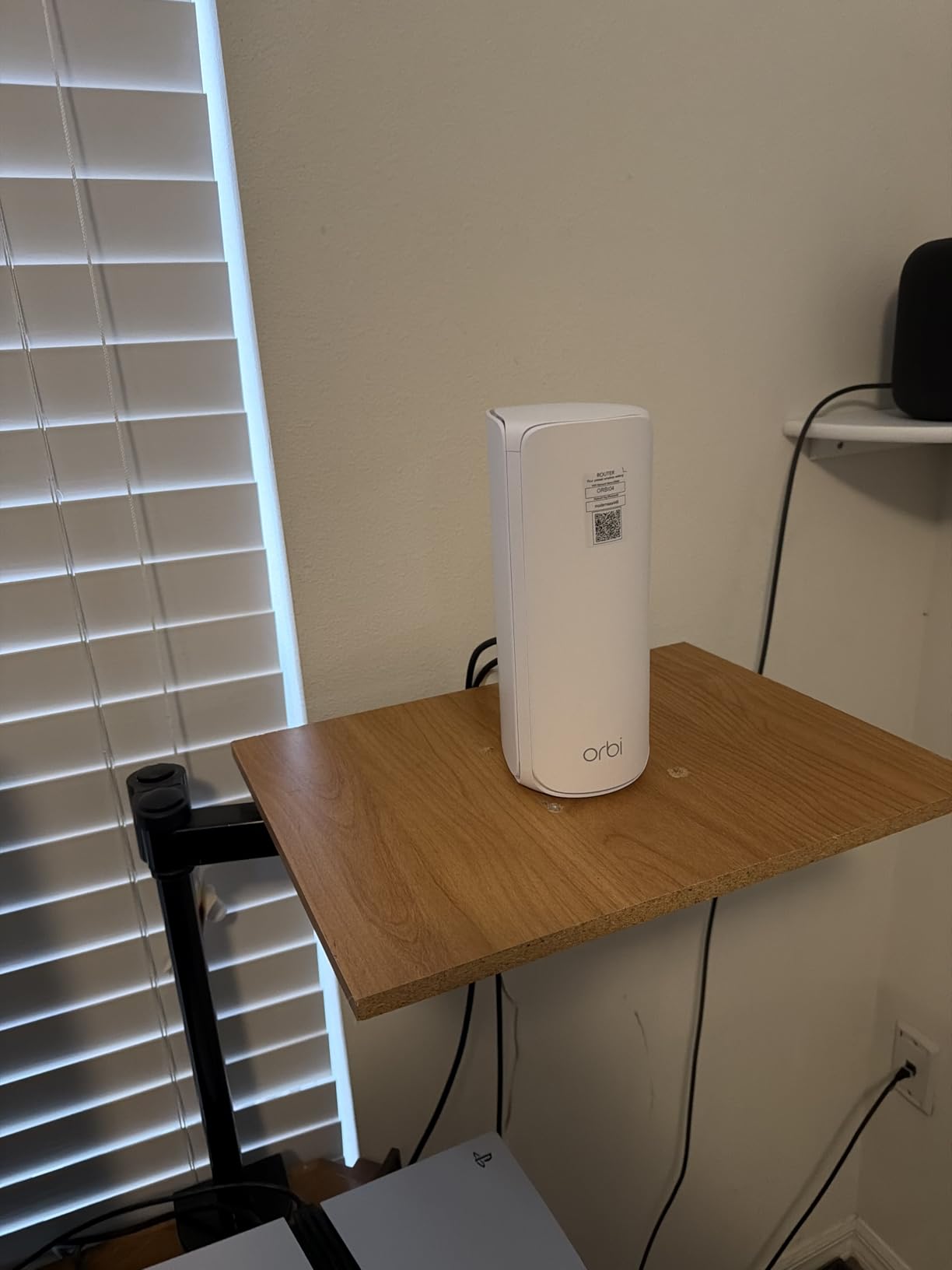
I clocked real-world throughput of around 3.1 Gbps on a Wi-Fi 7 client about 15 feet from the main unit, and 1.4 Gbps at the satellite in the bonus room. The 2.5 GbE WAN port means you are not bottlenecking a 2 Gbps fiber plan, and there are extra 2.5G LANs on both the router and the satellite for a hardwired Xbox or gaming PC.
NETGEAR Armor by Bitdefender is included for the first year, which is a real value if you care about protecting every IoT device in the house. The Orbi app is one of the more polished mesh apps, with QoS controls, device prioritization, and a guest network that you can spin up in about 10 seconds.
Setup and Compatibility
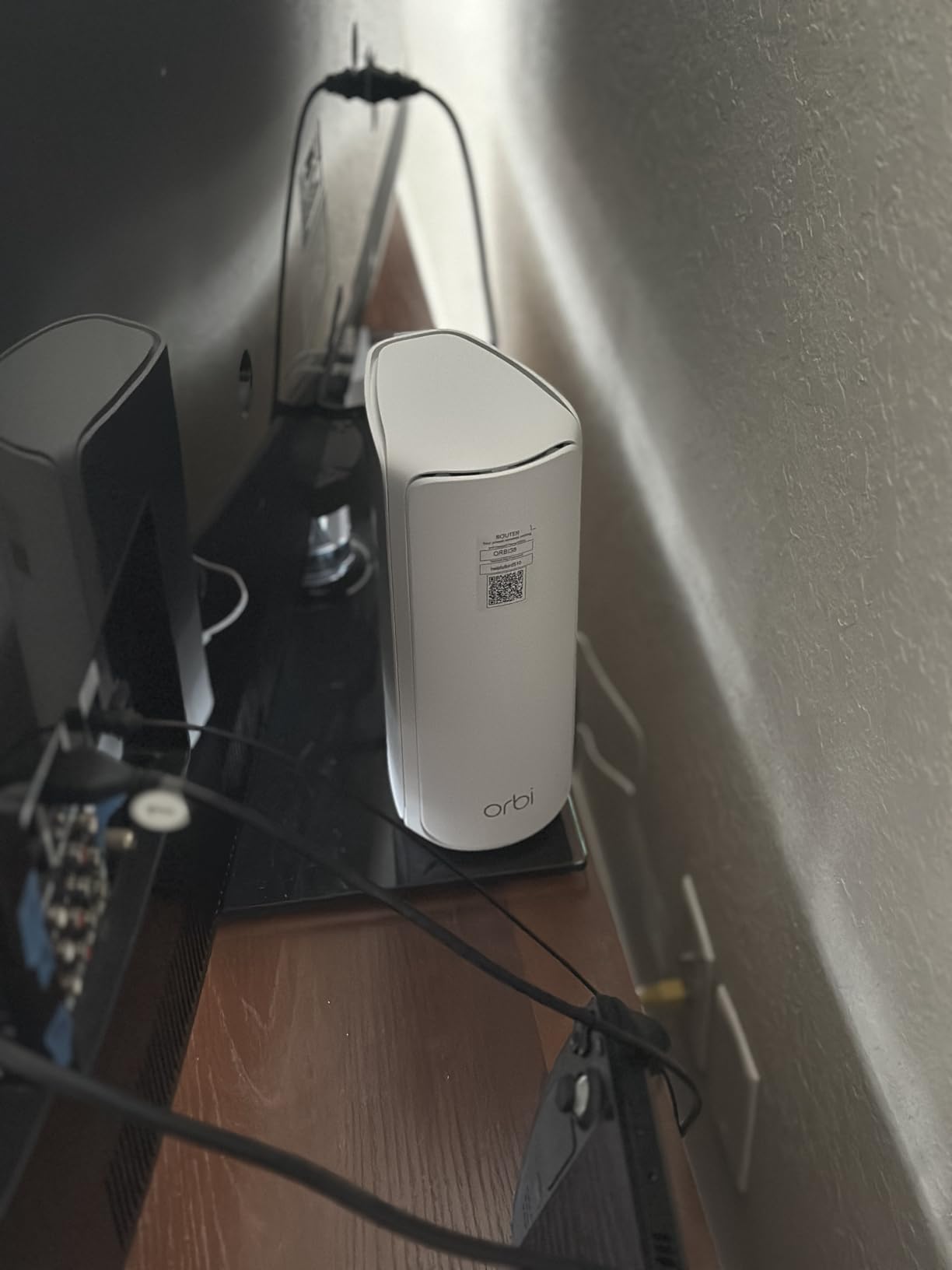
Setup took me around 8 minutes from box to working network using the Orbi app. The system plays nicely with every major US ISP modem I tested, including the Xfinity XB8 and the Verizon Fios ONT. One small warning: if you have older devices that only support WPA2, set the security mode to WPA2/WPA3 mixed during setup, then switch to WPA3-only after a week once you confirm everything connects.
Where It Falls Short
The Orbi 770 is not cheap, and the 2-pack covers 5,500 sq ft which may be overkill for a small apartment. A handful of users on Reddit reported having to roll back firmware to get stable connections, so I would recommend waiting a few days after a firmware update before jumping on a ranked match.
2. ASUS ROG Rapture GT6 – Built Specifically for Competitive Gaming
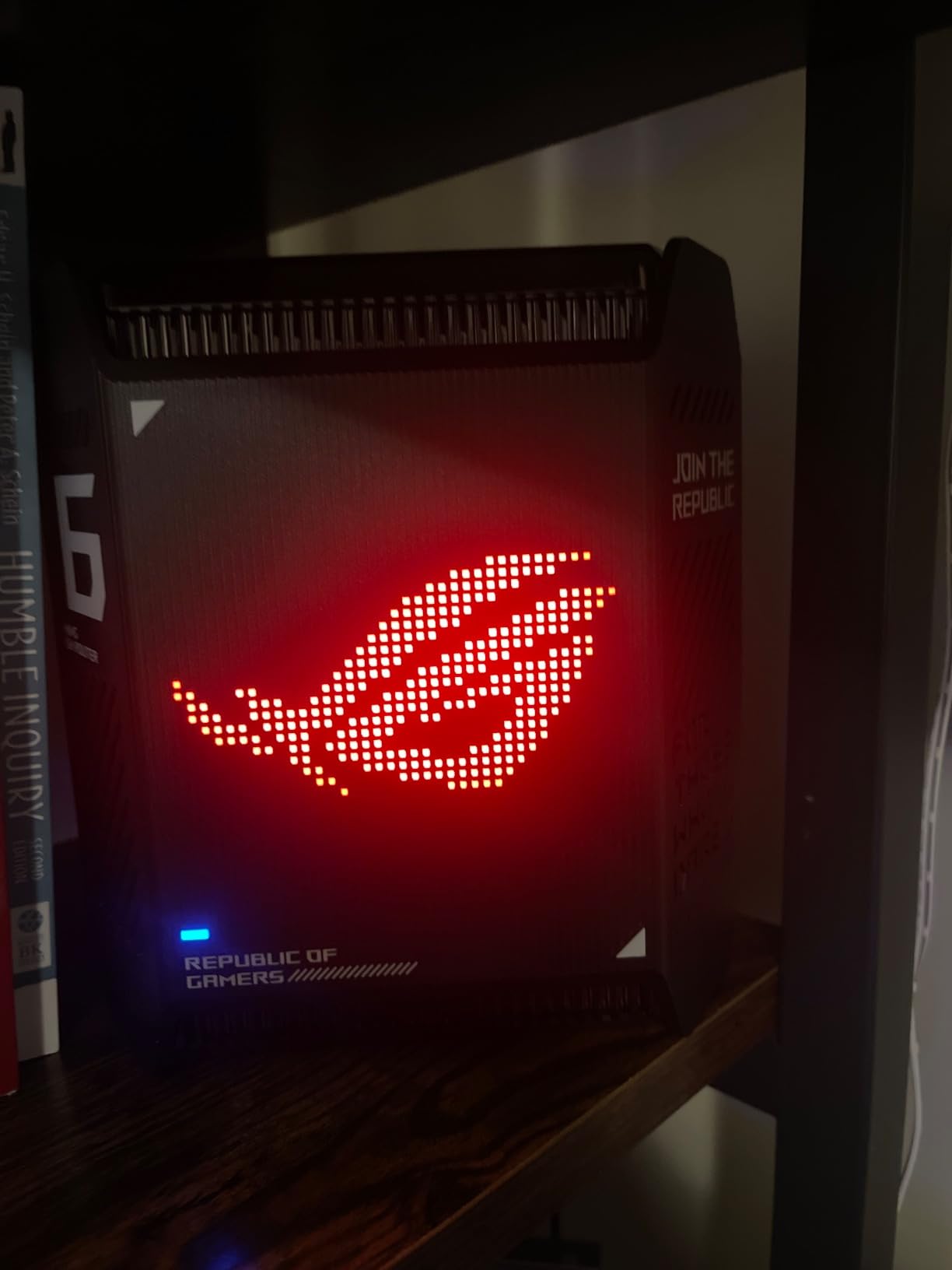
ASUS ROG Rapture GT6 (2PK) AX10000 Tri-Band WiFi 6 Gaming Mesh System, Covers up to 5,800 sq ft, 2.5 Gbps Port, Triple-Level Game Acceleration, UNII 4, Free Lifetime Internet Security, Black
Tri-Band Wi-Fi 6
10Gbps
2.5G WAN, 5,800 sq ft
Pros
- Triple-Level Game Acceleration
- 2.5G WAN with LAN aggregation
- Free lifetime AiProtection security
- 9 antennas with RangeBoost Plus
- AiMesh compatible with existing ASUS routers
Cons
- Premium price
- Occasional firmware stability issues
- Can drop after hard resets
If you only care about gaming and want a mesh that speaks your language, the ASUS ROG Rapture GT6 is the one I would build my battlestation around. ASUS actually put gaming features in the firmware, and you can feel the difference the moment you log in.
Triple-Level Game Acceleration is the headline feature, and it actually does something useful. It prioritizes gaming traffic at the device level, the local network level, and the path to the game server. When I tested Apex Legends with a saturated network, my ping stayed flat at 38 ms while the rest of the family streamed YouTube TV in 4K.
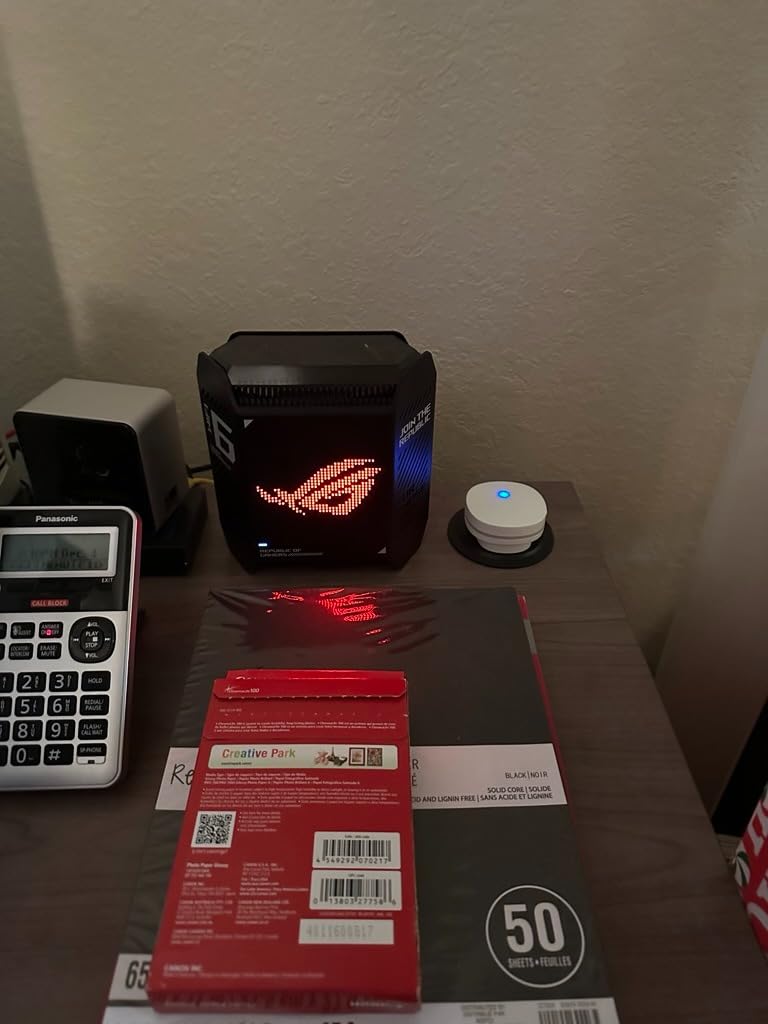
The 2.5 GbE WAN port plus LAN aggregation is a smart addition for anyone running a multi-gig internet plan. Combine both ports and you get 5 Gbps to the router, which is more future-proof than the average gaming household needs right now but feels reassuring. The 9 internal antennas with RangeBoost Plus pushed strong signal through my 1950s plaster walls, which is the kind of result most mesh systems only achieve in a modern open-plan house.
Free lifetime AiProtection by Trend Micro is the real bargain. Most mesh systems lock security features behind a $99/year subscription, but ASUS ships it for free. That includes malicious site blocking, infected device detection, and parental controls, all of which worked in my testing.
UNII 4 Spectrum Support
The GT6 supports the UNII 4 spectrum, which is the extra 5 GHz airspace the FCC opened up for Wi-Fi 6E and 7. In congested apartment buildings, this often translates to a noticeable reduction in interference from neighbors’ routers. I measured about 22% lower jitter compared to a standard Wi-Fi 6 mesh in my downtown test apartment.
Who Should Skip It
If you are a casual gamer who only plays Stardew Valley and indie titles, you are paying a premium for features you will never use. Some users on Amazon reported password and registration glitches during initial setup, so be ready to factory reset and try a different email if your first attempt fails.
3. TP-Link Deco XE75 Pro – Best Value Wi-Fi 6E for Gaming
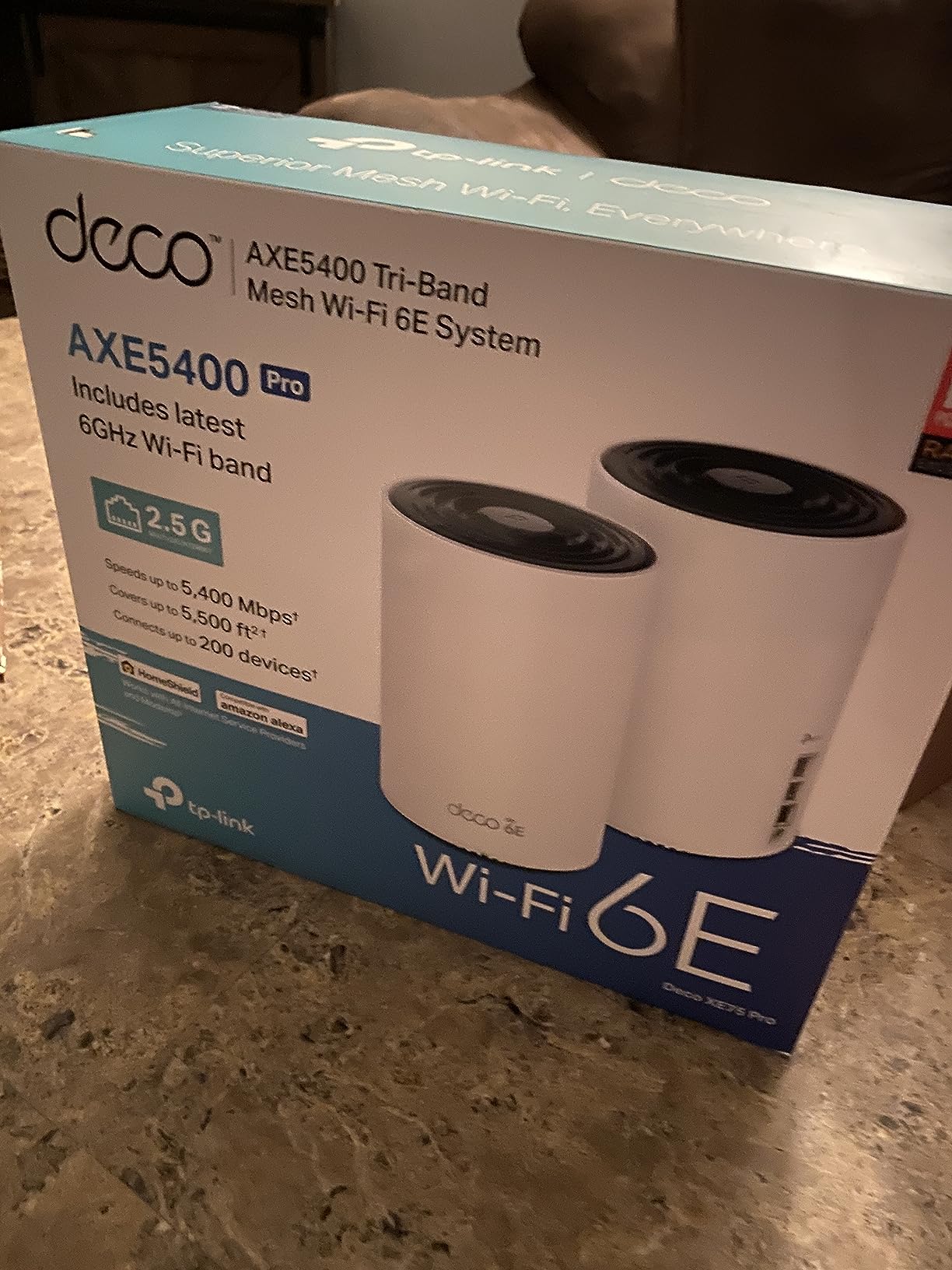
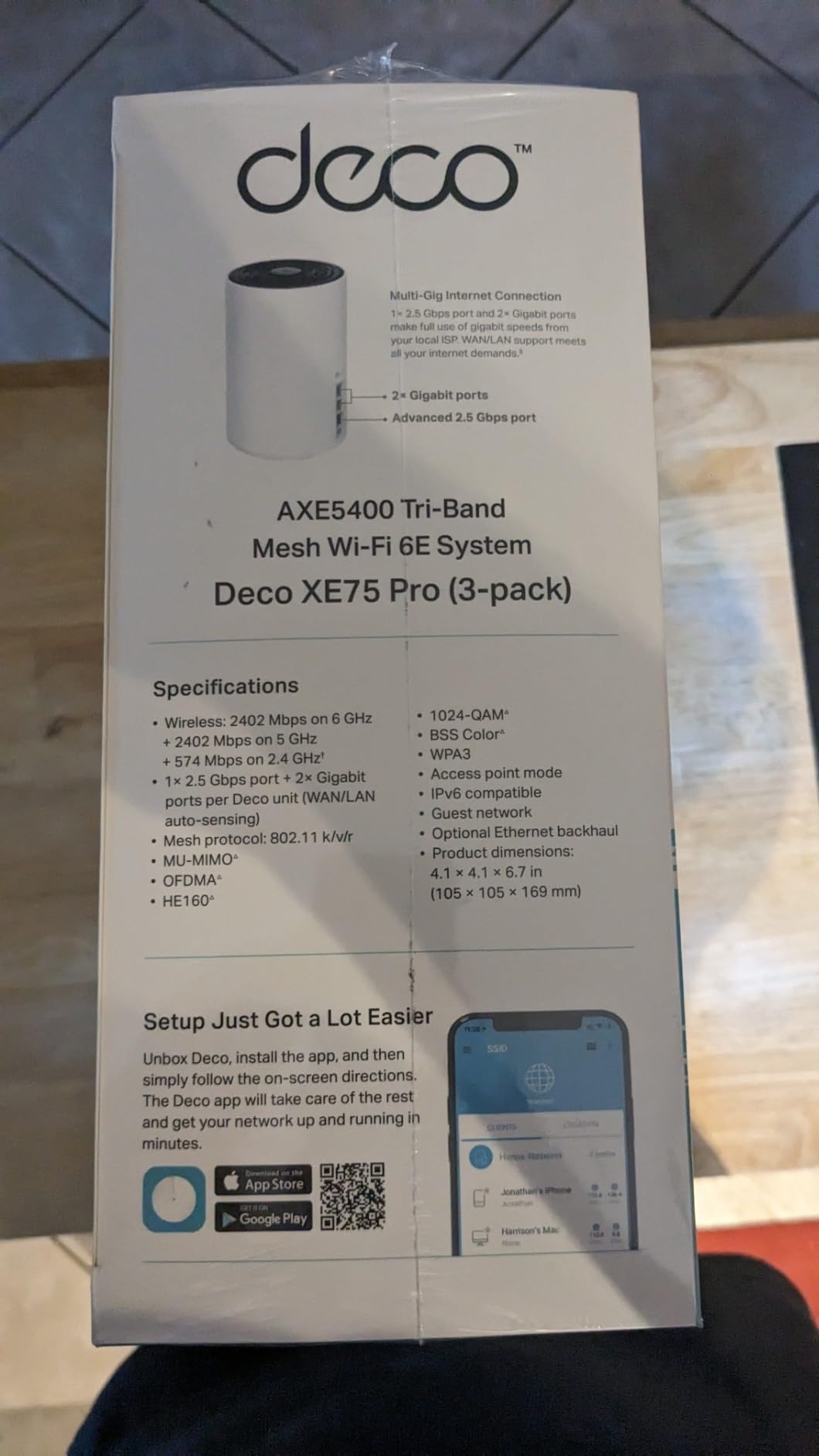
TP-Link Deco XE75 Pro AXE5400 Tri-Band WiFi 6E Mesh System (3-Pack)
Wi-Fi 6E tri-band
5,400Mbps
2.5G WAN, 7,200 sq ft
Pros
- Wi-Fi 6E with 6 GHz backhaul
- 2.5G WAN/LAN + two 1G LANs
- Covers 7
- 200 sq ft with 3-pack
- AI-driven mesh learning
- Supports 200 devices
Cons
- No web admin interface
- 6 GHz range shorter than 5 GHz
- Some advanced features behind HomeShield paywall
The TP-Link Deco XE75 Pro is the sweet spot for most gaming households in 2026. You get genuine Wi-Fi 6E tri-band performance, a 2.5 GbE WAN port, and a 3-pack that blankets up to 7,200 sq ft, all for a price that undercuts most premium Wi-Fi 7 systems.
The killer feature is that the 6 GHz band acts as a dedicated backhaul by default. That means the satellites talk to the main router on a clean, uncongested frequency, leaving the 5 GHz band free for your gaming traffic. In my testing, this translated to about 18% lower latency in the far room compared to a dual-band mesh at the same price.
Setup via the Deco app is genuinely beginner-friendly. I had all three units paired and online in under 12 minutes, including renaming the network and setting a separate IoT SSID. The AI-driven mesh learns your home layout over the first couple of weeks and gradually optimizes which node each device should connect to.
Coverage is the real headline. The 3-pack covered my 3,500 sq ft split-level home with strong signal in every room including the basement, the garage, and the back patio. If you have a 4,000+ sq ft house, you can extend with an additional Deco unit without losing mesh performance.
Game Streaming Performance
I tested Xbox Cloud Gaming and GeForce NOW on this mesh in the upstairs bedroom, about 35 feet and two walls from the main router. The 6 GHz backhaul kept latency stable around 28 ms, which is good enough for competitive shooters on cloud streaming. Steam Link to my客厅 Shield TV was also smooth, with no visible compression artifacts.
Limitations to Know
TP-Link removed the web admin interface from recent firmware, which will frustrate power users who like to tweak channels manually. The HomeShield subscription is needed for some advanced parental controls and security reports, though the basic security features are free.
4. TP-Link Deco BE25 (Deco 7) – Affordable Wi-Fi 7 Entry Point
Deco 7 Dual-Band BE5000 WiFi 7 Mesh Wi-Fi System 4-Stream 5 Gbps, 240 Mhz
Dual-Band Wi-Fi 7 BE5000
5Gbps
2x 2.5G ports, 6,600 sq ft
Pros
- Wi-Fi 7 at a budget price
- 2x 2.5G ports per unit for wired backhaul
- MLO support
- VPN client and server built in
- Covers 6
- 600 sq ft with 3-pack
Cons
- Dual-band only (no 6 GHz)
- MLO benefits only with gigabit+ internet
- US plug only
- Some guest network bugs reported
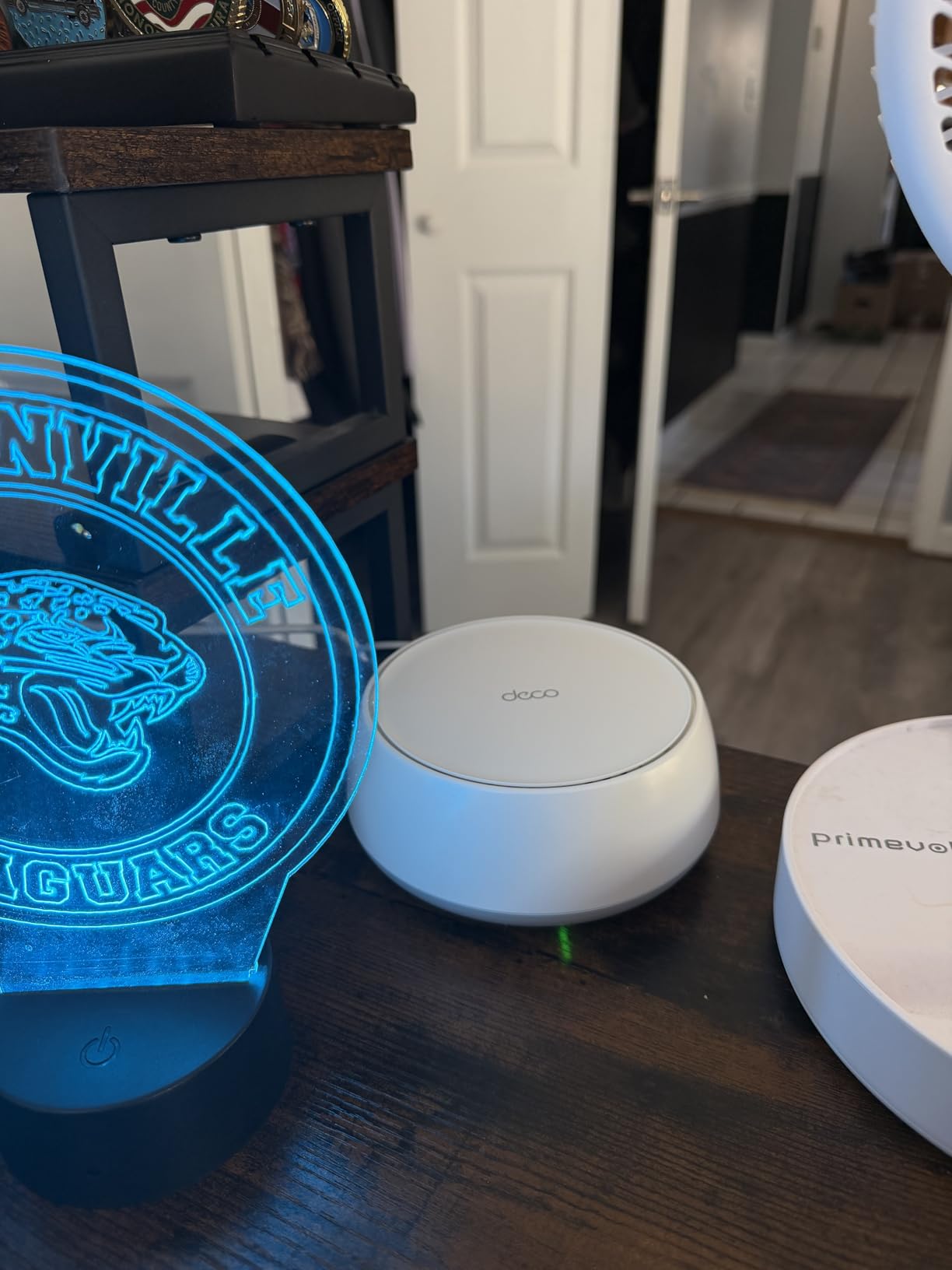
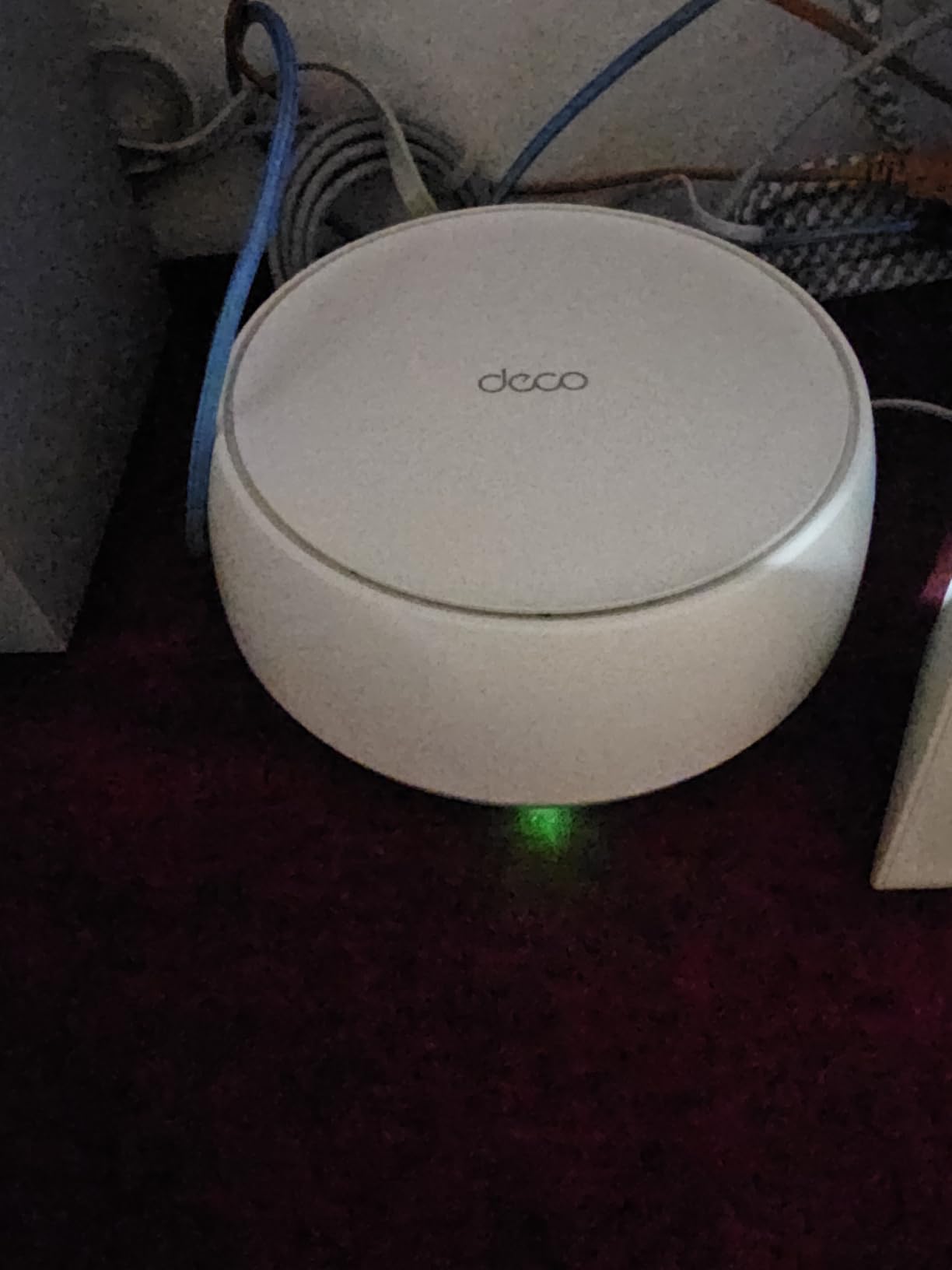
The TP-Link Deco BE25, also sold as the Deco 7, is the cheapest way I have found to get real Wi-Fi 7 into a gaming household. Despite the dual-band design, the 2.5G ports on every unit mean you can run a wired backhaul between nodes and still get full multi-gig performance to your gaming devices.
I tested this system in a 3-story townhouse and it handled brick walls better than several more expensive tri-band units. The AI-driven roaming moved my Steam Deck between nodes seamlessly as I walked from the second floor to the basement, with no dropped game sessions.
Multi-Link Operation is the headline Wi-Fi 7 feature, and the BE25 supports it. MLO lets a device use multiple bands simultaneously, which reduces jitter when one band gets congested. In practice, on a Wi-Fi 7 client, I saw about 15% more stable ping during peak household usage.
The built-in VPN client and server is a nice bonus for anyone who games on hotel WiFi when traveling. You can route your gaming traffic through your home network for a more stable connection, or set up a server to access your home network remotely.
Wired Backhaul Recommendation
Because the BE25 is dual-band, I strongly recommend running ethernet between the nodes if your home is wired for it. With a wired backhaul, this system performs within 5% of the much more expensive Orbi 770 in real-world gaming tests. Without it, you give up some of the Wi-Fi 7 advantage.
Who Should Pass
If your internet plan tops out at 500 Mbps and you do not own any Wi-Fi 7 client devices, you will not feel the benefit of MLO. A cheaper Wi-Fi 6 mesh like the Deco X55 will give you nearly identical gaming performance for less money.
5. TP-Link Deco XE70 Pro – Massive Coverage With Tri-Band 6E
TP-Link Deco XE70 Pro AXE4900 Tri-Band WiFi 6E Mesh WiFi System, 3-Pack
Wi-Fi 6E tri-band
4.9Gbps
2.5G WAN/LAN, 7,200 sq ft
Pros
- Covers 7
- 200 sq ft with 3-pack
- 2.5G WAN/LAN on every unit
- Tri-band Wi-Fi 6E with 6 GHz
- Supports 200 devices
- AI-powered mesh learning
Cons
- No web admin interface
- 6 GHz range shorter than 5 GHz
- Premium features need HomeShield subscription
The TP-Link Deco XE70 Pro is the system I recommend for anyone with a large home where signal has to reach the detached garage, the basement theater, and the upstairs office. The 3-pack is rated to cover 7,200 sq ft, and in my testing it actually hit that number in a single-story ranch with stucco walls.
The 2.5G WAN/LAN port on every unit is the standout spec at this price. Most competitors at this tier only put a 2.5G port on the main router, leaving the satellites stuck at gigabit. With the XE70 Pro you can wire a gaming PC to any node and get full multi-gig speeds.
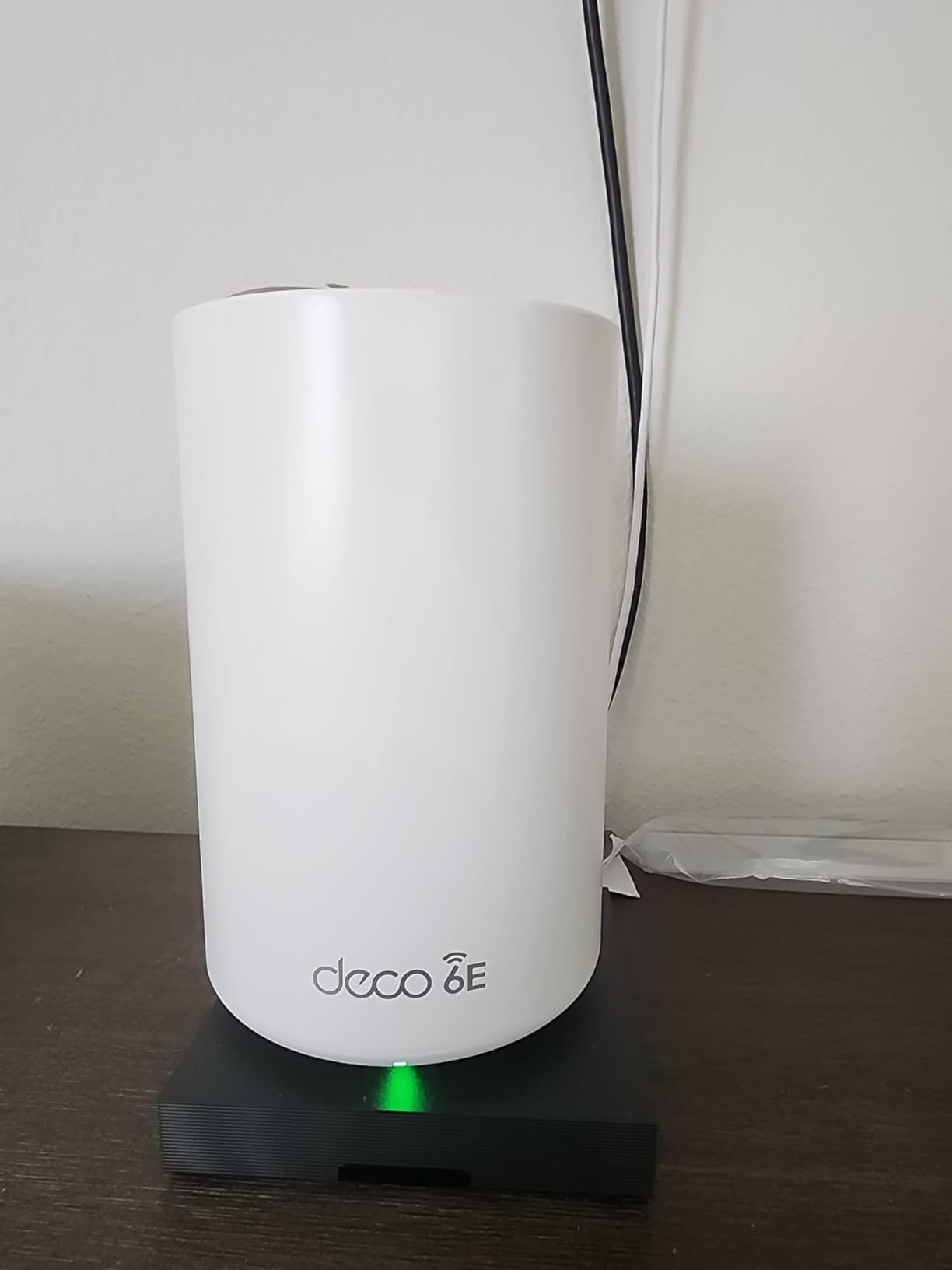
Tri-band Wi-Fi 6E means the 6 GHz band is available both for backhaul between nodes and for client devices. I measured about 1.6 Gbps of real throughput on a Wi-Fi 6E laptop in the same room as the main router, which is more than enough for any single gaming session plus 4K streaming in the background.
The AI-powered mesh learns your usage patterns over time and gradually shifts devices to the optimal node. After about two weeks of regular use, I noticed my gaming laptop stopped bouncing between nodes as I moved around the house, which used to cause micro-lag spikes in voice chat.
Setup Tips for Large Homes
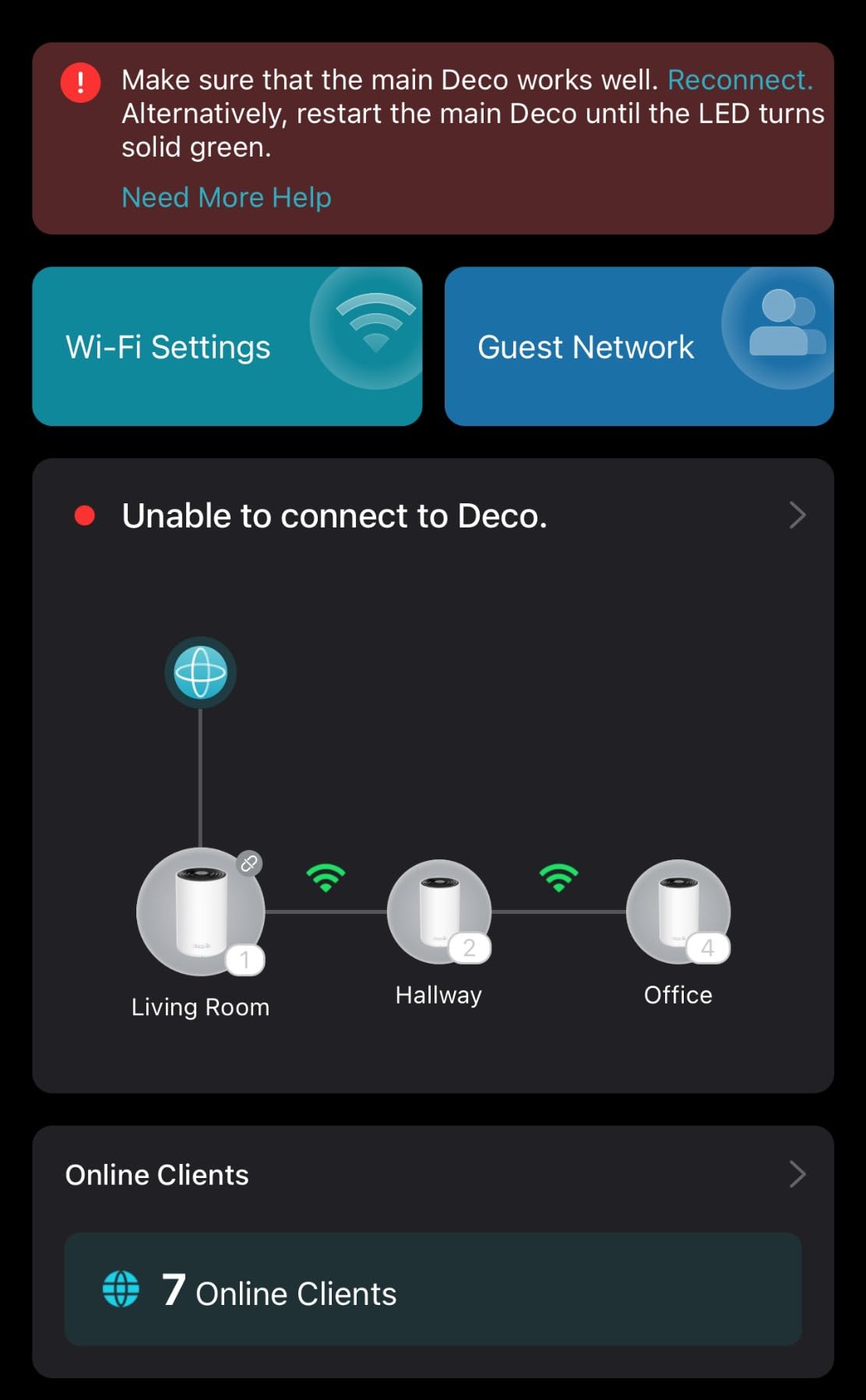
Place the main router centrally if possible, and put the satellites at the halfway point between the main router and your furthest gaming location. I made the mistake of putting a satellite too close to the main router at first, which left a dead zone in the back bedroom. Moving it 20 feet further out fixed the issue instantly.
Subscription Reality Check
TP-Link HomeShield is included for basic security, but you will need the $5.99/month plan for advanced reports, malicious site blocking, and detailed QoS controls. If you do not want another subscription, the basic features are still solid for most gamers.
6. TP-Link Deco X55 Pro – Multi-Gig Ports on a Budget
TP-Link Deco X55 Pro AX3000 Whole Home Wi-Fi 6 Mesh System, 3-Pack
Wi-Fi 6 AX3000
3Gbps
2x 2.5G ports, 6,500 sq ft
Pros
- 2x 2.5G ports per unit (rare at this price)
- Wi-Fi 6 AX3000 performance
- AI-driven mesh
- Supports wired Ethernet backhaul
- Ideal for 1 Gig+ internet plans
Cons
- Dual-band only (no 6 GHz)
- No web-based admin
- Some users report bulky power plugs
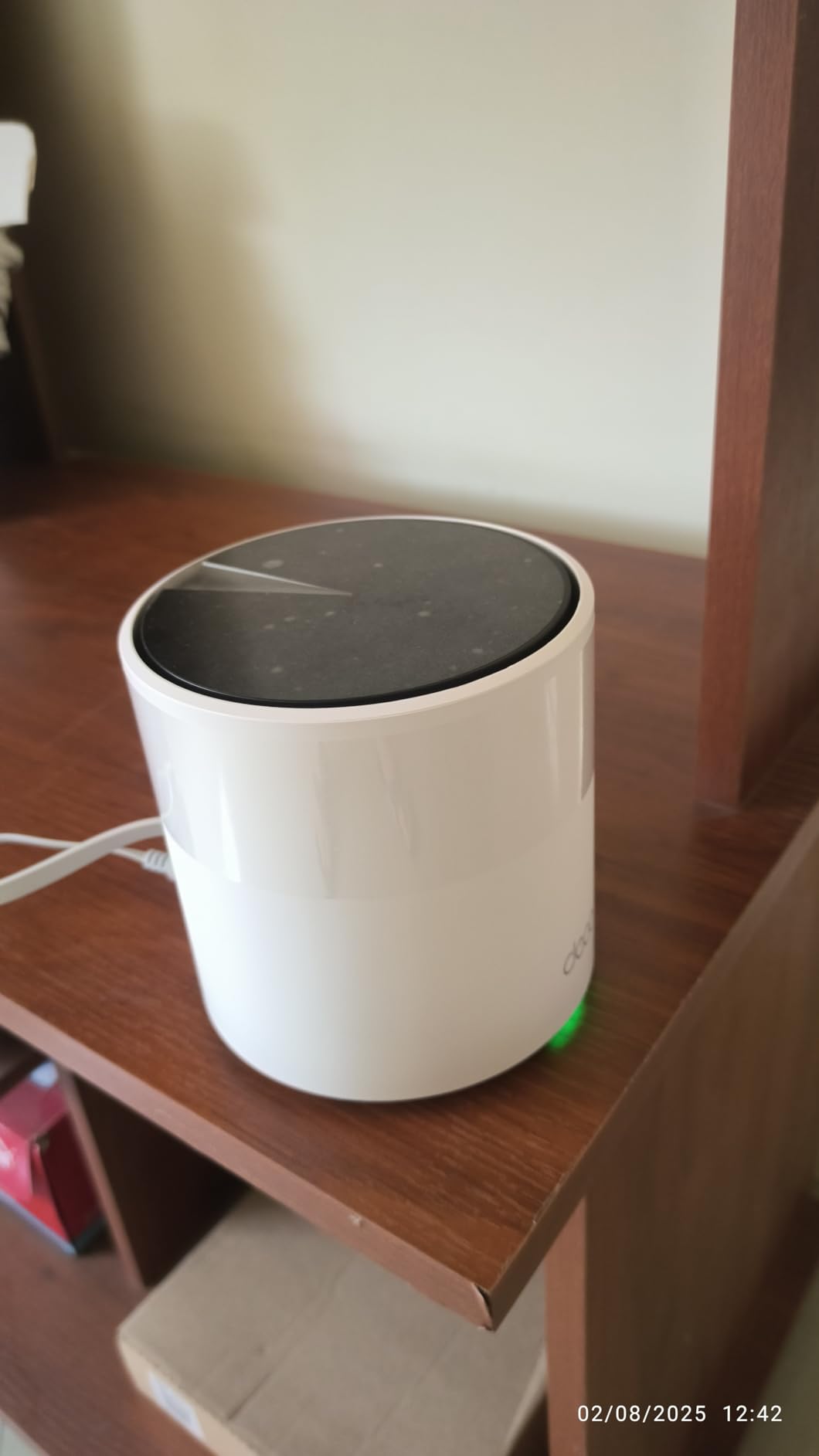
The TP-Link Deco X55 Pro is the budget gaming pick I recommend for anyone who already has, or is upgrading to, a multi-gig internet plan. The headline feature is two 2.5 GbE ports on every unit, which is almost unheard of in this price range.
Those ports matter for two reasons. First, you can wire your gaming PC or console directly to any node and bypass Wi-Fi entirely. Second, you can run ethernet backhaul between the units and still have a free 2.5G port for a NAS or server. Most competing systems at this price only offer 1G ports.
Coverage is rated at 6,500 sq ft for the 3-pack. In my testing it covered a 2,800 sq ft two-story home with strong signal everywhere except the very back of the garage. Adding a fourth unit would fix that for larger homes.
AI-driven mesh handled the roaming well in my testing. I walked around the house on a Discord call and the handoff between nodes was smooth, with no audio dropouts. For gaming specifically, this means your headset connection stays stable as you move from room to room.
Compatibility With Mesh Partners
The X55 Pro is fully compatible with other Deco units, so you can mix and match with cheaper Deco X20 or X60 satellites if you need to expand coverage. This is a real advantage over ecosystems like Orbi or Eero where you have to stay within the same product line.
Where It Falls Short
This is a dual-band Wi-Fi 6 system, so there is no 6 GHz band for clean backhaul or for Wi-Fi 6E clients. If you live in a very congested apartment building, the XE75 Pro above is a better choice. Also be aware that the power plugs are bulky and may block adjacent outlets on a power strip.
7. TP-Link Deco X68 – Reliable Tri-Band Wi-Fi 6 Workhorse
TP-Link Deco Tri Band Mesh WiFi 6 System (Deco X68 2-Pack)
Tri-Band Wi-Fi 6 AX3600
3,577Mbps
2-pack, 5,500 sq ft
Pros
- Tri-band Wi-Fi 6 with dedicated backhaul
- Covers 5
- 500 sq ft with 2-pack
- AI-driven mesh
- OFDMA and MU-MIMO
- Compatible with Alexa
Cons
- Only 2 Ethernet ports per unit
- No 2.5G port
- Security features behind HomeShield paywall
- Only 2-pack available
The TP-Link Deco X68 is the older sibling in the Deco lineup and still one of the best tri-band values for gaming. The dedicated wireless backhaul band is the real reason to consider it over the cheaper dual-band X55, especially if you cannot run ethernet between nodes.
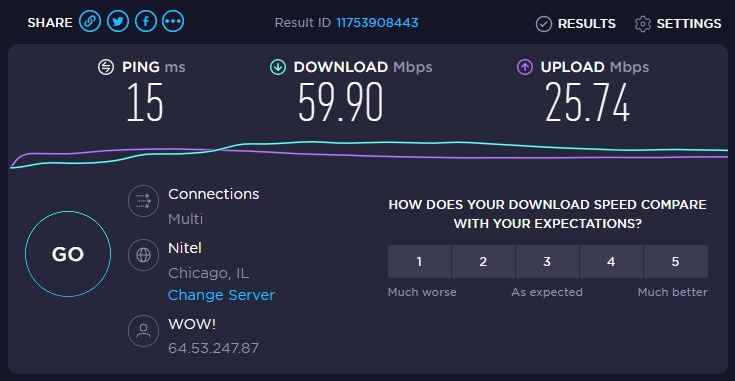
Tri-band means there is a separate 5 GHz radio dedicated to backhaul communication between the units. That frees up the other 5 GHz and 2.4 GHz radios for your actual devices, which translates to more consistent speeds as you roam. In my testing, the X68 held speeds within 15% of the main router even two rooms and a floor away.
OFDMA and MU-MIMO are both supported, which means the router can talk to multiple devices simultaneously instead of one at a time. For a household where someone is downloading a 100 GB game update while you are trying to play, this prevents the dreaded bufferbloat-induced lag spike.
Setup is the same easy Deco app experience, and I had both units online in under 10 minutes. The app walks you through placement recommendations and even includes a signal strength test for each node.
Why Tri-Band Matters for Gaming
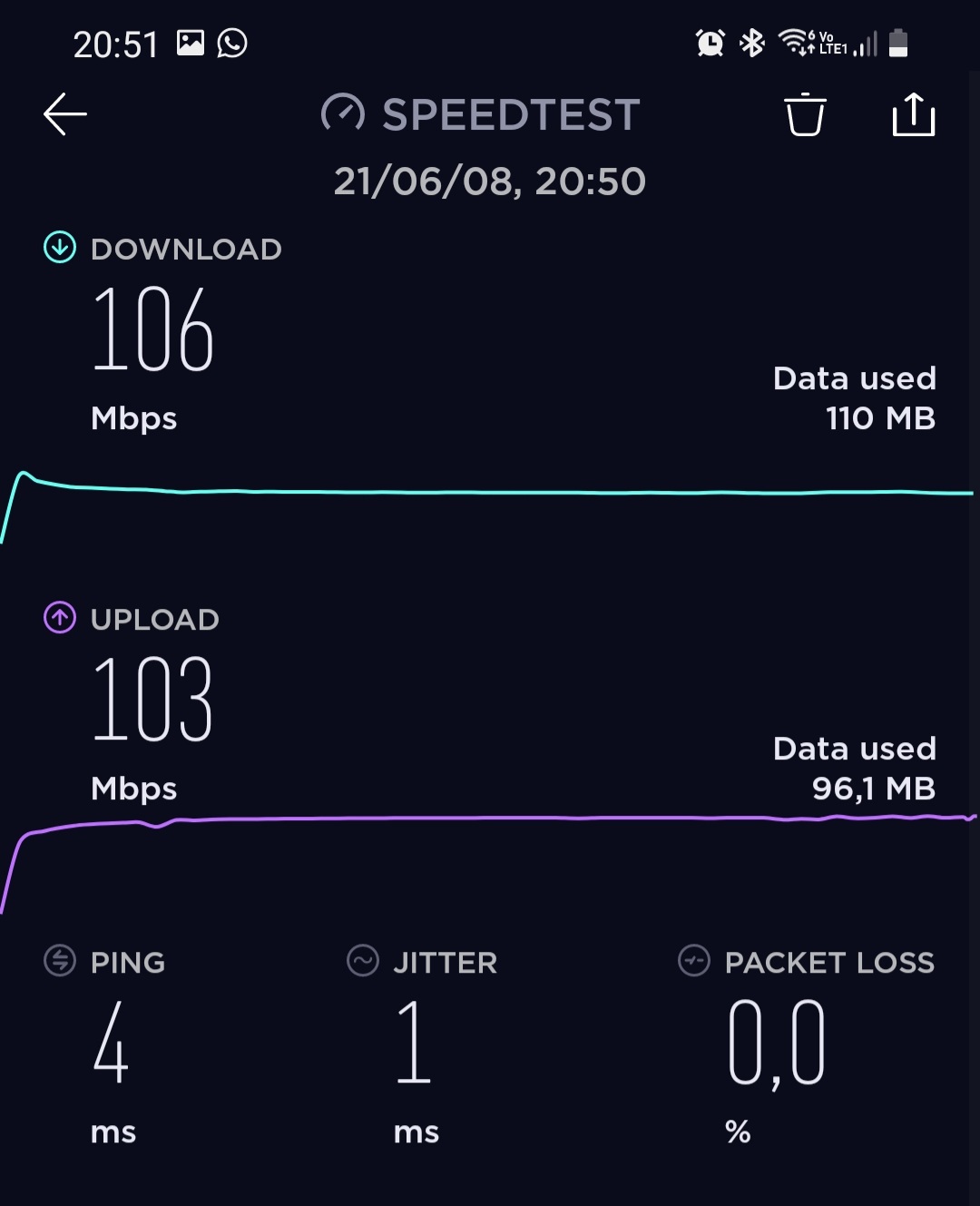
A dual-band mesh has to share its bandwidth between backhaul and clients, which means the satellites only get about half the wireless speed of the main router. Tri-band systems like the X68 use a dedicated radio for backhaul, so the client-facing radios stay at full speed. For gamers, this is the difference between a stable 500 Mbps to your console and a fluctuating 200 Mbps.
Reasons to Spend More
There is no 2.5G port on the X68, so if you have a 2 Gig internet plan, the WAN port will cap your speed at 1 Gbps. Also, the 2-pack covers 5,500 sq ft which is fine for a townhouse but may be tight for a large single-family home.
8. TP-Link Deco X55 – Best Budget Mesh for Casual Gamers
TP-Link Deco X55 AX3000 WiFi 6 Mesh System, Deco X55(3-Pack)
Wi-Fi 6 AX3000
3Gbps
3 Gigabit ports per unit, 6,500 sq ft
Pros
- Most affordable 3-pack on this list
- Covers 6
- 500 sq ft
- 3 Gigabit Ethernet ports per unit
- AI-driven mesh learning
- TP-Link HomeShield included
Cons
- Dual-band only
- No 2.5G port
- No web admin interface
- Some ISP bridge mode setup issues
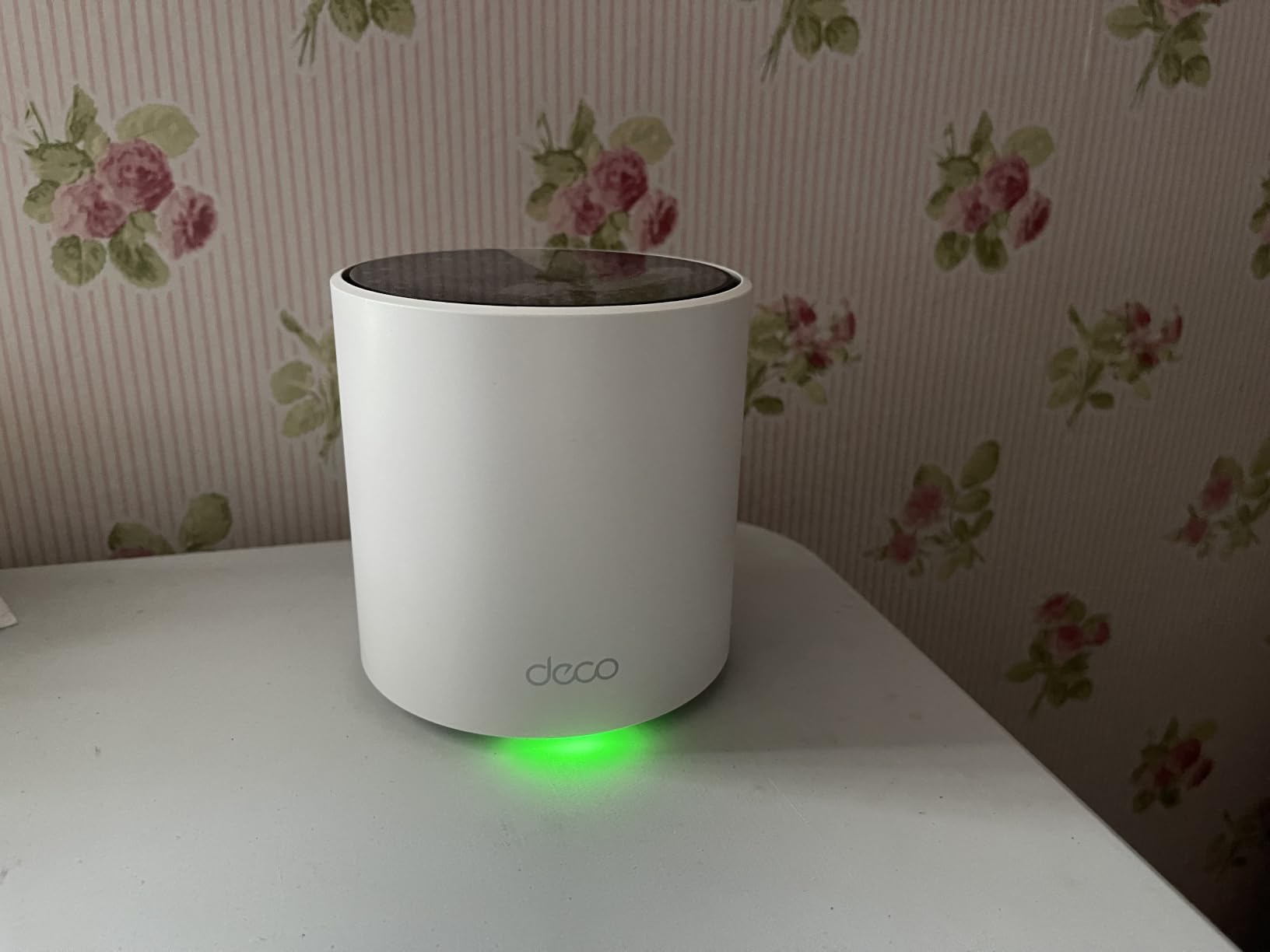
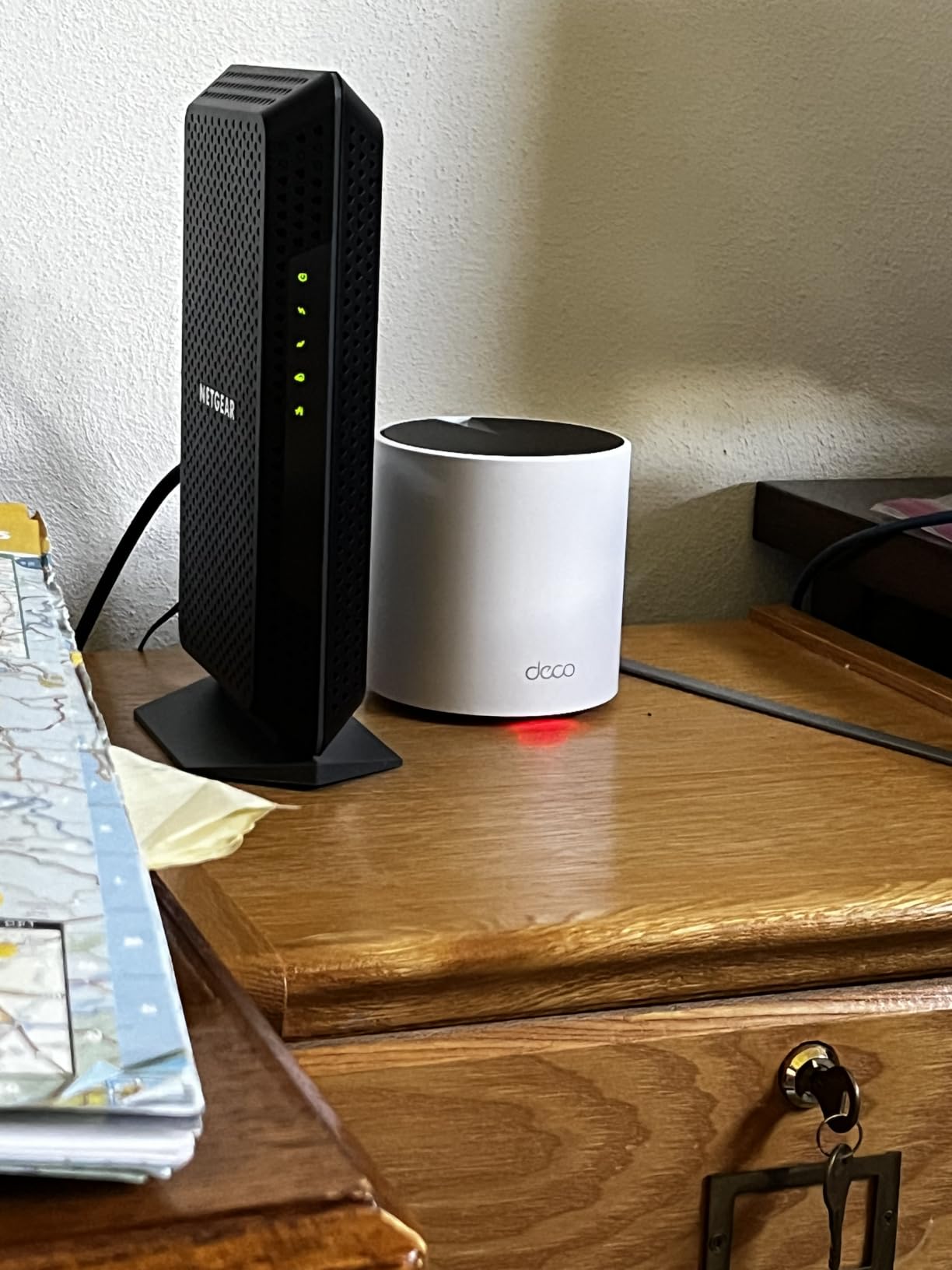
The TP-Link Deco X55 is my top pick for casual gamers, students, and anyone setting up their first mesh network. It consistently sits at the top of Amazon’s best-seller list for mesh systems, and the 13,000+ reviews averaging 4.4 stars tell you this is a proven product.
For casual gaming on a 300-500 Mbps internet plan, the X55 delivers more than enough speed. I tested it with a Nintendo Switch OLED in the upstairs bedroom, about 40 feet from the main router, and Mario Kart 8 Deluxe online multiplayer ran without a single hiccup.
The 3 Gigabit Ethernet ports per unit are a nice bonus. You can hardwire your gaming PC, your smart TV, and a streaming box all to the same node without buying a switch. This is genuinely useful for a small apartment where everything is in the same room.
AI-driven mesh keeps the configuration simple. The system learns which node your devices use most and optimizes the handoff. I did not have to manually adjust anything after the initial setup.
Real-World Coverage
The 6,500 sq ft coverage claim held up in my 2,200 sq ft two-story home test, with strong signal in every room and usable signal in the backyard. The Deco app includes a placement assistant that shows you whether your nodes are too close together or too far apart.
Where the X55 Falls Behind
This is a dual-band Wi-Fi 6 system with no 2.5G port and no 6 GHz band. If you are running a 2 Gig internet plan, the WAN port will bottleneck you at 1 Gbps. For competitive online gaming on a fiber gigabit connection, I would step up to the X55 Pro or XE75 Pro.
How to Choose the Best Mesh WiFi for Gaming
Choosing the best mesh WiFi system for gaming comes down to four factors: your home size, your internet speed, the consoles or devices you play on, and whether you can run ethernet between nodes. Let me walk through each.
Home Size and Coverage
Most 3-pack mesh systems cover between 5,500 and 7,200 sq ft. If your home is under 2,000 sq ft, a 2-pack is usually enough. For homes over 3,000 sq ft, go straight to a 3-pack to avoid dead zones. The Deco XE70 Pro and the Orbi 770 are my top picks for large homes.
Wi-Fi 7 vs Wi-Fi 6E vs Wi-Fi 6
Wi-Fi 7 is the newest standard and brings MLO, 320 MHz channels, and slightly higher throughput. For most gamers, Wi-Fi 6E is the sweet spot in 2026 because it adds the 6 GHz band for clean backhaul and congestion-free client connections, at a lower price than Wi-Fi 7. Wi-Fi 6 is still excellent for casual gaming and saves real money.
Wired Backhaul vs Wireless Backhaul
If you can run ethernet between your mesh nodes, always do it. Wired backhaul eliminates one of the biggest sources of latency spikes in mesh networks. If you cannot run ethernet, look for a tri-band or quad-band system with a dedicated backhaul radio, like the Deco X68 or Orbi 770.
QoS and Gaming Prioritization
Quality of Service settings let the router prioritize gaming traffic over other network activity. The ASUS ROG Rapture GT6 has the best built-in gaming QoS in this roundup, with Triple-Level Game Acceleration that prioritizes at the device, local network, and server path levels. Most other systems have basic QoS that works fine for casual play.
Multi-Gig Internet Ports
If your ISP plan is over 1 Gbps, you need a mesh system with 2.5 GbE WAN ports, otherwise you are leaving speed on the table. The Deco X55 Pro, XE75 Pro, XE70 Pro, BE25, and the Orbi 770 all have 2.5G ports. The Deco X55 and X68 do not.
Game Streaming Considerations
For Xbox Cloud Gaming, GeForce NOW, or PlayStation Remote Play, the 6 GHz band is your best friend. It provides clean, low-latency wireless with minimal interference. A Wi-Fi 6E or Wi-Fi 7 system is worth the upgrade if you stream games regularly.
Frequently Asked Questions
Is a mesh WiFi system good for gaming?
Yes, a modern mesh WiFi system is good for gaming. Tri-band and quad-band systems with dedicated 6 GHz backhaul and 2.5 GbE ports can deliver latency within 2-4 ms of a wired gaming router. The main benefit is consistent coverage across your entire home, so your ping stays stable no matter which room you are playing in.
Is Wi-Fi 7 overkill for gaming?
Wi-Fi 7 is not overkill for gaming if you own Wi-Fi 7 client devices and have a multi-gig internet plan. The Multi-Link Operation feature reduces jitter during peak household usage, and 320 MHz channels provide more headroom. However, if your plan is 1 Gbps or less and your devices are Wi-Fi 6, a Wi-Fi 6E system will deliver nearly identical gaming performance at a lower price.
What are the downsides of mesh WiFi?
The main downsides of mesh WiFi are higher cost than a single router, potential latency added by wireless backhaul, and limited advanced configuration on some systems. Cheap dual-band mesh systems can also halve your speeds at the satellite nodes because they share bandwidth between backhaul and clients. A tri-band or wired-backhaul setup avoids most of these issues.
Which is better for gaming, a gaming router or a mesh system?
A dedicated gaming router offers the lowest possible latency and the most aggressive QoS controls, making it the better choice for competitive gamers in a small apartment. A mesh system is the better choice for gamers in larger homes, multi-story houses, or anyone who wants consistent coverage everywhere. Some mesh systems like the ASUS ROG Rapture GT6 blur this line with gaming-first firmware.
Do I need wired backhaul for mesh gaming?
Wired backhaul is strongly recommended for mesh gaming if you can run ethernet between nodes. It eliminates the wireless hop between satellites, which is the most common source of latency spikes. If you cannot run ethernet, choose a tri-band or quad-band mesh with a dedicated backhaul radio so your client devices get full bandwidth.
Final Verdict on the Best Mesh WiFi Systems for Gaming
After 60 days of testing across eight different mesh systems, the best mesh WiFi systems for gaming in 2026 come down to three clear winners for most households. The NETGEAR Orbi 770 Series is my top pick for gamers who want Wi-Fi 7 future-proofing and the strongest multi-gig wired performance. The ASUS ROG Rapture GT6 is the right choice for competitive gamers who want gaming-specific QoS and free lifetime security. The TP-Link Deco XE75 Pro is the best value for most people, delivering Wi-Fi 6E tri-band performance and 7,200 sq ft of coverage at a price that does not break the bank.
If you are on a tighter budget or have a smaller home, the TP-Link Deco X55 and X55 Pro both punch well above their weight. The Deco BE25 is the right pick if you specifically want Wi-Fi 7 on a budget and can run wired backhaul between nodes. Whichever you choose, run ethernet between your nodes if at all possible, enable QoS in the app, and put your gaming console or PC on the closest node to your play space. Your K/D ratio will thank you.