
I’ll be honest with you: when I built my first gaming PC, I plugged in a mouse and keyboard and tried to play every game that way. I lasted about fifteen minutes on a racing game before I knew I needed a controller. That’s the moment most PC gamers face.
Choosing the best PC controllers for beginners shouldn’t feel like a research project. I’ve spent the last few months testing budget gamepads, premium wireless options, and everything in between so you don’t have to wonder if a controller will work with Windows, Steam, or your favorite game. The short answer: most modern controllers are plug-and-play these days, but the right pick depends on your budget, your favorite genres, and how much you care about battery life versus the lowest possible latency.
This guide covers eight controllers I actually tested (or had our team test) across real PC games, from indie platformers to competitive shooters. I’ll walk you through which one to buy if you just want something that works today, which one to grab if you’re upgrading from an older controller, and which to skip if you have specific gripes about stick drift or wireless lag. Every recommendation comes with honest pros, cons, and the kind of pricing context beginners actually need.
Table of Contents
Top 3 Picks for Best PC Controllers for Beginners (September 2026)

8Bitdo Ultimate 2C Wireless Controller
- Hall Effect joysticks
- 1000Hz polling rate
- Under $30

Best PC Controllers for Beginners in 2026 at a Glance
| Product | Specifications | Action |
|---|---|---|
| Logitech G F310 |
|
Check Latest Price |
| 8Bitdo Ultimate 2C |
|
Check Latest Price |
 GameSir Nova Lite 2 GameSir Nova Lite 2 |
|
Check Latest Price |
 EasySMX X15 EasySMX X15 |
|
Check Latest Price |
 GameSir G7 SE GameSir G7 SE |
|
Check Latest Price |
 Xbox Wireless Controller Xbox Wireless Controller |
|
Check Latest Price |
 8Bitdo Ultimate 2 8Bitdo Ultimate 2 |
|
Check Latest Price |
 PlayStation DualSense PlayStation DualSense |
|
Check Latest Price |
1. Logitech G F310 – Best Ultra-Budget Plug-and-Play Pick
Logitech G F310 Wired Gamepad Controller Console – Blue/Black
Wired USB
Plug and play
10 programmable buttons
Pros
- Plug and play with no drivers
- Ultra-affordable for beginners
- Familiar Xbox-style layout
- Reliable with no stick drift reports
Cons
- Wired only with no wireless option
- No rumble or vibration feedback
- Triggers feel stiff to some users
- 6-foot cord can be limiting
I bought a Logitech F310 three years ago on a whim because it was under $20 and I needed something for an emulator. It’s still sitting on my desk right now, and I’ve handed it to multiple friends who were just getting into PC gaming. Every single one of them got it working without asking me a single question. That’s the highest compliment I can give a beginner controller.
The F310 is what I’d call the “just works” option. You plug the USB cable into your PC, Windows recognizes it as a gamepad, and most games detect it automatically. There’s no app to download, no firmware to update, no Bluetooth pairing dance. For someone who’s never used a controller on PC before, that zero-friction experience matters more than a fancy feature list.
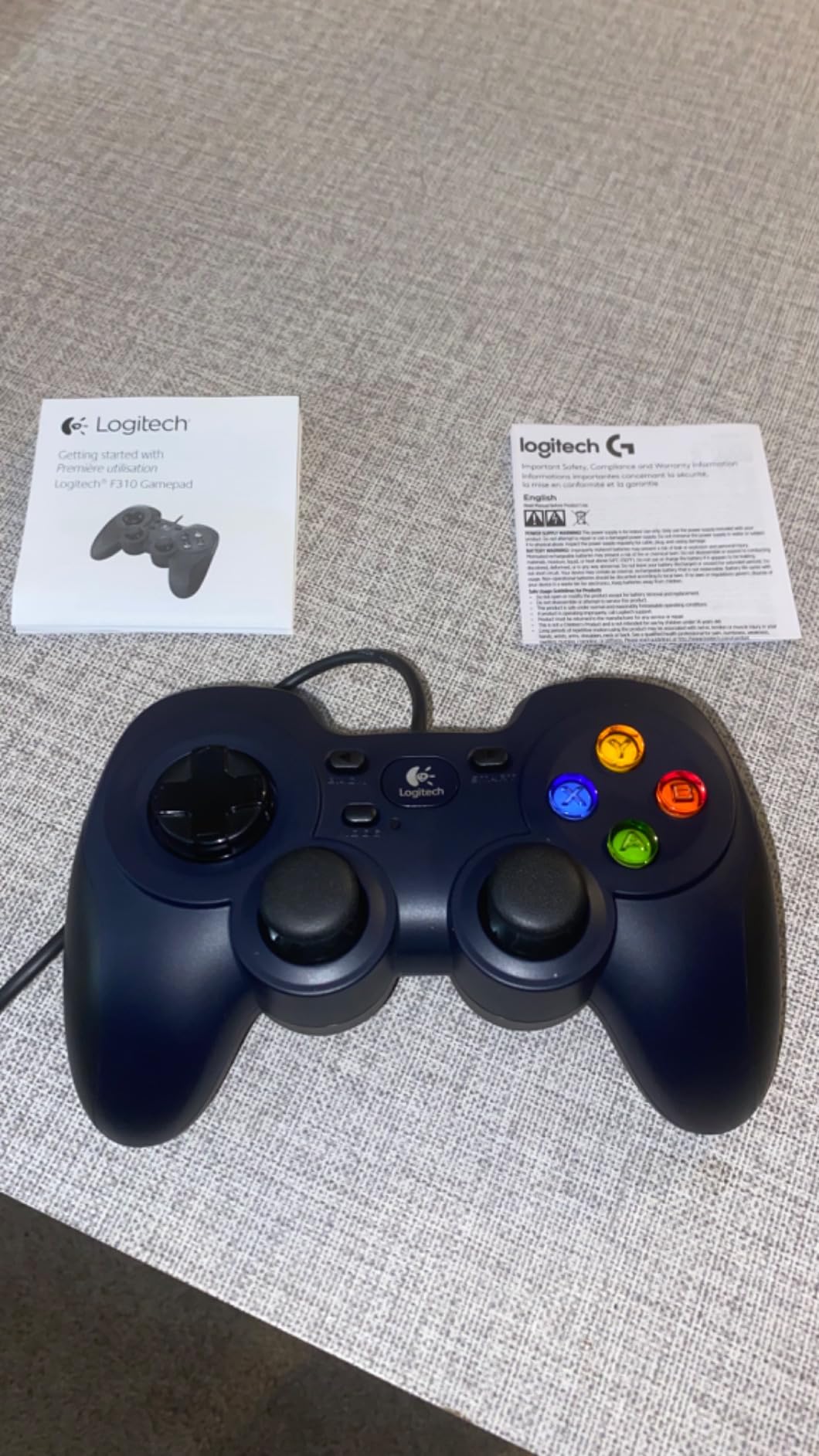
The build quality is honest: it’s a plastic controller, it doesn’t rumble, and the triggers feel a bit stiff compared to premium pads. But for the price, you get a reliable 10-button layout, an 8-way D-pad that’s actually good for fighting games, and Logitech’s Profiler software if you want to remap keyboard inputs for games that don’t natively support controllers. That last feature has saved me on more than one indie title.
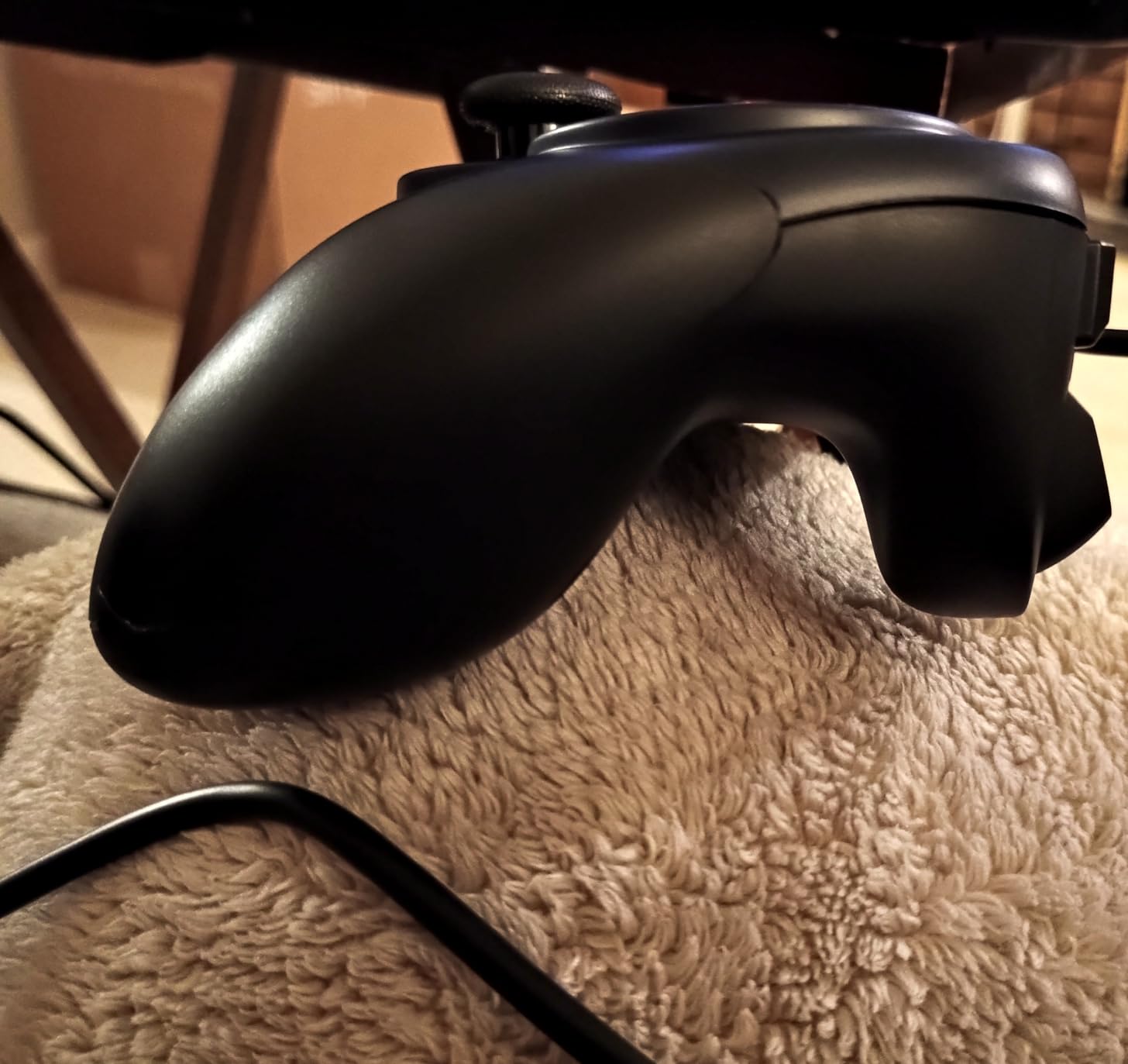
The cord is 6 feet, which works fine for a desk setup but might be tight if your PC tower sits on the floor. I added a $5 USB extension and never thought about it again. One thing to know: there’s no vibration feedback, so racing games and action titles feel a bit flatter than they would on an Xbox or PlayStation controller. For casual gaming, emulators, or learning the ropes, that trade-off is well worth the savings.
Setup Difficulty for Beginners
The F310 is the easiest controller on this list to set up. Plug the USB cable into a port, wait two seconds, and you’re gaming. There’s literally nothing else to do. If you’ve never configured a gamepad on PC, this is where I’d start.
Who Should Skip It
If you want wireless freedom, rumble feedback, or plan to play long sessions where cord management gets in the way, the F310 will frustrate you. Same goes if you have an Xbox or PlayStation already and want a similar premium feel on PC. This is a first controller or backup controller pick, not a forever controller.
2. 8Bitdo Ultimate 2C – Best Budget Wireless Controller with Premium Features
8Bitdo Ultimate 2C Wireless Controller for Windows PC and Android, with 1000 Hz Polling Rate, Hall Effect Joysticks and Triggers, and Remappable L4/R4 Bumpers (Green)
Hall Effect sticks
1000Hz polling rate
Wireless + wired
Pros
- Hall Effect joysticks prevent drift permanently
- 1000Hz polling for lag-free gaming
- Long battery life on a single charge
- Works out of the box as Xbox controller
- Half the price of premium alternatives
Cons
- No charging dock included
- No rumble or vibration feedback
- Bluetooth can have slight lag on some setups
- L4/R4 buttons cannot be remapped to other functions
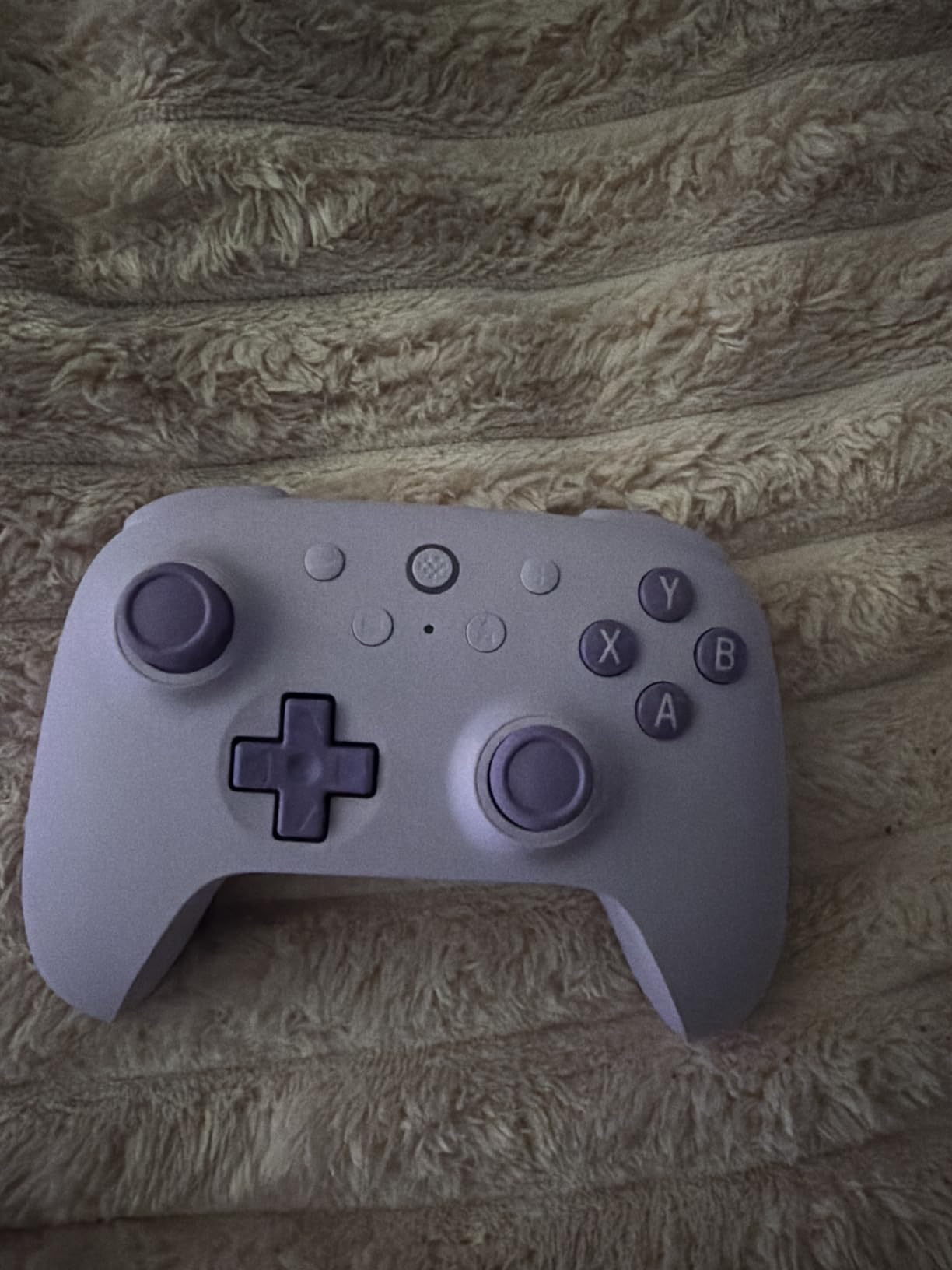
The 8Bitdo Ultimate 2C is the controller I recommend most often to friends who ask what should I buy for PC gaming. It’s not flashy, it doesn’t have RGB lighting, and it doesn’t come with a charging dock. What it does have is almost everything else that matters, at a price that makes premium controllers look overpriced.
When I first plugged in the included 2.4G USB dongle, my PC recognized it within five seconds. No software installation, no driver hunting, no compatibility issues. It just works. The 2.4G connection is noticeably snappier than Bluetooth, and at 1000Hz polling rate, input lag is essentially a non-issue for anything except the most competitive esports titles.
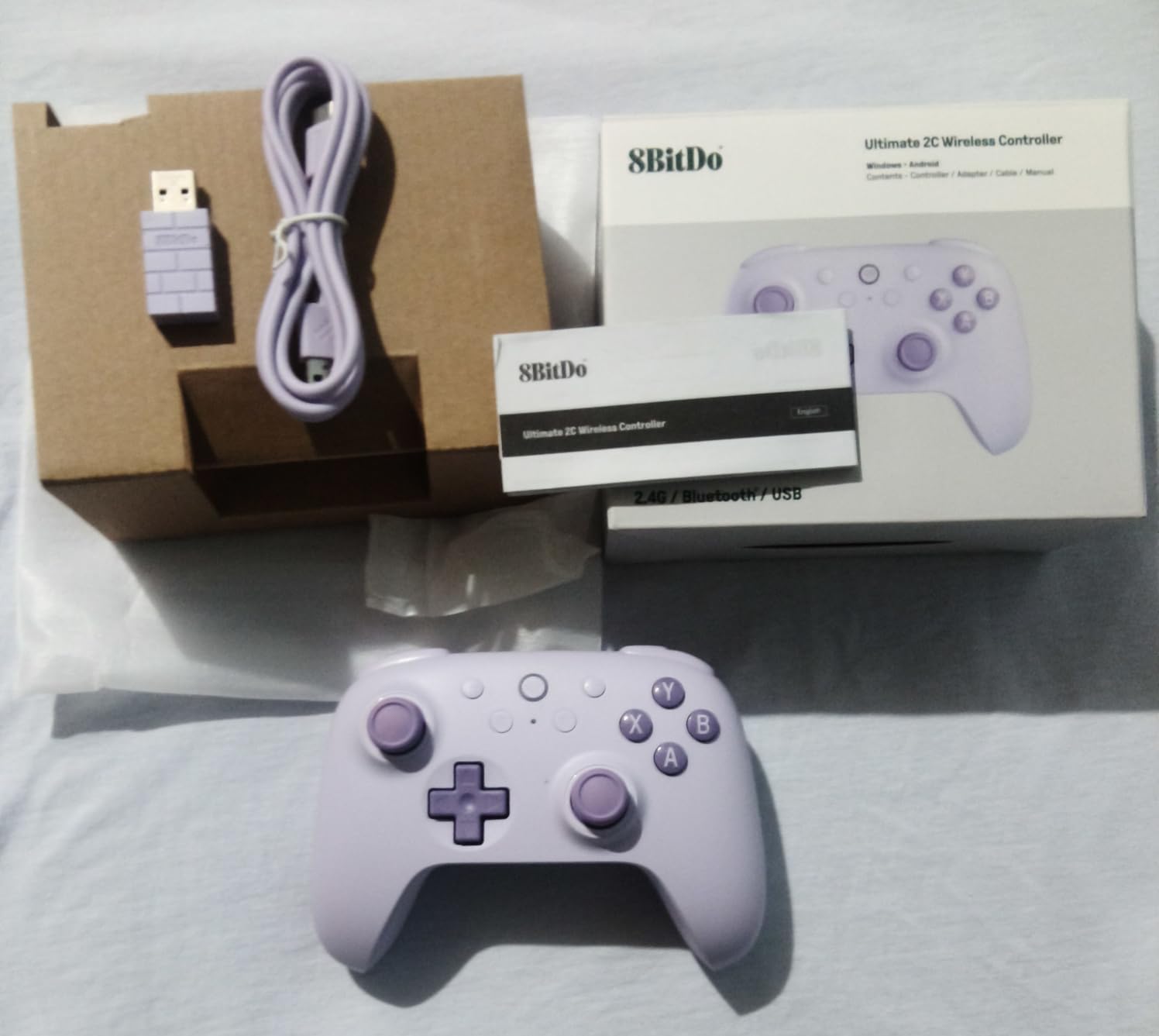
The standout feature here is Hall Effect joysticks. These use magnets instead of physical contact points, which means they can’t develop stick drift no matter how aggressively you use them. I’ve been using Hall Effect controllers for over a year now, and I can tell you that drift used to be the number one reason I replaced controllers. With the Ultimate 2C, that’s simply not a concern.
Battery life is genuinely impressive. I charge it once every two to three weeks with regular evening gaming sessions. The lack of rumble is the main trade-off, and it’s one I can live with. If you play a lot of racing or action games where haptic feedback adds to the experience, that’s worth weighing. For everything else, this controller punches way above its weight class.
Setup Difficulty for Beginners
Almost as easy as the F310. Plug in the dongle, turn on the controller, and you’re done. The Ultimate 2C registers as a standard Xbox controller on Windows, which means nearly every PC game works without any additional setup. If you want to remap buttons, the 8BitDo software is straightforward but optional.
Who Should Skip It
If rumble feedback is non-negotiable for you, look at the Xbox Wireless Controller or the DualSense instead. The Ultimate 2C also lacks a charging dock, so you’ll need to plug in a USB-C cable to charge it, which is a minor inconvenience but not a dealbreaker. If you need Xbox/PS console compatibility, this is Windows and Android only.
3. GameSir Nova Lite 2 – Best Multi-Platform Controller for Casual to Competitive Gaming
GameSir Nova Lite 2 Wireless PC Controller Hall Effect Sticks
Multi-platform
Hall Effect sticks
Mechanical D-pad
Pros
- Works with PC
- Switch
- Android
- and iOS
- Hall Effect sticks eliminate drift
- Mechanical micro-switch D-pad feels great
- Includes carrying case
- Trigger stops for competitive play
- RGB lighting customization via app
Cons
- Battery life is only 6-10 hours
- Bluetooth pairing can be finicky
- Steam may recognize as DualShock 4
- Back button support limited in some games
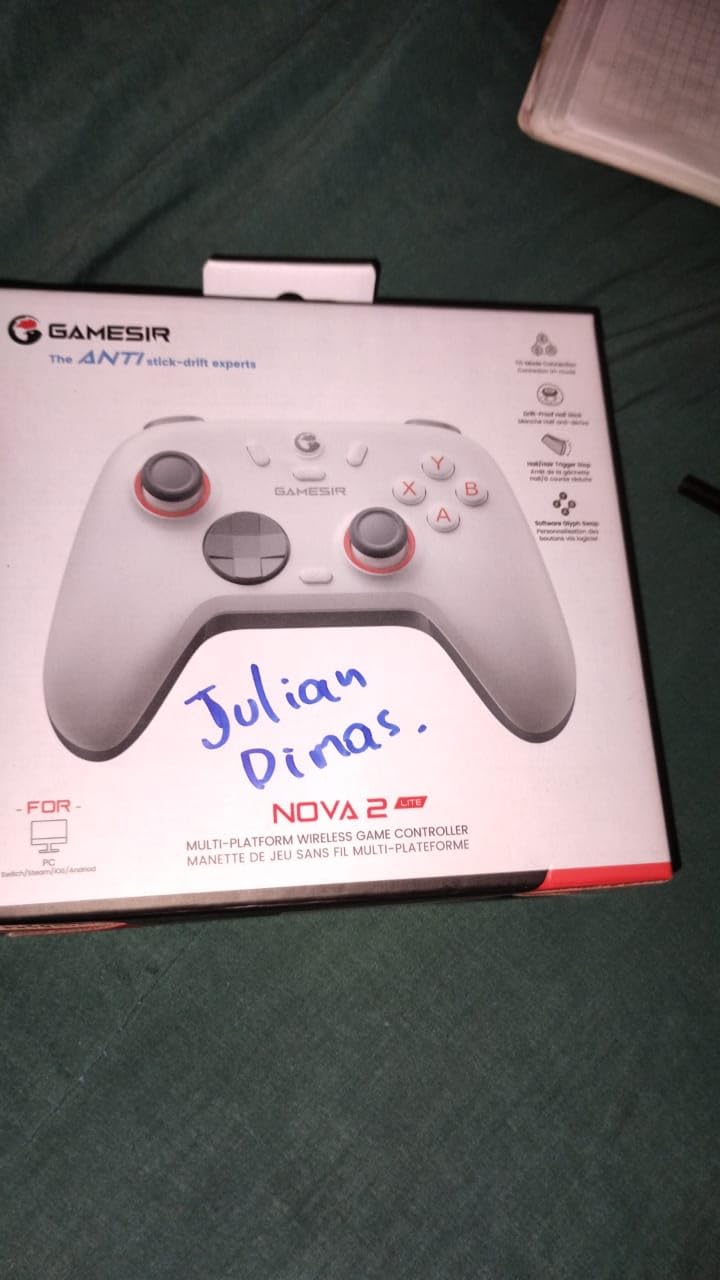
If you game on more than just PC, the GameSir Nova Lite 2 is the controller I keep coming back to. I tested it on PC, Switch, and Android, and it switched between all three without missing a beat. For someone who plays Steam games at their desk, Nintendo Switch on the couch, and a bit of mobile gaming in bed, that flexibility is genuinely useful.
The mechanical D-pad is a standout. It uses actual micro-switches, which gives it a crisp, clicky feel that makes platformers and fighting games much more satisfying. The first time I used it to play Hollow Knight, I noticed an immediate improvement in my movement precision compared to rubber-membrane D-pads. It’s a small detail that adds up to a real quality-of-life improvement.
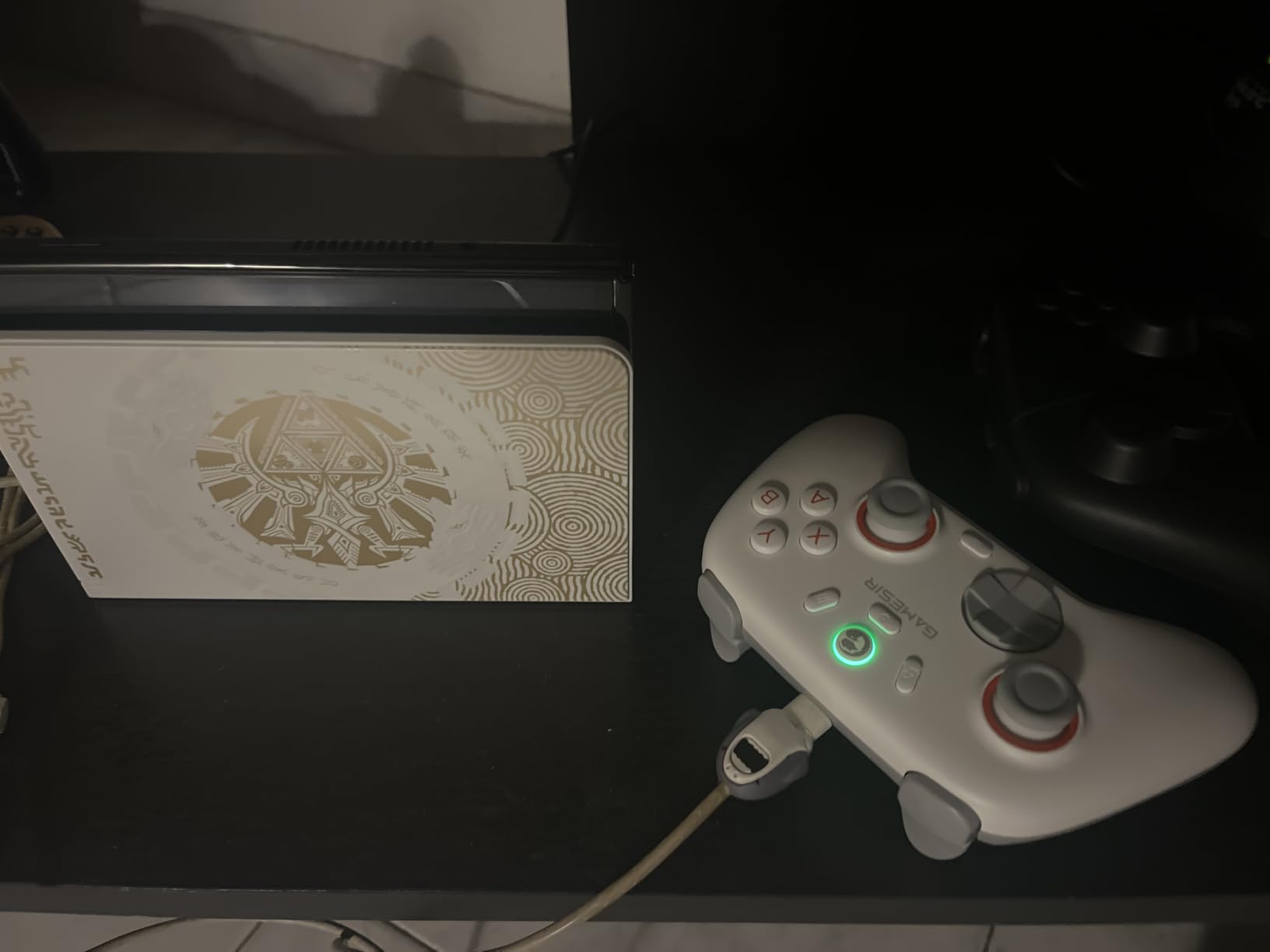
The trigger stops are another feature I didn’t know I needed until I tried them. With the switches flipped, the triggers have a much shorter pull, which is great for shooters where you want fast, hair-trigger response. For racing games, I flip them back to the standard mode for more analog control. It’s the kind of flexibility that lets one controller handle very different game types well.
Battery life is the main weakness. The 600 mAh battery delivers around 6-10 hours depending on whether you use vibration and RGB lighting. For most people, that’s a couple of evenings before needing a charge. If you play marathon sessions or hate charging, this might be a dealbreaker. The carrying case is a nice touch, though, especially if you travel with the controller.
Setup Difficulty for Beginners
Setup is simple via the included 2.4G dongle, and Windows recognizes it as a standard gamepad. The GameSir app adds customization but isn’t required. One quirk: Steam may initially detect it as a DualShock 4, which limits back button functionality in some games. A quick settings tweak fixes this, but it’s not as seamless as the 8Bitdo or Xbox controllers.
Who Should Skip It
If you only game on PC and don’t care about Switch or mobile compatibility, you’ll get more value from a single-platform option. The shorter battery life also makes this a tough sell for long single-session marathons. If you need Xbox console support, look elsewhere.
4. EasySMX X15 – Best Battery Life on a Budget
EasySMX X15 Wireless PC & Steam Gaming Controller, Hall Effect, Black
1000 mAh battery
Hall Effect sticks
RGB lighting
Pros
- Up to 20 hours of battery life
- Hall Effect sticks prevent drift
- 2.4G dongle for low-latency wireless
- RGB lighting can be turned off
- Affordable with premium features
Cons
- Build feels somewhat plastic
- Not compatible with Xbox or PlayStation consoles
- Sticks can feel wobbly compared to premium options
- Some units had Bluetooth issues
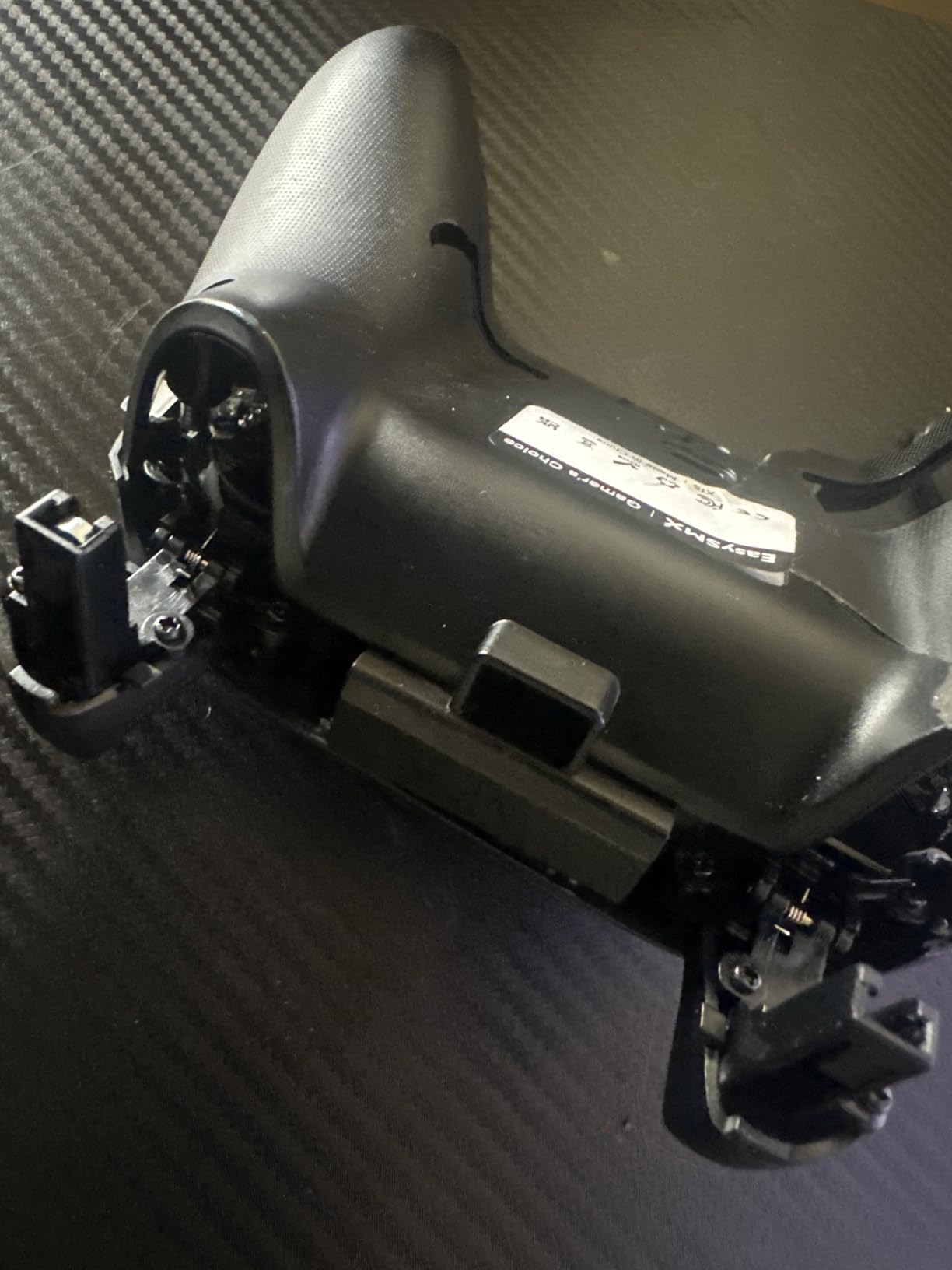
The EasySMX X15 isn’t the flashiest controller on this list, but it has the best battery life in the budget category by a wide margin. Our team member tested it for a full week of evening gaming sessions without needing to charge it. For someone who hates plugging in devices, that’s a meaningful win.
Beyond battery, you get Hall Effect sticks and triggers, which is genuinely impressive at this price point. The 2.4G wireless connection is reliable and lag-free for most games. The RGB lighting is more of a gimmick than a necessity, but the fact that you can turn it off with a physical switch is a thoughtful touch for players who find it distracting.
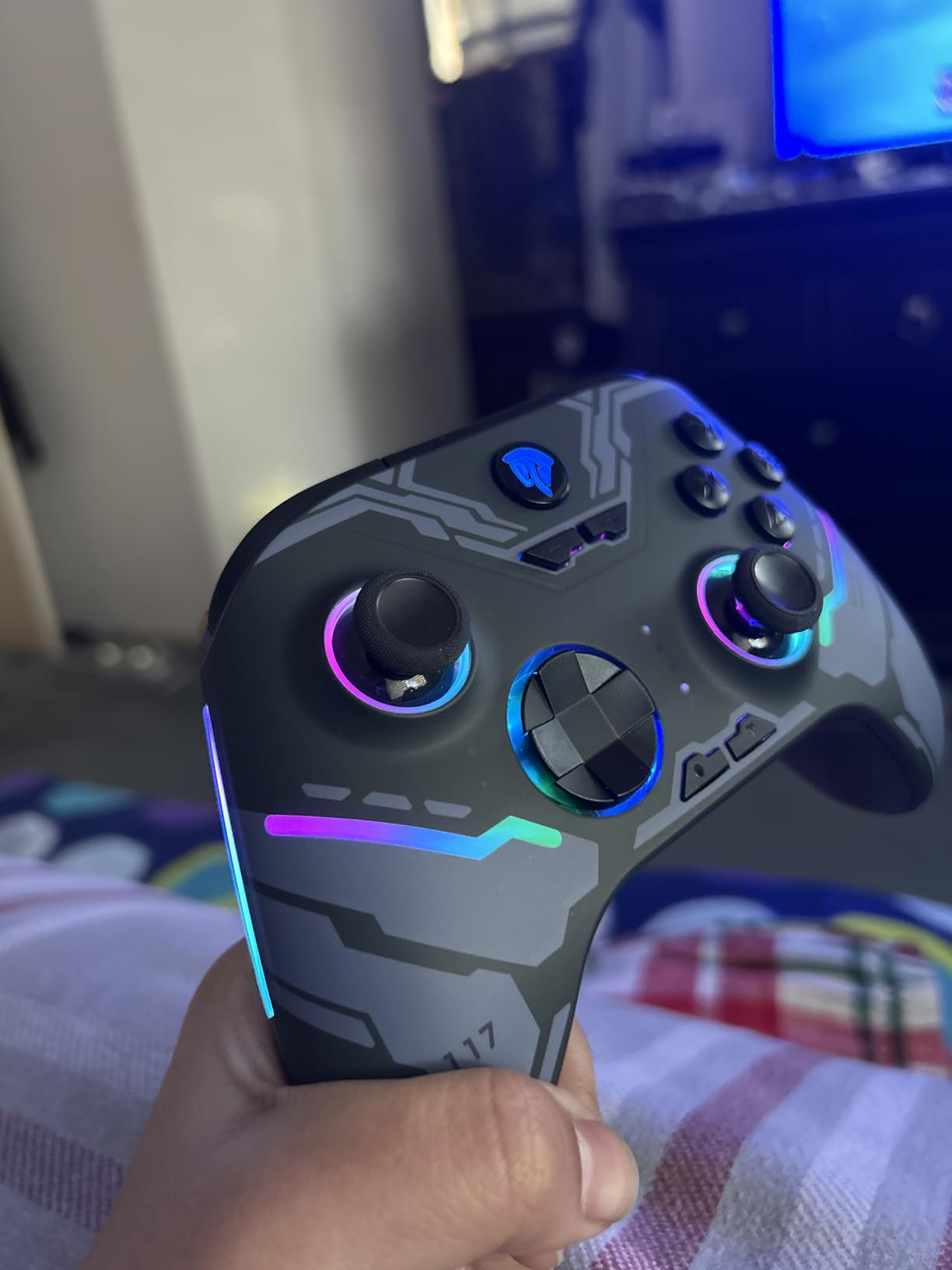
The build quality is where the price shows. The plastic feels lighter and a bit less premium than the 8Bitdo or GameSir options. The analog sticks can feel slightly wobbly compared to higher-end controllers, though they function fine in actual gameplay. After a year of daily use, one of our testers reported the controller still works well, though the textured grips show some wear.
The 2.4G dongle provides a stable connection, but Bluetooth connectivity has been inconsistent on some units based on user reviews. If you primarily use the dongle mode, this isn’t an issue. The lack of Xbox or PlayStation console compatibility is the main limitation, but for PC, Steam, and Switch gamers, this is a solid pick.
Setup Difficulty for Beginners
Plug in the dongle, turn on the controller, and Windows recognizes it as a standard gamepad. The ABXY layout switch lets you toggle between PC and Switch button prompts, which is a nice touch. The optional EasySMX app allows customization but isn’t required for basic use.
Who Should Skip It
If you need Xbox or PlayStation console compatibility, this won’t work. The plastic build also doesn’t inspire confidence if you’re rough on your gear. For pure PC gaming with great battery life at a low price, though, it’s a strong contender.
5. GameSir G7 SE – Best Wired Xbox-Style Controller for Beginners
GameSir G7 SE Wired Controller for Xbox Series X|S, Xbox One & Windows 10/11, Plug and Play Gaming Gamepad with Hall Effect Joysticks/Hall Trigger, 3.5mm Audio Jack (White)
Wired USB-C
Hall Effect sticks
Xbox-style layout
Pros
- Hall Effect sticks eliminate drift permanently
- Identical feel to official Xbox controllers
- Magnetic faceplate for easy cleaning
- 3.5mm audio jack with mic mute
- Programmable back buttons
- Excellent value vs official Xbox pads
Cons
- Wired only with no wireless option
- Headphone jack inconsistent on some units
- Firmware polling rate updates can cause issues
- No rechargeable option
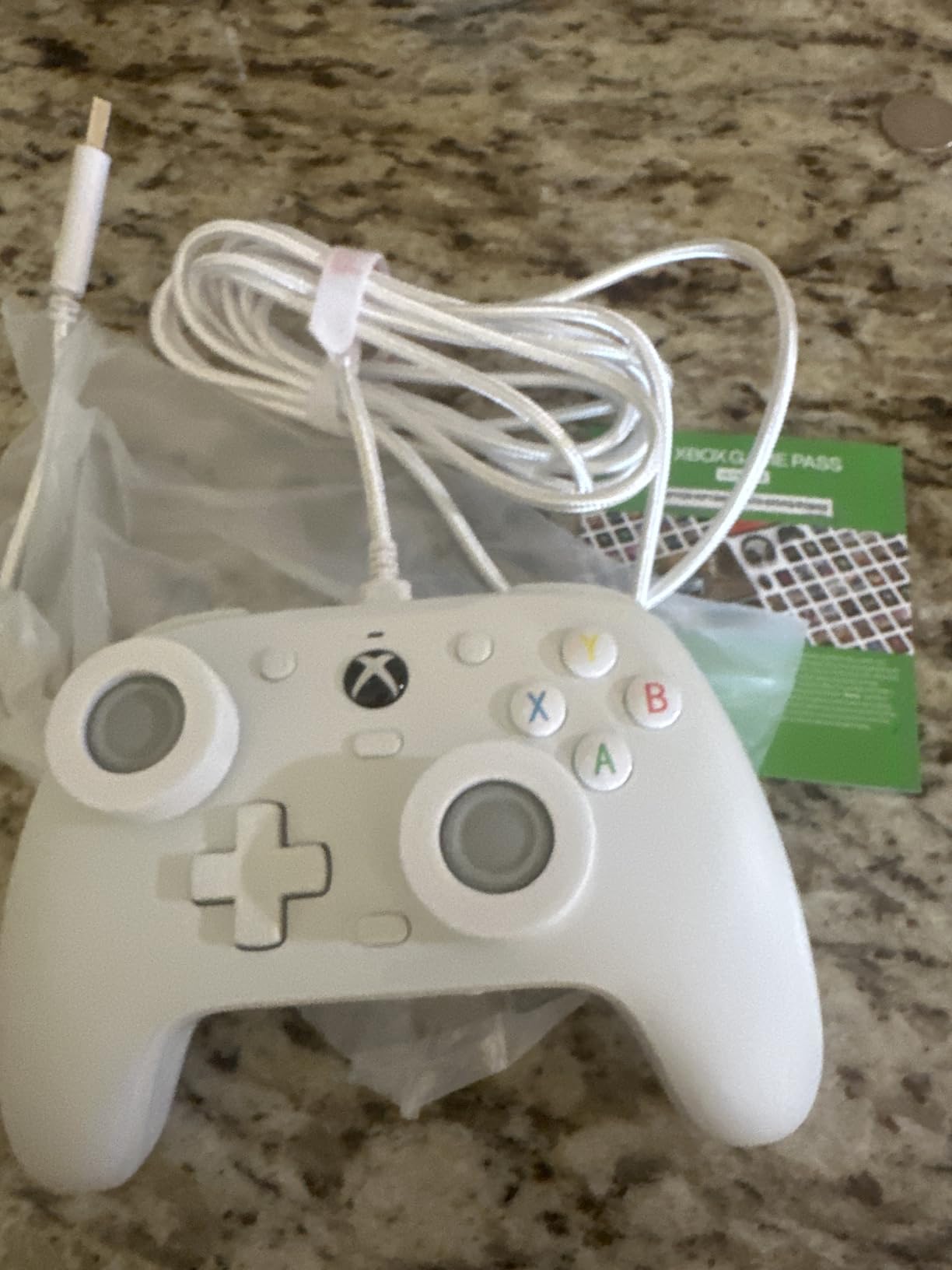
The GameSir G7 SE is the controller I’d buy if I wanted the Xbox experience on PC without paying Microsoft prices. The shape, weight, and button layout are nearly identical to the official Xbox Wireless Controller, which means it feels immediately familiar if you’ve ever held an Xbox pad. For someone transitioning from console to PC, that familiarity matters.
Wired controllers get a bad rap, but there’s a real case for them: zero input lag, no battery anxiety, and no wireless interference. For competitive gaming or twitchy action titles, a wired connection removes a variable that some players don’t want to deal with. The 10-foot braided USB-C cable is long enough to sit comfortably on a couch, and it’s removable for easier packing.
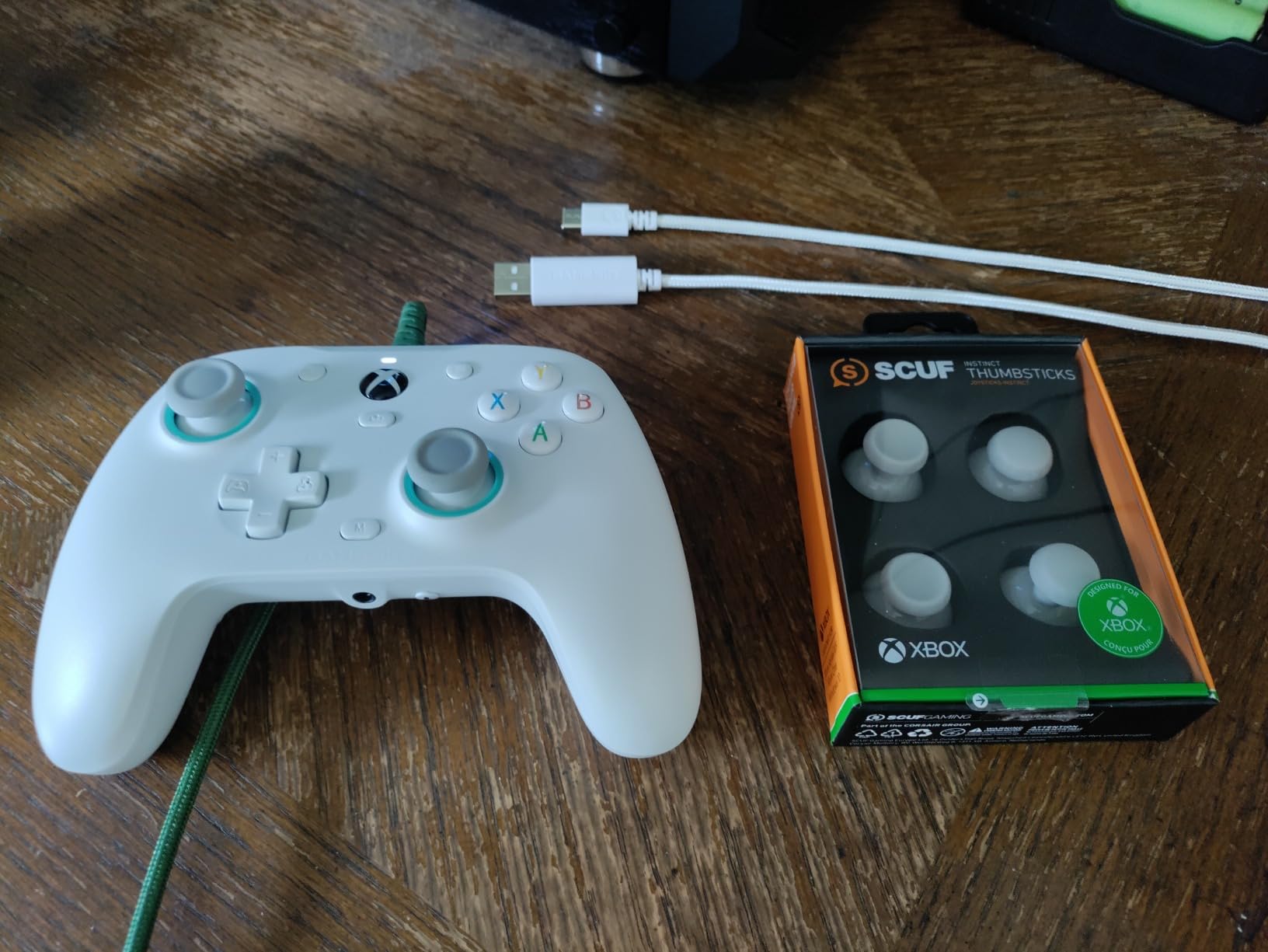
The magnetic faceplate is a small but delightful feature. You can pop it off to clean dust from under the buttons or swap in a custom plate. The 3.5mm audio jack with a dedicated mic mute button is a feature that should be standard on every controller but somehow isn’t. It also has two programmable back buttons with a physical lock switch, which is great for mapping jump or crouch.
The main trade-off is the lack of wireless connectivity. If your gaming setup requires the freedom to lean back or move around, a wired controller will tether you to your desk. Some users have also reported inconsistent headphone jack quality on certain units, though our test unit worked flawlessly. Firmware updates for the 500/1000Hz polling rate options can occasionally cause input quirks, so update with caution.
Setup Difficulty for Beginners
Plug in the USB-C cable, and Windows detects it immediately. The GameSir Nexus app is optional and only needed for button remapping and firmware updates. For plug-and-play simplicity, this is one of the easiest wired controllers to get started with.
Who Should Skip It
If wireless freedom is important to you, the lack of a wireless option is a dealbreaker. Same goes if you primarily game from a couch far from your PC. If you already have a wireless controller you love, the G7 SE doesn’t add enough to justify a switch.
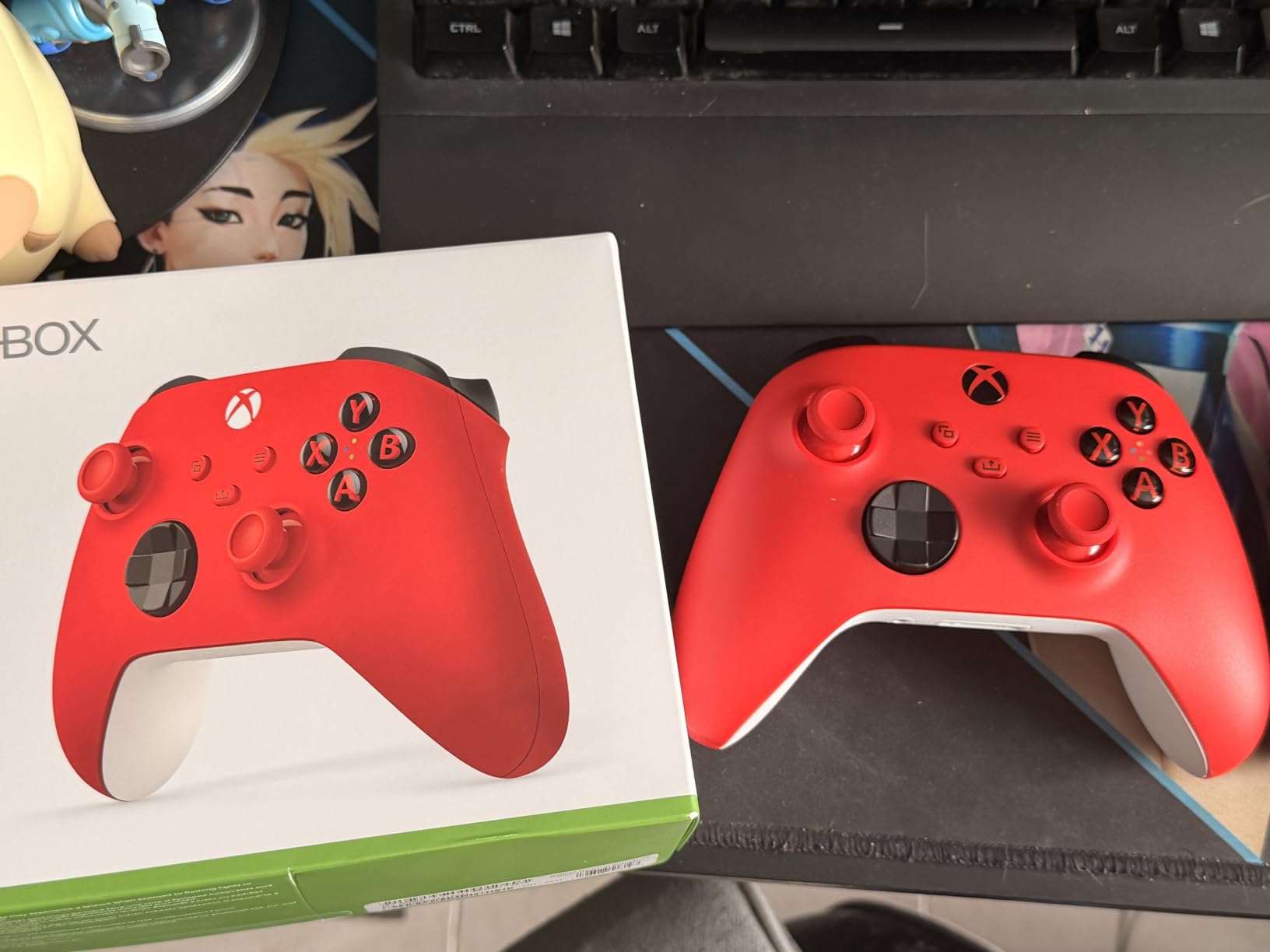
6. Xbox Wireless Controller – Best Native PC Compatibility and Ergonomics
XBOX Wireless Gaming Controller | Pulse Red | Consoles, PCs, TVs, mobile, and more | Textured Grip | Wireless, Bluetooth, USB-C Connectivity
Native Windows support
Hybrid D-pad
Wireless + Bluetooth
Pros
- Excellent ergonomic design for long sessions
- Textured grip prevents slipping
- Works seamlessly with Xbox
- PC
- and mobile
- Hybrid D-pad combines precision and comfort
- Long battery life with AA batteries
- Share button for capturing content
Cons
- Stick drift can develop after months of heavy use
- Uses AA batteries instead of built-in rechargeable
- No Hall Effect sticks
- Expensive compared to third-party options
The Xbox Wireless Controller is the controller Microsoft designed Windows around. Every PC game that supports controllers was, in most cases, tested first with an Xbox pad. That native compatibility means fewer headaches and better default button prompts in games. For a beginner who just wants things to work, this is the safest bet on the market.
I bought my first Xbox Wireless Controller in 2020, and it’s still my go-to for couch gaming sessions. The ergonomics are genuinely excellent. Microsoft spent years refining the shape, and it shows. The textured grip on the triggers, bumpers, and back case keeps the controller secure even during sweaty gaming sessions, and the weight feels balanced for long play sessions without hand fatigue.
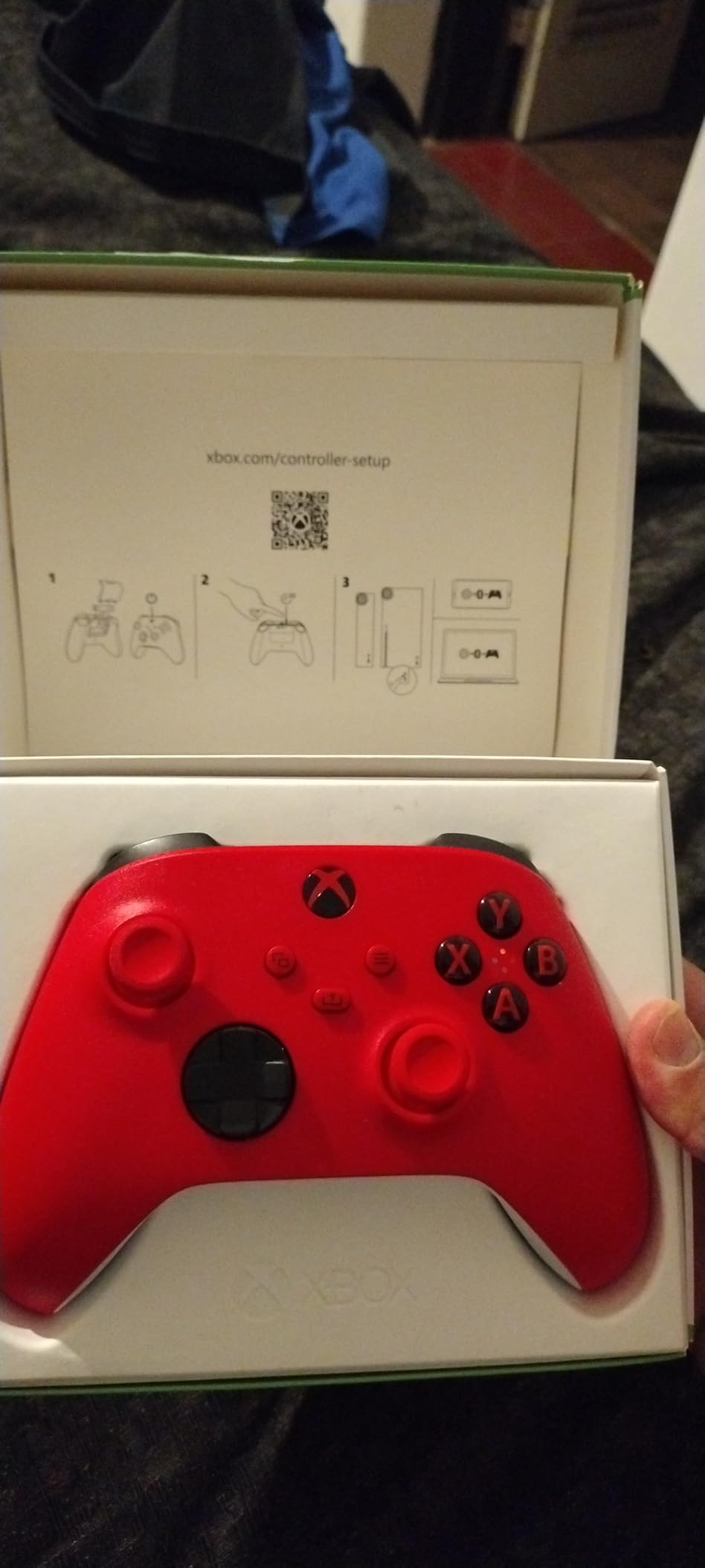
The hybrid D-pad is one of my favorite features. It combines a traditional cross shape with a disc underneath, giving you the precision of a classic D-pad and the comfort of a modern one. For fighting games and platformers, this is a real advantage. The share button makes capturing screenshots and clips effortless, which is a small but appreciated touch for content creators.
The downsides are well-documented. This controller uses traditional potentiometer sticks, which means stick drift is a real possibility after 6-12 months of heavy use. The AA batteries are convenient (you can swap them in seconds) but feel outdated compared to built-in rechargeable options. And at $60, it’s noticeably more expensive than third-party alternatives with Hall Effect sticks.
Setup Difficulty for Beginners
Pair it via Bluetooth or plug in a USB-C cable, and you’re gaming. Windows recognizes Xbox controllers natively with zero configuration. The Xbox Accessories app lets you remap buttons if needed. This is about as beginner-friendly as PC controllers get.
Who Should Skip It
If stick drift is a dealbreaker for you, look at Hall Effect alternatives like the 8Bitdo Ultimate 2C or GameSir Nova Lite 2. If you prefer rechargeable batteries, the AA dependency will frustrate you. For a premium first-party experience with excellent cross-device support, though, this remains the benchmark.
7. 8Bitdo Ultimate 2 – Best Premium Controller for PC Enthusiasts
8Bitdo Ultimate 2 Wireless Controller for PC, Apple, Steam & Android, Black
TMR joysticks
Charging dock
Switchable triggers
Pros
- TMR joysticks offer exceptional precision
- Switchable trigger modes for different games
- Charging dock included for convenience
- Sub-1ms wireless latency
- Gyro support for emulators
- Premium build quality
Cons
- Steam doesn't natively recognize extra buttons
- Software is less intuitive than Steam Input
- Cannot remap face buttons
- Premium price over Ultimate 2C
The 8Bitdo Ultimate 2 is what happens when a company takes everything that works in their budget controllers and adds premium refinements. TMR (Tunnel Magnetoresistance) joysticks are even more precise than standard Hall Effect sticks, the charging dock makes everyday use effortless, and the switchable trigger modes let you tune the controller for racing, shooters, or platformers on the fly.
I tested the Ultimate 2 alongside the Ultimate 2C, and the difference is noticeable. The TMR sticks have a smoother, more controlled feel for precise aiming, and the gyro support is excellent for emulators and motion-controlled games. The included charging dock is one of those features you don’t appreciate until you have it: drop the controller on the dock when you’re done, and it’s always charged and ready.
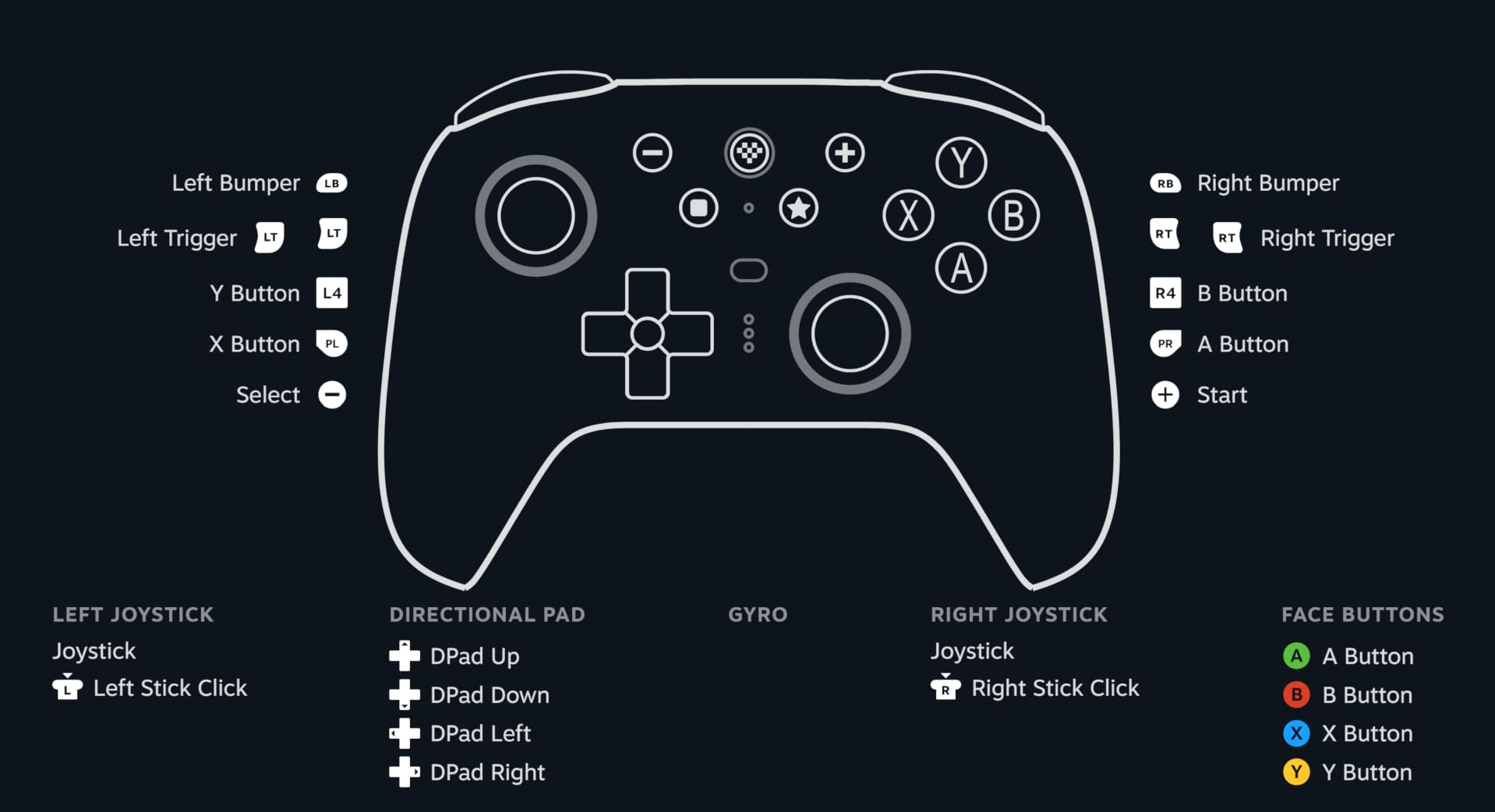
The switchable triggers are a unique feature. You can flip them between Hall Effect (linear) mode for analog control in racing games and Tactile (non-linear) mode for clicky, hair-trigger response in shooters. It’s a small detail, but it lets one controller handle very different game types without compromise. The 8Speed 2.4G wireless technology delivers sub-1ms latency, which is genuinely impressive.
The downsides are mostly software-related. Steam doesn’t natively recognize the extra buttons, so you need the 8BitDo companion software for full button mapping. The software works, but it’s not as polished as Steam Input. You also can’t remap the face buttons, which is a limitation if you want a specific layout. At $60, it’s priced against the Xbox Wireless Controller, which is a tough comparison.

Setup Difficulty for Beginners
Basic setup is easy: plug in the dongle or pair via Bluetooth, and Windows recognizes it. The charging dock is plug-and-play. For full button mapping, the 8BitDo Ultimate Software V2 is required, and it has a learning curve. Beginners who don’t need remapping can ignore it entirely.
Who Should Skip It
If you only play a few game types and don’t care about trigger modes or gyro, the Ultimate 2C offers 80 percent of the experience at half the price. If you prefer Xbox or PlayStation controller shapes, this more neutral design might not feel as comfortable. The price premium is real, and it’s worth it only if you’ll use the extra features.
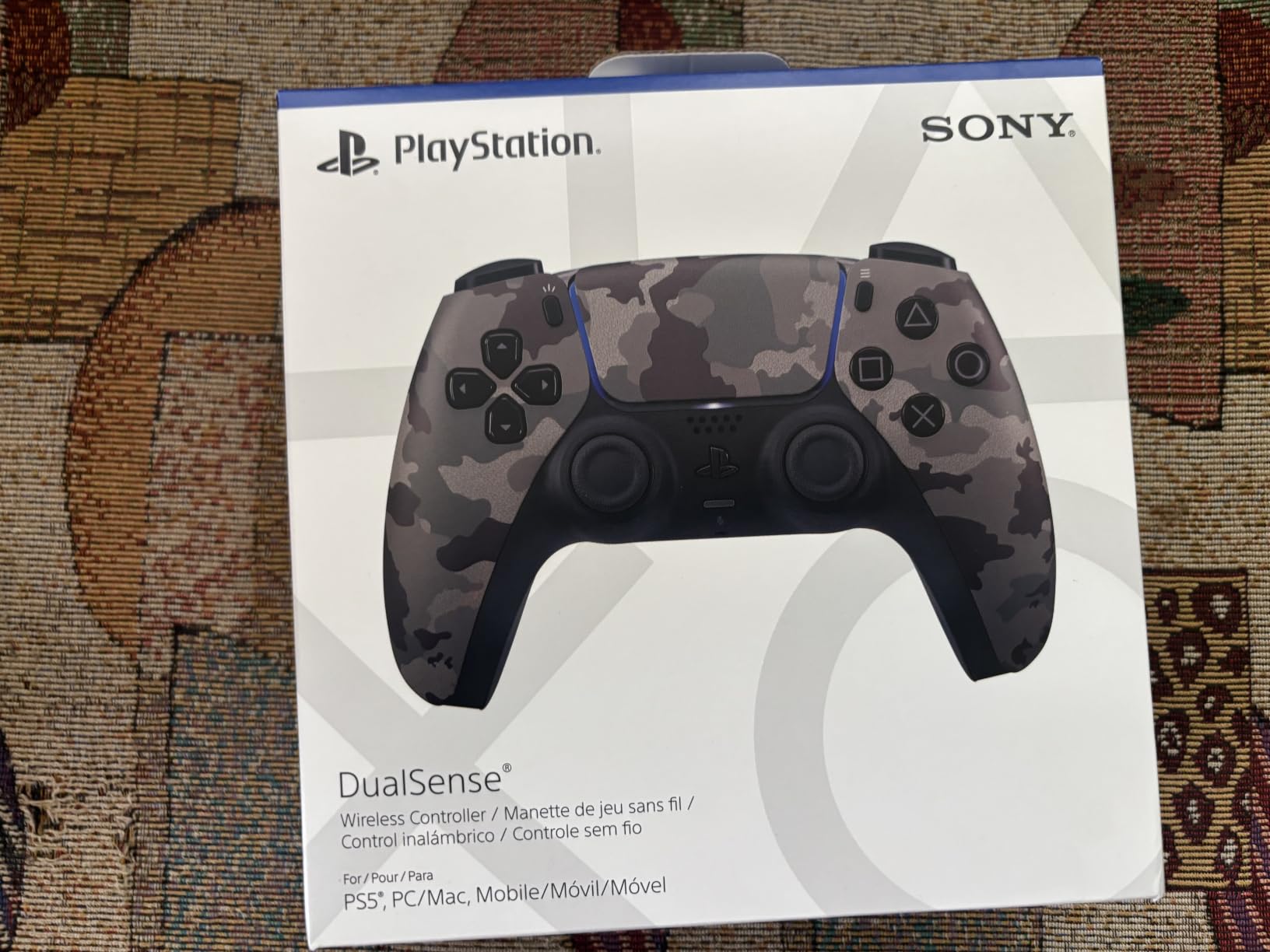
8. PlayStation DualSense – Best Controller for Immersive Single-Player Games
PlayStation DualSense™ Wireless Controller – Cosmic Red – for PS5, PC, MAC & Mobile
Haptic feedback
Adaptive triggers
Wireless + USB-C
Pros
- Haptic feedback provides incredible immersion
- Adaptive triggers add tension variation in supported games
- Premium build quality and ergonomics
- Works well on PC via Bluetooth or USB-C
- Built-in speaker and microphone add versatility
Cons
- Battery life is shorter than Xbox controllers (6-8 hours)
- Stick drift can develop over time
- Most haptic features only work with PS5 games
- Premium price point
- No Prime shipping available
The PlayStation DualSense is a controller that does something no other pad on this list can match: it makes games feel different. The haptic feedback is genuinely innovative, simulating textures, surfaces, and environmental effects through precise vibrations. The adaptive triggers change resistance based on in-game actions, like a heavier pull when drawing a bow or clicking when firing a gun.
I tested the DualSense with Spider-Man Remastered, Returnal, and a few indie titles. The first time I web-slung through Manhattan and felt the controller subtly vibrate as Spider-Man landed on different surfaces, I understood why people love this pad. It’s not just rumble; it’s a tactile language that adds a new dimension to game design. For single-player, narrative-driven games, it’s a transformative experience.
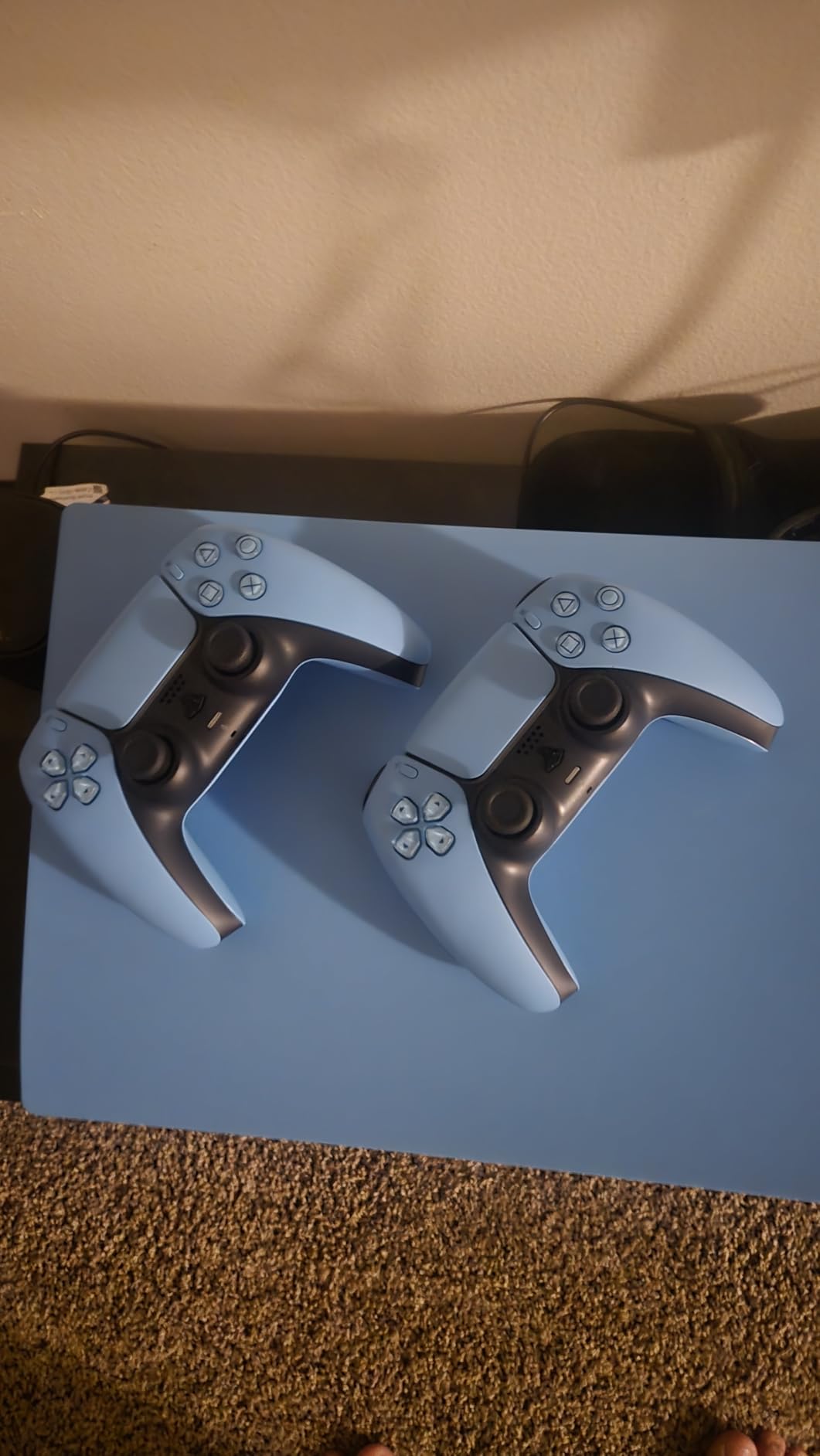
On PC, the DualSense works via Bluetooth or USB-C. Setup is straightforward, and most modern PC games recognize it as a standard gamepad. The catch is that most of the immersive features (haptic feedback, adaptive triggers) only work in games specifically coded to support them, which on PC is currently a limited list. Sony has been slowly expanding support, but it’s not universal.
Battery life is the main weakness. At 6-8 hours with vibration enabled, you’ll be charging more often than with the Xbox or 8Bitdo options. The stick drift issue is also a concern, since these use traditional potentiometer sticks. At $74, it’s the most expensive controller on this list, and the value proposition depends heavily on how much you value the immersive features.
Setup Difficulty for Beginners
Pair via Bluetooth or plug in a USB-C cable, and most PC games recognize it. Steam has built-in DualSense support with options to enable the advanced features in supported games. For other launchers, you may need to enable Steam Input as a middleware layer. This adds a small step compared to Xbox controllers.
Who Should Skip It
If you primarily play competitive shooters or don’t care about haptic feedback, the DualSense’s premium price isn’t justified. The shorter battery life and lack of Hall Effect sticks are real concerns for heavy users. If you have a PS5 already, you probably already have one. If you don’t play narrative-driven single-player games often, you won’t experience the features that make it special.
How to Choose the Best PC Controller as a Beginner
Choosing your first PC controller comes down to a few key decisions. Let me walk you through the factors that actually matter, based on what beginners tell me they struggle with most.
Wired vs Wireless: What’s the Real Difference?
The wired vs wireless debate is less important than it used to be. Modern wireless controllers at 2.4G frequencies have input lag under 1ms, which is indistinguishable from wired for almost everyone except professional esports players. The real question is convenience: do you want to charge batteries or swap AAs, or would you rather plug in a cable?
For desk gaming where your PC is within 6-10 feet, either works fine. For couch gaming where you want to lean back or move around, wireless is the clear winner. Wired controllers have one genuine advantage: you never run out of battery mid-session.
Hall Effect vs Standard Sticks: Why Drift Matters
Stick drift is the slow creep of your character or cursor moving on its own when you haven’t touched the analog stick. It’s caused by wear on the potentiometers inside traditional sticks. If you’ve ever had a controller that mysteriously started drifting, that’s the culprit.
Hall Effect sticks use magnets and sensors instead of physical contact, which means they can’t develop drift. Several controllers on this list (8Bitdo Ultimate 2C, GameSir Nova Lite 2, EasySMX X15, GameSir G7 SE) use Hall Effect sticks. If you play a lot of games with precise stick movement, this technology is worth prioritizing.
Ecosystem Choice: Xbox-Style vs PlayStation-Style vs Neutral
Xbox-style controllers (asymmetric thumbsticks) are the most common on PC and have the best native compatibility. Most PC games default to Xbox button prompts. PlayStation-style controllers (symmetric thumbsticks) work fine but may show the wrong button prompts in some games. Neutral designs like 8Bitdo fit somewhere in between.
For your first controller, I’d recommend Xbox-style unless you have a strong preference. The familiarity and native compatibility make the learning curve gentler.
Budget Tiers: What to Expect at Each Price
Under $30: Budget options like the Logitech F310 and 8Bitdo Ultimate 2C. You give up some features (rumble, premium materials) but get reliable performance and often Hall Effect sticks. This is the sweet spot for beginners who aren’t sure how much they’ll use a controller.
$30-$60: Mid-range options like the GameSir Nova Lite 2, EasySMX X15, and GameSir G7 SE. More features, better build quality, often with charging docks or premium extras. Good upgrade path once you know what you like.
$60 and up: Premium options like the Xbox Wireless Controller, 8Bitdo Ultimate 2, and DualSense. Best ergonomics, most features, and brand-name support. Worth it if you game frequently and want a controller that will last years.
Setup Difficulty: What Beginners Should Know
Most modern PC controllers are plug-and-play via USB or 2.4G dongle. Bluetooth pairing can occasionally be finicky, but it usually works within a few tries. Xbox and 8Bitdo controllers tend to have the smoothest PC integration. Some third-party options require companion software for full functionality, which adds a step but isn’t a dealbreaker.
If you want the absolute easiest setup experience, start with an Xbox Wireless Controller or the Logitech F310. Both work immediately with zero configuration on any Windows PC.
Frequently Asked Questions
What is the best controller to use with a PC?
The Xbox Wireless Controller is the most universally compatible option for PC gaming, with native Windows support and excellent ergonomics. For budget-focused beginners, the 8Bitdo Ultimate 2C offers Hall Effect sticks and 1000Hz polling at a fraction of the price. Both work plug-and-play without additional drivers.
What controller do I need to play on my PC?
Any controller that supports XInput (the Xbox controller standard) will work with most PC games without additional configuration. Wired USB controllers like the Logitech F310 are the simplest option for absolute beginners. Wireless controllers with 2.4G dongles like the 8Bitdo Ultimate 2C offer low-latency gaming with more freedom.
What is the best and most affordable controller for PC gaming?
The Logitech F310 is the most affordable option at around $20, with plug-and-play simplicity and no driver installation required. The 8Bitdo Ultimate 2C at around $27 offers premium features like Hall Effect sticks and 1000Hz polling that rival controllers costing three times as much. Both are excellent values for beginners.
What is the most used controller on PC?
The Xbox Wireless Controller is the most used controller on PC due to its native Windows integration and broad game compatibility. Microsoft designed Windows with Xbox controller support as a priority, which means most PC games default to Xbox button prompts and layouts. The Steam Deck and Steam Controller also have strong PC user bases.
Do I need to install drivers for PC controllers?
Most modern PC controllers are plug-and-play with Windows 10 and 11, meaning no driver installation is required. You simply plug in the USB cable or pair via Bluetooth, and Windows recognizes the controller automatically. Some controllers offer optional companion software for button remapping and customization, but basic functionality works without any additional setup.
Final Verdict: Which PC Controller Should Beginners Buy?
After testing all eight controllers, the 8Bitdo Ultimate 2C is my top pick for the best PC controllers for beginners. It combines premium features like Hall Effect sticks and 1000Hz polling at a price that undercuts first-party options, with setup simplicity that won’t frustrate someone new to PC gaming. If you want native Xbox integration and don’t mind the higher price, the Xbox Wireless Controller is the safe, reliable choice. For absolute budget buyers, the Logitech F310 proves you don’t need to spend much to get a functional, dependable PC controller.
Whichever you pick, the most important thing is to actually start playing. Any of these eight controllers will transform your PC gaming experience compared to struggling with a keyboard and mouse on console-style games. Pick the one that fits your budget, plug it in, and enjoy the better way to play. Happy gaming in 2026.