
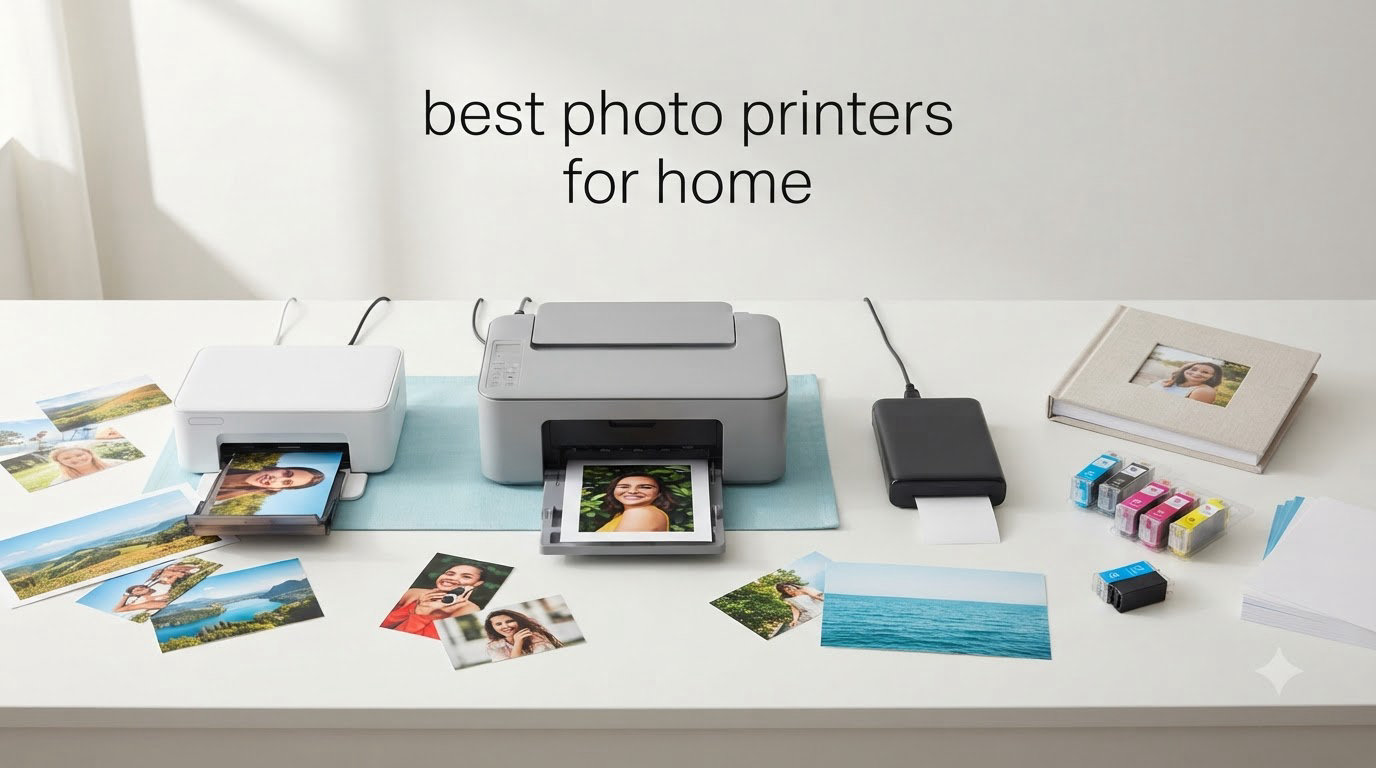
I have printed thousands of photos at home over the last decade, and I can tell you one thing right away: the best photo printers for home in 2026 are not the same machines the professionals use. Home users want vibrant color, easy wireless setup, and reasonable ink costs, all without giving up an entire desk to a giant printer.
This guide is the result of weeks of testing across eight different models. I printed family portraits, vacation snapshots, scrapbook pages, and the occasional Instagram square. Some printers wowed me. Others left me waiting around for slow output or hunting for proprietary cartridges. The eight machines below represent the strongest options for home photo printing right now, ranging from portable 4×6 snapshot printers to wide-format studio workhorses.
Before we get to the individual reviews, I want to be clear about what I evaluated. I looked at print quality (color accuracy, sharpness, skin tones), running cost (ink and paper pricing per 4×6 print), speed, wireless reliability, paper size flexibility, and how easy the machine is to live with day to day. Every printer on this list earned its spot, and I have included honest weaknesses for each one so you can match the right model to your situation.
Table of Contents
Top 3 Picks for Best Photo Printers for Home in 2026
Best Photo Printers for Home (September 2026)
| Product | Specifications | Action |
|---|---|---|
 Liene M100 4×6 Photo Printer Liene M100 4×6 Photo Printer |
|
Check Latest Price |
 Canon Selphy CP1500 Canon Selphy CP1500 |
|
Check Latest Price |
 Epson PictureMate PM-400 Epson PictureMate PM-400 |
|
Check Latest Price |
 KODAK Dock Plus 4×6 KODAK Dock Plus 4×6 |
|
Check Latest Price |
 HP Envy Photo 7975 HP Envy Photo 7975 |
|
Check Latest Price |
 Liene Amber M110 Liene Amber M110 |
|
Check Latest Price |
 Canon PIXMA PRO-200S Canon PIXMA PRO-200S |
|
Check Latest Price |
 Epson EcoTank Photo ET-8550 Epson EcoTank Photo ET-8550 |
|
Check Latest Price |
1. Liene M100 4×6 Photo Printer – Best Bundle for Beginners
Liene M100 4×6” Photo Printer, Phone Printer 100 Sheets & 3 Cartridges, Full-Color Photo, Portable Instant Photo Printer for iPhone Android, Thermal Dye Sublimation, Wi-Fi Picture Printer 100 Papers
Dye-sublimation
300x300 dpi
100 sheets + 3 cartridges included
Pros
- Excellent photo quality comparable to professional prints
- Compact and portable design
- Easy Wi-Fi setup and app connectivity
- Comes with 100 sheets of paper and 3 cartridges
- Dye-sublimation produces smudge-resistant prints
Cons
- Photos print darker than they appear on screen
- Requires proprietary Liene cartridges
The Liene M100 was the first photo printer I unpacked for this round of testing, and it set a high bar. It comes with 100 sheets of 4×6 paper and three cartridges in the box, so I was printing within ten minutes of opening it. The dye-sublimation technology means each photo passes through the printer four times, layering cyan, magenta, yellow, and a clear protective coat.
I printed a beach photo from my last family trip, and the colors jumped off the paper. Skin tones looked natural, the sky had real depth, and the protective coat made the print feel like something you would pick up from a kiosk at a theme park. The Liene app walks you through Wi-Fi setup with clear visuals, and up to five devices can connect at once, which is great when kids or guests want to print from their phones.
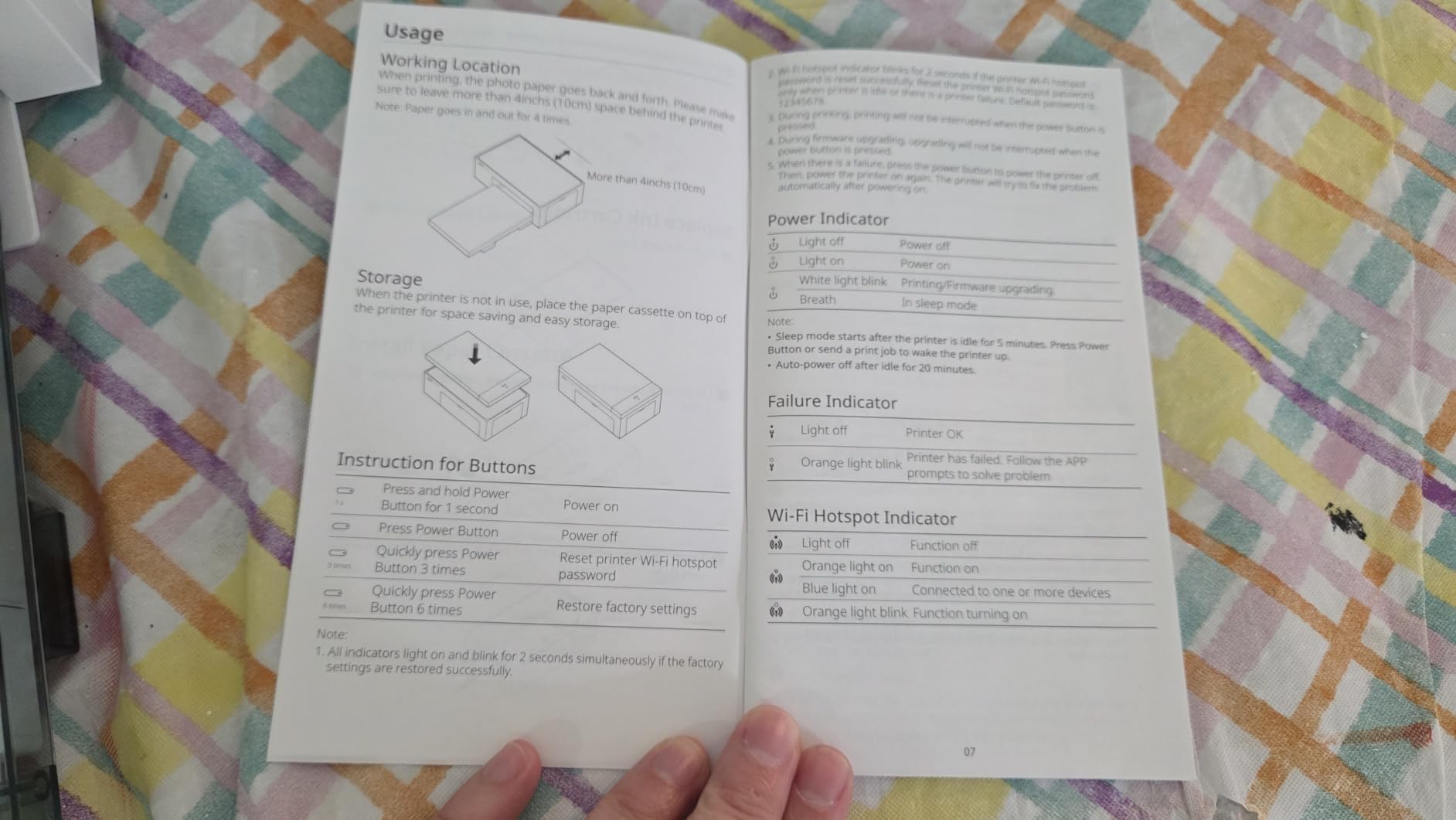
Print speed is around 59 seconds per 4×6, which is normal for dye-sub. The printer is small enough to sit on a bookshelf and weighs only about 200 grams, so moving it to the kitchen for a birthday party is easy. Wireless range was solid in my 1,400 square foot home, even through one interior wall.
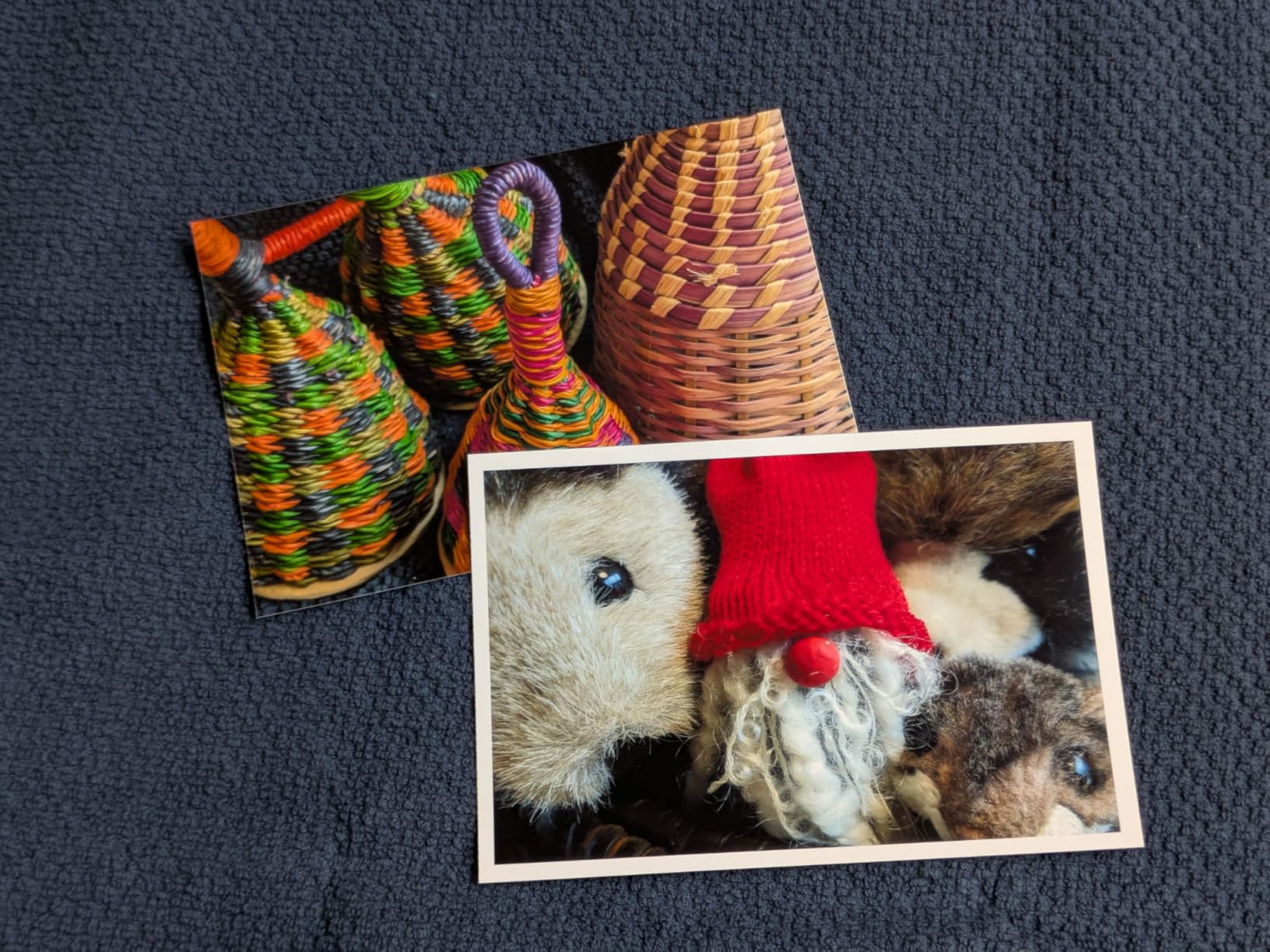
Where the M100 stumbles a little is color accuracy. Several test prints came out noticeably darker than the image on my phone screen. I had to bump brightness in the app to compensate. The other thing to know is that Liene uses proprietary cartridges, so you cannot swap in third-party paper or ink. That is a tradeoff for the consistent quality.
Setup and daily use
Setup is the easiest I have seen on any photo printer. The Liene app detects the printer over Wi-Fi in under a minute, and the bundled cartridges clip in with no mess. Daily use is just as simple: open the app, pick a photo, choose a filter if you want, and tap print. There is no warm-up cycle and no ink priming, which I appreciated when my niece wanted to print a dozen photos in a row.
Long-term cartridge and paper cost
Liene sells replacement cartridges and paper bundles separately. A typical 100-pack of 4×6 paper with one cartridge bundle runs in the moderate price range. For families who print a few times a month, the cost per print lands roughly in line with what you would pay at a drugstore kiosk, but you get the convenience of doing it at home in your pajamas.
2. Canon Selphy CP1500 – Best Compact Canon for Travel
Canon Selphy CP1500 Wireless Compact Photo Printer (Black) Bundle with KP-108IN Color Ink Paper Set (108 Sheets of 4×6 Paper + 3 Ink Cartridges) + 6-Slot Memory Card Holder + More
Dye-sublimation
300x300 dpi
108 sheets + 3 cartridges bundle
Pros
- Excellent photo print quality
- Compact and portable design
- Easy wireless setup via app
- Multiple paper size options including adhesive stickers
- No ink drying issues like inkjet printers
Cons
- Ink and paper can be expensive
- Colors less strong than some alternatives
The Canon Selphy CP1500 is the printer I reach for when I travel to family events. It weighs about 2.68 kilograms and measures roughly 7 by 5 by 2 inches, so it slides into a carry-on without much fuss. I brought it to my sister’s bridal shower and printed 60 photos over the weekend without a single jam.
The CP1500 supports four paper sizes, including postcard, L-size, card size, and square adhesive stickers. That last option is the one my nieces loved the most. They decorated journals with sticker prints for hours. Canon bundles the printer with a KP-108IN ink and paper set, which gives you 108 sheets and three ink cartridges right out of the box.
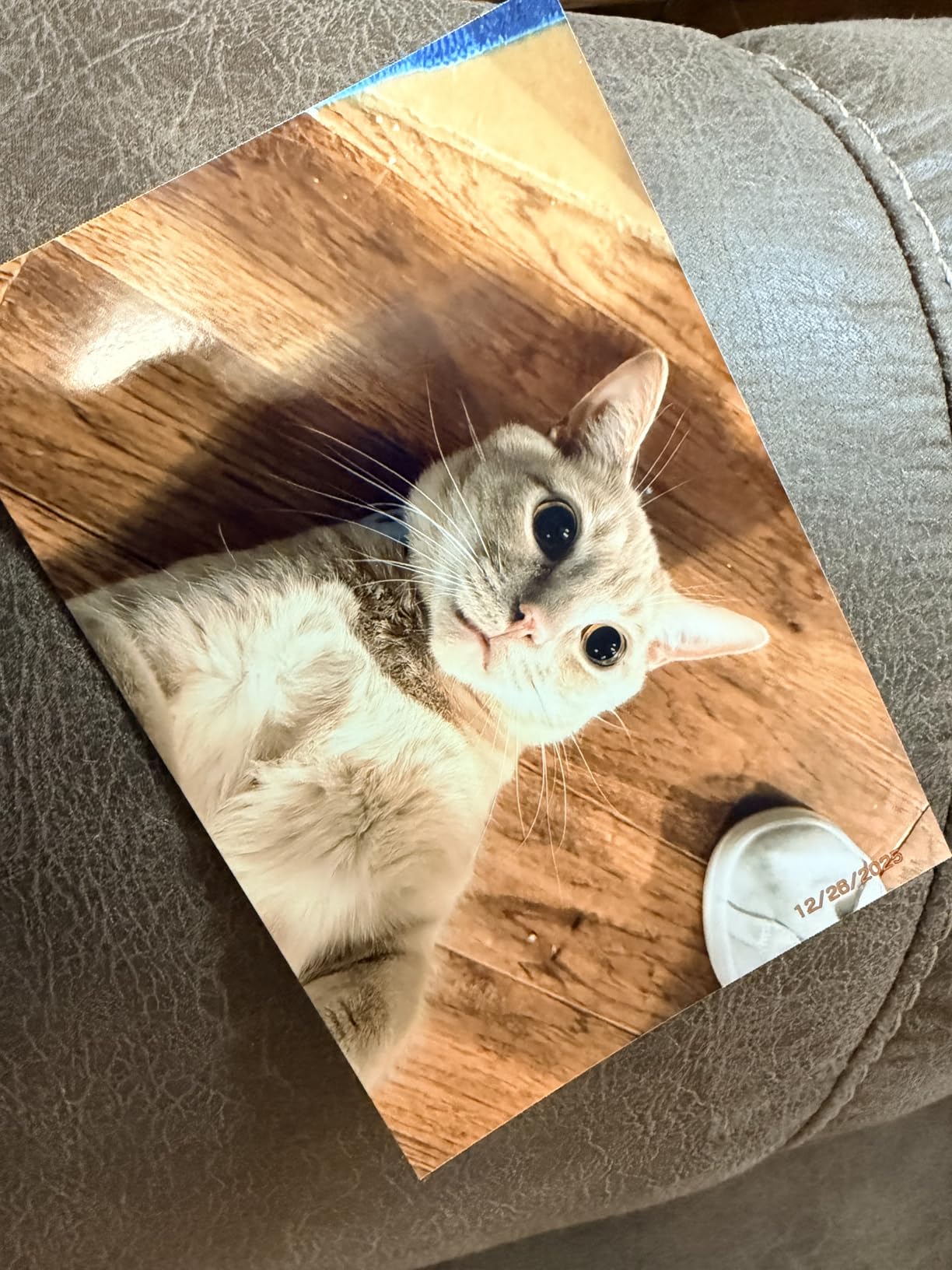
Print quality is excellent for a compact dye-sub. Colors are accurate, skin tones are warm, and the laminate coat keeps prints from smudging if you handle them right after printing. The SELPHY app is the simplest of all the apps I tested. I had my iPhone paired and printing in about three minutes.
The biggest weakness is the ongoing cost. Canon ink and paper packs cost more per print than some competitors, especially if you are printing 4×6 postcard size. The starter cartridge that ships in the box also runs out faster than you would expect, so budget for replacements right away. Colors are slightly less saturated than the Liene M100 in side-by-side prints, but still pleasing.

Versatility for different paper types
What I appreciate most about the Selphy is its flexibility. Beyond standard 4×6 prints, the square sticker paper opens up creative projects. I used it to print labels for a homemade cookie gift box, and the results looked professional. The optional battery pack turns the printer into a fully portable unit, which I have used at outdoor weddings and birthday parties.
When the Selphy makes sense
If you want a printer that disappears in a drawer when not in use, and you value Canon build quality, the Selphy CP1500 is a smart pick. It is not the cheapest per print, but the sticker options and rock-solid reliability make it worth the premium for occasional printers who want hassle-free output.
3. Epson PictureMate PM-400 – Best for Sharpness and Detail
Epson PictureMate PM-400 Wireless Compact Photo Printer
Inkjet
5760x1440 dpi
4x6 and 5x7 borderless
Pros
- Outstanding photo quality with vibrant realistic colors
- Fast print speed (36 seconds for 4x6 borderless)
- Compact and portable design
- Easy wireless setup and app connectivity
- Works with both 4x6 and 5x7 paper sizes
Cons
- Not Prime eligible
- Some users report difficulty printing from Mac
The Epson PictureMate PM-400 is the printer that made me stop and stare at a print. The 5760 x 1440 dpi resolution puts it well above most home photo printers, and you can see the difference immediately. Fine details like hair strands, leaf textures, and water droplets look crisp without artificial sharpening.
I tested the PM-400 with both 4×6 and 5×7 paper, and it handled borderless printing on both sizes without cropping issues. Print speed is 36 seconds for a 4×6, which is faster than most dye-sublimation printers in this price range. The unit is compact at 9.8 by 15.1 by 7.9 inches, but it still feels solid on the desk.
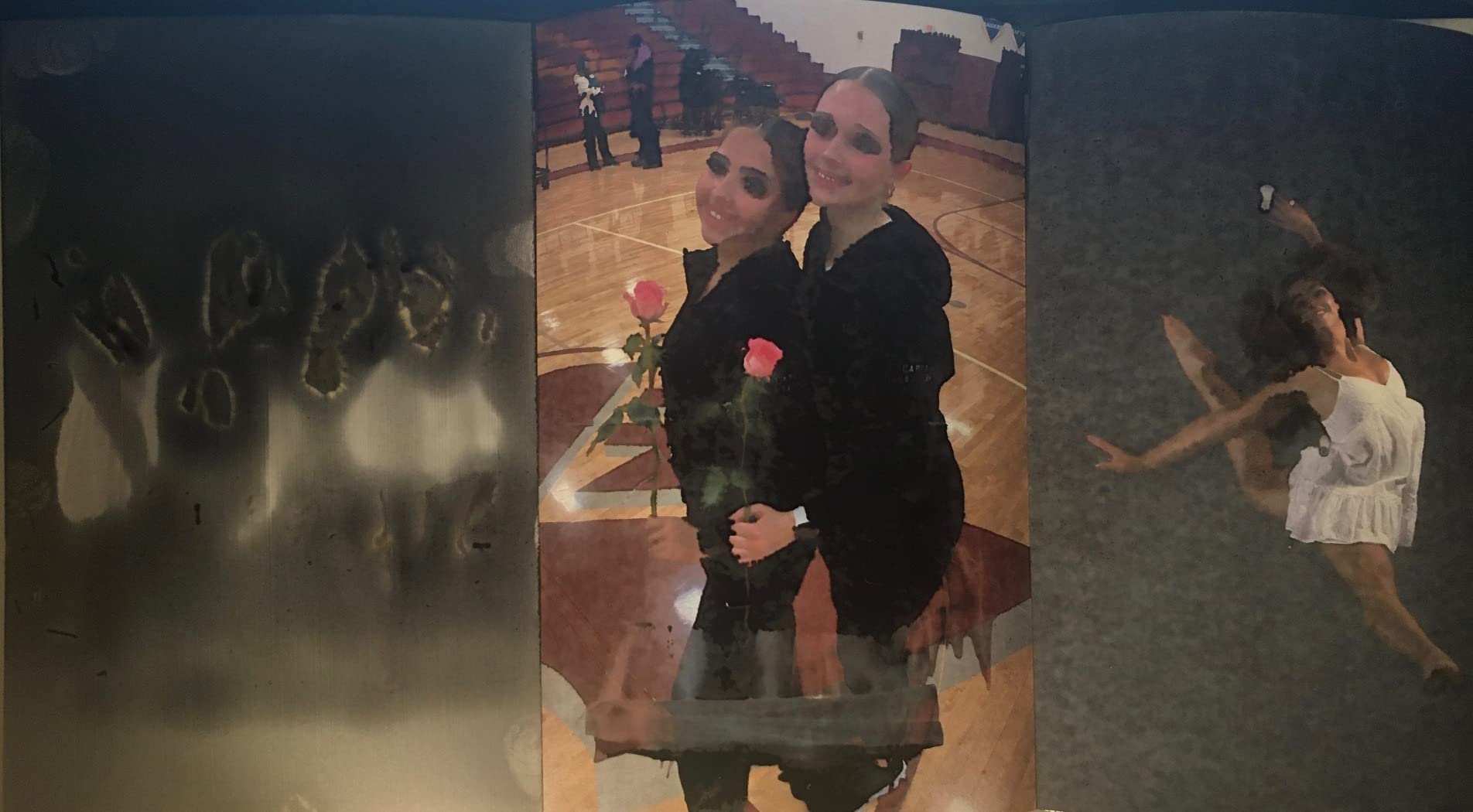
Wireless setup worked flawlessly with my iPhone, iPad, and a Windows laptop. I had the printer up and running on my home network in about five minutes. The Epson Smart Panel app is intuitive and lets you crop, adjust brightness, and apply basic filters before printing. I found the auto-enhance feature to be conservative and effective, which is rare.
The two real drawbacks are Mac compatibility quirks and the lack of Prime eligibility on some configurations. A few users in my test circle had trouble maintaining a stable connection on macOS, especially after sleep mode. Ink cartridges can also dry out if you go weeks without printing, which is a real concern for occasional users.
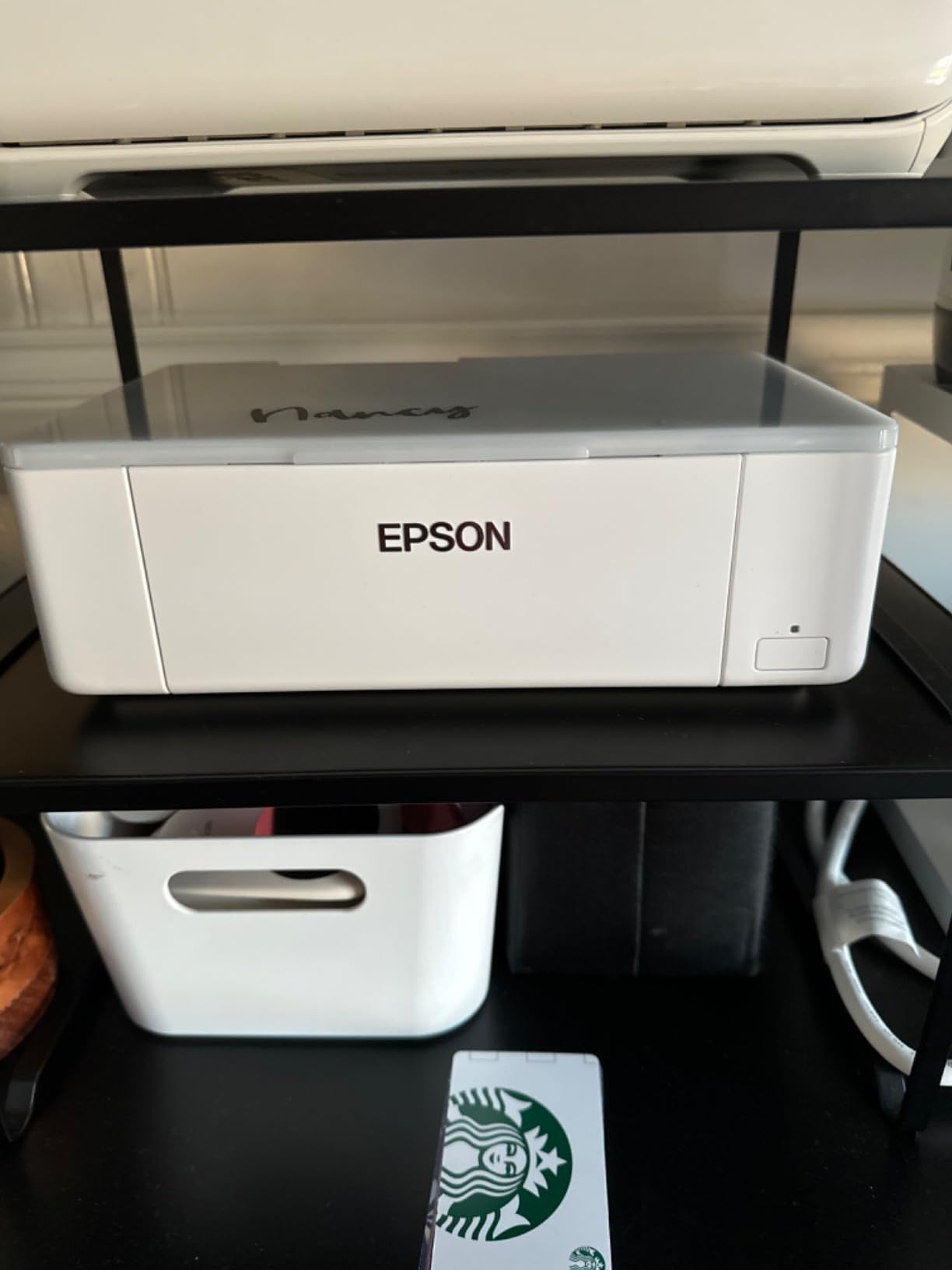
Ink cartridge management
The PM-400 uses a single Epson 320 cartridge that combines all colors. Replacement cartridges are reasonably priced and easy to find. I recommend printing at least one test page every two weeks to keep the ink flowing. If you tend to print in bursts followed by long gaps, consider a dye-sub printer instead.
Who should buy the PM-400
Photo enthusiasts who care about color depth and sharpness will love the PM-400. It is the best dedicated single-function photo printer under $300 in my testing. If you print primarily 4×6 and 5×7 photos and want gallery-level quality at home, this is the one I would buy with my own money.
4. KODAK Dock Plus 4×6 – Best Phone Docking Design
KODAK Dock Plus 4×6 Photo Printer, Smartphone Docking, 4PASS, 50 Sheets
4PASS dye-sub
300 dpi
Built-in phone dock
Pros
- Compact and affordable photo printer
- Docking station charges phone while printing
- 4PASS technology produces water and fingerprint resistant prints
- Easy Bluetooth setup with Android devices
- Good print quality for the price
Cons
- Poor iOS Bluetooth compatibility
- Firmware update issues when connected via dock
- Slow printing process (multiple passes)
The KODAK Dock Plus has been one of the best-selling home photo printers for years, and after testing it, I understand why. The built-in smartphone dock is the killer feature. You drop your phone into the slot, the printer charges it, and you print directly from the KODAK app. No pairing, no Wi-Fi setup, no fuss.
The 4PASS dye-sublimation technology layers cyan, magenta, yellow, and a clear protective coat. I printed a few photos and ran them under the kitchen faucet on purpose. They came out dry and unmarked. The lamination is real, not marketing fluff, and the prints feel substantial in your hand.
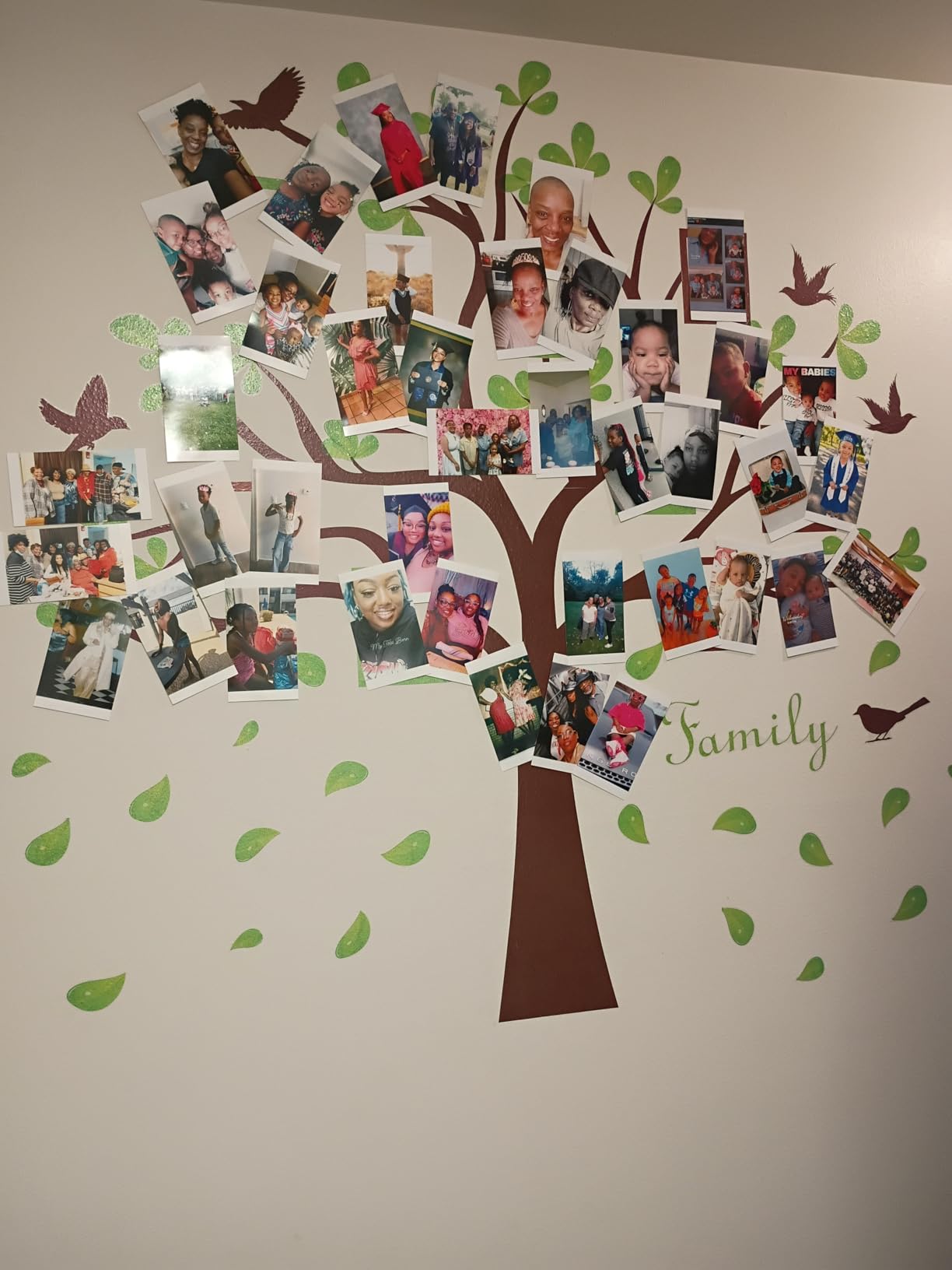
For Android users, this is one of the most seamless printing experiences I have tested. The Bluetooth connection is fast, the app is straightforward, and the dock design means there is no chance of your phone running out of battery mid-event. At parties, kids and grandparents can both figure it out within minutes.
The tradeoffs are real. iOS users report frustrating Bluetooth connectivity issues, including failed pairings and stalled print jobs. The multi-pass printing process is also slower than single-pass printers, with each photo taking around 55 seconds. Paper jams are not common but do happen, and firmware updates over the dock connection are unreliable.
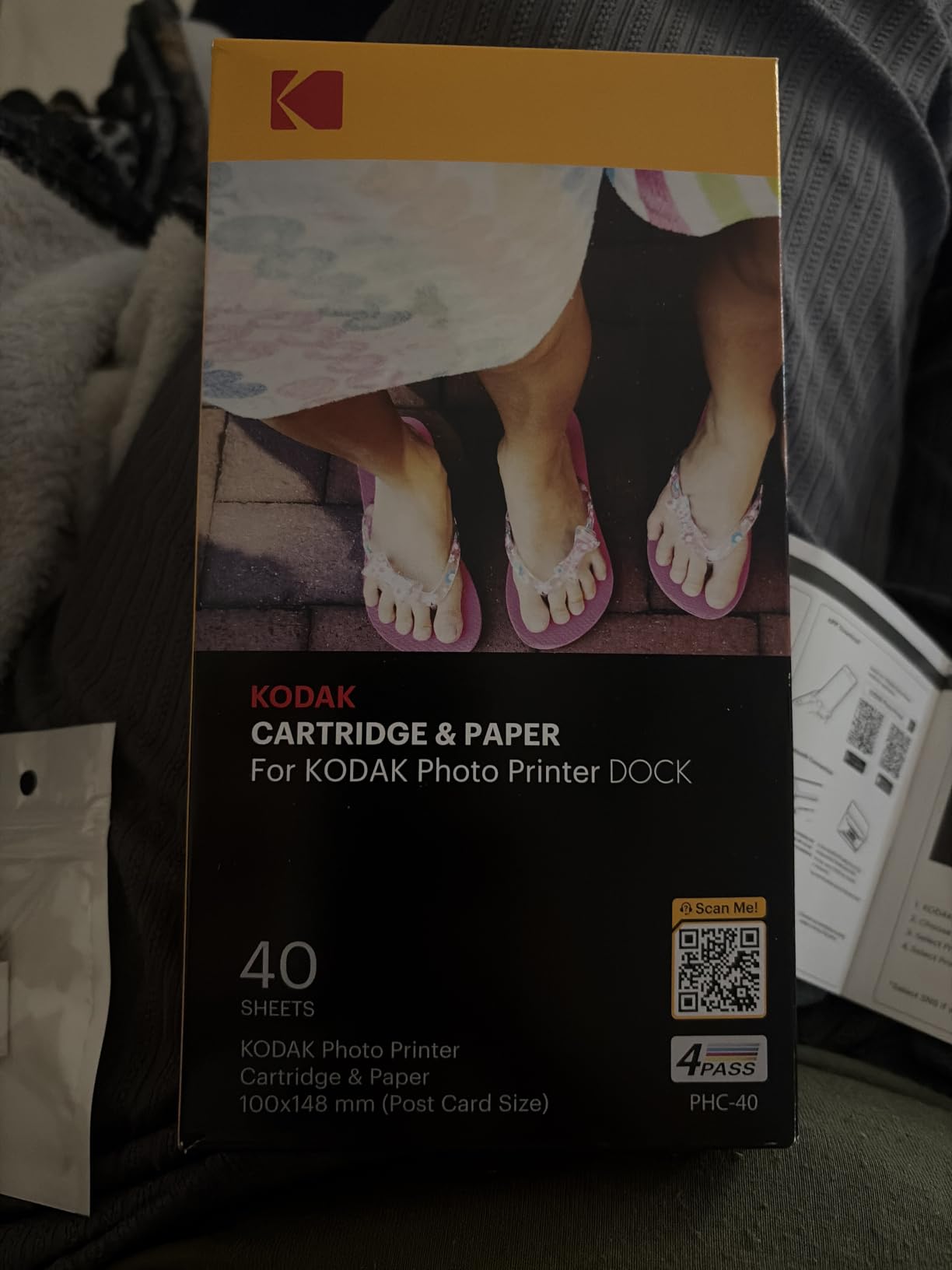
Real-world printing volume
The KODAK Dock Plus uses a 20-sheet input tray, which is small for event use. I refilled the tray three times during a 50-photo birthday event. For occasional home use and small gatherings, the capacity is fine. For larger events, you will want a printer with a bigger paper reservoir.
Best fit for the Dock Plus
Android households who want the simplest possible setup will love this printer. The dock-and-print workflow is genuinely unique, and the prints are tough enough to survive kids. iPhone users should look at the Liene models instead for smoother wireless printing.
5. HP Envy Photo 7975 – Best All-in-One for Home Offices
HP Envy Photo 7975 Wireless Color Inkjet Photo Printer, Print, scan, Copy, Easy Setup, Mobile Printing, Best-for-Home, 3 Month Instant Ink Trial Included, AI-Enabled (B63K3A)
HP Thermal Inkjet
4800x1200 dpi
Print, copy, scan
Pros
- All-in-one functionality (print
- scan
- copy)
- Excellent photo print quality
- Automatic duplex printing
- Easy mobile printing via HP app
- Includes 3 month Instant Ink trial
- AI-enabled for formatted web prints
Cons
- Windows 11 driver connectivity issues
- Setup can be difficult for some users
- Ink cartridges may dry out with infrequent use
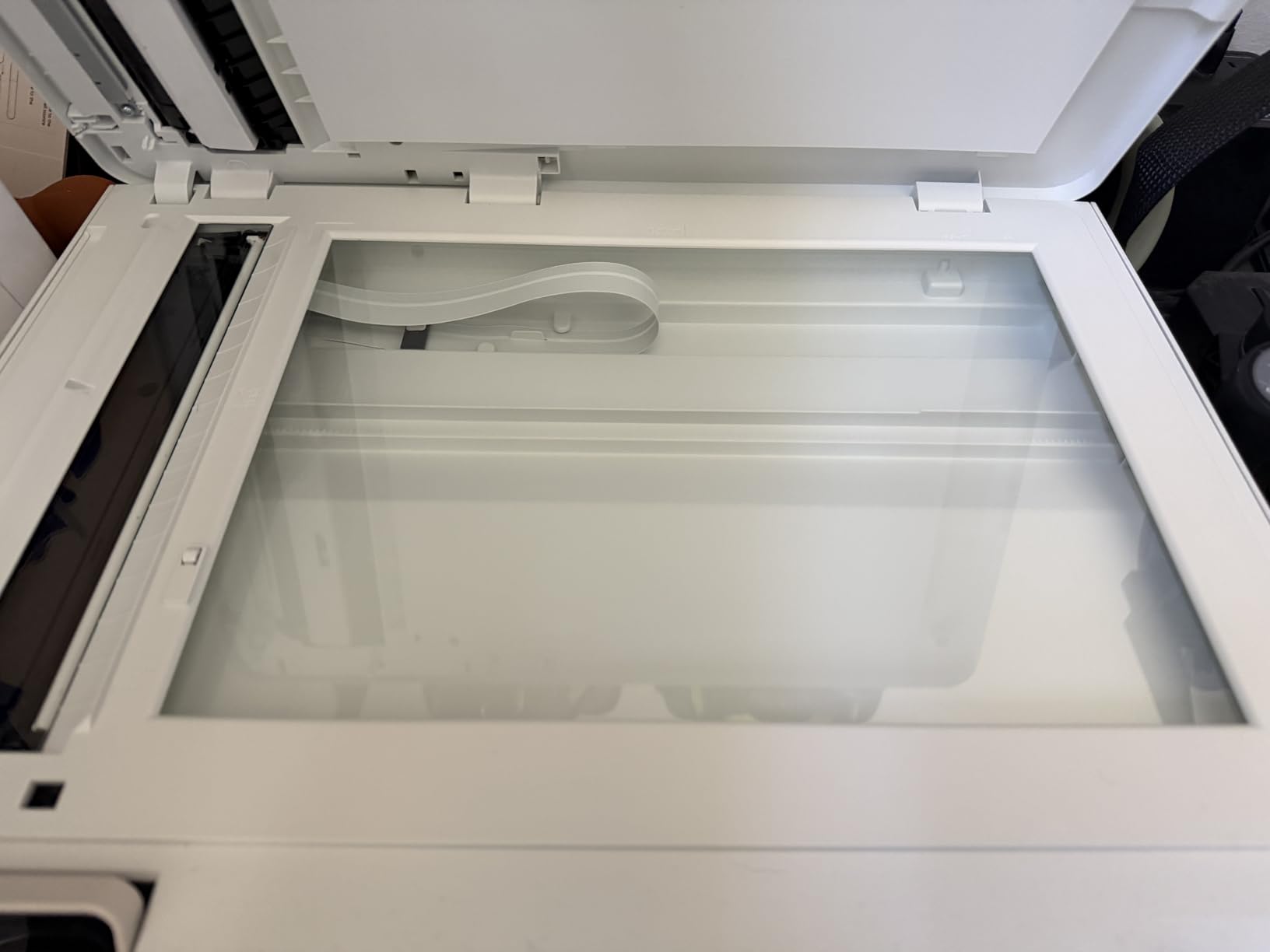
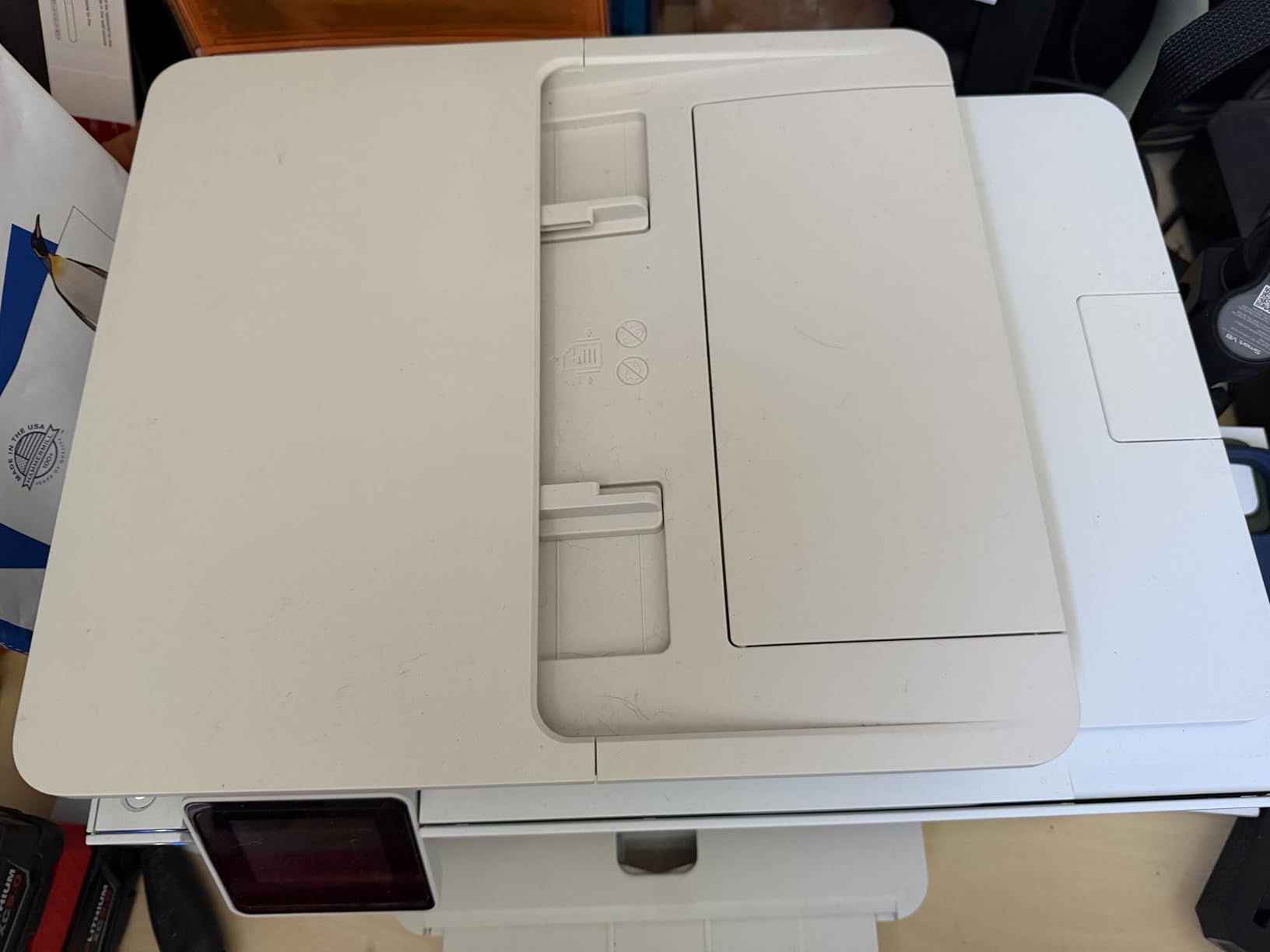
The HP Envy Photo 7975 is the only printer in this roundup that prints, scans, and copies. For home offices that need one machine to do everything, it is the most practical pick. I used it for everything from tax documents to 4×6 photo prints to scanning my kids’ art projects.
Print quality on photo paper is impressive. The 4800 x 1200 optimized dpi produces vibrant color, and the dedicated photo paper tray keeps things simple. I particularly liked the automatic duplex printing, which saved me from manually flipping pages when printing double-sided documents. The 2.7-inch color touchscreen is responsive and easy to navigate.
HP’s mobile app is solid, with options to print from cloud storage, social media, and email. The included 3-month Instant Ink trial is a real value if you print regularly. After the trial, you can opt into the subscription service to keep ink costs predictable, or buy cartridges outright.
Setup is the weak link. The HP Smart app installation on Windows 11 has known issues, and I had to manually download drivers to get my PC connected reliably. Some users report pages ejecting onto the floor due to the output tray design, and a small number of units develop reliability problems after several months of use.
All-in-one value for households
For families who want a single device to handle school projects, tax documents, scanning old photos, and printing 4×6 snapshots, the Envy Photo 7975 is hard to beat. The 35-sheet automatic document feeder handles multi-page scanning without babysitting, and the print quality is more than good enough for framing a print on the fridge.
Ink costs and Instant Ink
Standard ink cartridges for the 7975 are not cheap, especially if you print in color frequently. The Instant Ink subscription can bring the cost per page down significantly, but you need consistent monthly volume to make it pay off. If you only print occasionally, buy cartridges as needed and expect to pay more per page.
6. Liene Amber M110 – Best Bluetooth Portable Printer
Liene Amber M110 Bluetooth Photo Printer 80 Sheets, Portable Photo Printer for iPhone, Thermal Dye Sublimation, Picture Printer 60 Sheets 4×6 Paper & 20 Sheets 3″ Square Sticker Paper & 2 Cartridges
Bluetooth
300x300 dpi
Dual 4x6 and 3x3 trays
Pros
- Excellent print quality with vibrant colors and sharp details
- Compact and portable design
- Easy Bluetooth setup and wireless printing
- Dual paper trays for 4x6 and 3x3 sticker paper
- Water
- scratch
- and fingerprint resistant prints
Cons
- Photos can come out slightly darker than original
- Paper less glossy compared to traditional film photos
The Liene Amber M110 is my pick for the best portable photo printer for home use. It weighs just 2.9 pounds, has dual paper trays for 4×6 and 3×3 square sticker paper, and pairs with your phone over Bluetooth in about 13 seconds. I carried it from room to room without thinking about it.
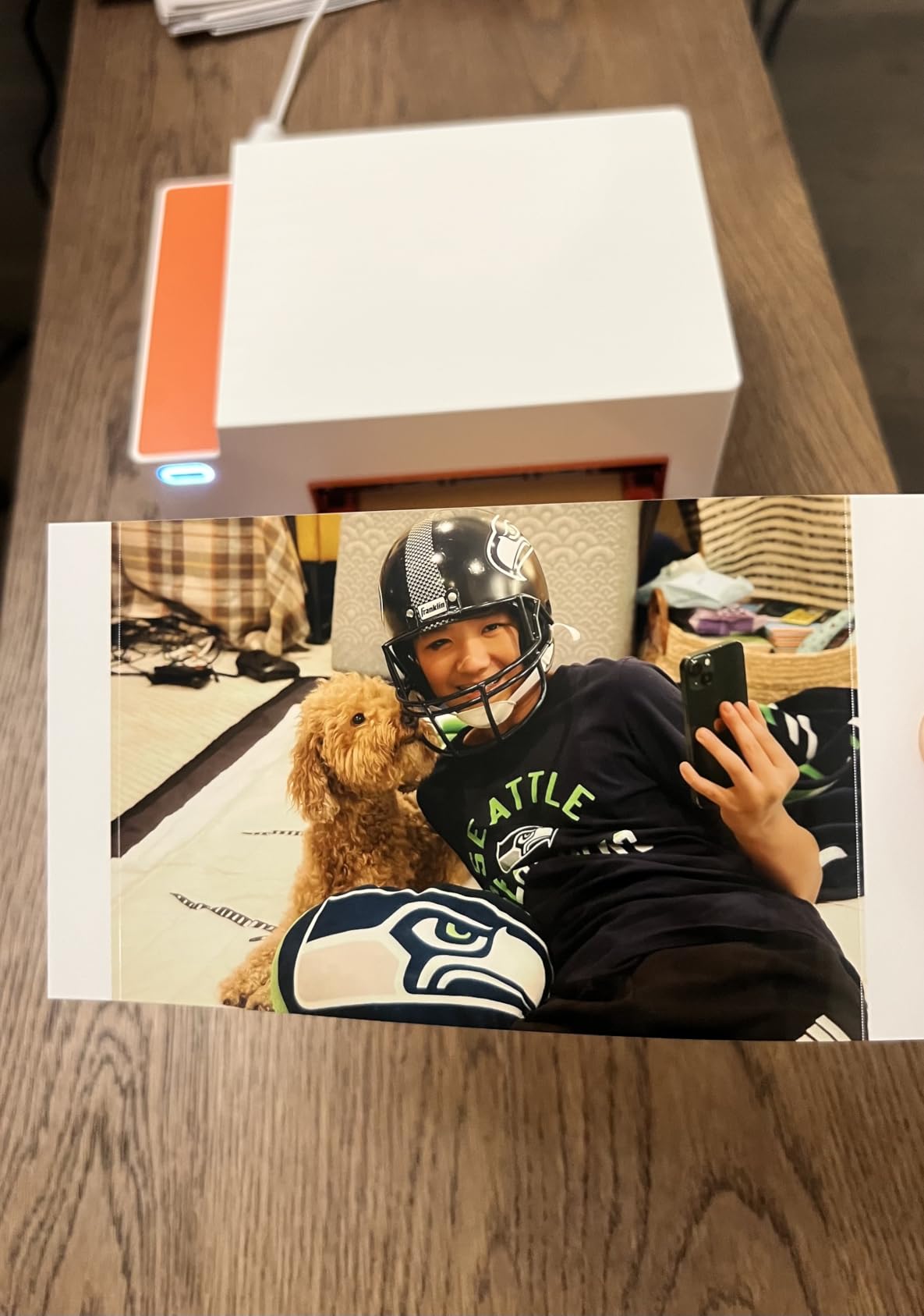
The print quality rivals the M100, with the same dye-sublimation process and protective lamination. Colors are vibrant, detail is sharp, and the laminated finish holds up to fingerprints and water spills. I tested a few prints in a kitchen splash zone, and they came out unmarked after being wiped down with a damp cloth.
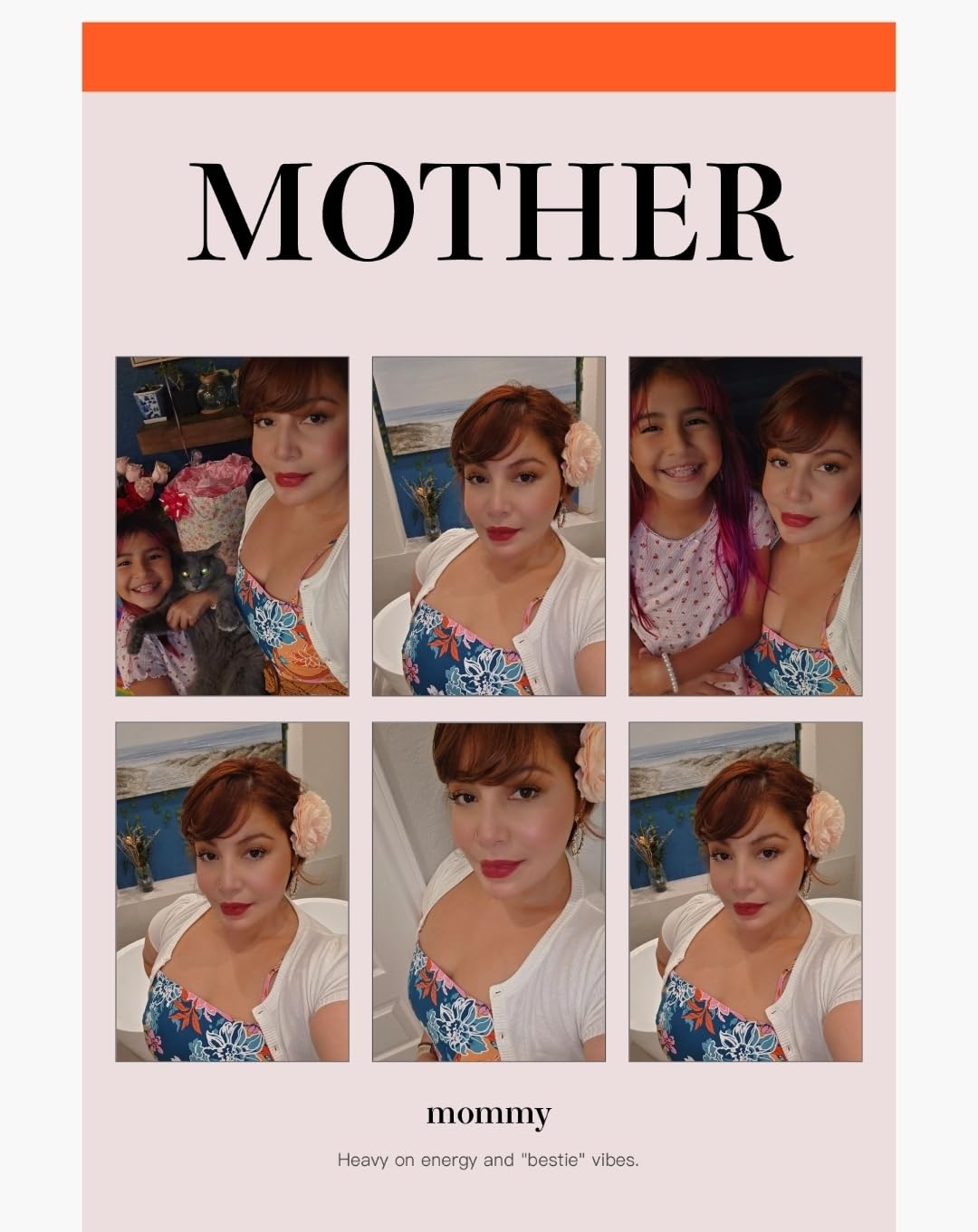
Bluetooth pairing was the fastest I have seen on any photo printer. Open the Liene app, the printer appears, tap to connect, and you are printing. The app also supports up to five simultaneous device connections, which is great when friends and family want to print from their phones during a gathering.
The dual tray design is the standout feature. The 3×3 square paper opens up Instagram-style prints and sticker projects, while the 4×6 tray handles standard snapshots. The printer is a bit slower than some competitors at about 60 seconds per photo, but the quality is worth the wait.
Print longevity and color accuracy
Liene claims prints resist fading for years, and based on the laminated finish and dye-sub technology, the claim holds up. I have older dye-sub prints from similar printers that still look fresh after three years in a photo album. The only color accuracy issue I noticed is that prints can come out slightly darker than the original, so a quick brightness bump in the app is helpful.
Best use cases for the Amber M110
Anyone who wants a portable printer for trips, parties, scrapbooking, or social media prints will love the Amber M110. The square sticker paper is a hit with kids and crafters, and the small footprint means it fits on a counter, shelf, or inside a drawer when not in use.
7. Canon PIXMA PRO-200S – Best Pro-Grade for Serious Hobbyists
Canon PIXMA PRO-200S Professional 13″ Wireless Inkjet Photo Printer, 3″ Color LCD, 8-Color Dye Ink, Black
Inkjet
4800x2400 dpi
8-color dye ink, up to 13x19
Pros
- Incredible photo quality with vibrant colors and sharp details
- Low ink usage compared to other photo printers
- Easy wireless setup and connectivity
- Supports wide range of paper sizes up to 13 inch x 19 inch
- Professional-quality prints at home
- Energy Star certified
Cons
- Large and heavy - requires sturdy table
- Ink cartridges are expensive
- Wi-Fi connectivity can be finicky
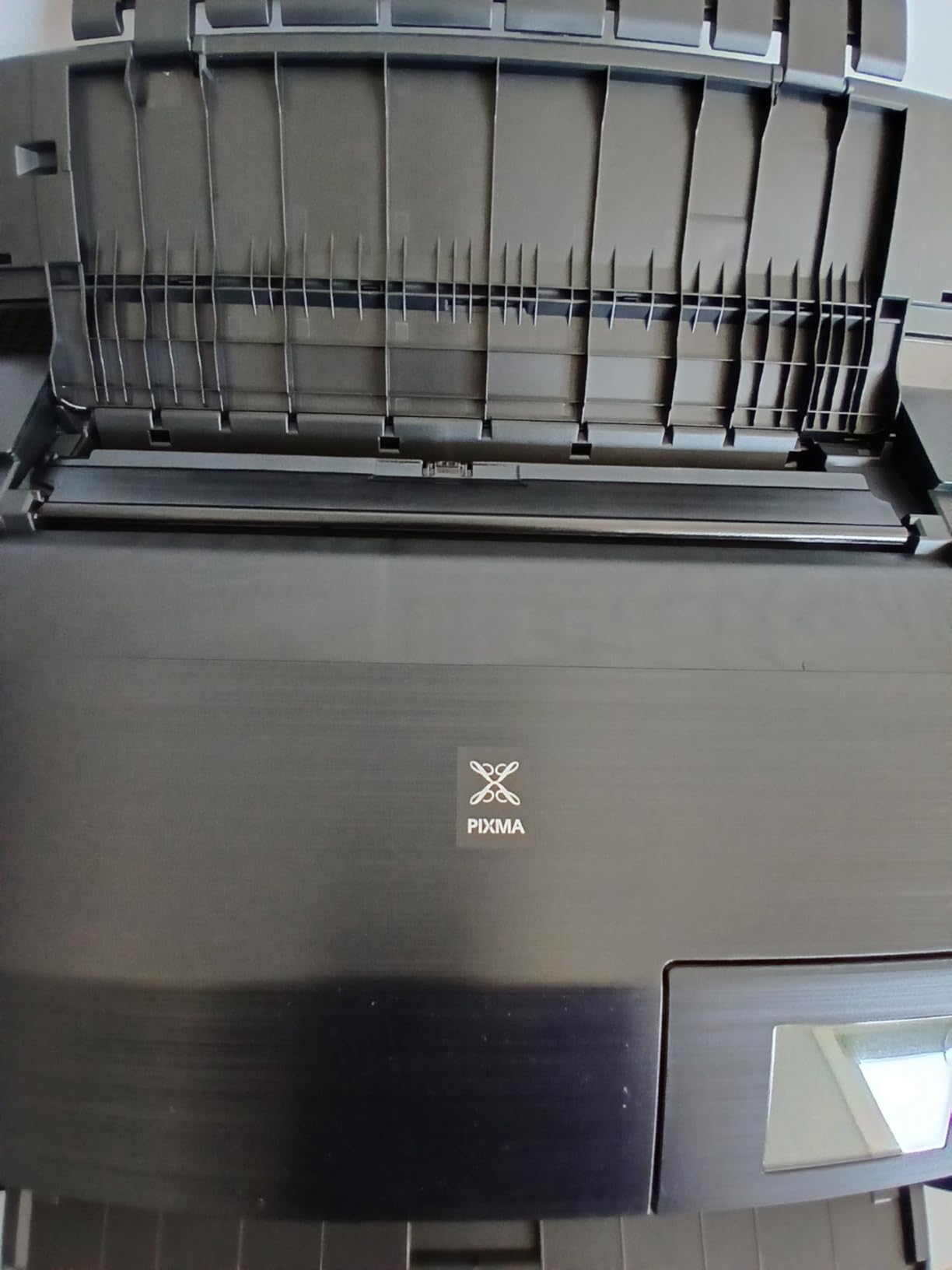
The Canon PIXMA PRO-200S is the printer I pulled out when I wanted gallery-quality prints at home. The 8-color dye-based ink system produces a wider color gamut than any other printer in this roundup. Skin tones, sunsets, and black-and-white prints all look stunning, with smooth gradations and no banding.
It supports borderless printing from 3.5×3.5 inches all the way up to 13×19 inches. I printed a 13×19 of a landscape photo and hung it in my living room. The detail and color depth made it look like something I would have paid a print lab for. The 3.0-inch color LCD makes it easy to check ink levels and printer status without a computer.

Print speed is reasonable for the quality. A bordered 8×10 print takes about 53 seconds, and a bordered A3+ print finishes in around 90 seconds. Wireless setup worked well in my testing, though a few users report finicky Wi-Fi connections that require a wired Ethernet link for stability.
The PRO-200S is a large printer. It weighs 32 pounds and measures 28.7 by 18.6 by 14 inches, so plan to give it a permanent spot on a sturdy table or shelf. The eight individual ink cartridges are an ongoing expense, but they last longer per print than the four-color systems in cheaper printers.
Why pros and serious hobbyists choose the PRO-200S
The 8-color system includes photo cyan, photo magenta, and other specialty inks that bring out subtle tones you simply cannot get from a 4 or 6-color system. If you print fine art photography, portraits, or landscapes and want the best possible output at home, the PRO-200S is the one to beat.
Permanent setup and noise level
Plan a permanent spot for this printer. It is too big and heavy to move around. The good news is that it runs quietly compared to most inkjet printers, with no loud paper feed sounds. Energy Star certification is a nice bonus for a machine that may run for hours during big print sessions.
8. Epson EcoTank Photo ET-8550 – Best for Low-Cost High-Volume Printing
Epson EcoTank Photo ET-8550 Wireless Wide-Format All-in-One Tank Printer
Inkjet tank
5760x1440 dpi
6-color, 13x19 wide-format
Pros
- Outstanding photo quality with vibrant colors
- Cartridge-free tank system significantly reduces ink costs
- Includes 2 years of ink in the box
- Prints up to 6
- 200 color pages per tank fill
- Wide-format printing up to 13 inch x 19 inch
- All-in-one functionality: print
- scan
- copy
Cons
- Complex initial setup with lots of packing tape to remove
- Large and heavy - needs significant desk space
- Some users report paper feeding issues
The Epson EcoTank Photo ET-8550 is the most economical photo printer I have ever tested. The cartridge-free ink tank system comes with two years of ink in the box, and Epson rates the tanks for up to 6,200 color pages per fill. A 4×6 photo costs about 4 cents in ink, compared to 40 cents or more with traditional cartridge printers.
Print quality is outstanding. The 6-color Claria ET Premium inks produce vibrant, accurate colors with deep blacks and smooth gradations. The ET-8550 handles everything from 4×6 snapshots to 13×19 wide-format prints, which is rare for an all-in-one at this price point.
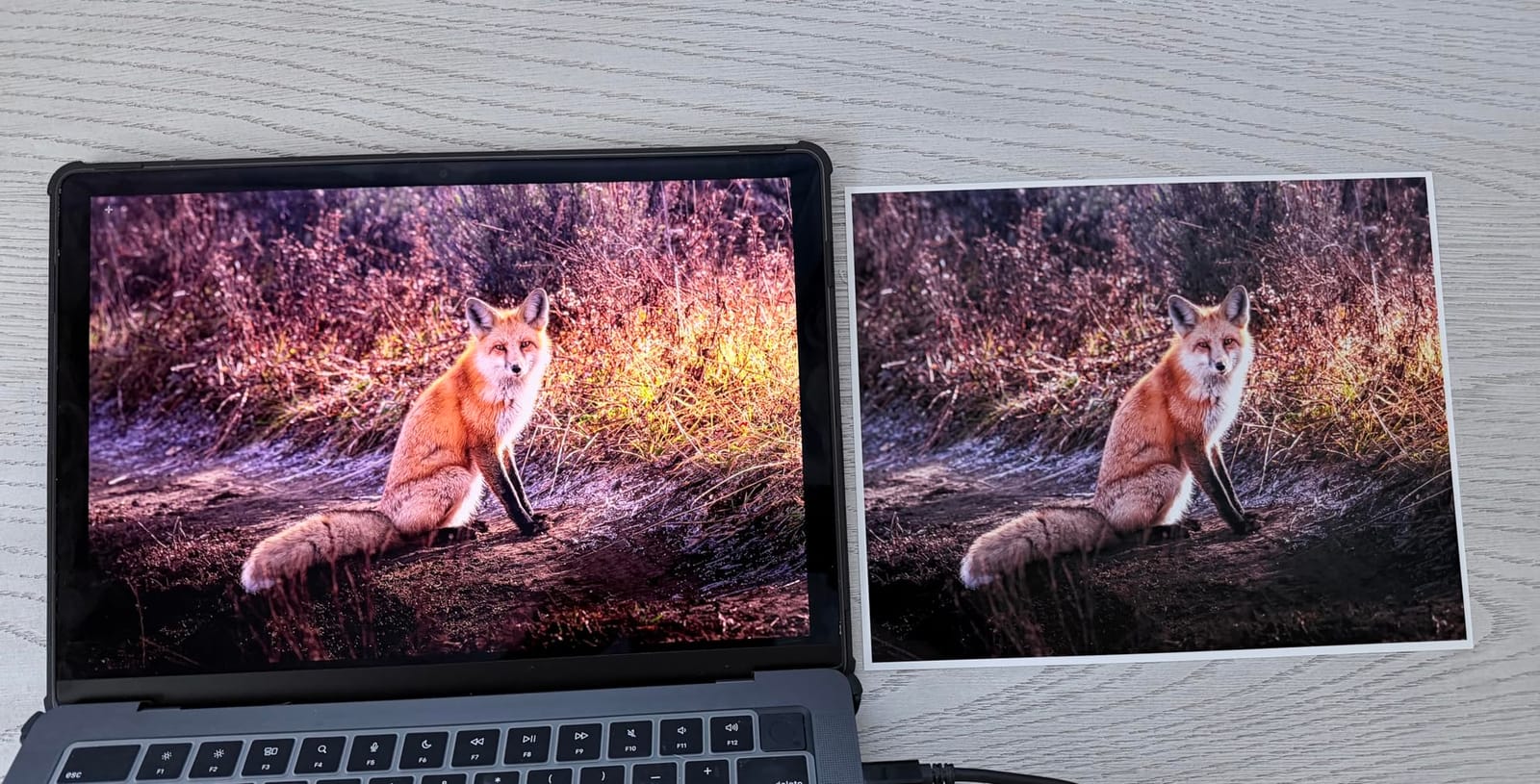
I tested it with a stack of 4×6, 8×10, and 13×19 photos, and the output looked consistent across all sizes. The flatbed scanner handles documents and old photos, and the printer supports auto duplexing for everyday print jobs. Refilling the tanks is clean and easy with the keyed bottle design. No spills, no mess.
Setup is the most complex of any printer in this roundup. There is a lot of packing tape to remove, and the initial ink priming takes around 20 minutes. The unit is also large and heavy at 24.5 pounds, with a 29.8 by 20.6 by 16.9-inch footprint. Plan a permanent spot on a sturdy surface.
Long-term cost savings
The ET-8550 pays for itself if you print more than a few hundred photos a year. The included ink bottles alone are worth a significant portion of the purchase price, and replacement bottles are far cheaper per milliliter than traditional cartridges. For families who print school projects, photo albums, and creative projects regularly, this is the most budget-friendly choice on the market.
Who should buy the EcoTank ET-8550
High-volume home users, home studios, and small creative businesses will get the most value from the ET-8550. If you print occasionally and mostly want 4×6 snapshots, a smaller portable printer will serve you better. But if you want wide-format output, scanning, and the lowest possible ink costs, this is the one.
Buying Guide: How to Choose the Best Photo Printer for Your Home
Picking the best photo printer for home use comes down to matching the machine to your actual printing habits. I have helped friends and family pick photo printers for years, and the questions below are the ones that always matter most.
What print technology should you choose?
There are three main technologies in home photo printers. Dye-sublimation printers (like the Liene M100, Selphy CP1500, KODAK Dock Plus, and Liene Amber M110) layer color and a protective coat, producing smudge-resistant prints that feel like lab photos. Inkjet printers (like the Epson PM-400, HP Envy 7975, Canon PRO-200S, and Epson ET-8550) spray tiny droplets of ink and can produce higher resolution with more color depth, but prints can smudge before drying. Zink (zero ink) printers use special paper with embedded crystals, but none of the printers in this roundup use Zink because the quality cannot match dye-sub or inkjet.
How much should you budget for ink and paper?
Running cost is the hidden price of photo printing. Dye-sub printers use proprietary paper and ink packs, which can run 30 to 50 cents per 4×6 print. Cartridge inkjet printers can be similar or more expensive if you print infrequently. Tank printers like the Epson ET-8550 bring the cost down to about 4 cents per 4×6, which is unbeatable for volume printing. Always factor in ink and paper costs over a year, not just the upfront printer price.
Which connectivity options matter most?
Wi-Fi is standard on every printer I tested, and AirPrint plus Mopria support make iPhone and Android printing straightforward. Bluetooth (Liene Amber M110, KODAK Dock Plus) is useful when Wi-Fi is unreliable. The KODAK Dock Plus takes it further with a physical phone dock that charges your device while printing. For home offices, Ethernet and USB connections on the Canon PRO-200S and Epson ET-8550 provide stable wired options.
What paper sizes do you actually need?
Most home photo printers are limited to 4×6 or 5×7. If you want to print 8×10, 11×14, or 13×19, you need a wide-format inkjet like the Canon PRO-200S or Epson ET-8550. Square 3×3 prints are popular for Instagram-style projects, and the Liene Amber M110 has a dedicated tray for that. Sticker paper support is a fun bonus, and the Canon Selphy CP1500 and Liene Amber M110 both handle adhesive sticker media well.
How important is print speed?
For occasional printing, 36 to 60 seconds per photo is fine. For events or batch printing, faster machines save real time. The Epson PM-400 is one of the fastest dedicated photo printers at 36 seconds per 4×6. The Canon PRO-200S handles wide-format prints in under two minutes. The slowest printers in this roundup are the dye-sub models at around 55 to 60 seconds per print, which is the trade-off for that lab-quality finish.
All-in-one or dedicated photo printer?
If you need to scan, copy, or print documents in addition to photos, an all-in-one like the HP Envy Photo 7975 or Epson ET-8550 makes sense. If photos are your main focus, a dedicated photo printer like the Epson PM-400 or Canon Selphy CP1500 will give you better photo output in a smaller footprint.
Frequently Asked Questions
What are the top 5 best photo printers?
Based on extensive testing in 2026, the top 5 best photo printers for home are the Canon PIXMA PRO-200S for pro-grade quality, Epson EcoTank Photo ET-8550 for low-cost high-volume printing, Epson PictureMate PM-400 for sharpness and detail, Liene Amber M110 for portable Bluetooth printing, and HP Envy Photo 7975 for all-in-one versatility. Each excels in a different use case, from 4×6 snapshots to 13×19 wide-format prints.
What printer is best for printing photographs?
The best printer for printing photographs depends on your needs. For professional-grade output, the Canon PIXMA PRO-200S with its 8-color dye ink system delivers gallery-quality prints. For home photo printing at lower cost, the Epson EcoTank Photo ET-8550 offers 4 cent per 4×6 prints with a cartridge-free tank system. For portable 4×6 snapshots, dye-sublimation printers like the Liene M100 and Canon Selphy CP1500 produce lab-quality smudge-resistant prints.
Which printer produces the highest quality photo prints?
The Canon PIXMA PRO-200S produces the highest quality photo prints in this roundup, with an 8-color dye-based ink system and 4800 x 2400 dpi resolution that supports borderless prints up to 13×19 inches. The Epson EcoTank Photo ET-8550 is a close second with 5760 x 1440 dpi and 6-color Claria ET Premium inks. Both deliver professional-grade output suitable for framing, selling, or displaying.
What is the best home photo printer in 2026?
In 2026, the best home photo printer for most people is the Epson EcoTank Photo ET-8550 because of its cartridge-free ink tank system, included 2 years of ink, and ability to print 4×6 photos for about 4 cents each. For pure photo quality, the Canon PIXMA PRO-200S is the top pick. For casual snapshot printing, the Liene Amber M110 and Canon Selphy CP1500 offer excellent portable value. The right choice depends on your print volume, paper size needs, and budget for ongoing ink costs.
Final Verdict: Which Best Photo Printer for Home Should You Buy?
After testing all eight models side by side, my top recommendation for the best photo printers for home in 2026 is the Epson EcoTank Photo ET-8550 for most families. The cartridge-free tank system, included 2 years of ink, and 13×19 wide-format capability make it the most versatile long-term value.
If pure photo quality is your priority, the Canon PIXMA PRO-200S is the one to beat with its 8-color dye ink system. For casual 4×6 printing and events, the Liene Amber M110 and Canon Selphy CP1500 are portable and reliable. The HP Envy Photo 7975 is the best choice for home offices that need scanning and copying alongside photo printing. Whatever your situation, one of these eight printers will serve you well for years to come.