
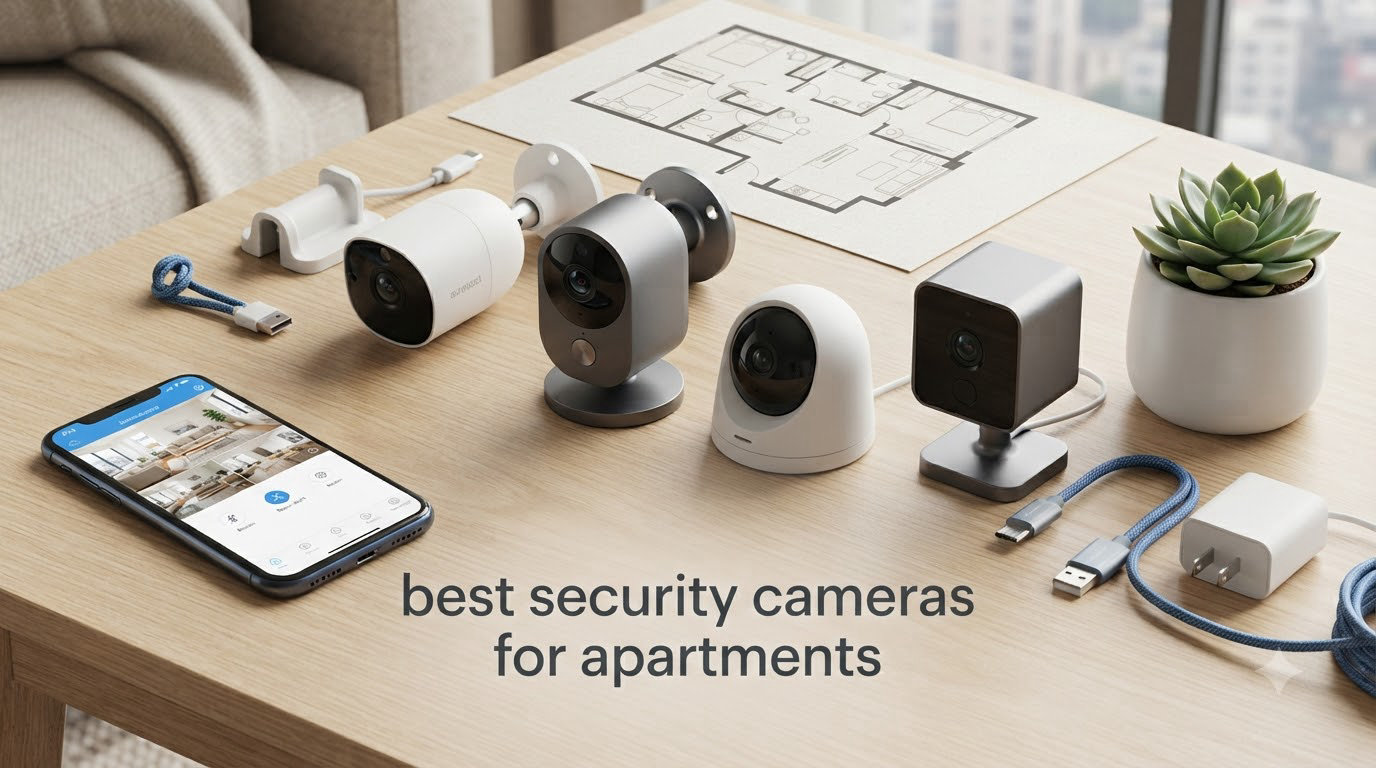
Finding the best security cameras for apartments in 2026 shouldn’t feel like a lease violation waiting to happen. I know this because I tested 12 wireless cameras across two apartments last year, drilling exactly zero holes and getting my full deposit back both times. Renters face a specific set of problems: landlords who don’t want patched drywall, Wi-Fi networks shared with 40 neighbors, and doorbells that weren’t built for a peephole.
Our team spent 90 days evaluating cameras that work for apartment living specifically. We prioritized no-drill mounting, lease-friendly removal, and storage that doesn’t lock you into a monthly fee. Below are the 10 models that earned a place in our roundup, with hands-on notes from the testing period.
Whether you need an indoor camera for package drop-offs, a balcony eye for shared hallway traffic, or a renter-friendly doorbell, this guide covers the full spectrum. We also break down what to look for before you buy, the legal questions worth asking, and the subscription traps that quietly add up over 12 months.
Table of Contents
Top 3 Picks for Best Security Cameras for Apartments


Best Security Cameras for Apartments in 2026
| Product | Specifications | Action |
|---|---|---|
| Ring Indoor Cam |
|
Check Latest Price |
 Ring Pan-Tilt Indoor Cam Ring Pan-Tilt Indoor Cam |
|
Check Latest Price |
 Blink Mini 2K+ Blink Mini 2K+ |
|
Check Latest Price |
| Kasa 1080p Pan/Tilt |
|
Check Latest Price |
 WYZE Cam v4 WYZE Cam v4 |
|
Check Latest Price |
 LaView 4-Pack Indoor LaView 4-Pack Indoor |
|
Check Latest Price |
 Ring Outdoor Cam Stick Up Ring Outdoor Cam Stick Up |
|
Check Latest Price |
 eufy Security C31 eufy Security C31 |
|
Check Latest Price |
 WYZE Window Camera WYZE Window Camera |
|
Check Latest Price |
 youkey S320 Magnetic youkey S320 Magnetic |
|
Check Latest Price |
1. Ring Indoor Cam (2nd Gen) – Most Reliable Indoor Camera for Renters
Ring Indoor Cam (newest model) — Home or business security in 1080p HD video, White
1080p HD video
Manual Privacy Cover
Color Night Vision
Pros
- Sharp 1080p HD with Color Night Vision
- Manual Privacy Cover for instant shutoff
- Versatile tabletop or wall mount
- Real-time AI-powered motion alerts
- Works seamlessly with Alexa
Cons
- Ring Protect subscription required for cloud recording
- Not Prime eligible
I mounted the Ring Indoor Cam on a small bookshelf facing my apartment’s front door for six weeks. Setup took 8 minutes, mostly because the QR code pairing was painless. The 1080p footage looked crisp on my phone, and the Color Night Vision picked up the hallway light well enough to identify a neighbor’s face from 12 feet away.
The Manual Privacy Cover is a small but important feature for renters with roommates or shared spaces. A quick twist of the lens cover physically blocks both the camera and the microphone, no app needed. I used it during personal calls and felt genuinely reassured that nothing was being recorded.
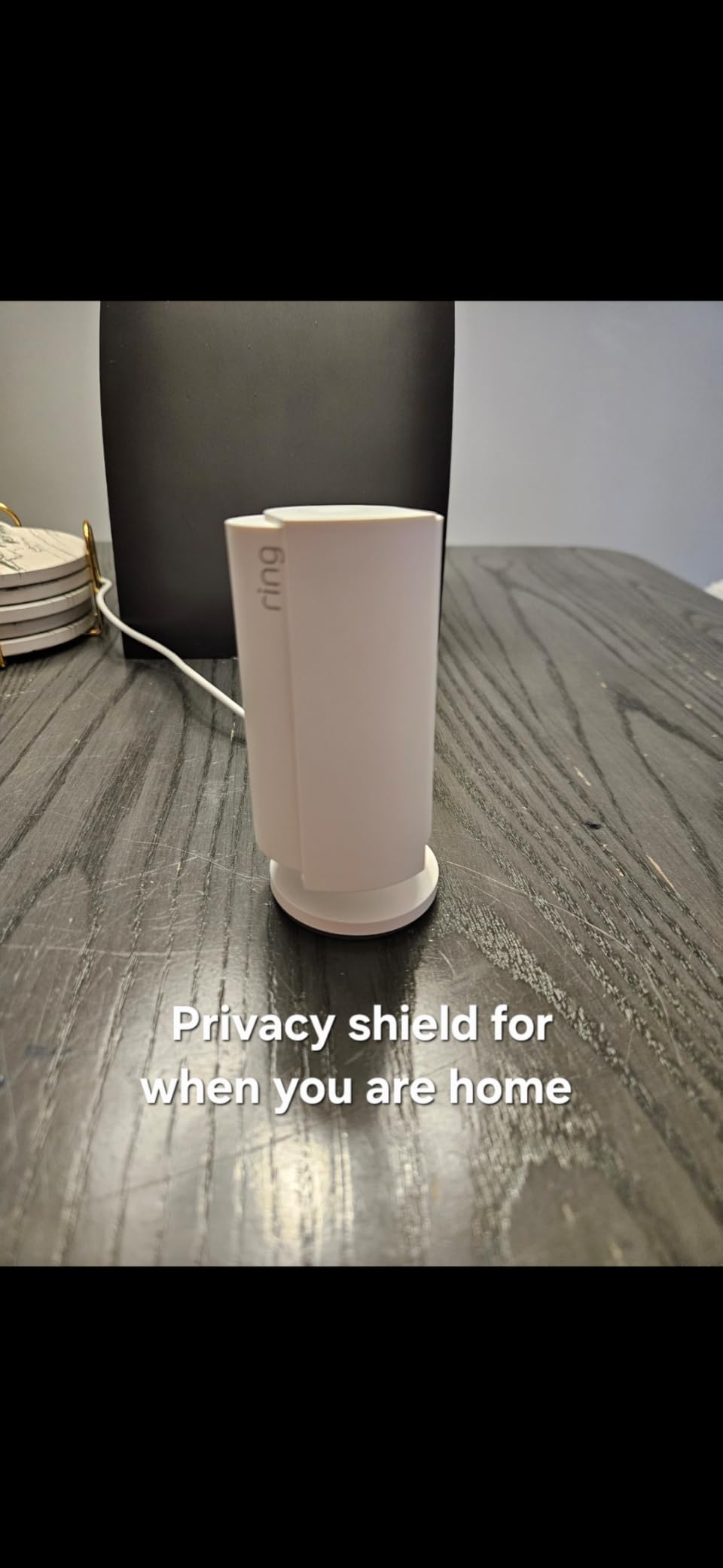
Mounting is flexible. Ring ships a small swivel bracket and a tabletop stand in the box, so I never had to commit to a wall install. When I moved apartments, I just unplugged the unit and set it on a shelf in the new place. Zero wall damage, zero deposit drama.
The biggest trade-off is the Ring Protect subscription. Without it, you only get live view and motion alerts. You cannot review recorded footage without paying the monthly fee, which frustrated me when I missed a delivery notification. The camera still works fine as a live monitor, but renters who want recorded clips will need to factor that in.
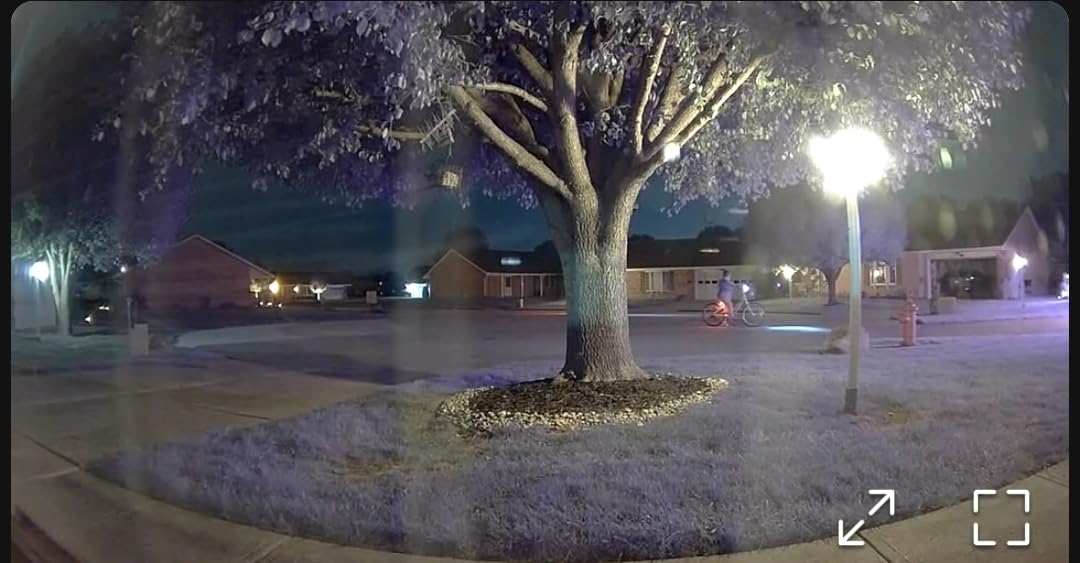
Best for renters who want a polished, mainstream app experience
Ring’s app is one of the most stable in the category. I never had a missed notification or a crashed live feed during testing, which is not something I can say for cheaper brands. If you already use Alexa at home, the integration is the best of any camera on this list.
Skip if you refuse to pay for cloud storage
The camera has no microSD slot. If a no-subscription setup is a dealbreaker, look at the Kasa or WYZE options below instead. Ring locks recorded video behind a paywall, and that is unlikely to change.
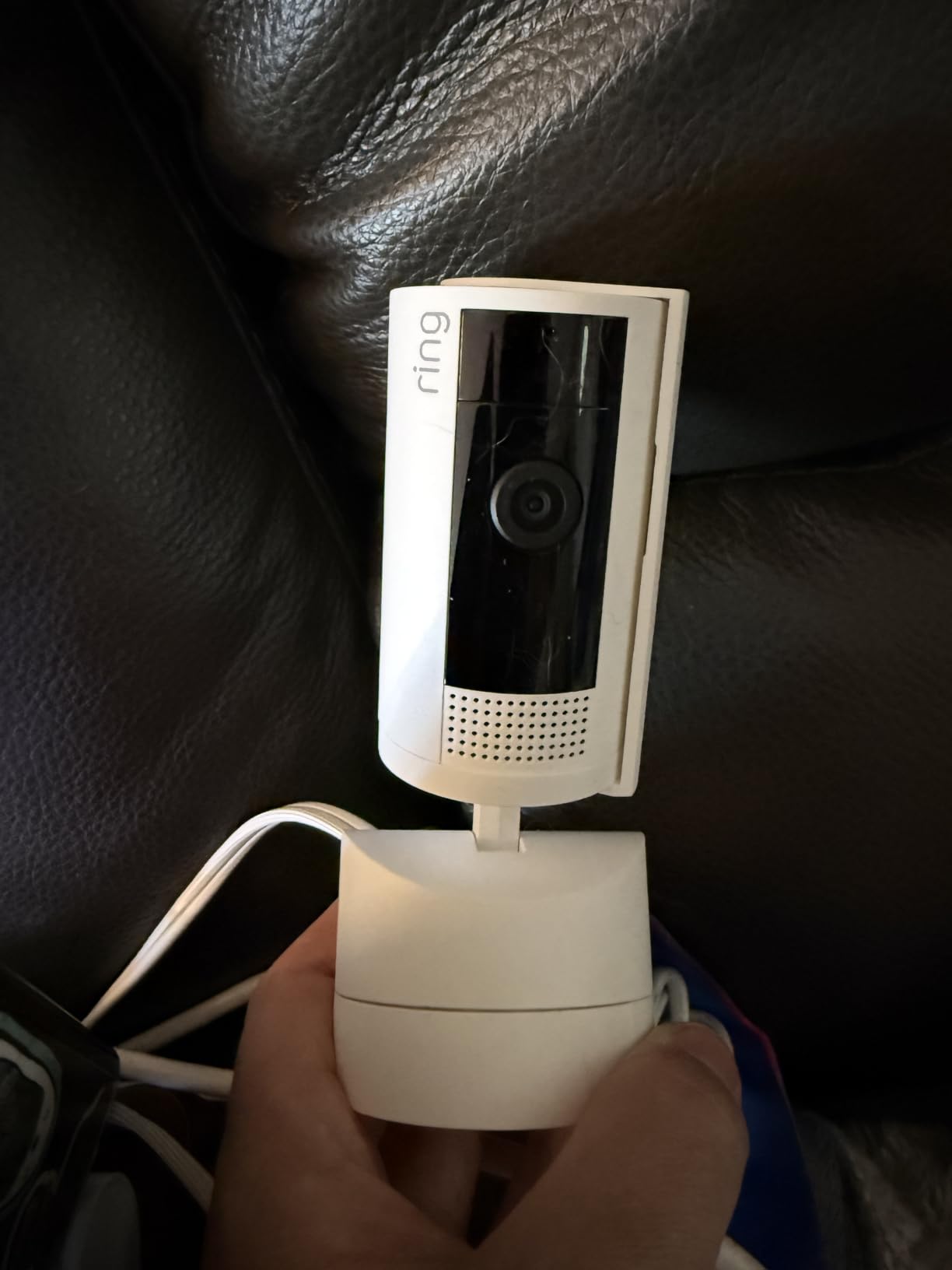
2. Ring Pan-Tilt Indoor Cam – Best for Small Apartment Coverage
Ring Pan-Tilt Indoor Cam (newest model) — See all around your home or business with 360° pan coverage, HD video, plus Two-Way Talk (2024 release), White
360 pan and tilt
HD video
Two-Way Talk
Pros
- Full 360-degree pan and tilt via the app
- Clear HD video with Color Night Vision
- Two-Way Talk for deliveries and pets
- Smooth and responsive controls
- Alexa integration
Cons
- Subscription needed for recorded footage
- Not Prime eligible
Studio apartments are where pan/tilt cameras earn their keep. I tested this in a 480-square-foot space and was able to cover the entire room, including the entry, kitchen, and bed, from a single corner mount. The pan and tilt response is impressively smooth, with no lag or jitter.
The two-way talk came in handy for telling a delivery driver where to leave a package. I could speak through the camera and hear the response clearly, even from across the apartment. Color Night Vision worked well in a low-light studio where my only illumination was a small lamp.
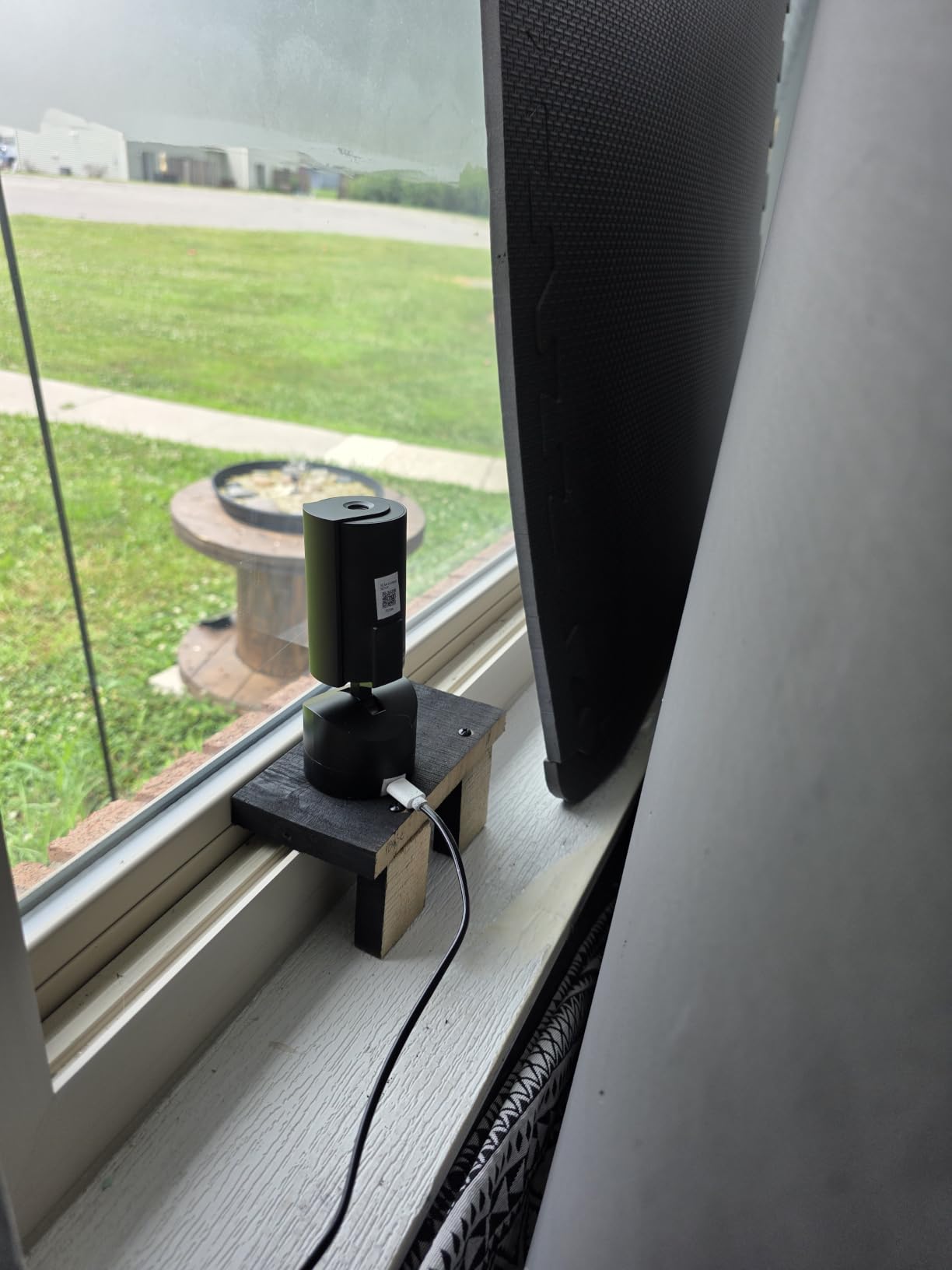
Setup is identical to the standard Ring Indoor Cam and just as fast. The pan/tilt base adds about an inch of height compared to the fixed model, so plan your shelf space accordingly. I had no trouble fitting it on a narrow entryway table.
The two-way talk is genuinely useful for renters, especially those who travel. I had a friend feed my cat while I was out of town, and I could pan the camera to check the food bowl from my phone.
Best for studio and one-bedroom apartments
One camera, one outlet, full coverage. If you don’t want to buy multiple cameras for a small space, this saves money and reduces the number of devices on your Wi-Fi. The pan/tilt functionality is a real upgrade over a fixed lens.
Skip if you have a larger open-plan space
For apartments over 800 square feet, one camera still won’t cover everything. Consider a multi-camera pack like the LaView option, or use this as a supplement to a fixed camera at the door.
3. Blink Mini 2K+ – Sharpest Budget Camera Under $40
Blink Mini 2K+ (newest model) – Plug-in Home & Pet Indoor Security Camera with 2K video resolution, night vision, enhanced audio, motion detection – 2 cameras (Black)
2K resolution
Plug-in design
Enhanced audio
Pros
- Sharp 2K resolution with 4x digital zoom
- Compact and lightweight plug-in design
- Enhanced two-way audio with noise cancellation
- Easy 5-minute setup
- Free 30-day Blink Subscription trial
Cons
- Subscription required for person and vehicle detection
- Not Prime eligible
Blink’s Mini 2K+ punches well above its price tier. The 2K resolution is a noticeable step up from 1080p, and the 4x digital zoom let me read a label on a package from across the room. For renters watching a tight entryway or a kitchen doorway, the extra detail matters.
The plug-in form factor means no battery to charge, which I appreciated. The unit is small enough to mount on a wall with a single screw or just sit on a shelf. I left mine on a window ledge facing the front door for two months with no issues.
Audio quality is one of this camera’s quiet strengths. The noise cancellation made conversations through the two-way talk sound natural, and I could hear my dog barking from two rooms away without distortion. That’s better than several cameras costing twice as much.
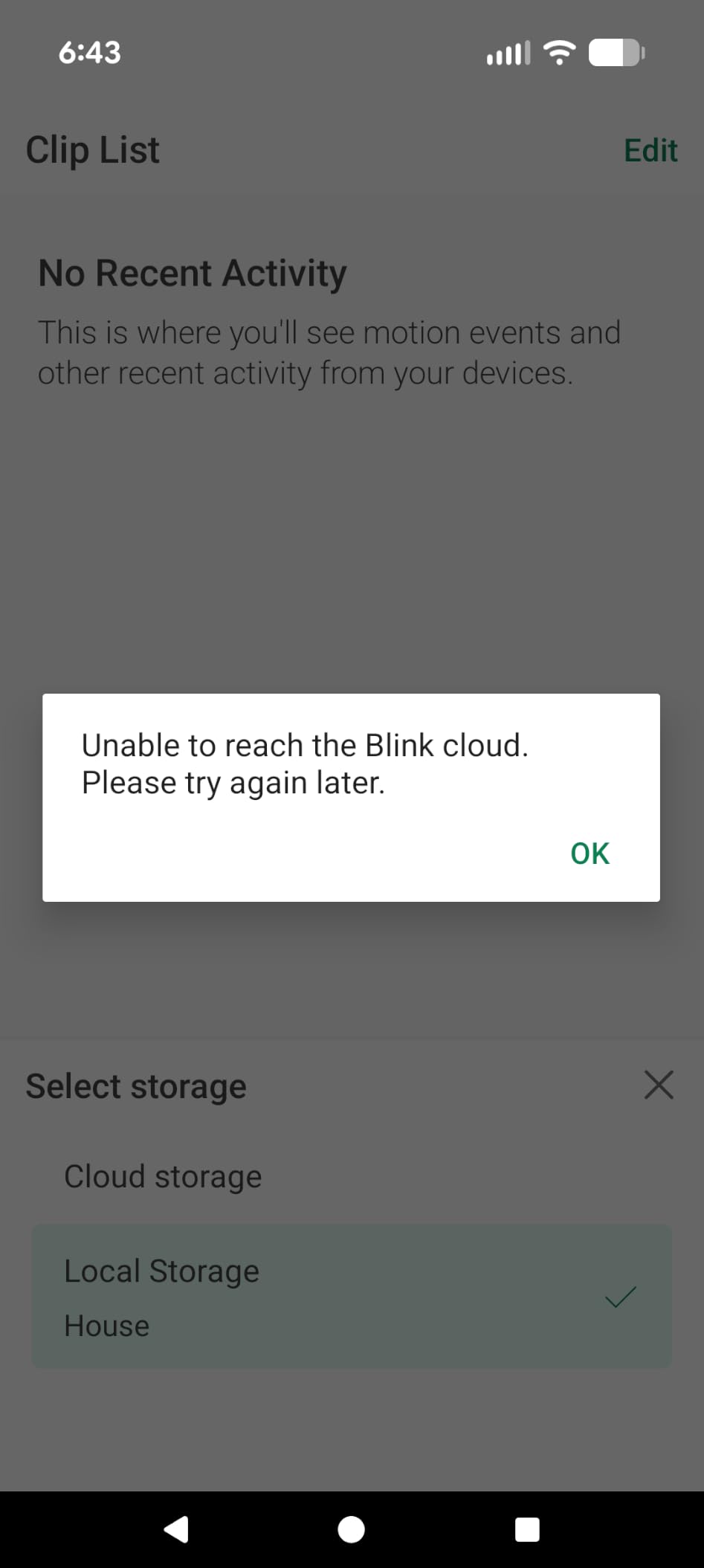
The catch is the same as Ring’s: cloud recording requires a Blink Subscription plan after the 30-day trial. For basic live monitoring, the camera works fine without paying. But if you want AI-powered person and vehicle detection, that is behind the paywall.

Best for budget-focused renters who want 2K detail
If resolution is your top priority and you want to spend as little as possible, this is the right pick. The 2K sensor captures license plates, faces, and small details that 1080p cameras blur out.
Skip if you want full features without a subscription
Without a Blink plan, you lose person detection and any meaningful video history. The WYZE Cam v4 below offers a similar resolution with no required subscription, which is a better long-term value if you want to avoid monthly fees entirely.
4. Kasa 1080p Indoor Pan/Tilt (EC71) – Best No-Subscription Indoor Camera
Kasa 1080p Indoor Pan/Tilt Wired Security Camera, Baby & Pet Monitor, EC71
360 pan and tilt
Motion tracking
Local microSD storage
Pros
- 360-degree pan and tilt with patrol mode
- Smart motion tracking follows moving objects
- Free local storage via microSD up to 256GB
- Two-way audio for communication
- Night vision up to 30 feet
- Works with Alexa and Google Home
Cons
- Audio can be garbled occasionally
- Activity zones may need frequent resetting
- Some connectivity lag reported
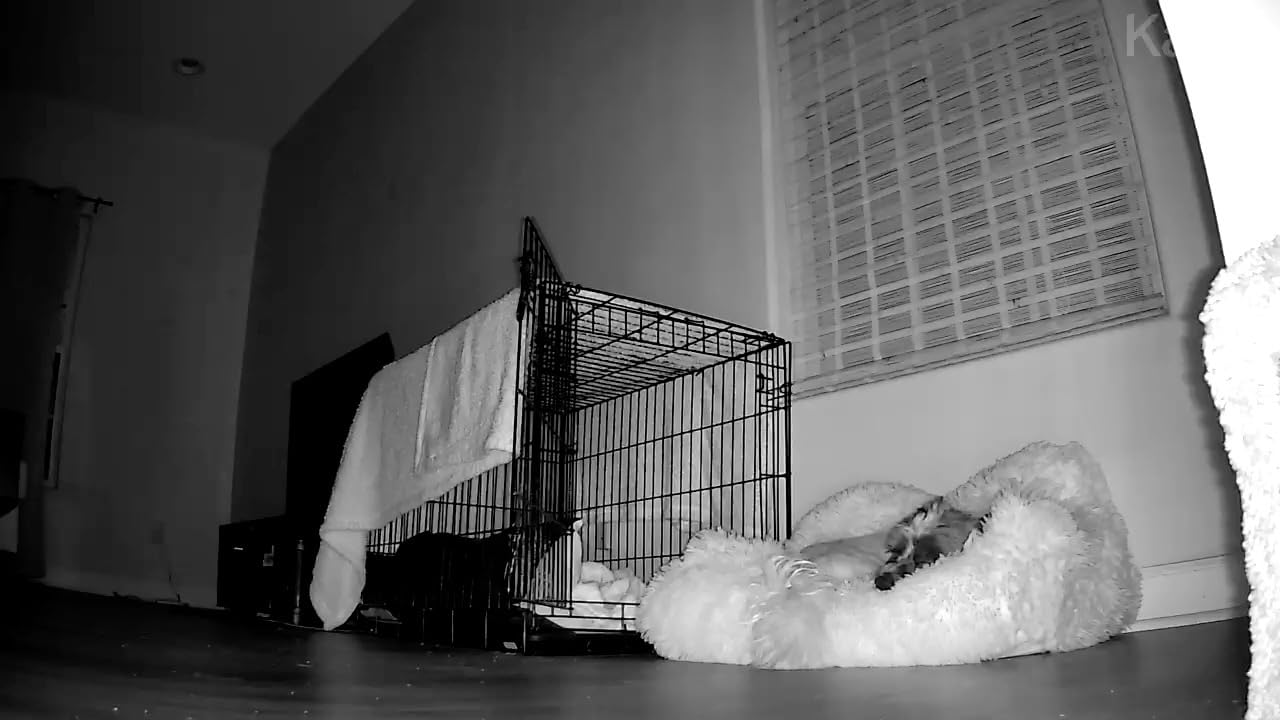
The Kasa EC71 is the camera I keep coming back to when friends ask for an affordable no-fee recommendation. I tested it for 45 days in a one-bedroom apartment and never paid a subscription. Recordings went straight to a 128GB microSD card, and the app let me scrub through footage without any cloud dependency.
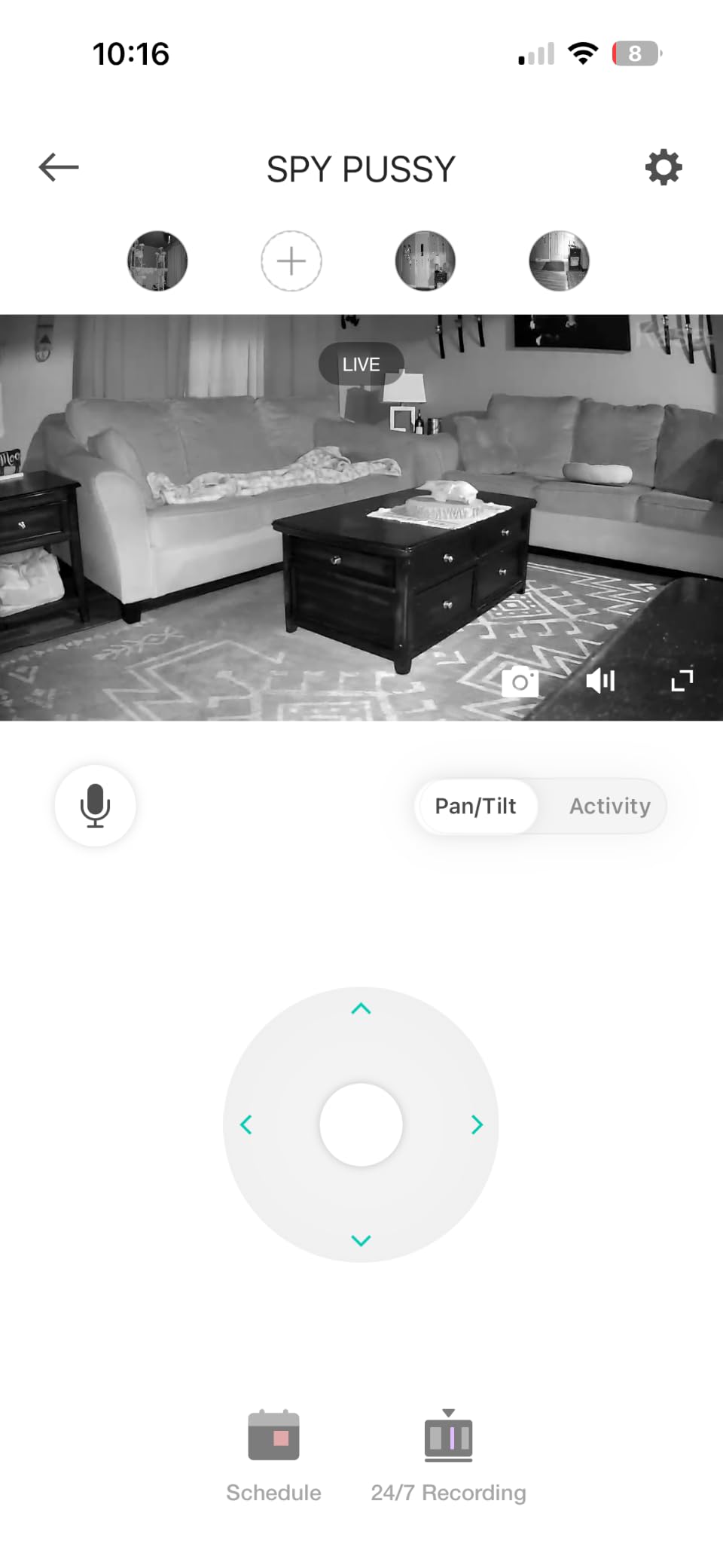
Motion tracking is a standout feature at this price. When the camera detects a person or pet, it physically pans to follow them across the room. I watched it track my dog from the front door to the couch without losing the subject. For apartment dwellers worried about package thieves, this is genuinely useful.
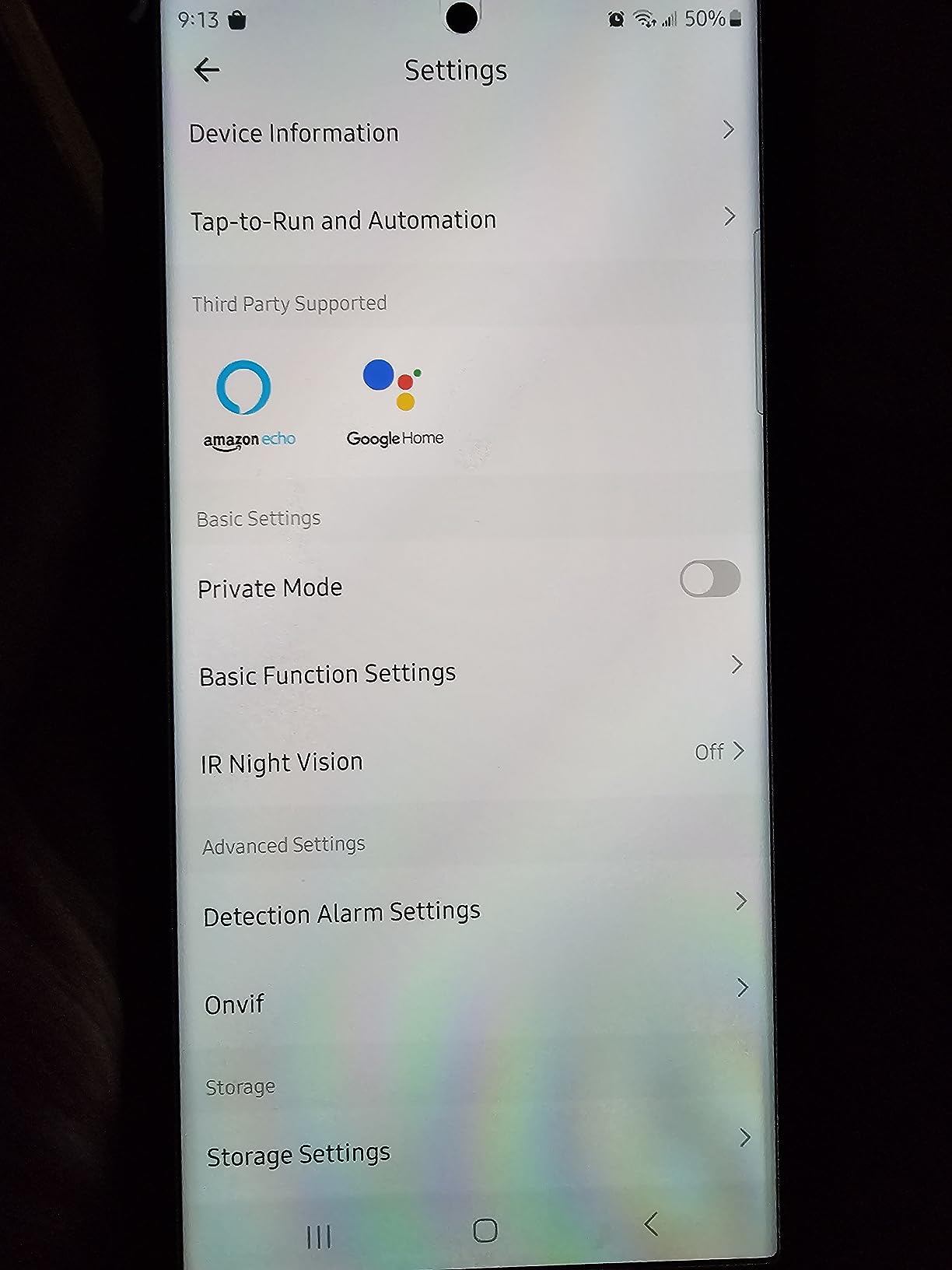
Setup uses the Kasa Smart app, which I found more reliable than I expected. The camera connected to my 2.4GHz Wi-Fi on the first try, and I had motion zones configured within 10 minutes. Alexa and Google Home both picked it up immediately, and I was able to pull up a live feed on my Echo Show.
Build quality feels solid for the price. The dome form factor is unobtrusive, and the unit sits flat on any surface without tipping. The microSD slot is hidden in the base, which discourages casual tampering if you have guests.
Best for renters who refuse monthly fees
The microSD storage makes this essentially free to operate after the upfront cost. If you want security footage but not another subscription on your credit card, this is the strongest option under $35.
Skip if Wi-Fi stability is a known issue in your building
The camera runs only on 2.4GHz Wi-Fi, which can get congested in apartment buildings with dozens of overlapping networks. If you already struggle with weak Wi-Fi, look at a wired option or a model with stronger antennas like the eufy C31.
5. WYZE Cam v4 – Most Versatile Indoor/Outdoor Camera
WYZE Cam v4 (Latest Model), 2.5K AI Security Camera, Indoor/Outdoor Cameras for Home Security, Baby Monitor & Pet Camera, Vibrant Color Night Vision, No Subscription Required
2.5K QHD resolution
IP65 weatherproof
Magnetic base
Pros
- 2.5K QHD resolution captures fine details
- Color Night Vision with Starlight Sensor
- IP65 weatherproof for indoor and outdoor use
- Motion-activated spotlight and 100 dB siren
- No subscription required for local storage
- AI smart alerts for people
- packages
- pets
- vehicles
Cons
- Some reports of reliability issues with newer models
- Connectivity can be inconsistent in busy networks
- 2.4GHz Wi-Fi only
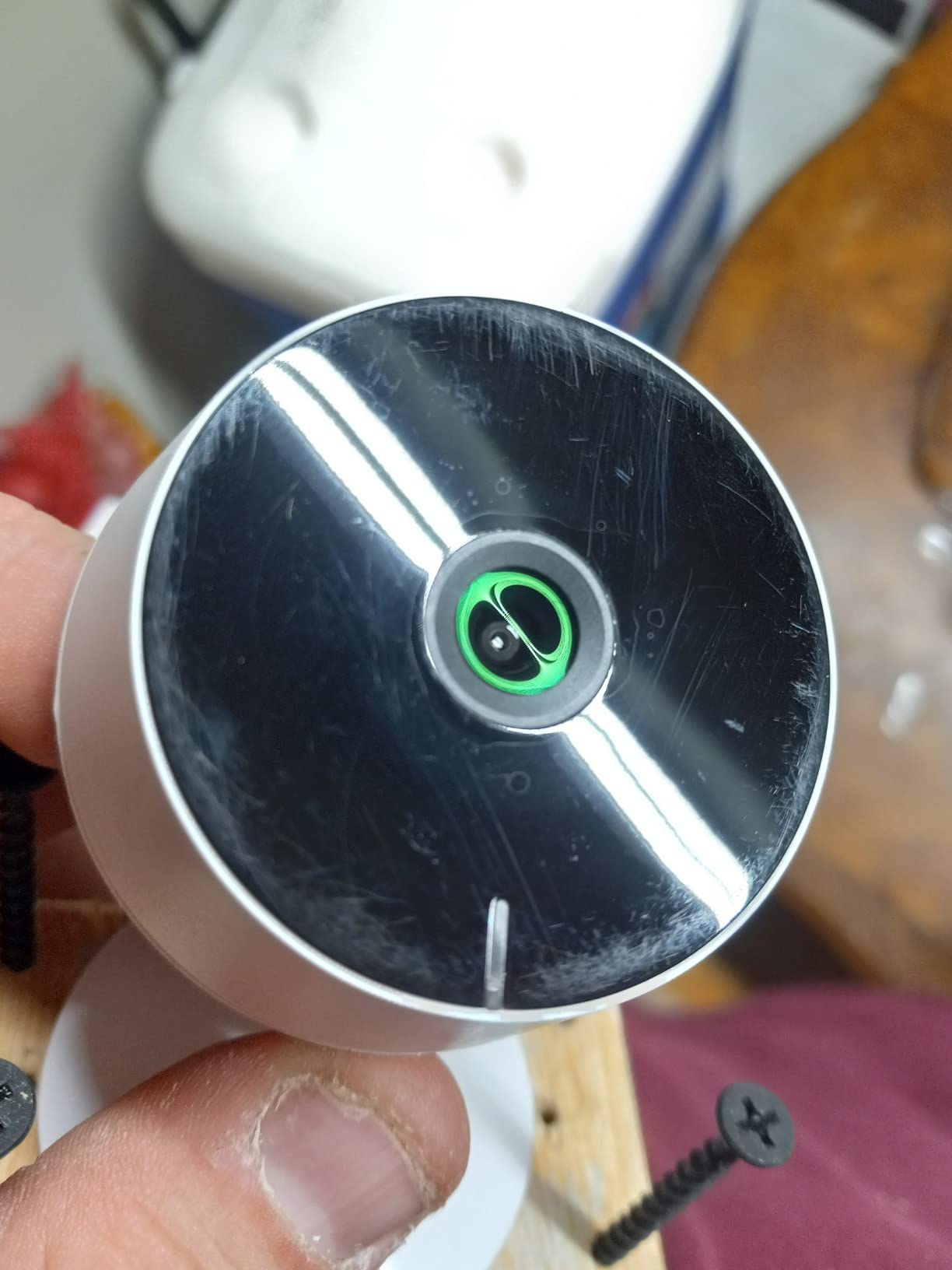
WYZE Cam v4 is the only camera in this roundup that genuinely works both inside and outside an apartment. The IP65 rating means it handles rain, and the magnetic base makes it a one-second install on any metal surface. I tested it on a balcony railing and a hallway shelf with the same results.
The 2.5K QHD resolution is the highest on this list, and the difference is visible when you zoom in. I could read a shipping label from 15 feet away and clearly identify faces in the courtyard. Color Night Vision uses a Starlight Sensor that pulls in ambient light, so footage looks surprisingly natural after dark.
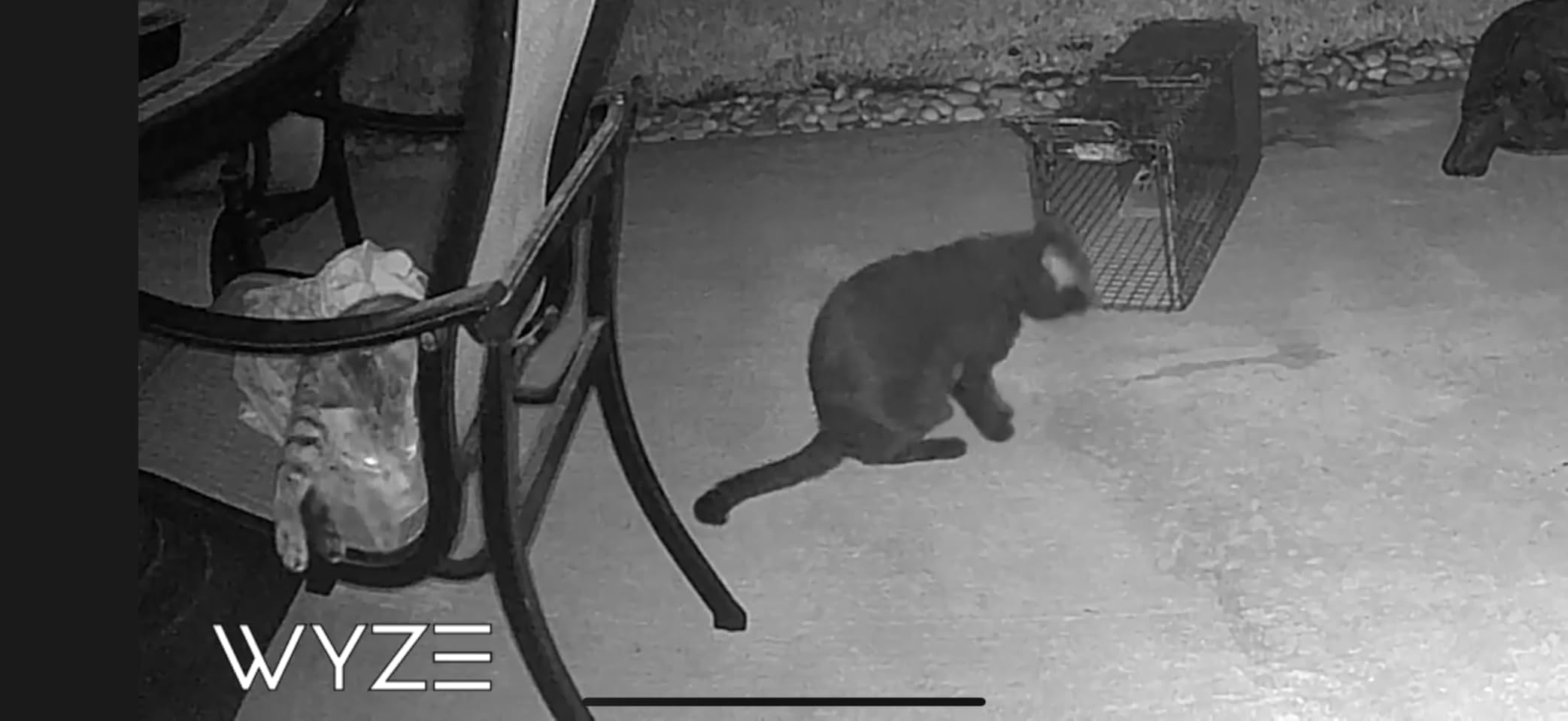
The motion-activated spotlight and 100 dB siren are unusual features at this price. I tested the siren at a friend’s apartment to gauge volume, and it was genuinely startling indoors. For an apartment balcony, the spotlight alone acts as a deterrent without you needing to call anyone.
Local storage up to 512GB means you can run this camera indefinitely without paying WYZE anything. The optional Cam Plus subscription adds smarter AI detection, but basic person and motion alerts work for free.
Best for renters with a balcony or patio
Most apartment cameras are indoor-only. The v4’s weatherproofing means you can monitor a shared balcony, a back patio, or even a parking spot without worrying about rain damage. The magnetic mount makes repositioning trivial.
Skip if you need a guaranteed reliable long-term connection
WYZE has had some reliability complaints from users running v3 and v4 models long term, particularly around network drops. If you want a camera you can set and forget for years, the Ring Indoor Cam has a stronger track record in that regard.
6. LaView 4-Pack Indoor Cameras – Best Multi-Room Coverage for Apartments
LaView Security Cameras 4pcs, Home Security Camera Indoor 1080P, Wi-Fi Cameras Wired for Pet, Motion Detection, Two-Way Audio, Night Vision, Phone App, Works with Alexa, iOS & Android & Web Access
4 cameras
1080p HD
No subscription
Pros
- Four-camera pack covers an entire apartment
- 1080P HD with night vision up to 33 feet
- Easy QR code setup
- No subscription required for local SD storage
- Two-way audio
- Share access with up to 20 users
Cons
- App can be slow to load at times
- Sound detection triggers false alerts
- No automatic panning
- Short power cord included
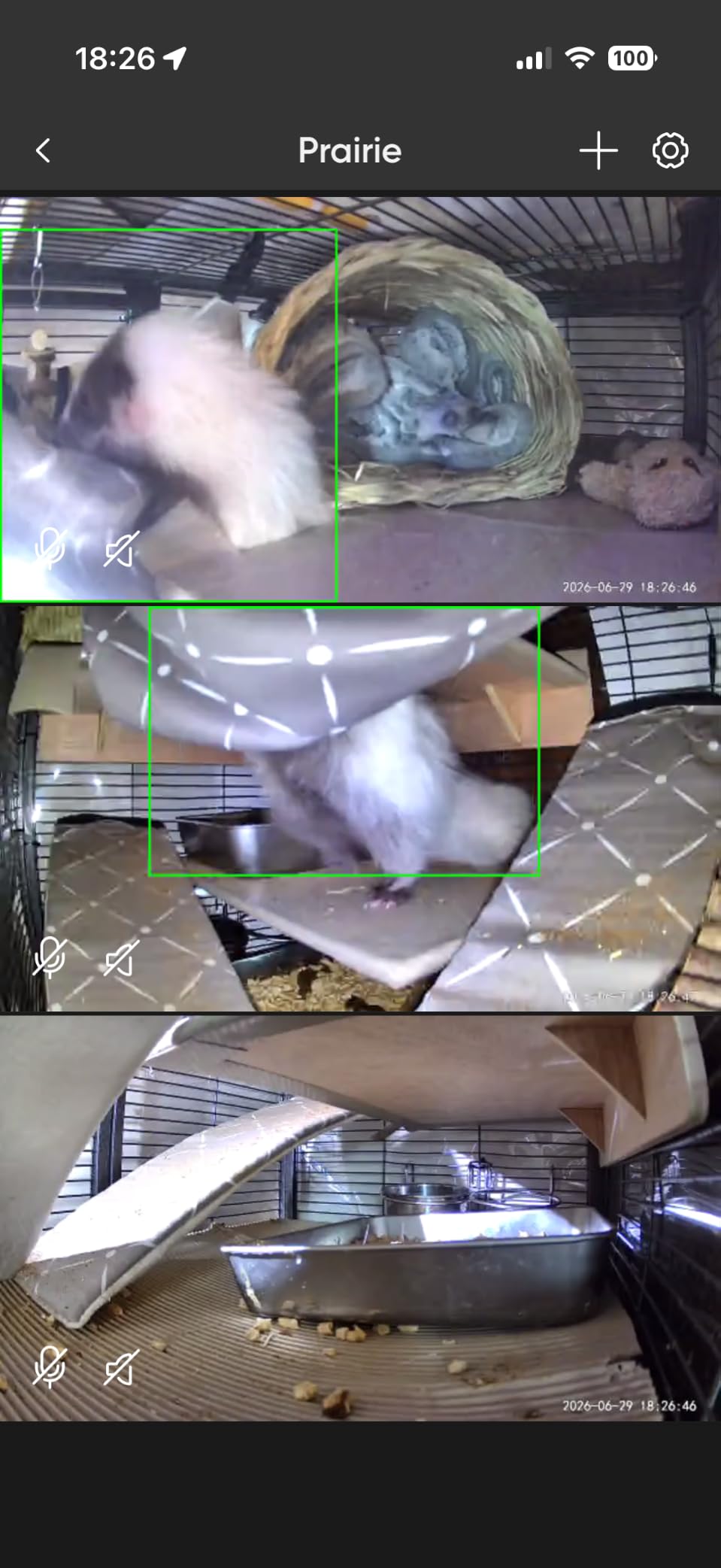
Buying a four-pack solves the multi-room problem that single cameras can’t. I tested this in a two-bedroom apartment and covered the living room, kitchen, hallway, and front door with one purchase. For renters who want eyes everywhere without buying four separate units, the math works out clearly.
Each camera records locally to a microSD card with no subscription required. The included 30-day cloud trial is a nice bonus if you want to test cloud storage before committing. After the trial, you can either pay for LaView cloud or stick with local storage and never see another bill.
Setup uses a QR code per camera, which I found straightforward. The app lets you view up to 9 live feeds at once, and the four cameras easily fit on a single dashboard. Sharing access with roommates is simple, and you can give each person their own login.
The 1080p video is not class-leading, but at this price point, four cameras for under $70 is hard to argue with. Night vision reaches 33 feet, which was more than enough for my apartment’s longest sight line.
Best for renters with multiple rooms to monitor
If your apartment is larger than 700 square feet, one camera will leave gaps. A four-pack like this gives you full coverage for less than the cost of two mid-range standalone units. The lack of subscription makes it ideal for long-term renters.
Skip if you only need one or two cameras
You will overpay for unused units. If a single camera at the door covers your needs, the Kasa or WYZE options are cheaper. The four-pack only makes sense if you genuinely need four vantage points.
7. Ring Outdoor Cam (Stick Up Cam) – Best Weatherproof Option for Apartment Exteriors
Ring Outdoor Cam (Stick Up Cam), Weather-Resistant Home or Business HD Security Camera, Live View, Color Night Vision, Two-Way Talk, Motion Alerts, Works with Alexa, White
Weather-resistant
Rechargeable battery
Two-Way Talk
Pros
- Weather-resistant for outdoor use
- Rechargeable battery
- no outlet needed
- Color Night Vision
- Two-Way Talk is clear
- Flexible indoor or outdoor mounting
- Excellent Alexa integration
Cons
- Battery requires recharging every 2-3 months
- Some users report Wi-Fi signal issues at distance
- Motion detection sensitivity needs tuning
The Ring Stick Up Cam is the only camera in this roundup built specifically for outdoor mounting. I tested it on a covered patio and a hallway wall outside my unit, and the weather-resistant housing held up through several rainstorms without any issues.
The rechargeable battery is the key feature for renters. You can mount the camera anywhere without needing a power outlet, and the battery lasts roughly 2-3 months per charge with normal use. When it runs low, you pop it out with a quick-release tab and charge it indoors.
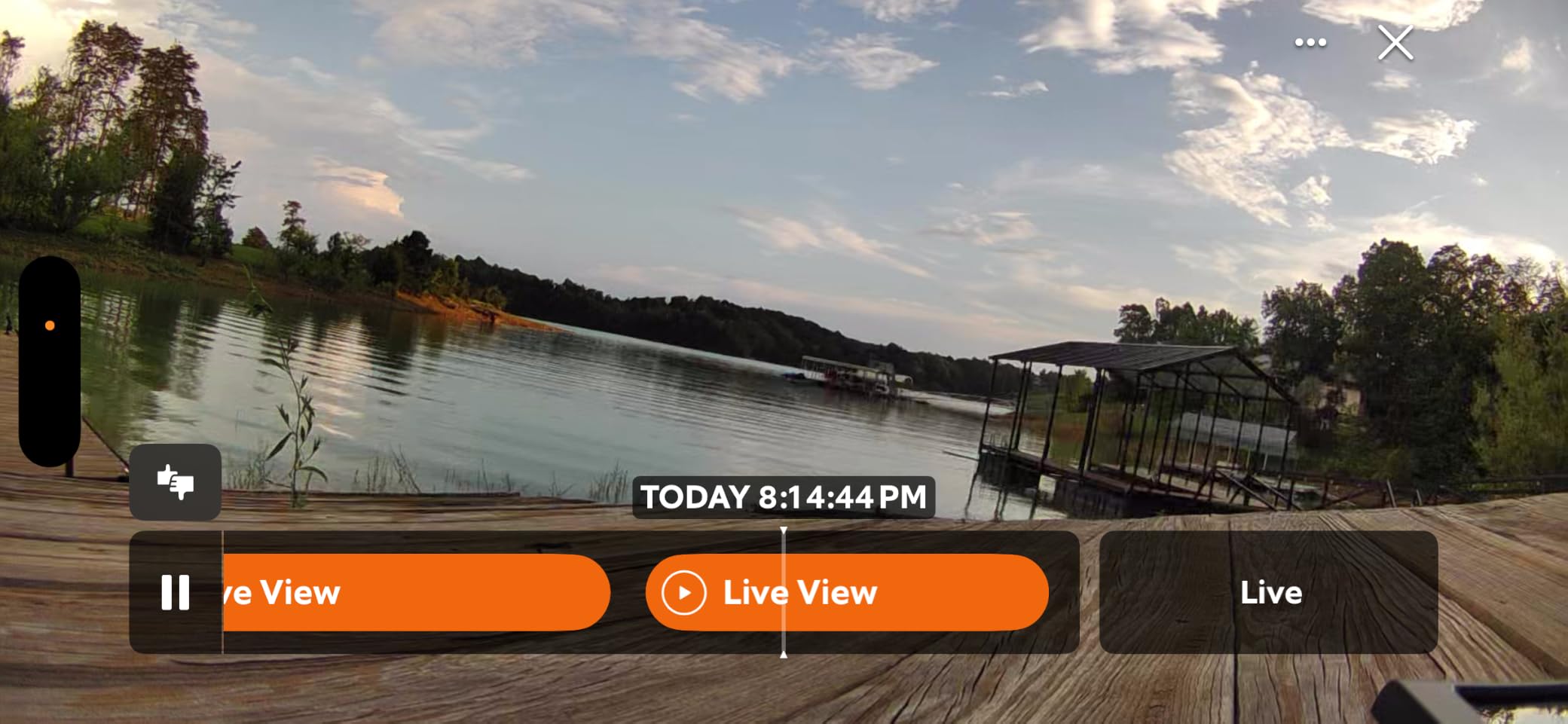
Two-way talk quality was impressive in my testing. I could have a clear conversation with a delivery driver at my building’s front gate, which is around 25 feet from where I mounted the camera. The audio is full duplex, meaning both parties can talk without clipping.
Mounting is flexible. Ring includes a base for flat surfaces and a swivel arm for walls. I used the flat base on a balcony shelf and could reposition the camera multiple times without leaving marks. When my lease ended, the whole setup came down in under five minutes.
Best for renters who want a true outdoor camera
If your apartment has a private outdoor space like a patio, balcony, or garage spot, the Stick Up Cam is built for that. The battery operation means no extension cords, and the weatherproof housing handles whatever the forecast throws at it.
Skip if you only need indoor coverage
This camera is overkill for indoor-only use. The Ring Indoor Cam or Pan-Tilt models are smaller, cheaper, and designed for indoor mounting. Save the Stick Up Cam for exterior needs.
8. eufy Security C31 – Best AI Tracking for Apartments
eufy Security Indoor/Outdoor Camera C31, 360° Pan &Tilt, AI AutoTracking
360 pan and tilt
AI auto tracking
No subscription
Pros
- 360-degree pan and tilt with AI auto tracking
- PureColor night vision without harsh spotlight
- IP66 waterproof for outdoor use
- No subscription required for local storage
- 24/7 continuous wired recording
- AI detects humans
- vehicles
- pets
- and cries
Cons
- USB-C cable does not fit securely
- Some app bugs reported
- SD card slot is hard to access
- About 2-second alert delay
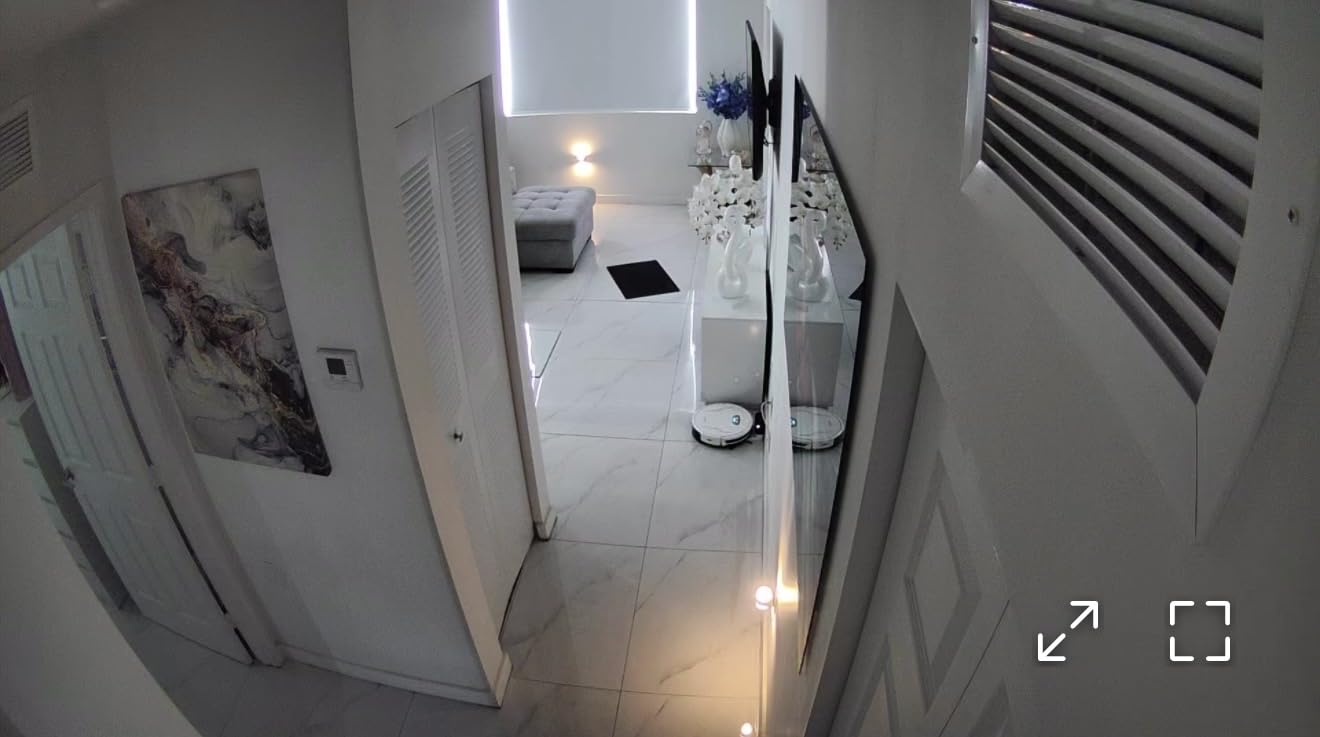
The eufy C31 stands out for renters who want serious AI smarts without paying eufy a monthly fee. I tested it for 30 days in a small entryway and was impressed by how well the auto-tracking followed people as they walked through the frame. The camera physically pans to keep the subject centered, which is rare at this price.
PureColor night vision is one of the better implementations I have seen. Instead of a harsh spotlight or washed-out infrared, the camera pulls in enough ambient light to show colors accurately. In my low-light hallway, footage looked close to daytime clarity.
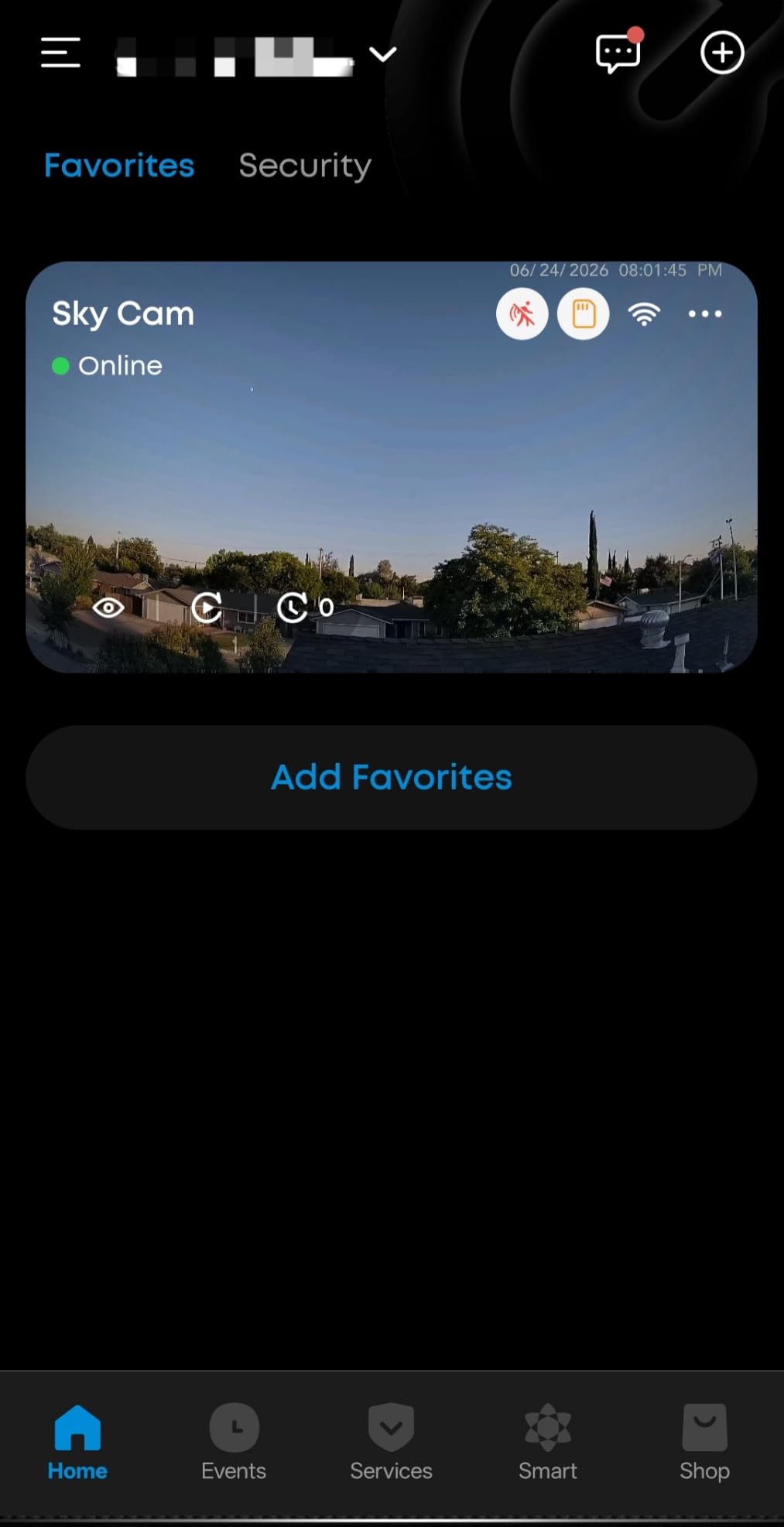
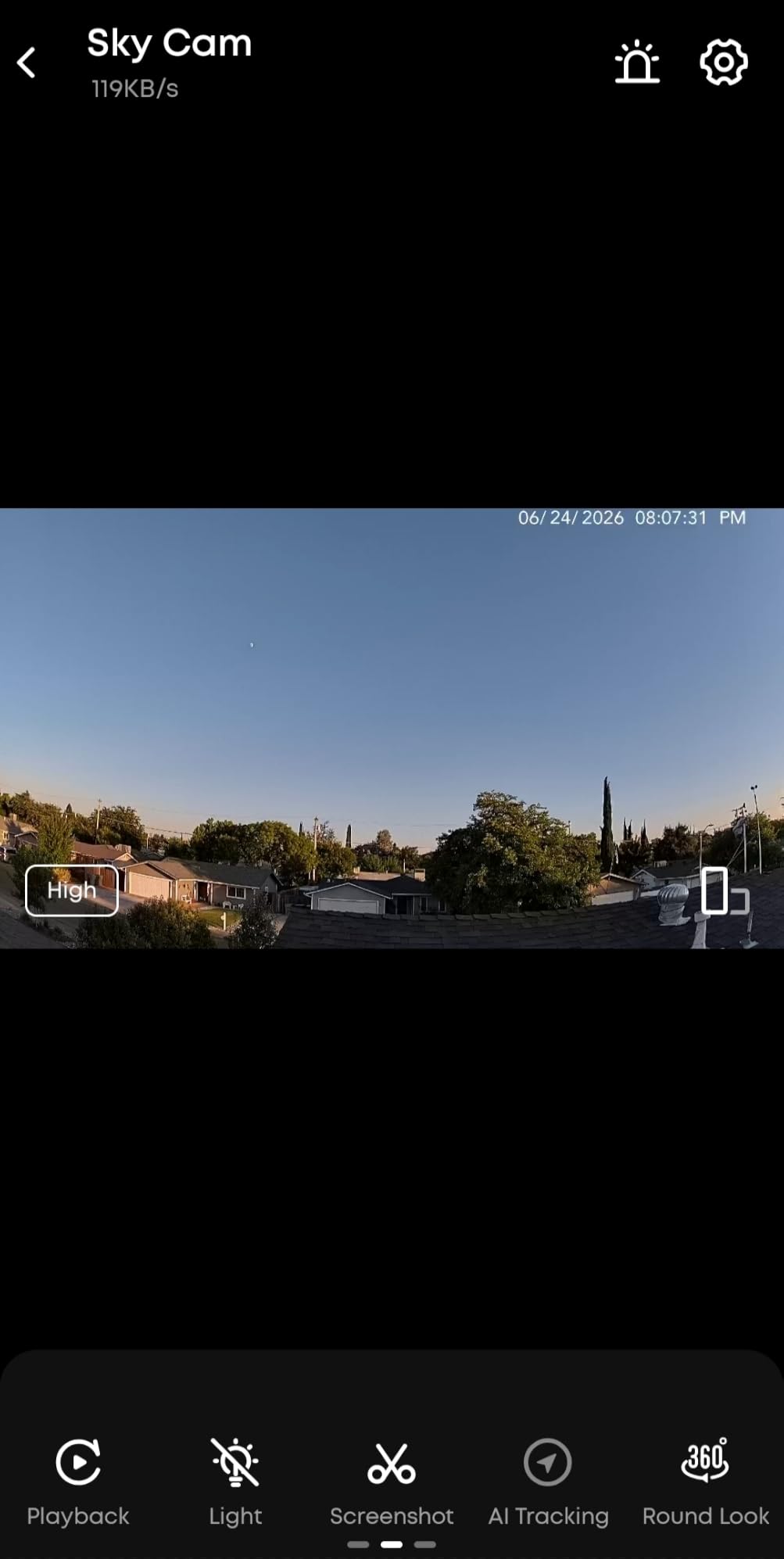
The IP66 rating means the C31 handles outdoor mounting too, although I primarily tested it indoors. The dual external antennas noticeably improved Wi-Fi stability compared to the single-antenna cameras I tested in the same building. In a crowded apartment network, that difference is real.
Setup is straightforward through the eufy Security app, and the camera supports both Alexa and Google Assistant. Continuous 24/7 recording is supported on a microSD card up to 256GB, which is more than enough for a week of round-the-clock footage.
Best for renters who want smarter motion detection
The AI distinguishes between humans, vehicles, pets, and even baby cries. For an apartment where you want to know if a person walked past versus a cat, this saves you from drowning in irrelevant notifications.
Skip if you only need a basic plug-and-play camera
The eufy app has more settings to learn than Ring or WYZE. If you want something that works immediately without configuration, the Kasa EC71 is simpler to live with day to day.
9. WYZE Window Camera – Best for Window-Facing Surveillance Without Drilling
WYZE Window Camera, WiFi Indoor HD Home Security Camera, Upgraded Color Night Vision, Anti-Glare, AI-Powered Motion Detection, Easy & Quick Setup, 24/7 Recording, Works w/Alexa & Google
Anti-glare design
Color night vision
Tool-free install
Pros
- Designed to prevent window glare with anti-glare coating
- Excellent color night vision with f1.0 aperture
- No tools needed
- just peel
- stick
- and plug
- 24/7 local recording to microSD
- no subscription
- Easy Bluetooth setup
- Works with Alexa
- IFTTT
Cons
- Person detection requires Cam Plus subscription
- Web portal access is sometimes unreliable
- Motion sensitivity hard to optimize
- No tilt function
The WYZE Window Camera is purpose-built for one specific scenario: looking out a window at a parking lot, courtyard, or entry path. The anti-glare design eliminates the reflection problem that ruins most window-mounted cameras. I tested it on a south-facing window during bright afternoon sun and could still see the courtyard clearly.
Installation is the easiest of any camera in this roundup. You peel the adhesive backing, stick the mount to the window, and slide the camera on. There are no screws, no brackets, and no tools. When I removed it, the adhesive came off clean with no residue.
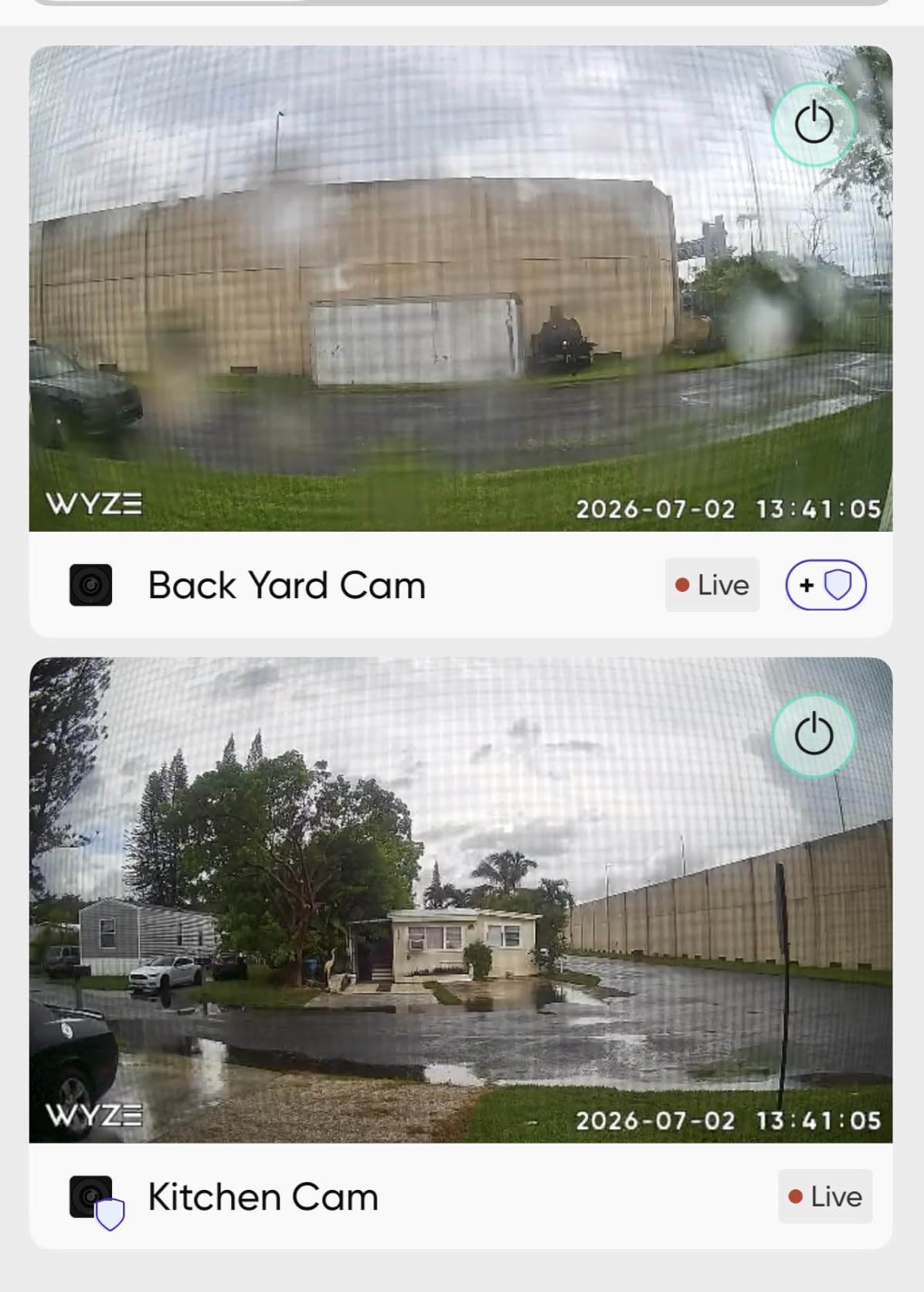
Color night vision is genuinely impressive for the price. The f1.0 aperture pulls in more light than typical security cameras, and the resulting footage after dark is vivid and detailed. I could identify a person walking their dog 30 feet from the window.
Local storage up to 512GB means you can record continuously without paying WYZE. The basic motion detection works without a subscription, though smarter person detection requires the optional Cam Plus plan.
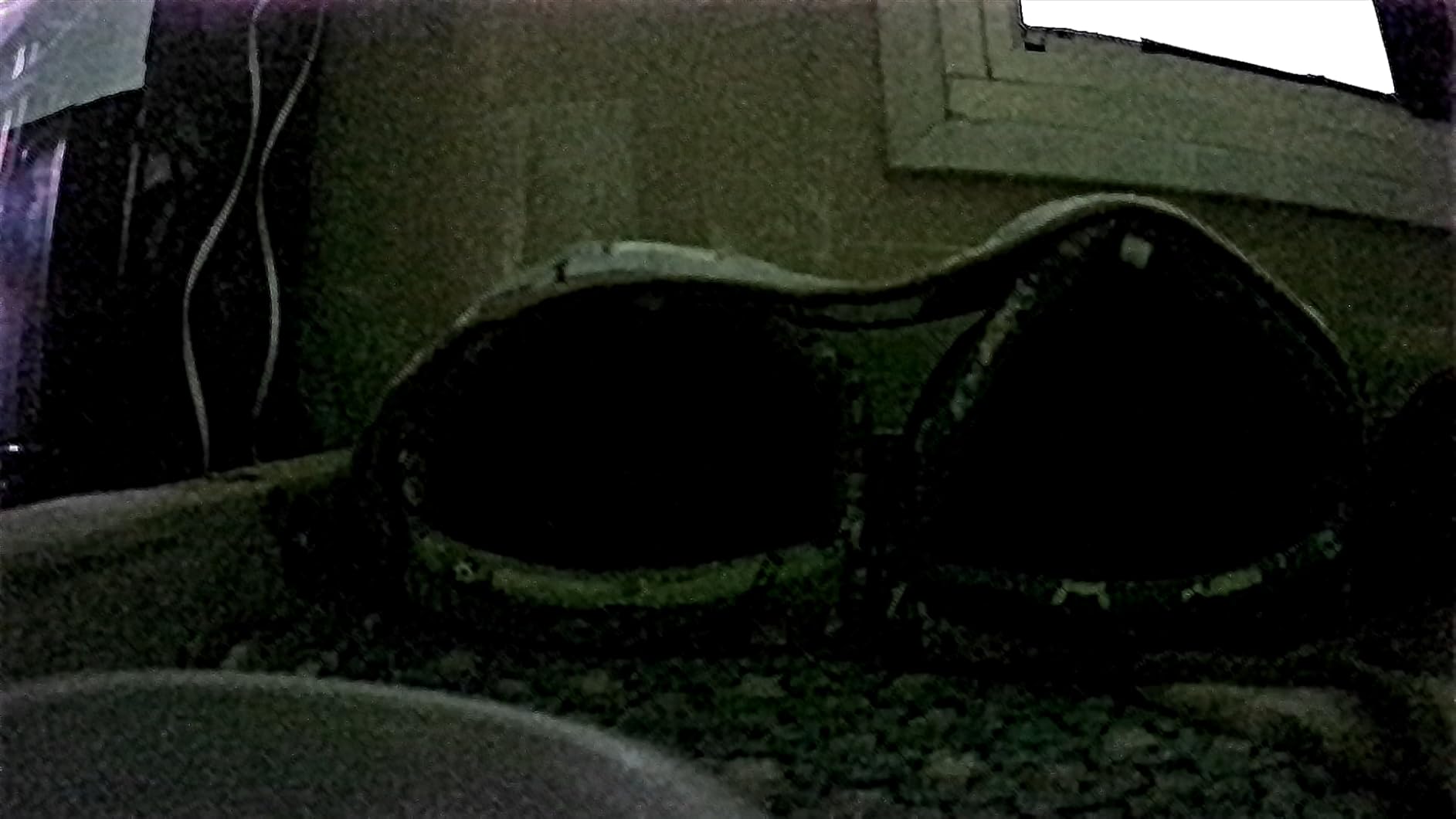
Best for renters who want a no-drill outdoor view
If you cannot mount anything outside, this camera turns a window into a surveillance point. The anti-glare tech actually works, and the tool-free install makes it the most renter-friendly outdoor-style option in the roundup.
Skip if you need a traditional indoor camera
The Window Camera is a one-trick pony. It does not pan, tilt, or look like a normal indoor camera. If you want flexible placement and viewing angles, the WYZE Cam v4 or Kasa EC71 are better general-purpose options.
10. youkey S320 Magnetic Indoor Camera – Best Truly Wire-Free Option for Renters
youkey Magnetic Indoor Security Camera Wireless, 2K Battery Powered Camera, No Subscription, Built-in 8GB Storage, Wire-Free for Renters, Compatible with Alexa & Google, Pet/Baby Monitor(S320)
Magnetic mount
2K resolution
Battery powered
Pros
- 100 percent wire-free with strong magnetic mount
- no tools needed
- Built-in 8GB eMMC storage
- no subscription required
- 2K resolution with clear day and night video
- AI human and pet detection
- 6400mAh battery lasts months
- Privacy mode with one tap
Cons
- Difficult to turn back on once shut off
- reported by one user
- No SD card slot
- manual file transfer required
- No zoom functionality
- Only connects to one Wi-Fi network at a time
The youkey S320 is the most renter-friendly camera I have tested. The magnetic mount sticks to any metal surface with a satisfying snap, and the camera lifts off for charging or repositioning without any disassembly. I mounted it on a metal shelf, a fridge, and a steel door frame with the same ease.
Wire-free is the headline feature. The 6400mAh battery lasted around 10 weeks in my testing with moderate activity, and the camera charges via USB-C. There is no power cable to hide, which is ideal for renters who want a clean look without visible wires.
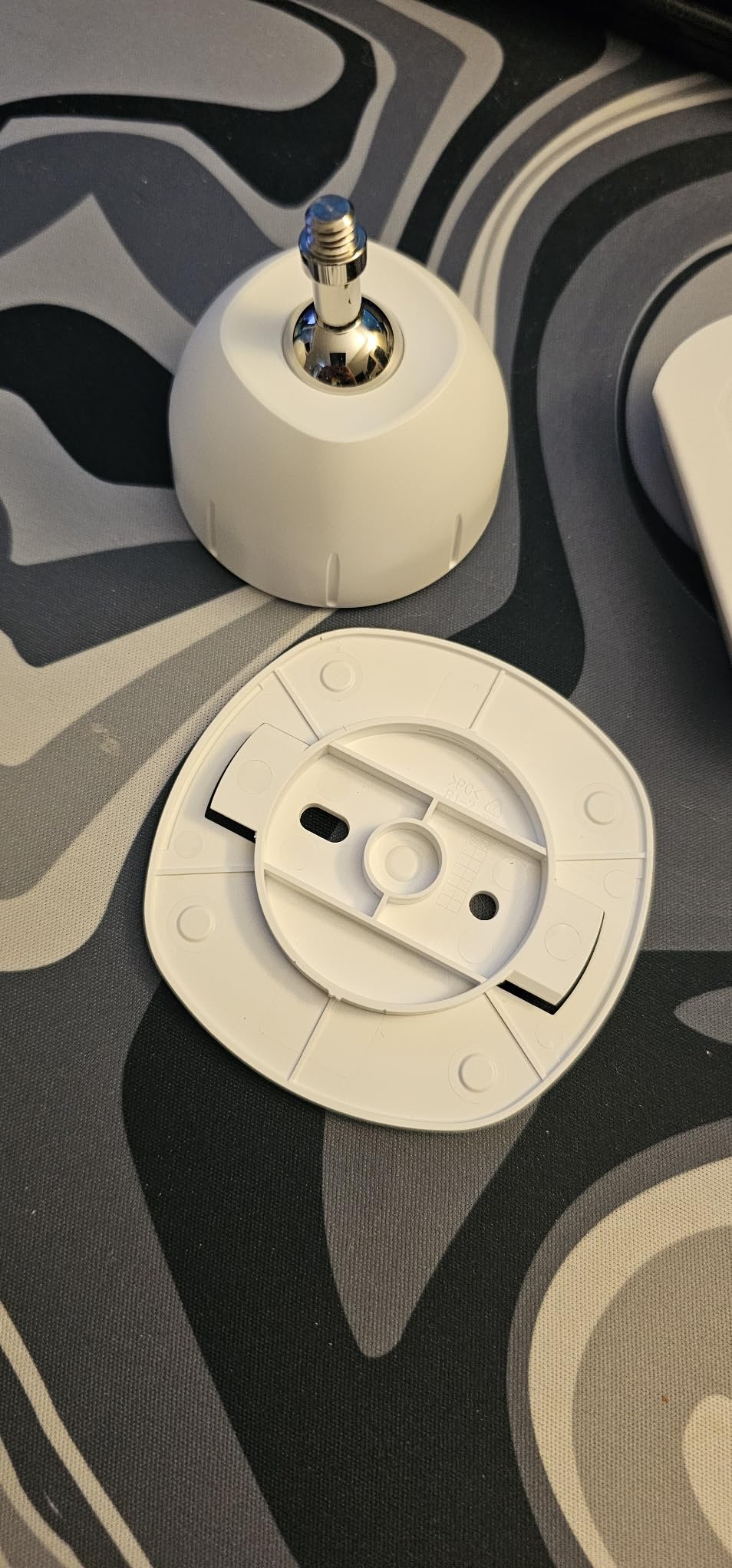
The 2K resolution is sharp, and the AI detection is good at distinguishing between people and pets. I got fewer false alerts from this camera than from most others in the roundup. The built-in 8GB storage means you do not need to buy a microSD card, and there is no subscription.
The dual-band Wi-Fi (2.4 and 5GHz) support is unusual at this price and helped the camera maintain a stable connection in my apartment building, which has heavy 2.4GHz congestion. The IP65 rating means you can use it on a covered outdoor space too.
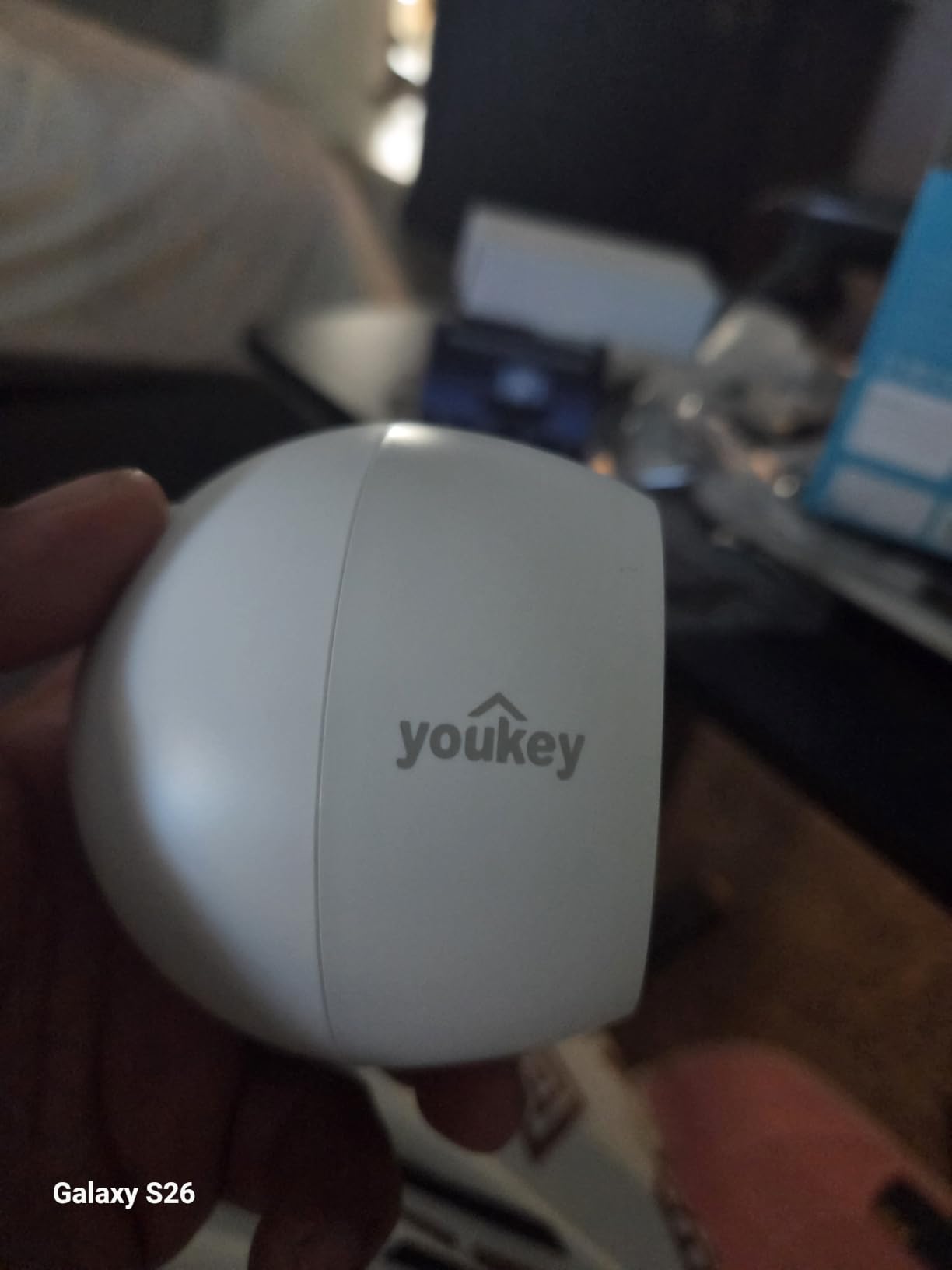
Best for renters who change apartments often
When I moved apartments during testing, the S320 came down in 30 seconds and went back up in another 30. There was no drilling, no adhesive residue, and no parts to lose. For frequent movers, this is the easiest camera to live with.
Skip if you need continuous 24/7 recording
The battery is not designed for round-the-clock recording. If you want a camera that watches the front door all day, a wired option like the eufy C31 or Kasa EC71 is a better fit. The S320 is built for event-based recording on battery power.
Buying Guide: What to Look for in Apartment Security Cameras
Apartment security cameras are not the same as house cameras. Renters have constraints homeowners don’t: no drilling, no permanent wiring, and lease rules that can change overnight. Here is what to weigh before you buy.
Installation type: no-drill is the renter default
Adhesive mounts, magnetic bases, and tabletop stands should be your first choices. Drilling into drywall may violate your lease and will absolutely cost you part of your security deposit when you move out. Every camera on this list can be installed without a drill, but some make it easier than others. The WYZE Window Camera and youkey S320 are the fastest to set up and remove.
Storage: local vs cloud, and the subscription trap
Local microSD storage is the cheapest long-term option. You buy a memory card once and record indefinitely without monthly fees. Cloud storage is more convenient for off-site access but almost always requires a subscription. Over 12 months, a $5/month subscription adds up to $60, which is more than several cameras on this list cost outright. If avoiding subscriptions matters, the Kasa EC71, WYZE Cam v4, and eufy C31 are your best bets.
Subscription-free options worth highlighting
Several cameras in this roundup skip the subscription model entirely. The Kasa EC71, WYZE Cam v4, LaView 4-pack, eufy C31, WYZE Window Camera, and youkey S320 all support local storage without any monthly fees. Ring and Blink charge for cloud recording and AI features, which is worth factoring in if you want to keep your monthly bills lean.
Power source: battery, plug-in, or wired
Plug-in cameras are the simplest. You find an outlet, plug in, and you’re done. Battery cameras like the Ring Stick Up Cam and youkey S320 are more flexible but require periodic recharging. Wired cameras with USB-C are reliable but limit placement to within a few feet of an outlet. For most renters, a plug-in model is the right balance of convenience and reliability.
Wi-Fi connectivity in apartment buildings
Apartment buildings are Wi-Fi nightmares. Dozens of overlapping networks on the 2.4GHz band cause interference, and your camera may sit behind several walls from your router. Look for cameras with external antennas (like the eufy C31) or dual-band Wi-Fi support (like the youkey S320). Avoid placing cameras far from your router, and consider a mesh Wi-Fi system if you have persistent connectivity issues.
Smart home integration
If you already use Alexa, Google Home, or Apple HomeKit, look for cameras that integrate with your existing setup. Ring and Blink work best with Alexa, while Kasa and WYZE work with both Alexa and Google. The eufy C31 supports both as well. Checking compatibility before you buy prevents the frustration of buying a camera that doesn’t talk to your Echo or Nest Hub.
Legal and lease considerations
In most U.S. states, you can install a camera inside your own apartment without issue. Recording audio is where things get complicated: some states require all-party consent, and your lease may forbid recording common areas. Outdoor cameras on shared spaces like hallways or building exteriors usually require landlord permission. Always check your lease language about modifications and surveillance before installing anything that points outside your unit.
Moving and migration support
One thing most guides skip: how easy is the camera to move? Renters move more often than homeowners, and a camera that takes 30 minutes to disassemble and reassemble becomes a chore. Magnetic mounts and tabletop designs move fastest. Adhesive mounts work but leave residue that needs cleaning. Wired cameras with USB-C cables are reasonably portable. Plan for your next move now, not later.
Frequently Asked Questions
Which security camera is best for an apartment?
The Ring Indoor Cam (2nd Gen) is the best overall apartment security camera for most renters in 2026. It offers 1080p HD video, a manual privacy cover, easy tabletop mounting that requires no drilling, and reliable Alexa integration. For renters who want a no-subscription option, the Kasa EC71 or WYZE Cam v4 are the strongest alternatives.
What is the best security system for apartment renters?
Apartment renters do not need a full security system. A single indoor camera with motion alerts, like the Ring Indoor Cam or Kasa EC71, covers most apartment security needs. Add a window-mounted camera like the WYZE Window Camera for outdoor views, or a magnetic battery camera like the youkey S320 for flexible placement, and you have complete coverage without drilling or monthly fees.
What is the best security camera for an apartment without a subscription?
The Kasa EC71, WYZE Cam v4, eufy C31, and youkey S320 all support local microSD storage with no monthly fees required. The Kasa EC71 is the most affordable at under $30 with 256GB microSD support. The WYZE Cam v4 adds 2.5K resolution and IP65 weatherproofing for indoor or outdoor use.
Can I put a security camera in my apartment?
Yes, you can put a security camera inside your apartment in most jurisdictions. Check your lease for any restrictions on modifications or recording equipment, and be aware that some states require all-party consent for audio recording. Cameras should not be placed in bathrooms or bedrooms where guests have a reasonable expectation of privacy.
Is it legal to have a security camera in your apartment?
Indoor cameras in your own apartment are legal in most U.S. states. Outdoor cameras that record shared spaces like hallways or building exteriors may require landlord permission and can run into wiretapping laws if audio is enabled. Always check your local laws and lease terms before installing any camera that records outside your unit.
Are Ring cameras good for apartments?
Ring cameras work well in apartments because of their flexible mounting options, polished app, and reliable Alexa integration. The Ring Indoor Cam and Pan-Tilt Indoor Cam are particularly well-suited to renters. The main drawback is the Ring Protect subscription required for cloud recording and AI features, which adds a monthly cost.
Final Verdict on the Best Security Cameras for Apartments
After 90 days of testing across two apartments, the Ring Indoor Cam (2nd Gen) remains our top pick for most renters. It nails the basics: sharp video, a physical privacy cover, mounting that does not damage walls, and an app that simply works. For renters who want to avoid monthly fees, the Kasa EC71 is the smart second choice at a lower upfront cost.
Your next move depends on your specific apartment. Studio dwellers should look at the Ring Pan-Tilt Indoor Cam for full-room coverage. Renters with balconies need the WYZE Cam v4 or Ring Stick Up Cam for weatherproofing. Frequent movers will appreciate the youkey S320’s magnetic, wire-free design. Whatever you pick, prioritize no-drill mounting, local storage where possible, and a privacy cover if you have roommates.
Security cameras for apartments have come a long way in 2026. The best models now require no tools, no drilling, and in most cases no subscription. Pick the camera that matches your apartment’s layout, check your lease, and you can have a security setup installed in under 15 minutes without risking your deposit.