
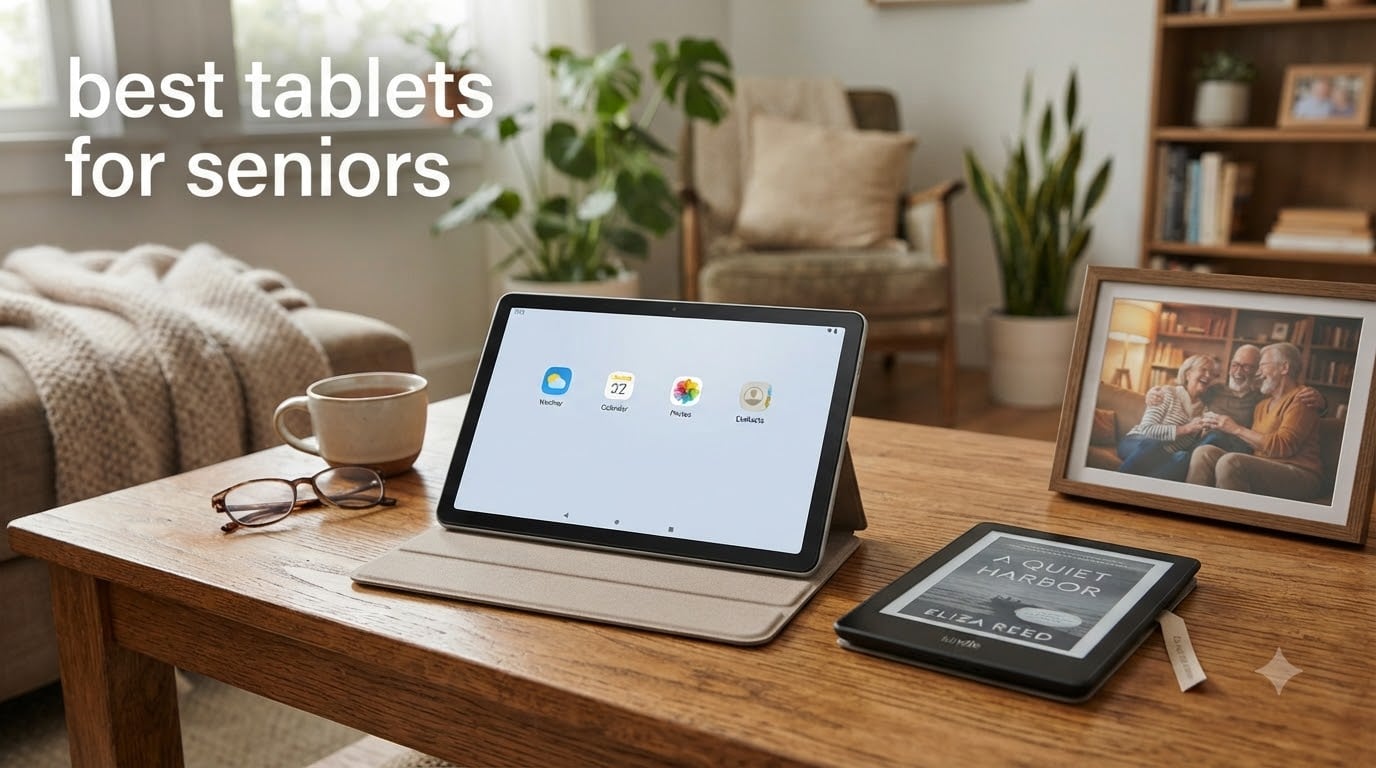
Finding the best tablets for seniors is less about chasing the newest processor and more about making daily technology feel calm, readable, and dependable. A senior-friendly tablet can put family video calls, books, streaming, photo sharing, and telehealth in one portable touchscreen, without the learning curve of a full computer.
I evaluated eight tablets for readability, accessibility, battery life, portability, app support, and the likelihood that a family member can provide help remotely. My short answer: the Apple iPad is easiest for many families already familiar with iPhone support, the Fire HD 10 gives the most screen for the money, and GrandPad is the simplest choice when a managed cellular connection and human support matter more than app choice.
Before buying, decide who will provide setup and troubleshooting. Forum discussions repeatedly favor a device the primary helper already knows how to use, because the best tablet is often the one a grandchild or caregiver can repair quickly over the phone.
Table of Contents
Top 3 Picks for Best Tablets for Seniors

Samsung Galaxy Tab A9+ 11-inch
- Large 11-inch display
- Quad speakers with Dolby Atmos
- 12-hour battery


These three choices cover different households. The Galaxy Tab A9+ is my overall pick because its 11-inch display, strong speakers, expandable storage, and Android flexibility work well for calls, reading, and streaming. The Fire HD 10 is the better value pick when a simple entertainment and reading tablet is enough, while GrandPad is worth considering for a senior who needs a locked-down experience and cellular service without home WiFi.
Best Tablets for Seniors in 2026
| Product | Specifications | Action |
|---|---|---|
 Amazon Fire HD 8 Amazon Fire HD 8 |
|
Check Latest Price |
 Apple iPad 10.2-inch Renewed Apple iPad 10.2-inch Renewed |
|
Check Latest Price |
 Samsung Galaxy Tab A7 Lite Samsung Galaxy Tab A7 Lite |
|
Check Latest Price |
| Fire HD 10 |
|
Check Latest Price |
 Lenovo Tab One Lenovo Tab One |
|
Check Latest Price |
| Samsung Galaxy Tab A9+ |
|
Check Latest Price |
 Samsung Galaxy Tab A11+ Samsung Galaxy Tab A11+ |
|
Check Latest Price |
| GrandPad |
|
Check Latest Price |
Here is the practical difference in one line: choose a large-screen, flexible iPad or Galaxy tablet for a household that wants normal apps, or choose a purpose-built device when simplicity, cellular access, and support are the priority. Screen size alone does not make a tablet easy to use; the interface, support plan, and accessibility settings matter just as much.
1. Amazon Fire HD 8: Best Compact Budget Pick
Amazon Fire HD 8 tablet (newest model), 8” HD Display, 4GB memory, 64GB, responsive and vibrant, designed for portable entertainment, Black
8-inch HD display
13-hour battery
4GB RAM, expandable storage
Pros
- Compact and easy to hold
- Adjustable text and color settings
- Alexa voice support
Cons
- Amazon Appstore limits app choice
- Lockscreen ads on supported models
The Fire HD 8 is the tablet I would choose for a senior who mainly wants to read, watch familiar streaming services, make occasional video calls, and keep the device on a small table or in a bedside stand. Its 8-inch display is large enough for comfortable reading without feeling as bulky as a full-size tablet, and the supplied 64GB of storage can be expanded when photos and downloaded videos accumulate.
I found the most useful advantage to be the combination of adjustable text, color settings, and Alexa. A caregiver can enlarge the interface, remove distracting recommendations, and set up a short list of everyday actions before handing the tablet over. The review data also repeatedly mentions that the size feels right for older hands and eyes.
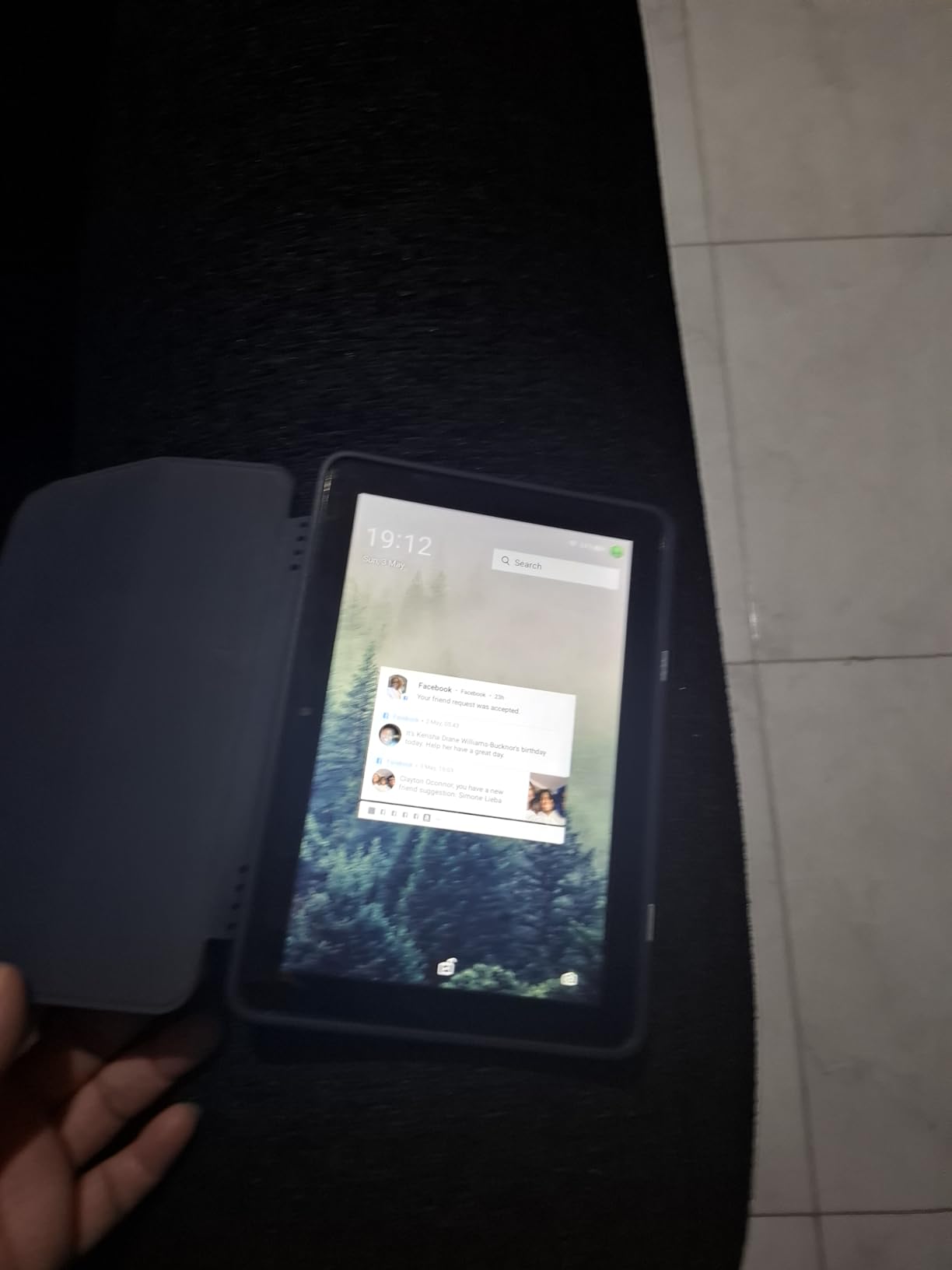
Battery life reaches up to 13 hours in the product specifications, which gives a family confidence that the tablet will still work through a long day of calls and reading. The limitation is app availability: it uses the Amazon Appstore rather than Google Play, so an app the senior needs must be checked before purchase. Lockscreen advertising can also add visual noise, although ad-free availability is worth considering if the budget allows.
Who should buy the Fire HD 8?
Buy it for a reader or casual user who values a compact body, long battery life, and simple Amazon services. It is especially sensible when the family already uses Kindle, Prime Video, or Alexa and does not need specialized Android apps.
What could make the Fire HD 8 frustrating?
Avoid choosing it for someone who depends on Google apps, wants normal Android flexibility, or is easily distracted by advertising. The included camera is a 5MP rear camera, and the 8-inch screen will feel cramped next to a 10-inch model for split-screen use.
2. Apple iPad 10.2-Inch Renewed: Best for Familiar Family Support
Apple iPad, 10.2-Inch, Wi-Fi, 32GB, Space Gray (Renewed)
10.2-inch Retina display
Touch ID
10-hour battery
Pros
- Large and easy to read
- Familiar iPad interface
- Lightweight at 1.1 pounds
Cons
- 32GB storage fills quickly
- Renewed condition varies
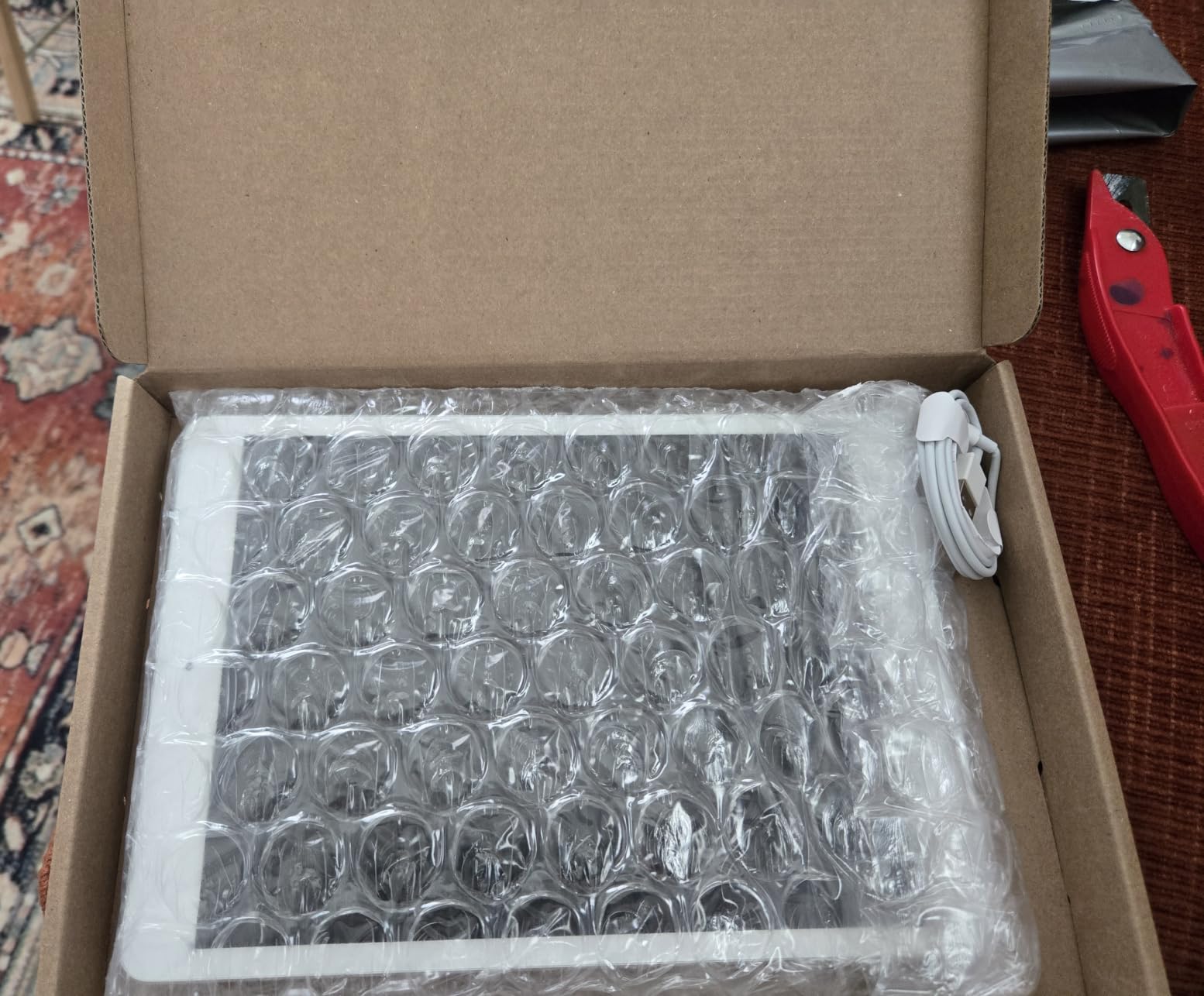
The renewed 10.2-inch iPad is my recommendation when the person who will provide support already knows iPhone or iPad. The 10.2-inch Retina display gives reading and video calls more room than a small tablet, while the familiar iPad interface keeps the number of surprises low for a first-time user. At 1.1 pounds, it is still light enough to move between a chair, bed, and kitchen table.
Touch ID is more useful than it may first appear. A senior can unlock the tablet with a fingerprint instead of typing a long password, and a caregiver can set up accessibility features, family sharing, and approved apps in advance. The front camera is designed for FaceTime, making this a strong choice for a parent who mainly wants regular face-to-face contact.
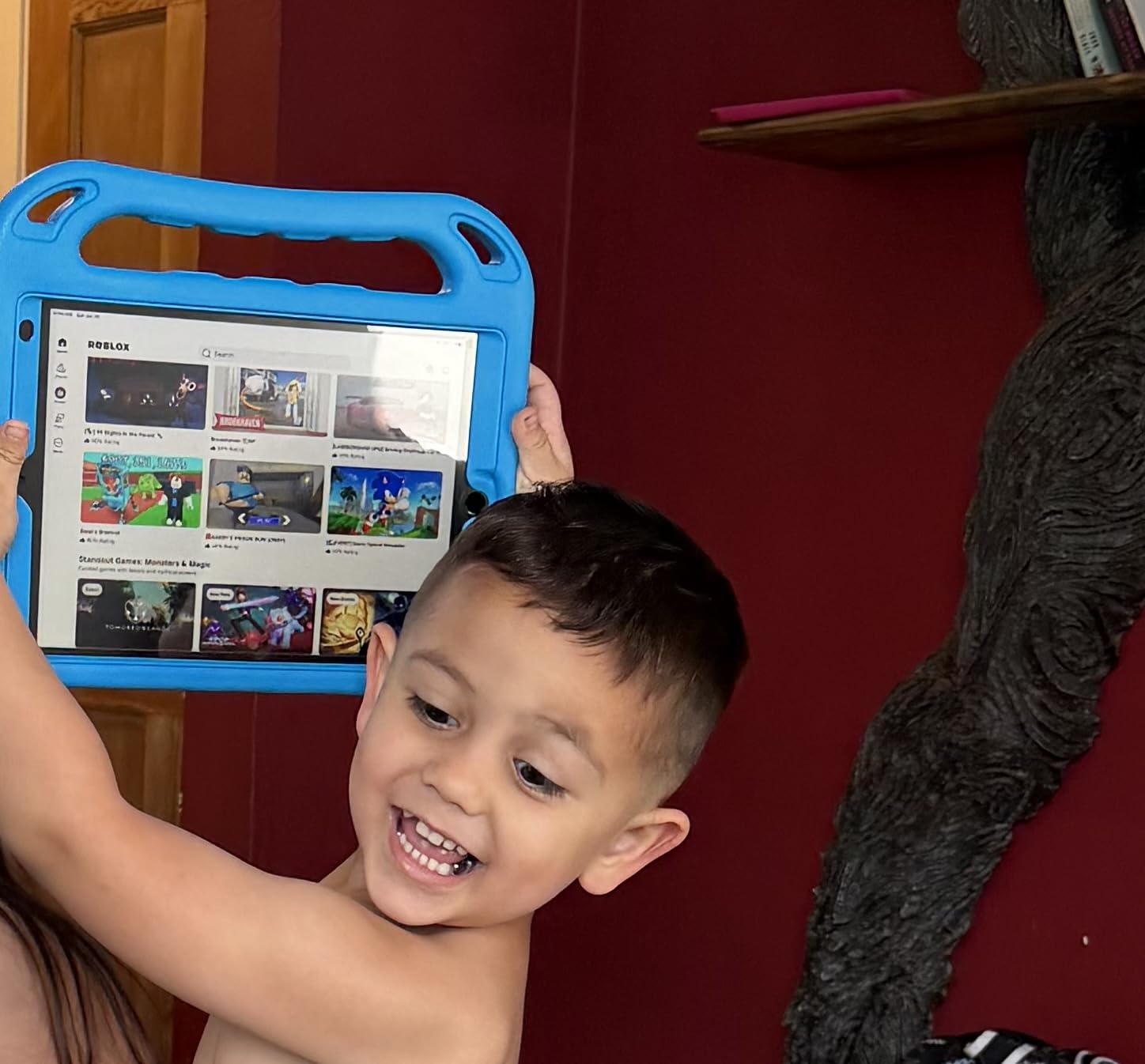
The trade-offs are storage and age. This is a renewed seventh-generation iPad with 32GB, so downloading large apps and storing years of photos can require regular housekeeping. Its 10-hour battery is adequate for typical use, but the renewed product listing has a 90-day limited warranty and condition can vary, which makes a careful inspection and immediate setup test important.
Who should buy the renewed iPad?
Buy it for a senior who benefits from the largest screen in this list and has a family member comfortable with Apple support. It suits reading, browsing, FaceTime, streaming, and simple photo sharing, especially when the household already owns Apple devices.
What could make the renewed iPad frustrating?
Do not choose it for a user who needs abundant offline storage or a brand-new battery experience. The A10 Fusion chip is capable for basic tasks, but it is not the right choice for demanding games or a family that expects many years of future app support.
3. Samsung Galaxy Tab A7 Lite: Best Small Android Tablet
Samsung Galaxy Tab A7 Lite 8.7″ 32GB WiFi Android Tablet, Compact, Portable, Slim Design, Kid Friendly, Sturdy Metal Frame, Expandable Storage, Long Lasting Battery, US Version, 2021, Gray
8.7-inch display
11-hour battery
Expandable storage
Pros
- Compact 12.96-ounce design
- Sturdy metal frame
- Android flexibility
Cons
- Single speaker
- Basic front camera
- Slower than premium models
The Galaxy Tab A7 Lite is a good fit for a senior who prefers Android but does not want a large device. Its 8.7-inch screen is a comfortable middle ground, and the 12.96-ounce weight makes it easy to carry from room to room. The sturdy metal frame is a practical benefit in a home where drops are more likely than perfectly controlled handling.
I would pair it with Samsung Kids or a simplified home screen, even for an adult, because fewer visible choices reduce the chance of accidental taps. The microSD slot supports up to 1TB, which gives the family a straightforward way to keep downloaded books, photos, and videos without relying entirely on cloud storage.
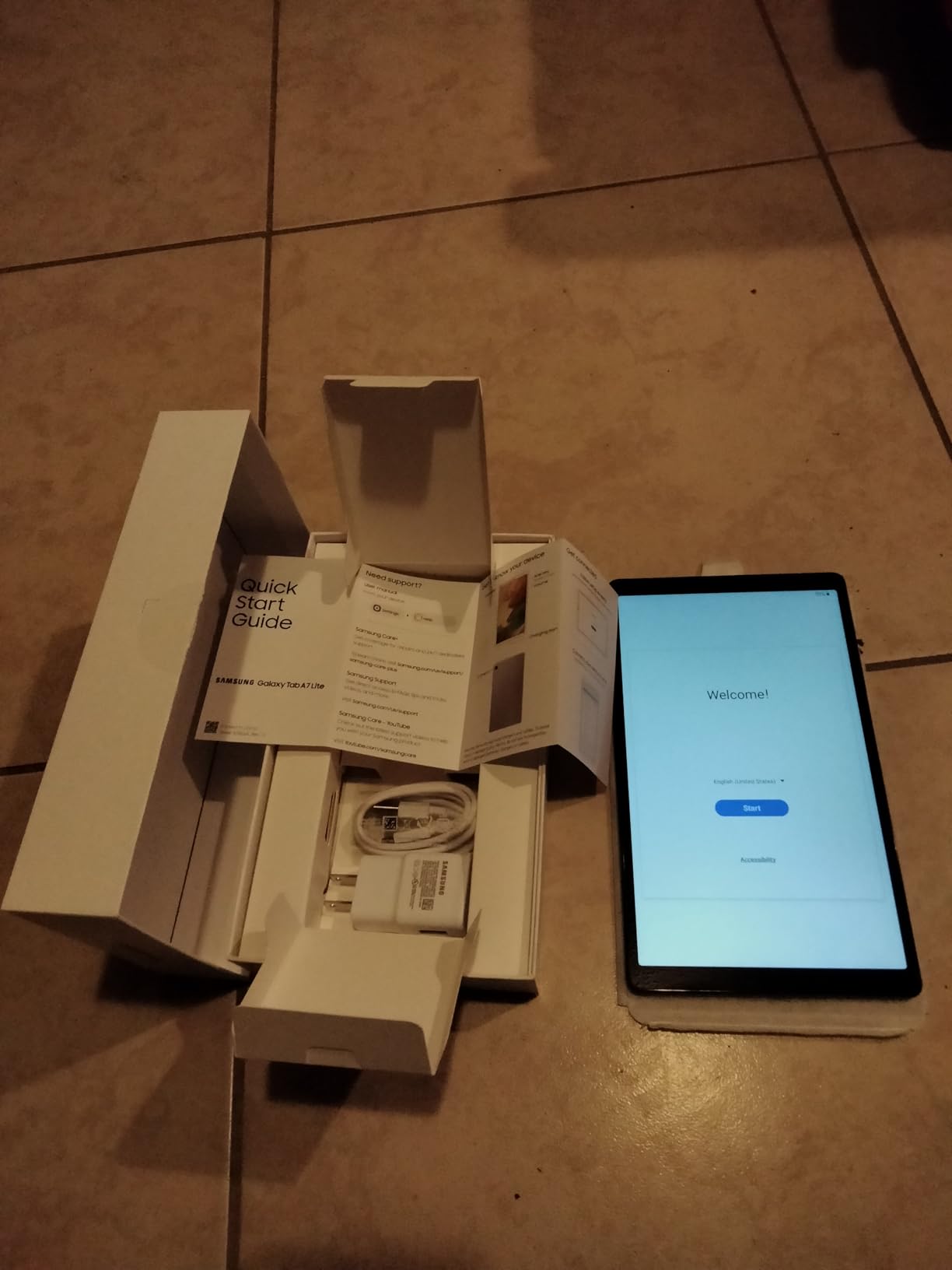
Battery life is listed at up to 11 hours, and the tablet handles everyday browsing, reading, and streaming. The single speaker and 2MP front camera make it less impressive for group video calls or hearing media without headphones, but a wired or Bluetooth headset can address both needs for many users.
Who should buy the Galaxy Tab A7 Lite?
Buy it for a traveler, a smaller-framed senior, or a household that wants Android app flexibility in a compact body. It is a good match for video calls through a favorite app, e-books, and simple web tasks when a case is added for extra protection.
What could make the Galaxy Tab A7 Lite frustrating?
Skip it for a user who wants loud, room-filling sound or a high-quality front camera. A slower processor can also feel less smooth when several apps are open, so keeping the home screen uncluttered is important.
4. Fire HD 10: Best Large Screen for the Money
Amazon Fire HD 10 tablet, built for relaxation, 10.1″ vibrant Full HD screen, octa-core processor, 4 GB RAM, 32 GB, Black
10.1-inch Full HD display
13-hour battery
4GB RAM, 32GB storage
Pros
- Large 1080p screen
- 13-hour battery
- Expandable storage
Cons
- Amazon Appstore limits apps
- Lockscreen ads possible
- Charging takes time
The Fire HD 10 is the best value in this roundup for a senior who wants a large screen without moving to a premium tablet. The 10.1-inch Full HD display makes subtitles, recipes, web pages, and video calls easier to see, while the 5MP front-facing camera is positioned for conversation. It is the model I would place on a living-room stand for someone who spends more time watching and reading than working.
The 4GB memory and octa-core processor make everyday navigation feel responsive, and the 13-hour battery is generous for travel or a day away from the charger. A caregiver can add a protective case, preinstall streaming and calling apps, and keep the main screen limited to a few familiar icons.
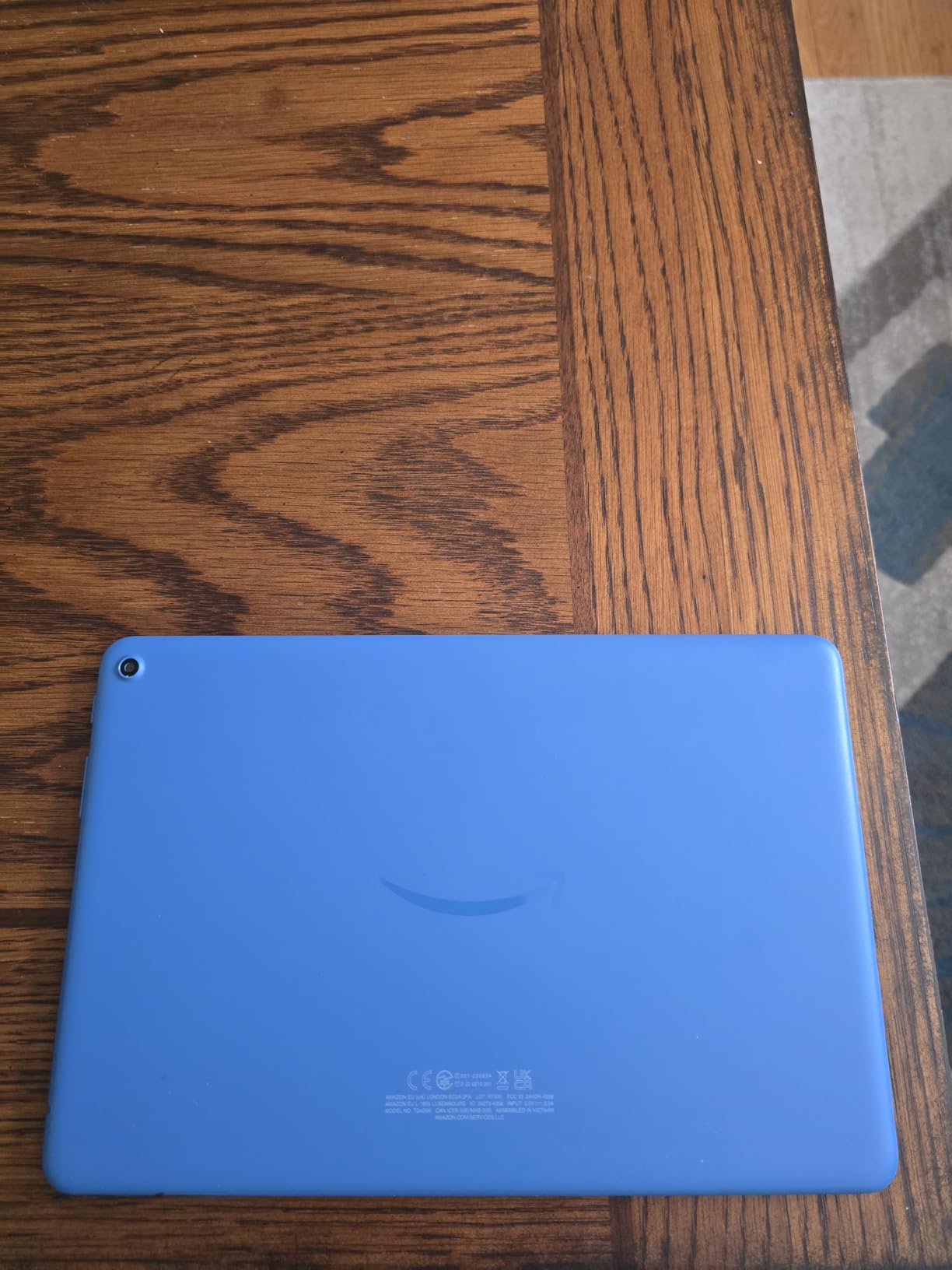
The 32GB internal storage is expandable up to 1TB, so a microSD card is a sensible purchase for family photos and downloaded media. The main compromise is the same one found on other Fire tablets: the Amazon Appstore does not provide the same app selection as Google Play, and ads on the lockscreen can be distracting unless the supported model is purchased without them.
Who should buy the Fire HD 10?
Buy it for a senior who wants the largest straightforward reading and streaming screen at a lower cost than the Galaxy or iPad options. It is especially useful for Kindle books, shows, and video calls when the family uses Amazon services.
What could make the Fire HD 10 frustrating?
Do not choose it for a person who needs a specific Google app or expects a conventional Android app store. It also takes substantial time to charge, so establish a routine rather than relying on an occasional top-up.
5. Lenovo Tab One: Best Lightweight Tablet With a Case Included
Lenovo Tab One – Lightweight Tablet – up to 12.5 Hours of YouTube Streaming – 8.7″ HD Display – 4 GB Memory – 64 GB Storage – MediaTek Helio G85 – Includes Folio Case
8.7-inch HD display
12.5-hour battery
64GB storage
Pros
- Weighs 11.2 ounces
- Includes folio case
- Android 14 and Google Kids Space
Cons
- Touchscreen can lag in some apps
- Extra bloatware may need cleanup
- Basic video-call cameras
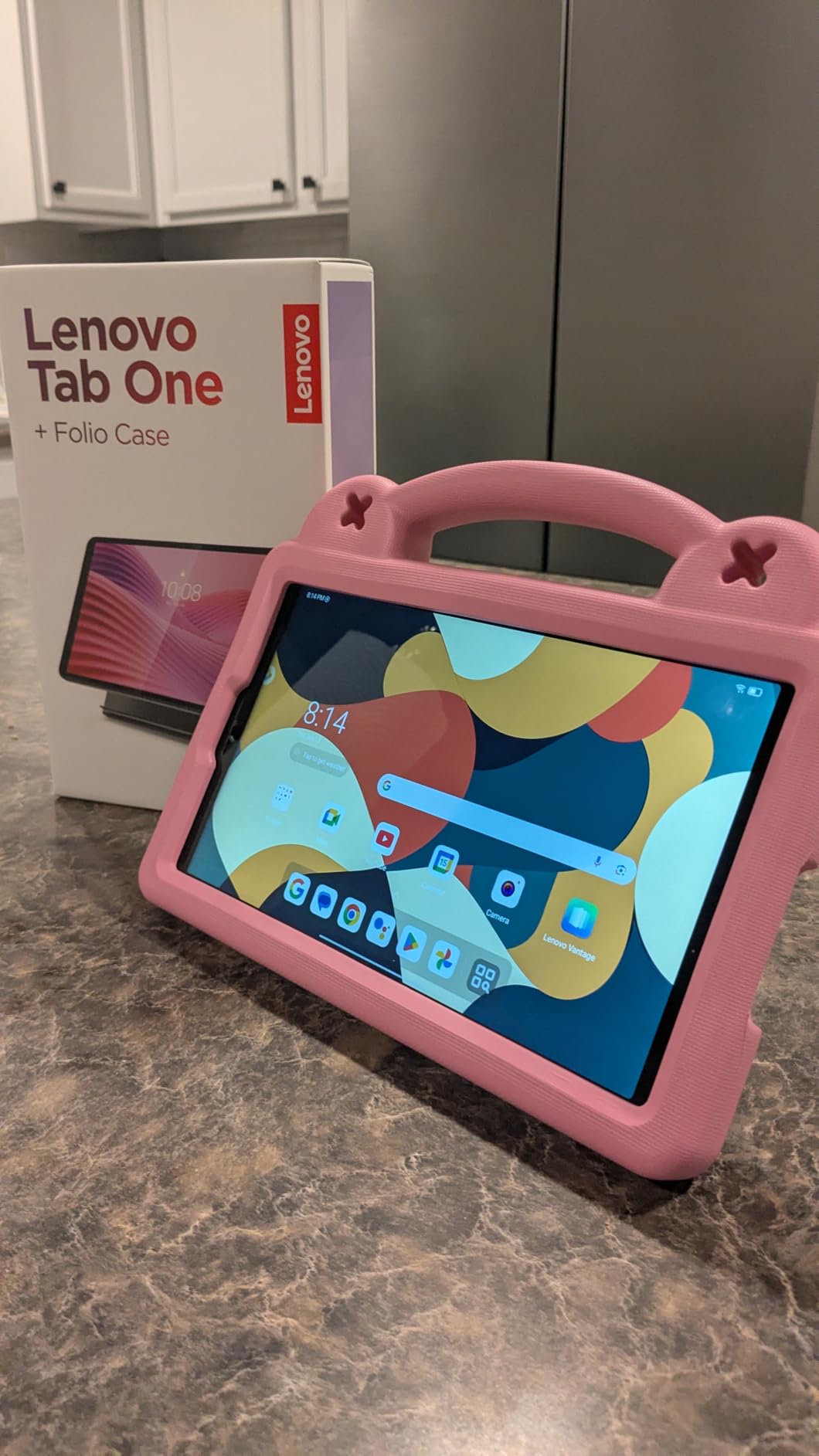
The Lenovo Tab One stands out for handling. At 11.2 ounces and 8.31 inches wide, it is one of the lightest tablets here, and the included folio case gives the purchase a practical layer of drop protection. That combination makes it a good choice for a senior with limited hand strength or a family that wants fewer accessories to source separately.
The 8.7-inch HD display is bright at 480 nits, while the battery is rated for up to 12.5 hours of YouTube streaming. Android 14, 4GB of memory, and 64GB of expandable storage make it capable enough for browsing, reading, games, and video calling without the larger footprint of an 11-inch tablet.
I would remove unnecessary preinstalled apps before setup and test the touchscreen with the apps the senior will actually use. The 2MP front camera is not ideal for important family calls in a dim room, and the 4.2 rating is based on a smaller review history than most products in this guide, so a family should not treat it as a proven long-term choice without checking the current support commitment.
Who should buy the Lenovo Tab One?
Buy it for a senior who wants a light tablet for reading and light browsing, especially when a case and a physical headphone connection matter. The included case makes it a sensible first tablet for a household worried about drops.
What could make the Lenovo Tab One frustrating?
Avoid it if the senior regularly makes long video calls in poor lighting or needs the smoothest possible response from demanding apps. Its cameras and possible bloatware make careful setup more important than the specifications suggest.
6. Samsung Galaxy Tab A9+: Best Overall Android Tablet for Seniors
Samsung Galaxy Tab A9+ Tablet 11” 64GB Android Tablet, Big Screen, Quad Speakers, Upgraded Chipset, Multi Window Display, Slim, Light, Durable Design, US Version, 2024, Graphite
11-inch 90Hz display
12-hour battery
64GB storage, quad speakers
Pros
- Large bright display
- Strong Dolby Atmos speakers
- Expandable storage
Cons
- No included charger
- No headphone jack
- Heavier than smaller tablets
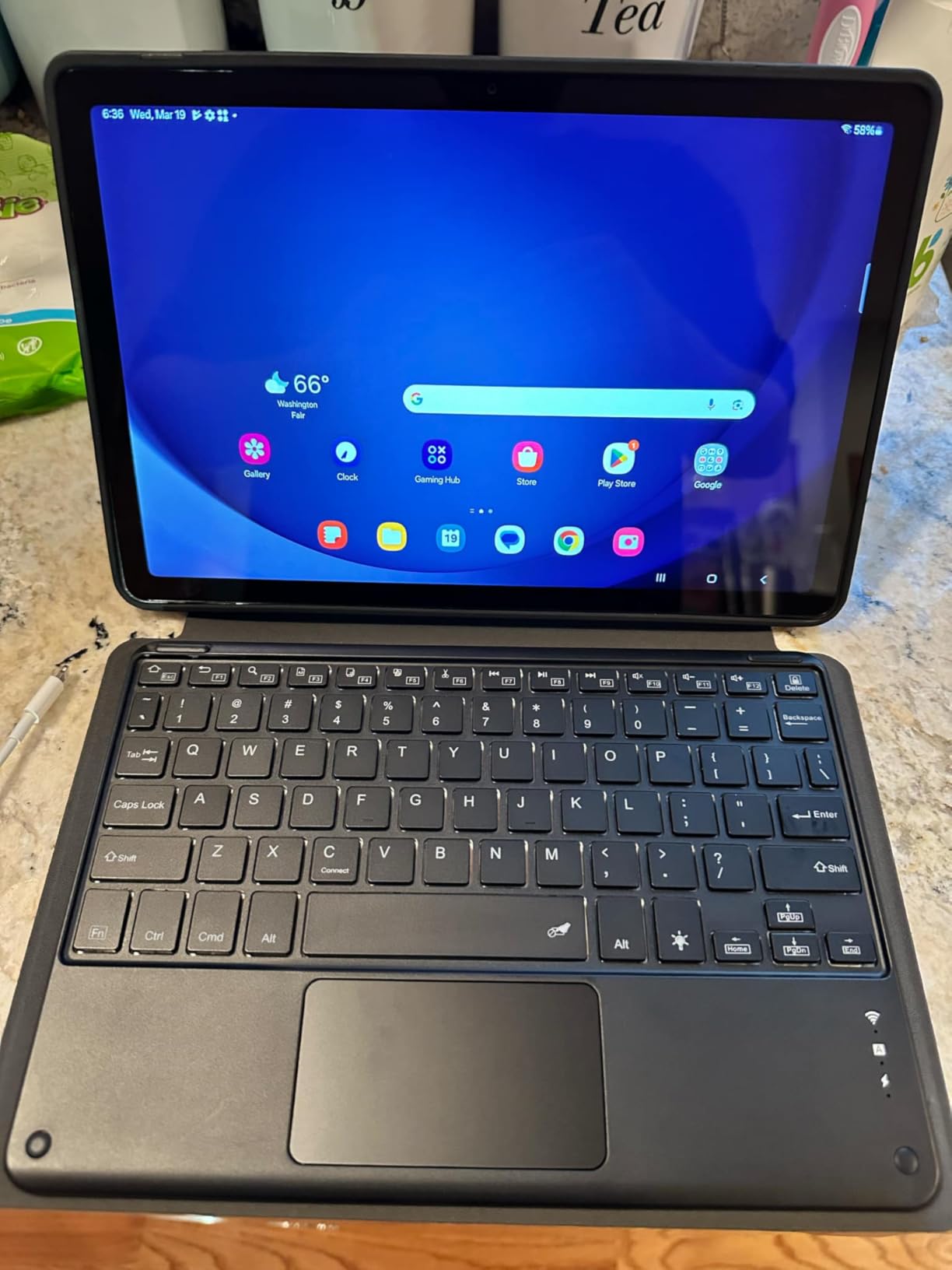
The Samsung Galaxy Tab A9+ is my overall pick because it balances a large, easy-to-read display with a tablet that remains light enough to move around the home. Its 11-inch WUXGA screen gives text and video more room, and the 90Hz refresh rate makes scrolling feel smoother than on basic budget tablets. Quad speakers with Dolby Atmos are helpful when hearing is an issue, because dialogue and music have more presence without headphones.
I would use the large display for a simple senior home screen with large contact cards, a video-call shortcut, a weather tile, and a folder for reading. Android gives the family more app flexibility than a Fire tablet, while expandable storage up to 1TB leaves room for downloaded books and family photos.
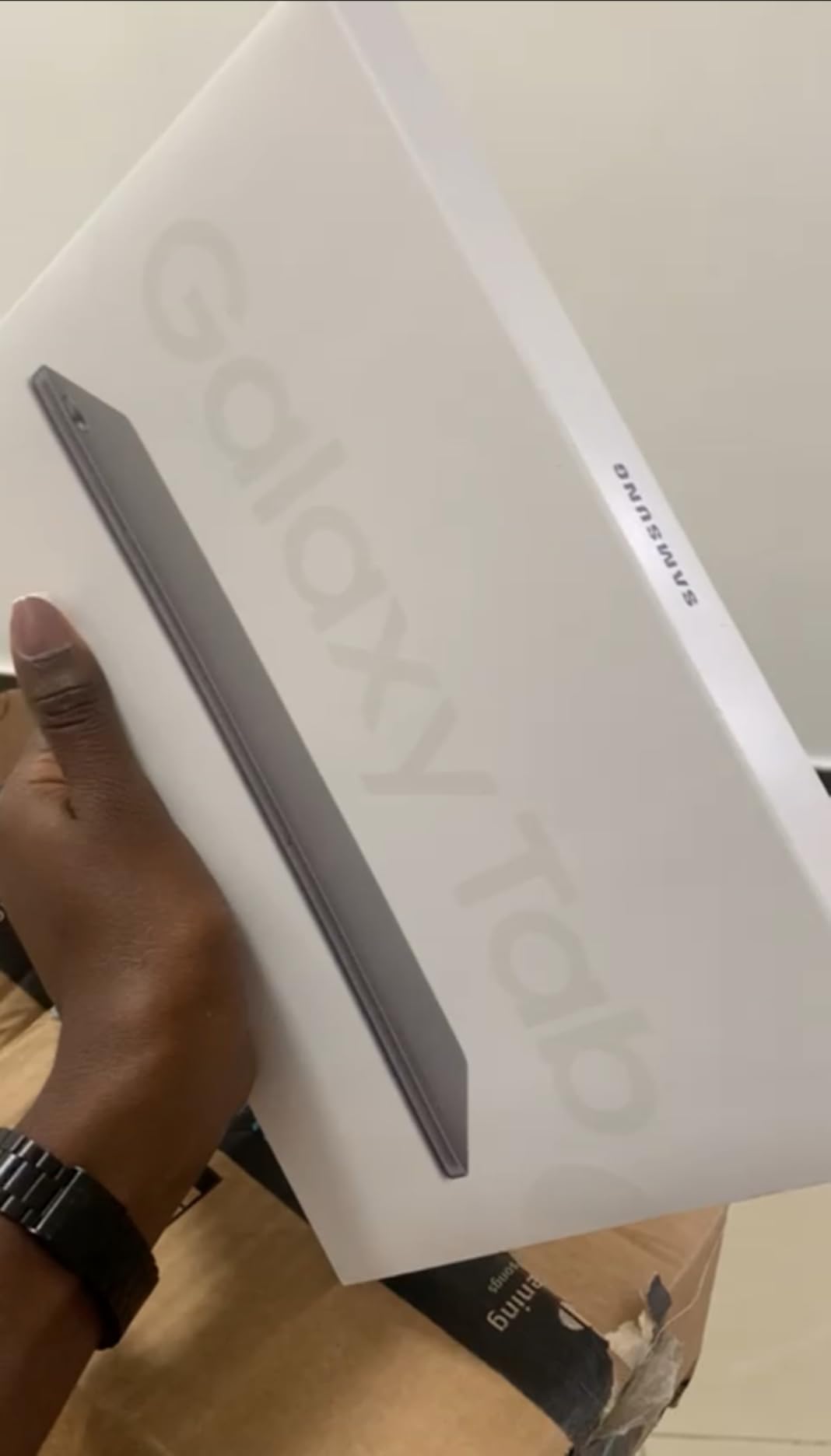
The 12-hour battery, 4GB memory, and Snapdragon 695 chipset handle streaming, browsing, casual games, and everyday communication well. The 8MP rear camera is adequate for occasional photos, but the tablet does not include a charger and lacks a 3.5mm headphone jack, so a caregiver should arrange charging and Bluetooth audio before the first handover.
Who should buy the Galaxy Tab A9+?
Buy it for a senior who wants a full-size Android tablet for video calls, reading, streaming, and family communication. It is a strong fit for households that value a large screen and good speakers but do not need flagship-level performance.
What could make the Galaxy Tab A9+ frustrating?
It is less convenient for a user with limited hand strength because it is heavier than the 8-inch options. It is also a poor fit for someone who wants a headphone jack, S Pen support, or a charger included in the box.
7. Samsung Galaxy Tab A11+: Best for Performance and Long-Term Storage
Samsung Galaxy Tab A11+ 8GB RAM, 256GB Storage, AI Assist, Slim Light, Gray
11-inch 90Hz display
8GB RAM, 256GB storage
5MP front camera
Pros
- Fast multitasking
- Large internal storage
- Light 1.1-pound design
Cons
- No charger or screen protector
- No HDMI port
- Android setup still needs care
The Galaxy Tab A11+ is for a senior who will use the tablet beyond simple reading. Its 8GB of memory and 256GB of storage make it the strongest performance choice in this group, while the 11-inch 90Hz display remains suitable for streaming, video calls, games, and family photos. The 5MP front camera is a meaningful step up for conversations, and the 1.1-pound weight keeps the larger screen manageable.
Android 16 and a stated seven years of operating-system updates give this model a longer-term feel than older budget devices. I would still simplify the interface, turn off unnecessary notifications, and install a password manager or family-approved recovery method rather than giving a new user every possible setting at once.
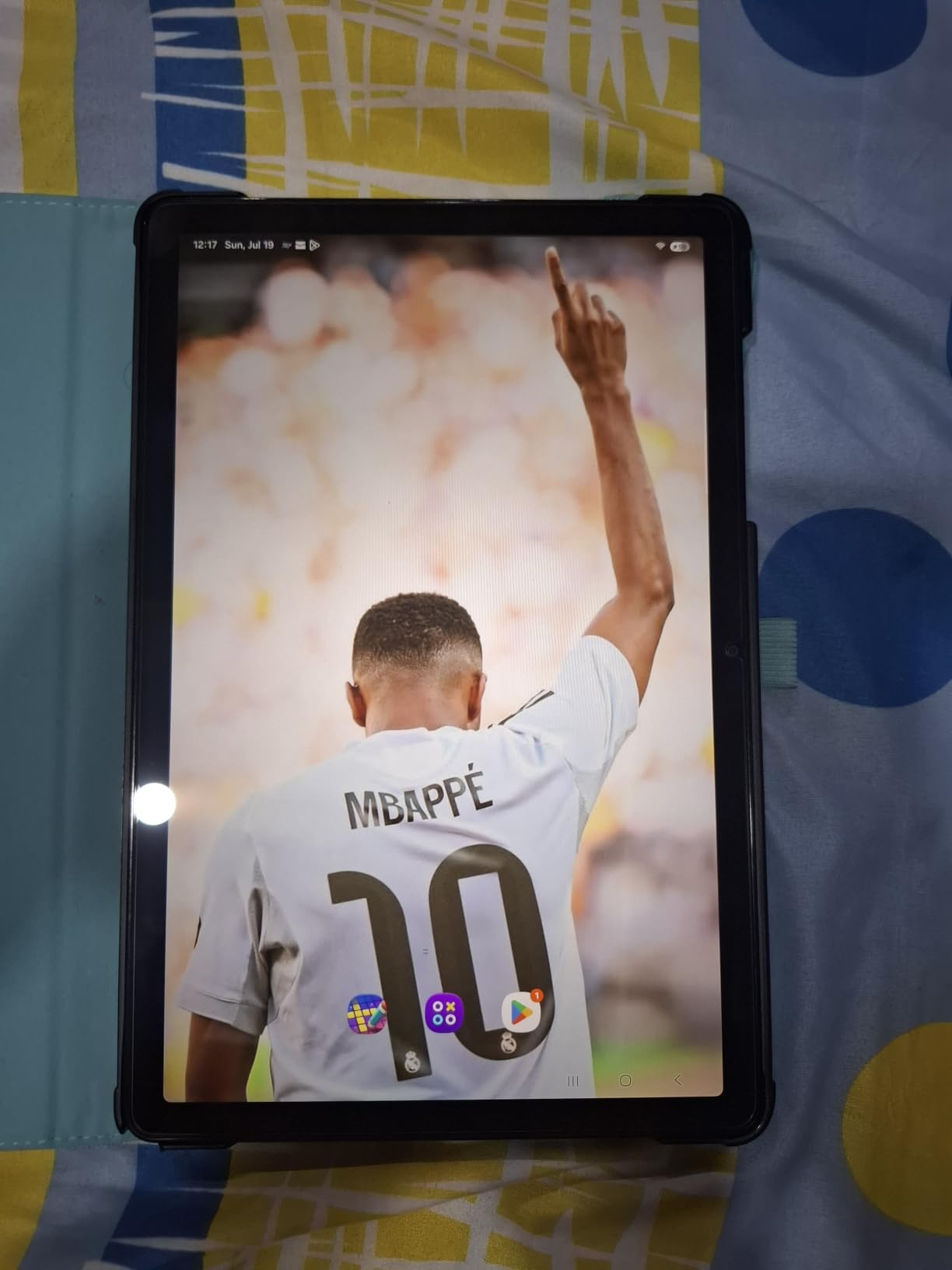
The 256GB capacity is a major advantage for households that do not want to manage a microSD card immediately. However, there is no charger in the box, no HDMI port for direct television projection, and some early customers reported connectivity issues that were resolved through a software update. A family should test WiFi, Bluetooth hearing aids, and the preferred calling app on its own network during setup.
Who should buy the Galaxy Tab A11+?
Buy it for a technically capable senior or a family that wants more storage, memory, and future software support than the lower-cost options. It is a good choice for someone who keeps many photos, downloads movies, or uses several everyday apps.
What could make the Galaxy Tab A11+ frustrating?
Skip it if the budget does not justify a premium configuration or if the user needs a simple, locked-down experience. The product listing also omits a charger and screen protector, so those items should be included in the total setup plan.
8. GrandPad: Best Senior-Specific Experience With Cellular Support
GrandPad Easy to Use Tablet & Phone for Seniors [Locked – Not Compatible with Other Wireless Carriers – Requires a Plan]
8-inch display
4G cellular
24/7 support
Pros
- Large icons and simple navigation
- Cellular connection without home WiFi
- 24/7 customer support
Cons
- Mandatory plan adds ongoing cost
- Locked to GrandPad network
- Limited app flexibility
GrandPad is the most purpose-built tablet in the list. It uses an 8-inch display, large icons, simplified navigation, a private network, curated content, family photo sharing, and 4G cellular connectivity. That makes it a serious answer to the question of what is the best tablet for seniors who do not have reliable internet access, provided the family accepts the required service plan.
The wireless charging cradle, protective case, stylus, and 24/7 U.S.-based support are valuable when a senior may forget a charging cable or need help outside normal family hours. The 5MP front and rear cameras support video calls and family sharing, while the cellular connection removes the need to set up home WiFi.
![GrandPad Easy to Use Tablet & Phone for Seniors [Locked - Requires a Plan] customer photo 1](https://austineubanks.com/wp-content/uploads/2026/08/B09S6THZJ1_customer_1.jpg)
The central compromise is ownership cost. The tablet requires a plan listed at $25 monthly or $275 yearly, and the device is locked to the GrandPad network. It is not the right choice for a family that wants an open tablet, frequent software customization, or a device that remains useful without a subscription, and promotional communications should be reviewed carefully during setup.
Who should buy GrandPad?
Buy it for an older adult who values simple access to family, cellular connectivity, and live support more than general-purpose apps. It is particularly useful for families coordinating care across relatives or caregivers who want a protected environment.
What could make GrandPad frustrating?
Avoid it when ongoing fees are a concern or when the user expects normal Android or iPad apps. The locked carrier and limited storage also mean a family should confirm that the calling, photo, and emergency features match the senior’s actual needs before committing.
How to Choose a Tablet for an Older Adult
The easiest tablet for an elderly person is the one that fits their vision, hearing, dexterity, connectivity, and support situation. Use the checklist below before choosing a screen size or operating system.
Start with readability and accessibility
Look for a large, bright display, adjustable text size, strong zoom, high-contrast controls, and an operating system that supports the user’s preferred accessibility settings. Test the tablet in the room where it will be used, because glare and room lighting can change whether a screen feels comfortable.
Set font size, bold text, display zoom, subtitles, color correction, and notification volume before the senior receives the device. A family member should also label the most important contact cards and remove apps that are not needed.
Match the interface to the helper
An iPad is often easiest when a relative already supports iPhones. Android is also a good choice when the helper is comfortable with Google apps and Samsung settings, while Fire OS is simpler for households centered on Amazon services.
Do not choose a tablet solely because its operating system is described as simple. Ask who will answer password questions, install apps, update software, and recover the device when it is forgotten.
Check weight, grip, and protection
An 8-inch tablet is easier to hold for long periods, while an 11-inch model gives text and video more room. A folio case or rugged cover is worth adding because forum users commonly report drops as a practical concern.
Test whether the senior can lift the tablet from a table, hold it with one hand during a call, and reach the side buttons. A stand can help in a fixed location, but it should not replace a case for handheld use.
Decide between WiFi and cellular
WiFi-only tablets are appropriate when the senior has reliable home internet and the family can help with the password. GrandPad’s 4G option is the clearest fit for a senior without dependable WiFi, but its locked plan and subscription should be compared with the total cost of other devices and a mobile hotspot.
Do not assume a cellular tablet works everywhere. Confirm coverage at home, check whether the device is locked, and establish who will manage the account and any recurring plan.
Plan for hearing, vision, and dexterity needs
Test Bluetooth pairing with hearing aids or headphones before handing over the tablet. Confirm that the senior can hear the front-facing speakers, use captions, and answer calls without navigating several menus.
For arthritis, tremors, or limited hand strength, prioritize a light body, a case with a raised edge, a responsive touchscreen, and a simple charging cradle. A stylus may help some users, but it should be introduced as an optional aid rather than a requirement.
Support dementia and memory concerns with care
A tablet for seniors with dementia should be treated as a communication aid, not a cure or a substitute for supervision. Keep the interface limited to a few familiar activities, disable confusing notifications, and establish a routine for charging.
Forum discussions raise understandable concern about accidental calls and 911 access. Review the emergency and contact settings with the care team, consider a locked or managed device where appropriate, and never place the tablet within reach if unsupervised use creates a safety risk.
Set it up before the first handoff
- Install the calling, messaging, reading, and telehealth apps the senior will use.
- Create a simple home screen with large contact cards and a charging reminder.
- Increase text size, enable subtitles, test zoom, and pair hearing devices.
- Remove advertising, unnecessary recommendations, and confusing notifications.
- Record the account password in a family recovery plan, then test a video call and a software update.
I also recommend scheduling a 20-minute practice call with the senior. Have them answer, return to the home screen, open a book, and charge the tablet while the helper watches, so the first real family call does not become the first troubleshooting session.
Compare total ownership cost
A low device price is not the whole budget. Account for a case, charger, headphones, storage, subscriptions, and the possibility of paid support, especially when comparing GrandPad with a standard WiFi tablet.
A simple one-time device may be the better financial choice for a fixed-income household. A plan can still make sense when it includes cellular service, support, security, and equipment that the family would otherwise have to coordinate.
Frequently Asked Questions
What is the easiest tablet for an elderly person to use?
The Apple iPad 10.2-inch is often the easiest for a family already familiar with iPhone support because it combines a large Retina display, Touch ID, and a familiar interface. GrandPad is the simplest purpose-built alternative when a locked interface, cellular service, and 24/7 support are more important than app choice.
What kind of tablet is best for older people?
The best tablet for older people has a readable screen, adjustable text, simple navigation, reliable battery life, a case, and a helper who can provide support. An 11-inch Galaxy Tab A9+ or iPad works well for general use, while an 8-inch Fire HD 8 or Lenovo Tab One is easier to hold.
Is an iPad or tablet better for seniors?
An iPad is often better when a family member already knows iOS and can provide long-term help. An Android or Fire tablet can be better when the household prefers Google or Amazon services, wants expandable storage, or values a lower-cost device.
What is the best tablet for seniors who don’t have internet access?
GrandPad is the clearest choice in this roundup for a senior without home internet because it includes 4G cellular connectivity, a simplified interface, and 24/7 support. It requires a monthly or annual plan and is locked to the GrandPad network.
What is the most user-friendly tablet for seniors?
GrandPad is the most user-friendly purpose-built option because it limits choices and includes support. For a conventional tablet, the Fire HD 10 is friendly for reading and streaming, while the iPad is easiest when the helper already knows Apple devices.
What is the best tablet for an 80-year-old?
For many 80-year-olds, the Samsung Galaxy Tab A9+ offers the best balance of a large screen, readable display, good speakers, and Android flexibility. The Fire HD 8 is a better compact choice, and GrandPad is better when cellular access and managed support are essential.
Which tablet is best for senior citizens?
The best tablet for senior citizens depends on the user: choose the Galaxy Tab A9+ for an overall large-screen experience, the Fire HD 10 for value, the Lenovo Tab One for light handling, the iPad for familiar family support, or GrandPad for cellular connectivity and managed assistance.
Conclusion
The best tablets for seniors are the ones that make the next action obvious. For most households, I would start with the Samsung Galaxy Tab A9+ because its large display, strong speakers, expandable storage, and Android flexibility support a wide range of needs without the complexity of a laptop.
Choose the Fire HD 10 when value and a large screen matter most, the Lenovo Tab One when low weight and an included case matter most, or the renewed iPad when the family’s support system is already Apple-based. GrandPad deserves a closer look when no home internet, managed cellular access, and 24/7 support solve a real caregiving problem.
Set up the device with the senior before delivery, keep only essential apps visible, and test a family call, accessibility settings, charging, and hearing-aid Bluetooth pairing. That small preparation is often the difference between a tablet that becomes a daily comfort and one that ends up forgotten in a drawer.