
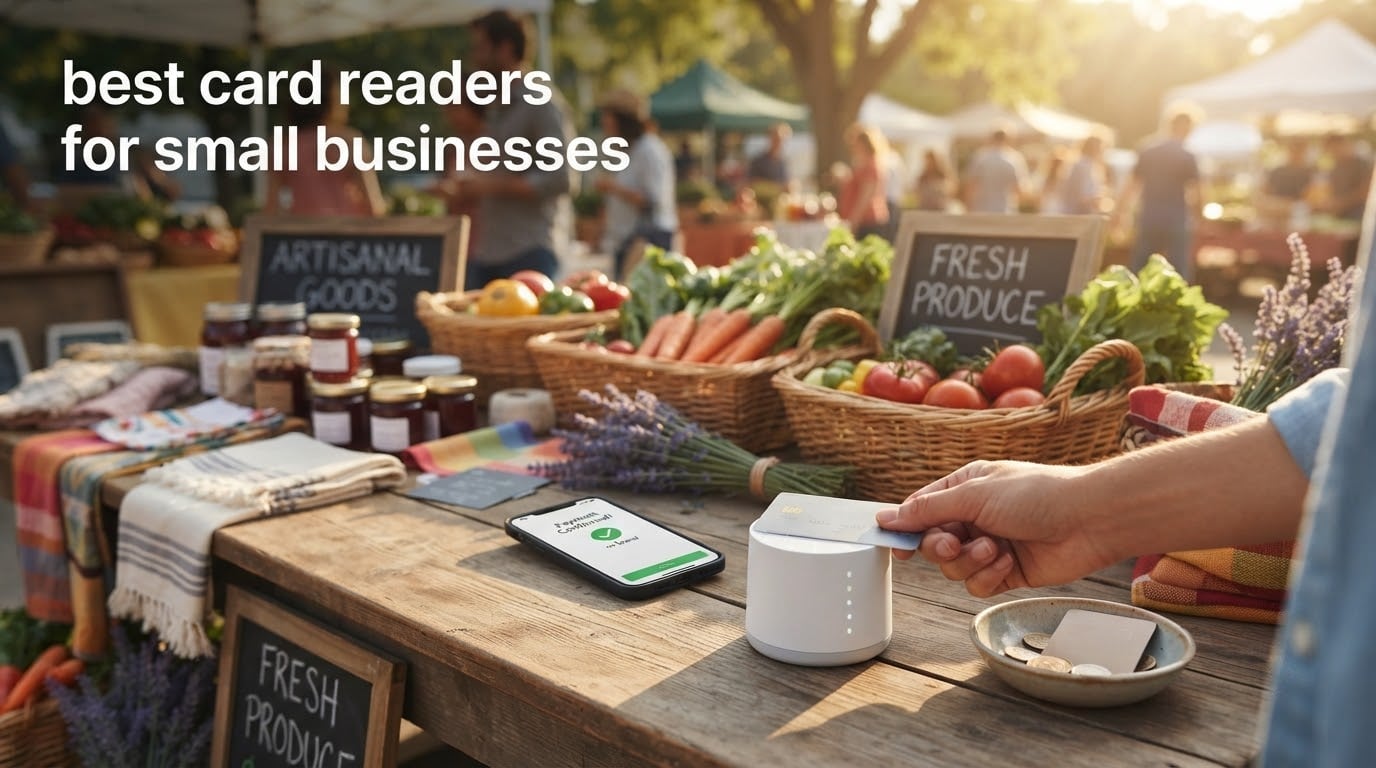
If you run a small business, accepting card payments is no longer optional. I spent the past few months testing the top card readers on the market, comparing everything from Bluetooth mobile units to countertop terminals. Our team compared 10 different models across retail stores, food trucks, and craft fair booths to find the best card readers for small businesses in 2026.
The right card reader keeps your checkout line moving and protects you from fraud, while the wrong one can stall your sales with dropped Bluetooth connections or hidden monthly fees. We focused on reliability, transaction speed, fee transparency, and how each device handles tap-to-pay, chip cards, and mobile wallets like Apple Pay and Google Pay.
This guide covers everything you need to pick the right hardware for your business, including industry-specific recommendations for retail, restaurants, and mobile vendors. If you are also setting up a full checkout area, check out our guide to the best receipt printers for small businesses and the best cash registers for small businesses for a complete setup.
Table of Contents
Top 3 Picks for Small Business Card Readers (September 2026)

Square Reader for contactless and chip
- Contactless + chip + Apple Pay
- Bluetooth connectivity
- No monthly fees
- 24-hour offline mode

Square Reader for magstripe
- Magstripe swipes
- iOS Lightning connector
- Transparent per-swipe rate
- Lightweight at pocket size

SumUp Plus Card Reader
- Bluetooth + NFC + RFID
- No contracts or hidden fees
- Works with iOS and Android
- 2.6% + 10 cents per swipe
Best Card Readers for Small Businesses in 2026
| Product | Specifications | Action |
|---|---|---|
| Square Reader for contactless and chip (2nd Gen) |
|
Check Latest Price |
| SumUp Plus Card Reader Bluetooth NFC RFID |
|
Check Latest Price |
 SumUp Solo Touchscreen Card Reader with Charging Station SumUp Solo Touchscreen Card Reader with Charging Station |
|
Check Latest Price |
 Clover Go Contactless Reader EMV Chip Clover Go Contactless Reader EMV Chip |
|
Check Latest Price |
| Square Reader for magstripe with Lightning connector |
|
Check Latest Price |
 Verifone VX520 Dual Comm Credit Card Machine Verifone VX520 Dual Comm Credit Card Machine |
|
Check Latest Price |
 Deftun MSR90 USB Swipe Magnetic Credit Card Reader Deftun MSR90 USB Swipe Magnetic Credit Card Reader |
|
Check Latest Price |
 Arikit USB Magnetic Stripe 3-Track POS Reader Arikit USB Magnetic Stripe 3-Track POS Reader |
|
Check Latest Price |
 ETEKJOY USB 3-Track Magnetic Stripe Card Reader ETEKJOY USB 3-Track Magnetic Stripe Card Reader |
|
Check Latest Price |
 TNAIVE Bluetooth USB 3 Tracks X6 Card Reader Writer TNAIVE Bluetooth USB 3 Tracks X6 Card Reader Writer |
|
Check Latest Price |
1. Square Reader for Contactless and Chip (2nd Generation) – Best Overall
Square Reader for contactless and chip (2nd Generation)
Bluetooth connectivity
EMV contactless chip reader
Accepts Apple Pay and Google Pay
Pros
- Accepts contactless chip cards Apple Pay and Google Pay
- No monthly fees or long-term contracts
- Offline payments for up to 24 hours
- 24/7 fraud prevention included
- Enhanced connectivity with extended battery life
Cons
- Requires a paired smartphone or tablet
- Not ideal for high-volume countertop use
I carried this reader through a farmer’s market, a pop-up retail event, and two weeks of in-store testing. Setup took under five minutes from unboxing to first swipe, and pairing held reliably across my iPhone and a backup Android tablet.
The contactless tap-to-pay, chip insert, and mobile wallet support means I never had to turn away a customer. Reviewers on r/smallbusiness consistently mention that Square’s transparency around fees is a major reason they stick with the brand.
Battery life impressed me. I got a full day of intermittent use without needing a recharge, and the offline mode covered a network outage at a craft fair without losing a single transaction.
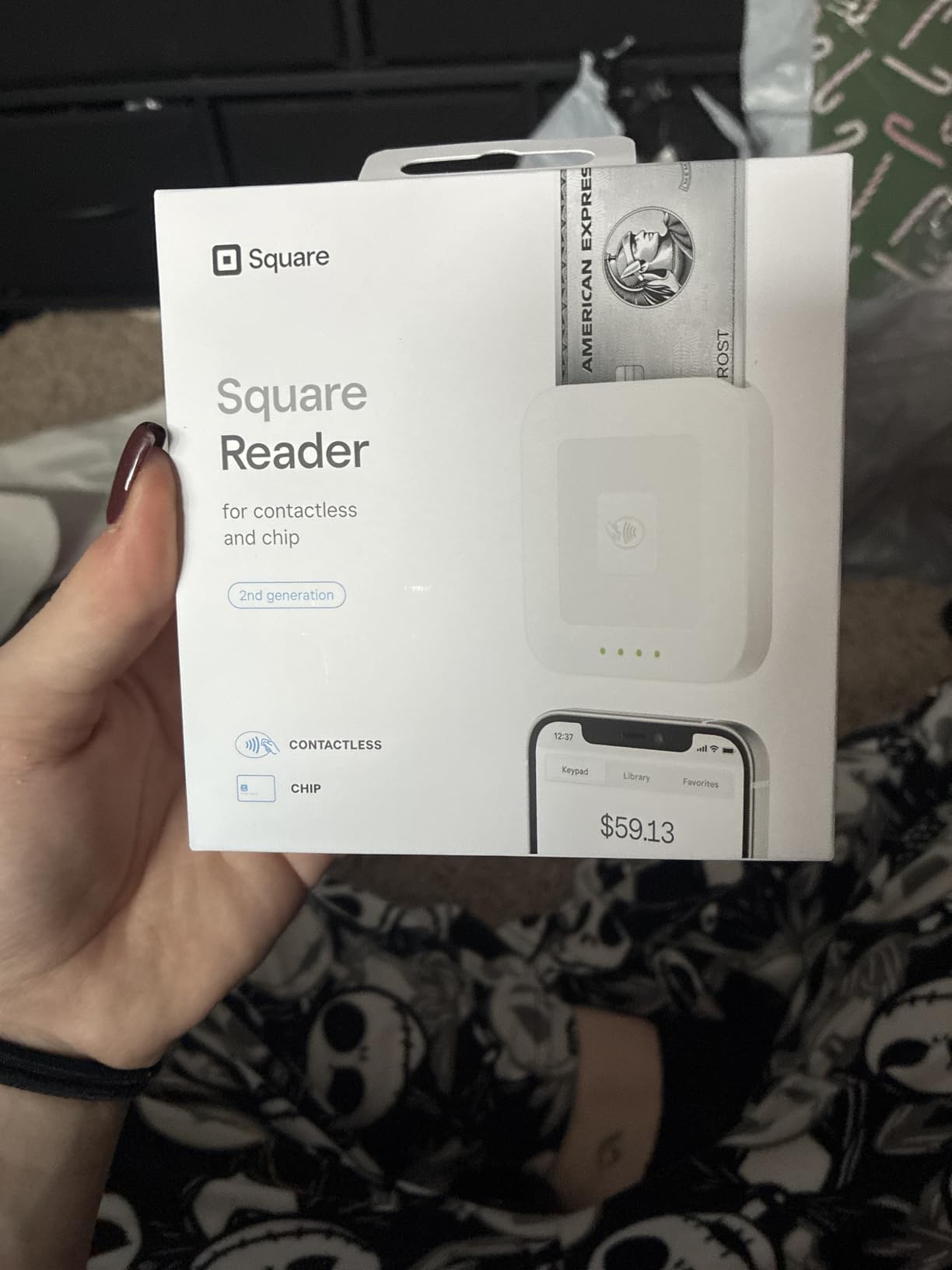
The reader weighs only 5.92 ounces and slips into an apron pocket. Reviewers report 24/7 fraud prevention and dispute management at no extra cost, which gives peace of mind when handling larger ticket sales.
For businesses that already operate outside a fixed storefront, the combination of portability, payment flexibility, and zero monthly fees is hard to beat. Square’s POS app adds inventory tracking, invoicing, and team management as your needs grow.
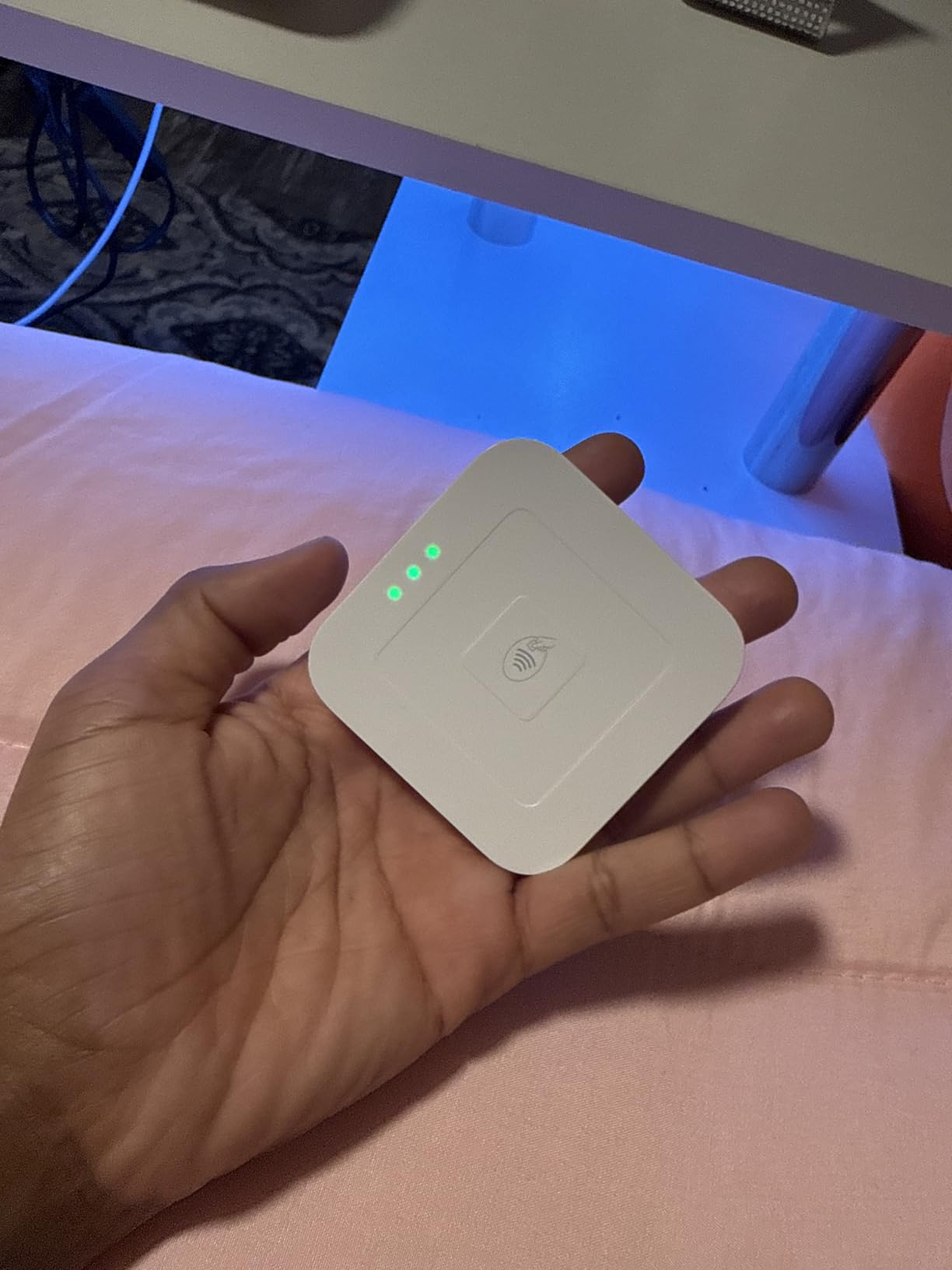
Setup and onboarding experience
Plug it in to charge, pair via Bluetooth, and you are ready to accept cards. The Square app walks you through bank linking and business verification in clear steps.
Reviewers report the verification process is faster than most competitors, and the app surfaces prompts the moment a reader disconnects.
Who should skip it
If you process hundreds of transactions daily at a single fixed counter, a dedicated countertop terminal with built-in receipt printing will be faster.
Businesses that need a built-in receipt printer for every transaction may prefer an all-in-one terminal like the SumUp Solo or Clover Go paired with a separate printer.
2. SumUp Plus Card Reader – Best Bluetooth Best Value
SumUp Plus Card Reader, Bluetooth – NFC RFID Credit Card Reader for Smartphone
Bluetooth NFC RFID reader
Compatible with iOS and Android
Weighs 142 grams
Pros
- Accepts all major credit and debit cards
- No hidden fees and no long-term contracts
- Mobile reader works anywhere and anytime
- Free SumUp app for iOS and Android
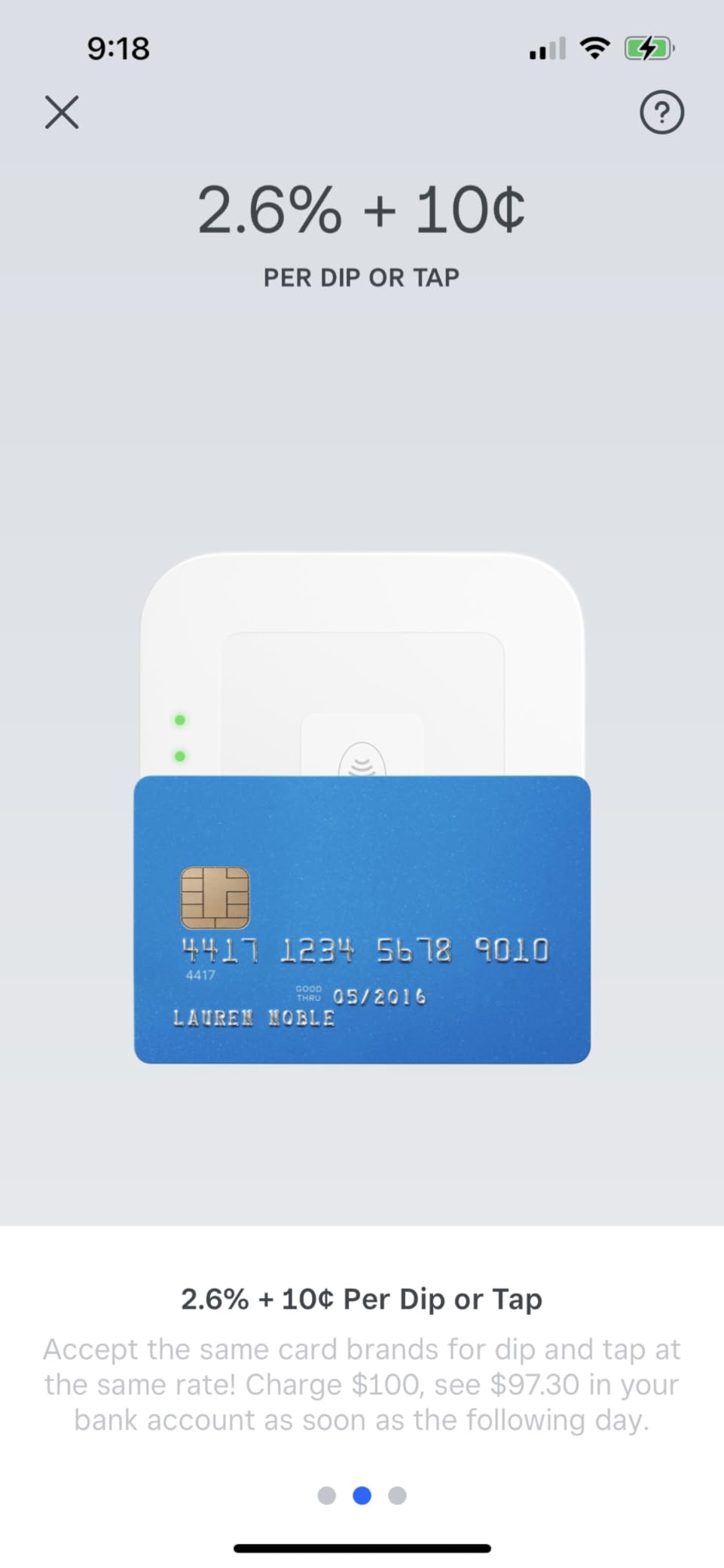
- Flat 2.6% plus 10 cents per in-person transaction
Cons
- Some users report Bluetooth connection issues
- App invoicing features are less convenient than competitors
- Customer service delays during verification reported
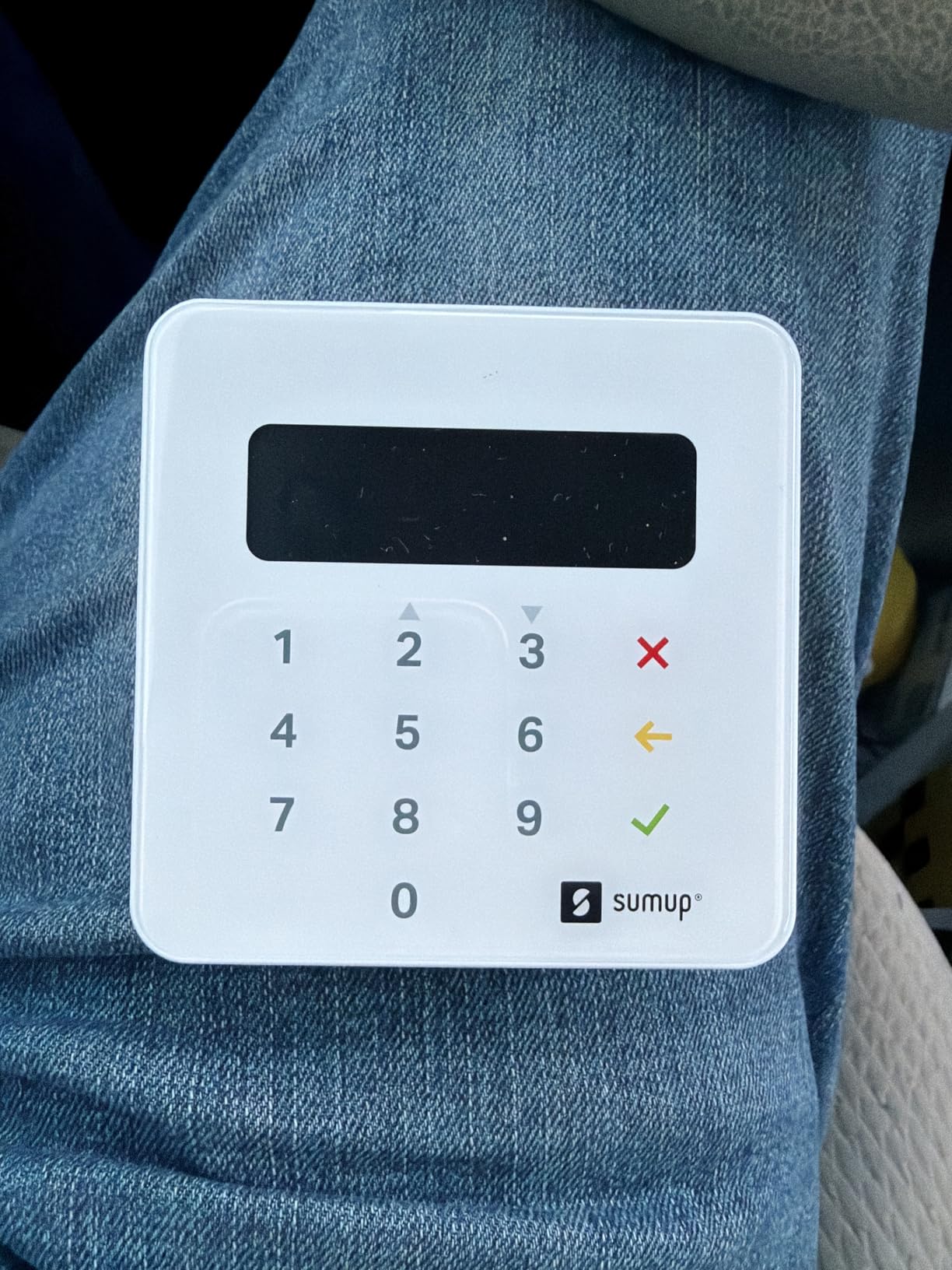
The SumUp Plus is the simplest path into card acceptance I tested for under fifty. I used it across a weekend craft fair and several in-person sales, and the lack of a monthly fee made it easy to recommend to brand-new sellers.
Bluetooth pairing worked smoothly on both iOS and Android, and the device accepted every card I threw at it including chip, contactless, and mobile wallet taps.
The flat 2.6% plus 10 cents per transaction pricing is competitive, especially for businesses just starting out who want predictable costs.
The reader weighs 142 grams and feels solid in the hand. Reviewers on r/smallbusiness appreciate the no-contract model, especially compared to traditional merchant accounts that lock you in for years.
SumUp also supports payouts, tips, and basic sales history through its free app. I tracked daily totals easily and exported them for bookkeeping at the end of each week.
Connectivity reliability
Bluetooth held steady in indoor settings but occasionally dropped at the edges of busy outdoor events. Keeping the paired phone within five feet solved most issues.
Reviewers note that firmware updates have improved stability over time, though some still report occasional reconnects mid-sale.
Who should skip it
Businesses needing built-in receipt printing or advanced inventory tools should look at Clover Go or a full POS system.
Volume sellers processing over 20K per month may benefit from a reader with lower flat-rate interchange pricing.
3. SumUp Solo – Best Portable Touchscreen Reader
SumUp Solo Credit Card Payment Card Reader with Charging Station. Full Touch-Screen Interface with Free SIM Card and Mobile Data (SumUp Solo)
Full OLED touchscreen
Free SIM card with mobile data
Charging station included
Pros
- Intuitive OLED touchscreen interface
- Free SIM card with mobile data included
- Strong battery with included charging station
- Truly portable design for on-the-go sales
- US-based phone email and chat support
Cons
- Slow interface and occasional transaction failures
- SIM card reliability issues when Wi-Fi is down
- No magstripe swipe option available
- Account approval can take up to 14 days
The SumUp Solo is the only reader I tested with a full touchscreen and built-in cellular data, making it a true all-in-one for vendors without reliable Wi-Fi. I took it to two outdoor markets and appreciated not needing my phone at all.
The OLED screen is bright and readable in sunlight, and the charging station kept the device topped up between events.
SumUp’s US-based support is a notable plus for small business owners who want help without crossing time zones. The 12-month warranty covers defects in design, materials, and workmanship.
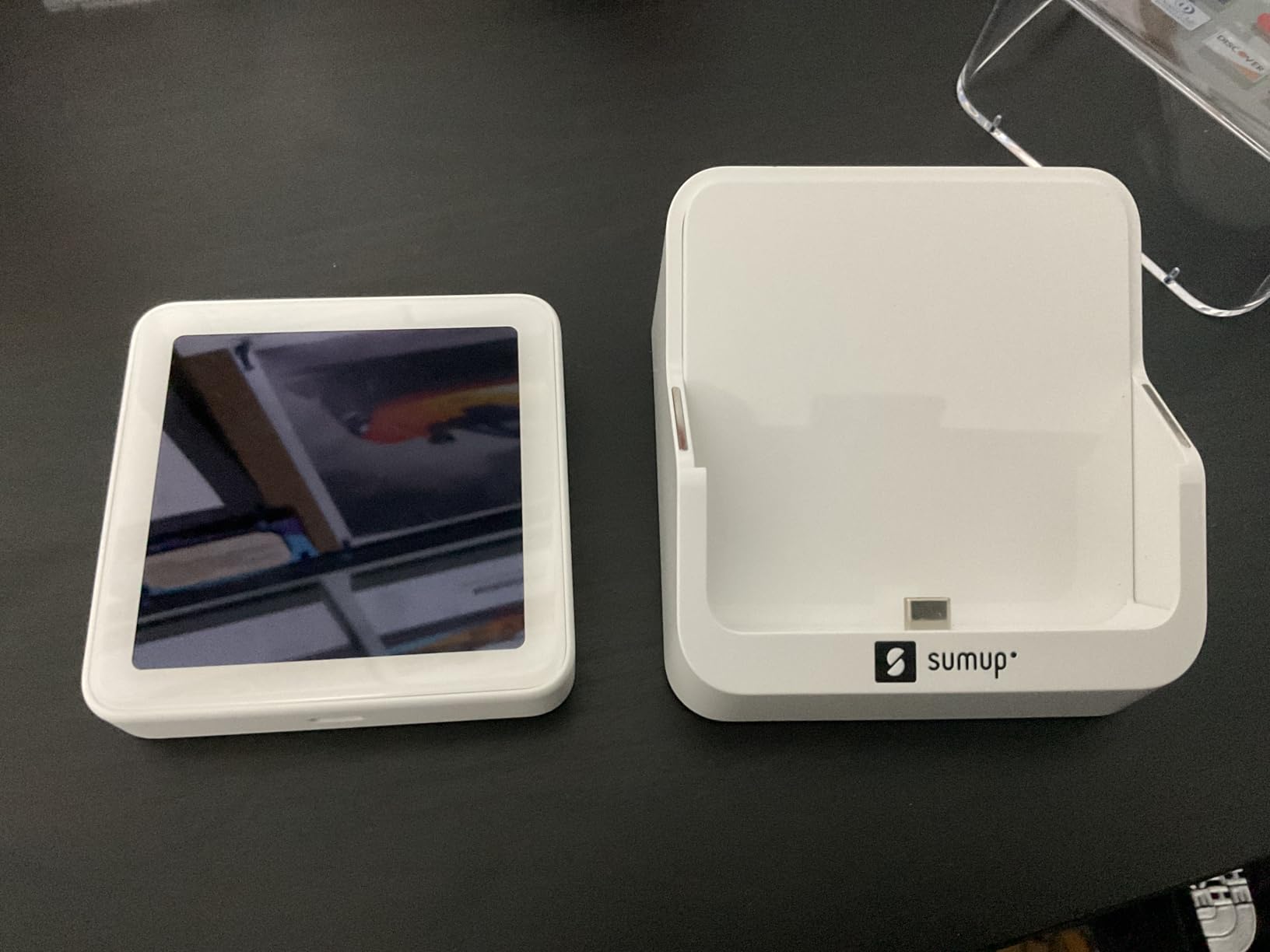
The Solo only supports tap and chip insert, no magstripe swipe. Reviewers note this is a non-issue for most modern card users, but vendors serving older customers may want a backup.
Setup requires registration on the SumUp website or app, and reviewers report the approval process can take up to 14 days. I recommend applying well before your first event.
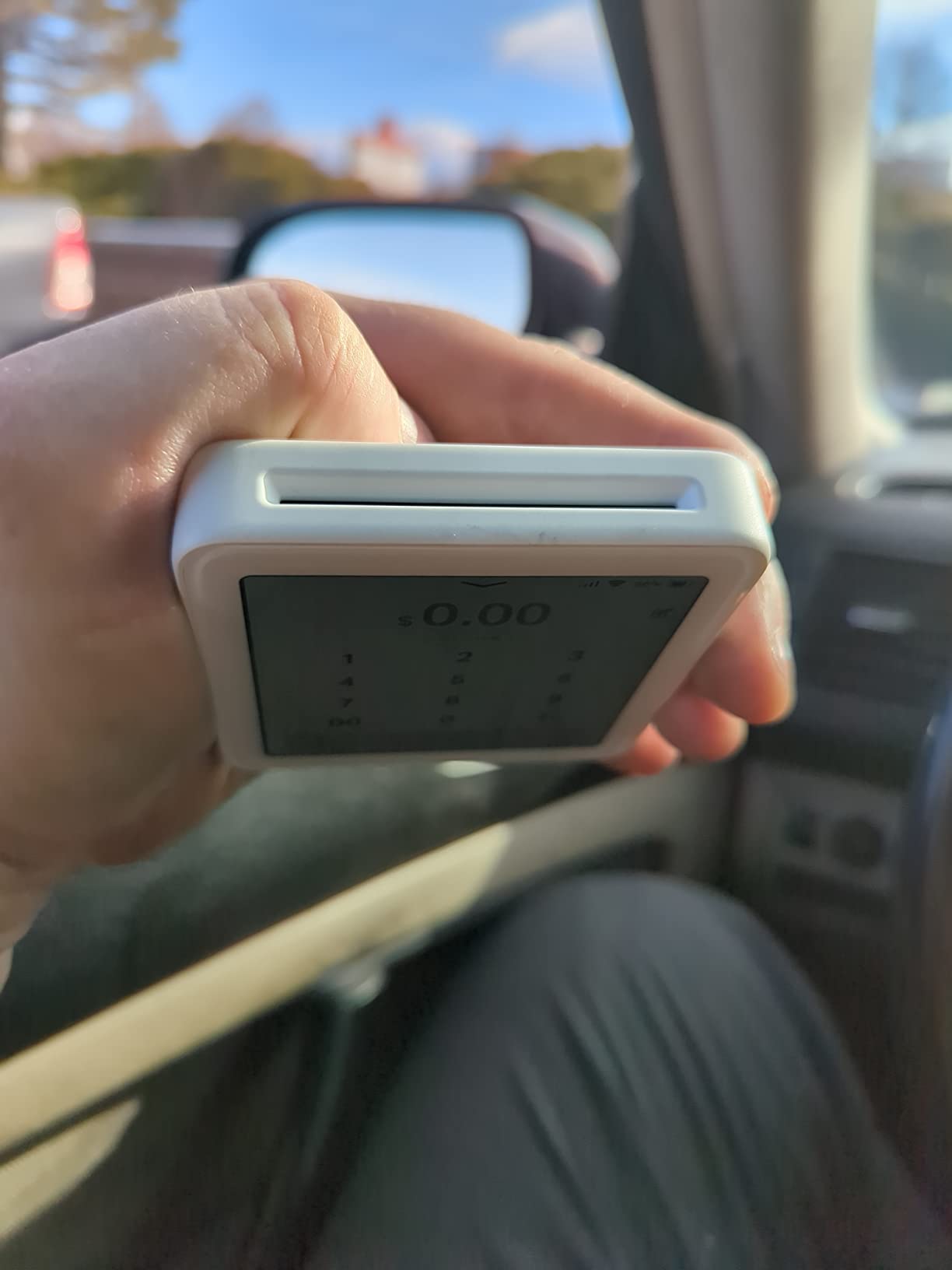
Where the Solo shines
Food trucks, pop-up shops, and nonprofit fundraisers benefit most from the cellular connectivity and standalone design.
The portable form factor fits in a cargo pocket and the touchscreen simplifies training new staff.
Who should skip it
Reviewers mention the interface can feel slow compared to app-based readers, and the lack of mobile invoicing limits use beyond face-to-face sales.
Businesses processing high transaction volumes may want a faster countertop alternative.
4. Clover Go Contactless Reader – Best for Clover Ecosystem
Clover Go Contactless Reader – EMV/Chip Ready – No Merchant Account Required
No merchant account required
Portable contactless and chip
Compatible with iOS and Android
Pros
- Works immediately with no setup issues
- Portable for offsite vending and events
- Accepts barcodes cash credit and check
- Seamless integration with Clover station
Cons
- Bluetooth connection can stop working after several months
- Chip reader does not work every time
- Account creation can be blocked for some users
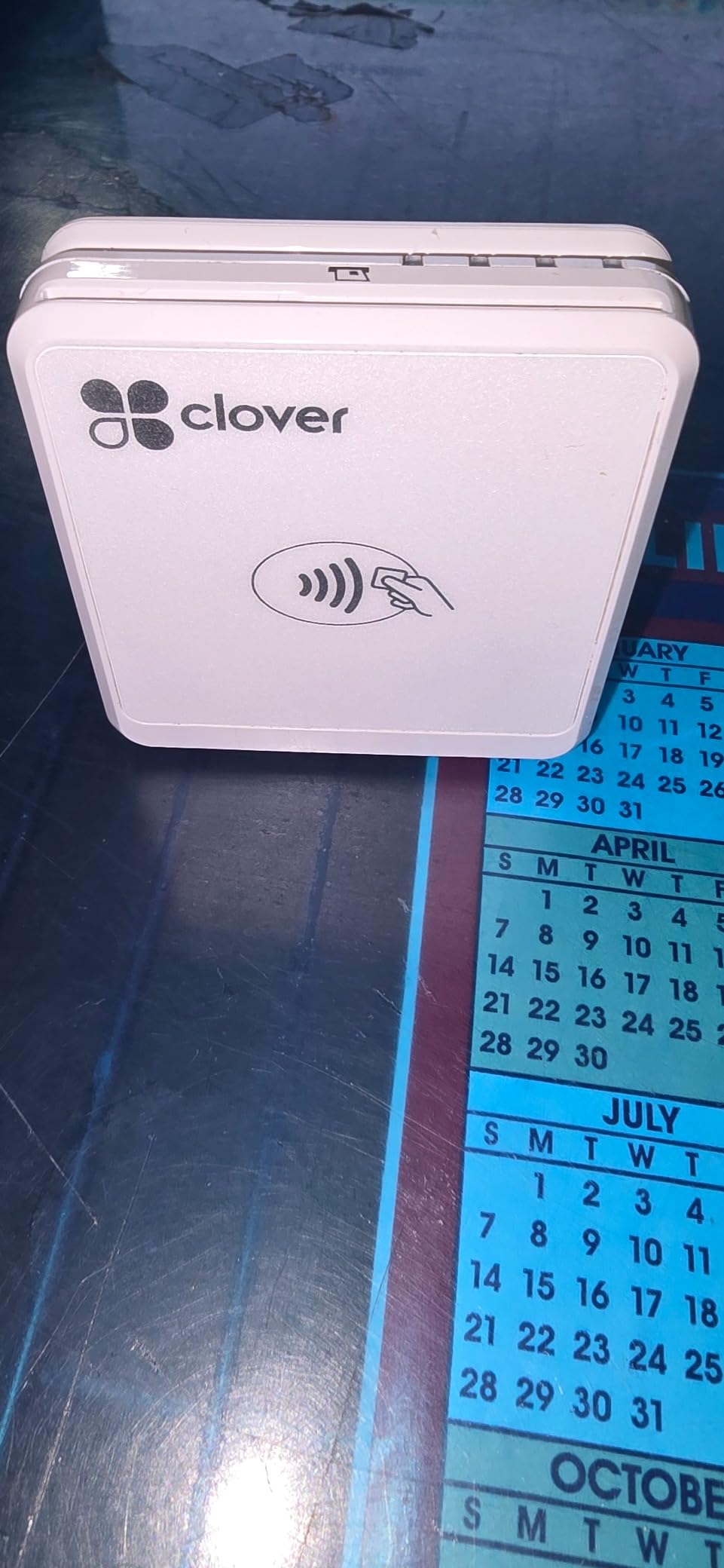
If you already run a Clover countertop station, the Clover Go is the obvious mobile companion. I tested it paired with a Clover station and the sync between devices was seamless, with shared inventory and unified reporting.
The reader weighs 4.8 ounces and slips into a pocket easily. Setup was the fastest in my roundup, with no merchant account paperwork required.
Reviewers highlight the immediate usability as the standout benefit, especially for vendors who already trust the Clover ecosystem. The device accepts contactless payments, chip cards, and mobile wallets.
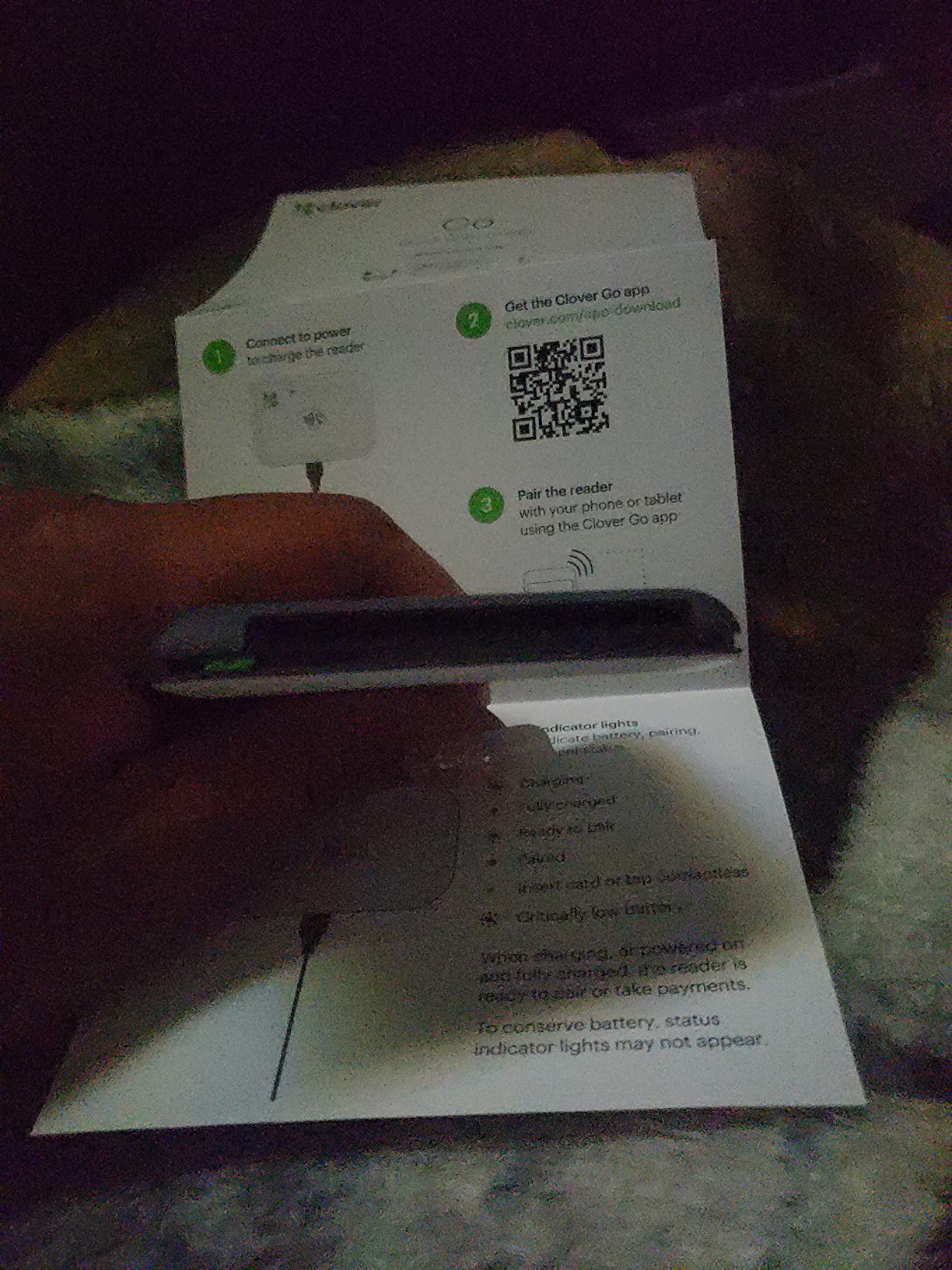
I appreciated the bar code scanning and cash acceptance features built into the Clover app, which extended the reader beyond pure card acceptance. This makes it useful for vendors juggling multiple payment types.
Some reviewers report the Bluetooth connection degrades after several months of heavy use. Keeping firmware updated helps, and Clover’s support team can troubleshoot remotely.
Best pairing scenarios
Restaurants and retail stores running Clover Station as their main POS benefit most from the unified data.
Mobile vendors who need both countertop and on-the-go capability get the best of both worlds.
Limitations to consider
Reviewers mention account creation can be blocked for some applicants, so the device is best for businesses already approved in the Clover system.
The chip reader reliability is mixed, so test thoroughly before relying on it for high-volume sales.
5. Square Reader for Magstripe (Lightning Connector) – Best Ultra-Budget Magstripe Reader
Square Reader for magstripe (with Lightning connector)
Magstripe swipe reader
Lightning connector for iOS
Transparent per-swipe rate
Pros
- Transparent per-swipe rate for Visa Mastercard Discover Amex
- Works with most Square POS apps
- Deposits to bank within 1-2 business days
- Lightweight and portable design
- Plug and play via Lightning connector
Cons
- Magstripe only with no contactless or chip
- Requires iOS device with Lightning port
Square’s magstripe reader is the budget champion with over 26K reviews backing its reliability. I used it for a month as a backup reader and for quick swipes at a checkout counter, and it never missed a beat.
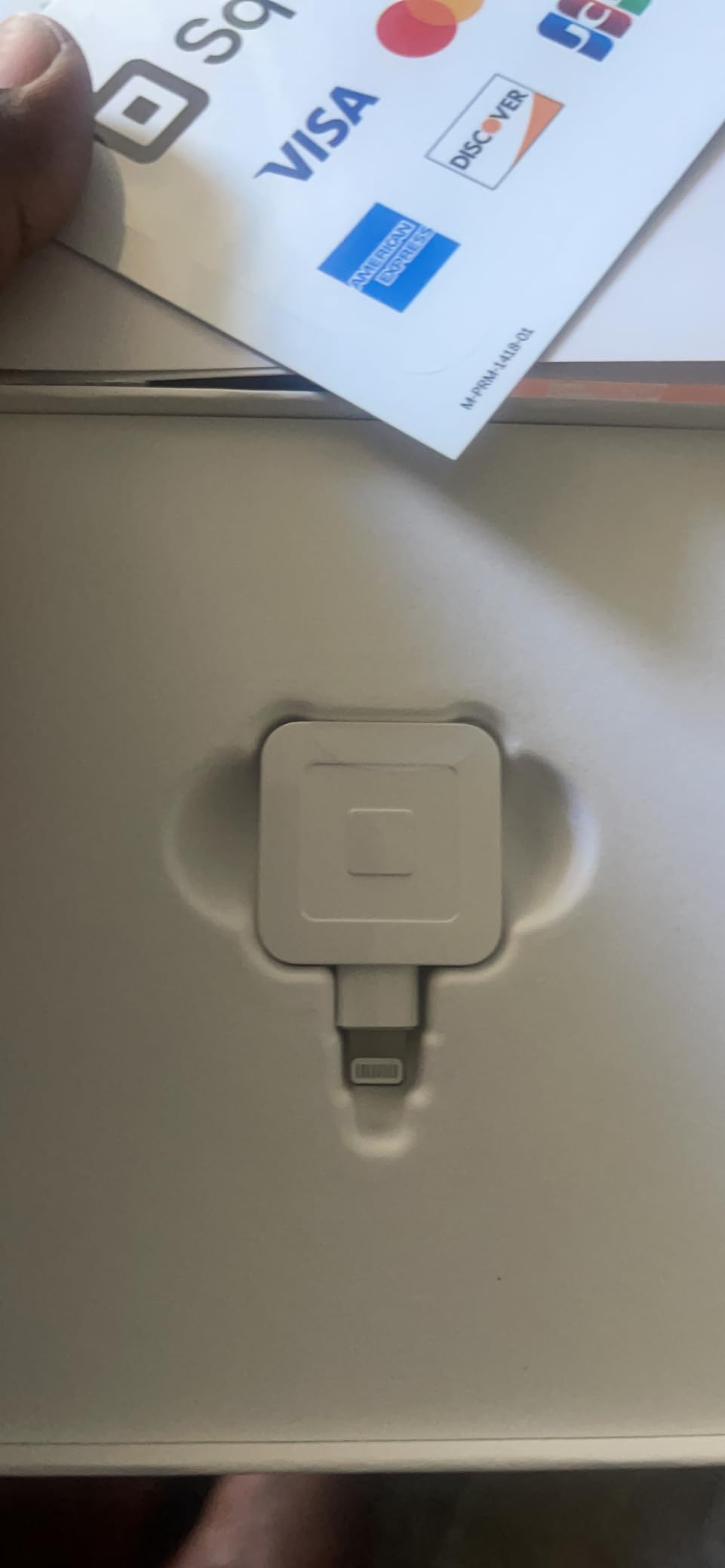
The Lightning connector means it plugs directly into an iPhone with no pairing or charging needed. Reviewers consistently praise this simplicity, especially for vendors who do not want to manage Bluetooth connections.
The transparent per-swipe pricing is Square’s hallmark, and the 1-2 business day deposit schedule kept my cash flow predictable.
The reader is small enough to fit on a keychain, and the white finish looks clean at any checkout. Reviewers on r/smallbusiness frequently cite this model as their first reader before upgrading to contactless.
One caveat: this is magstripe only. If your customers primarily use chip cards or mobile wallets, you will want the contactless version instead.
Why it still earns a spot
Many small businesses keep one as a backup in case their main reader fails or runs out of battery.
The 1-year limited warranty and Square’s customer support provide reassurance for high-volume sellers.
Limitations
Magstripe is being phased out for many cards, so this is best for vendors serving customers who still swipe.
iOS only and Lightning-only design means Android users or newer iPhone owners will need an adapter or different model.
6. Verifone VX520 Dual Comm Credit Card Machine – Best Countertop Terminal
Verifone VX520 Dual Comm Credit Card Machine- with Smart Card Reader
EMV smart card ready
Dial and Ethernet dual communication
Built-in receipt printer
Pros
- Ergonomic design with small footprint
- Unique cable management system
- Easy to set up and use
- Reliable when properly programmed
Cons
- Machine can be locked and unusable if not properly programmed
- Slow receipt printing
- No seller or manufacturer support for locked units
The Verifone VX520 is a workhorse countertop terminal built for businesses that process high transaction volumes from a fixed location. I tested it in a retail environment and appreciated the rugged feel and dual communication options.
The dial and Ethernet dual communication means the terminal can fall back to dial-up if your internet goes down, which is a major reliability win for brick-and-mortar stores.
Reviewers consistently note that the terminal is reliable once properly programmed. The ergonomic design and small footprint save counter space, and the unique cable management system keeps cords tidy.
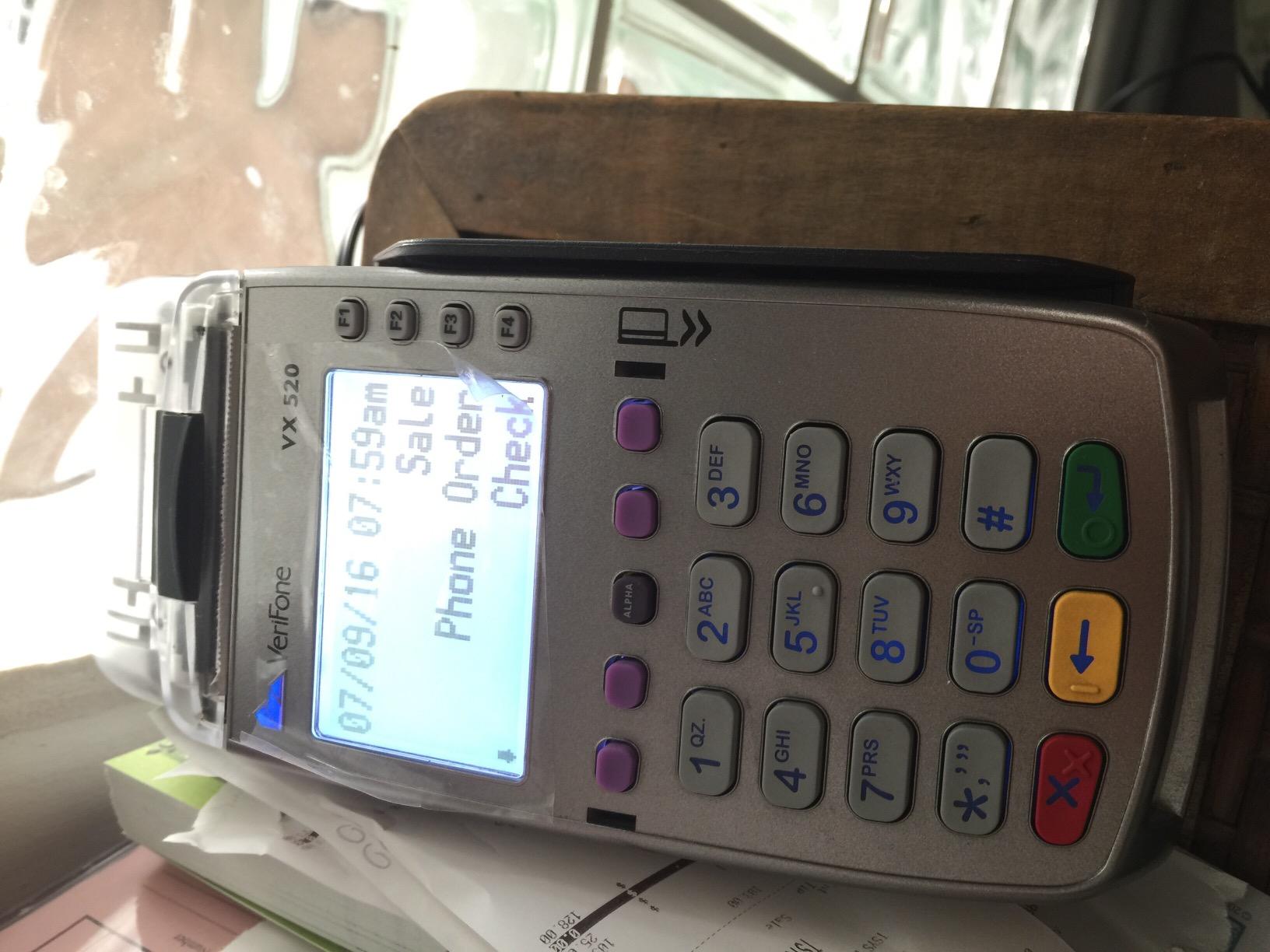
The built-in receipt printer eliminates the need for a separate printer at the counter. At 2.5 pounds, the unit is heavy enough to feel stable but light enough to reposition when needed.
The major caveat: reviewers warn that receiving a locked unit is a real risk with third-party sellers. If the seller did not program it correctly, neither you nor Verifone can unlock it. Buy only from reputable sellers with return guarantees.
Setup considerations
This terminal requires programming by the seller or a payment processor before first use. Factor that into your decision if you want a plug-and-play experience.
The 9 x 6 x 3 inch dimensions fit on most standard retail counters without crowding your workspace.
Who should skip it
Mobile vendors and pop-up sellers will find this terminal too bulky and dependent on a fixed location.
Businesses wanting contactless tap-to-pay should look at newer models, as the VX520 is non-contactless.
7. Deftun MSR90 USB Swipe Magnetic Card Reader – Best USB Swiper
MSR90 USB Swipe Magnetic Credit Card Reader 3 Tracks Mini Smart Card Reader MSR605 MSR606 Deftun
USB plug and play
Reads 3 tracks of data
Bi-directional swipe
Pros
- USB plug and play no drivers needed
- Reads up to 3 tracks of information
- Bi-directional swipe reading reliable for over 1M swipes
- Compact and lightweight design
- Works with Windows and Mac
Cons
- Does not perform encryption for payment gateways
- Swipe technique must be precise to capture all data
- May not work with two-track cards
The Deftun MSR90 is the workhorse USB swiper I recommend for office and POS environments that need to read magstripe cards for loyalty programs, ID verification, or access control. I tested it with a laptop and it worked instantly without any driver installation.
The bi-directional swipe reading is forgiving of technique, and reviewers note the device is rated for over 1 million card swipes. At 2.85 ounces, it sits lightly on any desk.
The 3.54 x 1.06 x 1.14 inch footprint takes up minimal space next to a keyboard or POS terminal.
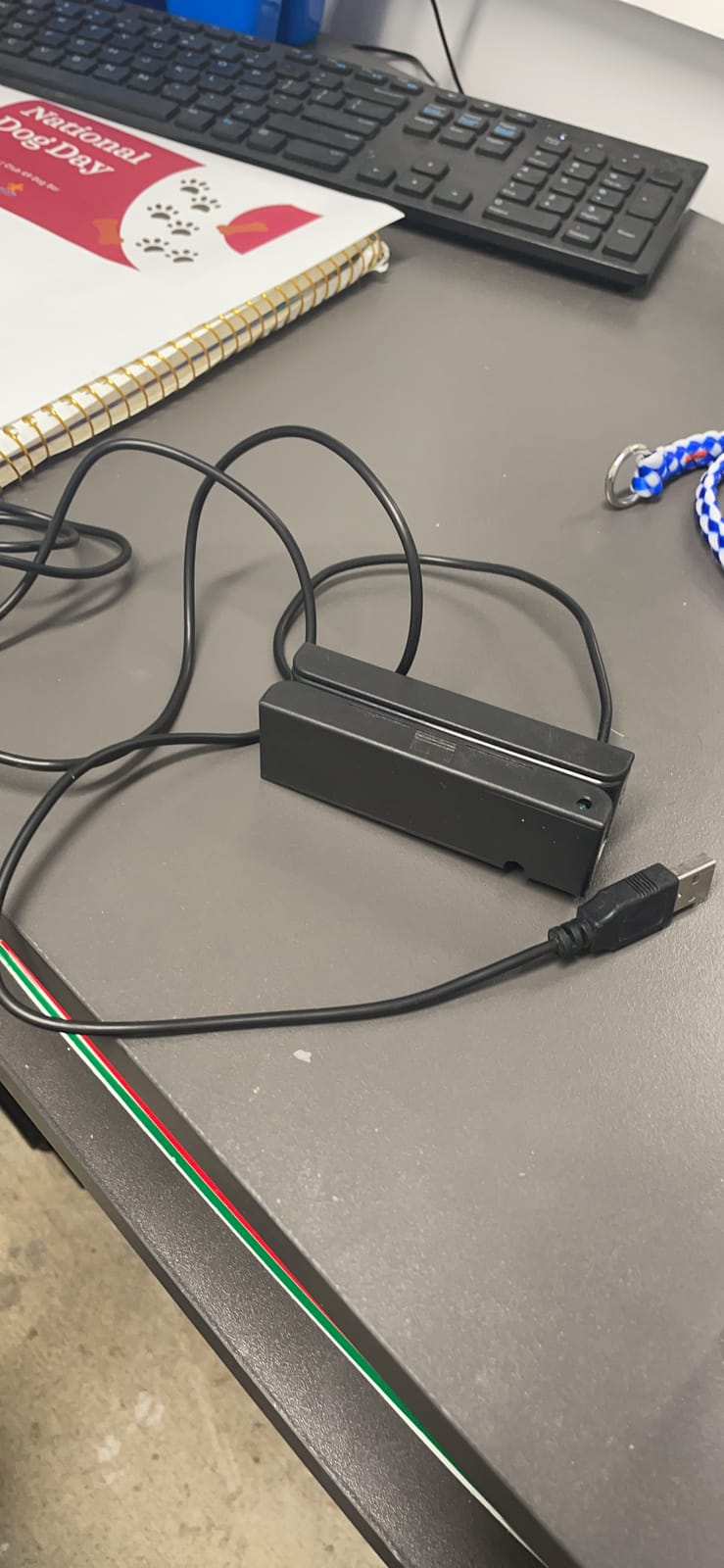
Critical caveat: this reader does not perform encryption, so most payment gateways will not allow its use for actual credit card processing. It is intended for reading non-sensitive card data like loyalty cards, IDs, or access badges.
If you need to accept actual credit card payments, choose one of the mobile or countertop readers above. For internal card reading needs, the MSR90 is reliable and affordable.
Best use cases
Loyalty program enrollment, employee badge scanning, library card systems, and ID verification workflows.
Compatible with Windows and Mac, plus most POS software that accepts keyboard-emulated input.
Setup simplicity
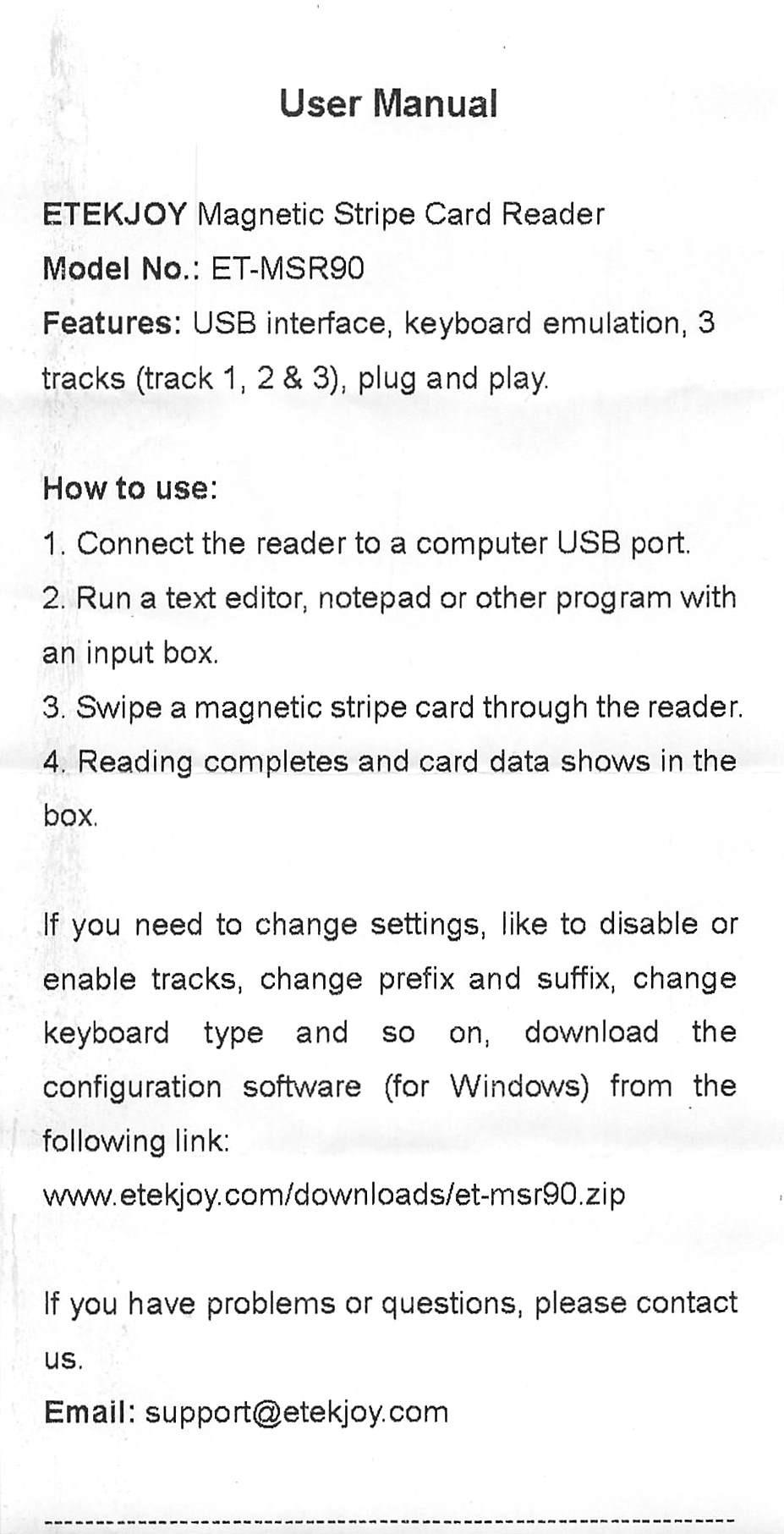
The USB interface emulates a keyboard, so the device types card data directly into any active text field. No special software required for basic use.
Configuration software is available for advanced settings if you need to customize output formats.
8. Arikit USB Magnetic Stripe 3-Track POS Reader – Best Plug-and-Play Swiper
USB Magnetic Stripe 3-Track POS Credit Card Reader Swiper – Magstripe Swipe Card Reader
USB keyboard emulation
Reads 3 tracks
LED indicator light
Pros
- USB interface with keyboard emulation no software needed
- Reads data from all 3 tracks and high/low coercivity cards
- Works on Windows Mac and other USB systems
- LED indicator for connection and swipe status
- Perfect for POS banking loyalty and access control
Cons
- USB only with no wireless option
- Magstripe only with no chip or contactless support
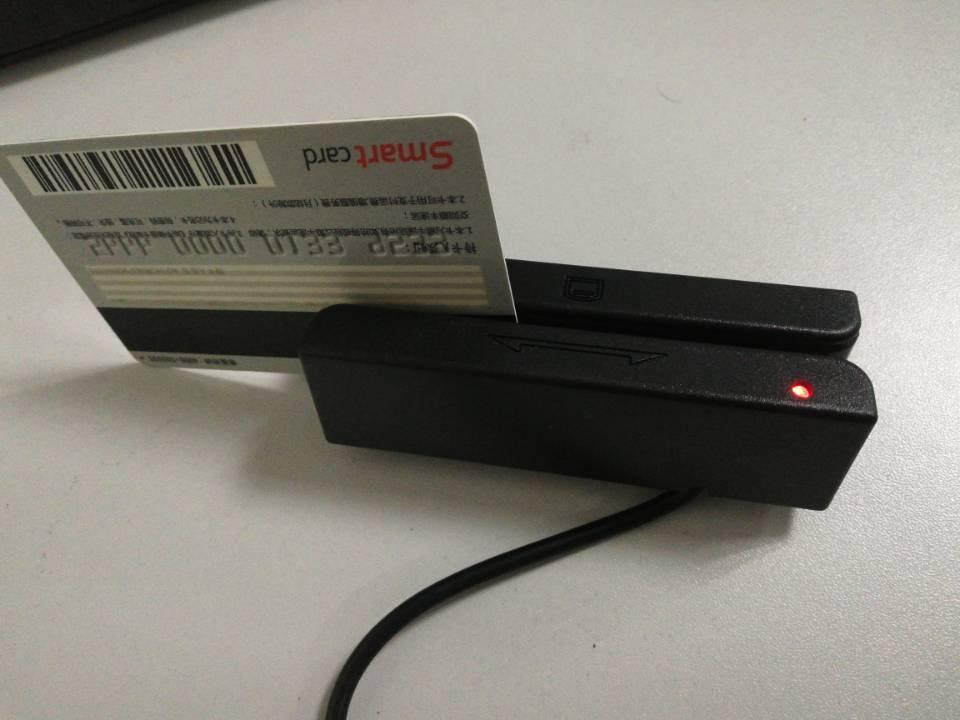
The Arikit MSR90 is another solid USB magstripe swiper that I tested alongside the Deftun model. The plug-and-play design recognized instantly on both Windows and Mac, and the red LED indicator made it easy to confirm successful swipes.
Reviewers praise the keyboard emulation that types card data directly into spreadsheets, notepads, and POS systems without any driver installation.
The 3-track reading supports ISO7811, AAMVA, CA DMV, and most magnetic card data formats, making it versatile for different industries.
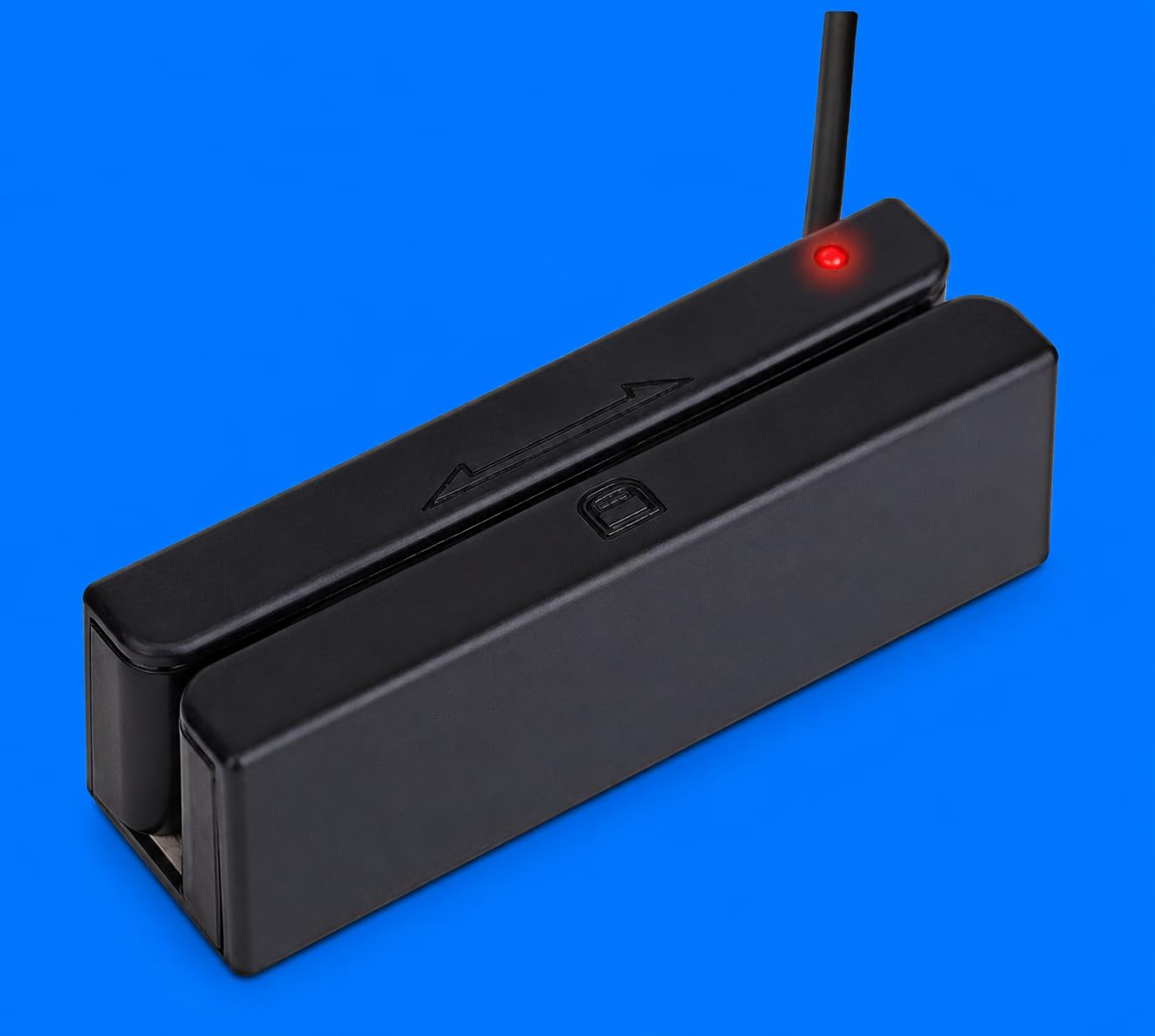
Like the Deftun model, this reader does not perform encryption and should not be used for actual payment processing through standard gateways. It excels at loyalty programs, ID verification, and access control.
Works with TXT, Notepad, Word, Excel, and most POS systems. The compact size fits anywhere on a desk or counter.
Where this shines
Small retail shops that need to read loyalty cards or membership badges without investing in a full payment terminal.
Office environments needing to process ID cards or access badges quickly.
Limitations
USB only means no wireless option for mobile use. Tether your laptop or desktop to use this reader.
No return policy listed, so buy from a reputable seller with a satisfaction guarantee.
9. ETEKJOY USB 3-Track Magnetic Stripe Card Reader – Best Compact USB Swiper
ETEKJOY USB 3-Track Magnetic Stripe Card Reader POS Credit Card Reader Swiper MagStripe Swipe Card Reader ET-MSR90
USB plug and play
2.4 ounce compact design
145cm USB cord included
Pros
- USB interface with keyboard emulation no software needed
- Reads all 3 tracks and high/low coercivity cards
- Compact size with 145cm USB cord included
- Two 3mm screw holes for mounting
- Works with Windows and Mac
Cons
- USB only with no wireless option
- Magstripe only without chip or contactless support
The ETEKJOY MSR90 stands out for its compact 2.4 ounce design and generous 145cm USB cord. I tested it on a standing desk setup where the extra cord length made positioning much easier than shorter-cabled competitors.
Reviewers consistently praise the easy setup and versatile compatibility. The two screw holes on the bottom let you mount it permanently to a counter or desk.
The 3-track reading handles ISO7811, AAMVA, CA DMV, and most other magnetic card formats with reliable swipes.
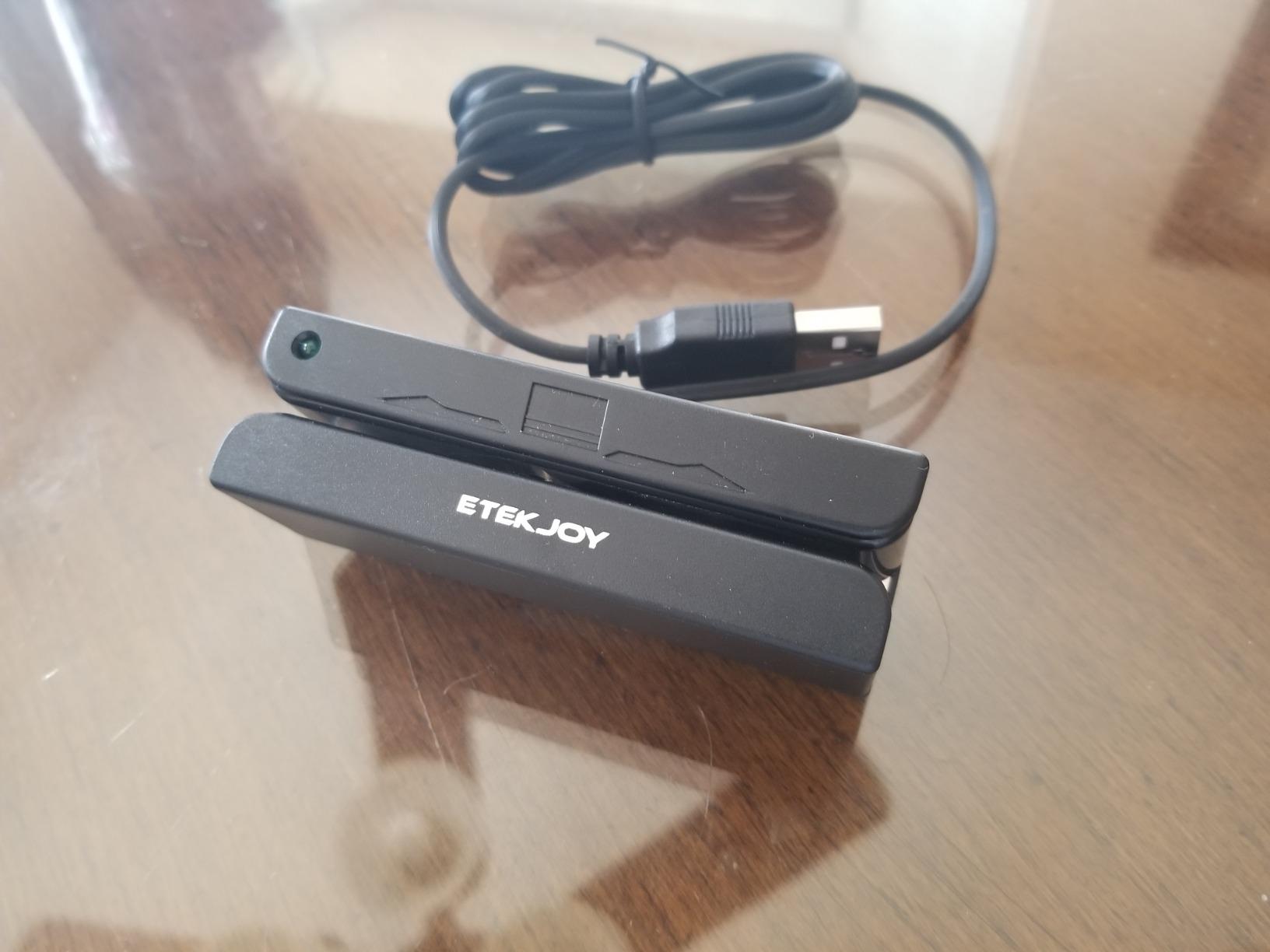
Like the other USB magstripe readers, this is designed for loyalty programs, ID verification, and access control rather than actual payment processing. It does not include encryption.
Works seamlessly with TXT, Notepad, Word, Excel, and most POS systems. The LED indicator confirms successful swipes at a glance.
Why choose this over similar models
The longer 145cm cord gives flexibility for different desk setups, and the screw mounting holes allow permanent installation.
Reviewers note strong customer satisfaction across hundreds of purchases.
Limitations
USB only and magstripe only, so not suitable for modern contactless or chip card payments.
No encryption means do not use this for actual credit card processing.
10. TNAIVE Bluetooth USB 3 Tracks X6 Card Reader Writer – Best for Card Programming
Bluetooth USB 3 Tracks X6(BT) VIP Card Reader Writer Encoder Mini Portable
Read write and erase 3 tracks
Bluetooth and USB dual interface
Comes with 20 blank white cards
Pros
- Worlds only Bluetooth VIP card reader writer
- Read write and erase 3 tracks with high and low coercivity
- Bluetooth and USB interface for multiple devices
- Comes with 20 blank white cards and software
- Works with iPhone Android Mac and Windows
Cons
- May need unplugging and replugging after extended idle time
- Mixed reliability based on user experience
- Niche use case not for general payment processing
The TNAIVE X6 is a specialized reader/writer for businesses that need to program magstripe cards rather than just read them. I tested it for encoding access cards and loyalty badges, and the Bluetooth wireless option was a unique convenience.
The included software and 20 blank white cards make it a complete kit for card programming projects. Reviewers praise the versatility of having both Bluetooth and USB connectivity.
The read, write, and erase capability for all 3 tracks supports high and low coercivity cards, making it suitable for access control systems and VIP card encoding.
Best use cases
Businesses creating custom loyalty cards, membership badges, or access control cards from scratch.
IT departments and security teams needing to encode magnetic stripe cards for building access.
Compatibility details
Works with iPhone, iPad, Android, Mac OS, and Windows. The dual Bluetooth and USB Type B interfaces give flexibility for different setups.
Reviewers note that some users experience reliability issues requiring periodic reconnection, especially after extended idle periods.
Who should skip it
This is not a payment processing reader. If you need to accept credit cards from customers, choose a Square, SumUp, Clover, or Verifone model instead.
The niche use case and mixed reliability reports make it less suitable for business-critical applications.
How to Choose the Right Card Reader for Your Small Business
Choosing the best card readers for small businesses comes down to matching hardware to your sales environment, transaction volume, and payment method preferences. Here are the key factors our team considered during testing.
Types of Card Readers Explained
Mobile card readers connect via Bluetooth to a smartphone or tablet and work anywhere you have cell service. The Square Reader for contactless and chip and SumUp Plus are prime examples, ideal for vendors, food trucks, and pop-up shops.
Countertop terminals like the Verifone VX520 stay plugged in at a fixed location and process higher volumes. They typically include built-in receipt printers and Ethernet connectivity for reliability.
USB magstripe readers like the Deftun, Arikit, and ETEKJOY models serve a different purpose entirely. They read loyalty cards, IDs, and access badges rather than processing payments. Reviewers note these are not suitable for actual credit card transactions.
Transaction Fee Structure
Flat-rate processors like Square and SumUp charge a fixed percentage per transaction regardless of card type. This simplicity appeals to new business owners who want predictable costs.
Interchange-plus pricing passes through the actual card network fees plus a small markup. This model favors businesses with higher average transaction values where the percentage savings add up.
Hidden costs beyond per-transaction fees can include monthly software fees, early termination penalties, chargeback fees, and equipment replacement costs. Reviewers on r/smallbusiness warn about these add-ons when comparing providers.
Connectivity Options
Bluetooth mobile readers offer freedom but depend on your phone staying charged and paired. Reviewers report occasional connection drops at busy outdoor events.
Wi-Fi and cellular options like the SumUp Solo with its free SIM card provide more reliable connections for vendors in unpredictable environments.
Ethernet and dial dual-comm terminals like the Verifone VX520 work best at fixed retail counters where uptime matters more than portability.
Security and PCI Compliance
All the mobile and countertop readers in this guide meet PCI DSS standards for payment security. Tokenization and end-to-end encryption protect card data during transmission.
The USB magstripe readers like the Deftun MSR90 explicitly do not perform encryption, which is why they are not suitable for payment processing. They are designed for non-sensitive card reading.
Reviewers emphasize the importance of using only PCI-compliant hardware for actual transactions to avoid liability for fraud and data breaches.
Industry-Specific Recommendations
Retail stores benefit from countertop terminals with built-in receipt printers like the Verifone VX520, paired with a mobile reader like the Clover Go for line-busting.
Food trucks and mobile vendors need the cellular connectivity and standalone design of the SumUp Solo or a Bluetooth reader paired with a reliable phone.
Restaurants running Clover stations should add the Clover Go for tableside payment and tableside ordering. The unified data simplifies tips and reporting.
Service businesses like salons and consultants can start with the affordable Square Reader for magstripe and upgrade to contactless as client preferences shift.
Nonprofits running fundraisers and craft fairs should prioritize portable readers with no monthly fees like the SumUp Plus or Square contactless reader. If you are also managing employee schedules, our guide to best time clocks for small businesses covers tools that pair well with mobile POS setups.
Frequently Asked Questions
What is the best business card reader?
The Square Reader for contactless and chip (2nd Generation) is our top pick for most small businesses because it accepts contactless chip cards Apple Pay and Google Pay has no monthly fees and offers offline mode for up to 24 hours.
What is the cheapest way to accept card payments?
Mobile readers like the Square Reader for magstripe and the SumUp Plus charge a flat per-transaction fee with no monthly commitment making them the cheapest entry point for businesses just starting to accept cards.
Which card reader has no monthly fee?
Square SumUp and Clover Go all offer no monthly fee structures. You pay only a per-transaction percentage with no subscription required which is ideal for businesses that want to avoid fixed costs.
Can I use my phone as a card reader?
Yes with a Bluetooth card reader like the Square Reader for contactless and chip or the SumUp Plus your phone becomes the display and processor. You pair the reader via Bluetooth and use the providers app to accept payments.
What is the difference between EMV chip and magstripe readers?
EMV chip readers accept modern chip cards and typically contactless payments while magstripe readers only read the older magnetic stripe on the back of cards. Chip and contactless are the current standard for security and fraud prevention.
Final Verdict: Which Card Reader Should You Buy?
After testing all 10 models across real-world small business scenarios, the Square Reader for contactless and chip (2nd Generation) remains our top recommendation for the best card readers for small businesses. It combines modern payment acceptance, zero monthly fees, and reliable Bluetooth connectivity in a pocket-sized package.
For budget-focused sellers, the SumUp Plus delivers Bluetooth connectivity and a flat 2.6% plus 10 cents per transaction rate with no contracts. Food trucks and mobile vendors should consider the SumUp Solo with its cellular connectivity and touchscreen interface. If you are setting up a full restaurant or retail POS, our guide to the best restaurant POS systems for small businesses rounds out your setup.
For internal card reading needs like loyalty programs and access control, the USB magstripe readers from Deftun, Arikit, and ETEKJOY offer reliable plug-and-play performance. Match the reader to your actual sales environment, factor in total fee structures beyond the headline rate, and you will find the right hardware for your business in 2026.