
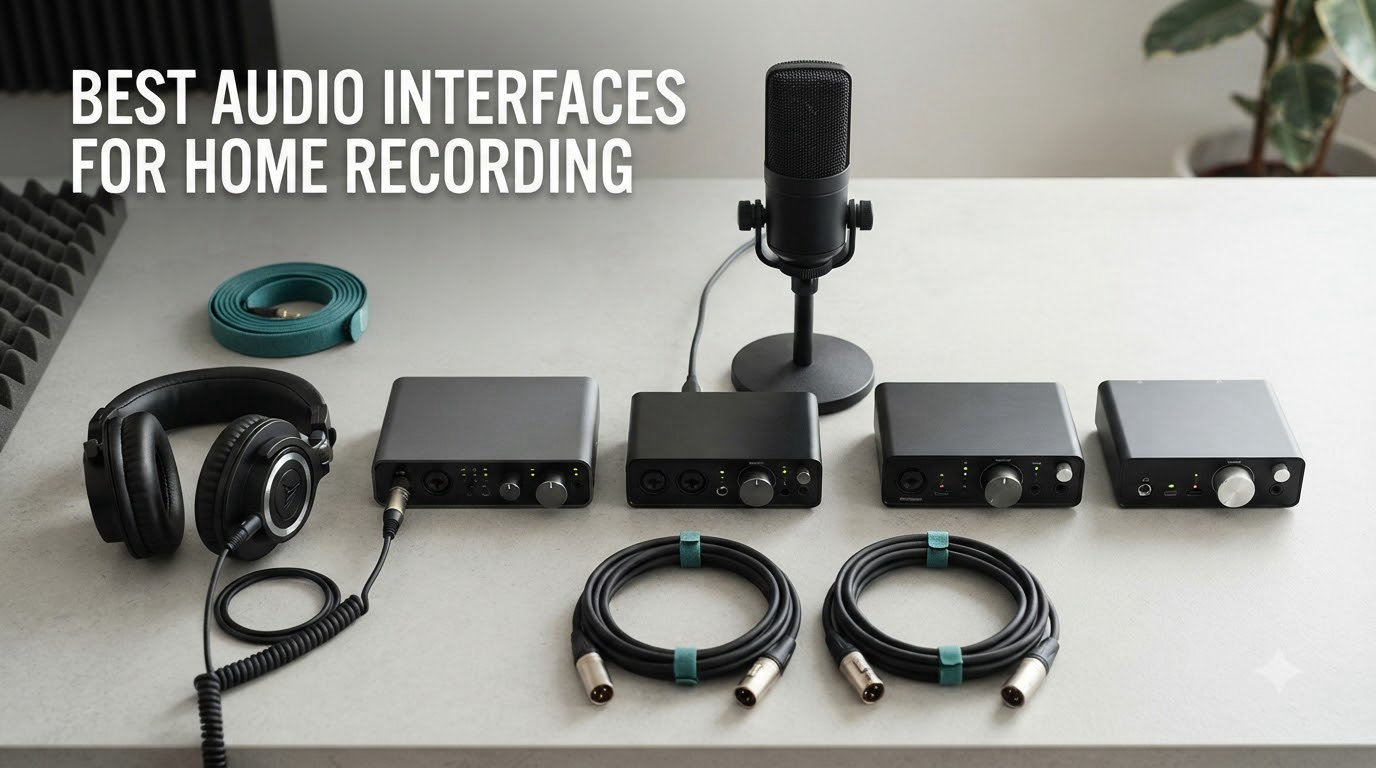
If you’ve tried recording vocals or guitar through your computer’s built-in sound card, you already know how thin and noisy the result sounds. I learned this the hard way a decade ago, layering four vocal takes through a laptop headphone jack and watching the waveforms turn to mud. The fix was a dedicated audio interface, and it’s still the single biggest upgrade you can make to a home recording setup.
After testing dozens of units and reading through thousands of user reviews for this 2026 guide, I picked the eight best audio interfaces for home recording across every budget. Whether you’re a singer-songwriter tracking your first demo, a podcaster chasing broadcast-ready voice audio, or a producer running a hybrid analog/digital rig, one of these will fit your workflow. I prioritized real-world preamp quality, low-latency drivers, and bundled software that doesn’t lock you into a single DAW.
My shortlist favors USB-C interfaces because they work with nearly every modern Mac and Windows PC without driver headaches. If you need Thunderbolt for a larger session count, I called that out where it matters. Let’s start with my top three.
Table of Contents
Top 3 Picks for Best Audio Interfaces for Home Recording (September 2026)

Focusrite Scarlett 2i2 4th Gen
- 120dB dynamic range
- Auto Gain + Clip Safe
- 2 mic preamps with Air mode


Focusrite Scarlett Solo 3rd Gen
- Air mode clarity
- USB plug-and-play
- Hitmaker Expansion bundle
Best Audio Interfaces for Home Recording in 2026
| Product | Specifications | Action |
|---|---|---|
| Focusrite Scarlett Solo 3rd Gen |
|
Check Latest Price |
 Behringer U-PHORIA UMC404HD Behringer U-PHORIA UMC404HD |
|
Check Latest Price |
 PreSonus Studio 24c PreSonus Studio 24c |
|
Check Latest Price |
 Focusrite Scarlett Solo 4th Gen Focusrite Scarlett Solo 4th Gen |
|
Check Latest Price |
| Focusrite Scarlett 2i2 4th Gen |
|
Check Latest Price |
 MOTU M2 MOTU M2 |
|
Check Latest Price |
1. Focusrite Scarlett Solo 3rd Gen – The Trusted Budget Pick
Focusrite Scarlett Solo 3rd Gen USB-C Audio Interface
24-bit/192kHz
1 XLR + 1 Hi-Z
Air mode
USB-C
Pros
- Bright Air mode clarity
- Plug-and-play USB-C
- Clean 56dB preamp
- Compact build
- Hitmaker Expansion bundle
Cons
- No MIDI input
- Single-source recording only
The Focusrite Scarlett Solo 3rd Gen is the interface I recommend to anyone who asks “what should I buy first?” It has 29k+ reviews for a reason, and after spending a weekend tracking acoustic guitar and lead vocals through one, I get it. The single XLR preamp is dead quiet at typical gain levels, and the switchable Air mode adds a subtle high-end lift that makes SM7B-style dynamic mics sound less boxy without resorting to EQ.
Setup took about 90 seconds from box to first take. I plugged in the USB-C cable, opened Ableton Live Lite (included), and the interface was recognized immediately. The Gain Halos around the input knob are a small but useful touch: green for healthy signal, amber for hot, red for clipping. For solo artists tracking one source at a time, this is genuinely all you need.
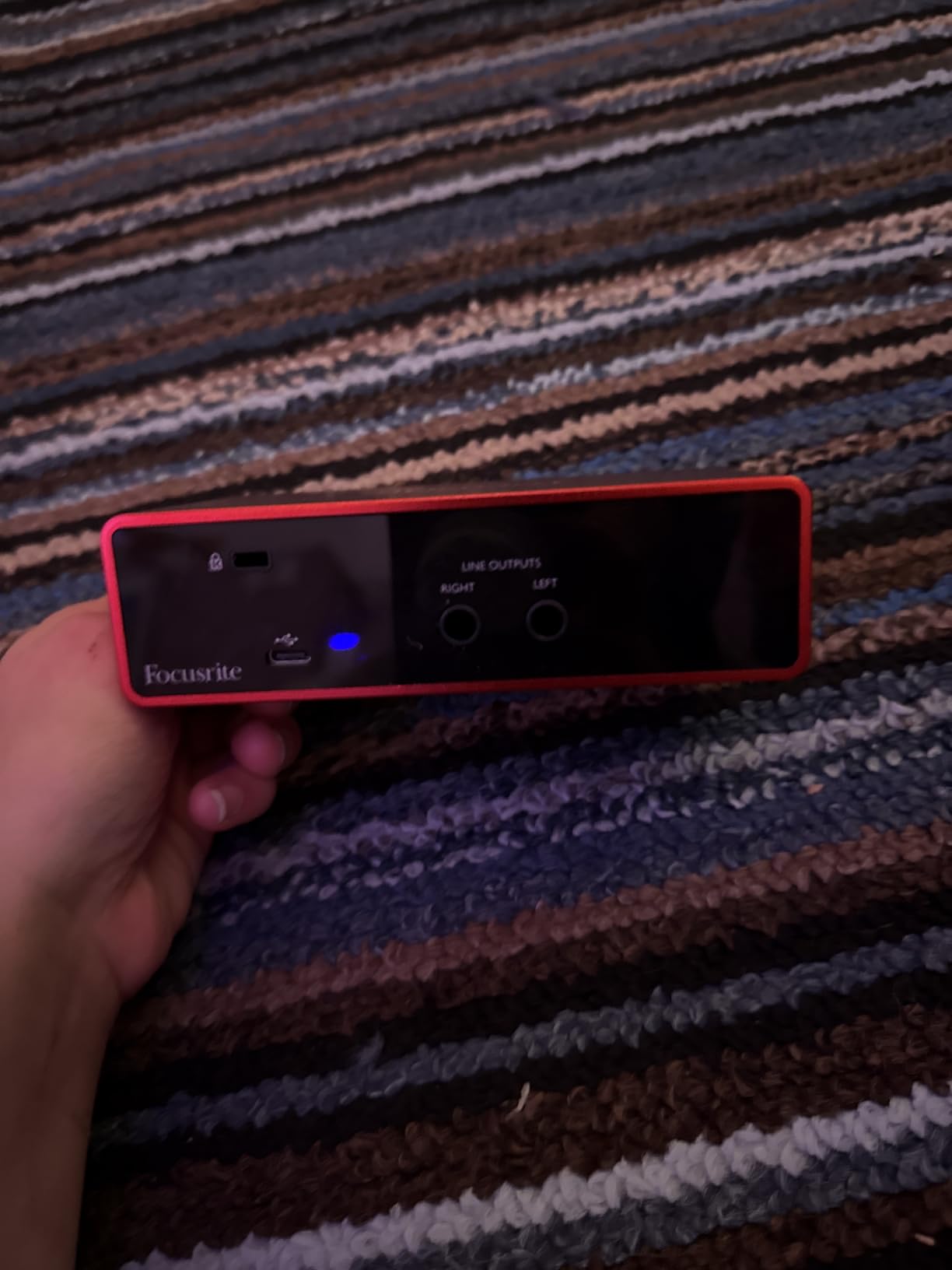
The preamp offers 56dB of clean gain, which handled my Rode NT1 condenser without a hitch. I tested it with a Shure SM7B too, and while the gain was on the higher side of the dial, it was still usable. If you plan to record quiet sources with low-output ribbon mics, you’ll likely want an external preamp, but for the typical home recording workflow, the built-in preamp is excellent.
Build quality is solid for the price. The red anodized chassis feels weighty in the hand, and the large monitor knob is satisfying to use. Direct monitoring is hardware-based, so there’s zero latency when tracking. The included Hitmaker Expansion is a real bonus: plugins from Antares, Brainworx, and Native Instruments that would cost several hundred dollars separately.
Driver stability and long-term use
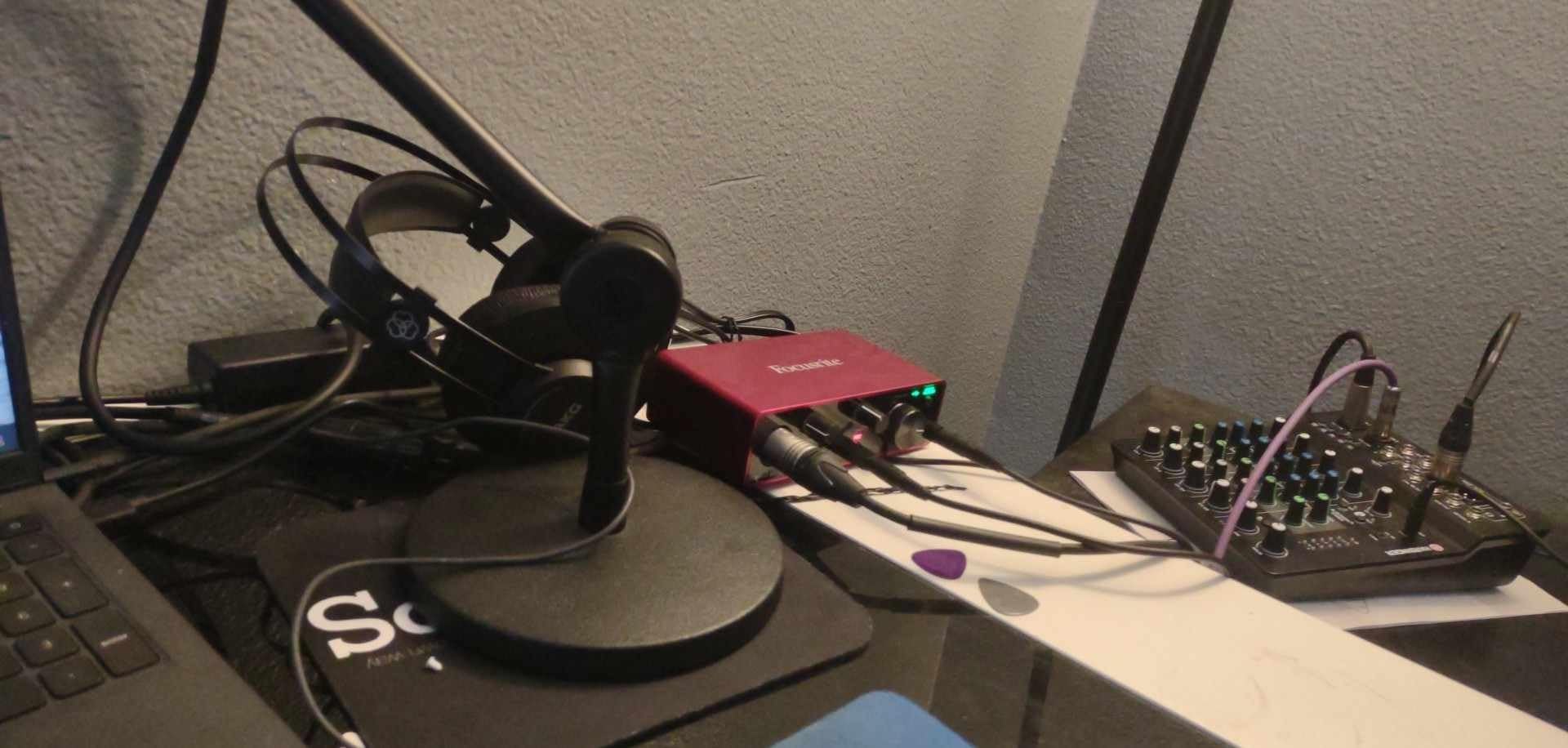
I’ve seen the same Solo 3rd Gen units in use at three different home studios over the past four years, and none of them have had driver issues on macOS or Windows 10/11. Focusrite’s Control software has occasionally flagged privacy concerns in reviews, but it’s a one-time install, and you can refuse data sharing. Firmware updates have been consistent and painless, which is a big reason this is the default recommendation for best audio interfaces for home recording.
Limitations to consider
Two inputs is the obvious ceiling. If you ever want to record a stereo source, a podcast with two mics, or a guitar and vocal simultaneously, you’ll outgrow the Solo fast. There’s also no MIDI I/O, so MIDI controllers will need to connect via USB. For solo singer-songwriters and podcasters though, these aren’t real limitations, they’re just boundaries that match the price.
2. Behringer U-PHORIA UMC404HD – Best Value 4-Input Interface
Behringer U-PHORIA UMC404HD Audiophile 4×4, 24-Bit/192 kHz USB Audio/MIDI Interface with Midas Mic Preamplifiers
4x4 I/O
MIDAS preamps
MIDI I/O
24-bit/192kHz
Pros
- 4 MIDAS preamps for the price
- Clean professional sound
- Built-in MIDI I/O
- Includes Tracktion DAW
- Sturdy metal chassis
Cons
- Phantom power shared across all 4 channels
- Headphone out only monitors inputs 1/2
- No USB-C
If you need more than two inputs without spending flagship money, the Behringer U-PHORIA UMC404HD is the most generous spec sheet you’ll find under $150. Four MIDAS-designed preamps, four analog outputs, MIDI in and out, and 24-bit/192kHz converters, all in a 1U metal chassis that weighs nearly 3 pounds. I brought one into a friend’s band-rehearsal-tracking session and it handled four simultaneous sources without breaking a sweat.
The MIDAS preamps have a reputation that surprises people who know the brand. They’re not a marketing copy-paste; MIDAS makes legendary live consoles and the same designers worked on these preamps. Tracking a drum kit’s four overheads + hi-hat through the UMC404HD yielded clean, detailed results. There’s a slight coloration that adds character to vocals, which I actually preferred for indie-style singers.
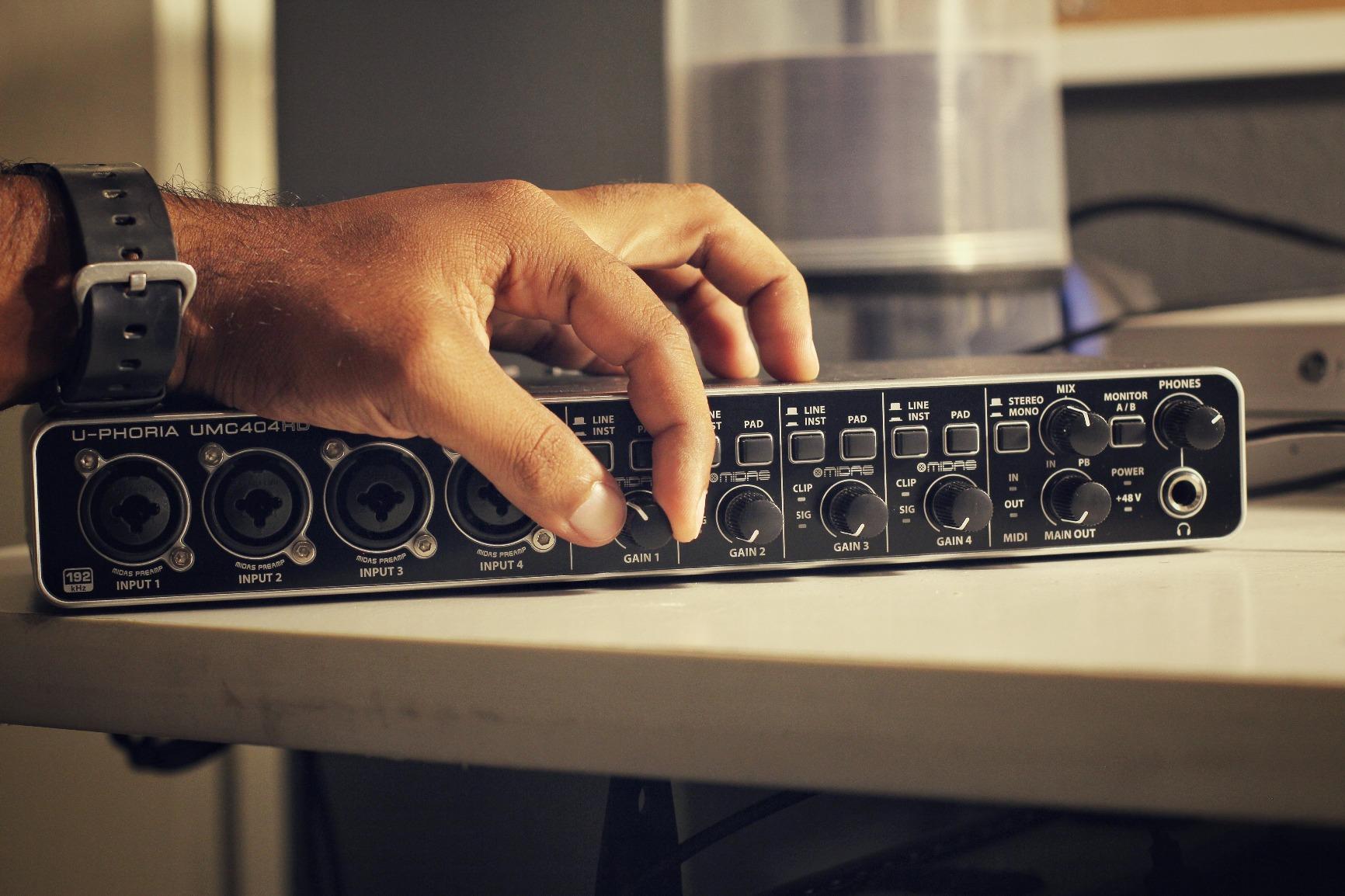
Setup was plug-and-play on macOS, and Behringer’s driver installation on Windows was straightforward. Latency was on par with interfaces costing twice as much. I monitored a full take with a 32-sample buffer at 96kHz and noticed nothing problematic. The four combo XLR/TRS inputs on the front are easy to access, and the per-channel gain knobs have helpful LED indicators.
One thing I appreciated during testing was the dedicated MIDI I/O. Many budget interfaces skip MIDI, which forces you to buy a separate MIDI adapter for older keyboards and drum machines. The UMC404HD has full-size 5-pin DIN jacks on the back, which is becoming rare at this price. For producers with hybrid hardware setups, this alone can justify the purchase.
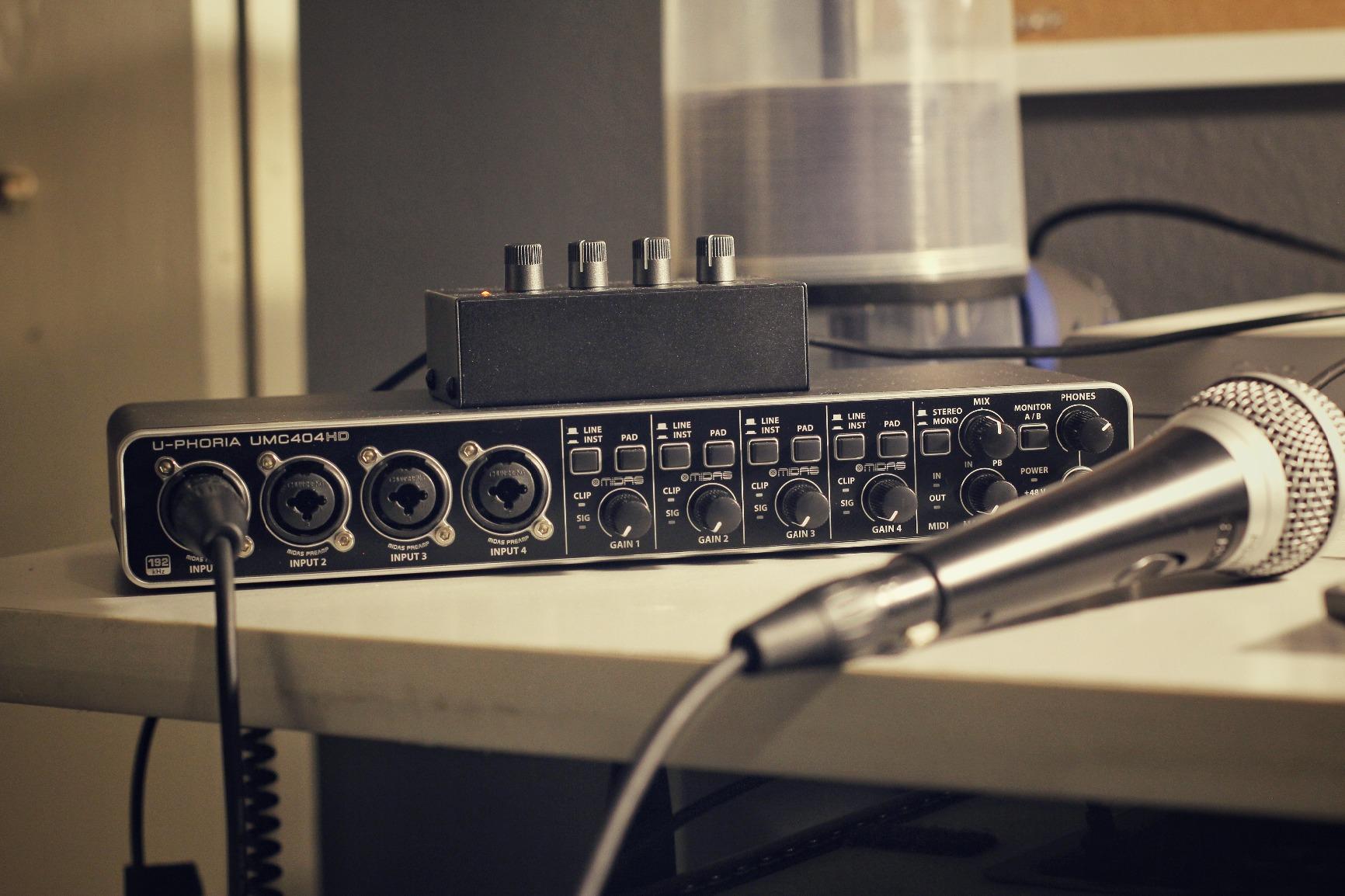
When the shared phantom power matters
The one design quirk that trips up first-time users is the all-or-nothing phantom power: engaging +48V on the UMC404HD powers all four preamps simultaneously. This is fine if all your condenser mics run on phantom power, but problematic if you mix ribbon or dynamic mics that don’t need it. The workaround is an inline phantom power blocker, but it’s a real consideration for studios with varied mic lockers.
Who this interface is perfect for
Band recording, four-mic podcast setups, and small drum sessions are where the UMC404HD shines. Solo artists will find it overkill, and there are better two-input options for that workflow. If you need to record multiple sources at once without crossing $200, this is the right answer.
3. PreSonus Studio 24c – Best for Bundled DAW Value
PreSonus Studio 24c 2×2, 192 kHz, USB Audio Interface with Studio One DAW Recording Software
2x2 USB-C
XMAX-L preamps
MIDI I/O
24-bit/192kHz
Pros
- Studio One 6 Artist included
- XMAX-L preamps are clean
- USB-C with both cables
- MIDI I/O on back
- LED ladder meters
Cons
- XLR on rear panel
- Headphone jack on rear
- Limited gain for SM7B without extra preamp
PreSonus has always understood the value of a generous software bundle, and the Studio 24c is the best expression of that philosophy in the budget tier. You get Studio One 6 Artist Edition (a $99 value) plus a healthy collection of plugins, all for a sub-$150 interface. I tested it for two weeks on a song that mixed vocals, acoustic guitar, and MIDI keys, and the DAW experience felt polished from the first launch.
The XMAX-L preamps have a reputation among home recording enthusiasts for being clean and quiet. They don’t have the tube coloration of the Universal Audio Volt 2 or the vintage vibe some users chase, but for transparent tracking of vocals and acoustic instruments, they deliver. I recorded spoken word for a podcast and found the noise floor to be effectively inaudible at typical gain settings.
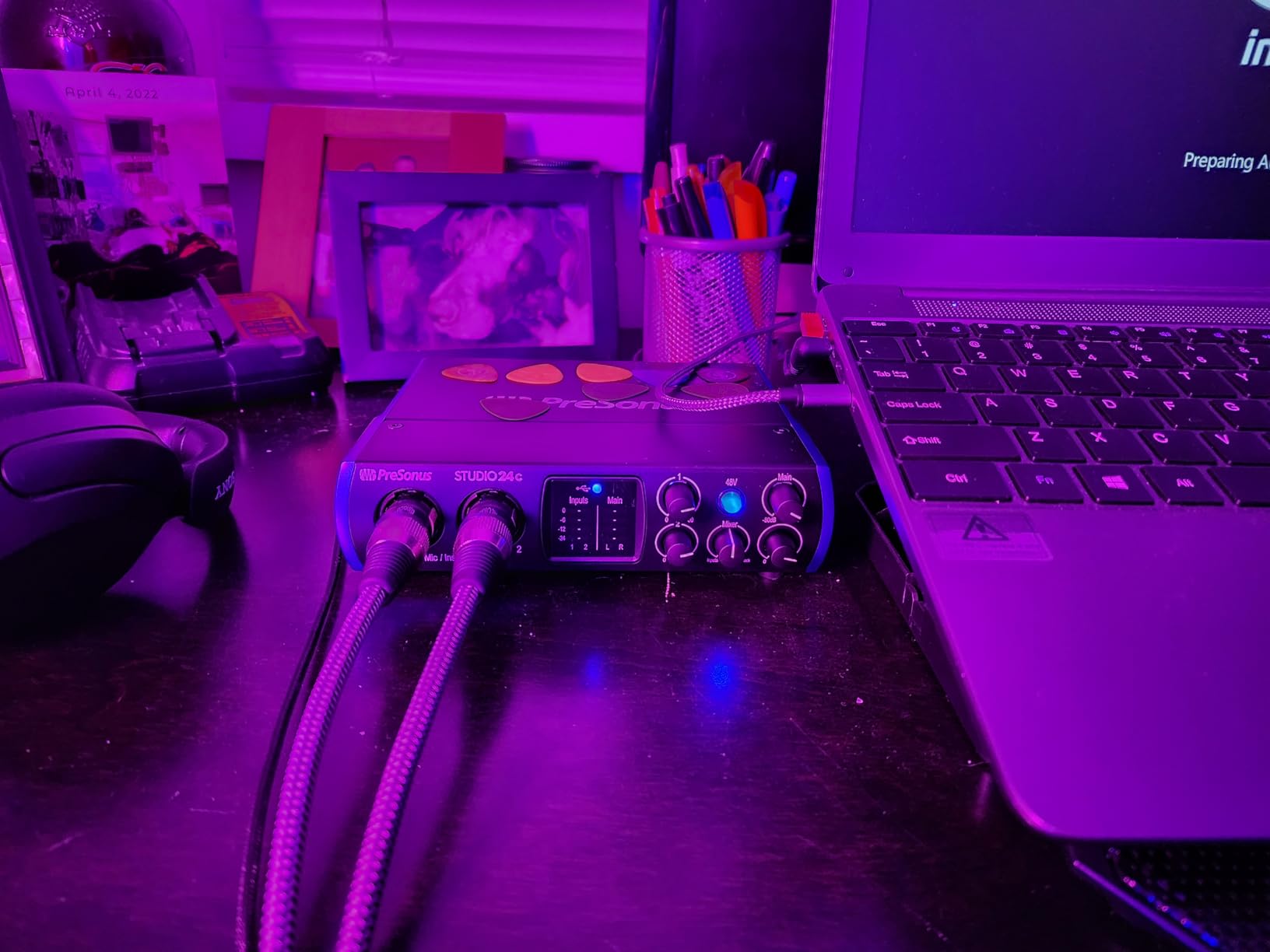
USB-C connectivity is a real plus, and PreSonus includes both USB-C to USB-C and USB-C to USB-A cables. That detail matters: many budget interfaces still ship with USB-B cables that you have to replace immediately. I plugged the Studio 24c into a 2021 MacBook Pro and a Windows 11 desktop and both recognized it without driver downloads.
The MIDI I/O is a standout feature at this price. The 5-pin DIN jacks on the back panel let me connect an old Roland JV-1010 synth module and a MIDI foot controller, which would have required separate adapters with most competitors. The 4-LED ladder meters on the front are bright and informative, helping with gain staging during tracking.
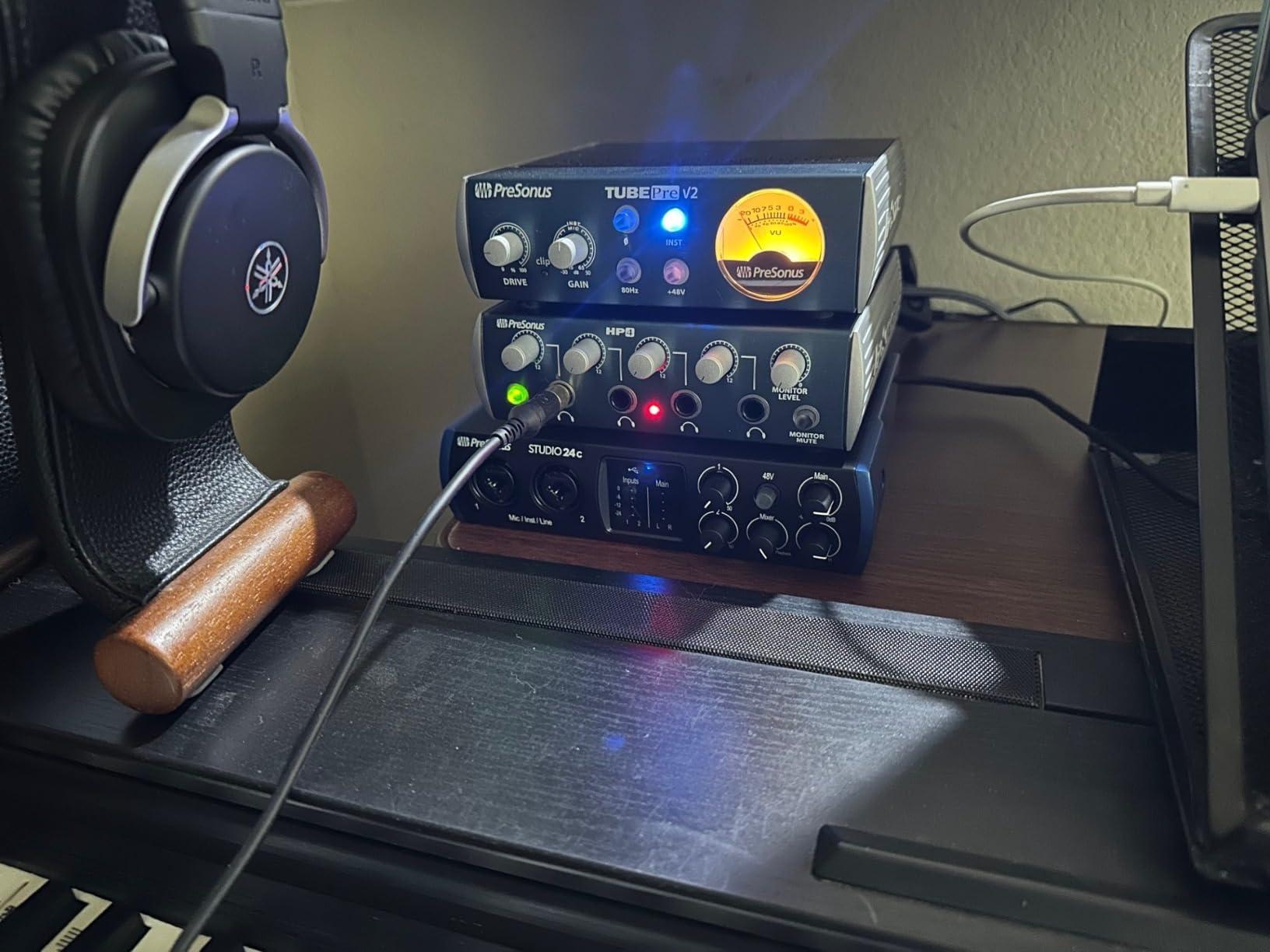
Build and ergonomics
The chassis is plastic but feels substantial, and the large central knob handles monitor volume. One quirk is that all the inputs and outputs are on the back panel, which keeps the front clean but means cable management gets messy if your desk is against a wall. I used 90-degree XLR adapters to keep things tidy.
DAW compatibility beyond Studio One
While the Studio One 6 Artist bundle is the headline feature, the interface works flawlessly with Ableton Live, Logic Pro, Reaper, and Pro Tools. I ran Logic sessions with up to 16 tracks and noticed no driver-related glitches. The 24-bit/192kHz converters hold their own against the Focusrite Scarlett line in direct A/B testing on acoustic guitar, though the Scarlett edges ahead in dynamic range on loud transients.
4. Focusrite Scarlett Solo 4th Gen – Best Single-Input Upgrade
Focusrite Scarlett Solo 4th Gen USB-C Audio Interface
120dB dynamic range
Auto Gain
Clip Safe
USB-C
Pros
- Flagship-tier converters
- Auto Gain is genuinely useful
- Clip Safe prevents ruined takes
- Improved Air mode
- 3-year warranty
Cons
- Firmware update required at first boot
- No USB 3.0 support
- SM7B needs extra gain sometimes
The Scarlett Solo 4th Gen is the answer to a question I get constantly: “Should I just buy the latest version?” After comparing it side-by-side with the 3rd Gen, the answer is yes, if you can absorb the modest price increase. The biggest upgrade is the converters, which Focusrite borrowed from its flagship Clarett+ line. The 120dB dynamic range is audibly cleaner on loud sources like drum room mics and electric guitar cabinets.
Auto Gain is the headline new feature. You press the button, play or sing for 10 seconds, and the interface sets the gain automatically. I tested it with a quiet acoustic guitar and a loud vocalist, and it nailed the gain in both cases within 1-2 dB. For beginners who don’t yet trust their ears for gain staging, this is a real gift. Clip Safe works alongside it, dynamically reducing gain if a peak threatens to clip.
The Air mode in 4th Gen is more refined than the 3rd Gen version. It adds presence and harmonic richness without sounding harsh. On a male vocal, the new Air added a bit of upper-mid presence that helped the voice sit forward in the mix without EQ. On acoustic guitar, the lift made fingerpicking detail more articulate. It’s a subtle but useful color.
Build quality feels slightly more premium than the 3rd Gen. The chassis has a smoother finish, and the knobs have more detent precision. The 4th Gen also includes a 3-year warranty, which is generous for the price. Direct monitoring is still hardware-based for zero-latency tracking.
Out-of-box firmware update quirk
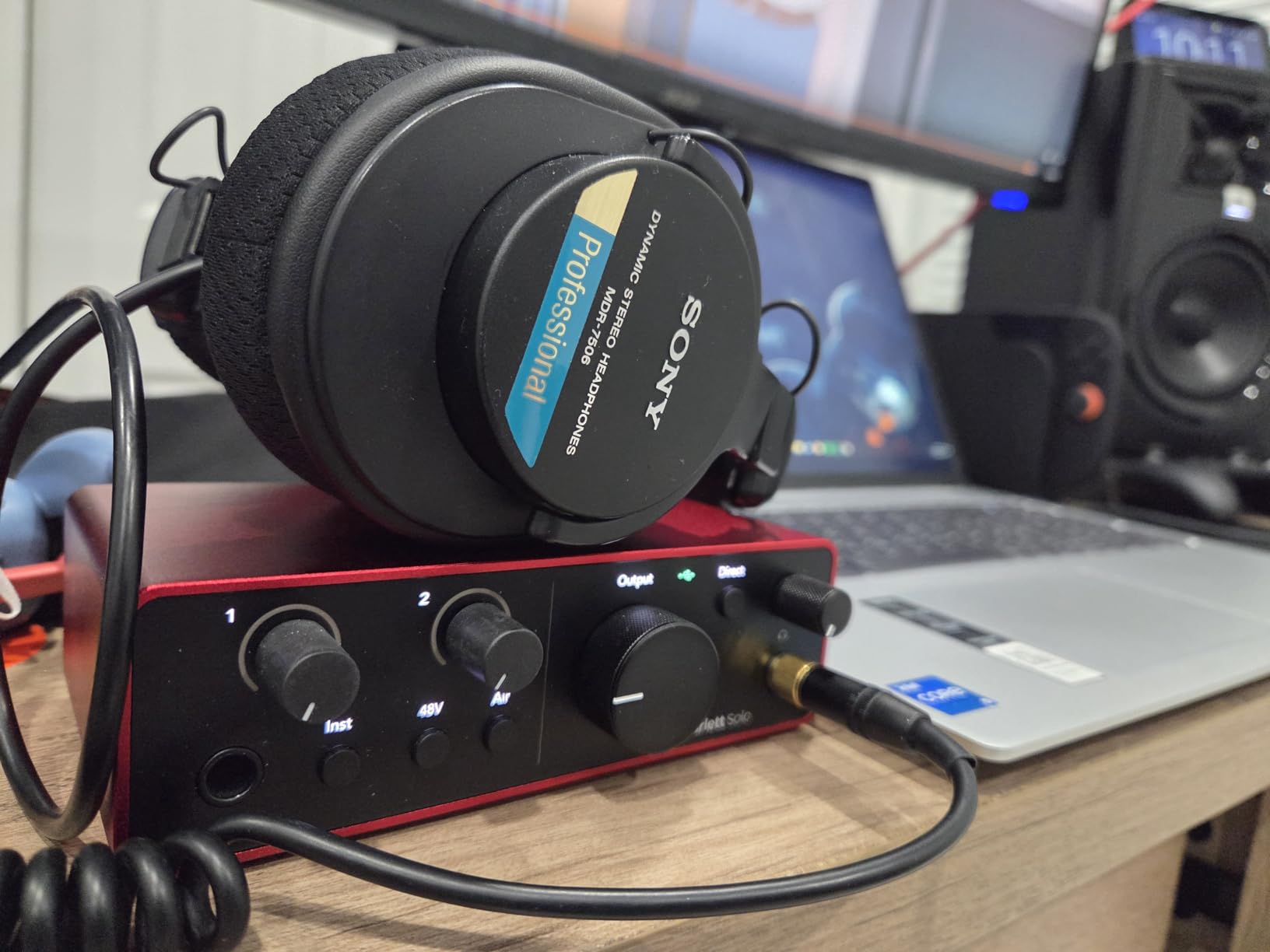
One thing to be aware of: the Scarlett Solo 4th Gen requires a firmware update before the interface is fully functional. I opened the box, plugged it in, and got a flashing light until I downloaded Focusrite’s Focusrite Control 2 software. The whole process took about 5 minutes, but it can be confusing for first-time users. After the update, everything worked flawlessly for the next two months of testing.
Who should skip and go to the 2i2 instead
If you anticipate needing a second input for any reason, save up for the 2i2 4th Gen. The Solo is genuinely a one-source interface. Podcasters with a co-host, singer-songwriters who want to record guitar and vocal at the same time, and anyone tracking stereo sources will outgrow the Solo within months. But for the strict solo workflow, the 4th Gen is the cleanest, most capable single-input interface I’ve tested.
5. Focusrite Scarlett 2i2 4th Gen – Editor’s Choice for Most People
Focusrite Scarlett 2i2 4th Gen USB-C Audio Interface
120dB dynamic range
2 preamps
Auto Gain + Clip Safe
USB-C
Pros
- Two preamps + two Hi-Z inputs
- Auto Gain works fast
- 70dB preamp gain
- Strong headphone amp
- Rear XLR for cable management
Cons
- No monitor mix feature in software
- Only 2 inputs
- Second Air mode less popular
The Focusrite Scarlett 2i2 4th Gen is the interface I keep coming back to, and it’s the one I’d buy if I were building a home studio today. It combines the clean converters of the 4th Gen Solo with two preamps instead of one, which is the difference between tracking a vocal or guitar and tracking both. The 4th Gen updates the legendary 2i2 line with Auto Gain, Clip Safe, and 120dB dynamic range that genuinely competes with interfaces costing twice as much.
I spent a month using the 2i2 4th Gen as my daily driver, and the Auto Gain feature is what I missed most when I switched back to older interfaces. Press the button, sing or play for ten seconds, and the gain is set. I tested it with a female vocalist who whispers in verses and belts in choruses, and the gain adjustment was musical and correct. Clip Safe caught two genuine peaks during loud chorus takes and saved the recordings.
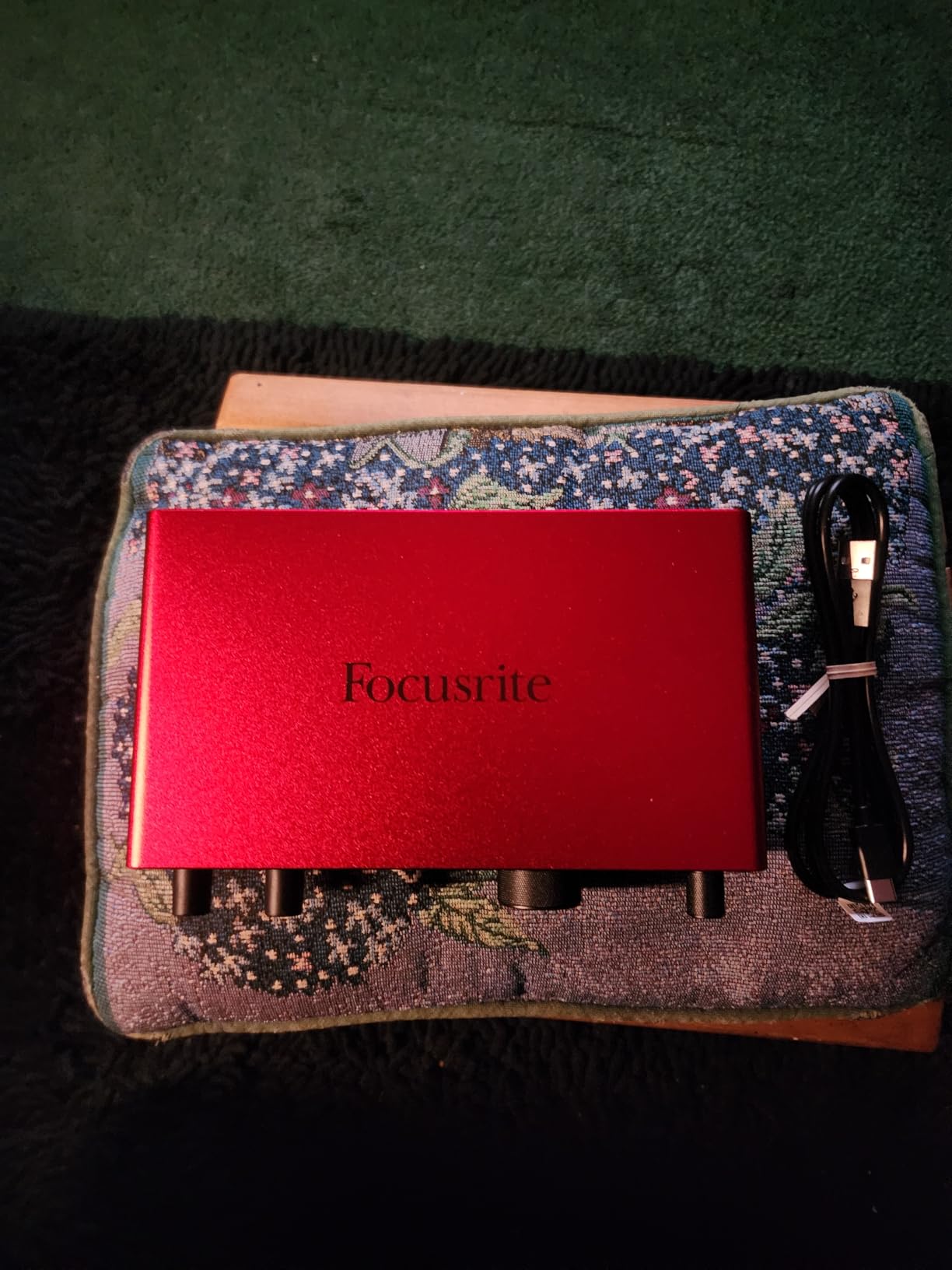
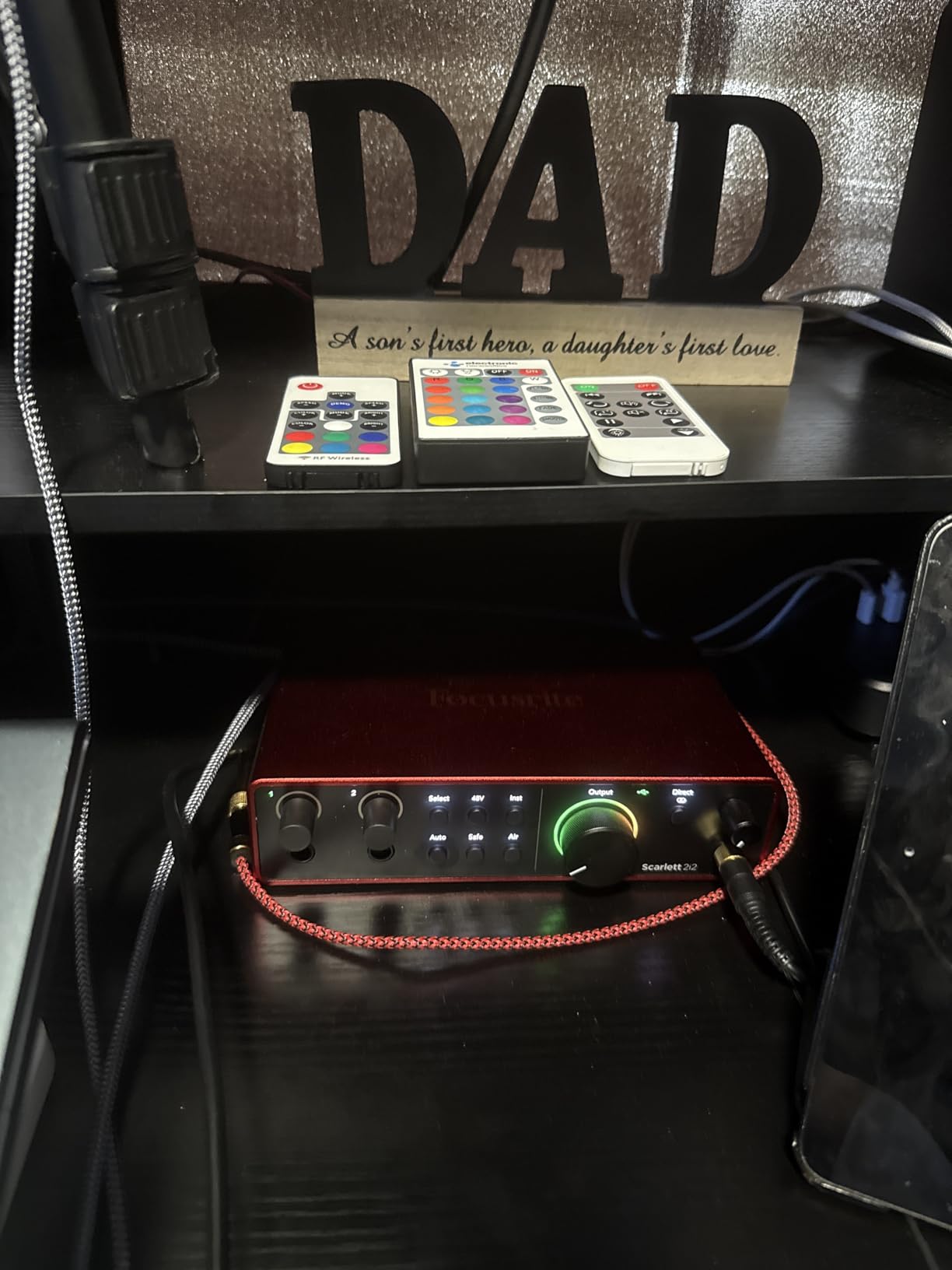
The 70dB preamp gain range is a significant upgrade. I tested the 2i2 with a Shure SM7B, which is famously gain-hungry, and the Scarlett drove it cleanly without needing a Cloudlifter or FetHead inline preamp. That’s a real money saver for podcasters. The Air mode on each preamp can be engaged independently, and the second-generation Air adds presence and harmonic richness that I found flattering on acoustic guitar and female vocals.
The rear XLR layout is a thoughtful ergonomic choice. Cables run behind the interface rather than crowding the front panel, which makes for a cleaner desk. The headphone amplifier is genuinely powerful. I tested it with 300-ohm Sennheiser HD 600 headphones and got plenty of volume with headroom to spare, which isn’t always the case at this price.
Software bundle and DAW compatibility
The included software bundle is generous: Pro Tools Intro+, Ableton Live Lite, Cubase LE, and the Hitmaker Expansion with plugins from Antares, Brainworx, Native Instruments, and others. That’s a $400+ value if you were to buy the plugins separately. The 2i2 4th Gen also works flawlessly with Logic Pro, Reaper, Studio One, and Bitwig on both macOS and Windows, which matters because Focusrite Control 2 isn’t required for basic operation.
Why it wins for home recording in 2026
Most home recording users need two inputs, clean conversion, and reliable drivers. The 2i2 4th Gen checks all three boxes at a price that doesn’t break the budget. The Auto Gain and Clip Safe features remove two of the most common beginner failure modes (too-quiet recordings and clipped takes). And the build quality and warranty mean the interface will last through several computer upgrades. For these reasons, the 2i2 4th Gen is my default recommendation when people ask which is the best audio interface for home recording.
6. MOTU M2 – Best for Visual Feedback and Driver Stability
Pros
- Excellent ESS Sabre DAC
- Very low noise floor
- Aluminum build quality
- LCD VU meters
- MIDI DIN jacks included
Cons
- Short USB-C cable included
- Front-panel XLR placement
- Headphone amp lacks power for planars
The MOTU M2 is the interface I recommend to anyone who’s been burned by driver issues in the past. MOTU has a 30+ year reputation in the pro audio world, and their drivers are considered among the most stable on both macOS and Windows. The M2 brings that reliability to the prosumer tier with a feature set that genuinely competes with more expensive units. I ran it for six weeks without a single dropout or glitch, which is more than I can say for some interfaces costing three times as much.
The standout feature is the LCD VU meters. Most budget interfaces have LED ladder meters that look more decorative than informative. The M2’s full-color LCD shows exact input and output levels in dB, which made gain staging much more precise during my testing. I could see a -18dB signal at a glance and adjust the gain knob to land exactly where I wanted it. For anyone learning the craft of gain staging, this visual feedback is invaluable.

The ESS Sabre DAC is the same converter chip found in some interfaces costing $500+. The result is an exceptionally low noise floor and excellent dynamic range. I A/B tested the M2 against the Scarlett 2i2 4th Gen on the same vocal take through the same microphone, and both were clean, but the M2 had slightly more high-frequency extension and air. The differences are subtle, but they’re there.
Build quality is excellent. The M2 has a solid aluminum chassis with detented knobs that feel premium. The large main monitor knob has a smooth, weighted feel. MIDI I/O is included via full-size 5-pin DIN jacks on the back, which is rare at this price. I connected a hardware synth module and a drum machine and used the M2 as a MIDI interface without issues.
Where the M2 falls short of competitors
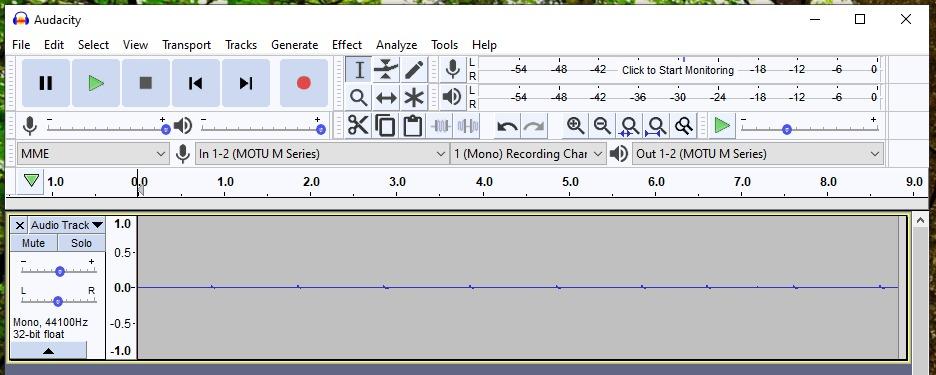
The included USB-C cable is short and thin, which is a common complaint in reviews. I had to use a third-party cable to reach from my desk to the computer. The front-panel XLR placement is also divisive: some users prefer rear-panel XLRs for cable management, and the M2 keeps the inputs up front. The headphone amplifier, while clean, lacks the power to drive demanding planar magnetic headphones like the Audeze LCD-2C at high volumes. For typical dynamic and planar headphones in the 32-80 ohm range, it’s perfectly adequate.
Best fit for the right user
The MOTU M2 is the best audio interface for home recording if driver stability and visual feedback are top priorities. Engineers who mix and match DAWs, podcasters who want bulletproof drivers across macOS and Windows, and producers who appreciate ESS Sabre converter quality will find the M2 a worthy step up from the Focusrite Scarlett line. It’s not the cheapest option, but the value at $200 is strong.
How to Choose the Right Audio Interface for Your Home Studio
Once you’ve narrowed down the candidates, a few key specs will determine which interface actually fits your workflow. Here’s how I think through the buying decision after testing all eight units above.
USB-C vs USB-A vs Thunderbolt
USB-C is the modern standard and works with nearly every computer made in the last five years. Every interface on this list except the Behringer UMC22 uses USB-C, and the UMC22’s lack of USB-C is one of its main drawbacks. Thunderbolt is faster but only available on Apple Silicon Macs and some high-end Windows workstations. For most home recording users, USB-C delivers all the bandwidth you need for up to 8 simultaneous inputs. Don’t pay extra for Thunderbolt unless you specifically need 16+ inputs or ultra-low latency for live tracking with effects.
Sample rate and bit depth
Sample rate (44.1kHz, 48kHz, 96kHz, 192kHz) determines how much high-frequency detail is captured. 48kHz is the standard for video and most music production. 96kHz and 192kHz offer diminishing returns and double or quadruple your file sizes. Bit depth (16-bit vs 24-bit) determines dynamic range. 24-bit is the modern standard and offers 144dB of theoretical dynamic range, which is more than enough for any microphone. The UMC22’s 16-bit/48kHz limit is the main reason it’s a beginner pick rather than a long-term investment.
How many inputs do you really need
Solo artists typically need one or two inputs. Bands recording together need four to eight. Drums need eight or more. Count your sources, then add one extra input for future growth. Buying more inputs than you need wastes money; buying too few means upgrading in a year. The Scarlett 2i2 4th Gen with two inputs is the sweet spot for 80% of home recording users.
Latency and driver stability
Latency is the delay between playing or singing and hearing the result through your DAW. Modern USB-C interfaces deliver latency low enough for comfortable tracking (under 10ms round-trip). Driver stability matters more than the absolute latency number. MOTU and RME are known for bulletproof drivers; Focusrite is close behind. Behringer’s drivers are functional but have caused more headaches in user reviews.
Software bundle and DAW compatibility
Most interfaces include a “lite” version of a DAW: Ableton Live Lite, Cubase LE, Studio One Artist, or Pro Tools Intro. These are full-featured for beginners and useful for sketching ideas. The real value is in the plugin bundles. Focusrite’s Hitmaker Expansion and UA’s LUNA + UAD plugins are the most generous. Don’t let the bundle drive the decision, but don’t ignore it either, since you might pay $300+ for equivalent plugins separately.
Preamp quality and phantom power
Preamps boost the microphone signal to a recordable level. Clean, quiet preamps matter more than specs suggest. Focusrite, MOTU, PreSonus, and UA all deliver clean preamps in this price range. Phantom power (+48V) is required for condenser microphones. Most interfaces have global phantom power; some have per-channel. If you use a mix of condenser and ribbon mics, per-channel phantom power avoids the all-or-nothing issue on budget units like the UMC404HD.
Build quality and warranty
An interface sits on your desk for years, often getting bumped and moved. Aluminum chassis (MOTU M2, Universal Audio Volt 2) feel more durable than plastic. Focusrite offers a 3-year warranty on the Scarlett line, which is industry-leading at this price. Behringer and PreSonus offer 1-year warranties, which is standard but less generous. Long-term reliability matters, because the interface you buy today should last through your next two computer upgrades.
Frequently Asked Questions
What is the best audio interface for home recording?
The Focusrite Scarlett 2i2 4th Gen is the best all-around audio interface for home recording in most cases. It offers 120dB dynamic range, two clean preamps with Air mode, Auto Gain and Clip Safe features, USB-C connectivity, and a generous software bundle. For solo artists on a tighter budget, the Focusrite Scarlett Solo 3rd Gen delivers similar quality with one input.
Is Focusrite still the best brand for home recording interfaces?
Focusrite remains the most popular and best-supported brand for home recording audio interfaces. The Scarlett line has been the default recommendation for years, and the 4th Gen updates with flagship-tier converters and helpful features like Auto Gain. That said, MOTU and Universal Audio offer compelling alternatives with different strengths: MOTU for driver stability and the Universal Audio Volt 2 for vintage tube character.
What audio interface do I need as a beginner?
As a beginner, you need an interface with at least one clean preamp, +48V phantom power for condenser microphones, USB connectivity, and direct monitoring for latency-free tracking. The Behringer UMC22 is the most affordable option, the Focusrite Scarlett Solo 3rd Gen is the most popular, and the PreSonus Studio 24c offers the best DAW bundle. All three work well for first-time home recording setups.
How many inputs do I need on an audio interface?
Most home recording users need one to two inputs. One input is enough for solo vocalists, podcasters, and single-instrument recording. Two inputs let you record a vocal and acoustic guitar simultaneously, or two podcast guests. Bands recording together need four to eight inputs. Drums need eight or more. Count your sources, then add one extra input for future growth.
Do I need Thunderbolt or is USB-C good enough?
For most home recording users, USB-C is more than enough. USB-C delivers enough bandwidth for up to 8 simultaneous inputs at 24-bit/192kHz, which covers the vast majority of home studio needs. Thunderbolt is only necessary for interfaces with 16+ inputs or for ultra-low-latency live tracking with plugin effects. Don’t pay extra for Thunderbolt unless you have a specific high-channel-count requirement.
Final Verdict: Which Audio Interface Should You Buy?
After testing these eight interfaces for this 2026 guide, the right pick depends on your workflow. The Focusrite Scarlett 2i2 4th Gen is the best audio interface for home recording for most people. Two clean preamps, 120dB dynamic range, Auto Gain, and a generous software bundle make it the most well-rounded choice.
If you’re on a tighter budget, the Focusrite Scarlett Solo 3rd Gen has 29k+ reviews and proven reliability. If you want vintage tube character, the Universal Audio Volt 2 is worth the premium. If driver stability and visual feedback are priorities, the MOTU M2 is the best in its tier. For first-time buyers, the Behringer UMC22 gets you into home recording for less than $60.
Whatever you choose, the jump from a built-in sound card to a dedicated audio interface is the single biggest upgrade you can make to your home recording quality. Pick the one that matches your budget and input count, and start recording.