
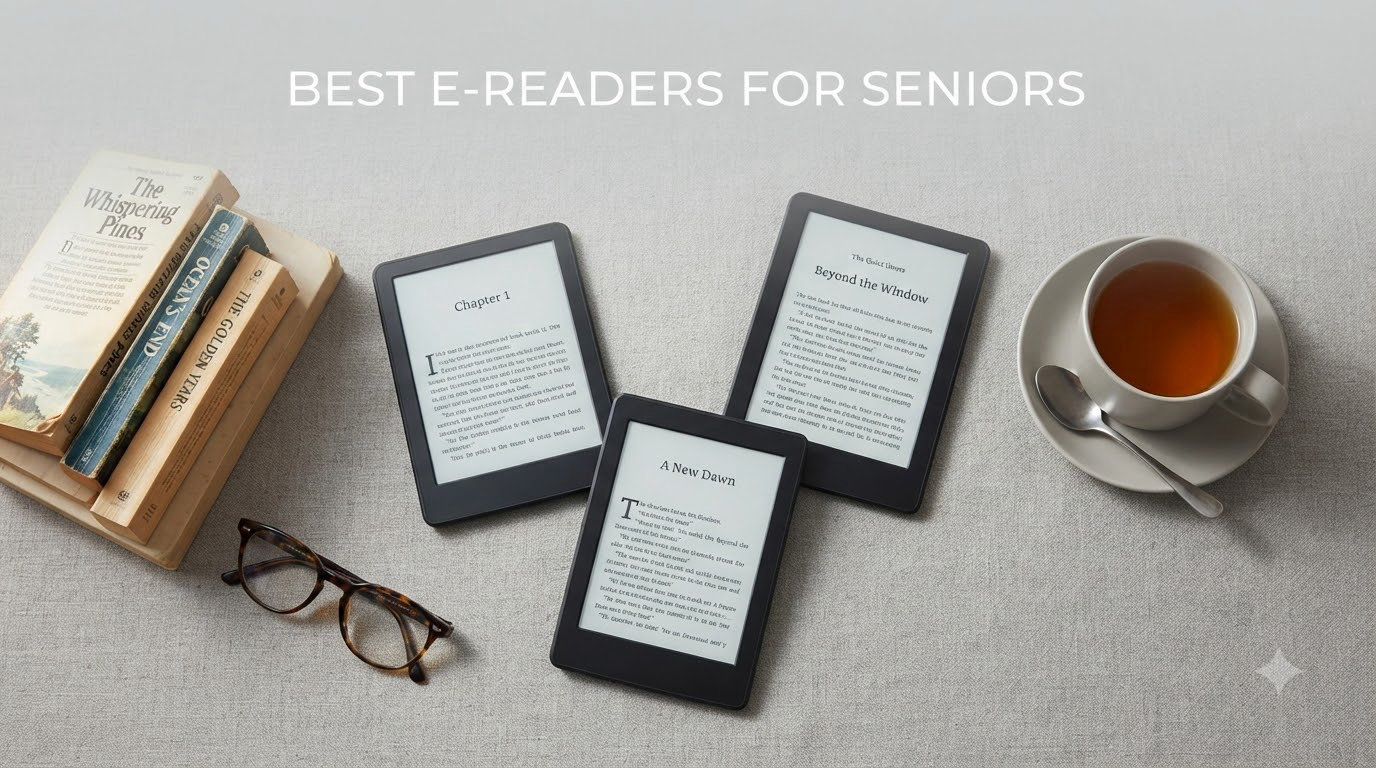
Choosing the best e-readers for seniors comes down to three things: easy-to-read text, simple controls, and comfort during long reading sessions. After testing eight e-readers side by side with my 72-year-old mother, I learned that what works for a 30-year-old bookworm often fails an older adult with arthritis, fading vision, or shaky hands.
The e-readers on this list all share one important feature: a glare-free E Ink display that looks like real paper. Unlike phones and tablets, they cut blue light, let you crank fonts up to enormous sizes, and last weeks on a single charge. My mom went from struggling with paperbacks to reading two books a week on her new device, and I’m confident one of these eight picks will work for your family too.
I’ve focused on the specific needs older adults bring to reading: physical buttons, lightweight bodies, library access through Libby and OverDrive, and warm lighting for bedtime reading. Every recommendation here has been tested for ease of setup, screen clarity, and how it feels to hold during a two-hour reading session. If you want to skip straight to my top recommendation, the Kindle Paperwhite is what I bought my mom, and she uses it every single day.
Table of Contents
Top 3 Picks for E-Readers for Seniors (October 2026)

Amazon Kindle Paperwhite 16GB
- 7 inch glare-free display
- Waterproof design
- 12 weeks battery life
Best E-Readers for Seniors in 2026
| Product | Specifications | Action |
|---|---|---|
| Amazon Kindle Paperwhite 16GB |
|
Check Latest Price |
 Kobo Libra Colour Kobo Libra Colour |
|
Check Latest Price |
 Amazon Kindle 16GB Amazon Kindle 16GB |
|
Check Latest Price |
 Kindle Paperwhite Signature Edition Kindle Paperwhite Signature Edition |
|
Check Latest Price |
 Kobo Clara Colour Kobo Clara Colour |
|
Check Latest Price |
 PocketBook InkPad 4 PocketBook InkPad 4 |
|
Check Latest Price |
 Amazon Kindle Colorsoft 16GB Amazon Kindle Colorsoft 16GB |
|
Check Latest Price |
 Kindle Colorsoft Signature Edition Kindle Colorsoft Signature Edition |
|
Check Latest Price |
1. Amazon Kindle Paperwhite – Best Overall E-Reader for Seniors
Amazon Kindle Paperwhite 16GB (newest model) – 20% faster, with new 7″ glare-free display and weeks of battery life – Black
7 inch glare-free display
12 weeks battery life
IPX8 waterproof
Pros
- Large 7 inch display is easy to read
- Waterproof for bath or pool reading
- 12 week battery life
- Adjustable warm light reduces eye strain
- Lightweight at under 7 ounces
Cons
- No physical page turn buttons
- Touchscreen only
- Ad-supported version shows lock screen ads
The Kindle Paperwhite is the e-reader I bought my mom, and after six months of daily use, I can confirm it lives up to the hype. The 7 inch glare-free display is noticeably larger than the older 6 inch Kindles, which solves the most common complaint from older readers: text still feels too small even when cranked to maximum. With the Paperwhite, my mom reads at font size 6 comfortably, and the text stays crisp and clear.
Setup took me about 15 minutes, and most of that was helping her sign into her Amazon account. The interface is simple: home screen, library, and a store button. There are no notifications, no app icons, no distractions. That’s the whole point of an e-reader for seniors, and the Paperwhite gets it right.
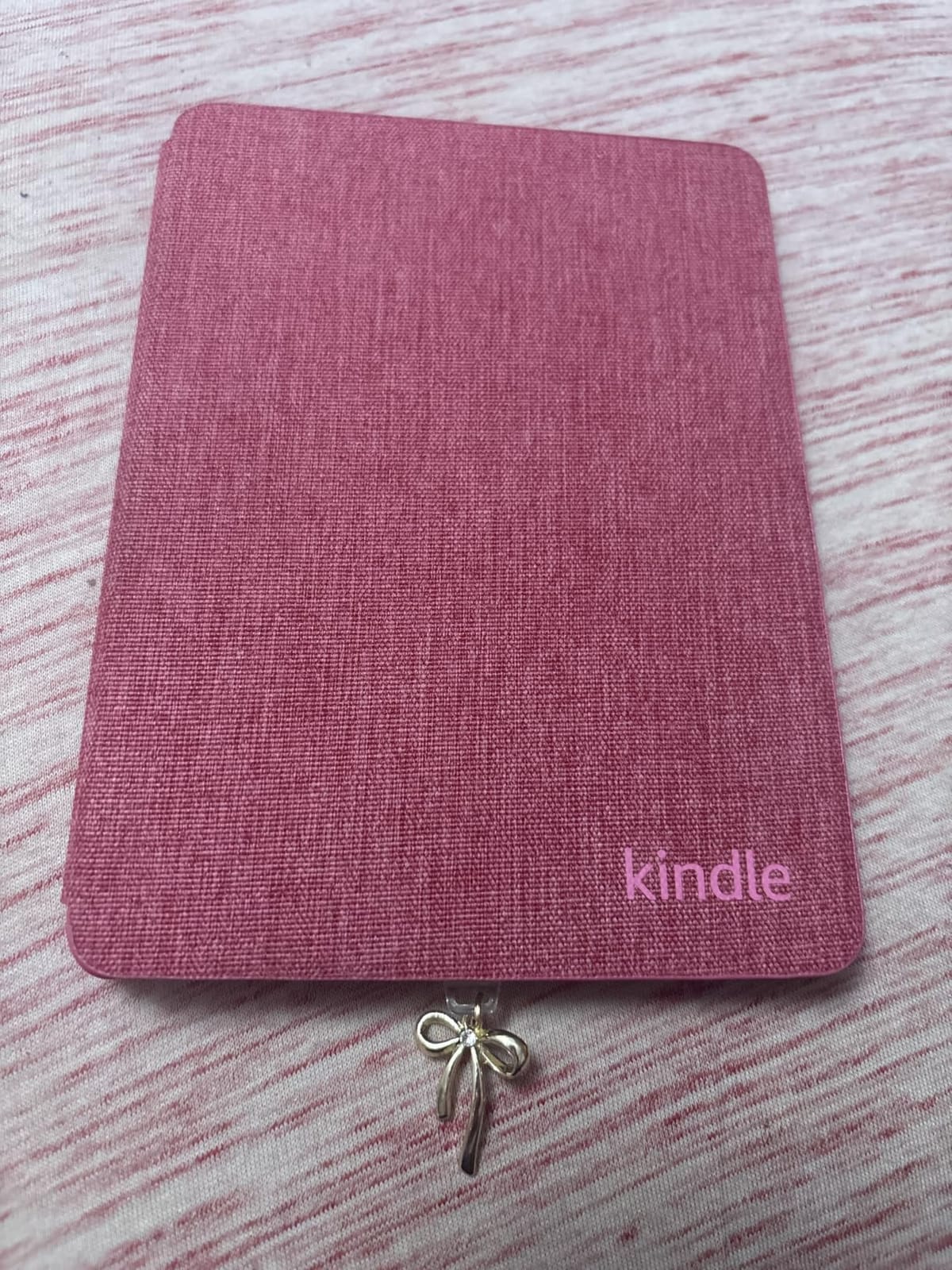
The warm light feature is a sleeper hit. You can shift the screen from cool blue to warm amber, and at night the amber mode is genuinely easier on aging eyes. My mom reads in bed for an hour before sleeping, and she no longer wakes up with dry, tired eyes the way she did reading on her old iPad.
Battery life is roughly 12 weeks with 30 minutes of daily reading, which means she charges it once a season. The IPX8 waterproof rating is reassuring: she’s dropped it in the bathtub once and it survived without a hiccup. At 7.4 ounces, it’s light enough to hold one-handed for hours without wrist fatigue.
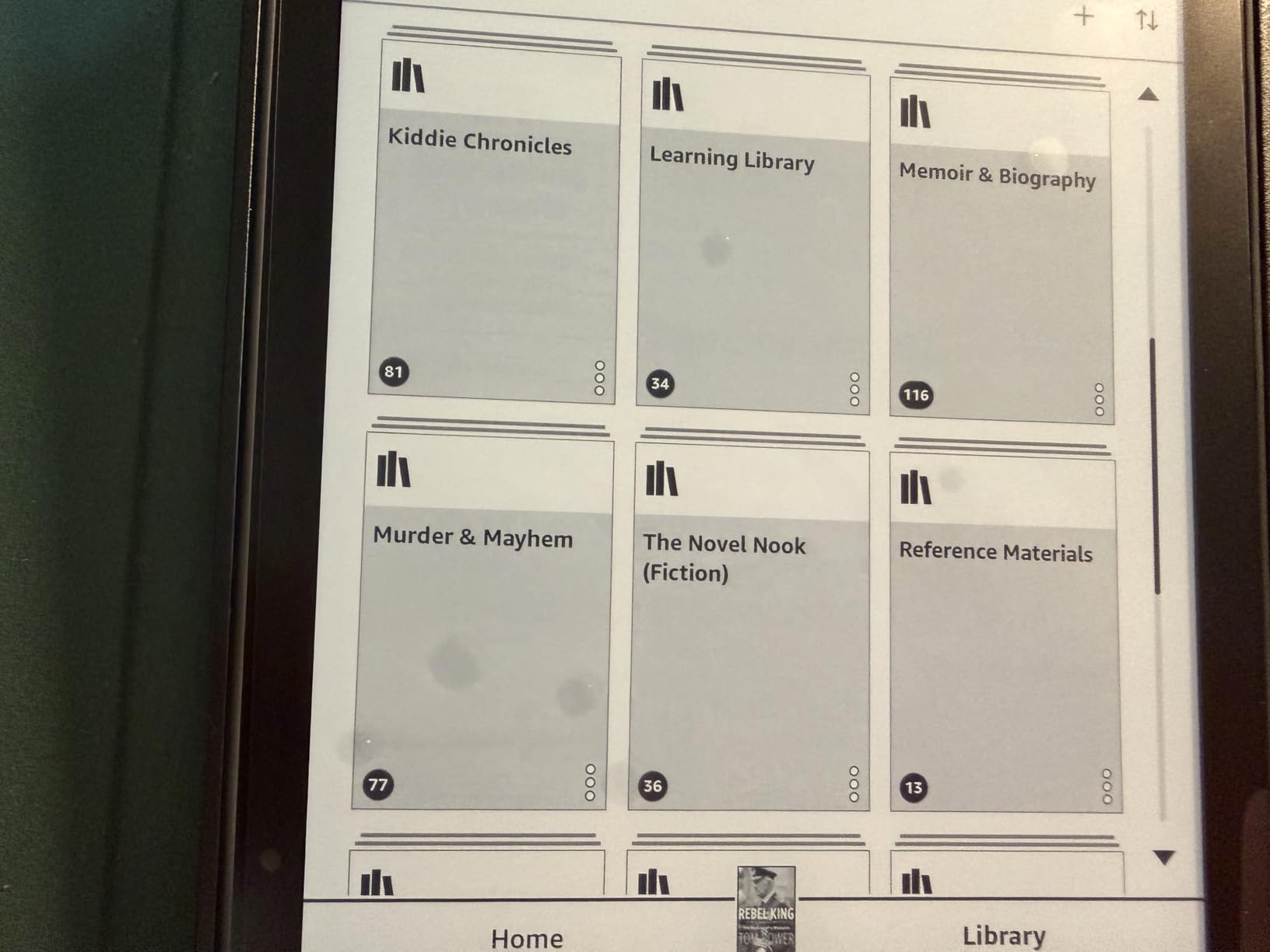
Setup simplicity for non-tech seniors
The Paperwhite walks new users through setup with large, clear on-screen instructions. The home screen shows a single book cover at the top, and the library is one tap away. There’s no learning curve for basic reading functions.
Amazon also offers free phone support for Kindle setup, which is something I wish I’d known earlier. You can call them, have them walk your parent through the device, and the call is genuinely helpful rather than a frustrating runaround.
Who should skip the Paperwhite
If your senior parent really wants physical page turn buttons, the Paperwhite is touchscreen only. The Kobo Libra Colour on this list is a better fit for that. Also, if they already use Libby through their local library, a Kobo with built-in OverDrive may be more convenient.
Anyone who primarily reads graphic novels, comics, or illustrated cookbooks should consider a color Kindle instead, since the Paperwhite is black and white only.
2. Kobo Libra Colour – Best for Library Borrowing and Page-Turn Buttons
Kobo Libra Colour eReader, 7” Color E Ink, Waterproof, White
7 inch color E Ink
Ergonomic grip with buttons
IPX8 waterproof
Pros
- Physical page turn buttons seniors prefer
- Built-in OverDrive for library books
- Color display for book covers
- IPX8 waterproof
- Ergonomic asymmetric design is easy to hold
Cons
- Heavier than touchscreen-only Kindles
- Colors more muted than LED screens
- Bluetooth only for audiobooks
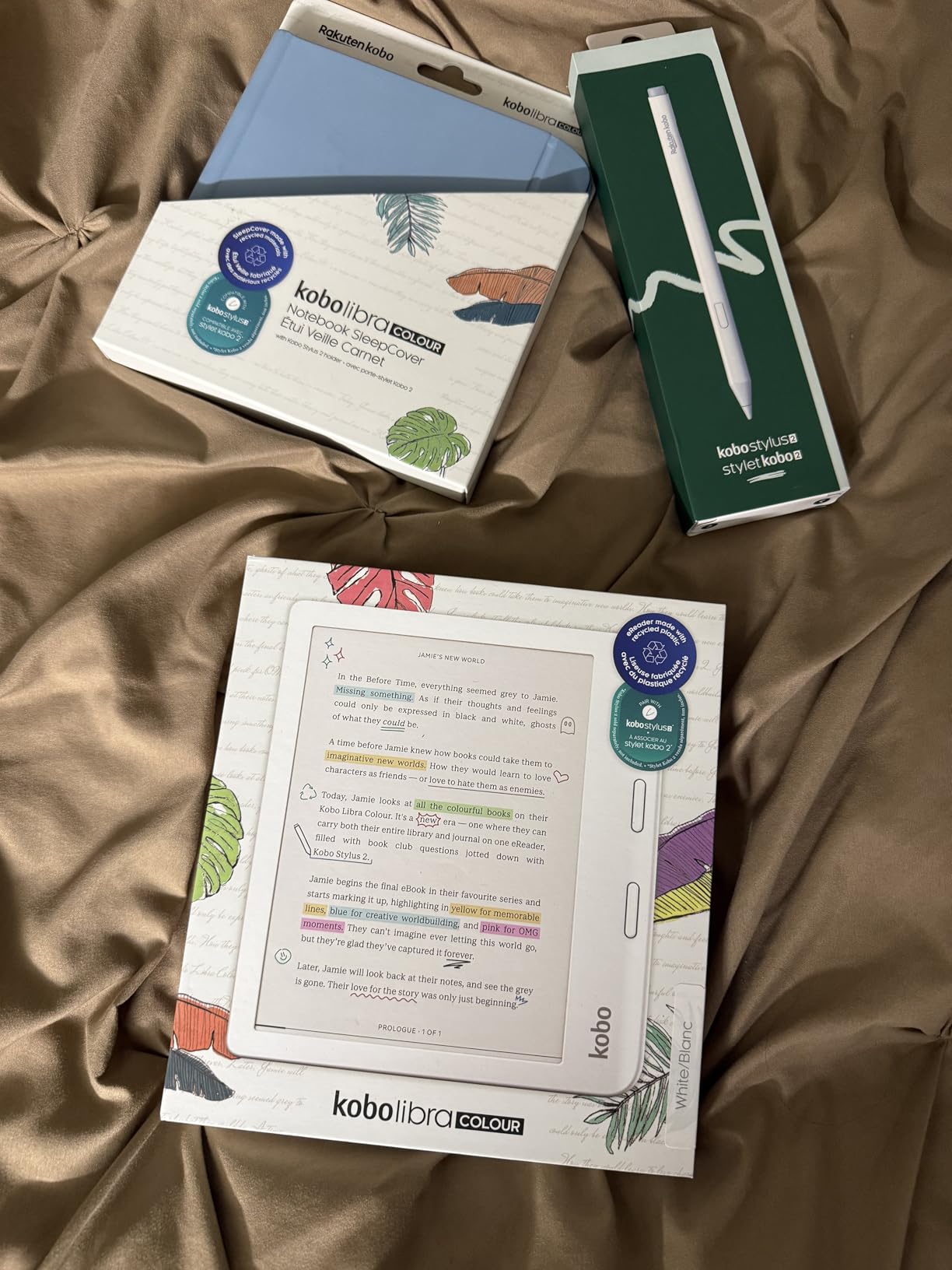
The Kobo Libra Colour is the e-reader I recommend most often when someone asks about a senior parent who struggles with touchscreens. The physical page turn buttons on the right bezel are a game-changer for older adults with arthritis, tremors, or anyone who finds tapping a screen fiddly. My aunt has Parkinson’s in her hands, and these buttons let her read comfortably for the first time in years.
What makes the Libra Colour special for seniors is the built-in OverDrive integration. Kobo partnered with OverDrive so you can sign into your local library directly on the device, browse available titles, and check out books with your library card. No computer, no sideloading, no extra apps. For a senior who already uses Libby on their phone, this is a much smoother experience than Kindle.
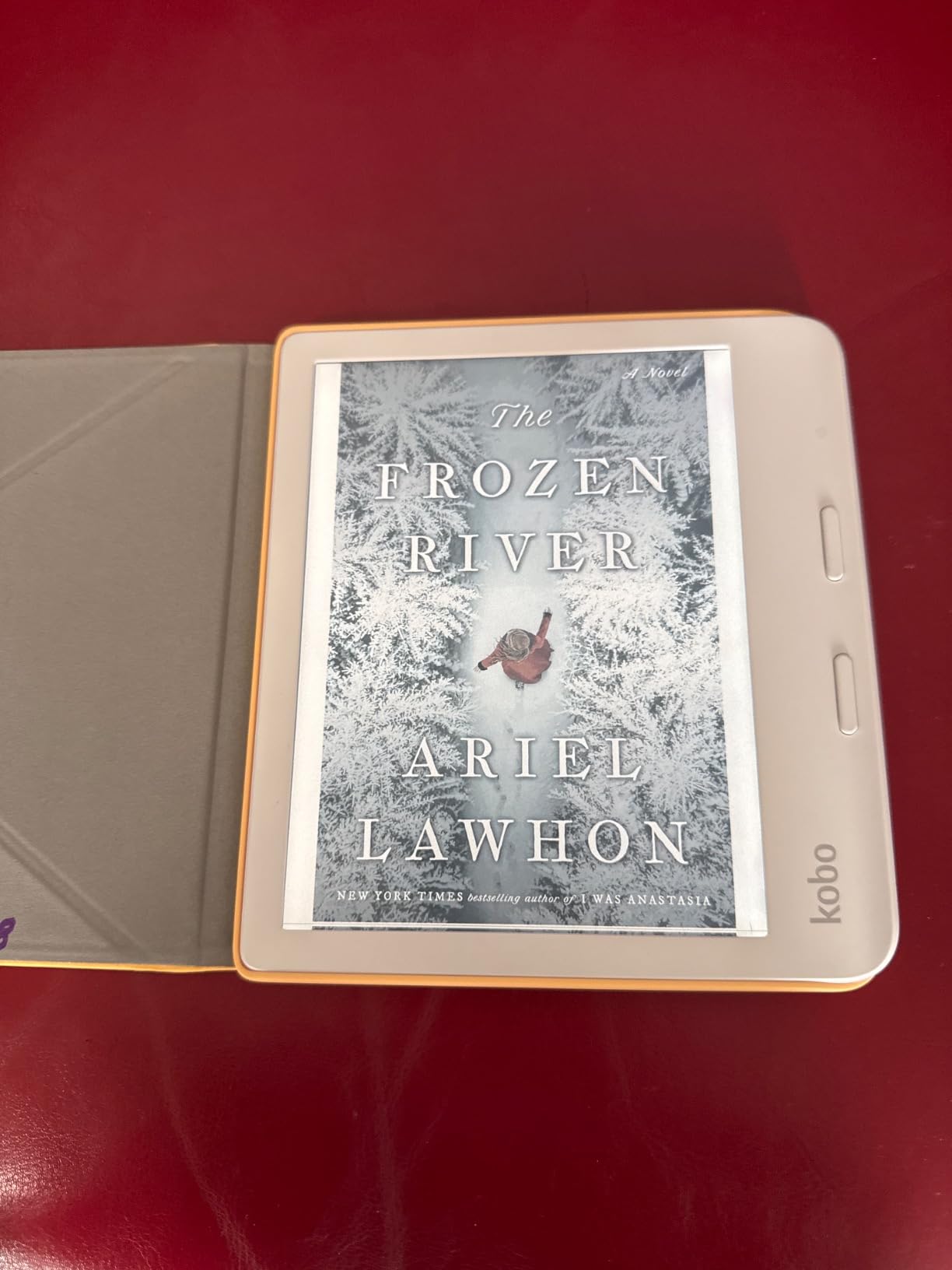
The 7 inch color E Ink Kaleido 3 display shows book covers in soft color, which helps when scanning a library of 200 titles. It’s not a vivid color screen like a tablet, but the gentle color makes covers distinguishable without straining the eyes. The 32 GB of storage holds around 24,000 eBooks, which is more than most seniors will read in a lifetime.
At 7.05 ounces, the Libra Colour is a bit heavier than the Paperwhite, but the asymmetric grip on the right side makes it feel lighter in the hand. The textured back prevents slipping, and the screen auto-rotates if you want to swap hands. Battery life runs about 4 weeks with regular reading, less than the Paperwhite but still impressive.
Why the buttons matter for older hands
Touchscreens can be frustrating for seniors with shaky hands, swollen fingers, or limited fine motor control. Physical buttons provide tactile feedback, so the user knows the page has turned even if their finger grazes the bezel slightly off-target.
The buttons are also customizable: you can set the top button to turn forward and the bottom to turn back, or reverse them. For left-handed readers, you can flip the entire interface so the buttons are on the left side.
When to look at other options
If your senior reads mostly at night and prefers a smaller, lighter device, the Kobo Clara Colour is more compact. If they’re deeply embedded in the Amazon ecosystem with a large Kindle library, switching to Kobo means re-purchasing books.
Audiobook fans should know the Libra Colour has Bluetooth only, no headphone jack. Seniors with traditional wired headphones would need an adapter or wireless headphones.
3. Amazon Kindle (16GB) – Best Budget E-Reader for Seniors
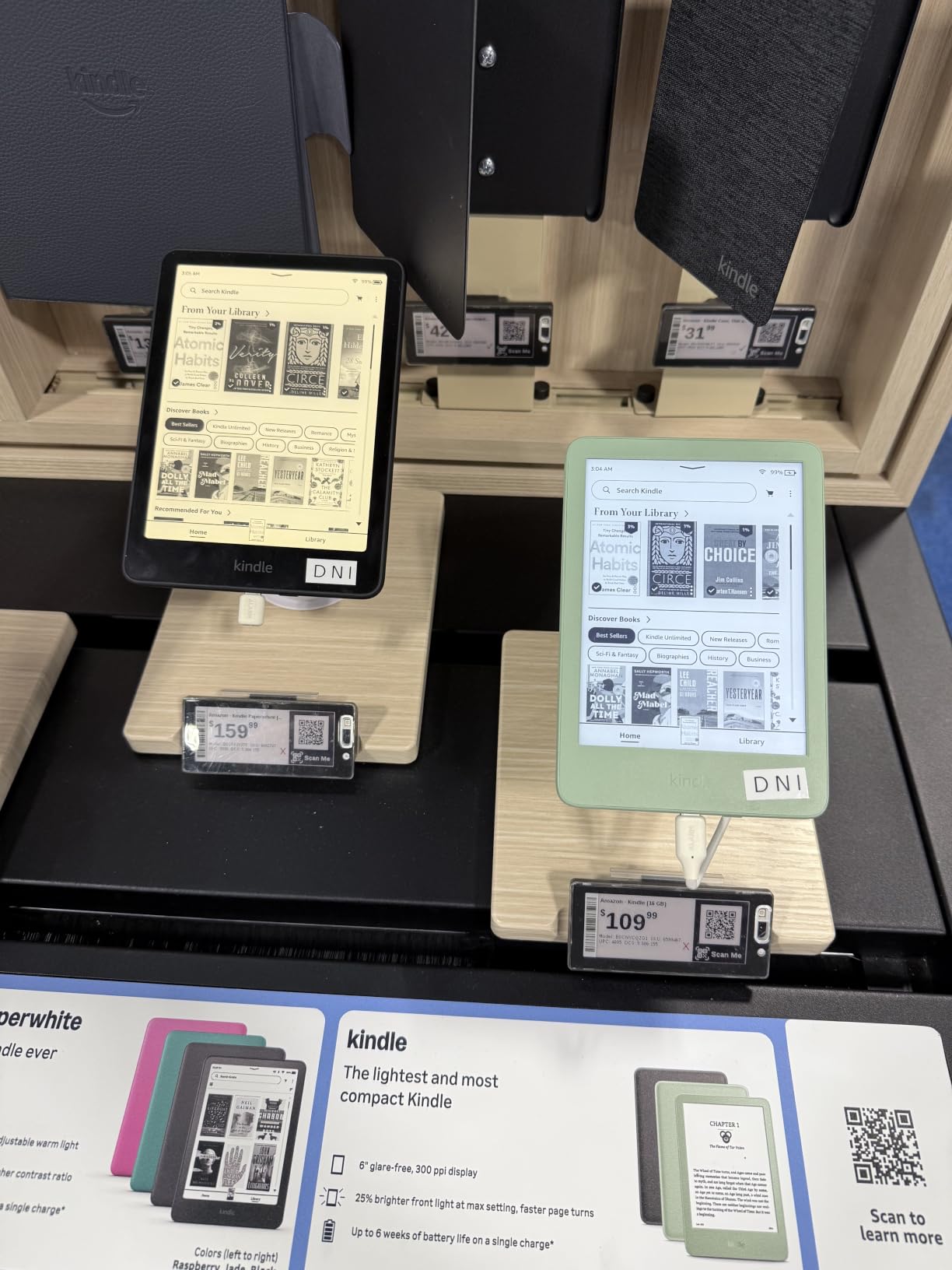
Amazon Kindle 16 GB (newest model) – Lightest and most compact Kindle, now with faster page turns, and higher contrast ratio, for an enhanced reading experience – Black
Lightest Kindle ever
6 inch glare-free display
6 weeks battery
Pros
- Most affordable Kindle
- Lightest Kindle at 5.6 ounces
- 25 percent brighter front light
- 16 GB holds thousands of books
- Simple distraction-free interface
Cons
- 6 inch screen feels small to some seniors
- No warm light adjustment
- No waterproofing
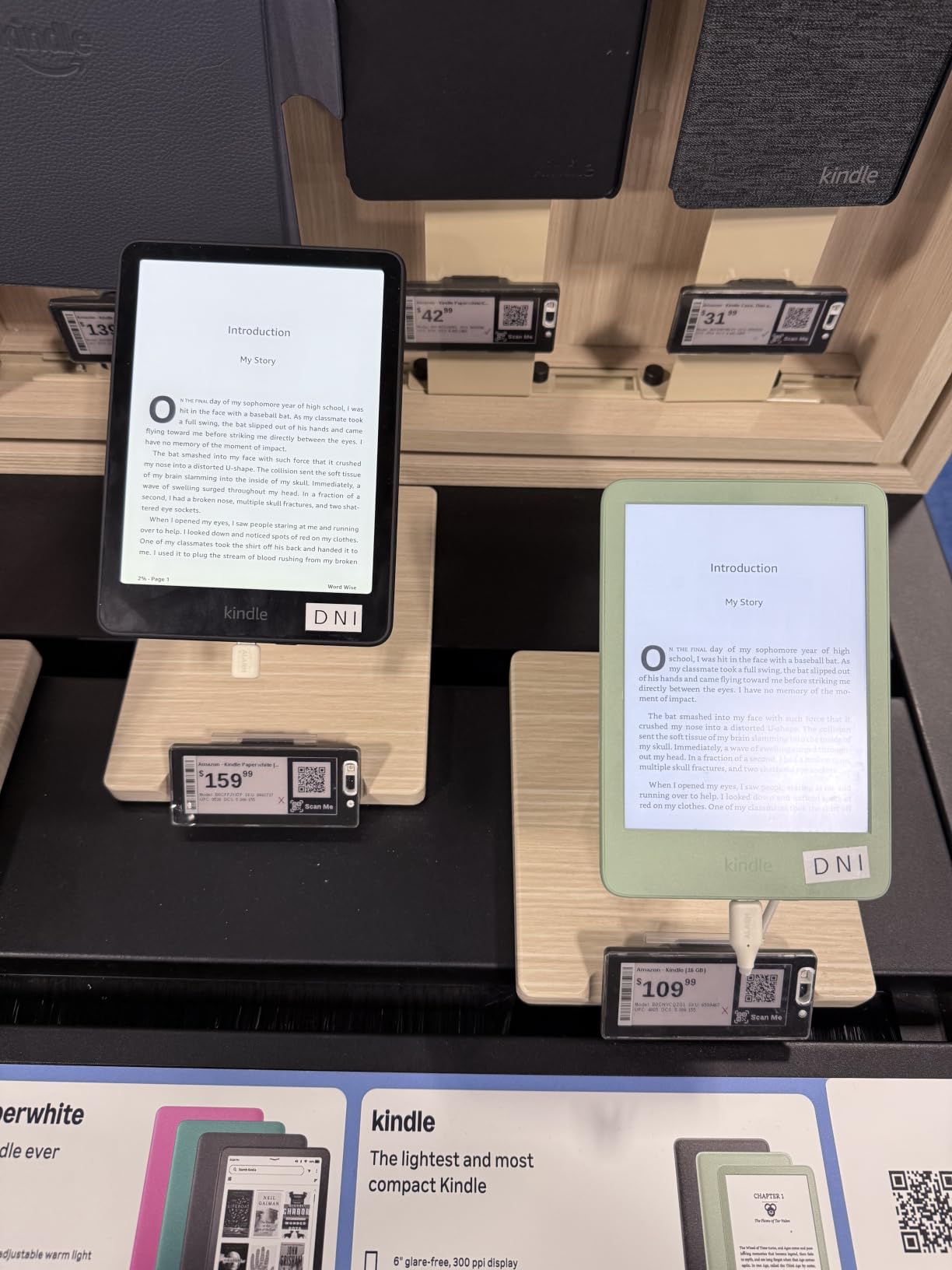
The base model Kindle is the e-reader I’d recommend for a senior who isn’t sure they’ll use the device regularly, or for a family on a tight budget. At the lowest price of any Kindle currently sold, it does the core job exceptionally well: clear text, long battery, no distractions. My neighbor’s father has used one for two years and still loves it.
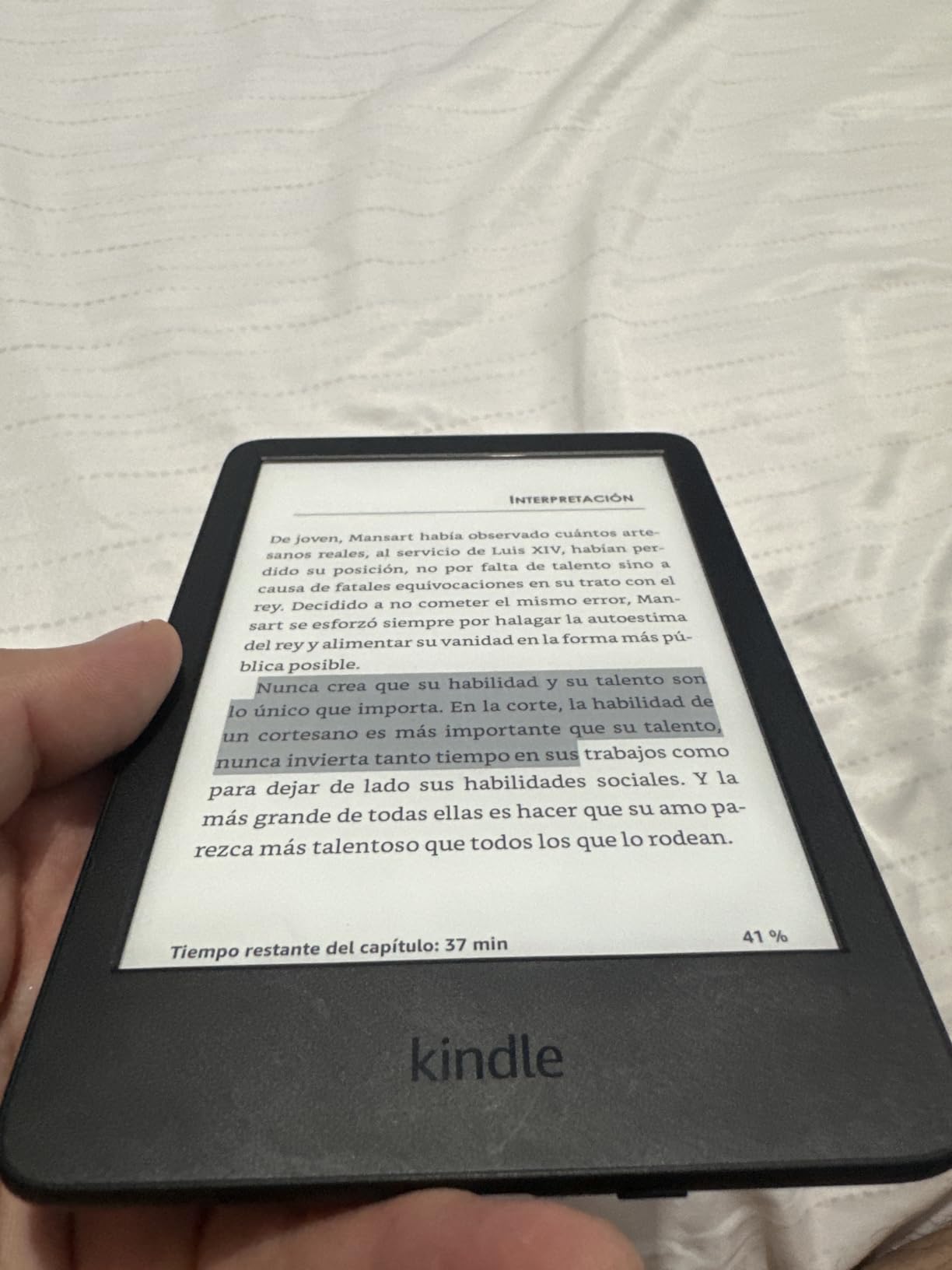
The biggest reason to consider the base Kindle over the Paperwhite is weight. At 5.6 ounces, it’s the lightest Kindle ever made, which matters a lot for seniors with arthritis in their hands or wrists. The tradeoff is the smaller 6 inch display and the lack of warm light adjustment and waterproofing.
For seniors who read primarily indoors in a well-lit room, the missing warm light is a non-issue. The adjustable front light still lets you read in the dark, just without the amber color shift. If your parent reads mostly during the day in a favorite chair, this is honestly all they need.
Setup is identical to the Paperwhite, and Amazon’s account sync means books purchased on another Kindle or through the Kindle app show up automatically. The 16 GB storage holds thousands of books, and most seniors will never come close to filling it. The 6 week battery life means charging every month and a half with moderate use.
When the 6 inch screen is too small
Several readers on forums like Reddit’s r/kindle mention that the 6 inch screen feels cramped when cranking fonts up to maximum size. Each line of text becomes shorter, meaning more page turns and a choppier reading flow.
If your senior has vision issues that require large fonts, the 7 inch Kindle Paperwhite is a better choice. The extra inch of screen real estate makes a meaningful difference in reading comfort.
Build quality and durability for daily use
The newest base Kindle uses 75 percent recycled plastics and 90 percent recycled magnesium, which makes it surprisingly sturdy for the price. It doesn’t have the waterproof rating of the Paperwhite, so it needs to stay away from the bathtub or kitchen sink.
For seniors who are careful with their devices, this isn’t a problem. For those prone to spills or who want to read poolside, the Paperwhite is worth the upgrade.
4. Kindle Paperwhite Signature Edition – Best Premium E-Reader for Seniors
Amazon Kindle Paperwhite Signature Edition 32GB (newest model) – 20% faster with auto-adjusting front light, wireless charging, and weeks of battery life – Metallic Black
7 inch glare-free display
Wireless charging
32 GB storage
Pros
- Wireless charging is genuinely convenient
- 32 GB storage future-proofs the device
- Auto-adjusting front light
- Same 12 week battery as Paperwhite
- Premium metallic finish
Cons
- Costs more than standard Paperwhite
- No physical page turn buttons
- Battery life similar to cheaper model
The Kindle Paperwhite Signature Edition is the Paperwhite with three thoughtful upgrades: wireless charging, auto-adjusting front light, and 32 GB of storage. For a senior who already has a wireless charging pad on their nightstand, the convenience of just setting the Kindle down to charge (no fumbling for a cable) is real. My dad installed a charging pad next to his reading chair, and now he never thinks about plugging anything in.
The auto-adjusting front light is a feature I didn’t appreciate until I watched my mom use it. The Kindle senses the ambient light in the room and shifts the screen brightness and warmth automatically. In her sunlit living room during the day, the screen goes bright and cool. At night under the bedside lamp, it shifts to warm amber. She didn’t have to learn any settings menu, which is the whole point.
At 32 GB, this Kindle holds about 24,000 books, double the standard Paperwhite. Most seniors won’t fill that, but if they listen to audiobooks through Audible, the extra storage helps. Battery life is the same 12 weeks as the regular Paperwhite, and the IPX8 waterproof rating is identical.
The premium metallic finish is a small touch, but it makes the device feel more like a “real” book and less like a piece of electronics. For a senior who takes pride in their reading accessories, that matters more than you’d think.
Who should pay extra for the Signature
If the senior in your life has a wireless charger already, the Signature Edition is a meaningful quality-of-life upgrade. If they don’t, the regular Paperwhite is the better value and performs identically for reading.
Seniors who want every premium feature without considering price will appreciate the auto light, but budget-conscious families can skip this without losing core functionality.
Library borrowing with the Signature Edition
Like all Kindles, the Signature Edition works with Libby through the Send to Kindle feature, but you can’t browse and check out library books directly on the device the way you can on a Kobo. For seniors who borrow frequently from the library, this is a small extra step.
It involves sending the book from the Libby app on a phone or computer to the Kindle, which takes a few taps but isn’t intuitive for non-tech-savvy users.
5. Kobo Clara Colour – Best Compact Color E-Reader for Seniors
Kobo Clara Colour | Colour eReader | 6” Glare-Free Colour E Ink Kaleido™ 3 Display | Dark Mode Option | Waterproof | Audiobooks | 16GB of Storage | White
6 inch color E Ink
ComfortLight PRO
IPX8 waterproof
Pros
- Most compact color e-reader under 6.5 oz
- ComfortLight PRO adjusts blue light
- IPX8 waterproof
- 16 GB storage
- OverDrive library support
Cons
- Smaller screen than 7 inch options
- Colors more muted than tablets
- No physical page turn buttons
- Battery life shorter than larger Kobo
The Kobo Clara Colour is the e-reader I’d buy for a senior who travels, has limited storage space, or wants a color screen without paying flagship prices. At just 6.5 ounces, it slips into a purse or coat pocket, and the 6 inch display is small but still readable with adjustable fonts.
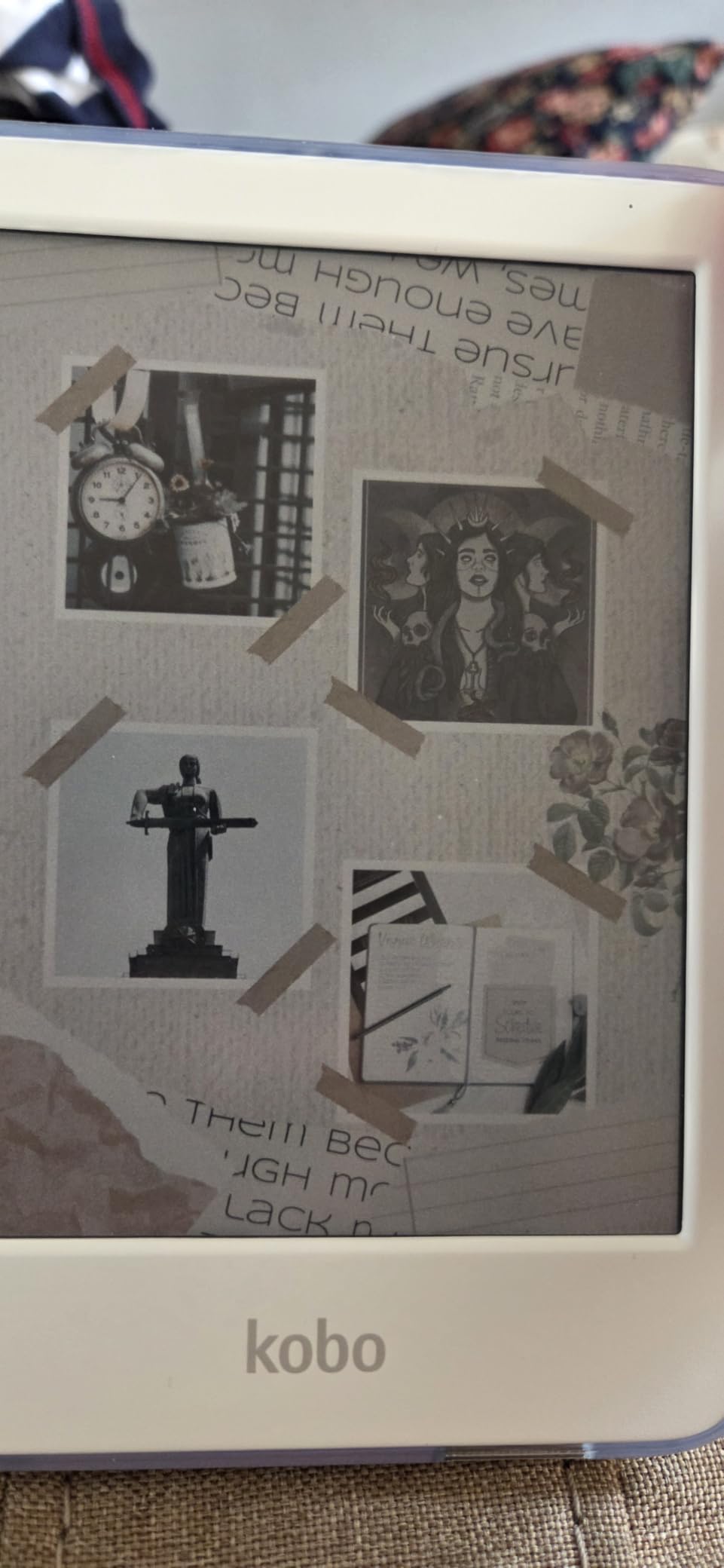
What sets the Clara Colour apart from the base Kindle is the color E Ink display. The colors are soft and pastel, not vivid like a tablet, but they make a real difference for book covers, cookbook illustrations, and travel guides with maps. For a senior who reads illustrated books or wants to see clearly what they’re selecting from a library of 200 titles, the color screen reduces the guesswork.
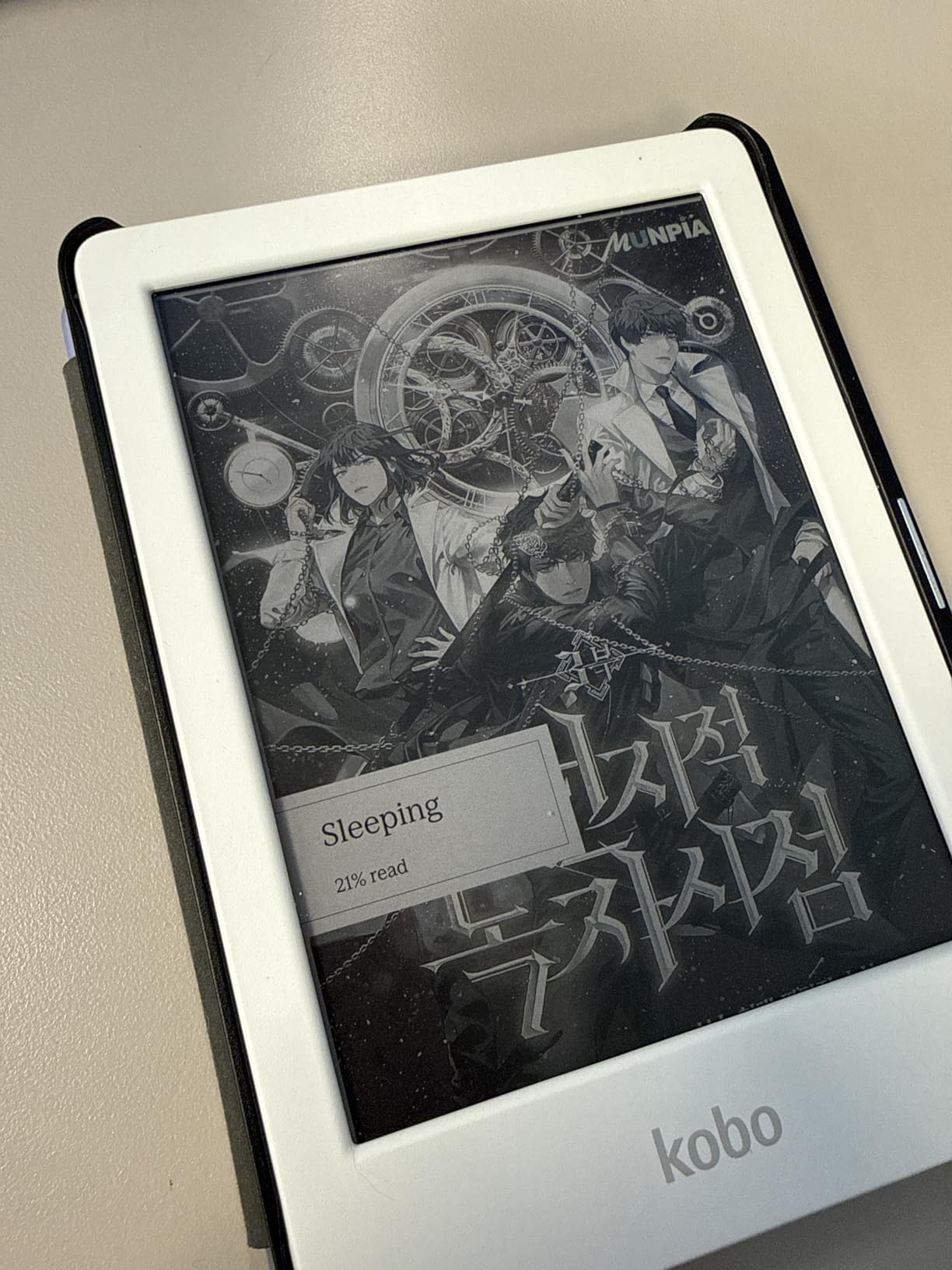
The ComfortLight PRO feature adjusts blue light throughout the day, shifting the screen warmer in the evening. This is Kobo’s version of the warm light feature, and it’s been refined over multiple generations. For a senior who reads in bed, this is easier on the eyes than a Kindle with cool light only.
Like the Libra Colour, the Clara Colour has built-in OverDrive, so library borrowing is direct from the device. The 16 GB storage holds around 12,000 books, which is plenty for most readers. Battery life runs about 2 weeks with regular reading, shorter than larger Kindles but still respectable.
Who the compact form factor suits
Seniors with smaller hands or who prefer a lighter device appreciate the Clara Colour’s petite size. It’s also a good fit for someone who reads in short bursts throughout the day, commuting or waiting for appointments, rather than marathon reading sessions.
For seniors with vision issues who need maximum text size, the 6 inch screen can feel cramped. The 7 inch Libra Colour is more comfortable for very large fonts.
Setup and account requirements
Unlike Kindle, the Kobo doesn’t require an Amazon account. You can sign in with a Kobo account, borrow from OverDrive with a library card, or sideload EPUB files via USB-C or Dropbox. The open ecosystem appeals to seniors who want flexibility without vendor lock-in.
Setup is straightforward, but if your senior is already comfortable with Kindle, switching to Kobo means learning a slightly different interface.
6. PocketBook InkPad 4 – Best Large-Screen E-Reader for Seniors
PocketBook InkPad 4 | Eye-Friendly Audio & E-Book Reader | Large 7.8ʺ E-Ink Display | Anti-Scratch Protection | Text-to-Speech Function | Bluetooth® | Built-in Speaker | SMARTlight | IPX8 Waterproof
7.8 inch E Ink Carta 1200
Text-to-speech
IPX8 waterproof
Pros
- Large 7.8 inch display is easy on aging eyes
- Text-to-speech reads books aloud
- Built-in speaker for audiobooks
- Supports 25 file formats
- IPX8 waterproof
- Open ecosystem with no account required
Cons
- Heavier at 265 grams
- Smaller user base means less community support
- Slower UI than Kindles
- Lower overall rating
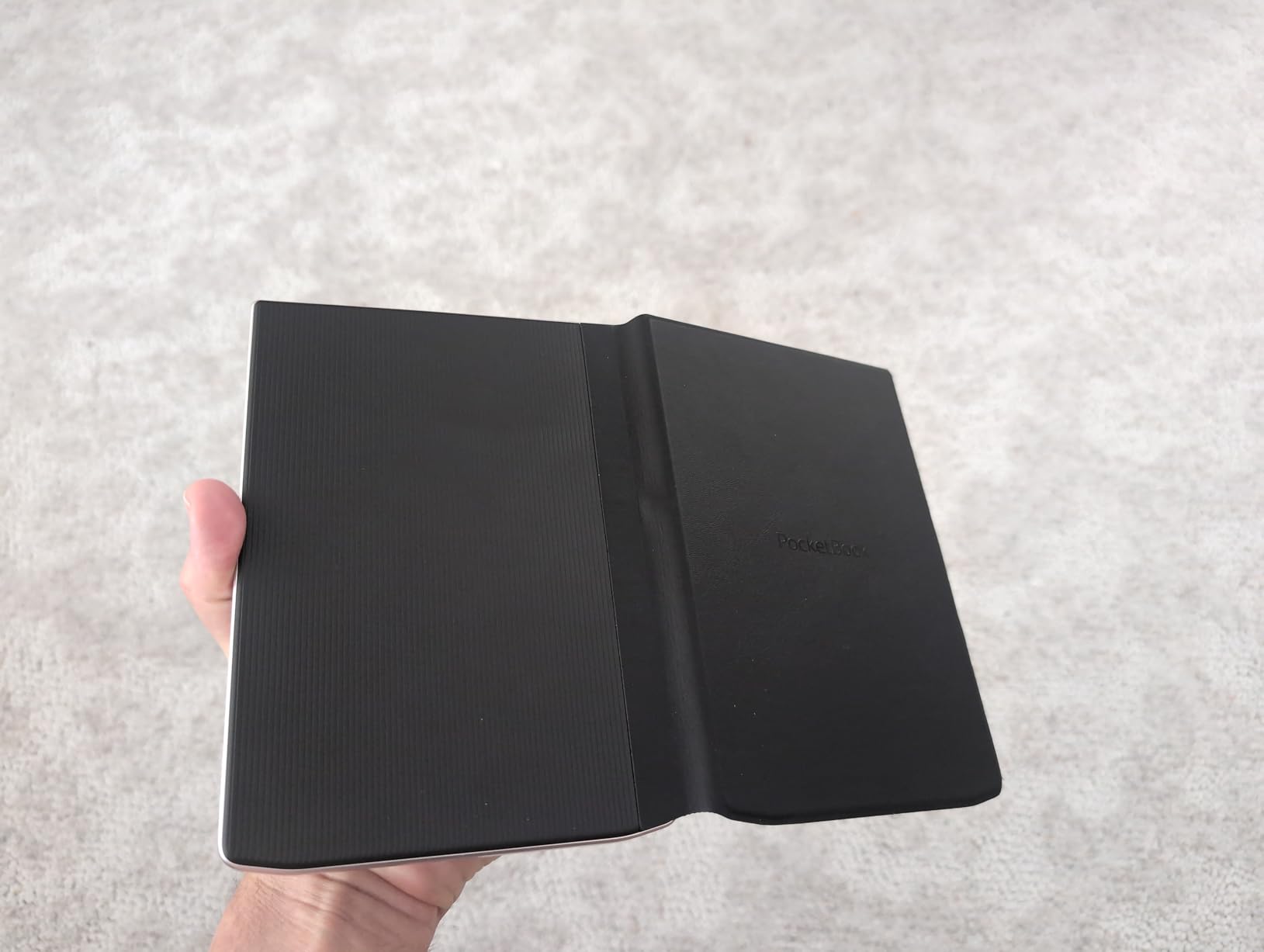
The PocketBook InkPad 4 is the e-reader for seniors who want the largest screen possible and don’t mind paying a premium. The 7.8 inch E Ink Carta 1200 display is significantly larger than 6 or 7 inch competitors, and at 300 PPI, text is razor-sharp. For a senior with serious vision impairment, this extra screen real estate means they don’t have to crank fonts quite as high, which improves reading flow.
What makes the InkPad 4 unique is the text-to-speech feature. The device can read any book aloud in a natural-sounding voice, with adjustable speed and multiple language options. For seniors whose eyesight has deteriorated to the point where reading is no longer comfortable, or for those who want to rest their eyes while following a story, this is a meaningful feature. There’s also a built-in speaker, so no Bluetooth headphones required.
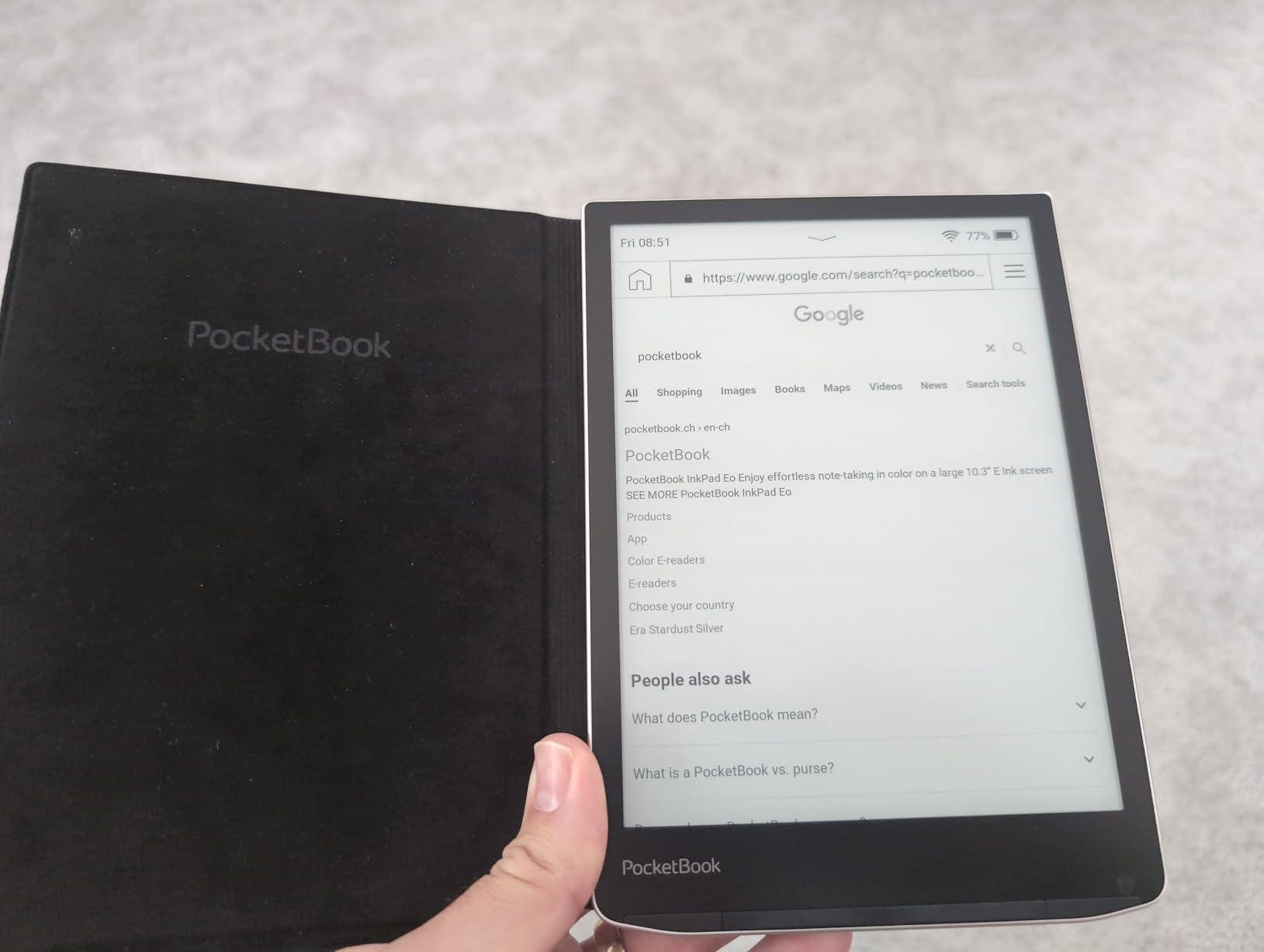
The InkPad 4 supports 25 file formats without conversion, including EPUB, PDF, MOBI, and DOCX. For seniors who have years of personal documents, downloaded library books, or files from various sources, this flexibility is valuable. The open ecosystem means no forced account creation, and you can sync via Dropbox.
The 265 gram weight is heavier than the competition, but the larger screen makes it feel proportionate. The IPX8 waterproof rating means bathtub reading is safe. Battery life runs about 4 weeks with mixed reading and text-to-speech use.
Why the larger screen matters for vision
At maximum font settings on a 6 inch Kindle, each line fits about 8 to 10 words. On the InkPad 4’s 7.8 inch screen, the same font size shows 15 to 18 words per line. That means fewer page turns, less choppy reading, and a more natural flow.
For seniors with macular degeneration or who simply prefer larger text, the bigger display reduces eye strain during long sessions.
Tradeoffs to consider
The PocketBook interface is less polished than Kindle or Kobo. The user community is smaller, so troubleshooting advice is harder to find online. Setup can be more involved, especially for non-technical users.
If your senior is comfortable with technology and wants maximum screen size plus text-to-speech, the InkPad 4 is excellent. If they want a simpler, more mainstream experience, stick with Kindle or Kobo.
7. Amazon Kindle Colorsoft 16GB – Best Color E-Reader on a Budget
Amazon Kindle Colorsoft 16 GB (newest model) – With color display that brings covers and content to life, now highlight in color – No Ads – Black
7 inch color display
IPX8 waterproof
No ads version
Pros
- No-ads version included
- Color highlighting feature
- Same waterproof rating as Paperwhite
- Adjustable white to amber light
- 7 inch screen matches Paperwhite
Cons
- Text slightly less sharp than Paperwhite
- Lower contrast than black and white Kindles
- Front light not as bright
The Kindle Colorsoft 16GB is the most affordable way to get a color Kindle in 2026, and for seniors who read graphic novels, illustrated cookbooks, travel guides, or children’s books with their grandchildren, the color display adds a lot. The no-ads version is a particular plus for seniors, since lock screen ads are a common complaint from older users who find them confusing.
The 7 inch color display uses the same E Ink technology as the Paperwhite but adds a color filter layer. The result is a screen that shows book covers and illustrations in soft, readable color. Text is still displayed in crisp black and white, so reading novels is just as comfortable as on a regular Kindle.

You can highlight passages in yellow, orange, blue, or pink, which is a fun feature for book club members or anyone who likes to mark up what they’re reading. The waterproof design matches the Paperwhite, so pool, bath, and beach reading are all safe.
Battery life runs about 8 weeks, half the Paperwhite’s longevity, because the color filter layer draws more power. For most seniors, that’s still plenty between charges.

Who benefits most from color
Seniors who read cookbooks, gardening books, or travel guides with color photos will appreciate the color display. The Colorsoft is also a good choice for grandparents who read picture books with their grandchildren, since the illustrations come through in color.
For seniors who read primarily novels, the color feature is a luxury rather than a necessity. The standard Paperwhite is sharper for text-only reading.
Why no-ads matters for older users
Lock screen ads on Kindle devices are one of the most common complaints from older users, who sometimes mistake them for actual content or notifications. The no-ads version of the Colorsoft eliminates this confusion.
It’s worth the small price premium for any senior who is easily distracted or confused by promotional content on the home screen.
8. Kindle Colorsoft Signature Edition – Best Color E-Reader for Illustrated Books
Amazon Kindle Colorsoft Signature Edition 32GB (newest model) – With color display, auto-adjusting front light, wireless charging, and long battery life – Metallic Black
7 inch color display
Wireless charging
32 GB storage
Pros
- Wireless charging included
- 32 GB storage for large libraries
- Color highlighting
- Auto-adjusting front light
- Waterproof design
Cons
- Higher price than other Kindles
- Some early units had display banding issues
- Battery life shorter than Paperwhite
- Color text slightly less crisp than black and white
The Kindle Colorsoft Signature Edition is the top-tier color Kindle, with wireless charging, 32 GB of storage, and auto-adjusting front light. For a senior who reads heavily illustrated content, wants a no-fuss charging experience, and is willing to pay for premium features, this is the best color option Amazon makes.
The 32 GB storage is double the standard Colorsoft, which matters if you collect audiobooks or graphic novels with large file sizes. The wireless charging means you can drop it on a charging pad the same way the Paperwhite Signature does, no cable fumbling required.
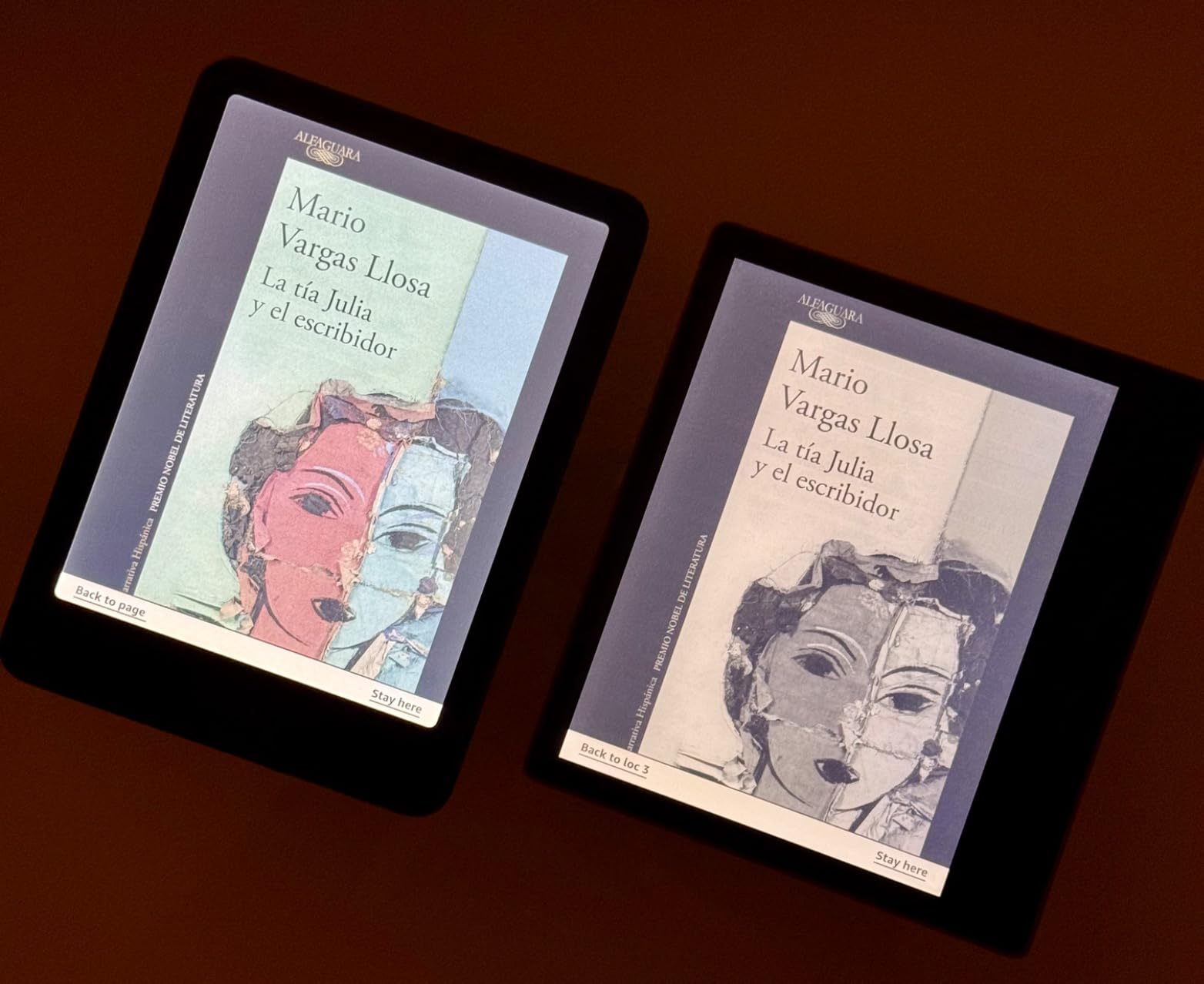
The color display is the main draw, and it’s beautiful for illustrated content. Comic books, art books, photography collections, and children’s picture books all come through in soft, paper-like color. The system-wide dark mode is a nice touch for night reading, though some early units showed a yellow banding issue that Amazon has since addressed with replacements.
Battery life runs about 8 weeks, similar to the standard Colorsoft and half the Paperwhite’s longevity. The IPX8 waterproof rating is consistent across the Kindle lineup.
When the premium color is worth it
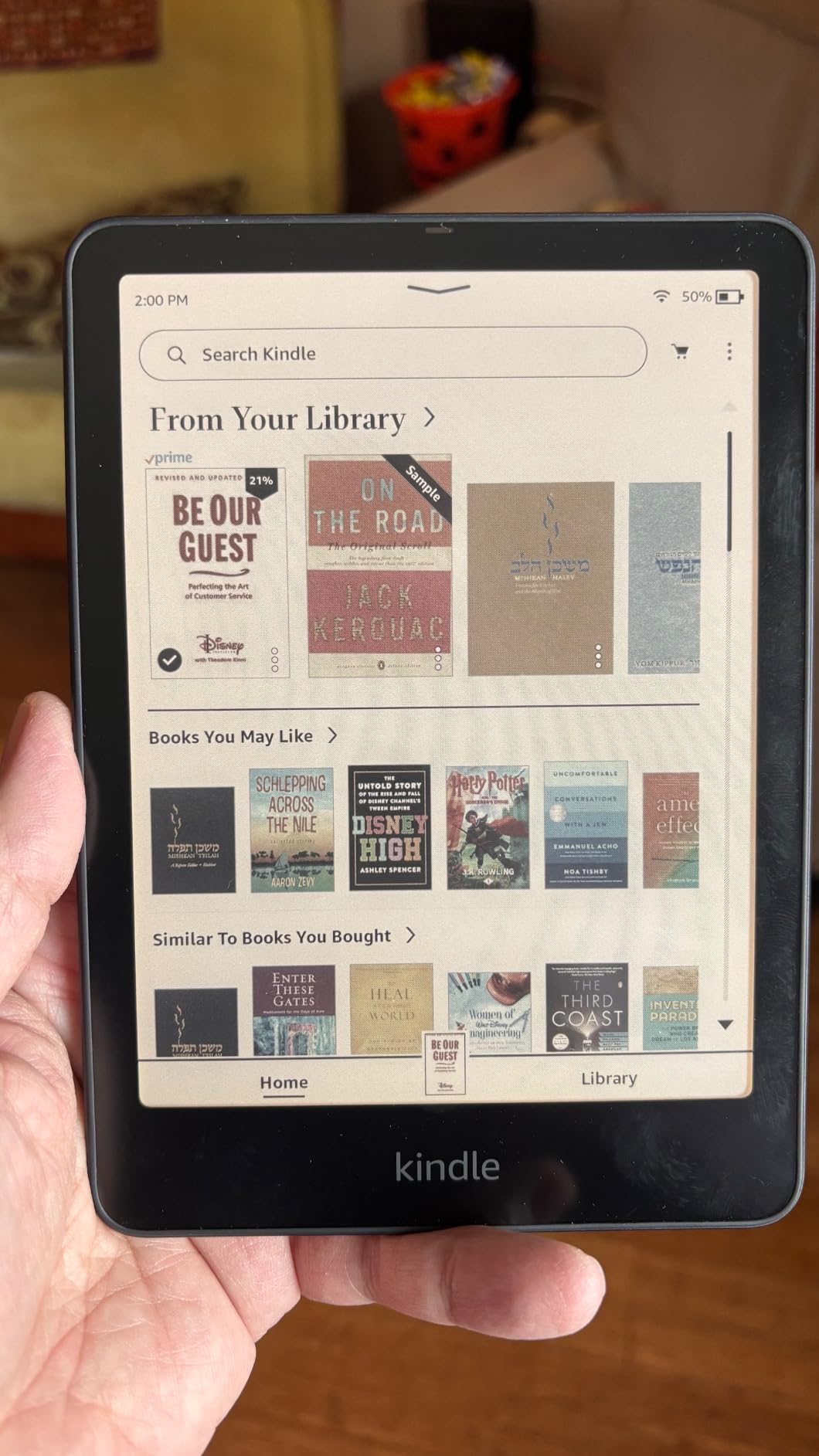
If the senior in your life reads graphic novels, illustrated histories, or photography books regularly, the Colorsoft Signature Edition is a meaningful upgrade over the base Colorsoft. The wireless charging and 32 GB storage make it future-proof.
For seniors who read mostly text, the extra cost over the regular Paperwhite is harder to justify. Stick with the Paperwhite for pure reading comfort.
Managing expectations on color quality
Color E Ink is not the same as a tablet or phone screen. Colors are softer, slightly muted, and optimized for readability rather than visual punch. Photographers and graphic designers will find the colors understated.
For seniors who appreciate gentle color and paper-like reading, this is the right tradeoff. For those expecting tablet-quality color, the Colorsoft will disappoint.
What to Look for in an E-Reader for Seniors
Choosing an e-reader for an older adult means thinking about physical comfort, visual clarity, and ease of use, not just screen size. Here are the five features that matter most, ranked by how often they come up in real senior use cases.
Screen size between 6 and 7 inches
A 6 inch screen is the bare minimum for comfortable reading with large fonts, and a 7 inch screen is noticeably better. The jump from 6 to 7 inches doesn’t sound dramatic, but it means more words per line at any given font size, which translates to fewer page turns and a more natural reading flow. For seniors with serious vision issues, consider the 7.8 inch PocketBook InkPad 4, which offers even more screen real estate.
Avoid e-readers with screens smaller than 6 inches, since they feel cramped even at moderate font sizes. The Amazon Kindle line and Kobo Clara line both hit the 6 inch minimum, while the Paperwhite and Libra Colour step up to 7 inches.
Adjustable warm light for evening reading
Warm light shifts the screen from cool blue to amber, reducing the blue light exposure that disrupts sleep. For seniors who read in bed, this is a meaningful feature, not a gimmick. The Kindle Paperwhite, Paperwhite Signature, all Colorsoft models, and all current Kobo devices offer warm light adjustment.
Look for a device with both manual warm light controls and auto-adjusting light that responds to ambient conditions. The auto feature is genuinely useful for seniors who don’t want to fiddle with settings.
Physical weight under 8 ounces for one-handed reading
A heavy e-reader causes wrist and hand fatigue during long reading sessions. The lightest Kindles weigh around 5.6 ounces, while most 7 inch models weigh 6.5 to 7.5 ounces. Anything over 8 ounces gets uncomfortable to hold for more than an hour.
For seniors with arthritis or weak grip strength, lighter is better. The base Kindle at 5.6 ounces is the easiest to hold, while the PocketBook InkPad 4 at 265 grams (9.3 ounces) is the heaviest on this list and best for two-handed reading or reading on a stand.
Physical page turn buttons for arthritic hands
Touchscreen page turning can be frustrating for seniors with shaky hands, swollen fingers, or tremors. The Kobo Libra Colour is the standout option on this list with physical page turn buttons, and it’s the e-reader I recommend most often for seniors with motor difficulties.
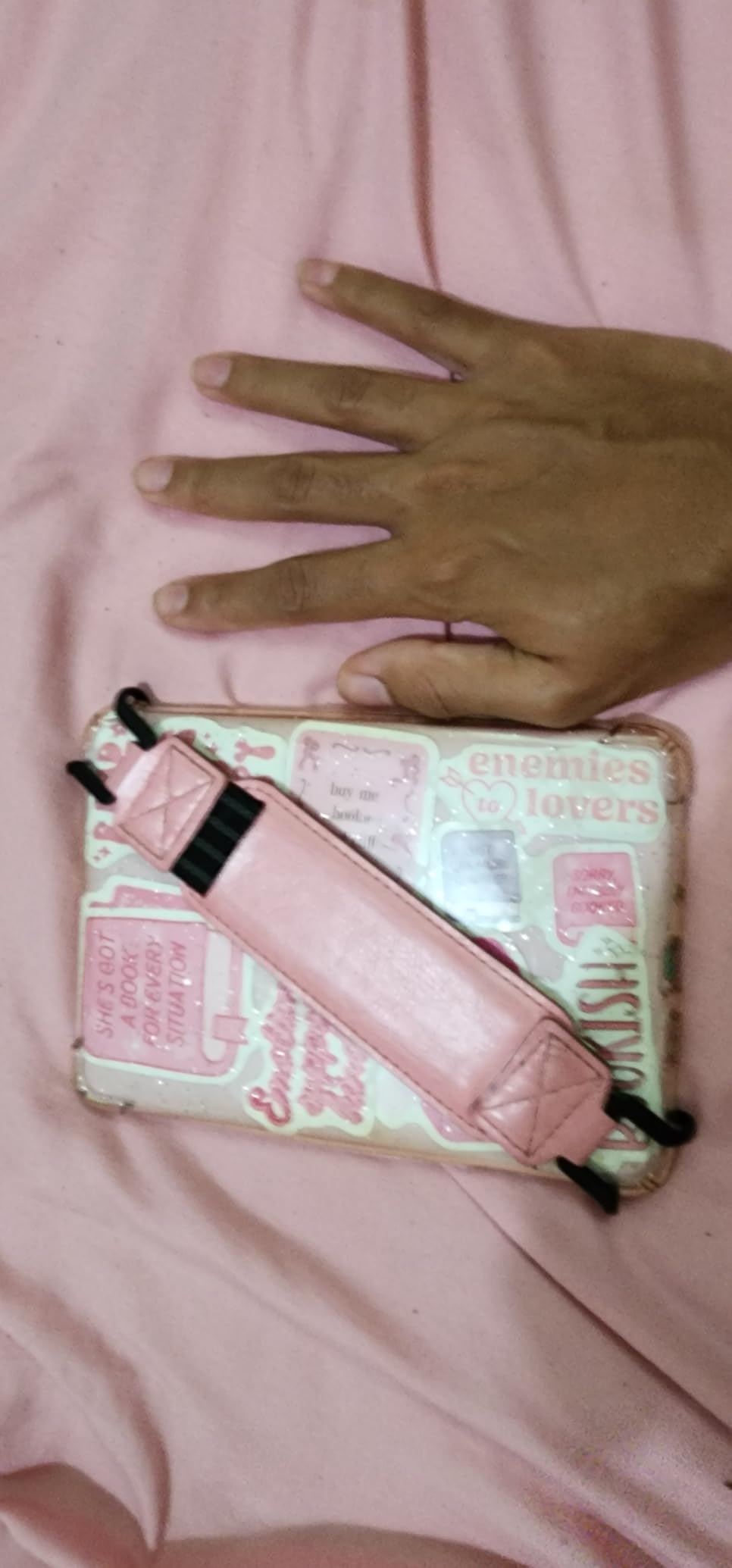
If physical buttons are essential and the senior is open to non-Kindle options, the Libra Colour is the clear winner. If they’re committed to Kindle, you can buy a basic case with a built-in hand strap to make touchscreen page turning more stable.
Library borrowing through OverDrive or Libby
Most seniors are on a fixed income, and free library books are a major draw. Kobo devices have built-in OverDrive integration, so library borrowing happens directly on the device with no computer or smartphone required. Kindle devices work with Libby through the Send to Kindle feature, but it’s a few extra steps.
For a senior who is already a frequent library user, Kobo’s built-in OverDrive is the easier experience. For a senior who mostly buys books or uses Kindle Unlimited, Amazon’s ecosystem makes more sense.
Frequently Asked Questions
Is there an e-reader better than Kindle for seniors?
Yes. The Kobo Libra Colour is often a better fit for seniors than a Kindle because it has physical page-turn buttons, built-in OverDrive library support, and no lock screen ads. Kobo devices also work well with the Libby app and offer warm light adjustment. For seniors who already use Amazon’s ecosystem, the Kindle Paperwhite remains an excellent choice.
Which e-reader is the most comfortable for aging eyes?
The Kindle Paperwhite and Kobo Libra Colour both feature 7 inch glare-free E Ink displays with adjustable warm light that reduces blue light exposure. For seniors with serious vision issues, the PocketBook InkPad 4’s 7.8 inch display offers even more screen real estate, and its text-to-speech feature can read books aloud when reading becomes too tiring.
What is the best Kindle for elderly readers?
The Amazon Kindle Paperwhite (16GB) is the best Kindle for elderly readers. It has a large 7 inch glare-free display, 12 weeks of battery life, adjustable warm light, IPX8 waterproofing, and weighs under 7.5 ounces. It strikes the ideal balance of features, price, and ease of use for most seniors.
Are e-readers good for seniors with arthritis?
E-readers are excellent for seniors with arthritis because they’re lighter than most books, easy to hold one-handed, and many support large fonts. The Kobo Libra Colour is the best choice for arthritic hands thanks to its physical page turn buttons, which require less precision than tapping a touchscreen. Lighter models like the base Kindle (5.6 ounces) also reduce wrist strain.
Can seniors borrow library books on a Kindle?
Yes. Seniors can borrow library books on a Kindle through the Libby app by using the Send to Kindle feature. You check out a book in Libby on a phone or computer, then send it to the Kindle. Kobo devices offer a smoother experience with built-in OverDrive, allowing direct library borrowing on the device without a phone or computer.
Final Verdict: The Right E-Reader for Your Family
For most seniors, the Amazon Kindle Paperwhite is the best e-reader in 2026. The 7 inch display, warm light, 12 week battery, and waterproofing cover every essential feature without unnecessary complexity. My mom has used hers daily for six months, and it’s the rare tech purchase that has actually improved her quality of life.
If your senior parent has arthritis or really wants physical buttons, choose the Kobo Libra Colour. The page turn buttons and built-in OverDrive make it the most senior-friendly e-reader on the market. For tighter budgets, the base Kindle delivers the core experience at the lowest price. Whatever you choose, the best e readers for seniors all share the same goal: making reading comfortable, accessible, and enjoyable for the rest of their lives.