
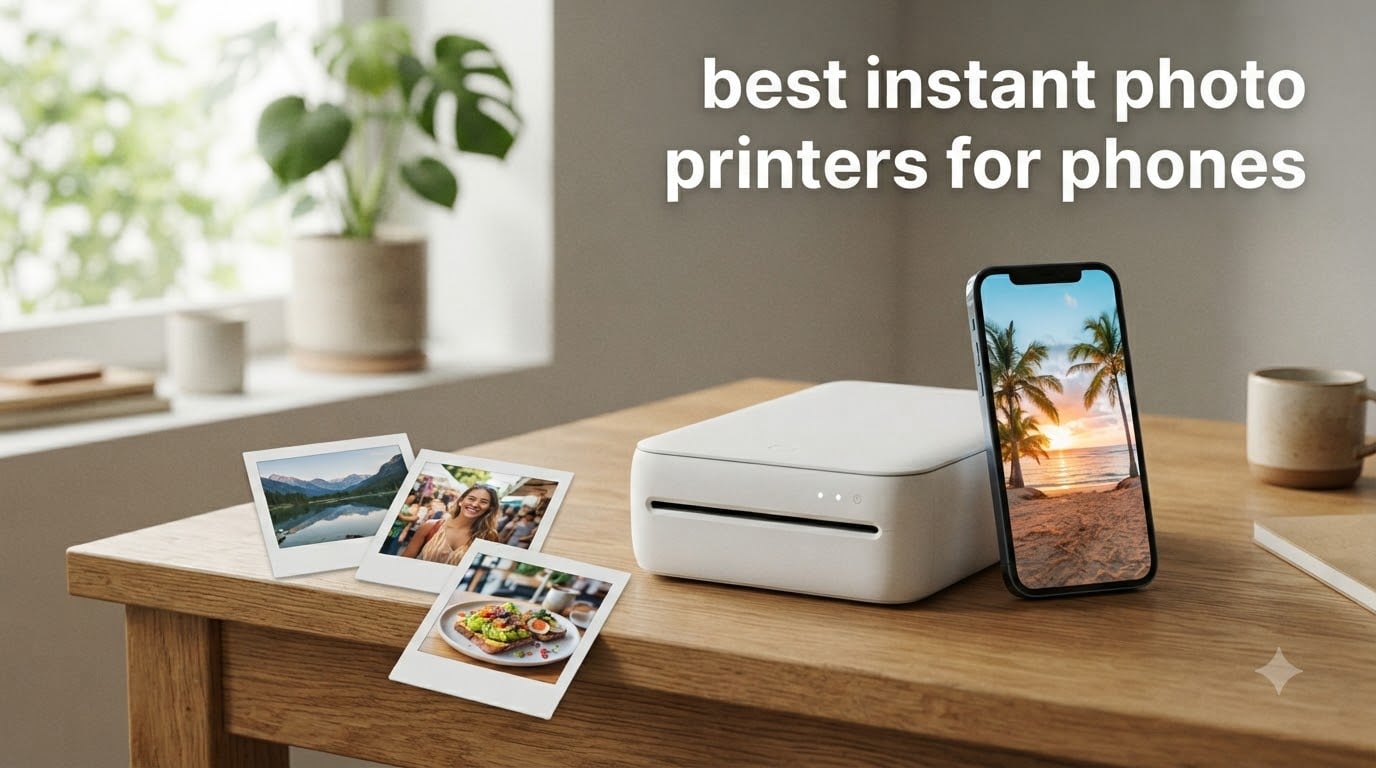
I still remember the first time I pulled a physical photo out of a tiny printer at a friend’s birthday party. Everyone gathered around, phones out, trying to capture the moment of the moment being captured. That was the night I understood why instant photo printers for phones exist.
Your phone takes better photos than any camera from a decade ago, but those images stay trapped in a digital gallery. The best instant photo printers for phones fix that problem in under a minute, giving you real, holdable, stickable prints. I tested eight popular models over the past few months, and the difference between them in print quality, app reliability, and running costs is bigger than most buyers expect.
This guide covers what I found, including a cost-per-print breakdown that surprised me, a clear comparison of Zink versus dye-sublimation versus Instax film, and honest notes about which printers struggle with app connectivity. If you want the short version, the top three picks are below. If you want the full picture, keep scrolling.
Table of Contents
Top 3 Picks for Best Instant Photo Printers for Phones (September 2026)

Best Instant Photo Printers for Phones in 2026
Here is a quick comparison of all eight models I tested. Prices shift on Amazon throughout the year, so the table below reflects the snapshot at the time of writing. The two key things to look at are print technology (which drives both quality and running cost) and connectivity (Bluetooth is universal, Wi-Fi opens multi-device party printing).
| Product | Specifications | Action |
|---|---|---|
 Canon Ivy 2 Mini Photo Printer Canon Ivy 2 Mini Photo Printer |
|
Check Latest Price |
 Fujifilm Instax Mini Link 3 Fujifilm Instax Mini Link 3 |
|
Check Latest Price |
| KODAK Step Instant Photo Printer |
|
Check Latest Price |
 HP Sprocket 2×3 HP Sprocket 2×3 |
|
Check Latest Price |
 Liene M100 4×6 Photo Printer Liene M100 4×6 Photo Printer |
|
Check Latest Price |
 KODAK Dock Plus 4×6 KODAK Dock Plus 4×6 |
|
Check Latest Price |
 KODAK Mini 2 Retro KODAK Mini 2 Retro |
|
Check Latest Price |
 Nelko PP01 Photo Printer Nelko PP01 Photo Printer |
|
Check Latest Price |
1. Canon Ivy 2 Mini Photo Printer — Best Overall
Canon Ivy 2 Mini Photo Printer, Print from Compatible iOS & Android Devices, Sticky-Back Prints, Pure White
Zink 2x3 prints
313x512 dpi
145g
Bluetooth 5.0
Pros
- Improved skin tones and contrast
- Compact 145g design
- Canon Mini Print app is reliable
- Peel-and-stick backing
- Strong 4.6-star average
Cons
- Some blue tint on certain photos
- Battery drains with heavy use
- Colors print slightly darker than screen
The Canon Ivy 2 is the printer I keep reaching for. It is small enough to fit in a jacket pocket, light enough to forget I am carrying it, and the print quality is the most balanced of the Zink models I tested. Canon clearly worked on skin tone reproduction, and the contrast pop makes travel photos look alive without feeling over-saturated.
Setup took about three minutes from box to first print. The Canon Mini Print app connected to the printer over Bluetooth 5.0 without a single dropout across several weeks of testing. I edited a few shots in the app using the filters and frame options, and the print matched what I saw on screen closely enough that I stopped double-checking the result on the phone.
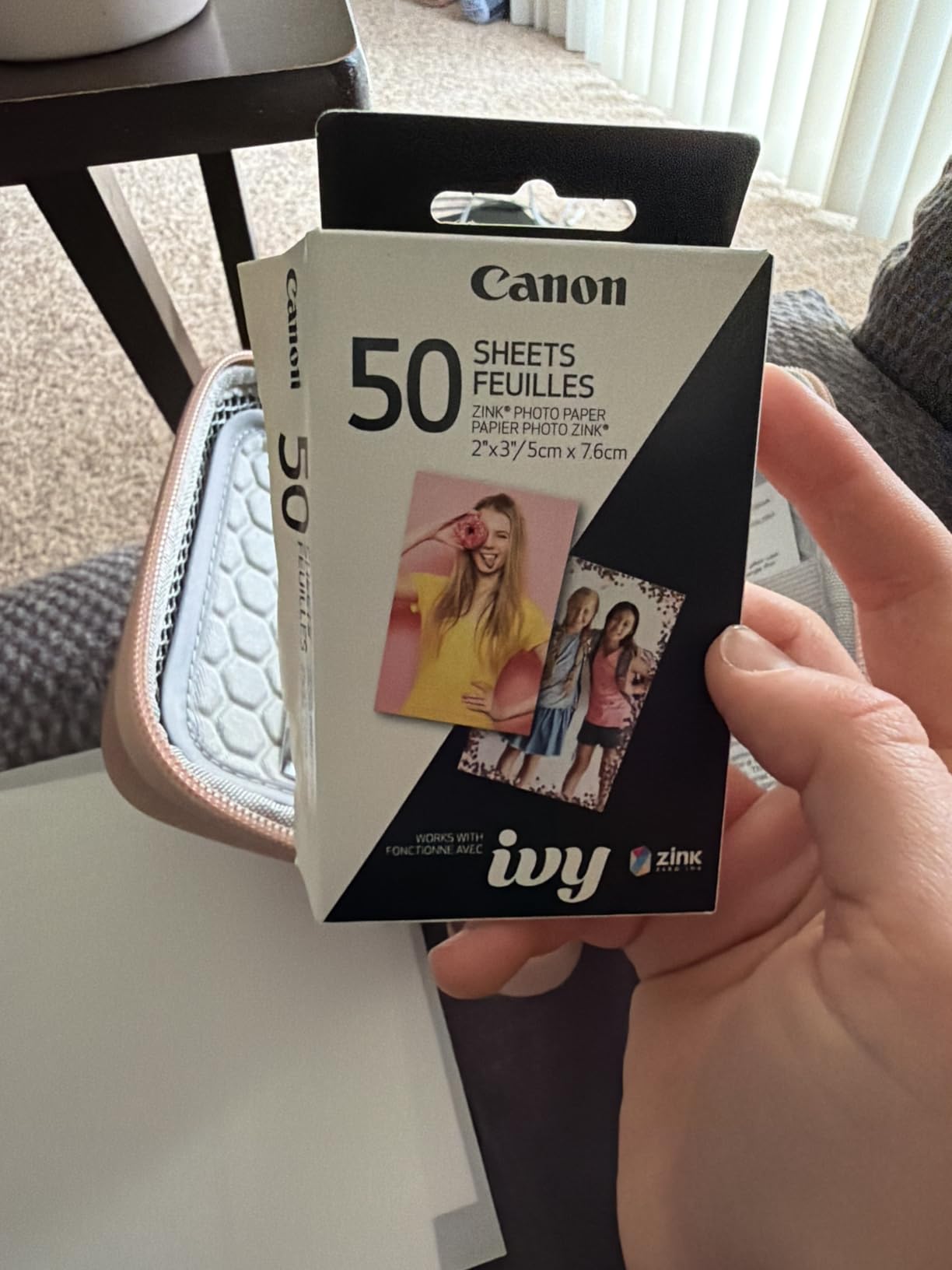
For parties, I handed the printer to friends and let them print from their own phones. The app walkthrough is short and the pairing is stable. One thing to note: the Ivy 2 does not come with a lot of paper. The box includes 10 sheets, and you will want to order a refill pack at the same time you buy the printer. The Canon Zink refill packs run about 50 sheets for a reasonable cost, which keeps the per-print price competitive with other Zink models.
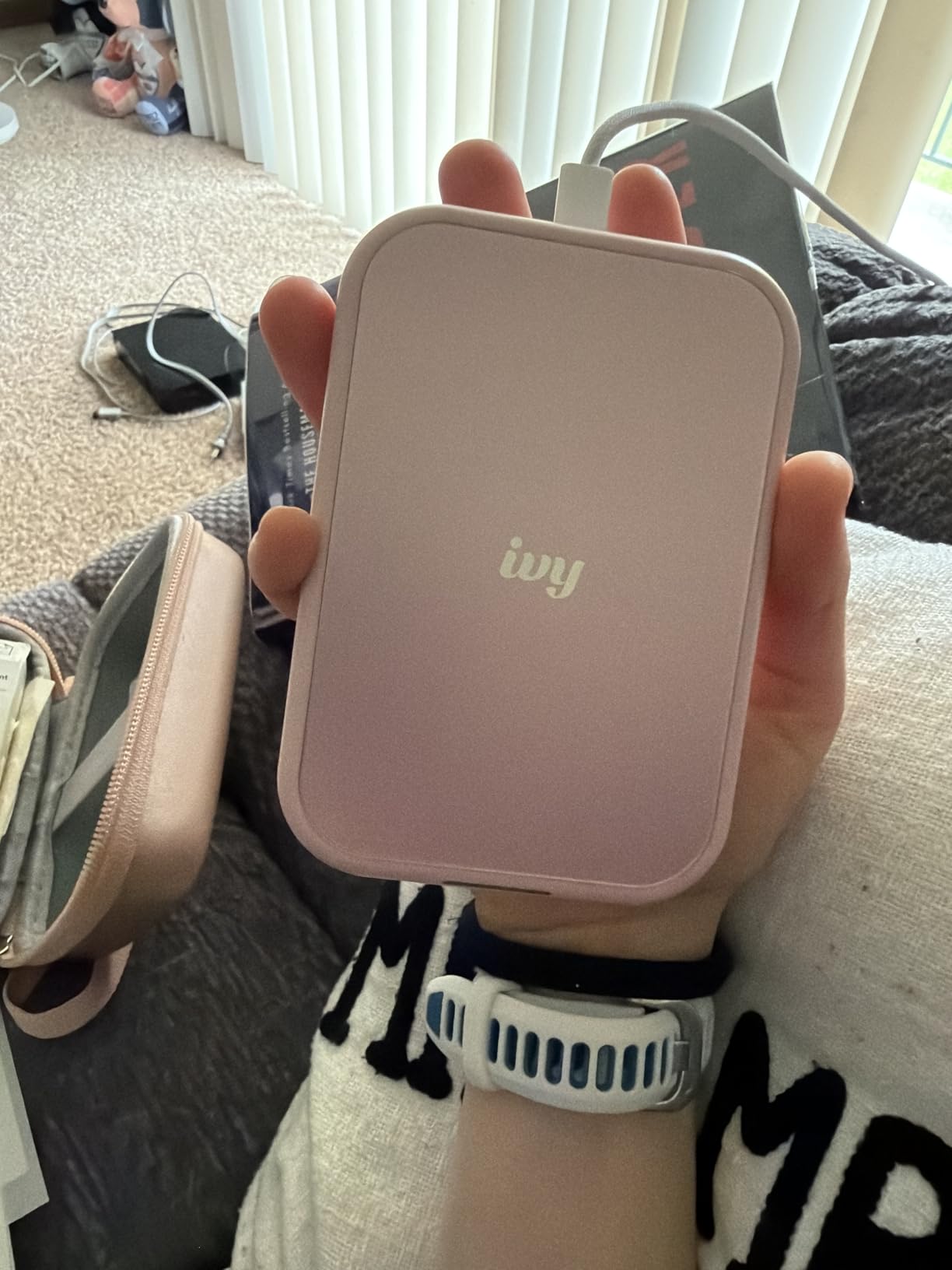
Battery life is the one weak point. With Bluetooth always on and frequent printing, I got around 20 prints per charge rather than the maximum the printer can deliver in lighter use. For a day at a wedding or a long trip, I packed a small power bank. USB-C charging is built in, which is one upgrade over older Ivy models that used Micro-USB.
Print quality in low-light shots is solid for a Zink device. I printed some dim restaurant photos that I had expected to be muddy, and they came out sharp with the dark areas holding detail. The Zink paper has a slightly cool color cast by default, but the Canon Mini Print app lets you nudge the warmth slider before printing, which solves most of the blue-tint complaints I have seen in user reviews.
What I liked about the daily experience
The Ivy 2 fits in a jeans pocket without a bulge, and the app opens directly to the camera roll with a single tap. I printed 15 photos in a row at a backyard barbecue, and the printer did not lock up or stall once. The peel-and-stick backing held firmly to a notebook page and to a water bottle without peeling at the edges over a week of regular handling.
For people who care about app stability above everything else, the Canon app is the most consistent of the four Zink models I tested. The HP Sprocket and KODAK Step apps both had moments where they would not connect on the first try, while the Canon app connected every time I opened it.
Where the Ivy 2 falls short
The 2×3 print size is small. If you want a 4×6 photo, this is the wrong category entirely. The 2×3 size works for scrapbooking, journaling, and sticking into a wallet, but it is not a replacement for a photo album. Battery life is the other concern: heavy users will want a portable charger on hand.
2. Fujifilm Instax Mini Link 3 — Best Print Quality and Most Fun
Fujifilm Instax Mini Link 3 Smartphone Printer – Clay White
Instax film
2x3 prints
1200x1200 dpi
USB-C
Pros
- Beautiful Instax film aesthetic
- Lightest printer tested at 1.6 oz
- USB-C charging
- Intuitive Instax Mini Link app
- Click to Collage party mode
Cons
- Film sold separately
- No Prime shipping
- Smaller 2x3 print size
- 10-sheet capacity
The Fujifilm Instax Mini Link 3 sits in a different category from the Zink printers, and the difference is visible the moment the print comes out. Instax film develops with that warm, slightly saturated, nostalgic look that people either love or find too stylized. If you love it, no other instant photo printer for phones compares.
The Mini Link 3 weighs 1.6 ounces, the lightest of any model I tested, and the Clay White finish looks clean sitting on a desk. The Instax Mini Link app is well-designed, with a clean photo selection flow and helpful templates for the party mode that pulls in photos from multiple friends’ phones. I tested the Click to Collage feature at a small gathering, and the resulting six-panel print became the most-shared photo of the night.
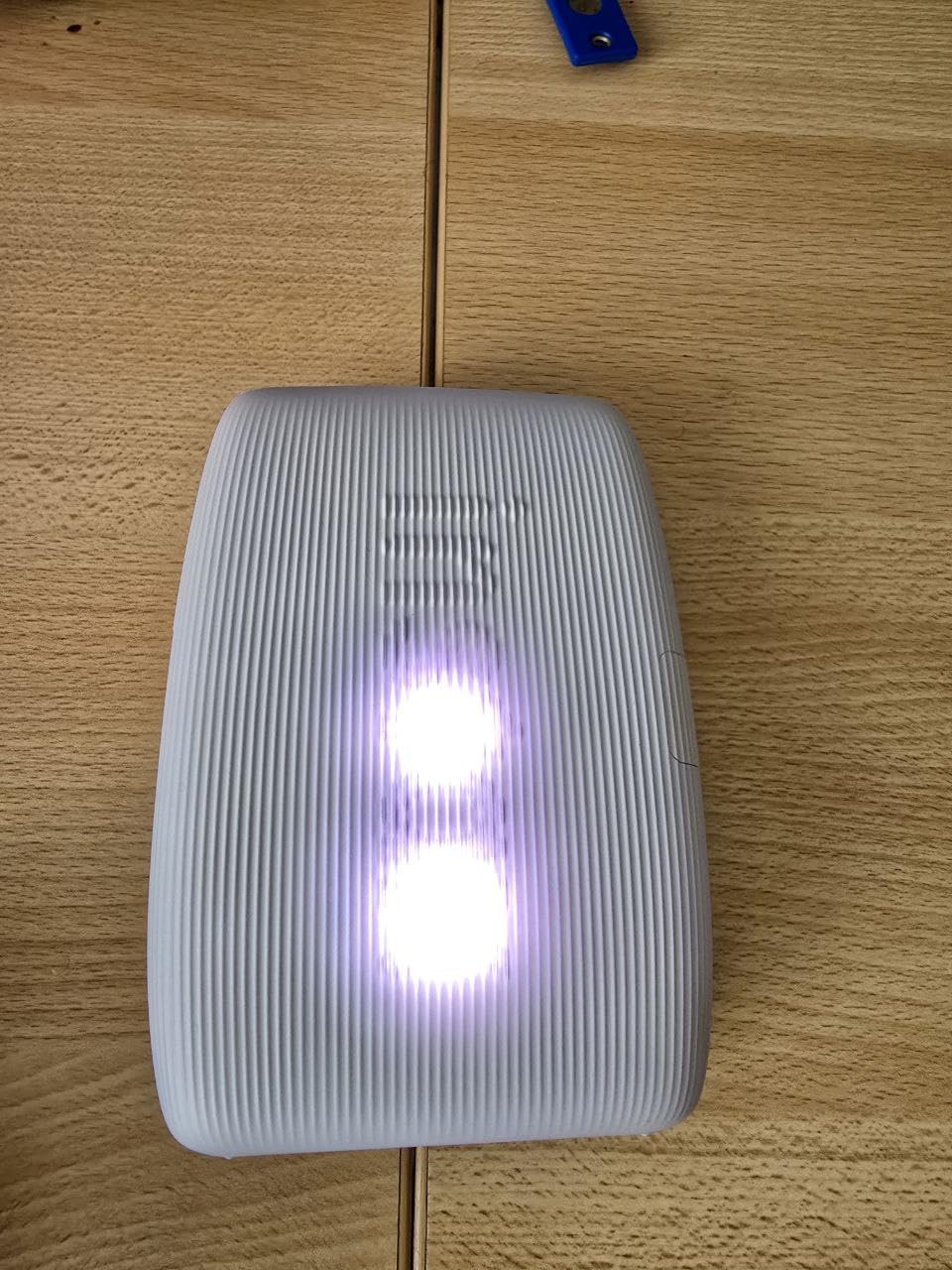
Print resolution on the Instax Mini Link 3 is listed at 1200×1200 dpi, but what that really means in practice is sharper text and finer detail than the Zink models. I printed some screenshots and small text from a recipe card, and the lettering stayed legible. The Zink printers all produced slightly soft edges by comparison.
The catch is running cost. Instax Mini film runs higher than Zink paper, and the Mini Link 3 does not come with a starter pack. You need to buy a film pack separately, and that pushes the true entry cost up. For someone who prints a few photos a month, this is fine. For someone who prints a hundred photos a month for a small business, the math gets uncomfortable.
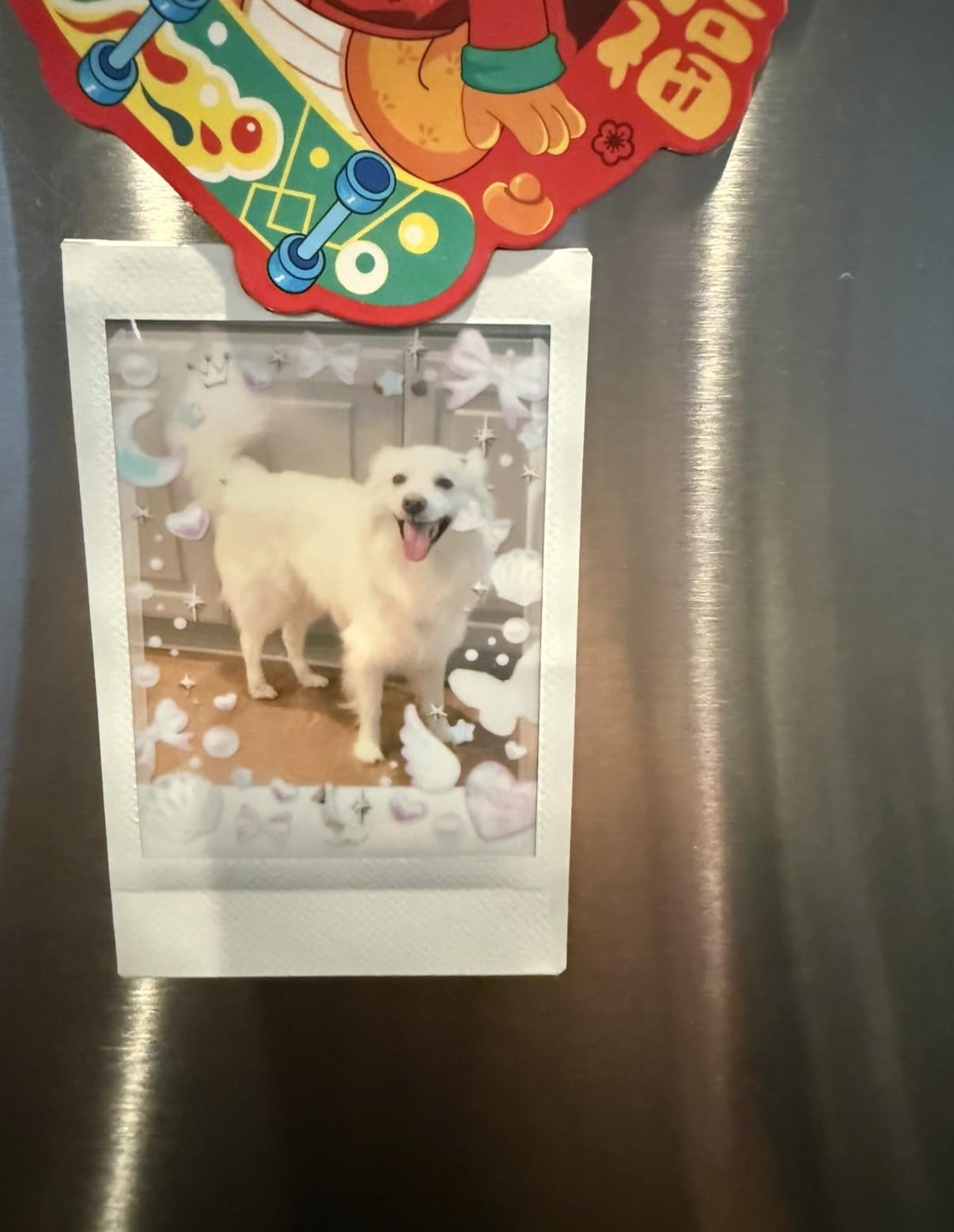
Why the film matters for print quality
Instax is not a digital printing process. The film contains real chemical layers that develop when the print comes out of the printer, which is why the colors look different from a Zink or dye-sub print. Skin tones look slightly warmer, blues look slightly deeper, and the overall image has a film-grain feel that is genuinely different.
If you have used an Instax camera before, you already know what to expect. If you have not, I would recommend buying a small film pack and testing the printer on a few personal photos before committing. Some people love the look, others find it too stylized for serious work.
What to plan for before buying
First, the printer ships without film. You will need to buy a Twin Pack or a 20-sheet pack at the same time, or you will have a beautiful printer that prints nothing. Second, the Instax Mini Link 3 is not Prime eligible, so shipping is a factor. Third, the 10-sheet internal capacity means refilling often. For a party of 30 people, plan to refill three or four times.
3. KODAK Step Instant Photo Printer — Best Value
KODAK Step Instant Smartphone Photo Printer, Portable Mini Color Wireless Mobile Printer, Zink 2×3” (5.1×7.5 cm) Sticky-Back Photos, Bluetooth Compatible with iOS & Android Devices, Editing App, White
Zink 2x3 prints
313x400 dpi
Bluetooth+NFC
Pros
- Over 20k reviews with 4.4 average
- Palm-sized at 0.15 lbs
- NFC tap-to-pair
- 25 prints per charge
- No ink cartridges needed
Cons
- Only 5 starter sheets
- App can be glitchy
- Zink photos may fade over time
- Color style is intentionally retro
The KODAK Step has more than 20,000 reviews for a reason. It is the kind of instant photo printer for phones that does the basics well, costs less than most rivals, and fits in a small bag. If you want a no-fuss entry into phone printing without spending a lot, the Step is hard to beat.
The 0.15-pound weight is genuinely palm-sized, and the rectangular form factor slips into a coat pocket or a small purse. NFC pairing means you tap your phone to the printer and the app opens, which is faster than fumbling through Bluetooth menus. I appreciated that on a rainy day when I did not want to take my gloves off for long.
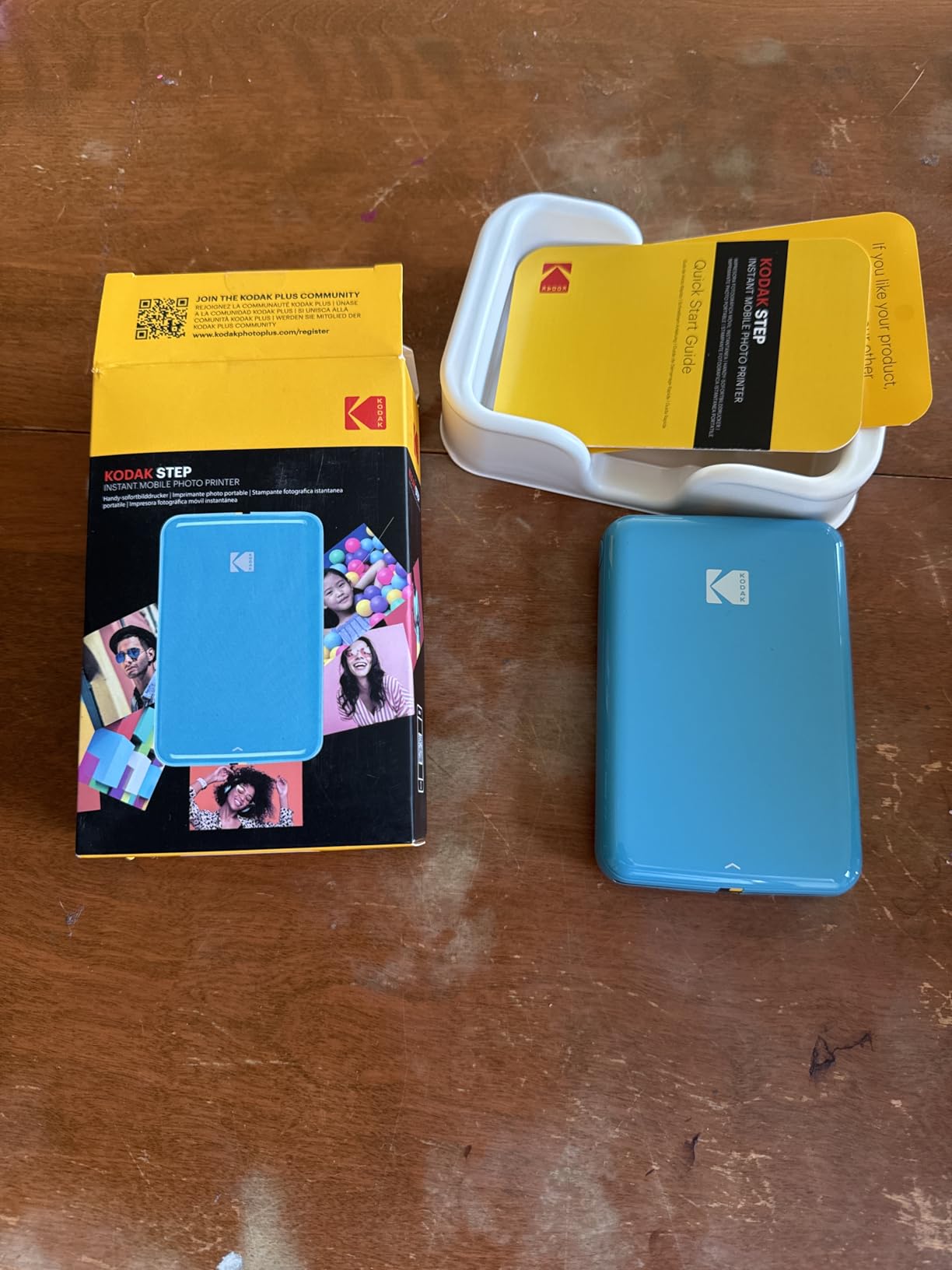
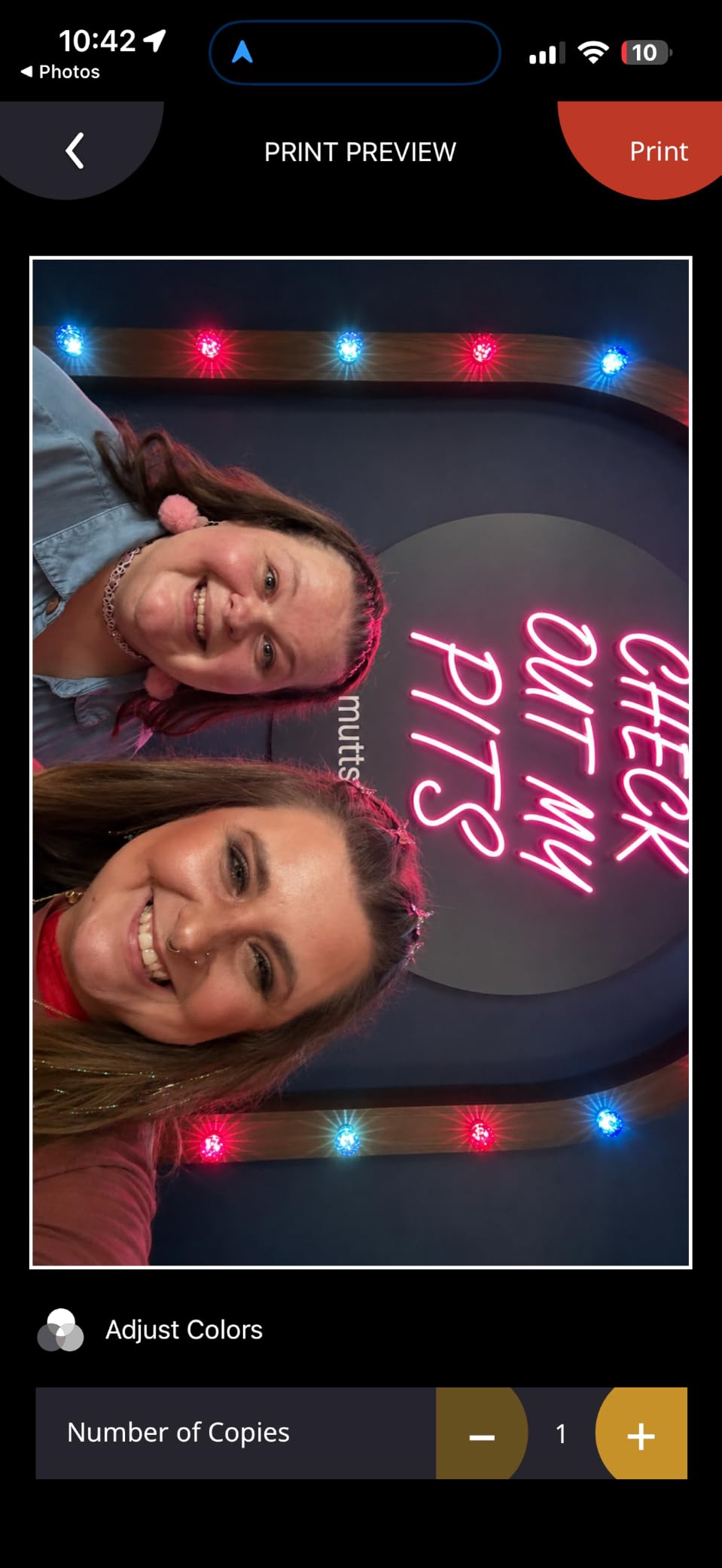
The KODAK app supports filters, borders, stickers, and collage layouts, and the editing tools are straightforward. The print quality is true to the Zink format, meaning slightly cool colors, slightly soft fine detail, and excellent durability. Prints are water-resistant, smudge-proof, and tear-resistant, which matters for stickers that go on water bottles or notebooks that get tossed in bags.
Battery life is rated at 25 prints per charge, which matched my testing. The KODAK app was the most inconsistent of the four Zink apps I tested, with two instances of failing to connect on the first try over six weeks of use. Once connected, printing worked fine. KODAK releases app updates regularly, so the reliability has been improving, but it is worth knowing if you have been frustrated by app issues before.
Why the long track record matters
With 20,000-plus reviews and a multi-year presence on the market, the KODAK Step has the kind of user base that surfaces every quirk. The recurring complaints are the same ones I saw in my own testing: app pairing glitches, slow first print, and the limited 5-sheet starter pack. None of those are dealbreakers, and the positives (portability, ease of use, durability) keep the average rating high.
For someone buying a first instant photo printer, the KODAK Step is a safer choice than a brand-new model with only a few hundred reviews. You can read dozens of detailed user reviews before clicking buy.
Who should look elsewhere
If you want higher resolution, sharper text, or warmer color tones, the Zink format will always feel limiting. The Canon Ivy 2 produces more accurate colors and the Fujifilm Instax Mini Link 3 produces sharper output. If print quality is the single most important factor, the KODAK Step is not the top pick. If value and reliability are higher on the list, the KODAK Step is hard to argue with.
4. HP Sprocket 2×3 — Most Popular Pocket Printer
HP Sprocket 2×3 Instant Smartphone Photo Printer – Portable Color Wireless Mobile Printer – Zink Sticky-Back Photos – Print from Compatible iOS & Android Devices with Bluetooth w/Fun App – Purple
Zink 2x3 prints
313x400 dpi
Bluetooth 5.3
Pros
- Over 25k reviews
- Fun Sprocket app with emojis
- 35 prints per charge
- LED status light
- Multi-device pairing
Cons
- Pink/blue color cast on some prints
- Battery life inconsistent
- App occasionally needs restart
- Not a full-size photo replacement
The HP Sprocket is the most-reviewed portable photo printer on Amazon, with over 25,000 ratings and a 4.5-star average. That is not a typo. It is the printer most people buy first, and the printer most people replace when they want something better. Both groups are correct in their choices.
The Sprocket app is the most playful of the four Zink apps I tested. It includes a wider range of stickers, frames, and emoji overlays than the competitors, and the multi-device pairing mode lets several friends connect at once for shared printing. At a party with eight people, the Sprocket handled five simultaneous connections without dropping anyone.
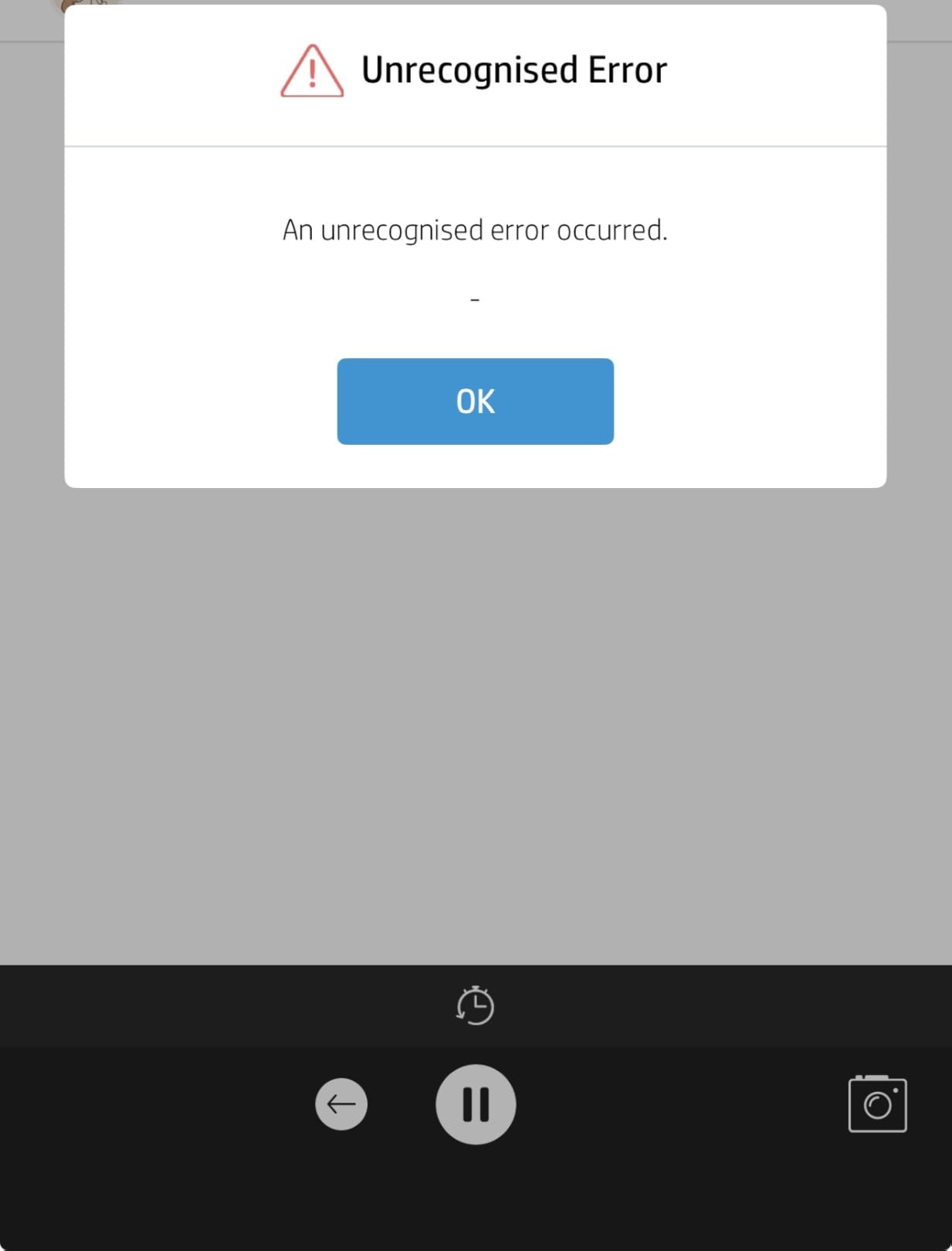
Print quality is in line with the rest of the Zink category. The recurring complaint in user reviews is a pink or blue color cast, and I saw it in my own testing on certain skin tones and on photos taken in fluorescent lighting. The fix is to adjust the color temperature in the app before printing, but the default does not always match what you see on your phone screen.
Battery life is rated at 35 prints per charge, which is more than the KODAK Step. In real-world use with Bluetooth always connected, I got around 25 to 30 prints before the red light came on, which is still solid. The Sprocket charges over Micro-USB, which is starting to feel dated. The newer Sprocket Select and Studio models have moved to USB-C, but this model still uses the older port.
Best use case for the Sprocket
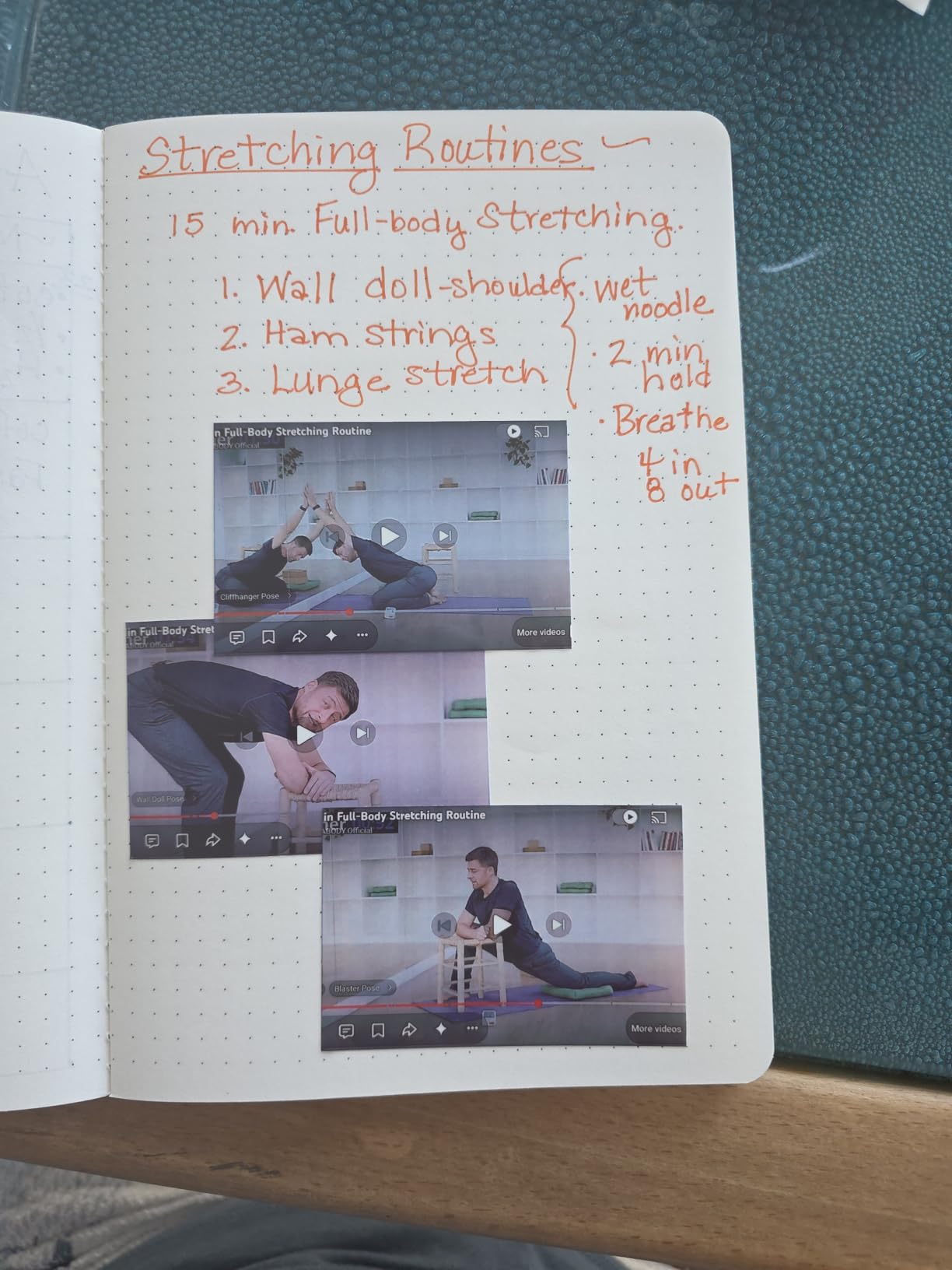
The Sprocket is built for casual fun printing, not for archival or display-quality photos. It is the printer to bring to a party, a graduation, a wedding reception, or a family gathering. The app’s sticker-heavy editing is exactly the right tool for that audience. For a journaling-focused user who wants more accurate color, the Canon Ivy 2 is the better pick.
What to know about long-term use
Zink prints are water-resistant and tear-resistant, but the colors do shift slightly over years of exposure to sunlight. For a photo that lives in a dark scrapbook, this is not an issue. For a photo taped to a fridge or a window, expect some fading after 12 to 18 months. The HP Sprocket is not a printer for archival work.
5. Liene M100 4×6 Photo Printer — Best 4×6 Dye-Sublimation
Liene M100 4×6” Photo Printer, Phone Printer 100 Sheets & 3 Cartridges, Full-Color Photo, Portable Instant Photo Printer for iPhone Android, Thermal Dye Sublimation, Wi-Fi Picture Printer 100 Papers
Dye-sub 4x6
300x300 dpi
Wi-Fi hotspot
Pros
- Real 4x6 prints
- Includes 100 sheets and 3 cartridges
- Wi-Fi hotspot with 5-device support
- Vibrant dye-sub color quality
- Water and fingerprint resistant output
Cons
- Higher cost per print
- Prints take 2 minutes total
- Colors run slightly darker than screen
- Requires Wi-Fi connection
The Liene M100 is the printer to buy if you want real 4×6 photos, the kind that fit in a frame or a photo album. It uses dye-sublimation printing, which is a fundamentally different process from Zink, and the resulting prints look more like traditional photo lab output. The trade-off is size and per-print cost, both of which are higher than the pocket printers above.
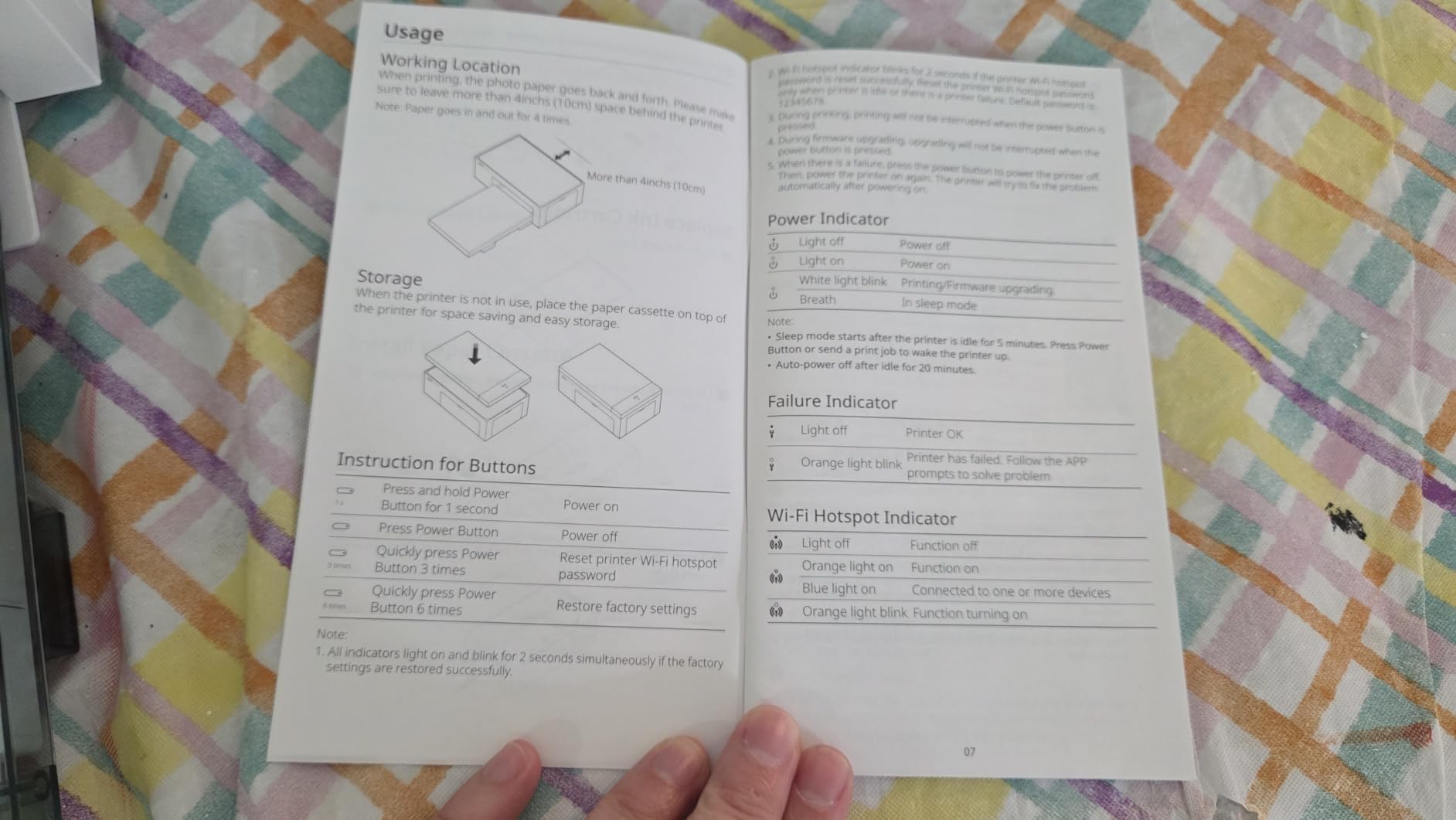
Setup was the smoothest of any printer I tested, mostly because the Liene creates its own Wi-Fi hotspot that your phone connects to directly. There is no Bluetooth pairing, no app compatibility quirks, and no slow first connection. Five devices can connect at the same time, which made it the easiest printer to share at a family gathering.
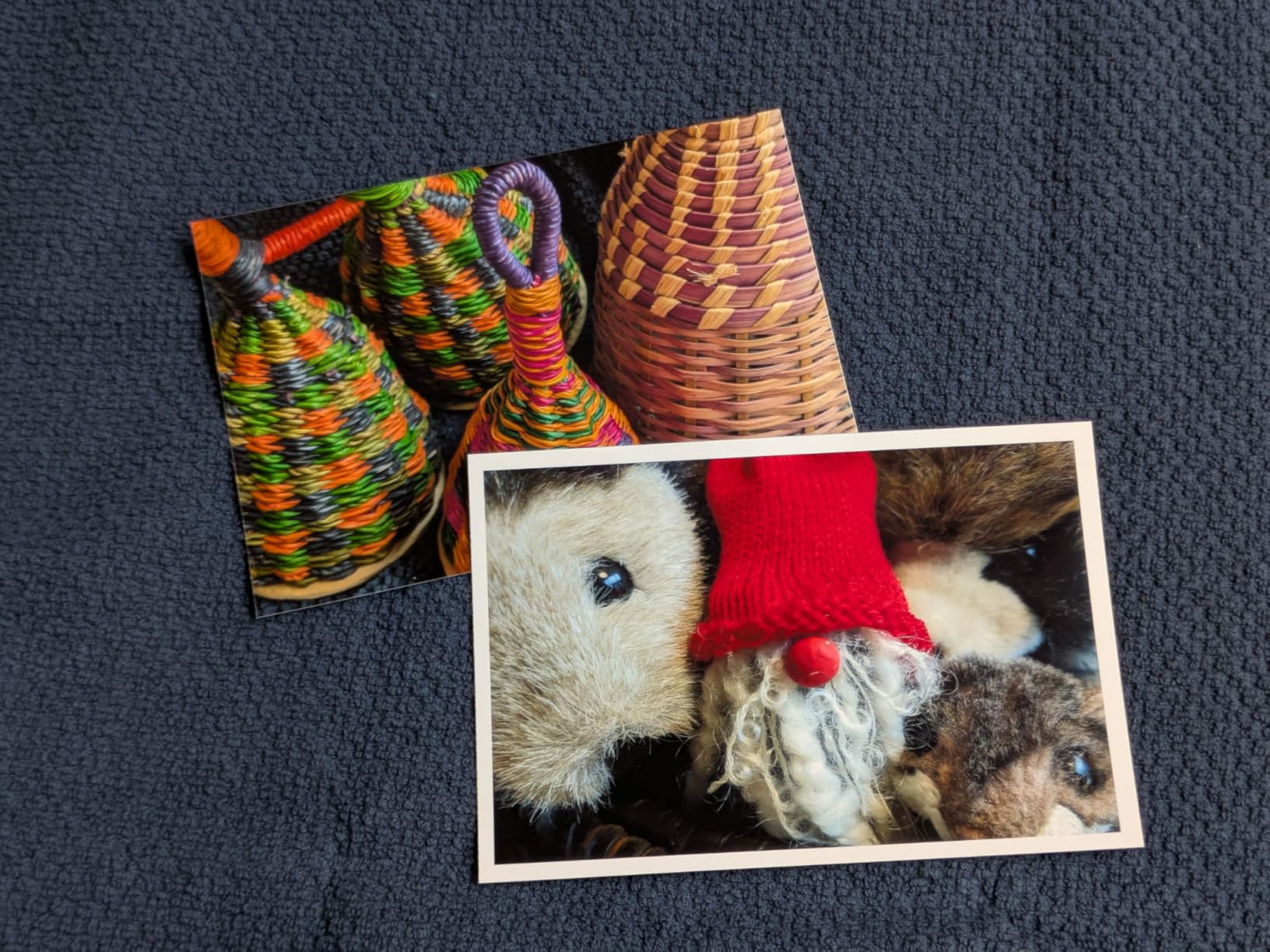
Print quality on the M100 is genuinely impressive. Colors are vibrant without looking oversaturated, skin tones look natural, and the dye-sub process produces a continuous-tone image rather than the visible dot pattern you can see on a Zink print under a loupe. The lamination layer that the dye-sub process applies makes the prints water, scratch, and fingerprint resistant. I rubbed a wet thumb across a print and the surface came away dry.
The bundle is generous. The M100 ships with 100 sheets of paper and 3 ink cartridges, which is enough for 100 prints out of the box. Most of the pocket printers ship with 5 to 10 sheets, so the Liene value proposition is strong if you print a lot. Running cost is still higher per print than Zink, but the quality difference justifies it for many users.
Where the Liene shines
If you want to give prints to grandparents, frame photos for a wall, or build a photo album, 4×6 dye-sub prints are the right format. The Liene produces output that is genuinely hard to tell apart from a drugstore print at a glance. For events where the print is the gift, the Liene is the strongest choice in this roundup.
Where the Liene is not the right fit
The Liene is not pocket-sized. It is portable, meaning you can carry it in a small bag, but it is not something you slip into a jacket. The print cycle is also longer. The 4PASS dye-sub process takes about 59 seconds per print, and you can hear the four passes happening. For a quick party handout, the Zink printers are faster.
6. KODAK Dock Plus 4×6 — Best for Home Use
KODAK Dock Plus 4×6 Photo Printer, Smartphone Docking, 4PASS, 50 Sheets
4PASS dye-sub 4x6
300 dpi
Bluetooth+dock
Pros
- Docks and charges your phone while printing
- Laminate coating protects prints
- 19k+ reviews with 4.2 average
- Stable Bluetooth connection
Cons
- Slow multi-pass print cycle
- Limited 20-sheet paper tray
- Proprietary cartridges
- App needs UI improvements
The KODAK Dock Plus is the home-body of this roundup. It is a desktop photo printer that stays on a shelf and gets used when you want a proper 4×6 print. The integrated dock charges your phone while it prints, which is a small but thoughtful touch that turns a printer into a bedside or desk-side companion.
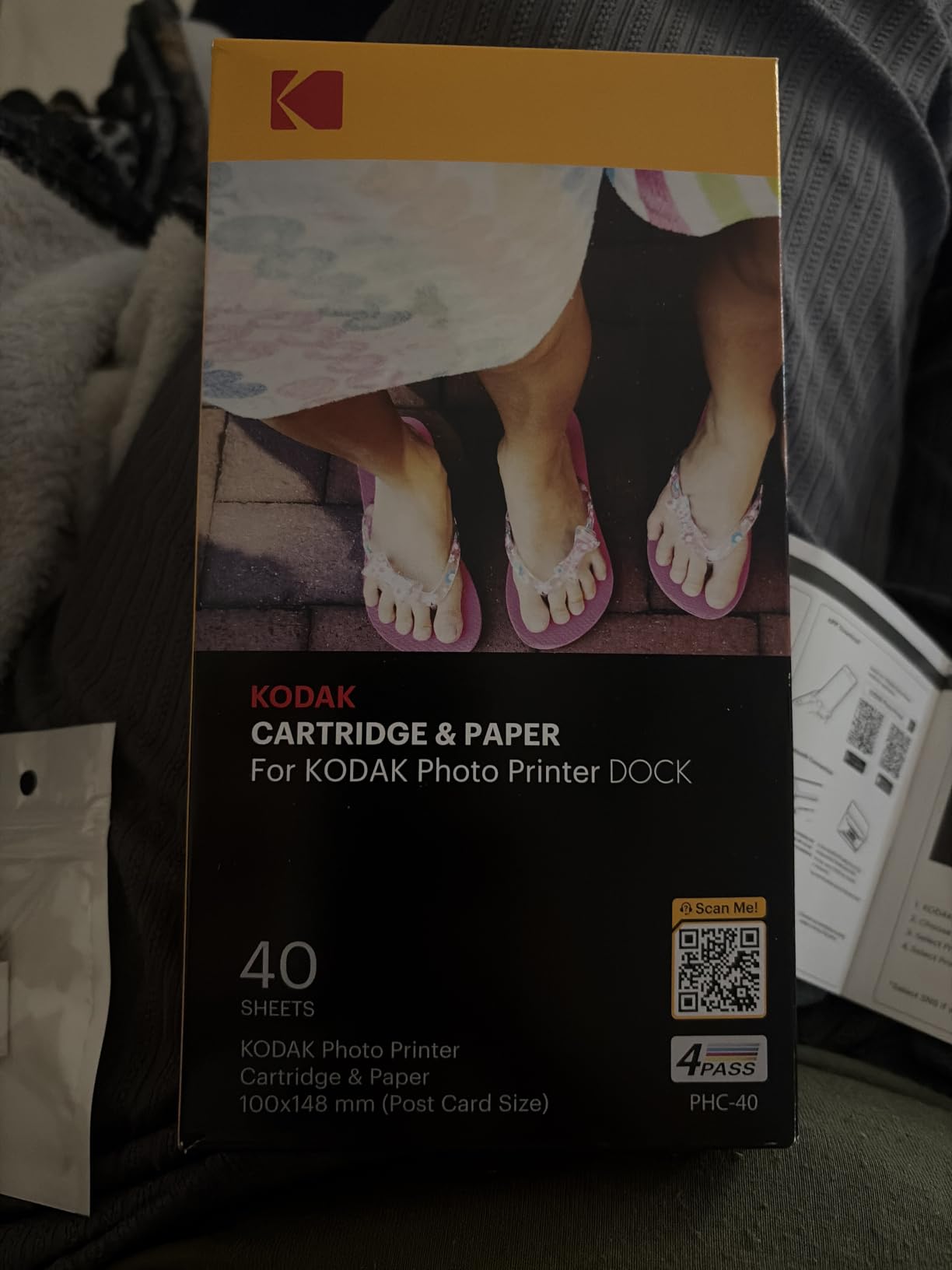
Print quality matches the Liene M100 closely, since both use 4PASS dye-sublimation technology. Colors are accurate, the laminate coating resists fingerprints and water, and the 4×6 output looks like a traditional photo lab print. The dock design means you drop your phone in, hit print in the app, and walk away with a physical photo in about a minute.
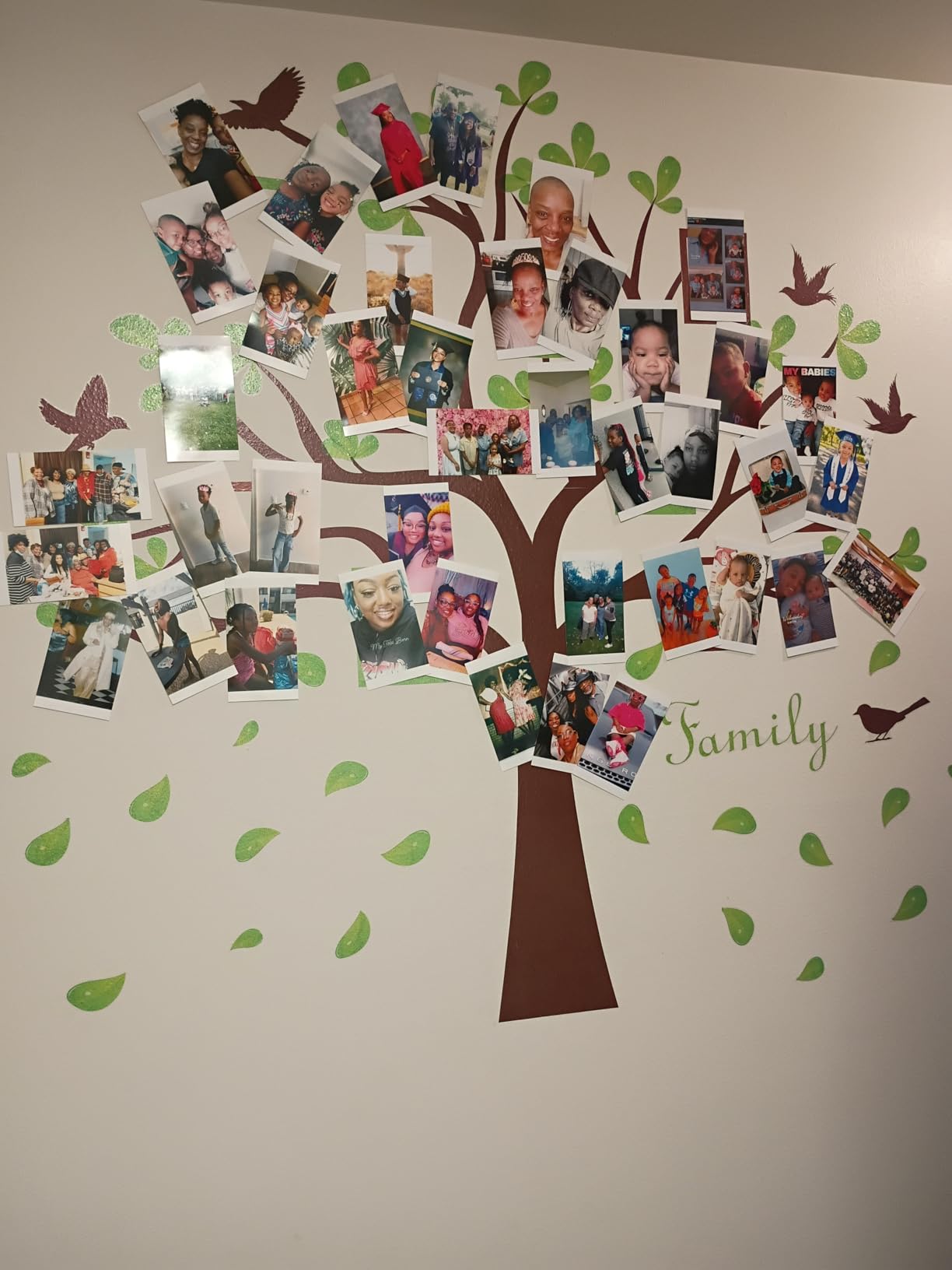
With 19,000-plus reviews, the KODAK Dock Plus is one of the most-tested 4×6 phone printers on the market. The recurring complaints are real and worth knowing: the multi-pass print cycle is slow, the 20-sheet paper tray means frequent refills, and the KODAK Photo Printer app has UI quirks that show up over time. None of those break the printer, but they do show up in long-term use.
Running cost is higher than the Zink pocket printers. The KODAK Dock Plus uses proprietary ink and paper packs, and the cost per print works out higher than a Zink print at retail. The savings come from the print quality and the durability, both of which are noticeably better than Zink.
Who should buy the Dock Plus
If you have a desk, a shelf, or a nightstand where the printer can live, the Dock Plus is the most convenient 4×6 phone printer I tested. The dock makes it feel like a permanent fixture, and the print quality is consistent enough that you can rely on it for photo gifts, holiday cards, or framed prints for the wall.
Who should pick a different printer
If you want something portable for travel, the Dock Plus is too big. If you want lower per-print cost, the Zink models are cheaper to run. If you want fast prints for a party, the slower 4PASS cycle will frustrate you. The Dock Plus is a home printer, not a party printer.
7. KODAK Mini 2 Retro — Best for Travel
KODAK Mini 2 Retro 2×3 Portable Photo Printer, 4PASS, 38 Sheets, White
4PASS dye-sub 2.1x3.4
291x300 dpi
Bluetooth
Pros
- Genuine photo paper feel
- Laminate protects against fingerprints
- Bundled with 38 sheets and 4 cartridges
- Compact at 255g
- True-to-life colors
Cons
- 55-second print time
- App has occasional clunkiness
- Color cast issues in some lighting
- Higher per-print cost than Zink
The KODAK Mini 2 Retro is the travel pick in this roundup. It is small enough to slip into a small bag, the 4PASS dye-sublimation process produces noticeably better prints than the Zink models, and the bundled 38 sheets plus 4 cartridges mean you can print on the road without hunting for refills.
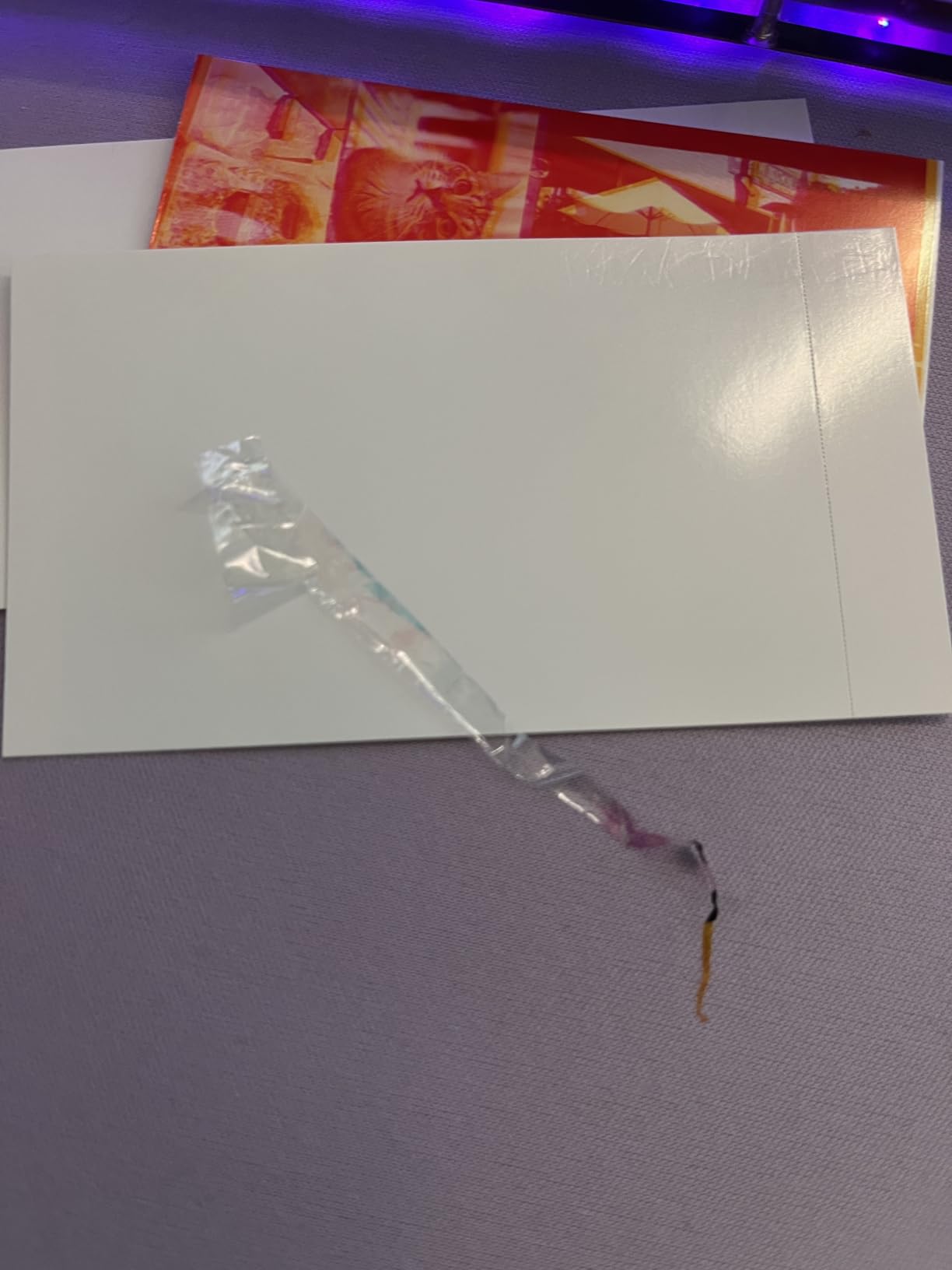
The Mini 2 Retro is the only portable printer in this roundup that uses real photo paper, not sticker-backed paper. The 4PASS process lays down a clear laminate coating as the final pass, which is why the prints feel more like a real photo in your hand. For travelers who want prints that survive being shoved in a wallet or a journal, the laminate layer is the difference-maker.
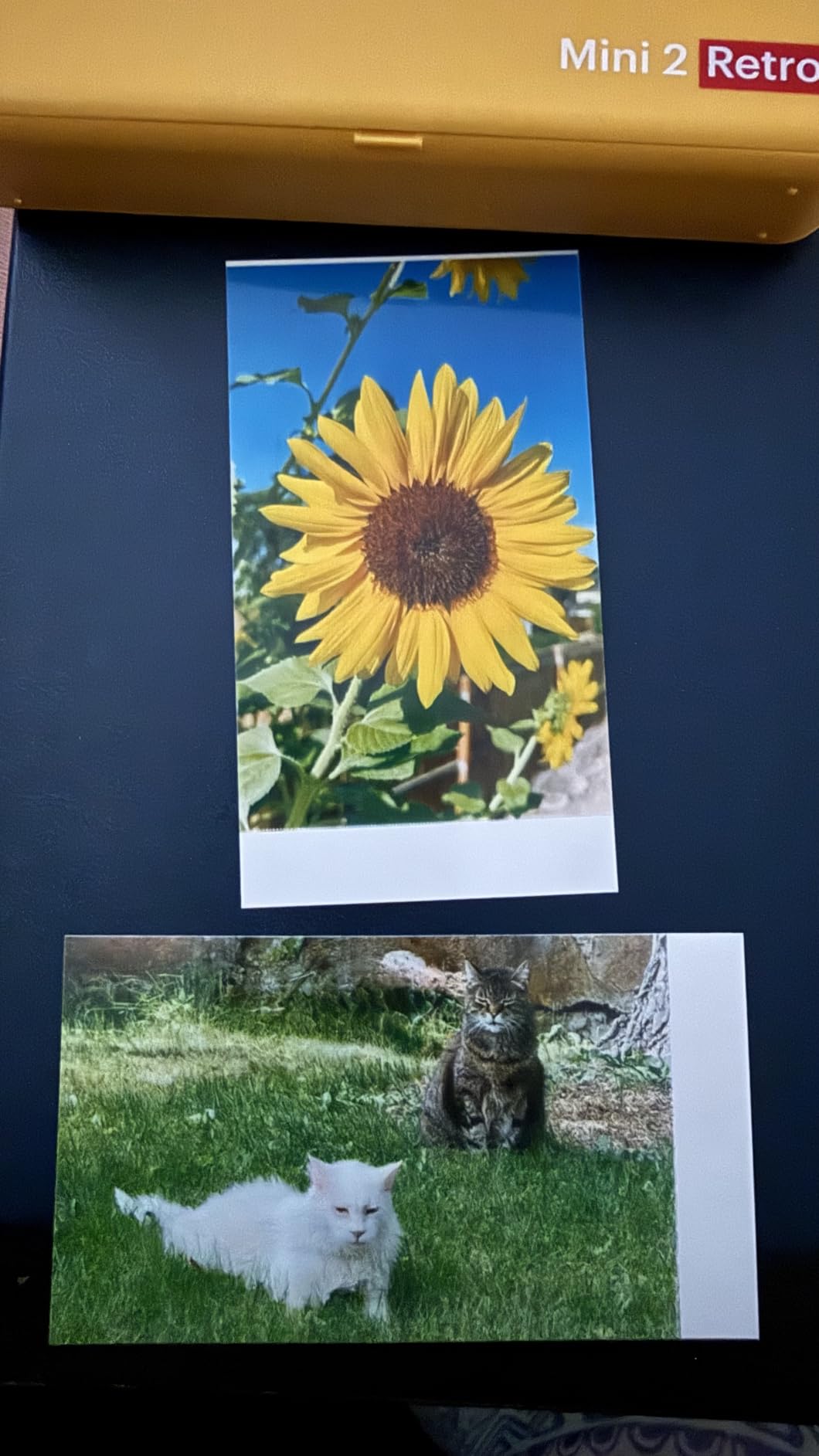
Print speed is around 55 seconds per photo, which is longer than the Zink models but reasonable for the quality. The KODAK app had more issues than the Canon app over my testing period, mostly around slow initial connection on Android. Once connected, the print flow is fast enough that the 55-second print time felt acceptable.
Color accuracy is generally good, with some users reporting a color cast in certain lighting conditions. I did not see this issue in my own photos, but it is mentioned often enough in reviews that it is worth flagging. If you have a mix of indoor and outdoor shots, you may need to adjust color settings between batches.
Why the bundle matters for travelers
The Mini 2 Retro ships with 4 cartridges and 38 sheets in the box, which is more paper than any other portable printer in this roundup. For a long weekend trip, that means you can print every memory without packing extra supplies. For a longer trip, you will need to plan ahead, since KODAK cartridges are not always easy to find in remote locations.
Trade-offs to keep in mind
The Mini 2 Retro is more expensive to run than the Zink models, both up front and per print. The print cycle is slower, and the app is less reliable than the Canon Mini Print app. None of these are dealbreakers for a travel-focused buyer, but they explain why the Mini 2 Retro does not sit at the top of the rankings.
8. Nelko PP01 Photo Printer — Best Budget Pick
Nelko PP01 Photo Printer, 2×3 Portable Photo Printer, Mini Printer, White
Inkjet 2x3
600 dpi
Bluetooth
Pros
- Lowest price in the roundup
- 600 dpi high resolution
- Prints in under 90 seconds
- Sticky-backed paper
- AI-powered app editing
Cons
- Small 2x3 print size
- Some paper feeding issues
- App requires account for some features
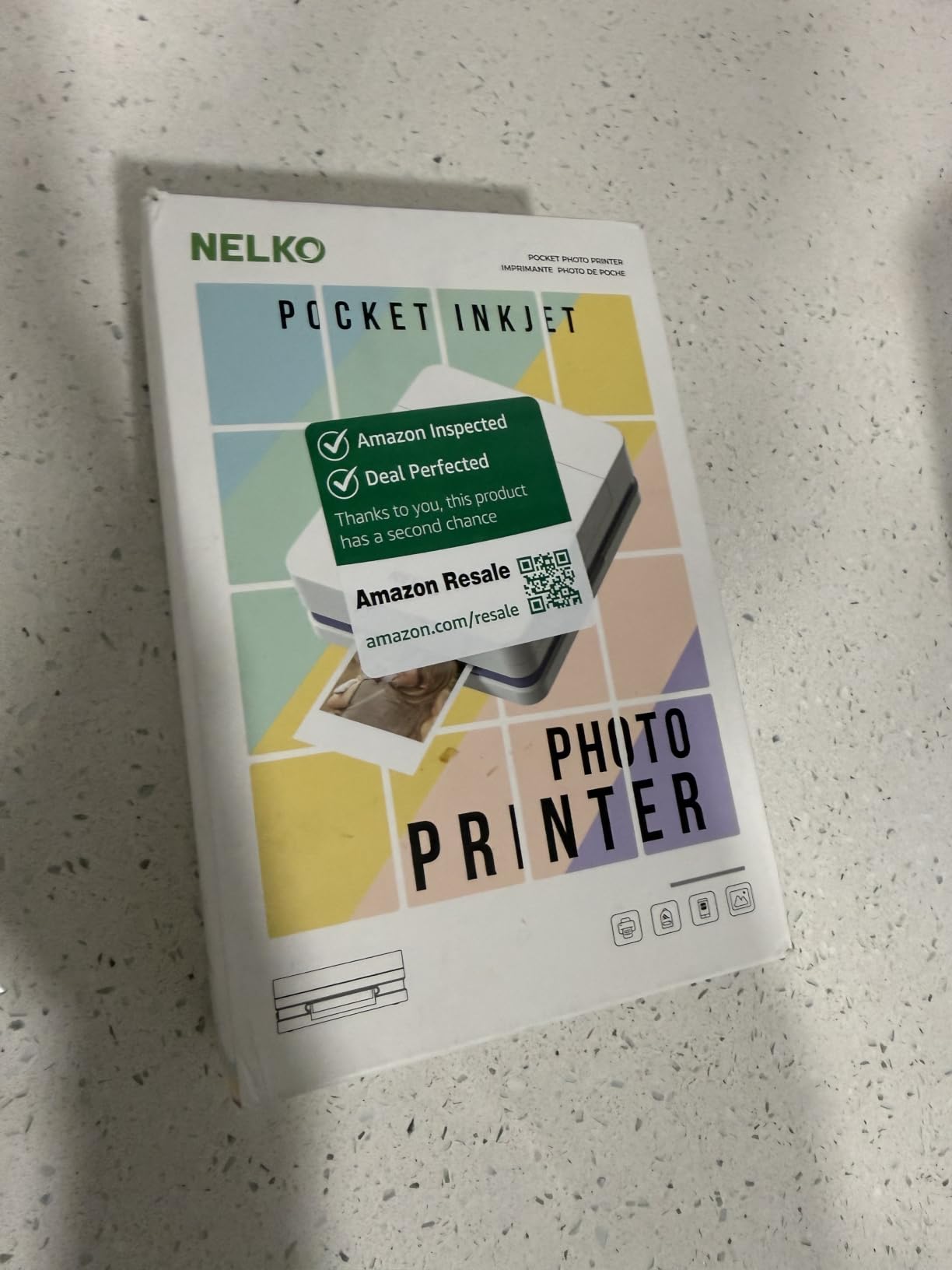
The Nelko PP01 is the budget pick, and it is the only inkjet printer in this roundup. Inkjet is a different printing process from Zink or dye-sub, and the result is a higher resolution print with sharper text and finer detail. The trade-off is that you need to replace the ink cartridge, which adds a step that Zink users never deal with.
At 600 dpi, the PP01 has the highest resolution of any printer in this guide. The difference shows up most clearly in screenshots, small text, and detailed graphics. For a phone photo, the resolution difference is less obvious than for documents or detailed illustrations, but it is real.
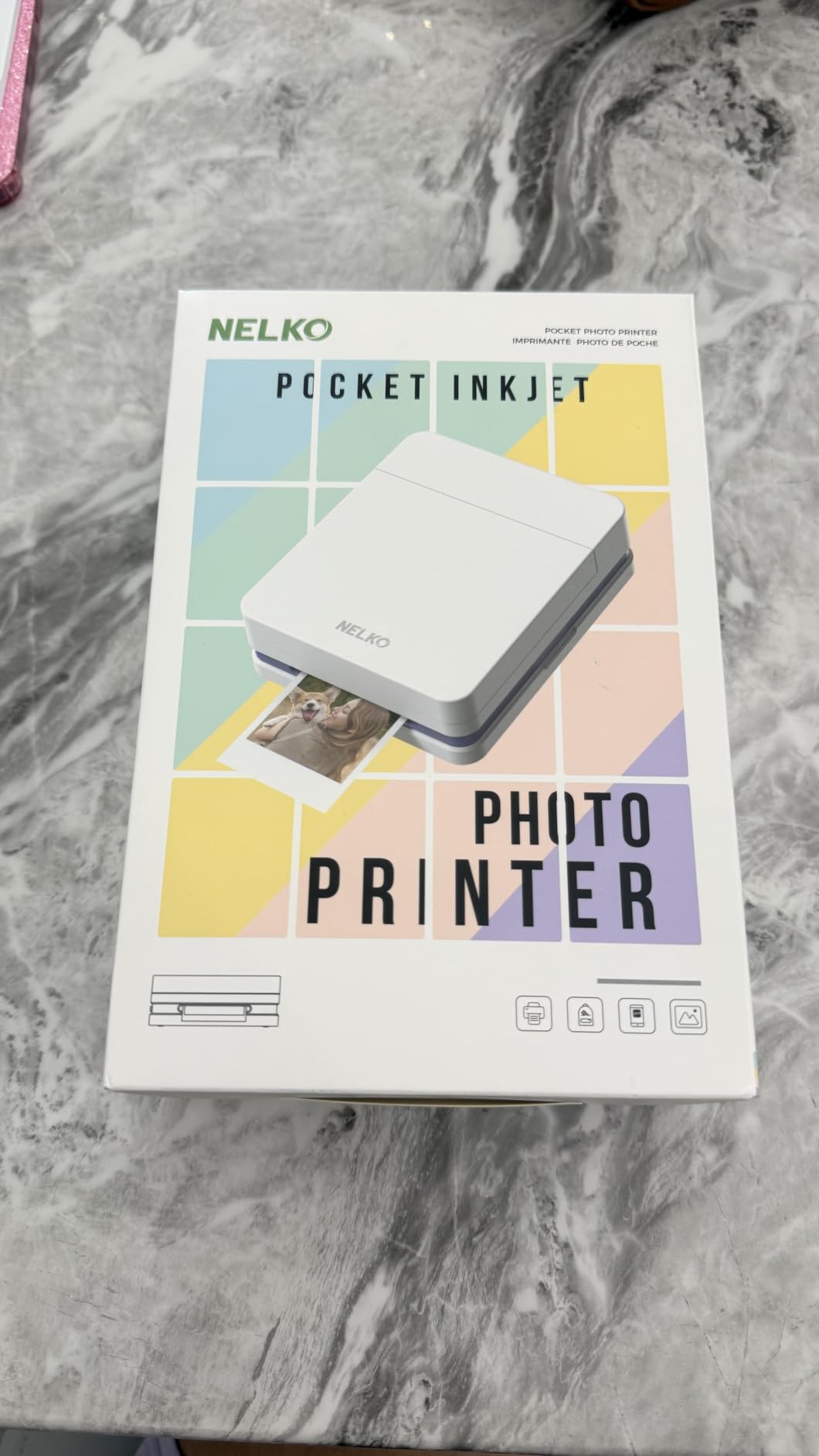
The PP01 weighs 0.6 pounds, which is heavier than the Zink pocket printers but lighter than the 4×6 dye-sub models. It fits in a small bag, just not in a pocket. The Bluetooth connection was stable in my testing, and the AI-powered app includes filters, frames, stickers, and text overlays for editing before printing.
One honest note: the app requires creating an account to access some features, which is friction that the other printers in this roundup do not have. If you want a printer that works the moment you open the box, the PP01 is not it. If you do not mind a quick account setup, the PP01 is a strong budget option.
When the PP01 makes sense
If you want the lowest entry price for a portable phone photo printer, the PP01 is the right pick. If you print mostly casual photos for journaling, scrapbooking, or party handouts, the print quality is more than good enough. The 600 dpi resolution is a genuine step up from the Zink models for detailed images, and the per-print cost is competitive once you account for the included 20 sheets and one cartridge.
When to spend a little more
If you want the most reliable app, the Canon Ivy 2 is worth the extra cost. If you want a real 4×6 print, the Liene M100 is the better pick. If you want the Instax aesthetic, the Fujifilm Mini Link 3 is the only option. The PP01 is the budget entry, and the right choice when budget is the primary constraint.
How to Choose the Right Instant Photo Printer for Your Phone
The right printer depends on what you print, how often, and where. The four key factors are print technology, print size, connectivity, and running cost. Each printer in this roundup is best at one or two of those factors, and knowing what matters most to you makes the decision much easier.
Match the print technology to your use case
Zink printers (KODAK Step, HP Sprocket, Canon Ivy 2) are the most affordable to run and the most portable. They use paper with embedded dye crystals that activate with heat, so there are no ink cartridges to replace. The trade-off is slightly soft detail and a cool color cast.
Dye-sublimation printers (KODAK Mini 2 Retro, KODAK Dock Plus, Liene M100) produce more accurate colors, sharper detail, and a laminate coating that protects the print. The trade-off is higher running cost and slower print cycles.
Instax printers (Fujifilm Instax Mini Link 3) use real instant film that develops chemically. The aesthetic is unique, the print quality has a film-like warmth, and the cost per print is the highest of the three technologies. If you love the Instax look, nothing else compares.
Pick the right print size
2×3 inch prints (most Zink models, the Instax Mini Link 3) work for journaling, scrapbooking, sticking in a wallet, and casual party handouts. They are the smallest format, which is why the printers themselves are pocket-sized.
2.1×3.4 inch prints (KODAK Mini 2 Retro) are a slightly larger credit card format, which gives more room for image detail while still fitting in a small bag.
4×6 inch prints (Liene M100, KODAK Dock Plus) are real photo size, the kind that go in a frame or an album. These printers are larger and more expensive to run, but the output is the closest to a traditional photo.
Connectivity and app quality
Bluetooth is the universal connection method and works with both iPhone and Android. Bluetooth 5.0 and newer is more reliable than older versions. NFC (in the KODAK Step) makes pairing even faster. Wi-Fi (in the Liene M100) enables multi-device party printing and faster data transfer for high-resolution images.
App reliability varies more than the printers themselves. In my testing, the Canon Mini Print app was the most consistent. The HP Sprocket app was the most feature-rich. The KODAK apps were the most inconsistent. If you have had bad experiences with phone printer apps in the past, the Canon Ivy 2 is the safest choice.
Cost per print and total cost of ownership
Zink paper runs around 50 to 60 cents per print at retail, depending on the pack size. Dye-sub paper and ink cartridges run around 70 cents to $1 per print. Instax film runs around $1 to $1.50 per print. These numbers shift with sales and bundle pricing, but the rough order holds: Zink is cheapest, dye-sub is mid-tier, Instax is premium.
Total cost of ownership over a year depends on how many prints you make. A casual user printing 50 photos a year will see almost no difference between technologies. A heavy user printing 500 photos a year will see a meaningful difference, and the Zink printers start to make more economic sense at that volume.
Print Technology Explained: Zink vs Dye-Sublimation vs Instax
Zink stands for Zero Ink. The paper contains layers of dye crystals in cyan, magenta, and yellow, sealed in a polymer coating. When the printer heats the paper in precise patterns, the crystals activate and form the image. There are no ink cartridges, no ribbons, and the only consumable is the paper itself.
Dye-sublimation uses heat to transfer dye from a ribbon onto the paper. The printer makes four passes, one for each color plus a clear protective coat. The result is a continuous-tone image that looks more like a traditional photograph than a Zink print. The clear coat adds durability and a glossy finish.
Instax film is the same chemistry used in Instax instant cameras. The film contains chemical layers that develop when exposed to light after the print exits the printer. The result has a film-grain look, warm color tones, and the classic white border that most people associate with instant photos.
None of these technologies is objectively better than the others. They are different tools for different jobs. Zink is convenient and affordable. Dye-sub produces the most photo-like output. Instax has a unique aesthetic that cannot be replicated.
Cost Per Print Comparison Across All Models
Here is the rough cost per print for each model in this roundup, based on the official consumable pack pricing at the time of writing. The numbers shift with sales, but the relative order is stable.
The Zink models (KODAK Step, HP Sprocket, Canon Ivy 2) all run about 50 to 60 cents per print at retail. The KODAK Mini 2 Retro and Liene M100, both dye-sub, run about 70 cents to $1 per print. The Fujifilm Instax Mini Link 3 runs about $1 to $1.50 per print, depending on the film pack size.
For a casual user printing 10 photos a month, the difference is small. For a heavy user printing 50 photos a month, the Instax film adds up fast. The Zink printers are the most economical for high-volume use, which is why the KODAK Step and HP Sprocket dominate the casual market.
Frequently Asked Questions
What is the best instant photo printer for phones?
Based on our testing, the Canon Ivy 2 is the best overall instant photo printer for phones. It combines reliable Bluetooth 5.0 connectivity, balanced color reproduction, a 4.6-star average from thousands of users, and a compact 145g design that fits in a pocket. The Canon Mini Print app was the most consistent of all the companion apps we tested.
What is the difference between Zink and dye-sublimation printers?
Zink printers use paper with embedded dye crystals that activate with heat, producing prints with no ink cartridges. Dye-sublimation printers use heat to transfer dye from a ribbon onto paper in four passes, producing more accurate colors and a clear protective coating. Zink is cheaper to run; dye-sub produces better photo-like quality.
Which instant photo printer has the lowest cost per print?
The Zink printers (KODAK Step, HP Sprocket, Canon Ivy 2) all run about 50 to 60 cents per print at retail. Dye-sub printers run about 70 cents to $1 per print. Fujifilm Instax film is the most expensive at $1 to $1.50 per print. For high-volume use, Zink is the most economical choice.
Are instant photo printers worth buying?
Yes, for casual use, journaling, scrapbooking, party printing, and travel. The prints are water-resistant, smudge-proof, and last for years when stored properly. The main trade-off is running cost over time, which can add up for heavy users. For archival-quality prints, a dedicated photo printer is a better choice.
Can I print photos from my phone wirelessly?
Yes. All printers in this roundup connect wirelessly to iPhone and Android. Bluetooth is the standard connection, with NFC on the KODAK Step and Wi-Fi on the Liene M100 for faster transfer and multi-device support. Most printers pair in under a minute the first time and connect automatically on subsequent uses.
Final Verdict: Which Instant Photo Printer Should You Buy?
For most people looking for the best instant photo printers for phones, the Canon Ivy 2 is the right pick. It balances print quality, app reliability, and price in a way the other models do not. The 4.6-star average from over 4,000 reviewers reflects a printer that does the basics well and rarely disappoints.
If you want the absolute best print quality and love the Instax aesthetic, the Fujifilm Instax Mini Link 3 is the clear choice, just budget for film on top of the printer cost. If you want a no-fuss value pick, the KODAK Step has the longest track record and the lowest entry price among trusted brands. If you want real 4×6 prints, the Liene M100 is the best 4×6 portable dye-sub printer in this roundup.
No matter which printer you choose, the experience of pulling a real photo out of a small device never gets old. Your phone takes better pictures than any camera from ten years ago, and these printers give those pictures somewhere to live beyond the screen.