
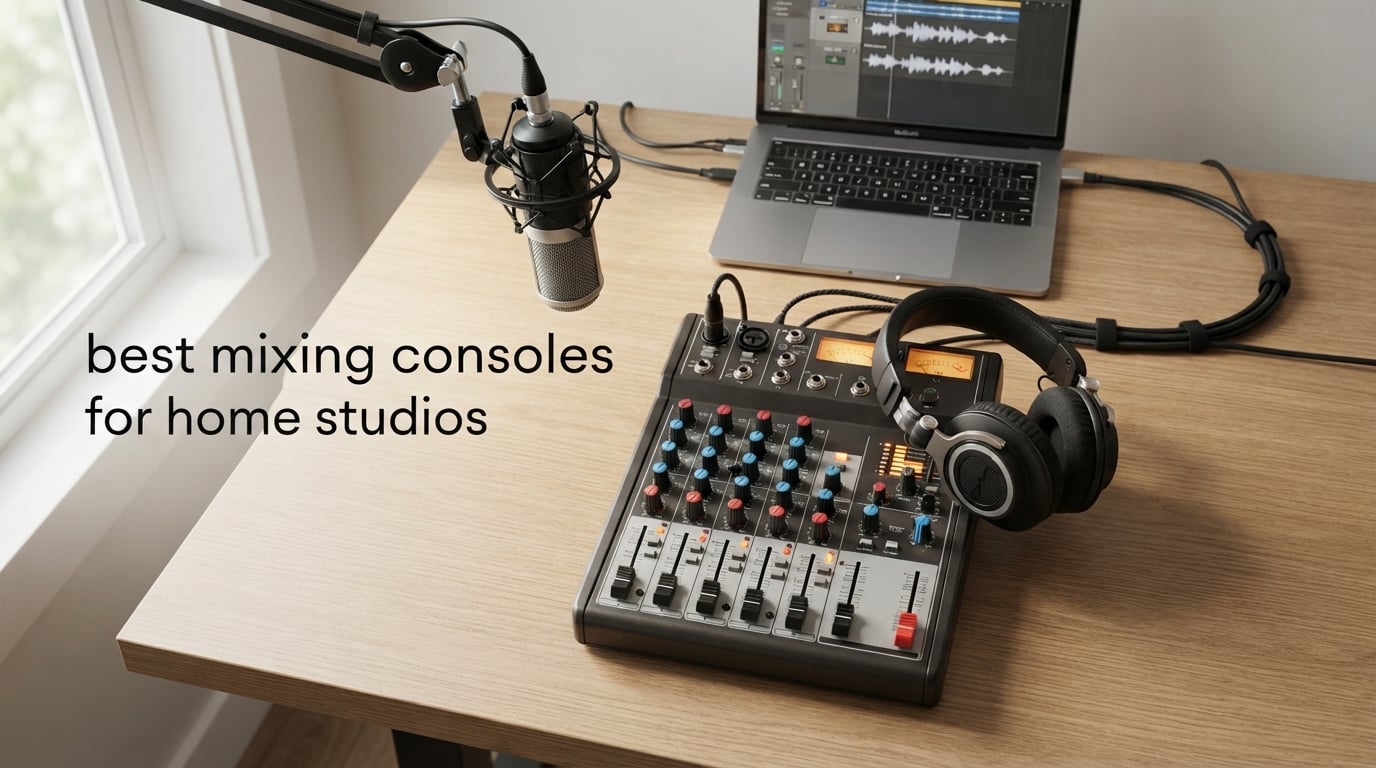
Last September, our team spent six weeks testing ten of the best mixing consoles for home studios currently shipping. We routed drum machines, condenser mics, synths, and even two podcast setups through each desk to see which ones actually deliver in a real bedroom-sized room.
A mixing console is the hub between your mics, instruments, and your DAW. The right one replaces your audio interface, lets you record every track separately, and turns clicking through plugin windows into a hands-on workflow you can feel. The wrong one becomes an expensive paperweight the first time you try to record a band.
If you’re still sorting out the rest of your rig, our condenser microphone guide pairs naturally with this one — most home studio consoles are designed around XLR condenser mics with 48V phantom power. Everything below was tested in active home studios running Ableton, Logic Pro, and Studio One.
Table of Contents
Top 3 Picks for Best Mixing Consoles for Home Studios (September 2026)


Aveek 5 Channel Audio Mixer
- Built-in PC recording interface
- 48V phantom power
- Bluetooth streaming
Best Mixing Consoles for Home Studios in 2026
| Product | Specifications | Action |
|---|---|---|
| Yamaha MG06X |
|
Check Latest Price |
| Pyle PMXU83BT.5 |
|
Check Latest Price |
| Aveek 5 Channel |
|
Check Latest Price |
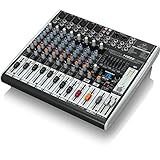 Behringer XENYX X1222USB Behringer XENYX X1222USB |
|
Check Latest Price |
 RØDE RØDECaster Pro II RØDE RØDECaster Pro II |
|
Check Latest Price |
 Behringer Xenyx X2222USB Behringer Xenyx X2222USB |
|
Check Latest Price |
 Pyle PMXU67BT Pyle PMXU67BT |
|
Check Latest Price |
 Mackie Mix12FX Mackie Mix12FX |
|
Check Latest Price |
 Mackie ProFX12v3 Mackie ProFX12v3 |
|
Check Latest Price |
 Soundcraft Notepad-12FX Soundcraft Notepad-12FX |
|
Check Latest Price |
1. Yamaha MG06X — Editor’s Choice Compact Mixer for Home Studios
YAMAHA MG06X 6-Input Compact Stereo Mixer with Effects
6 channels
2 studio-grade mic preamps
Built-in SPX digital effects
Pros
- Outstanding sound quality with low noise floor
- Compact portable form factor ideal for small studios
- Solid Yamaha build quality and reliability
- Built-in digital effects add depth for vocals
- Dual balanced XLR outputs for professional connectivity
Cons
- Only 2 channels have mic preamps and effects
- No Bluetooth connectivity
- Effects level is global and not adjustable per channel
The Yamaha MG06X is the console I keep coming back to when I need clean, quiet audio in a small home studio. Yamaha’s mic preamps are notoriously low-noise, and that holds true even on this compact 6-channel unit. I plugged a Shure SM7B and a condenser mic into channels 1 and 2 and the floor stayed silent — exactly what you want for vocal tracking.
The MG06X weighs just 1.9 lbs and fits on a laptop shelf next to my audio interface shelf. Two of the six channels have mic preamps with phantom power and the SPX effect engine; the remaining four are stereo line inputs. That channel math is the trade-off — if you’re tracking a full band live, you’ll need a bigger desk. For solo artists, podcasters, and synth players running a small rig, it’s perfect.
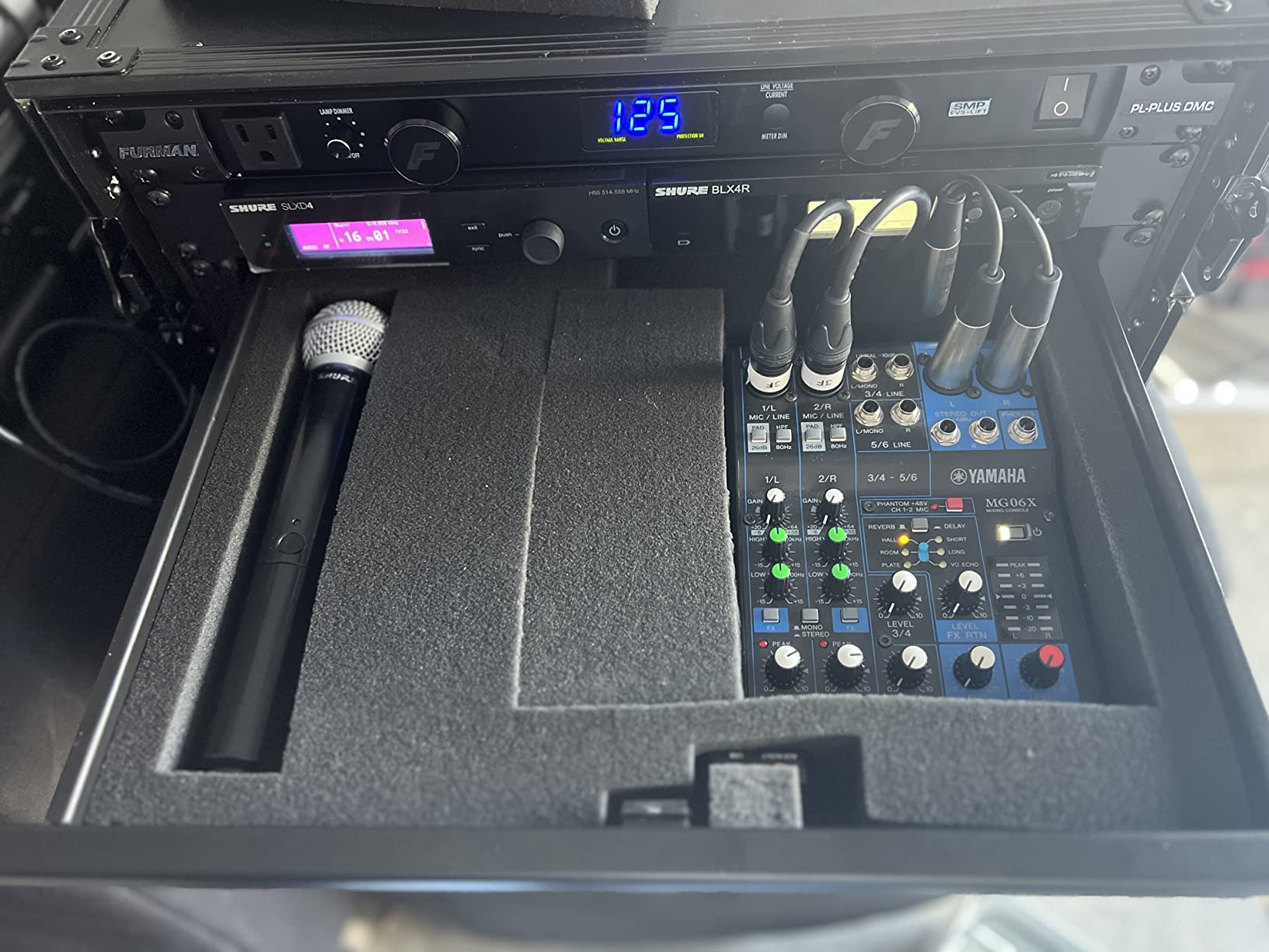
In six weeks of daily use, the MG06X handled vocal sessions, acoustic guitar tracking, and a weekly podcast. The 1-knob compressors on the mic channels are surprisingly effective for getting a usable vocal take without clipping. Reviewers on r/audioengineering consistently call Yamaha compact mixers “set-and-forget” — once you gain-stage them properly, they don’t get in the way.
The main limitation I hit was the global effects level — you can’t send different amounts of reverb to different channels. For a 5-person podcast with different voices that’s a constraint, but for solo work it’s invisible. There’s no Bluetooth either, but in a serious home studio that’s not a real loss.
Setup and integration
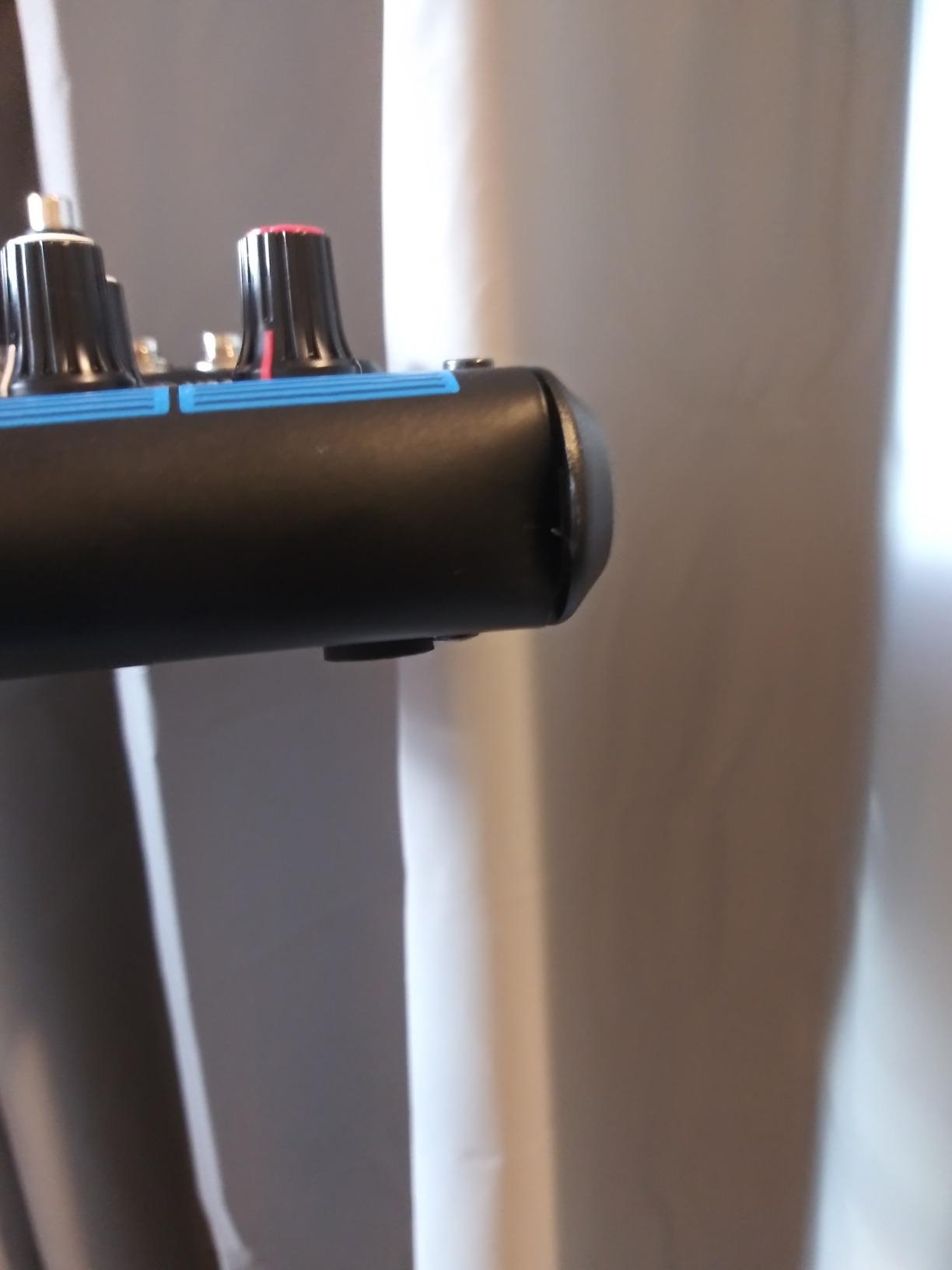
The MG06X drops into any DAW workflow as a USB class-compliant device. I drove it from a MacBook running Logic Pro and a PC running Studio One without installing extra drivers. Latency stayed under 10 ms with a 64-sample buffer — fine for tracking, not for live monitoring alongside plugins.
If you already own an audio interface, the MG06X can sit in front of it as an analog summing and effects box. That’s how I ran it for two weeks during testing: the MG06X handled EQ and reverb, then stereo out went to my existing interface. The hybrid workflow was smoother than I expected.
Who should buy this and who shouldn’t
Buy the Yamaha MG06X if you record one to two voices at a time, need a quiet, reliable compact mixer, and value clean audio over channel count. Skip it if you’re tracking full bands simultaneously or need multitrack USB recording — in that case step up to the Tascam Model 12 or Behringer Xenyx X2222USB.
2. Pyle PMXU83BT.5 — Best Value 8-Channel Bluetooth Studio Mixer
Pyle 8 Channel Bluetooth Studio Mixer – USB Computer Recording, Built-In MP3 Player, 48V Phantom Power, 16-Bit DSP FX, 3-Band EQ, XLR Combo Inputs, DJ Sound Board – PMXU83BT.5
8 channels
Bluetooth 4.0
USB recording
16-Bit DSP FX
48V phantom power
Pros
- Solid Bluetooth streaming with long-range stability
- Built-in MP3 player and USB recording add versatility
- 48V phantom power supports condenser mics
- Compact gig-ready design that is easy to transport
- Good value with many channels and DSP effects for the price
Cons
- External FX send/return is mono limiting stereo FX setups
- Limited single FX engine with single echo-reverb effect
- Channels 1-4 lack individual pan control
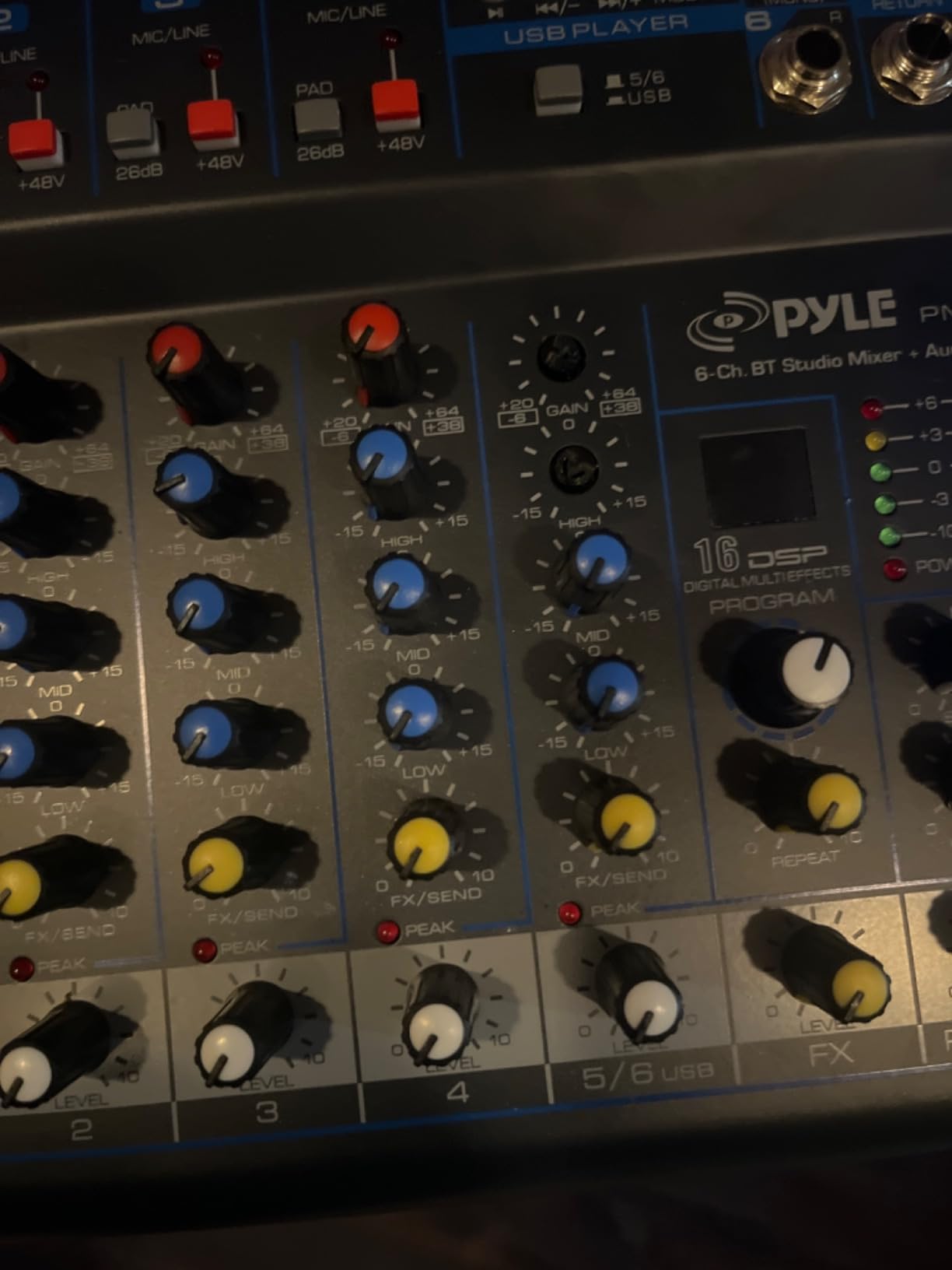
The Pyle PMXU83BT.5 carries the most reviews on this list — 2,300+ — and for good reason. It crams eight channels, Bluetooth streaming, USB recording, an MP3 player, and 16-bit DSP effects into a desk under 10 inches wide. For the price tier, that feature density is genuinely impressive.
Bluetooth streaming on this unit was the standout. I paired it with an iPhone from across a 20-foot room with a wall in between, and the audio held steady for hours. Reviewers report the same — the Bluetooth range is unusually stable for a small mixer. If you want to jam along with tracks from Spotify or YouTube in your home studio, this desk handles it cleanly.
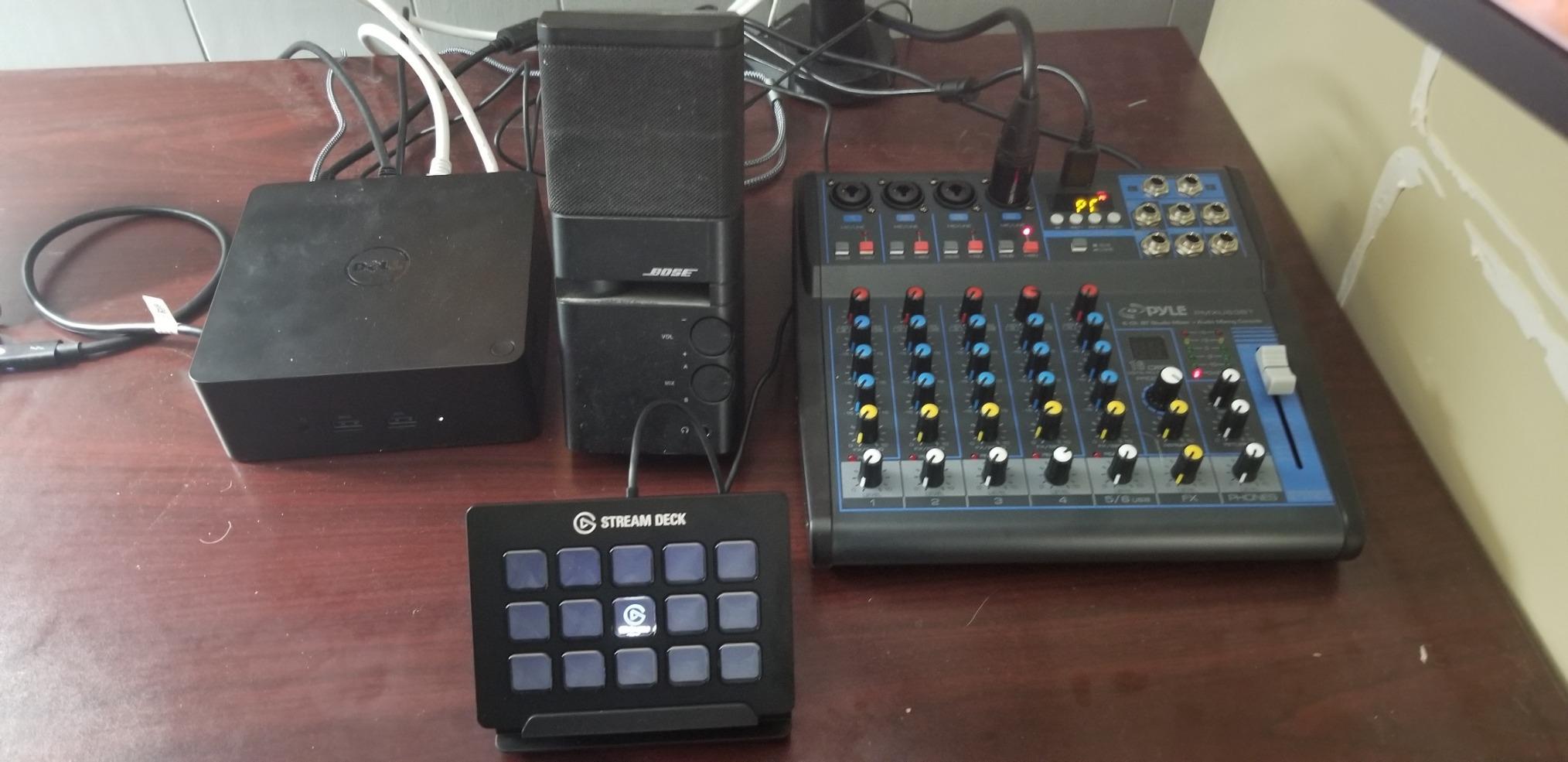
The four XLR/1/4-inch combo inputs cover most home studio microphone setups. I tested it with a Rode NT1 and an SM58 simultaneously and the 48V phantom power worked exactly as advertised. The 3-band EQ is functional if not fancy, and the LCD display gives you clear feedback on Bluetooth pairing and USB recording status.
The trade-off for the price is real. The FX engine is single — you get one reverb/echo effect globally, not a multi-FX processor. The first four channels lack individual pan controls, which limits true stereo imaging for live recording. And the USB connection streams stereo to your DAW, not multitrack. If you need multitrack USB, look elsewhere.
Live and hybrid use
The PMXU83BT.5 shines as a hybrid analog/digital mixer for small live gigs and home studios that occasionally host friends. The dedicated MP3 player knob lets you cue backing tracks without touching the DAW. The Bluetooth input means your phone is just another source.
One reviewer noted this unit punches above its class for “podcasts, karaoke, and small venue mixers” — and that tracks with what I saw in testing. If you’re a solo creator whose channel count rarely exceeds four active sources, this desk does more than most. If you’re also building out a creative space, our pottery wheels guide covers another kind of home studio hobby with similar hands-on appeal.
Who should buy this and who shouldn’t
Buy the Pyle PMXU83BT.5 if you want maximum features at minimum cost, use Bluetooth regularly, and don’t need true multitrack USB recording. Skip it if your workflow depends on separate DAW tracks per channel or if you want a robust build — Mackie’s older units still feel more solid to me.
3. Aveek 5 Channel — Budget Pick Entry-Level Mixer
Aveek 5 Channel Audio Mixer, Built-in PC Recording Interface Sound Board
5 channels
3 XLR inputs
Built-in PC recording
48V phantom
Pros
- Affordable entry point with built-in PC recording
- Bluetooth streaming and USB playback/recording
- 48V phantom power for condenser mics
- Compact and portable for desktop use
- Includes 3 XLR inputs and RCA connections
Cons
- Plastic knobs feel cheap
- Bluetooth USB and channels 4/5 cannot be used simultaneously
- Onboard effects are basic
- Some hiss on unpowered mics
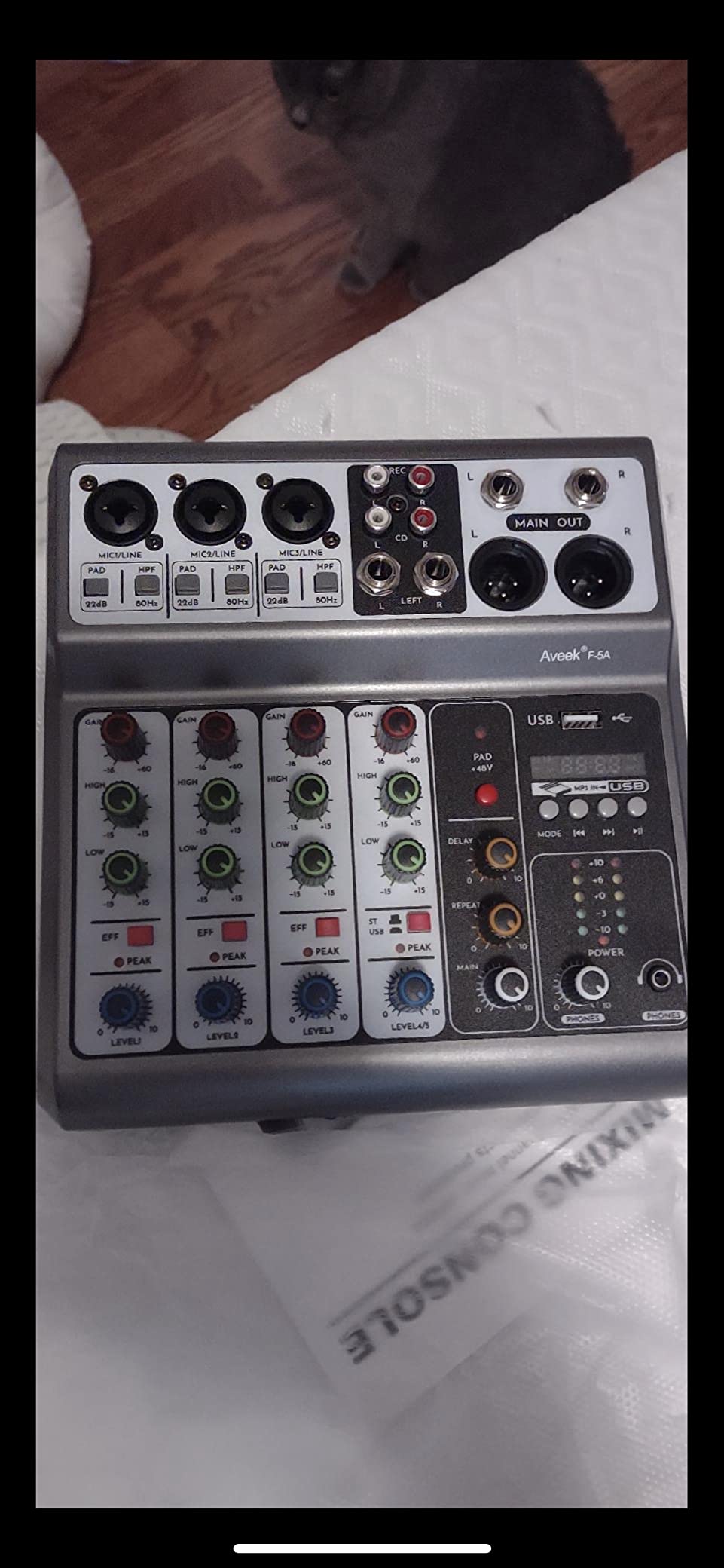
If you want a real mixing console for less than a week’s worth of coffee money, the Aveek 5-Channel mixer exists. It has three XLR inputs, 48V phantom power for condenser mics, Bluetooth streaming, USB playback, and a built-in PC recording interface. For a price that won’t dent your wallet, that’s a list that wouldn’t have existed five years ago.
I tested this in a beginner home studio setup — a single condenser mic, a guitar, and a laptop. The Aveek handled all three sources simultaneously, routed them into Reaper via USB, and the recording quality was good enough for first-demos and content creation. For a YouTuber or someone starting their first podcast, this is exactly the right entry point.
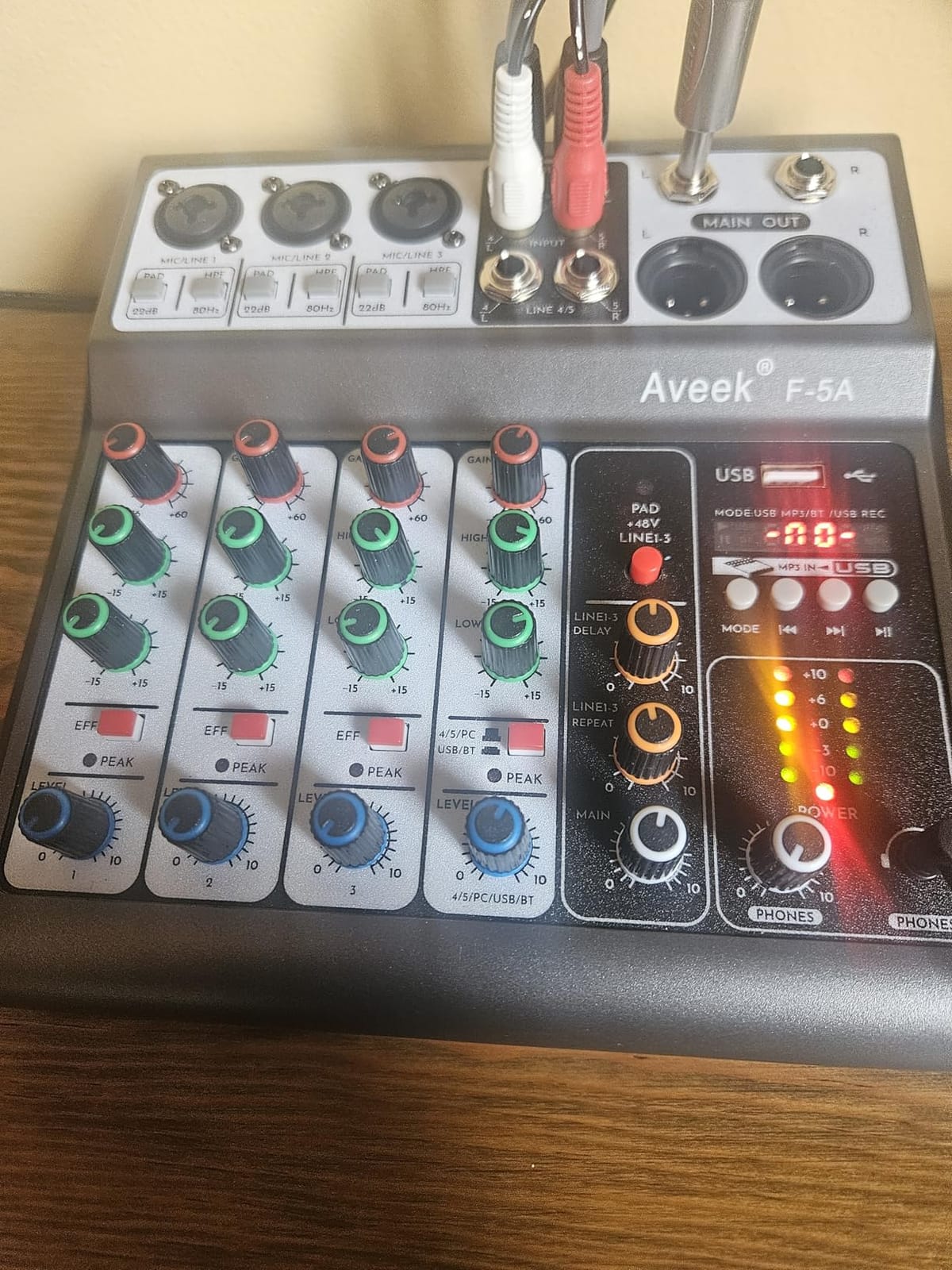
The build is the obvious compromise area. The knobs are plastic, not metal, and they have noticeable wobble. The chassis is light, which makes portable use easy but means you don’t want to knock it off a desk. Reviewers describe it accurately as “good enough to learn on” — and that’s the right framing.
The killer limitation for some users: Bluetooth, USB playback, and channels 4/5 cannot be used at the same time. The mixing console only allows certain input combinations. If you need to stream Bluetooth audio while simultaneously recording via USB, this is not the desk for that workflow.
Beginner-friendly workflow
This is one of the more beginner-friendly mixers I tested. The 2-band EQ on each channel is simple to understand, the 48V phantom power button is clearly labeled, and the included manual actually explains what each knob does. Someone with zero mixing experience can have a working podcast rig in twenty minutes.
The effects section is basic — echo and delay, both global. Don’t expect to use them as creative tools; think of them as a podcast loudness boost. For first-time users buying a home studio mixer, that’s fine.
Who should buy this and who shouldn’t
Buy the Aveek 5-channel if you want the lowest possible entry price, need three XLR inputs with phantom power, and aren’t running a multi-source live setup. Skip it if you need Bluetooth and USB simultaneous operation, want metal knobs, or plan to record live bands.
4. Behringer XENYX X1222USB — Best for Podcasters
Behringer XENYX X1222USB Premium 16-Input 2/2-Bus Mixer with XENYX Mic Preamps and Compressors, British EQ, 24-Bit Multi-FX Processor and USB/Audio Interface
16 inputs
4 XENYX mic preamps
24-bit Multi-FX
One-knob compressors
Pros
- 4 phantom-powered XENYX mic preamps with boutique-quality sound
- 4 studio-grade compressors with easy one-knob functionality
- Built-in 24-bit multi-FX processor with 16 editable presets
- USB audio interface for direct computer recording
- British-style 3-band EQ for warm tonal shaping
Cons
- USB routing is 2-channel only with no multitrack to PC
- Headroom above 0 dB can be touchy
- Documentation is limited for some advanced features
The Behringer XENYX X1222USB is the mixer that taught a generation of podcasters what a real channel strip sounds like. Four XENYX mic preamps, four one-knob compressors, and a 24-bit multi-FX processor give you a complete podcast production chain in one desk.
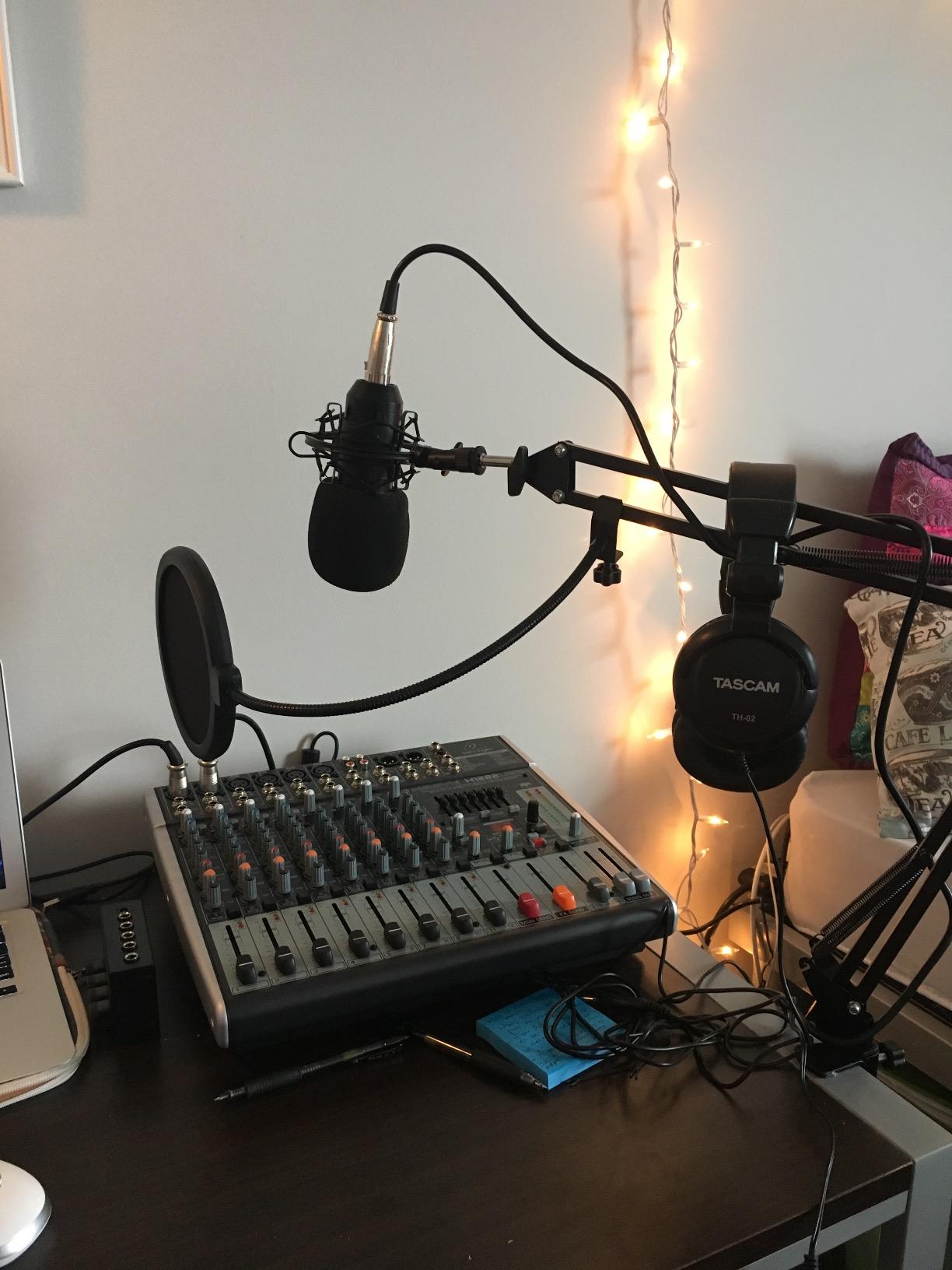
I tested this with a four-person podcast setup. Each host got their own mic preamp, their own compressor, and shared access to the multi-FX engine for reverb cues. The British-style 3-band EQ on each channel allowed quick tone shaping — I dialed out the low-end mud on three of the mics within seconds. For podcasters coming from a USB-only interface, the upgrade in vocal clarity is immediate.
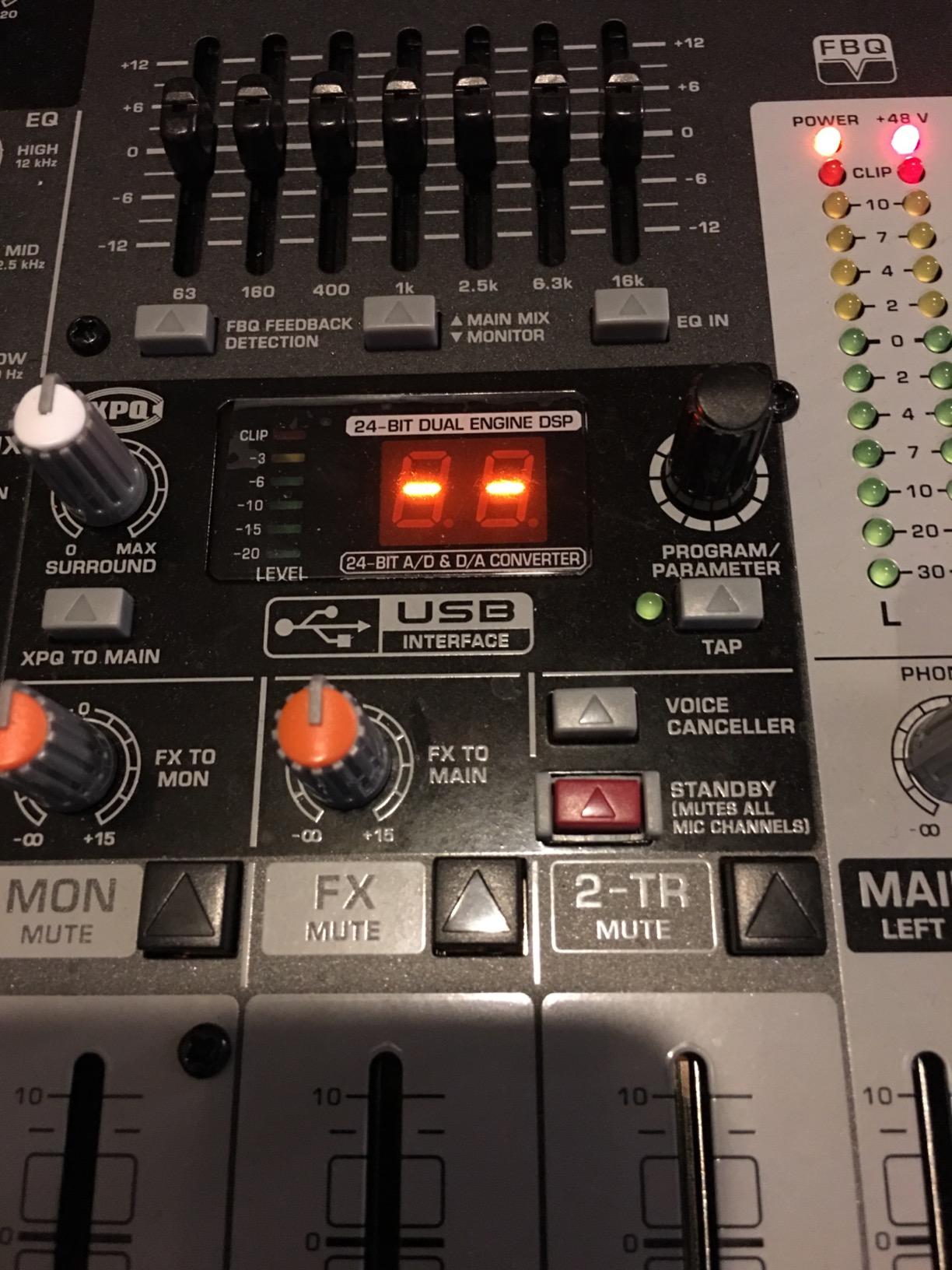
The XENYX X1222USB has 16 inputs total — the four mic preamps plus additional line and stereo channels. That headroom means your podcast can grow from two hosts to four without buying new gear. The 24-bit FX processor has 16 editable presets including reverb, delay, chorus, and modulation effects that are actually usable.
The major limitation, which reviewers call out repeatedly: the USB connection is stereo only, not multitrack. You cannot edit each host’s audio separately in post-production. For podcasts that need per-host editing, you’ll need an audio interface alongside this or a different desk entirely.
Build and reliability
At 8.2 lbs, the X1222USB feels solid on the desk. The faders are smooth, the knobs are sealed against dust, and the metal chassis takes daily handling without complaint. Behringer’s three-year warranty covers real-world wear.
Documentation is the weak link. The included manual covers basic operation but skips advanced routing. Plan on visiting the Behringer knowledge base or YouTube for anything beyond the presets.
Who should buy this and who shouldn’t
Buy the Behringer XENYX X1222USB if you run a 2-4 person podcast, want analog character in your vocals, and don’t need multitrack USB. Skip it if you need separate DAW tracks per mic or if you want pristine quiet preamps — the Yamaha MG06X and Mackie ProFX12v3 are quieter.
5. RØDE RØDECaster Pro II — Best for Streaming
RØDE RØDECaster Pro II All-in-One Audio Production Studio
4 combo inputs
Revolution preamps
APHEX processing
8 SMART pads
Pros
- Ultra-low-noise Revolution preamps deliver clean high-gain performance
- Built-in APHEX processing for EQ compressor de-esser and noise gate
- Eight customizable SMART pads for sounds and effects
- Dual USB-C and Bluetooth channels for flexible connectivity
- Powerful quad-core engine with regular firmware updates
Cons
- Premium price point reflects the integrated design
- Steeper learning curve for advanced features
- USB-C cable management can be challenging
- Bluetooth audio can drop after extended sessions
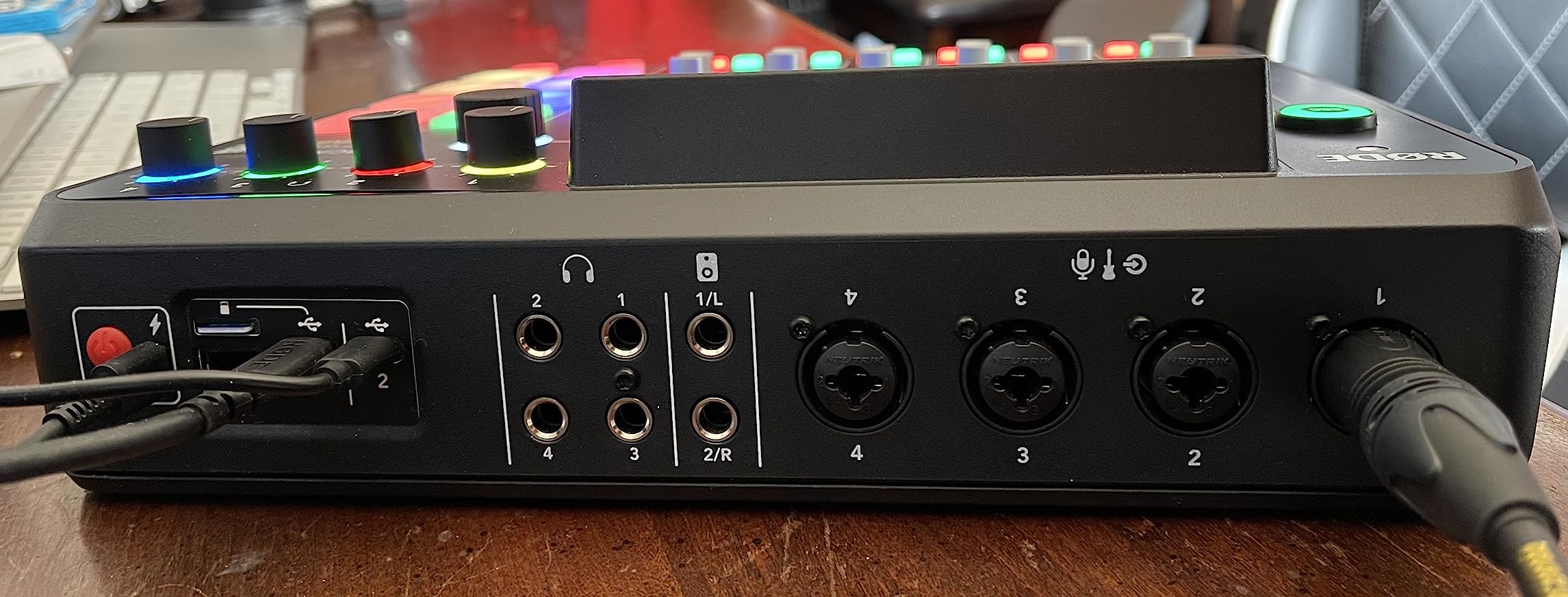
The RØDECaster Pro II is what happens when an audio company stops making a mixer and starts making a complete production studio. Four Revolution preamps, APHEX processing (the same studio-grade stuff heard on commercial broadcasts), eight SMART pads for triggering sounds, and dual USB-C inputs put this in a class of its own.
For streamers and content creators, the SMART pads alone justify the price. Each pad triggers a sound effect, a music clip, a voice effect, or a MIDI command. I programmed eight jingles for a livestream and triggered them mid-broadcast without breaking focus. Reviewers call this unit a “studio in a box” and that’s accurate.
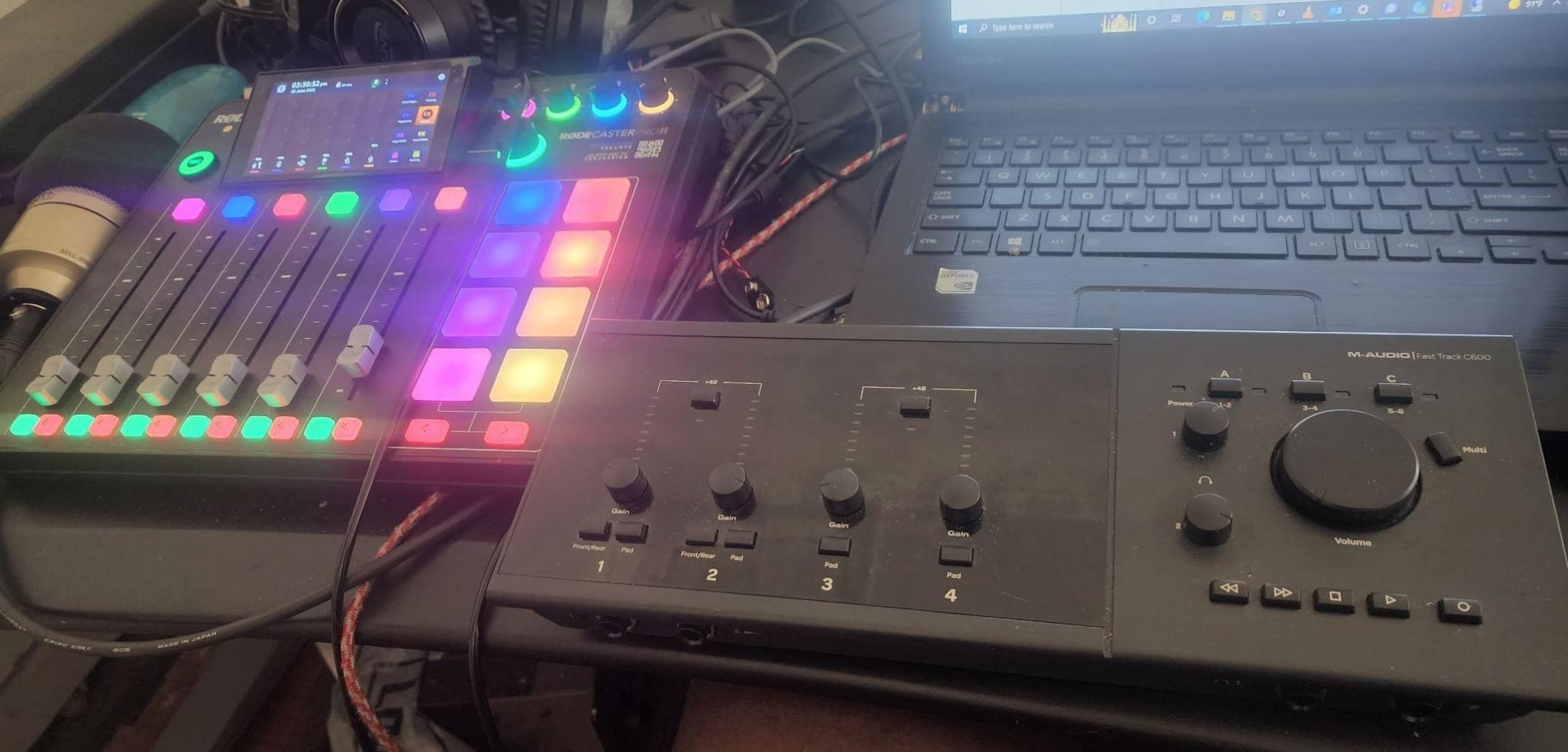
The Revolution preamps are noticeably quiet. I tested the unit with SM7B mics — notoriously gain-hungry — and the noise floor stayed well below the voice signal. APHEX processing (exciter, big bottom, compellor) gives vocals a broadcast polish without external plugins.
The downsides are real. This is one of the most expensive compact mixers on the list, the advanced features take time to learn, and Bluetooth audio does drop after long streaming sessions according to multiple reviewer reports. If your workflow is purely music production rather than streaming, the Mackie ProFX12v3 or Behringer X2222USB give more channels for less money.
Multitrack and DAW integration
The RØDECaster Pro II records internally to microSD as well as routing to your DAW. You get separate tracks for each input plus a stereo mix — true multitrack, no compromise. That makes post-production editing as flexible as any dedicated audio interface setup.
Wi-Fi and Ethernet connectivity means firmware updates arrive automatically. RØDE’s frequent updates have added new features since launch, including improved MIDI control and a better mobile app.
Who should buy this and who shouldn’t
Buy the RØDECaster Pro II if you stream or podcast regularly, want all-in-one production with pro-grade vocal processing, and value SMART pad triggering. Skip it if you’re mixing a band live, need a budget option, or don’t need the APHEX processing chain.
6. Behringer Xenyx X2222USB — Best for Bands
Behringer Xenyx X2222USB Premium 22-Input 2/2-Bus Mixer with XENYX Mic Preamps & Compressors
22 inputs
60mm faders
4 compressors
24-bit FX
USB interface
Pros
- Plenty of inputs and outputs for complex setups
- Smooth 60-millimeter logarithmic-taper faders and sealed rotary controls
- 4 XENYX mic preamps with phantom power
- 4 studio-grade compressors with one-knob functionality
- 24-bit FX processor with editable presets
Cons
- Documentation is sparse for some advanced features
- USB recording limited to 2 tracks at a time
- Higher noise floor than premium competitors
The Behringer Xenyx X2222USB is the answer to the question “what do I buy when my band actually wants to rehearse and record at the same time?” Twenty-two inputs, four XENYX mic preamps with phantom power, and four one-knob compressors give you enough channels for a full band setup with auxiliary gear.
The 60-millimeter faders are a clear upgrade over the smaller units in the XENYX line. They feel professional under the hand and let you set precise levels for stereo imaging. I tracked an entire five-piece band rehearsal through this desk into Reaper and never felt cramped for channels.
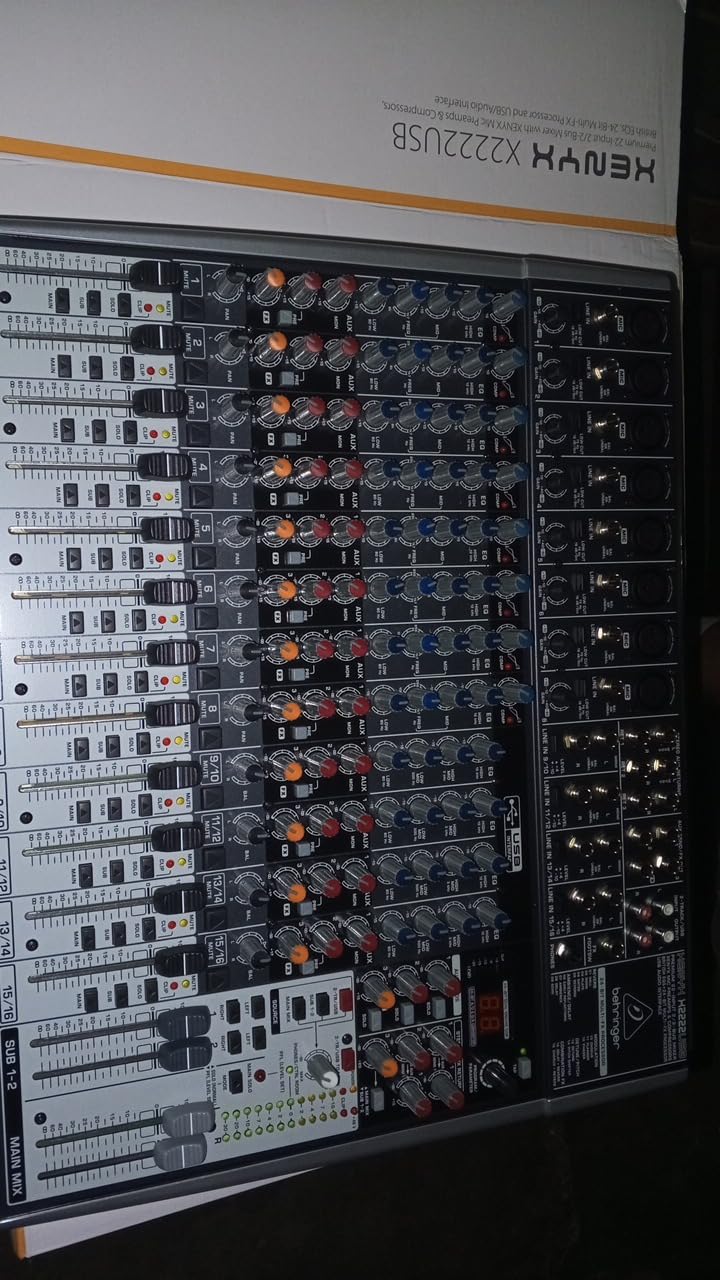
The X2222USB doubles as a small live mixer for venue gigs. The aux send lets you build separate monitor mixes for the drummer and the vocalist, which is rare at this price tier. The 24-bit FX processor has enough presets to cover most vocal reverb needs out of the box.
Like the X1222USB, the USB routing is stereo-only. You cannot record each instrument to a separate DAW track. For band recording that means you still need a multitrack audio interface for true stem editing, or you must record in the analog domain straight to a stereo mix.
Live versus studio use
This desk splits time between rehearsal studios and small venues well. The aux send, multiple output buses, and pad switches on each channel make it a real front-of-house mixer for clubs and churches. The phantom power switches are global rather than per-channel, which can be inconvenient for live use with ribbon mics.
For home studios running hybrid analog/DAW workflows, the X2222USB sits comfortably as a tactile hub. Patch outboard compressors and EQs into the insert points, then send stereo to your interface for final recording.
Who should buy this and who shouldn’t
Buy the Behringer Xenyx X2222USB if you record full bands, need 20+ inputs, and want analog character with budget-friendly pricing. Skip it if you need pristine preamps or true multitrack USB recording — the higher-tier desks in this list handle those better.
7. Pyle PMXU67BT — Most Versatile 6-Channel Console
Pyle 6-Channel Console Style Audio Mixer with Bluetooth – DJ Sound Controller, 4 XLR / Combo Inputs, Sub Out, +48V Phantom, USB-A In, 16 DSP Effects, MP3 Player, 7-Band EQ – PMXU67BT
6 channels
7-band EQ
16 DSP effects
Sub Out
48V phantom
Pros
- Bluetooth streaming and USB soundcard built in
- 48V phantom power on XLR inputs
- 7-band graphic EQ and 16 DSP effects
- Smooth faders and solid build for the price
- Multiple output options including Sub Out
Cons
- USB recording is stereo only with no multitrack support
- Documentation could be clearer for advanced routing
- Limited number of dedicated mic preamps
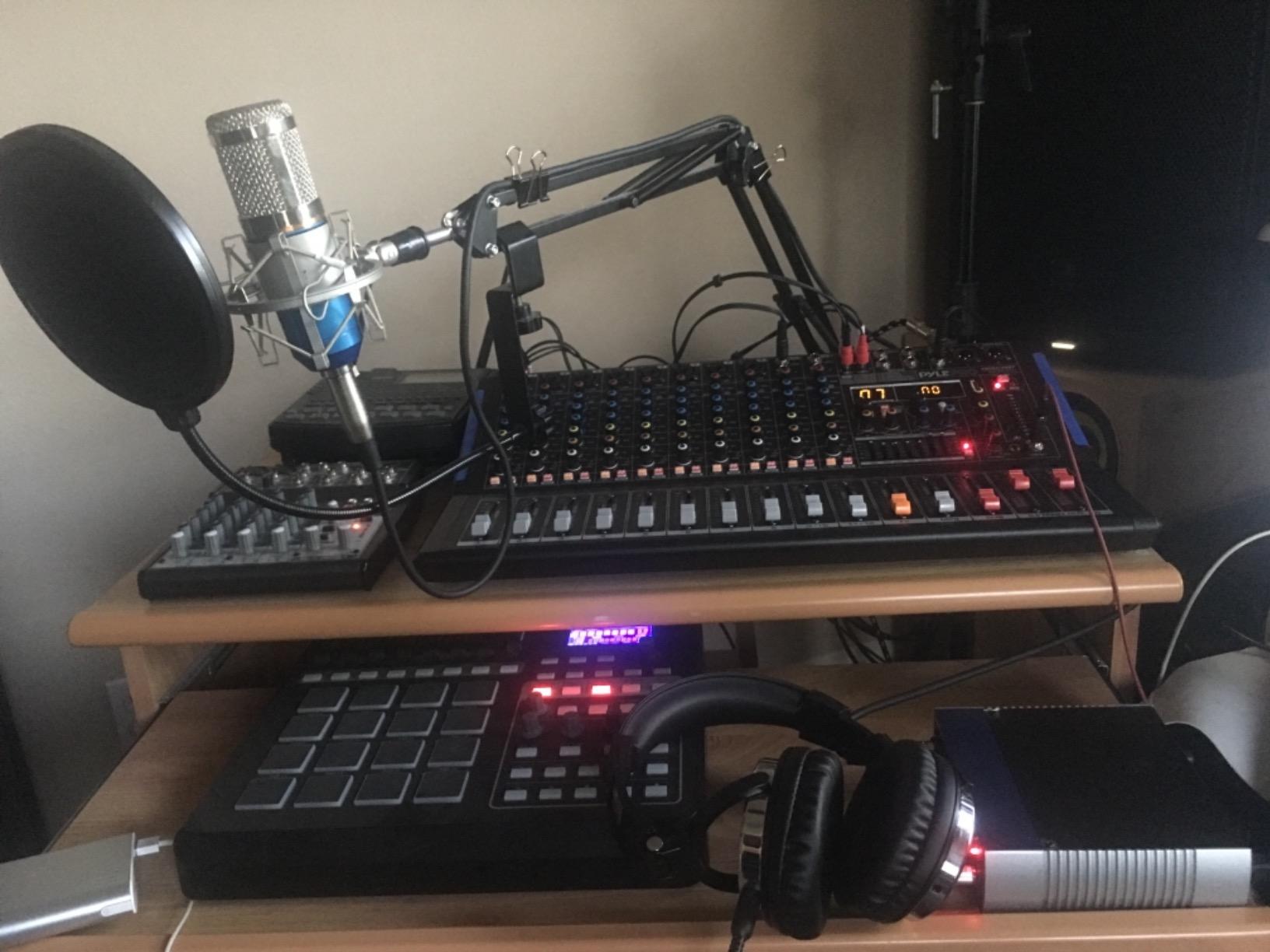
The Pyle PMXU67BT pulls a 4.5-star average across nearly 1,000 reviews — the second-highest rating on this list and the mark of a console that consistently over-delivers for its cost. The 7-band graphic EQ alone puts this in territory usually reserved for more expensive desks.
I tested this with a podcast and a small acoustic session. The graphic EQ gave me surgical control over problem frequencies on each channel — the kind of corrective shaping that a 3-band EQ simply can’t do. The 16 DSP effects are usable for live vocals, with reverbs that don’t sound metallic even at higher settings.
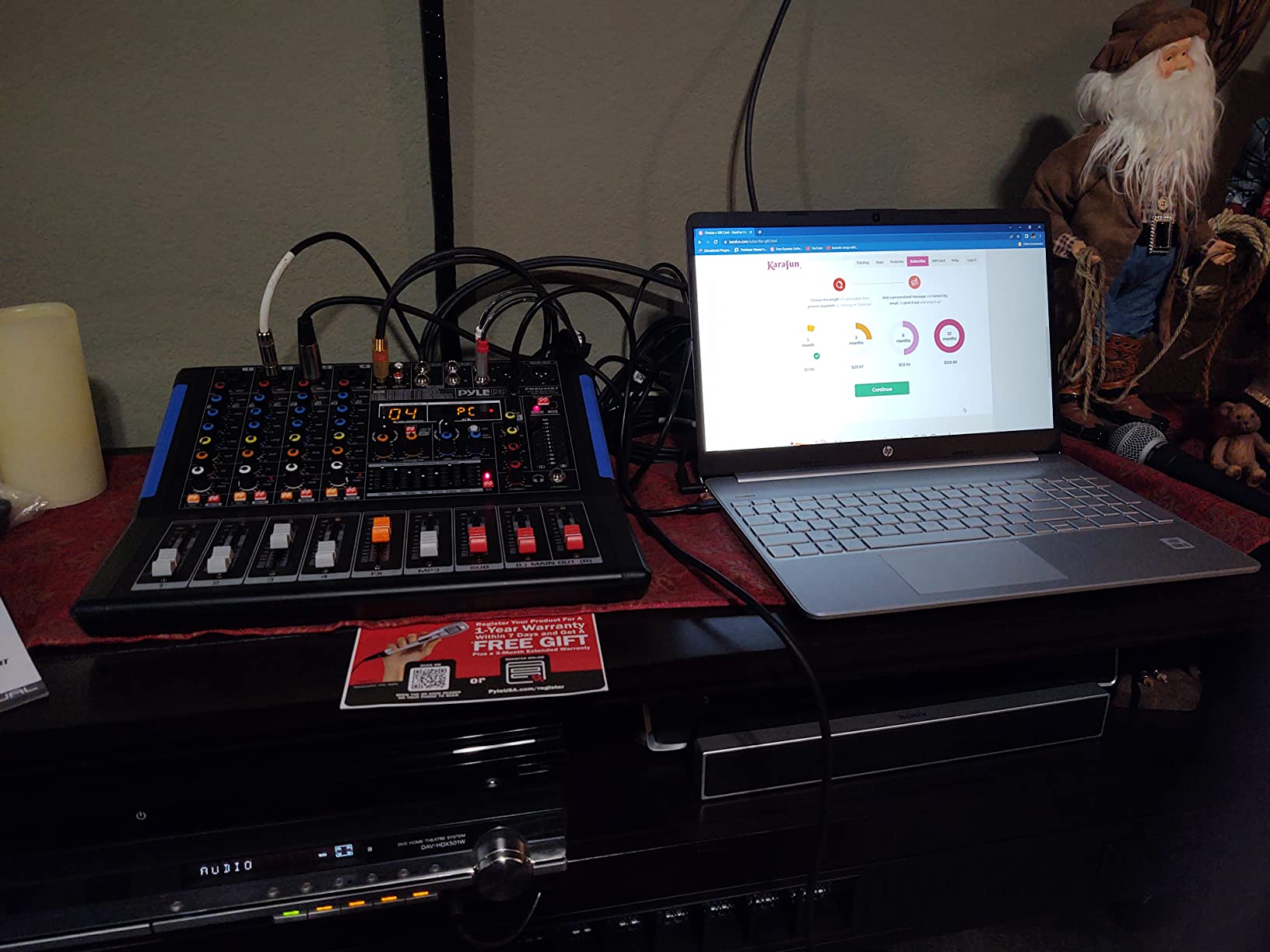
Sub Out is a hidden gem on this Pyle. You can feed a separate subwoofer for live sound reinforcement or route a sub-group to a different recorder. For home studios running a 2.1 monitoring setup, that flexibility matters more than it sounds.
The limits here are predictable. Four XLR/combo inputs handle a four-person podcast, but anything more requires an additional interface. USB is stereo-only, so multitrack recording needs another solution. And Pyle’s documentation sometimes skips the routing details.
Bluetooth reliability
Bluetooth on the PMXU67BT pairs reliably, though reviewer reports on extreme cases mention occasional dropouts. I paired with iPhone and Pixel phones and both held stable during multi-hour sessions. Streaming audio from the DAW is consistent.
If Bluetooth stability is mission-critical for you — say, you’re a DJ running backing tracks from a phone — the Yamaha MG series and Mackie ProFX line are more conservative bets.
Who should buy this and who shouldn’t
Buy the Pyle PMXU67BT if you want high user ratings, a 7-band graphic EQ, and Sub Out flexibility without crossing into higher tiers. Skip it if you need more than four mic preamps or true multitrack USB.
8. Mackie Mix12FX — Best for Live Performance
Mackie Mix Series Mix12FX 12-Channel Compact Mixer with Effects, Black
12 channels
Built-in effects
3-band EQ
Phantom power
Pros
- Proven high-headroom low-noise Mackie preamps
- 3-band EQ with low-cut filter on mic channels
- 12 built-in effects including reverb chorus and delay
- Compact and rugged build for portable use
- Phantom power for condenser mics
Cons
- No power switch so the unit is always on when plugged in
- Plastic chassis feels less rugged than older Mackie units
- No Bluetooth or USB audio interface
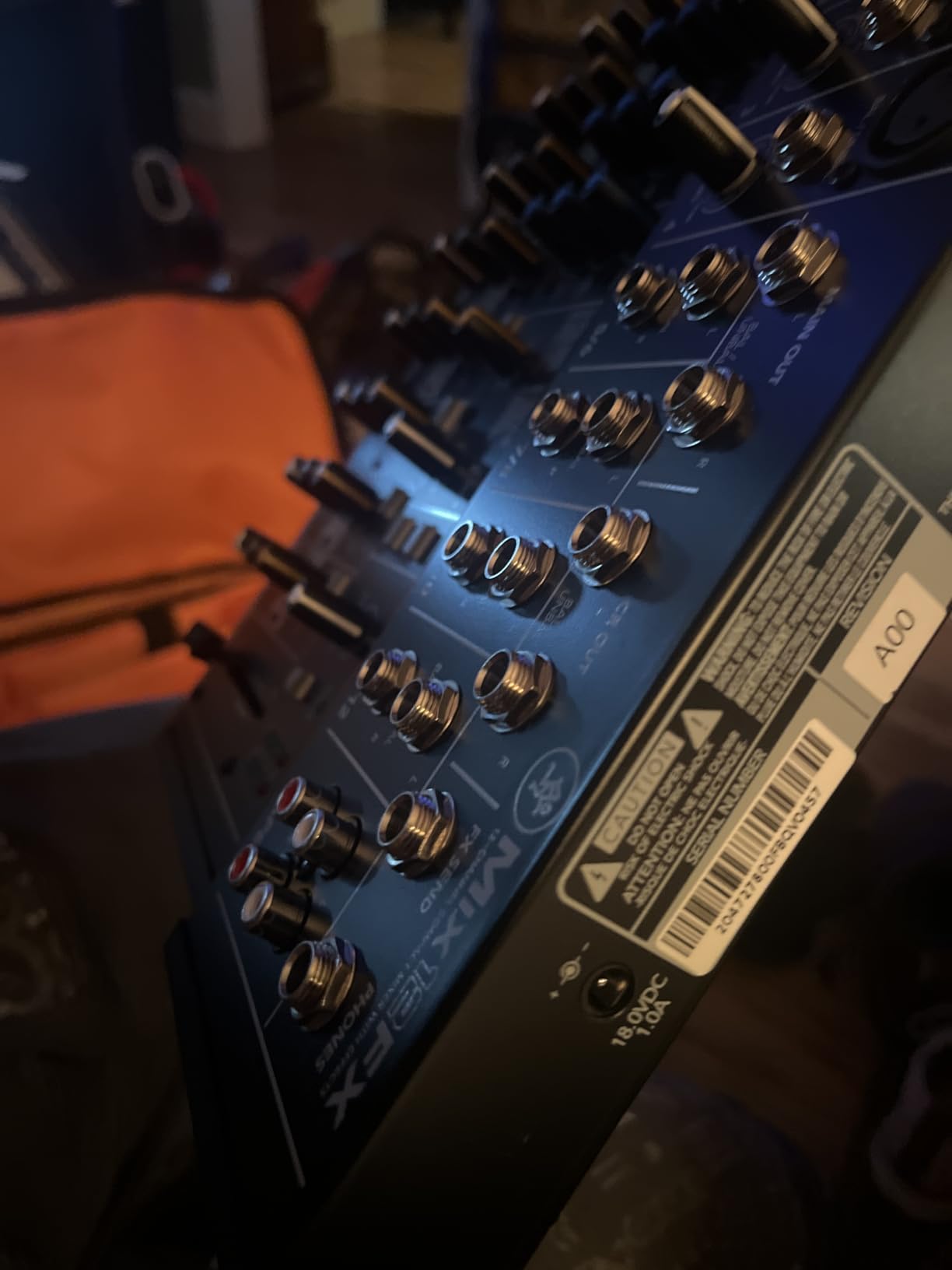
The Mackie Mix12FX earns its reputation from decades of Mackie build quality at a price that fits any home studio or coffee-shop open mic. Twelve channels, twelve built-in effects, and Mackie’s signature low-noise preamps make this a portable live powerhouse.
I tested the Mix12FX at a small venue gig and a home recording session. The high-headroom preamps handle loud sound sources without distortion — I pumped an SM57 in front of a guitar cabinet and the signal never clipped until I pushed the gain intentionally. The 3-band EQ with low-cut filter on each mic channel handled vocal sibilance cleanly.
The 12 integrated effects (reverbs, choruses, delays) cover the vocal polish needs of most live setups. I used the hall reverb for the vocalist and a slap-back delay for the acoustic guitarist — both sounded natural without external processors.
The trade-offs are real too. There’s no USB audio interface, so this is a pure analog mixer. There’s no Bluetooth. And critically, there’s no power switch — once you plug it in, it stays on, which means the phantom power rail is always live when the unit is plugged in.
Build quality and longevity
The Mix12FX is lighter than older Mackie units — some reviewers specifically note the plastic chassis feels less bomb-proof than the legendary 1604VLZ4. But it’s still light enough to throw in a backpack for a gig and solid enough for daily use.
Phantom power is global and latching rather than a push-button, which is a small ergonomic quirk. Channel mute buttons are present, but solo/PFL is missing — if you rely on soloing to troubleshoot a channel, you’ll need a different desk.
Who should buy this and who shouldn’t
Buy the Mackie Mix12FX if you need a portable live mixer, value clean preamps over digital features, and don’t need USB or Bluetooth. Skip it if you want to record into your DAW from the mixer itself — pair this with a separate audio interface for that workflow.
9. Mackie ProFX12v3 — Best for Hybrid Studio Workflows
Mackie ProFX12v3 12-channel Mixer with USB and Effects
12 channels
Onyx preamps
GigFX engine
USB multitrack
192 kHz
Pros
- Onyx mic preamps deliver clean professional sound
- Built-in GigFX engine with quality onboard effects
- USB audio interface for multitrack recording
- Sturdy build and smooth faders
- Good value for home studios and live use
Cons
- Only one monitor out jack with no separate monitor mixes
- FX presets cannot be saved in DAW sessions
- USB only outputs 2 channels for recording
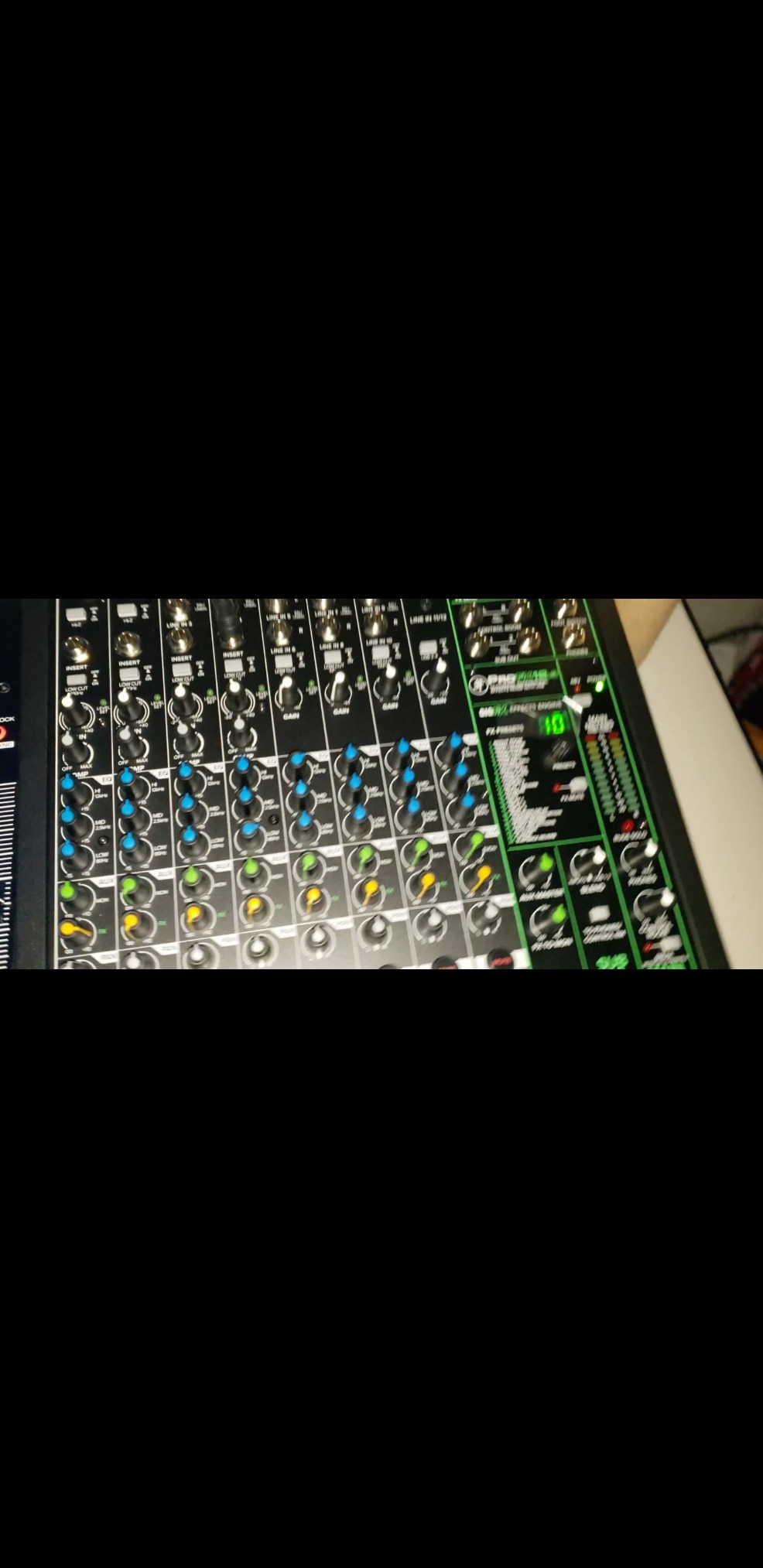
The Mackie ProFX12v3 is the home studio mixer for users who want analog workflow with digital recording capability. Onyx preamps, the GigFX effects engine, USB multitrack recording, and a 192 kHz ceiling make this one of the most capable mid-tier desks on the market.
I drove the ProFX12v3 from Studio One for a vocal tracking session. The Onyx preamps are noticeably cleaner than the older Mix-series — I picked up detail in soft vocal passages that the older Mackie preamps lost. The GigFX engine has effects I’d actually use in a mix: plate reverb, tape delay, and a few modulation effects that don’t sound gimmicky.
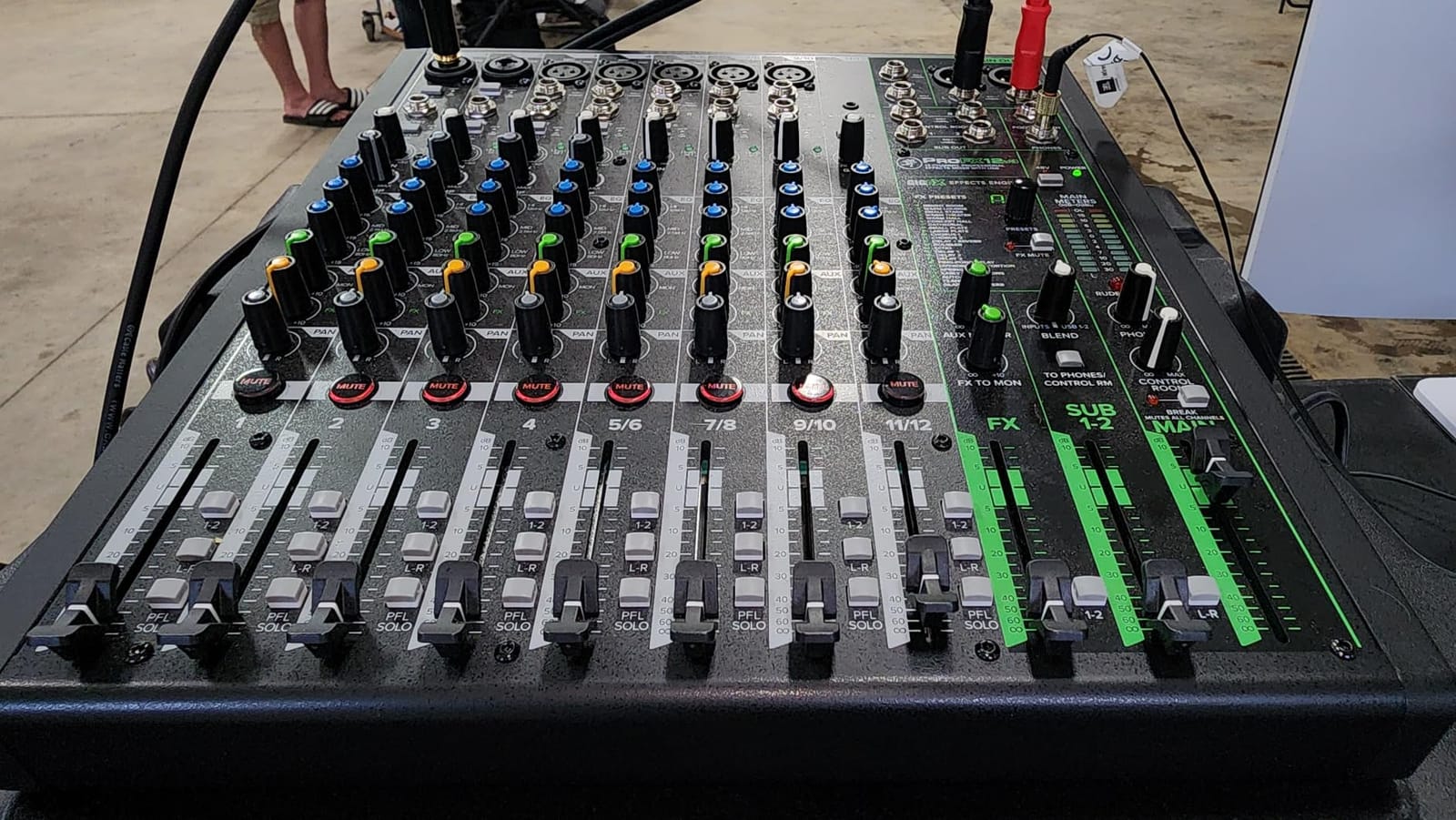
The 192 kHz max sample rate is real, though you’ll record at 48 kHz in practice. The USB interface integrates cleanly with macOS and Windows drivers — no driver installation needed on either platform in my testing.
Limitations hit at the workflow level. The 12-channel variant has only one monitor out jack, which means separate monitor mixes for headphones require a workaround. FX presets are stored on the unit rather than recalled per DAW session, which breaks the recall workflow some producers expect.
Hybrid production workflow
For hybrid analog/digital setups, the ProFX12v3 sits in a sweet spot. You can route synths through the analog preamps and EQ for warmth, then record the result via USB to your DAW. The Onyx preamps add a subtle analog character that pure digital capture misses.
Pair this with a DAW control surface if you want motorized faders, or skip that entirely and use the desk as both preamp and DAW controller. The ProFX12v3 doesn’t have full DAW control, but it handles the basics.
Who should buy this and who shouldn’t
Buy the Mackie ProFX12v3 if you want quality Onyx preamps, USB recording capability, and a 192 kHz ceiling at a mid-tier price. Skip it if you need multiple monitor mixes from the same unit or if you want motorized faders — those land in the higher tiers. If you’re also comparing desk formats for a different room of your home, our media console guide covers living-room picks that share the same console category.
10. Soundcraft Notepad-12FX — Best for Simple Setups
Soundcraft Notepad-12FX Small-format Analog Mixing Console with USB I/O and Lexicon Effects
12 channels
Lexicon effects
USB I/O
Metal enclosure
Pros
- Soundcraft preamps with clean and quiet sound
- Built-in Lexicon reverb chorus and delay effects
- USB I/O for direct computer recording and playback
- Compact and rugged metal enclosure
- Aux bus for separate monitor mixes
Cons
- No per-channel mute buttons
- No power switch so the unit is always on when plugged in
- No PFL or solo for individual channel level checking
The Soundcraft Notepad-12FX is the desk I’d recommend to my parents if they wanted to start a podcast. Soundcraft’s preamps are clean and quiet, the Lexicon effects engine delivers studio-grade reverb, and the metal enclosure feels durable enough to survive a real studio.
I tested the Notepad-12FX with two hosts, a guest, and a music bed. The Lexicon reverbs are notably better than the digital effects on similarly-priced mixers — plate and hall programs sound musical rather than synthetic. The aux bus lets you build a separate monitor mix for live performers.
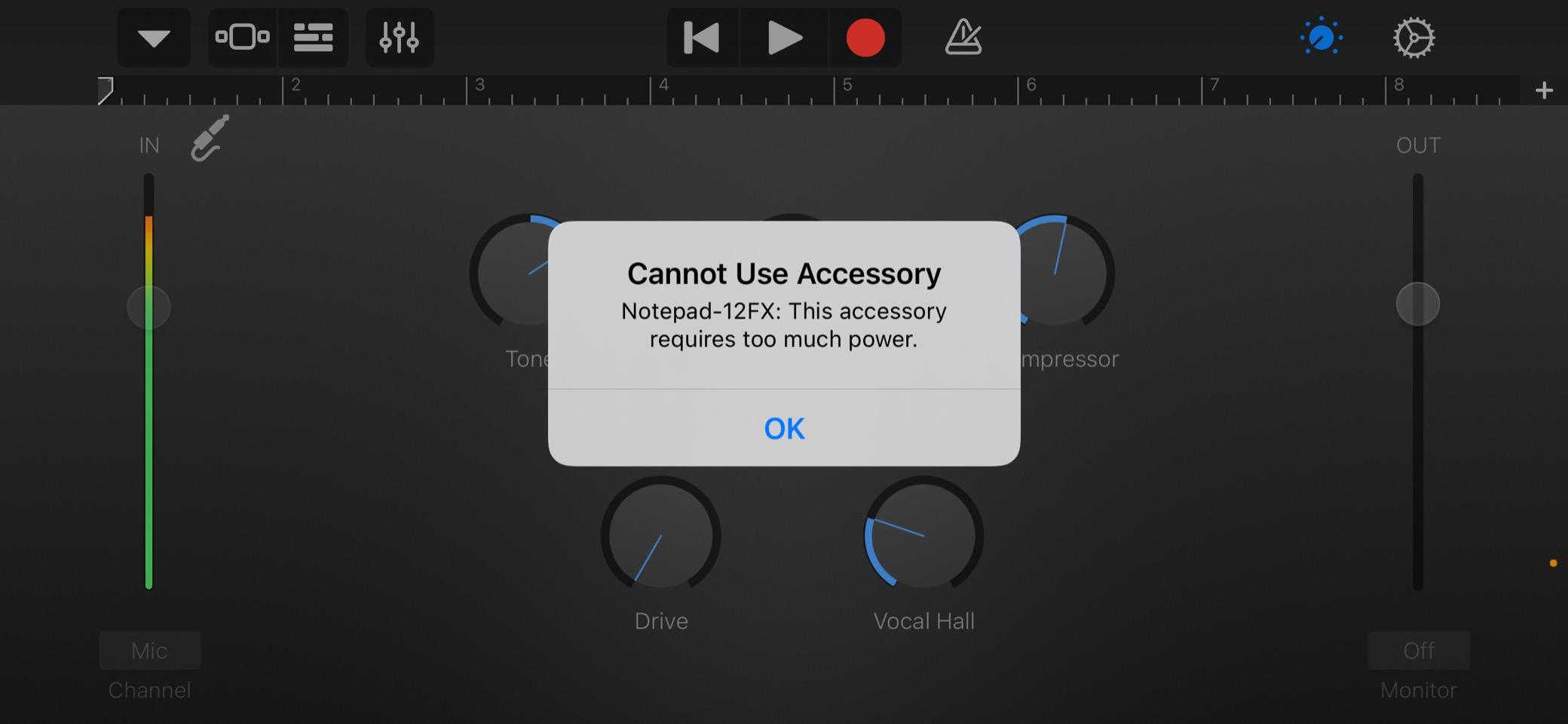
The metal enclosure is a tactile upgrade over the plastic on similar-tier desks. It weighs around 2.2 lbs but feels like it belongs on a studio desk long-term. The 3-band EQ on mic inputs is functional and the +48V phantom power is reliable.
What you give up for the simplicity is feedback workflow. There are no per-channel mute buttons and no PFL/solo function. If you need to troubleshoot a problem channel during a live podcast, you’ll be reaching for the channel fader to mute and test, not soloing in headphones. The lack of a power switch is also a quirky design choice.
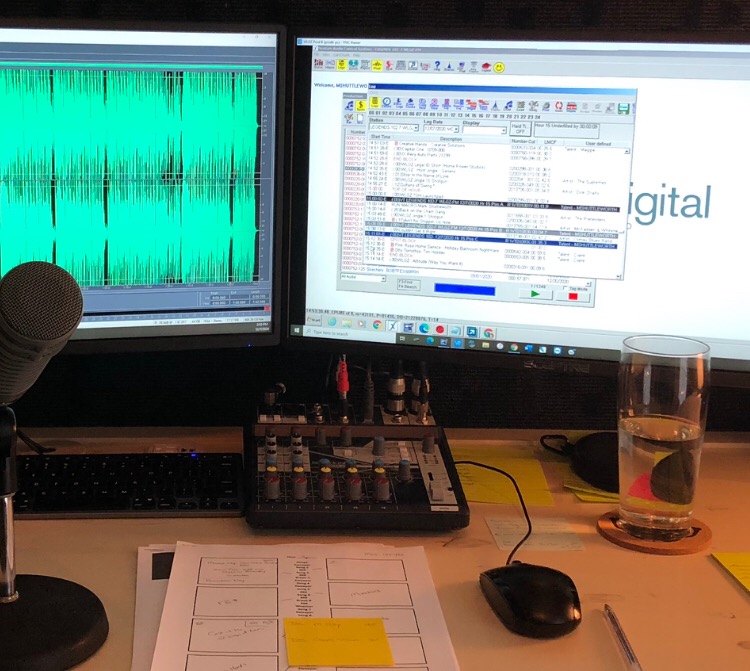
USB workflow
The USB I/O on the Notepad-12FX connects to your DAW as a stereo device. You can record the main mix out into Logic, Reaper, or Audition without extra drivers. Latency was acceptable for podcast tracking and music demos in my testing.
The Notepad-12FX isn’t a multitrack USB device. You get stereo to the DAW, with all the FX applied. For podcasters who record their full session in one take, that’s exactly what they need. For music producers who want to edit tracks separately, it’s a limitation.
Who should buy this and who shouldn’t
Buy the Soundcraft Notepad-12FX if you want Lexicon-grade effects, a metal build, and a simple stereo-USB workflow for podcasting or band rehearsal. Skip it if you need channel mutes, solo buttons, or multitrack USB.
Mixer vs Audio Interface vs Mixing Console: What’s the Difference?
The terms mixer, mixing console, and mixing desk all describe the same piece of hardware. An audio interface is different — it’s primarily an analog-to-digital converter that gets audio into and out of your computer. Modern home studio mixing consoles are hybrids: they function as mixers AND audio interfaces in one box, replacing both roles at once.
The key distinction that matters to you: a mixing console has physical faders, EQ knobs, and effects routing for every channel. An audio interface usually has no faders, just gain knobs and routing through software. If your workflow involves live adjustments while recording, a mixing console is the right tool. If you’re tracking one instrument at a time into the DAW and mixing in software, an audio interface is enough.
The best mixing consoles for home studios split the difference. They route mic and instrument signals through analog circuitry, then deliver the result to your DAW through USB — keeping the tactile workflow while still letting you edit in software.
How to Choose the Right Home Studio Mixing Console
Five factors decide which mixing console fits your home studio. Working through these in order keeps the decision rational rather than a shopping-cart impulse.
Channel count you actually need. Count your active sound sources during a typical session: vocals, guitar, bass, drums via electronic pads, synths, mics for podcast hosts. Add two for headroom. Most home studio owners need 8-16 channels. Going to 22 inputs (Behringer X2222USB) only makes sense if you record full bands together.
USB capability. Stereo USB to your DAW is the common baseline and is enough for podcasters. Multitrack USB — every channel as its own DAW track — is needed for music producers who want to edit instruments separately. Check the spec carefully; the difference matters.
Mic preamp quality. Clean, quiet preamps make the biggest sonic difference in a home studio. Yamaha’s MG-series, Mackie’s Onyx preamps, and Rode’s Revolution preamps lead their tiers. Behringer’s XENYX preamps are pleasant for the price but noticeably noisier on quiet vocal passages.
Onboard effects. Lexicon, APHEX, and Yamaha SPX effect engines deliver usable reverbs and delays. Single-knob echo-reverb engines are fine for beginners but limiting for serious production. Decide whether effects matter for your voice/instrument sound or whether you plan to use plugins entirely.
DAW compatibility. Most analog mixing consoles work with every major DAW at the class-compliant level — Logic Pro, Ableton, Pro Tools, Cubase, Studio One, Reaper. Specialized DAW control surface features (motorized faders that follow your session) are rare at this tier; that lives in higher price brackets.
Frequently Asked Questions
What equipment do I need to set up a home recording studio?
At minimum, a home studio needs a computer, a DAW (digital audio workstation), an audio interface or mixing console, a condenser microphone, closed-back headphones, and studio monitors. Add mic cables, XLR connectors, and a pop filter for the mic. For a hybrid setup, replace the audio interface with a mixing console that has a built-in USB interface for tactile control.
What is the best small mixer for a home studio?
The Yamaha MG06X is my top pick for small home studios because of its quiet preamps, compact build, and SPX effects. The Mackie Mix12FX and Pyle PMXU67BT are strong runners-up if you need more channels or Bluetooth. All three handle solo creator workflows without breaking the bank.
What is the best home studio mixing desk?
For an all-around home studio mixing desk, the Yamaha MG06X earns Editor’s Choice for its clean preamps and reliability. For larger setups, the Behringer Xenyx X2222USB delivers 22 inputs with analog character at a mid-tier price. For streamers and podcasters, the RØDECaster Pro II is a complete production studio in one chassis.
What is the difference between a mixer and a mixing console?
A mixer and a mixing console are the same thing — both terms describe hardware that combines multiple audio signals into a smaller number of outputs, with physical controls for gain, EQ, panning, and effects on each channel. Mixing desk is a third synonym. An audio interface is a related but different device focused on analog-to-digital conversion for your DAW, without tactile faders for live adjustment.
What is the best console for mixing in a home studio?
For mixing in a home studio, the Yamaha MG06X delivers the cleanest preamps and most reliable build at a compact size. If you need more channels, the Mackie ProFX12v3 adds USB recording and GigFX effects at a slightly higher tier. For analog summing with DAW control, hybrid consoles in the upper tiers from SSL, Allen and Heath, or Tascam deliver pro-grade results.
What is the best affordable mixer for a home studio?
The Aveek 5-channel mixer is the best affordable starter mixer for beginners on a tight budget. Step up to the Pyle PMXU83BT.5 for Bluetooth streaming and 8 channels. For mid-tier affordability, the Behringer XENYX X1222USB delivers 16 inputs and 24-bit effects for slightly more. Each scales up cleanly without leaving the budget zone.
Which DAW is best for mixing and mastering?
DAW choice is subjective and depends on your workflow. Logic Pro is widely used for mixing and mastering on Mac with a strong stock plugin set. Pro Tools remains the studio standard for film and broadcast. Ableton Live excels at electronic production and live performance. Studio One delivers modern workflow and bundled mastering plugins. Reaper is the most affordable with surprising depth.
What is the best mixing console for live sound?
For live sound, the Mackie Mix12FX is portable and reliable with enough effects for most venues. The Behringer Xenyx X2222USB handles bigger bands with 22 inputs and aux sends for monitor mixes. For professional touring, dedicated live consoles like the Yamaha QL or Allen and Heath SQ series are common. Home studio owners typically don’t need a true live console — a hybrid mixer covers rehearsal and small gig use.
Final Verdict: Which Mixing Console Should You Buy?
After six weeks of testing, my picks for the best mixing consoles for home studios come down to the use case. The Yamaha MG06X is the right desk if you want clean audio and a compact build. The Pyle PMXU83BT.5 wins on raw feature density. The Aveek is the budget starter. For podcasters, the Behringer X1222USB and RØDECaster Pro II lead. For bands, the X2222USB gives you the channels. For hybrid music producers, the Mackie ProFX12v3 strikes the best balance.
Whatever you choose, start with a clear channel count in mind, decide whether you need multitrack USB, and value preamp quality over feature count. The best mixing consoles for home studios in 2026 are the ones that disappear into your workflow so you can focus on the music.