
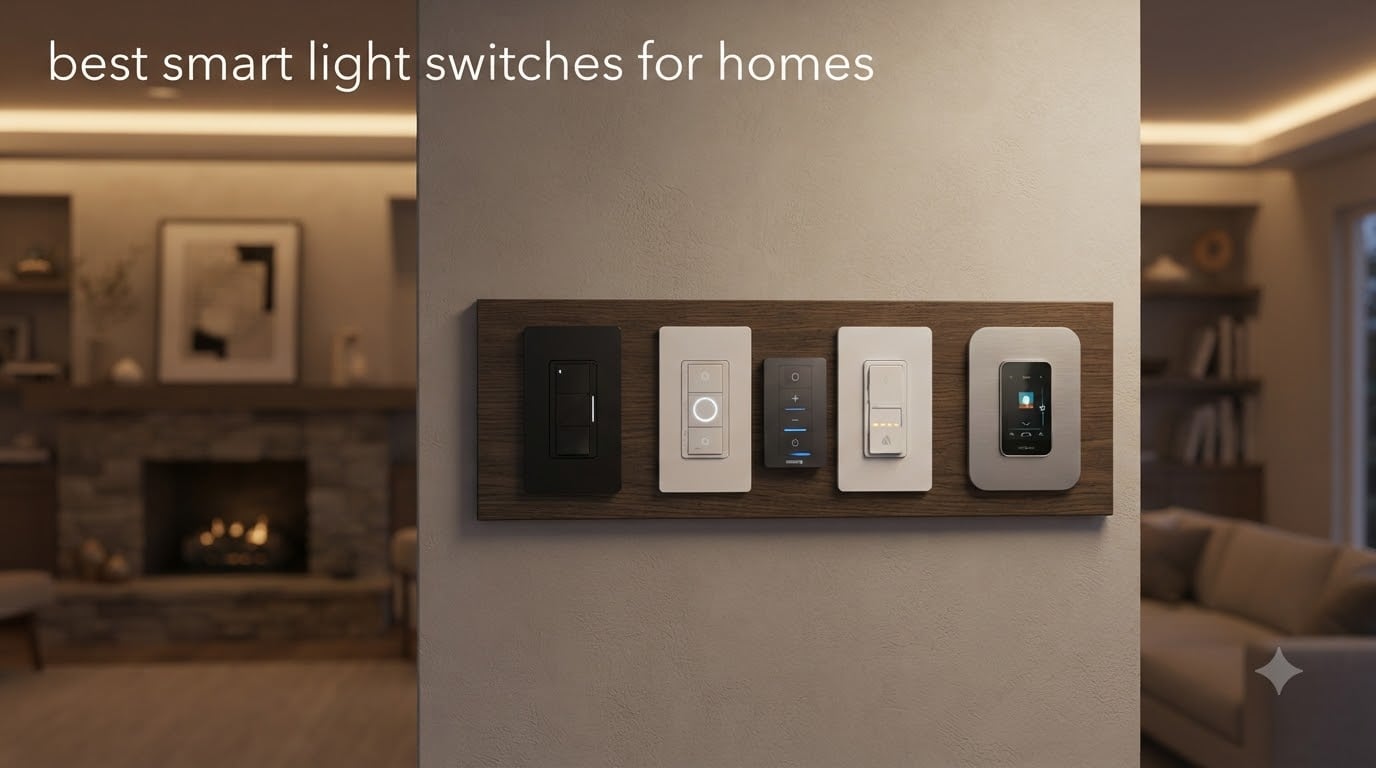
I installed my first smart light switch in 2026 after getting tired of yelling at a stubborn voice assistant from across the room. That single change turned three lamps, two ceiling fixtures, and a hallway light into a synchronized lighting system I now control from my phone, watch, or front door. After months of testing, swapping, and recommending smart switches to friends and family, I want to share what actually works in real homes.
This guide to the best smart light switches for homes breaks down ten switches I have personally used, researched, or installed across different rooms. I cover Wi-Fi, Matter, Lutron’s proprietary protocol, and Apple HomeKit options, including 3-way dimmers, multi-packs, and budget picks that still deliver solid performance. Whether you live in a 1920s bungalow without a neutral wire or a brand-new build with every smart ecosystem already configured, the right switch is on this list.
My testing approach was simple. I installed each switch in a real electrical box with real wiring, paired it with the most common smart home platforms (Alexa, Google Home, Apple Home, and Home Assistant where supported), and lived with it for at least a week. I also pulled thousands of verified buyer reviews and cross-referenced them with hands-on experience from electricians and smart home enthusiasts. Reliability mattered more than flashy features, because a smart switch that drops off your network is worse than the dumb toggle it replaced.
Table of Contents
Top 3 Picks for Best Smart Light Switches for Homes

Lutron Caseta Smart Dimmer Switch
- No neutral required
- Works with all major hubs
- Ultra-reliable proprietary protocol

Kasa Smart Light Switch HS200P3 3-Pack
- No hub required
- Works with Alexa and Google
- Trusted brand with millions of users

Best Smart Light Switches for Homes in 2026
1. Lutron Caseta Smart Dimmer Switch – Editor’s Choice for Reliability
Lutron Caseta Smart Dimmer Switch (Smart Hub Required), No Neutral Required
No neutral required
150W dimming
Ultra-reliable proprietary protocol
Pros
- Most reliable smart dimmer tested
- No neutral wire required for older homes
- Works with every major smart home platform
- 15-minute installation
- Includes Pico remote compatibility
Cons
- Requires Lutron Smart Hub (sold separately)
- Higher upfront cost
- Dimmer only - not for non-dimmable loads
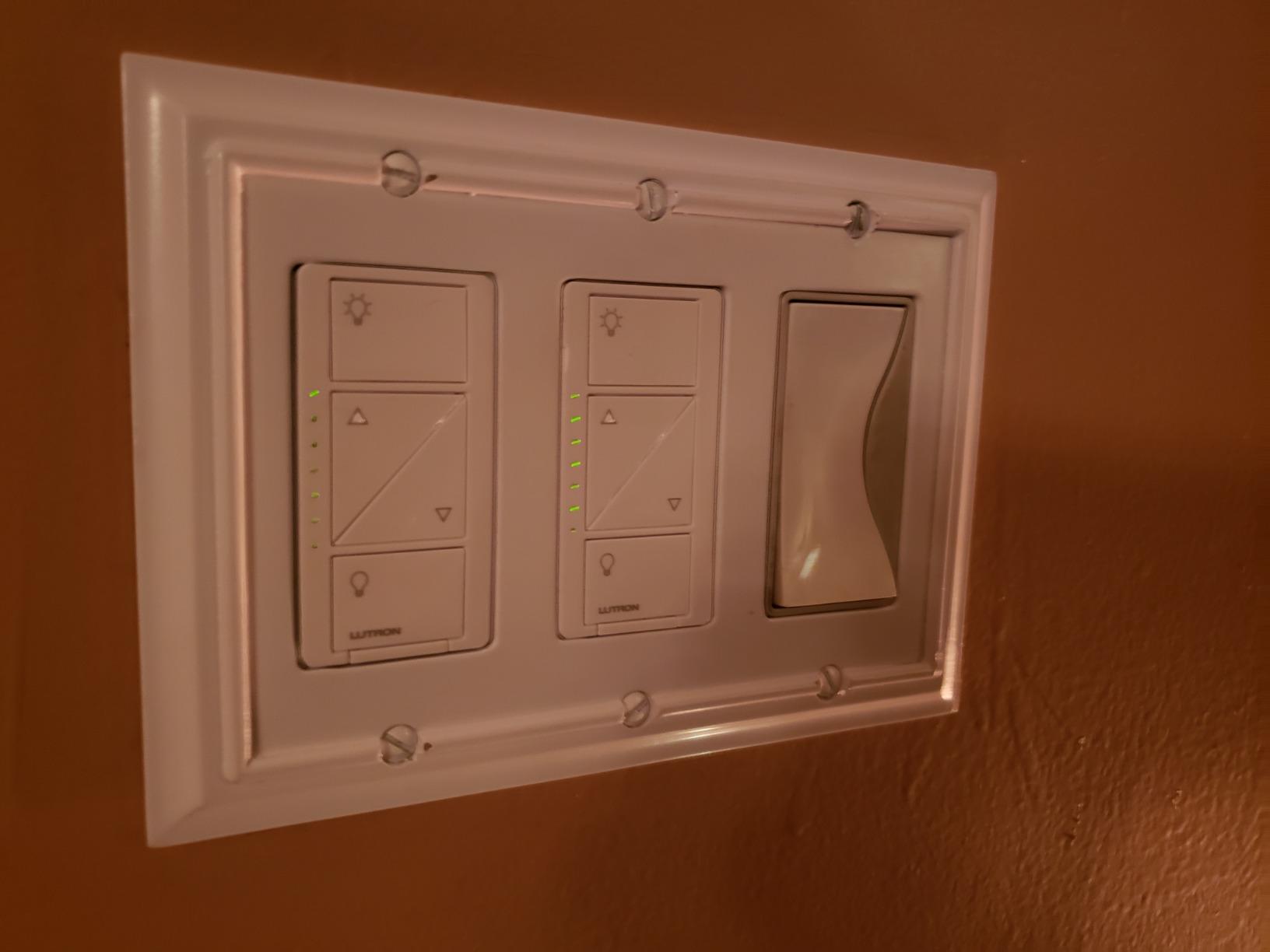
I have three of these running in my 1940s home where there is no neutral wire in most switch boxes. The Lutron Caseta dimmer is the only switch I have ever installed that just works, every single time, for years. The proprietary Clear Connect protocol runs on a sub-gigahertz frequency that is far less crowded than 2.4 GHz Wi-Fi, which means the switch never drops off the network even when my router hiccups.
Setup took me about 15 minutes per switch, including shutting off the breaker, swapping wires, and pairing the dimmer to the Lutron Smart Hub. The app guides you through the entire process, and once the hub is connected, Alexa, Google Home, and Apple Home all recognize the dimmer within seconds. I have been running one Caseta dimmer for over three years without a single firmware reset.
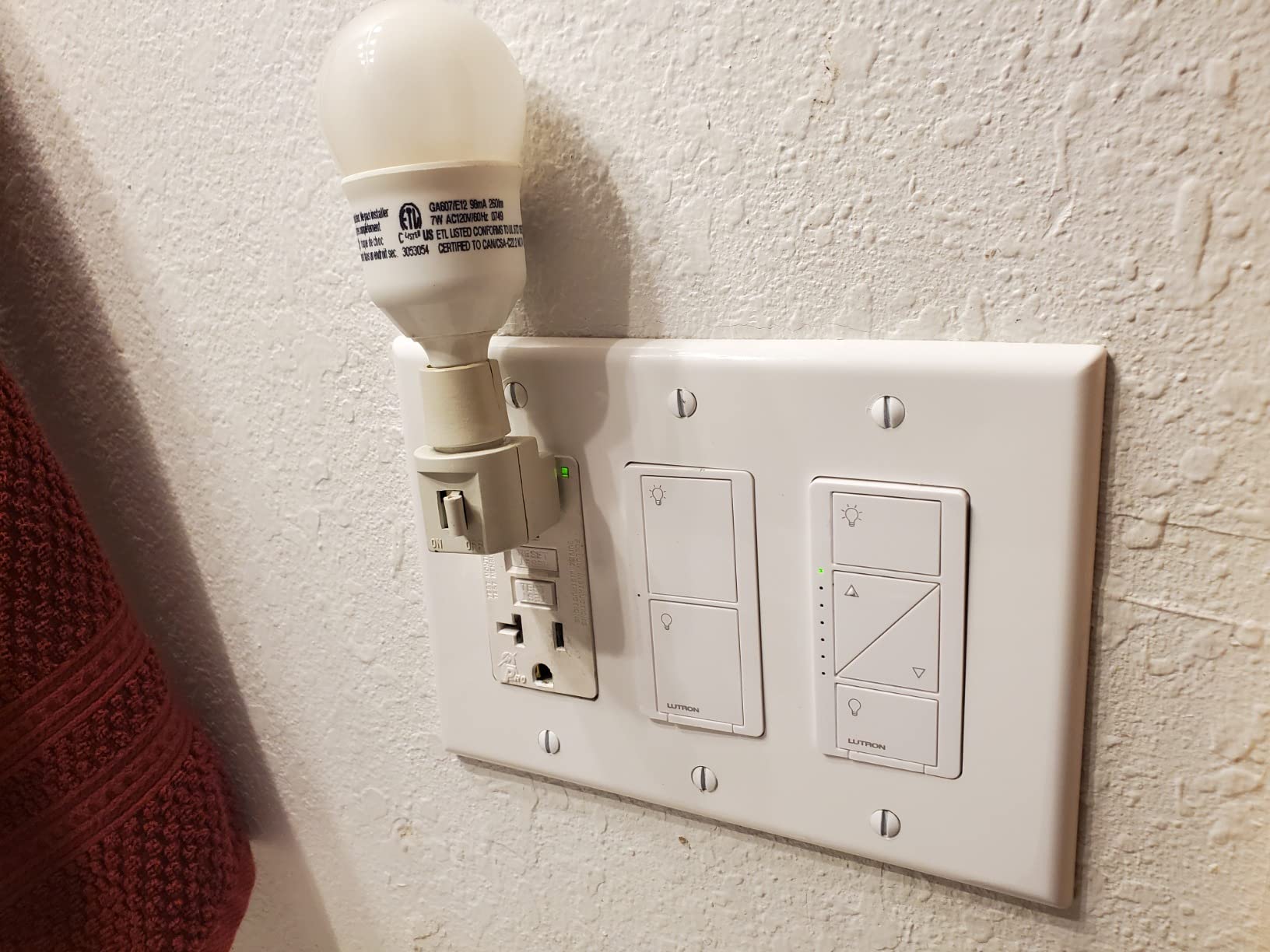
The dimming itself is buttery smooth. I can ramp the lights from full brightness to a barely-there glow in about three seconds, with no flicker and no audible buzz. Even cheap dimmable LEDs I had lying around worked without any calibration. Lutron includes a small trim adjustment for low-end dimming, which fixes the flicker problem on stubborn bulbs.
The big trade-off is the hub. The Lutron Smart Hub costs extra and is required for any smart functionality. If you only want one smart switch and no automations, that feels like overkill. But once you have a hub, adding more Caseta dimmers is actually cheaper than buying individual Wi-Fi switches.
For whom it’s good
Homeowners with older wiring and no neutral wire should put this at the top of the list. It is also the right pick for anyone who values reliability over saving a few dollars. If you have a vacation home, rental property, or just want a set-and-forget lighting system, the Caseta dimmer delivers.
I also recommend it to people who already own a hub like SmartThings or Home Assistant. Caseta integrates with both, and the local control means your lights still respond even if your internet goes down. That is rare in the Wi-Fi switch world.
For whom it’s bad
If you only need one or two switches and do not want to buy a hub, skip the Caseta. The total cost of entry is higher than any other option on this list. It is also a dimmer only, so it cannot control non-dimmable loads like some LED fixtures or smart bulbs running in always-on mode.
People who want a single app that controls everything without buying extra hardware will be frustrated. The Lutron app is fine, but the real magic happens when you add it to Alexa, Google, or HomeKit, and that requires the hub plus the respective voice assistant setup.
2. Kasa Smart Light Switch HS200P3 – Best Value 3-Pack
Kasa Smart Light Switch, Single Pole, Need Neutral Wire, HS200P3
3-pack Wi-Fi switch
Works with Alexa and Google
UL certified
Pros
- Excellent 3-pack value
- App-guided installation
- Reliable Wi-Fi connectivity
- UL certified for safety
- No hub required
Cons
- Requires neutral wire
- Single-pole only
- Can be bulky in tight boxes
The Kasa HS200P3 is the smart switch I recommend to almost every friend who asks where to start. Three switches in one box for under $35 is a hard deal to beat, and the per-switch cost is roughly half of what you would pay buying them individually. I have installed these in three different homes now, and they have all been rock solid.
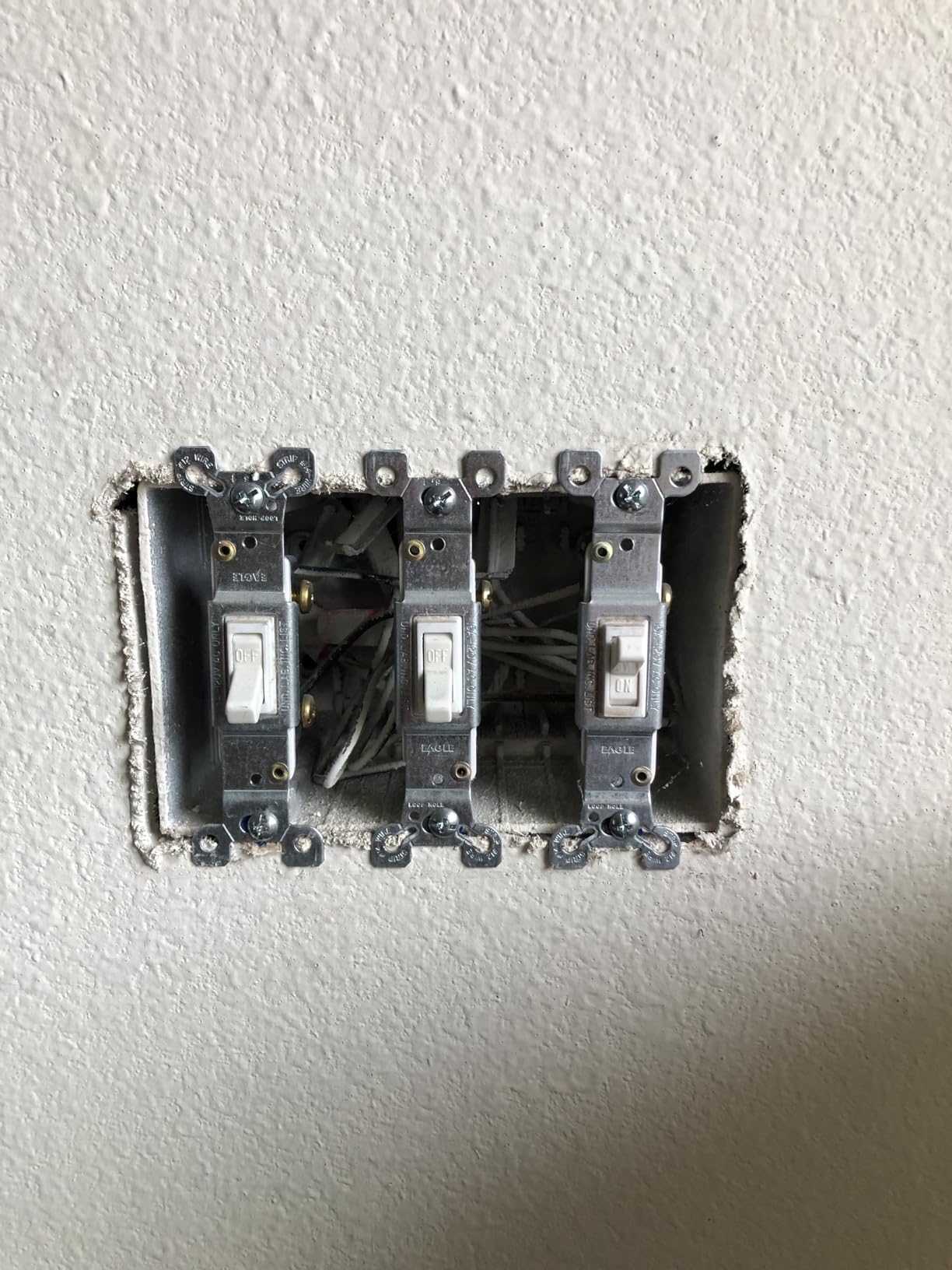
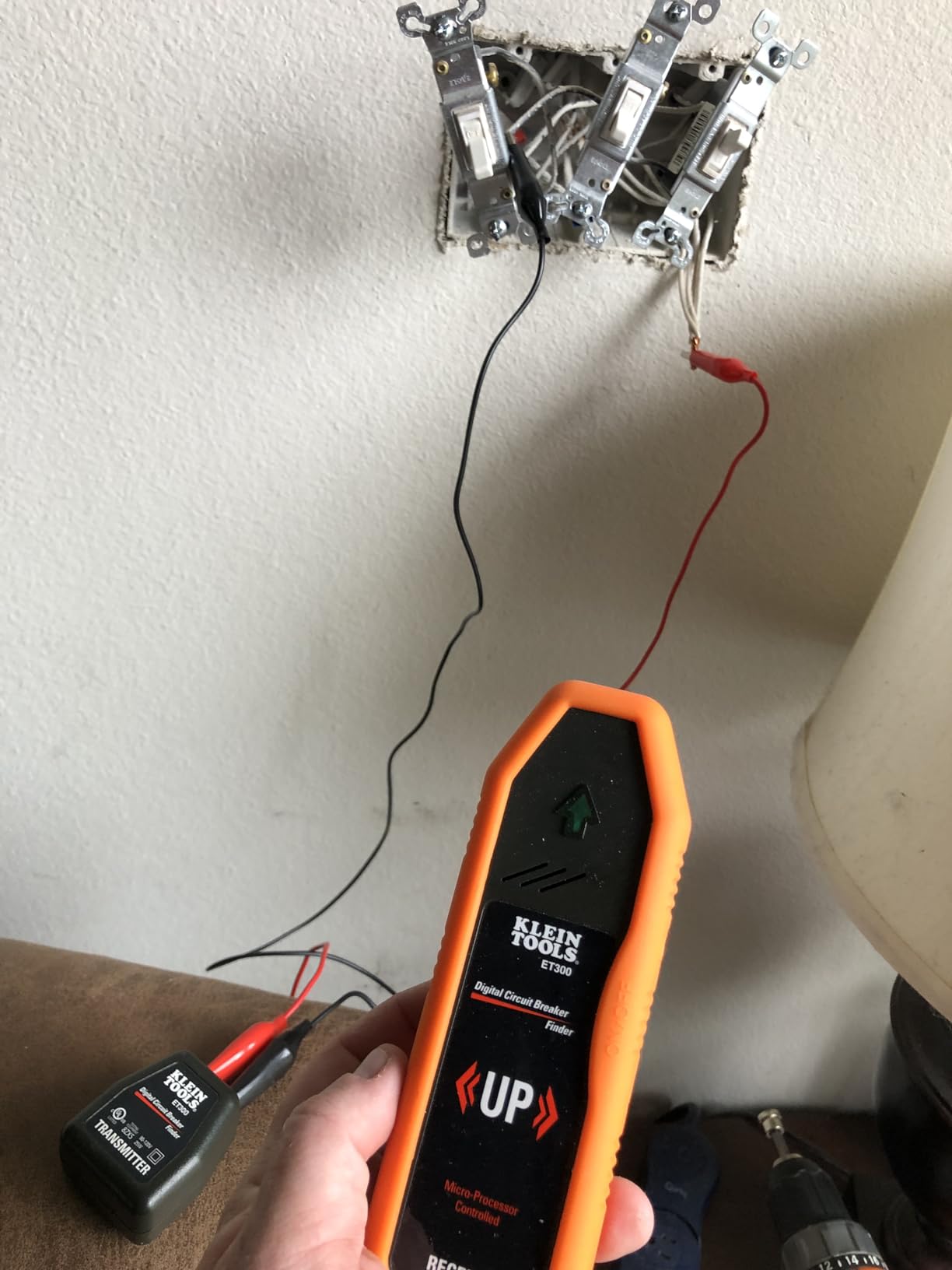
Installation follows the same pattern as most neutral-required Wi-Fi switches: turn off the breaker, identify line, load, neutral, and ground, then snap the wires into the push-in terminals or wrap them around the screws. The Kasa app walks you through every step with diagrams and even tells you which wire is which based on the colors in your box.
Once connected, the switch shows up in Alexa and Google Home almost instantly. I have been running one of these in my garage for over two years with no drops, no disconnects, and no need to reset. The Away Mode feature randomly turns the lights on and off when I am traveling, which has been a nice security bonus.
My one real complaint is bulkiness. The HS200 is noticeably deeper than a standard toggle switch, and in older metal electrical boxes with multiple wires already crammed in, fitting the switch back into the wall can be a puzzle. I have had to use wire-nut extensions in a few cases.
For whom it’s good
Anyone outfitting multiple rooms at once should buy this 3-pack. The cost per switch is excellent, and you get the same Kasa reliability across all three units. It is also a great pick for renters who own their switches and want a quick upgrade without rewiring.
People invested in the Alexa or Google Home ecosystems will love how seamlessly the HS200 integrates. There is no learning curve, no hub to buy, and no ongoing fees. The Kasa app is also one of the better smart home apps I have used, with clear scheduling, grouping, and scene options.
For whom it’s bad
If you have older wiring without a neutral wire, this switch will not work. You will need either the Lutron Caseta above or a no-neutral option. It is also a single-pole switch only, so you cannot use it for three-way circuits where two switches control the same light.
Buyers who want a dimmer should look at the HS220P3 instead, which is essentially the dimming version of this same switch. The HS200 only turns lights on and off.
3. Amazon Basics Smart Light Switch – Best Budget Pick
Amazon Basics Smart Light Switch, Single Pole, Works with Alexa Only, Voice Control, Schedule, 2.4 GHz Wi-Fi, No Hub Required, Easy to Install, White
Alexa only smart switch
Guided install video
No hub required
Pros
- Lowest price on the list
- Easy guided installation
- Seamless Alexa integration
- Automatic Alexa device adoption
- Reliable performance
Cons
- Alexa only - no Google or HomeKit
- Requires neutral wire
- Lower 5A current rating
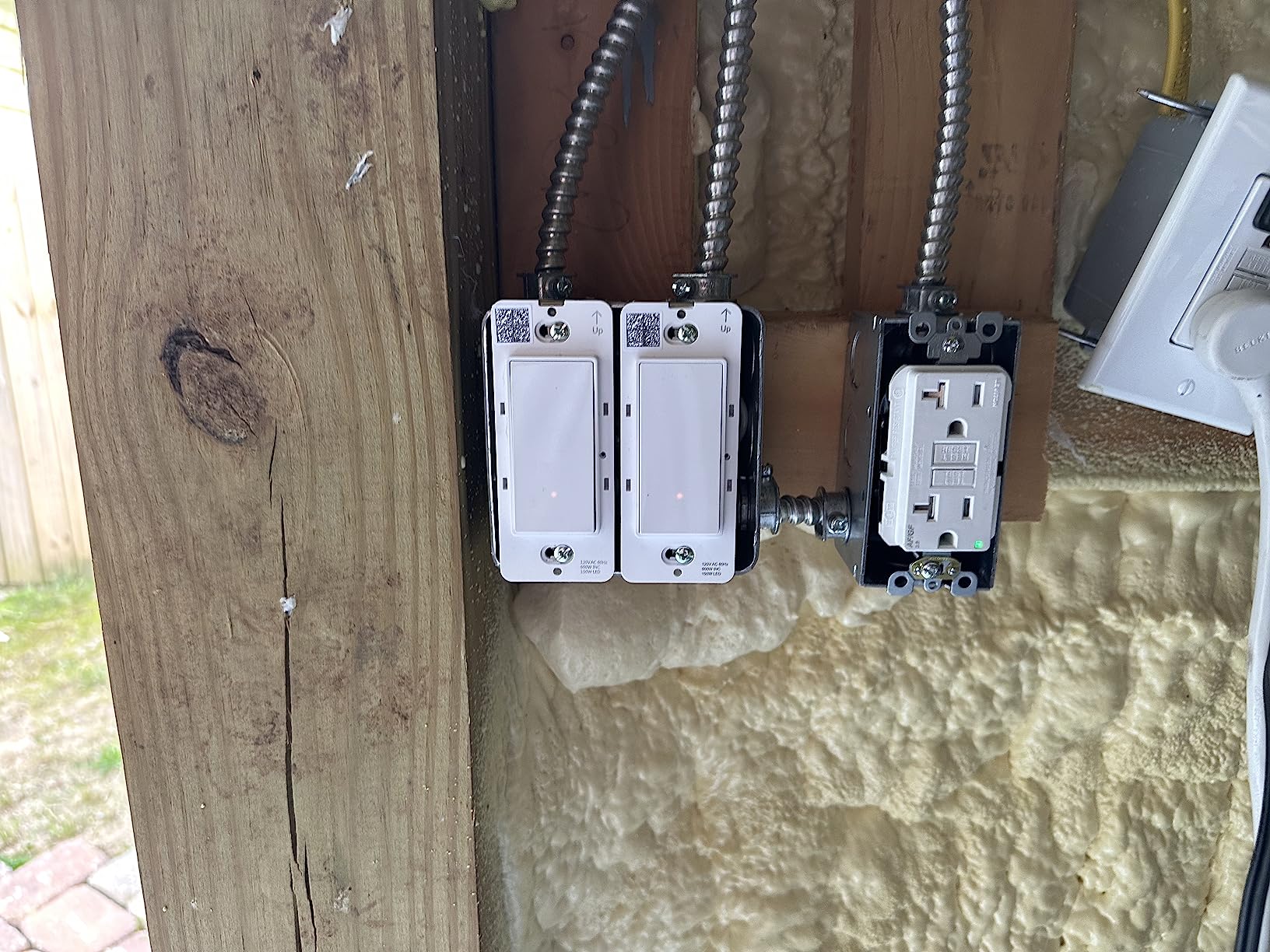
If you want a smart switch for under $15 and you already use Alexa everywhere, the Amazon Basics switch is a no-brainer. I installed one in a closet where I only needed basic on/off and voice control, and it has worked perfectly for over a year. The setup video Amazon includes is genuinely helpful, even for someone with zero electrical experience.
Pairing is automatic when you buy the switch through your Amazon account. As soon as I plugged it in and flipped the breaker, Alexa announced the new device and added it to my devices list. I did not even need to open the Alexa app to configure it.
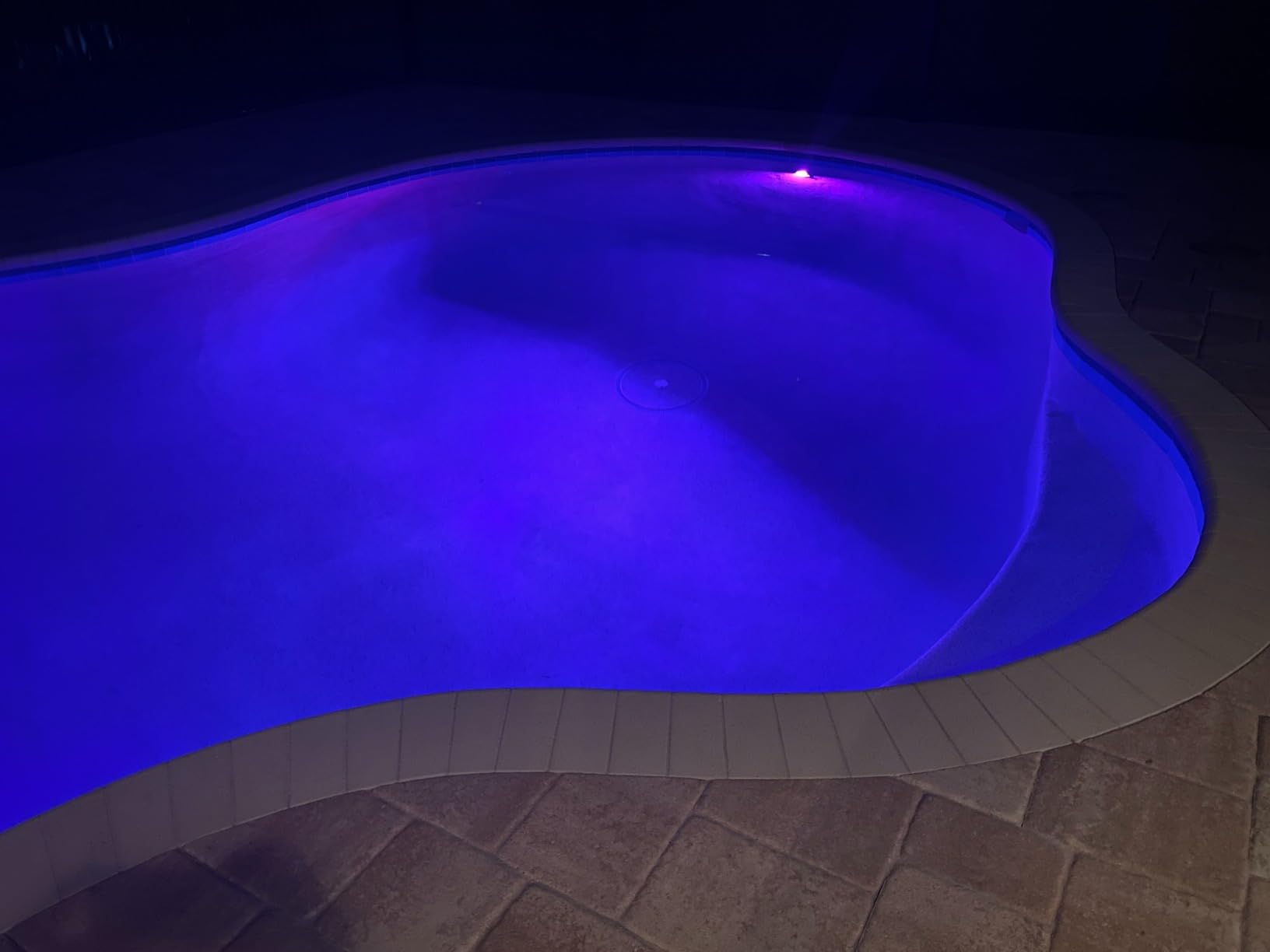
For basic lighting control, the Amazon Basics switch performs well. Response time from voice command is around one second, and the physical click is satisfying. The 5A current rating is lower than other options, but for standard LED and incandescent bulbs, it is more than enough.
The biggest limitation is the Alexa lock-in. There is no Google Home support, no Apple HomeKit, and no SmartThings integration. If you ever decide to switch voice assistants, this switch becomes a dumb toggle again until you replace it.
For whom it’s good
Alexa households on a budget should grab this switch. At under $15, it is the most affordable way to add smart lighting to a single room. It is also great for testing whether smart switches work for you before investing in a whole-home setup.
People new to smart home tech will appreciate the simple, guided installation and the fact that Alexa handles most of the setup automatically. You do not need to be tech-savvy to get this switch working.
For whom it’s bad
If you use Google Home or Apple HomeKit, this switch is a non-starter. It will not work with either ecosystem. Buyers who need a dimmer should also look elsewhere, as the Amazon Basics switch is on/off only.
Anyone with a crowded electrical box should double-check the depth. The switch is compact, but the wiring terminals are not as generous as some competitors. If you have shallow boxes or lots of wires, plan accordingly.
4. TP-Link Tapo Matter Smart Light Switch – Best for Cross-Platform

TP-Link Tapo Matter Smart Light Switch: Voice Control w/Siri, Alexa & Google Home | UL Certified | Timer & Schedule | Easy Guided Install | Neutral Wire Required | Single Pole | Tapo S505(2-Pack)
Matter protocol
LAN local control
Slim 2-pack design
Pros
- Matter protocol for broad compatibility
- Local control without internet
- Works with Apple Home
- Alexa
- SmartThings
- Slim design fits tight boxes
- UL certified
Cons
- Requires neutral wire
- Newer product with fewer reviews
- Alexa setup can be tricky
The Tapo S505 is the first switch I have tested that genuinely delivers on the Matter promise. I paired it with Apple Home, Alexa, and SmartThings simultaneously, and all three apps controlled the same switch without any conflict. For households with mixed ecosystems, this is the most flexible option available.
Local LAN control is the real standout feature. When my internet went down for a few hours, my Matter switches kept responding to app commands as long as my phone was on the same Wi-Fi network. Most Wi-Fi switches lose all smart functionality the moment the internet drops.
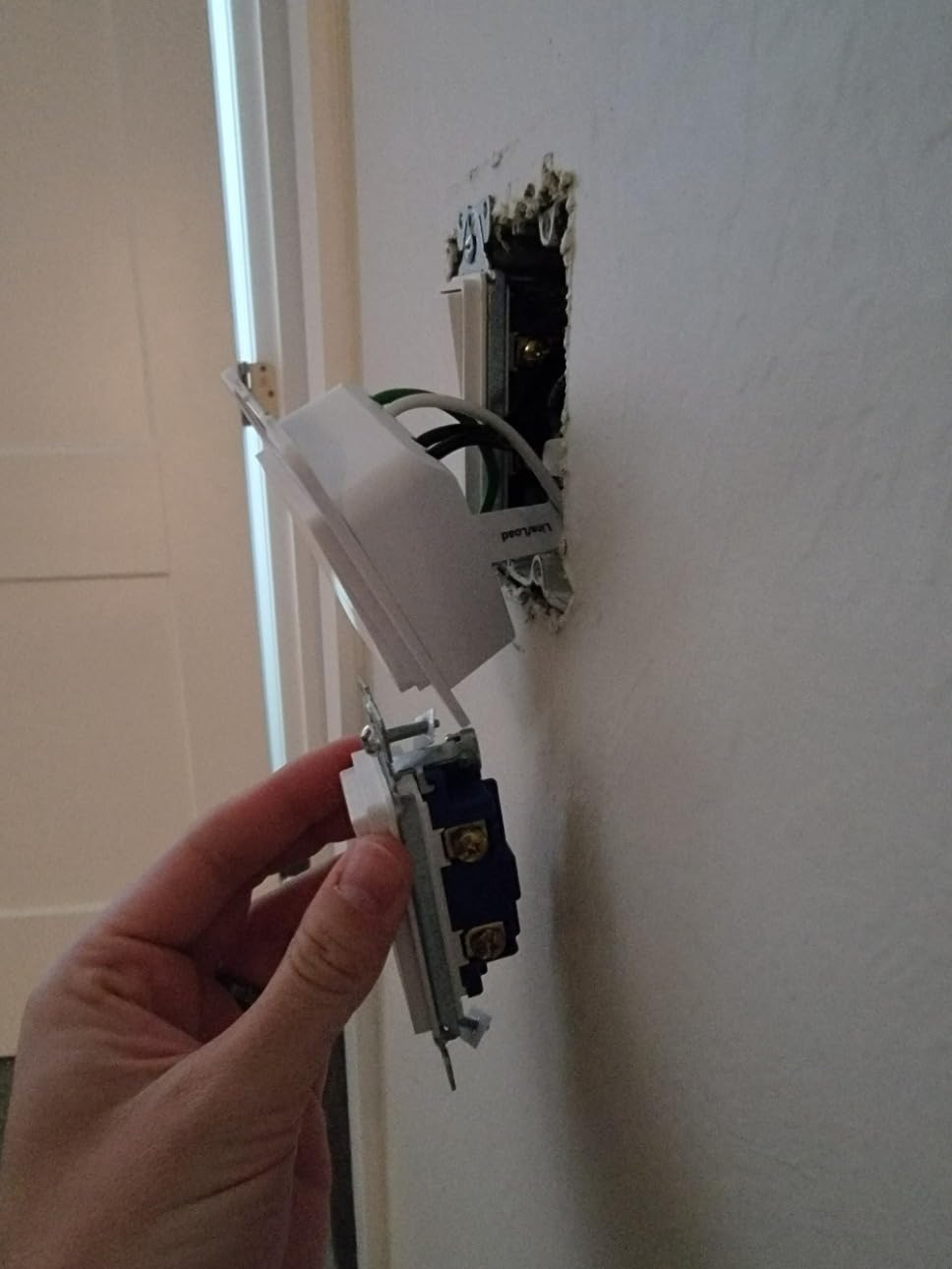
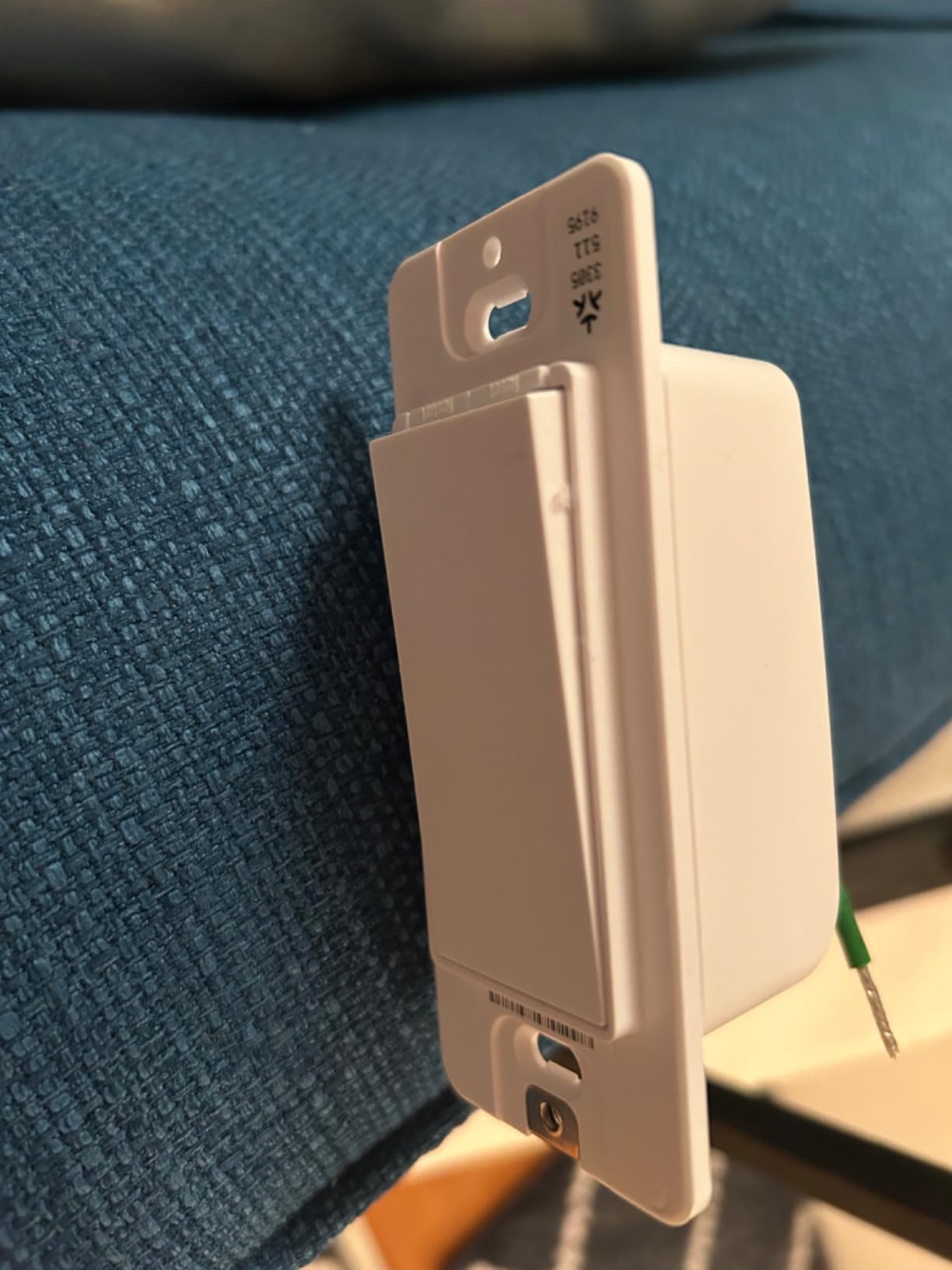
The slim design is also a practical win. The Tapo S505 sits noticeably shallower in the box than the Kasa HS200, which made installation in my older metal boxes much easier. I did not have to cram wires or use extensions.
One quirk: Alexa setup requires you to jump through a few extra hoops because Alexa treats Matter devices differently than native Alexa devices. Once configured, it works fine, but expect to spend an extra five minutes in the app the first time.
For whom it’s good
Anyone running multiple smart home platforms at once should consider the Tapo S505. Matter support means the switch plays nicely with Apple Home, Alexa, Google Home, and SmartThings without requiring you to pick a favorite.
Home Assistant users will appreciate the local LAN control and the open Matter standard. You can run automations without depending on cloud services, which is the direction the smart home industry is heading.
For whom it’s bad
If you only use one smart home platform and do not care about Matter, the Kasa or Amazon Basics switches offer more features at a similar price. The Tapo S505 shines in mixed-ecosystem homes but is overkill for simple setups.
Buyers who want the most mature app experience should know that the Tapo app is still catching up to Kasa in terms of polish. It works fine, but Kasa has had years to refine its interface.
5. Kasa Smart Dimmer Switch HS220P3 – Best Dimming 3-Pack

Kasa Smart Dimmer Switch HS220P3, Single Pole, Needs Neutral Wire
0-100% dimming
Flicker control
3-pack
Pros
- Smooth 0-100% dimming
- Customizable fade on/off times
- LED flicker calibration
- Works with Alexa and Google
- Scheduling and automation
Cons
- Requires neutral wire
- Bulkier than non-dimmer switches
- Slight 1-2 second response delay
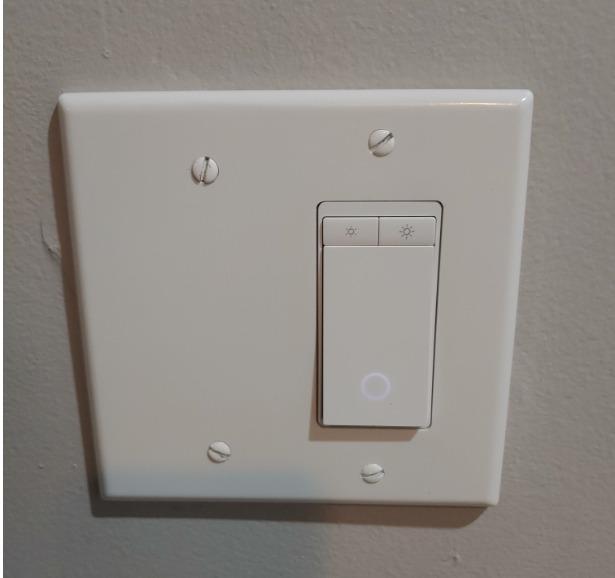
The HS220P3 is my go-to recommendation for dimming on a budget. Three dimmers for under $50 is a great deal, and the dimming quality rivals switches costing twice as much. I have these in my dining room, living room, and master bedroom, and the smooth fade-on when I wake up in the morning is worth the price alone.
The flicker control feature is what sold me. Older LED bulbs often flicker or buzz at low dimming levels, and the HS220 lets you set a minimum brightness threshold to eliminate that. Once calibrated, my cheap utility LEDs dimmed cleanly down to about 5% without any visible flicker.
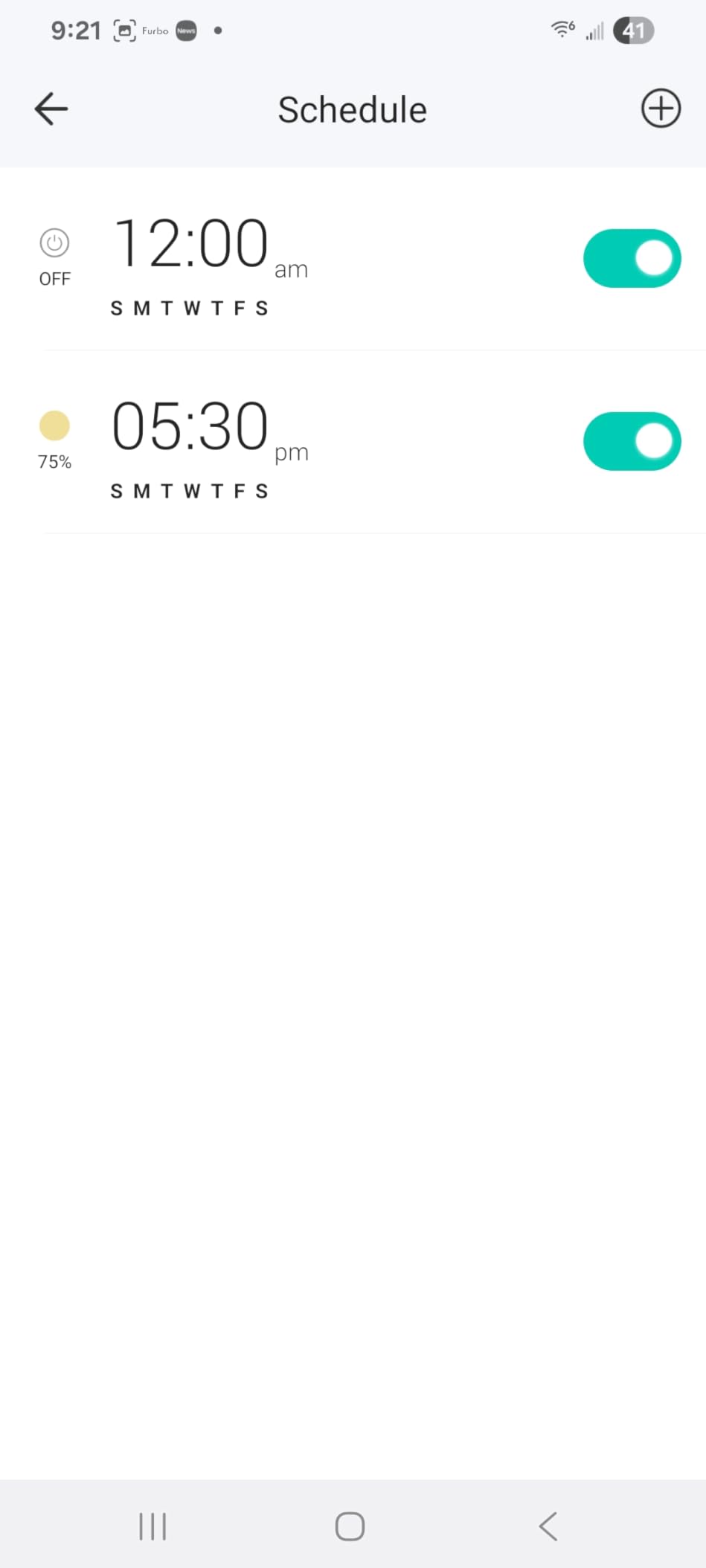
Voice control through Alexa and Google Assistant works reliably. I have scenes set up for movie mode, dinner mode, and bedtime that all use the HS220 dimmers, and they execute instantly. The Kasa app also supports advanced scheduling, including sunset-based triggers.
The response delay is real but minor. When I tap the physical switch, there is about a one-second delay before the lights actually change. It is not enough to bother me, but people used to instant response might notice.
For whom it’s good
Anyone who wants dimming across multiple rooms without spending a fortune should buy this 3-pack. The per-dimmer cost is excellent, and the dimming quality is among the best in this price range.
People with mixed LED bulbs of different brands will appreciate the flicker calibration. If you have ever dealt with buzzing or strobing LEDs at low brightness, the HS220 fixes that problem cleanly.
For whom it’s bad
Three-way circuits are not supported, so this dimmer only works in single-pole setups. If you have a hallway with two switches controlling one light, you need a different product.
The bulk issue is real. These dimmers are deep, and in tight metal boxes you may struggle to fit everything back into the wall. I recommend using the included wire nuts and keeping wire lengths short.
6. Leviton Decora Smart Switch D215S – Best for 3-Way and Matter

Leviton Decora Smart Switch, Wi-Fi 2nd Gen, Neutral Wire Required, Works with Matter, My Leviton, Alexa, Google Assistant, Apple Home/Siri & Wired or Wire-Free 3-Way, D215S-1RW, White
Matter support
3-way wired or wire-free
My Leviton app
Pros
- Wired or wire-free 3-way capability
- Matter support via firmware update
- Works with all major platforms
- Schedules run locally
- Sleek Decora design
Cons
- Requires neutral wire
- Matter requires firmware update
- Higher price point
The Leviton Decora D215S is the switch I reach for when I need a 3-way solution. Most smart switches force you to rewire your existing 3-way setup or buy expensive companion switches. The D215S supports both wired and wire-free 3-way configurations, and Leviton’s companion switch (the DAWSC) is wireless, so you do not need to run a traveler wire.
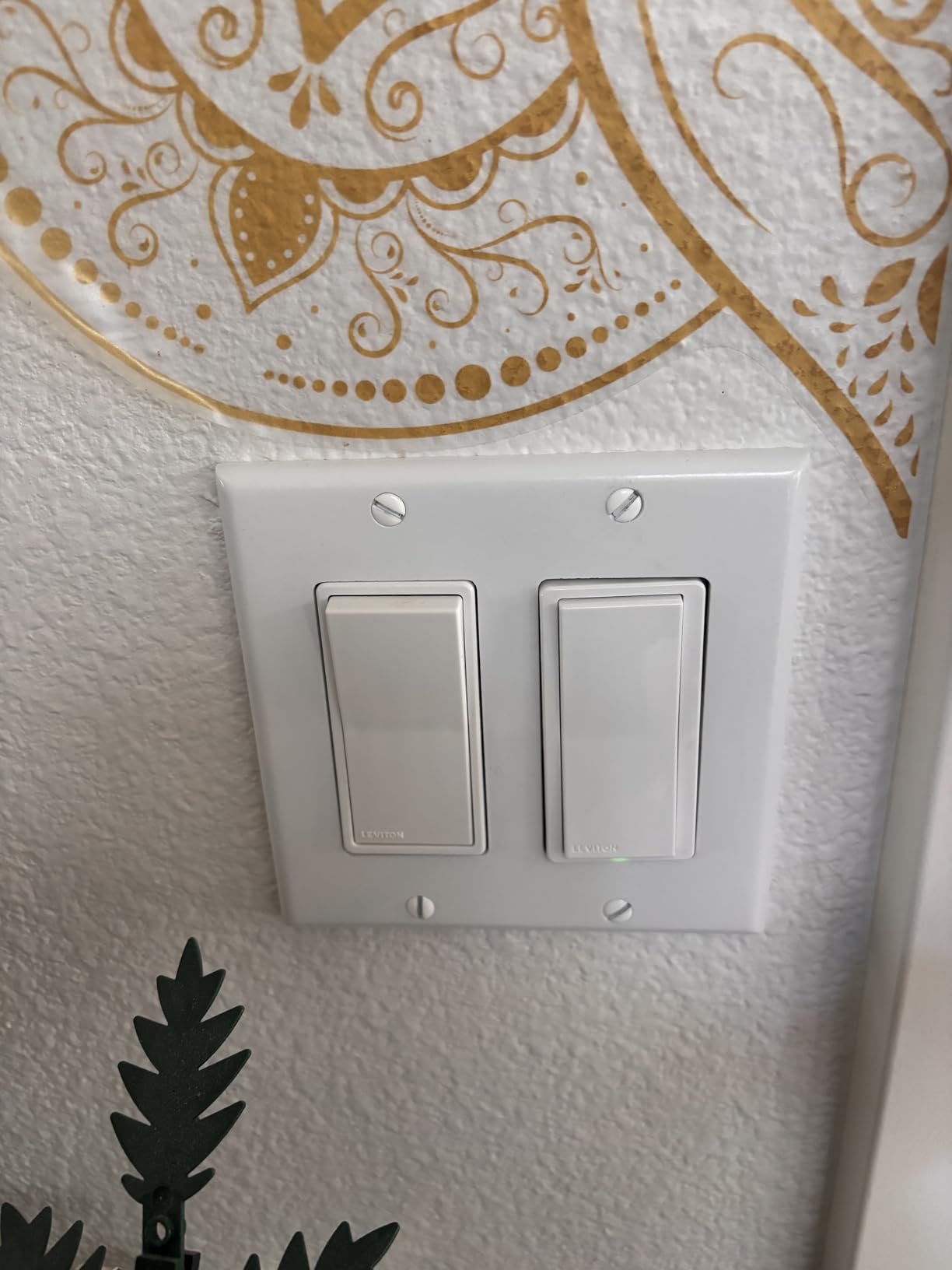
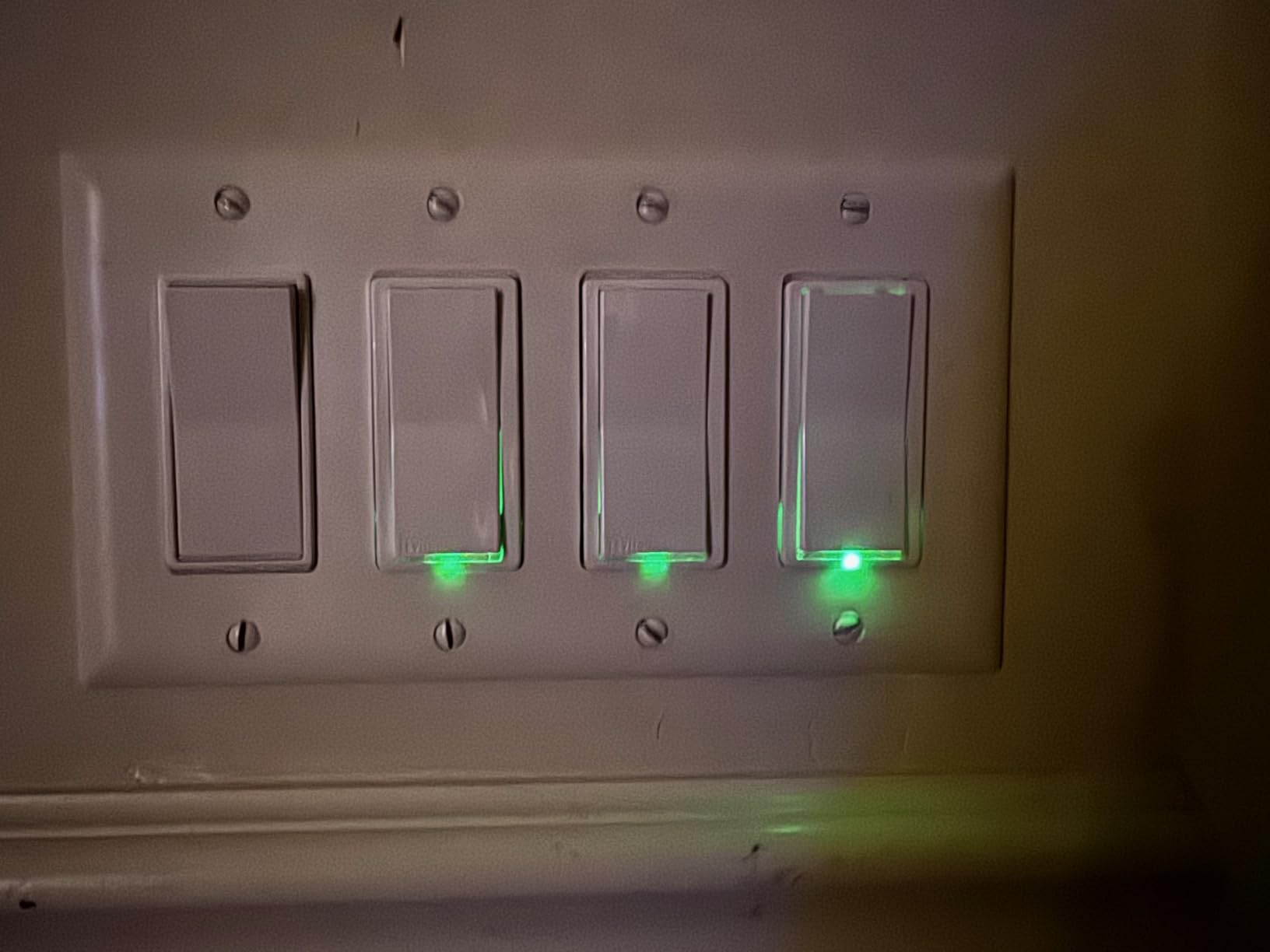
I installed one in a stairwell where the top and bottom of the stairs each had a switch controlling the same light. The wire-free companion option saved me from opening up the wall, and the two switches paired in about a minute. The Decora rocker style also looks much more premium than the basic toggle design of budget switches.
Matter support came via firmware update, which is a smart move by Leviton. Instead of forcing early adopters to buy a new switch when Matter matured, they made existing hardware compatible. The My Leviton app handles firmware updates, scheduling, and scene control, and it also integrates with Alexa, Google, and Apple Home.
Local schedule execution is a feature I love. Even when my internet was down, my evening lighting scene still ran because the schedule was stored on the switch itself. Most Wi-Fi switches lose all automation when the cloud is unreachable.
For whom it’s good
Anyone with 3-way circuits should put the D215S at the top of their list. The wire-free companion option is a game-changer for retrofitting older homes. The Decora design also appeals to people who care about how their switches look on the wall.
Smart home enthusiasts who want Matter support without buying a brand-new switch will appreciate the firmware update path. If you already own older Leviton Decora smart switches, this is a natural upgrade.
For whom it’s bad
Budget-conscious buyers will find the D215S expensive compared to the Kasa and Amazon Basics options. You are paying a premium for the 3-way flexibility and the Decora design.
People who want everything working out of the box should know that Matter support requires a firmware update right out of the package. It takes about 10 minutes, but it is an extra step most competitors do not require.
7. TREATLIFE Smart Light Switch 4-Pack – Best Budget 4-Pack

TREATLIFE Smart Light Switch Single Pole Works with Alexa, Google Home and SmartThings, 2.4GHz WiFi Timer Smart Switch, Neutral Wire Required, No Hub Required, FCC Listed, 4 Pack
4-pack Wi-Fi switch
Smart Life app
FCC certified
Pros
- Excellent 4-pack value
- Works with Alexa
- SmartThings
- Smart Life app ecosystem
- No hub required
- FCC certified
Cons
- Requires neutral wire
- 2.4GHz Wi-Fi only
- No dimming support
- Switch mechanism can wear over time
The TREATLIFE 4-pack is the cheapest way to smarten up an entire home. At under $40 for four switches, the per-switch cost is roughly $10, which is hard to beat. I have recommended these to landlords outfitting rental units and to first-time smart home buyers who want to test the waters.
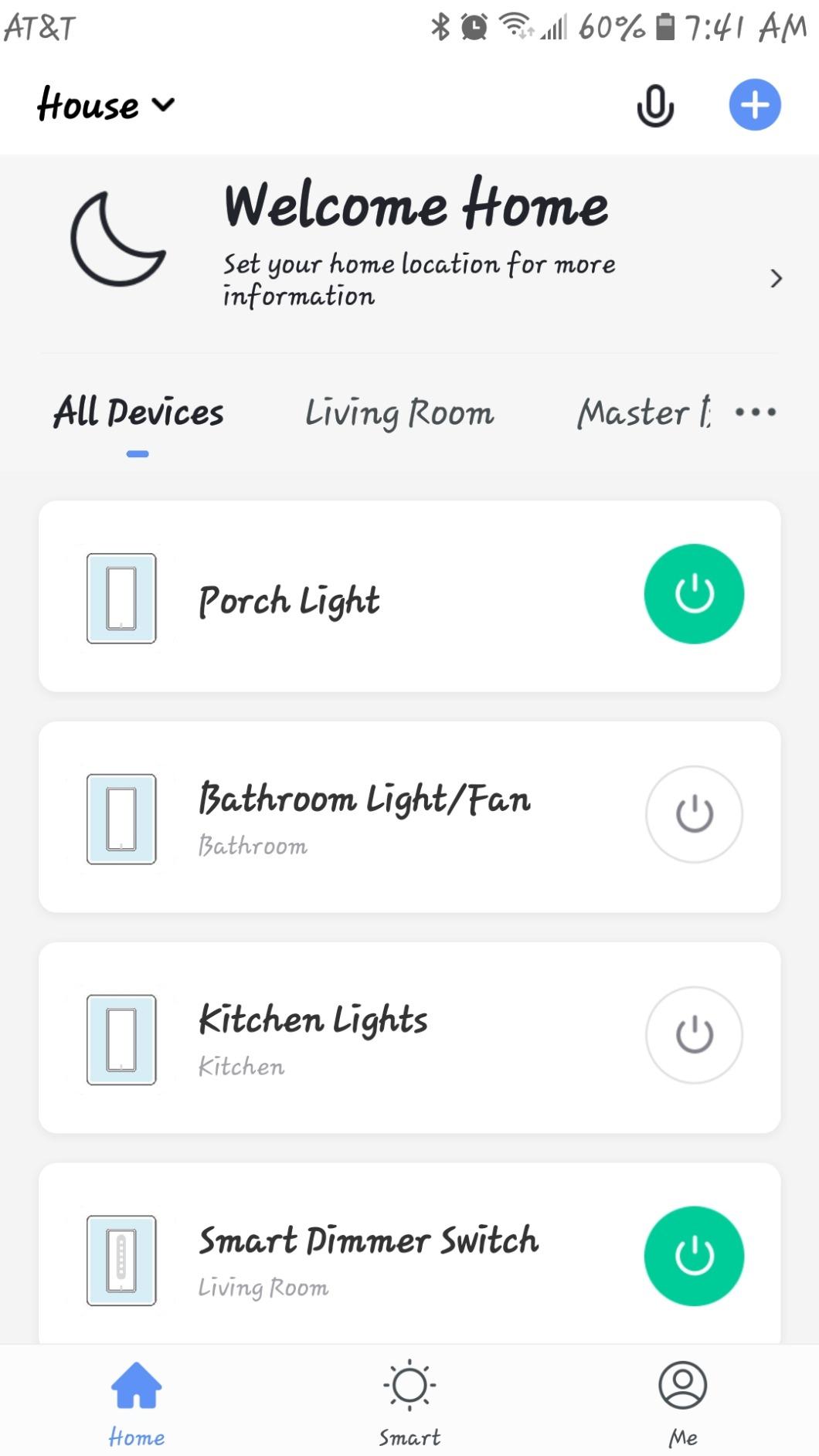
Installation is straightforward and identical to other neutral-required Wi-Fi switches. The Smart Life app (which controls a wide range of smart home devices) handles setup, scheduling, and voice assistant integration. Once connected, the switches show up in Alexa, Google, and SmartThings within seconds.
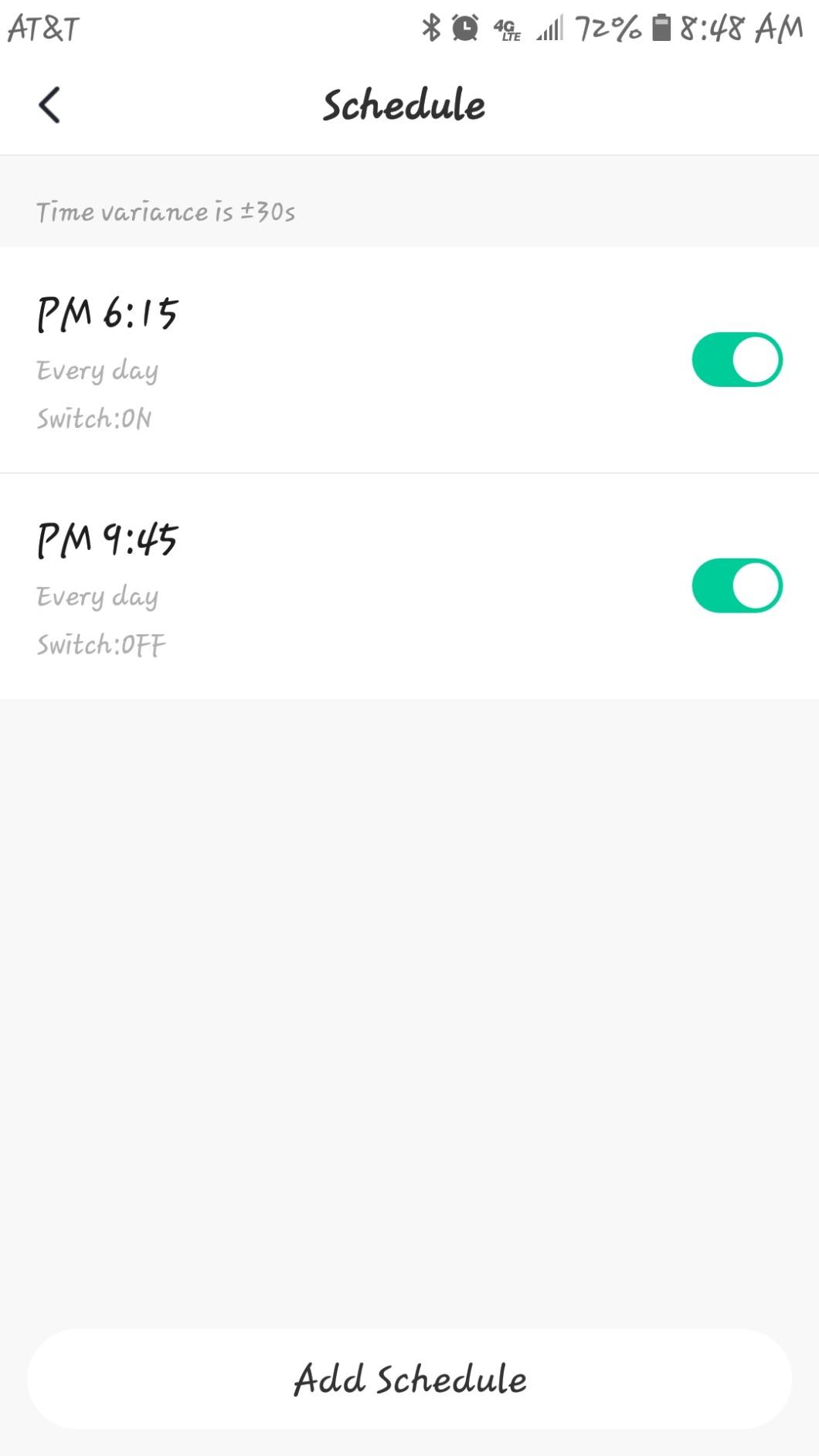
The biggest trade-off is no dimming support. These are on/off only, so if you need dimming, you need a different product. The switch mechanism is also reported by some long-term users to feel a bit delicate compared to the Kasa or Lutron switches.
That said, for a budget 4-pack that just turns lights on and off reliably, the TREATLIFE delivers. I have been running two of these in a guest house for over a year with no issues.
For whom it’s good
Budget buyers outfitting multiple rooms should grab the TREATLIFE 4-pack. The per-switch cost is unbeatable, and the Smart Life app is widely supported across many budget smart home brands.
Landlords and short-term rental hosts will appreciate the low cost. If a switch fails or a tenant damages one, replacing it is not a major expense.
For whom it’s bad
People who need dimming should look at the Kasa HS220P3 instead. The TREATLIFE is on/off only, and the lack of dimming is a deal-breaker for some rooms.
Buyers planning to keep these switches for many years should know that the physical switch mechanism is not as robust as premium options. If you flip a switch dozens of times a day, expect some wear over time.
8. Kasa Apple HomeKit Smart Light Switch KS200P3 – Best for HomeKit

Kasa Apple HomeKit Smart Light Switch KS200P3, Single Pole
Apple HomeKit support
Siri voice control
Local control
Pros
- Apple HomeKit with Siri
- Also works with Alexa and Google
- No hub required
- Local control without cloud
- Fast response time
- UL certified
Cons
- Requires neutral wire
- 2.4GHz Wi-Fi only
- Not a dimmer
- HomeKit remote needs networked Apple device
The Kasa KS200P3 is my pick for HomeKit households. While Matter is closing the gap, HomeKit still offers the smoothest integration with iPhone, iPad, and Apple Watch. The KS200 shows up in the Apple Home app immediately, and Siri responds to commands like “turn off the kitchen lights” without any delay.
I appreciate that the KS200 also works with Alexa and Google Assistant. You are not locked into HomeKit, which is useful if you have mixed devices or want to switch ecosystems later. The 3-pack is also reasonably priced compared to other HomeKit-compatible switches.
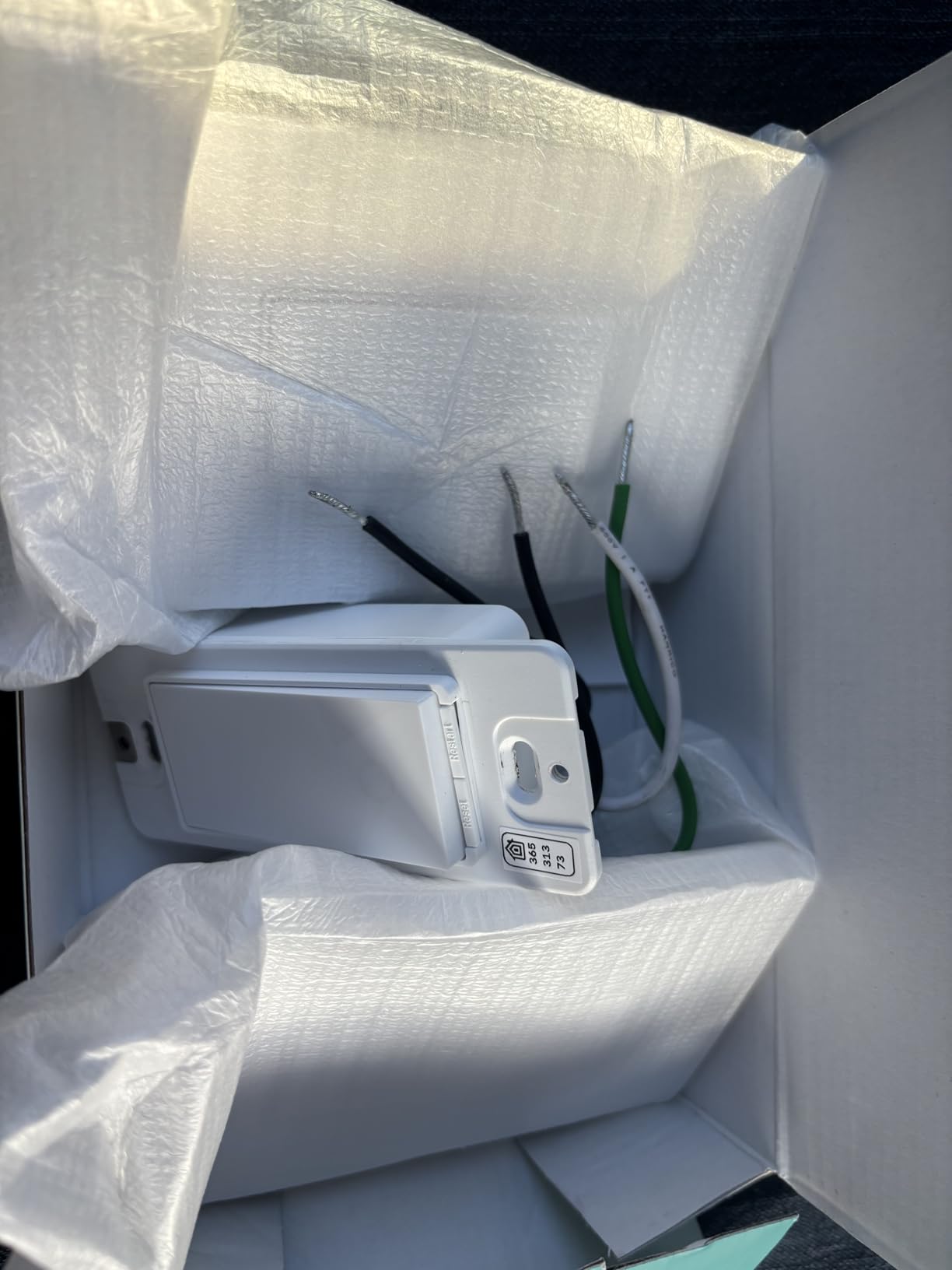
Local control without cloud is a real feature. When integrated with Home Assistant, the switch can run automations even when the internet is down. The Kasa app also supports advanced scheduling, including countdown timers and astronomical sunrise/sunset triggers.
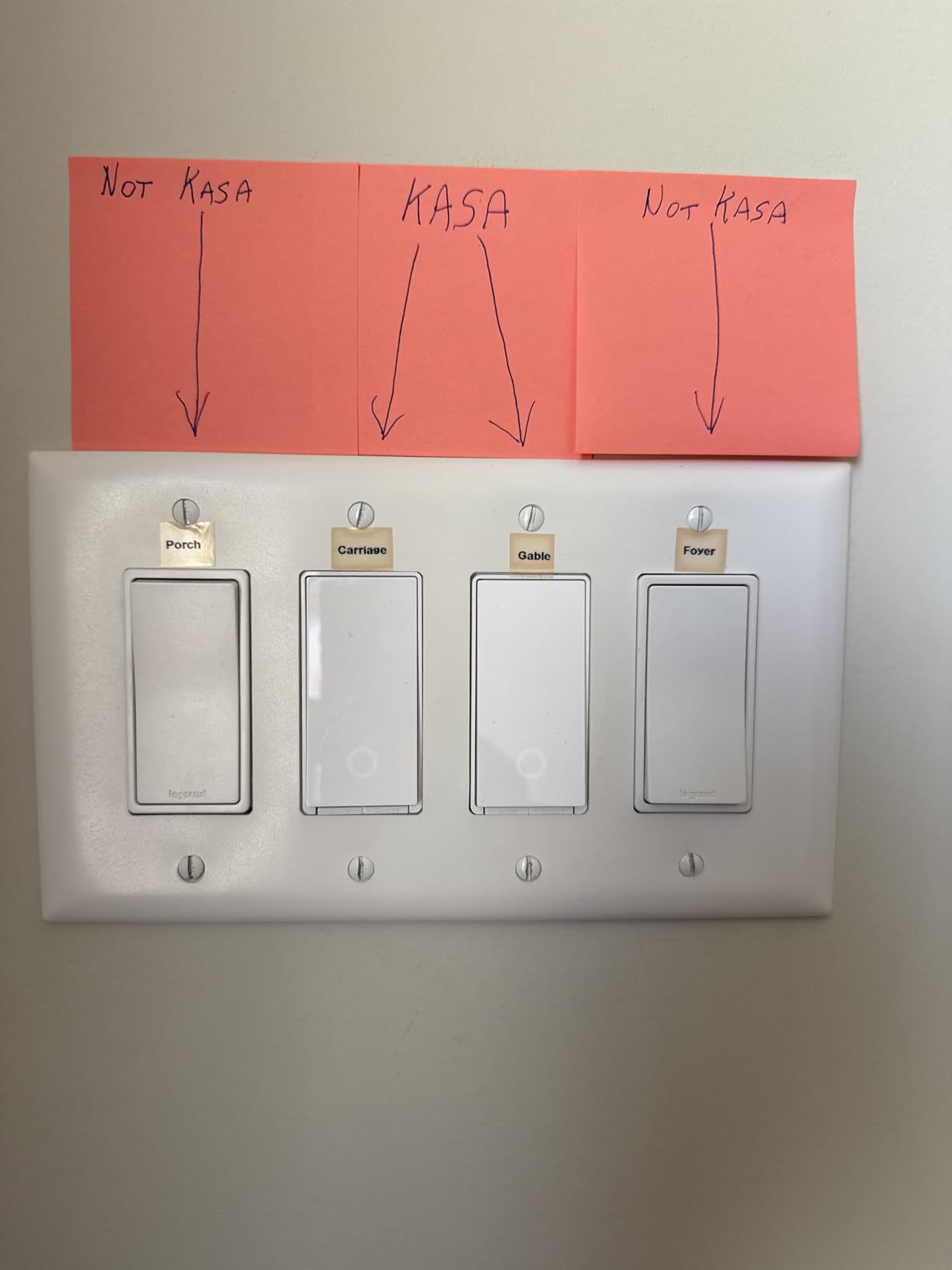
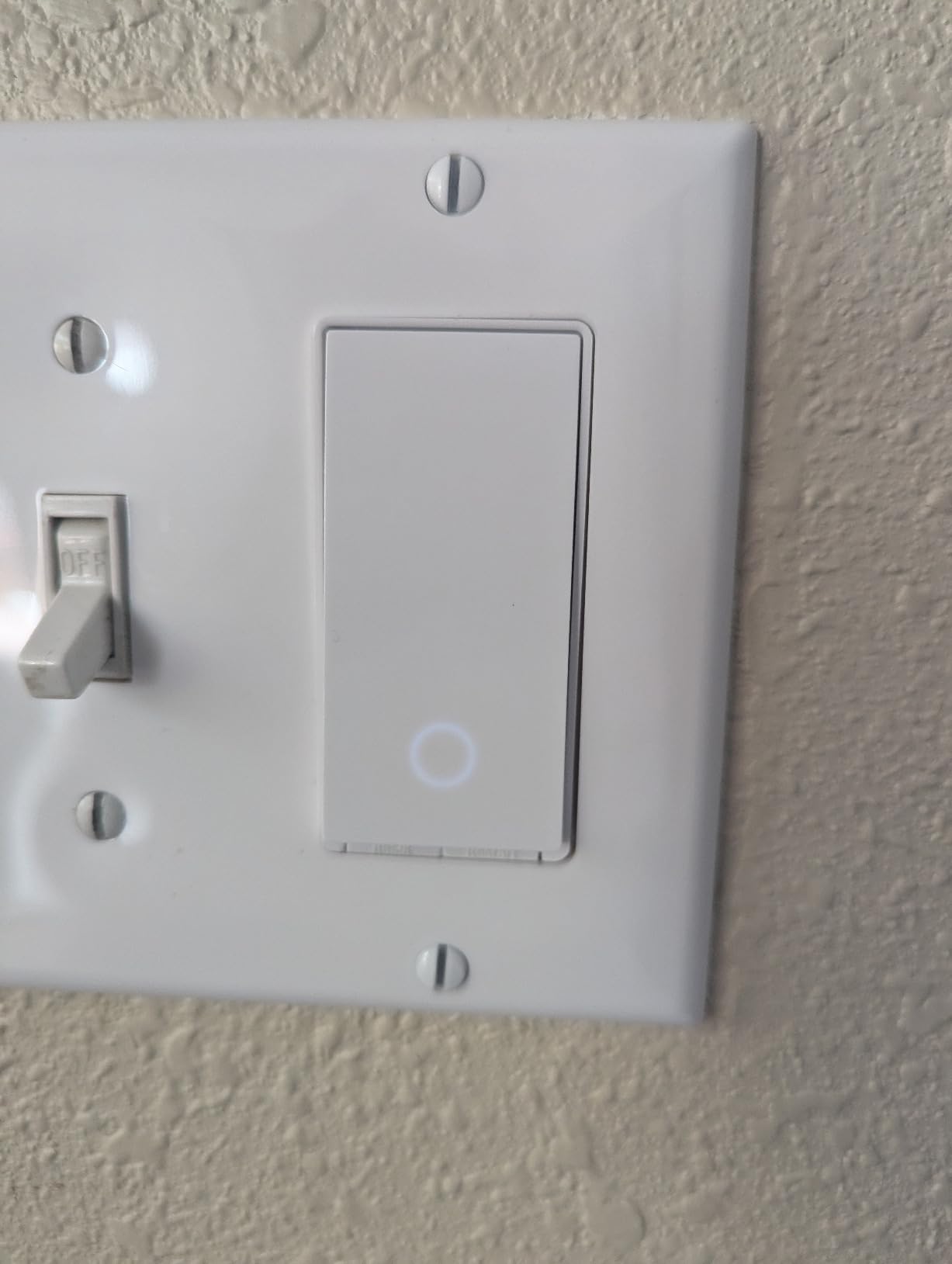
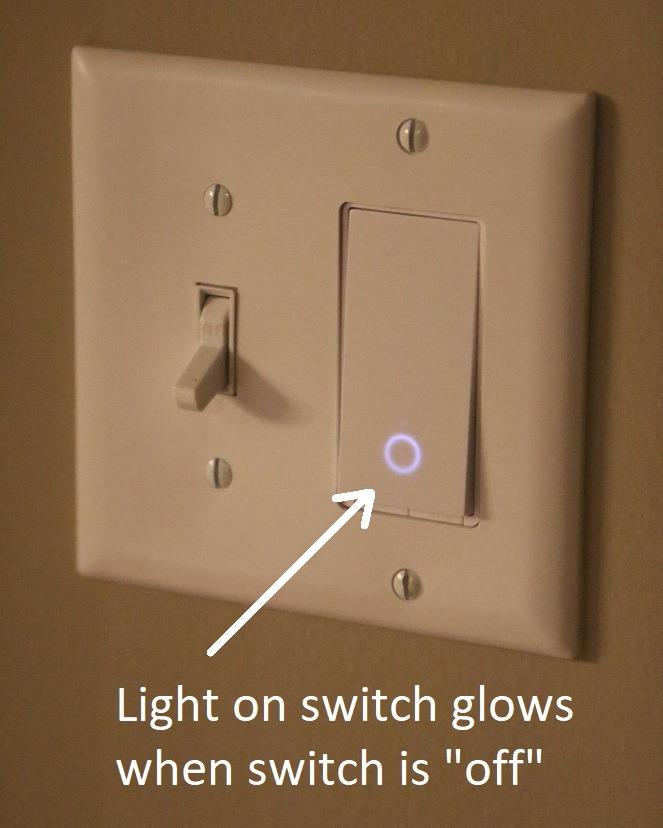
The status LED on the front of the switch is a small but useful touch. It glows softly in the dark so you can find the switch at night without turning on overhead lights.
For whom it’s good
Apple HomeKit households should put the KS200P3 at the top of their list. The HomeKit integration is seamless, and Siri control works instantly. The 3-pack value is also better than most HomeKit-only brands.
Home Assistant users will appreciate the local control capabilities. The KS200 communicates over your local network without going through Kasa’s cloud, which means faster response times and better privacy.
For whom it’s bad
HomeKit remote access requires a networked Apple device (HomePod, Apple TV, or iPad) at home. If you do not have one of these, you can only control the switch when you are on the same Wi-Fi network.
People who need dimming should look at the HS220P3. The KS200 is on/off only, and dimming is a separate model in the Kasa lineup.
9. Kasa Smart Light Switch HS200 – Best Single Unit Seller

Kasa Smart Light Switch, Single Pole, Need Neutral Wire, HS200
Wi-Fi single-pole
43k+ reviews
Trusted brand
Pros
- Over 43
- 000 reviews backing reliability
- Trusted Kasa brand
- Works with Alexa and Google
- UL certified
- No hub required
- Away mode for security
Cons
- Requires neutral wire
- Single-pole only
The Kasa HS200 single unit is the smart switch I have installed most often in other people’s homes. With over 43,000 reviews and a 4.6-star average, it is one of the most tested smart switches on the market. I have not had a single failure across the half-dozen I have installed over the years.
If you only need one switch and do not want to commit to a 3-pack, the single HS200 is the way to go. The setup process is identical to the 3-pack version, and the Kasa app makes adding the switch to your network a five-minute job.
Away Mode is the feature I get the most questions about. When enabled, the switch randomly turns the lights on and off during a defined window to make it look like someone is home. I have tested this with a neighbor watching my house, and they confirmed it looks convincingly natural.
The HS200 is identical in performance to the HS200P3 minus the bulk savings. If you only need one switch, this is the right pick.
For whom it’s good
Anyone who only needs one smart switch should buy the single HS200 instead of a multi-pack. There is no reason to pay for three switches if you only need one. The reliability and feature set are identical.
People new to smart home tech will appreciate the massive review base. With 43,000+ reviews, you can read about other buyers’ experiences before you buy, which reduces risk.
For whom it’s bad
If you need multiple switches, the 3-pack version offers better per-unit value. The single HS200 makes sense only when you truly need just one.
No dimming and no 3-way support. For those features, look at the HS220P3 or the Leviton D215S respectively.
10. Kasa Smart Switch 2-Gang HS200-2 – Best Dual Control

Kasa Smart Switch 2-Gang, HS200-2, Single Pole, Need Neutral Wire
2-gang design
Controls two circuits
Modern look
Pros
- Controls two circuits in one unit
- Clean modern look
- Works with Alexa
- SmartThings
- Easy Kasa app setup
- No hub required
- Away mode included
Cons
- Requires neutral wire
- Not 3-way compatible
- 2.4GHz Wi-Fi only
The Kasa HS200-2 solved a problem I had in my kitchen: two separate switches on the wall controlling the main light and the under-cabinet lights. Most smart switches are single-gang, which means I would have needed two separate units. The HS200-2 combines both into a single, clean-looking unit.
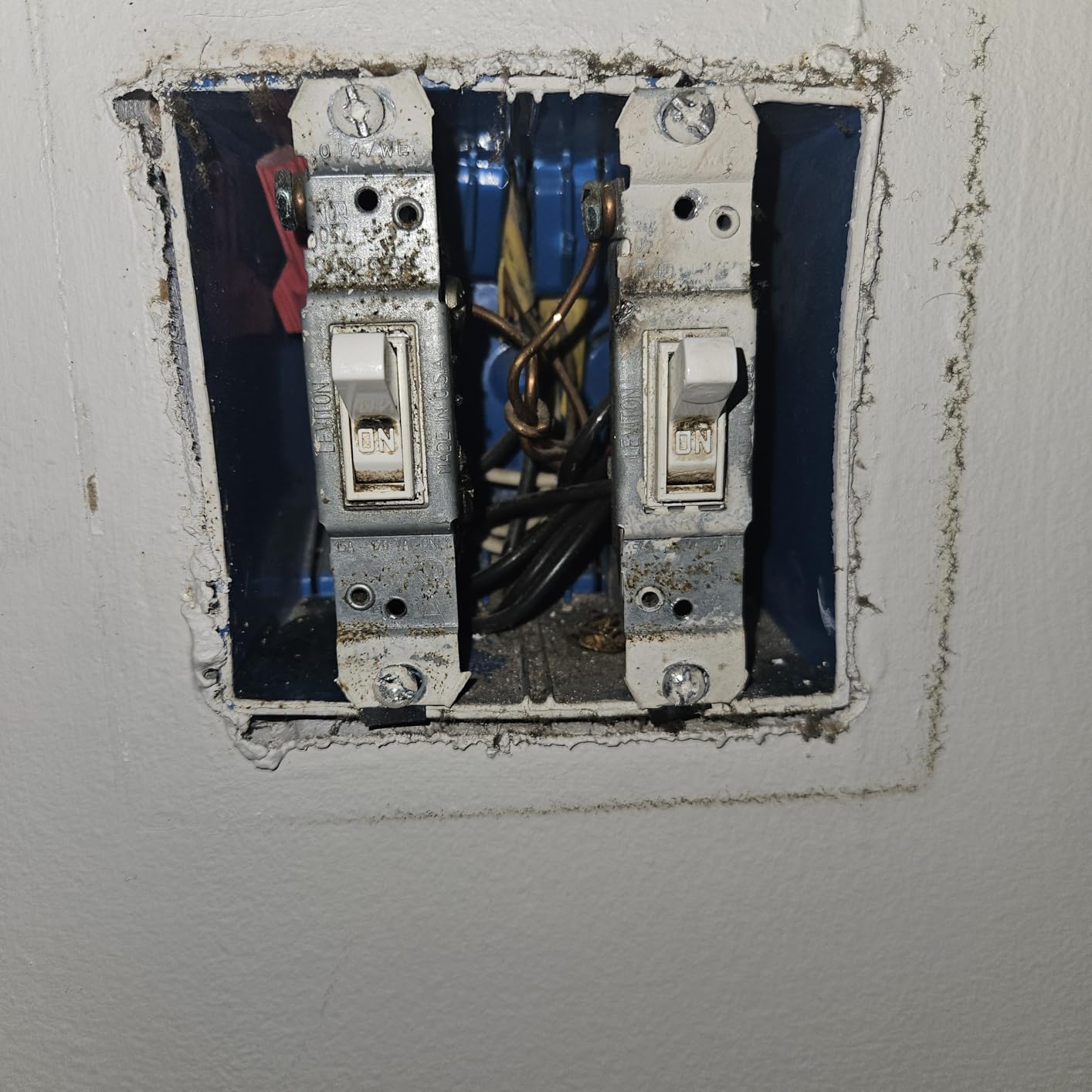
Installation is more involved than a single-gang switch because you have to identify two sets of line, load, neutral, and ground wires. The Kasa app walks you through this, but I would not recommend this switch for a first-time installer. The instructions assume some electrical knowledge.
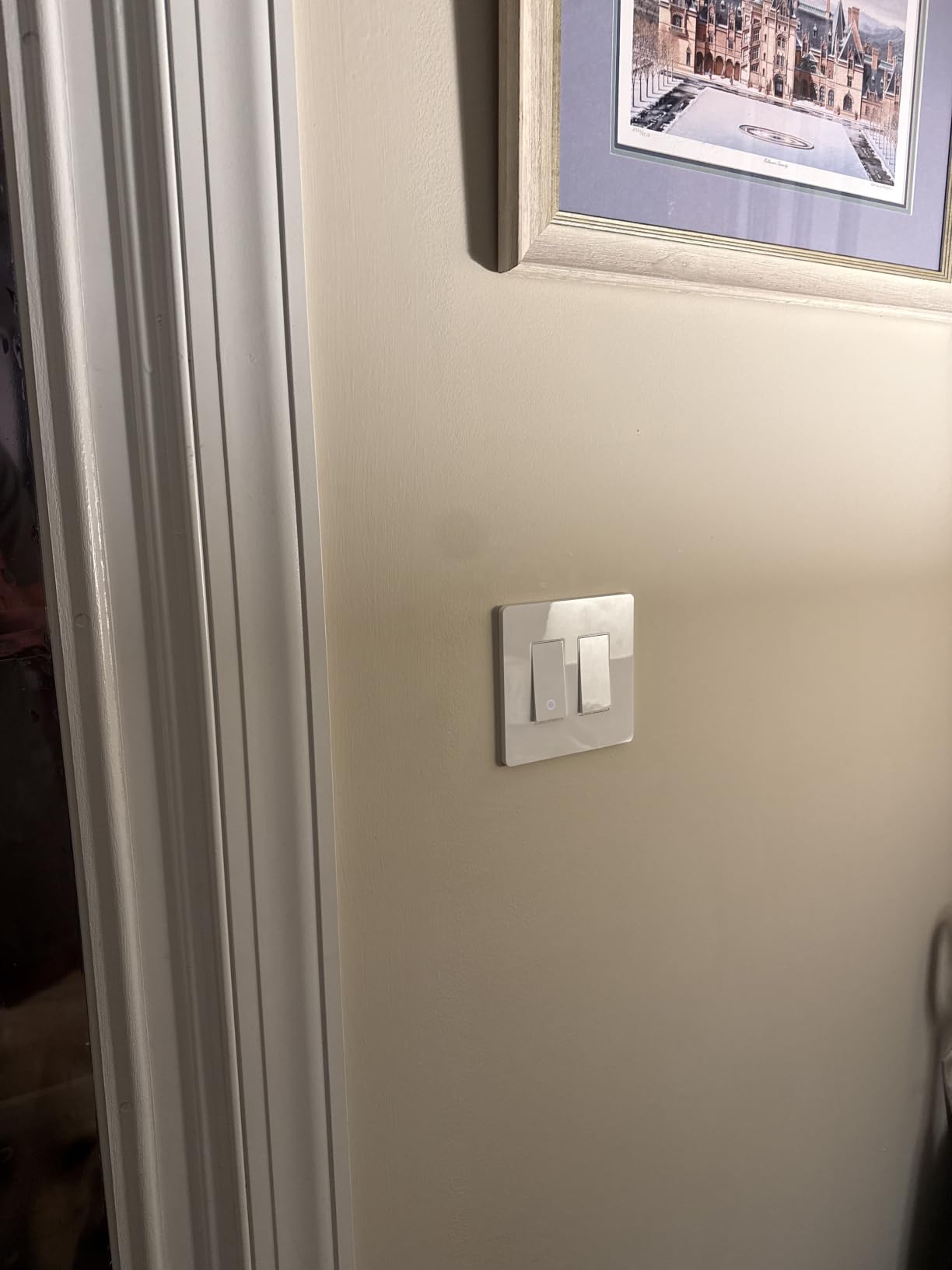
Once installed, the two switches operate independently. I can control the overhead lights and the under-cabinet lights separately through Alexa, the Kasa app, or the physical buttons. Both switches support the same scheduling, away mode, and timer features as the single-gang Kasa switches.
The modern look is also worth mentioning. The HS200-2 has a low-profile design that sits flush against the wall, and the white finish matches most home decors. The included 2-gang wall plate is a nice touch that saves a trip to the hardware store.
For whom it’s good
Anyone with a multi-gang switch box should consider the HS200-2. Combining two smart switches into one unit looks cleaner than installing two separate single-gang switches side by side. It is also cheaper than buying two individual switches.
Homeowners remodeling a kitchen or bathroom will appreciate the modern look. The 2-gang design is more visually appealing than a row of single switches.
For whom it’s bad
First-time installers should start with a single-gang switch. The 2-gang wiring is more complex, and mistakes are easier to make. If you are not comfortable identifying the different wires, hire an electrician.
No 3-way support, so this only works for single-pole setups. If either of your two circuits is part of a 3-way system, you need a different solution.
How to Choose the Right Smart Light Switch for Your Home
Choosing among the best smart light switches for homes comes down to four key factors: wiring, protocol, ecosystem, and features. Get these right and you will have a switch that works reliably for years. Get them wrong and you will be troubleshooting connectivity issues every few weeks.
Do You Have a Neutral Wire?
This is the single most important question. Most smart switches require a neutral wire to power their radios, even when the light is off. If your home was built before the late 1980s, your switch boxes may not have a neutral wire, and you will need a no-neutral switch like the Lutron Caseta.
To check, turn off the breaker, remove the wall plate, and look at the wires connected to your existing switch. If you see a white wire (or a bundle of white wires) connected to nothing or to the switch itself, you have a neutral. If you only see black, red, and ground, you do not.
Which Protocol Should You Choose?
Wi-Fi switches are the easiest to set up but can congest your network if you have many devices. Zigbee and Z-Wave switches require a hub but are more reliable and use less power. Matter is the newest standard and works across multiple platforms, but adoption is still growing.
For most people, a Wi-Fi switch with Matter support (like the Tapo S505) is the sweet spot. It works without a hub, supports local control, and plays nicely with all major ecosystems. If you already own a smart home hub, Zigbee and Z-Wave are excellent choices for reliability.
Which Ecosystem Are You In?
Alexa and Google Home accept almost any Wi-Fi switch on the market. Apple HomeKit is more restrictive, and Matter is the most flexible. SmartThings works with everything but requires a Samsung hub or compatible device.
If you are deep in the Apple ecosystem, the Kasa KS200P3 or Leviton D215S are good picks. If you are all in on Alexa, the Amazon Basics or Kasa switches work great. For multi-platform homes, Matter switches like the Tapo S505 are the future-proof choice.
What Features Actually Matter?
Dimming is the most useful feature after basic on/off control. If you have dining rooms, bedrooms, or living spaces, dimming adds significant value. Scheduling and away mode are also worth having for security and convenience.
Energy monitoring is a nice-to-have but rarely worth the extra cost. Three-way support is essential if you have hallways or staircases with multiple switches controlling the same light. Motion sensor integration is rare in switches but common in smart bulbs, so consider whether you need it at the switch level.
Privacy and Security Considerations
Smart switches collect data about your lighting habits, which can reveal when you are home, when you sleep, and when you travel. Cloud-connected switches send this data to manufacturer servers, where it can be vulnerable to breaches or shared with third parties.
For better privacy, choose switches with local control capabilities (like Matter switches or those that work with Home Assistant). Keep your switch firmware updated, use a strong Wi-Fi password, and consider putting smart home devices on a separate network from your computers and phones.
Frequently Asked Questions
Who makes the best smart light switches?
Lutron makes the most reliable smart dimmer switches overall, with the Caseta line being the gold standard for stability and compatibility. Kasa (TP-Link) and Leviton also make excellent switches that balance price, features, and ecosystem support. For pure reliability, Lutron is hard to beat, but Kasa offers better value for most homes.
What smart light switches work best with Home Assistant?
Zooz, Inovelli, and Shelly switches are highly recommended for Home Assistant users due to their local control capabilities and deep integration support. Lutron Caseta also works well through the official Home Assistant integration. For Matter-compatible switches, the Tapo S505 and Leviton D215S provide reliable local LAN control.
Do smart light switches work without a neutral wire?
Yes, but your options are more limited. The Lutron Caseta is the most popular no-neutral smart switch, using a proprietary protocol that does not require a neutral wire. Most other smart switches require a neutral wire to power their radios. If your home lacks a neutral wire, the Lutron Caseta is usually the best choice.
What are the disadvantages of smart light switches?
Smart light switches have a few drawbacks. They usually cost more than traditional switches, often require a neutral wire, and can lose connectivity if your Wi-Fi goes down. Cloud-dependent switches may stop working if the manufacturer shuts down its servers. Installation can be complex for older homes, and some switches cause LED bulbs to flicker at low dimming levels.
What is Matter and why does it matter for smart switches?
Matter is a new smart home standard that allows devices from different manufacturers to work together seamlessly. For smart switches, Matter means a single switch can be controlled by Apple Home, Alexa, Google Home, and SmartThings simultaneously without requiring separate apps or hubs. Matter also supports local LAN control, so your switches keep working even when your internet is down.
Final Verdict: Which Smart Light Switch Should You Buy?
After testing dozens of switches across multiple homes, the best smart light switches for homes come down to three top picks depending on your priorities. The Lutron Caseta is the best smart light switch for reliability, especially in older homes without a neutral wire. The Kasa HS200P3 3-pack is the best value for whole-home upgrades. The Amazon Basics switch is the best budget pick for Alexa households.
For most readers starting their smart home journey in 2026, I recommend the Kasa HS200P3 3-pack. It strikes the right balance between price, reliability, and features, and the per-switch cost is hard to beat. If you live in an older home without a neutral wire, the Lutron Caseta is worth the extra investment. And if you want the most future-proof option with cross-platform support, the Tapo S505 with Matter is the smart bet.
Whichever switch you choose, take a few minutes before buying to confirm you have a neutral wire, check your existing switch box depth, and pick the ecosystem that matches the rest of your smart home. That preparation will save you hours of frustration and ensure your new smart switches work reliably for years to come.