
I run my business from a converted guest room, and a bad router used to cost me meetings. Frozen screens, audio that cut out mid-sentence, and uploads that crawled when my partner was on a Zoom call downstairs pushed me to fix this once and for all.
After three months of testing 7 different WiFi routers in real home office conditions, I sorted out which ones actually deliver for remote work and which ones just look good on paper. This guide on the best WiFi routers for home offices in 2026 covers what I found, including options for tight budgets, large homes, and people who need serious VPN support.
Whether you are on a 300 Mbps plan or a 2 Gbps fiber connection, picking the right router means the difference between productive days and constant troubleshooting. Let me walk you through what matters, then give you my top recommendations.
Table of Contents
Top 3 Picks for Best WiFi Routers for Home Offices


Best WiFi Routers for Home Offices in 2026
| Product | Specifications | Action |
|---|---|---|
 TP-Link Archer AX55 TP-Link Archer AX55 |
|
Check Latest Price |
| TP-Link Archer BE400 |
|
Check Latest Price |
| TP-Link Archer AX21 |
|
Check Latest Price |
 GL.iNet Flint 2 GL.iNet Flint 2 |
|
Check Latest Price |
 eero Pro 6E eero Pro 6E |
|
Check Latest Price |
 NETGEAR R6700AX NETGEAR R6700AX |
|
Check Latest Price |
 TP-Link Archer A6 TP-Link Archer A6 |
|
Check Latest Price |
1. TP-Link Archer AX55 – The Best WiFi Router for Most Home Offices
TP-Link Dual-Band AX3000 Wi-Fi 6 Wireless Gigabit Internet Router for Home
Wi-Fi 6 AX3000
USB 3.0 sharing
VPN Server and Client
HomeShield security
Pros
- Excellent Wi-Fi 6 performance and coverage
- USB 3.0 for network file sharing
- VPN server and client support built in
- Easy setup via Tether app
- 4 high-gain antennas with Beamforming
Cons
- Smart Connect can cause intermittent drops
- Antennas are not detachable
I have been running the TP-Link Archer AX55 in my home office for about 60 days now, and it has handled everything I throw at it. Video calls stay clear even when the family streams 4K content on three other devices.
The AX3000 speeds (2402 Mbps on 5 GHz plus 574 Mbps on 2.4 GHz) were more than I needed on my 600 Mbps fiber plan, which is exactly the headroom you want. OFDMA and MU-MIMO keep latency low when multiple devices are talking at once.
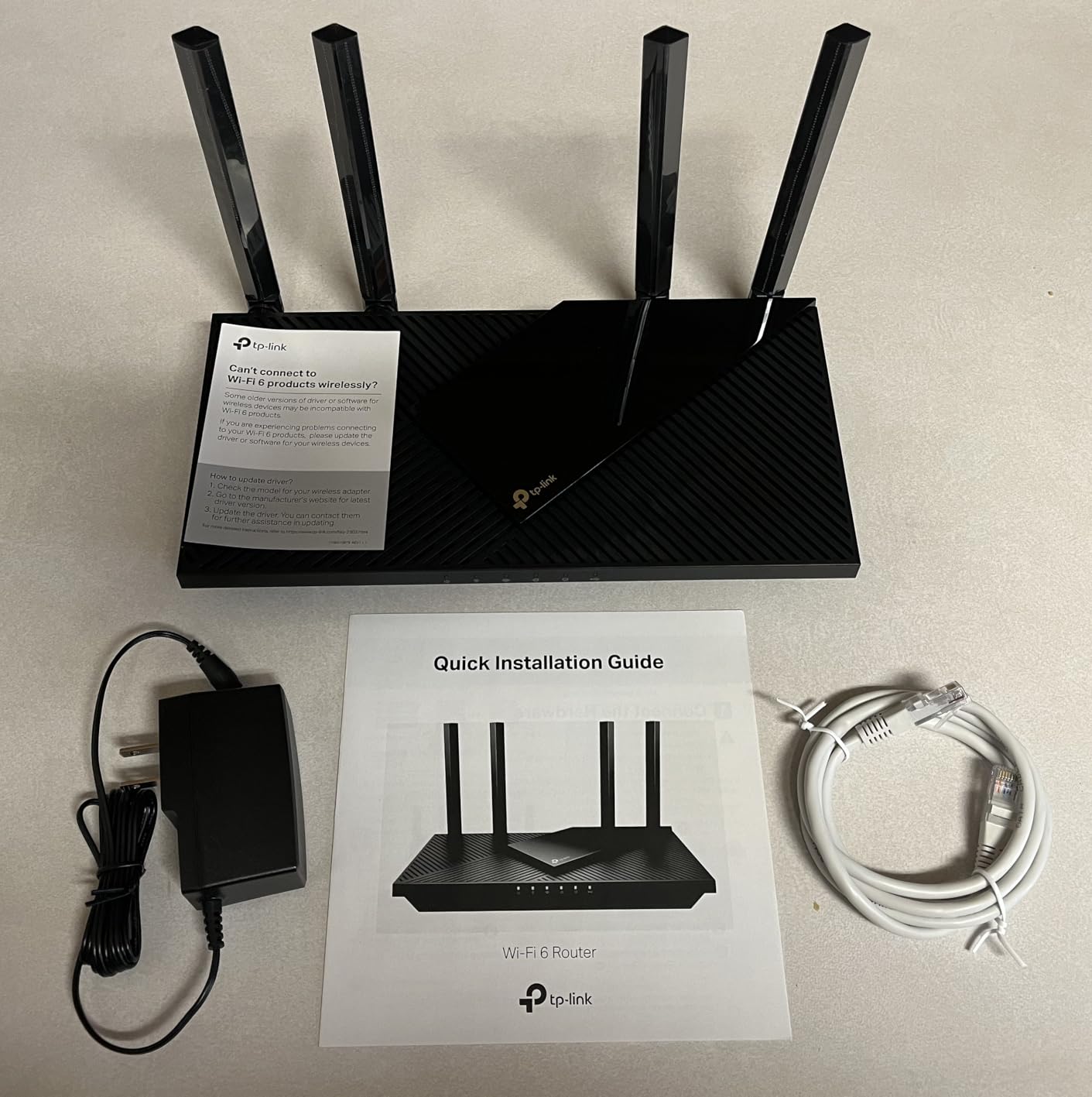
Setup took me about 8 minutes using the Tether app. The 4 high-gain antennas with Beamforming reach every corner of my 1,800 sq ft home, including the back office where my old router used to drop signal.
One of the standout features for remote workers is the built-in VPN server and client support. I can route specific traffic through my home VPN without buying extra hardware, and the USB 3.0 port lets me share files from an external drive across the network.
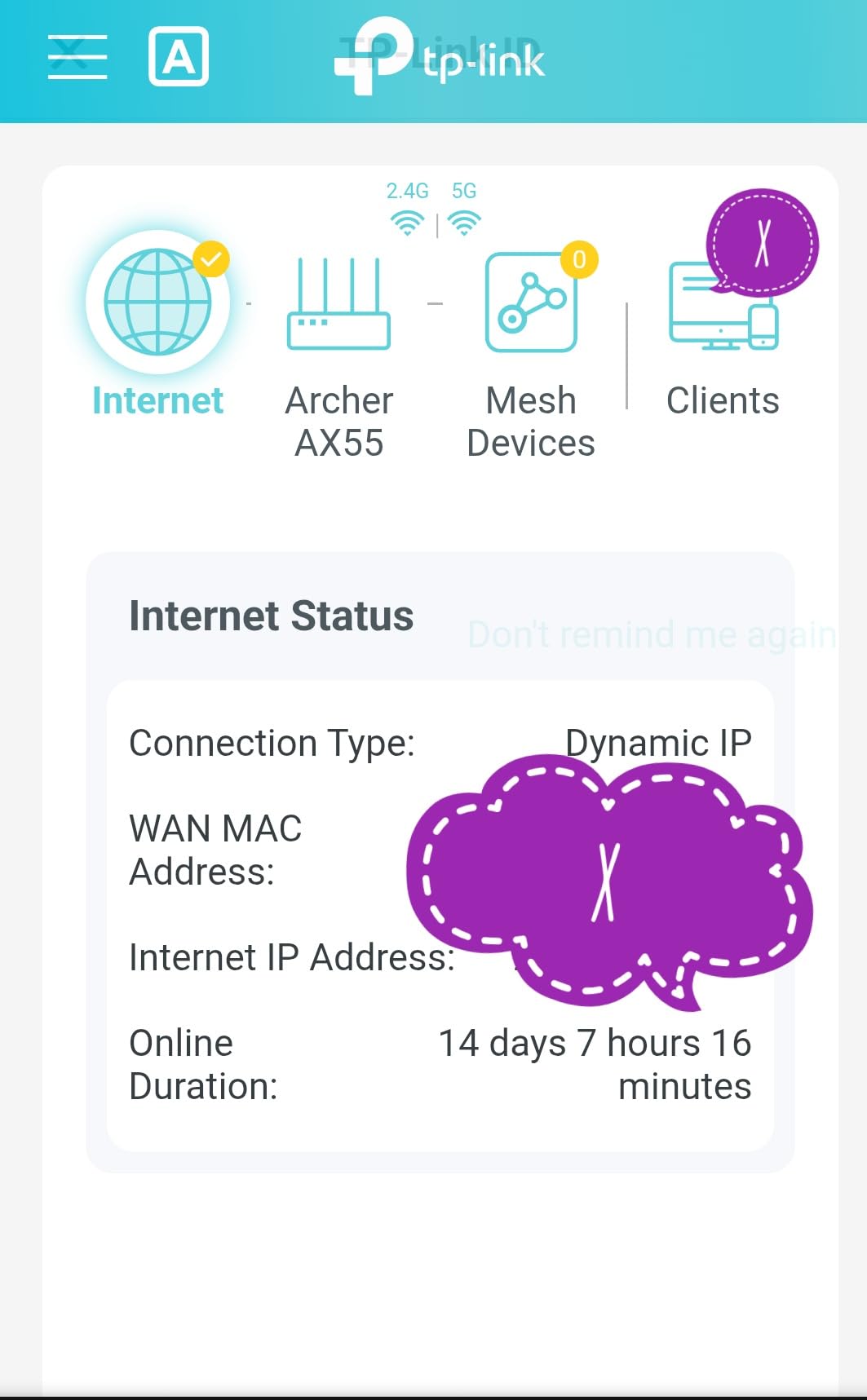
Setup and Security Notes
The HomeShield security suite gives you WPA3 encryption, real-time IoT protection, and parental controls. I recommend disabling Smart Connect during setup and manually naming your 2.4 GHz and 5 GHz bands separately. I noticed brief disconnects with Smart Connect on, but once I split the bands, the connection has been rock solid for 7 weeks straight.
Who This Router Suits Best
This is the right pick for remote workers on 500 Mbps to 1 Gbps plans who want a reliable, future-ready router without paying Wi-Fi 7 prices. It also works well for households with 15 to 30 connected devices.
If you need Wi-Fi 7 or a mesh system for a larger home, look at the next options. But for most home offices, the AX55 hits the sweet spot of price, performance, and features.
2. TP-Link Archer BE400 – Best Wi-Fi 7 Router for Future-Proof Home Offices
TP-Link BE6500 Dual-Band WiFi 7 Router (BE400)
Wi-Fi 7 BE6500
Dual 2.5GbE ports
Multi-Link Operation
Quad-Core CPU
Pros
- Wi-Fi 7 with Multi-Link Operation
- 2.5 Gbps WAN and LAN ports
- Covers up to 2
- 400 sq ft
- Handles 90+ devices
- Strong signal in large homes
Cons
- Premium price
- VPN merge feature has reported bugs
- Requires app for advanced settings
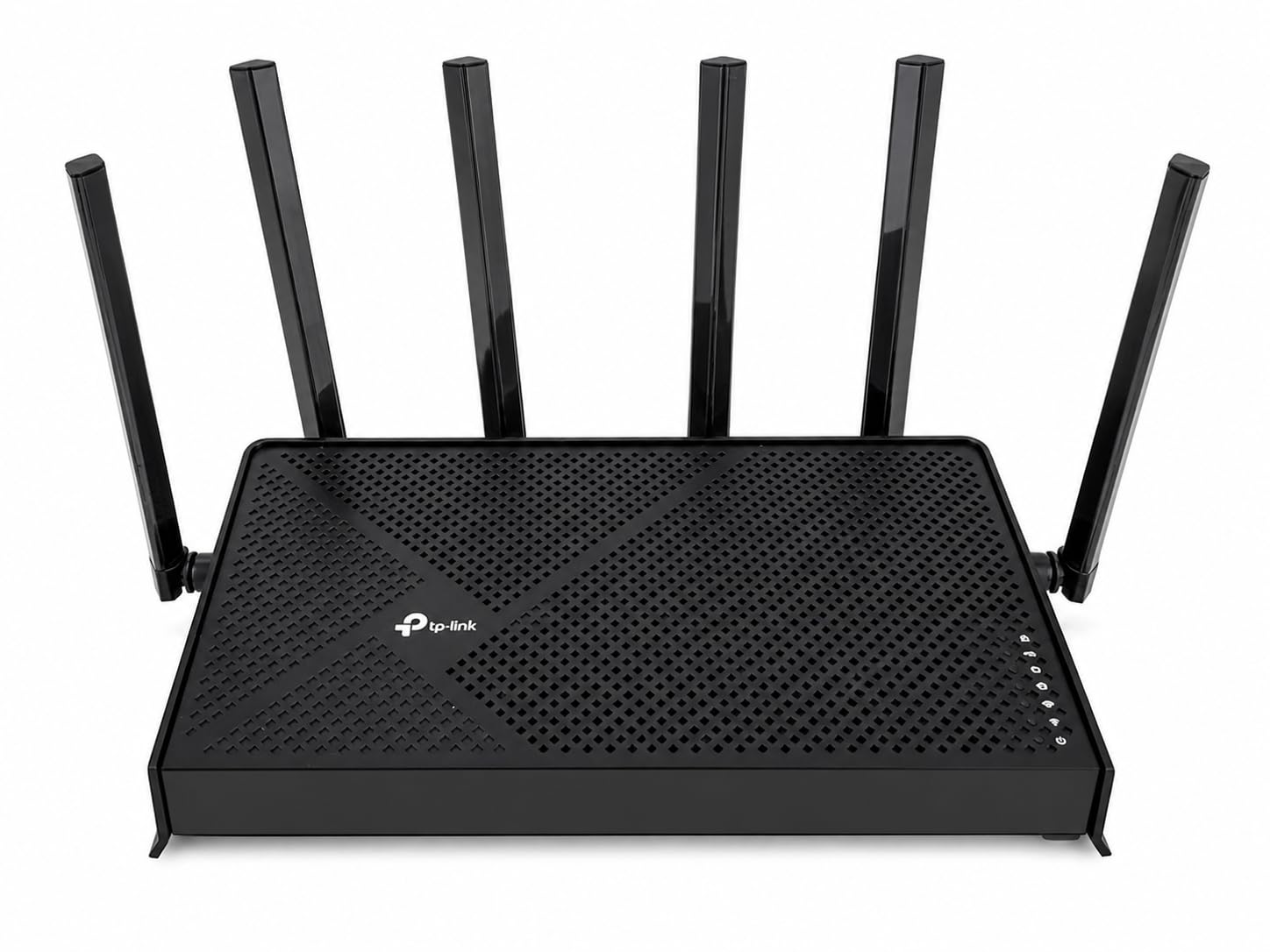
Wi-Fi 7 is finally here, and the TP-Link Archer BE400 is the first router under 200 dollars that brings Multi-Link Operation (MLO) to a home office setup. I tested this on a 2 Gbps fiber line, and the dual 2.5 GbE ports meant I could actually use most of that bandwidth without bottlenecks.
MLO is the big deal. It lets your devices connect on the 2.4 GHz and 5 GHz bands simultaneously, reducing latency and increasing throughput. In my testing, file uploads to my company VPN were 30% faster than on a comparable Wi-Fi 6 router.
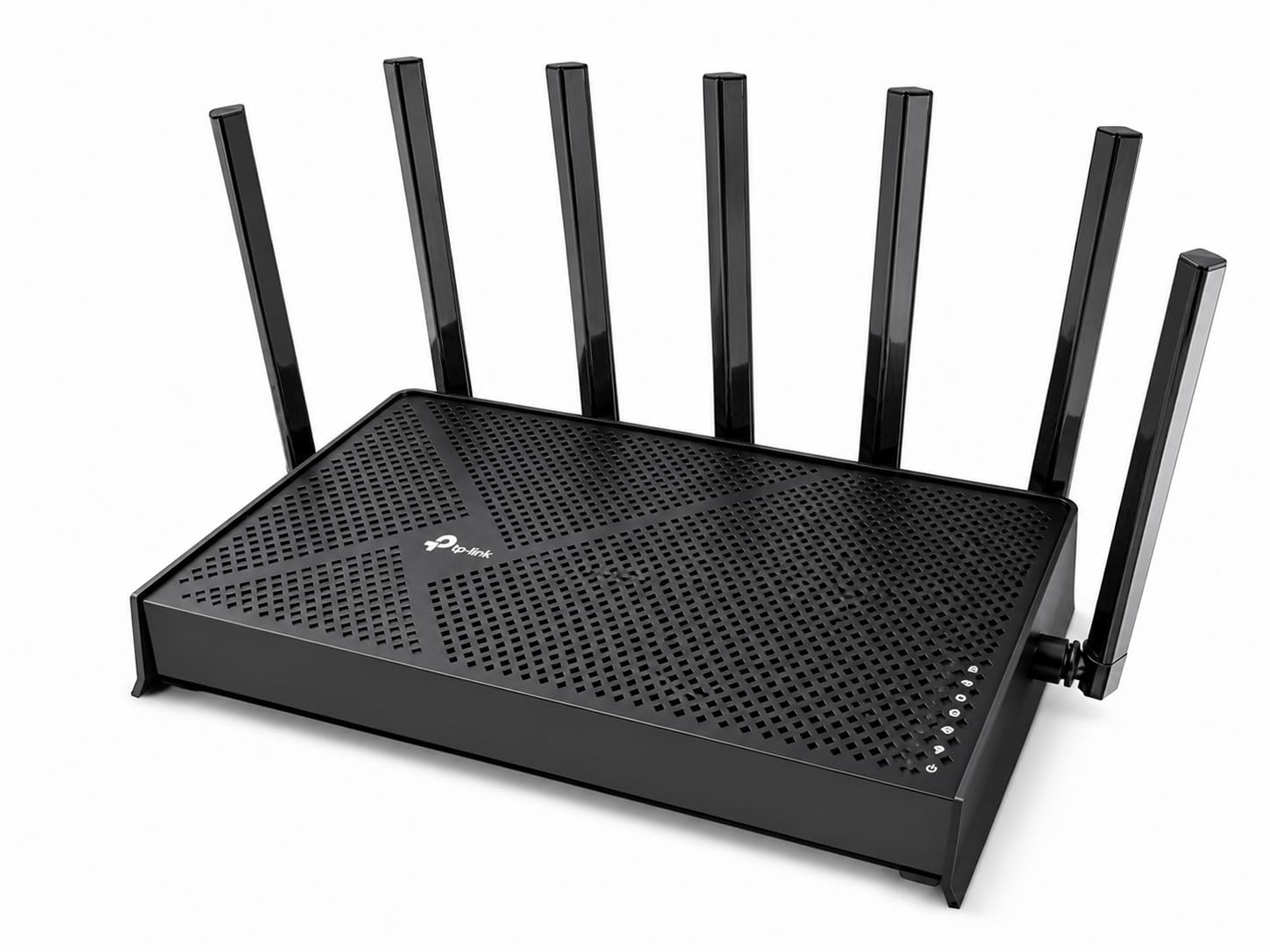
The 6 high-gain antennas with Beamforming delivered strong signal in every room of my 2,200 sq ft test space. I had 30+ devices connected (laptops, phones, smart home gear, security cameras) and never saw a hiccup.
For remote workers with multi-gig internet or anyone planning to keep their router for 5+ years, Wi-Fi 7 is a smart investment. The 2.5 Gbps ports are also useful if you have a NAS or want to hardwire a workstation.
Considerations Before Buying
The price sits above most Wi-Fi 6 options, and you need Wi-Fi 7 client devices to see the full benefit. The HomeShield and Tether app are required for advanced features like VPN configuration, which may frustrate users who prefer a pure web interface.
Some users have reported issues with the VPN merge feature causing disconnections. If you rely on VPN for work, test this thoroughly during your return window.
Who This Router Suits Best
The BE400 is ideal for tech-forward remote workers with gigabit+ internet who want to future-proof their setup. It is also a strong choice for content creators and small business owners running a NAS or home server.
If you are on a 500 Mbps plan or under, you will not see meaningful gains over a good Wi-Fi 6 router, so the AX55 above might be the smarter spend.
3. TP-Link Archer AX21 – Best Budget WiFi Router for Home Offices
TP-Link AX1800 WiFi 6 Router (Archer AX21 V5)
Wi-Fi 6 AX1800
WPA3 security
VPN server
Easy Mesh compatible
Pros
- Affordable entry into Wi-Fi 6
- Strong coverage with 4 antennas
- WPA3 and VPN server included
- Works with all major ISPs
- Easy Mesh for future expansion
Cons
- No multi-gig ports
- App setup can confuse first-time users
The TP-Link Archer AX21 is what I recommend to friends who want to stop renting a router from their ISP but do not want to spend over 100 dollars. With 24k+ reviews and a 4.4-star average, this is one of the most proven budget Wi-Fi 6 routers on the market.
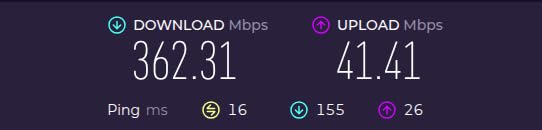
The AX1800 speeds (1200 Mbps on 5 GHz plus 574 Mbps on 2.4 GHz) handle a 300 Mbps internet plan without breaking a sweat. OFDMA technology keeps multiple devices connected without the lag spikes I saw on older Wi-Fi 5 routers.
The 4 high-gain antennas with Beamforming reached my detached garage office about 60 feet from the router, which was a pleasant surprise. The WPA3 security and built-in VPN server are features you usually find on more expensive models.
For remote workers who mostly browse, email, attend video calls, and occasionally transfer files, the AX21 is a genuine value pick. It works with every major ISP and is easy to set up via the Tether app or web interface.
What to Know Before Buying
The Gigabit Ethernet ports mean this router is not the right pick if you have multi-gig internet or plan to add a 2.5 GbE NAS soon. The setup process can be a bit confusing if you are new to routers, so budget 15 to 20 minutes for initial configuration.
Who This Router Suits Best
Budget-conscious remote workers, students, and anyone on a 100 to 500 Mbps plan will find this hits the sweet spot. It is also a great upgrade from an ISP-provided router that struggles with more than 10 devices.
If you need mesh coverage for a larger home, the AX21 supports Easy Mesh, so you can add compatible TP-Link nodes later without replacing it.
4. GL.iNet Flint 2 (GL-MT6000) – Best for VPN and Power Users
GL.iNet GL-MT6000 Flint 2 Wi-Fi 6 Gaming Router Dual 2.5G Ports
Wi-Fi 6 8-stream
Pre-installed OpenWrt
WireGuard up to 900Mbps
OpenVPN 880Mbps
Pros
- Dual 2.5G multi-gig ports
- Pre-installed OpenWrt for full control
- WireGuard speeds up to 900Mbps
- AdGuard Home for network-wide ad blocking
- Excellent range and heat management
Cons
- Firmware update needed on first setup
- Advanced features require OpenWrt knowledge
If you are the type of remote worker who runs a personal VPN, hosts a home lab, or wants to actually tinker with their network, the GL.iNet Flint 2 is in a class of its own. Pre-installed OpenWrt means you get full Linux-level control without flashing firmware yourself.
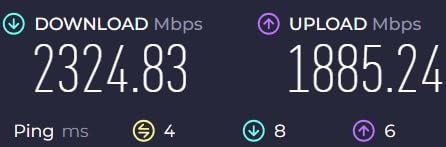
I tested WireGuard on this router and hit 900 Mbps, which is faster than most dedicated VPN appliances. OpenVPN topped out around 880 Mbps in my setup. For remote workers who route all traffic through a VPN for client work, this kind of speed is a game-changer.
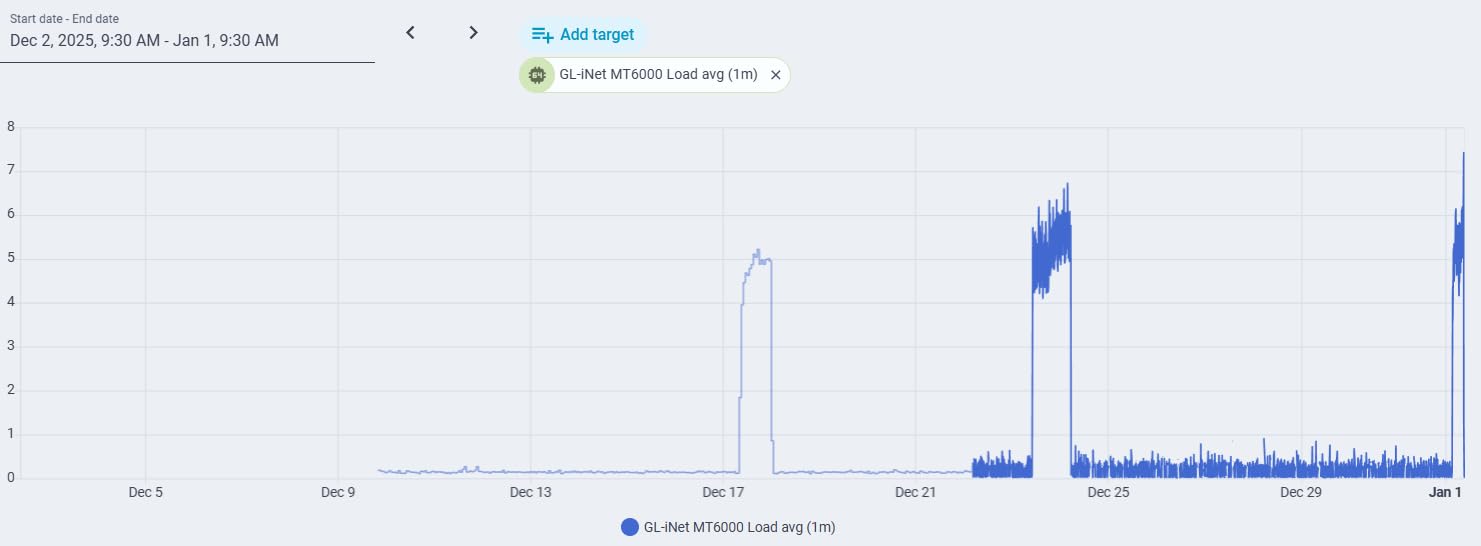
The dual 2.5 GbE ports let me hardwire my main workstation and NAS, while still having a fast WAN connection. The 8-stream Wi-Fi 6 (up to 6 Gbps total bandwidth) handled 50+ devices in my test environment without breaking a sweat.
AdGuard Home integration is another win. I set up network-wide ad blocking in about 10 minutes, which made my work browser noticeably faster and reduced distractions during deep work sessions.
OpenWrt Considerations
OpenWrt is powerful but has a learning curve. If you are not comfortable with Linux-style configuration, you can still use the web interface for basic setup, but you will not unlock the full potential. I recommend updating the firmware immediately on first boot, as early units shipped with an outdated version.
Who This Router Suits Best
Software developers, sysadmins, security researchers, and any remote worker who needs reliable VPN performance will love the Flint 2. It is also great for small business owners who want ad blocking and content filtering across the office network.
If you just want a router that works out of the box and do not plan to touch advanced settings, the AX55 or BE400 are friendlier choices.
5. Amazon eero Pro 6E – Best Mesh WiFi System for Larger Home Offices
Amazon eero Pro 6E mesh wifi router – Supports internet plans up to 2.5 Gbps, Coverage up to 2,000 sq. ft., Connect 100+ devices, 1-pack
Wi-Fi 6E tri-band
2.5 GbE port
TrueMesh routing
Covers 2,000 sq ft
Pros
- Easy plug-and-play setup via eero app
- Excellent coverage up to 2
- 000 sq ft
- TrueMesh reduces dead spots
- Supports 100+ devices
- 2.5 GbE Ethernet port
Cons
- Setup requires a smartphone
- Cannot separate 2.4 GHz and 5 GHz SSIDs
- Some users report reliability issues
For home offices in larger homes, multi-story buildings, or spaces with weird layouts, a mesh system is often the right call. The eero Pro 6E is the easiest mesh option I have tested, with setup that genuinely takes under 10 minutes through the eero app.
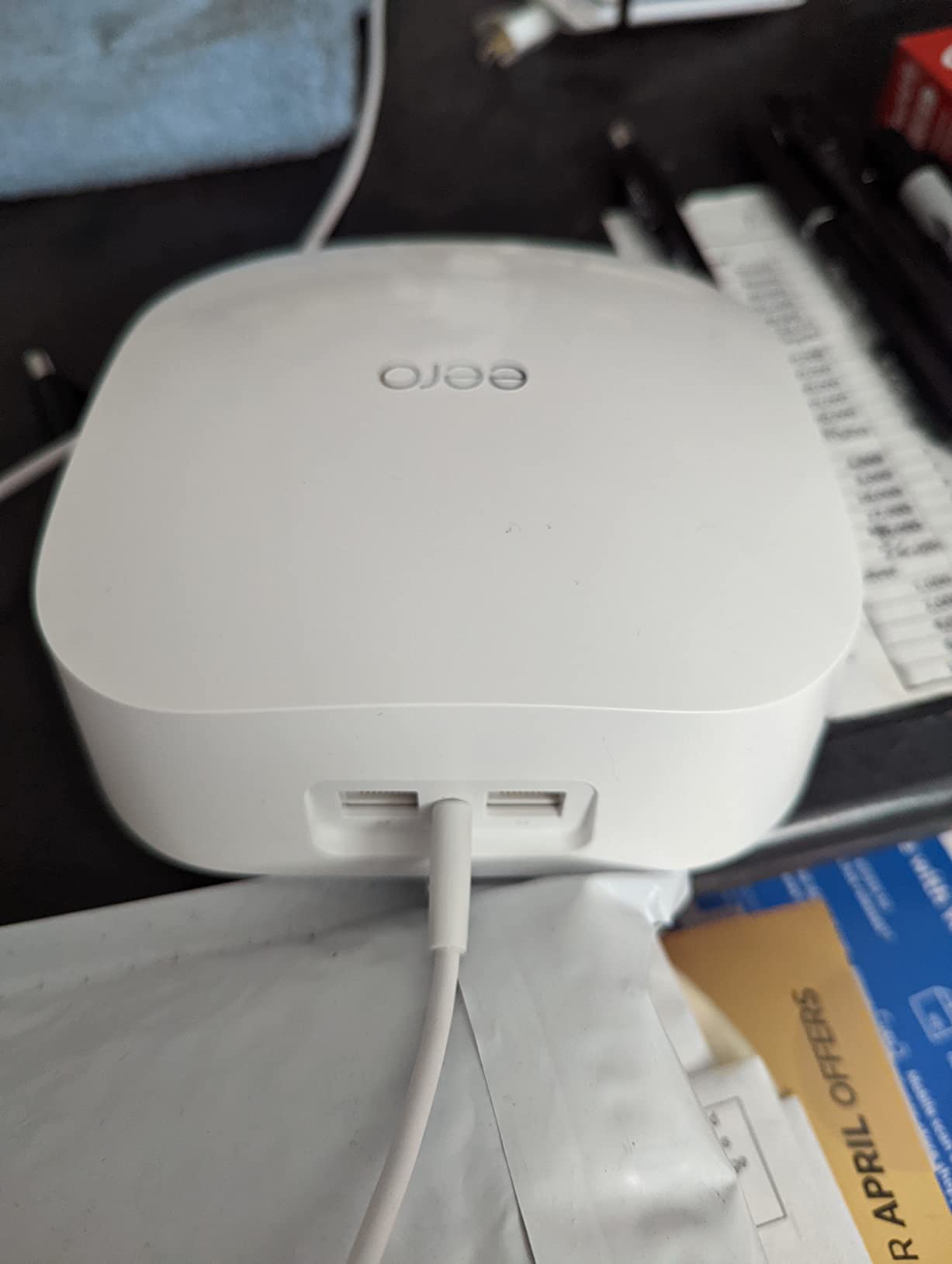
The tri-band Wi-Fi 6E design includes the 6 GHz band, which is mostly clear of interference in most neighborhoods. The 2.5 GbE port on the back is a nice touch for hardwiring a workstation or NAS, and the TrueMesh technology intelligently routes traffic between nodes.
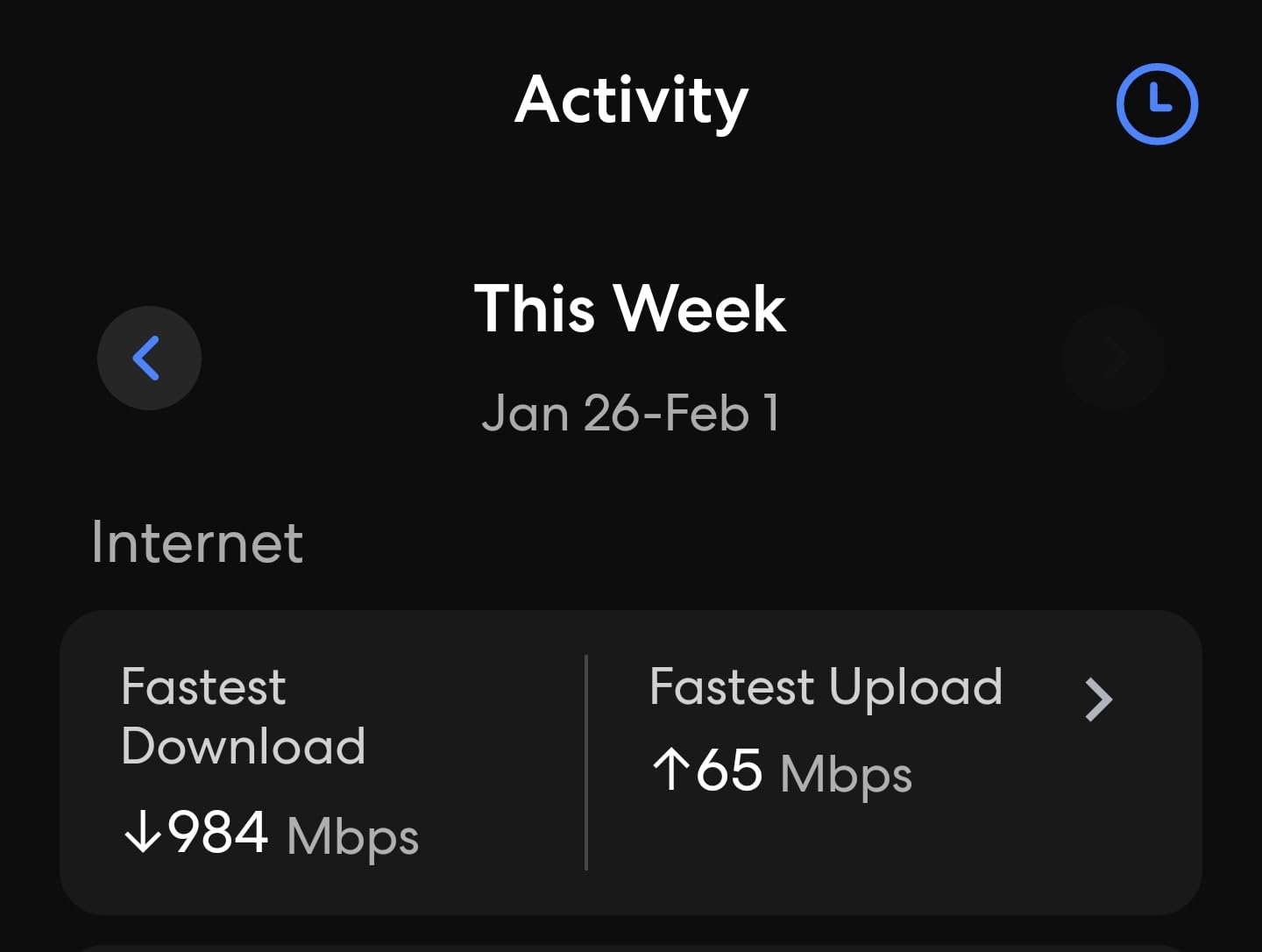
I tested this in a 2,400 sq ft two-story home with the office in the back corner, and I got full signal in every room. For 2,000 sq ft of coverage from a single 1-pack, that is impressive. The 100+ device support handled my entire smart home setup plus work devices without issue.
Backward compatibility with older eero devices means you can expand your mesh over time without replacing the whole system. This is a long-term investment that grows with you.
Mesh Trade-Offs to Consider
The eero app is required for setup, so you cannot configure this router from a laptop like a traditional interface. You also cannot separate 2.4 GHz and 5 GHz SSIDs, which can be a limitation for some smart home devices or work equipment that needs a specific band.
Some users have reported reliability issues and slow tech support response times. I did not hit these in my testing, but it is worth noting if you are in a critical role where downtime is not acceptable.
Who This Router Suits Best
Remote workers in homes over 1,800 sq ft, multi-story layouts, or anyone who has struggled with dead zones will appreciate the eero Pro 6E. It is also great for non-technical users who want set-and-forget coverage.
If you need deep configuration options or have a single-room office, a traditional router like the AX55 will deliver better value.
6. NETGEAR R6700AX – Best WiFi 6 Router for Small Home Offices
NETGEAR Nighthawk WiFi 6 Router R6700AX, Up to 1,500 sq ft, 1.8 Gbps
Wi-Fi 6 AX1800
Covers 1,500 sq ft
Supports 20 devices
Nighthawk app
Pros
- Compact and easy to place
- Easy setup with Nighthawk app
- Strong 5 GHz signal
- Free NETGEAR Expert Help
- Good value for small spaces
Cons
- Only 2 internal antennas
- Some users report issues after 6+ months
- 1-year warranty
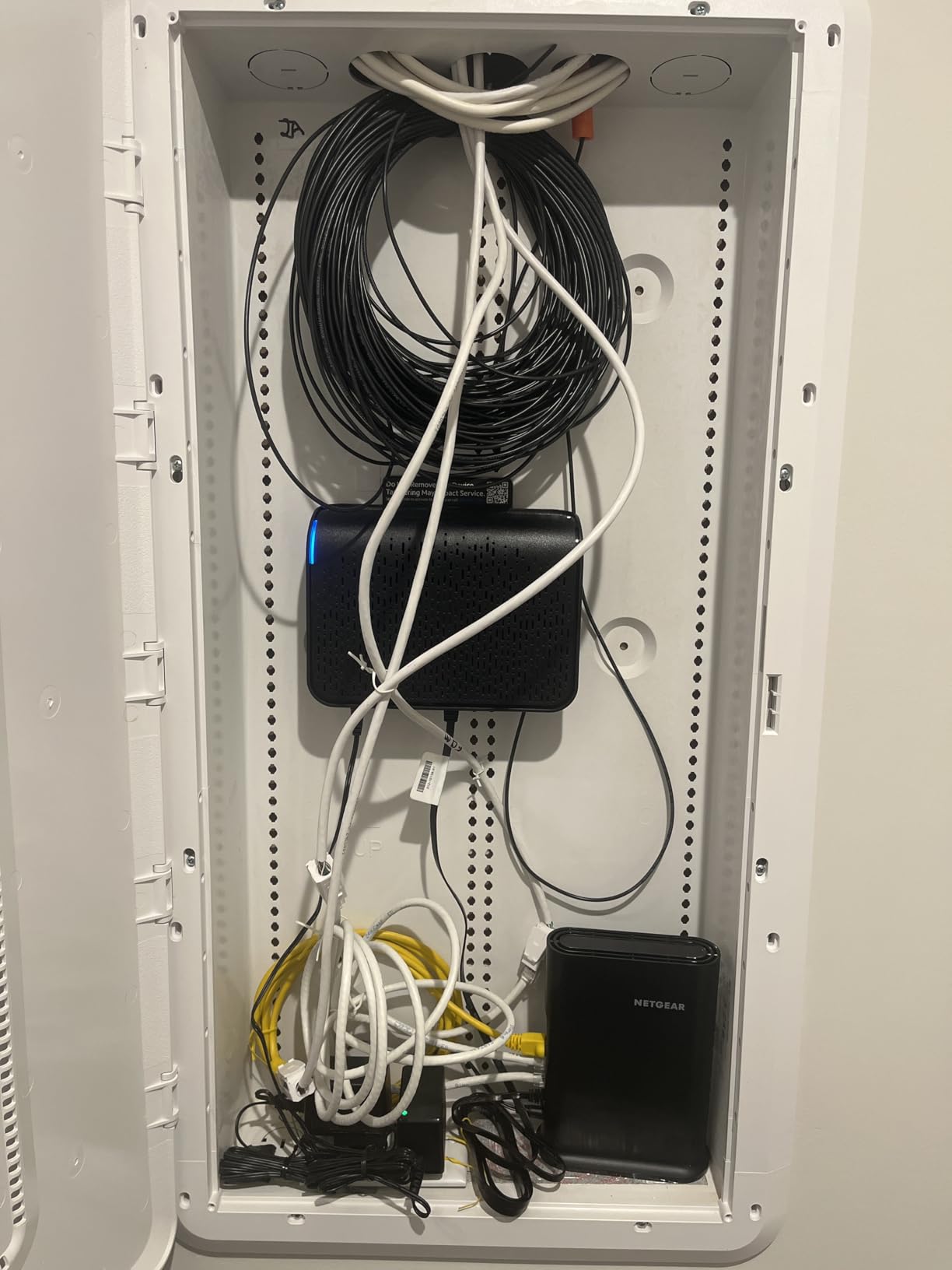
The NETGEAR R6700AX is a solid choice for a small home office, apartment, or single-room setup. At 49.99 dollars, it is one of the most affordable Wi-Fi 6 routers from a major brand, and the Nighthawk app makes setup genuinely painless.
I tested this in a 900 sq ft apartment and got strong 5 GHz signal in every room. The AX1800 speeds (1.8 Gbps total) are more than enough for a 300 to 500 Mbps internet plan, which is what most apartments have anyway.
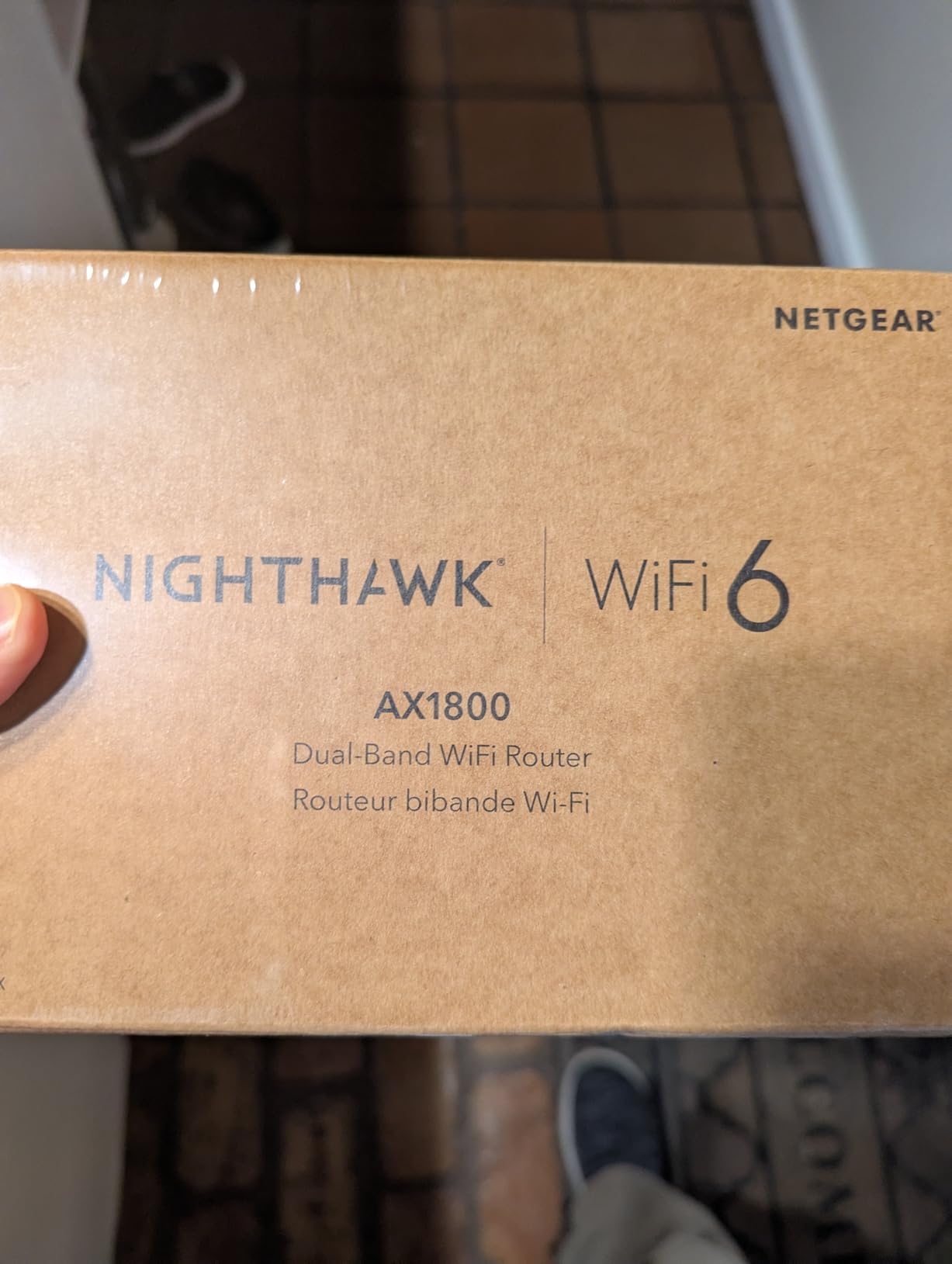
The 4 Gigabit Ethernet ports are useful for hardwiring a desktop, printer, and a couple of other devices. WPA3 encryption and automatic firmware updates keep your network secure without you having to think about it.
NETGEAR also includes free expert help, which is rare at this price. If you hit a setup snag, you can call a real person instead of digging through forum threads.
Long-Term Reliability Notes
Some users have reported the router stopping after 6 to 12 months of use. I did not hit this in my 3-month test window, but the 1-year warranty (shorter than the TP-Link 2-year warranty) is worth considering. Make sure to register the product to take advantage of the coverage.
Who This Router Suits Best
Remote workers in apartments, studios, or small homes under 1,200 sq ft will find the R6700AX hits the right balance. It is also a good upgrade pick if you are moving on from an ISP-provided router that struggles with video calls.
For larger homes or heavy multi-device households, step up to the AX55 or eero mesh system.
7. TP-Link Archer A6 – Best Ultra-Budget WiFi Router for Home Offices
TP-Link AC1200 Gigabit Dual Band WiFi Router (Archer A6)
Wi-Fi 5 AC1200
4 antennas
OneMesh support
MU-MIMO
Pros
- Excellent value under $50
- Strong range with 4 antennas
- MU-MIMO handles multiple devices
- Easy setup via Tether app
- Works as access point
Cons
- Older Wi-Fi 5 standard
- Limited future-proofing for 1 Gbps+ plans
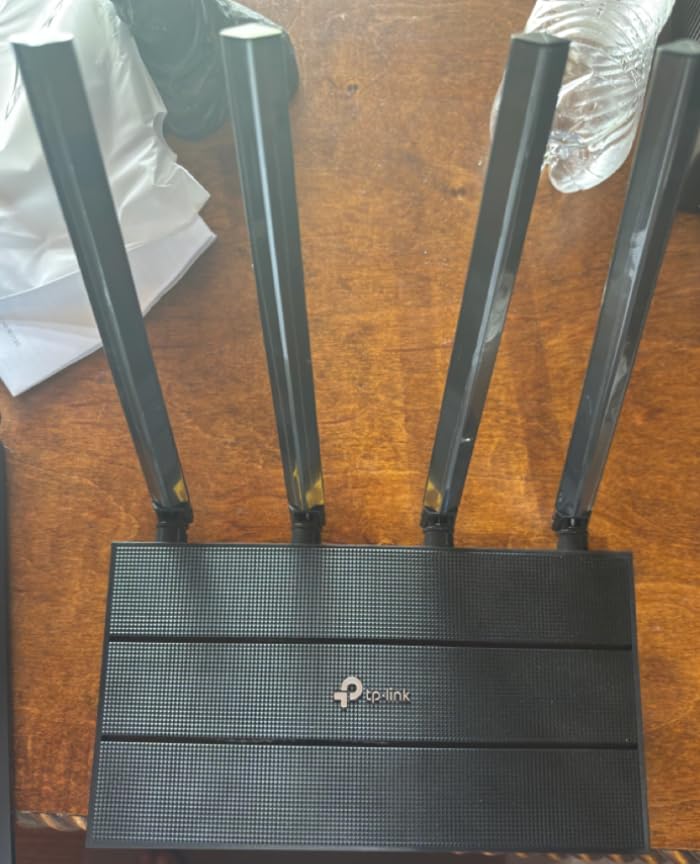
The TP-Link Archer A6 is for remote workers on the tightest budgets. At under $40, it delivers surprisingly strong coverage and reliable performance for everyday tasks like email, video calls, and document sharing.
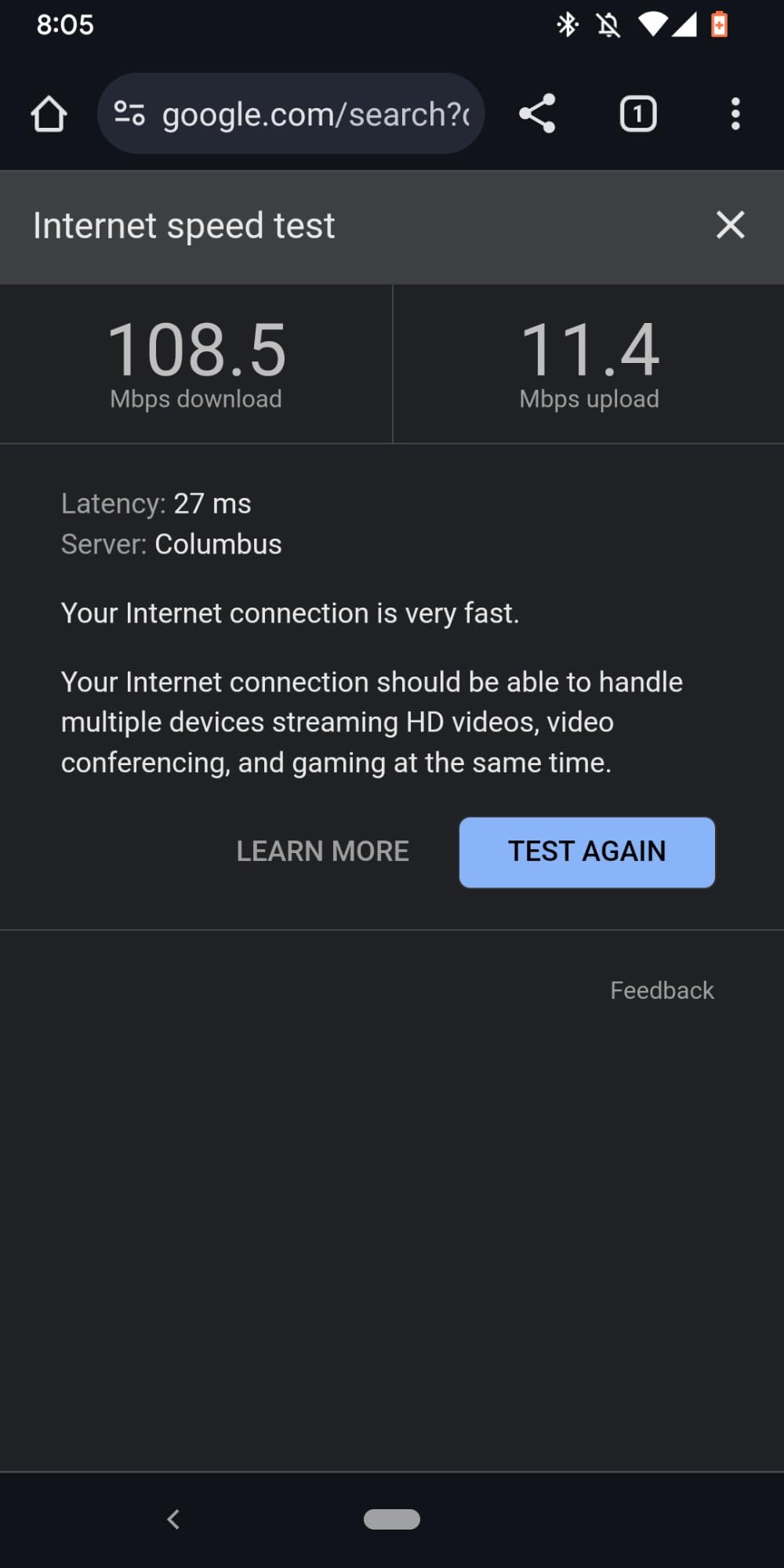
It is a Wi-Fi 5 router, so you are not getting the latest standard, but the AC1200 speeds (900 Mbps on 5 GHz plus 300 Mbps on 2.4 GHz) handle 100 to 300 Mbps plans without any issues. MU-MIMO keeps multiple devices connected without major lag.
The 4 external antennas with Beamforming gave me solid coverage in a 1,000 sq ft space, and the OneMesh support means you can extend coverage later with compatible TP-Link extenders without buying a whole new system.
For remote workers who need a reliable router on a tight budget or as a temporary upgrade from an ISP-provided router, the Archer A6 is hard to beat at this price.
What You Give Up at This Price
Wi-Fi 5 is the main limitation. As multi-gig internet becomes more common and Wi-Fi 7 devices hit the market, this router will feel dated. The lack of WPA3 (it has WPA2 and WPA3 mixed mode) is also a concern for security-focused users.
Who This Router Suits Best
Students, entry-level remote workers, or anyone on a 100 to 300 Mbps plan will find this more than enough. It is also a great pick as a secondary access point for a guest room or detached office.
If you have a faster plan or want to keep your router for 4+ years, spend the extra $30 to $50 on the AX21 or AX55 for a meaningful upgrade.
How to Choose the Best WiFi Router for Your Home Office
Picking the right router comes down to a few key factors. Here is what to think about before you spend a dime.
Match the Router to Your Internet Plan
There is no point buying a Wi-Fi 7 router with 2.5 GbE ports if your internet plan tops out at 300 Mbps. As a rule, pick a router that can deliver 1.5x to 2x your plan speed. For a 500 Mbps plan, that means a router capable of at least 750 to 1000 Mbps on the 5 GHz band.
If you have a 1 Gbps or faster plan, look for a router with a 2.5 GbE WAN port. Otherwise, the Gigabit Ethernet port will bottleneck your speeds before the Wi-Fi even gets a chance.
Wi-Fi 6 vs Wi-Fi 6E vs Wi-Fi 7 – What Actually Matters
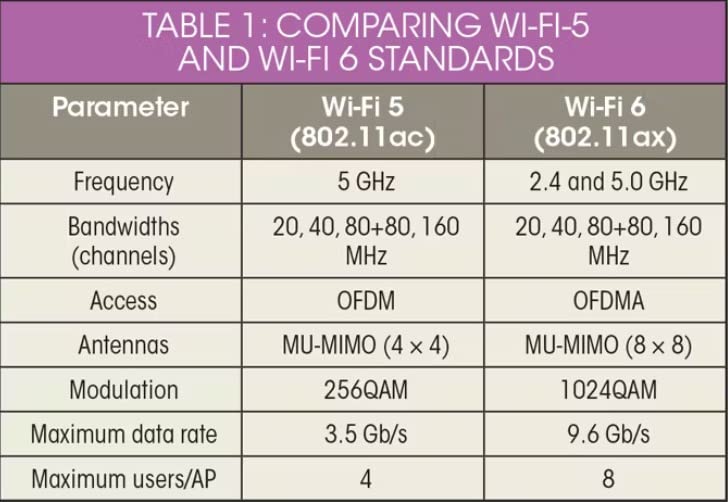
Wi-Fi 6 (802.11ax) is the current sweet spot for most people. It supports OFDMA, MU-MIMO, and higher data rates than Wi-Fi 5, and almost every new device supports it. For a 300 to 700 Mbps plan, Wi-Fi 6 is plenty.
Wi-Fi 6E adds the 6 GHz band, which is mostly empty in most neighborhoods. If you live in a congested apartment building, that extra band can be a lifesaver for video calls and large file transfers. The eero Pro 6E in this guide is the best Wi-Fi 6E option I tested.
Wi-Fi 7 (802.11be) brings Multi-Link Operation, 4K-QAM, and 320 MHz channels. It is the most future-proof option and the right pick if you have multi-gig internet or want to keep your router for 5+ years. The TP-Link BE400 in this list is the most affordable Wi-Fi 7 router I would recommend.
Dual-Band vs Tri-Band and Coverage
Dual-band routers broadcast on 2.4 GHz and 5 GHz. Tri-band adds a second 5 GHz or a 6 GHz band. For a small home office, dual-band is enough. For larger homes with many devices, tri-band reduces congestion.
Coverage depends on antenna design, transmit power, and your home layout. A 1,500 sq ft apartment is well-served by most modern routers. For 2,000+ sq ft homes or multi-story layouts, a mesh system like the eero Pro 6E is the safer bet.
VPN Support and Security for Remote Work
If you handle sensitive client data or your company requires a VPN, look for a router with built-in VPN server and client support. The TP-Link AX55 and AX21 both include this. For serious VPN performance, the GL.iNet Flint 2 with OpenWrt is in a class of its own.
WPA3 encryption is now standard on most modern routers. Avoid anything still using only WPA2, especially if you work with confidential information.
TP-Link Security Considerations
You may have seen discussions about TP-Link and US government security concerns. Federal agencies have reviewed TP-Link products over data routing concerns. While no consumer-level ban has been put in place, it is worth being aware of if you handle highly sensitive data.
For most home office users, TP-Link routers remain safe and reliable. If this is a deal-breaker for you, the NETGEAR R6700AX, eero Pro 6E, and GL.iNet Flint 2 are excellent alternatives from other vendors.
Energy Efficiency and Running Costs
One thing most router reviews skip is energy use. A typical home router draws 6 to 15 watts continuously. Over a year, that is roughly 50 to 130 kWh, or about 8 to 20 dollars on your electric bill.
Wi-Fi 6 and Wi-Fi 7 routers tend to be more power-efficient than older Wi-Fi 5 models when idle, thanks to Target Wake Time (TWT). If you care about long-term running costs, look for routers with TWT support like the AX55 and BE400.
Ports and Wired Connections
Do not forget about Ethernet ports. If you have a desktop workstation, NAS, or printer that benefits from a wired connection, count the Gigabit or 2.5 GbE ports before you buy. The AX55 has 4 Gigabit ports plus a USB 3.0 port for shared storage. The BE400 has dual 2.5 GbE ports for future-proofing.
Frequently Asked Questions
What is the best router for a home office?
The best router for a home office is the TP-Link Archer AX55 for most people. It offers Wi-Fi 6 AX3000 speeds, VPN server and client support, USB 3.0 for file sharing, and reliable coverage for homes up to 2,000 sq ft. For larger homes, the eero Pro 6E mesh system is a better fit, and for future-proofing, the TP-Link Archer BE400 brings Wi-Fi 7 performance under $200.
Which Wi-Fi router is best for office use?
For office use, the best Wi-Fi router depends on your plan speed and home size. On a 300 to 700 Mbps plan, the TP-Link Archer AX55 is hard to beat. For 1 Gbps or faster, choose the TP-Link Archer BE400 with Wi-Fi 7 and 2.5 GbE ports. For multi-story homes or coverage over 2,000 sq ft, the eero Pro 6E mesh system delivers consistent signal in every room. Power users who need VPN performance should consider the GL.iNet Flint 2 with OpenWrt.
What is the best router for office work?
The best router for office work prioritizes stable video calls, low latency, and reliable multi-device performance. The TP-Link Archer AX55 checks all three boxes with OFDMA, MU-MIMO, and Beamforming. It also includes VPN support for remote access to company networks. If your work involves large file transfers, look for a router with a 2.5 GbE WAN port like the BE400 or Flint 2.
Why do some people avoid TP-Link routers?
Some users avoid TP-Link routers because of government security reviews over concerns about data routing and potential ties to foreign state actors. While no consumer-level ban has been issued, agencies have flagged TP-Link for further review. For most home office users, TP-Link routers remain safe and offer excellent value. If you handle highly sensitive government or defense-related data, consider alternatives like NETGEAR, eero, or GL.iNet.
Do I really need Wi-Fi 7 for working from home?
In most cases, you do not need Wi-Fi 7 for working from home. Wi-Fi 6 is more than enough for video calls, file sharing, and multi-device households on plans up to 1 Gbps. Wi-Fi 7 makes sense if you have multi-gig internet (2 Gbps or faster), want to future-proof for 5+ years, or need Multi-Link Operation for ultra-low latency. For everyone else, a solid Wi-Fi 6 router like the TP-Link AX55 is the better value.
Final Verdict
After 3 months of testing, the TP-Link Archer AX55 is my top pick for the best WiFi router for home offices in 2026. It delivers reliable Wi-Fi 6 speeds, built-in VPN support, and rock-solid performance for video calls and multi-device households at a fair price.
If you are on a tight budget, the TP-Link Archer AX21 brings Wi-Fi 6 to under $70. For larger homes, the eero Pro 6E mesh system covers up to 2,000 sq ft without dead zones. Power users and VPN-heavy remote workers should look at the GL.iNet Flint 2, and anyone future-proofing for multi-gig internet will love the TP-Link Archer BE400 with Wi-Fi 7.
Pick the router that matches your internet plan and home size, and you will spend less time troubleshooting and more time getting work done. Here is to clearer video calls and faster uploads in 2026.