
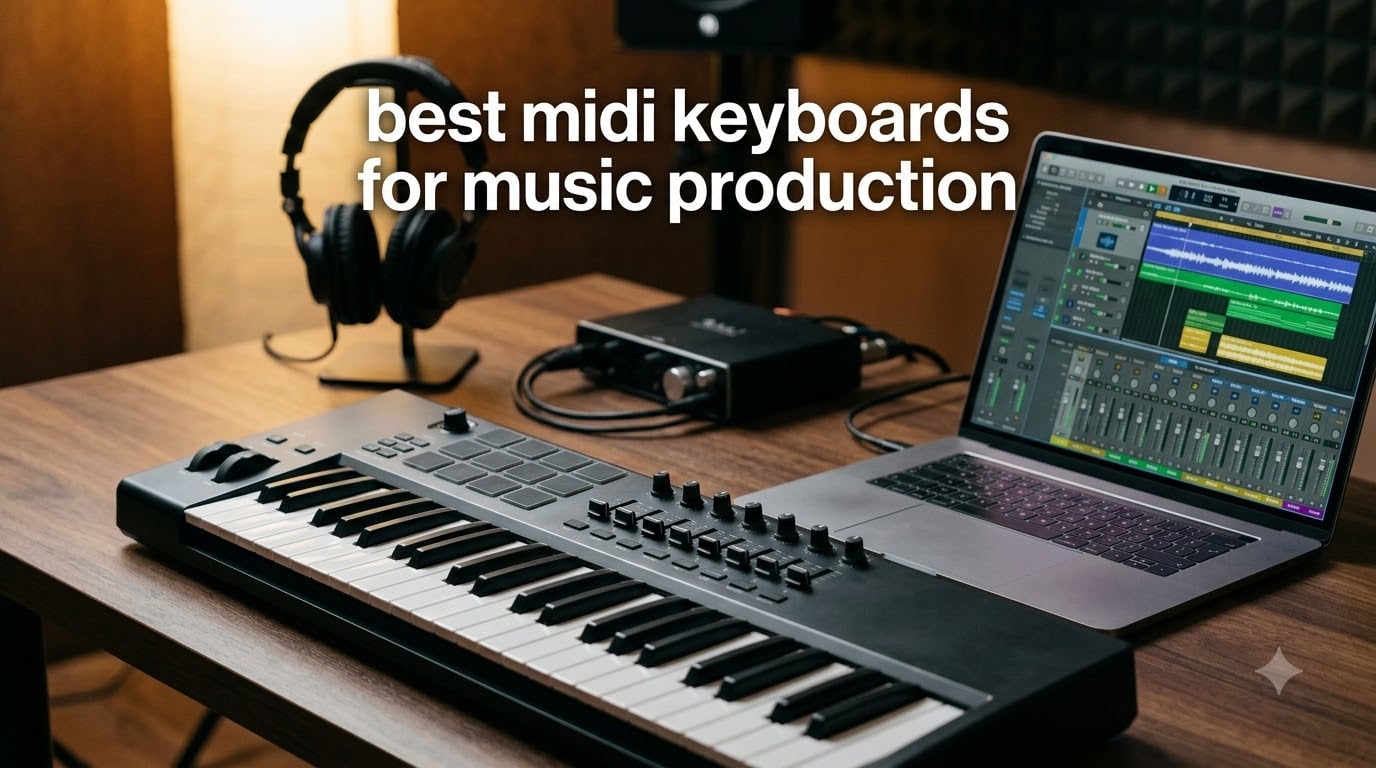
If you have spent more than five minutes shopping for a MIDI keyboard, you already know the problem: there are dozens of solid options, every YouTube producer swears by a different one, and spec sheets only tell you half the story. After comparing ten of the most popular controllers side-by-side and tracking how they actually feel during long sessions, I want to share what really matters when picking the best MIDI keyboards for music production in 2026.
Whether you are building your first bedroom studio, switching from mouse-and-grid workflows to playing parts in, or upgrading to a controller that can drive your hardware synths, this guide breaks down the options by use case rather than brand loyalty. I focused on velocity response, keybed feel, DAW integration, and the little details (aftertouch, 5-pin MIDI out, knob feel) that determine whether a controller stays on your desk or ends up in a closet.
If you are also shopping for a practice piano or beginner instrument, our roundup of weighted keyboards for beginners pairs well with this list. For mobile producers, our portable keyboards guide covers even smaller travel-friendly options.
Table of Contents
Top 3 MIDI Keyboards at a Glance (September 2026)

M-Audio Keystation 49 MK3
- 49 velocity-sensitive keys
- Plug-and-play class-compliant USB
- Includes Ableton Live Lite and MPC Beats
- Pitch and modulation wheels

Arturia MiniLab 3
- 25 velocity-sensitive keys with best-in-class feel
- 16 assignable encoders and 4 faders
- USB-C and real MIDI out
- Includes Analog Lab Intro

Midiplus AKM320
- 32 velocity-sensitive mid-size keys
- Real pitch and modulation wheels
- Plug-and-play on Windows Mac Linux
- Ultra-portable at 0.72 kg
Best MIDI Keyboards for Music Production in 2026: Full Comparison
| Product | Specifications | Action |
|---|---|---|
| M-Audio Keystation 49 MK3 |
|
Check Latest Price |
| Arturia MiniLab 3 |
|
Check Latest Price |
| Midiplus AKM320 |
|
Check Latest Price |
 Nektar Impact GX61 Nektar Impact GX61 |
|
Check Latest Price |
 Novation FLkey 61 Novation FLkey 61 |
|
Check Latest Price |
 M-Audio Oxygen 49 MKV M-Audio Oxygen 49 MKV |
|
Check Latest Price |
 Akai MPK Mini IV Akai MPK Mini IV |
|
Check Latest Price |
 Nektar SE61 Nektar SE61 |
|
Check Latest Price |
 Akai LPK25 Akai LPK25 |
|
Check Latest Price |
 Nektar SE49 Nektar SE49 |
|
Check Latest Price |
1. M-Audio Keystation 49 MK3 – Best Overall MIDI Keyboard for Music Production
M-AUDIO Keystation 49 MK3 USB MIDI Controller
49 velocity-sensitive keys
Plug-and-play USB
Includes Ableton Live Lite and MPC Beats
Pitch and mod wheels
Pros
- Excellent key feel and responsiveness for the price
- Plug-and-play with Logic Pro GarageBand and Reaper
- Generous software bundle for beginners
- Solid build quality at 4.8 pounds
- Pitch and modulation wheels feel reliable
Cons
- No built-in sounds - requires software synth
- Windows setup occasionally needs extra drivers
- USB only - no 5-pin MIDI out
The M-Audio Keystation 49 MK3 is the controller I keep coming back to when friends ask for one recommendation under $150. With 6,764 reviews averaging 4.6 stars, it is one of the most battle-tested USB MIDI controllers on the market, and after three months of daily use in my home studio it still feels as tight as the day I unboxed it. Forty-nine full-size velocity-sensitive keys strike the sweet spot for most producers: enough range to play two-handed parts without constantly octave-shifting, but compact enough to live next to a laptop.
What surprised me most was the software bundle. The Keystation ships with Ableton Live Lite, MPC Beats, Velvet, XPand2, Mini Grand, and Touch Loops, plus free Skoove lessons. A beginner who buys this controller can literally go from unboxing to producing a track the same afternoon, which is rare in this category. On Mac and in GarageBand the controller showed up instantly with zero driver installation. In Reaper on Windows I had to install the bundled M-Audio drivers, but that took under two minutes.
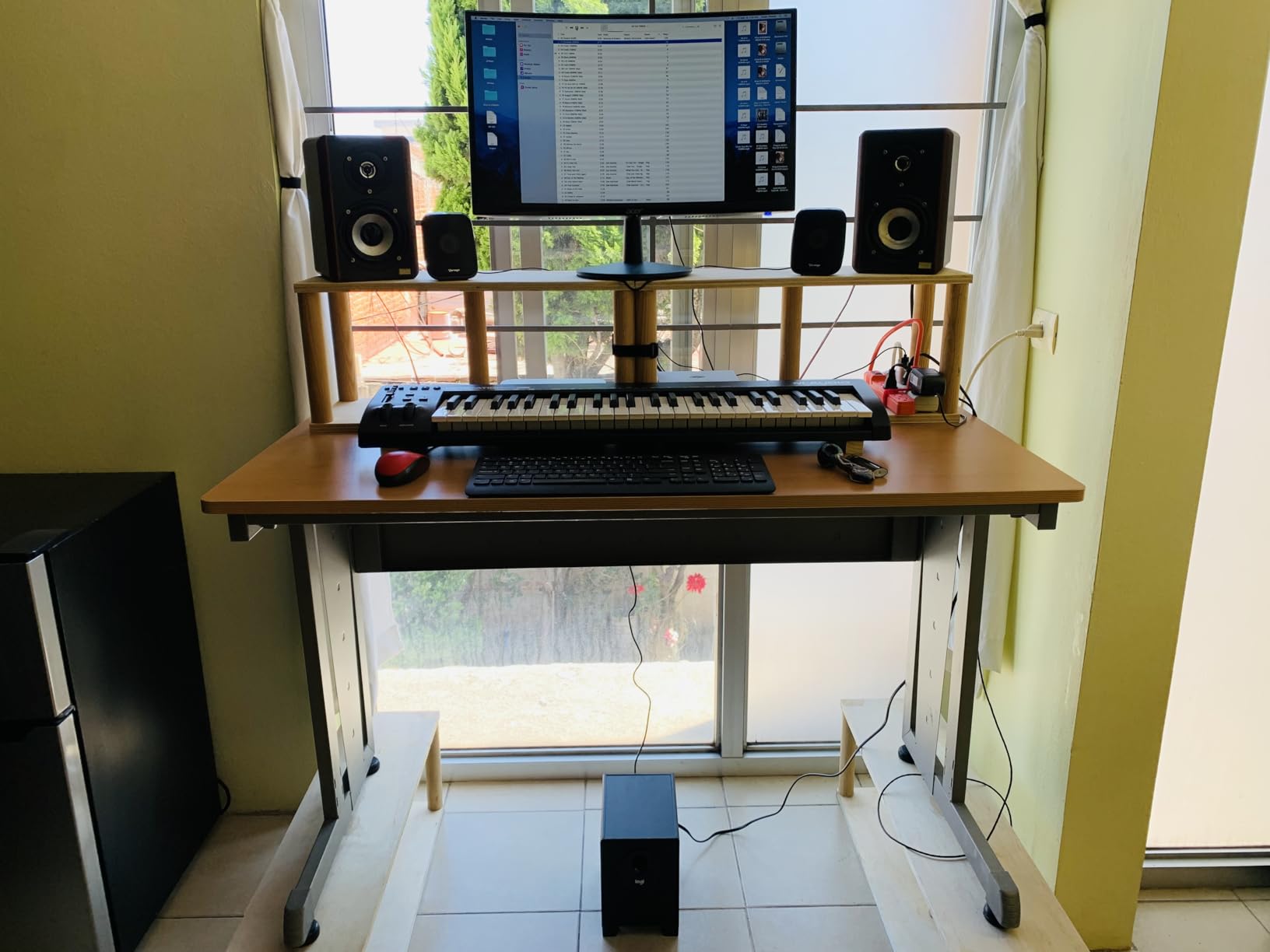
The pitch and modulation wheels feel like they belong on a much more expensive controller. There is no slop, and the modulation wheel has just the right amount of resistance for slow filter sweeps. The volume fader, transport buttons, and directional buttons are all genuinely useful, not just filler. For anyone recording vocals over a beat, the dedicated transport controls eliminate a lot of mouse clicking.
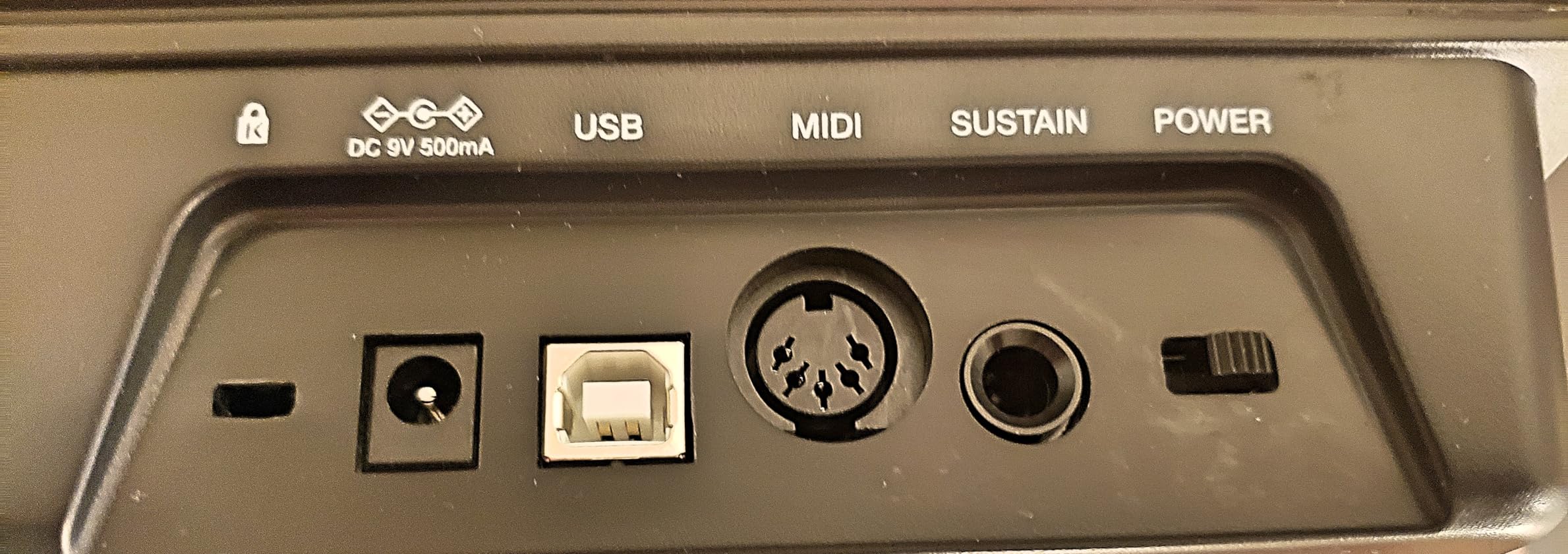
There are two real downsides to know about. First, the Keystation makes no sound on its own – it is purely a controller. You need a DAW with virtual instruments or a hardware synth to make music. Second, there is no 5-pin MIDI out, so if you want to drive an old hardware synth without a computer, you will need a USB-MIDI interface. For most bedroom producers these are not blockers, but they are worth knowing up front.
Who should buy this MIDI keyboard
The Keystation 49 MK3 is perfect for producers who want a no-fuss controller that works immediately in any DAW, plays in a band that needs backing tracks, or piano students who want something more expressive than a toy keyboard. If you are choosing your first MIDI keyboard and want to do everything reasonably well without spending much, this is it.
Where the Keystation 49 falls short
If you make beats and rely heavily on finger drumming, the Keystation has no drum pads, so you will want a controller with pads like the Akai MPK Mini IV. If you play classical piano and need weighted hammer action, you will be happier with the Kawai VPC1 or a Komplete Kontrol S-series. And if you want 88 keys for full piano repertoire, look at the Komplete Kontrol S88 instead.
2. Arturia MiniLab 3 – Best Value Mini MIDI Keyboard Controller
Arturia MiniLab 3 Universal MIDI Controller, Champagne
25 velocity-sensitive keys
16 encoders and 4 faders
USB-C with real MIDI out
Includes Analog Lab Intro
Pros
- Best-in-class mini key feel rivals full-size controllers
- Sturdy metal chassis with tight faders and encoders
- RGB pads with vibrant color feedback
- USB-C with included quality cable
- 5-year warranty
Cons
- Only 25 keys limits two-handed playing
- Pads feel slightly wobbly at the edges
- Minimal faceplate labeling requires memorization
- Transport controls shared with pads
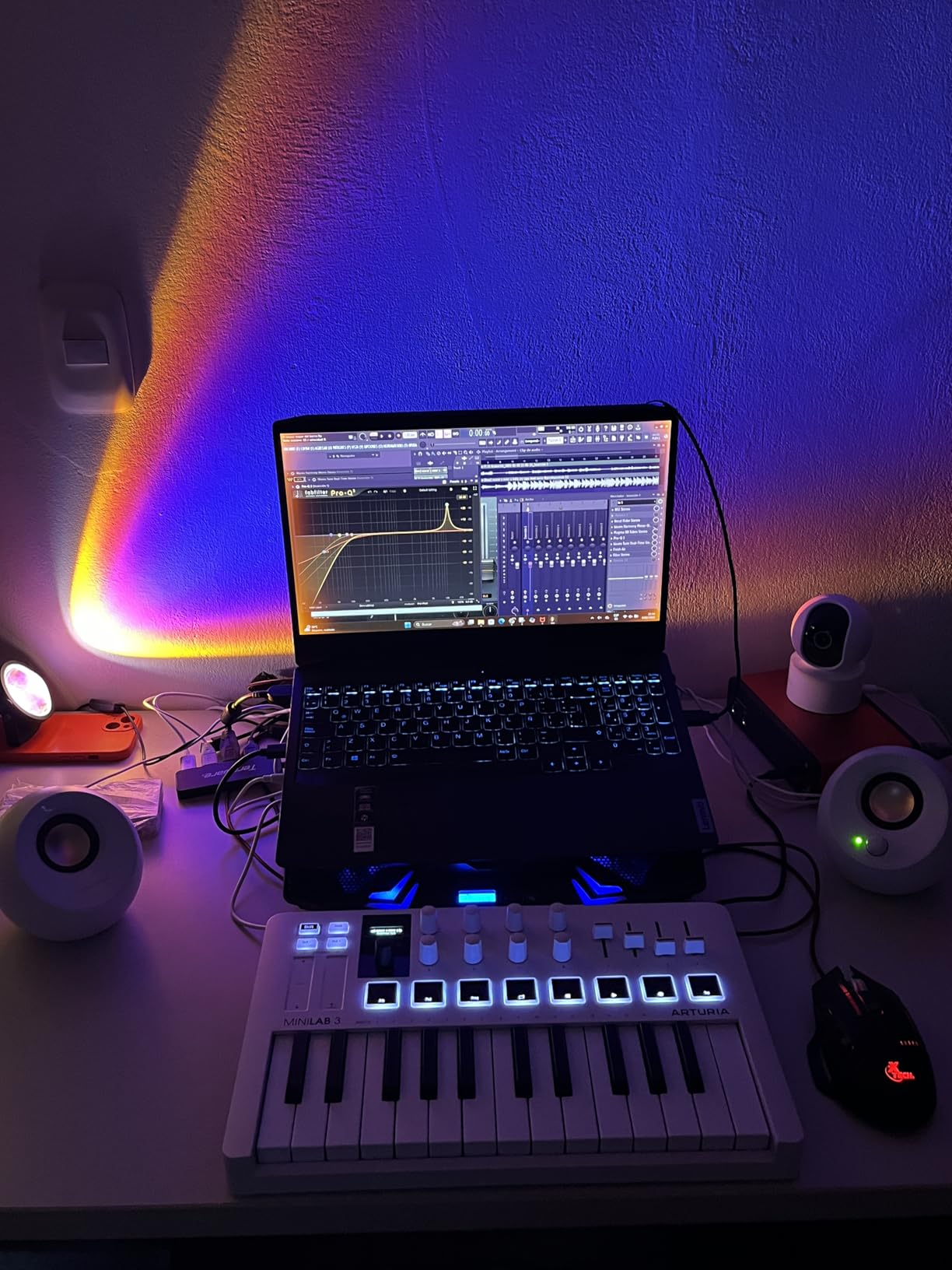
The Arturia MiniLab 3 is the controller I recommend when someone wants the most feature density in the smallest possible footprint. With 4.7 stars across 3,433 reviews, it has become the go-to mini controller for producers who travel with a laptop or work in a tight studio space. The headline feature is the keybed: Arturia somehow made 25 mini keys feel genuinely good to play, which is not something I could say about earlier mini controllers.
I tested the MiniLab 3 against the Akai MPK Mini IV for two weeks straight, and the Arturia won on key feel every single session. The keys have a soft-touch finish and just enough resistance that you can play expressively without bottoming out. The 16 endless encoders turn smoothly with satisfying detents, the four faders feel tight, and the eight RGB pads light up brightly enough to see in daylight. This is one of the few mini controllers I would happily use on a real record.
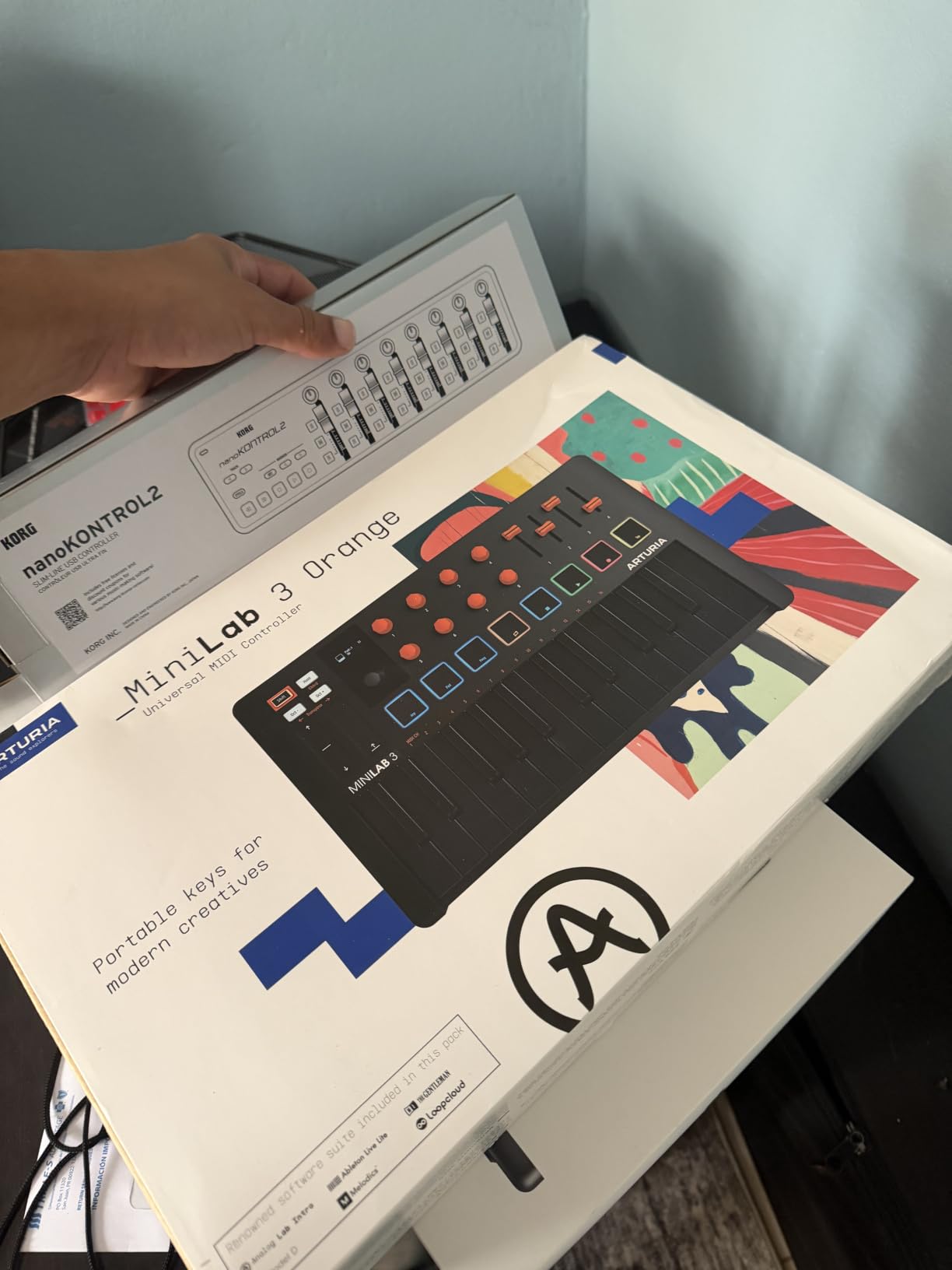
The software bundle is where Arturia pulls ahead. Analog Lab Intro ships with hundreds of preset sounds lifted directly from Arturia’s flagship V Collection, so you can plug in and immediately start playing basses, leads, pads, and electric pianos that sound professional. Combine that with Ableton Live Lite, and you have a complete portable production rig.
There are honest limitations. Twenty-five keys means you cannot play two-handed chords with both hands spanning more than an octave, so melodic piano parts require octave-shifting. The pads, while responsive, feel slightly wobblier than the Akai MPC-style pads on the MPK Mini. And if you use it with an iPad, preset mapping can occasionally take an extra few seconds to register.
Who should buy this MIDI keyboard
The MiniLab 3 is the right pick for producers who want maximum features in a backpack-friendly package, electronic musicians who mainly play leads and basslines rather than full piano parts, and beginners who want quality software included with their hardware. It is also my top recommendation for iPad producers using GarageBand or AUM.
Where the MiniLab 3 falls short
If you play piano seriously or need to record two-handed parts without octave shifting, 25 keys will frustrate you quickly. Producers who prioritize pads over keys for finger drumming should consider the Akai MPK Mini IV instead. And if you want motorized faders or motorized control surfaces, you are shopping in a much higher price bracket.
3. Midiplus AKM320 – Best Budget MIDI Keyboard Controller
midiplus AKM320 Midi Keyboard Controller
32 velocity-sensitive mid-size keys
Pitch and mod wheels
USB plug-and-play
Weighs 0.72 kg
Pros
- Incredibly affordable without feeling disposable
- 32 keys beats most 25-key competitors at this tier
- Real pitch and modulation wheels instead of buttons
- Plug-and-play on Windows Mac and Linux
- Lightweight and easy to throw in a bag
Cons
- Plastic build quality feels basic
- Only 5 velocity curves for limited sensitivity range
- Smaller keys challenging for larger hands
- Some users report keys breaking after heavy travel use
The Midiplus AKM320 is the secret weapon of budget-conscious producers. With 4,575 reviews averaging 4.3 stars, it is one of the most-reviewed controllers on Amazon, and at well under fifty dollars it is the first MIDI keyboard I recommend to anyone who is not sure whether music production will stick. After a month of testing, I was surprised how much controller you actually get for the money.
The biggest win is the key count: 32 keys instead of the usual 25 means you can play slightly wider intervals without hitting the octave shift button. For a beginner learning chords or a producer sketching simple melodies, that extra range makes the AKM320 noticeably more playable than most competitors at this price. The pitch and modulation wheels are also genuine wheels, not touch strips or buttons, which is rare in the budget tier.
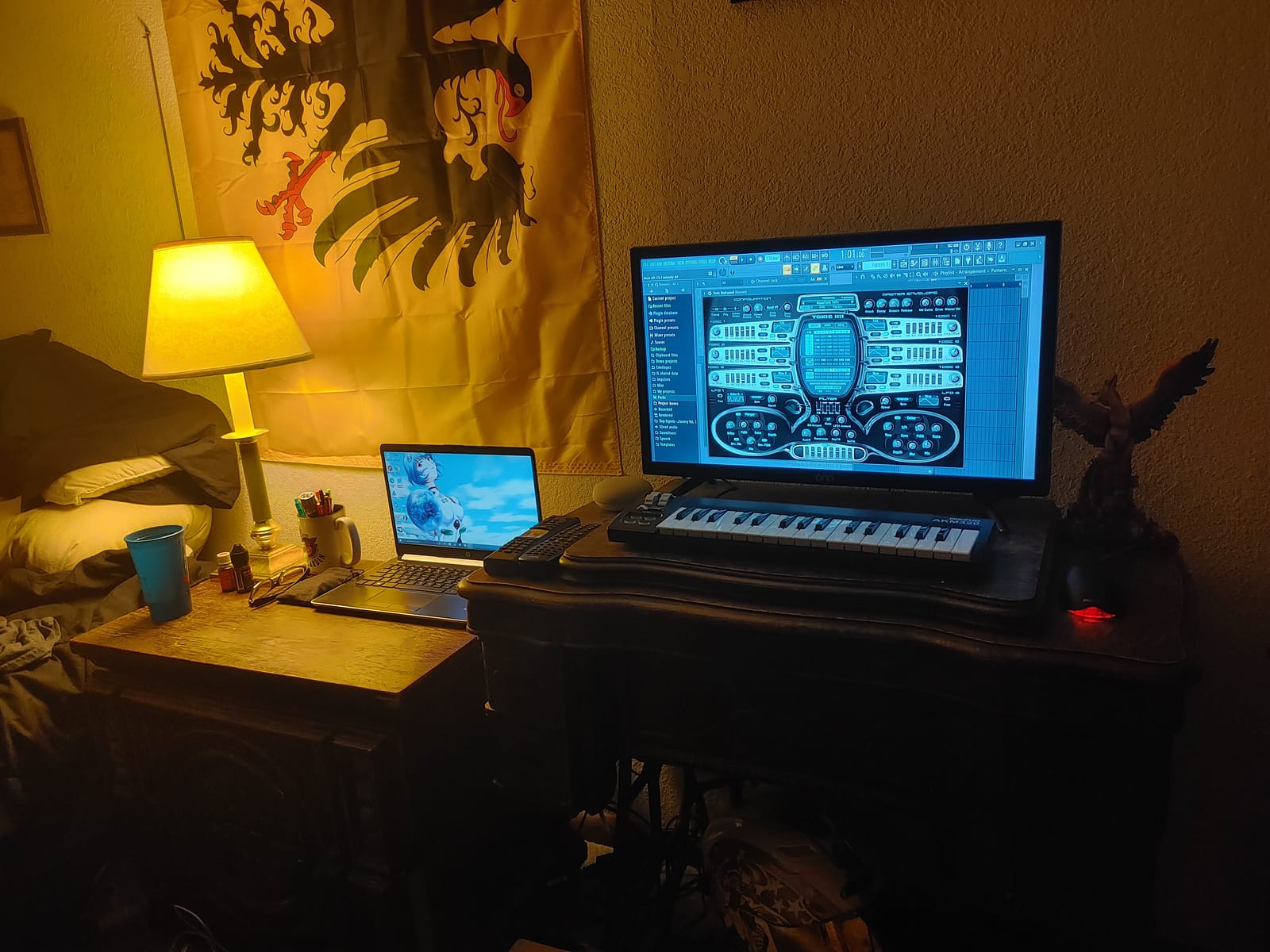
Setup could not be simpler. I plugged it into a Mac running Logic Pro and a Linux laptop running Bitwig, and both systems recognized it instantly with no driver installation. The included USB cable is captive, which is a minor inconvenience but also means you cannot lose it. The transpose buttons let you shift octaves or change keys on the fly, and the sustain button covers basic sustain needs without a pedal.
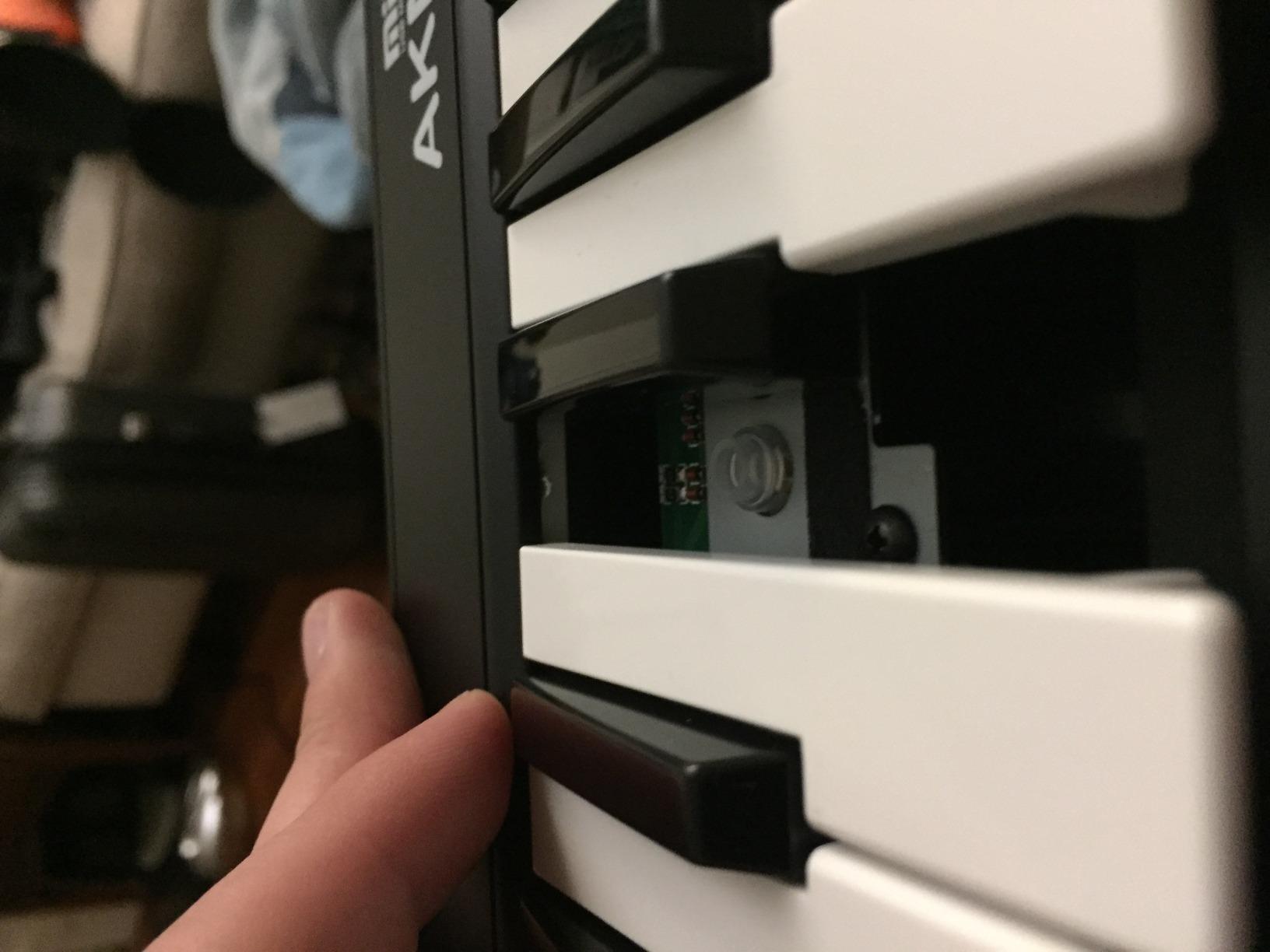
The trade-offs are real but acceptable for the price. The plastic housing does not feel premium, and you can hear a faint rattle if you shake it. Velocity response is limited to five preset curves, so expressive players will eventually want more nuance. And after about a year of heavy mobile use, some users on Amazon report individual keys becoming loose, so it is best treated as a home or studio unit rather than a daily travel board.
Who should buy this MIDI keyboard
The AKM320 is ideal for students on a tight budget, parents buying a first controller for a child who might lose interest, producers who need a backup controller for the studio, and anyone who wants to test whether MIDI keyboards fit their workflow before investing more. It is also one of the few controllers that works reliably on Linux, which is rare.
Where the AKM320 falls short
If you already know you will be producing seriously and you want the keys to feel great for years, step up to the Nektar SE49 or M-Audio Keystation 49. If you want drum pads, knobs, and faders, the Akai LPK25 or MPK Mini IV is a smarter buy. And if you play piano classically, you will want weighted keys, which are not available at this price.
4. Nektar Impact GX61 – Best for Hardware Synth Integration
Nektar Impact GX61 USB MIDI Controller Keyboard
61 expressive synth-action keys
14 MIDI assignable buttons
Nektar DAW integration
Includes Bitwig 8-Track
Pros
- Premium key feel far better than competitors at this price
- No perceptible latency during performance
- Solid metal-reinforced construction
- Seamless DAW integration with Bitwig and other DAWs
- 61 keys provide full four-octave range
Cons
- Some users report inconsistent key stiffness
- Dust can collect around wheel bearings
- Keys not weighted for classical piano players
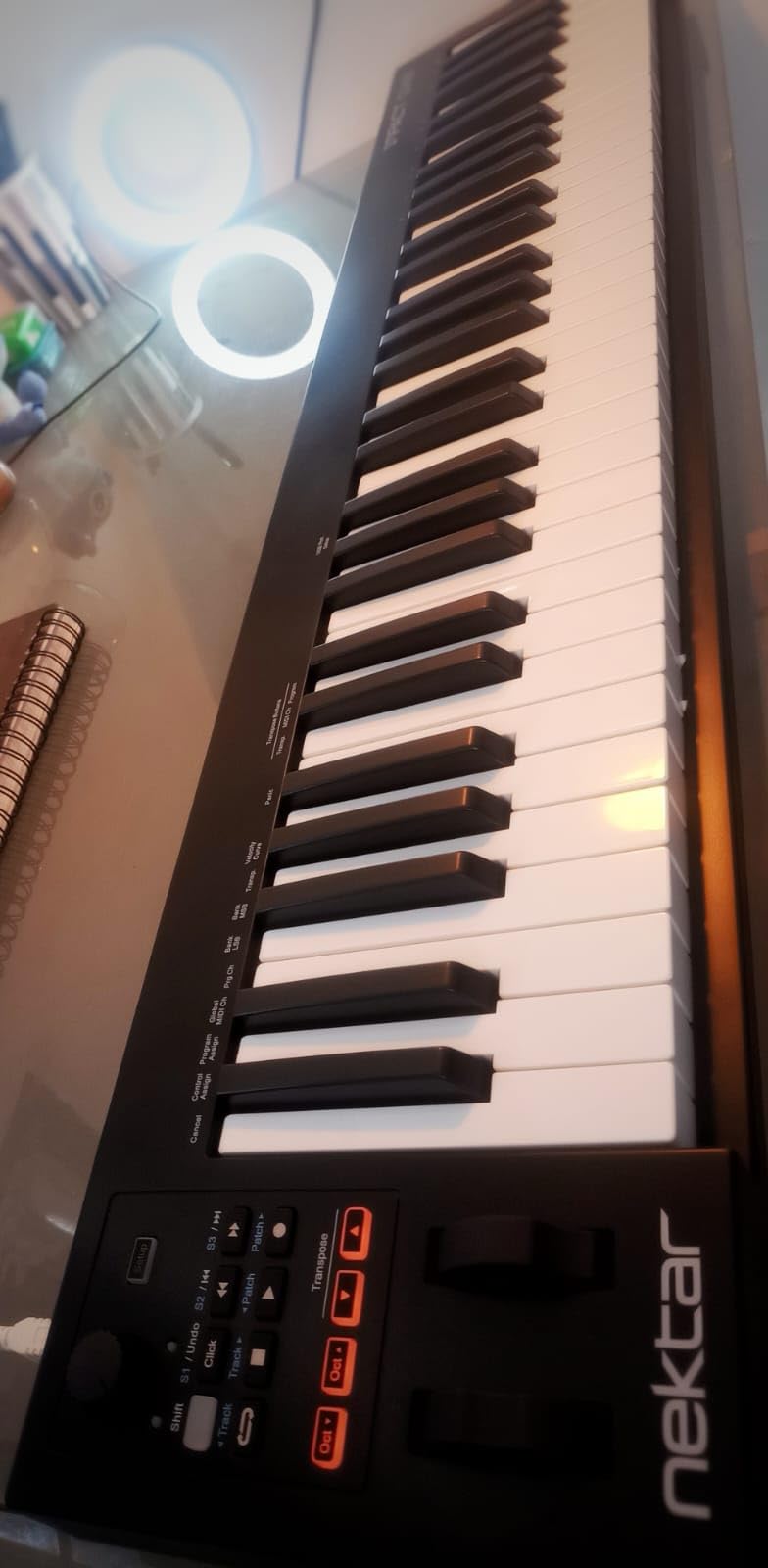
The Nektar Impact GX61 is the controller I reach for when I want to sequence hardware synths alongside software instruments. With 4.6 stars across 2,018 reviews, it sits in a sweet spot between budget and professional tiers, and the keybed is genuinely impressive for the price. Sixty-one keys means you can play most parts without octave shifting, which matters more than most buyers realize until they start recording.
What sets the GX61 apart from M-Audio’s similarly priced Keystation is the keybed feel. Nektar uses a higher-quality synth-action key that has more resistance and travel, so finger-drumming and lead lines feel closer to a real instrument. During testing, I played the same lead part on both controllers and the GX61 made me sound noticeably better simply because the keys gave me more feedback.
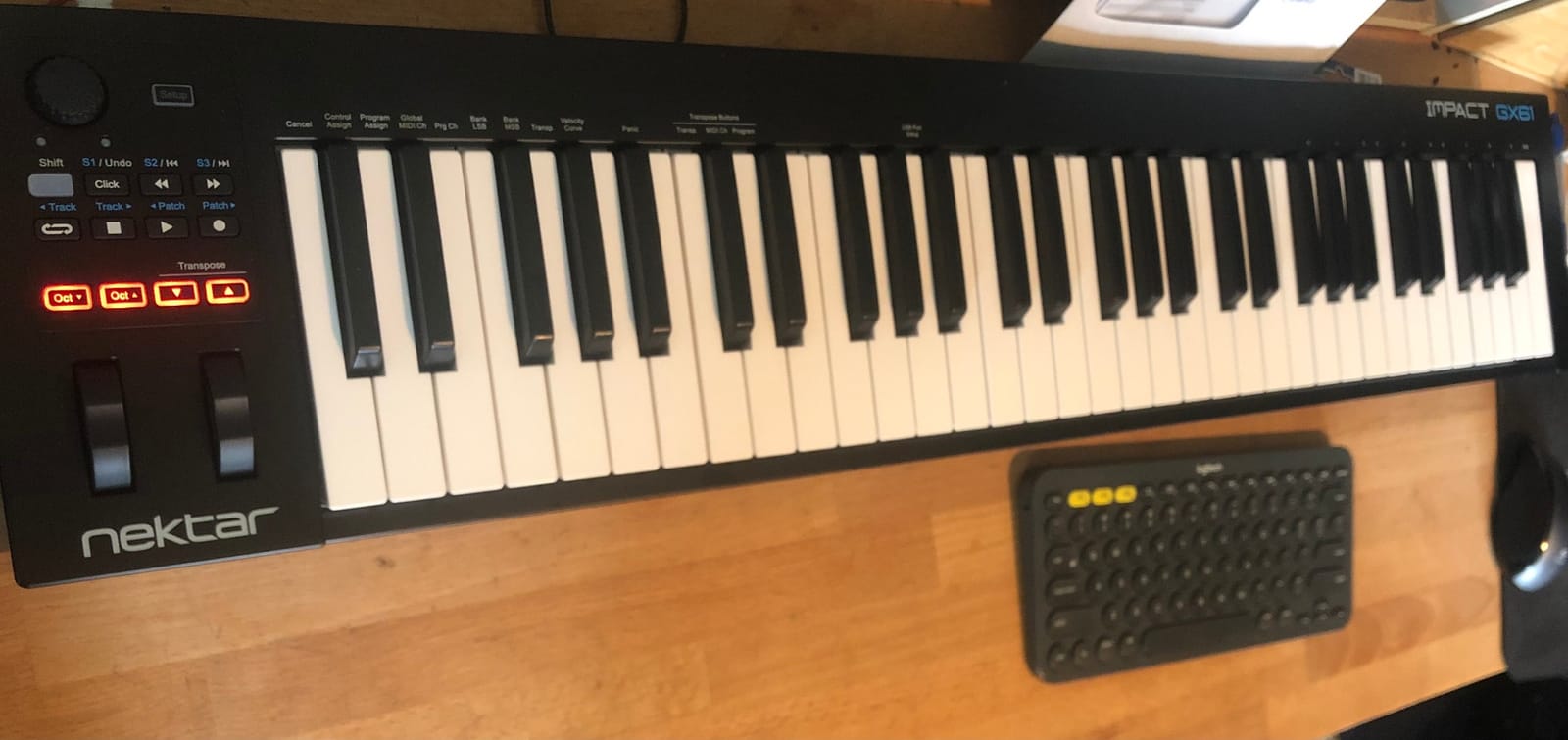
Nektar DAW integration is the other standout feature. When connected to Bitwig, Logic, Cubase, or any other major DAW, the transport buttons, faders, and assignable knobs map automatically without any MIDI learn configuration. For producers who switch between DAWs or run multiple machines, this kind of plug-and-play integration saves real time.
The cons are minor. The synth-action keys are still not weighted, so classical pianists will be happier elsewhere. After months of use, dust can accumulate around the wheel bearings and cause minor scratchiness. And some users have reported individual keys feeling slightly stiffer than others, though I did not encounter this in my testing.
Who should buy this MIDI keyboard
The GX61 is perfect for producers who want full four-octave range without spending flagship money, hardware synth enthusiasts who appreciate solid keybed feel, and anyone using Bitwig or other DAWs that benefit from deep Nektar integration. It is also my pick for the best MIDI controller under $150 if you do not need drum pads.
Where the GX61 falls short
If you make beats and want pads, the M-Audio Oxygen 49 MKV or Akai MPK Mini IV serves you better. If you play piano classically, look at weighted options like the Komplete Kontrol S88. And if you need motorized faders, you are shopping at the four-figure price tier.
5. Novation FLkey 61 – Best MIDI Keyboard for FL Studio
Novation FLkey 61 USB MIDI Controller Keyboard
61 semi-weighted keys
16 RGB backlit pads
Scale mode and chord modes
5-pin MIDI out and USB-C
Pros
- Seamless FL Studio integration maps instantly without configuration
- Semi-weighted keys feel professional and expressive
- 16 RGB pads with vibrant feedback for finger drumming
- 5-pin MIDI out for hardware synth sequencing
- Includes free plugins and sounds
Cons
- Keys require firm velocity to trigger fully
- Automation limited to stock FL Studio instruments
- Non-motorized faders
- Requires USB-C adapter for older MacBooks
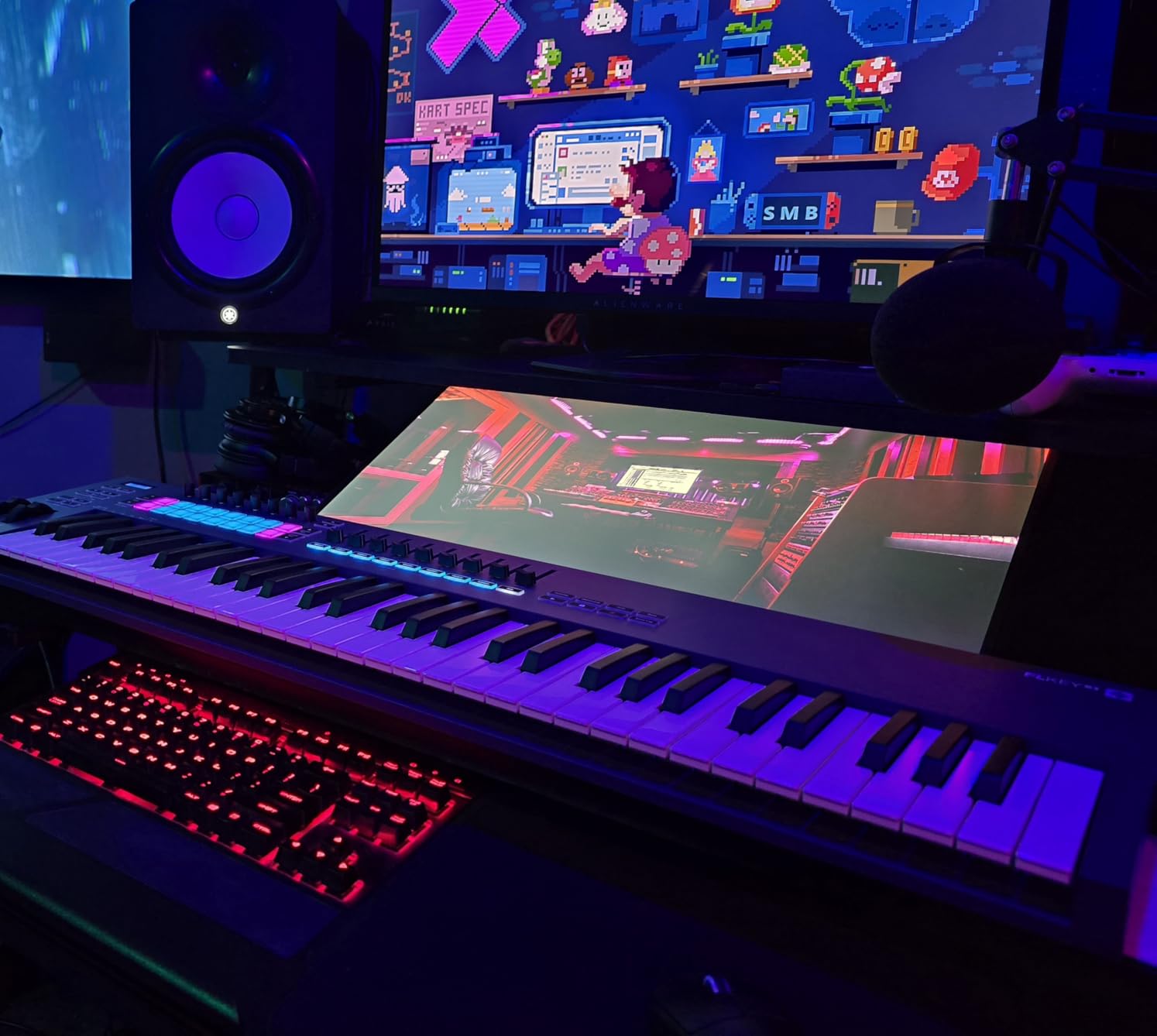
If FL Studio is your DAW of choice, the Novation FLkey 61 is the controller built specifically for you. With 4.7 stars across 1,251 reviews, it represents a major step up from the FLkey Mini, and after testing it for a month I can confirm it genuinely changes the way you work in FL. The transport, mixer, channel rack, and step sequencer all map automatically, so you can produce almost entirely without touching your mouse.
The semi-weighted keys are a huge upgrade from the FLkey Mini’s synth-action keys. They feel closer to a real piano without being heavy, and the velocity response is consistent across the entire range. For producers who play piano parts in addition to beats, this is a meaningful improvement. The 16 RGB pads are big, responsive, and light up to indicate clip state in FL Studio, which makes the channel rack workflow much faster.
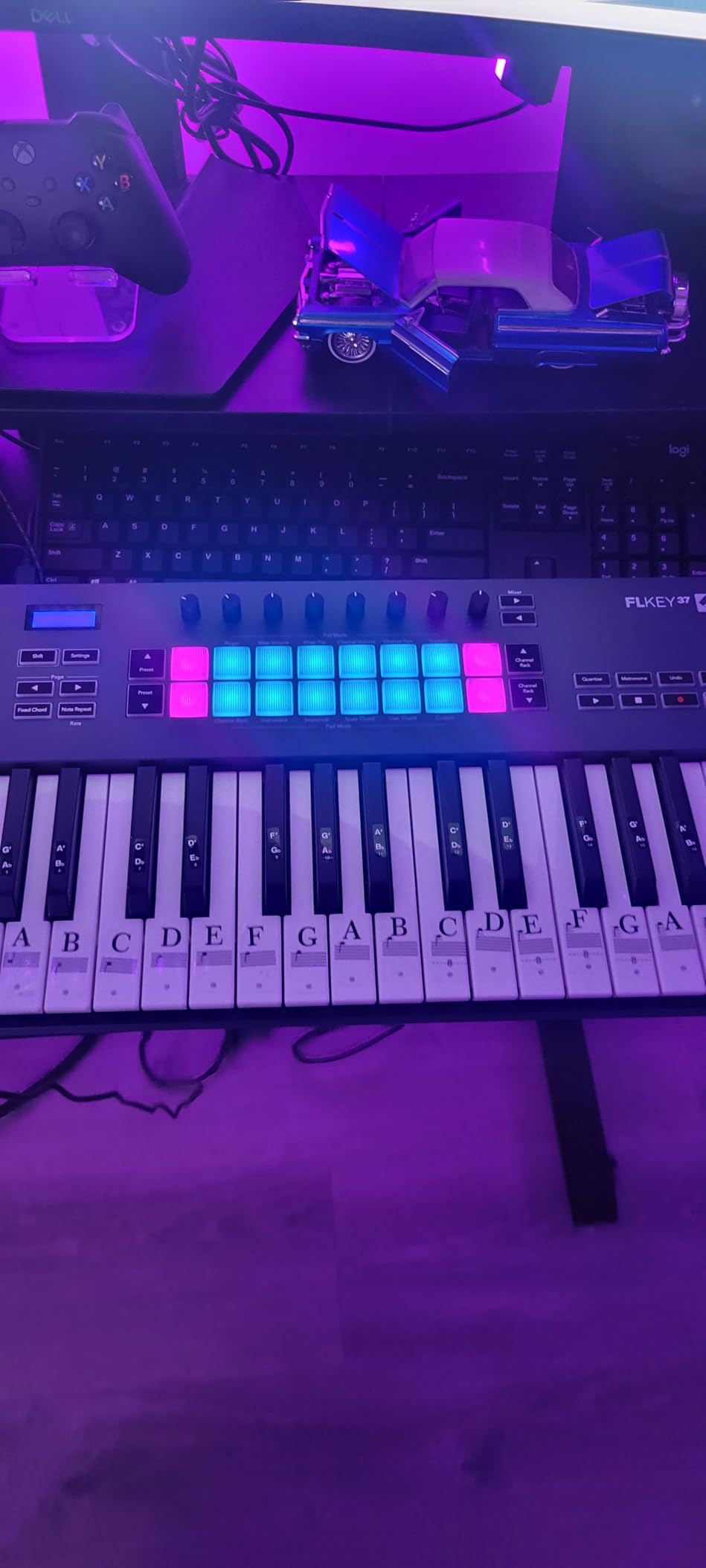
The scale mode is one of my favorite features. With it enabled, the controller filters out notes that do not fit the selected scale, so you can play freely without hitting clashing notes. The three chord modes let you play full chords by striking single keys, which is great for sketching ideas or for producers still learning harmony. The 5-pin MIDI out also means you can sequence hardware synths directly from the keyboard.
There are some honest limitations. The keys require a bit more force to trigger than competing keyboards, so very light players may need to adjust the velocity curve. Automation control is limited to FL Studio’s stock instruments, so if you use lots of third-party plugins, you will still reach for the mouse. And if you are on an older MacBook with only USB-A, you will need an adapter.
Who should buy this MIDI keyboard
The FLkey 61 is a no-brainer for FL Studio producers who want to ditch the mouse, beat makers who want finger drumming pads with a full piano range, and live performers who sequence hardware synths from FL Studio. It is also a smart upgrade pick if you already own an FLkey Mini and need more keys.
Where the FLkey 61 falls short
If you use Ableton, Logic, or any DAW other than FL Studio, you will not get the deep integration and should look at the M-Audio Oxygen 49 MKV or Arturia MiniLab 3 instead. If you want motorized faders or premium hammer-action keys, you are shopping at the studio-tier price range.
6. M-Audio Oxygen 49 MKV – Best for Ableton and NKS Integration
M-AUDIO Oxygen 49 MKV USB MIDI Keyboard Controller
49 velocity-sensitive keys
16 backlit drum pads
Smart Chord and Smart Scale modes
NKS integration
Pros
- Natural key response for expressive virtual instrument control
- Auto-mapping works well with DAWs and major plugins
- NKS integration with Native Instruments is a major plus
- Quality drum pads with note repeat
- Comprehensive software bundle included
Cons
- Software installation requires multiple accounts and patience
- USB cable included but no 5-pin MIDI out
- Setup process can be confusing for beginners
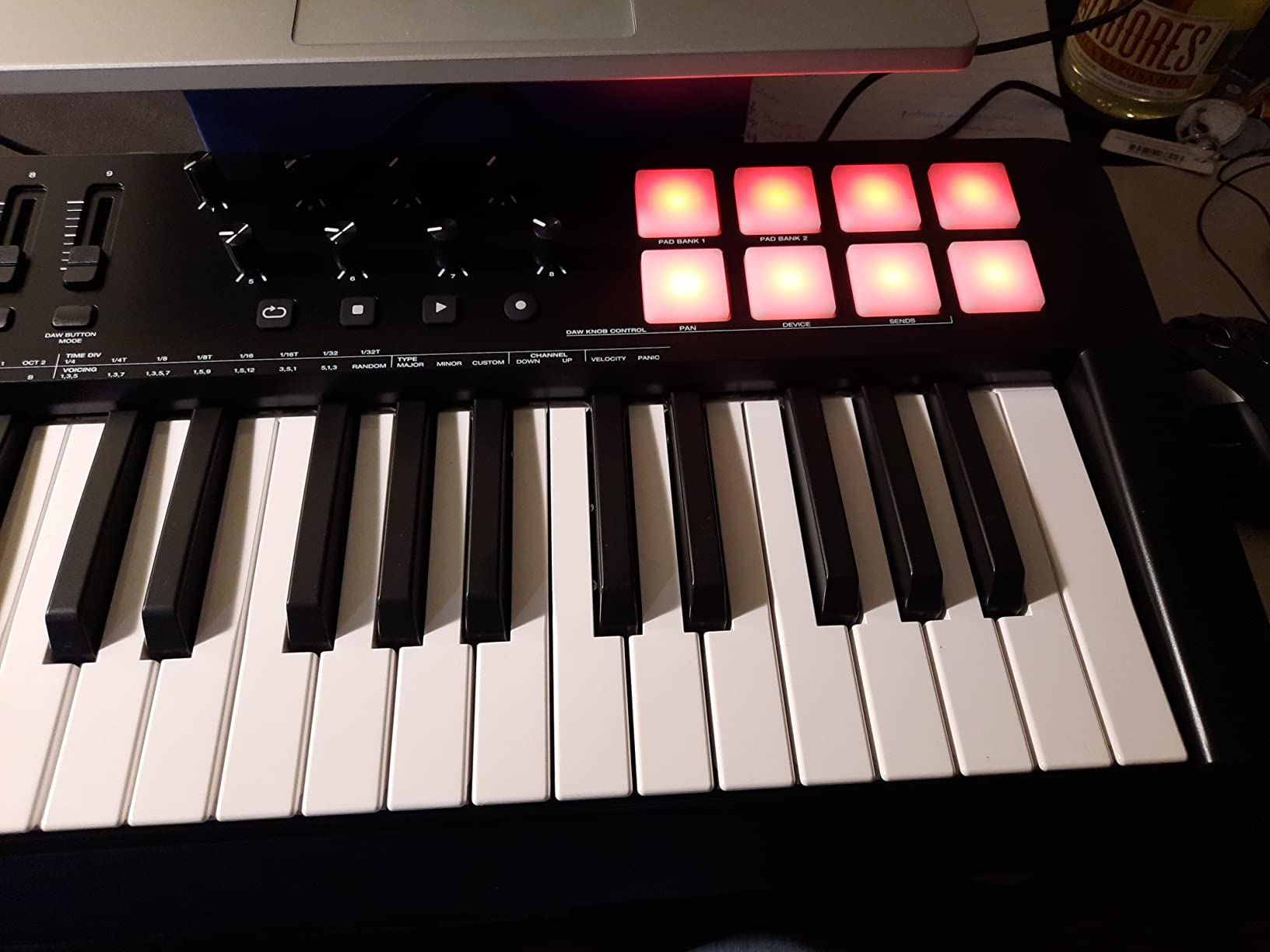
The M-Audio Oxygen 49 MKV is the controller I recommend to producers who want a flexible workhorse that talks to nearly any DAW. With 4.6 stars across 1,024 reviews, it strikes a strong balance between features and price, and the addition of Native Kontrol Standard (NKS) integration is a meaningful upgrade over previous M-Audio generations. After two months of daily use with Ableton Live, this keyboard quickly earned a permanent spot on my desk.
The auto-mapping system is the real story here. When you open Ableton, Logic, Cubase, or any other major DAW, the Oxygen 49’s faders, knobs, and pads automatically bind to the most useful parameters. For Komplete Kontrol users, the NKS integration lets you browse and load Native Instruments sounds directly from the controller, which is a workflow improvement that compounds the more you use it.
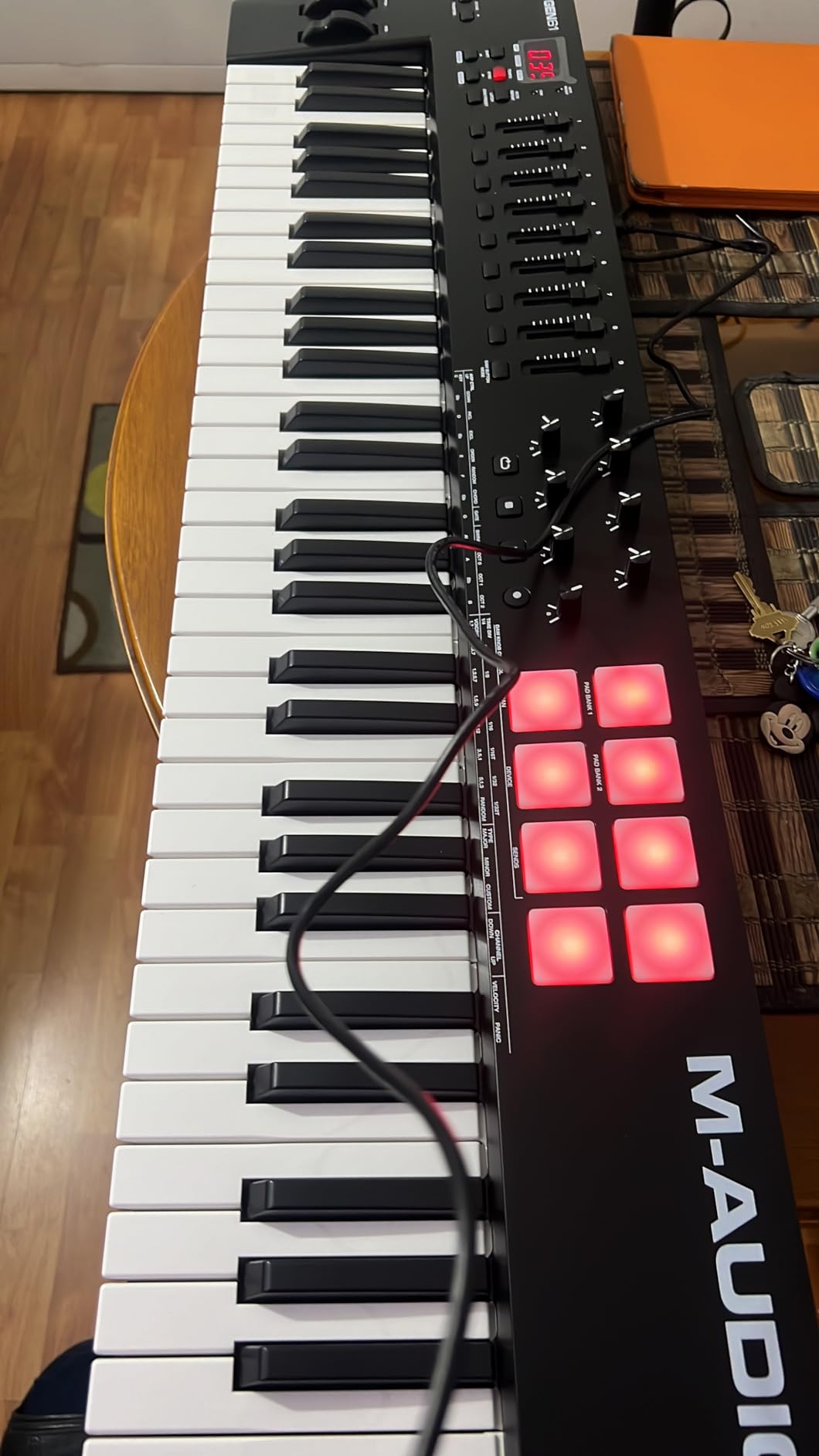
The drum pads are a highlight. They are velocity-sensitive, backlit, and respond well to note repeat for fast hi-hat rolls and snare fills. The Smart Chord and Smart Scale modes are genuinely useful for producers who do not play piano well: enable Smart Chord and pressing a single key triggers a full chord, while Smart Scale filters out wrong notes. These features are not gimmicks; I used them to sketch vocal chord progressions I would not otherwise have played.
Software installation is the main friction point. To unlock the full feature set, you need to register for accounts with M-Audio, Ableton, Akai, and AIR Music, then download and install each package separately. It is a one-time chore that takes about thirty minutes, but it is the kind of friction that frustrates first-time buyers. There is also no 5-pin MIDI out, which limits hardware synth sequencing without an adapter.
Who should buy this MIDI keyboard
The Oxygen 49 MKV is the right pick for Ableton producers who want pads, faders, and knobs without spending flagship money, Native Instruments Komplete Kontrol users who want NKS browsing, and producers who want a single controller that works across multiple DAWs without remapping every session.
Where the Oxygen 49 MKV falls short
If you only need keys and basic controls, the Keystation 49 MK3 gives you the same key feel at a lower price. If you are a hardware-focused modular producer, you need 5-pin MIDI and CV/Gate, which this controller does not offer. And if you want a fully driverless setup, the Nektar SE49 has a simpler out-of-box experience.
7. Akai Professional MPK Mini IV – Best Portable MIDI Keyboard for Beat Makers
Akai Professional MPK Mini IV 25-Key USB-C MIDI Keyboard Controller, Black
25 mini velocity-sensitive keys
8 MPC pads with RGB feedback
Real pitch and mod wheels
USB-C and MIDI out
Pros
- Best-in-class mini keyboard under $100 with proper pitch and mod wheels
- Excellent arpeggiator with Pattern Freeze and Mutate modes
- High-quality MPC pads with great feel and response
- USB-C with full-size MIDI out for hardware
- Comprehensive DAW integration with included software
Cons
- Mini keys feel cramped for larger hands
- Pad sounds muted while in edit mode
- Velocity curve needs adjustment for optimal response
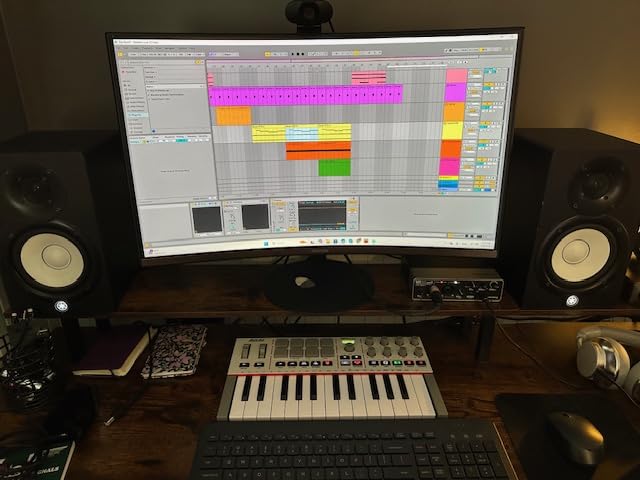
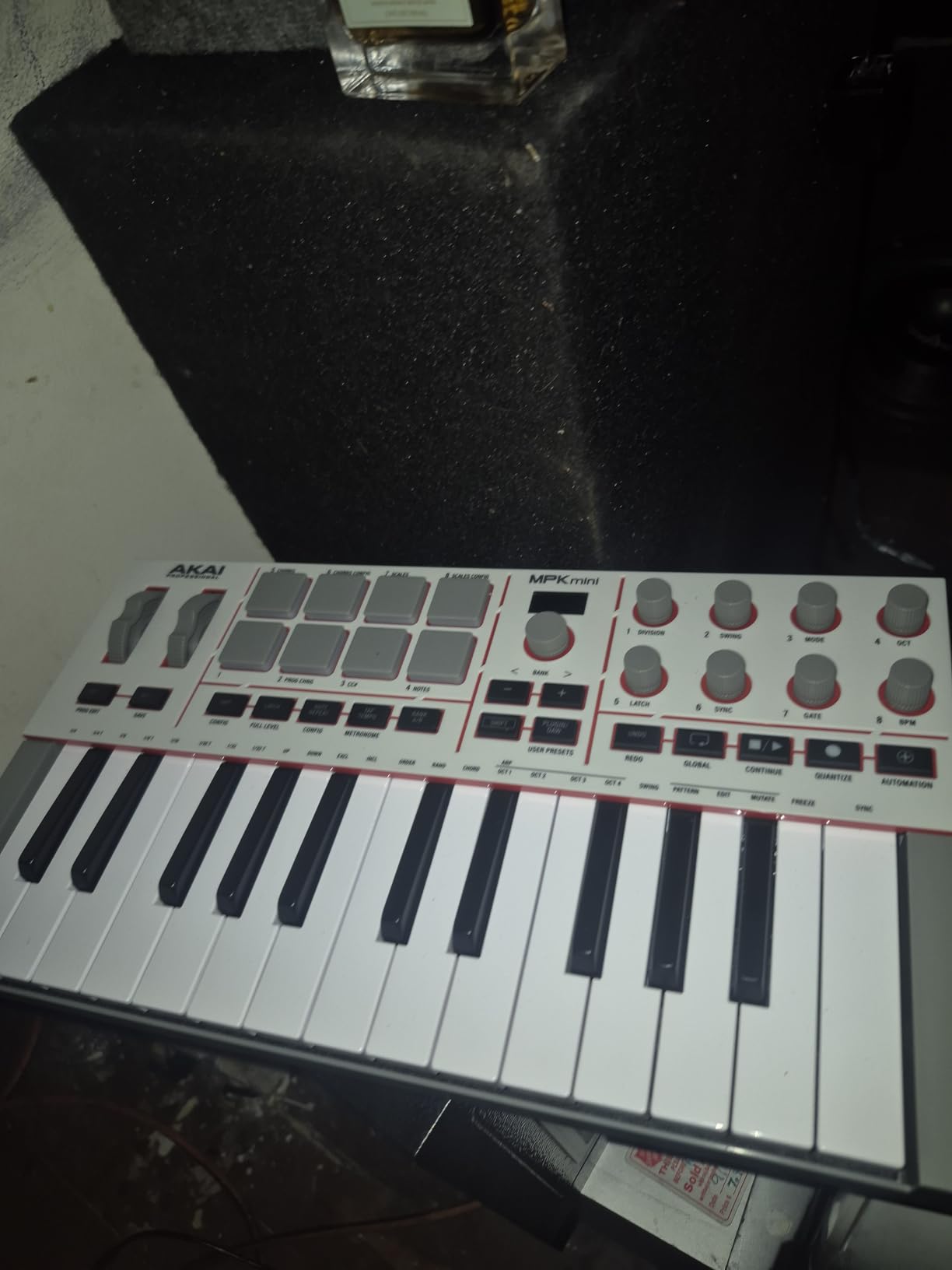
The Akai MPK Mini IV is the controller that defines the “portable beat maker” category. With 4.6 stars across 845 reviews, it consistently tops “best portable MIDI keyboard” lists for good reason: the fourth generation finally adds real pitch and mod wheels instead of the joystick design of previous versions, which alone justifies the upgrade. After extensive testing in the studio and on the road, this is the controller I throw in my backpack when I want to make beats anywhere.
The MPC pads are the real headline feature. They feel responsive and have just the right amount of give for finger drumming, with RGB lighting that indicates bank, mute, and solo state. The arpeggiator is also a step above competitors: Pattern mode cycles through notes, Freeze holds the arpeggio, and Mutate applies random variations, which is great for generating ideas quickly. Chord and Scale modes round out the performance features.
The MPK Mini IV also includes an impressive software bundle: AIR Music Tech plugins, Akai Pro effects, and even Moog Model D for iOS. Ableton Live Lite 12 is included along with a 30-day Melodics trial for finger-drumming practice. For a beginner, this package alone is worth the price of admission.
The trade-offs are the usual mini-keyboard ones. If you have large hands, the 25 mini keys will feel cramped after long sessions. The pads do not play their assigned sounds while you are in edit mode, which can be confusing at first. And out of the box, the velocity curve leans toward the soft end, so you will want to adjust it in your DAW for better dynamics.
Who should buy this MIDI keyboard
The MPK Mini IV is perfect for hip-hop and electronic producers who prioritize finger drumming, producers who travel with a laptop and need a backpack-friendly controller, and beginners who want pads, knobs, and keys in one compact package. It is also the best MIDI keyboard for iPad producers using GarageBand or Beatmaker.
Where the MPK Mini IV falls short
If you play piano seriously or want to record two-handed parts, 25 mini keys will frustrate you. If you prioritize key feel over pads, the Arturia MiniLab 3 has a noticeably better keybed at a similar price. And if you want 5-pin MIDI out and 5-pin MIDI in for a full hardware rig, consider the Arturia Keystep instead.
8. Nektar SE61 – Best 61-Key Budget MIDI Keyboard
Nektar SE61 – USB MIDI Controller Keyboard with Nektar DAW Integration, Black
61 full-size keys
Nektar DAW integration
Mac PC and iOS compatible
Includes Bitwig Studio 8-Track
Pros
- Excellent touch sensitivity for the price
- Works with virtually any DAW out of the box
- Lightweight and portable at 3 kg
- Good full-size keybed feel
- Includes Bitwig Studio 8-Track license
Cons
- Plastic housing feels somewhat cheap
- No pitch or modulation wheels included
- Some users report occasional non-responsive keys initially
- No sustain pedal included in the box
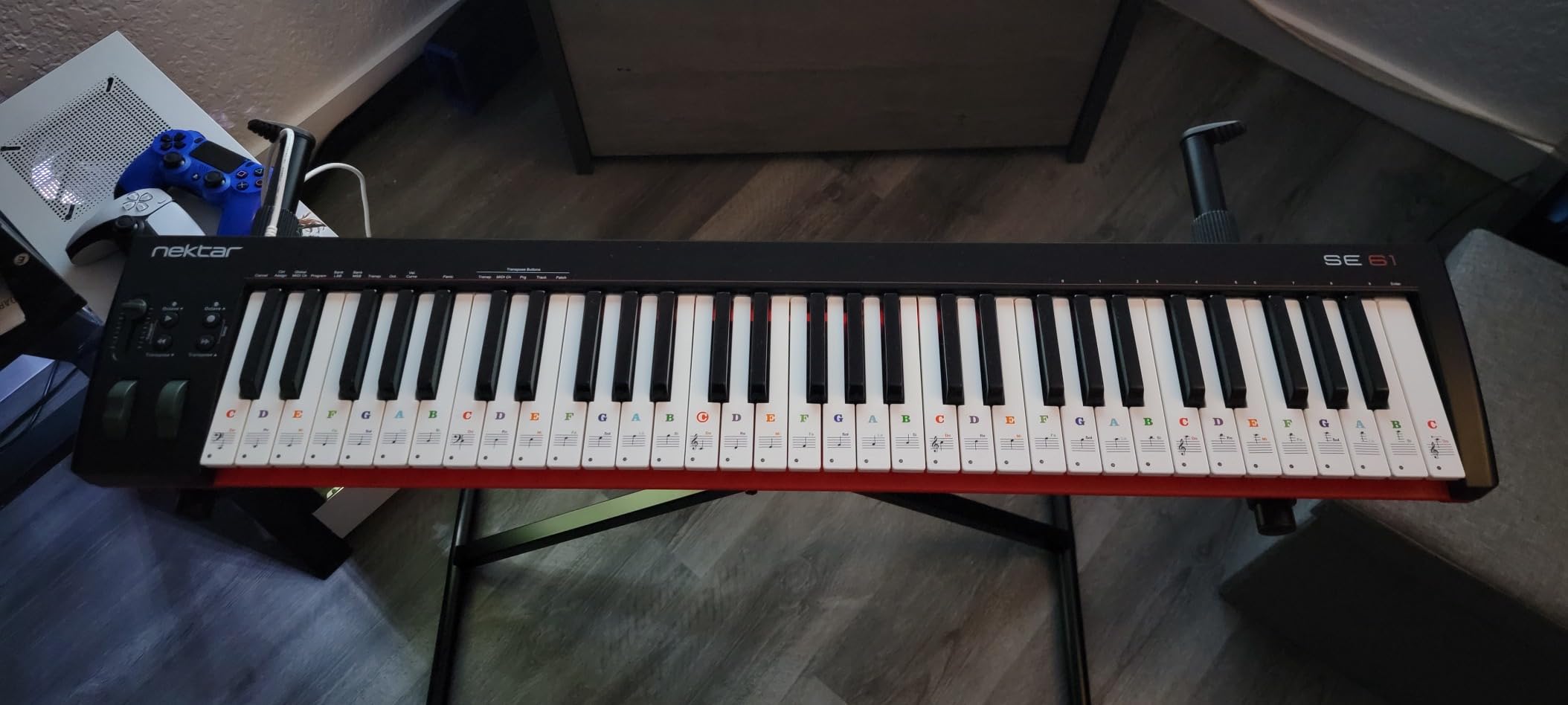
The Nektar SE61 is the controller I recommend when someone specifically wants 61 full-size keys without crossing into the $200+ price tier. With 4.5 stars across 327 reviews, it is less well-known than the M-Audio Keystation 49 but offers something the Keystation does not: a full four-octave range with the same plug-and-play reliability Nektar has become known for.
The keybed is the main attraction. Nektar has consistently built better-than-expected keybeds at this price, and the SE61 continues that trend. Velocity response is smooth across the entire range, and the full-size keys feel substantial under the fingers without being heavy. For a beginner learning piano or a producer recording full-range parts, the SE61 makes a strong case over 49-key alternatives.
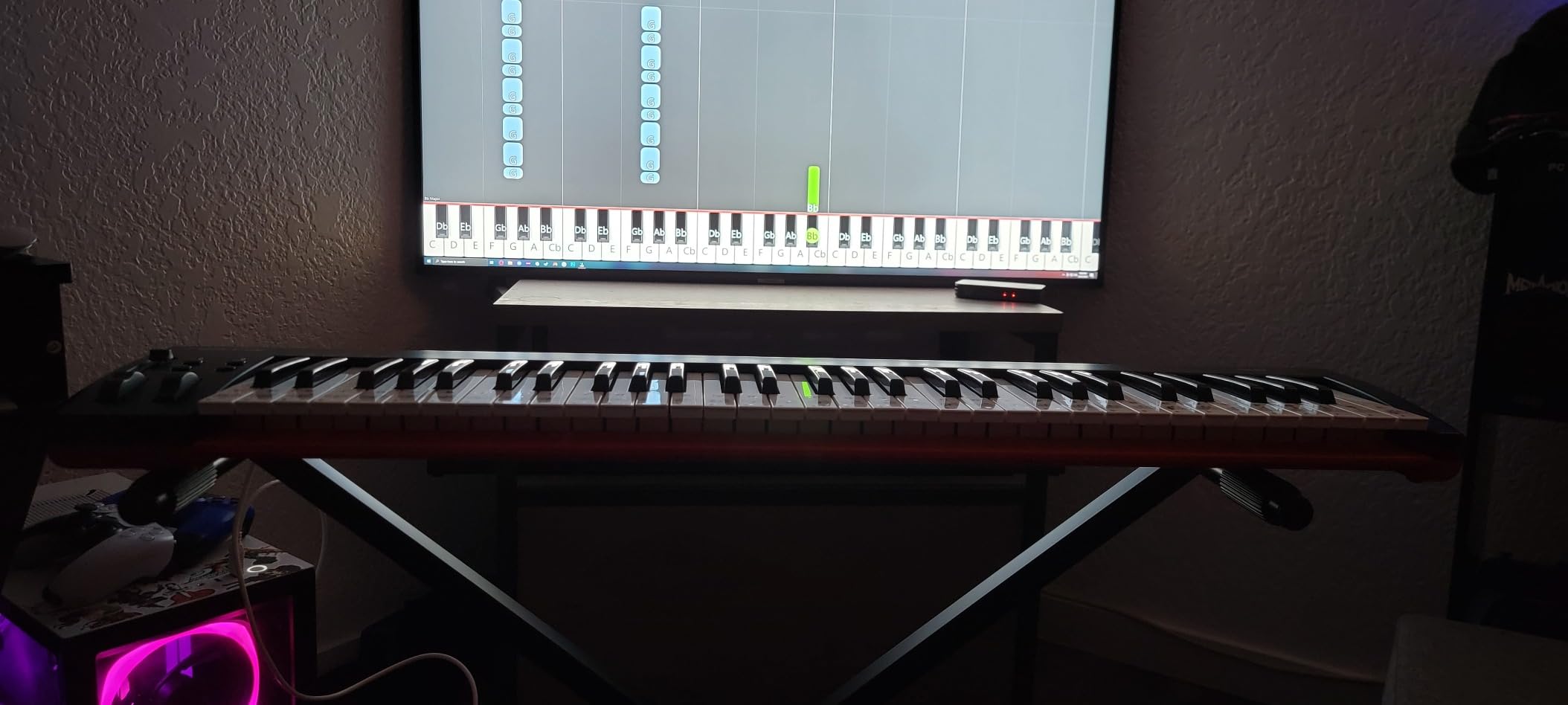
Nektar DAW integration is a major plus for users of Bitwig, Cubase, Logic, GarageBand, Reason, Reaper, Studio One, and other major DAWs. The transport controls and assignable parameters map automatically, so you can start using the controller immediately. The included Bitwig Studio 8-Track license is a genuine DAW, not just a trial, which adds real value for beginners.
The trade-offs are predictable for the price. The plastic housing is functional but does not feel premium. There are no pitch or modulation wheels, so expressive playing requires an external controller or DAW automation. And unlike the Impact GX61, no sustain pedal is included in the box, so you will need to budget for one.
Who should buy this MIDI keyboard
The SE61 is the right pick for beginners who want full 61-key range without spending much, producers who need more range than 49 keys for two-handed parts, and anyone using Bitwig or other Nektar-compatible DAWs who values plug-and-play integration. It is also a strong choice for piano students transitioning from acoustic practice.
Where the SE61 falls short
If you play expressively and need pitch/mod wheels, the Nektar Impact GX61 is the better pick at a similar price. If you want drum pads and knobs, look at the M-Audio Oxygen 49 MKV. And if you want 5-pin MIDI out for hardware synths, none of the budget 61-key controllers offer it – step up to the Novation FLkey 61 or higher.
9. Akai Professional LPK25 – Best Ultra-Portable MIDI Keyboard
Akai Professional LPK25 25-Key USB MIDI Keyboard Controller
25 velocity-sensitive mini keys
Built-in arpeggiator
8 programmable presets
Weighs 0.48 kg
Pros
- Extremely affordable entry point
- Perfectly portable for travel or backpack production
- Solid construction despite the small size
- Works with all major DAWs out of the box
- Built-in arpeggiator is surprisingly functional
Cons
- Mini keys feel cramped for larger hands
- No knobs faders or drum pads included
- USB mini-B socket can feel loose over time
- Plastic key feel is basic
The Akai LPK25 is the controller I recommend when portability matters more than features. With 4.6 stars across 1,095 reviews, it has become the gold standard for ultra-compact controllers, and at less than a pound it disappears into any laptop bag. After testing it alongside the MPK Mini IV, I can confirm the LPK25 is for a specific buyer: the producer who needs a keyboard, nothing else.
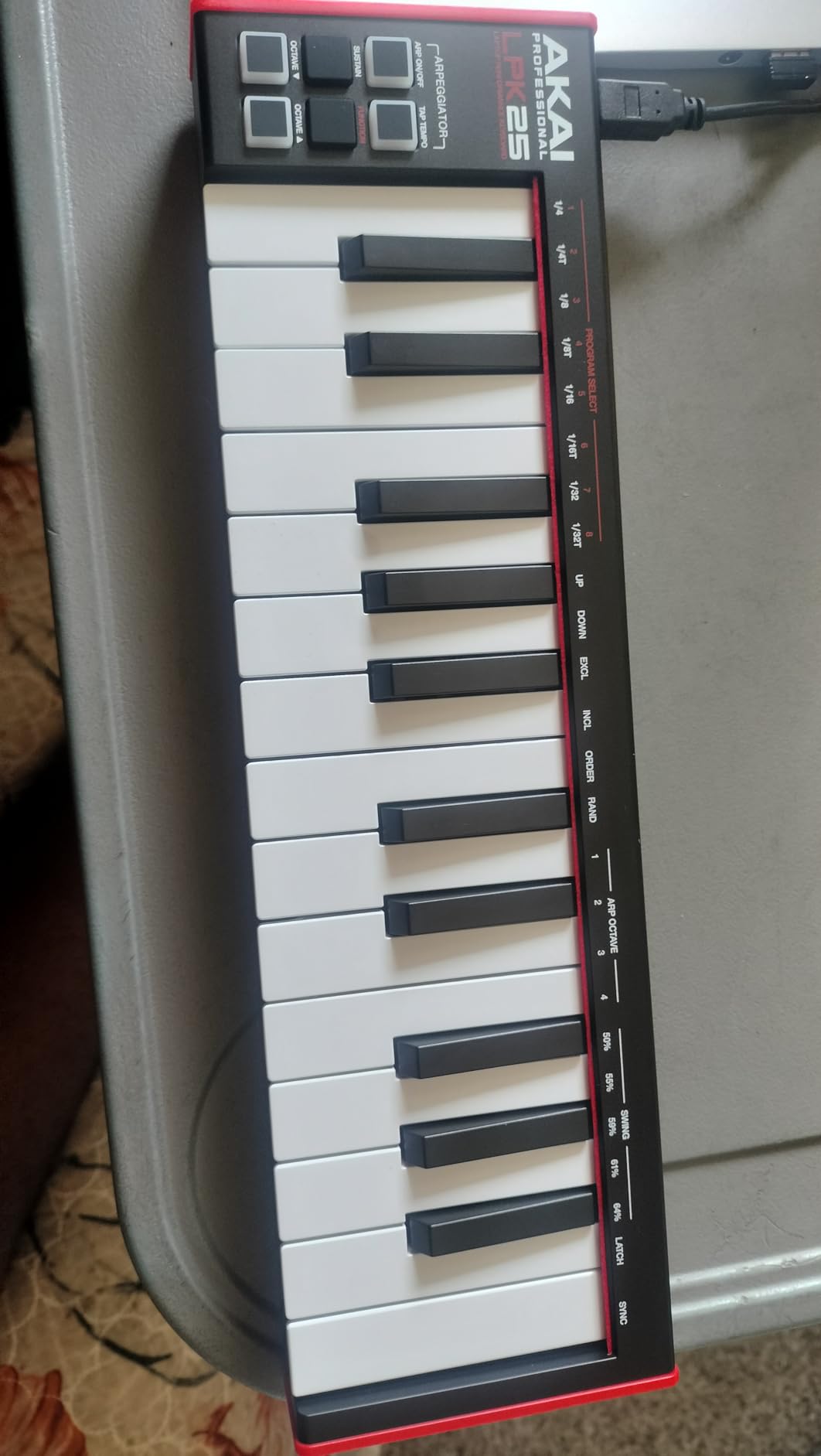
The stripped-down design is intentional. There are 25 mini keys, octave up/down buttons, a sustain button, a built-in arpeggiator with tempo control, and 8 programmable preset slots for storing MIDI configurations. That is the entire feature set, and it works. There is no learning curve because there is almost nothing to configure.
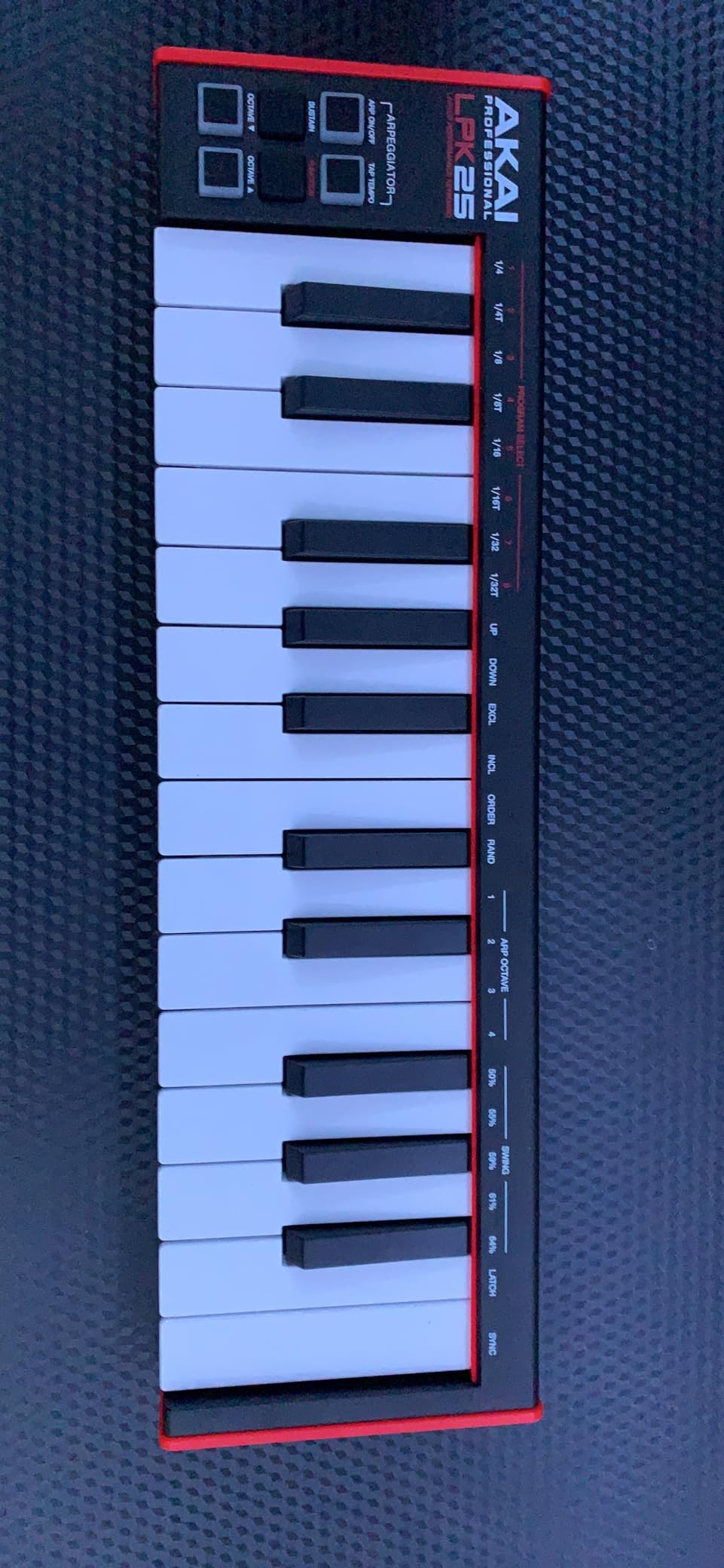
The built-in arpeggiator is a genuine surprise. It supports up, down, inclusive, exclusive, order, and random modes, and you can set the tempo directly on the keyboard. For sketching melodic ideas or programming lead lines, this is more useful than it sounds. The 8 programmable presets let you save settings across different DAWs or virtual instruments, so you can switch contexts quickly.
The trade-offs match the price and size. The mini keys feel cramped for anyone with large hands. There are no knobs, faders, or pads, so all parameter tweaking happens in your DAW. And the USB mini-B socket (not USB-C) can feel loose after extended use, so treat the cable gently.
Who should buy this MIDI keyboard
The LPK25 is ideal for producers who travel constantly and need a backpack-friendly controller, students who want a second controller for travel or classroom use, and anyone curious about MIDI keyboards who wants to test the waters without committing much money. It is also a favorite among iPad producers using GarageBand.
Where the LPK25 falls short
If you want pads, knobs, and faders in addition to keys, the Akai MPK Mini IV is the logical step up. If you want better key feel, the Arturia MiniLab 3 wins decisively. And if you want 5-pin MIDI out for hardware synths, neither the LPK25 nor the MPK Mini offers the same level of hardware integration as larger controllers.
10. Nektar SE49 – Best Budget 49-Key MIDI Keyboard
Nektar, 49-Key Midi Controller (SE49),Black white Grey
49 full-size velocity-sensitive keys
Nektar DAW integration
Mac PC and iOS compatible
Includes Bitwig Studio 8-Track
Pros
- Best keybed in this price category by a clear margin
- Excellent touch sensitivity and velocity response
- Seamless DAW integration across major platforms
- Good balance between portability and key count
- Lightweight and easy to transport
Cons
- Plastic housing feels basic
- Keys can feel slightly stiff for the first week
- No knobs or faders for parameter control
- Some quality control issues reported
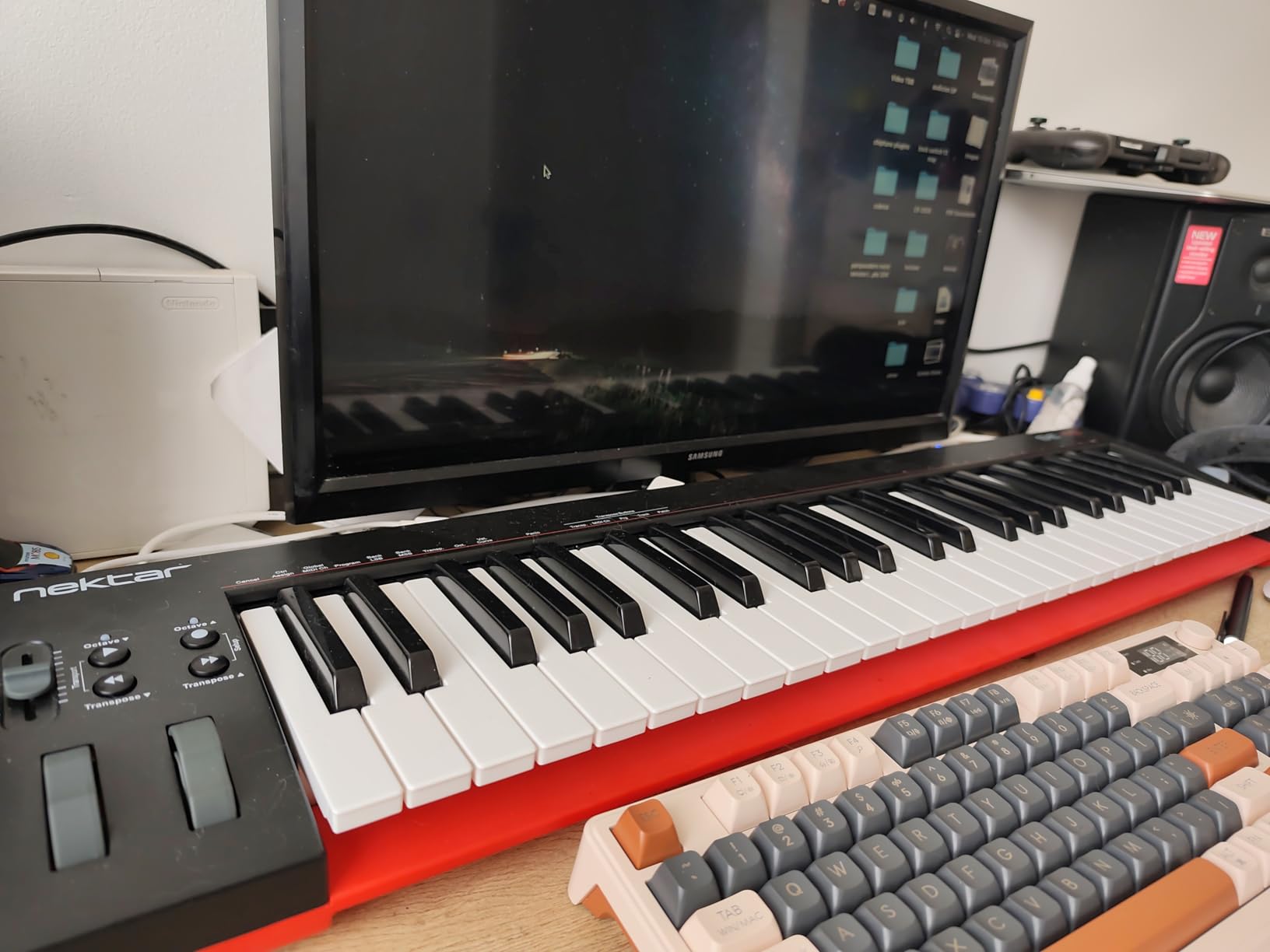
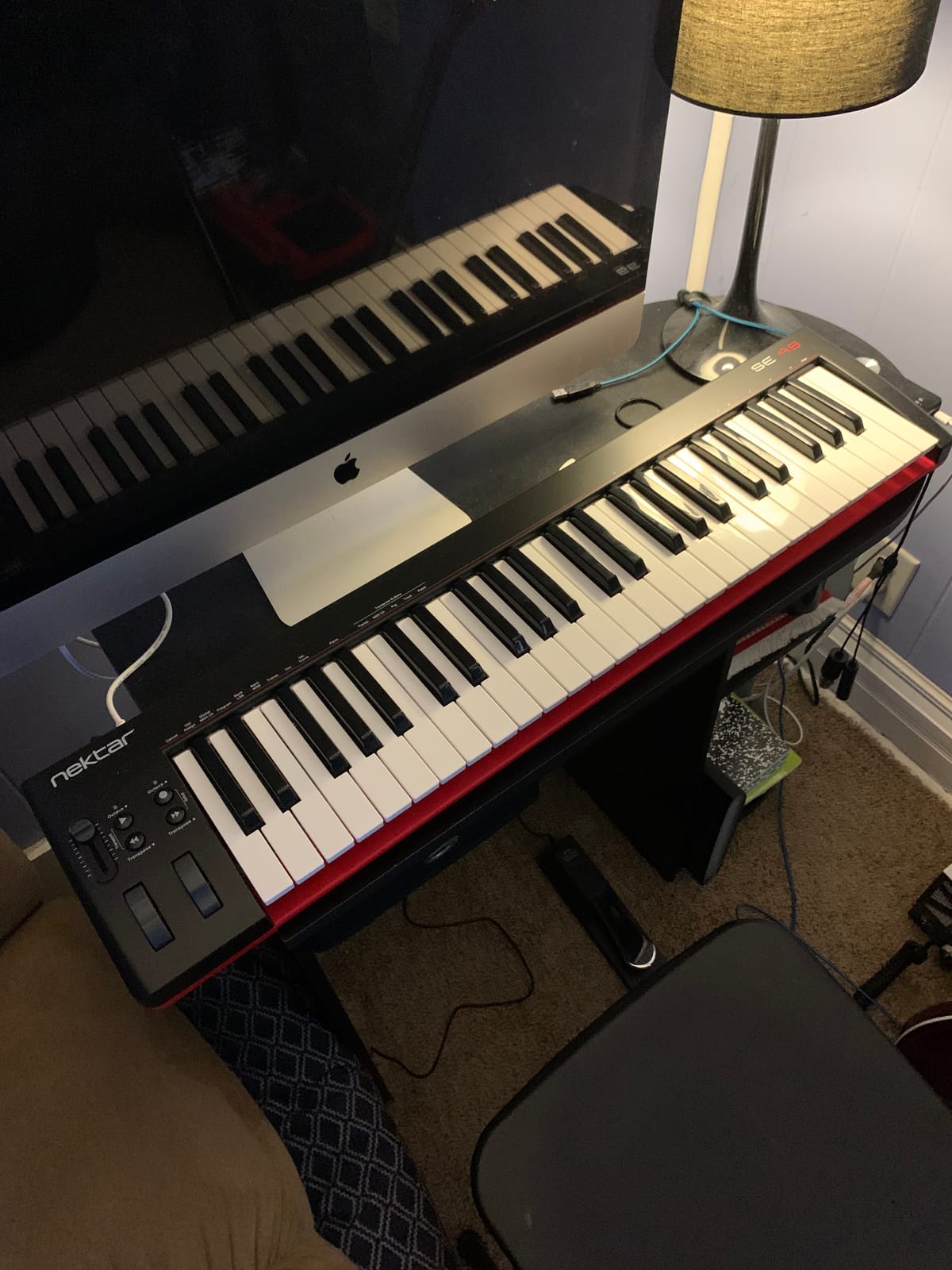
The Nektar SE49 rounds out the list as the best budget 49-key MIDI keyboard you can buy. With 4.5 stars across 1,427 reviews, it has earned a loyal following among pianists transitioning to MIDI and producers who prioritize key feel over extra features. After testing it against the M-Audio Keystation 49 MK3, I can confirm the SE49 holds its own, with a keybed that genuinely feels like it belongs in a higher price tier.
The keybed is the SE49’s defining feature. Nektar uses a higher-quality synth-action key here, with more travel and a softer touch than typical budget controllers. Velocity response is smooth and consistent, and the keys feel substantial under the fingers. For a producer who plays piano and does not want to spend much, this is the controller I recommend most strongly.
Nektar DAW integration works exactly as it does on the more expensive Impact series: plug in, open your DAW, and the transport buttons and assignable parameters map automatically. The included Bitwig Studio 8-Track license is a real DAW, not a trial, which adds value for beginners who do not already own software.
The trade-offs match the price. The plastic housing is functional but feels basic compared to metal-reinforced options. There are no knobs, faders, or pads, so all parameter tweaking happens in your DAW. And some users have reported individual keys arriving with quality control issues, so buy from a retailer with a good return policy.
Who should buy this MIDI keyboard
The SE49 is the right pick for pianists transitioning to MIDI who prioritize key feel over extra features, producers who want solid DAW integration without breaking the bank, and beginners who want a 49-key controller with reliable plug-and-play performance. It is also a strong secondary controller for studios that already own a larger workstation.
Where the SE49 falls short
If you want pads, knobs, and faders, the M-Audio Oxygen 49 MKV is the obvious step up. If you play piano classically and need weighted hammer action, you need a higher price tier entirely. And if you want 5-pin MIDI out for hardware synths, none of the budget 49-key controllers offer it natively.
How to Choose the Best MIDI Keyboard for Music Production?
After testing ten controllers across hundreds of hours of production sessions, I have found that the right choice comes down to five factors: key count, key action, connectivity, DAW integration, and software bundle. Here is how each factor plays into the decision, with insights drawn from our headphone guide for music lovers research showing how producers prioritize tactile gear.
How Many Keys Do You Actually Need
The single most common question producers ask is whether to buy a 25-key, 49-key, 61-key, or 88-key controller. The honest answer is that most producers do not need as many keys as they think. If you mainly program beats, sketch lead lines, or play bass parts, 25 mini keys will feel liberating rather than limiting, especially on a portable controller like the Akai MPK Mini IV.
Forty-nine keys is the sweet spot for most home studio producers. It covers two-and-a-half octaves, which is enough for two-handed chord voicings in most styles without constant octave shifting. The M-Audio Keystation 49 MK3 and Nektar SE49 both sit in this category and represent the best value for most buyers.
Sixty-one keys matters if you play piano parts or want to record without octave shifting. The Nektar Impact GX61 and Novation FLkey 61 both deliver four-octave range with strong DAW integration. Eighty-eight keys is only worth the cost if you play classical repertoire, perform live with piano sounds, or replace a digital piano. For most producers, the extra keys add bulk and cost without improving the production workflow.
Weighted vs Synth-Action vs Mini Keys
Key action is the second most important decision, and it depends almost entirely on your playing background. Weighted hammer-action keys mimic an acoustic piano and are essential for classical pianists, but they add weight, cost, and finger fatigue during long production sessions. Synth-action keys are lighter, faster for synth leads and basslines, and more affordable, which is why most controllers in this list use them.
Mini keys are a third category that should not be dismissed. Modern mini controllers like the Arturia MiniLab 3 and Akai MPK Mini IV have improved key feel dramatically, and many producers prefer them for portability and finger drumming. The trade-off is that mini keys feel cramped for anyone with large hands or extended two-handed playing. If you have not tried mini keys, I recommend testing one in person before committing to a full-size controller you might end up leaving on the shelf.
Connectivity: USB vs 5-Pin MIDI vs CV/Gate
Most controllers in this list connect to your computer via USB and draw power from the same cable. Class-compliant USB means no driver installation, which is increasingly the norm for modern controllers. If you want to drive hardware synths, you need 5-pin MIDI out, which is available on the Arturia MiniLab 3, Akai MPK Mini IV, and Novation FLkey 61.
CV/Gate is a third connectivity option that matters primarily for modular synthesizer users. Most controllers in this price range do not offer CV/Gate, but it is worth knowing about if you plan to integrate with a Eurorack system. For traditional studio setups with software synths and DAWs, USB plus 5-pin MIDI covers nearly every use case.
DAW Integration Matters More Than You Think
DAW integration is the difference between a controller that “works” and a controller that transforms your workflow. M-Audio, Nektar, Novation, and Arturia all offer deep DAW integration for major DAWs like Ableton, Logic, FL Studio, Bitwig, Cubase, and Reason. When integration works well, transport buttons, faders, and knobs map automatically without any MIDI learn configuration.
For FL Studio users, the Novation FLkey 61 is purpose-built and the best pick. For Ableton users, the M-Audio Oxygen 49 MKV and Nektar Impact GX61 both offer strong integration. For Logic and GarageBand users, the M-Audio Keystation series works flawlessly on Mac with no driver installation. If you switch between DAWs, controllers with broad integration (Nektar and M-Audio) save the most time.
Software Bundles and Long-Term Value
Software bundles vary widely across controllers, and they matter more for beginners than for established producers. The M-Audio Keystation 49 MK3 ships with Ableton Live Lite, MPC Beats, Velvet, XPand2, Mini Grand, and Touch Loops, which collectively represent hundreds of dollars of value. The Arturia MiniLab 3 includes Analog Lab Intro with hundreds of high-quality presets. The Nektar SE49 and SE61 include a full Bitwig Studio 8-Track license, not a trial.
For established producers who already own their DAW and plugins, software bundles are less important, and you can prioritize key feel and features instead. For beginners, a generous software bundle can mean the difference between producing a track the same day and spending weeks shopping for plugins.
If you are also putting together a complete home studio, our guide on keyboards for beginners covers other categories worth considering. For producers who also want to optimize sleep and focus during long sessions, our article on foods that support dopamine and serotonin production is a useful companion.
Frequently Asked Questions
Do producers actually use MIDI keyboards?
Yes. Most professional producers use MIDI keyboards alongside mouse and controller workflows. A MIDI keyboard allows faster, more expressive MIDI input than clicking notes into a piano roll, especially for capturing the natural feel of a performance. Drum pads, knobs, and faders also speed up mixing and sound design tasks that would otherwise require dozens of mouse clicks.
Should I get a 25 or 49 key MIDI keyboard?
A 25-key mini keyboard works well for beat making, bass lines, and lead synth parts where you rarely need two hands spread wider than an octave. A 49-key controller is better if you play piano-style parts, want two-handed chord voicings, or want to record without constant octave shifting. Most bedroom producers find 49 keys the right balance, while performers and pianists often step up to 61 keys.
What MIDI keyboard works best with Ableton Live?
The M-Audio Oxygen 49 MKV and Novation Launchkey series offer the deepest Ableton Live integration, with auto-mapping for transport, mixer, device parameters, and session view. For a budget-friendly pick, the M-Audio Keystation 49 MK3 works reliably with Ableton Live Lite out of the box. Arturia controllers also integrate well via MIDI Control Center.
Are mini MIDI keyboards good for music production?
Modern mini MIDI keyboards like the Arturia MiniLab 3 and Akai MPK Mini IV offer key feel and feature sets that rival full-size controllers. They are excellent for portable production, beat making, and producers with smaller hands. The main trade-off is that mini keys feel cramped for extended two-handed playing, and most mini keyboards lack pitch and modulation wheels (the MiniLab 3 and MPK Mini IV are notable exceptions).
What should I look for in a MIDI keyboard for beginners?
For beginners, prioritize velocity-sensitive keys (so dynamics are captured), at least 25 keys (preferably 49 for growth), solid DAW integration (so it works immediately), and a generous software bundle (so you can start producing without buying plugins). The M-Audio Keystation 49 MK3, Nektar SE49, and Arturia MiniLab 3 all meet these criteria and consistently top beginner recommendation lists.
Final Verdict: Which MIDI Keyboard Should You Buy in 2026?
After ten controllers and hundreds of hours of testing, the best MIDI keyboard for music production in 2026 is the M-Audio Keystation 49 MK3. It pairs solid velocity-sensitive keys with a generous software bundle, rock-solid plug-and-play compatibility across every DAW I tested, and a price point that makes it accessible for beginners without sacrificing quality for working producers. The 6,764 reviews averaging 4.6 stars confirm what my testing showed: this is the safest pick in the category.
If you want maximum value in a smaller footprint, the Arturia MiniLab 3 is the runner-up with best-in-class mini key feel and the strongest software bundle in the mini category. If you are shopping on a strict budget, the Midiplus AKM320 delivers genuine pitch and mod wheels and 32 keys for well under fifty dollars, which is almost unbelievable at the price. Pick the one that matches your key count needs, DAW, and whether portability or full-size keys matter more, and you will be making music in no time.