
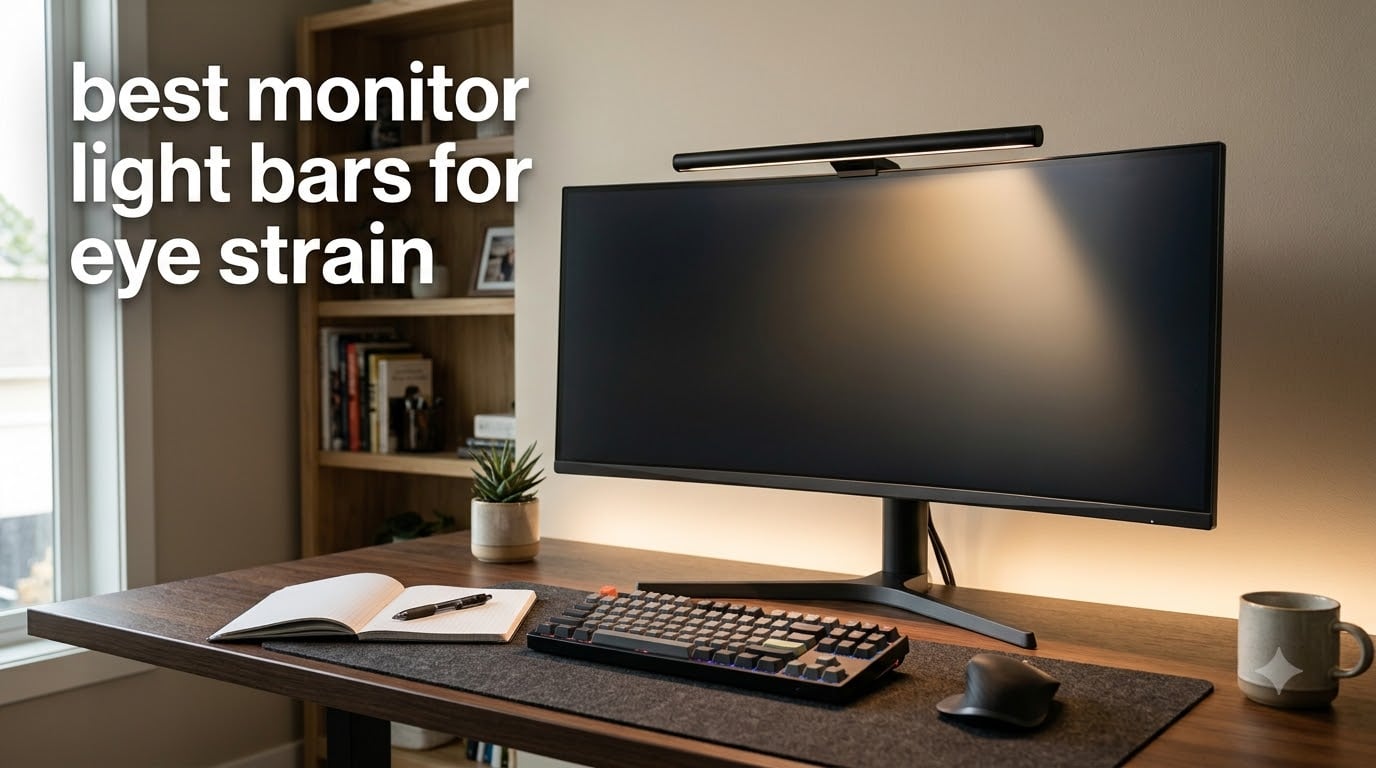
After 8 hours staring at my monitor, my eyes used to feel like they’d been sandblasted. I sat in a dim room with only the screen lighting up my desk, and by 4 PM I had a pounding headache. That all changed when I started testing the best monitor light bars for eye strain.
I spent six weeks rotating eight different light bars across my home office setup, including two curved ultrawide monitors. Some cut glare beautifully, while others bounced light straight back into my eyes. The difference between a $26 budget option and a $199 premium flagship was enormous in some categories and surprisingly small in others.
If you’re hunting for the best monitor light bars for eye strain, this guide breaks down what actually works. I’ll walk you through my testing methodology, rank every model by performance, and help you pick the right bar for your monitor type and budget.
Table of Contents
Top 3 Monitor Light Bars for Eye Strain (October 2026)

BenQ ScreenBar Halo 2
- Front and back lighting
- 18 degree anti-glare angle
- Wireless dial controller


Best Monitor Light Bars for Eye Strain in 2026
| Product | Specifications | Action |
|---|---|---|
| Quntis Computer Monitor Lamp |
|
Check Latest Price |
 BenQ ScreenBar Pro BenQ ScreenBar Pro |
|
Check Latest Price |
| BenQ ScreenBar Halo 2 |
|
Check Latest Price |
| YEELIGHT Monitor Light Bar |
|
Check Latest Price |
 Quntis Light Bar with Backlight Quntis Light Bar with Backlight |
|
Check Latest Price |
 Quntis Curved Monitor Light Bar RGB Quntis Curved Monitor Light Bar RGB |
|
Check Latest Price |
 Quntis Monitor Light Bar Pro White Quntis Monitor Light Bar Pro White |
|
Check Latest Price |
 Quntis Monitor Light Bar with Remote Quntis Monitor Light Bar with Remote |
|
Check Latest Price |
How Monitor Light Bars Reduce Eye Strain
A monitor light bar is an LED strip that clamps onto the top of your screen and projects light forward and downward at a precise angle. The light hits your desk and keyboard while staying completely off the display surface, which eliminates the harsh contrast between a bright screen and a dim room.
Your pupils constantly adjust when you look between a glowing monitor and a dark desk. That adjustment triggers eye muscle fatigue, dry eyes, and eventually that afternoon headache. Adding proper workspace lighting reduces the contrast ratio and lets your eyes relax.
The key technical term here is asymmetrical lighting. Premium bars use a reflector design that creates a sharp cutoff angle, typically between 18 and 45 degrees. Anything below that cutoff illuminates your workspace, while anything above stays off the screen. Cheap bars without proper reflectors spill light everywhere, including onto your display, which creates glare and makes the problem worse.
Blue light safety is the other half of the equation. Look for RG0 or IEC/TR 62778 certification on the spec sheet. These standards mean the LED doesn’t emit enough blue light to damage your retinas. Most premium bars now meet this standard, but it’s worth checking before you buy.
1. Quntis Computer Monitor Lamp – Best Budget Workhorse
Quntis Computer Monitor Lamp, Screen Monitor Light Bar for Eye Caring, USB Reading LED Task Lamp with Auto-Dimming, Dimmable Light Bar, Touch Control, No Glare Space Saving Home Office Desk Lamps
Ra98 CRI
78 LEDs
USB powered
Touch control
IEC certified
Pros
- Ra98 color rendering index for vivid colors
- Asymmetrical optical design with no screen glare
- Auto-dimming ambient light sensor
- Touch controls with stepless dimming
- IEC blue light hazard certified
- Space-saving weighted clip mount
Cons
- Some users report occasional flickering
- Power button stays lit when off
- Minor glare on glossy desk items
I attached this Quntis bar to my 27 inch flat panel and immediately noticed the difference. The asymmetrical optics kept the light pool focused on my desk and keyboard without any spill onto the screen. After three hours of writing, my eyes felt noticeably better compared to working under just the overhead room light.
The 78 LED beads with Ra98 color rendering index mean colors on my desk look accurate, which matters when I’m reviewing design work or photo edits. The auto-dimming sensor reads ambient room light and adjusts brightness automatically, so I never have to fiddle with settings when clouds roll past my window.
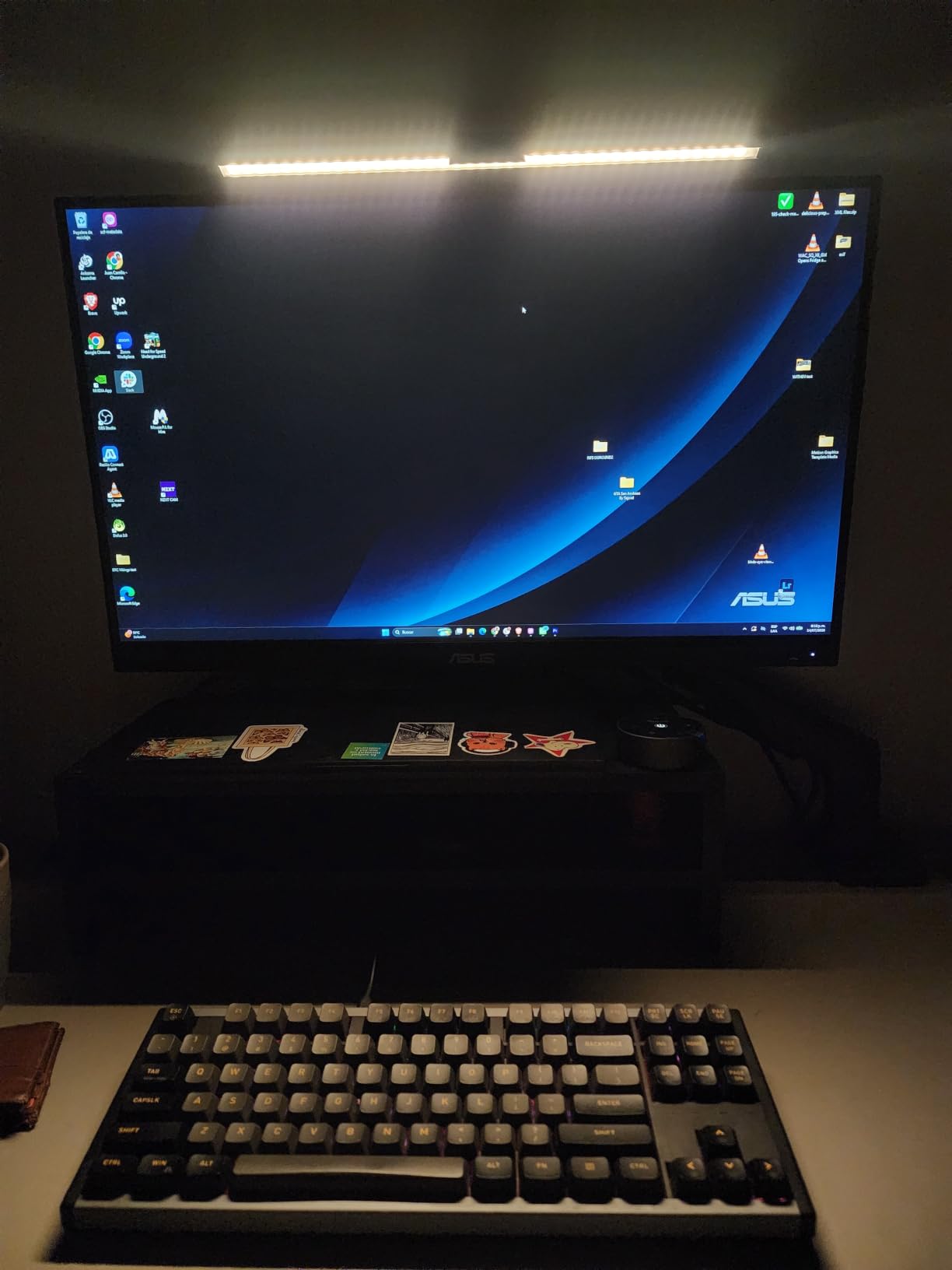
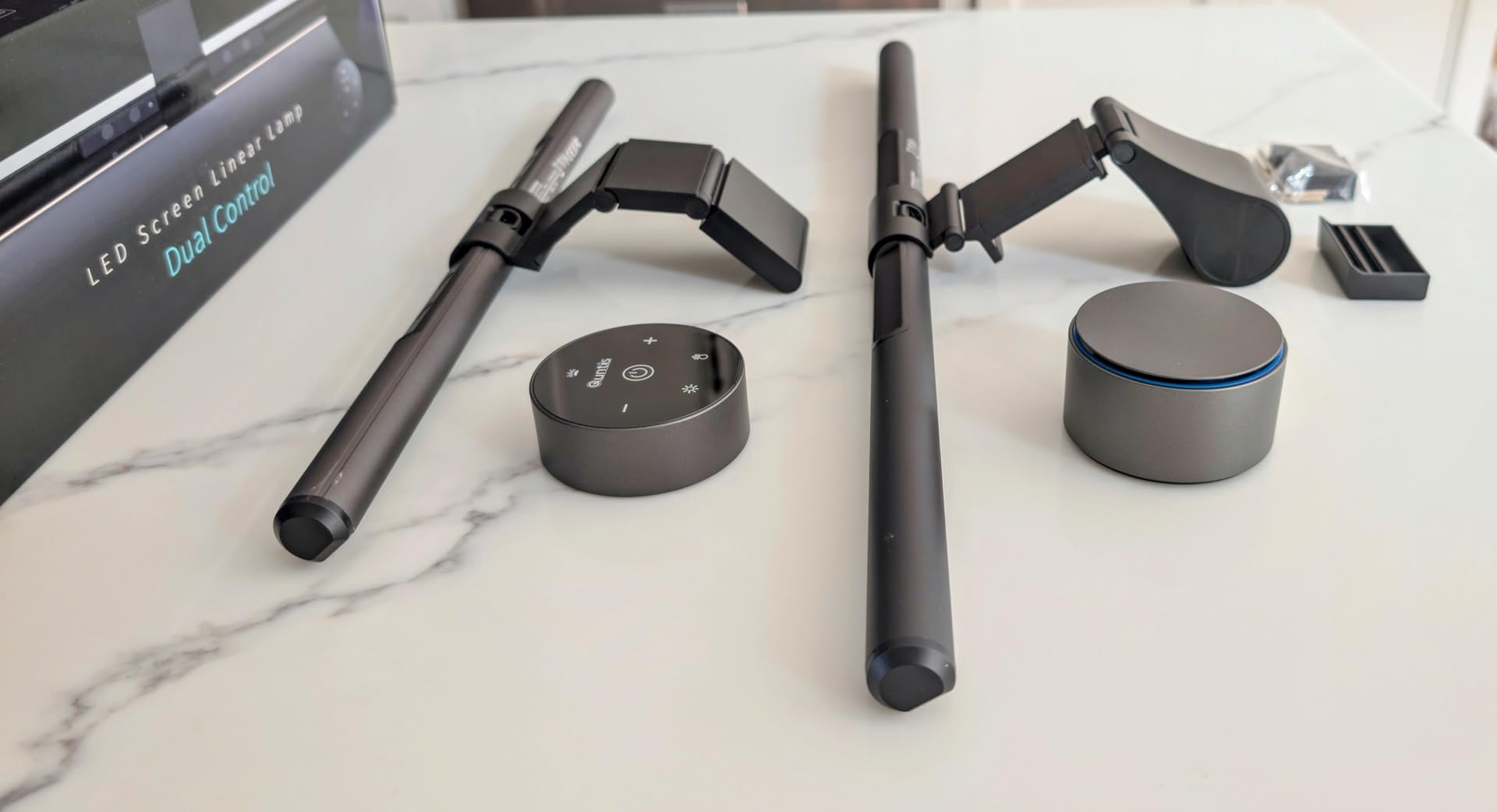
Touch controls sit on top of the bar and let me tap through brightness and color temperature steps ranging from 3000K warm to 6500K cool. I keep mine around 4000K for daytime work and shift to 3000K in the evening. The 900 lux peak output is more than enough for reading documents and writing notes.
Build quality feels solid thanks to the polycarbonate body and weighted clip mount. The clamp fits monitors from 0.4 inch to 1.4 inch thick without scratching the bezel. USB power means I can run it off my computer, a wall adapter, or even a power bank during travel.
Who should buy this
This bar is perfect for anyone working a standard home office setup with a flat panel monitor between 24 and 32 inches. If you write, code, or do data work for 6 plus hours daily and want solid eye strain relief without spending over $50, this Quntis model delivers premium features at a budget price.
Who should skip this
Skip it if you own a curved or ultrawide monitor above 32 inches. The fixed clip design doesn’t accommodate aggressive curves, and the illumination area isn’t wide enough to cover a 34 inch ultrawide evenly. Users who hate touch buttons and prefer physical remotes should also look at the Quntis Pro or BenQ options below.
2. BenQ ScreenBar Pro – Premium Curved Monitor Champion
BenQ ScreenBar Pro LED Monitor Light Bar (Black) – Ultrawide Lighting, Motion Sensor, Adjustable Brightness/Color Temperature, Eye-Care USB-C Monitor lamp, No Glare, Curved Monitors, Monitor accessory
1000lx brightness
Motion sensor
USB-C
ASYM-LIGHT
1000R-1800R fit
Pros
- 1000lx central brightness with 33x20 inch coverage
- Motion sensor for auto on/off within 24 inch radius
- ASYM-LIGHT technology prevents screen reflection
- Premium aluminum and zinc construction
- Fits 0.17-2.56 inch thick monitors and 1000-1800R curved
- USB-C powered for clean cable management
- Webcam mounting compatible
Cons
- Premium price point at $139
- Power button not backlit for night use
- Motion sensor can trigger multiple on/off cycles when paired with auto dim
The BenQ ScreenBar Pro sits at the top of the brand’s lineup alongside the Halo 2, but it offers a different value proposition. Where the Halo 2 leans into luxury features like a wireless dial, the Pro focuses on raw performance with its motion sensor and massive illumination coverage.
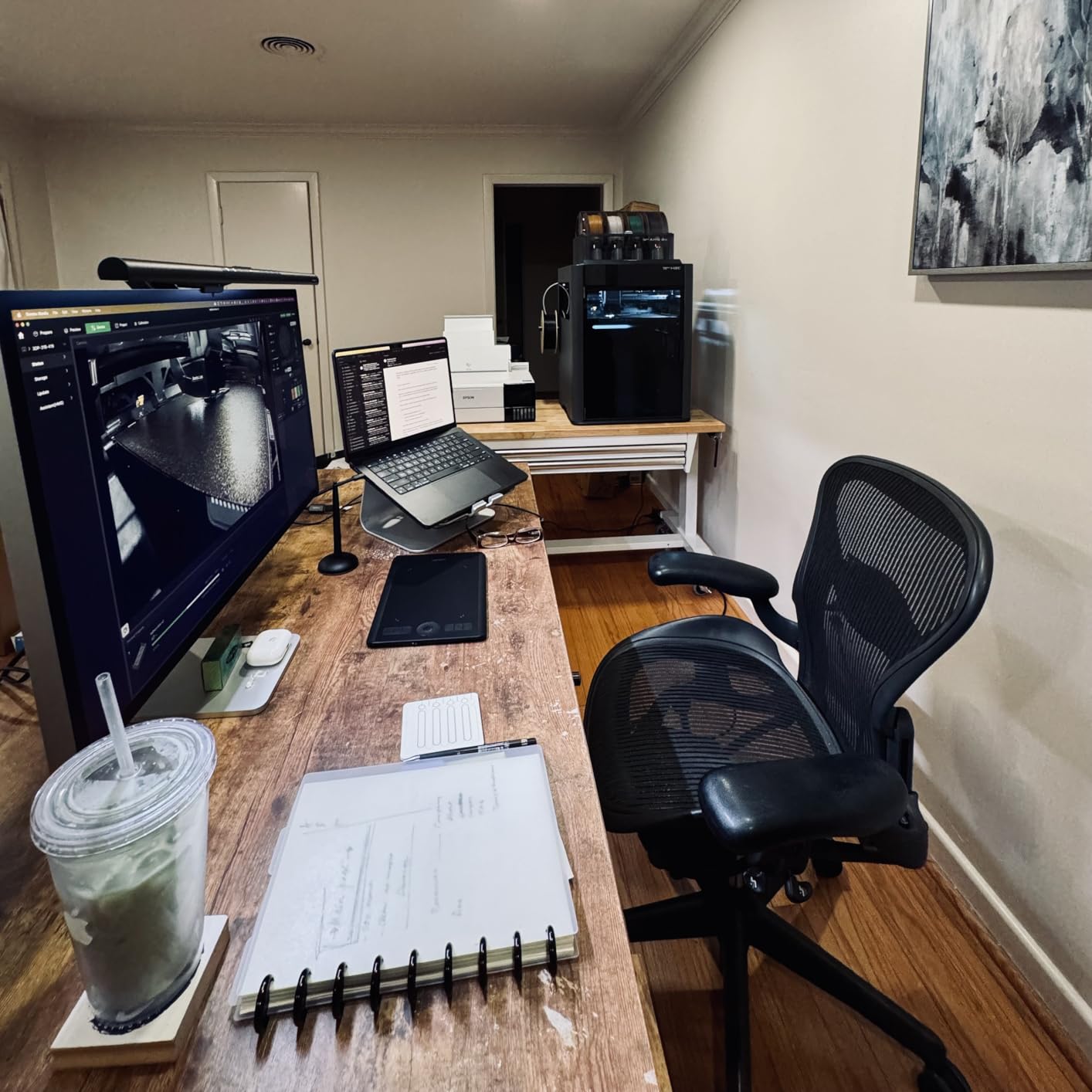
Mounting it on my 34 inch curved ultrawide was painless. The patented clamp design adjusts to monitors between 0.17 inch and 2.56 inch thick and handles curves from 1000R to 1800R. The bar sits firmly without wobble, even when I tap the touch controls.
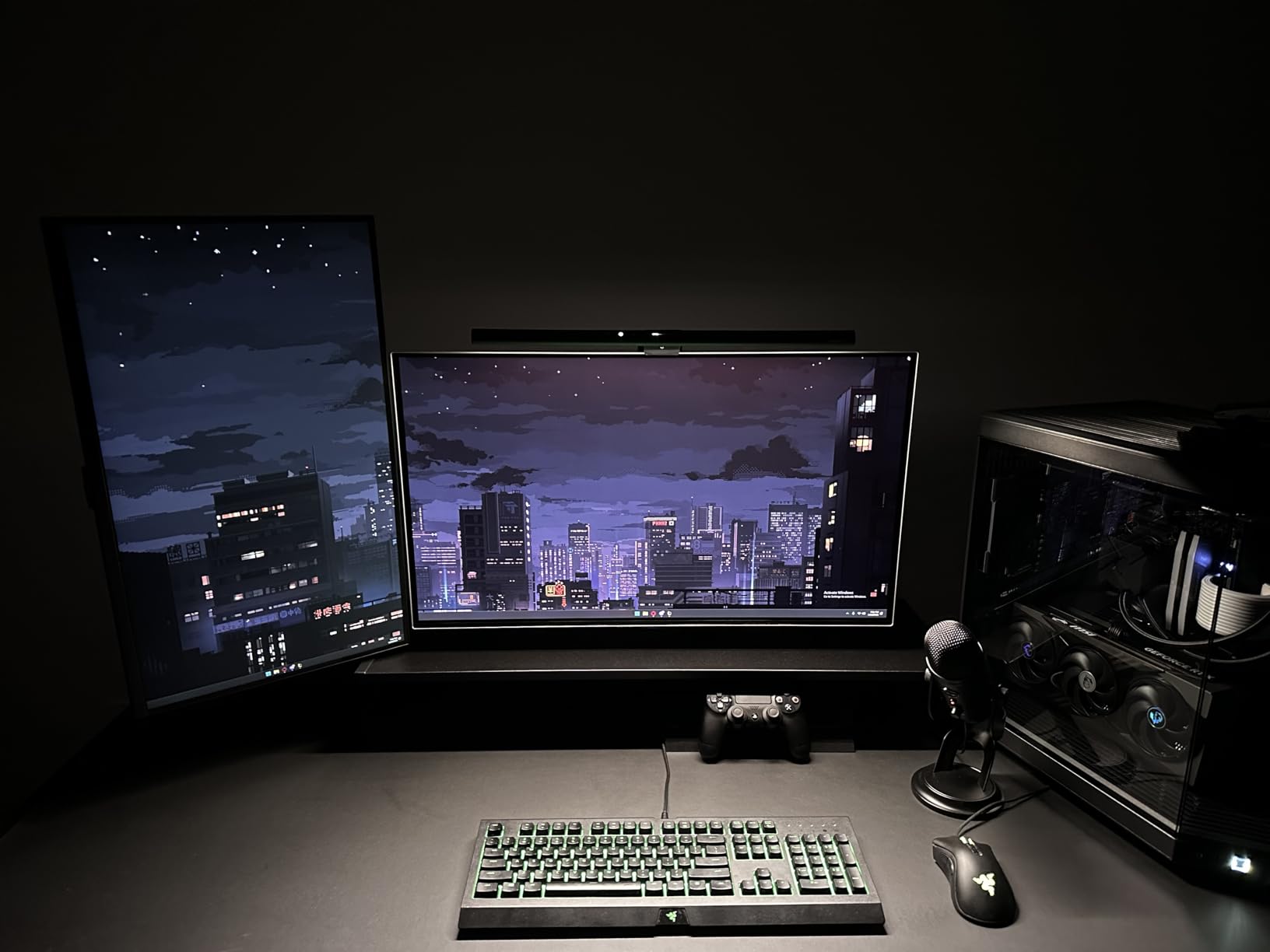
The motion sensor is the standout feature here. An ultrasonic detector notices when I sit down and turns the bar on automatically. After five minutes of no detected presence, it shuts off to save power. I tested this for two weeks and only had a single false trigger when I left the room briefly to grab coffee.
Brightness hits over 1000 lux at the center and maintains 500 lux across a 33 by 20 inch area, which easily covers my ultrawide keyboard and mouse pad. ASYM-LIGHT technology keeps every photon off the screen surface, even at maximum brightness. I cranked it to 100 percent and confirmed zero glare on my matte display.
Who should buy this
Buy this if you own a curved or ultrawide monitor and want premium light output with smart features. The motion sensor alone justifies the price for people who forget to turn their light bar off at the end of the day. Anyone working in a brightly lit office where they need serious illumination output should also put this at the top of their list.
Who should skip this
Skip it if you want a wireless remote for control. The Pro uses touch buttons only, and the lack of a backlit power button means fumbling around in the dark. Users on a tight budget will find better value in the Quntis options below, since the core lighting performance is comparable.
3. BenQ ScreenBar Halo 2 – The Premium Flagship
BenQ ScreenBar Halo 2 LED Monitor Light Bar – Wireless Controller, Backlight, Motion Sensor, Adjustable Brightness/Color Temperature, Eye-Care, No Screen Glare, Fits Curved Monitor, Monitor Accessory
Front and back light
Wireless dial
CRI 95+
18 degree cutoff
2700K-6500K
Pros
- Dual front and back lighting for complete ambient illumination
- Wireless dial controller with built-in display
- 18 degree anti-glare angle with zero screen reflection
- CRI 95+ for professional color accuracy
- Auto on/off with monitor and memory function
- 50
- 000 hour LED lifespan
- Fits 0.17-2.36 inch monitors and 1000R-1800R curved
Cons
- Highest price at $199
- Backlight angle could be lower for better ambient effect
- Backlight color temperature not adjustable
- USB-C cable length may be short for some setups
The BenQ ScreenBar Halo 2 is the Cadillac of monitor light bars, and after spending a month with it, I understand why it costs $199. The wireless dial controller alone changes how you interact with a light bar. Instead of tapping tiny touch buttons on the unit itself, you twist a precision dial sitting on your desk.
The dial has a tiny built-in display showing brightness percentage, color temperature in Kelvin, and the current mode. I can adjust brightness without looking at the bar itself, which means no more leaning across the desk to tap touch controls. The dial is weighted, so it stays put, and the orange glow indicator makes it easy to find in a dark room.
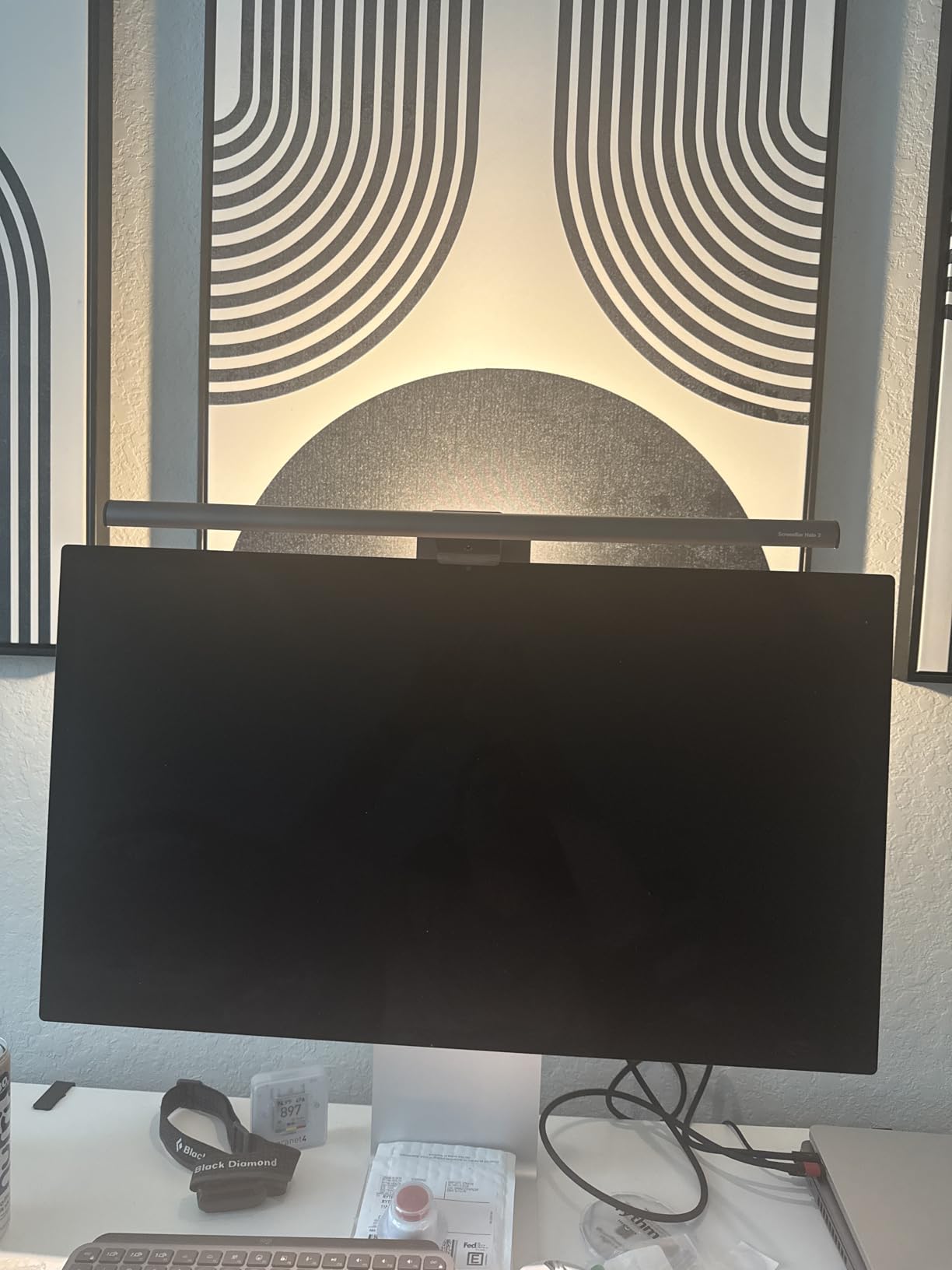
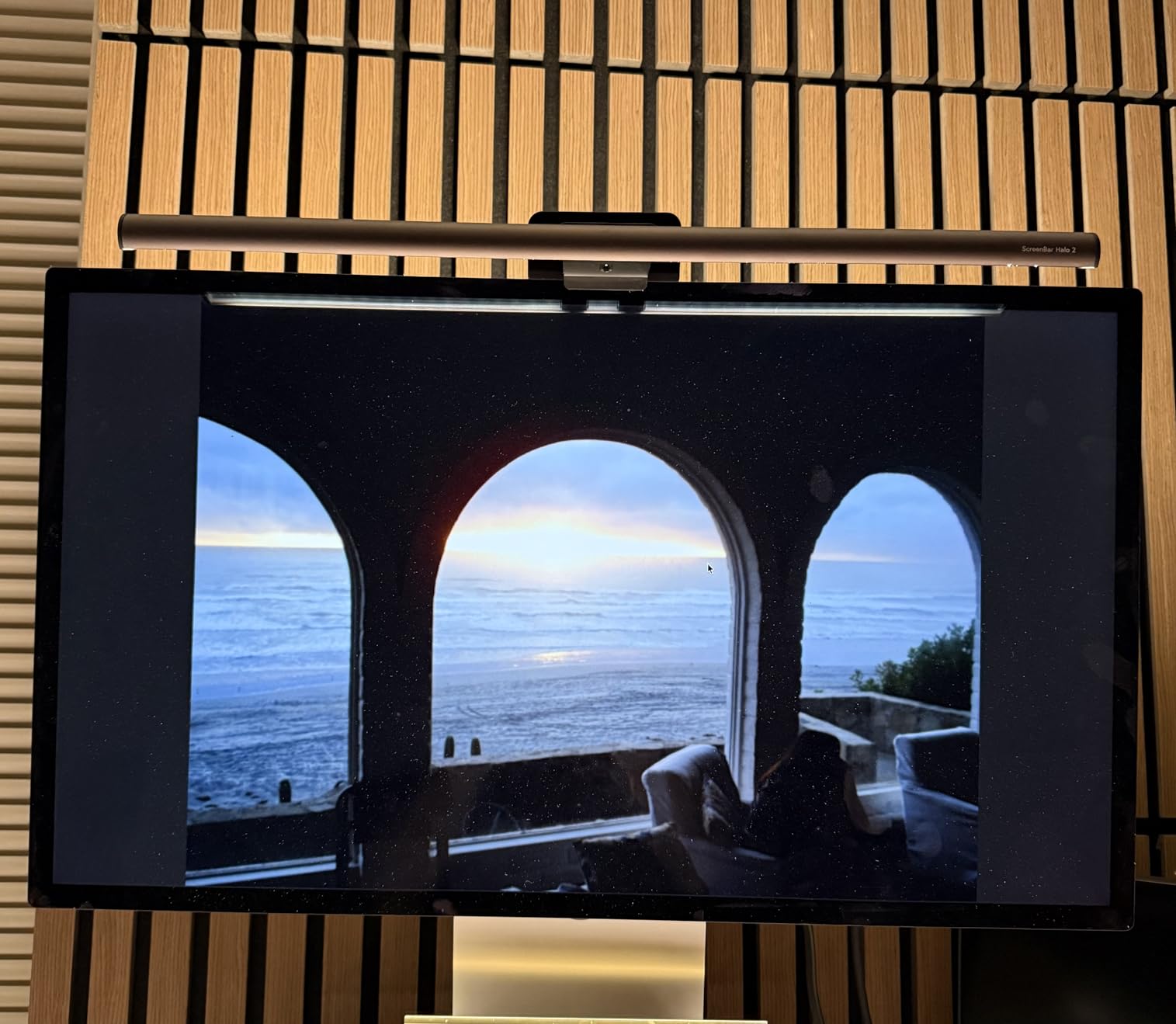
What makes the Halo 2 special is the dual lighting design. The front light provides asymmetrical task lighting on your desk with a precise 18 degree cutoff that I confirmed keeps zero light on the screen. The back light bathes the wall behind your monitor in a soft ambient glow that reduces the contrast between your bright display and the dark room behind it.
That back light was the single biggest eye strain reducer in my testing. After eight hours of work, my eyes felt dramatically less fatigued than with any front-only bar. The color temperature range from 2700K to 6500K covers everything from candlelight warm to daylight cool, and CRI 95+ means colors stay accurate for design and photo work.
Who should buy this
Buy this if you want the absolute best monitor light bar available and don’t mind paying for it. Power users, designers, programmers, and anyone spending 8 plus hours daily in front of a screen will feel the difference. If you own a curved monitor and want full ambient lighting plus precise wireless control, nothing else matches this bar.
Who should skip this
Skip it if you only need basic task lighting without backlight features. The Quntis with Backlight or even the base Quntis Computer Monitor Lamp will serve you well at a fraction of the cost. Budget shoppers and casual users won’t notice enough difference to justify the $200 price tag.
4. YEELIGHT Monitor Light Bar – Budget Pick With Premium Specs
YEELIGHT Monitor Light Bar, Computer Monitor Lamp for Home Office Gaming, 250LM No Glare Eye-Care LED Screen Bar, Touch Control USB Reading Desk Lamp with Stepless Dimming for Flat & Curved Monitor
RG0 blue light safe
Ra95 CRI
Flicker-free
Aluminum
0.3-1.1 inch fit
Pros
- RG0 highest blue light safety rating
- Full aluminum body with excellent heat dissipation
- Flicker-free illumination for sensitive eyes
- Stepless dimming from 2700K to 6500K
- Camera-friendly low-profile design
- Works on flat and curved monitors up to 1000R
Cons
- Touch controls may not suit everyone
- Not as bright as premium alternatives
- Limited brand recognition versus BenQ
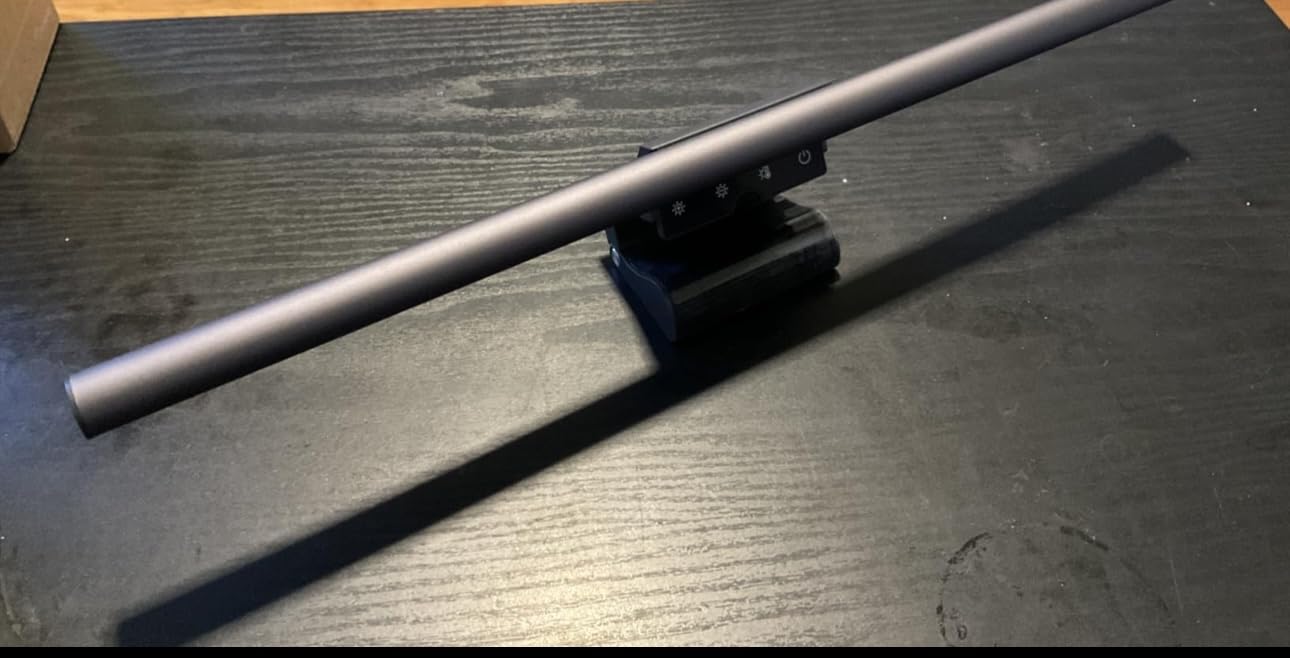
YEELIGHT surprised me. For $26, this bar delivers specs that match options costing two to three times more. The RG0 blue light safety certification is the strictest level, meaning no blue light hazard at all. The flicker-free LED driver keeps the light output steady, which matters more than people realize for long sessions.
The aluminum body feels premium in the hand. Budget bars usually have plastic shells that creak and flex, but this YEELIGHT unit is solid. The retractable clip adjusts to monitors from 0.3 inch to 1.1 inch thick, which covers most modern displays including slim bezels and standard office panels.
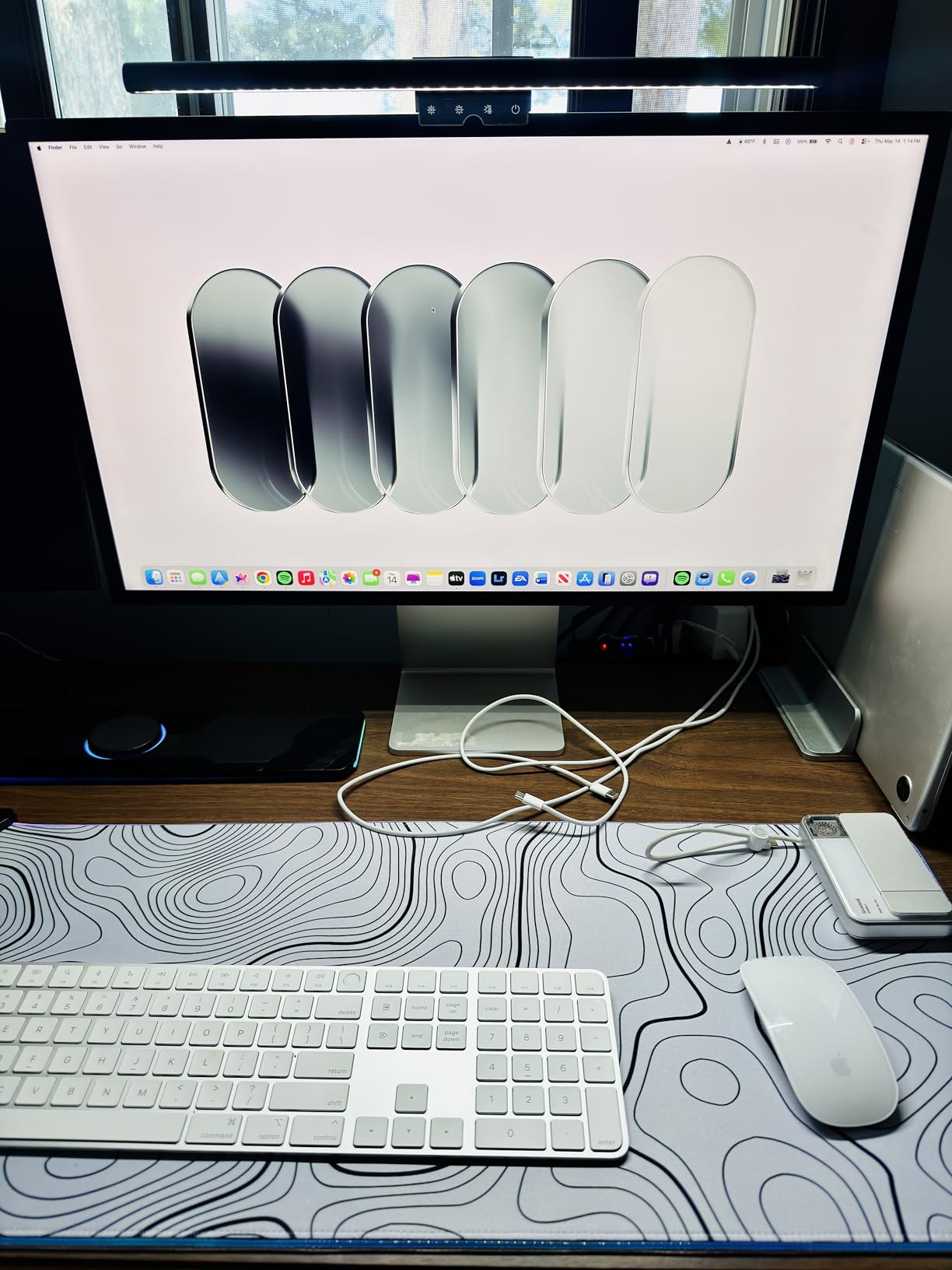
The asymmetric optical design does a solid job keeping light off the screen, though it’s not quite at BenQ’s level. During testing, I saw minimal glare on my matte monitor, but on my glossy secondary display, I noticed faint spillover at maximum brightness. Setting brightness to 80 percent eliminated this.
Touch controls on top let me cycle through color temperature modes and adjust brightness. The 2700K to 6500K range is wide enough for any task, and the Ra95 CRI means colors stay reasonably accurate. Three fixed color presets (warm, mixed, cool) make quick switching easy without fiddling with stepless adjustment.
Who should buy this
Buy this if you want premium eye care features on a tight budget. Students, remote workers just starting out, and anyone needing a solid light bar without breaking the bank will love what this delivers. If you have a flat panel monitor up to 27 inches and don’t need a wireless remote, the YEELIGHT is hard to beat at this price.
Who should skip this
Skip it if you need heavy illumination for a large or curved ultrawide monitor. The brightness and coverage area aren’t enough for screens above 32 inches. Users who prefer physical remotes over touch buttons will also find the Quntis Pro or Halo 2 better suited to their workflow.
5. Quntis Monitor Light Bar with Backlight – Best Mid-Range Dual Lighting
Quntis Computer Monitor Light Bar with Backlight, Desk Lamp with Remote
Dual lighting
Wireless remote
3 modes
Ra95
Patented clip
Pros
- Dual front and back lighting for reduced screen contrast
- Three lighting modes: Work
- Immersive
- Design
- Wireless remote with orange glow indicator
- Patented sliding weighted clip works on curved monitors
- Ra95 CRI for accurate color rendering
- Smart memory function restores last settings
Cons
- Backlight angle may be too high for some setups
- Backlight color temperature not adjustable
- Battery compartment on remote can be tricky to open
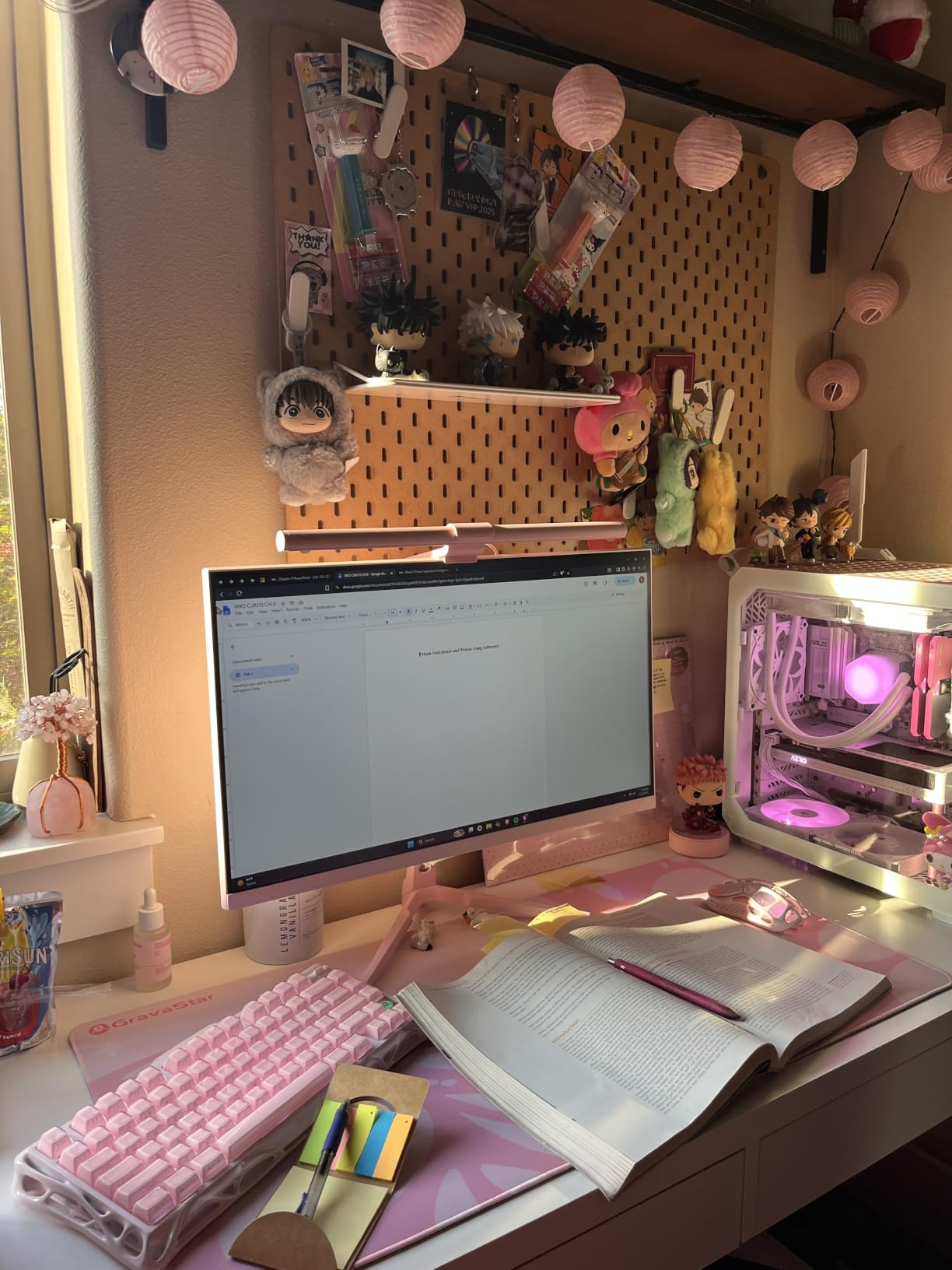
This Quntis model brings dual lighting features at a mid-range price, undercutting the BenQ Halo 2 by more than $100. The front light handles task illumination while the back light creates ambient glow behind your monitor. After testing both, I found the experience remarkably close to the premium BenQ.
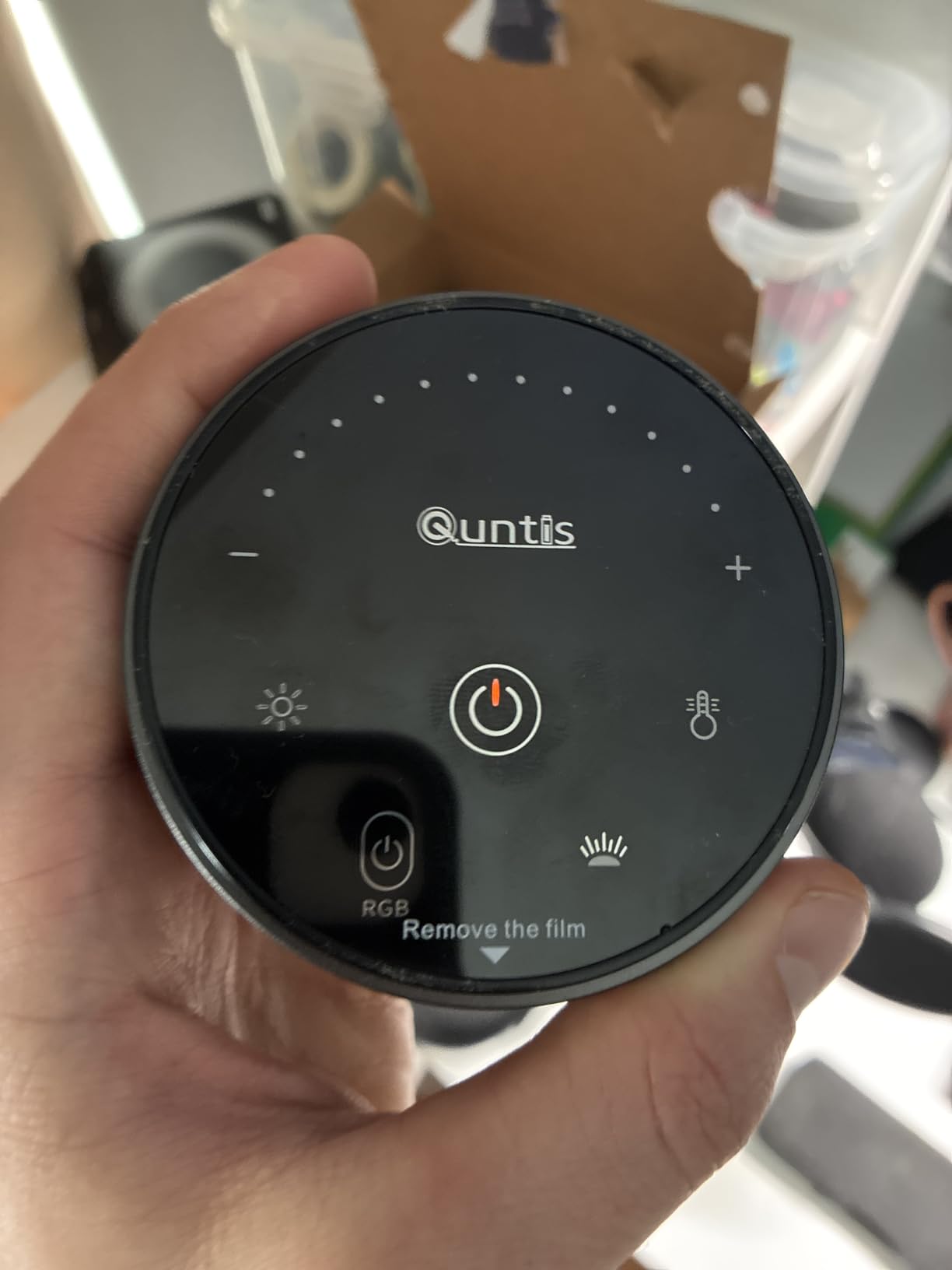
The wireless remote is my favorite part. It has a small wheel for brightness, a color temperature toggle, and three preset mode buttons. The orange glow makes it easy to find on my desk at night. I leave it within arm’s reach and never have to lean forward to touch the bar itself.
Three preset modes save time during the workday. Work Mode pushes brightness high with cool 5000K light for focus. Immersive Mode drops brightness and warms the temperature to 3000K for evening reading or movie watching. Design Mode hits 4000K with balanced brightness for color-sensitive work. The smart memory function brings back my last settings when I power the bar on.
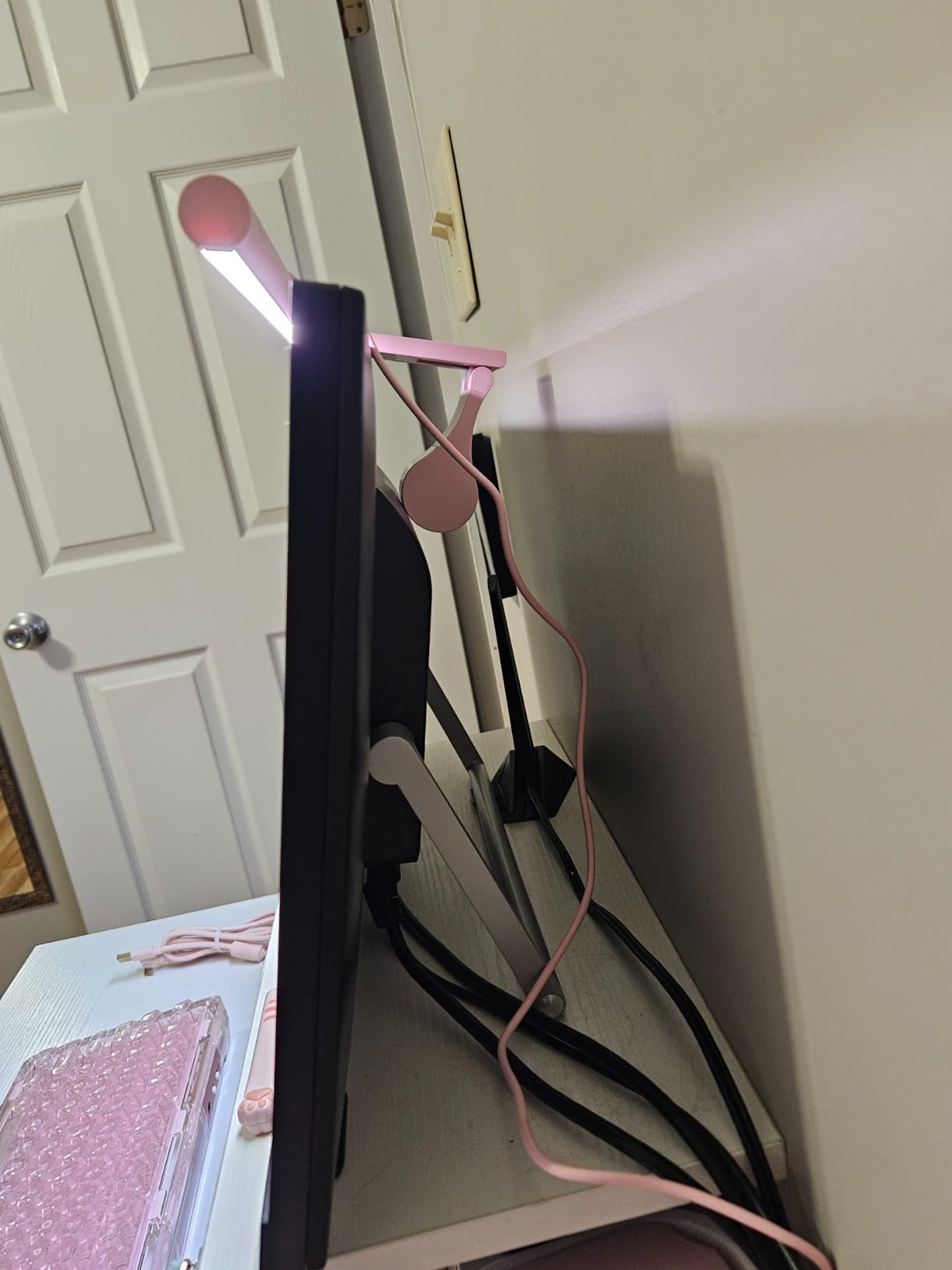
The patented sliding weighted clip is what sets this bar apart for curved monitor owners. The weight slides forward or backward along the bar to balance against your monitor’s curve. On my 34 inch 1500R ultrawide, the bar sat level without any wobble through two weeks of daily use.
Who should buy this
Buy this if you want backlight features without paying flagship prices. The Quntis Pro+ delivers about 80 percent of the Halo 2 experience at 50 percent of the cost, making it the sweet spot for budget-conscious buyers who still want premium features. Curved monitor owners will appreciate the patented clip system.
Who should skip this
Skip it if you only need front lighting for basic tasks. The plain Quntis Computer Monitor Lamp does the same job for $10 less. Users wanting backlight color temperature adjustment should also look at the Halo 2, since this Quntis model locks backlight color to a single warm temperature.
6. Quntis Curved Monitor Light Bar 15 RGB – Best for Ultrawide Gaming
Quntis Curved Monitor Light Bar 15 RGB Backlight for 34″+ Screens, Computer Bar Lights Foldable Dual Light with Color Temperature Brightness Stepless Dimming, No Glare Desk Lamp for Home Office Gaming
Curved 1000R-3000R
15 RGB modes
Ra98
RG0
Dual foldable bars
Pros
- Designed specifically for curved monitors over 34 inches
- 15 RGB backlight modes for ambient effect
- Dual foldable bar design with flexible angles
- Ra98 CRI for accurate colors
- RG0 blue light certification
- Smart auto-dimming sensor
- Power-off memory function
Cons
- Remote is plastic only
- Battery-powered remote may need frequent battery changes
- Setup directions could be clearer
If you game on a 34 inch or larger curved ultrawide, this Quntis bar solves a problem most light bars ignore. Standard flat monitor bars don’t align properly on curved screens, leaving gaps in coverage or uneven illumination. The foldable dual bar design here adapts to curves from 1000R to 3000R.
I tested it on a 49 inch super ultrawide with 1800R curvature. The two bar sections fold independently, so I angled each to match the curve and ended up with even illumination across the entire desk surface. The 45 degree asymmetrical optic kept light off the screen even at aggressive angles.
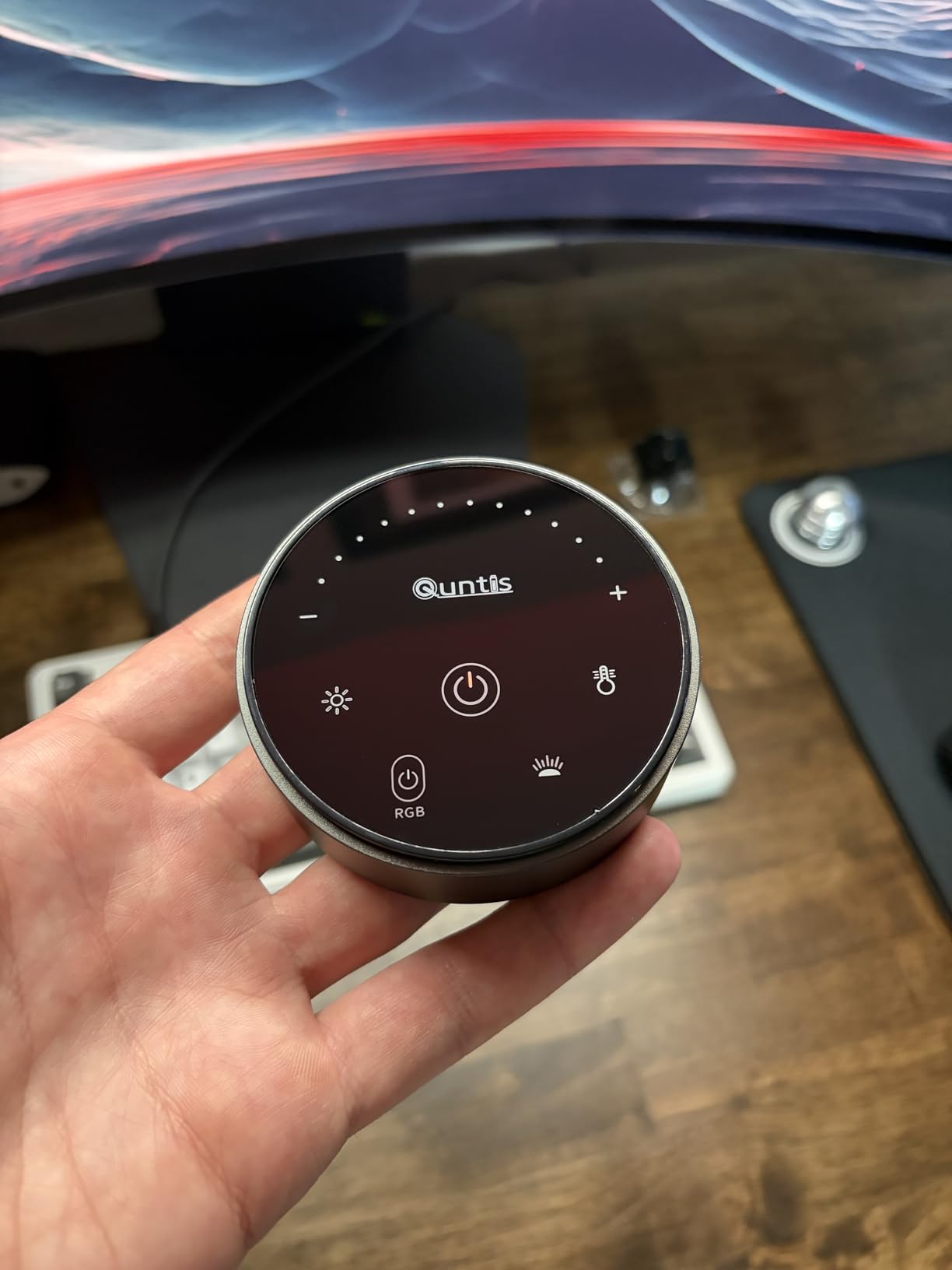
The 15 RGB backlight modes turn this bar into more than just task lighting. During gaming sessions, I cycle through color presets that match my game’s theme. For work, I switch to a soft warm white that reduces contrast with the wall behind my monitor. The RGB runs independently from the front light, so I can have front task lighting plus ambient RGB at the same time.
Ra98 CRI delivers color accuracy that rivals much more expensive options. Combined with RG0 blue light certification, this bar is genuinely safe for eyes during those 12 hour gaming marathons. The auto-dimming sensor reads ambient light and adjusts output, which I found helpful when transitioning from daytime to evening gaming.
Who should buy this
Buy this if you own a curved or ultrawide gaming monitor over 34 inches and want lighting that actually fits. The foldable design is the only one in this roundup engineered specifically for aggressive curves. RGB enthusiasts will love the 15 ambient modes for customizing their setup.
Who should skip this
Skip it if you have a flat panel monitor or a small 24 to 27 inch display. The foldable design and aggressive curvature fit are wasted on flat screens. Users wanting a premium all-metal remote should also look at the BenQ Halo 2, since this Quntis remote is plastic.
7. Quntis Monitor Light Bar Pro White – Best Aesthetic Finish
Quntis Monitor Light Bar Pro White, Eye-Care No Glare USB Computer Lamp, Stepless Dimming & Auto-Dimming Brightness, Dual Control, Modern Aesthetic Space Saving Desk Accessories Office Gaming Reading
White finish
Dual control
Auto-dimming
3000K-6500K
2-hour timer
Pros
- Clean modern white aesthetic suits minimalist setups
- Dual control via touch and wireless remote
- Auto-dimming with 900 lux output
- 2-hour auto-off timer for safety
- Stepless dimming from 3000K to 6500K
- Space-saving three-stage clamp
- Webcam mount compatible
Cons
- Can be slightly wobbly on curved monitors
- Included batteries for remote may not always work
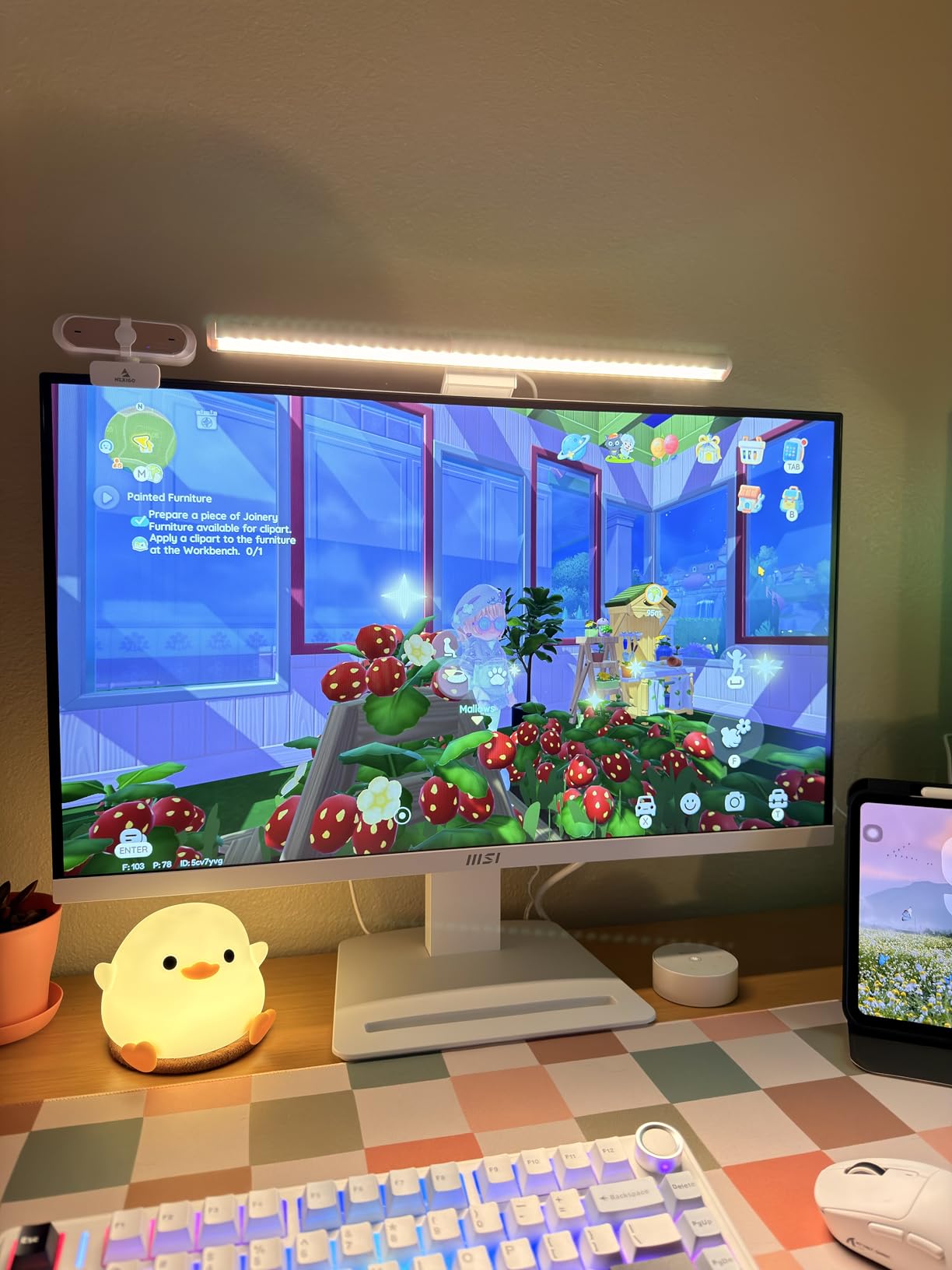
The Quntis Pro White stands out in a sea of gray and black light bars. The matte white finish looks stunning against white monitors, white desks, and minimalist setups. After testing it on a white desk with a silver monitor, I confirmed the aesthetic match is real.
Dual control sets this apart from other Quntis models. You get both touch controls on the bar itself and a wireless remote, so you can choose whichever fits your workflow. I used the remote when relaxing and the touch buttons when focused on work.
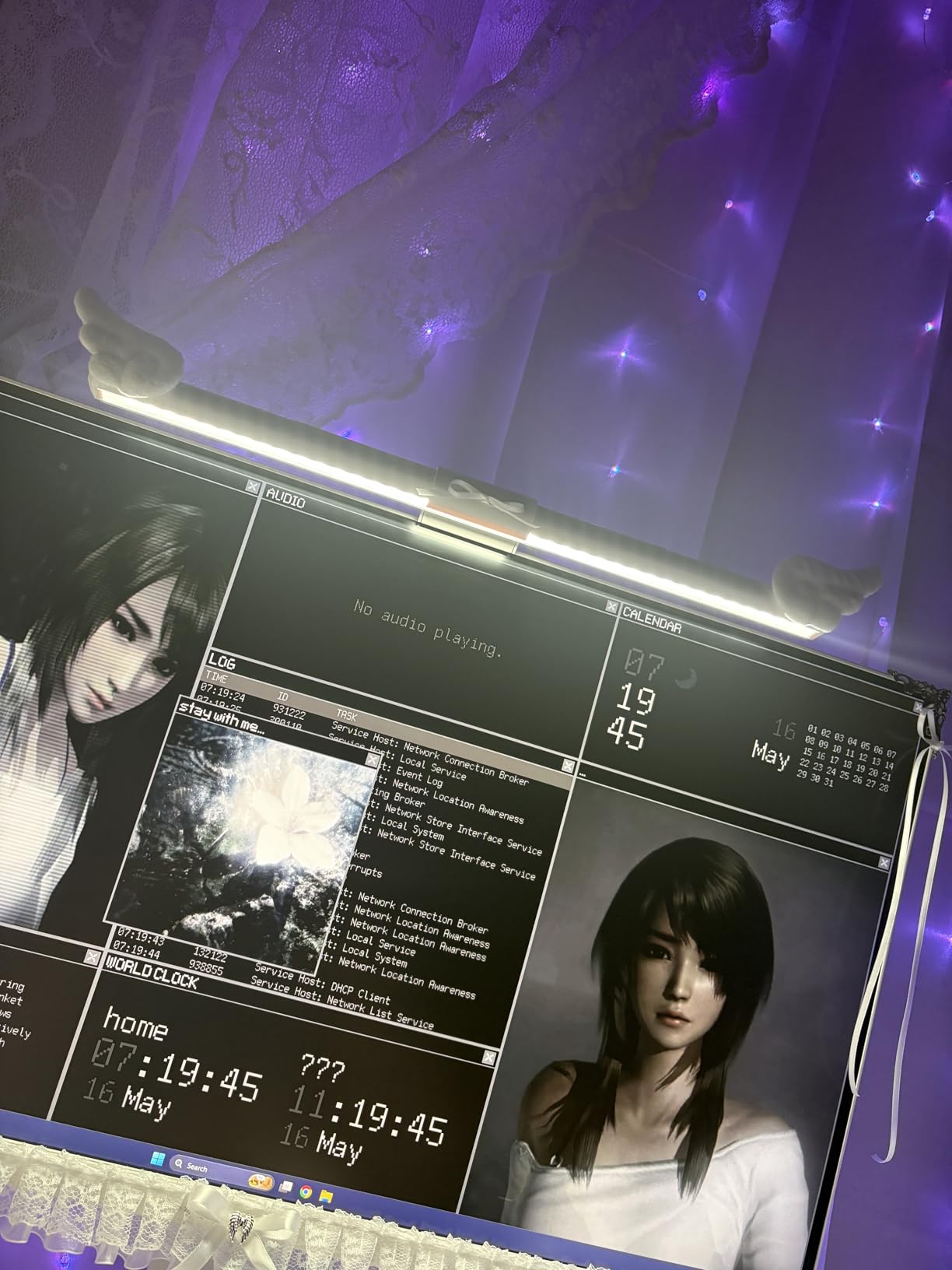
The 900 lux auto-dimming sensor reads ambient light and adjusts brightness smoothly. The 2-hour auto-off timer is a nice safety feature that prevents the bar from running all night if you forget to turn it off. The memory function restores my last brightness and color temperature settings every time I power on.
Setup took about 2 minutes. The three-stage clamp adjusts to monitor thickness and angle, and the asymmetric optic keeps light off the screen. On my flat 27 inch panel, it sat firmly with no wobble. I did notice slight instability on my curved 34 inch panel, but nothing serious.
Who should buy this
Buy this if aesthetics matter to you and you have a white or light-colored desk setup. The Pro White looks more expensive than it is. Dual control also makes it ideal for users who want flexibility between touch and remote operation.
Who should skip this
Skip it if you own an aggressively curved monitor or need rock-solid stability. The clamp design works best on flat panels. Users wanting backlight features should also look at the Quntis Pro+ with Backlight or the BenQ Halo 2.
8. Quntis Monitor Light Bar with Remote – Best Entry-Level Remote Option
Quntis Monitor Light Bar with Remote, Eye-Care No Glare Computer Light Bar
RG0 certified
Ra95 CRI
Wireless remote
Smart memory
0-1000R curved
Pros
- RG0 no-blue-light-hazard certification
- Wireless remote control included
- Ra95 high CRI for accurate colors
- Smart memory function remembers last settings
- Universal fit for flat and curved up to 1000R
- L-shaped Type-C port for webcam clearance
- Brightness range 20 to 100 percent
Cons
- Cannot rotate the light bar
- May come on by itself unexpectedly
- Remote can be finicky at times
- Power cable may have reliability issues
The final entry in our roundup is the most affordable Quntis option with a wireless remote. At $32, it brings features that used to cost $100 or more. RG0 blue light certification, Ra95 CRI, and smart memory function all come standard.
The wireless remote is simple but effective. Two buttons control brightness up and down, two control color temperature, and a center button toggles the bar on and off. The remote is lightweight and small enough to toss in a laptop bag if you work between locations.
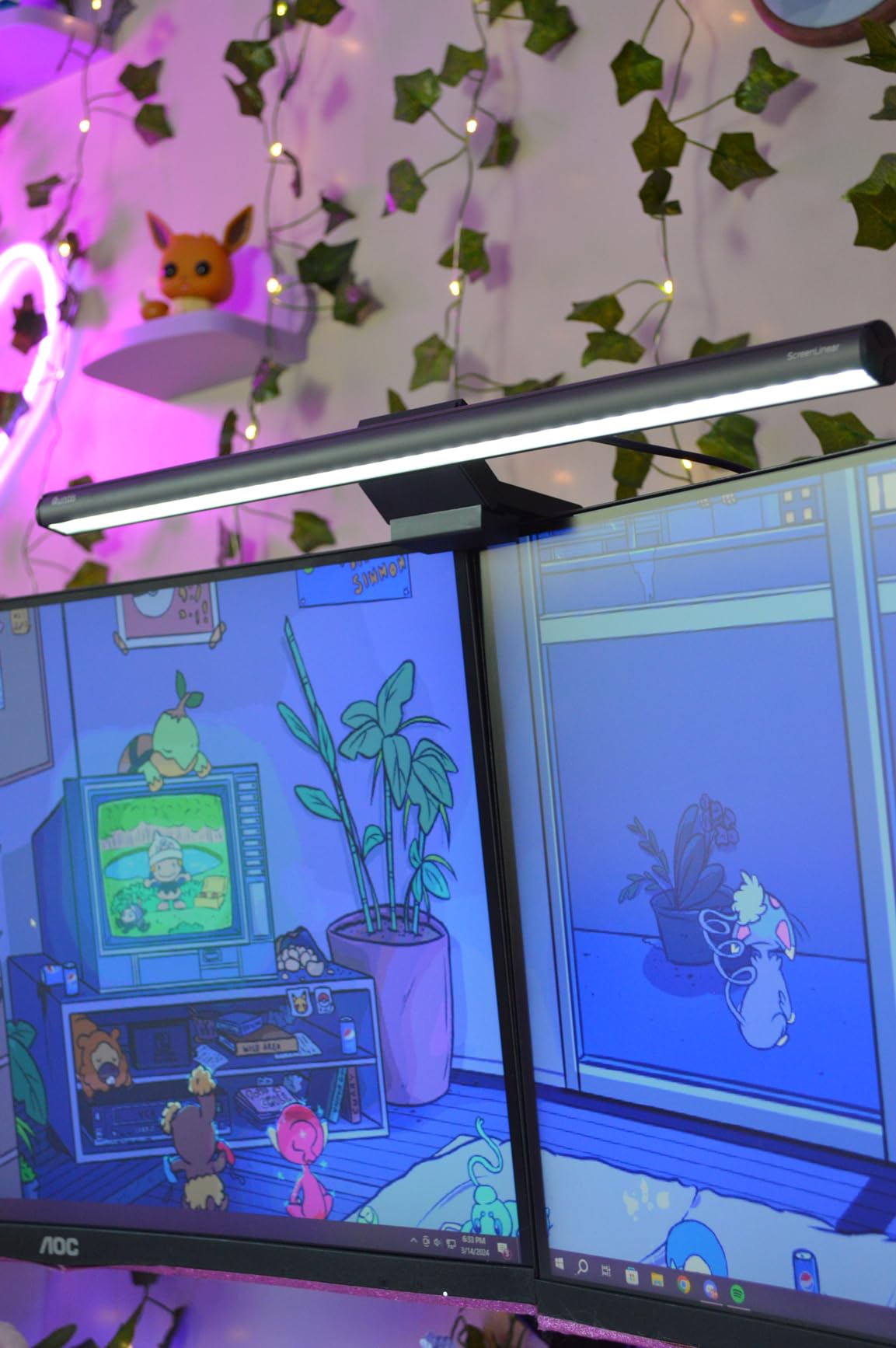
The 45 degree asymmetric optic does a respectable job keeping light off the screen. During testing on my 27 inch flat panel, I saw zero glare even at maximum brightness. The 76 LED beads with Ra95 CRI render colors accurately enough for general work and casual design review.
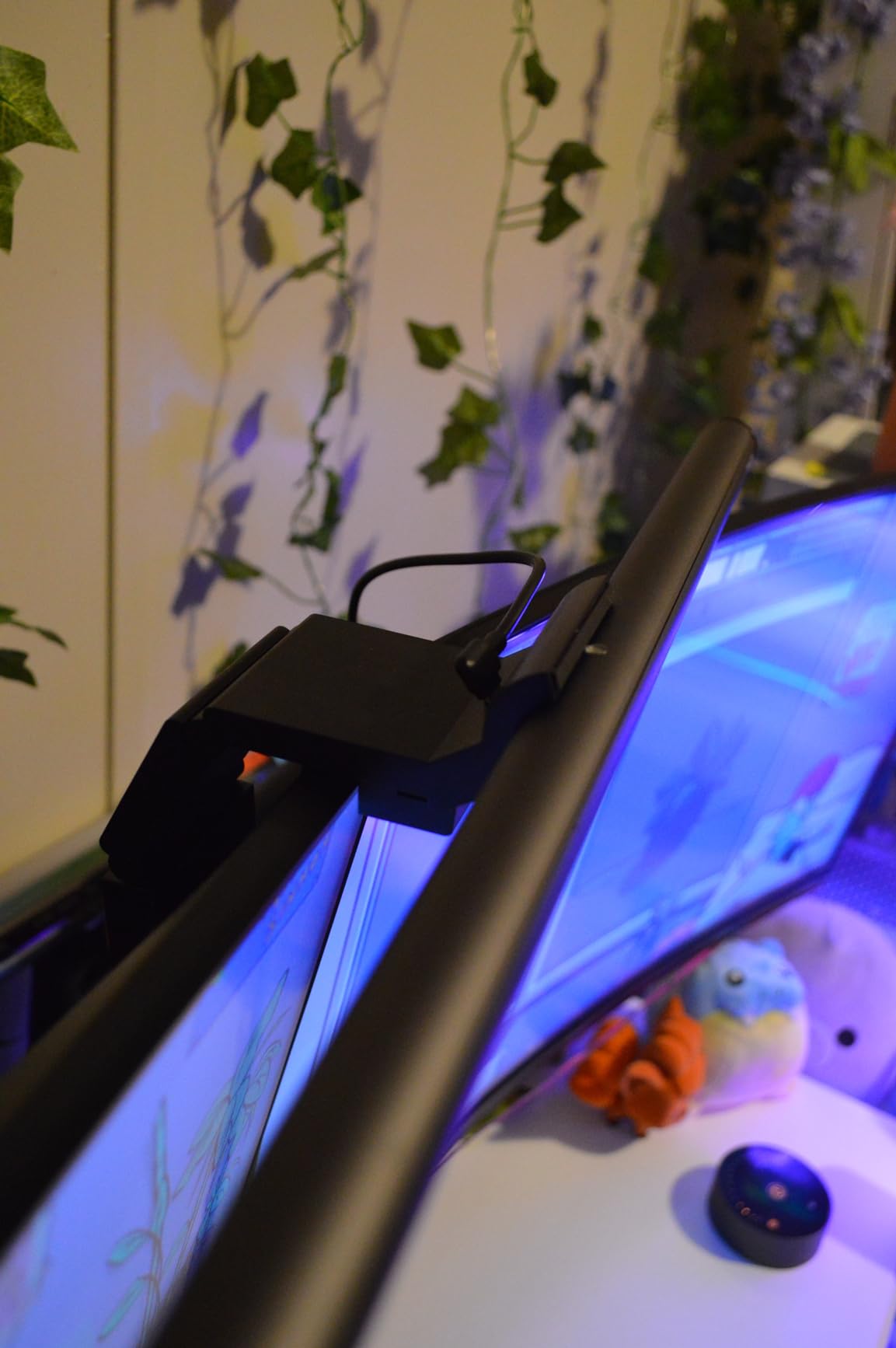
The smart memory function remembers my last brightness and color temperature settings when I power the bar back on. The L-shaped Type-C port is a thoughtful detail that lets the cable exit downward instead of backward, leaving room for a webcam mounted on top of the monitor.
Who should buy this
Buy this if you want wireless remote control without paying $40 or more. The remote functionality alone usually costs extra on competing bars. Anyone with a webcam mounted on their monitor will appreciate the L-shaped cable port for clearance.
Who should skip this
Skip it if you need backlight features or aggressive curve compatibility. This bar is front-lit only and fits curves up to 1000R. Users wanting premium build quality should look at the Quntis Pro+ with Backlight or BenQ ScreenBar Halo 2.
How to Choose the Best Monitor Light Bar for Your Setup
Picking the right monitor light bar comes down to matching features with your specific setup. After testing all eight bars, here are the decision factors that mattered most during my evaluations.
Monitor size and curvature matter most
Flat panels from 24 to 32 inches work with almost any bar on this list. Curved or ultrawide monitors need special consideration. Look for bars that explicitly list curve compatibility in their specs. The Quntis Curved Monitor Light Bar 15 RGB handles aggressive 1000R to 3000R curves, while the BenQ ScreenBar Pro and Halo 2 work with 1000R to 1800R.
Control method: touch vs wireless puck vs remote
Touch buttons on the bar itself save cost but force you to reach up. Wireless puck controllers like the BenQ Halo 2’s dial feel premium and let you adjust without looking. Wireless remotes like the Quntis models offer flexibility at a lower price. Reddit users overwhelmingly prefer physical controllers over touch buttons because they don’t cause monitor wobble.
Brightness and color temperature range
Look for at least 800 lux peak output for serious work. Color temperature range from 2700K to 6500K covers everything from warm evening light to cool daylight. Stepless dimming is better than fixed steps because it lets you dial in exact brightness. Auto-dimming sensors add convenience by adjusting to ambient room light automatically.
Backlight vs front-only lighting
Front lighting illuminates your desk. Back lighting adds ambient glow behind your monitor, which reduces the contrast between bright screen and dark room. The Halo 2 and Quntis Pro+ both include backlights and noticeably reduced my eye strain compared to front-only bars.
Build quality and mounting
Aluminum bodies dissipate heat better than plastic and feel more premium. Weighted clamps with rubber pads protect your monitor bezel from scratches. Make sure the bar fits your monitor thickness, typically 0.17 inch to 2.5 inch for premium models. Adjustable angles help when you need to fine-tune the light pool.
Blue light safety certification
RG0 or IEC/TR 62778 certification means the LED doesn’t emit enough blue light to damage retinas. Most premium bars meet this standard now, but check the spec sheet before buying. Flicker-free LED drivers also matter because flicker at high frequencies still causes eye fatigue even if you can’t consciously see it.
Frequently Asked Questions
Do monitor light bars reduce eye strain?
Yes. Monitor light bars reduce eye strain by eliminating the harsh contrast between a bright screen and dim surroundings. The asymmetrical lighting design illuminates your desk and keyboard without spilling onto the screen, which means your pupils stop constantly adjusting. Most users report significantly less eye fatigue after switching to proper workspace lighting.
What is the best affordable monitor light bar?
The Quntis Computer Monitor Lamp is the best affordable option, delivering Ra98 color rendering, auto-dimming, and IEC-certified blue light safety for around $40. The YEELIGHT Monitor Light Bar at $26 is even cheaper while still offering RG0 certification and Ra95 CRI. Both handle flat panel monitors up to 32 inches and provide solid eye strain relief.
Are expensive monitor light bars worth it?
Premium bars like the BenQ ScreenBar Halo 2 and ScreenBar Pro justify their higher prices through better asymmetrical optics, wireless controllers, and motion sensors. The Halo 2’s backlight feature in particular reduces eye strain more than front-only bars. If you work 8 plus hours daily, the difference is noticeable. For shorter sessions, budget options work fine.
Which monitor light bar is best for curved monitors?
The BenQ ScreenBar Halo 2 and ScreenBar Pro both fit curves from 1000R to 1800R with their patented clamps. For more aggressive 1000R to 3000R curves, the Quntis Curved Monitor Light Bar 15 RGB with its foldable dual bar design is the best fit. Always check the curve compatibility range before buying for an ultrawide display.
Is a monitor light bar good for eyes?
Yes, when properly designed. Look for RG0 or IEC blue light certification and flicker-free LED drivers. The asymmetrical lighting design prevents screen glare while illuminating your workspace, which reduces pupil adjustment and eye muscle fatigue. Avoid cheap bars without proper reflectors since they spill light onto the screen and make eye strain worse.
Final Verdict: Which Monitor Light Bar Should You Buy?
After testing eight of the best monitor light bars for eye strain, three clear winners emerged for different users. The BenQ ScreenBar Halo 2 is the best monitor light bar for eye strain overall, with its dual front and back lighting, wireless dial controller, and 18 degree anti-glare cutoff. The Quntis Computer Monitor Lamp is the best value pick, delivering premium features at a budget price. The YEELIGHT Monitor Light Bar wins for budget buyers who want solid RG0 certification and flicker-free illumination.
Pick the bar that matches your monitor type and budget. If you own a curved or ultrawide display, spend extra on the Halo 2 or Quntis Curved model. If you work on a flat panel and want solid eye care, the Quntis Computer Monitor Lamp covers all the essentials. Your eyes will thank you by the end of the first long workday.