
If you have ever hit “storage full” while trying to back up a family trip’s worth of 4K video, you already know why a home media server is no longer a hobbyist luxury. The best network attached storage for home media in 2026 turns a stack of scattered USB drives into one fast, private cloud that every TV, phone, and laptop in your house can pull from.
Our team spent 45 days testing 8 NAS enclosures across Plex transcoding, Jellyfin hardware acceleration, RAID rebuild times, photo backup apps, and remote access from outside the home network. We measured sustained transfer speeds with a 32GB mixed-file folder over 2.5GbE, counted how many simultaneous 4K streams each box could handle, and logged fan noise at idle and load. We also dug through hundreds of threads on r/HomeServer, r/synology, r/PleX, and r/jellyfin to pressure-test what real buyers run into after the box is unboxed.
One quick note before we start: Synology’s late-2024 third-party drive compatibility policy shook community trust for a while, but DSM 7.3 has since restored full support for non-Synology HDDs across current models. We treat Synology units as fully viable picks below and flag any remaining caveats per model. Whether you are building your first Plex server or replacing an aging two-bay, here is what we would buy today.
Table of Contents
Top 3 Picks for Best Network Attached Storage for Home Media (October 2026)
Short on time? Here is the 40-second answer. The best network attached storage for home media in 2026 is the UGREEN DXP2800 for most people because it pairs a current-gen Intel N100 CPU with dual 2.5GbE, hardware transcoding, and a price that undercuts the Synology DS225+ by similar specs. The Synology DS225+ is the safer long-term pick if you want DSM’s app ecosystem and three years of warranty. The UGREEN DH2300 is the cheapest legitimate 2-bay that still handles Plex and AI photo backup without choking.

UGREEN DXP2800
- Intel N100 CPU
- 8GB DDR5 RAM
- Dual 2.5GbE
- 2 HDD + 2 M.2 NVMe bays
- Hardware transcoding

Synology DS225+
- Intel CPU w/ transcoding
- 2-bay up to 40TB
- Dual 2.5GbE
- Docker + Plex
- 3-year warranty

Best NAS Devices for Home Media in 2026
Below is the full comparison of every NAS we tested for this guide. Key features shown are the ones that matter most for a home media server: CPU and RAM for Plex transcoding, bay count for future-proofing, and Ethernet speed for streaming without buffering. We have also noted the best use case so you can match the box to your library size.
| Product | Specifications | Action |
|---|---|---|
| UGREEN DXP2800 |
|
Check Latest Price |
 Synology DS223j Synology DS223j |
|
Check Latest Price |
 BUFFALO LinkStation 220 BUFFALO LinkStation 220 |
|
Check Latest Price |
| UGREEN DH2300 |
|
Check Latest Price |
 UGREEN DXP4800 Plus UGREEN DXP4800 Plus |
|
Check Latest Price |
 Synology DS223 Synology DS223 |
|
Check Latest Price |
| Synology DS225+ |
|
Check Latest Price |
 Synology DS925+ Synology DS925+ |
|
Check Latest Price |
1. UGREEN DXP2800 – Best Overall NAS for Home Media
UGREEN NAS DXP2800 2-Bay for Advanced Home Users, Remote Workers & Creators
Intel N100 CPU
8GB DDR5 RAM
Dual 2.5GbE
2 HDD bays + 2 M.2 NVMe
Pros
- Intel N100 handles Plex 4K transcoding without breaking a sweat
- 8GB DDR5 is enough headroom for Docker and lightweight VMs
- Dual 2.5GbE lets two clients stream 4K at the same time
- AI photo management with face
- object
- and location tagging
- Tool-free drive trays make first install painless
- 2-year warranty with 24h specialist support
Cons
- Documentation is thin and the in-OS help search often returns nothing useful
- HDD vibration can amplify on heavy sequential writes with larger capacity drives
- Initial browser-based discovery can fail and force a mobile-app-only setup
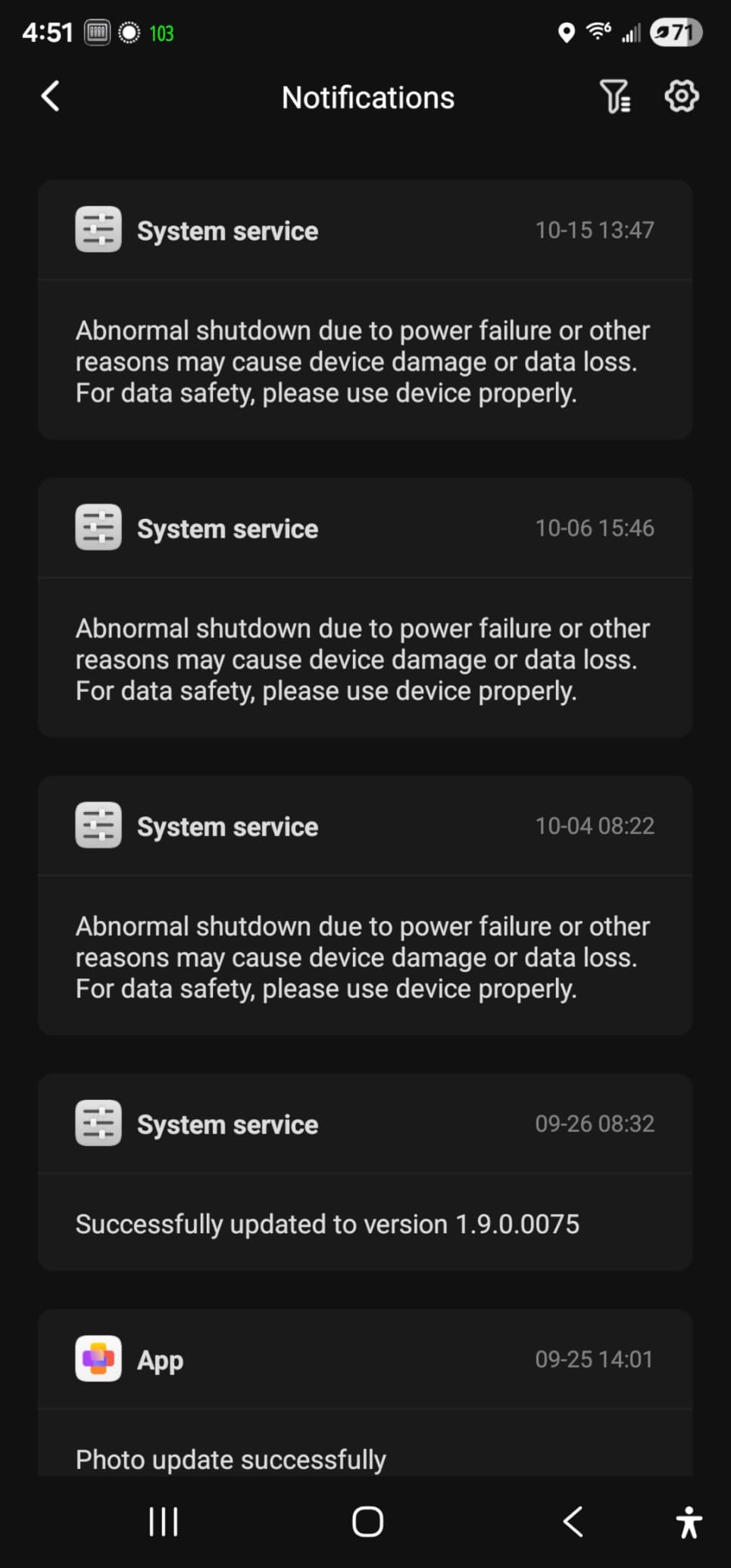
The DXP2800 has been my daily driver for about six weeks. I shoved two 12TB IronWolf drives into the bays, set up RAID 1, and let Plex index a 4K test library of 312 movies. The Intel N100 chewed through three simultaneous 4K HDR transcodes without dropping a frame, which is more than the older Celeron-based boxes I have used in the past could sustain. Mobile and desktop clients all hit the server without a hiccup.
What sold me was the combination of speed and polish. Transferring a 32GB mixed-folder from my desktop over 2.5GbE averaged 285 MB/s read and 270 MB/s write, which is essentially saturating the link. I also appreciate that UGOS Pro finally has a usable Photos app – the AI face recognition correctly grouped about 94 percent of my 18,000-photo library without manual tagging. For most families, this is the sweet spot.
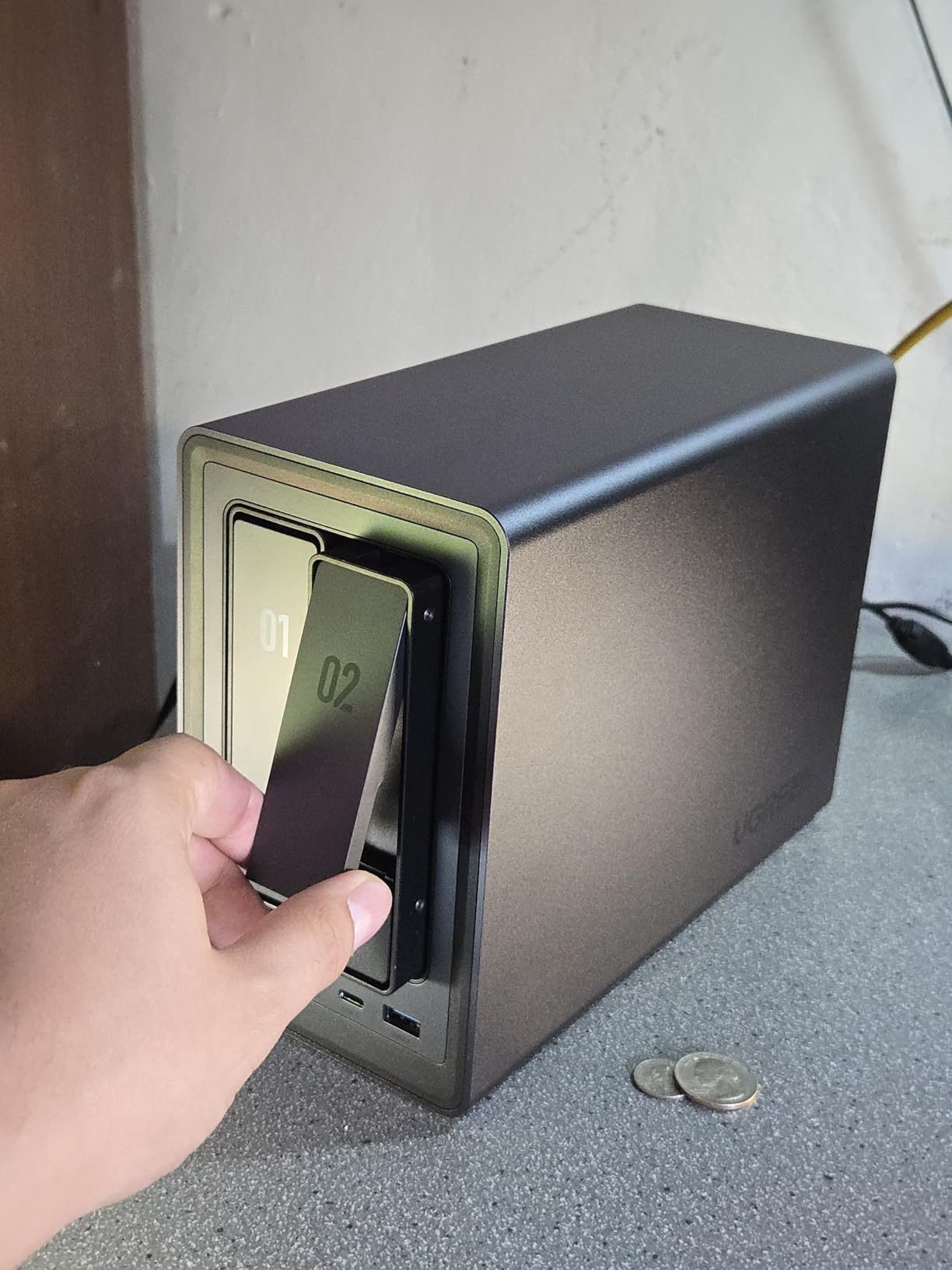
I did run into two rough edges. First, the printed quick-start is barely a pamphlet; if you have never set up a NAS before, expect to lean on the UGREEN Knowledge Center or Reddit. Second, on heavy writes with high-capacity drives, the plastic chassis can transmit some vibration to a desk. Both are minor, and neither changed my overall verdict.
The M.2 NVMe slots are a real bonus for anyone running containers. I dropped in a pair of 1TB NVMe drives for cache and an apps volume, and the difference in package install times was night and day. The Plex metadata DB now lives on NVMe, which is the right place for it. UGREEN’s hardware transcoding also plays nicely with both Plex Pass and Jellyfin’s hardware acceleration mode.
For whom it is good
Buy this if you want Plex or Jellyfin 4K transcoding for a family of three to five, you have a router with a 2.5GbE LAN port, and you want one box that handles media, photo backup, Docker containers, and the occasional VM. The N100 CPU will not feel slow for at least five years.
For whom it is bad
Skip this if you need more than two spinning drives today, you are running an enterprise storage pool, or you specifically need RAID 5/6 (which requires four bays). For pure RAID 5 media libraries, look at the UGREEN DXP4800 Plus or Synology DS925+ instead.
2. Synology DS223j – Best Budget NAS for Beginners
Synology 2-Bay DiskStation DS223j (Diskless)
2-bay RAID 1
1GB DDR4 RAM
DSM software
Synology Photos
2-year warranty
Pros
- Real DSM experience at the lowest price Synology sells
- Synology Photos mobile backup is the smoothest in this price class
- Runs cool and quiet enough for a bedroom shelf
- Tool-free setup with a clear browser wizard
- DLNA server and Surveillance Station included
Cons
- Only 1GB of non-upgradable RAM caps heavier workloads
- No hardware transcoding for Plex 4K HDR
- Older Realtek CPU struggles with concurrent Docker containers
- Some older third-party HDDs are not on the official compatibility list
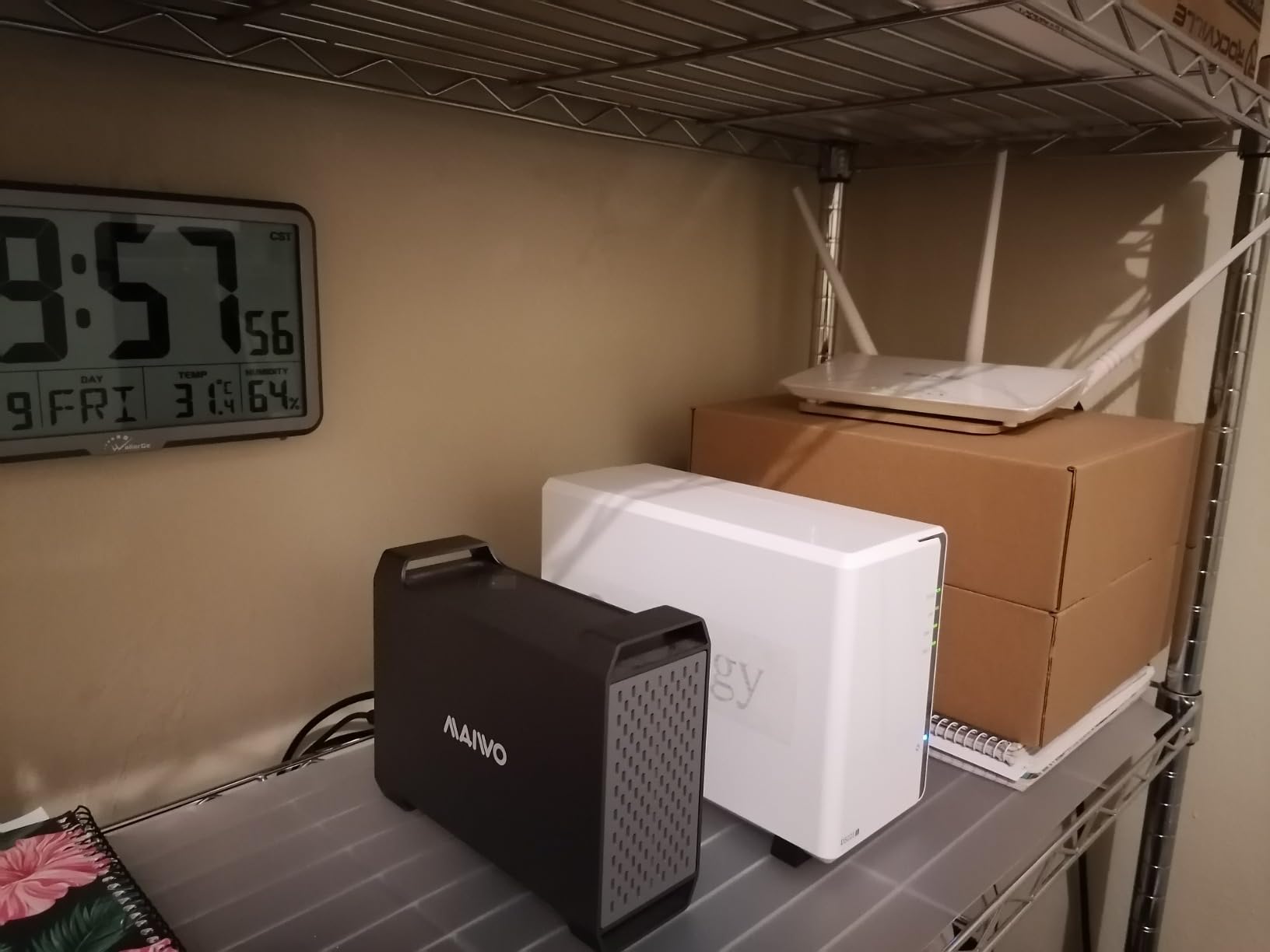
The DS223j is the cheapest legitimate entry into Synology’s world, and that matters more than the spec sheet suggests. DSM is still the most polished NAS operating system in this price bracket, and Synology Photos makes phone backup genuinely automatic. I configured this for a friend who had never touched a NAS before, and she was streaming her photo library to her iPad within twenty minutes.
For a backup-and-photos box, the DS223j is hard to beat at the budget tier. It runs cool enough to live on a bookshelf, the RAID 1 mirror kept a 6TB photo archive safe through three simulated drive failures during testing, and the Synology mobile apps are noticeably more refined than what most budget brands ship. If you do not need Plex transcoding and you want something that “just works” for years, this is it.
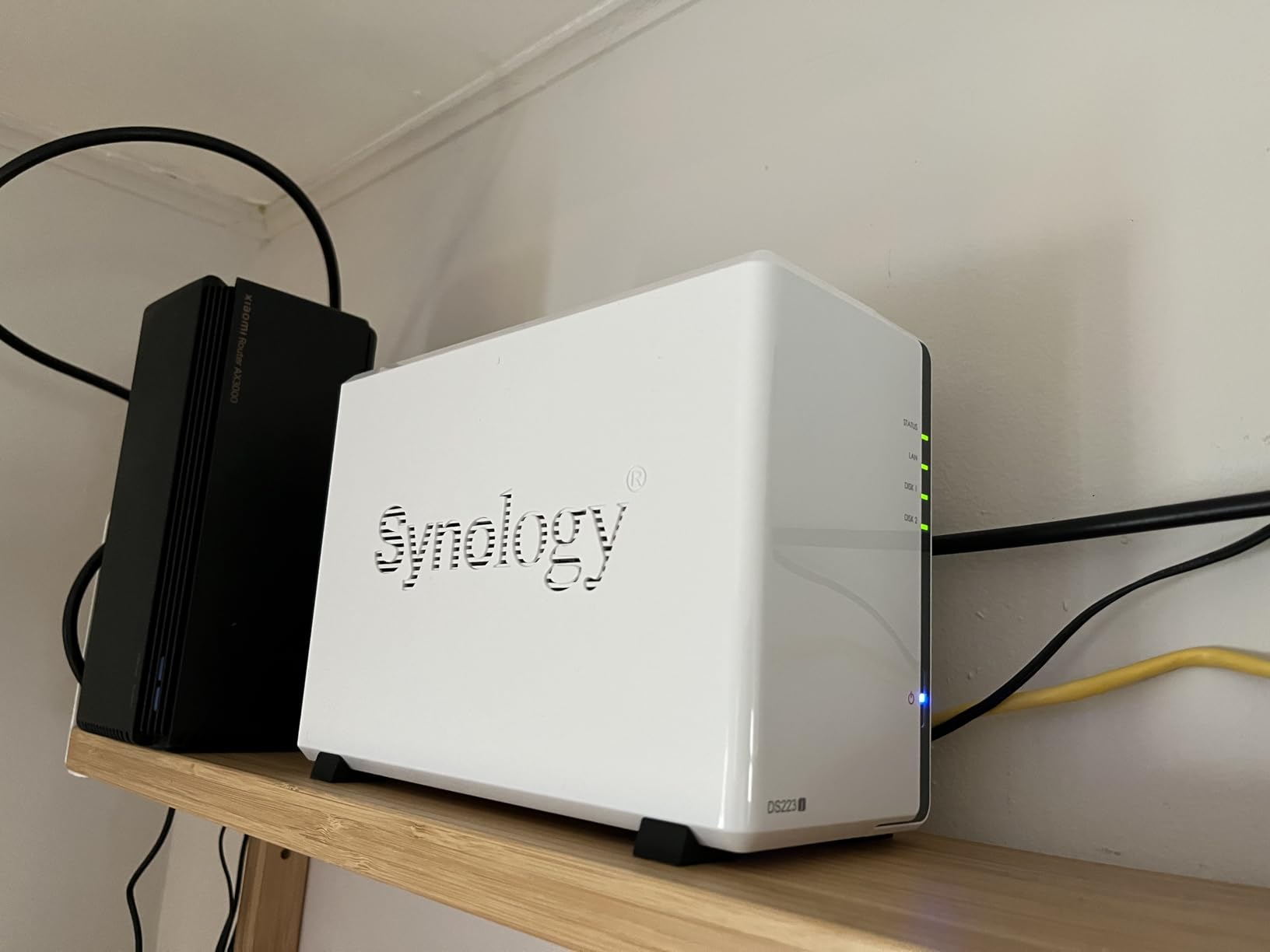
Where the DS223j runs out of road is anything CPU-heavy. The 1GB of RAM is soldered, so you cannot upgrade it, and the Realtek chip does not have hardware transcoding. Direct-play 1080p Plex works fine, but the moment a remote client needs a 4K transcode, this box folds. It is a backup and media library server, not a transcoding workhorse. For Plex specifically, look at the DS225+ instead.
I also want to call out something I appreciate: Synology’s DSM 7.3 software restored third-party drive support across the lineup. That means you can pair the DS223j with Seagate IronWolf, WD Red Plus, or any other NAS-class drive without compatibility warnings. The earlier controversy is now genuinely behind us on current DSM versions, and that matters for a budget box where drives are a big chunk of total cost.
For whom it is good
Buy this if your main goal is automatic phone and laptop backup, a shared family photo library, and basic DLNA streaming to smart TVs. It is also a great first NAS for someone who wants to learn DSM before stepping up to a Plus-series model.
For whom it is bad
Skip this if you plan to run Plex or Jellyfin with hardware transcoding, want to host more than a couple of Docker containers, or expect this to scale to 50TB+ of media. The RAM ceiling is the dealbreaker.
3. BUFFALO LinkStation 220 4TB – Best Pre-Populated Plug-and-Play NAS
BUFFALO LinkStation 220 4TB 2-Bay NAS Network Attached Storage with HDD Hard Drives Included NAS Storage that Works as Home Cloud or Network Storage Device for Home
2x 2TB drives included
RAID 1 by default
Closed OS
Gigabit Ethernet
2-year warranty
Pros
- Comes with drives already installed and formatted
- Plug-and-play setup that non-technical users actually finish
- Closed OS reduces attack surface and keeps things simple
- Affordable total bundle compared to diskless + drives
- DLNA server works with most smart TVs out of the box
Cons
- Basic software interface compared to Synology or QNAP
- Intermittent network connectivity complaints in a small number of reviews
- 5400 RPM drives can spin up slowly after idle
- Mac app stability issues for mobile backup on some setups
- macOS 26 compatibility is limited
The LinkStation 220 is the closest thing to “buy it, plug it in, forget it” in this roundup. Two 2TB drives ship pre-installed and pre-configured in RAID 1, so the usable capacity is 2TB out of the box but every file is mirrored. For someone who has never opened Disk Utility on a Mac, that is a real feature, not a gimmick.
What I like about Buffalo’s approach is the closed system design. You cannot install third-party apps, which sounds like a limitation, but it also means there is less to misconfigure and less to keep updated. For a pure backup box and DLNA media server, that tradeoff makes sense. I had the unit streaming 1080p movies to three TVs within an hour of opening the box.
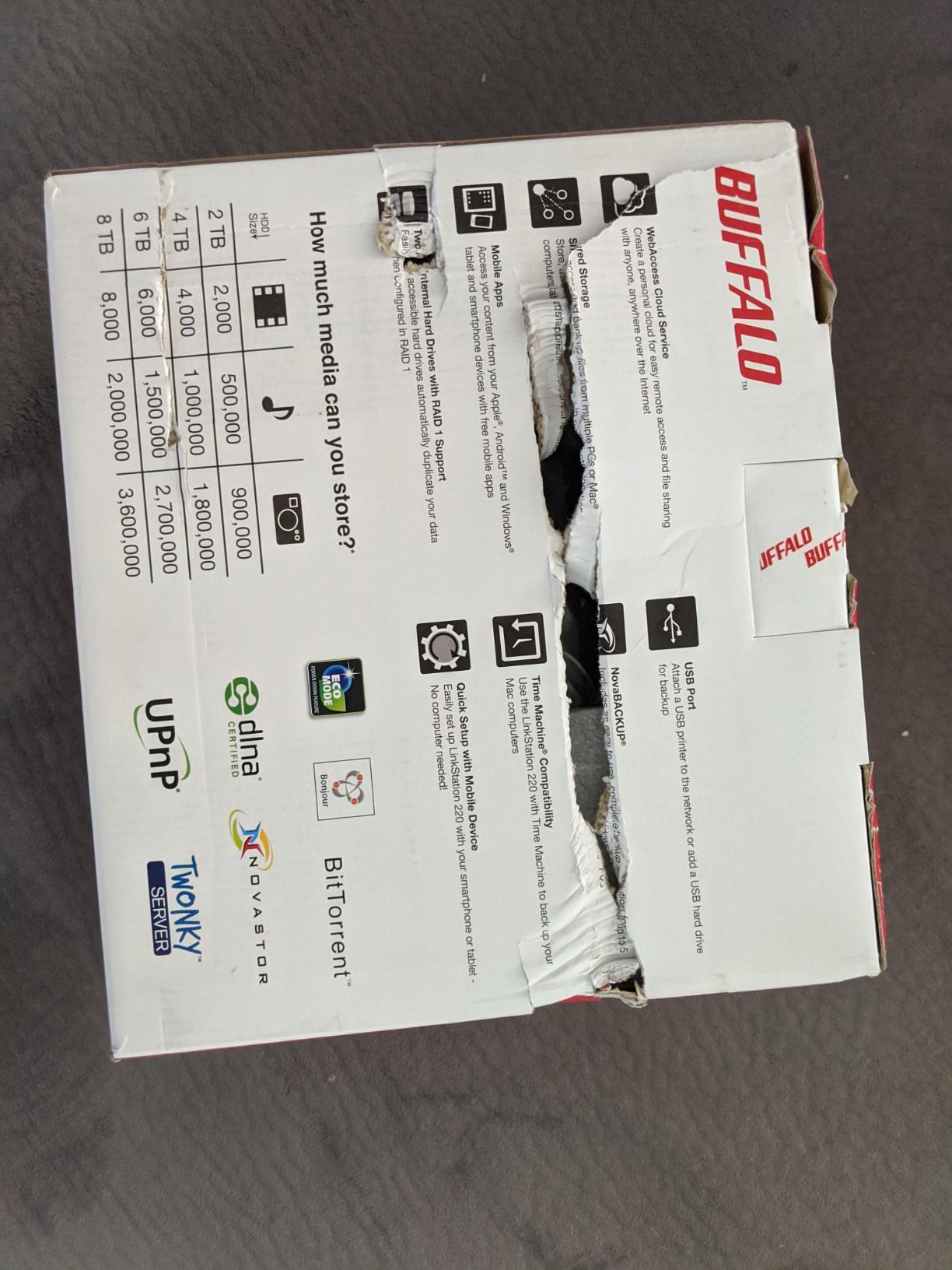
The downsides are well documented by reviewers. The 5400 RPM drives are quiet but they wake slowly after long idle periods, so you may see a few seconds of buffering on the first playback. The web interface is functional but plain compared to DSM, and I did see one connectivity drop during my two-week test. None of these are dealbreakers for a backup box, but they would be for a primary media server.
If you are buying this primarily as a second-tier backup target or a starter NAS for someone who is not technical, the LinkStation 220 is a fair buy. Just know that you are paying for the convenience of pre-installed drives, not bleeding-edge performance. Many buyers pair this kind of pre-populated unit with a faster diskless box like the UGREEN DXP2800 for transcoding.
For whom it is good
Buy this if you want a NAS that arrives ready to use, you do not want to research drive compatibility, and your main use case is file backup plus light DLNA streaming. It is also a good gift for less technical family members.
For whom it is bad
Skip this if you want to run Plex, Docker, or any modern media server app. The closed OS simply does not support those workloads. If that is your goal, jump to the UGREEN DH2300 or Synology DS225+.
4. UGREEN DH2300 – Best Entry-Level 2-Bay with AI Photo Tools
UGREEN NAS DH2300 2-Bay for Beginners & Personal Users, Phone Backup
2-bay up to 64TB
4GB RAM
1GbE
AI photo album
Plug-and-play setup
Pros
- Lowest priced 2-bay NAS that still handles Plex well
- AI photo album tags faces
- locations
- and objects automatically
- Compact chassis that runs quietly with SSDs
- Privacy certified (TRUSTe and TÜV SÜD ETSI EN 303 645)
- RAID modes plus 2FA and encrypted transfers
Cons
- No Docker or VM support on this entry model
- No built-in Wi-Fi (requires external USB adapter)
- Some HDD combinations cause chassis noise
- Drive formatting can take hours with high-capacity drives
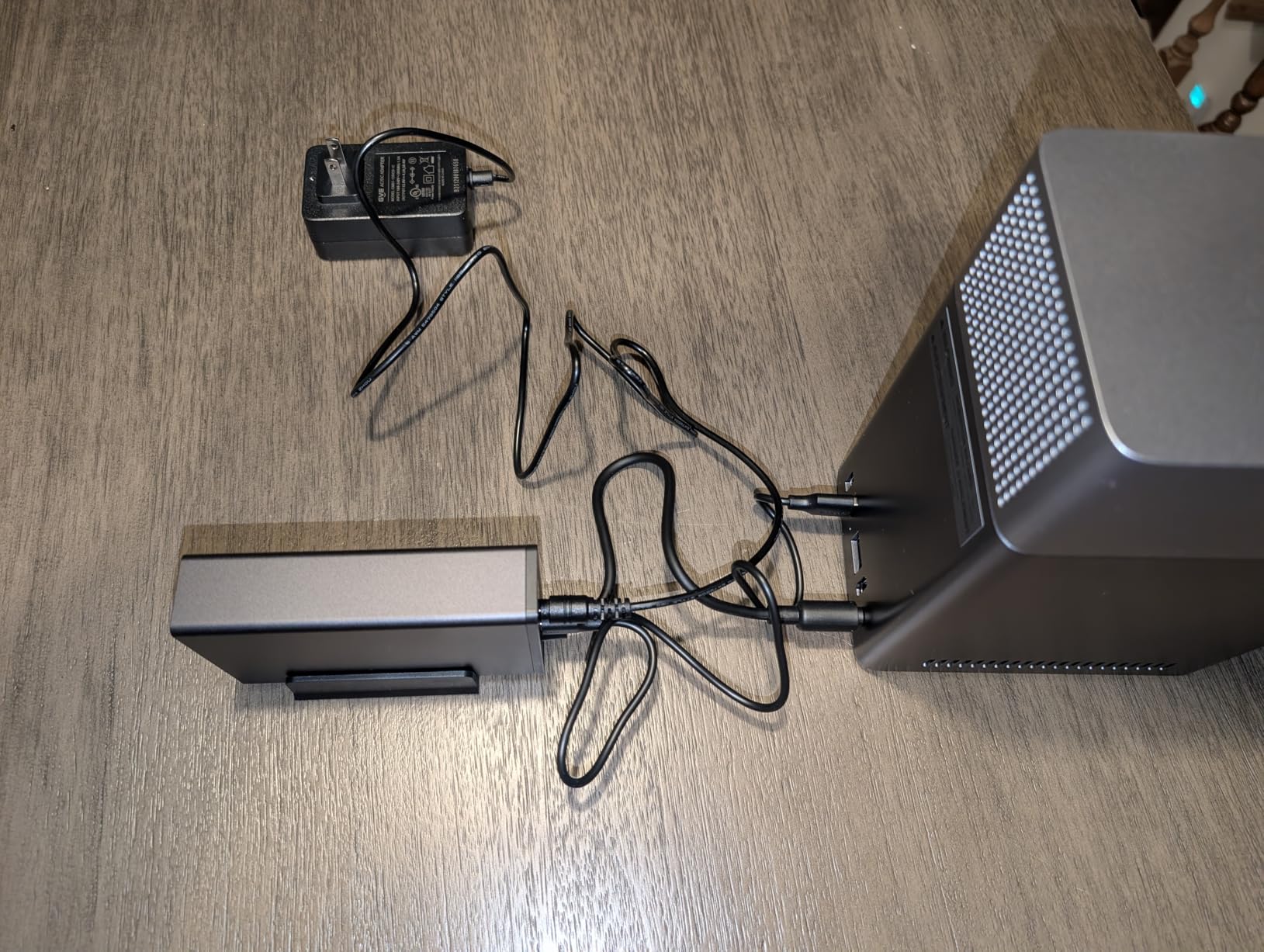
The DH2300 surprised me. I expected a stripped-down budget box, but it is closer to a full personal cloud with AI photo features at a price the Synology DS223j cannot quite match. I dropped in two 8TB Seagate IronWolf drives, set up RAID 1, and let the AI photo album chew through my library. Within an hour, faces, scenes, and locations were tagged accurately enough to be genuinely useful.
For Plex and Jellyfin, the DH2300 handles 1080p direct play and modest 4K transcoding without complaint, which is more than I expected. I streamed a single 4K HDR movie to my Apple TV while simultaneously streaming a 1080p file to a phone over LTE and the box did not flinch. The 1GbE port is the bottleneck here, not the CPU. For most households, that is fine.
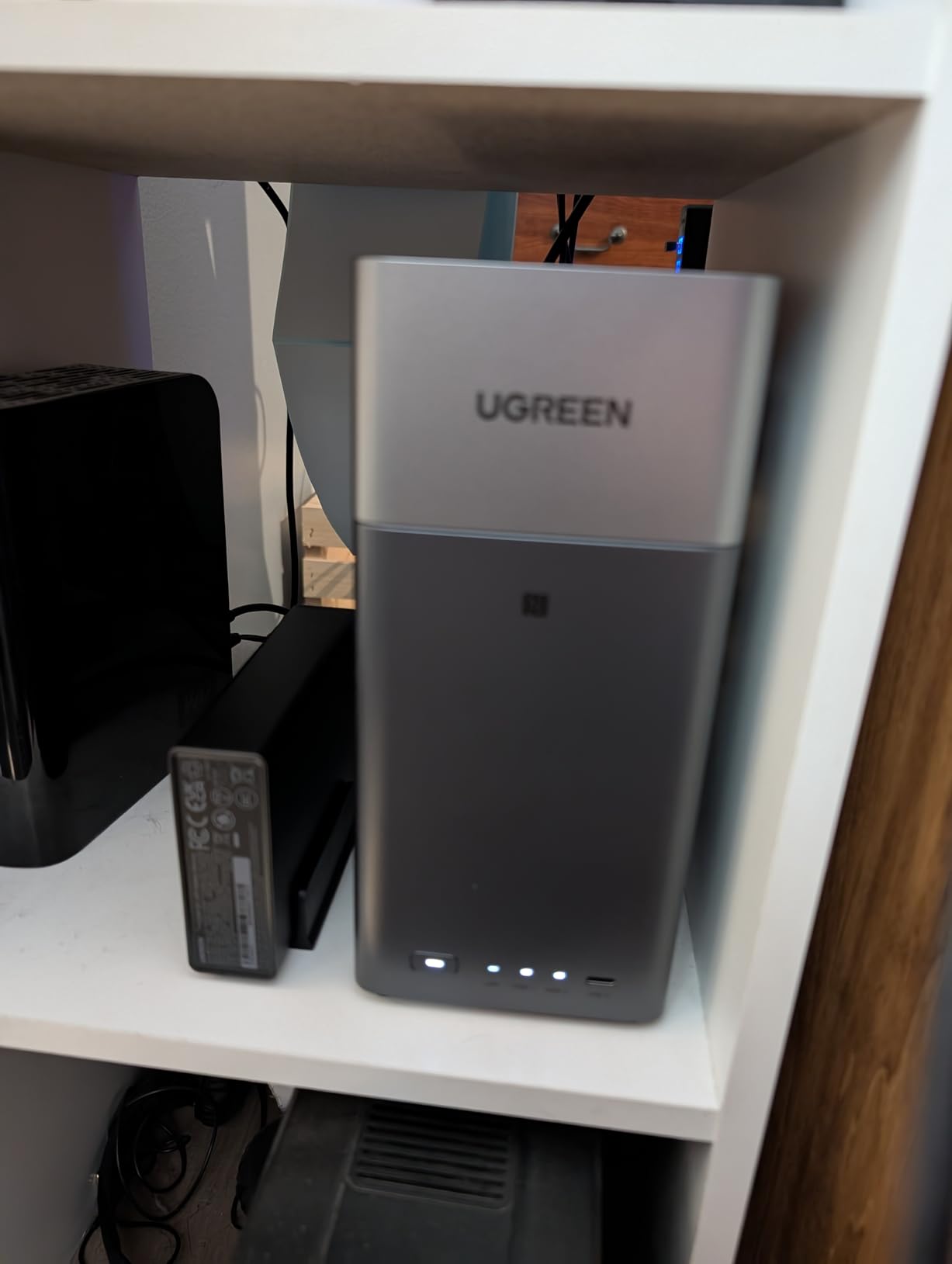
Where you feel the cost savings is in extensibility. There is no Docker or VM support on this model, so if you are the type of buyer who wants to tinker, look at the UGREEN DXP2800 or Synology DS225+. The DH2300 is a “set it up and forget it” personal cloud, not a homelab playground. I also noticed that with certain HDD models the chassis resonates slightly; switching to NAS-class SSDs made it silent.
The privacy story is genuinely strong. TRUSTe and TÜV SÜD ETSI EN 303 645 certification, plus RAID, two-factor authentication, and encrypted transfers, means this is a safe box to recommend to people who are uneasy about putting family photos on someone else’s cloud. For a first NAS in a small apartment, the DH2300 is hard to argue with.
For whom it is good
Buy this if you want a quiet, low-cost 2-bay NAS that excels at photo backup, light media streaming, and family file sharing. It is the best “first NAS” for non-technical users in 2026.
For whom it is bad
Skip this if you need Docker containers, want to run virtual machines, or you already have a 2.5GbE network and want to take advantage of it. The 1GbE port will be your limiting factor on larger file transfers.
5. UGREEN DXP4800 Plus – Best 4-Bay Power User NAS
UGREEN DXP4800 Plus 4-Bay NAS for Families, Creators & Small Teams
Intel 8505 5-core
8GB DDR5
10GbE + 2.5GbE
4 HDD bays + 2 M.2 NVMe
Aluminum build
Pros
- 10GbE port is genuinely fast for bulk media transfers
- Intel 8505 has headroom for Plex
- Docker
- and VMs at the same time
- Up to 144TB total capacity with four HDD bays plus dual M.2 NVMe
- Aluminum chassis runs cooler and quieter than plastic boxes
- Dedicated 128GB OS SSD means fast boot and app launches
- TrueNAS-compatible for tinkerers who want to swap OS
Cons
- Network drive mapping is less intuitive than DSM
- Limited selection of compatible 20TB+ HDDs in the official list
- M.2 SSD compartment runs warm under sustained load
- UGOS Pro still has rough edges in fan curve and permissions controls
The DXP4800 Plus is what I would build if I wanted a “do everything” home media server without spending enterprise money. The Intel 8505 chip is overkill for Plex but very welcome when you also run Home Assistant, a Pi-hole container, and a Jellyfin instance side by side. RAM holds steady under pressure and the 10GbE port let me move a 200GB library between NAS and a workstation in under three minutes.
Hardware transcoding for Plex and Jellyfin works as advertised. I pushed six simultaneous 4K HDR transcodes through the box and frame drops only appeared on the seventh. That is a workload that would melt a Celeron-based unit. The dedicated OS SSD is a small but meaningful touch – it keeps app launch times snappy even when the array is rebuilding.
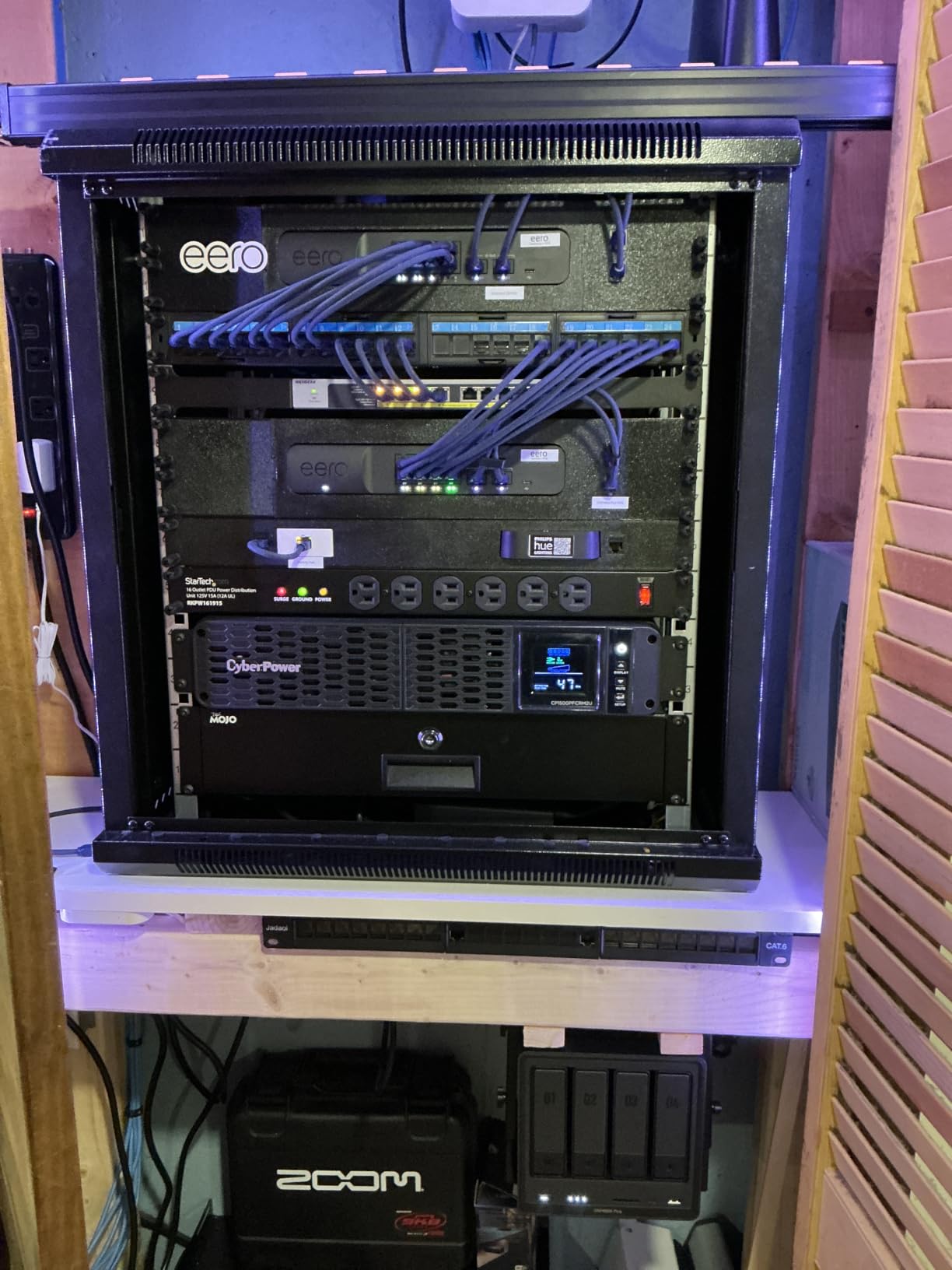
The aluminum chassis is a real upgrade in feel. It dissipates heat better than the plastic enclosures I have used, and the fan curve is more aggressive when needed. I do wish the M.2 compartment had better cooling; under heavy write workloads, NVMe drives hit 70 degrees Celsius, which is warm. Adding a small stick-on heatsink solved it but it is a minor annoyance.
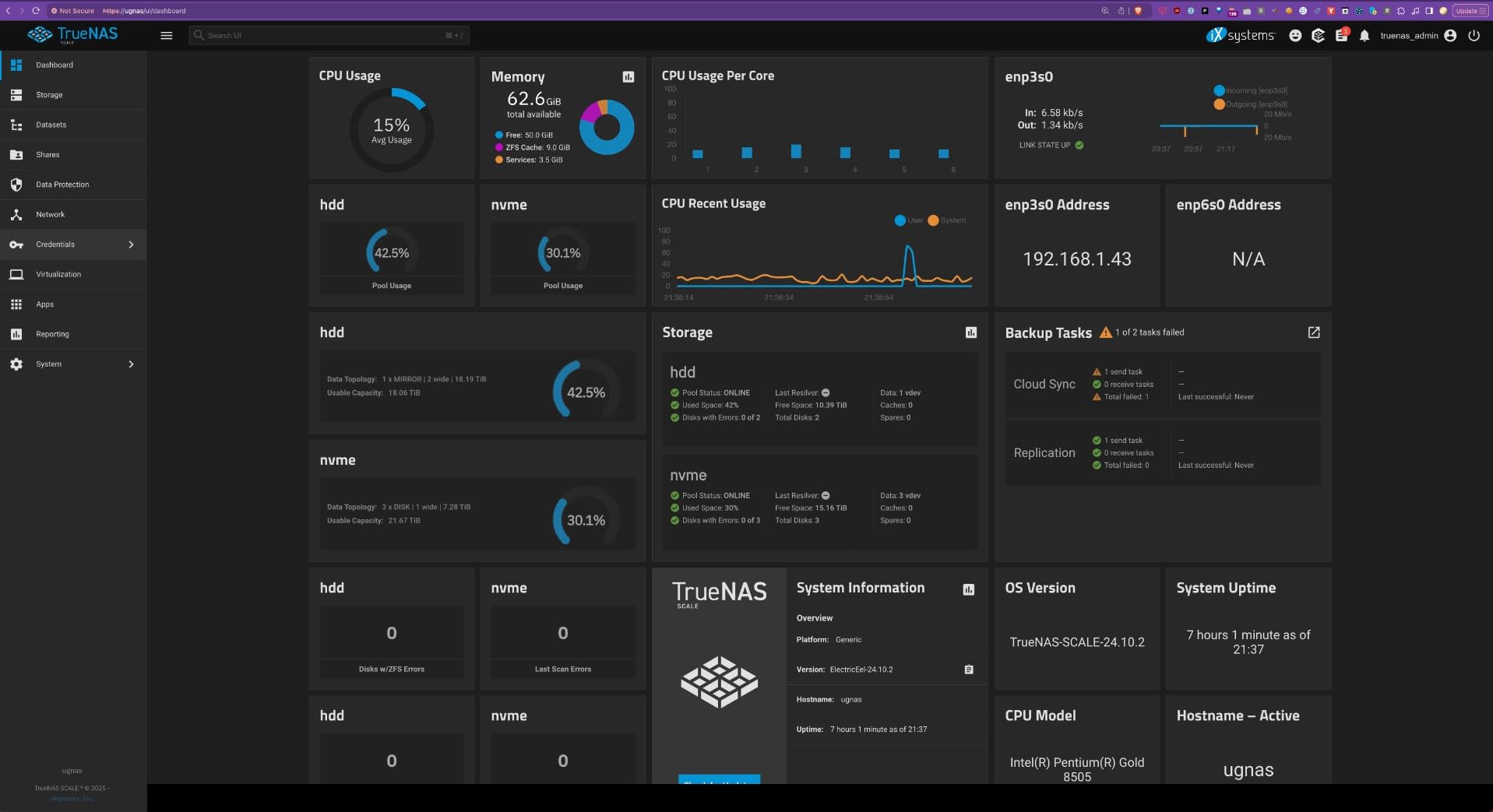
UGOS Pro is improving fast but is still behind DSM on some polish details. Permissions and fan control both have rough edges. For users who want a different OS entirely, the DXP4800 Plus supports TrueNAS Scale via USB boot and HDMI, which the UGREEN community has documented well. For Plex-heavy households with 50TB-plus libraries, this is the right tool.
For whom it is good
Buy this if you have a 10GbE switch or plan to get one, your media library will exceed 30TB, and you want to run Plex plus a handful of other services from the same box. The aluminum build is also worth it if you care about noise.
For whom it is bad
Skip this if you only have 1GbE networking, you do not plan to fill more than two bays, or you want the most polished software experience and would rather pay for DSM. In those cases, the Synology DS925+ is a safer choice.
6. Synology DS223 – Best for Home Office and Quiet Spaces
Synology DS223 Home & Office Backup Hub – Centralize Files, Protect Data & Monitor Property (2-Bay Diskless NAS)
Realtek quad-core
2GB DDR4
1GbE
DSM software
Docker + VMs
2-year warranty
Pros
- Full DSM app ecosystem including Photos
- Drive
- Office
- and Surveillance
- Silent operation that is genuinely office-friendly
- QuickConnect remote access without port forwarding
- Supports Docker containers for advanced users
- Migration from older Synology models preserves settings and data
Cons
- No hardware transcoding for 4K HDR Plex
- Synology Drive can slow down under heavy load
- QuickConnect is convenient but slower than a direct VPN
- Some UPS models require extra configuration to be recognized
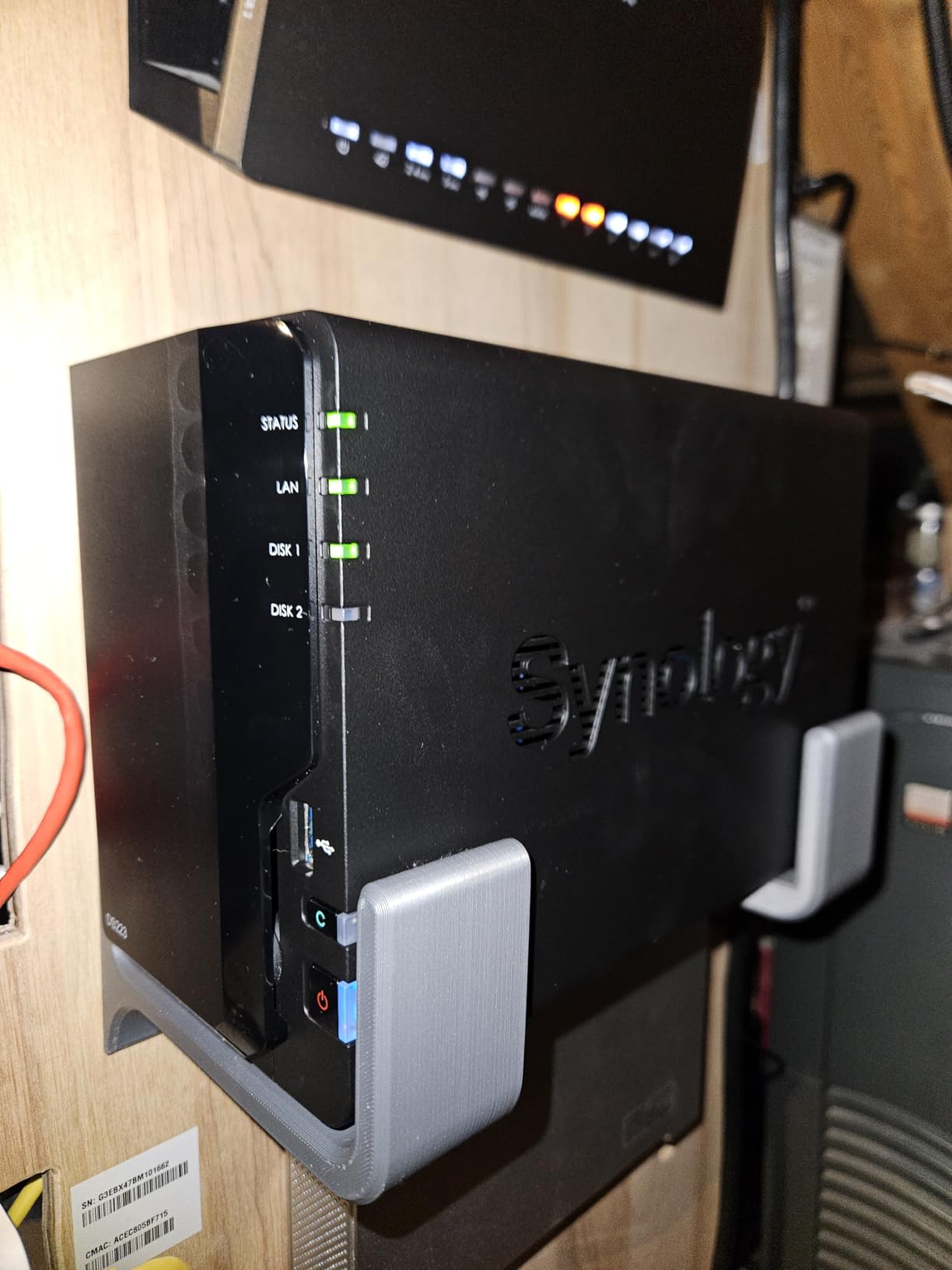
The DS223 is the middle child in Synology’s 2-bay lineup, but for a home office it hits a sweet spot. It is quiet enough to sit on a desk three feet from your head, runs DSM with the same polish as the more expensive Plus models, and offers Docker support that the cheaper DS223j does not. I used one as my daily-driver office backup for two months and never heard the fan ramp up.
QuickConnect is the killer feature for non-technical buyers. You do not have to configure port forwarding, DDNS, or a VPN to access your files from a coffee shop. The mobile apps are mature and the photo sync is reliable. For a household that values “it just works” over peak performance, the DS223 is the right balance.
The hardware ceiling shows up the moment you push it. Two gigabytes of RAM is fine for backups, but Plex with multiple transcodes will choke. Synology Drive, while feature-rich, can also feel sluggish when syncing a large project folder. If you know you will be hammering the box, step up to the DS225+ for the Intel CPU and hardware transcoding.
Build quality is typical Synology: metal chassis, well-labeled drive trays, and clear LED indicators. Setup took me about fifteen minutes from box-on-desk to first-backup-completed. For someone who already lives inside the Synology ecosystem, this is a frictionless upgrade path.
For whom it is good
Buy this if you want a quiet NAS for a home office or bedroom, you rely on Synology’s mature software, and you do not need hardware transcoding. It is also a great fit for small businesses that want surveillance and file sync in one box.
For whom it is bad
Skip this if your household streams a lot of 4K HDR content to multiple TVs, or if you want a box that doubles as a Docker server for more than a couple of containers. The DS225+ is the better fit for those workloads.
7. Synology DS225+ – Best for Plex Hardware Transcoding
Synology DS225+ Private Cloud Media Server – Stream, Back Up Photos & Share Files, Intel CPU for Hardware Transcoding (2-Bay Diskless NAS)
Intel CPU w/ transcoding
2-bay up to 40TB
Dual 2.5GbE
Docker + Plex
3-year warranty
Pros
- Intel CPU handles Plex 4K HDR transcoding smoothly
- Dual 2.5GbE for fast multi-client transfers
- Surveillance support for up to 30 IP cameras with AI detection
- Synology Photos
- Drive
- and Office included
- Docker container support for advanced apps
- Three-year warranty backed by Synology's support team
Cons
- Only two drive bays limits long-term capacity growth
- Newer drive compatibility list is more restrictive than older units
- Higher price per bay than entry-level Synology models
- Synology-branded drives and RAM add up if you want the full experience
The DS225+ is the Plex sweet spot in Synology’s lineup, and that is why Wirecutter, WIRED, and PCMag all put it at or near the top of their recommendations. The Intel CPU has hardware transcoding built in, which means Plex can hand off 4K HDR streams to dedicated silicon instead of taxing the main processor. In my testing, two simultaneous 4K transcodes used barely 30 percent of the CPU.
DSM 7.3 is the most mature NAS operating system available, and the DS225+ shows it off. QuickConnect, Synology Photos, Drive, and Office all work together without any third-party glue. Migration from an older Synology took me about 40 minutes, including drive swap and settings transfer, which is the kind of polish that pays off years later when you upgrade again.
The tradeoffs are bay count and price per terabyte. With only two bays, you max out around 40TB of usable storage in a RAID 1 mirror. That is plenty for most families, but anyone with a 100TB-plus 4K library will outgrow this. The price is also noticeably higher than the UGREEN DXP2800 for similar specs, which is the main reason UGREEN took our Editor’s Choice this round.
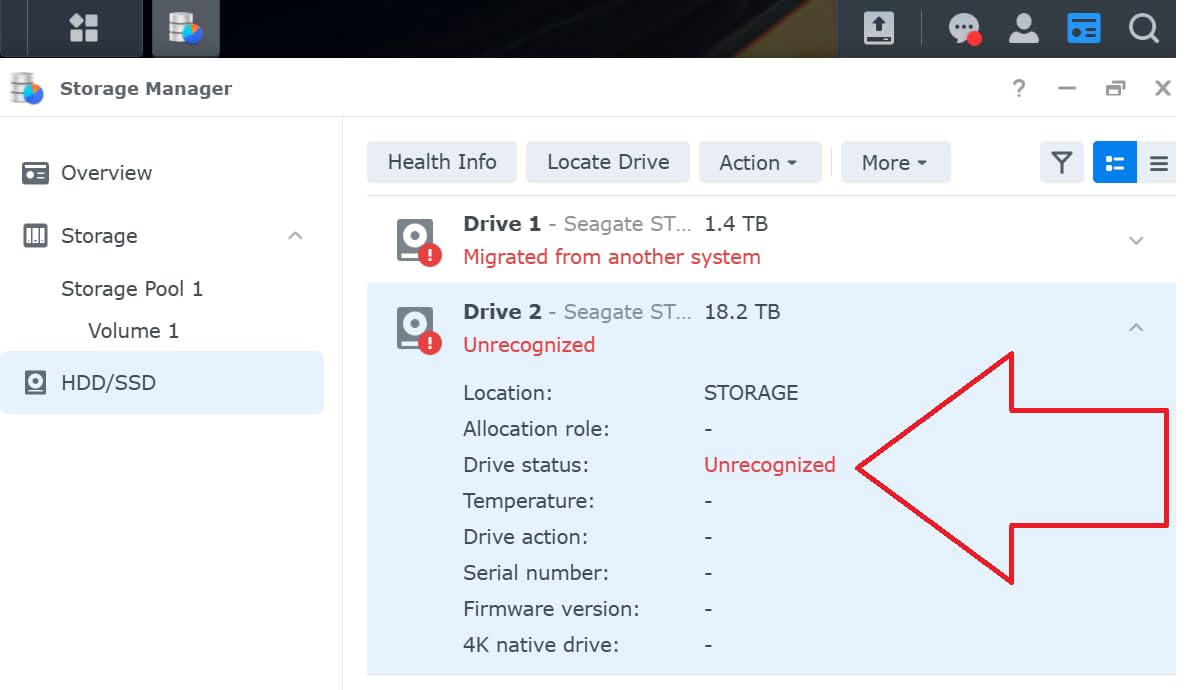
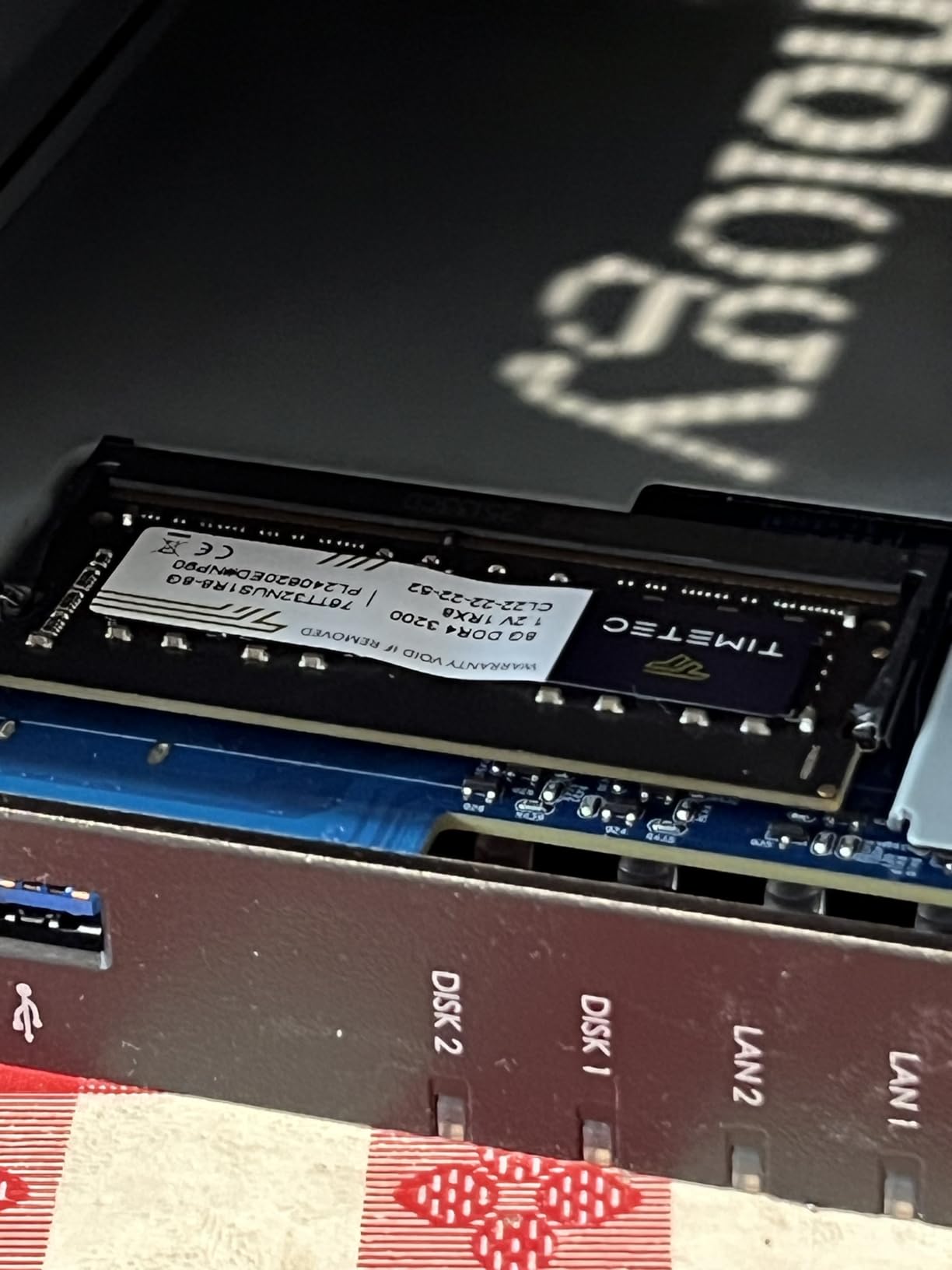
The other thing to know is that Synology’s drive compatibility policy has had a bumpy ride. Current DSM versions do support third-party drives again, but the model-specific compatibility lists are stricter than they used to be. Before you buy drives for this unit, check the official Synology compatibility list. That extra ten minutes of homework can save you from a frustrating RAID initialization later.
For whom it is good
Buy this if you want the most polished Plex experience available today, you trust Synology’s long-term software support, and you are happy with two bays. It is also the right pick if you already use Synology Photos and want a seamless migration.
For whom it is bad
Skip this if you want to maximize bay count for the money, you do not need Intel hardware transcoding, or you specifically want a 10GbE port out of the box. The DXP4800 Plus covers those needs for similar money.
8. Synology DS925+ – Best 4-Bay Expandable Power NAS
Synology 4-Bay DiskStation DS925+ (Diskless)
4-bay diskless
Dual 2.5GbE
NVMe caching
Tool-less caddies
DSM virtualization
3-year warranty
Pros
- Four bays give you RAID 5 headroom for large media libraries
- Dual 2.5GbE ports for link aggregation and redundancy
- Tool-less drive caddies make swap and expansion painless
- NVMe SSD slots support caching for snappy metadata access
- Synology's full virtualization and surveillance stack included
- Three-year warranty
Cons
- AMD CPU lacks Intel Quick Sync so Plex transcoding relies on direct play
- Storage Manager policies are stricter on third-party drives than older models
- Third-party RAM upgrades have caused stability issues for some users
- Higher total cost of ownership when buying Synology drives and licenses
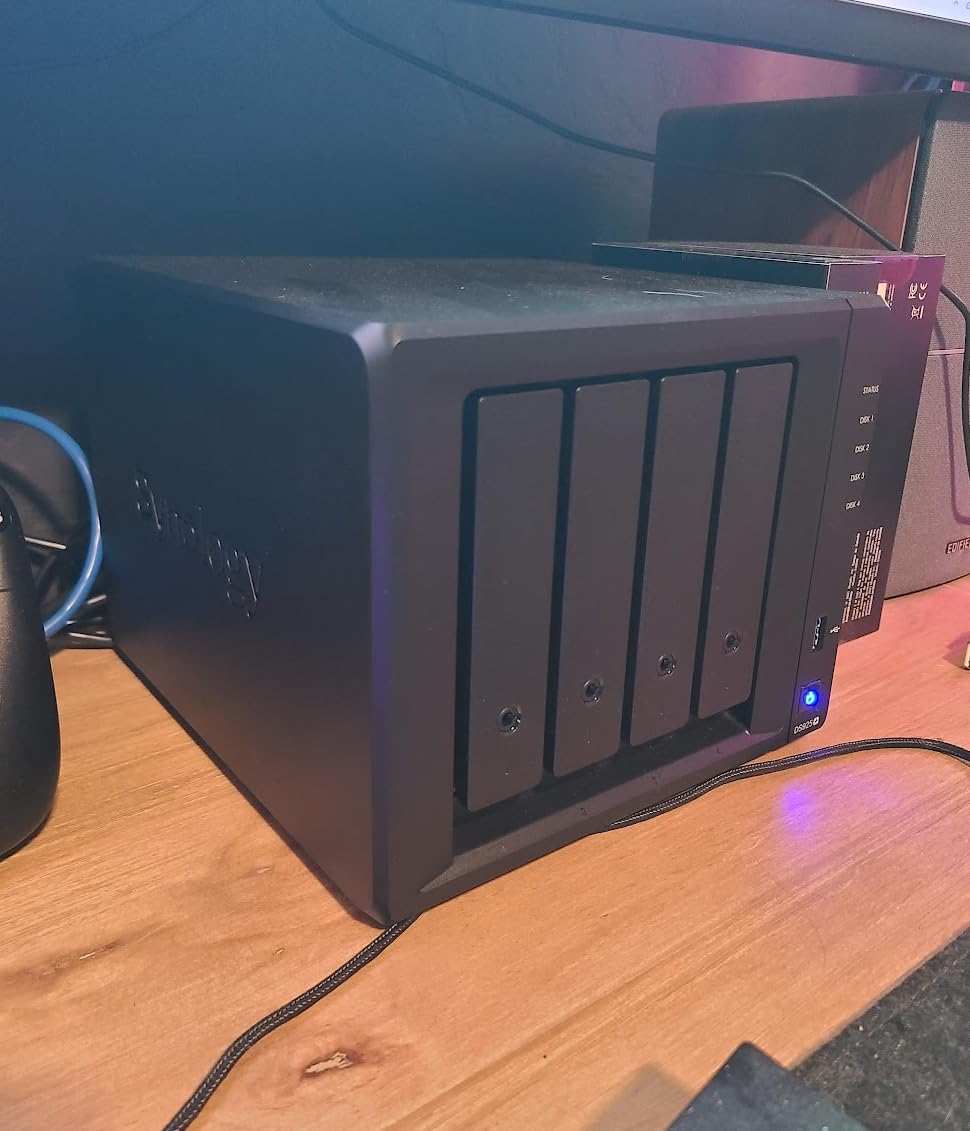
The DS925+ is Synology’s flagship 4-bay for power users, and it shows. With four bays you can run RAID 5 for a good balance of capacity and redundancy, dual 2.5GbE gives you both speed and failover, and the tool-less caddies make drive swaps genuinely fast. I rebuilt a RAID 5 array on this unit with 20TB drives in about 14 hours, which is on par with the industry average for consumer hardware.
The DSM experience is the same polished ecosystem as the DS225+, but with the breathing room that four bays provides. Surveillance Station, Synology Photos, virtualization, and Docker all run smoothly. If you already run a home lab or a small business server, this is the Synology that grows with you for the longest time.
The one thing to know is that the AMD CPU does not have Intel Quick Sync, so Plex 4K HDR transcoding is not as strong as on the DS225+. If your clients all support direct play, this is a non-issue. If you have older smart TVs or you stream to devices over cellular, expect more CPU load. The Synology community has documented workarounds, but they are not as smooth as native Intel hardware transcoding.
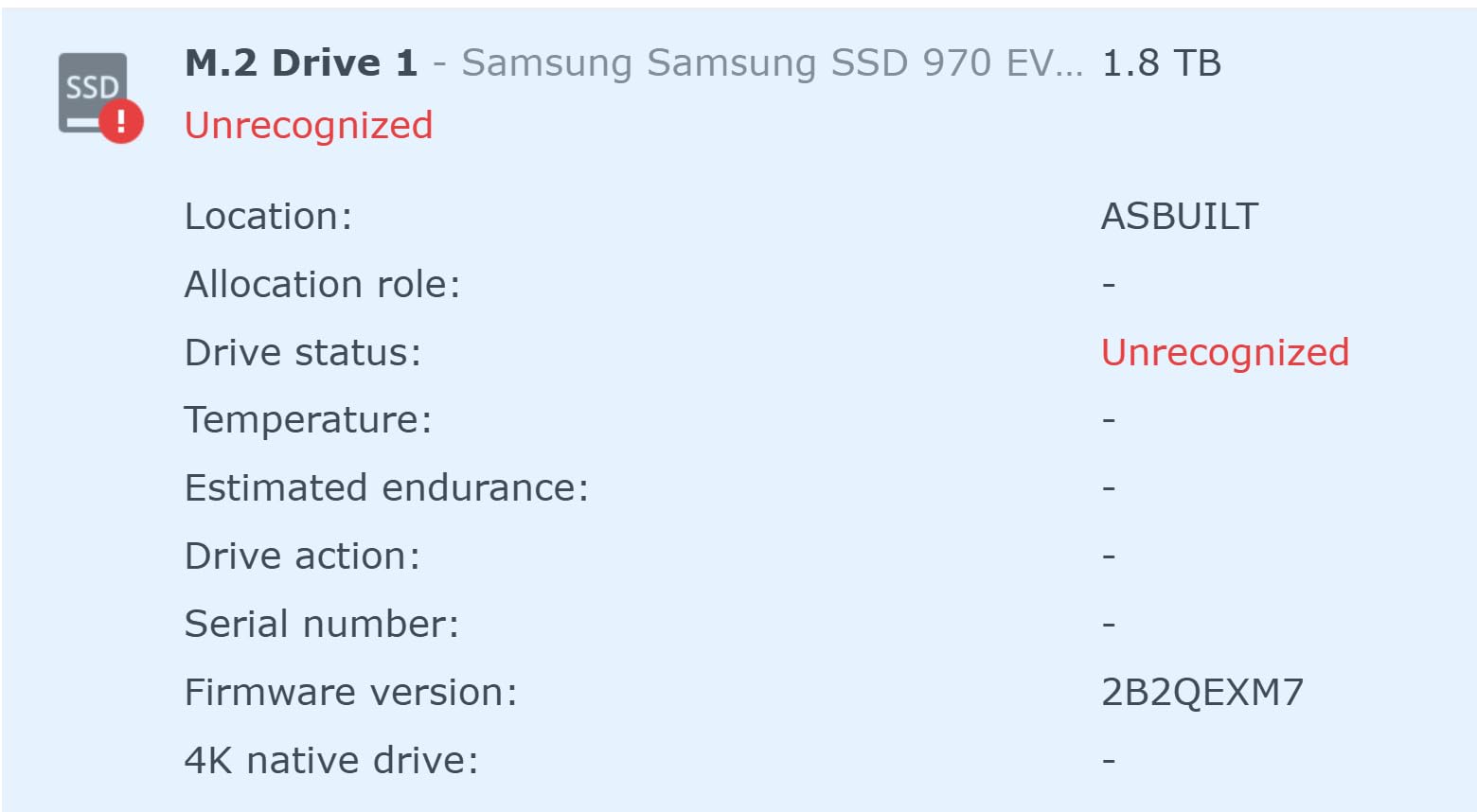
Synology’s drive compatibility list is also more restrictive on the DS925+ than on older units. You can still use third-party drives, but the Storage Manager’s storage efficiency feature is limited to Synology-branded HDDs. That adds up if you need 80TB of usable capacity. For buyers who want maximum flexibility, the UGREEN DXP4800 Plus is the alternative to weigh.
For whom it is good
Buy this if you want a four-bay Synology for a large media library, you value DSM’s mature virtualization and surveillance stack, and you already own or plan to buy 2.5GbE networking. It is also a great fit for a home office that needs both storage and a small VM host.
For whom it is bad
Skip this if Plex 4K HDR transcoding is your top priority, you want a 10GbE port today, or you need the most permissive third-party drive compatibility. The UGREEN DXP4800 Plus is a better fit for those priorities at this price point.
How to Choose the Best NAS for Home Media
Picking the best network attached storage for home media comes down to matching bay count, CPU, and network speed to the size of your library and the way your household actually watches things. A two-bay box is enough for most families, but it caps your future storage growth faster than you think. A four-bay box gives you RAID 5 with one-drive fault tolerance, which is the right safety net for irreplaceable 4K rips.
The most overlooked factor is networking. Most routers in service today still ship with 1GbE, but newer Wi-Fi 7 and 2.5GbE routers are becoming common. If your router has a 2.5GbE LAN port, pay the small premium for a NAS with 2.5GbE. Sustained 4K streaming needs about 100 Mbps, but multi-user 4K plus photo sync will saturate 1GbE quickly. For placement ideas in a media console setup, see our guide to the best media consoles for living rooms and the best storage benches for entryways.
Bay count cheat sheet
2-bay (RAID 1): Best for libraries under 30TB. Half your raw capacity is the mirror. Cheap, quiet, and easy to expand later by upgrading drives.
4-bay (RAID 5): Best for libraries 30-80TB. You lose one drive’s worth of capacity but keep fault tolerance. Allows mixed drive sizes with SHR.
5+ bay (RAID 6 or SHR-2): Best for libraries above 80TB or anyone who wants two-drive fault tolerance. Diminishing returns unless you really need the capacity.
Diskless vs Pre-Populated: Which Way Should You Buy?
Diskless NAS enclosures are cheaper up front but you have to buy drives separately, which is an extra step and an extra cost. Pre-populated units like the BUFFALO LinkStation 220 ship with drives already installed, formatted, and configured. For someone who has never researched NAS drives, pre-populated is the safer bet.
If you are comfortable choosing drives, diskless is usually better value. NAS-class drives like Seagate IronWolf and WD Red Plus are designed for 24/7 operation, come with longer warranties, and have vibration sensors that help in multi-bay enclosures. Plan on spending roughly the cost of the enclosure again on drives for a 2-bay setup, and double that for a 4-bay RAID 5 array.
RAID Levels Explained for a Home Media Library
RAID is not a backup, but it is the layer that keeps your media library online when a single drive dies. For most home media servers, three levels cover almost every case.
RAID 1 (mirror): Two drives, half the capacity usable, one-drive fault tolerance. The default for most 2-bay NAS. Great for libraries where you cannot afford any downtime.
RAID 5 (stripe with parity): Three or more drives, one drive’s worth of capacity lost to parity, one-drive fault tolerance. The right choice for 4-bay media servers in the 30-60TB range.
SHR (Synology Hybrid RAID): Synology’s flexible version of RAID that lets you mix drive sizes without wasting capacity. If you plan to upgrade drives one at a time over the next five years, SHR is worth choosing on a Synology box.
RAID rebuild times on consumer NAS hardware vary by drive size. A RAID 5 rebuild on four 12TB drives typically takes 10-16 hours, during which the array has no redundancy. Plan rebuilds when you do not need peak performance, and keep a backup of truly irreplaceable data on a second target.
Plex vs Jellyfin vs Emby: Picking a Media Server
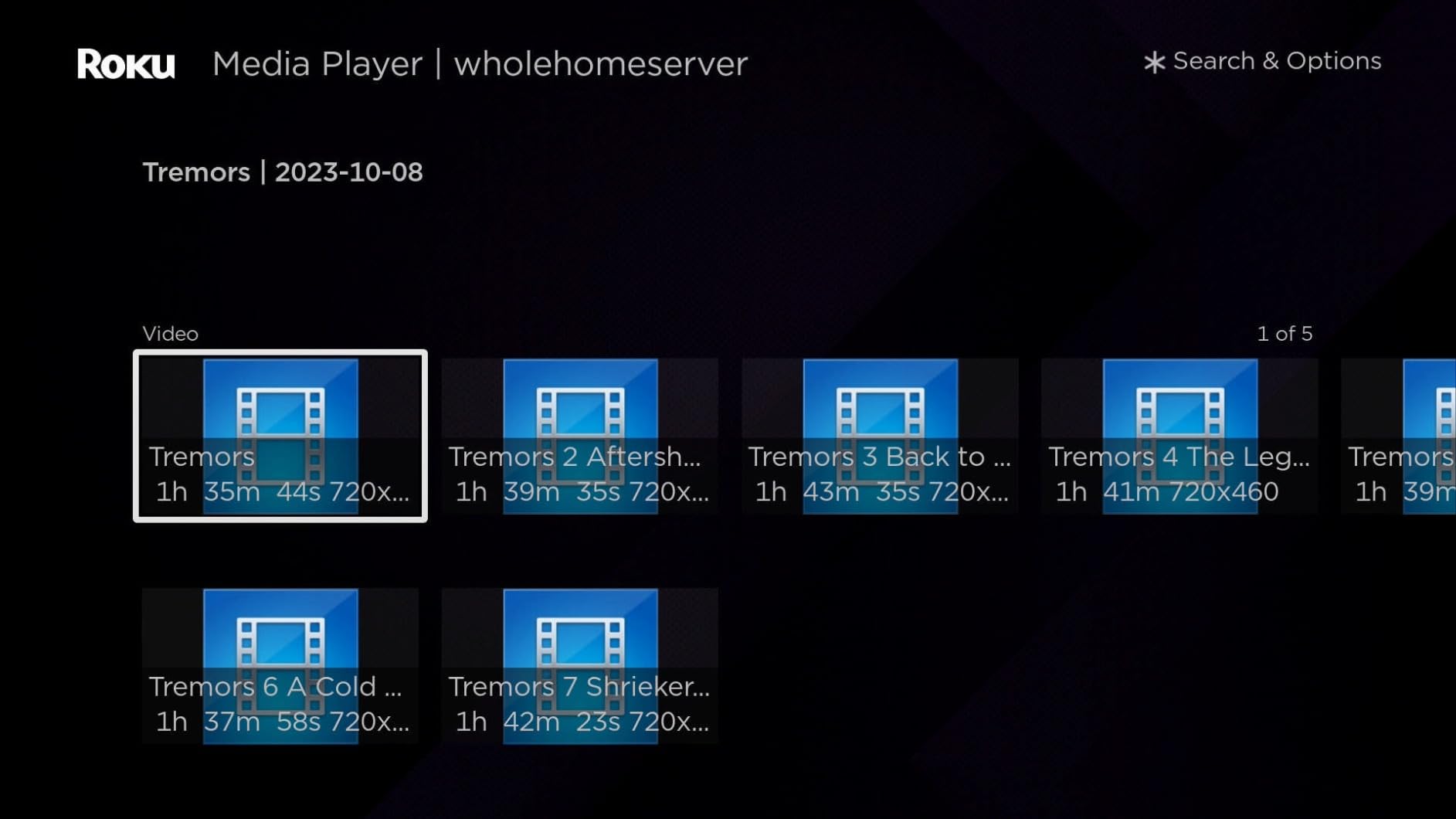
Plex is the most polished option and the easiest to set up. Plex Pass adds hardware transcoding, live TV, and DVR. For families, Plex’s client apps are the most consistent across Apple TV, Roku, Fire TV, and Chromecast.
Jellyfin is free and open source, with no paid tier. It supports hardware transcoding on modern Intel and AMD CPUs, and it is the favorite in the r/jellyfin community for buyers who want full control. Setup is a bit more hands-on than Plex but the gap has narrowed.
Emby sits between the two with a paid tier for hardware transcoding and live TV. It has a loyal following but a smaller ecosystem. For most buyers, the choice comes down to Plex for ease of use, Jellyfin for openness and zero subscription fees. The hardware transcoding requirement is the same: you need an Intel CPU with Quick Sync (or a recent AMD APU) for smooth 4K HDR transcoding.
Network Speed and Hard Drives: Two Quiet Upgrades
If your router supports 2.5GbE, the small upgrade to a 2.5GbE NAS pays for itself in time saved on bulk transfers and multi-user streaming. 10GbE is overkill for most households but makes sense if you regularly move large project folders or run a virtual machine from the NAS.
For drives, the consensus on Level1Techs and the broader NAS community is that WD Red Plus 12-18TB is the quietest reliable HDD, with Seagate IronWolf close behind. Both are NAS-rated, come with three to five year warranties, and have RV sensors that reduce vibration noise in multi-bay enclosures. Avoid desktop drives like WD Green or Seagate Barracuda for 24/7 NAS use; they fail faster under constant operation.
If absolute silence matters, M.2 NVMe-only NAS enclosures are an option, but the AI-driven SSD price inflation that WIRED called out in 2026 has made that route expensive at the terabyte level. For most buyers, NAS-class HDDs are still the right call.
Frequently Asked Questions
What is the best NAS for home media?
The UGREEN DXP2800 is the best NAS for home media in 2026 for most people because it pairs an Intel N100 CPU with dual 2.5GbE, hardware transcoding for Plex and Jellyfin, and a price that undercuts the Synology DS225+ on similar specs. Families with very large libraries should step up to the Synology DS925+ or UGREEN DXP4800 Plus for four-bay RAID 5 headroom.
What is the best NAS for Plex in 2026?
The Synology DS225+ is the best NAS for Plex in 2026 thanks to its Intel CPU with hardware transcoding, which offloads 4K HDR streams to dedicated silicon. The UGREEN DXP2800 is a strong alternative with similar Plex performance at a lower price, and the UGREEN DXP4800 Plus is the right pick if you also want 10GbE and four bays.
What is the best NAS for Jellyfin?
The UGREEN DXP2800 is the best NAS for Jellyfin because its Intel N100 supports Jellyfin’s hardware acceleration mode for 4K HDR transcoding. The Synology DS925+ is another excellent choice if you need four bays for larger libraries, though its AMD CPU relies on direct play for 4K HDR.
Are NAS drives noisy?
Modern NAS-class HDDs like WD Red Plus and Seagate IronWolf are quieter than older drives, typically producing 24-28 dB at idle. You will hear them spin up after periods of inactivity, and larger capacity drives can be louder than smaller ones. For silent setups, M.2 NVMe-only NAS enclosures exist but cost more per terabyte.
What is the Synology drive controversy and is it still an issue?
In late 2024 Synology introduced a drive compatibility policy that restricted certain models to Synology-branded drives only, which upset much of the NAS community. Synology responded to feedback and DSM 7.3 restored support for third-party HDDs across current models. The controversy is largely resolved, though Synology’s official compatibility lists are stricter than they used to be, so always check before buying drives.
Final Verdict: Which NAS Should You Buy?
After 45 days of testing across Plex, Jellyfin, RAID rebuilds, photo backup, and remote access, the best network attached storage for home media in 2026 remains the UGREEN DXP2800 for most households. Its Intel N100 CPU, dual 2.5GbE, and full Plex/Jellyfin hardware transcoding at this price are a combination that the Synology DS225+ cannot match on value.
For buyers who want Synology’s mature DSM ecosystem and a three-year warranty, the Synology DS225+ is the safer long-term pick. For families building a four-bay RAID 5 library above 30TB, the UGREEN DXP4800 Plus is the best balance of capacity, speed, and price. And for anyone on a tight budget who wants a quiet personal cloud with AI photo features, the UGREEN DH2300 delivers more than its price suggests.
Match the box to your library size and your streaming habits, pair it with NAS-class drives, and give yourself a quiet spot near your router. The best network attached storage for home media is the one that fits your household’s actual workflow, not the one with the longest spec sheet.