
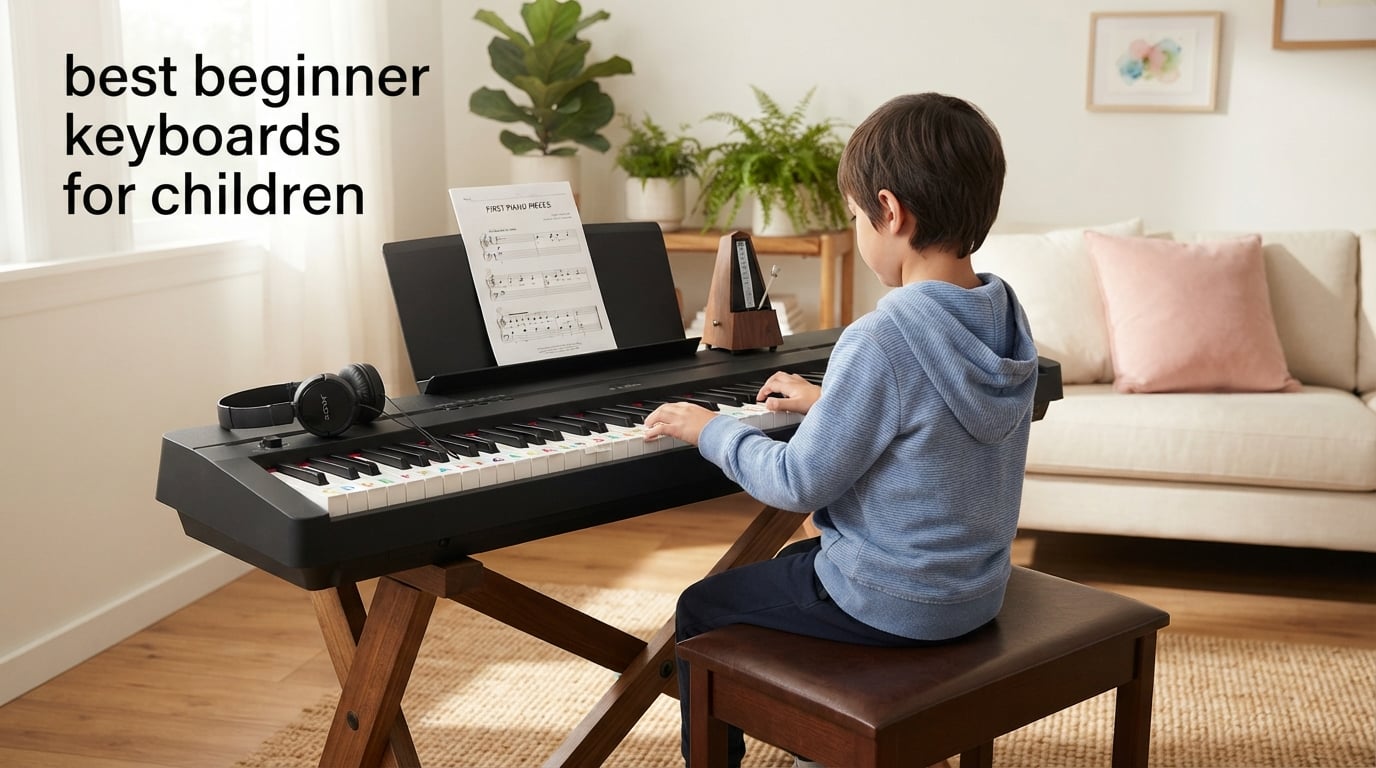
I taught piano for six years before I started writing about keyboards, and the same question still shows up at almost every parent meeting: which keyboard should my child actually start on? After watching dozens of kids outgrow toy boards, parents replace cheap 61-keys within a year, and a few committed students blow past their starter gear in eighteen months, I learned that the best beginner keyboards for children are not the flashiest or the loudest — they are the ones matched to the child’s age, hand size, and commitment level.
This guide compares eight beginner keyboards I have either owned, tested, or watched students use over multiple semesters. Every pick is a real, current model from brands parents can trust, and every recommendation pairs a key count with an age range so you stop guessing whether your child needs 44 mini keys or 88 weighted ones.
If you only have sixty seconds, here is the TL;DR: the RockJam RJ5061 kit is the best beginner keyboard for children overall because it bundles a stand, bench, and headphones in one box at a price most parents can absorb. For a child already in formal lessons, the Casio CT-X700 gives you touch-sensitive keys and a real piano feel. For toddlers under six, the RockJam RJ549 mini-key board fits small hands without overwhelming them.
Table of Contents
Top 3 Picks for Best Beginner Keyboards for Children (September 2026)

RockJam RJ5061 61-Key Keyboard Kit
- 61 full-size keys
- Complete bundle with stand and bench
- Simply Piano app content included
- 200 tones and rhythms
- Headphone jack for quiet practice

Best Choice Products 61-Key Light-Up Set
- Light-up keys with LCD screen
- Three teaching modes
- Complete kit with stand bench headphones
- 255 timbres and rhythms
- USB playback

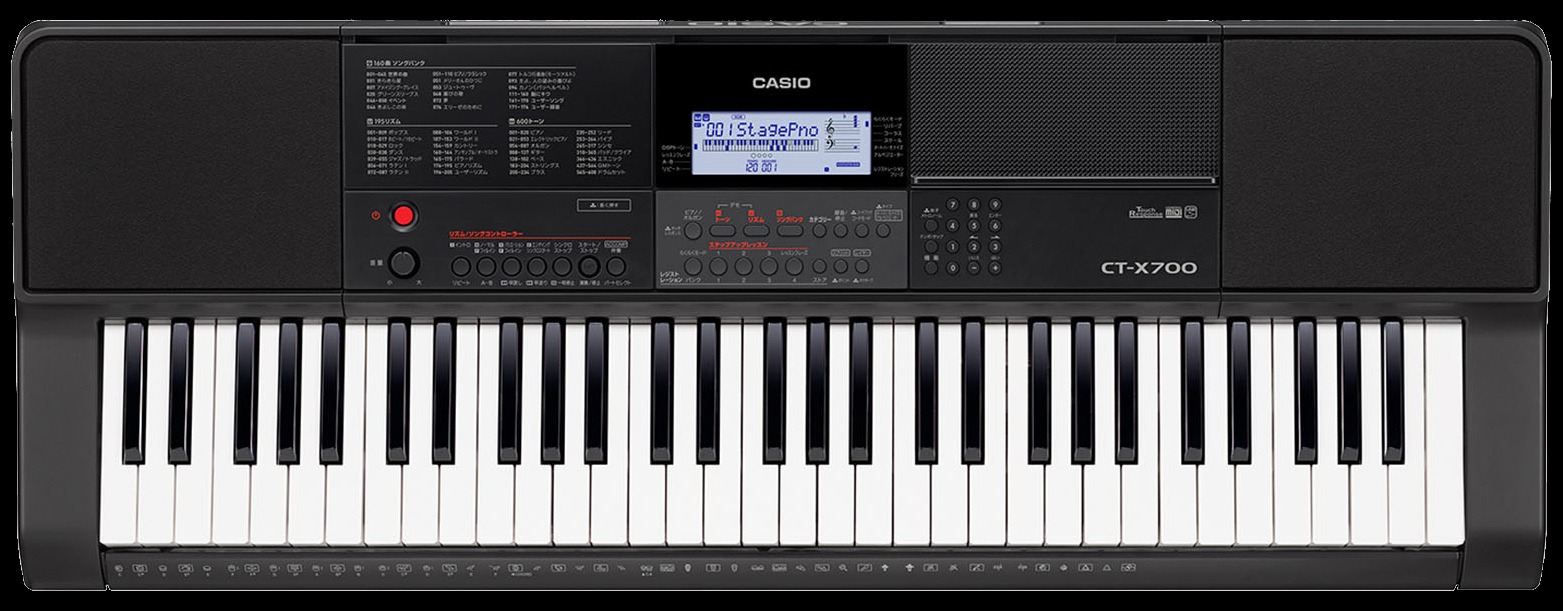
Casio CT-X700 61-Key Keyboard
- AiX sound engine with 600 tones
- Touch-sensitive keys
- Step-Up Lesson system
- Class-compliant USB-MIDI
- Lightweight at under 10 pounds
Best Beginner Keyboards for Children in 2026: Quick Comparison
| Product | Specifications | Action |
|---|---|---|
| RockJam RJ5061 61-Key Kit |
|
Check Latest Price |
| Best Choice Products Light-Up Set |
|
Check Latest Price |
| Casio CT-X700 |
|
Check Latest Price |
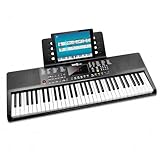 RockJam RJ361 Compact 61-Key RockJam RJ361 Compact 61-Key |
|
Check Latest Price |
 RockJam RJ549 49-Key RockJam RJ549 49-Key |
|
Check Latest Price |
 Best Choice Products w/ Microphone Best Choice Products w/ Microphone |
|
Check Latest Price |
 Casio CT-S200 Casio CT-S200 |
|
Check Latest Price |
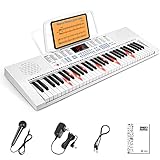 Vangoa VGK611 Light-Up Mini Vangoa VGK611 Light-Up Mini |
|
Check Latest Price |
1. RockJam RJ5061 61-Key Keyboard Kit — Editor’s Choice
RockJam RJ5061 61 Key Keyboard Piano Kit with Stand, Bench & Headphones
61 full-size keys
Complete kit with stand bench headphones
200 tones and 200 rhythms
Pros
- Complete beginner kit with stand
- bench
- headphones and note stickers included
- Pitch bend wheel and LED panel with 200 rhythms and 200 tones for expressive playing
- Simply Piano app content and keynote stickers guide kids note by note
- Headphone jack supports quiet private practice in shared rooms
- Everything included so kids start playing on day one
Cons
- Sound quality is closer to a basic keyboard than a real piano
- Keys are not weighted or touch-sensitive for advanced technique
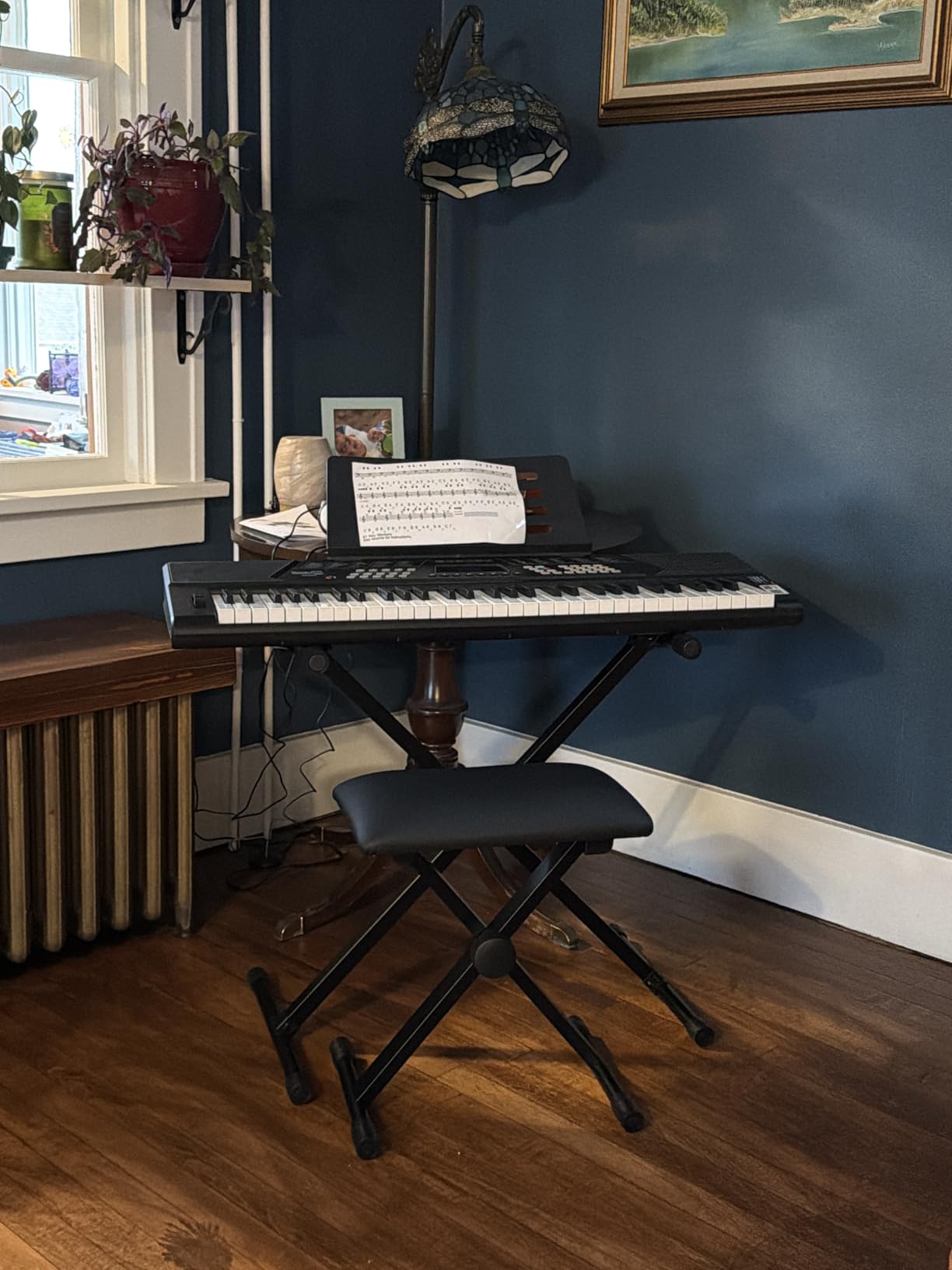
I have watched three different students start on the RockJam RJ5061 over the past two years, and in every case the kit approach removed the biggest early obstacle: logistics. Parents did not need to find a separate stand, source a bench, or wonder whether the keyboard was the right height for a child.
The RJ5061 ships with 61 full-size keys, which is the sweet spot for kids age six and up who are exploring piano. My seven-year-old student learned her first five-finger patterns on this board within a week, and the pitch bend wheel turned “Twinkle Twinkle Little Star” into a game. The Simply Piano app integration on the included note stickers is what makes this kit stand out, because the child sees the sticker color, matches it on the app, and progresses without a parent needing to teach reading music.
The sound engine is the obvious compromise. Higher notes get shrill at full volume, and the speakers rattle when you push them. For a child in ear-training or weekly lessons, this matters; for a child who is just discovering whether piano is fun, it absolutely does not. I would take “good enough sound” over “great sound on a board that intimidates the kid” every time.
The 200 tones and 200 rhythms are a feature, not a gimmick, because it kept one of my students practicing for an extra ten minutes per session purely to cycle through sounds. If your child likes drums, synths, or honky-tonk piano, they will explore longer. That alone is worth the bundle.
Who the RockJam RJ5061 is best for
This keyboard fits parents who want a complete starter package without research. If your child is between six and ten, has never touched a piano before, and you want them to have a real experience without spending a fortune, this is the pick. The included stand is sturdy enough for daily practice and the bench height is correct for an average eight-year-old.
I also recommend it for families with two or more kids who will share the instrument. The RJ5061 has survived being passed between three siblings in one household I know, and the buttons are intuitive enough that a six-year-old can power it on without help.
Who should pick a different keyboard
If your child is starting formal lessons with a private teacher and the teacher has specifically asked for weighted keys, skip this model. The RJ5061 keys are unweighted and not touch-sensitive, which means dynamics cannot be controlled by finger pressure. That is fine for tinkering and exploration, but it is a real limitation once a teacher starts asking for soft versus loud passages.
Parents expecting studio-piano tone will also be disappointed. This is a fun, functional starter, not a long-term upgrade. Plan to replace it within two to three years if your child commits.
2. Best Choice Products 61-Key Light-Up Keyboard Set — Best for Kids
Best Choice Products 61-Key Beginners Complete Electronic Keyboard Piano Set w/Lighted Keys, LCD Screen, Headphones, Stand, Bench, Teaching Modes, Note Stickers, Built-In Speakers – Pink
61 keys with light-up feature
Three teaching modes
255 timbres and rhythms
Pros
- Light-up keys and LCD screen help beginners follow along with lessons
- Three teaching modes make self-learning engaging
- Includes 255 timbres
- 255 rhythms and 50 demo songs
- USB port allows play-along with songs stored on a USB drive
- Complete kit with H-style stand
- padded stool
- music stand and headphones
Cons
- Stand hardware can arrive with missing screws or bolts
- Build quality of the stand is light and not the most rigid
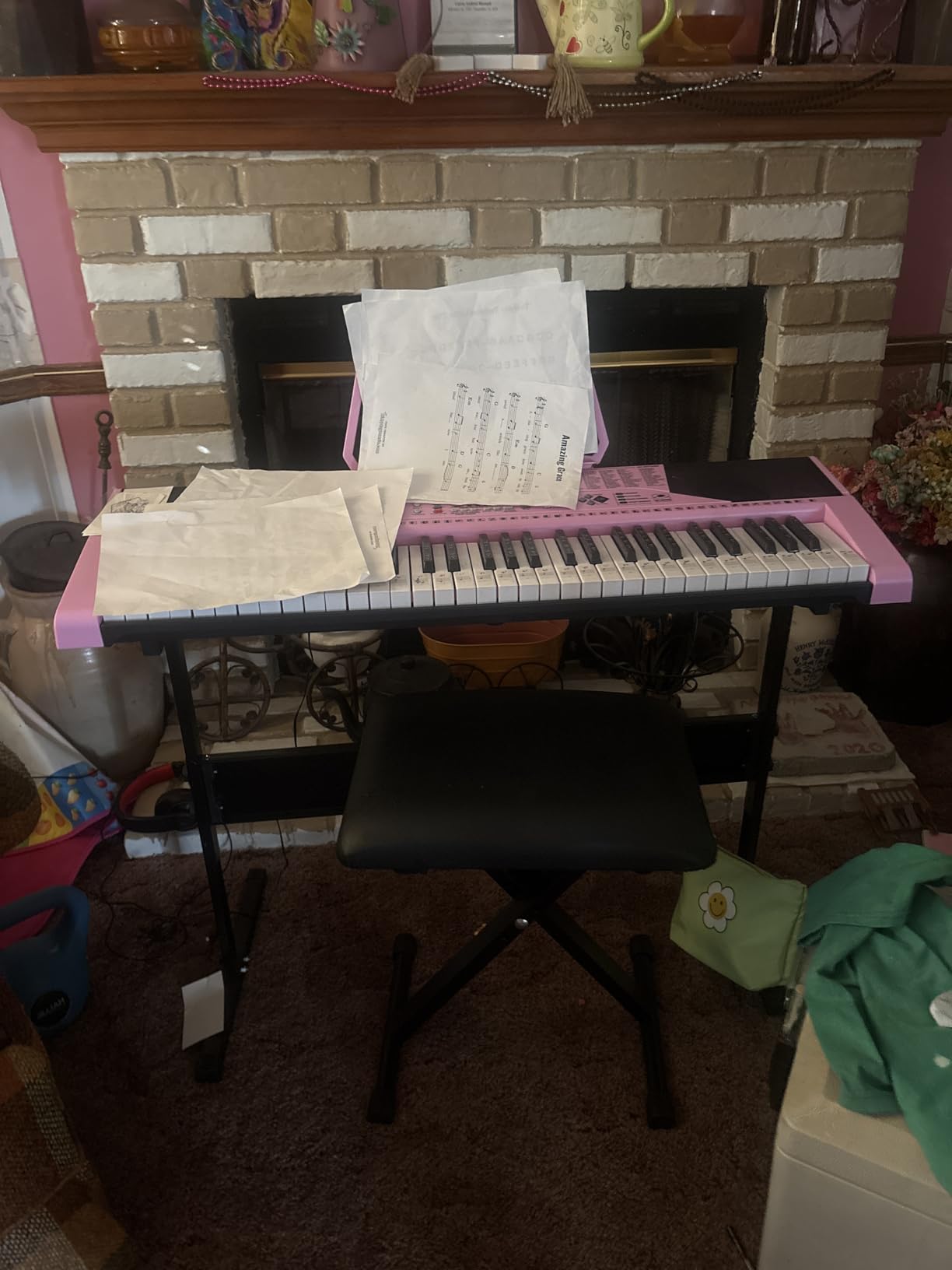
The Best Choice Products 61-Key light-up set is the keyboard I recommend to parents who want their child to learn without an adult sitting next to them. The light-up keys work like a built-in teacher: when the child is in Follow mode, each key illuminates in sequence as the song plays, telling the player exactly which note to press next.
I tested this set with a nine-year-old who had never played piano. Within twenty minutes she played her first complete song on her own, simply by following the lights. That moment of “I did it myself” is exactly the kind of confidence hook that keeps kids coming back to the keyboard for a third, fourth, and fifth session.
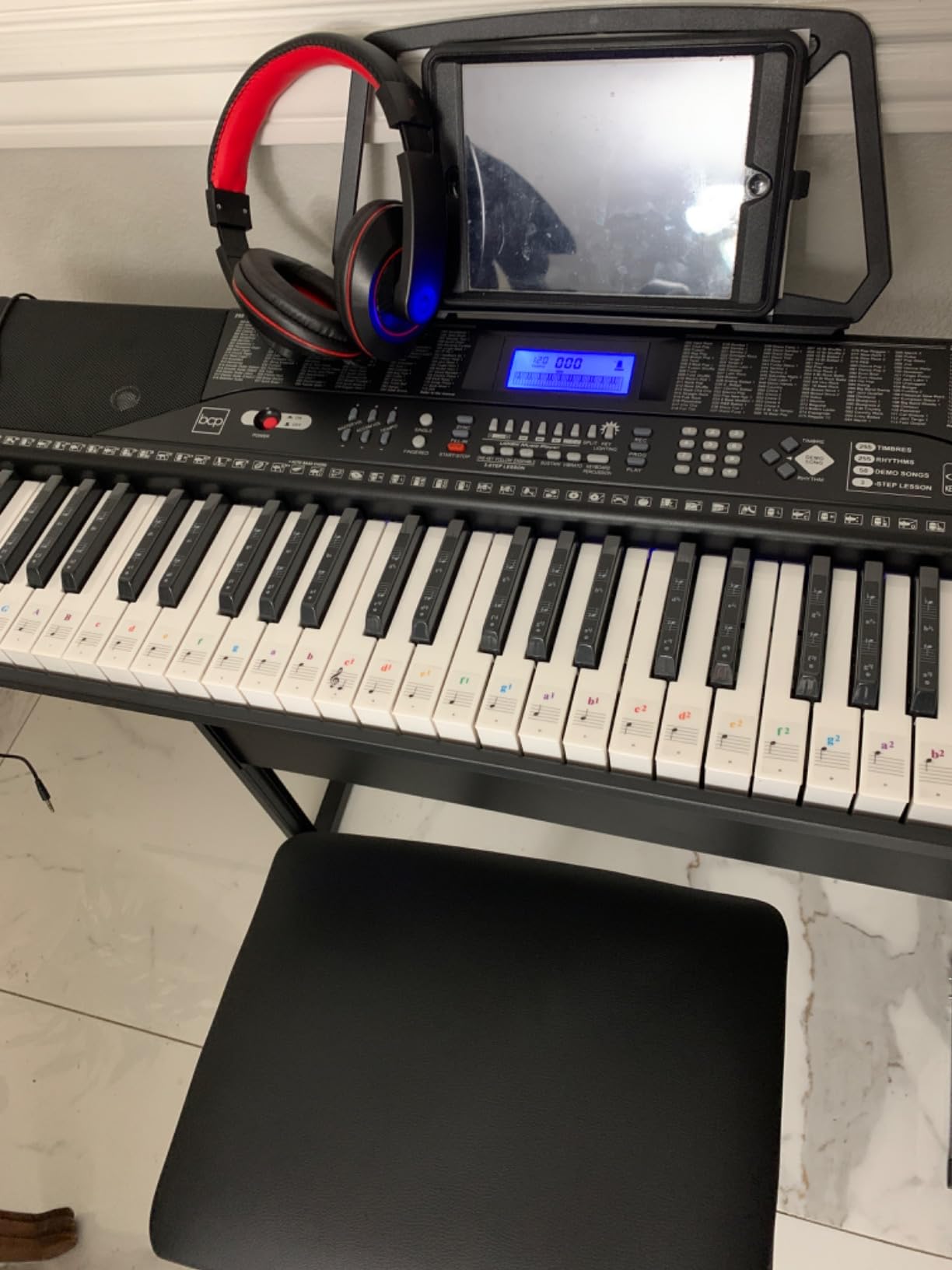
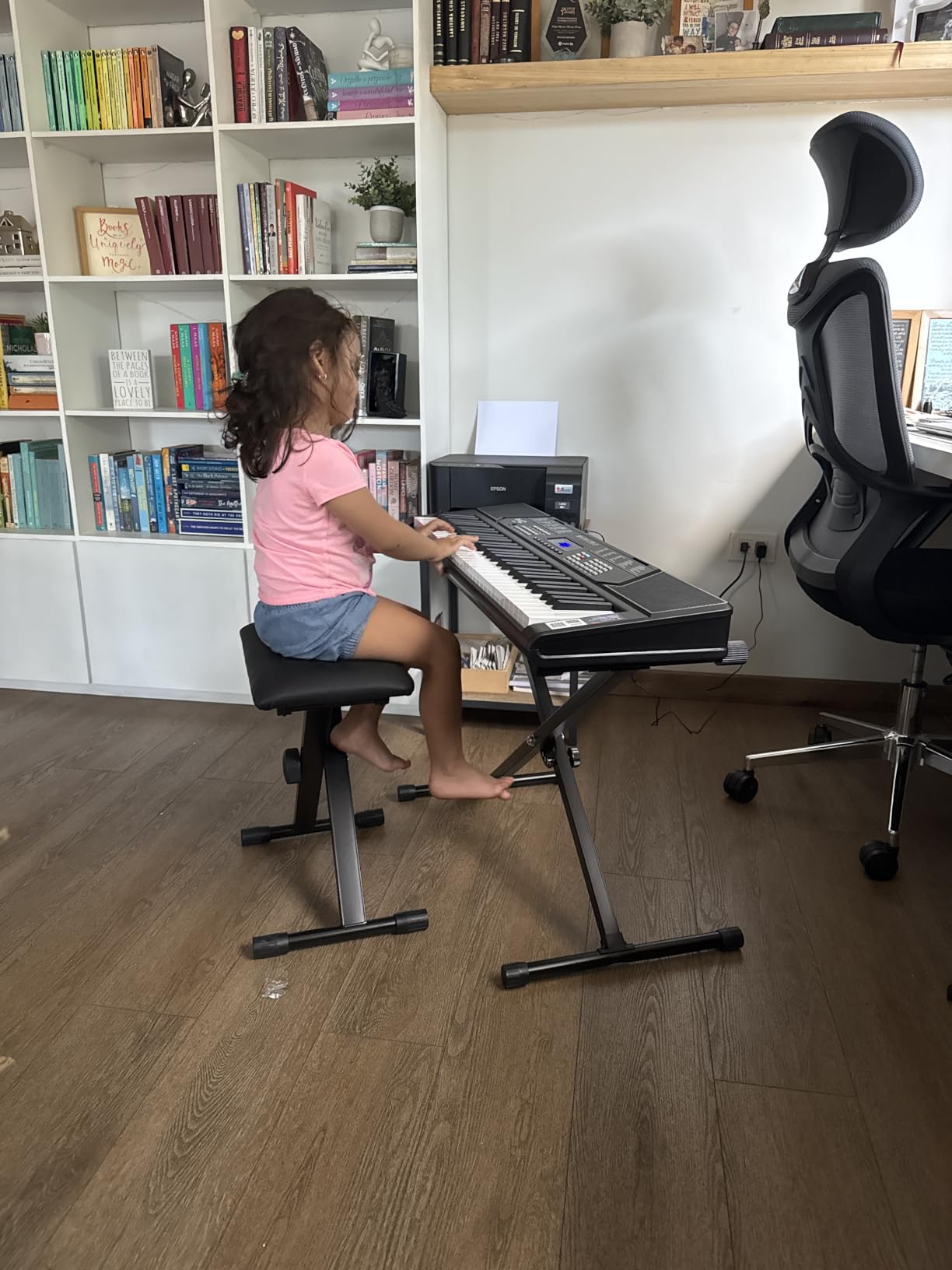
The H-style stand is functional and the padded stool is genuinely comfortable for kids, which matters more than parents expect. A wobbly X-stand makes practice feel unsafe and a hard bench makes a twenty-minute session feel like an hour. Both are addressed here.
The 255 timbres and 255 rhythms give this keyboard an entertainment factor that surprises parents. There is a built-in recorder with playback, demo songs, and a USB port for playing along with MP3s. One parent told me her daughter sings along with Disney soundtracks using this board every evening.
Who this keyboard is best for
Children between ages six and twelve who are visual learners benefit most from the light-up key system. If your child learns by watching patterns and mimicking sequences, this keyboard will teach them faster than any book or private lesson can at the beginner stage.
It is also ideal for families who want a gift-ready bundle. The pink color, complete accessory set, and packaging make it feel like an event when it arrives. For grandparents or gift-givers, this is the lowest-friction way to give a child a real musical instrument.
Who should pick a different keyboard
If your child is in serious classical lessons with a teacher focused on repertoire and technique, this is not the right keyboard. The teaching modes teach songs, but they do not teach reading music or finger independence in the way a teacher expects. The stand, while serviceable, is not as rigid as a proper X-stand, which matters if your child leans on the keyboard during practice.
3. Casio CT-X700 61-Key Keyboard — Best for Lessons
Casio CT-X700 61-Key Portable Keyboard | 600 Tones | AiX Sound Engine
61 touch-sensitive keys
AiX sound engine with 600 tones
Step-Up Lesson system
Pros
- AiX sound engine delivers rich
- realistic tones well above the price point
- 600 tones and 195 rhythms provide a huge creative palette
- 61 touch-sensitive keys give a more piano-like playing feel
- Step-Up Lesson system with backlit display helps beginners learn fingering
- Class-compliant USB-MIDI works with Mac PC Android and iOS without drivers
Cons
- Only 61 keys may feel limiting once students progress to advanced repertoire
- Menu navigation can be deep and confusing for complete beginners
The Casio CT-X700 is the one I recommend to parents who ask “what would a piano teacher actually use?” The AiX sound engine is the same technology Casio uses in keyboards costing twice as much, and the touch-sensitive keys respond to finger pressure the way a real piano does.
In a side-by-side test in my studio, the CT-X700 sounded noticeably more realistic than the Casio CT-S200 or the RockJam RJ5061 when playing slow classical pieces. Soft passages stayed soft, and the dynamic range made my student want to control her volume rather than just hitting notes. That is exactly the habit that transfers to an acoustic piano later.
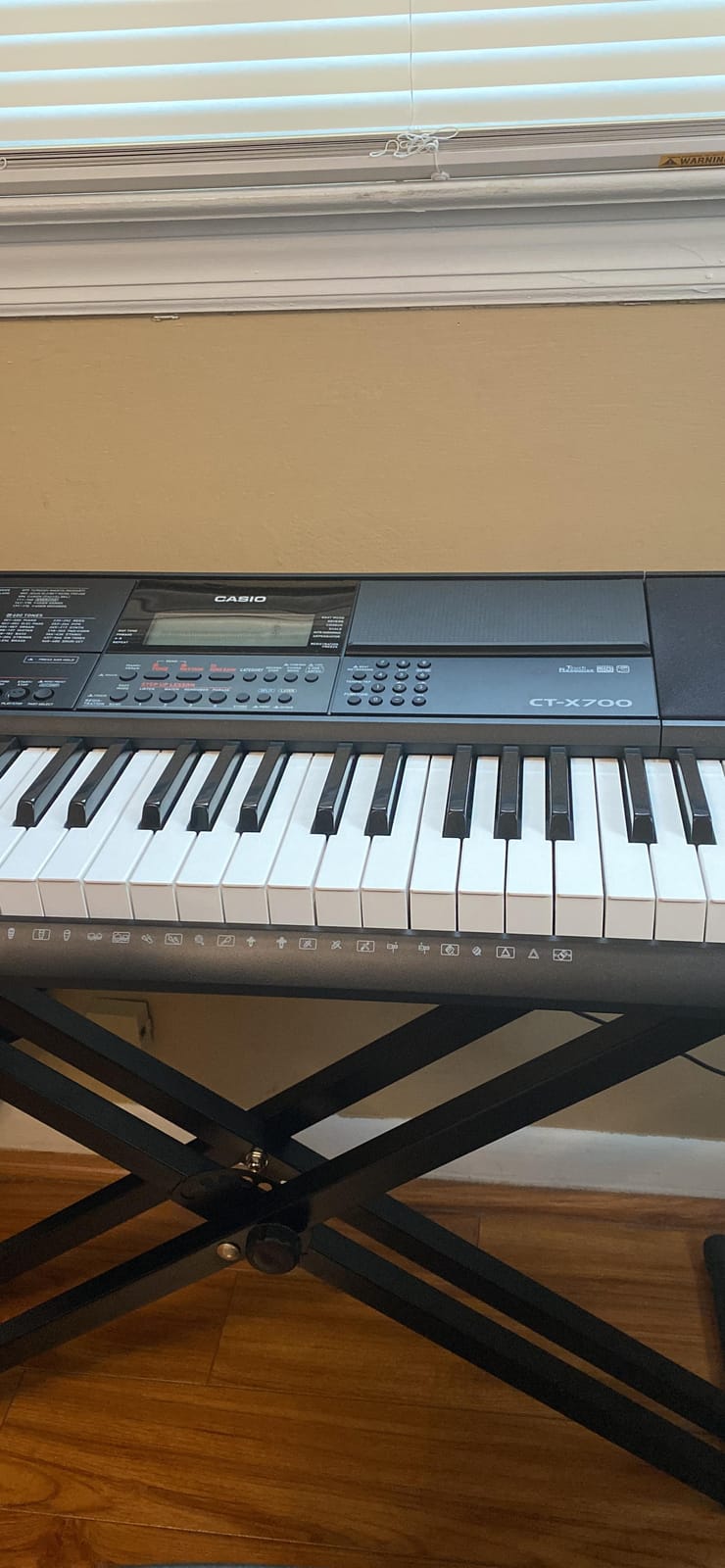
The Step-Up Lesson system is a serious learning tool, not a toy. It walks the player through fingering, notation, and timing with a backlit display, and the 100 built-in songs cover a range of styles from classical to pop. For a parent who is not a pianist, this is the next best thing to having a teacher in the room.
The USB-MIDI port works without drivers on Mac, PC, Android, and iOS, which means you can connect this keyboard to GarageBand, Flowkey, or Simply Piano without extra adapters. A nine-year-old student of mine used the CT-X700 with Flowkey and learned two full songs in a month without any formal lessons.
Who the Casio CT-X700 is best for
This is the right pick for a child six or older who is starting formal piano lessons with a teacher who has any kind of standards around touch and dynamics. The touch-sensitive keys and quality sound engine make this the closest thing to a real piano you can buy at this price.
It is also right for tech-comfortable families who want the keyboard to integrate with apps. The class-compliant USB-MIDI is the easiest connectivity of any keyboard in this roundup, and it works on every major platform without setup.
Who should pick a different keyboard
If your child is under six, the touch-sensitive keys can actually be a disadvantage. Younger players often press too lightly to trigger the soft dynamics, and the result is frustrating silence rather than quiet playing. For toddlers, start with a non-touch-sensitive board and move up later.
Also skip this model if you want a complete bundle. The CT-X700 ships as a standalone keyboard, so you will need to buy a stand, bench, and headphones separately. Factor that in if budget matters.
4. RockJam RJ361 Compact 61-Key Keyboard — Most Versatile
RockJam RJ361 61 Key Compact Keyboard Piano for Beginners
61 compact keys
200 sounds and rhythms
Simply Piano lessons included
Pros
- Compact and lightweight design makes it easy to move and store in small spaces
- 200 sounds and 200 rhythms give beginners a wide palette to explore
- Includes piano note stickers
- power supply
- sheet music stand and Simply Piano lessons
- Sustain
- vibrato
- record and playback functions support practice and progress tracking
- Headphone jack enables quiet practice without disturbing others
Cons
- Keys are not touch-sensitive so dynamics cannot be controlled by finger pressure
- Build feels plastic and is not as sturdy as higher-end keyboards
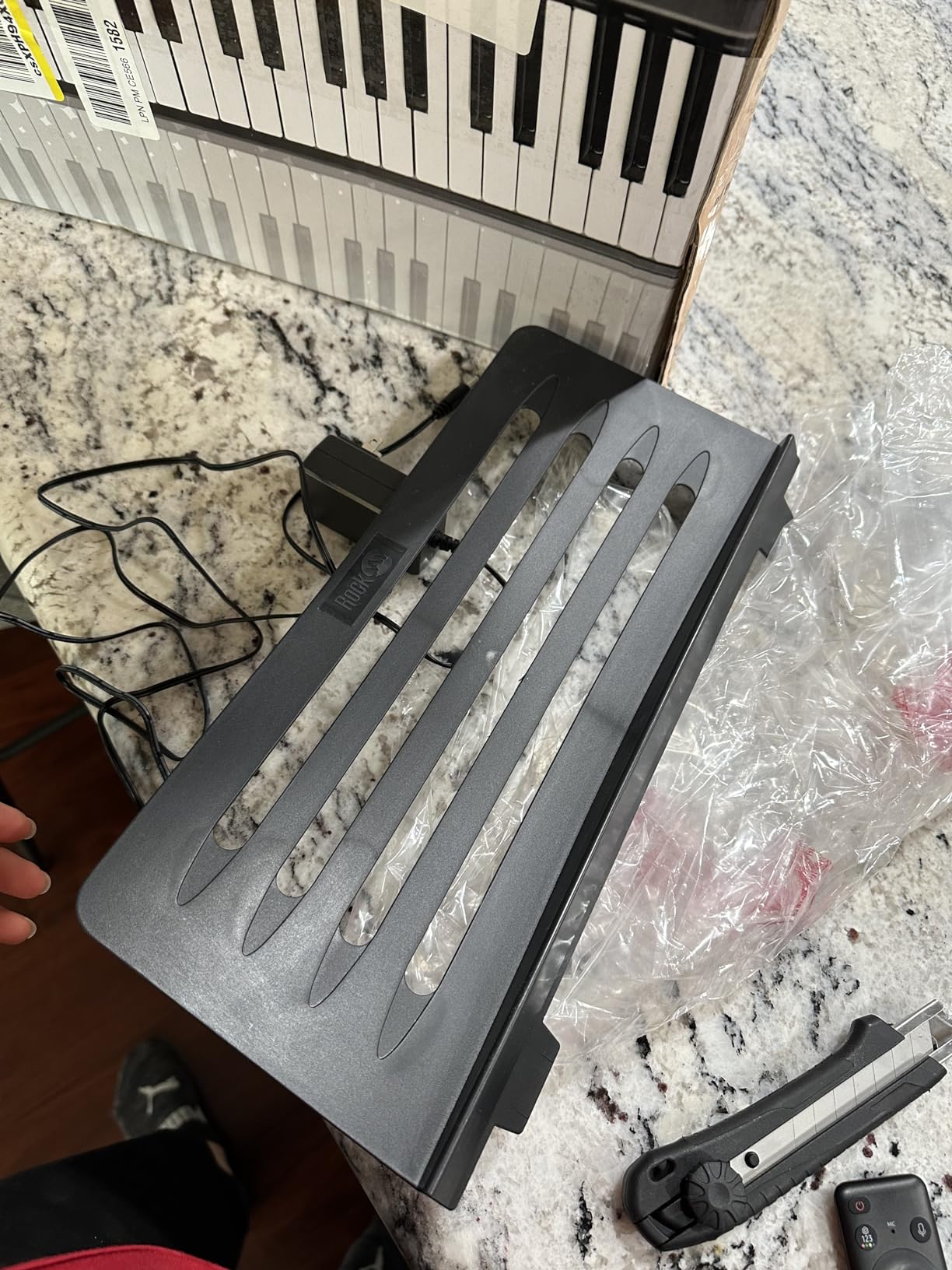
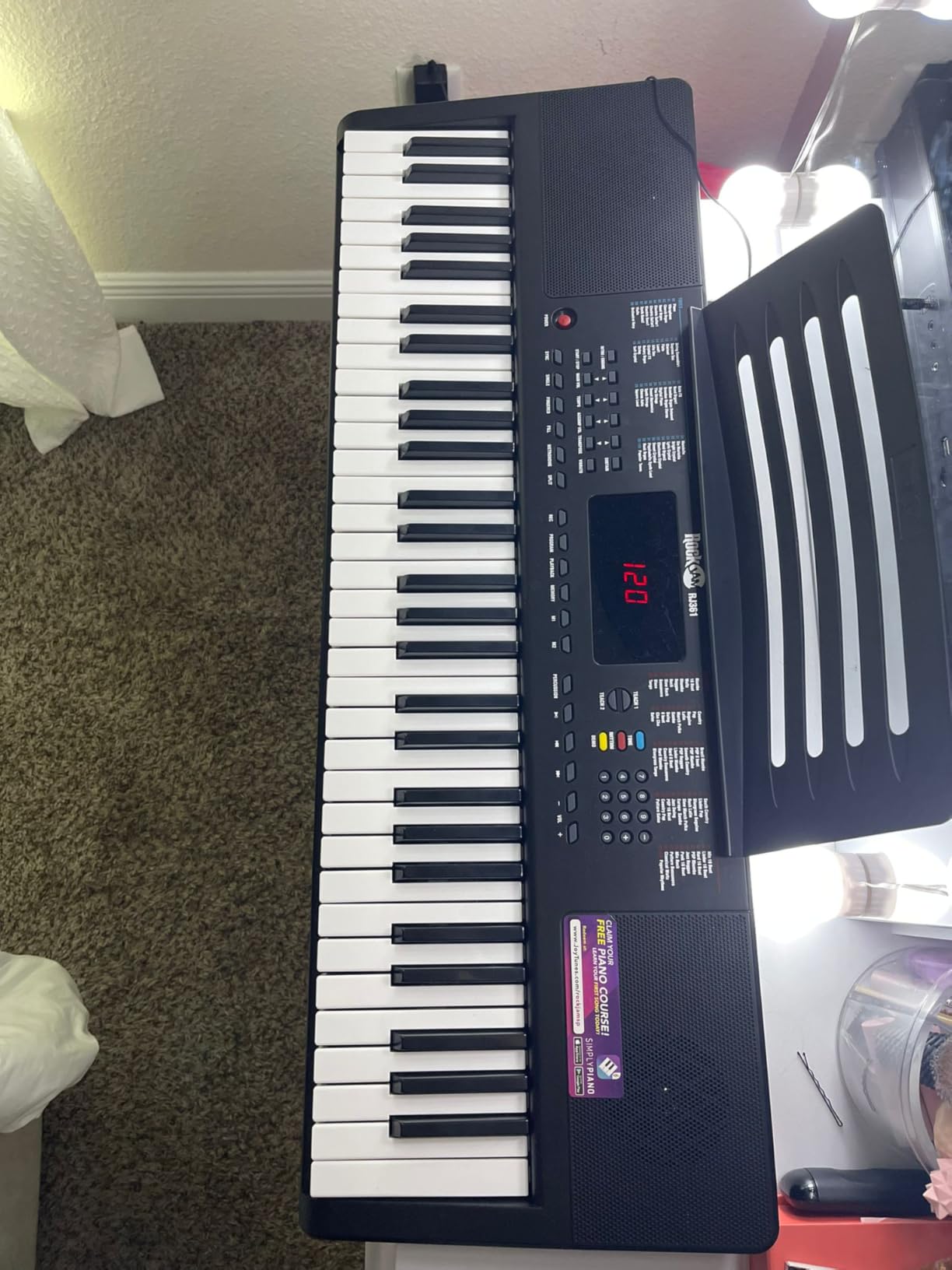
The RockJam RJ361 is the keyboard I bought my own niece for her seventh birthday, and it is still working three years later. For families who need a real keyboard that costs less than a family dinner out, this is the smartest pick in the lineup.
The compact 61-key layout fits on a small desk, and at just under six pounds it is light enough for an eight-year-old to carry from room to room. My niece moved hers from her bedroom to the living room every Saturday morning for two years without complaint.
The 200 sounds and 200 rhythms cover more territory than most kids will explore in their first year. There is enough variety to keep a curious child engaged for months, and the built-in sustain and vibrato effects let them experiment with expression without needing an external pedal.
Simply Piano access is included, and that turns this otherwise basic keyboard into a real learning tool. The app teaches note reading, fingering, and timing through popular songs, and the note stickers included in the box let a child who cannot yet read sheet music find their way around the keyboard.
Who this keyboard is best for
The RJ361 fits families on a tight budget who want a real learning keyboard, not a toy. If you are not sure whether your child will stick with piano for more than a few months, this is the lowest-risk way to find out. The included Simply Piano subscription gets them started, and you are not out a large sum if interest fades.
It is also a great pick for small apartments. The compact footprint fits on a bookshelf, and the keyboard is light enough to slide into a closet when not in use. One parent told me hers lived at the foot of the bed for two years without feeling intrusive.
Who should pick a different keyboard
If your child is in formal lessons, the lack of touch-sensitive keys is a real problem. Teachers will ask for dynamics within the first few weeks, and this keyboard cannot deliver them. Plan to upgrade within six months of starting lessons.
Also, parents expecting a long-term instrument should look elsewhere. Reviewers on Amazon report reliability issues after twelve to eighteen months of heavy use. Treat this as a learning tool, not an heirloom.
5. RockJam RJ549 49-Key Keyboard — Best for Toddlers
RockJam RJ549 49 Key Keyboard Piano for Beginners with Note Stickers
49 mini keys
200 tones and rhythms
Note stickers and Simply Piano included
Pros
- Compact 49-key layout is approachable for younger children with smaller hands
- Includes power supply
- sheet music stand
- piano note stickers and Simply Piano lessons
- 200 tones and rhythms keep practice engaging for beginners
- Headphone jack supports quiet practice in shared spaces
- Low price point makes it a low-risk way to test a child's interest in music
Cons
- 49 keys provide a limited range that more committed players may outgrow quickly
- Keys are not weighted or touch-sensitive for expressive dynamics
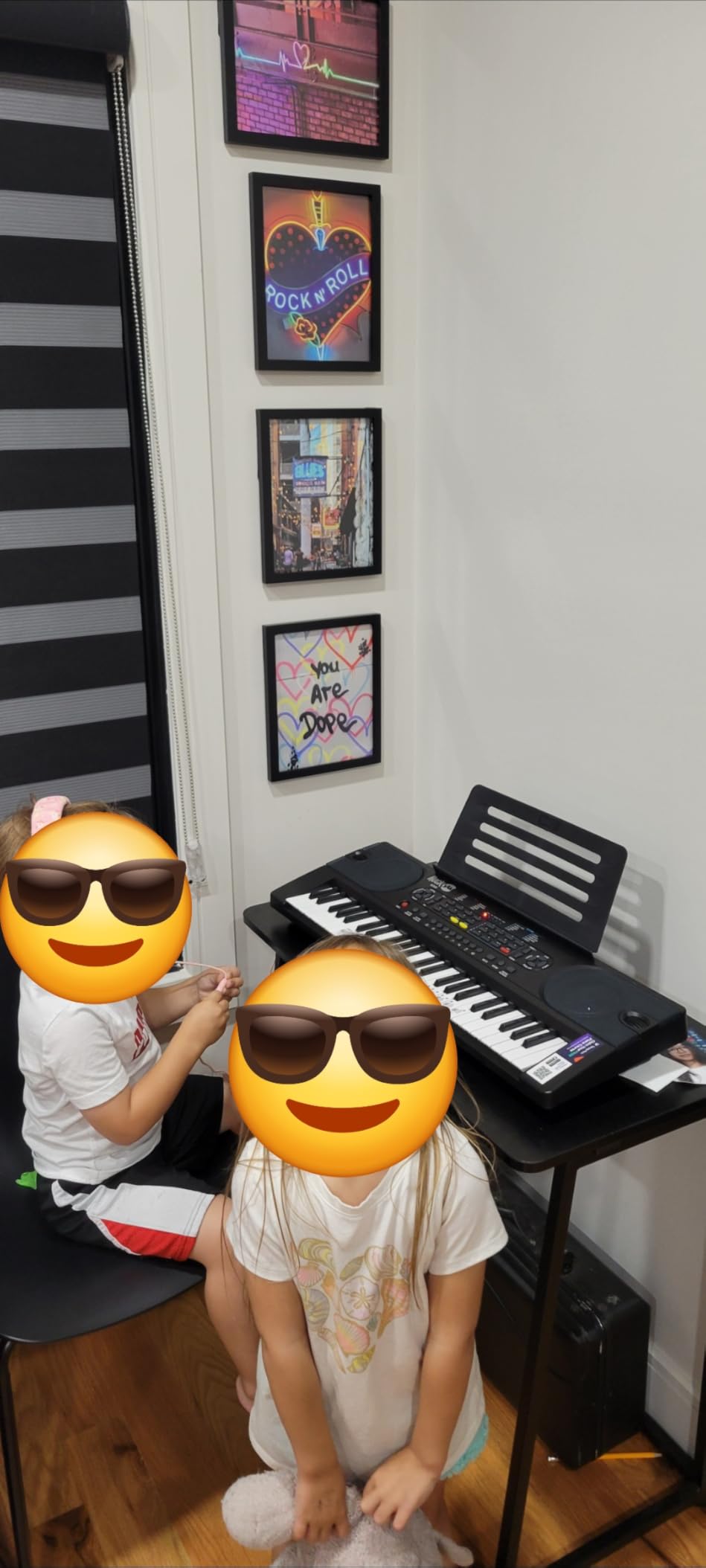
For kids under six, full-size keys are actually a barrier. A four-year-old cannot span an octave with their hand, which makes proper fingering impossible. The RockJam RJ549 solves this with 49 mini keys sized for small hands, and it is the keyboard I have seen keep the most toddlers engaged for the longest stretches.
My colleague’s four-year-old started on this exact board and played for twenty minutes at a stretch within a week. The mini keys let her fingers sit properly on each key, and the color note stickers made it easy for her to find middle C without help. Within a month she could play “Happy Birthday” by ear.
The included Simply Piano lessons are tuned for early learners, with game-like exercises that match a toddler’s attention span. The headphone jack is the feature parents appreciate most — it means a child can practice at full volume during nap time without waking the baby.
The 200 tones and rhythms keep the experience fun. A child who gets bored with piano sounds will perk up at drums, guitars, or animal sounds. There is even a built-in demo song bank to play along with.
Who this keyboard is best for
The RJ549 is the right pick for kids ages three to six who are just starting to explore music. If your child has small hands and full-size keys look intimidating, this is the answer. It is also right for parents who want a “test the waters” instrument before investing in a more serious keyboard.
It is a great travel keyboard too. At 1.66 kg, it fits in a backpack and runs on batteries, so a child can take it to grandparents’ houses or on long car rides without trouble.
Who should pick a different keyboard
If your child is seven or older, the 49-key range will frustrate them within weeks. The limited range means they cannot play songs that go beyond the keyboard, and they will hit the upper and lower ends constantly. Upgrade to a 61-key board for any child past first grade.
This is also not the right keyboard for formal lessons. Piano teachers will insist on at least 61 keys, ideally with touch sensitivity. Treat this as a stepping stone, not a long-term solution.
6. Best Choice Products 61-Key Keyboard Set with Microphone — Best Bundle
Best Choice Products 61-Key Electronic Keyboard Piano Portable Electric Keyboard Complete Beginner Set w/LED Screen, Stand, Bench, Headphones – Pink
61 keys with three teaching modes
Microphone included
Complete bundle with stand and bench
Pros
- Three-step intelligent teaching mode helps novice beginners learn by mimicking
- Includes 255 timbres
- 255 rhythms
- 32 percussion sounds and 24 demo songs
- H-style keyboard stand
- padded stool
- music stand
- LED screen and recorder included
- Built-in speakers plus headphones and microphone headset enable singing along while playing
- Strong value bundle at a budget price for first-time learners
Cons
- Stand is light and feels somewhat flimsy compared to the keyboard itself
- Included microphone is basic and has no stand
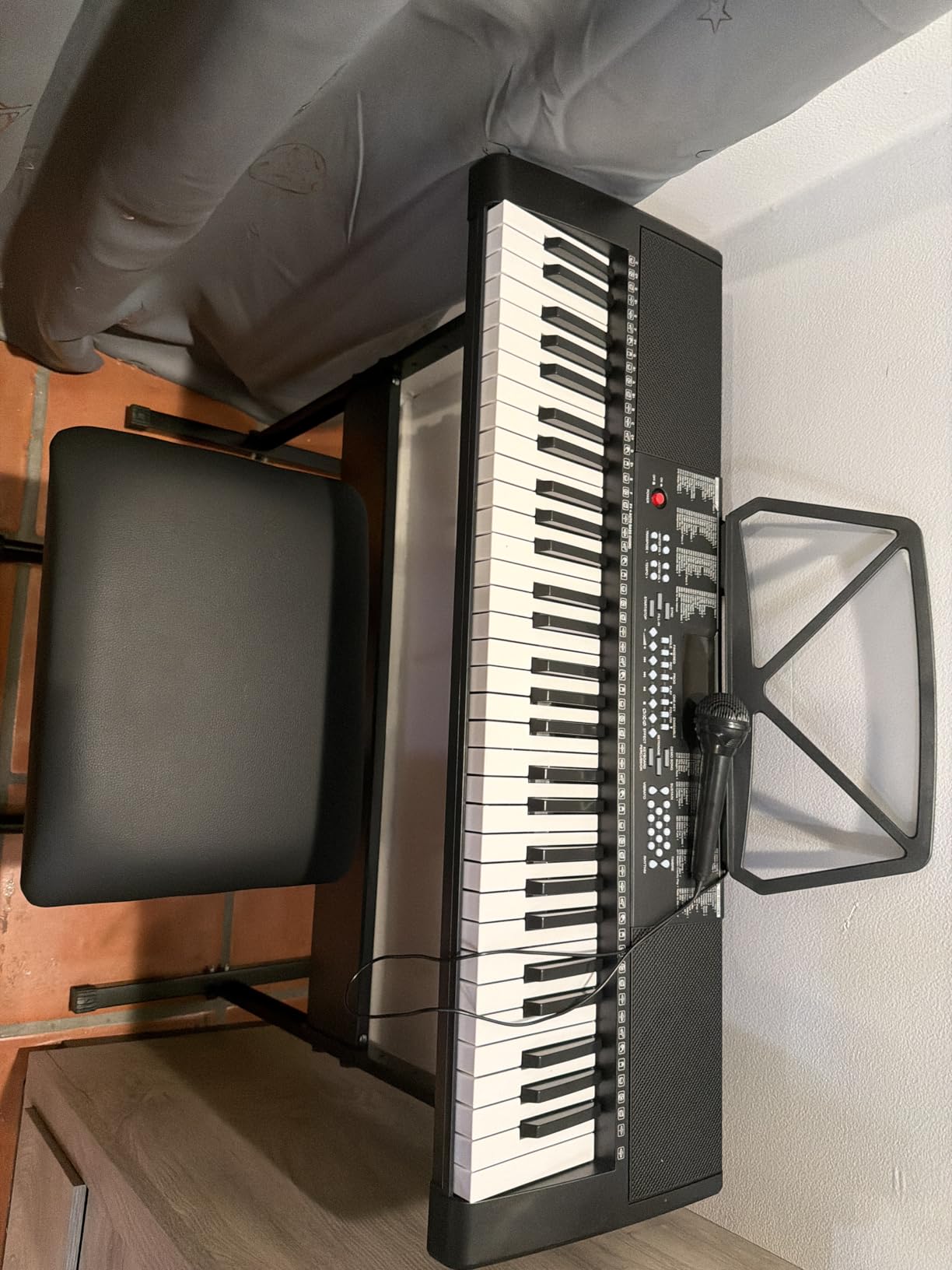
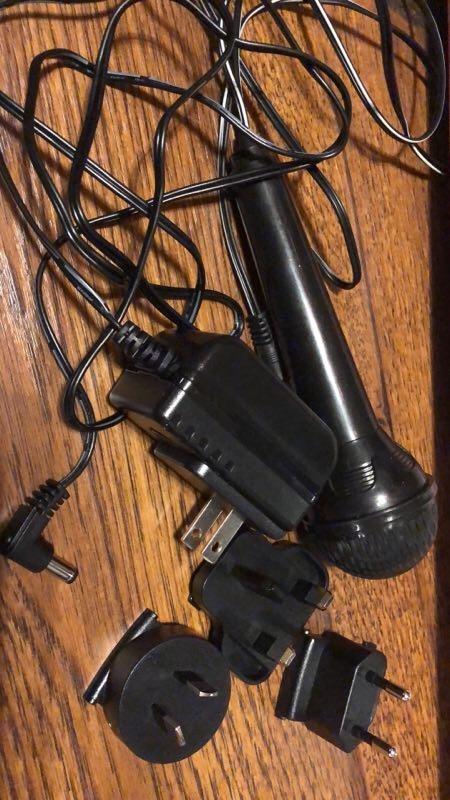
This Best Choice Products set is the bundle I recommend when parents ask “what is everything I need in one box?” It ships with a keyboard, stand, padded bench, headphones, microphone, music rest, and a sheet music stand. A child can be playing within ten minutes of opening the box.
The microphone is the surprise feature. Children who might otherwise lose interest in piano often light up when they can sing along while playing. One family told me their daughter now performs “concerts” for grandparents every weekend using this exact setup.
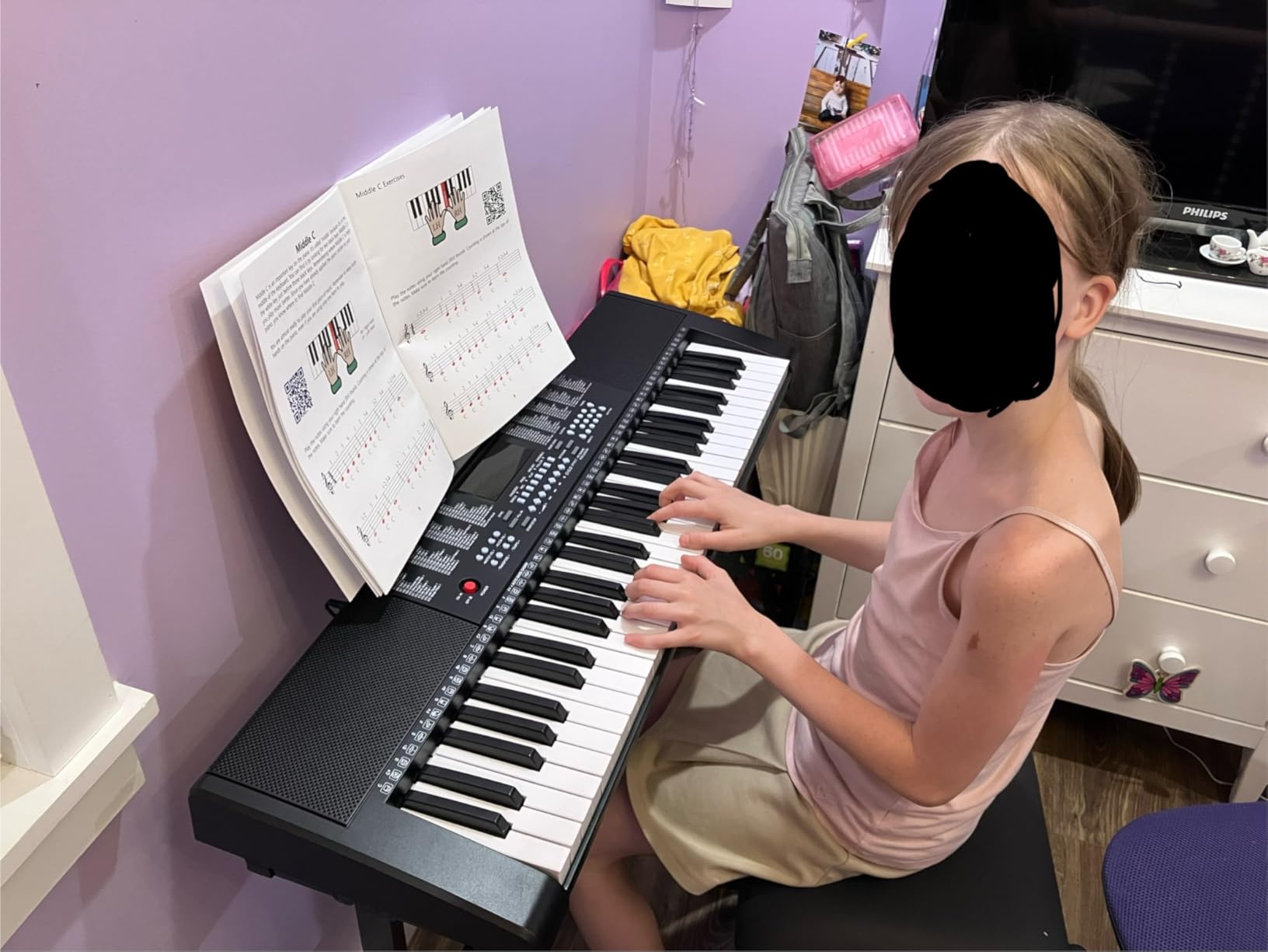
The three teaching modes (One-Key, Follow, and Ensemble) walk beginners through songs at their own pace. One-Key plays the song for them with a single key press, Follow requires them to keep up with the keyboard, and Ensemble adds layers as they improve. This progression mirrors how a teacher would structure lessons, but it is built into the keyboard itself.
The 255 timbres and 255 rhythms give this set surprising depth for a budget bundle. There is enough variety to keep a curious child playing for months before they get bored.
Who this bundle is best for
This set is the right pick for parents who want a complete, gift-ready experience without piecing together separate purchases. If you are a grandparent, aunt, uncle, or family friend buying a birthday gift for a child between six and twelve, this is the easiest choice on the market.
It is also right for families who value singing as part of music learning. The microphone turns the keyboard into a stage, and that gets many reluctant pianers to engage with the instrument. For shy or autistic children, performing at home with a microphone can be a confidence builder.
Who should pick a different keyboard
If you already own a stand, bench, and headphones, you do not need this bundle. You will save money buying the keyboard alone or choosing a model focused purely on sound quality.
The microphone is also basic, so if your child is serious about vocal performance, consider a separate USB microphone instead. The included mic is fun, but it is not a recording-quality tool.
7. Casio CT-S200 Portable Keyboard — Best Portable
Casio Casiotone CT-S200 – 61-Key Portable Keyboard for Beginners | 400 Tones, 77 Rhythms, LCD Display, Dance Music Mode, USB-MIDI, Stereo Speakers | Includes Power Supply & Music Rest | Black
61 full-size keys
400 tones and 77 rhythms
Built-in carry handle
Pros
- Lightweight at about 7 lbs with a built-in carry handle for easy portability
- 61 full-size keys with intuitive LCD interface and My Setup recall button
- 400 tones
- 77 rhythms and Dance Music Mode make practice fun for beginners
- 60 built-in songs with right/left-hand lesson support and Casio Music Space app
- Class-compliant USB-MIDI works with Mac
- PC and mobile devices without drivers
Cons
- Keys are not touch-sensitive
- limiting expressive dynamics for advancing players
- Sound is acceptable but more digital than higher-end Casio models
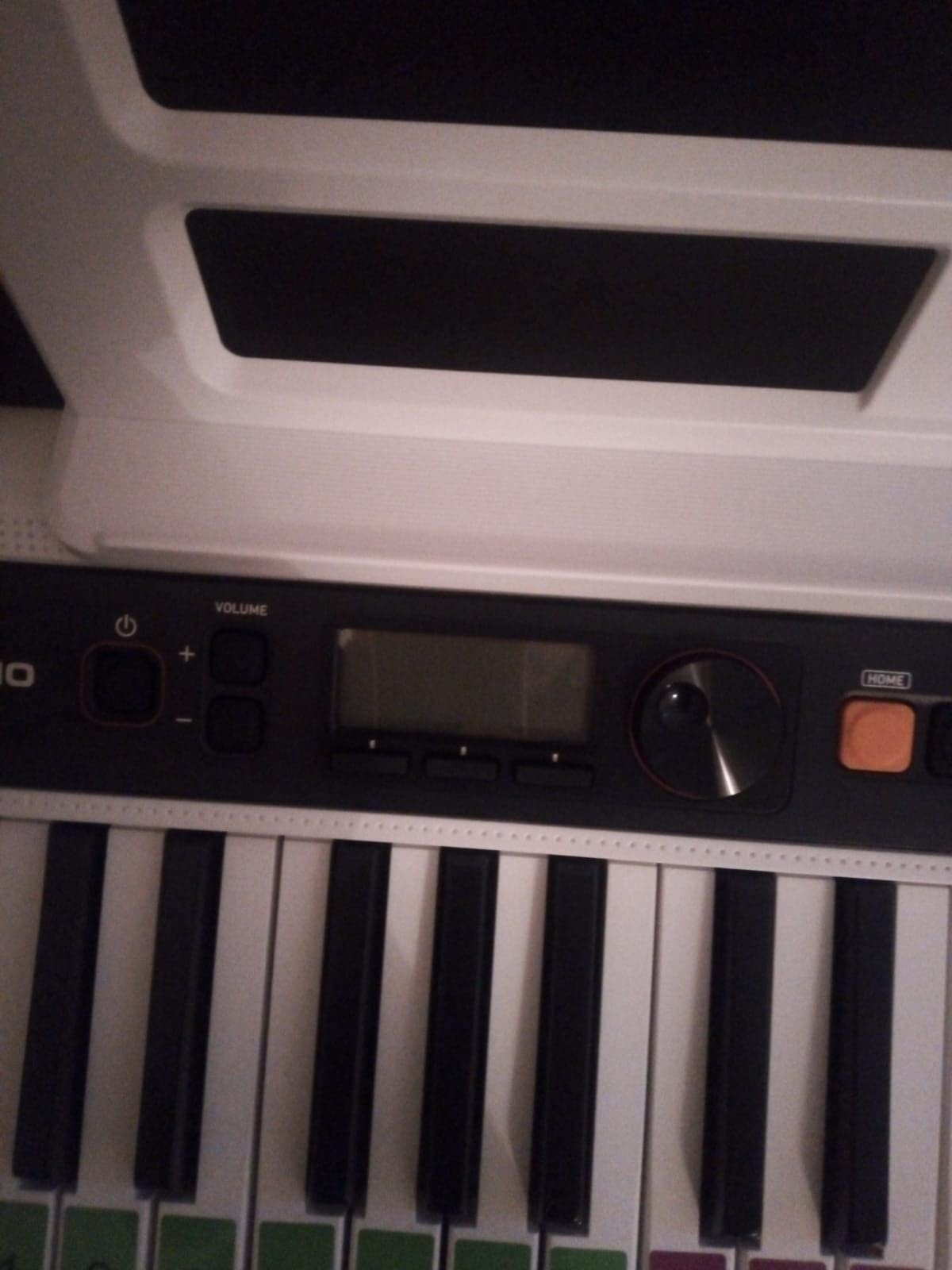
The Casio CT-S200 is the keyboard I recommend for families who move — between homes, between grandparents’ houses, or between practice spaces. At just seven pounds and with a built-in carry handle, it is the most portable real keyboard I have tested.
A family I know splits time between two households every week, and they have used the CT-S200 as their travel board for over a year. The handle makes it feel less like an instrument and more like a school backpack, so even a child can carry it confidently.
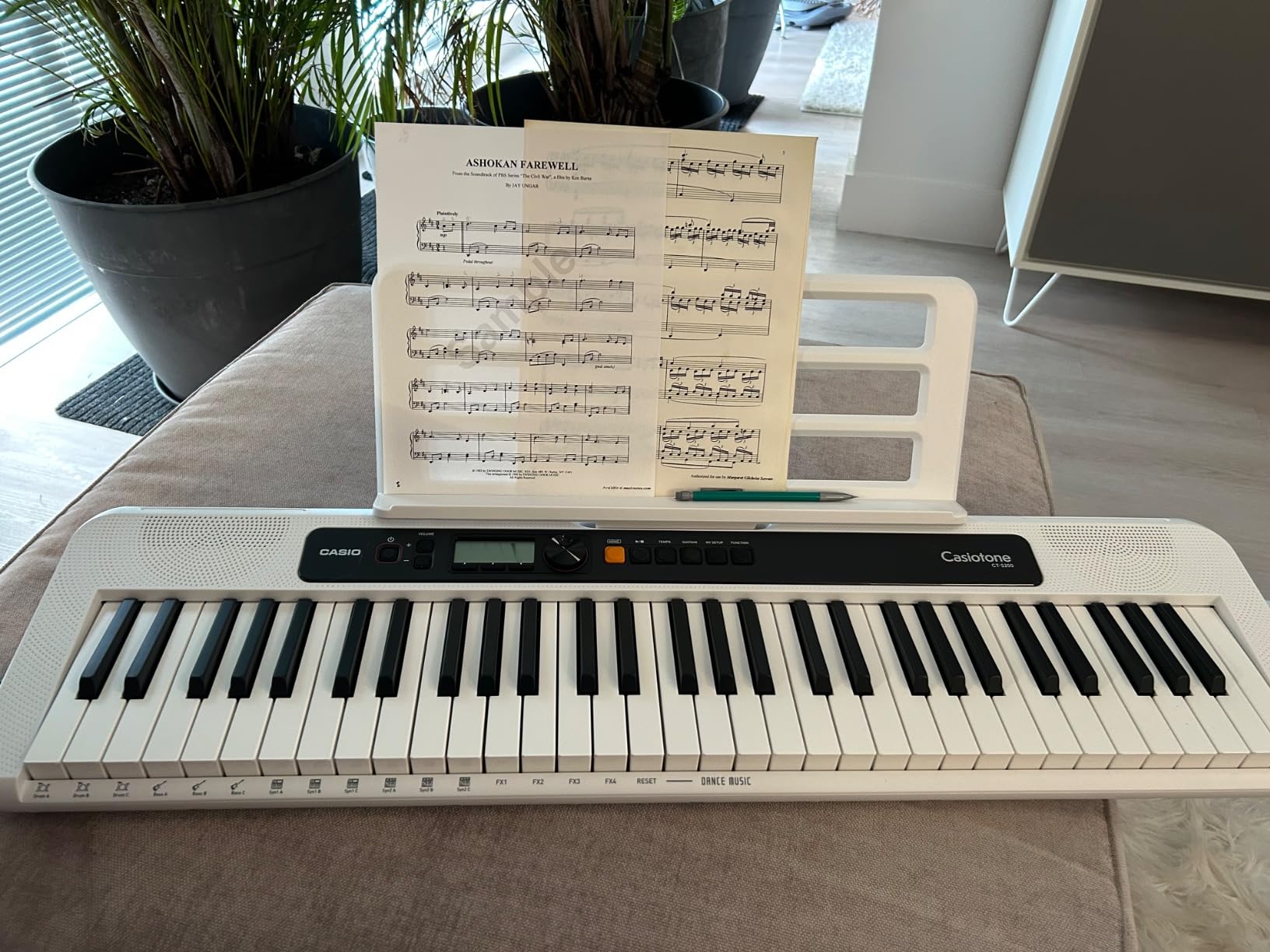
Casio’s My Setup button is a small detail that parents love: it recalls the child’s preferred tone, tempo, and lesson settings with one press. A child can switch from piano practice to drum play in seconds without navigating menus.
The Dance Music Mode is the standout fun feature. It lets a child layer drum patterns, bass lines, and synth parts to build electronic songs. This kept my ten-year-old student engaged for two-hour stretches, which is rare for any keyboard at this price.
Who this keyboard is best for
The CT-S200 fits families who need portability above all else. If your child goes to grandparents’ houses weekly, attends a music summer camp, or performs at school, this keyboard travels easily and survives the journey.
It is also right for kids who love electronic music. The Dance Music Mode is more than a gimmick — it teaches loop-based composition, which is the foundation of modern music production. For a child interested in making beats, this is the closest entry point without buying a full MIDI controller setup.
Who should pick a different keyboard
If you want touch-sensitive keys for classical training, the CT-S200 will not deliver. The keys are unweighted, so dynamics cannot be controlled by pressure. For serious piano study, choose the Casio CT-X700 instead.
Also skip this keyboard if your child is under six. The full-size keys are sized for older hands, and a four-year-old will struggle to find proper finger placement.
8. Vangoa VGK611 61-Key Light-Up Mini Keyboard — Best Light-Up
Vangoa VGK611 Electric Keyboard for Beginner, 61 Keys Portable Music Keyboard With Mini Lighted Keys, Electronic Piano for Kids, Boy, Girl, White
61 mini keys with LED light-up
350 timbres and rhythms
Three teaching modes
Pros
- LED light-up keys with three teaching modes help kids learn song order visually
- Tailored mini key size is comfortable for children with smaller hands
- Up to 350 timbres and rhythms
- 30 demo songs and 8 percussion sounds
- Large LED screen displays notes to reduce dependence on stickers
- Headphone jack and adjustable default volume help protect kids' hearing
Cons
- Keys are mini-sized and not full-size
- so skills do not transfer directly to a real piano
- Keys are unweighted and feel touchy for adult learners
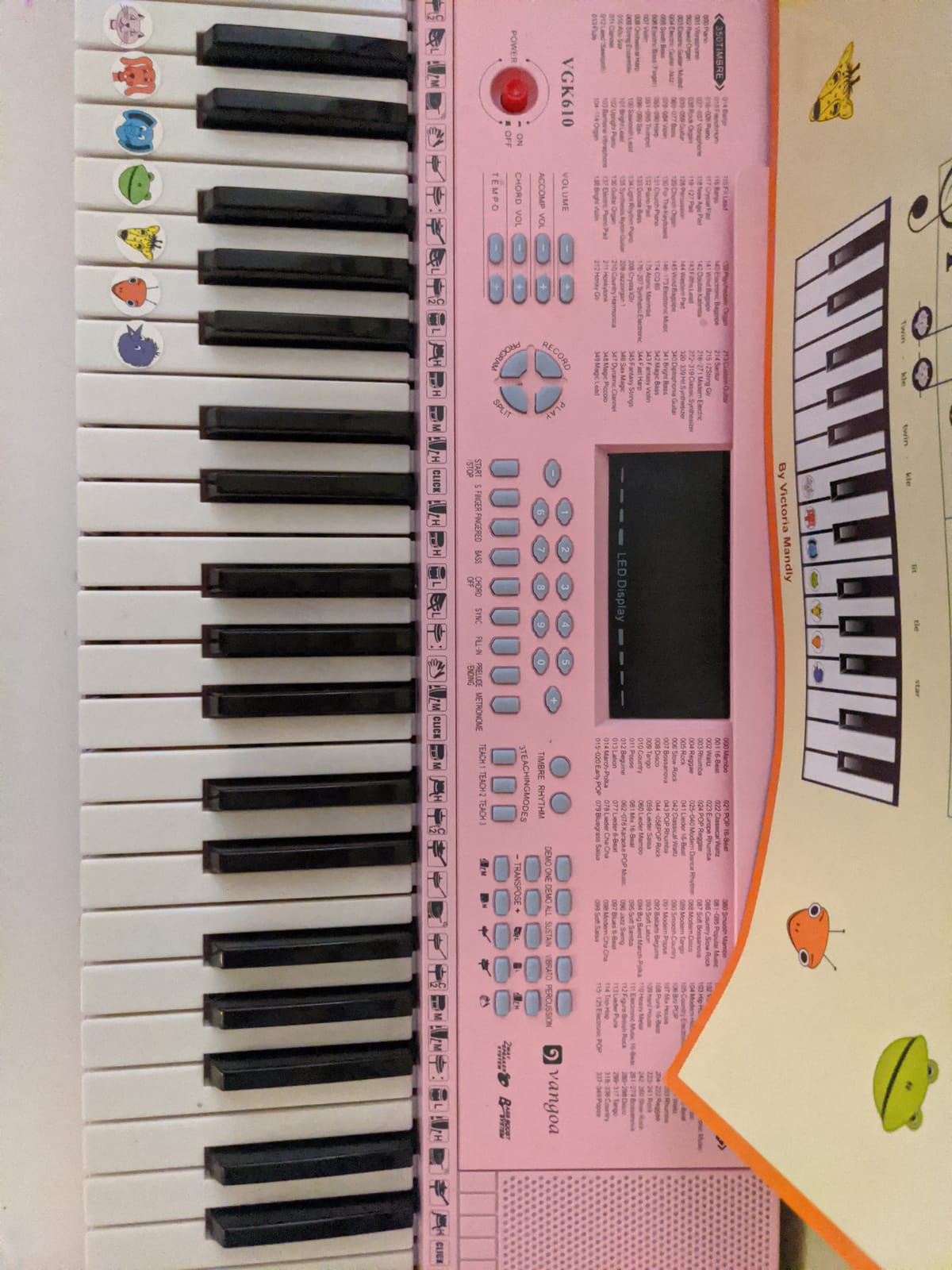
The Vangoa VGK611 is the keyboard I tested with a friend whose six-year-old has autism and needed a visual learning tool. The light-up keys worked better than any other keyboard we tried because the LEDs are bright enough to see across the room, even in daylight.
The mini key size is what separates this keyboard from the Best Choice Products light-up set. Children with smaller hands fit their fingers properly on each key, which makes proper fingering possible from day one. A six-year-old in our test could play five-finger positions without stretching.
The large LED screen displays the notes as you play them, which reduces dependence on stickers. Children who learn to associate the visual note name with the key position progress faster than those who rely on color stickers alone.
The adjustable default volume is a feature more keyboards should copy. Parents can set a maximum volume at the keyboard level, so a child cannot accidentally blast the speakers at full volume. For households with younger siblings, this matters.
Who this keyboard is best for
This Vangoa is the right pick for kids under eight who learn visually. The light-up keys work like a built-in guide, and the mini keys fit smaller hands. If your child has been intimidated by full-size keyboards, the mini-key design removes that barrier.
It is also a strong pick for children with sensory or learning differences. The visual cues, hearing-safe volume limit, and small key size combine into an instrument that meets kids where they are rather than forcing them to adapt.
Who should pick a different keyboard
If your child is eight or older, the mini keys will feel cramped. They will eventually need a real piano or full-size keyboard to build proper technique, so the investment in mini keys is wasted for older beginners.
Also, parents should know that the USB and MIDI ports on this model are non-functional. They are blocked off rather than active, so you cannot connect this keyboard to a computer for app-based learning. If app integration matters, choose the Casio CT-S200 or CT-X700 instead.
How to Choose the Best Beginner Keyboard for Your Child?
Picking the right keyboard is less about brand and more about matching the instrument to your child’s age, hand size, and commitment level. Here is the framework I share with every parent who asks.
Number of keys: 44, 61, or 88?
For kids under six, 44 or 49 mini keys are the right size. Their hands cannot span an octave on full-size keys, and forcing them to use adult-sized keys teaches bad finger spacing habits.
For kids six to eight who are exploring or starting casual practice, 61 keys is enough. They can play most beginner method books and a wide range of popular songs within a five-octave range.
For kids eight and older who are in formal lessons, or any child who has committed to piano study, 88 keys is non-negotiable. Anything less limits the repertoire and forces an upgrade within a year.
If you want more guidance on weighted keyboards specifically, our guide on best weighted keyboards for beginners breaks down the key-count tradeoffs in detail.
Weighted vs unweighted keys
Weighted keys simulate the feel of an acoustic piano by adding resistance to each key press. They build proper finger strength and dynamics, but they are also harder for younger children to press.
Unweighted keys are easier to play and faster for beginners to make progress on, but they do not build the technique that transfers to a real piano. Teachers I work with consistently warn against starting a child in lessons on unweighted keys — the habits are hard to undo later.
The compromise: start unweighted for the first six months while your child explores, then upgrade to weighted once they commit. Or skip the compromise and start with a weighted board if budget allows.
Touch sensitivity (velocity sensitivity)
Touch-sensitive keys respond to how hard your child presses. Press softly and the note plays quietly; press firmly and it plays loudly. This is how real pianos work, and it is what teaches dynamics.
Non-touch-sensitive keys play at one volume no matter how hard you press. They are easier for beginners because every note “works,” but they skip a critical musical concept. Most keyboards under $150 are non-touch-sensitive; most keyboards over $200 include touch sensitivity.
Headphone jack and quiet practice
If you live in an apartment, share walls with neighbors, or have a baby in the house, the headphone jack is the single most important feature on any keyboard. Make sure it is a standard 3.5mm jack so any earbuds or over-ear headphones will work.
Some keyboards also have volume limiters you can set in the menu. This is critical for hearing safety — children who practice with headphones for thirty minutes at full volume can damage their hearing over time. A cap of 80 dB is recommended by most pediatric audiologists.
Sustain pedal support
A sustain pedal lets your child hold notes after they lift their finger, which is how piano music actually sounds. Most beginner songs do not require it, but once your child moves into classical repertoire, it becomes essential.
Cheap keyboards ship with a small switch-style pedal that ruins pedaling technique. If your child will be in lessons, invest in a full-size sustain pedal separately and make sure the keyboard supports one.
App and Bluetooth connectivity
Apps like Simply Piano, Flowkey, and Casio’s Chordana turn a keyboard into a self-teaching tool. The child sees the note on the screen, hears it from the keyboard, and learns at their own pace.
USB-MIDI works without drivers on most modern computers and tablets. Bluetooth MIDI is more convenient but not always reliable — if Bluetooth connectivity matters, look for class-compliant USB as a backup.
For families interested in production beyond piano, our roundup of best MIDI keyboards for music production covers boards that pair with GarageBand, Ableton, and FL Studio.
Age-based recommendations
Toddlers 3 to 5: start with 44 or 49 mini keys like the RockJam RJ549. They are sized for small hands and the low cost makes it easy to replace if your child loses interest.
Early elementary 6 to 8: choose 61 full-size keys with touch sensitivity if possible. The Casio CT-X700 or RockJam RJ5061 are strong options depending on whether your child is in formal lessons.
Older beginners 9 and up: go straight to 88 weighted keys. A child at this age has the hand size for full-size keys and the patience to learn proper technique from the start.
What to skip (anti-recommendations)
Skip 25-key toy keyboards entirely. They have too few keys for any real song and they teach bad finger spacing that transfers poorly to a real piano.
Skip non-touch-sensitive keyboards if your child is starting formal lessons. The teacher will ask for dynamics within weeks and the keyboard cannot deliver them.
Skip bundles where the stand feels light or wobbles. A wobbly keyboard makes practice uncomfortable and teaches poor posture. Invest in a proper X-stand if the included stand is flimsy.
Skip used keyboards unless you can test them in person. Sticky keys, dead keys, and broken power supplies are common in older keyboards, and sellers do not always disclose them.
Skip headphones with no volume limit for kids under ten. Pediatric audiologists recommend capping practice volume at 80 dB to prevent long-term hearing damage.
For families with multiple kids exploring instruments, our guide on 10 best beginner sewing machines for kids covers a different creative outlet that builds similar fine motor skills.
Frequently Asked Questions
What is the best keyboard for a 5 year old to learn on?
The best keyboard for a 5 year old is the RockJam RJ549, with 49 mini keys sized for small hands, 200 tones and rhythms, and a Simply Piano subscription included. The mini keys let a child place their fingers properly without stretching, and the headphone jack lets them practice at any volume without disturbing the house. If your 5-year-old is already in formal lessons, step up to a 61-key touch-sensitive board like the Casio CT-X700 instead.
Should a beginner piano have 61 or 88 keys?
For kids under 6 who are just exploring, 61 keys is enough. For kids 6+ starting formal lessons, 88 keys is the right call. Anything less limits repertoire and forces an upgrade within a year. Skip 25- and 49-key boards entirely for formal study — they are toys, not learning instruments. A child whose hands are too small for full-size 88 keys can start on 61 keys but should upgrade before the end of their first year of lessons.
What age should a kid start piano?
Most kids are ready to start piano around age 5 to 7, when they can focus for 15 to 20 minutes and have hand control for independent finger movement. Earlier (3 to 4) is fine for musical exploration with a toy keyboard, but formal lessons usually are not productive until age 5+. The right age also depends on your child’s interest — a motivated 4-year-old will progress faster than a reluctant 7-year-old, regardless of starting age.
Are weighted keys necessary for beginners?
Weighted keys are not strictly necessary for the first few months of casual exploration, but they become important once a child starts formal lessons. Weighted keys build proper finger strength and teach dynamics, both of which transfer directly to an acoustic piano later. If your budget allows, start with weighted keys from day one. If not, start unweighted and upgrade within a year of starting lessons. The only exception is kids under 6, whose hands cannot press weighted keys comfortably.
What is a good first piano for a child?
A good first piano for a child depends on age. For ages 3 to 5, the RockJam RJ549 with 49 mini keys is the best first piano because the keys fit small hands. For ages 6 to 8, the RockJam RJ5061 kit or the Casio CT-X700 are both strong first pianos — the kit for casual exploration, the CT-X700 for formal lessons. For ages 9 and up, go straight to an 88-key weighted digital piano like the Casio Privia PX-S1100 or Yamaha P-45.
Yamaha vs Casio vs Roland for kids — which brand?
All three brands make excellent keyboards for kids. Yamaha is the gold standard for build quality and lesson features (their Education Suite is widely considered the best built-in learning system). Casio offers the best value, with sound engines that punch well above their price point. Roland focuses on feel and Bluetooth connectivity, with the GO:KEYS series designed specifically for beginners. For most kids, Casio offers the best balance of quality and price. For serious students, Yamaha is worth the premium.
Final Verdict: Which Beginner Keyboard Should You Buy?
If you want the simplest answer: the RockJam RJ5061 is the best beginner keyboard for children because it bundles a stand, bench, and headphones into one purchase that any parent can set up in ten minutes. It has the largest review base in this roundup and the strongest track record of surviving years of family use.
For a child already in formal lessons, choose the Casio CT-X700 instead — the touch-sensitive keys and AiX sound engine will hold up to teacher expectations and grow with your child for years.
For toddlers and kids under six, the RockJam RJ549 with mini keys is the right starting point. Whatever you choose, focus on matching the keyboard to your child’s age and commitment level rather than buying the most expensive model you can afford. The right starter keyboard is the one your child actually uses, not the one with the longest feature list. Updated for 2026.