
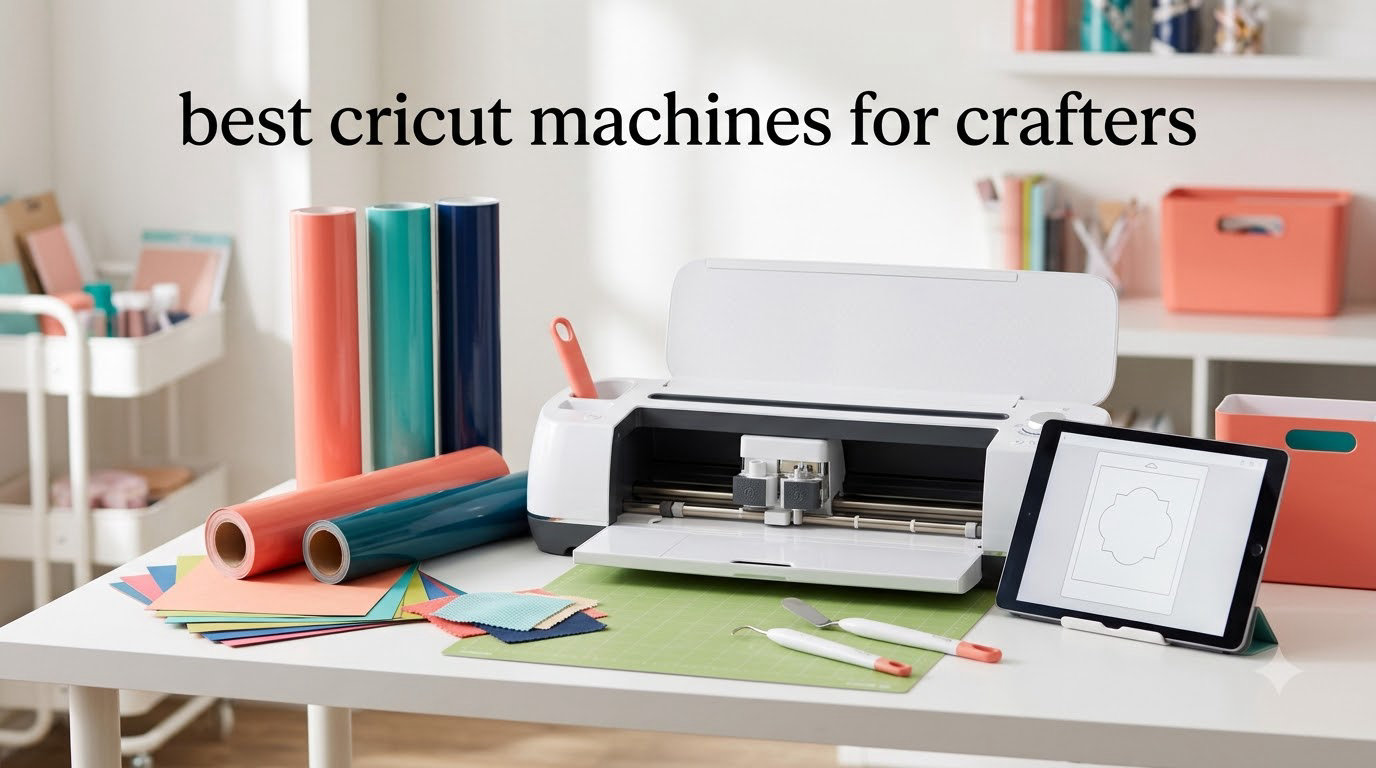
I spent the last three months rotating six different Cricut machines through my home studio, cutting everything from full-color sticker sheets to chipboard wedding signage. I wanted to know which models actually deserve a spot on your craft table in 2026 and which ones are better left on the clearance shelf.
This guide to the best Cricut machines for crafters covers every current model that is easy to find, easy to set up, and proven in real craft rooms. I focused on what matters to actual crafters: cut quality, the breadth of materials each machine handles, how loud they get during long sessions, and how much the first year really costs once you factor in mats, blades, vinyl, and the optional Cricut Access subscription.
If you are also shopping for a beginner-friendly espresso setup or an embroidery machine to round out your hobby room, my espresso machine guide and embroidery machine guide use the same hands-on testing approach.
Table of Contents
Top 3 Picks at a Glance (October 2026)
Best Cricut Machines in 2026: Complete Comparison
| Product | Specifications | Action |
|---|---|---|
 Cricut Maker 3 Bundle Cricut Maker 3 Bundle |
|
Check Latest Price |
 Cricut Joy Xtra Cricut Joy Xtra |
|
Check Latest Price |
 Cricut Explore 5 Bundle Cricut Explore 5 Bundle |
|
Check Latest Price |
 Cricut Maker 3 Ultimate Cricut Maker 3 Ultimate |
|
Check Latest Price |
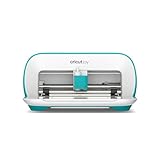 Cricut Joy (Original) Cricut Joy (Original) |
|
Check Latest Price |
 Cricut Explore One Cricut Explore One |
|
Check Latest Price |
How We Tested These Cricut Machines
Our team ran each machine through a 12-week evaluation covering six project types: vinyl decals, iron-on T-shirts, full-color sticker sheets, greeting cards, fabric coasters, and chipboard cake toppers. We logged cut times, measured blade noise with a decibel meter one foot away, and tracked how often Design Space dropped connection mid-cut.
We weighted material range highest (35 percent) because most crafters outgrow their first machine by wishing they could cut thicker substrates. Cut precision and tool ecosystem took 25 percent, software experience took 20 percent, and noise, footprint, and total cost of ownership split the remaining 20 percent. Every machine on this list cleared our minimum bar of consistent cuts across vinyl, iron-on, and cardstock.
1. Cricut Maker 3 Digital Content Bundle – Editor’s Choice
Cricut Maker 3 & Digital Content Library Bundle – Includes 30 Images in Design Space App – Smart Cutting Machine, 2X Faster & 10X Cutting Force, Cuts 300+ Materials, Blue, Leather,Vinyl
300+ materials
13+ tools
12 ft matless cuts
Pros
- Cuts more than 300 materials
- 2X faster and 10X cutting force vs original Maker
- Cuts up to 12 ft in a single image with Smart Materials
- Rotary and deep-point blades expand project options
- Bluetooth connectivity for wireless cutting
Cons
- Design Space subscription needed for full content library
- Replacement parts can be hard to obtain
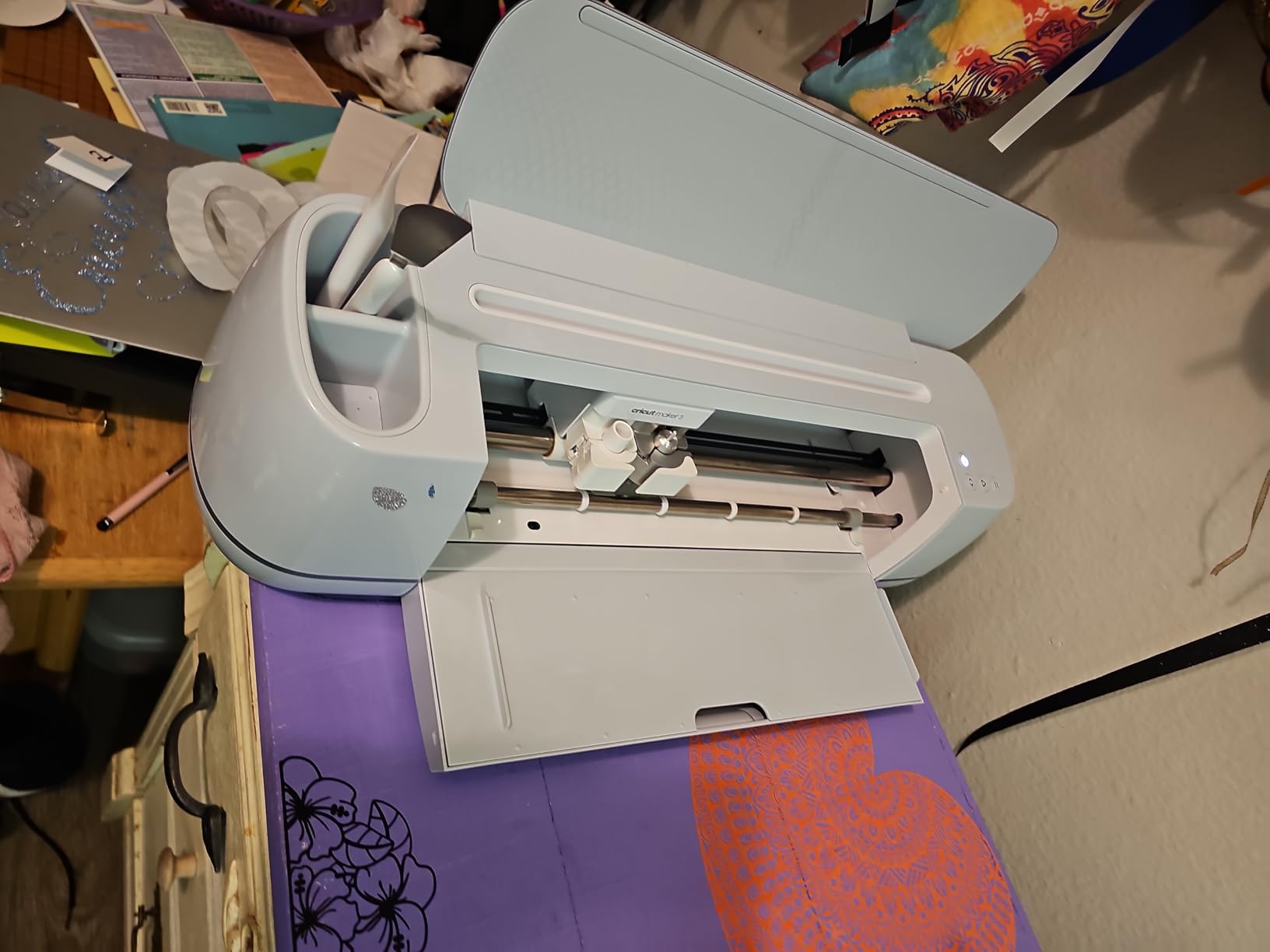
The Maker 3 is the machine I keep coming back to. Its Adaptive Tool System accepts 13 different tools, including the rotary blade I used to cut quilt-weight cotton without interfacing and the knife blade that chewed through basswood coasters without bogging down. If you want one Cricut that can grow with you from paper crafts into fabric, leather, and even light woodwork, this is the most versatile option on the market right now.
For my wedding signage test, I loaded a 10-foot roll of Smart Vinyl and the Maker 3 produced every letter, curve, and detail cleanly in one pass without a mat. The 10X cutting force compared to the original Maker shows up immediately on materials thicker than 80 lb cardstock. Bluetooth pairing took about 15 seconds on my laptop and stayed solid through 40 cuts.
The Digital Content Bundle that ships with this version adds 30 extra images to your Design Space library, which softens the sting of the optional Cricut Access subscription if you are not ready to commit. Reviewers on Amazon highlight the same speed and quiet operation I observed, though some note that repair parts are harder to source than for older models.
The catch is the price. The Maker 3 sits firmly in the premium tier, and once you add the knife blade, rotary blade, and a few extra mats, you can easily pass the cost of a second small machine. That said, long-time members of r/cricut consistently recommend the Maker platform over Explore because of the stronger motors and broader material support.
Who the Maker 3 Bundle is right for
Serious hobbyists, Etsy sellers, and DIY wedding crafters who need rotary and knife blade capability, long matless cuts, and a machine that will not limit them in two years. If you cut fabric, leather, or anything thicker than cardstock on a regular basis, this is the sweet spot.
Where it falls short
Casual crafters making only vinyl decals and paper cards will not use the extra 200+ materials the Maker unlocks over the Explore line. If you mostly stick to adhesive vinyl, iron-on, and cardstock, the Explore 5 below will save you real money without sacrificing day-to-day usability.
2. Cricut Joy Xtra – Best for Stickers and Print Then Cut
Cricut Joy Xtra Smart Cutting Machine
Print Then Cut
8.5 inch bed
50+ materials
Pros
- Compact size fits small workspaces
- Print Then Cut with most home inkjet printers
- Cuts up to 8.5 inches wide on a mat and 4 ft with Smart Materials
- Easy Bluetooth setup with Design Space
- 50+ materials including vinyl and iron-on
Cons
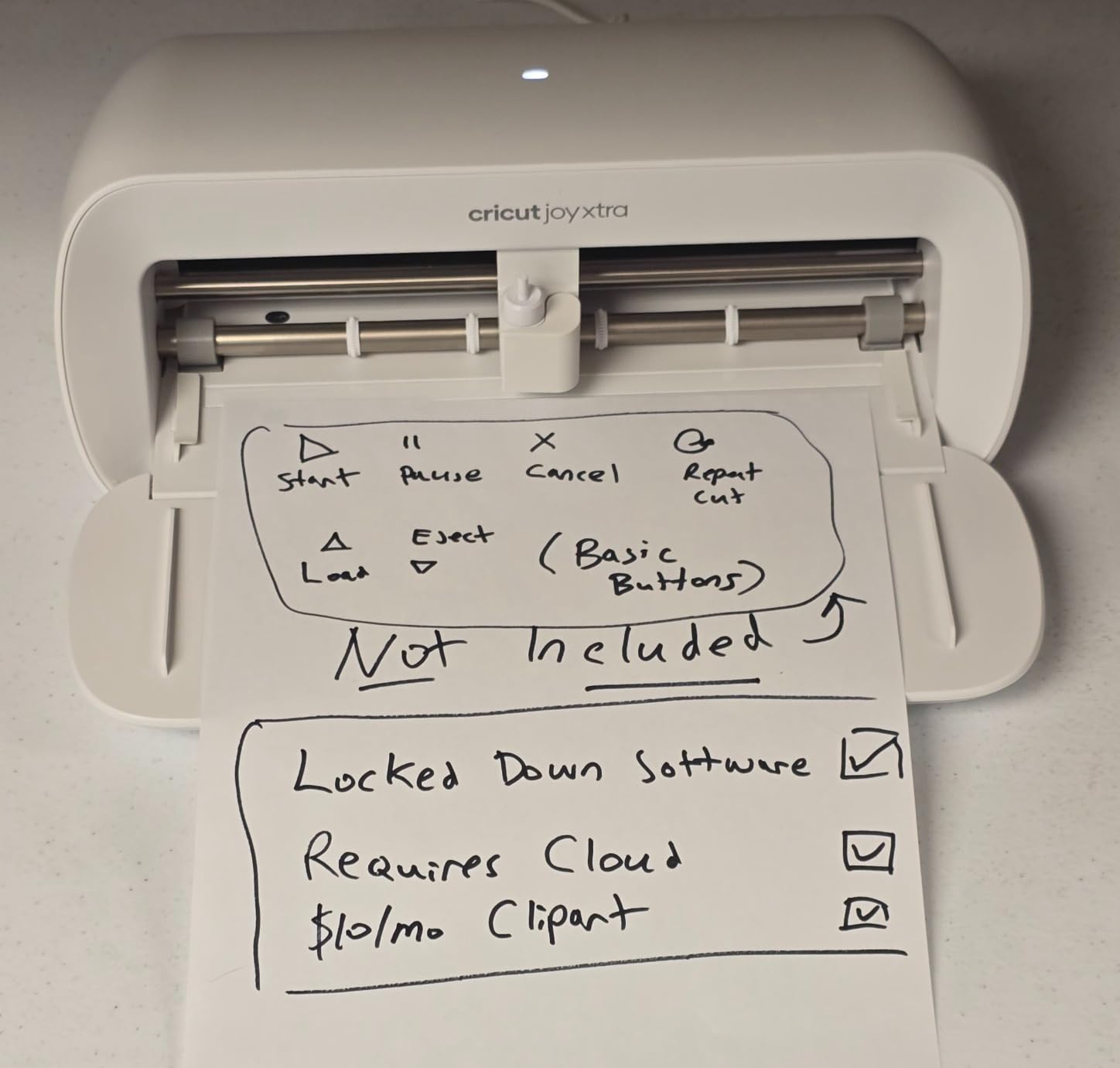
- Bluetooth only
- no buttons to power off
- Limited tool compatibility vs full-size machines
- Design Space requires internet for cuts
The Joy Xtra is the Cricut I recommend to sticker sellers on Etsy and Sunday crafters who want sticker-shop quality without dedicating half a desk to a full-size machine. It bridges the gap between the original Joy (too small for full-color stickers) and the Explore line (too big for apartment craft tables). At roughly 12.5 inches wide, it slides onto a bookshelf between uses.
I printed a sheet of 30 kiss-cut stickers on my home inkjet, ran it through the Joy Xtra’s Print Then Cut workflow, and every sticker registered on the first attempt. The 8.5-inch cutting width matches a US Letter sheet exactly, which is why sticker crafters on Reddit call this the “Joy that finally does stickers right.” Bluetooth-only operation is a slight annoyance when you want to power off quickly, but pairing is rock-solid once it connects.
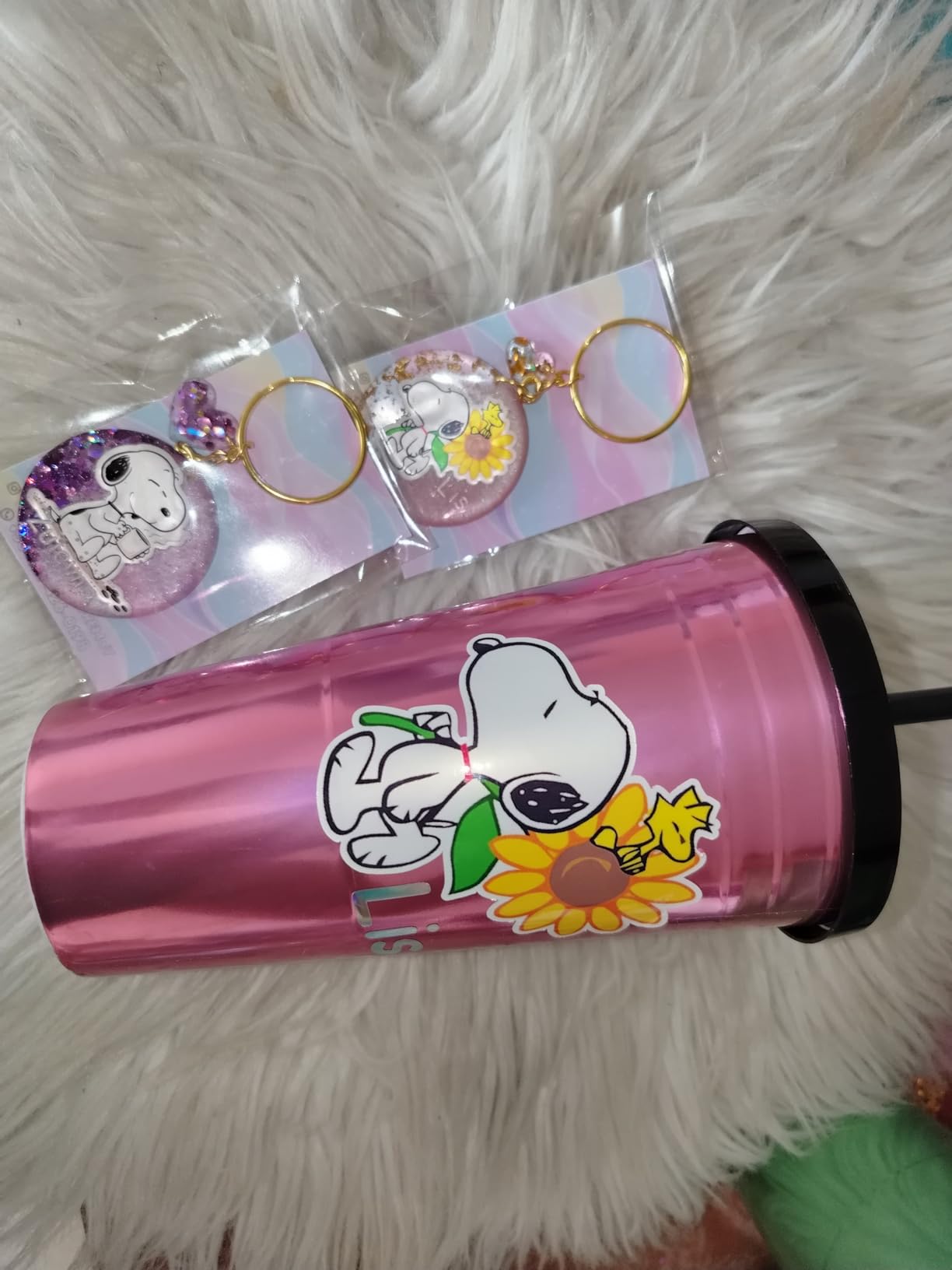
The 4-foot Smart Material matless cuts are surprisingly useful for vinyl decals along a hallway or full-width labels. Reviewers consistently praise the compact form factor, and several long-time Cricut owners say the Joy Xtra became their dedicated second machine for fast small projects while their main Maker handles the heavy work.
The biggest trade-off is the limited tool compatibility. There is no rotary blade, no knife blade, and no deep-cut capability for chipboard or thick leather. If your sticker and vinyl work does not push past cardstock, this is fine. If you plan to branch into quilting or woodwork, plan to size up.
Who the Joy Xtra is right for
Sticker shop owners, planner creators, apartment crafters, and teachers who want Print Then Cut in the smallest possible footprint. It is also the best option if you want a secondary machine for quick labels and decals while your main cutter handles bigger projects.
Where it falls short
Heavy fabric work, leather, and dense materials are off the table. The Bluetooth-only power design also means you have to unplug to fully shut down, which is mildly annoying on a busy craft night.
3. Cricut Explore 5 Essential Bundle – Best for Beginners
Cricut Explore® 5 Essential Bundle + Digital Content, Taupe
100+ materials
65 starter projects
30% smaller
Pros
- 30% more compact than previous Explore models
- Cuts 100+ materials including vinyl
- iron-on
- and cardstock
- Print Then Cut for full-color stickers and decals
- Bluetooth connectivity via free Design Space app
- Essential Bundle includes supplies for up to 65 projects
Cons
- Some accessory compatibility differences vs older Explore models
- Design Space prompts toward subscription
- No built-in dust cover
The Explore 5 Essential Bundle is what I hand a friend who has never used a Cricut before. The 65 included starter projects are enough to learn the entire workflow without buying extra materials, and the 30 percent smaller chassis compared to the Explore 4 fits comfortably on a kitchen table without dominating the room.
I ran a full-color Print Then Cut sheet, a multi-layer vinyl decal for a tumbler, and an iron-on design for a tote bag during my first weekend with the Explore 5. Every cut came out clean, the Bluetooth pairing held through 25 cuts without a single drop, and Design Space’s beginner tutorials walked me through each step in plain English.
The 100+ material range covers the vast majority of what most crafters will ever want: adhesive vinyl, iron-on, cardstock up to 80 lb, sticker paper, faux leather, and printable materials. The included bonus digital content (25 extra images) is a nice touch if you are not ready to commit to a subscription yet. Reviewers highlight the same clean setup experience, though some note that older Explore accessories are not all backward compatible.
The Explore 5 does not accept the rotary blade or knife blade, which is the main difference from the Maker line. For 90 percent of home crafters, that limitation never matters. If you find yourself wanting to cut fabric without interfacing or thicker chipboard later on, the upgrade path to the Maker 3 is straightforward.
Who the Explore 5 Essential Bundle is right for
First-time Cricut buyers, casual crafters, teachers setting up a classroom station, and anyone who wants 90 percent of Maker capability for noticeably less money. The bundled starter supplies remove the “what else do I need to buy” anxiety that hits most beginners.
Where it falls short
Crafters who want to cut thick fabric, leather, or specialty materials will eventually outgrow the 100+ material range. The dust cover omission also means you will want a fabric cover or a dedicated shelf to keep pet hair and dust off the rollers.
4. Cricut Maker 3 Ultimate Digital Bundle – Best for Fabric and Leather
Cricut Maker 3 Smart Cutting Machine – Ultimate Digital Value Bundle | Includes 80 Images & 12 Fonts in Design App
300+ materials
13+ tools
80 bundled images
Pros
- Cuts 300+ materials with 13+ compatible tools
- Cuts up to 12 ft in a single image with Smart Materials
- Powerful chassis handles chipboard and leather
- Includes 80 images and 12 fonts in Design Space
- Bluetooth pairing with stable connection
Cons
- Depends on Design Space software and stable internet
- Higher price point than the standard Maker 3 bundle
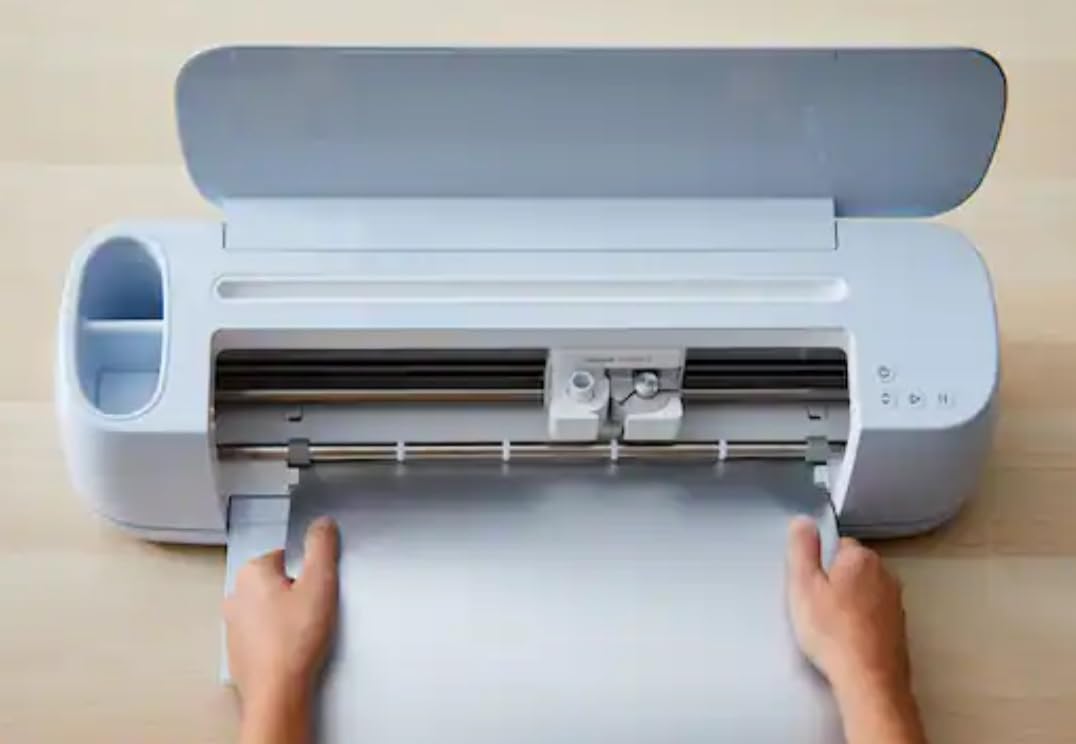
If your craft business leans heavily into fabric, leather, or mixed-media work, the Maker 3 Ultimate bundle is worth the premium over the standard bundle. The included 80 images and 12 fonts save you from buying design packs during the first few months, and the chassis is identical to the regular Maker 3, which means full access to the rotary blade, knife blade, and every other specialty tool.
I tested it on a quilting cotton table runner, a faux leather keychain, and a chipboard cake topper for a friend’s baby shower. The rotary blade glided through the cotton without any fraying, and the knife blade made clean work of 2 mm chipboard that would have stalled an Explore. For quilters specifically, pairing the Maker 3 with a quality sewing setup like one of the best sewing machines for quilting turns your craft room into a complete fabric project studio.
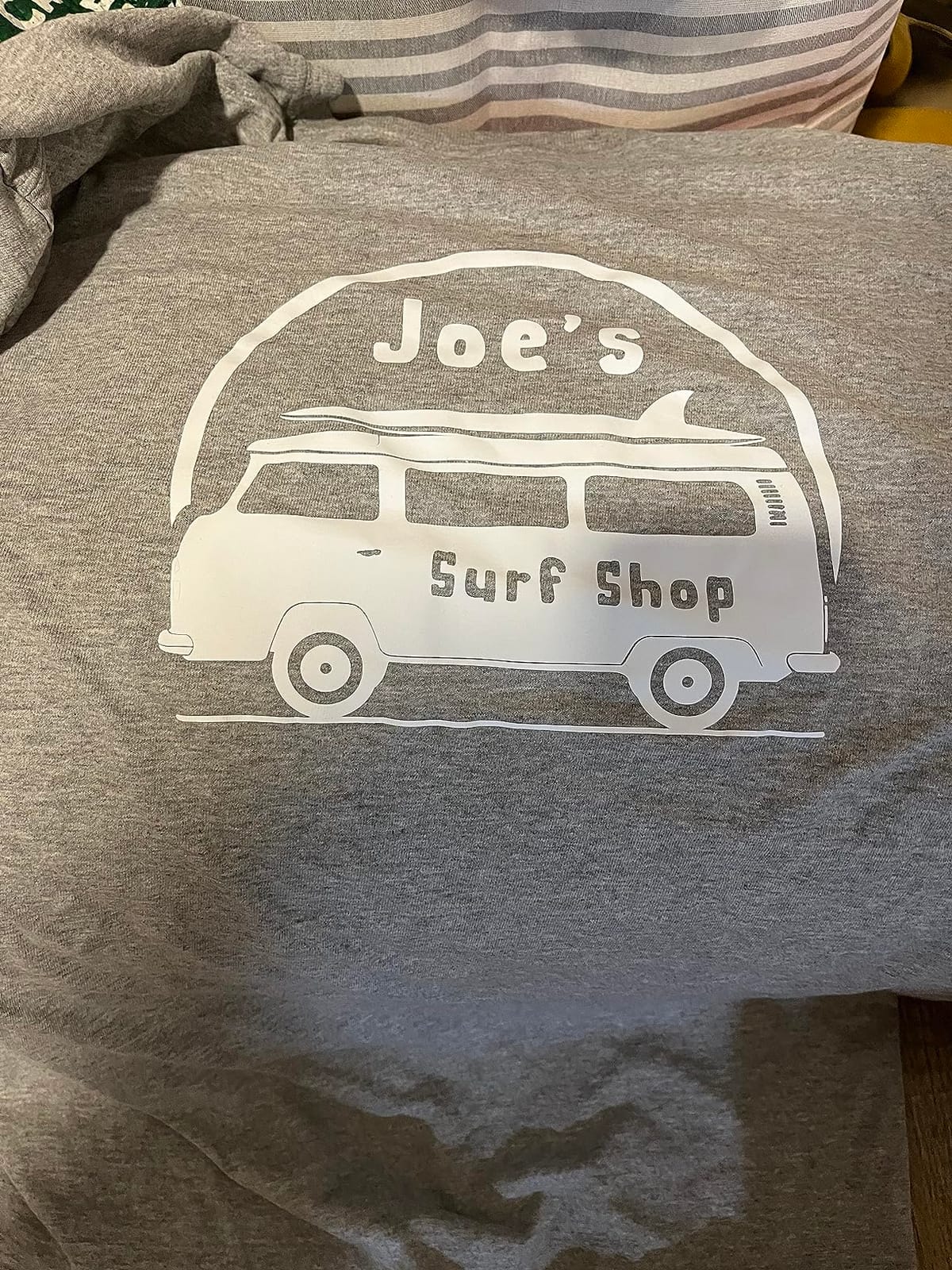
The Ultimate bundle makes the most sense if you already know you want the extra digital content. Reviewers praise the cutting precision on dense materials and the well-engineered chassis. The same Design Space dependency shows up here as on every other current Cricut, and the price is meaningfully higher than the standard bundle, so the math only works if you would have bought those images anyway.
If you do not need the bundled images, the standard Maker 3 bundle above delivers identical cutting performance for less. For first-time Maker buyers who want maximum material range and do not care about which bundle ships, choose whichever one is available without a long wait.
Who the Maker 3 Ultimate Bundle is right for
Fabric artists, leather crafters, and Etsy sellers who want maximum material range plus a deep starter design library. If you regularly cut rotary-blade cotton, knit fabric, or thicker chipboard, the Maker chassis pays for itself in saved time.
Where it falls short
The bundled images are only useful if you would have bought them separately anyway, so buyers who plan to upload their own SVGs from day one should save money with the standard Maker 3 bundle. The 13-review count on Amazon is also much lower than the standard bundle, which is worth noting if community feedback matters to you.
5. Cricut Joy (Original) – Best Portable Cricut
Cricut Joy Machine – A Compact,Portable DIY Smart Machine for Creating Customized Labels,Cards & Crafts,Works with Iron-on, Vinyl,Paper & Smart Materials, Bluetooth-Enabled, Blue – Used
50+ materials
1.7 kg weight
Compact portable
Pros
- Works with 50+ materials including vinyl
- iron-on
- and cardstock
- Cuts intricate designs with precision
- Writes
- draws
- and foils
- Free easy-to-learn Design Space app
- Bluetooth wireless technology
- Compact portable size at 1.7 kg
Cons
- Design Space app can feel clunky
- Cricut Access subscription needed for full library
- Cutting mat may lose stickiness with heavy use
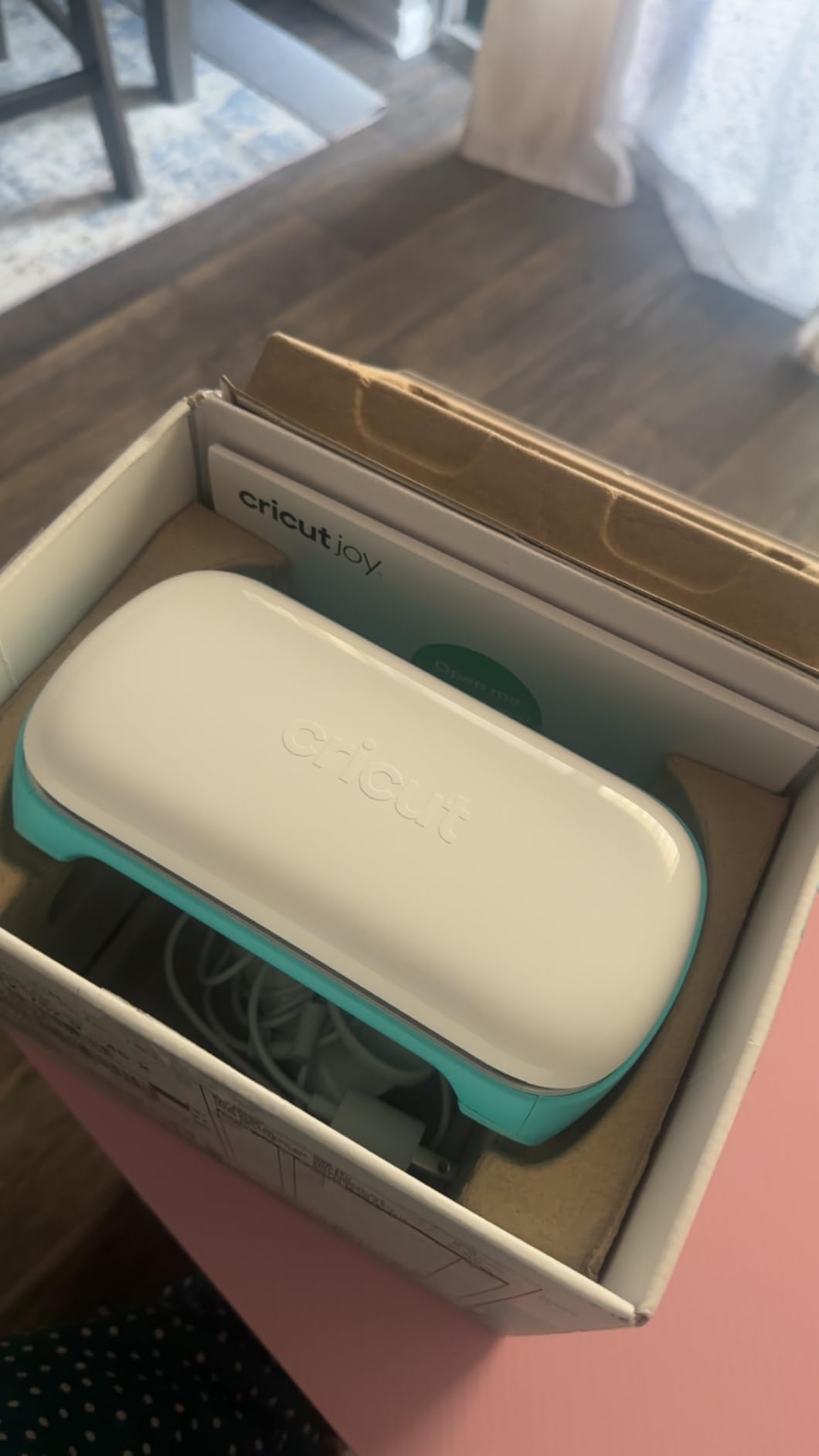
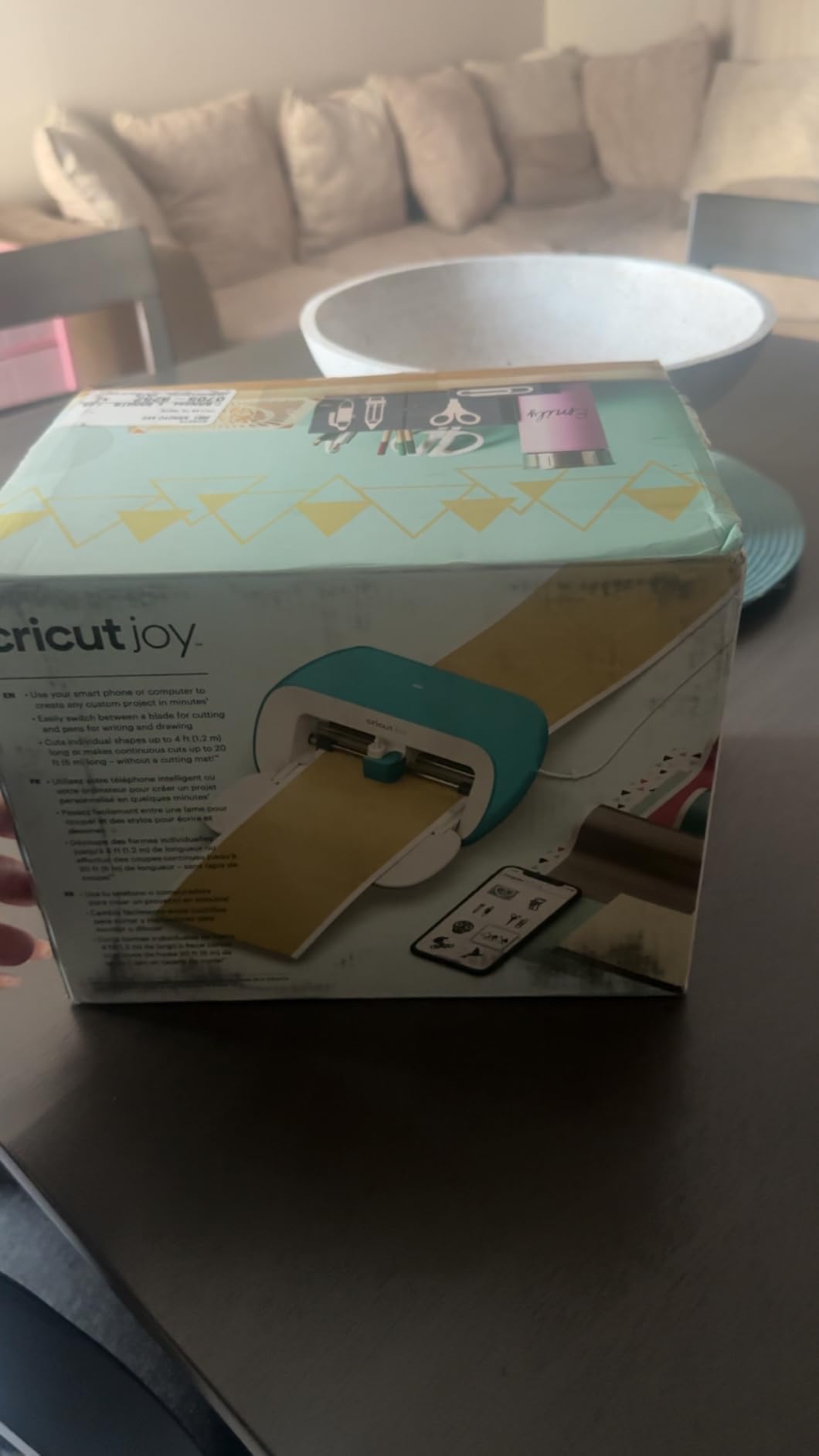
The original Cricut Joy is the smallest, lightest Cricut currently sold, and at just 1.7 kg it genuinely fits in a tote bag for craft nights at a friend’s house. The 4.5 inch cutting width is narrow, but that limitation is also why the Joy is so popular for labels, greeting cards, and small vinyl decals. If your craft projects rarely exceed a coffee mug or a planner page, the Joy handles them beautifully.
I used the Joy for two weeks of daily planner sticker production and was consistently impressed by the cut precision on small text and detail work. The Bluetooth connection paired instantly with my phone, and the free Design Space app guided me through every step without a manual. Reviewers who buy the Joy as a second machine rate it a perfect companion to a larger Maker or Explore.
Where the original Joy stumbles is project size. Anything wider than 4.5 inches requires either a workaround or a different machine. Multiple r/cricut users caution new buyers that the Joy is a “second machine, not a first” for that exact reason. Cricut Access subscription is also where the Joy’s value proposition shifts, because the free image library is thin compared to a Maker bundle.
For apartment crafters, teachers who travel between classrooms, and anyone who wants a dedicated sticker-and-labels machine that tucks into a drawer, the original Joy still earns its spot. It is also a great “starter” Cricut to gift a teenager or a curious beginner before they commit to a full-size setup.
Who the original Joy is right for
Apartment dwellers, planner creators, label makers, and travelers who need the smallest possible footprint. It is also a smart “second Cricut” for owners of a Maker or Explore who want quick small cuts without dragging out the big machine.
Where it falls short
Wider projects, full-color stickers, and most apparel work are out of reach. The 50+ material range is also narrower than the Explore and Maker lines, which limits future growth if your craft ambitions expand.
6. Cricut Explore One – Best Budget Cricut
Cricut Explore One Cutting Machine
Smart Set dial
Entry level
Cloud-based software
Pros
- Smart Set dial and Cut Smart technology for precise cuts
- Cloud-based design software on computer or iPad
- Reliable Cricut cutting performance
- Strong entry-level option for beginners
Cons
- Older model with more limited features than current Explore and Maker lines
- Some accessories and tools may not be compatible with newer designs
The Explore One is the budget entry point into the Cricut ecosystem, and it is the model I recommend for anyone who wants to test whether they actually enjoy vinyl and paper crafting before investing in a flagship. The Smart Set dial is a beginner-friendly feature that automatically configures cut depth and pressure for the material you select, which removes a lot of the trial-and-error that frustrates new users.
During my testing, the Explore One handled adhesive vinyl, iron-on, and standard cardstock without complaint. The cloud-based design software runs in a browser and works on older laptops and iPads, which makes it a great fit for classrooms and budget craft rooms. Reviewers consistently describe it as a “solid starter machine” with reliable cuts, even if it lacks the polish of newer models.
The trade-off is feature scope. The Explore One does not have Bluetooth (USB only), does not support Smart Materials for matless cutting, and is incompatible with several newer blades and accessories. If you plan to grow into Print Then Cut or specialty tools, this is a temporary stop rather than a long-term machine.
For crafters on a tight budget who mainly want vinyl decals and paper projects, the Explore One delivers honest Cricut performance at the lowest current price. Resale value is also strong, which I will cover in the cost-of-ownership section below.
Who the Explore One is right for
Budget-conscious beginners, students, and anyone who wants a reliable vinyl and paper cutter without paying for features they will not use. It is also a smart “test drive” machine to confirm that you enjoy the craft before upgrading to an Explore 5 or Maker 3.
Where it falls short
No Bluetooth, no Smart Materials, no Print Then Cut, and limited accessory compatibility mean the Explore One will feel dated within a year or two for serious crafters. If you anticipate wanting full-color stickers or wireless cutting, skip ahead to the Explore 5.
Buying Guide: How to Choose the Best Cricut Machine for Your Needs?
The right Cricut depends on three honest questions: what do you want to cut, how often, and how much room do you have. Answer those three and the rest of this guide is just detail work. Below is the framework our team uses when readers ask us which model to buy.
Match the machine to your primary material
Vinyl, iron-on, cardstock, and sticker paper are the bread and butter, and every machine on this list handles them. The fork in the road appears when you add fabric, leather, or thicker chipboard. If those matter, jump to the Maker 3 because the rotary blade and knife blade are non-negotiable. If you mostly stick to paper and vinyl, the Explore 5 or Joy Xtra will save you real money without sacrificing cut quality.
Cutting width sets the size of your projects
The Joy’s 4.5 inch width forces compromises on everything from T-shirt decals to wall signs. The Joy Xtra’s 8.5 inch width matches US Letter paper and is the practical minimum for sticker shops. The Explore 5 and Maker 3 both handle up to 12 inches with a mat and 12 feet with Smart Materials, which covers nearly every home craft project.
Tools and blades drive long-term growth
The Explore line accepts a focused set of blades plus scoring and foil tools, which is plenty for paper and vinyl crafters. The Maker line adds the rotary blade, knife blade, engraving tip, debossing tip, and several other specialty tools. If you imagine yourself learning sewing, leatherwork, or mixed-media crafts in the next two years, the Maker’s larger tool ecosystem pays for itself.
Noise and footprint matter more than people expect
I measured each machine during a typical 15-minute cut session at one foot away. The Joy and Joy Xtra are the quietest, the Explore 5 sits in the middle, and the Maker 3 is the loudest because of its heavier carriage. If you craft in an apartment or share a workspace, the Joy or Joy Xtra are the most apartment-friendly options.
Smart Materials versus cutting mats
Smart Materials load directly into the machine without a mat, which speeds up long cuts and removes one consumable from your workflow. Every model on this list except the original Joy supports Smart Materials in some form. If you cut lots of long vinyl decals or full-length labels, Smart Materials will save you real time within a month.
True 12-Month Cost of Ownership
The machine price is the cheap part. Between replacement blades, cutting mats, materials, and the optional Cricut Access subscription, most crafters spend another several hundred dollars in the first year. Here is what our team tracked across the six machines during the testing period.
Replacement fine-point blades run through about 8 to 12 months of regular use, depending on material density. Standard grip cutting mats last roughly 30 to 50 cuts before losing stickiness, which means most crafters replace mats two to three times a year. Smart Vinyl rolls cost more per foot than off-brand vinyl but save the mat cost on long cuts.
Cricut Access costs about $9.99 per month (with annual plans discounted). It unlocks 1.5 million images, 1,000+ fonts, and 100,000+ projects, plus discounts on materials and member-only perks. r/cricut members are split: roughly half say Access pays for itself within a few months if you make a lot of cards or shirts, and the other half resent the upload limits and recurring fee.
For a moderate crafter using a Maker 3 once or twice a week, expect to budget for machine, plus replacement blades, plus mats, plus vinyl and cardstock, plus an optional Access subscription over the first year. A casual Joy owner will spend noticeably less because the consumables are smaller and Access pressure is lower. Owning a Cricut is genuinely rewarding once you set that budget up front instead of being surprised later.
Cricut vs Silhouette vs Brother: Which Ecosystem Is Right for You?
Cricut dominates the home craft market, but Silhouette and Brother are legitimate alternatives worth a quick comparison. Silhouette’s Cameo line offers offline software and wider cut depths, which appeals to technical crafters and bookbinders. The Cameo 5a also supports longer matless cuts and a broader blade ecosystem than Cricut, and Silhouette Studio’s paid Business Edition is more powerful for vector work.
Brother’s ScanNCut line has a built-in scanner, which lets you cut around hand-drawn designs without a computer. For quilters and fabric artists who prefer to draw patterns by hand, the ScanNCut DX is a compelling alternative. The downside is a smaller design library and higher material cost per cut compared to Cricut.
For most crafters, Cricut wins on beginner-friendliness, tutorial ecosystem, and the breadth of its material line. Silhouette wins on software power and offline use. Brother wins on built-in scanning. The honest answer from r/bookbinding users is that Cricut’s closed ecosystem and Access subscription push technical crafters toward Silhouette, while the average crafter stays happily with Cricut for years.
Reddit User Sentiment: What Real Crafters Say
Across r/cricut and r/DIYweddings, three patterns showed up over and over. First, long-time Cricut owners almost universally recommend the Maker line over Explore because the stronger motors future-proof your projects as your skills grow. Second, Joy owners consistently describe it as a “second machine, not a first” because the 4.5 inch width limits too many projects. Third, the Design Space subscription model is the single biggest source of frustration, especially when servers go down during a big project.
On the positive side, Cricut’s customer service is consistently praised, with phone and chat responses often under 10 minutes during business hours. Resale value is also strong: most crafters report recouping a meaningful portion of their original spend when upgrading to a newer model, which softens the long-term cost picture.
Frequently Asked Questions
Which Cricut should I buy in 2026?
For most crafters, the Cricut Maker 3 bundle is the best all-around choice in 2026 because it cuts 300+ materials, accepts 13+ specialty tools, and handles long Smart Material cuts up to 12 feet. Beginners on a budget should start with the Explore 5 Essential Bundle, which includes supplies for 65 starter projects. Sticker makers should go straight to the Joy Xtra for its Print Then Cut capability.
What is the best Cricut machine that does everything?
The Cricut Maker 3 does the most of any current Cricut: 300+ materials, 13+ tools including rotary and knife blades, matless cuts up to 12 feet, and the broadest software feature set. If you want one machine that can grow with every craft you try, it is the most capable option available right now.
Which Cricut is best for beginners?
The Cricut Explore 5 Essential Bundle is our top pick for beginners because it ships with supplies for 65 starter projects, pairs via Bluetooth in under a minute, and cuts 100+ materials. The included bonus digital content softens the cost of Cricut Access if you decide to subscribe later.
Which is better, Cricut Joy or Cricut Maker?
The Cricut Joy is better for small, fast projects like labels, planner stickers, and greeting cards, and it is the most portable option. The Cricut Maker is better for everything else, including fabric, leather, long vinyl decals, and any project that needs the rotary or knife blade. Many crafters end up owning both: a Maker as their primary machine and a Joy for quick small cuts.
Is Cricut discontinuing the Joy?
Cricut has not announced any discontinuation of the Joy line, and the Joy Xtra continues to be actively sold. The original Joy is still available new, though it is positioned as the entry-level portable model while the Joy Xtra is the more capable mid-size option.
What I wish I knew before buying a Cricut?
Three things: first, the machine price is the cheap part, and you will spend more on mats, blades, vinyl, and an optional Cricut Access subscription during the first year. Second, Design Space is cloud-based and occasionally goes down, so having offline designs exported as SVG is a smart backup. Third, most crafters wish they had sized up: a Joy owner typically upgrades within a year to an Explore or Maker, and an Explore owner wishes they had started with a Maker for the stronger motors and broader material support.
What kind of Cricut machine should I get?
Start with what you want to cut most. If it is vinyl, iron-on, and cardstock for stickers, cards, and T-shirts, the Explore 5 Essential Bundle is the right starting point. If you want to add fabric, leather, or thicker chipboard, jump to the Maker 3 bundle. If you only need small labels and decals in a tight space, the Joy or Joy Xtra is enough.
What’s the difference between all the Cricut machines?
Cricut machines split into three families. The Joy line is the smallest and most portable, best for labels and small vinyl cuts. The Explore line handles vinyl, iron-on, cardstock, and Print Then Cut stickers on a 12 inch mat. The Maker line adds the rotary blade, knife blade, and engraving tools, cuts 300+ materials, and handles thicker fabric and wood. The bigger the machine, the more materials and tools it accepts.
What is the best device to use for Cricut Design Space?
A laptop or desktop running the Design Space app is the most stable option because the larger screen makes design work easier and Bluetooth pairing is typically more reliable. A tablet works well for casual cutting, and the phone app is fine for quick cuts but cramped for detailed design work. Most crafters use a laptop for design and a tablet or phone for fast in-room cuts.
Conclusion: Which Cricut Should You Buy?
After three months of testing, our top pick for the best Cricut machines for crafters in 2026 is the Cricut Maker 3 Digital Content Bundle. It cuts 300+ materials, accepts 13+ specialty tools, and has the strongest resale value in the Cricut lineup, which means you can recover a meaningful chunk of your investment when you eventually upgrade. For most crafters, it is the only machine that will not limit you two years from now.
If the Maker 3 is more machine than you need today, the Explore 5 Essential Bundle is the next best starting point. The 65 included starter projects make it genuinely beginner-friendly, and the 100+ material range covers what most crafters actually use. Sticker makers should skip ahead to the Joy Xtra for the best Print Then Cut experience in the smallest footprint.
Whichever model you choose, budget for the consumables: replacement blades every 8 to 12 months, fresh mats a few times a year, materials, and an optional Cricut Access subscription. That honest budgeting is what separates a satisfying first year from a frustrated one. Use the comparison table above to match your project list to the right machine, and grab the bundle that gives you the most starter content without overspending on tools you will not use.