

A golf GPS watch for course management is a wrist-worn device with tens of thousands of preloaded courses that shows front, middle and back green distances, hazard and carry yardages, and an overhead view of each hole. Higher-end models add slope-adjusted distances, green contour maps and automatic shot tracking on top of that.
Most roundups in this niche stop at feature lists. This one does not. Every pick below is paired with how it actually gets used on the tee box: the layup you plan, the dogleg carry you refuse, the hazard you steer around and the exit route you leave the green with. I also worked out what each watch costs you over three years, because subscription models quietly change the answer. For the wider accuracy picture, our best golf watches for accuracy guide breaks down how to check a watch against a laser yourself.
Twelve watches made the cut, from plain distance devices to full colour course management models. I weighed them on mapping depth, satellite behaviour, battery in GPS mode, interface friction with gloves, and whether the features that matter work without a monthly fee. Our approach is documented in the sections after the reviews, so you can disagree with a call and still find the right watch.
If you want the short version: the TecTecTec ULT-G is the one I trust most because 5,600 owners have already stress-tested it, the Garmin S12 is the value pick with a 30-hour GPS battery, and the Garmin S62 is the most complete course management watch here. Keep reading for the seven that cost less, the four that skip subscriptions entirely, and the two we would skip ourselves.
Table of Contents
Top 3 Picks: Golf GPS Watches for Course Management in 2026
The top three cover the three ways golfers actually use a watch. One is a set of dependable numbers, one is a long battery and simple scoring, and one is a full colour map of the hole with a caddie telling you which club to hit.

Garmin Approach S12
- 30 hours in GPS mode
- 42k+ preloaded courses
- 34.1g sunlight-readable display

Garmin Approach S62
- 41000+ colour CourseView maps
- Virtual Caddie with wind data
- 20 hours GPS / 14 days smartwatch
The TecTecTec takes the top slot on evidence rather than feature count. It is the most reviewed watch in this roundup by a wide margin, it never asks for a subscription, and it does the one job distance watches do best: give the same three numbers every time you look at it.
All 12 Best Golf GPS Watches Compared Side by Side (October 2026)
The table below lists every watch in the roundup with the features that matter most for course management. Scroll across for the mapping depth, and read the review sections for the trade-offs behind each row.
| Product | Specifications | Action |
|---|---|---|
| TecTecTec ULT-G |
|
Check Latest Price |
| Garmin Approach S12 |
|
Check Latest Price |
| Garmin Approach S62 |
|
Check Latest Price |
 Garmin Approach S44 Garmin Approach S44 |
|
Check Latest Price |
 SkyCaddie LX5 SkyCaddie LX5 |
|
Check Latest Price |
 Bushnell iON Elite Bushnell iON Elite |
|
Check Latest Price |
 Shot Scope V5 Shot Scope V5 |
|
Check Latest Price |
 NAVO W1 NAVO W1 |
|
Check Latest Price |
 Voice Caddie T11 PRO Voice Caddie T11 PRO |
|
Check Latest Price |
 SkyCaddie LX5C SkyCaddie LX5C |
|
Check Latest Price |
 Canmore TW411 Canmore TW411 |
|
Check Latest Price |
 Voice Caddie T11 LT Voice Caddie T11 LT |
|
Check Latest Price |
Two rows deserve a note before the reviews begin. The Garmin S44 and S62 both hide their best course management features behind a Garmin Golf membership, while the Voice Caddie T11 PRO and Shot Scope V5 hand you similar mapping and slope tools with no recurring fee at all. That single difference shapes most of the buying decisions in this category.
1. TecTecTec ULT-G — The Most Proven Distance Watch
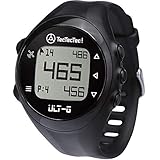
TecTecTec ULT-G Golf GPS Watch – Simple & Easy Distance Watch, No App Required on Course, Front/Back/Middle Distances, 38,000+ Courses Preloaded, Lightweight & Water-Resistant – Black
38,000+ courses
LCD 1.09 inch
10-hour battery
55g
No subscription
Pros
- Most reviewed watch in the roundup
- Dependable front middle and back distances
- Works with no phone on the course
- No subscription at any point
- Light at 55g
Cons
- No hole maps or colour views
- Small 1.09 inch non-touch LCD
- Five-button interface is basic for stat tracking
I have worn more expensive watches with fewer owners, and that gap matters in a category where accuracy is a promise rather than a spec. The ULT-G gives front, centre and back green yardages, hazard distances and a running shot distance, and it has done so for more than 5,600 reviewers without anyone rewriting the manual.
The experience on course is deliberately plain. Five buttons, a non-touch LCD, and automatic hole progression when you walk to the next tee. There is no hole map, no slope and no colour, which means you are reading numbers instead of studying shapes.
For course management specifically, the hazard and layup distances are what earn it a place. Standing in the rough after a bad drive, the number that matters is not the distance to the pin, it is the distance to the water you must clear or the point short of it. The ULT-G reports those, and it never locks you into a membership to keep doing it.
Battery life is rated at 10 hours, which owners describe as up to two and a half rounds per charge. That is the honest number on paper, and it means a weekend of golf needs one top-up rather than a nightly cable.
Who the ULT-G suits
It suits the golfer who plays two or more rounds a month, wants a number rather than a map, and refuses to pay a monthly fee for the privilege. Reviewers consistently report that the distances land within a yard or two of other devices, which is close enough to plan a club off it.
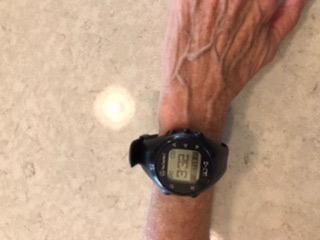
It also suits anyone whose wrists dislike chunky hardware. At 55g it is one of the lighter units here, and the non-touch screen works fine in rain or with a winter glove on.
Who should skip it
Skip it if your game depends on planning a dogleg before you play the shot. Without a hole map or layup rings, the watch cannot show you the shape of the hole, only how far you are from things.
Also skip it if you want post-round analysis. There is no shot tracking, so the app gives you a scorecard and very little else.
2. Garmin Approach S12 — Best Value With a 30-Hour GPS Battery
Garmin Approach S12, Easy-to-Use GPS Golf Watch, 42k+ Preloaded Courses, Black, 010-02472-00
42k+ courses
MIP 176x176 display
30 hours GPS mode
34.1g
No subscription for distances
Pros
- Roughly three rounds per charge
- Sunlight-readable in rain and glare
- Only 34.1g
- Core distance features need no membership
- Works as an everyday watch
Cons
- No course maps or slope
- Occasionally needs a manual hole advance
- Hazard data present but not obvious
Thirty hours in GPS mode is the number that makes the S12 the value pick. Owners report getting through roughly three rounds before a charge, and reviewers say yardages typically sit within zero to three yards of cart GPS and laser units on the same shot.
The transflective memory-in-pixel display is unremarkable on paper and excellent in practice. It is readable in direct sun, in rain, and while wearing a glove, which no touchscreen in this roundup can promise in the same conditions.
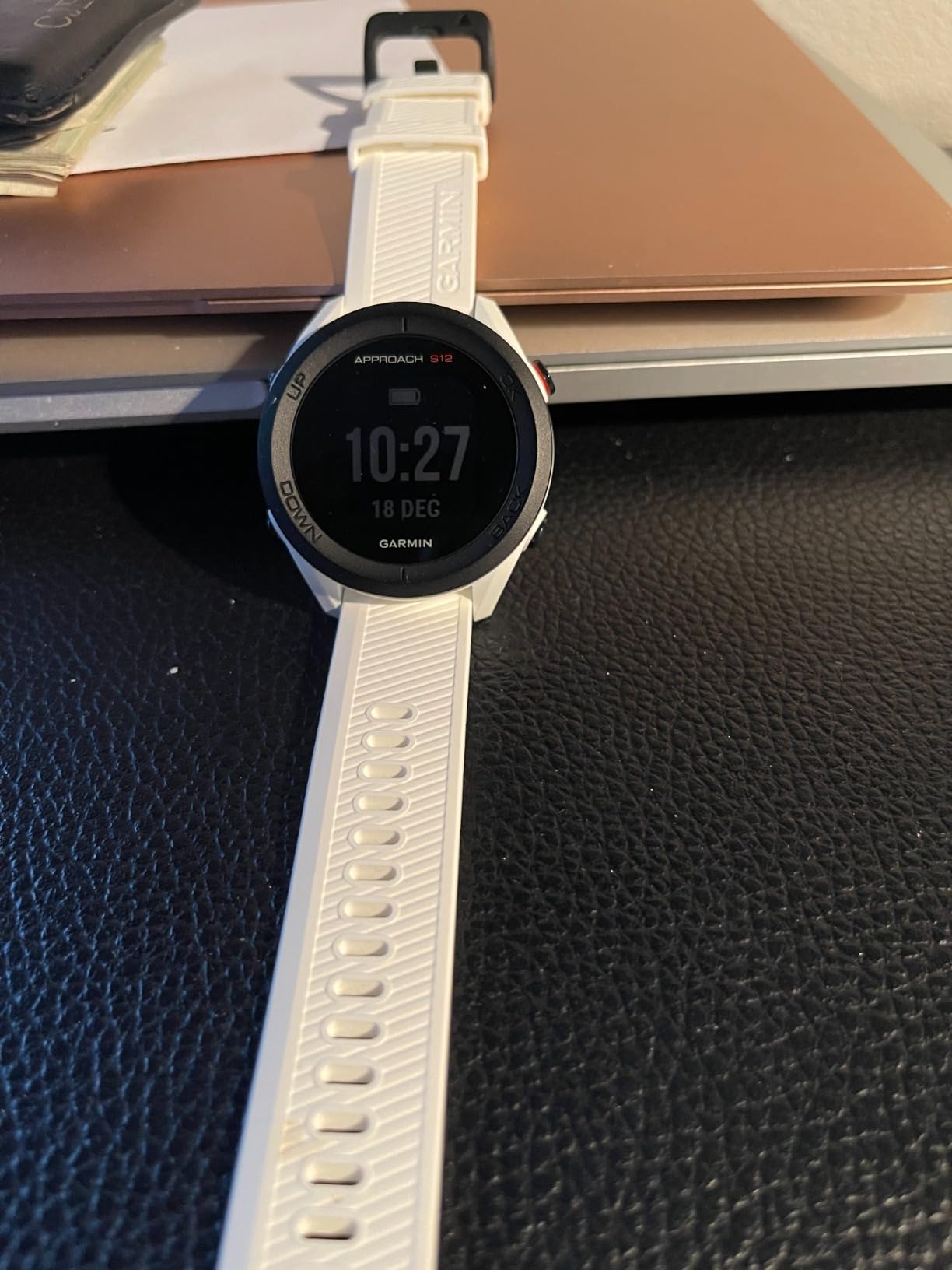
For course management, the S12 handles the job in the way most golfers actually manage a course: front, centre and back, plus dogleg distances. It will not draw you a map, and it will not tell you the break on a green. It will tell you how far to the front and let you choose a club in a second.
You can pair it with Approach CT10 club sensors sold separately to get distance by club, and scorecards upload to the Garmin Golf app for leaderboards. The free parts of that app are good enough; the paywalled parts are maps you do not get on this watch anyway.
Who the S12 suits
It suits golfers who want a watch they can leave on for a week, including one who plays two rounds on a Saturday and forgets to charge. It is also the safe recommendation for anyone who hates fiddling with menus on the first tee.
High-handicap golfers benefit most from the simplicity. There is nothing to scroll, so the numbers are readable from a cart or a buggy.
Who should skip it
Skip it if you plan strategy around shape rather than distance. A player who needs to know where the creek runs before hitting a blind shot needs a mapped watch, not a distance watch.
Owners do mention the occasional manual hole advance, and a few note that hazard distances take a moment to locate on the screen. Neither is a dealbreaker, but both are friction you should expect.
3. Garmin Approach S62 — The Most Complete Course Management Watch
Garmin 010-02200-00 Approach S62, Premium Golf GPS Watch, Built-in Virtual Caddie, Mapping and Full Color Screen, Black
1.3in colour touchscreen
41,000+ CourseView maps
Virtual Caddie
20 hours GPS mode
Pros
- Highest rating in the roundup
- Full colour hole maps with hazard view
- Virtual Caddie accounts for wind
- Ceramic bezel feels premium
- Contactless payments and strokes gained
Cons
- Dim in direct sunlight
- Bulky on the wrist
- Some features need a paid Garmin Golf membership
The S62 is the highest rated watch we tested, at 4.5 across 2,109 reviews, and the reason is course management depth. It is the only watch in this group that combines full colour hole maps, Hazard View, PinPointer, PlaysLike Distance and Green View in one package, with Virtual Caddie telling you the club once you set your approach distance.
The colour touchscreen is 18 percent larger than the one on the earlier Approach S60, and the ceramic bezel gives it a weight and feel that reads as a real piece of equipment. It is a 1.3-inch screen at 260 by 260 resolution, which is small by smartwatch standards and fine by golf standards.
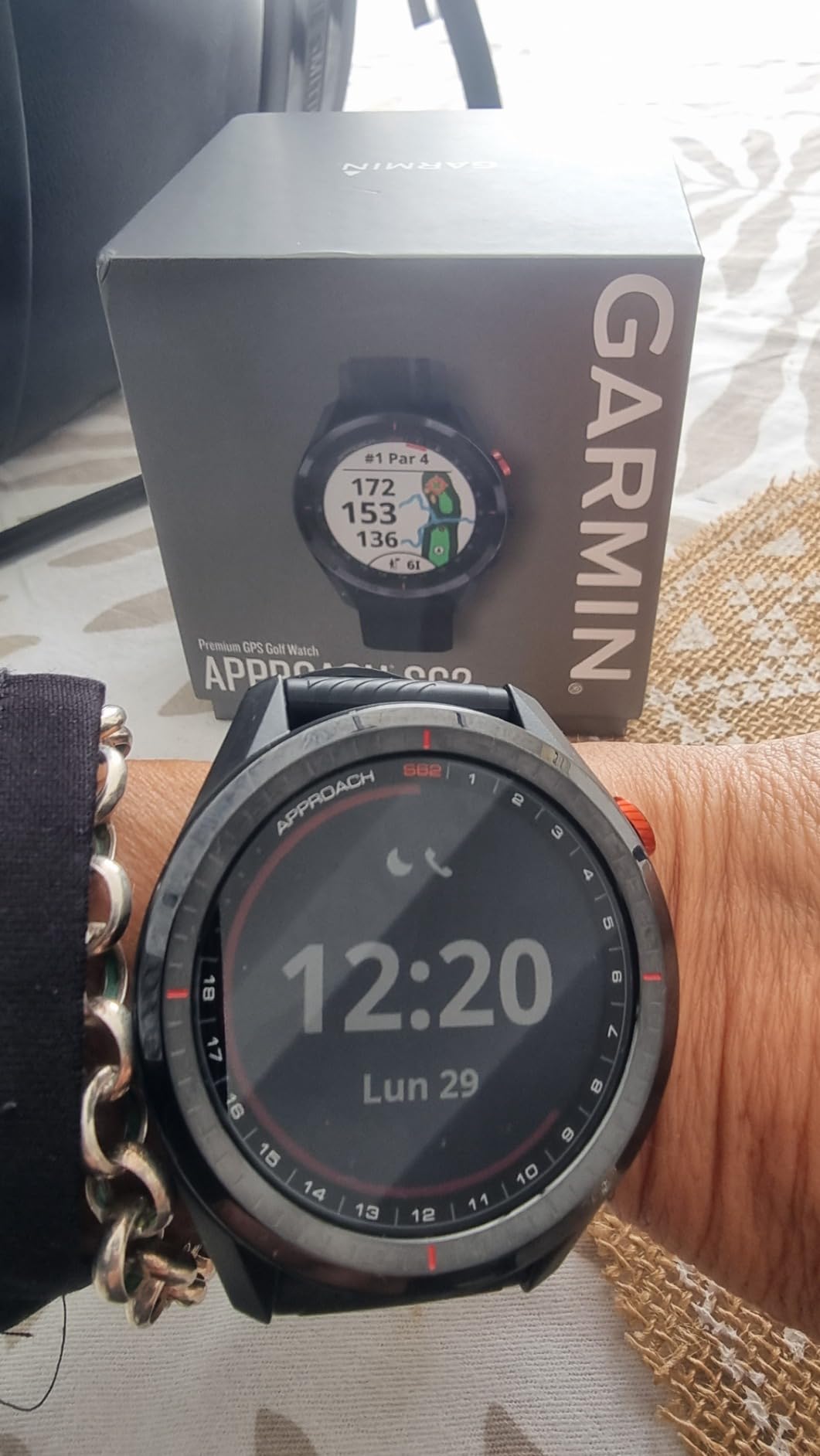
Plan a round with it and the workflow is genuinely different from a distance watch. Open Hazard View before a par five to see where the water actually sits relative to your line, pull up PlaysLike Distance when the approach is uphill, and use PinPointer on blind shots to aim at a tree line rather than at thin air.
Virtual Caddie is the feature golfers talk about most. Set your ball distance and it suggests a club while factoring in wind speed and direction, which is the closest any watch here comes to a real caddie conversation.
Battery life is 20 hours in GPS mode and 14 days in smartwatch mode. That is a clear step down from the S12, and it is the price of the colour screen and the maps.
Who the S62 suits
It suits the golfer who plays on unfamiliar courses several times a season and wants the whole hole in front of them. Hazard avoidance, blind-shot alignment and green reading are all handled on the wrist without reaching for a phone.
It also suits anyone who likes Garmin Pay and wants strokes gained analysis in the app afterwards. The post-round data here is the most substantive of the roundup.
Who should skip it
Skip it if you hate charging mid-round. Twenty hours of GPS is close to a full day of walking, and nothing more.
Owners most often single out two problems: the display is dimmer than AMOLED rivals in direct sun, and the watch sits bulk on the wrist. Both are real, and both are worth trying on before you commit. GolfWRX users have also reported S62 yardages that would not update mid-round, so treat any frozen number as a sensor issue rather than a fact about your shot.
4. Garmin Approach S44 — Slim AMOLED With Multi-Constellation GPS
Garmin Approach® S44, Golf GPS Smartwatch, 43mm, Black
1.2in AMOLED
43,000+ courses
GLONASS GPS Galileo
15 hours GPS mode
Pros
- Bright colourful AMOLED screen
- About 15 percent battery used per round
- Fast GPS lock
- Multi-constellation positioning
- Compact golf-only design
Cons
- Colour maps and contours need a membership
- No pinch-to-zoom target selection
- Steep learning curve
The S44 is the Garmin that fixed the S62’s two biggest complaints, brightness and bulk. A 1.2-inch AMOLED at 176 by 176 is vivid in sun, and the case is slim enough to disappear under a glove or a sleeve.
Under the display sits multi-constellation positioning across GLONASS, GPS and Galileo, with 4 GB of storage and a 43,000-course library. Owners report fast lock-on and yardages that check out against a laser rangefinder on the same shot.
Here is the catch that decides this pick. Full colour CourseView maps, green contour data, PlaysLike Distance and Touch Targeting all require a Garmin Golf membership. Out of the box you get front, middle and back yardages plus a hazard view, which is more than the S12 gives you but well short of what the S62 screen shows without a fee.
Battery is rated at 15 hours in GPS mode. Owners translate that into roughly 15 percent used per 18-hole round, often three rounds before a charge, which puts it between the S12 and the S62.
You can add Approach CT1 or CT10 club trackers for shot tracking, and scorecards upload for statistics and handicap calculation. The watch also carries smart notifications from a paired phone.
Who the S44 suits
It suits a golfer who wants a bright screen and a slim case but still plans to hold a membership. If you already pay for Garmin Golf, the S44 delivers the modern display without the S62 weight.
It also suits anyone who cares about receiver quality. Multi-constellation positioning is the reason we would expect the fewest lock problems in tree cover.
Who should skip it
Skip it if you do not want a subscription, because the difference between the paid and unpaid experience is exactly the part that makes course management worthwhile.
There is no pinch-to-zoom on the watch, so picking a specific layup target means opening the phone app. Reviewers also describe a steep learning curve, and early firmware before version 6.18 caused AutoShot problems and lost GPS data mid-round, which Garmin later resolved.
5. SkyCaddie LX5 — Ground-Verified Maps and IntelliGreen
SkyCaddie LX5, GPS Golf Watch with Touchscreen Display and HD Color CourseView Maps, Black, Small
35,000+ verified courses
1.39in Full HD AMOLED
64g
3 years prepaid membership
Pros
- Maps walked and verified rather than satellite only
- IntelliGreen rotates the true green shape
- Zoom and pan plus slide-cursor targeting
- Scoring and statistics onboard
Cons
- 64g and bulky on the wrist
- 10-hour battery is about two rounds
- Six month warranty only
- Recurring membership after the prepaid years
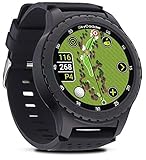
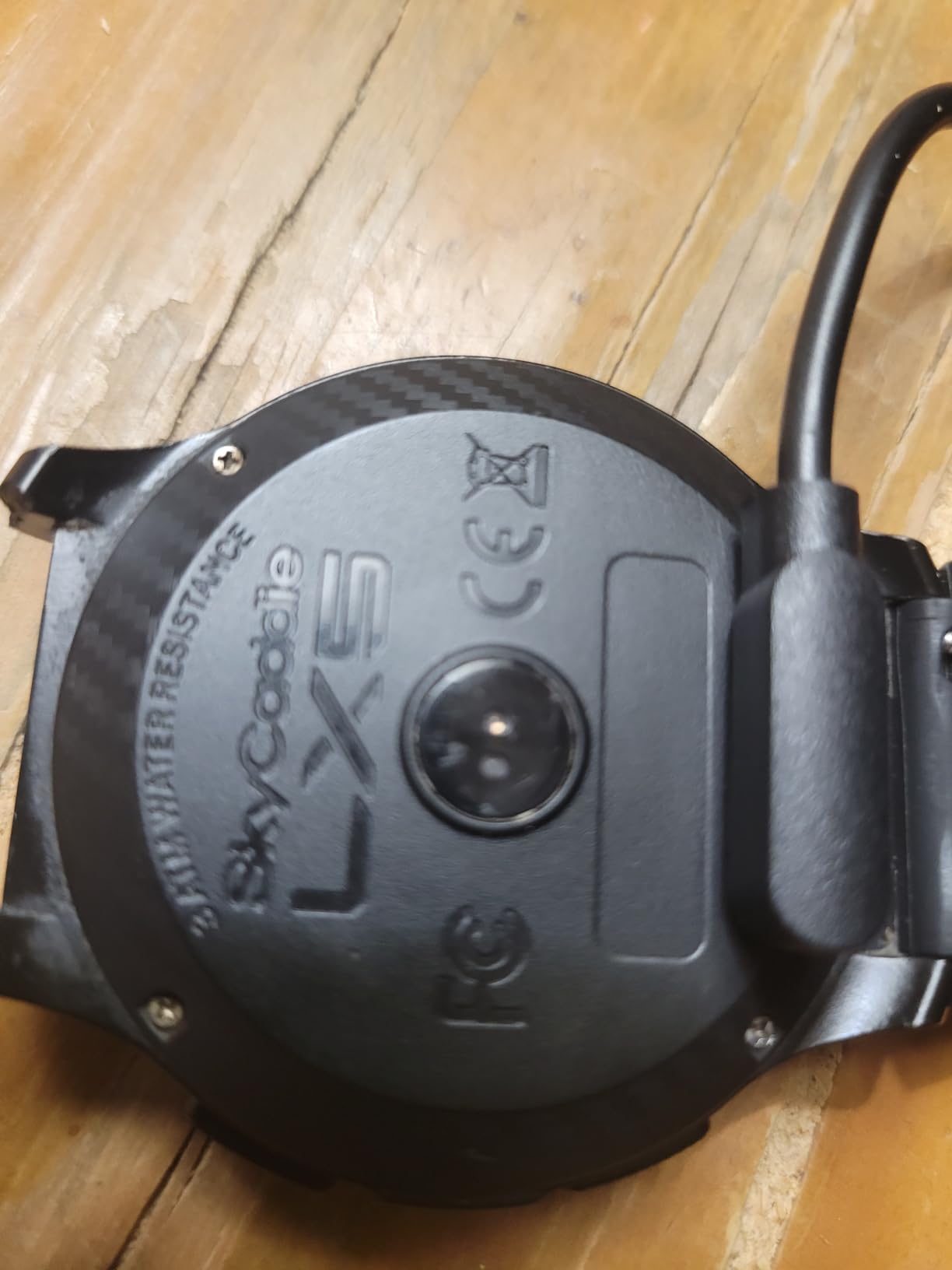
The LX5 makes a different bet from every other watch here. Its course maps are ground-verified, meaning someone walked the fairways and measured the features, which is why owners single it out for map accuracy on courses where satellite data falls short.
The 1.39-inch Full HD colour touchscreen is the largest in this roundup and the sharpest at 1920 by 1080, with zoom, pan and a slide cursor that lets you point precisely at a hazard or a carry line. It is Android-based with Wi-Fi, so course downloads happen on the watch.
IntelliGreen is the feature that changes putting decisions. Instead of one number to the centre, it rotates the green to its true shape and gives front, back and cursor-to-pin distances, so you can judge whether the putt breaks left or right from where your ball actually sits.
It also tracks scoring, statistics and target lists onboard, and adds a heart rate and step counter for the walk between holes. Small and large wristbands are included, which matters on a 64g watch.
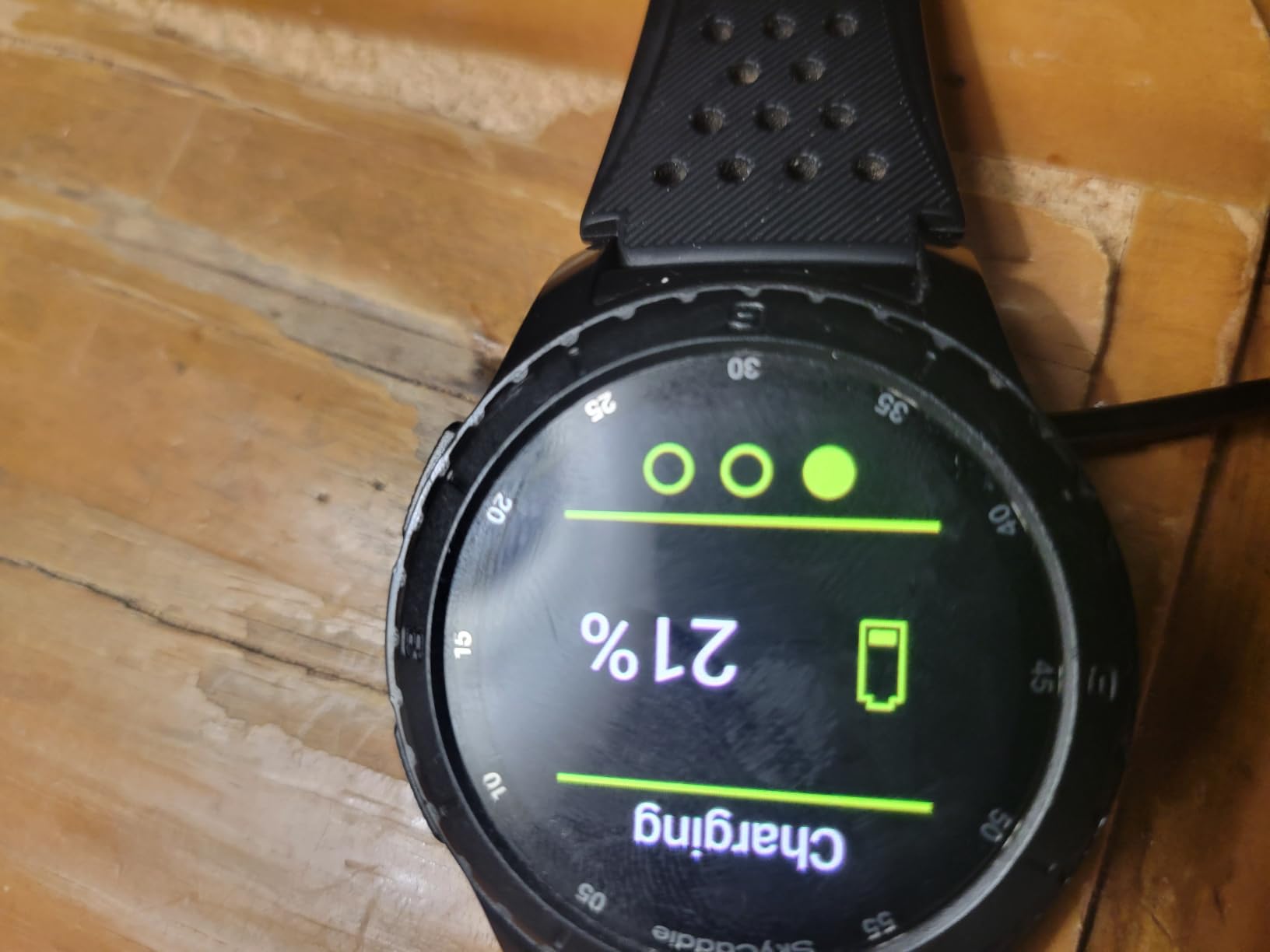
The catch is arithmetic. Three years of prepaid worldwide membership to 35,000-plus courses are included, and after that the map service depends on a recurring subscription. Budget for that before year four.
Who the LX5 suits
It suits the golfer who plays older or less-documented courses where satellite mapping tends to be wrong. Verified maps are the entire reason this watch exists, and on those courses the difference is visible immediately.
It also suits anyone who wants to read greens rather than just measure them. The rotated green view is the best putting tool here that does not need a membership.
Who should skip it
Skip it if bulk bothers you. At 64g it is the heaviest watch in this roundup, and reviewers describe it as chunky on a smaller wrist even in the small band.
A 10-hour battery covers roughly two rounds, and the warranty is only six months. Reviews also mention slow course acquisition, which is frustrating on a tee box where a full group is waiting behind you.
6. Bushnell iON Elite — Glove-Friendly Slope Yardages
Bushnell Golf iON Elite GPS Watch, Black
1.28in colour touchscreen
Slope-adjusted yardages
38,000+ courses
12-hour battery
Pros
- Works with a glove on
- Slope toggle for tournament play
- Accurate green and hazard distances
- Light on the wrist
- App syncs course updates easily
Cons
- Weak magnetic charging connection
- Reports of charging failures after months
- Support slow on charging faults
- Hazard graphics use odd abbreviations
The iON Elite is built around a single physical button plus a 1.28-inch colour touchscreen, and that combination is the reason it works when nothing else does. You can operate the core functions with a glove on, in rain, without taking your hands off the club.
Course management features are respectable for the class: HoleView, GreenView, dynamic mapping, tap-to-shift pin placement, shot distance tracking and 38,000-plus courses with automatic hole advance.
The slope feature is the draw. It offers plays-like adjusted yardages with a tournament-legal toggle, so you can see how much a downhill approach plays longer and then switch the adjustment off when you are competing under rules that forbid it.
Reviewers confirm the on-course distances against higher tier rangefinders and find them accurate. At one ounce the watch is also among the lightest here, and the battery covers 12-plus hours, which is enough for a full round with margin.
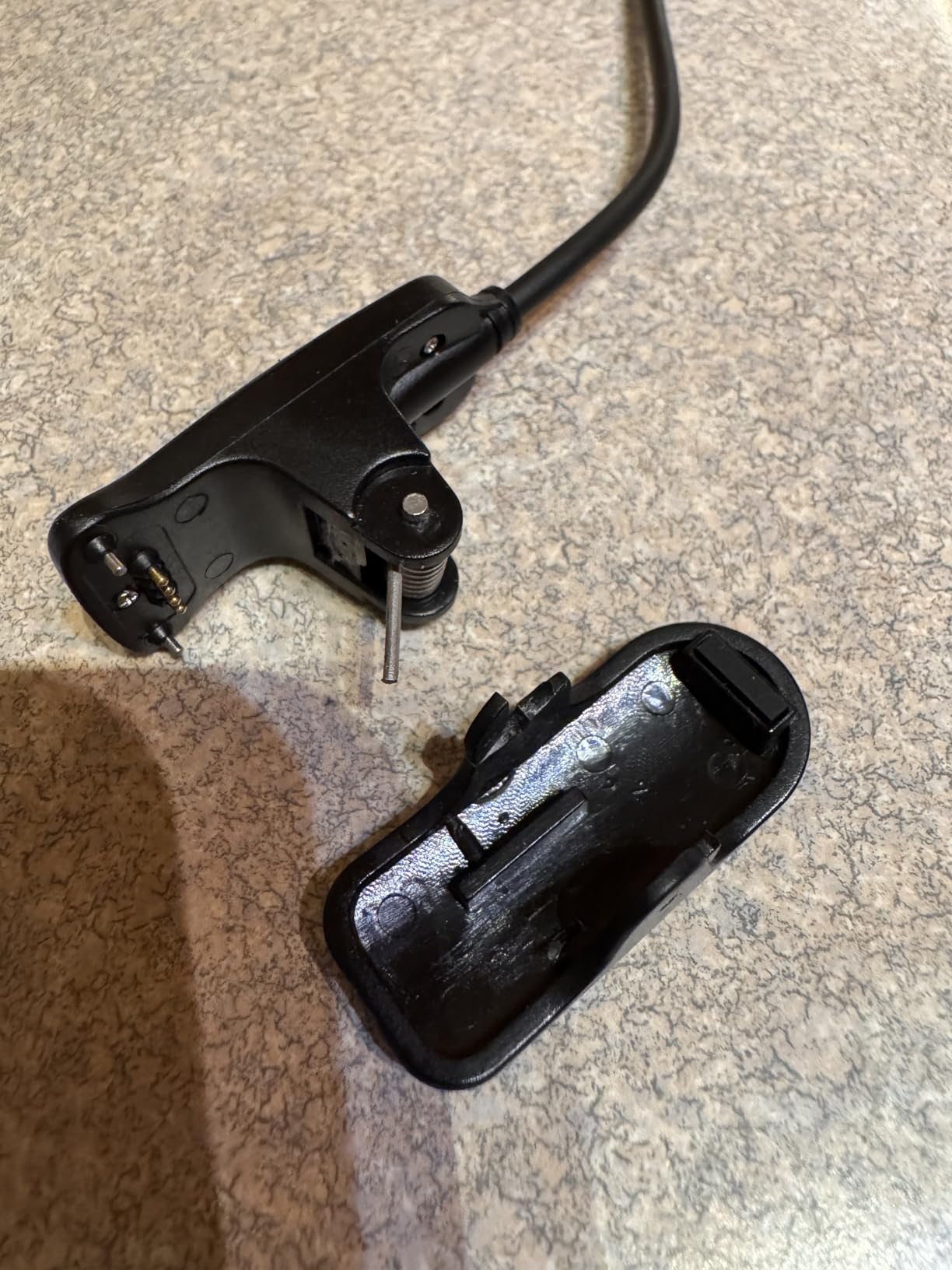
Then there is the charging. The USB-C magnetic charger has a weak connection, gives no on-screen charging feedback, and multiple owners report the watch failing to charge after a few months or up to two years of use, with unresponsive support when it happens.
Who the iON Elite suits
It suits cold-weather golfers, seniors and anyone who plays in rain where touchscreens stop responding. The single-button design is the most forgiving interface in this roundup.
If slope-adjusted distances are the feature you actually use and tournament play is not on your calendar, the on-off toggle makes this a strong tool at a mid-range price.
Who should skip it
Skip it if you cannot accept reliability risk. A 3.3 average across 370 reviews is the second lowest here, and charging-contact failures dominate the negatives, with roughly a third of ratings at one star.
The hazard graphics also use abbreviations that reviewers find hard to interpret, and there is no back button, so course browsing is limited on a 1.28-inch screen.
7. Shot Scope V5 — Shot Tracking With No Subscription
Shot Scope V5 GPS Watch, Shot Tracking, 36k+ Preloaded Courses, Full Course Maps, No Subscription (Black)
36,000+ courses
16 shot tags included
1.2in LCD
No subscription
Pros
- Full hole maps with no fee
- 16 second-generation tags in the box
- 100+ statistics with strokes gained
- Works with no phone mid-round
- Two year warranty
Cons
- Small non-touch LCD
- 10-hour battery is about one long round
- Some course loading issues in the app
Shot Scope built its reputation on shot tracking, and the V5 continues it. Sixteen second-generation RFID tags come in the box, one per club, and the watch detects which club you picked up without any manual logging.
Where it differs from most rivals is the bill. Full hole maps for 36,000-plus preloaded courses, 100-plus statistics, strokes gained and handicap benchmarking all run through a free app with no subscription at any tier.
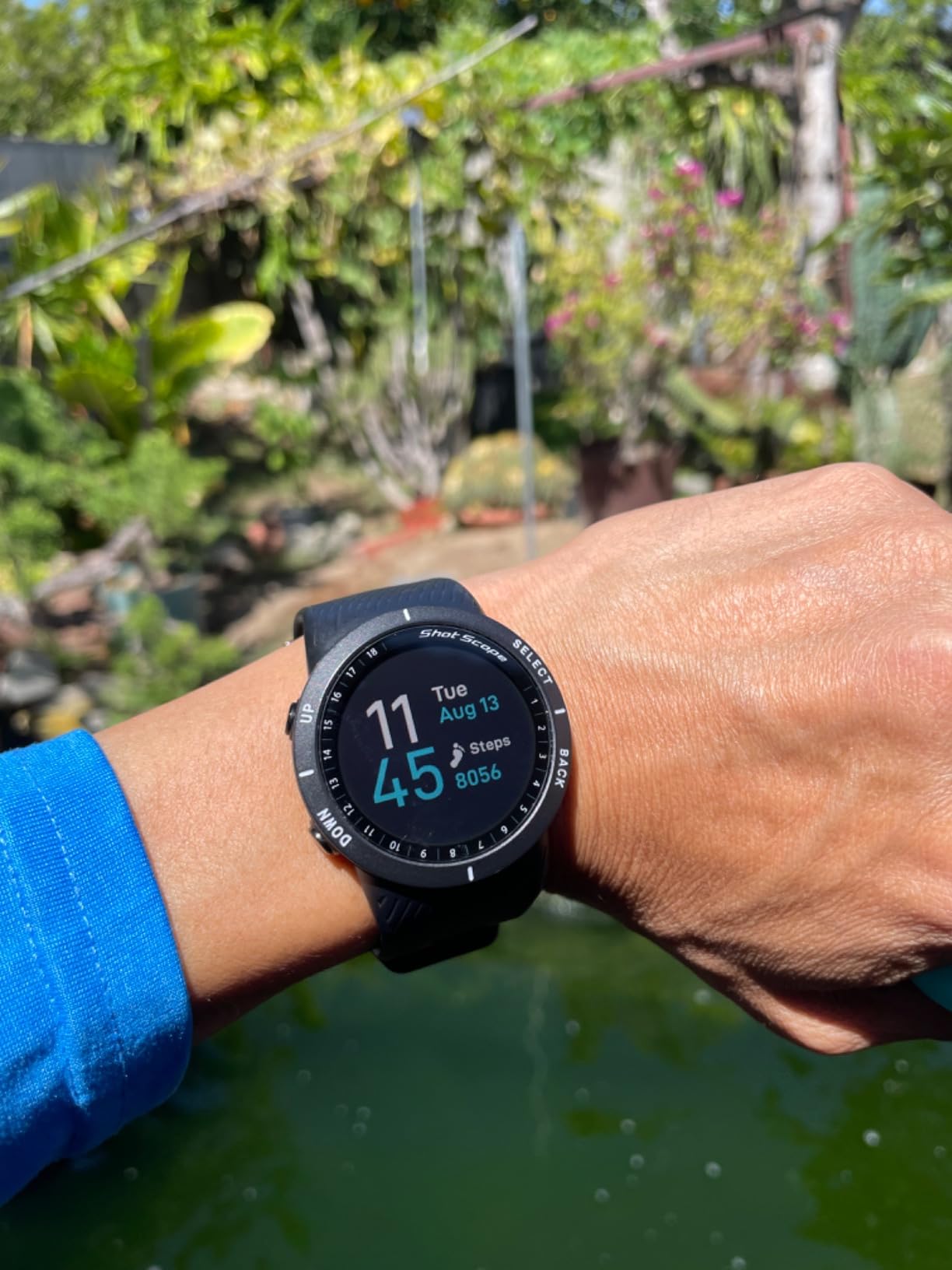
For course management, the map matters more than the screen. You get distances to greens, hazards, layup points and doglegs, which is the information set you need to decide whether a shot is safe, and it is all present on a non-touch 1.2-inch LCD at 240 by 240.
That screen is the compromise. It is smaller and duller than any colour display in this roundup, and reading a hole map on it takes practice. It is also a button-driven interface, so nothing depends on a wet fingertip.
On the forums, Shot Scope is repeatedly named alongside Arccos as the alternative golfers rate highest for on-course tracking. A 3.8 average across 132 reviews reflects the screen and battery more than the data.
Who the V5 suits
It suits the golfer who wants to know why their handicap will not move and refuses to pay for the privilege. Strokes gained and handicap benchmarking without a membership is the deal that makes this watch stand out.
It also suits anyone who wants layup and dogleg distances but not a colour map. The numbers arrive without a subscription attached.
Who should skip it
Skip it if you play more than one long round between charges. A 10-hour rating covers roughly one round, and owners do report the battery draining if the watch stays on after the round.
At 6.24 ounces the watch is heavy and large on the wrist, which is a recurring complaint from people who like the data but not the bulk. Some users also report difficulty loading local courses in the app.
8. NAVO W1 — An Entry Watch With 42,000+ Courses
NAVO W1 Golf GPS Watch – Front, Middle & Back Distances, Hazard Tracking, No Subscription
42,000+ courses
1.78in high-contrast display
Front middle and back distances
No subscription
Pros
- Front middle and back plus hazard distances
- 42000+ courses with free updates
- Works with no phone on the course
- Sunlight-readable display
- Two year warranty
Cons
- Distance-only output with no maps
- Newer brand with a small review base
- Touch and button combination takes practice
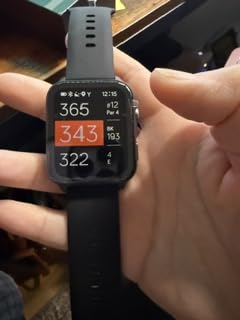
The W1 answers a narrow question well. If you want front, middle and back green distances plus the key hazards, on a large high-contrast screen, with no subscription and a two year warranty, this is the most direct answer in the roundup.
It carries 42,000-plus preloaded courses with free course updates, and once a course is loaded it works independently, so your phone can stay in the bag. A magnetic charging cable and a standard 22mm quick-release strap are included.
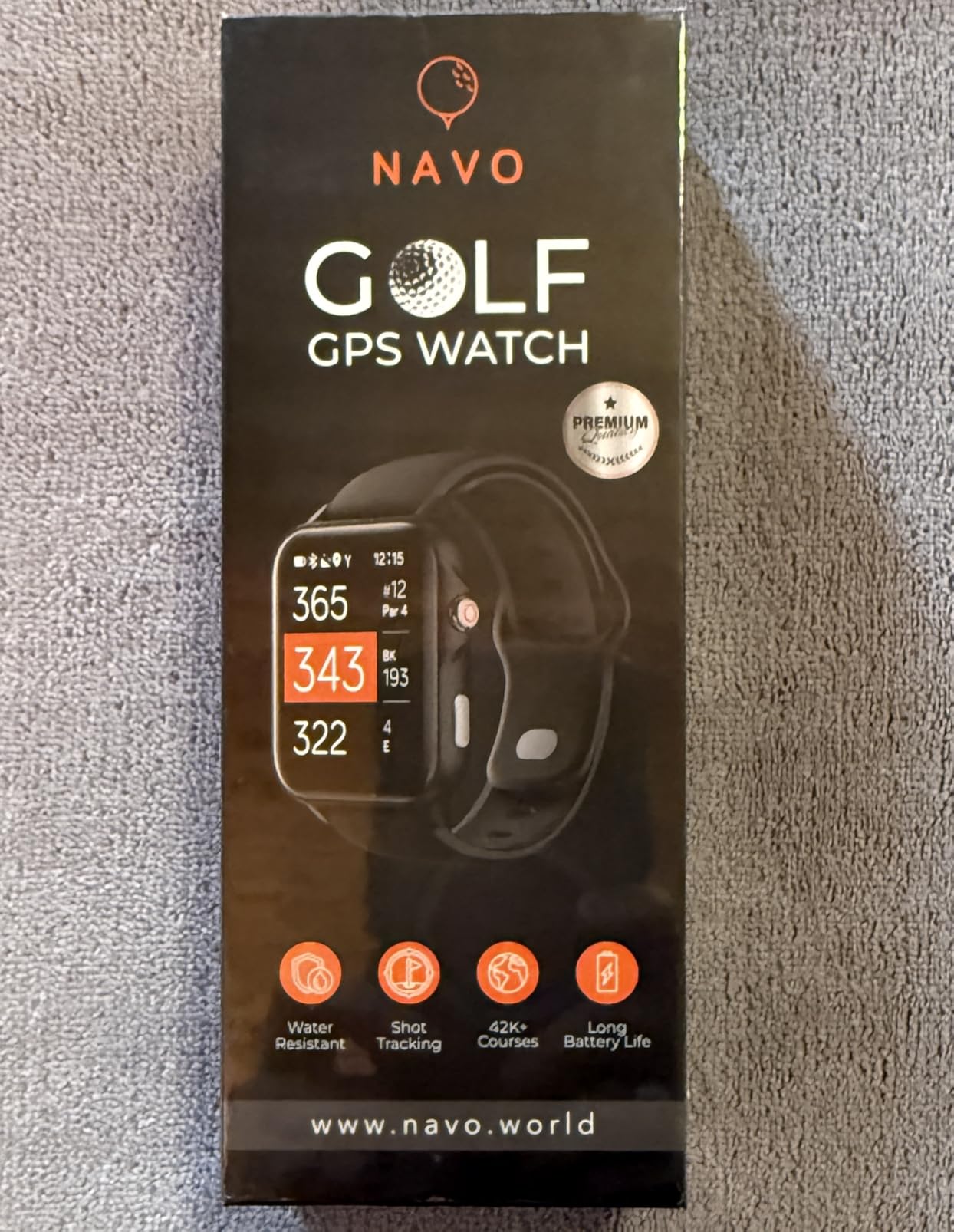
Course management here is distance-only, and it is worth being direct about that. There is no hole map, no slope, no green detail and no shot tracking. You get a number to the front, the middle, the back and the water, and you choose the club yourself.
For a high-handicap golfer or a beginner, that is often exactly enough. A 4.1 average across 124 reviews suggests the numbers land where buyers expect them to.
The 1.78-inch display is unusually large for a distance watch, and the LED panel stays readable in bright conditions. Weight is not listed, but the owner reports describe it as light enough for all-day wear.
Who the W1 suits
It suits a new golfer building a first set of numbers without spending much, and a seasonal player who wants a watch that works every time without a membership conversation.
The two year warranty is longer than several premium watches here offer, which matters for a newer brand.
Who should skip it
Skip it if you plan around shape. Nothing in this watch tells you the shape of the hole, and a big screen showing only numbers does not change that.
The brand is new and the review base is small, so long-term reliability is unproven. Owners also note that the touch-and-button combination takes some getting used to.
9. Voice Caddie T11 PRO — Green Undulation Maps Without a Monthly Fee
Voice Caddie T11 PRO GPS Golf Watch AMOLED Display, Green Undulation No Monthly Subscription 40k+ Preinstalled Courses w/Shot Tracking, Practice Tempo Mode, Putt View 1.3″ OLED Touchscreen Plus V-A.I
1.3in OLED 390x390
40,000+ courses
12-hour battery
No monthly subscription
Pros
- Green undulation heat maps with no fee
- Bright screen readable in any light
- Responsive touchscreen that works with a glove
- Automatic drive line and strategy rings
- Fast satellite lock
Cons
- Large and bulky on the wrist
- Crowded interface with a steep learning curve
- No back button and no pinch-to-zoom
- Some firmware-related failures reported
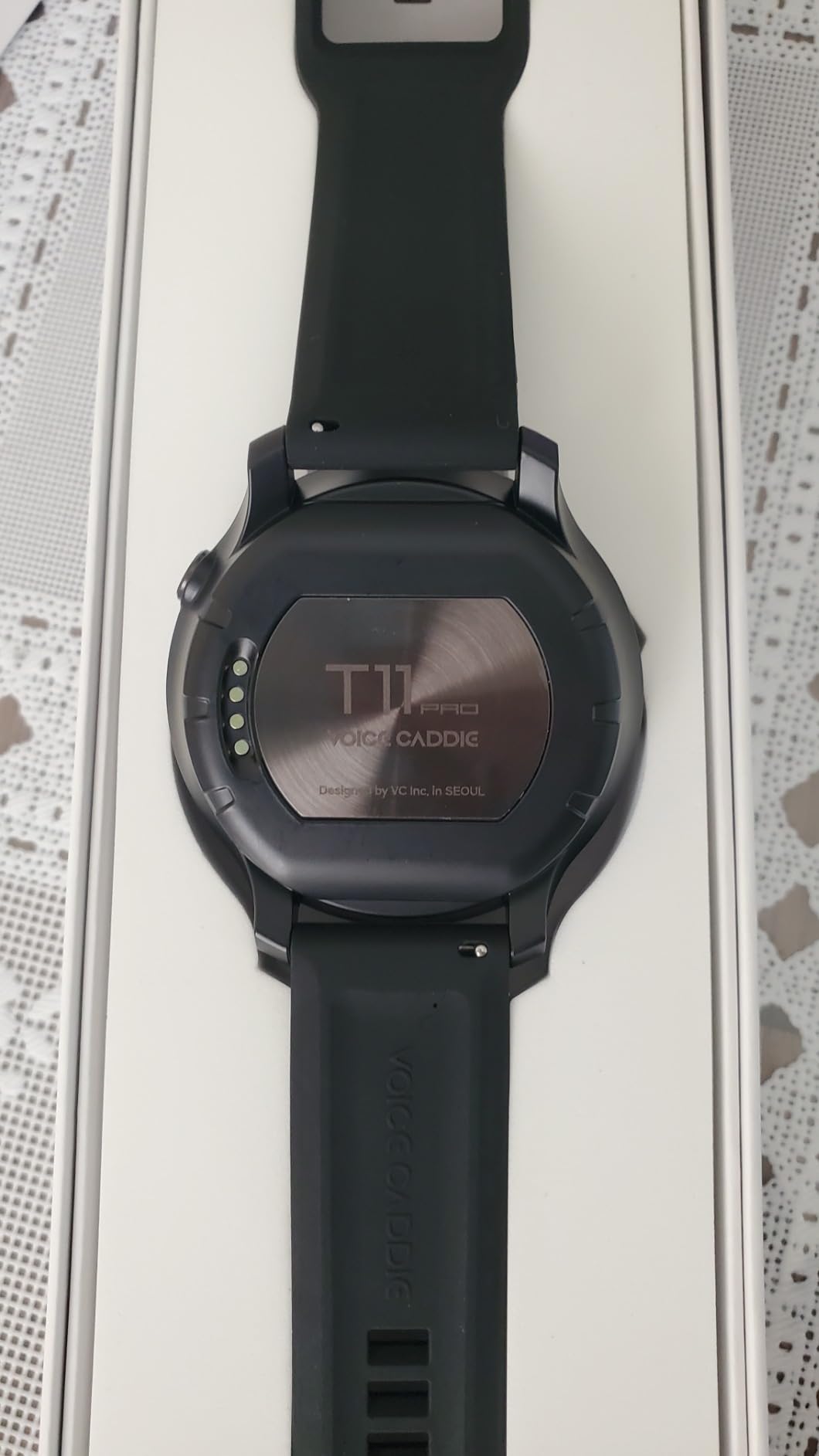
The T11 PRO is the most interesting watch in this roundup on paper. A 1.3-inch OLED at 390 by 390, V.AI 3.5 automatic slope calculation from tee to green, green undulation heat maps, a long putt guide, wind direction, swing speed radar, and no monthly subscription.
That combination puts subscription-free green mapping on a watch that costs less than a fraction of what a premium Garmin setup asks over three years. Owners compare the brightness favourably with Garmin’s top-tier models.
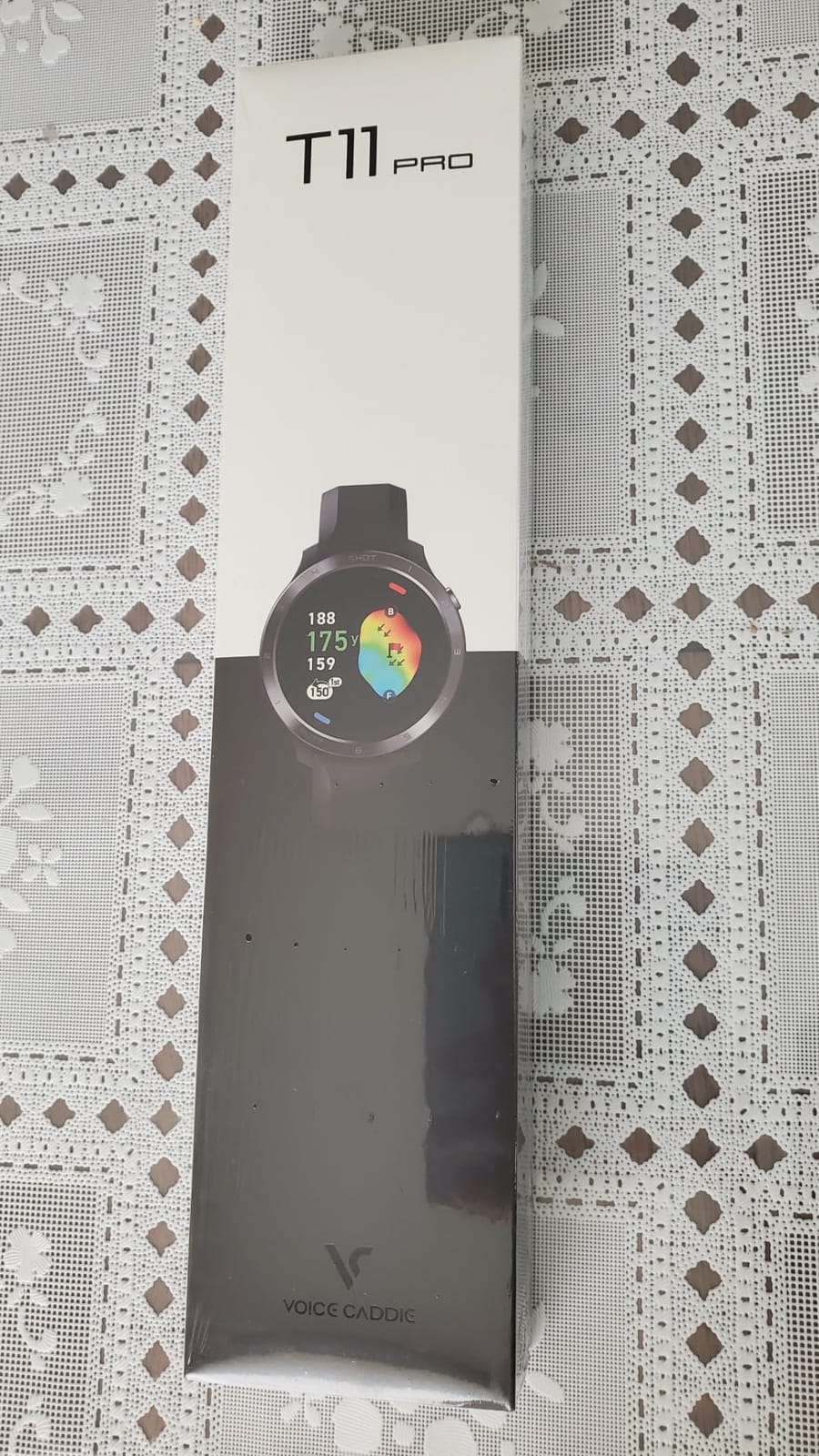
Course management with it starts at the tee. An automatic expected drive line tells you where a good shot should finish, and 50 and 100 yard strategy rings around the green give you approach targets without guessing.
Green reading is the real event. The undulation heat maps show the slope across the putting surface and the putt break direction, which is exactly what Garmin charges a membership to unlock, and pin repositioning works reliably rather than intermittently.
The interface is the problem. Reviewers describe a crowded menu system, a steep learning curve, a poorly implemented scorecard, and no back button, so you cannot browse a hole map the way you can on a Garmin.
Who the T11 PRO suits
It suits the putter who wants green reading without paying for it. Practice Tempo Mode, Putt View and undulation heat maps make this the best value green-reading tool we looked at.
It also suits golfers who hate memberships on principle. Nothing here expires after a trial period.
Who should skip it
Skip it if menu friction bothers you. A 3.5 average across 115 reviews has a steep learning curve, a bulky chassis that sits high on the wrist, and no pinch-to-zoom, in common with several other complaints.
There are also reports of devices failing after a firmware update and of corroding charging contacts, and some features plus parts of the app are limited by country availability.
10. SkyCaddie LX5C — Ceramic Bezel and the HoleVue Crosshair
SkyCaddie LX5C Golf GPS Watch with Ceramic Bezel, Black
1.39in Full HD touchscreen
Ceramic bezel
35,000+ verified courses
10-hour battery
Pros
- Premium ceramic bezel
- Slide crosshair targets carry and layup lines
- IntelliGreen rotates the green
- Manual shot tracking of club and distance
- Three years prepaid membership included
Cons
- Subscription needed for maps after the prepaid period
- Slow satellite acquisition and position updates
- Some watches fail to find the course
- Six month warranty
The LX5C is the LX5 with a ceramic bezel and a refined targeting tool. The build quality is the most premium in this roundup, and the 1.39-inch colour touchscreen runs Full HD graphics on a Wi-Fi connection.
HoleVue is the feature to learn. Zoom and a slide crosshair let you drag a marker across the hole and read the distance from any point to any feature, which makes it a genuine layup and carry planner rather than a distance list.
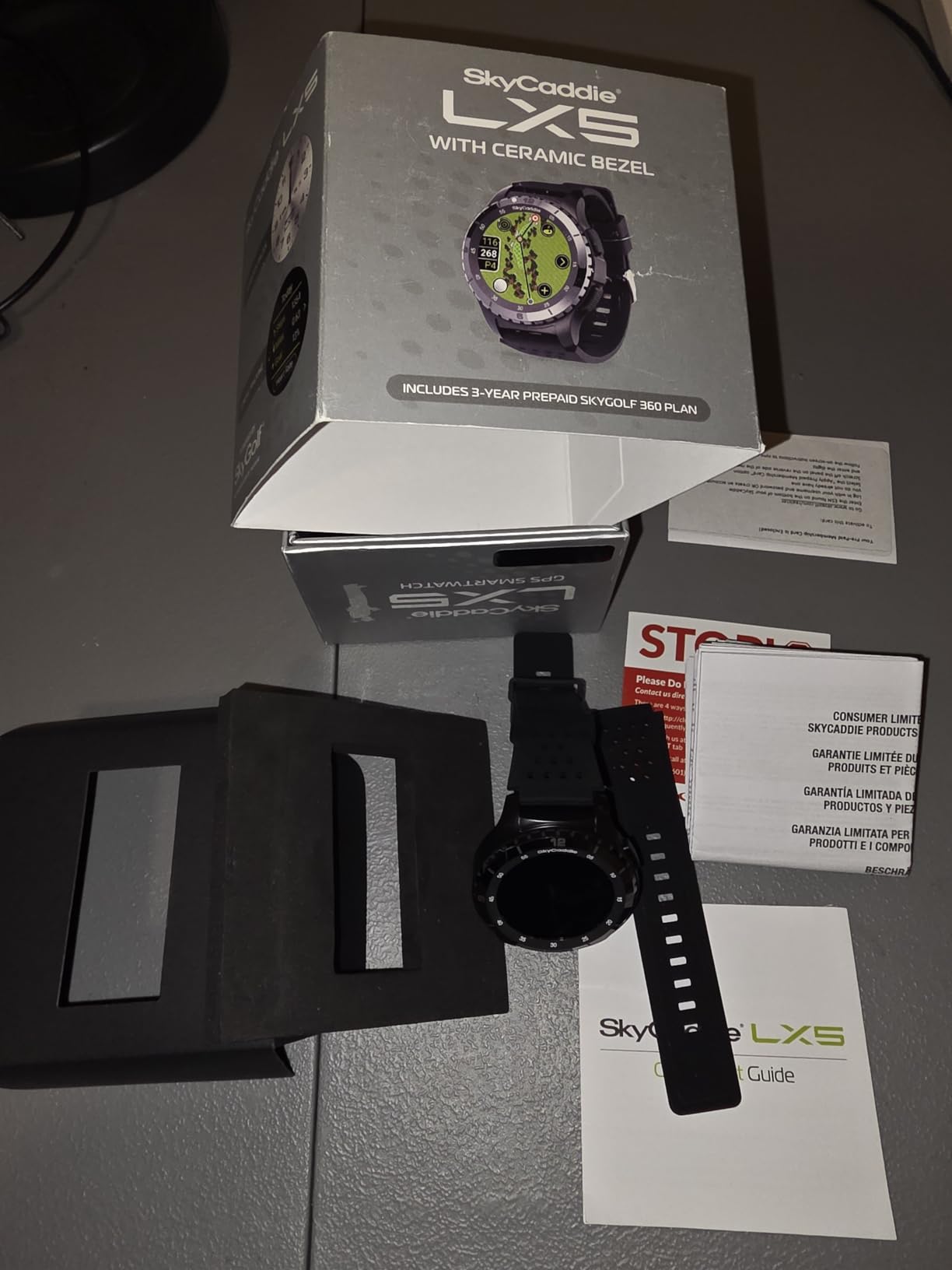
Like the LX5, it uses ground-verified mapping for 35,000-plus courses with three years of prepaid membership included, and IntelliGreen rotates the green to its true shape for front, back and cursor-to-pin distances.
Shot tracking here is manual rather than tag-based. You record the club, the distance and the location yourself after each shot, which is faster than nothing and slower than RFID tags.
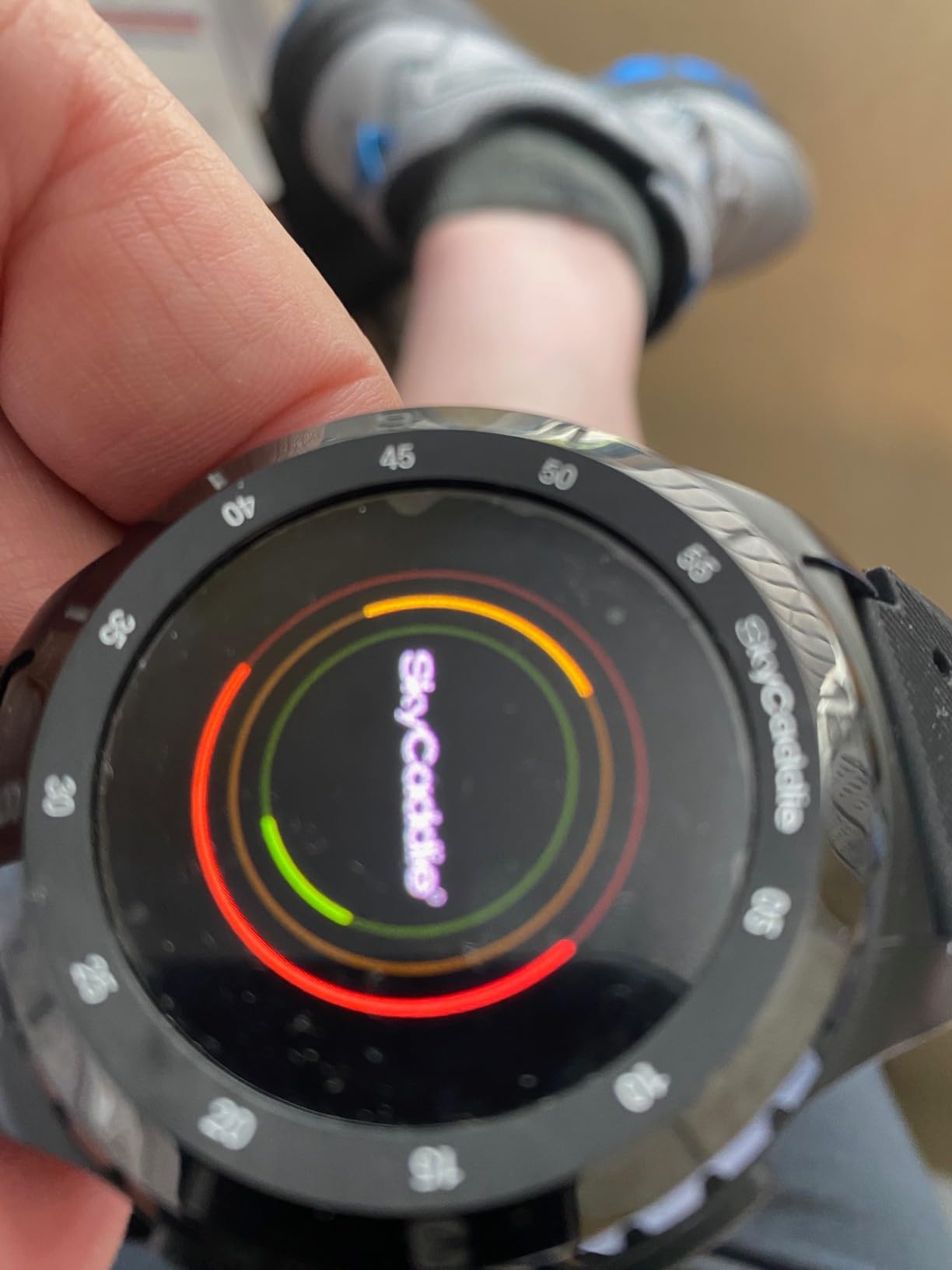
The performance complaints are the deciding factor. At 3.5 across 88 reviews, owners are split on slow satellite acquisition, slow position updates, and watches that fail to find their course at all. On a busy tee that is a genuine problem.
Who the LX5C suits
It suits a golfer on a course the satellite data gets wrong, who wants the ceramic build and the crosshair targeting, and who will use a membership when the prepaid years run out.
It also suits anyone who wants precise carry and layup marking rather than a list of distances.
Who should skip it
Skip it if satellite lock speed is critical to you. A watch that takes time to find your position on the first hole wastes the walk to the tee.
The six month warranty is short, and the eventual membership cost is the same trap as the LX5, only with a smaller review base behind it.
11. Canmore TW411 — Free Weekly Updates and Fitness Tools
CANMORE TW411 Golf GPS Watch with Fitness Tracker, 41,000+ Free Preloaded Worldwide Course, Upgraded IC Chip, Orange
41,000+ courses
14-hour battery
54g
1.36in LCD
Free weekly updates
Pros
- Free weekly course updates by USB
- Distances usually within a couple of yards
- 14-hour battery
- Bubble level and pedometer included
- No subscription ever
Cons
- Awkward menu system
- Hazard distances are hard to read
- Reports of devices failing after a few months
- Plain LCD with no maps or slope
The TW411 is the current hardware refresh of a long-running Canmore design, and the update matters: faster GPS, better locating, an upgraded chip and 50 percent longer battery than the model it replaced.
Course updates are free and weekly, pushed over USB to Windows, Mac and Linux computers. That is a genuinely different model from the membership brands, and the course library of 41,000-plus is updated at no cost for the life of the device.
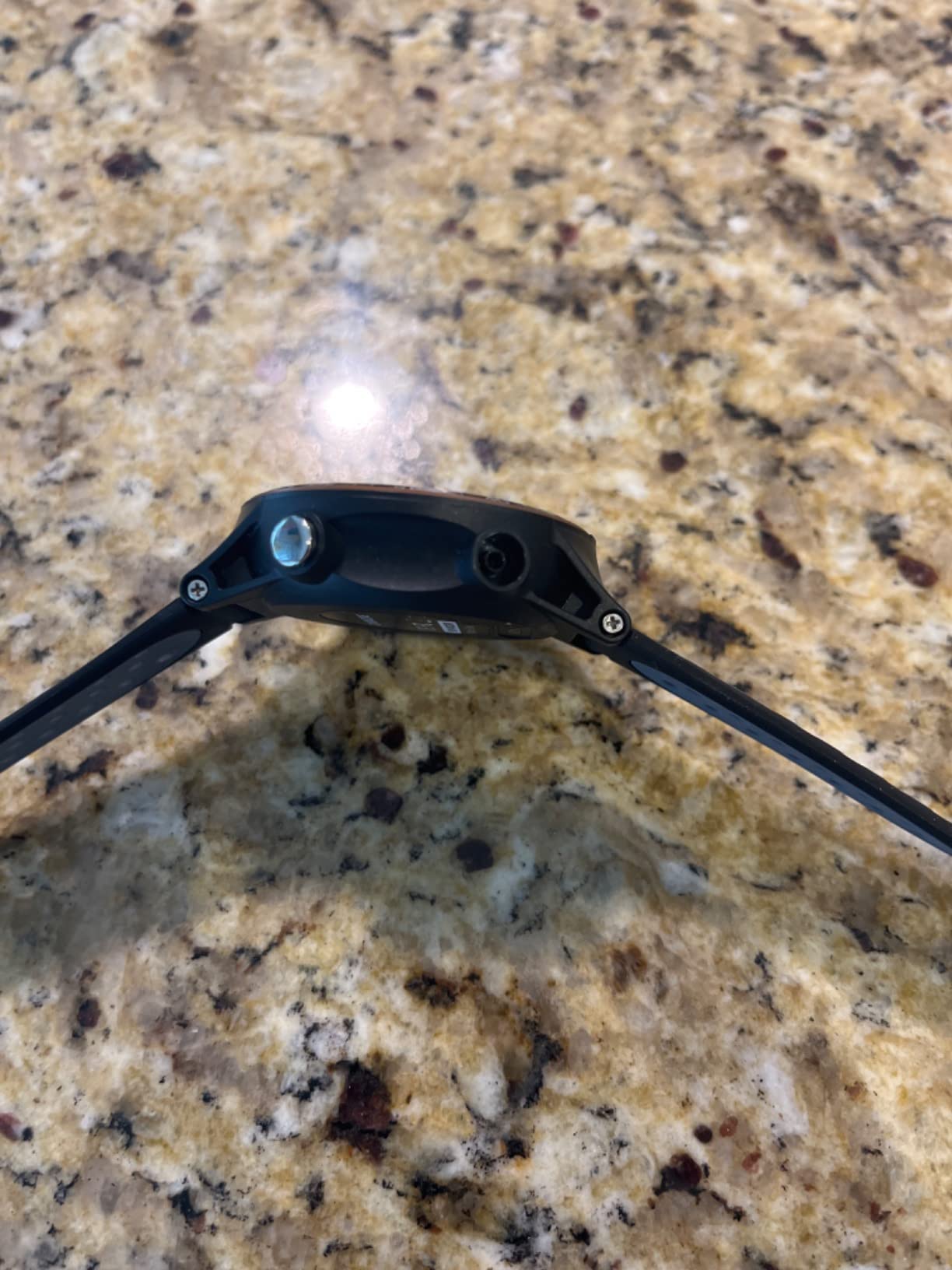
On the course you get green front, middle and back, shot and hazard distances with automatic hole advance. Reviewers find the numbers typically within a couple of yards of other golf GPS watches, which is fine for club selection.
Extras are unusual for a golf watch: a fitness tracker, a bubble level, a pedometer and an alarm. The bubble level genuinely helps on a sloping tee, and the 14-hour rating means most of a round with charge to spare.
What you do not get is any mapping. A plain 1.36-inch LCD with no hole view, no slope and no colour means course management stays at the level of choosing a club.
Who the TW411 suits
It suits golfers who want fresh course data every week without a fee, and who like having a pedometer and step count alongside their scores. It is also one of the few watches here with a 14-hour battery in a light 54g body.
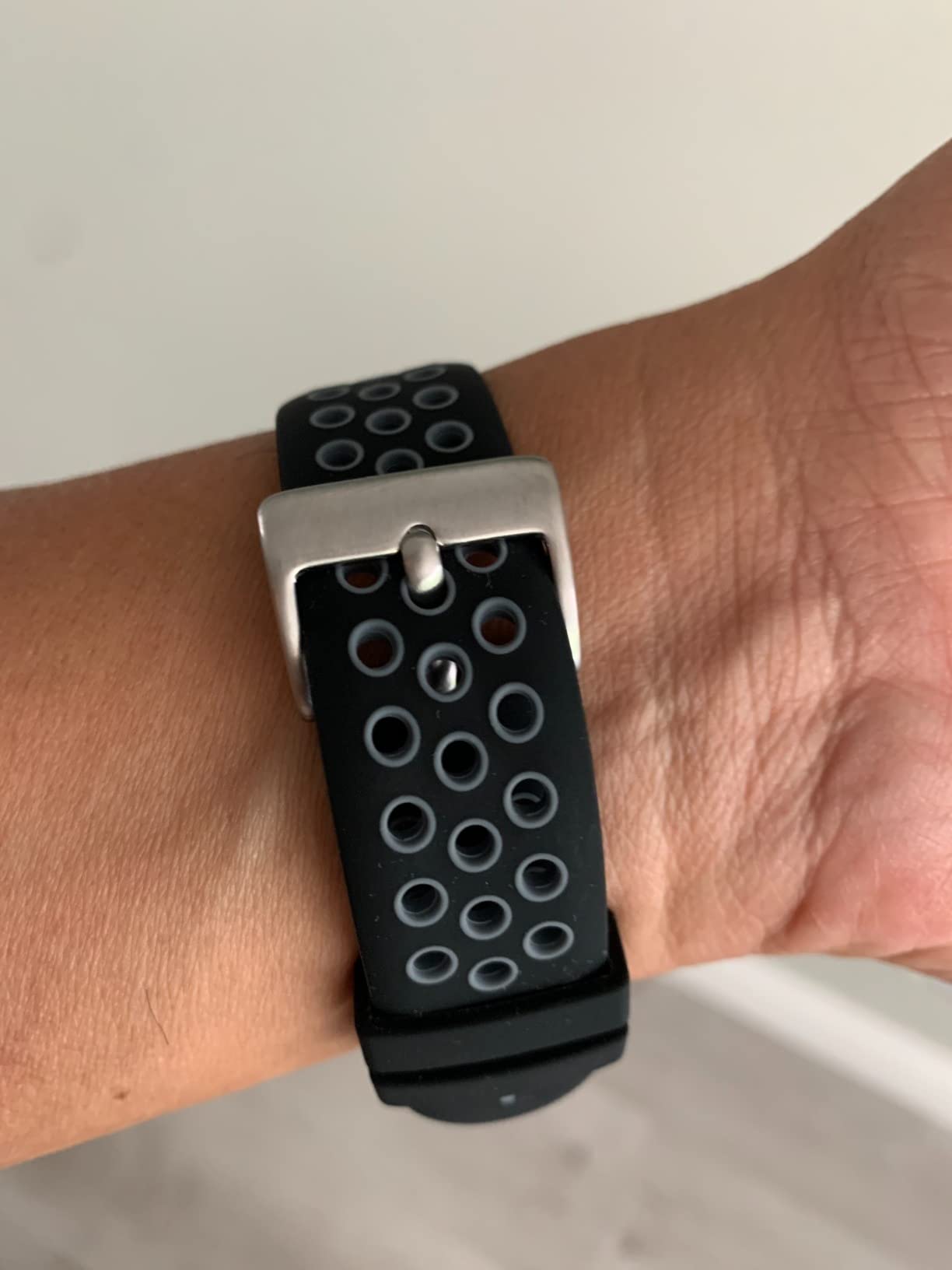
The breathable sweat-proof rubber band and scratch-resistant screen suit players who are hard on their equipment.
Who should skip it
Skip it if you rely on screen menus under pressure. The interface is the most criticised part of this watch, and hazard distances further down the fairway are hard to interpret at a glance.
At 3.4 across 139 reviews, there are also multiple reports of devices failing after a few months and difficulty obtaining warranty support, plus some regional firmware builds missing a language such as Italian.
12. Voice Caddie T11 LT — Putting Practice Mode on a Budget
Voice Caddie T11 LT GPS Golf Watch LCD Display with Green Undulation No Monthly Subscription Slope Mode 40K+ Preinstalled Courses, Course View, Practice Tempo Mode, Putt View 1.2″ Color Touchscreen
1.2in colour touchscreen
40,000+ courses
7-hour battery
No subscription
Pros
- Green undulation heat maps and break arrows
- Practice Tempo Mode and Putt View
- Reliable front centre and back yardages
- Lightweight and comfortable
- No subscription
Cons
- Dim screen in direct sunlight
- Touchscreen can be unresponsive and some watches lock up
- Shortest battery in the roundup and features limited by country
The T11 LT brings the two features golfers actually ask for from Voice Caddie, green undulation heat maps and break arrows, into a 1.2-inch colour touchscreen at the entry level, with no subscription attached.
Add Practice Tempo Mode and Putt View with pin placement, elevation and distance to pin, and you have a putting tool that most golfers use more than the GPS side. Automatic shot and score logging works for either handedness.
Course management beyond putting is basic. You get front, centre and back green yardages and over 40,000 preinstalled courses, which is enough to pick a club and nothing more. There is no full hole map here.
The 7-hour battery rating is the shortest in the roundup and covers about one round of walking, which is tight if you play 36 holes. The screen is also reported as dim in direct sun, the opposite of what you want in summer.
Reliability is the bigger concern. Owners report an unresponsive touchscreen when logging scores, and watches that freeze and will not exit golf mode without holding the crown.
Who the T11 LT suits
It suits a beginner or a casual putter who wants break direction and a tempo tool without paying a membership. The undulation maps are the reason to consider it at all.
If you already own a Voice Caddie T9, the interface will feel familiar and the upgrade path is obvious.
Who should skip it
Skip it if you want reliable hardware. A 3.2 average across 60 reviews is the lowest here, with roughly 29 percent of ratings at one star, driven by the screen, the touchscreen and regional feature restrictions.
Some features only work in a limited list of countries, which in some regions leaves you with basic distances only. The short battery makes 36-hole days impractical.
How to Use a Golf GPS Watch for Course Management
Course management means using yardages to choose a route rather than a club. Five tactics cover almost every round, and each one works on a different watch in this list.
1. Plan the layup before you hit. Before a par five where the fairway narrows, check the layup distance to the widest section of the fairway. If your watch shows a hazard distance as well, you can pick a club that clears the trouble with a number in reserve rather than a guess.
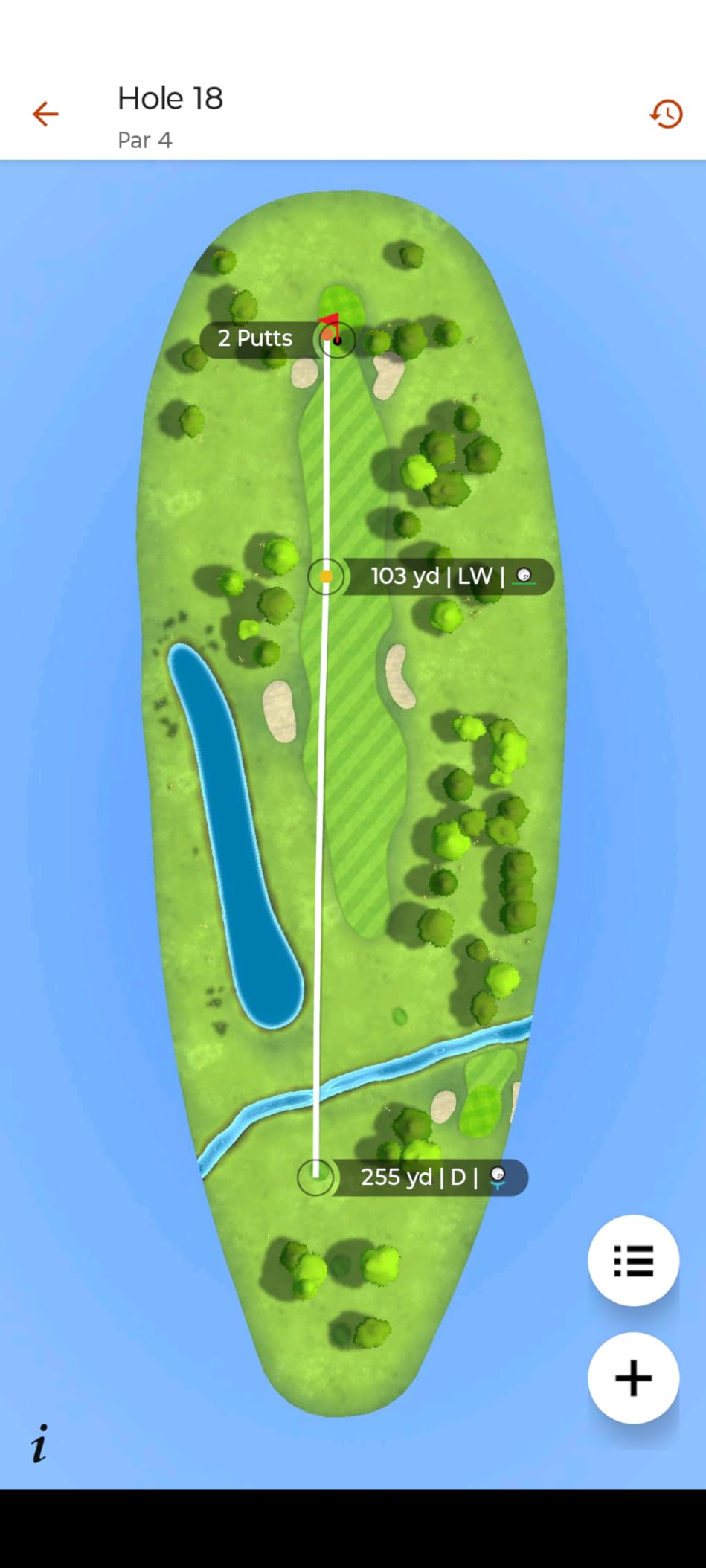
2. Judge the dogleg carry, not the dogleg distance. On a two-shot par five that bends right, the number that matters is how far to carry the corner, and how far to leave for the second shot. A mapped watch with a slide cursor, like the SkyCaddie models, or a watch with dogleg distances, like the Shot Scope V5, handles this well.
3. Align a blind shot with something real. On a blind par four, aim at a tree, a bunker or a mowing pattern rather than at thin air. PinPointer on the Garmin S62 draws a direction arrow from your position toward the target, which turns a guess into an alignment.
4. Check hazard carry before the second shot. The single most common expensive mistake is short-siding a water hazard. Most watches in this roundup report a distance to the water, and on the approach to a par five that number should set your club, not your instinct.
5. Leave the green with an exit in mind. Once you know the front, middle and back numbers, you can position your putt below the hole to keep a birdie putt downhill. On mapped watches, the rotated green view on the SkyCaddie LX5 and LX5C shows the true shape and break direction, which turns a guess at the roll into a read.
Why GPS Yardages Drift and How Much to Trust Them
Drift comes from the sky and the trees, not from the watch. A golf GPS triangulates your position from satellites and matches it to a preloaded map, so both the signal and the map can introduce error.
Tree cover is the biggest cause. Leaves and branches block and reflect satellite signals, so a shaded second shot can report a yardage that is several yards off. The fix is to let the watch settle for a few seconds before you trust a number you are about to swing on.
Hills distort elevation and position. Terrain can reflect signals and slow position updates, which is why a watch that locks quickly on flat ground may lag on a steep fairway.
Map errors are permanent. Where a course has been re-routed or a bunker added and the map was not updated, the watch is faithfully reporting an outdated truth. Ground-verified mapping, as used by SkyCaddie, exists precisely to reduce this.
Mixed constellations help. The Garmin S44 uses GLONASS, GPS and Galileo together, which gives it more satellites to work with than a single-constellation device and generally better behaviour under cover. Our best GPS watches for hiking guide explains why satellite reception matters just as much away from the fairway.
As a practical tolerance, treat any difference of a few yards between a watch and a laser as normal, and treat a difference of ten or more as a reason to hit the laser. A watch is a course management tool, a laser is a measuring instrument, and the two answer different questions.
Golf GPS Watch or Laser Rangefinder?
Use a laser when you need one exact number fast, and use a golf GPS watch when you need the whole hole. Most golfers who play often end up owning both.
A rangefinder gives a precise distance to a flag or a hazard in a second, with no charging between holes and no learning curve. It tells you nothing about the shape of the hole, the break on a green, or where you should miss on your second shot.
A golf GPS watch gives you front, middle and back, hazards, doglegs and, on the mapped models, an overhead view of everything ahead. It costs more, needs charging, and needs practice to read at full speed.
Our read: if you play under ten rounds a year and already hit your targets, a laser is enough. If you play twenty or more rounds and want to stop losing strokes to avoidable decisions, the watch earns its place. If you can manage both, the watch for strategy and the laser for the shot you actually care about.
Subscriptions and the Long-Term Cost of a Golf Watch
Five watches in this roundup never ask for money again, and three ask only after a prepaid period. The difference over three years is large enough to change the answer.
Never a subscription: TecTecTec ULT-G, Garmin S12 for its core distance features, Shot Scope V5, NAVO W1, Canmore TW411, Voice Caddie T11 PRO and Voice Caddie T11 LT all ship with their mapping, slope or undulation features included at purchase.
Membership for full course management: the Garmin S62 and S44 gate full colour CourseView maps, green contours, PlaysLike Distance and Touch Targeting behind a Garmin Golf membership. The S44 hides more behind that door than the S62, because the S62 gives you hazard and green views regardless.
Prepaid then recurring: the SkyCaddie LX5 and LX5C each include three years of prepaid membership to 35,000-plus ground-verified courses, then require a recurring payment to keep using the map service. Budget for year four before you buy, not after.
The practical advice is to count the recurring cost against the value of the mapped features you will genuinely use. If green contours are something you would look at every round, a membership is defensible. If you want a number to the front and back and nothing else, paying a monthly fee for maps you will not open is a waste, and the subscription-free watches in this list deliver the numbers perfectly well.
One more consideration when a membership lapses: you keep the watch and the scoring, you lose the enhanced mapping. Read the terms before you assume otherwise, and test the free features on day one so you know exactly what you are paying for later.
How to Choose a Golf GPS Watch for Course Management
Decide what you need before you decide what you can afford. Six criteria carried the most weight when we ranked these twelve.
1. Mapping depth. Distances only, or distances plus an overhead hole map. The second is what turns a watch into a course management tool, and it is where the money is. A watch with no map is a distance device, and nothing is wrong with that if it is what you want.
2. Subscription tolerance. Be honest about whether you will keep paying. Seven watches here have no fee at all, and for most golfers that removes the biggest source of regret in this category.
3. Battery in rounds, not hours. Manufacturers quote hours in GPS mode. Convert that to rounds by dividing by roughly four to five hours of walking. Ten hours is one round and a bit, fifteen hours is two comfortable rounds, thirty hours is a weekend without a charger.
4. Display type and conditions. A memory-in-pixel screen is readable in sun and rain and works with a glove, but shows no maps. An AMOLED or OLED screen shows colour and contours, but the ones in this roundup vary widely in sunlight brightness, and touchscreens struggle with wet fingers. If you play winter rounds, buttons matter more than pixels.
5. Size and weight. The heaviest watch here is 64g and the lightest are 34g, and that is a doubling you feel in a full swing. Golfers on the Shot Scope forums and in reviews raise bulk more often than any other physical complaint.
6. Durability and support. Warranty length ranges from six months on the SkyCaddie models to two years on the NAVO W1. The two products in this roundup with the most documented hardware failures, the Bushnell iON Elite and the Voice Caddie T11 PRO, both have support responsiveness raised as an issue, which matters more than the warranty card.
Finally, think about who should not buy a golf GPS watch at all. If you play a handful of times a year and already know your clubs, this is a gadget for a hobby you do not have. Our comparison of the two devices can help you decide between them, and if you also need new shoes, our best golf shoes for men guide covers the fit questions that come up for players walking eighteen holes twice a week.
Frequently Asked Questions
Which is better for golf, the Garmin S50 or S70?
The S70 is the larger, brighter AMOLED model with more course management features, while the S50 is the smaller sibling. Neither appears in this roundup, but the same decision applies between the S62 and S44: the S62 gives you full colour CourseView maps, Hazard View, PinPointer, PlaysLike Distance and Green View for 20 hours of GPS battery, and the S44 is slimmer, brighter and lighter at 15 hours. Choose the S62 if you want the most course management on your wrist, and the S44 if brightness and comfort matter more to you.
Is a golf GPS watch worth it?
It is worth it if you play regularly and want to choose routes rather than only clubs. A watch gives you front, middle and back yardages, hazard carries, doglegs and, on mapped models, the shape of the hole before you swing. If you only need one exact number, a laser rangefinder does that job for less and never needs charging.
Why is my Garmin watch’s GPS not accurate?
The usual causes are tree cover, hills, standing still too long, an outdated course map, or a device that needs a firmware update. Tree cover blocks and reflects satellite signals, hills distort position updates, and if the course has changed since the map was last updated the watch is reporting an old truth. Let the watch settle for a few seconds, step to open sky, and check for a system software update before assuming the hardware has drifted.
What is the most accurate golf GPS watch?
Accuracy comes from two places: how quickly the device locks satellites, and how the course was mapped. On locking, multi-constellation devices such as the Garmin S44, which uses GLONASS, GPS and Galileo, have the strongest hardware here. On mapping, ground-verified devices such as the SkyCaddie LX5 and LX5C are the most accurate on courses that satellite data gets wrong. In practice, expect a few yards of normal drift and use a laser for any shot worth ten yards of accuracy.
Do golf GPS watches require a subscription?
Many do, but most of the watches in this roundup do not. The TecTecTec ULT-G, Garmin S12, Shot Scope V5, NAVO W1, Canmore TW411, Voice Caddie T11 PRO and Voice Caddie T11 LT include their distance, map or undulation features at purchase. The Garmin S62 and S44 put full colour maps, green contours and PlaysLike Distance behind a Garmin Golf membership, and the SkyCaddie LX5 and LX5C include three prepaid years before a recurring membership applies.
Final Verdict
The TecTecTec ULT-G is the best golf GPS watch for most people in 2026, because 5,600-plus reviews say it returns the same three numbers every time and never asks for money again. The Garmin S12 is the pick if battery life drives your decision, with 30 hours in GPS mode and a sunlight-readable screen that works with a glove on.
If you want the full map of the hole on your wrist, the Garmin S62 is the most complete course management watch we tested, and the Voice Caddie T11 PRO is the same green-reading idea without a monthly fee. Golfers who want shot tracking and statistics for nothing should look at the Shot Scope V5, and golfers playing courses with unreliable satellite data should give the SkyCaddie LX5 a try.
Whichever one you choose, test the course management tactics above on a round you know well before you trust it on a course you have never played. The watch is the tool, but the decision still belongs to you.