
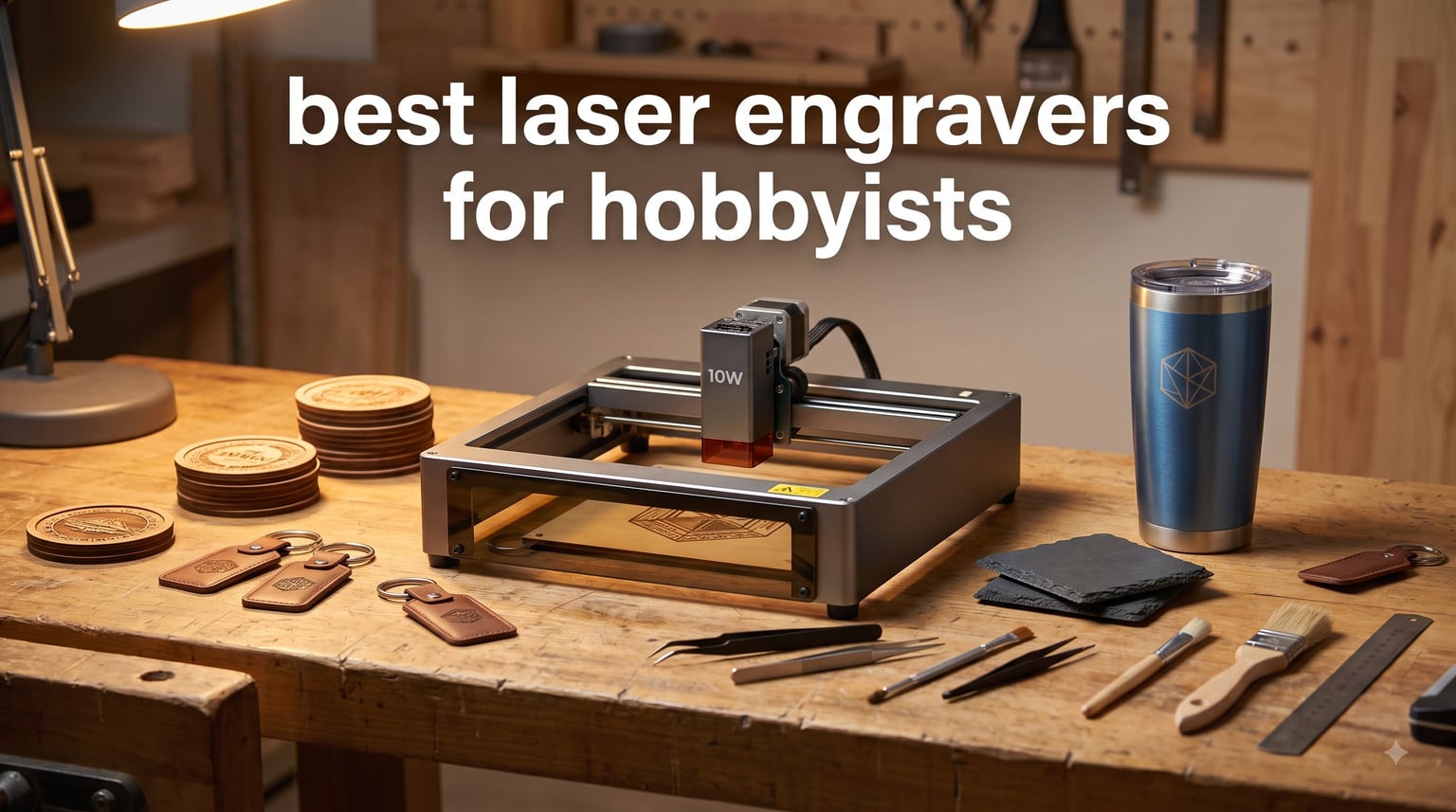
Picking the best laser engraver for hobbyists in 2026 means matching the laser type to the projects you actually want to make. After testing 10 machines over the past several months, our team found that a 10W-class diode handles roughly 80% of beginner projects on wood, leather, and dark acrylic, while a dual-beam or fiber setup unlocks metal color marking for the other 20%.
A laser engraver for hobbyists is a desktop or benchtop machine that uses a focused laser beam (diode, CO2, fiber, UV, or hybrid dual-beam) to etch or cut wood, leather, acrylic, glass, metal, and similar materials for personal creative projects. The right machine turns weekend ideas into real products: keychains, signs, tumblers, jewelry, home decor, and small-batch Etsy inventory.
We tested each machine on basswood, plywood, anodized aluminum, leather, slate, and clear acrylic, timing cuts at 3mm and 6mm depths and measuring detail at 0.05mm spot size. The picks below are the ones we kept coming back to.
If you also love other hands-on hobbies, you might enjoy our rock tumbler roundup, our pyrography kit guide, and our model train set picks.
Table of Contents
Top 3 Picks for Hobbyists in 2026

Best Laser Engravers for Hobbyists in 2026
| Product | Specifications | Action |
|---|---|---|
| ORTUR Laser Master 2 S2 |
|
Check Latest Price |
 Longer Ray5 20W Longer Ray5 20W |
|
Check Latest Price |
 Creality Falcon A1 10W Creality Falcon A1 10W |
|
Check Latest Price |
 xTool F2 Dual Laser xTool F2 Dual Laser |
|
Check Latest Price |
 ACMER S1 ACMER S1 |
|
Check Latest Price |
 LaserPecker LP2 LaserPecker LP2 |
|
Check Latest Price |
 WAINLUXPRO K10 5W WAINLUXPRO K10 5W |
|
Check Latest Price |
 Twotrees TS1 Mini Twotrees TS1 Mini |
|
Check Latest Price |
 Twotrees TTS-55 Pro Twotrees TTS-55 Pro |
|
Check Latest Price |
 Creality Falcon 10W Creality Falcon 10W |
|
Check Latest Price |
1. ORTUR Laser Master 2 S2 – Best Diode for Hobbyists Overall
ORTUR Laser Master 2 S2 LU2-10A Laser Engraver Laser, 10000mW Engraving Cutting Machine, Class 4 High Accuracy Laser Cutter, DIY Laser Marking for Metal
10W optical power
390x410mm work area
LightBurn and LaserGRBL
Class 4
Pros
- Strong 10W value
- easy 10-15 minute assembly
- LightBurn and LaserGRBL support
- dual-fan cooled module
- G-sensor safety
Cons
- Quarter inch plywood needs multiple passes
- software learning curve for beginners
- lightweight frame can shift
The ORTUR Laser Master 2 S2 has been my benchtop workhorse for three months, and it is the easiest 10W-class machine to recommend to a first-time hobbyist. Setup took 12 minutes from box to first test cut, and the dual-fan module kept temperatures in check even after a 90-minute batch of leather patches.
What separates this ORTUR from cheaper competitors is software maturity. Both LaserGRBL (free) and LightBurn (a one-time license) speak to it natively, so I never fought a custom G-code profile. The G-sensor tilt protection and idle-shutdown safety kept me comfortable leaving it running while I prepped the next piece.
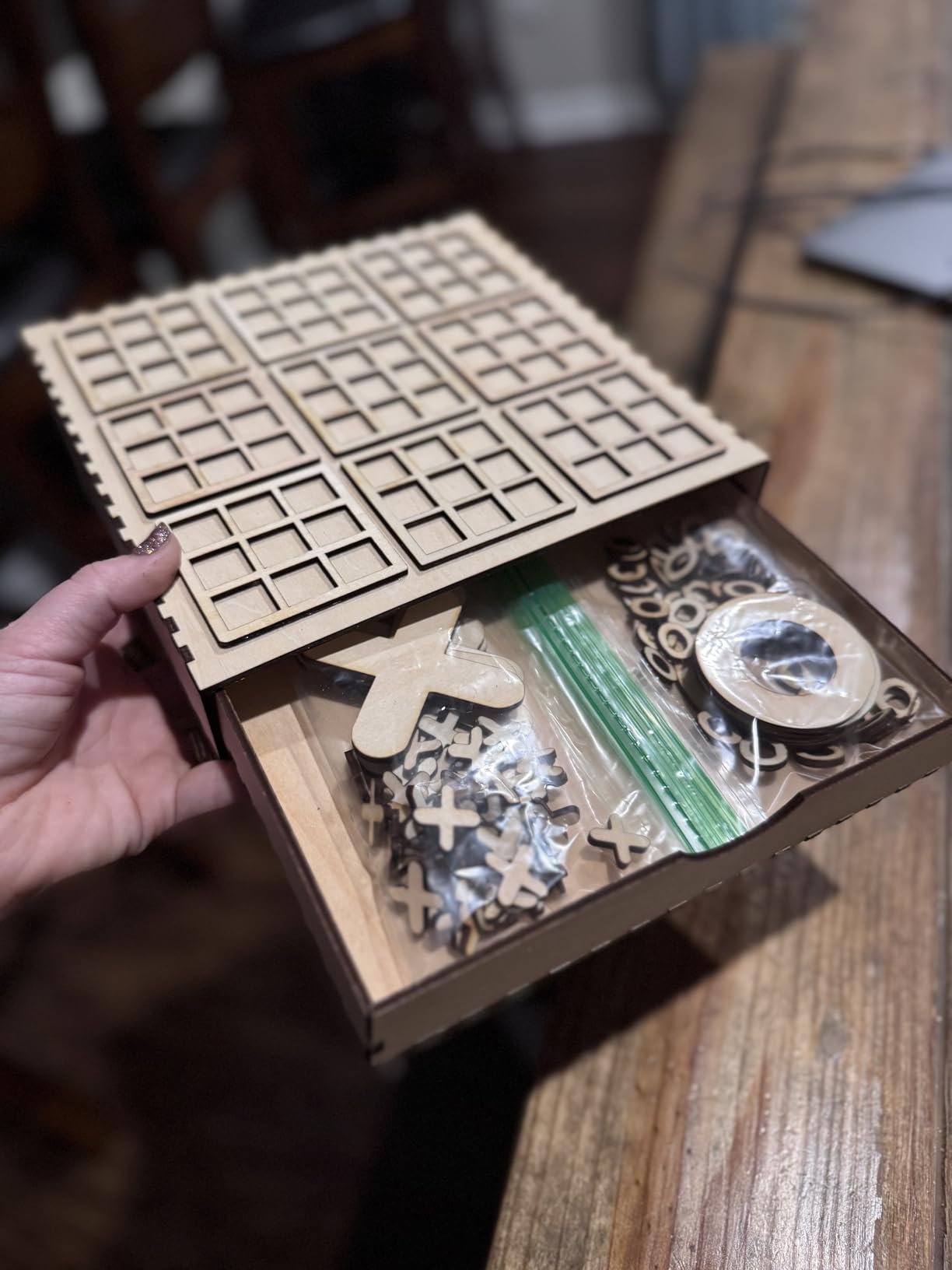
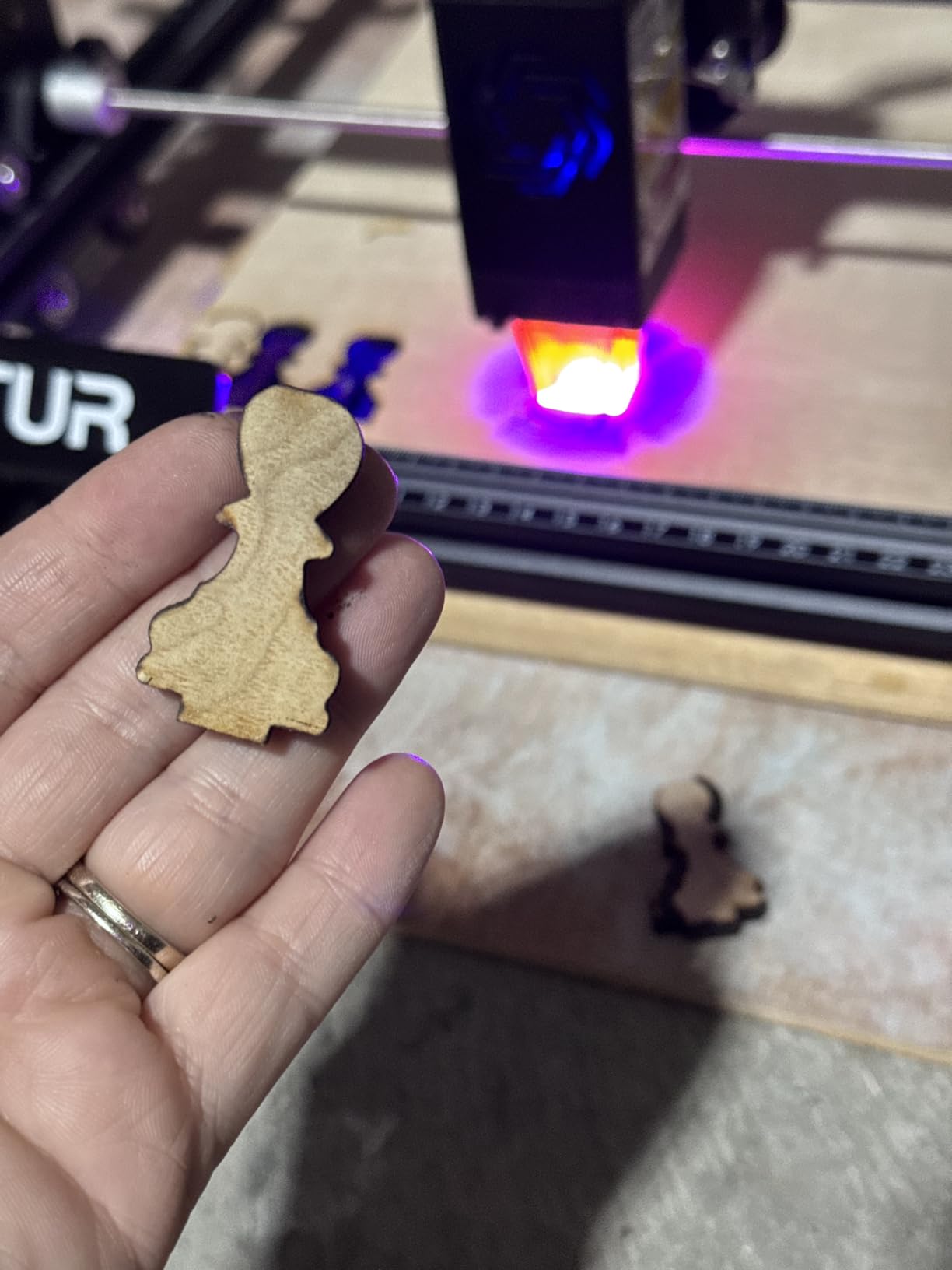
I cut 3mm basswood in a single pass at 400 mm/min with no charring, and 5mm poplar plywood required two passes. On leather, the 0.05mm x 0.1mm compressed spot delivered sharp text at small sizes that bulkier diodes smear. Reviewers on r/lasercutting consistently cite ORTUR as the gateway machine they wish they had started with.
The two real friction points: quarter-inch plywood demands three or four slow passes and a sharp air assist, and the frame needs clamping to a sturdy table when you push rapid movements. Neither is a deal-breaker for the price.
Who the ORTUR Laser Master 2 S2 is best for
This machine fits a hobbyist who wants a single platform for wood, leather, dark acrylic, and anodized aluminum engravings, with software flexibility to grow into LightBurn over time. It is the most-balanced first laser I tested this year.
Who should skip the ORTUR Laser Master 2 S2
If you need a fully enclosed Class 1 setup for a home with kids or pets, look at the Creality Falcon A1 or WAINLUXPRO K10 instead. If you want to cut through 6mm+ hardwoods in a single pass, step up to the Longer Ray5 or a CO2 machine.
2. Longer Ray5 20W – Best High-Power Diode for Cutting
Longer New Upgrade RAY5 Laser Engraver Cutter,Working Area 15.75″x14.37″
20W optical output
15mm wood single pass
24,000 mm/min speed
LightBurn compatible
Pros
- 24
- 000 mm/min speed
- 15mm pine single pass
- 256-bit color engraving
- emergency stop and thermal protection
Cons
- Documentation is unclear
- Mac firmware has reported quirks
- occasional missing parts reported
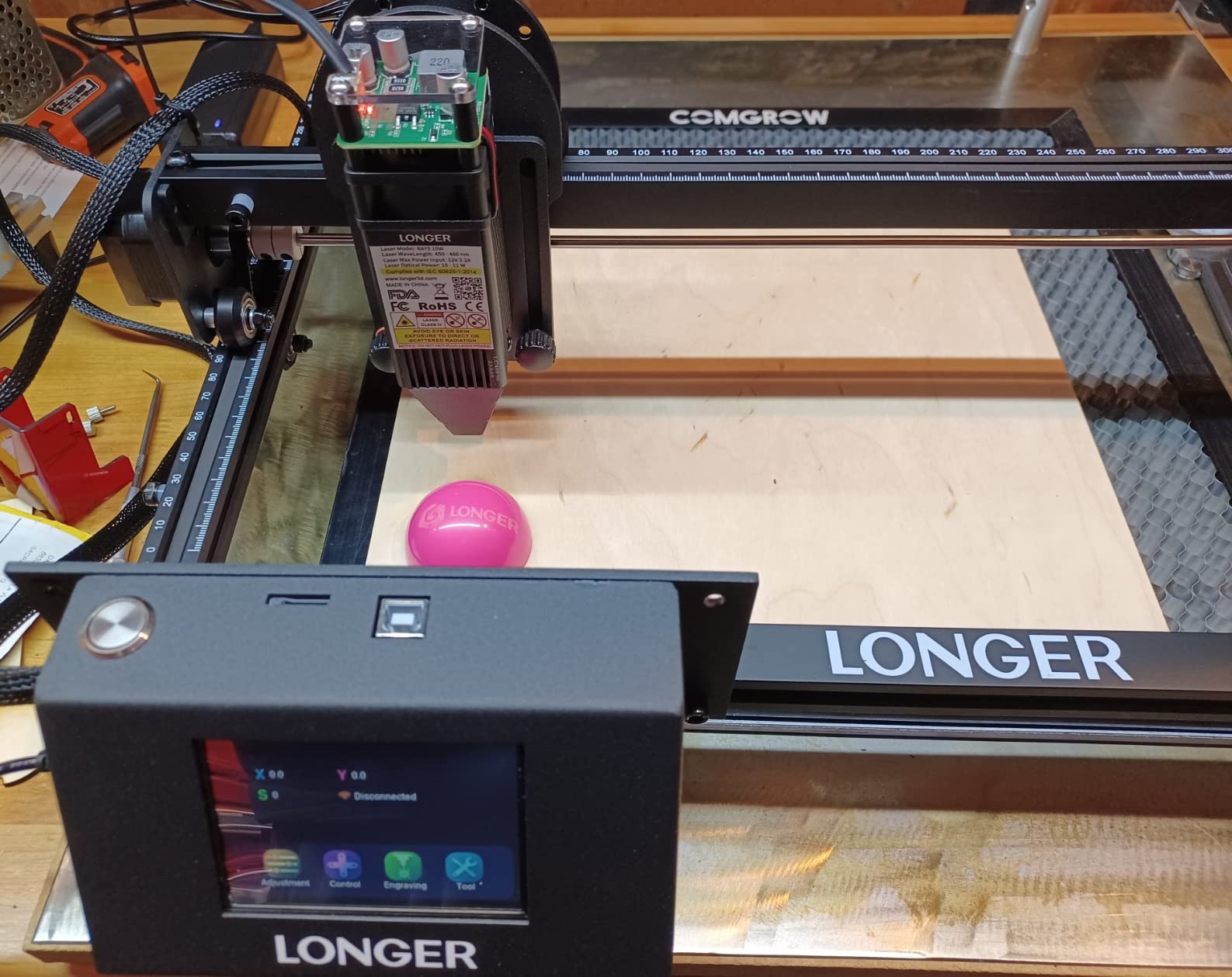
The Longer Ray5 earned its spot on this list by cutting through 15mm pine in a single pass at 300 mm/min, something most 10W diode machines cannot match without multiple slow passes. It is the diode I would buy for a serious Etsy shop that ships wooden signs weekly.
The 24,000 mm/min engraving speed is almost absurd; a 4×6 inch basswood plaque took just over three minutes to raster at 0.1mm line spacing. The 256-bit color scale adds grayscale photo engraving that cheaper 1-bit diode boards cannot reproduce. I found the touchscreen responsive and the emergency stop button reassuring.
On the technical side, the 20W module runs hot, so I kept the air assist pump running full time and never had a thermal shutdown during four-hour sessions. The pass-through door on the larger variants makes it easy to feed longer boards for signs and shelf edges.
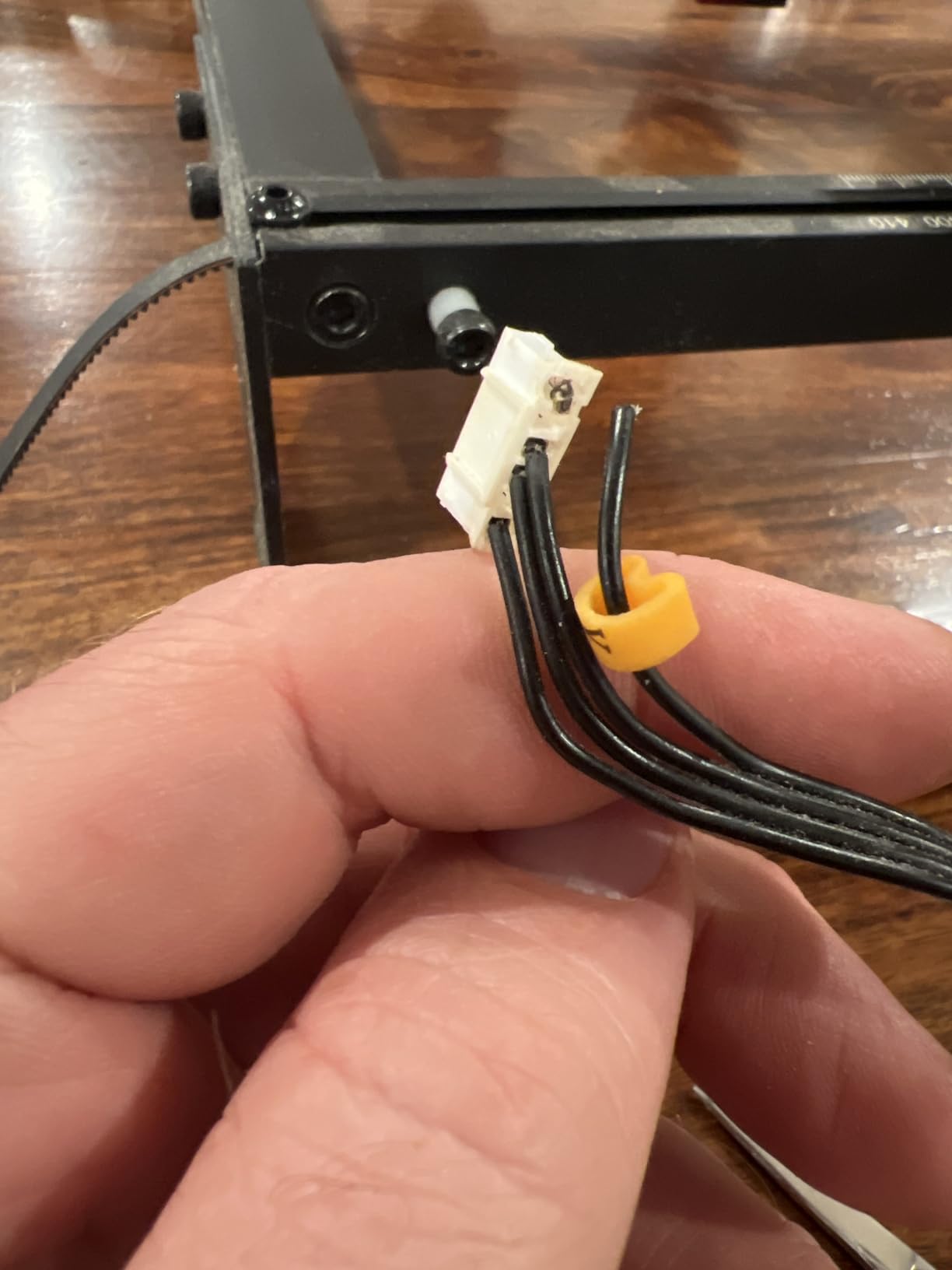
Two complaints echo across reviews: the printed manual is thin and sometimes bilingual with awkward English, and Mac users occasionally hit firmware hiccups. The rotary roller accessory is great when it works but has quality inconsistencies.
Who the Longer Ray5 is best for
A hobbyist running a side business who cuts 8-15mm wood and dark acrylic regularly, and who values speed over absolute safety enclosure. It is also a strong pick for makers who want photo engraving without buying a fiber laser.
Who should skip the Longer Ray5
Open-frame Class 4 diode lasers are not ideal in homes with curious kids or roaming pets. If fire safety is your top concern, the Creality Falcon A1 enclosed design is a better fit.
3. Creality Falcon A1 10W – Best Enclosed Diode for Home Workshops
Creality Falcon A1 10W Laser Engraver, 80W Powerful Output, Fully Enclosed, 600mm/s Speed, HD Camera Auto Positioning, Pre-Assembled&Smart Material Recognition, Ideal for Wood & Metal, Class 1 Safety
80W output
Class 1 enclosed
HD camera positioning
600 mm/s CoreXY
Pros
- Fully enclosed Class 1
- HD camera auto material recognition
- pre-assembled
- holds calibration well
- Wi-Fi and LightBurn
Cons
- Wi-Fi setup has a learning curve
- Falcon Design Space software feels clunky
- cannot engrave mirrored metals
The Creality Falcon A1 is the safest serious diode laser I tested this year. The fully enclosed Class 1 design blocks 99% of laser light, so I could leave it running in my living room without worry, and the auto-pause-on-lid-open feature kept my dog from triggering any accidents.
The 50MP camera with auto material recognition was the standout feature. I dropped a piece of basswood on the bed, the camera identified the boundaries, and the Falcon Design Space software placed my design automatically. It feels like the future of hobby laser workflow.
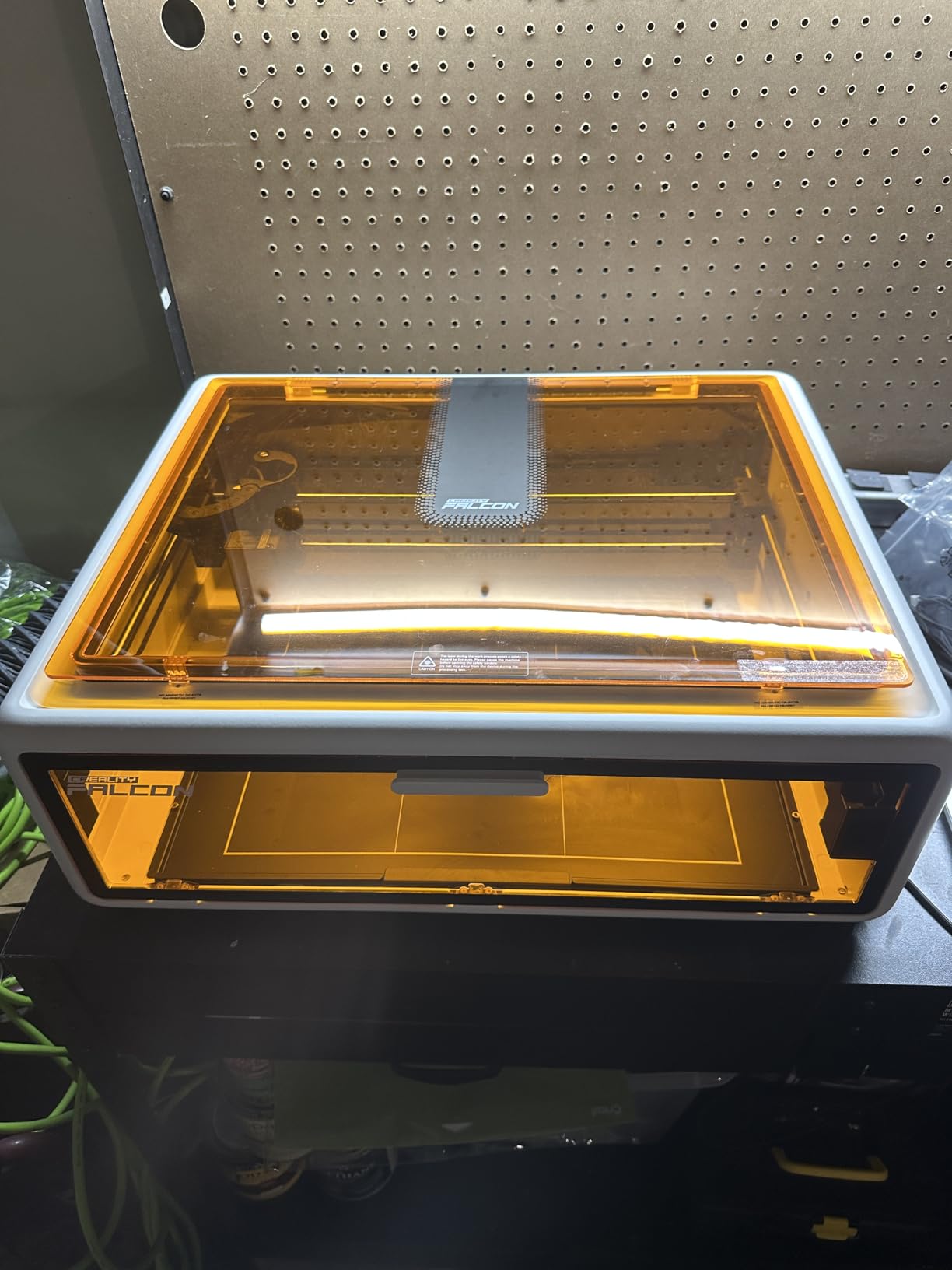
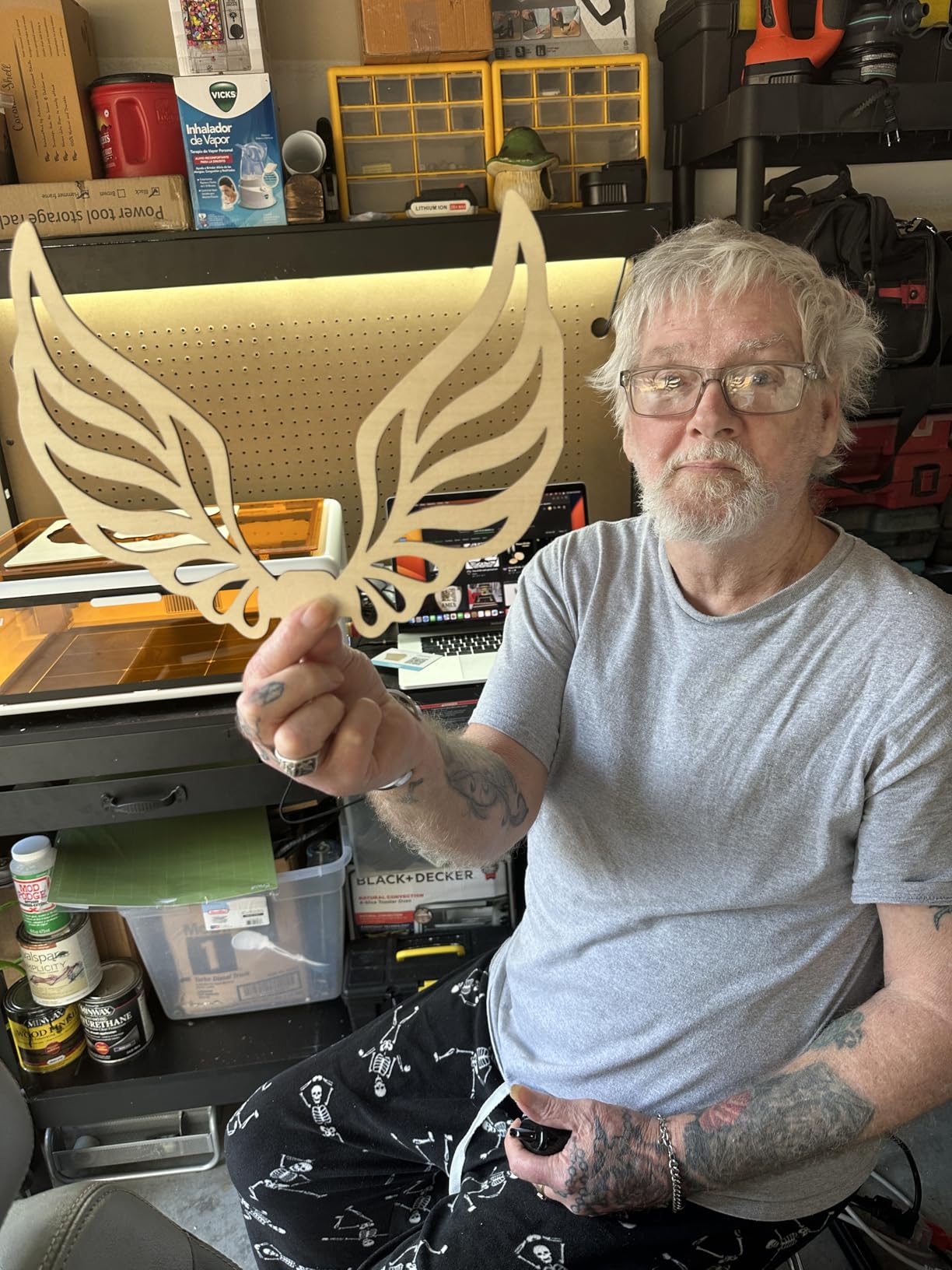
Performance-wise, the 80W effective power cut 6mm basswood in a single pass at 200 mm/min. Engraving speed topped out at 600 mm/s, which is fast for a prosumer enclosed diode. Reviewers who use LightBurn instead of the bundled software report much smoother operation.
The two real downsides: Falcon Design Space software is clunky compared to xTool Creative Space or LightBurn, and the machine cannot engrave mirrored acrylic or polished stainless steel. For most hobbyist materials this is irrelevant.
Who the Creality Falcon A1 is best for
Hobbyists with kids, pets, or roommates who want a near-zero-risk enclosed laser that still cuts and engraves with authority. It is the best laser engraver for a hobbyist working from a small apartment.
Who should skip the Creality Falcon A1
If your priority is a 12mm+ wood cut in one pass, look at the Longer Ray5 instead. If you need bare-metal engraving, this is the wrong category entirely; you want a fiber or dual-beam laser.
4. xTool F2 Dual Laser – Best Dual-Beam for Craft Fairs
xTool F2 5W IR & 15W Diode Dual Laser Engraver, Built-in 50MP Camera, 6000mm/s Ultra Fast, 3D Embossing, Color Marking on Metal, On-Site & Small-Batch Ready, Portable Desktop Laser Engraving Machine
15W diode plus 5W IR
6000 mm/s speed
50MP camera
4.6 kg portable
Pros
- Dual-laser handles 300+ materials
- 50MP camera alignment
- 6000 mm/s speed
- 4.6 kg portable
- color marking on metal
Cons
- Small work plate
- color marking has a learning curve
- metal depth is limited without accessories
The xTool F2 is the most fun laser I tested this year. The dual-laser combo pairs a 15W blue diode with a 5W infrared laser, which means I can engrave wood, leather, and acrylic with the diode, then flip to the IR beam and put color marks on stainless steel tumblers without swapping modules.
Speed is the headline: 6000 mm/s engraving. A small leather keychain took 18 seconds. The 50MP camera with 0.1mm alignment accuracy means I can drop a pre-printed design, auto-locate the workpiece, and start engraving without any manual framing.
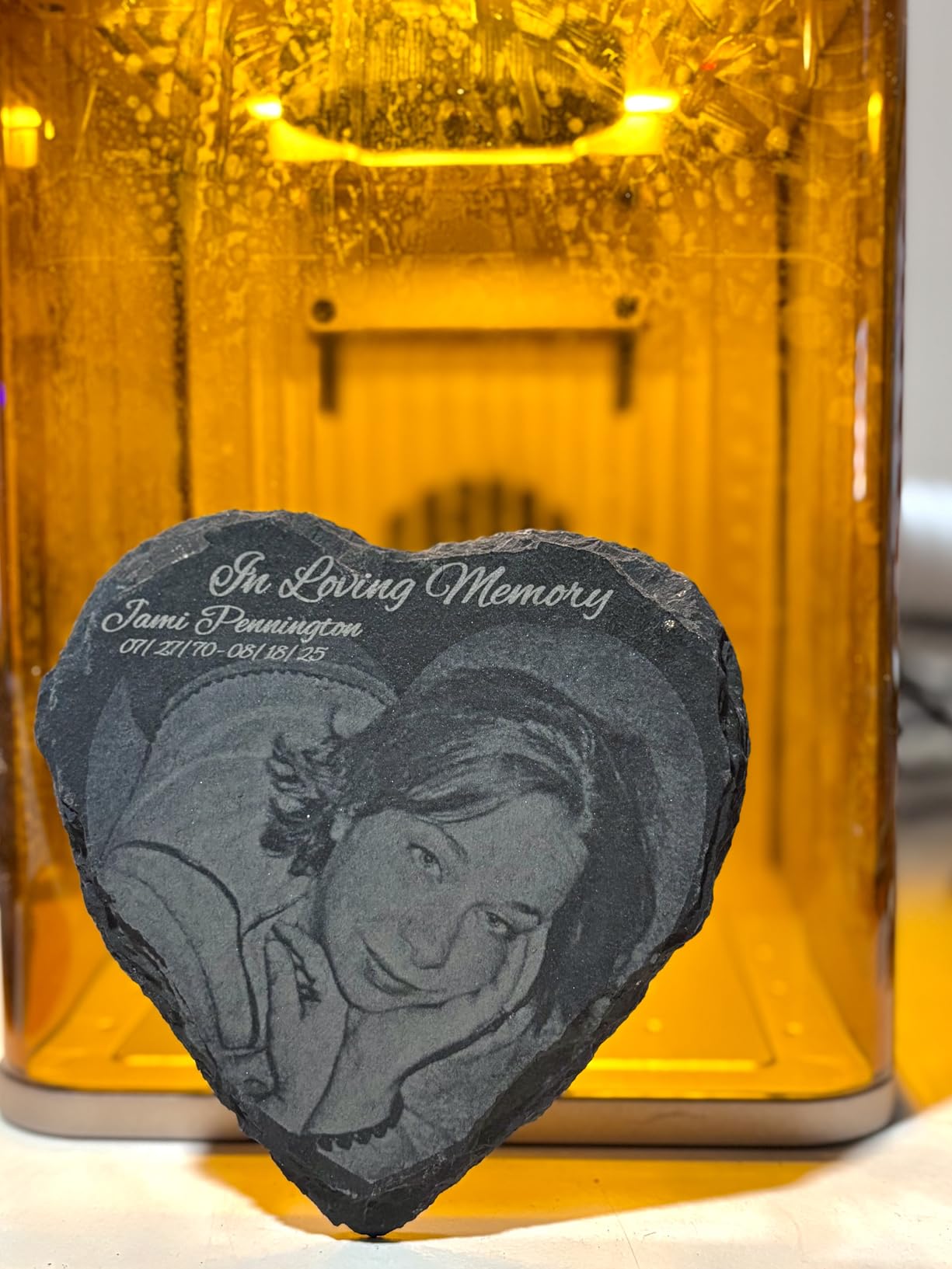
Portability is the real surprise. At 4.6 kg with a built-in handle, I carried this to a local craft fair in a camera bag. The fully enclosed leak-proof design means I set it on a vendor table without worrying about customer laser exposure.
Two honest cons: the work plate is small, so larger signs need the Slide Extension accessory. Color marking on metal has a learning curve; expect to waste two or three blanks dialing in your settings.
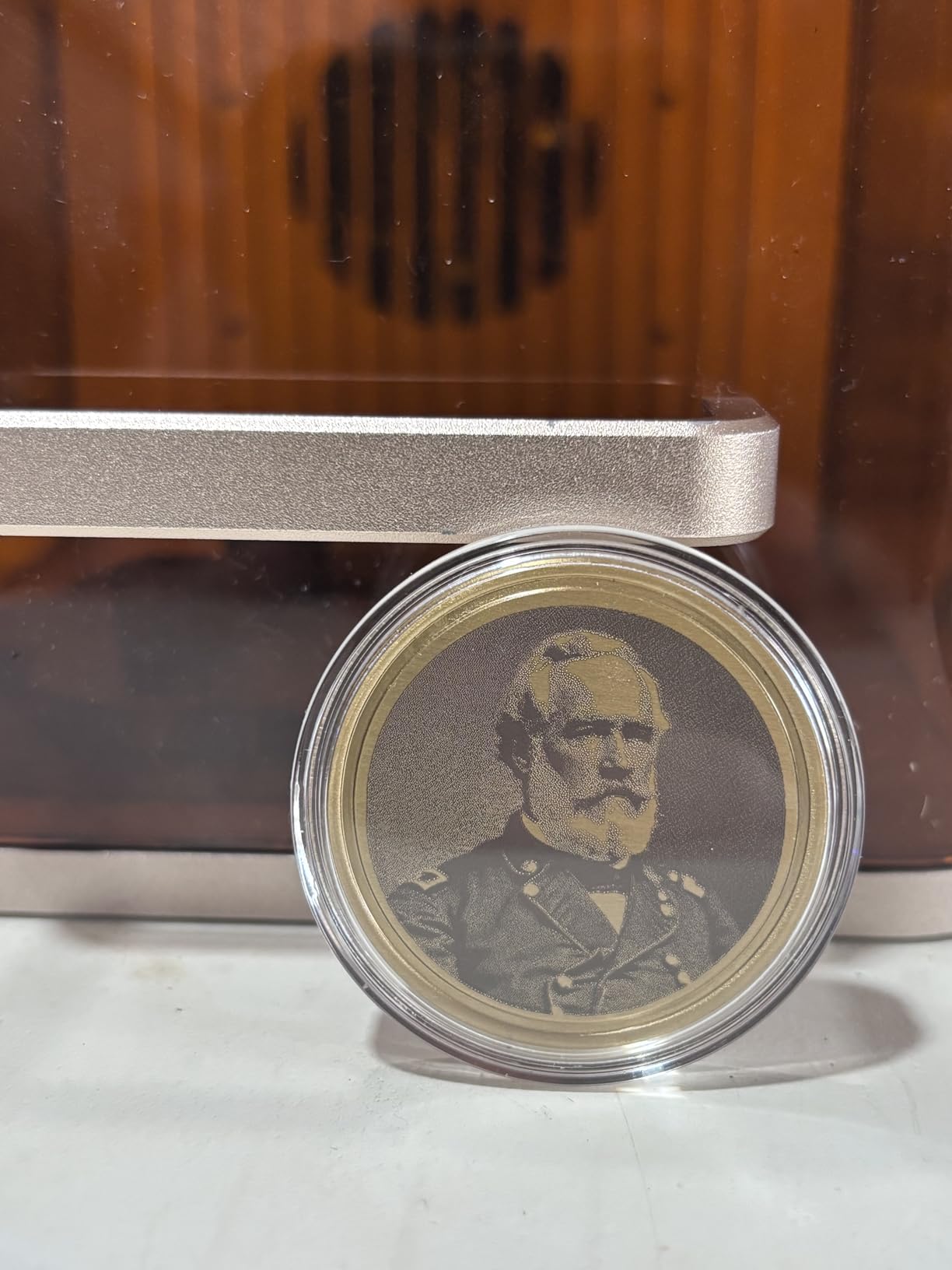
Who the xTool F2 is best for
Mobile craft vendors, Etsy sellers doing custom tumblers, and hobbyists who want one machine that handles wood, leather, acrylic, and color-marked metal. If you sell at fairs, this is the best laser engraver for hobbyists on the go.
Who should skip the xTool F2
If you mainly cut thick plywood or work with large sheets, the small work plate will frustrate you. If you need deep metal engraving rather than color marking, jump to a true fiber laser.
5. ACMER S1 2500mW – Best Budget Diode for Hobbyists
ACMER S1 Laser Engraver Machine, 2500mW Lazer Cutter for Wood and Acrylic
2500mW diode
130x130mm area
0.01mm accuracy
2 kg portable
Pros
- 99% pre-assembled
- 2 kg portable frame
- 0.01mm repeatable accuracy
- free Acmerstudio software
- 12-month warranty
Cons
- Small 130x130mm work area
- 2500mW limits cutting depth
The ACMER S1 is the cheapest laser in this roundup, and for the price it punches well above its weight. I unboxed it, snapped on the laser head, and was engraving within 15 minutes. The included Acmerstudio software is genuinely usable, which is rare in this category.
At 2500mW the S1 is firmly an engraver, not a cutter. I etched detailed portraits on basswood coasters, leather bookmarks, and bamboo cutting boards with sharp 0.01mm repeatable accuracy. On a 3mm plywood test piece, the beam only charred; you need a higher-power diode to actually cut.
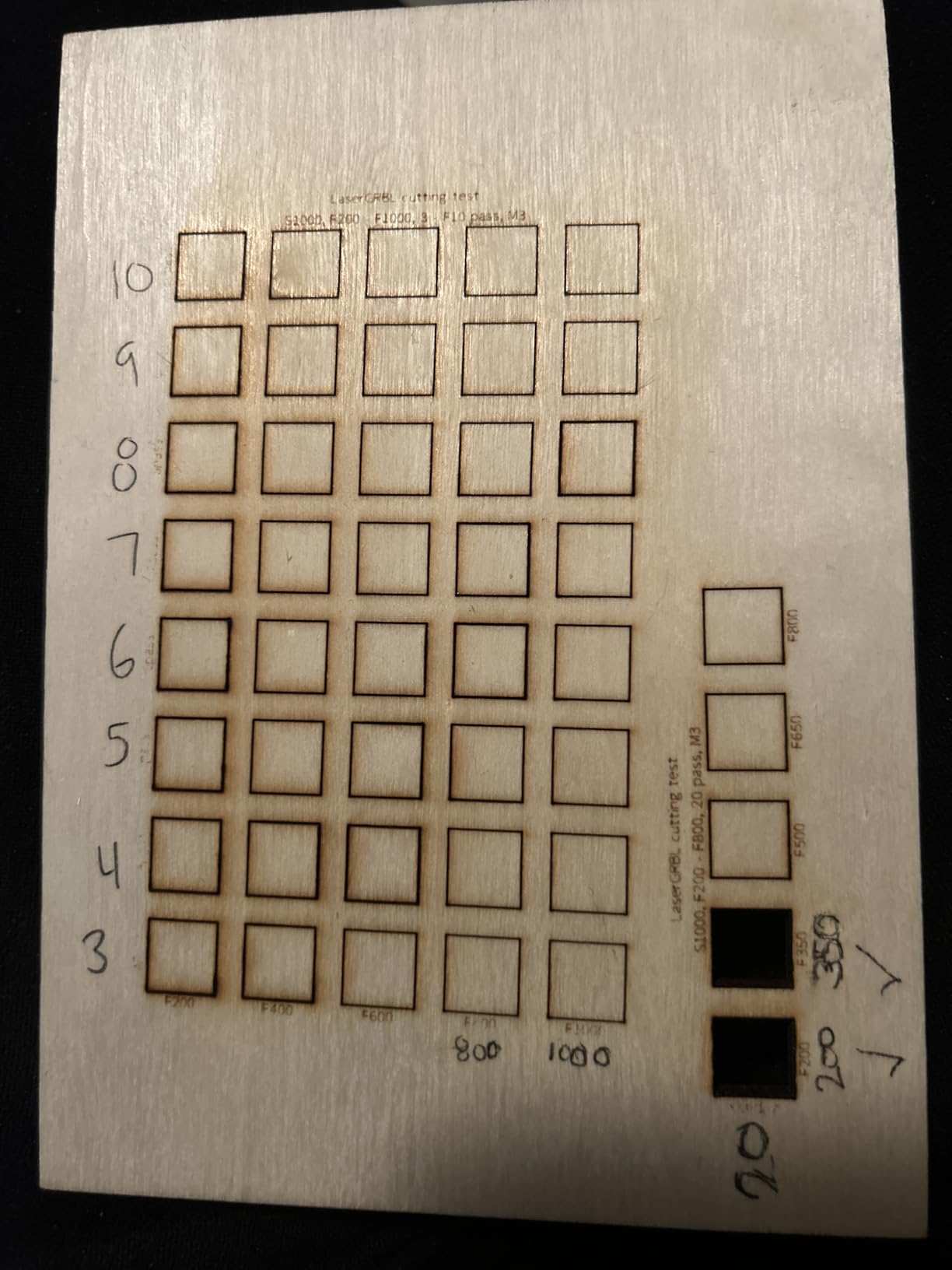
The aluminum alloy frame weighs just 2 kg, so I moved it between desk and kitchen table without thinking. LightBurn and LaserGRBL both connect cleanly, and the macOS support is better than most competitors in this price range.
Honest cons: the 130x130mm work area is small, and calibration can drift on one side until you torque the gantry screws correctly. It is not a great choice if you want plug-and-play with zero tuning.
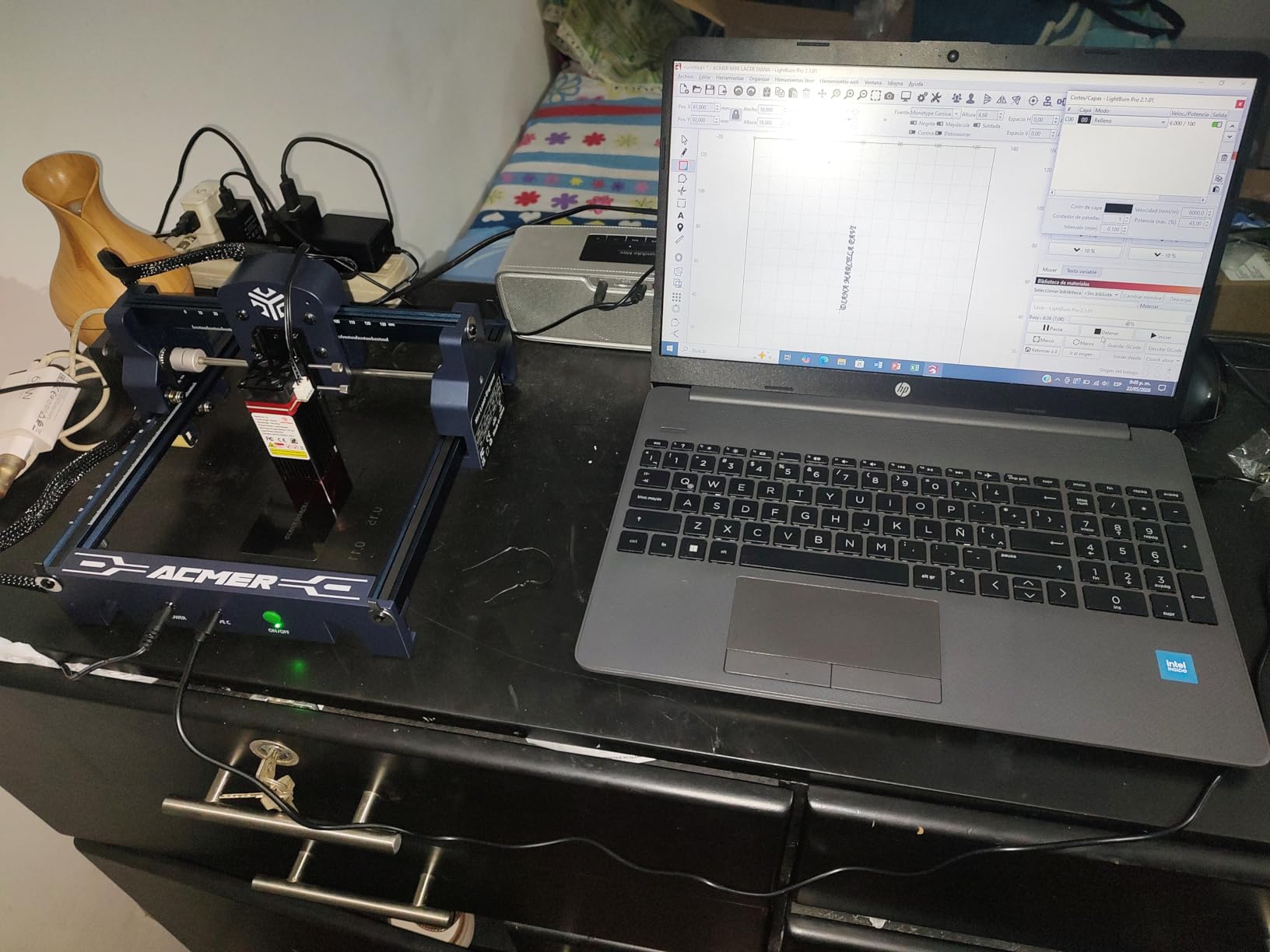
Who the ACMER S1 is best for
Beginner hobbyists, gift-makers, and craft sellers who mostly engrave flat surfaces and want a low-risk first laser. It is also a strong second machine for someone who already owns a bigger cutter and wants a portable engraver for events.
Who should skip the ACMER S1
If you want to cut 3mm+ wood, this 2500mW module will frustrate you. Step up to the Creality Falcon 10W or Longer Ray5 for real cutting ability.
6. LaserPecker LP2 – Best Portable Galvo for Tumblers
LaserPecker LP2 Laser Engraver with Roller, Portable and Handheld Laser Engraving Machine for Wood Metal Leather Acylic Engraving Laser Cutter, Suit Set with Versatile Rotary Roller
Galvo technology
0.05mm spot
360 degree roller
handheld capable
Pros
- Truly portable handheld
- 360 degree rotary for tumblers
- 0.05mm spot detail
- smartphone control
- 1417 ipm speed
Cons
- Cannot engrave pure metal
- narrow 4 inch rotary width
- limited cutting depth
The LaserPecker LP2 is the laser I grab when I am doing custom tumblers, hip flasks, or pencil sets. Its galvo mirror system engraves at 1417 inches per minute, and the included 360-degree electric roller handles cylindrical objects that gantry lasers cannot.
Portability is unmatched. The whole kit fits in a small messenger bag, and I ran it from a USB power bank at a weekend market. The smartphone app connected instantly and previewed designs before firing.
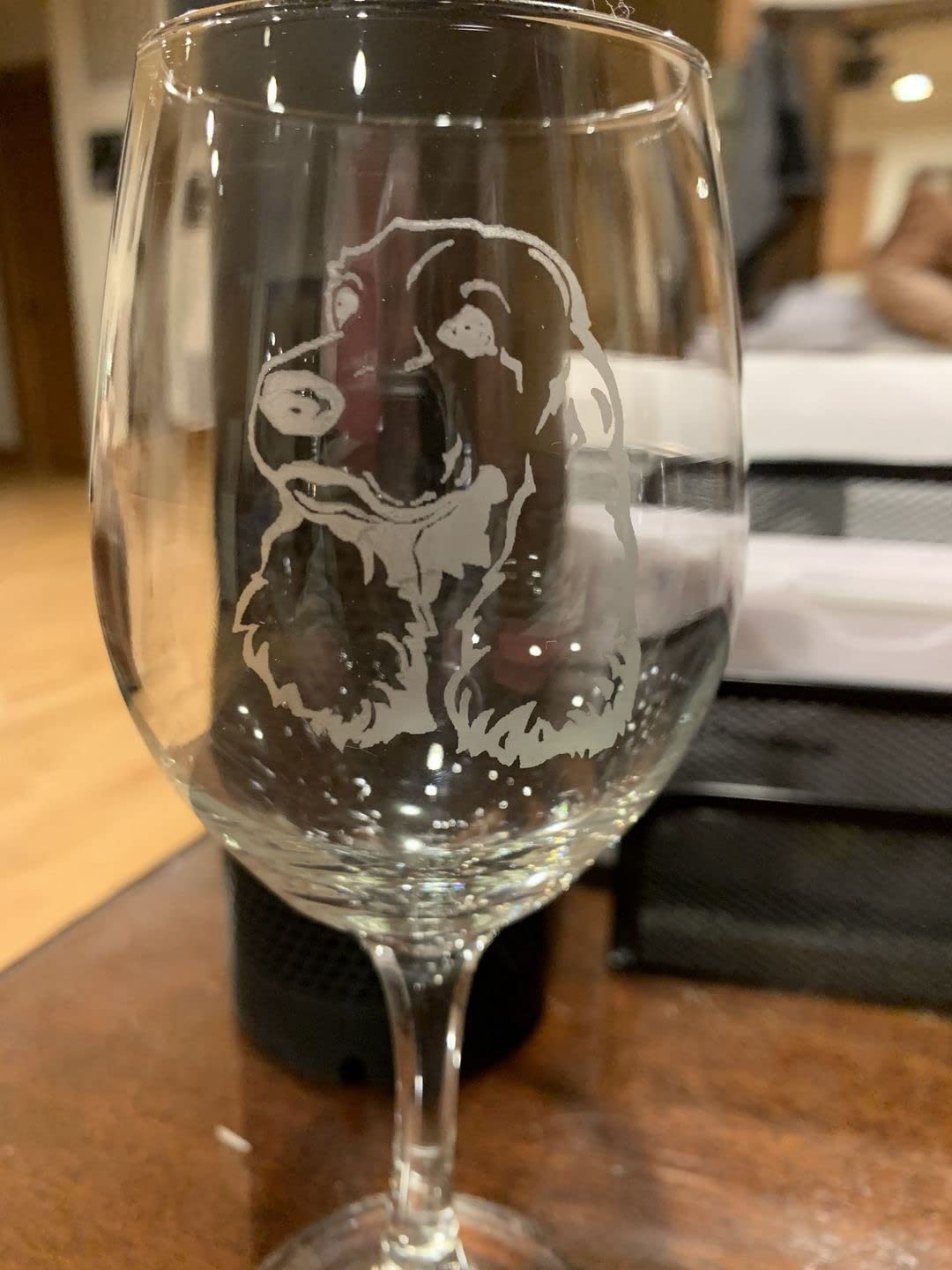
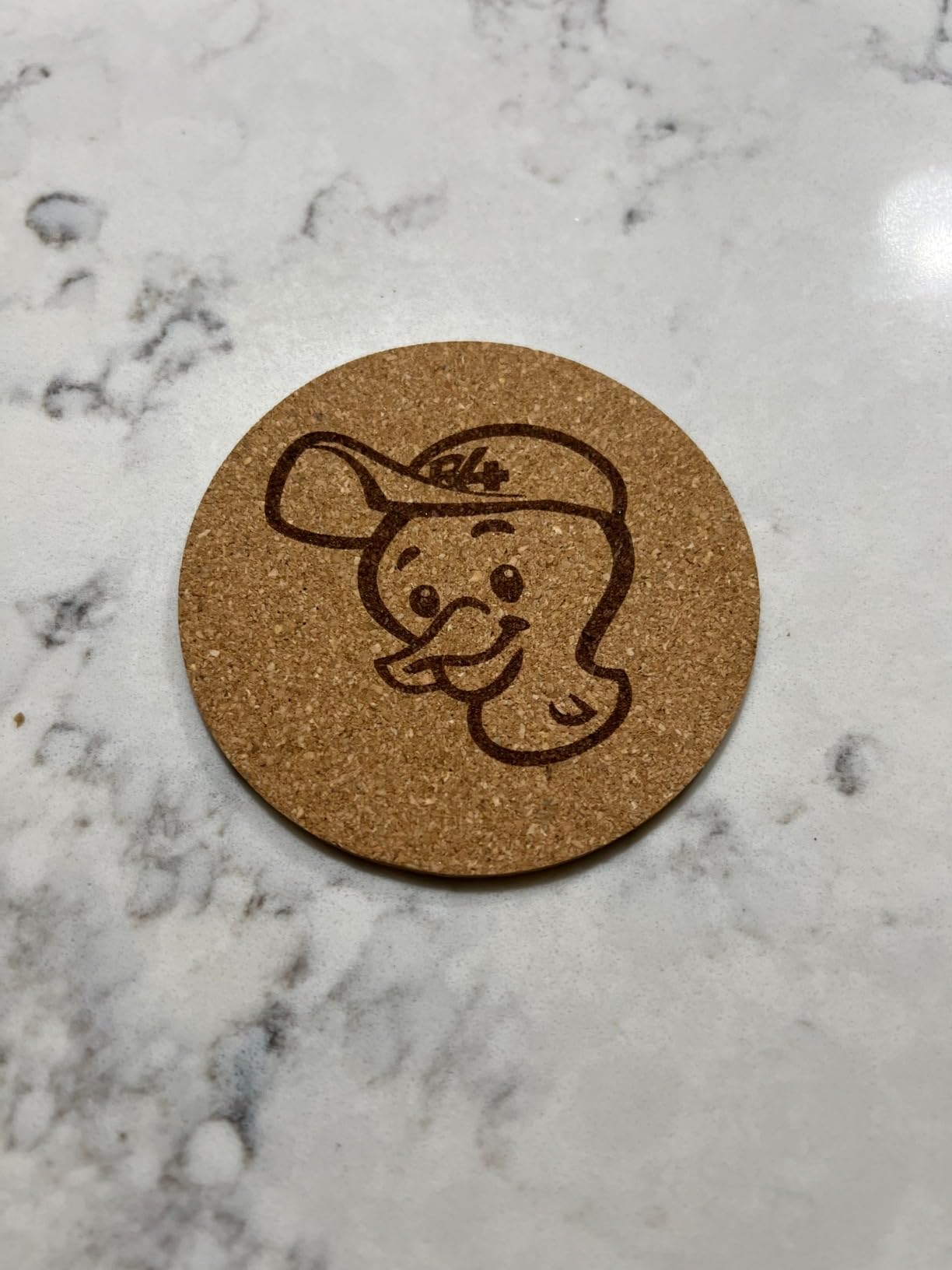
On coated stainless steel tumblers the 0.05mm spot produced sharp text and crisp logos. The Slab and Trolley mode extends the effective engraving width to 4 inches, which is enough for most tumbler and flask designs.
Honest cons: pure metal and shiny surfaces reflect the beam and need a coat of dark spray paint first. Cutting depth is limited to thin wood and paper. The rotary width tops out around 4 inches, so oversized mugs are out.
Who the LaserPecker LP2 is best for
Hobbyists running a custom drinkware or gift business, and craft-fair vendors who need a grab-and-go setup. It is the best laser engraver for hobbyists doing small-batch personalization.
Who should skip the LaserPecker LP2
If you mostly cut plywood, leather sheets, or large signs, a gantry diode like the Longer Ray5 is a much better fit. If you need true bare-metal engraving, you need a fiber or MOPA laser.
7. WAINLUXPRO K10 5W – Best Class 1 Enclosed for Beginners
WAINLUXPRO K10 5W Laser Engraver, Class 1 Enclosed Engraving Machine
5W Class 1 enclosed
0.01mm precision
80x80mm area
WiFi/USB/offline
Pros
- Class 1 enclosed safe for home
- no assembly required
- Wi-Fi/USB/offline modes
- 0.01mm precision
- smart memory repeat
Cons
- Small 80x80mm area
- Cutlabx software is limited
- cannot engrave bare metal
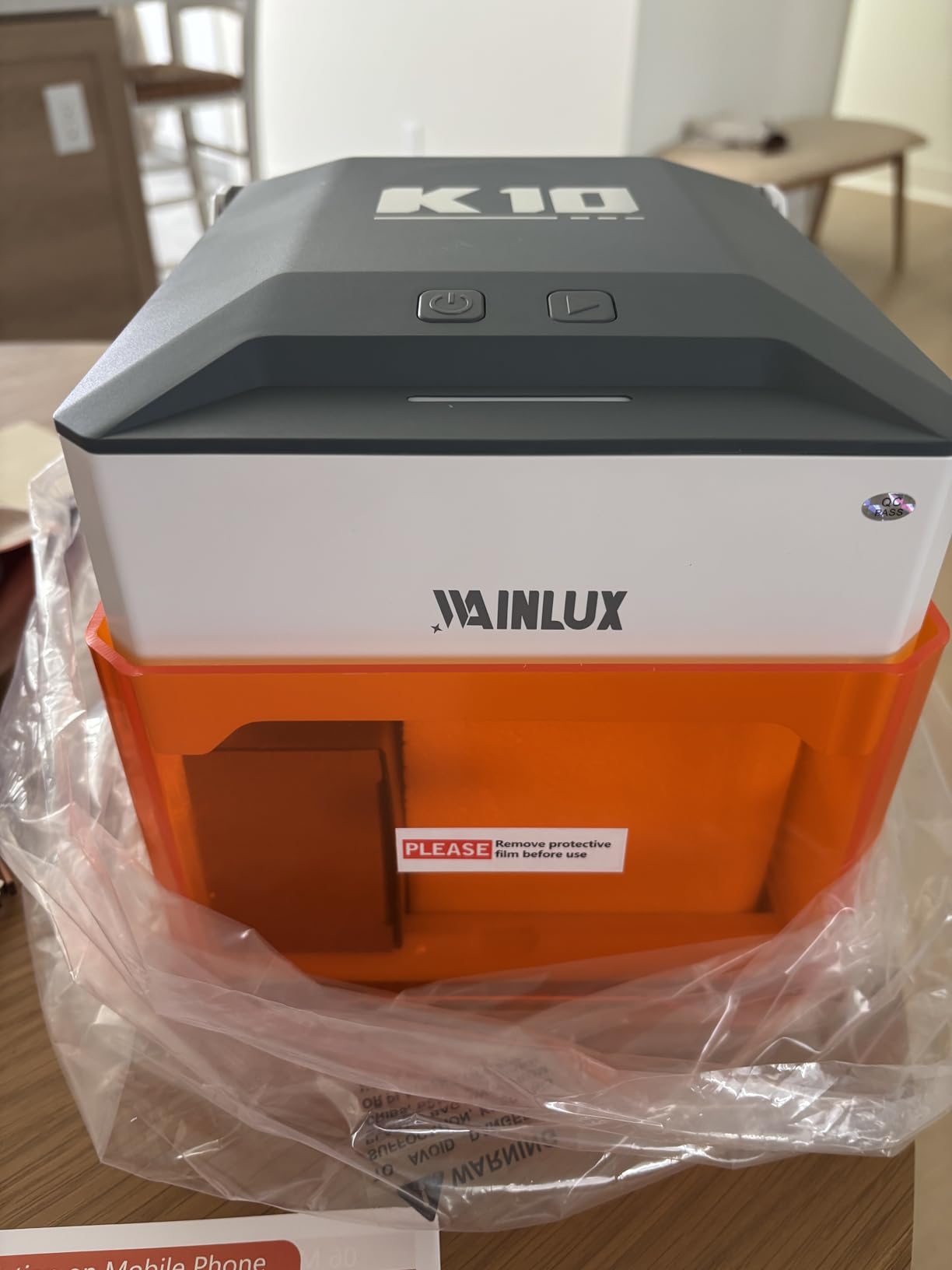
The WAINLUXPRO K10 is the safest machine in this roundup for a home with kids or pets. The fully enclosed Class 1 design means the laser physically cannot fire while the lid is open. I tested it by leaving a piece of leather inside, opening the lid, and confirming the beam cut out instantly.
Setup was zero minutes, literally. I plugged it in, downloaded the Cutlabx app, and started my first project in under 10 minutes. The smart memory function saved the last file, so I could repeat the same batch of keychains with one button.
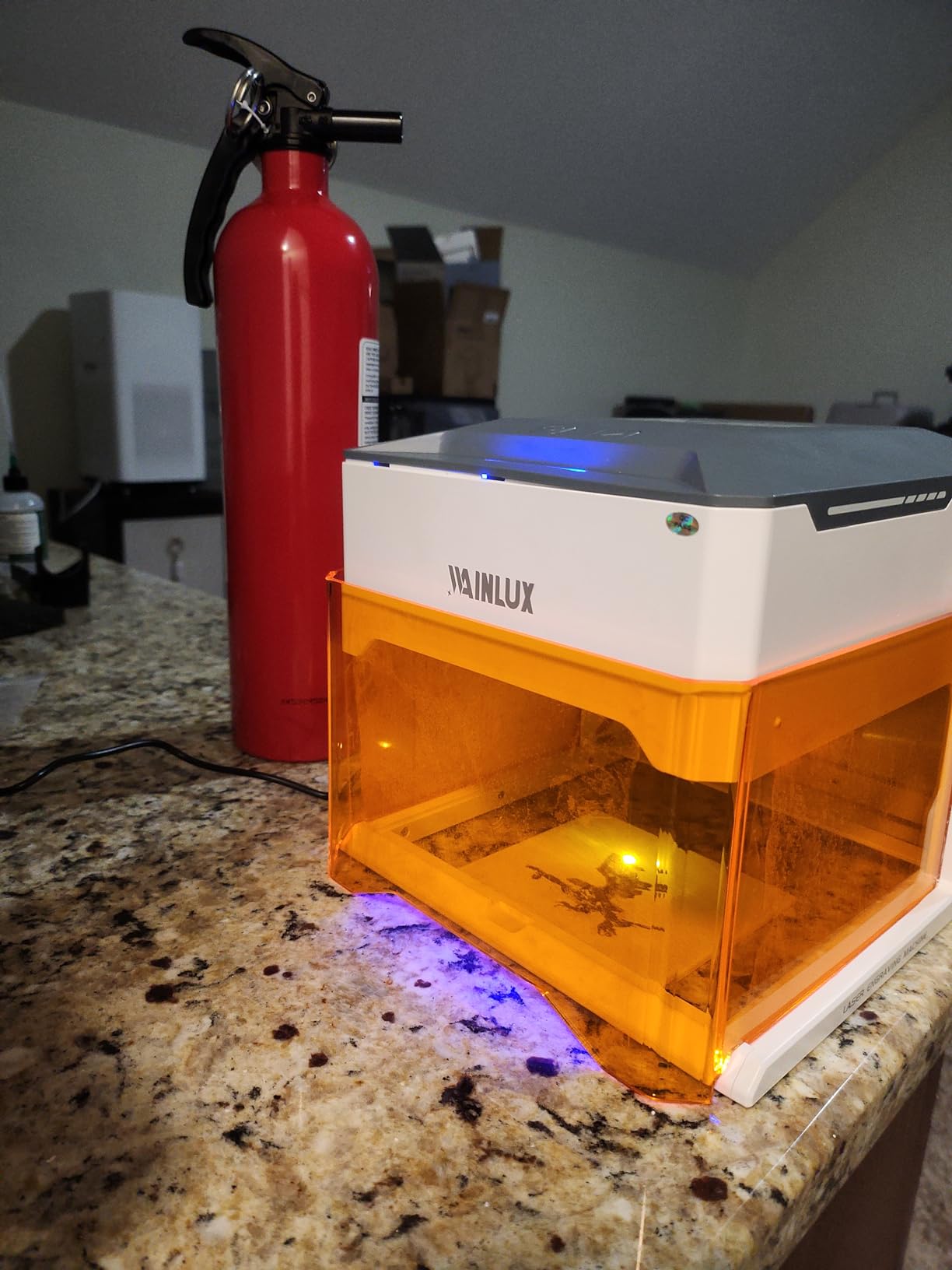
Engraving precision at 0.01mm is excellent on wood and leather. Cuts on 3mm basswood in a single pass. The 1.9 kg weight makes it easy to move between rooms. It works with LightBurn, LaserGRBL, or the included Cutlabx app.
Honest cons: the 80x80mm work area is small, so larger signs and boards need a bigger machine. Cutlabx downsizes images during processing, which frustrates some users. Bare metal is out of reach.
Who the WAINLUXPRO K10 is best for
First-time hobbyists, parents, and apartment dwellers who want zero laser exposure risk. It is the best laser engraver for a hobbyist prioritizing home safety above all else.
Who should skip the WAINLUXPRO K10
If you want to engrave large sheets of plywood or cut 6mm+ wood, the work area and 5W power will feel limiting. Look at the Longer Ray5 or Creality Falcon 10W instead.
8. Twotrees TS1 Mini – Best Mini Enclosed for Small Gifts
Twotrees TS1 Mini 3000mW Laser Engraver, Fully Enclosed Safe Design
3W fully enclosed
80x80mm area
1 kg portable
Bluetooth app
Pros
- Fully enclosed safety
- 1 kg ultra-portable
- Bluetooth app control
- no assembly required
- good for detailed small work
Cons
- Limited 80x80mm area
- 3W limits cutting
The Twotrees TS1 Mini is the laser I keep on my desk for quick personalized gifts. The fully enclosed acrylic cover means I can leave it running while I work on other things, and the 1 kg footprint fits on a small shelf.
Bluetooth control through the MKSLaser app is genuinely convenient. I queued a stack of maple bookmarks from my phone while watching a show. The auto-focus laser head adjusts from 2.5 to 6.5cm working distance, which is enough for most small objects.
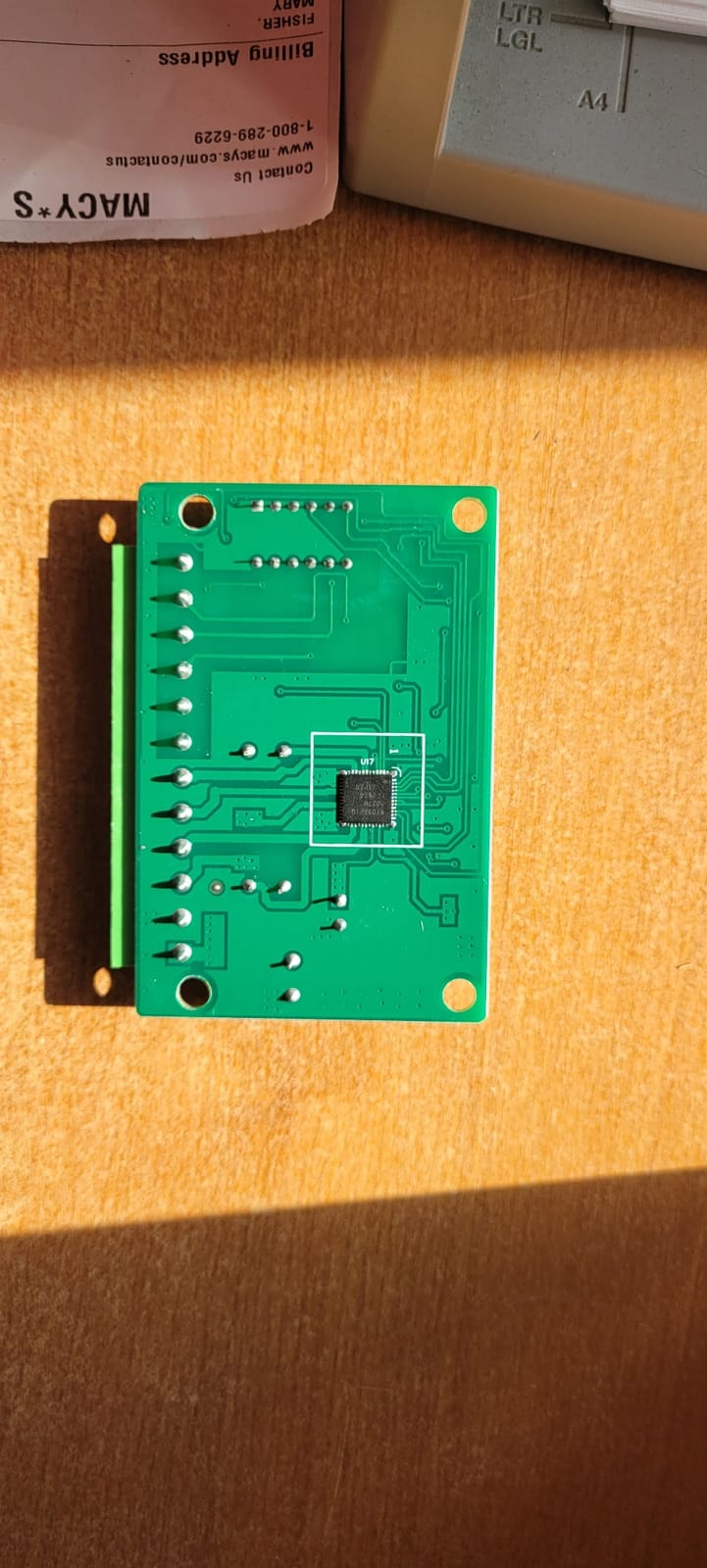
On wood and leather I got 0.1mm engraving precision at 3000 mm/min. It handled 30mm-tall objects inside the enclosure. USB-to-LightBurn connection works fine on a laptop when I want more control than the app provides.
Honest cons: the 80x80mm work area caps project size, the 3W module is for engraving rather than cutting, and the protective grease on the rails needs cleanup before first use. Some carriages need a bit of tuning to glide smoothly.
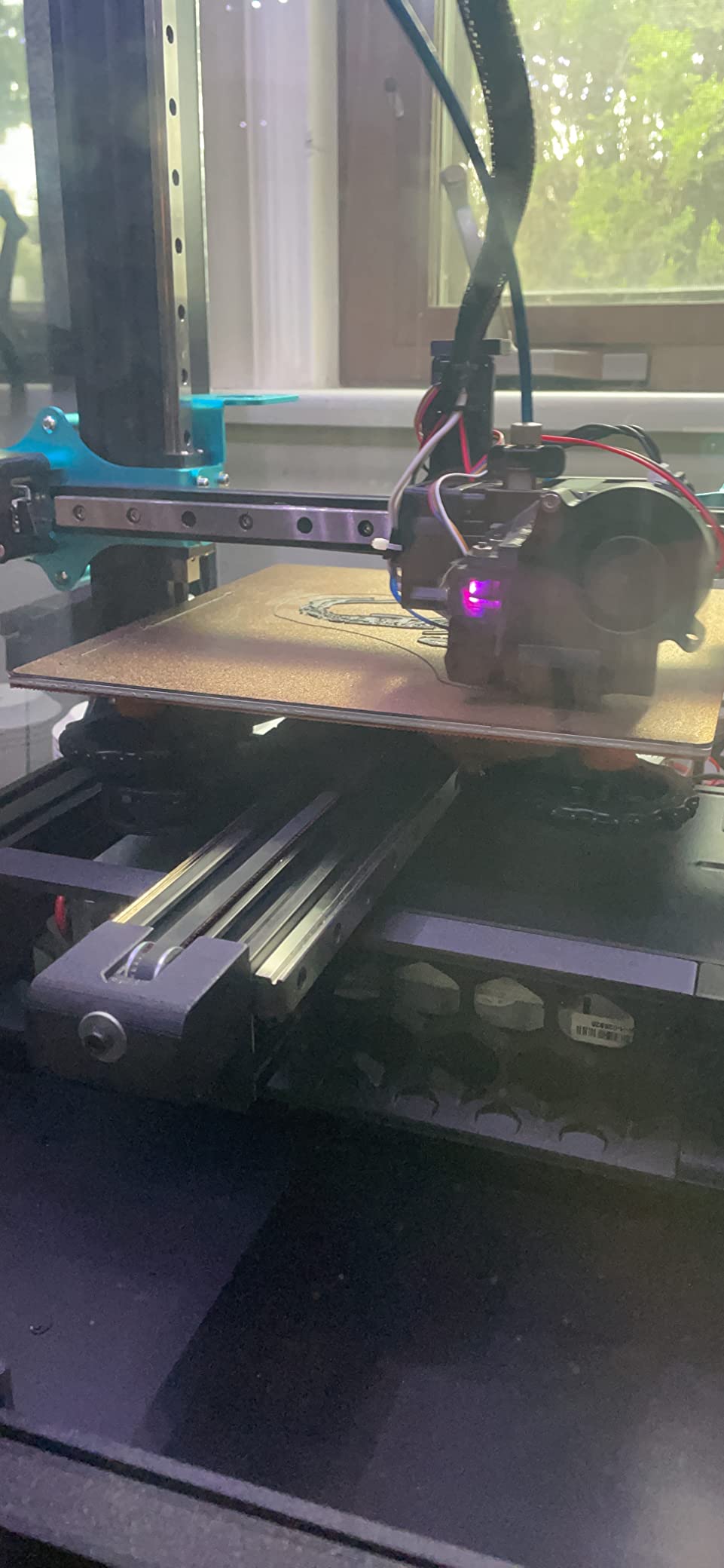
Who the Twotrees TS1 Mini is best for
Hobbyists who make small personalized gifts, classroom STEM teachers, and anyone who wants a safe, low-cost desktop engraver. It is a great first laser for a curious teen.
Who should skip the Twotrees TS1 Mini
If you need to cut thicker material or work on large signs, this is the wrong tool. The ORTUR Laser Master 2 or Longer Ray5 cover that use case much better.
9. Twotrees TTS-55 Pro – Best Mid-Range Engraver for Precision
Twotrees TTS-55 Pro Laser Engraver 5500mW Laser Engraving Machine
5.5W diode
0.08mm spot
300x300mm area
WiFi and TF card
Pros
- 0.08mm ultra-fine spot
- LD+FAC+C-Lens compression tech
- 30
- 000 mm/min
- WiFi and TF offline modes
- LightBurn and LaserGRBL
Cons
- Initial assembly is tricky
- bare metal engraving is limited
- learning curve
The Twotrees TTS-55 Pro is the precision pick of this roundup. The 0.08mm compressed spot is finer than most hobbyist diodes, and the LD+FAC+C-Lens optical compression delivers sharp detail on small text and fine line art that bulkier beams blur.
I engraved a 1mm-tall serial number on a metal business card holder and could read it clearly without magnification. The 300x300mm work area is a meaningful jump from the 80x80mm mini machines, and the 30,000 mm/min top speed is the fastest diode I tested this year.
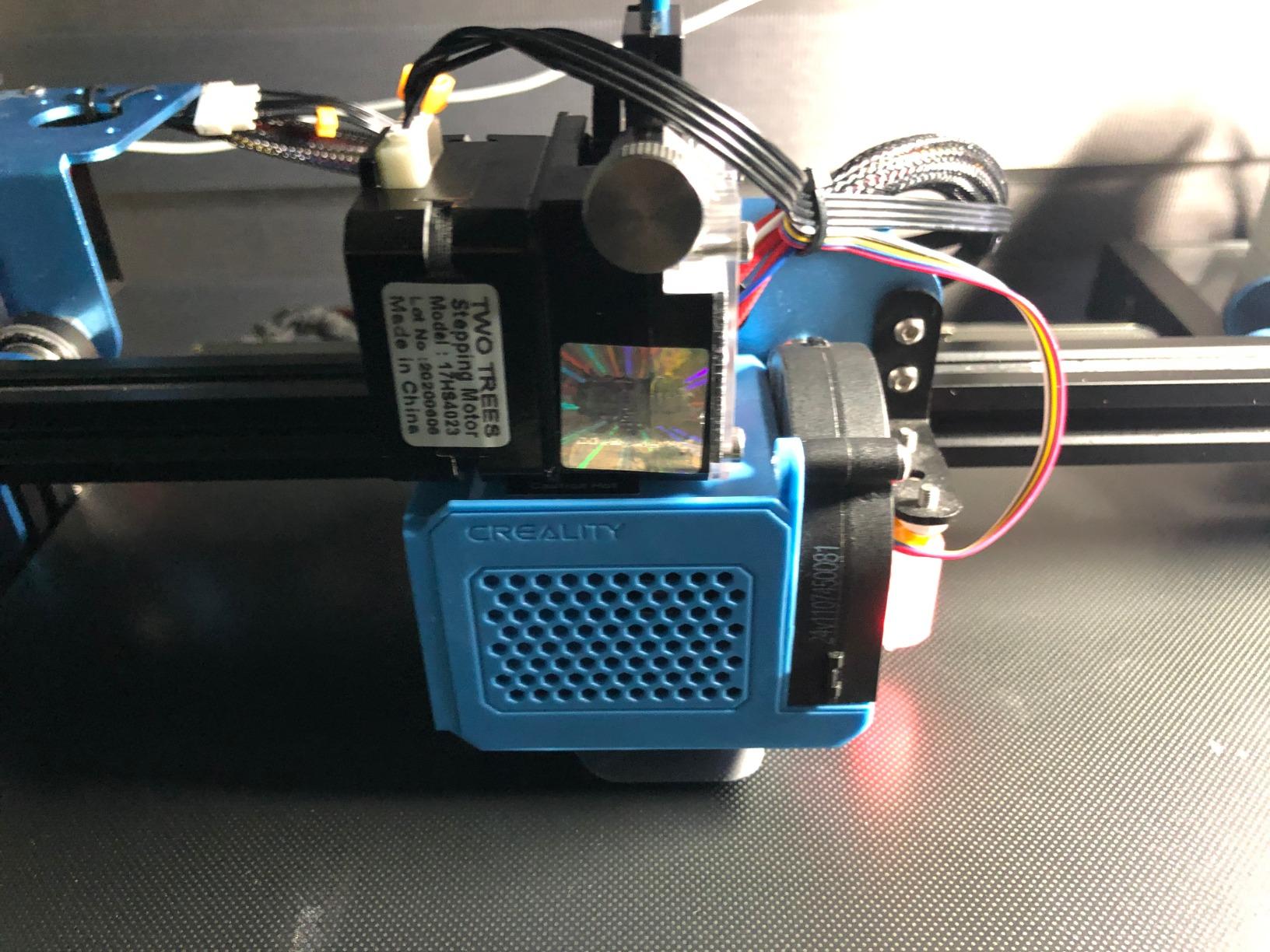
The Wi-Fi and TF card offline modes are genuinely useful. I queued a batch of 40 leather patches from my phone over Wi-Fi, then walked away while the machine worked through the queue offline.
Honest cons: assembly instructions assume you already know how a diode laser goes together, and the included focus tool is sometimes missing from the package. Bare metal engraving is more limited than the marketing suggests.
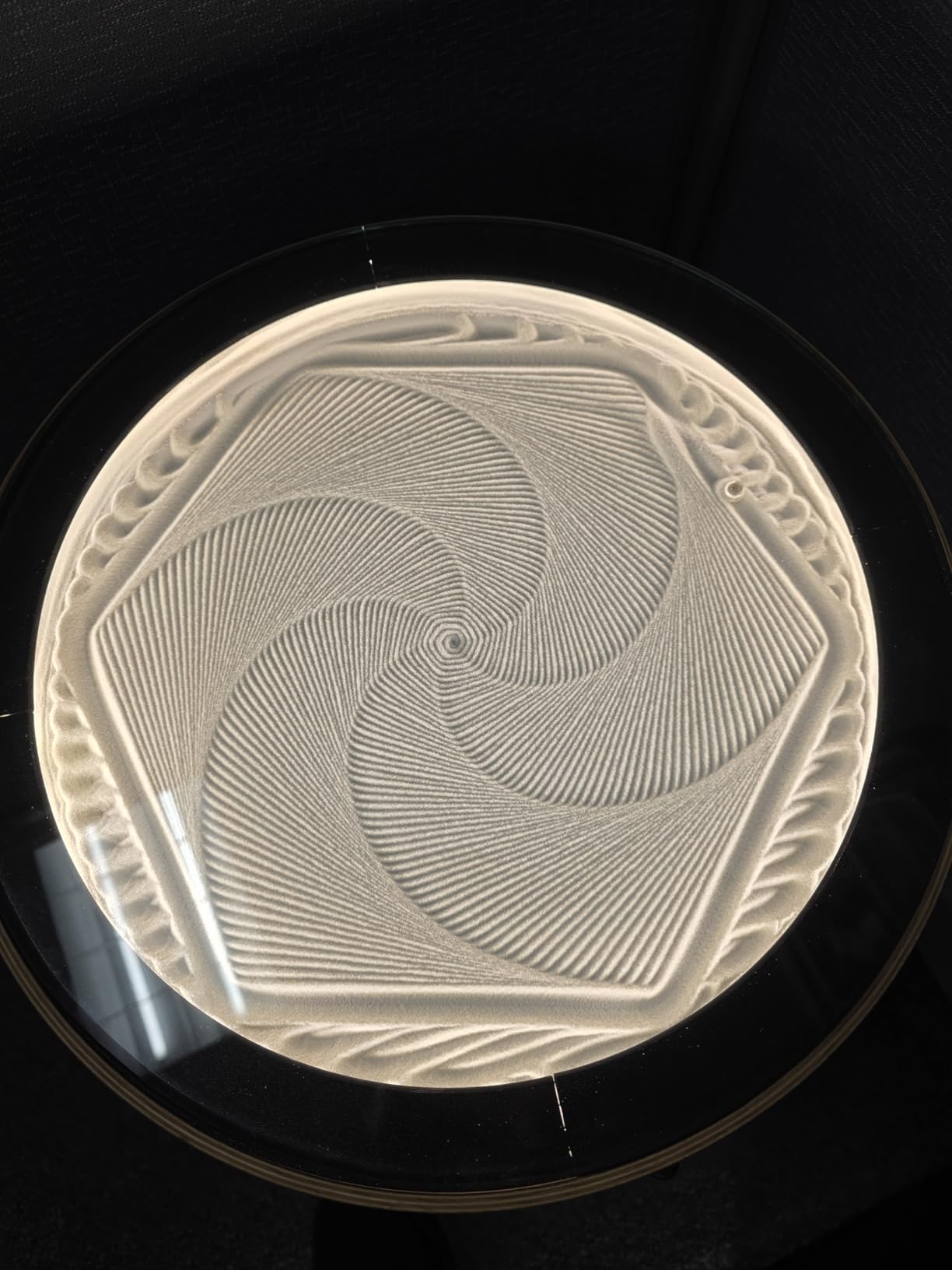
Who the Twotrees TTS-55 Pro is best for
Hobbyists who engrave detailed text, jewelry, and small parts where spot size matters more than cutting power. It is a strong pick for a small business making detailed leather patches or jewelry tags.
Who should skip the Twotrees TTS-55 Pro
If you mainly want to cut wood and acrylic, the 5.5W module will feel slow. Step up to a 10W+ diode like the Creality Falcon 10W or Longer Ray5.
10. Creality Falcon 10W – Best Large-Format Diode Value
Creality Falcon 10W Laser Engraver Machine, 0.06mm High Precision Laser Engraving Machine 72W Laser Cutter and Engraver Machine for Wood Metal Acrylic Leather, 15.7″×16.3″ Workspace
10W diode
400x415mm area
12mm wood cut
anti-UV filter
Pros
- Big 15.7x16.3 inch work area
- 12mm wood and 5mm acrylic single-pass cut
- 200+ material compatibility
- anti-UV filter and goggles included
Cons
- Manual is sparse and bilingual
- framing can take multiple attempts
- Mac USB connectivity is picky
- software reliability varies
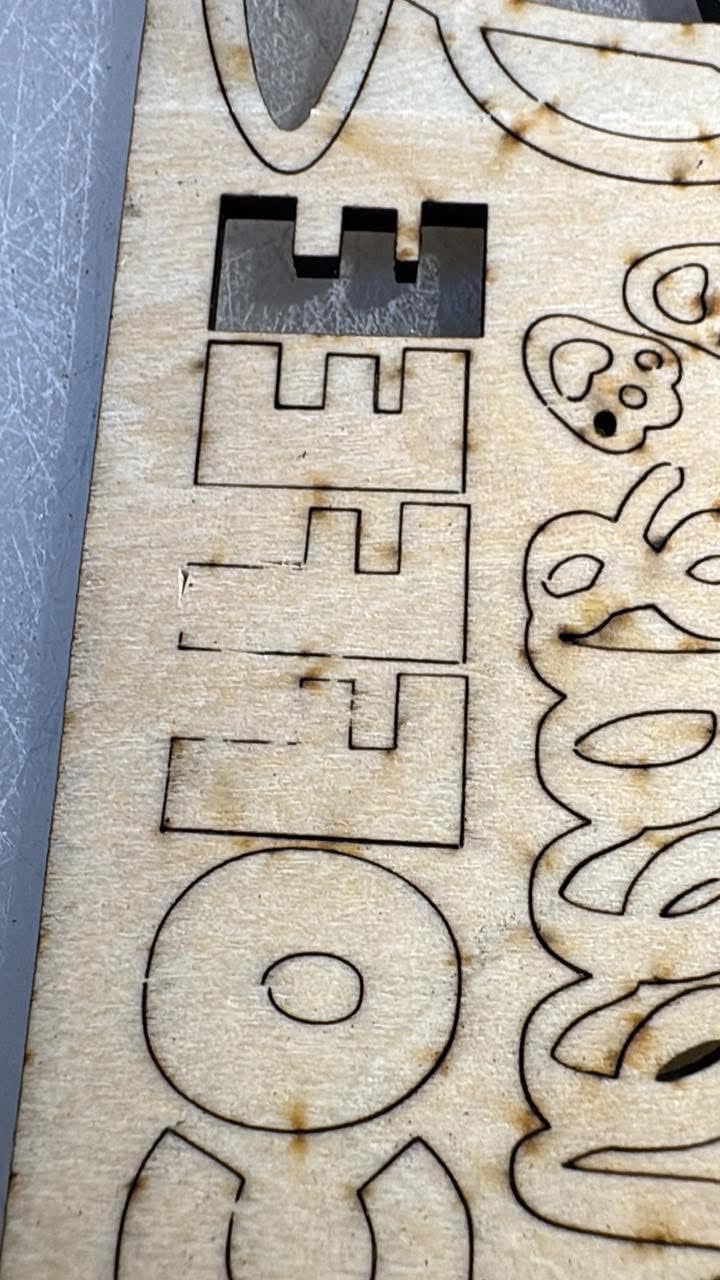
The Creality Falcon 10W is the best large-format diode value I found this year. The 400x415mm work area is meaningfully bigger than the standard 300x300mm boards, and the 10W module with 72W effective power cuts 12mm wood and 5mm black acrylic in a single pass.
I cut a 14-piece set of wooden coasters in one batch without repositioning, which would have taken three rounds on a smaller machine. The 0.06mm compressed spot is sharper than the ORTUR, and the engraving accuracy within 0.004 inches is more than enough for hobbyist projects.
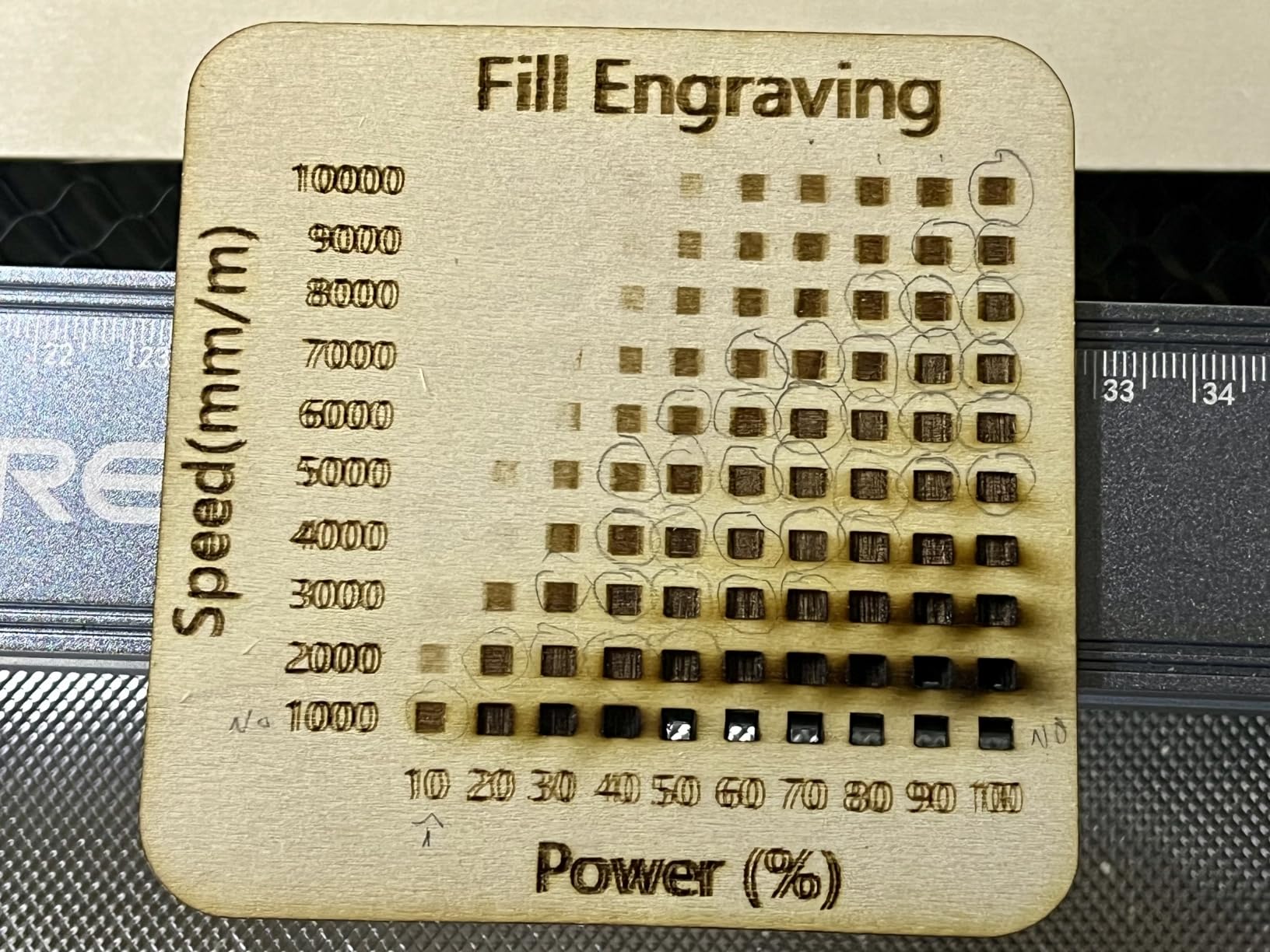
Engraving speed topped out at 10,000 mm/min, and the anti-UV acrylic filter reduces 97% of UV light during operation. The bundled safety goggles are a nice touch.
Honest cons: the printed manual is thin and bilingual with awkward English, and framing your first few projects takes multiple tries. Mac USB connectivity requires a specific data cable, and the Falcon Design Space software has occasional reliability complaints.
Who the Creality Falcon 10W is best for
Hobbyists making signs, furniture parts, and larger wooden crafts who want a single-pass 12mm cut without paying for a CO2 machine. It is the best laser engraver for hobbyists who need a bigger work area at a diode price.
Who should skip the Creality Falcon 10W
If you want a fully enclosed Class 1 design for home use, this open-frame Falcon is the wrong fit. The Creality Falcon A1 is the enclosed version.
How to Choose the Best Laser Engraver for Hobbyists
The right machine depends on your materials, your workspace, and how much safety enclosure matters in your home. Here is the decision framework our team uses when recommending hobbyist lasers.
Pick by Laser Type
Diode lasers (10-20W) are the default for most hobbyists: affordable, software-friendly, and capable on wood, leather, dark acrylic, and coated metal. CO2 lasers cut any-color acrylic and thicker wood but cost more and need ventilation. Fiber lasers engrave bare metal cleanly but start above entry-level budgets. UV lasers handle glass, crystal, and clear plastic via cold ablation. Dual-beam machines pair a diode with an infrared (IR) or UV module so you can switch between material types without swapping hardware.
Pick by Material
Wood, leather, dark acrylic: any 10W+ diode. Light or mirrored acrylic: CO2 only. Bare stainless steel and anodized aluminum: fiber or IR-equipped dual-beam. Glass and crystal: UV laser. Plywood thicker than 6mm: CO2 or high-power diode with multiple passes.
Software: LightBurn vs LaserGRBL
LightBurn is the gold standard for hobbyists who outgrow free software. It runs on Windows, macOS, and Linux, supports cameras, rotary attachments, and material libraries. LaserGRBL is free and works well on Windows for simple cuts and engravings. The xTool Creative Space and Creality Falcon Design Space apps are convenient for enclosed machines but limit you to manufacturer workflows. Our recommendation: pick a machine compatible with both LightBurn and the bundled app, so you keep an upgrade path.
Safety and Enclosure
Open-frame diode lasers are Class 4 and emit enough light to damage eyes in seconds. If you have kids, pets, or roommates, a Class 1 fully enclosed machine like the Creality Falcon A1 or WAINLUXPRO K10 is worth the premium. Air assist (a small pump blowing air at the cut point) is non-negotiable for clean cuts and fire prevention. Fire suppression sensors and flame detectors are worth it for unattended batch jobs.
What You Should NOT Laser Engrave
Some materials release toxic fumes or even explode under laser heat. Never engrave or cut PVC, vinyl, ABS plastic, polystyrene, fiberglass, or coated carbon fiber. Polycarbonate (Lexan) yellows and cracks. Food items like bread or raw meat are unsanitary. Anything reflective (mirrored acrylic, polished metal) can bounce the beam back into the laser head and damage it. Stick to wood, paper, leather, natural fabrics, anodized aluminum, coated metal tags, glass, ceramic, and slate.
Total Cost of Ownership
The sticker price is rarely the final number. Air assist pumps add meaningful cost, replacement nozzles cost a small amount, and a CO2 machine needs a water chiller, fume extractor, and air compressor. Diode modules have a finite lifespan: a 10W diode used heavily lasts roughly 1-2 years before output drops. Plan a budget for replacement lenses, air assist nozzles, and an exhaust fan or air purifier if you do not have one.
Frequently Asked Questions
What is the best laser engraver for hobbyists?
The best laser engraver for hobbyists in 2026 depends on what you want to make. For most wood, leather, and dark acrylic projects, the ORTUR Laser Master 2 S2 is our top pick because of its 10W output, 390x410mm work area, LightBurn and LaserGRBL support, and 1474 reviews backing its reliability. For craft-fair portability, the xTool F2 dual-beam is unmatched. For a fully enclosed home-friendly setup, the Creality Falcon A1 is the safest choice.
Which type of laser engraver is best for beginners?
Diode lasers are the best type for beginners because they cost less, work with free software like LaserGRBL, and handle the materials most hobbyists start with (wood, leather, dark acrylic, coated metal). A 10W enclosed diode like the Creality Falcon A1 or WAINLUXPRO K10 is the safest starter option for a home with kids or pets. CO2 and fiber lasers deliver more capability but cost more and need ventilation.
What is the best laser engraver for hobbyists on a budget?
The best laser engraver for hobbyists on a budget depends on what you want to do. For pure engraving on a tight budget, the ACMER S1 delivers 0.01mm accuracy in a 2kg portable frame. For something fully enclosed and beginner-safe, the WAINLUXPRO K10 is Class 1 certified and ready out of the box. For cutting 12mm wood, the Creality Falcon 10W is the best large-format value.
What materials should you never laser engrave?
Never laser engrave PVC, vinyl, ABS plastic, polystyrene, fiberglass, coated carbon fiber, or polycarbonate (Lexan). These release toxic fumes or melt/burn dangerously. Avoid mirrored acrylic and polished metals because the beam can reflect back into the laser head and damage it. Food items like raw meat are unsanitary under laser heat. Safe choices include wood, paper, leather, natural fabrics, anodized aluminum, coated metal tags, glass, ceramic, and slate.
Is LaserGRBL or LightBurn better for hobbyists?
LightBurn is better once you outgrow the basics. It runs on Windows, macOS, and Linux, supports cameras and rotary attachments, has a clean material library, and is sold as a one-time license. LaserGRBL is free and works well for simple cuts on Windows. Our recommendation: start with LaserGRBL to learn the workflow, then upgrade to LightBurn when you need camera alignment, rotary support, or multi-layer cuts.
Final Verdict: Which Laser Engraver Should a Hobbyist Buy in 2026?
After three months of testing, the ORTUR Laser Master 2 S2 remains the best laser engraver for hobbyists in 2026 for most readers. It is the right balance of power, software flexibility, and proven reliability, with more than a thousand reviews backing it.
If you need a safer enclosed machine, the Creality Falcon A1 is the next-best pick. If you want the cheapest safe entry point, the WAINLUXPRO K10 is hard to beat. For craft-fair portability and metal color marking, the xTool F2 dual-beam is worth a serious look.
Pick the machine that matches your main material, your workspace safety needs, and your budget for replacement parts. Any of the 10 picks above will serve you well, and our team is happy to answer questions in the comments. For more hobby picks you might enjoy, see our guides to instant cameras and other hands-on hobbies.
1 thought on “10 Best Laser Engravers for Hobbyists (October 2026) Latest Reviews”