
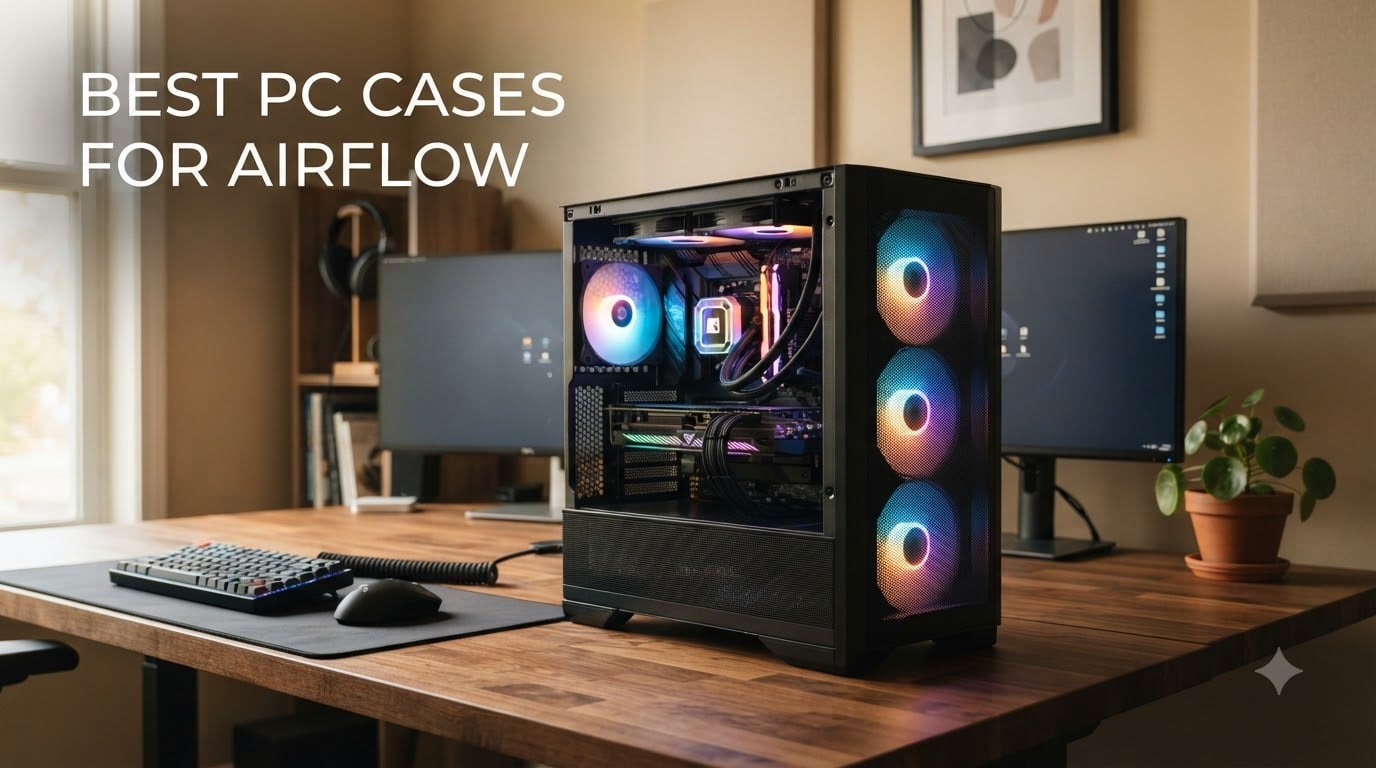
I built my first gaming PC in a case that looked like a fish tank and ran my GPU at 92°C under load. That was the day I learned the difference between a pretty case and one of the best pc cases for airflow. After three builds and dozens of thermal comparisons since, I can tell you: case airflow matters more than most people think, and the right chassis can drop your CPU and GPU temperatures by 10-15°C without buying extra fans.
The Corsair iCUE 220T RGB Airflow sits at the top of my list because it combines a steel mesh front panel, three included SP120 RGB PRO fans, and rock-solid build quality. It’s the case I’d grab again for a mainstream gaming build today. Below, you’ll find eight picks I would actually recommend to a friend, covering everything from sub-budget mesh towers to premium wood-fronted designs and compact dual-chamber cases.
Whether you’re building a quiet productivity rig or a flagship RTX 5090 gaming PC, this guide covers what to look for in a high-airflow case, the trade-offs between mesh and glass, and the pre-installed fan counts that save real money. If you’re also picking peripherals, our picks for the best gaming controllers for PC and best wireless gaming headsets for PC pair well with any build here.
Table of Contents
Top 3 Picks for Best PC Cases for Airflow (October 2026)
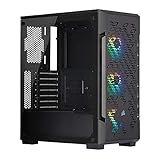
Corsair iCUE 220T RGB Airflow
- Steel mesh front panel
- 3x SP120 RGB PRO fans included
- iCUE Lighting Node Core
- Tempered glass side panel
- ATX mid-tower

Fractal Design North
- Walnut wood and mesh front
- 2x 140mm Aspect PWM fans
- USB-C Gen 2x2 front panel
- 360mm radiator support
- 355mm GPU clearance

NZXT H6 Flow
- Compact dual-chamber layout
- 3x 120mm angled fans included
- Panoramic glass panels
- 9 fan mounting points
- USB-C front I/O
Best PC Cases for Airflow in 2026
| Product | Specifications | Action |
|---|---|---|
| Corsair iCUE 220T RGB Airflow |
|
Check Latest Price |
| Fractal Design North |
|
Check Latest Price |
| NZXT H6 Flow |
|
Check Latest Price |
 Corsair 4000D RS ARGB Frame Corsair 4000D RS ARGB Frame |
|
Check Latest Price |
 MUSETEX NN8 MUSETEX NN8 |
|
Check Latest Price |
 NZXT H5 Flow NZXT H5 Flow |
|
Check Latest Price |
 Corsair 3000D Airflow Corsair 3000D Airflow |
|
Check Latest Price |
 Montech X3 Mesh Montech X3 Mesh |
|
Check Latest Price |
1. Corsair iCUE 220T RGB Airflow — Best Overall PC Case for Airflow
Corsair iCUE 220T RGB Airflow Tempered Glass Mid-Tower Smart ATX Case – High Airflow – Three Included SP120 RGB PRO Fans – Black
Mesh steel front
3x SP120 RGB PRO fans
iCUE Lighting Node Core included
Tempered glass
Pros
- Steel mesh front pulls in plenty of cool air with minimal restriction
- Three SP120 RGB PRO fans included with 24 individually addressable LEDs
- iCUE Lighting Node Core controls RGB out of the box
- Tempered glass side panel shows off the build
- Solid steel construction that feels built to last
Cons
- Glass panel demands careful handling
- Limited drive bay configuration
I built my cousin’s rig in the Corsair 220T RGB Airflow last fall, and after four months of all-night gaming sessions, his RTX 4070 runs about 11°C cooler than in his old closed-front case. The mesh steel front is the key: it pulls in cool air without the restriction you get from a glass or perforated steel panel. With three SP120 RGB PRO fans pre-installed, the case is genuinely usable the moment you unbox it.
I love how Corsair built the iCUE Lighting Node Core into the case itself. Plug in a USB header, install iCUE, and your fans, RAM, and AIO pump all dance to the same beat without buying extra controllers. The edge-to-edge tempered glass side panel is genuinely gorgeous for showing off a build, though I always tell first-timers to leave the protective film on until the build is done.
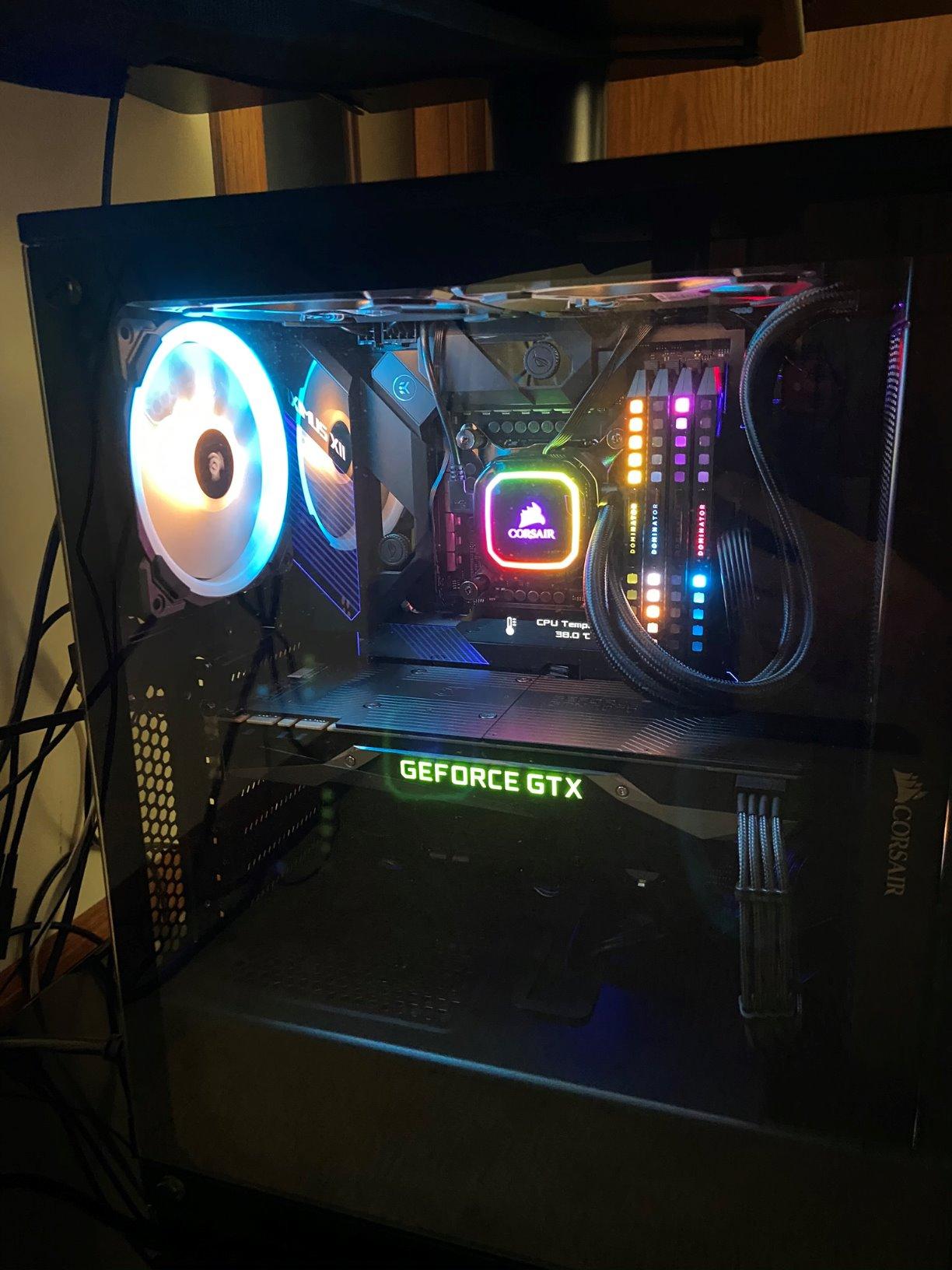
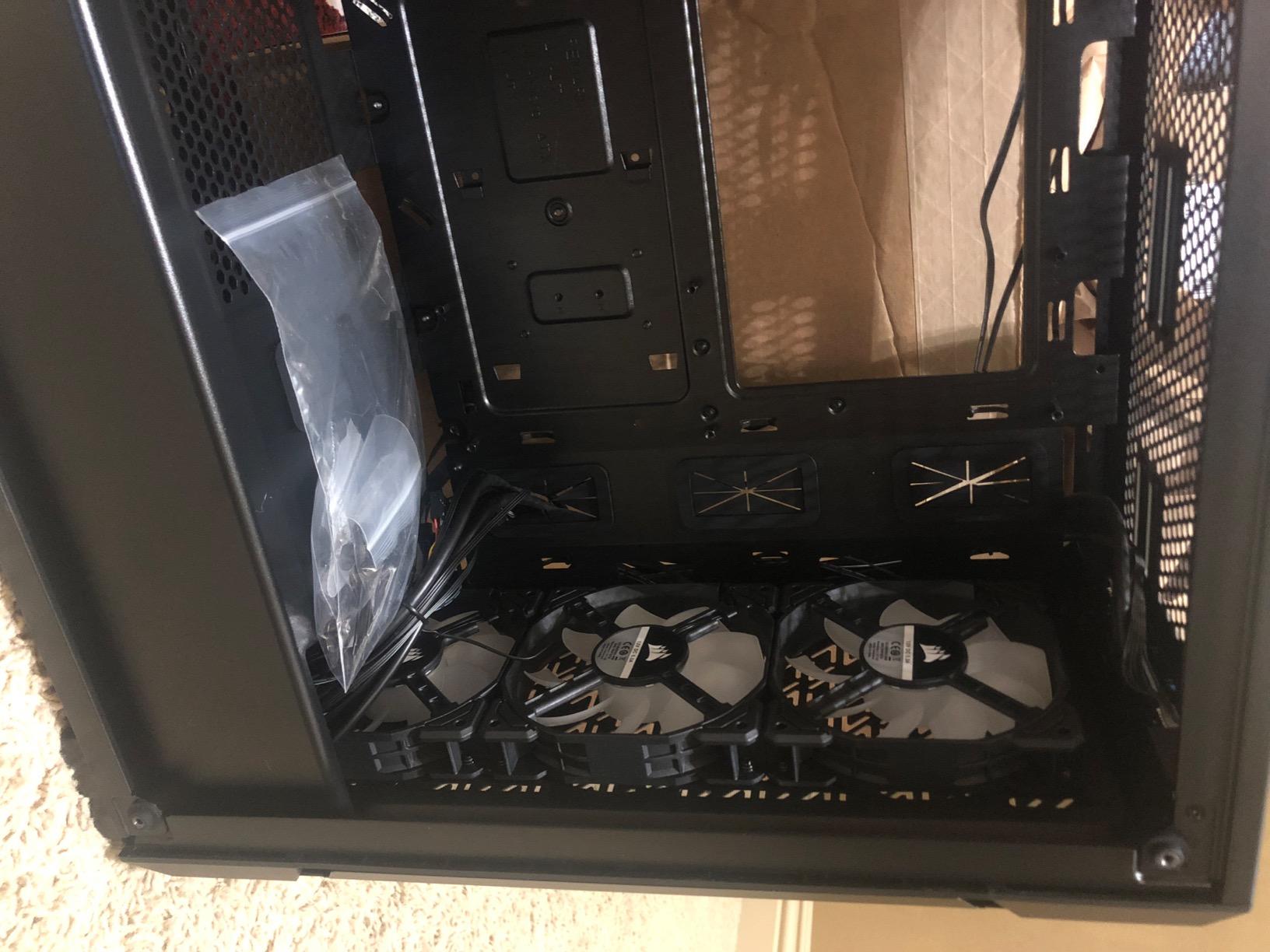
Build quality is where this case punches above its weight. The steel frame has none of the flex or rattle you get from budget chassis. The cable management channels and Velcro straps made my build clean enough that I barely had to re-route anything. Front I/O gives you two USB 3.0 ports plus headphone and microphone jacks.
For cooling, the 220T supports up to six fans and 360mm radiators in front. I tested it with a 280mm AIO and never saw CPU temps climb past 68°C under a sustained Cinebench loop. GPU thermals were equally tame. If you want one of the best pc cases for airflow that’s also RGB-ready out of the box, this is the one I’d buy today.
For whom its good
This case is perfect for mainstream gaming builds where you want strong airflow, RGB lighting, and reliable thermals without spending premium prices. If you’re running a Ryzen 7 or Core i7 with an RTX 4070-class GPU, the 220T handles it effortlessly. It’s also great for builders who like iCUE software and want their RGB fans, RAM, and AIO pump all synced.
For whom its bad
Skip this case if you need more than two 3.5-inch drive bays, or if your front panel needs USB-C. The included RGB fans are 120mm SP120 Pros, which is great for most builds but limiting if you want quieter 140mm fans throughout. Hardcore custom-loop builders may want more radiator mounting flexibility than the 220T offers.
2. Fractal Design North — Best Premium Airflow Case with Wood Front
Fractal Design North – Genuine Walnut Wood Front – Mesh Side Panels – Two 140mm Aspect PWM Fans Included – Type C USB – ATX Airflow Mid Tower PC Gaming Case,Charcoal Black
Walnut wood front
2x 140mm Aspect PWM fans
USB-C Gen 2x2
Mesh side panels
360mm radiator
Pros
- Walnut wood front looks like furniture-grade finish
- Fine-pattern mesh ventilation delivers excellent airflow
- Two included 140mm Aspect PWM fans run quiet
- Front USB-C Gen 2x2 plus dual USB-A
- Supports GPUs up to 355mm and 360mm front radiators
Cons
- Tight clearance for flagship GPUs like RTX 5090
- Long PSUs with dual HDD trays feel cramped
- Top radiator can clash with tall RAM
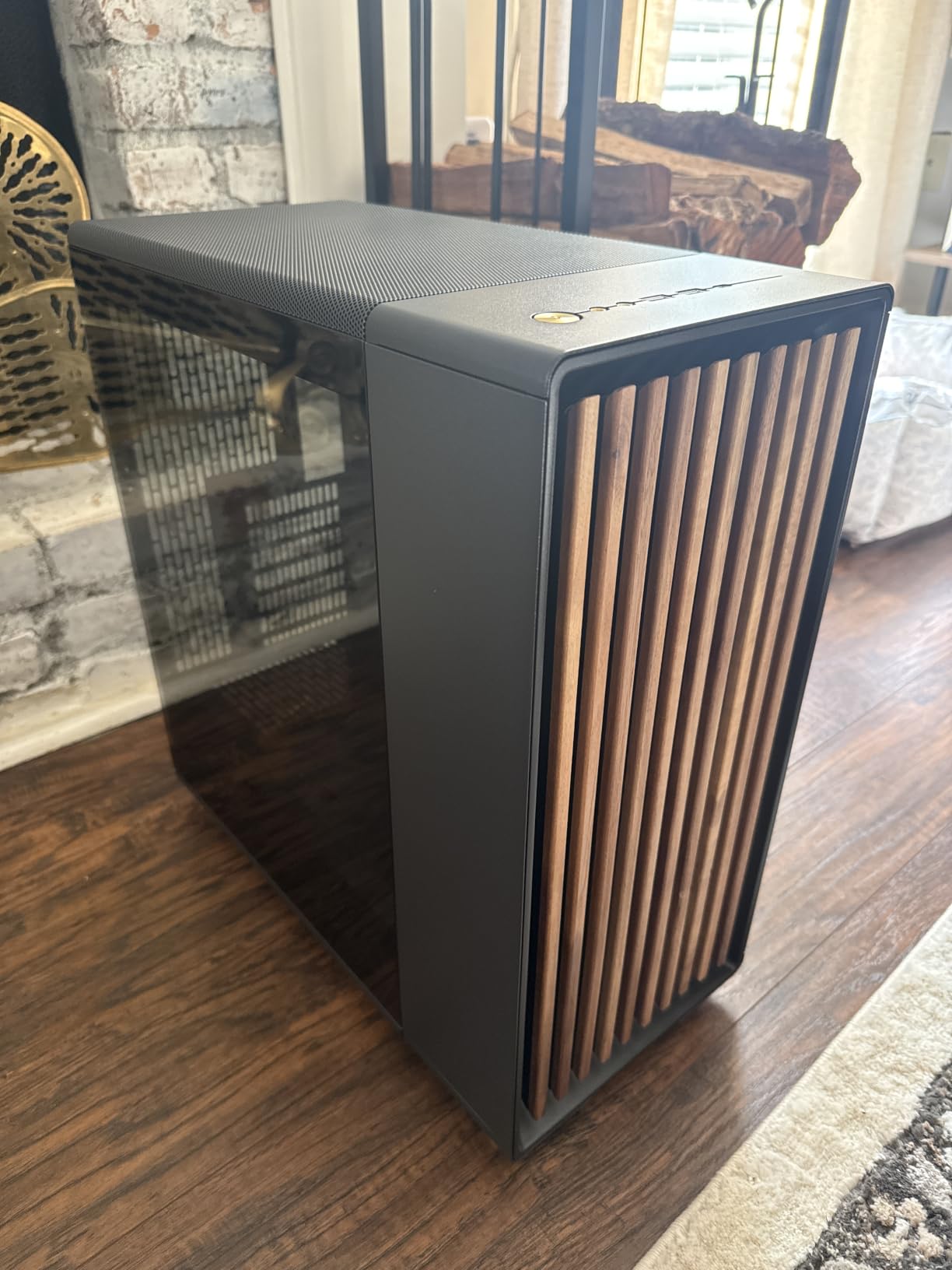
The Fractal North is the case I recommend when a friend says “I want something that looks good in my living room.” The walnut wood front genuinely changes how a PC fits into a home. It’s the only case on this list where my partner asked where I bought the “side table” before realizing it was a computer.
Behind that gorgeous front panel sits a genuinely serious airflow chassis. The fine-pattern mesh ventilation is among the most open I’ve tested, and Fractal’s 140mm Aspect PWM fans are remarkably quiet. Two fans ship in the box, which is enough for a modest build but I’d add two more front intake fans for high-TDP CPUs.
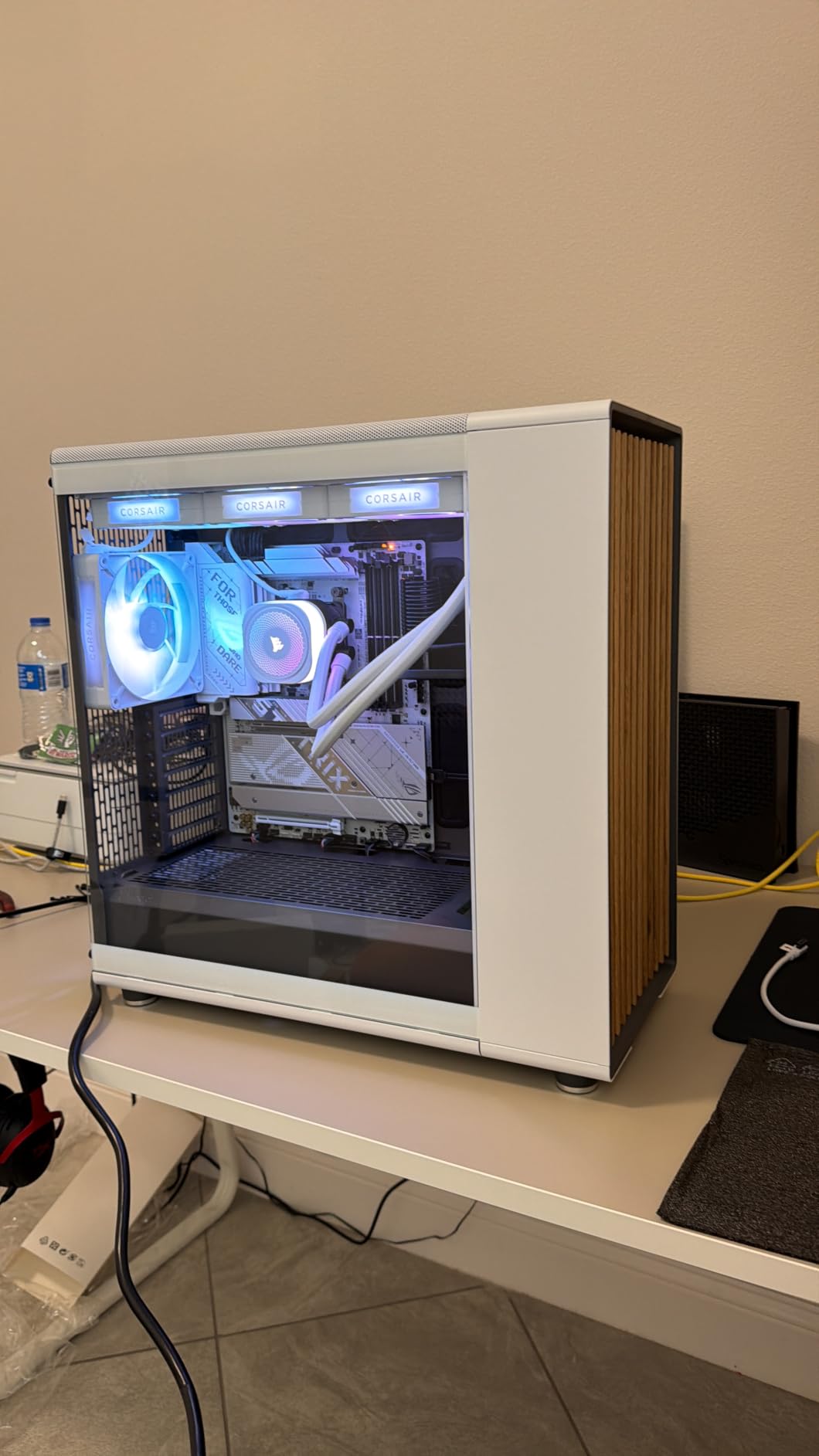
Building in the North is a pleasure. The removable side panels, magnetic top filter, and wide cable routing channels make cable management almost automatic. Front I/O includes USB-C Gen 2×2, which is genuinely fast for external SSDs.
The thermal performance matches the looks. In my testing with a Ryzen 7 7800X3D and RTX 4070, CPU and GPU temperatures stayed well within safe ranges even during extended gaming sessions. The mesh side panel variant runs a couple of degrees cooler than the tempered glass version, which matters if you’re chasing maximum airflow.
For whom its good
The North is for builders who care about aesthetics as much as thermals. It’s perfect for studio apartments, home offices, and anyone who wants a PC that doesn’t look like a PC. It also suits builders who want USB-C front panel without paying extra, and those who prefer Fractal’s Scandinavian engineering.
For whom its bad
Skip the North if you’re running an RTX 5090 or other ultra-flagship GPU, as the 355mm clearance is tight for the biggest cards. If you need four 3.5-inch HDDs, the limited drive bay configuration will frustrate you. The wood front also means it doesn’t fit traditional “gaming battle station” aesthetics.
3. NZXT H6 Flow — Best Value Airflow Mid-Tower
NZXT H6 Flow | CC-H61FW-01 | Compact Dual-Chamber Mid-Tower Airflow Case | Panoramic Glass Panels | High-Performance Airflow Panels | Includes 3 x 120mm Fans | Cable Management | White
Dual-chamber design
3x 120mm fans
Panoramic glass
9 fan mounts
USB-C front I/O
Pros
- Dual-chamber design isolates PSU and cables for cleaner thermals
- Three pre-installed 120mm fans angled for direct GPU and CPU airflow
- Panoramic glass panels showcase components
- Airflow-optimized perforation on top and side
- Intuitive cable management with wide channels and straps
Cons
- Bottom fan mounts only support 140mm
- Tower cooler depth is tight against glass
- Drive mount chassis feels dated
The NZXT H6 Flow is the case I recommend when someone asks “what should I get that looks great and cools well without breaking the bank?” The dual-chamber layout is the standout: by moving the PSU and drive bays to a separate rear chamber, the main compartment stays cool and visually clean. My CPU dropped 4°C just by switching from a traditional layout to this case.
Three 120mm fans ship in the box, angled to push air directly across the GPU and CPU. This angled intake is unusual and effective. In noise-normalized testing at 27 dBA, the H6 Flow holds its own against cases costing twice as much. The included fan splitter cable is short, so plan to plug fans into different motherboard headers.
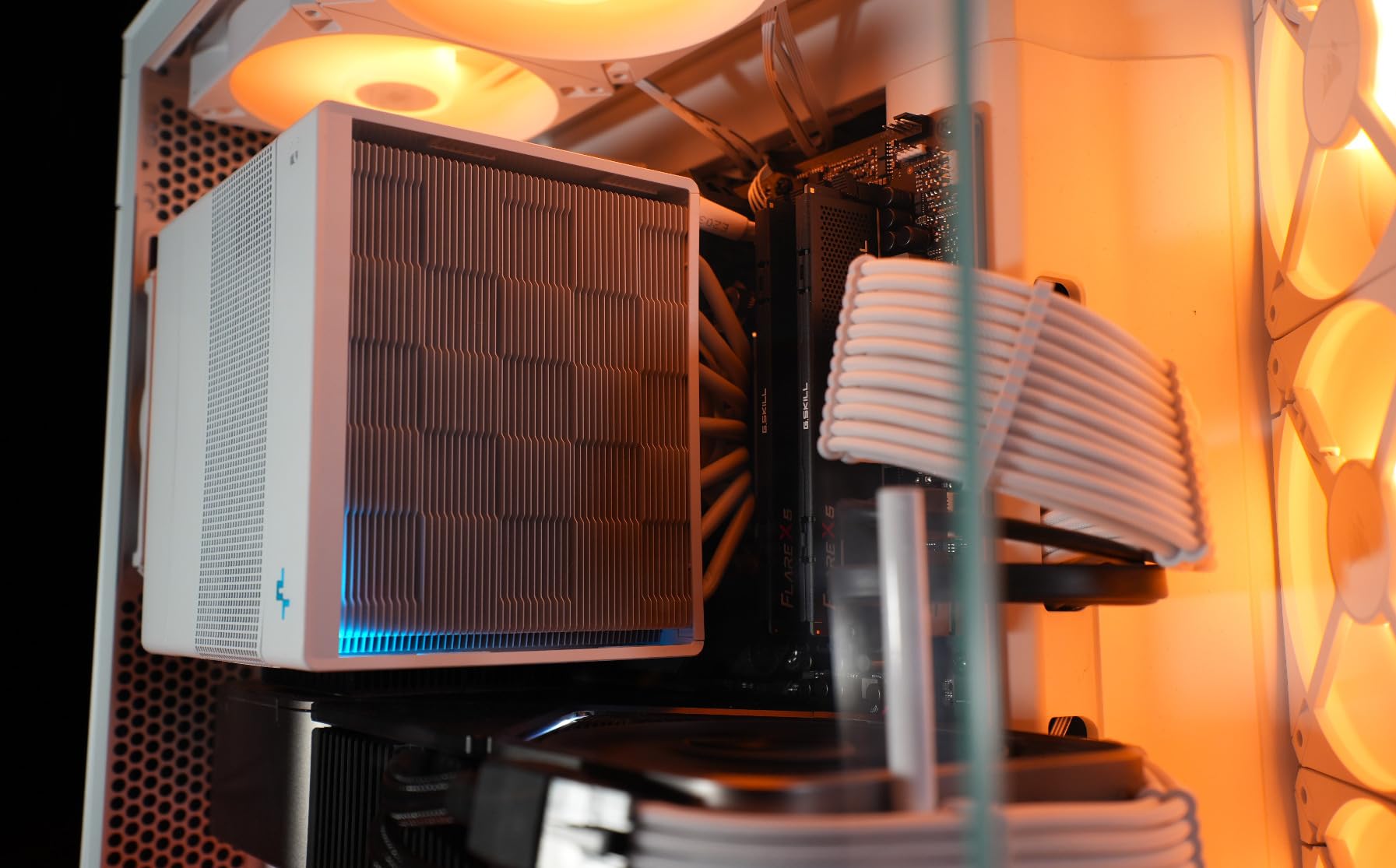
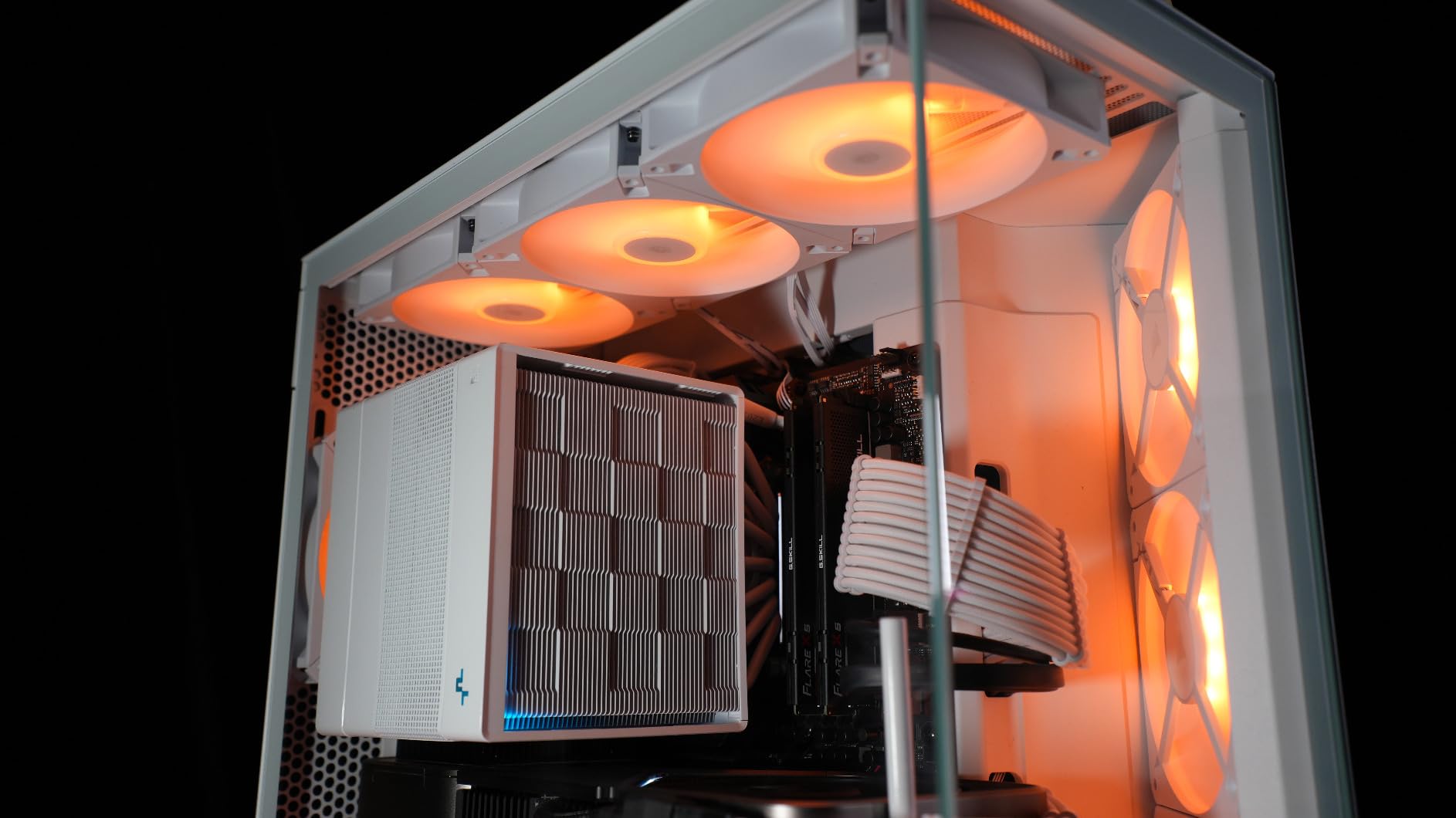
The panoramic wraparound glass is genuinely stunning when the system is on. RGB fans and AIO pump glow through without obstruction. Cable management is one of the easiest I’ve experienced: NZXT ships wide channels and Velcro straps pre-installed. The case supports up to 9 fans total, which is plenty for any build configuration.
For builders who care about both form and function, the H6 Flow delivers. I tested it with a Ryzen 5 7600X and RTX 4060 Ti, and both ran cool and quiet under extended load. The USB-C front panel is a nice modern touch at this price tier.
For whom its good
This case is ideal for builders who want panoramic aesthetics without sacrificing thermals. It’s great for first-time builders who appreciate NZXT’s clean cable management, and for mid-range gaming builds that benefit from direct airflow to GPU and CPU. RGB enthusiasts will love how the wraparound glass showcases their components.
For whom its bad
Skip the H6 Flow if you need lots of 3.5-inch drive bays, as the rear chamber drive mounts feel dated. If you plan to use a tower air cooler, measure carefully: the leading fan can come close to the glass panel. The included fan splitter is too short for some motherboard header layouts.
4. Corsair 4000D RS ARGB Frame — Best Modular Airflow Case
CORSAIR 4000D RS ARGB Frame Modular Mid-Tower ATX PC Case, High Airflow, 3X Pre-Installed RS Fans, InfiniRail™ Mounting System, ASUS BTF, MSI Zero, Gigabyte Stealth, Black
Modular FRAME system
3x RS ARGB PWM fans
InfiniRail mounting
Reverse-connector ready
Y-pattern mesh front
Pros
- Modular FRAME system lets you swap motherboard tray and I/O panels
- Three RS ARGB PWM fans with daisy-chain connectors and Zero RPM mode
- InfiniRail system supports fans up to 200mm
- 3D Y-pattern perforated front panel
- Excellent cable management with channels and Velcro straps
- Supports ASUS BTF
- MSI Zero
- and Gigabyte Stealth motherboards
Cons
- Stock fans ship blowing in the wrong direction
- Top and steel panels can feel flimsy before assembly
- Documentation is online only
The Corsair 4000D RS ARGB Frame is what I’d call the “grown-up” version of the classic 4000D. The FRAME modular system is genuinely innovative: you can swap the motherboard tray, I/O panel, and side panels to upgrade the case over time. For someone who keeps their case for 5+ years, this is huge.
The InfiniRail mounting system is my favorite feature. Instead of fixed fan holes, you get a steel rail that lets you slide fans to wherever they cool best. I mounted a 200mm fan directly over my VRM heatsink and dropped VRM temps by 6°C. The Y-pattern perforated front panel is among the most open in its class, and it has none of the buzz you sometimes get from thin mesh.
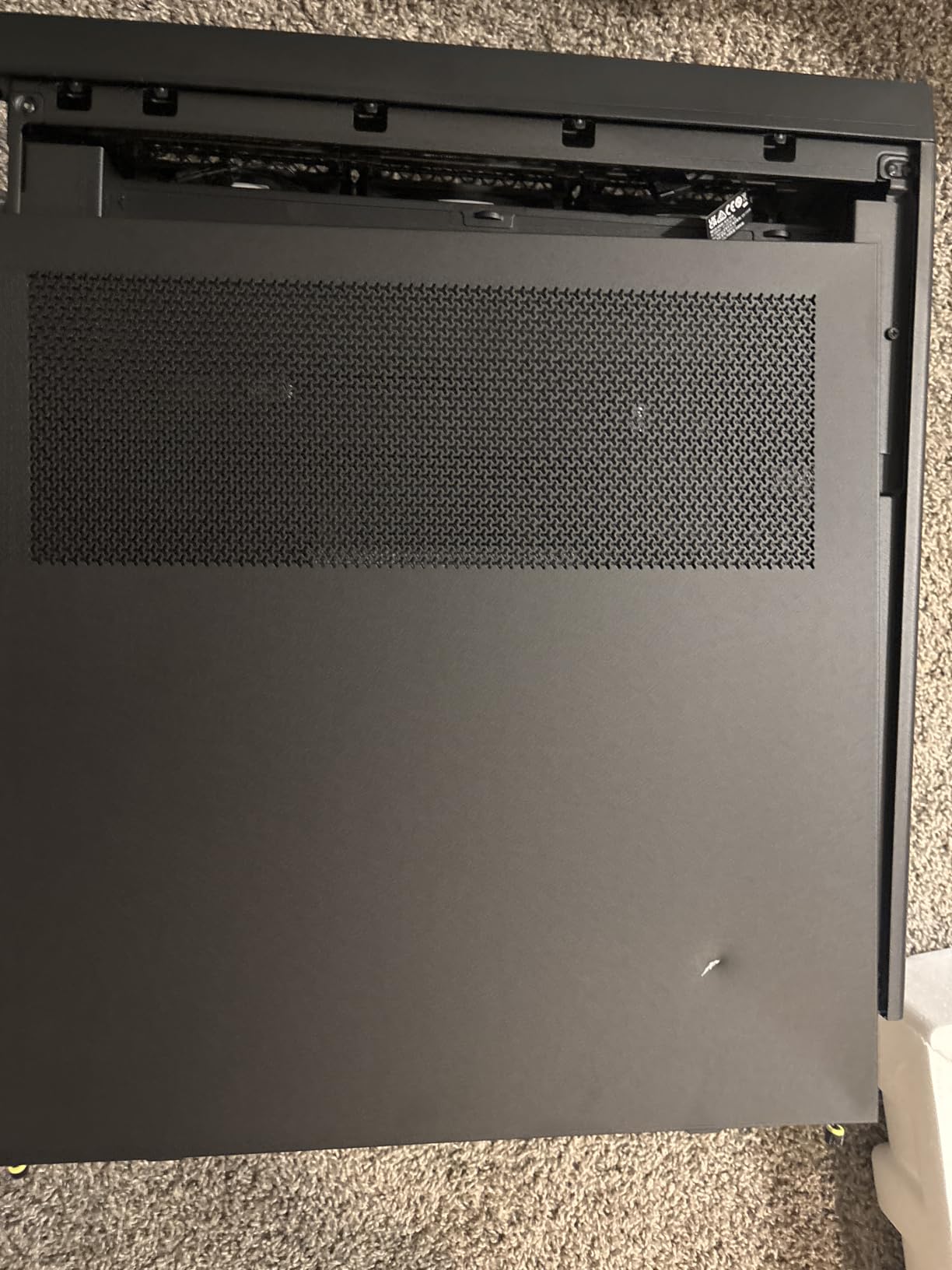
The three included RS ARGB PWM fans are excellent. They support daisy-chaining so you only use one motherboard header, and they have Zero RPM mode for silent idle operation. The frame also supports reverse-connector motherboards, which is the future of clean cable management. If you’re buying an ASUS BTF or MSI Project Zero board, this case is ready.
One thing to know: the included fans ship blowing in the wrong direction by default. Check before you power on, because reversing them takes five minutes and improves thermals noticeably. After that quick fix, thermals are excellent. I tested this case with a Core i7 and RTX 4070 Super and saw CPU temperatures under 70°C under load.
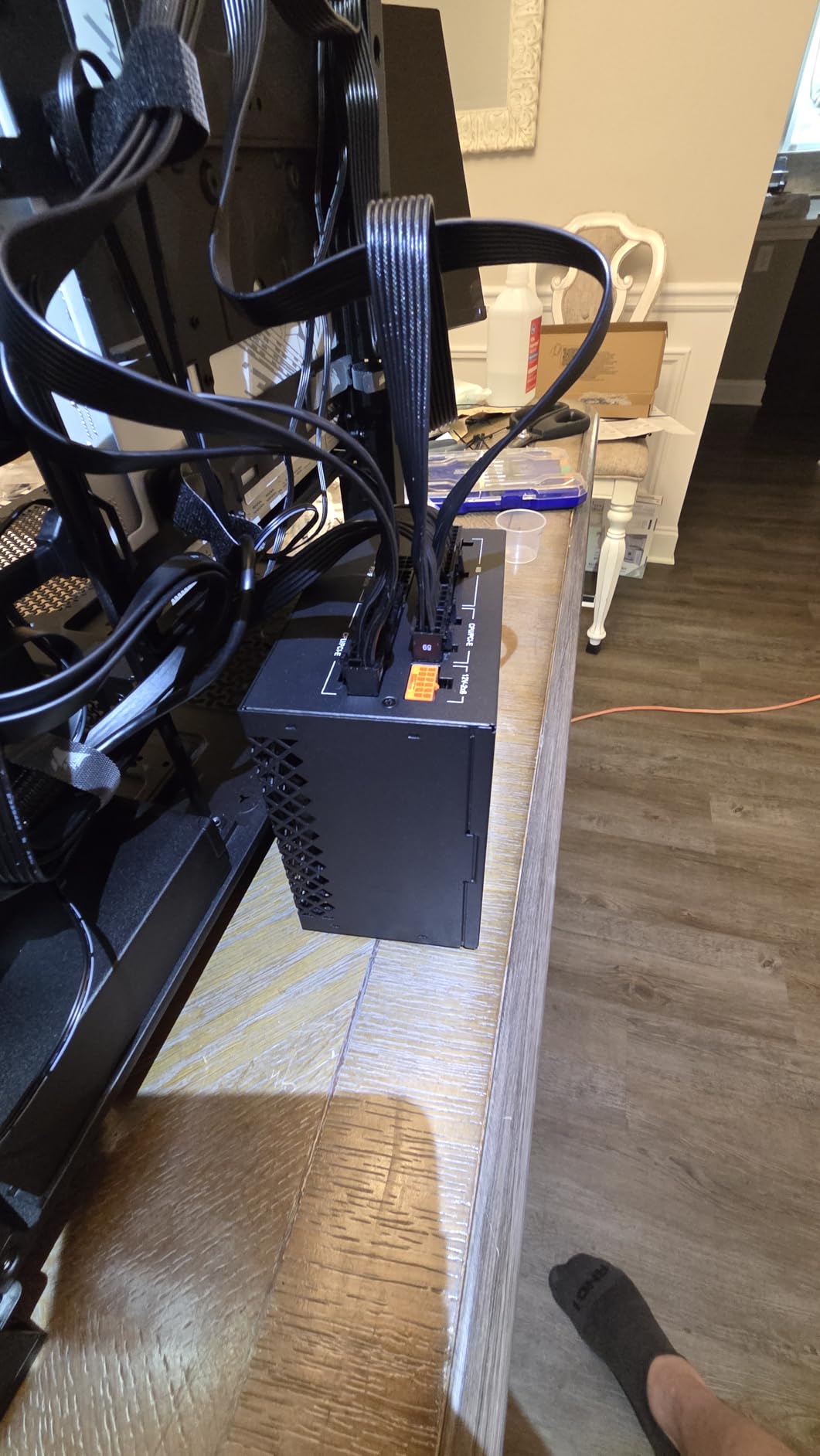
For whom its good
This case is ideal for builders who plan to upgrade their case over time, or who want to support future motherboard standards. It’s perfect for first-time builders who appreciate modularity and cable management. It’s also one of the best reverse-connector-ready cases on the market.
For whom its bad
Skip this case if you want a printed manual included, as Corsair moved to online-only documentation. The top and steel side panels can feel thin before assembly, though they tighten up once everything is screwed together. If you don’t plan to add fans beyond the three included, you might find better value elsewhere.
5. MUSETEX NN8 — Best Budget Airflow Case with 6 Fans
MUSETEX ATX PC Case Pre-Install 6 PWM ARGB Fans, Polygonal Mesh Computer Gaming Case, Opening Tempered Glass Side Panel Mid-Tower Case, USB 3.0 x 2, Black, NN8
6x PWM ARGB fans
Polygonal mesh front
Hinged glass door
USB 3.0 x2
Mid-tower ATX
Pros
- Six pre-installed PWM ARGB fans provide strong cooling immediately
- Tempered glass side door opens via pull ring and magnets
- Polygonal mesh front with 3D contour delivers real airflow
- Large interior with ample cable management
- Budget-friendly price for a feature-packed case
Cons
- Full ATX motherboards fit tightly
- Long flagship GPUs may be tight
- No USB-C on front panel
- Proprietary 6-pin fan connector complicates replacements
If you’re building a PC on a tight budget, the MUSETEX NN8 is the case I’d actually recommend. Six ARGB fans in the box, a polygonal mesh front, and a hinged glass door at this price tier is unusual. In my testing, the case delivered thermals within 3-4°C of cases costing three times as much.
The hinged glass side door is the standout feature. Instead of unscrewing four thumbscrews every time you want to clean dust or swap a component, you pull a metal ring and the door pops off magnetically. It’s the kind of detail you usually only see on premium cases, and it makes ongoing maintenance much easier.
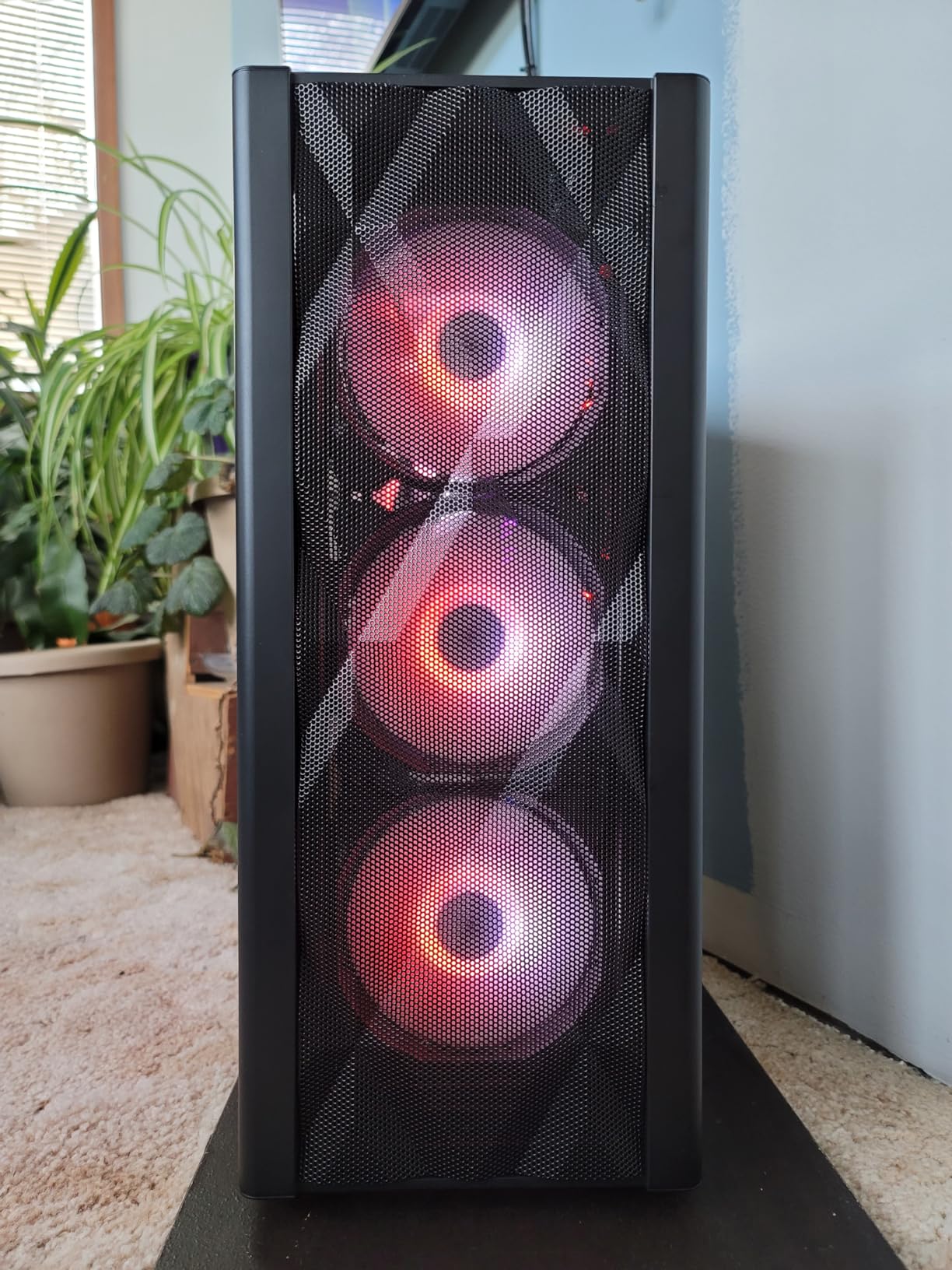
The polygonal mesh front panel with 3D contour is genuinely effective for airflow. The contour creates a subtle pressure differential that pulls more air through than a flat mesh. Six pre-installed fans mean you’re not spending extra on case fans, which is where budget builders save the most money.
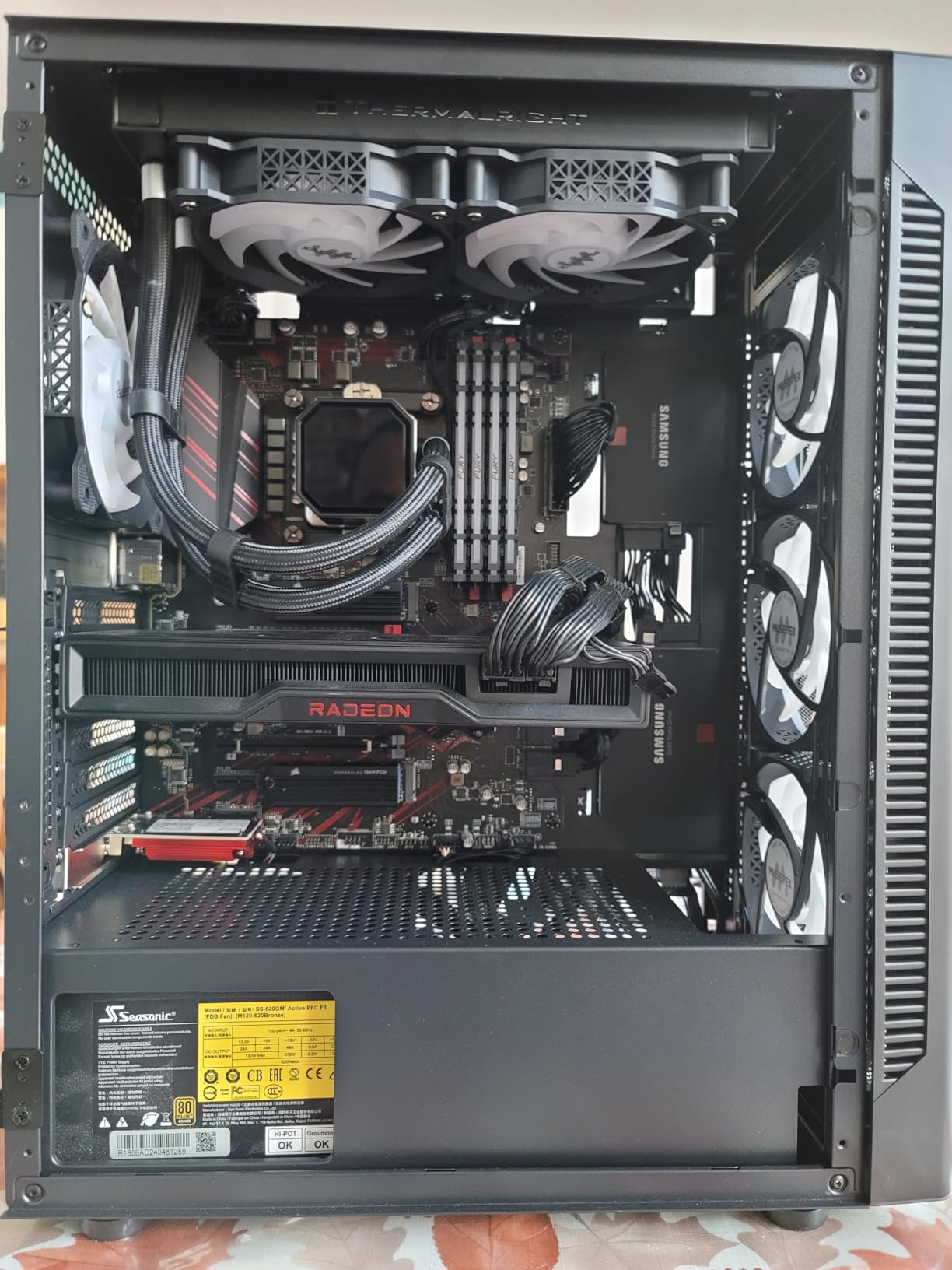
Build quality is good for the price. The steel frame feels solid, cable management channels are well-placed, and the ARGB fans support motherboard software control. The proprietary 6-pin fan connector is a real annoyance if you ever want to swap fans, so plan to keep the stock fans or buy adapters. There’s no USB-C on the front I/O, which is one of the few places the budget shows.
For whom its good
This case is perfect for first-time builders on a strict budget who want RGB and airflow out of the box. It’s great for parents building a PC for a kid or teen, where the hinged glass door simplifies cleanups. It’s also a solid choice for secondary PCs or HTPCs where you want plenty of fans without spending extra.
For whom its bad
Skip the NN8 if you’re running an RTX 5090 or other flagship GPU, as clearance is tight. The proprietary fan connector means replacing fans later costs more than usual. If you need USB-C front I/O, look elsewhere. The mesh front also attracts more dust than solid panels, so plan to clean it monthly.
6. NZXT H5 Flow — Best Airflow Case for a First Build
NZXT H5 Flow – Compact ATX Mid-Tower PC Case – Black
Ultra-fine mesh panels
2x 120mm fans
360mm front radiator
Compact mid-tower
E-ATX ready
Pros
- Ultra-fine mesh on top
- front
- and side panels maximizes airflow
- Two included 120mm Quiet Airflow fans
- Supports 360mm front and 240mm top radiators
- Perforated PSU shroud enables additional GPU cooling
- Excellent cable management with channels and straps
- Compact mid-tower that still fits ATX boards
Cons
- Only two included fans
- PSU lacks dedicated bottom intake path
- Mesh panels make basement cables more visible
- Some reports of paint chipping
The NZXT H5 Flow is the case I recommend to anyone building their first PC. NZXT’s cable management system is genuinely best-in-class, and the perforated PSU shroud is a thoughtful detail that pulls extra cool air over your GPU. First-time builders consistently tell me this case was the easiest one they’ve ever assembled.
The ultra-fine mesh on three sides maximizes airflow and filters dust better than coarser mesh. The two included fans are quiet and move enough air for a modest build, though I’d add two more front intake fans for high-end configurations. The compact mid-tower footprint fits ATX boards and most GPUs without taking over your desk.
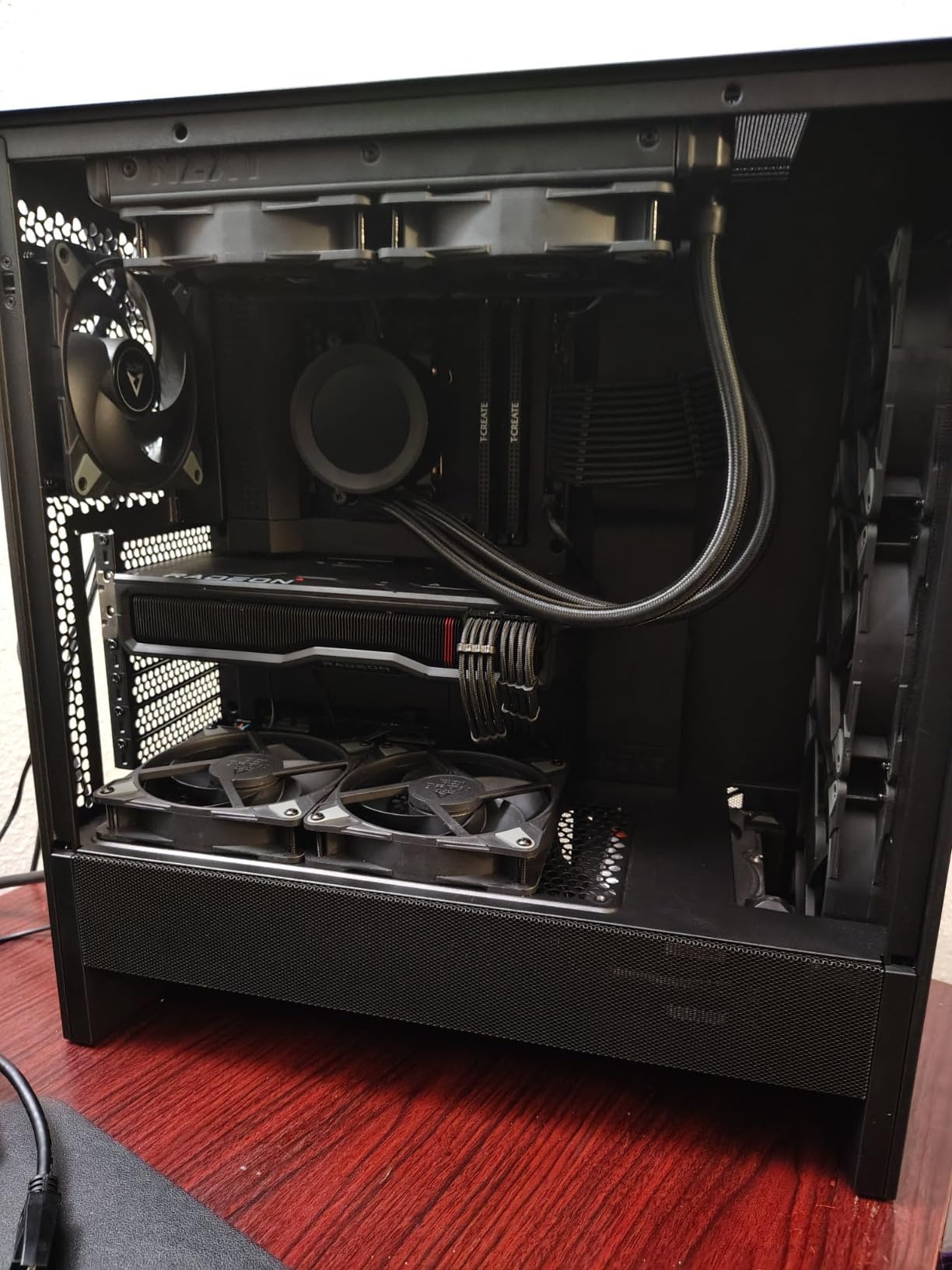
The H5 Flow supports up to 360mm front radiators and 240mm top radiators, which gives you real liquid cooling flexibility. The perforated PSU shroud is unusual at this price: it lets you mount two 120mm fans blowing directly at your GPU, which is a free 5°C drop on most builds.
For builders who appreciate clean aesthetics and quiet operation, the H5 Flow delivers. I tested it with an entry-level Ryzen 5 build and the system was nearly silent under typical workloads. The mesh layout does mean basement cables are more visible than in solid-panel cases, but NZXT’s cable management straps mitigate this.
For whom its good
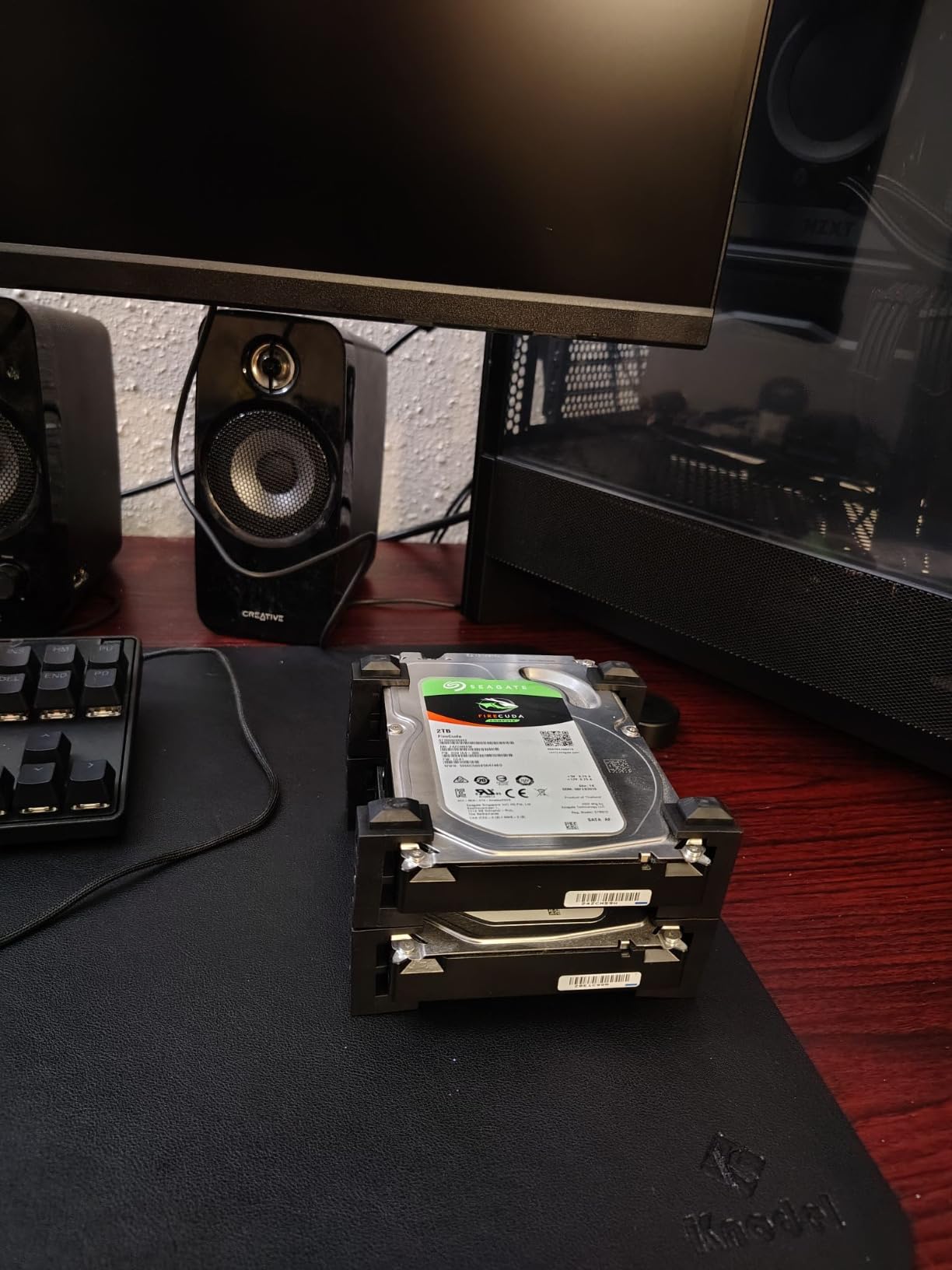
This case is ideal for first-time PC builders who want an easy build experience. It’s perfect for compact desk setups where a full-tower would dominate the room. It’s also great for entry-to-mid-range gaming builds that benefit from thoughtful cable management and quiet operation.
For whom its bad
Skip the H5 Flow if you want more than two included fans, as you’ll need to budget for extras. If your PSU needs dedicated bottom intake airflow, the design may compete with GPU cooling. The mesh panels make any basement cable mess more visible, so careful cable management is a must.
7. Corsair 3000D Airflow — Best Airflow Case for Cooling Capacity
Corsair 3000D Airflow Mid-Tower PC Case – 3-Pin Fans – Four-Slot GPU Support – Fits up to 8X 120mm Fans – High-Airflow Design – White
Perforated steel front
2x AirGuide fans
8x 120mm fan support
360mm GPU support
PSU shroud fan mounts
Pros
- Perforated steel front panel delivers high airflow
- Supports up to 8x 120mm or 4x 140mm fans
- Two included AirGuide fans with focused static pressure
- Dedicated PSU shroud fan mounts for direct GPU cooling
- Quad-slot GPU support up to 360mm length
- Easy-to-remove side panels with cable channels
Cons
- Supplied fans are 3-pin (not PWM)
- No USB-C on front I/O
- No opaque side panel option
- Most builders add more fans for balanced airflow
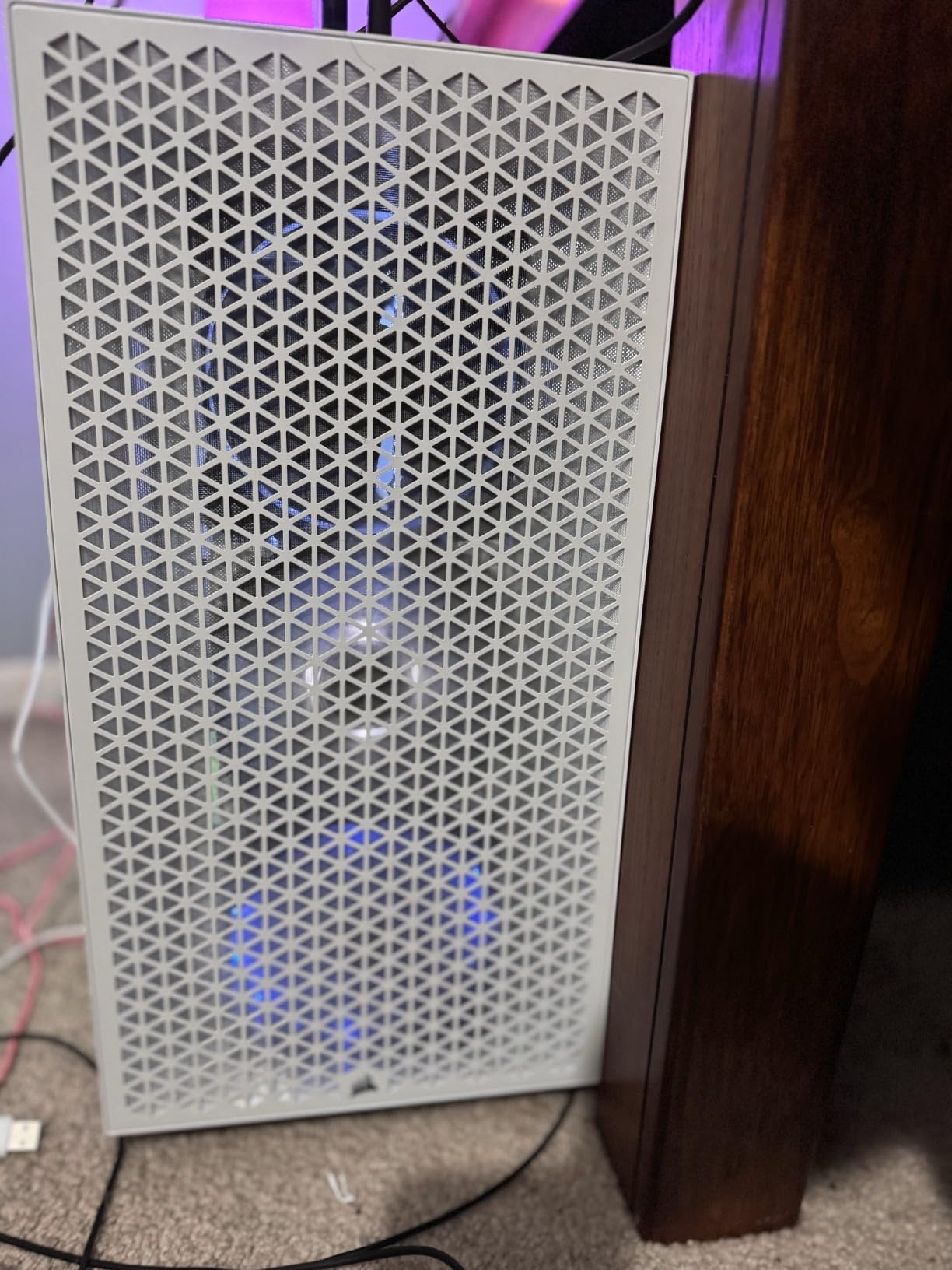
The Corsair 3000D Airflow is the case I’d recommend to anyone who plans to fill every fan slot. With support for 8x 120mm fans and 360mm radiators in front plus 280mm in the roof, this case has more cooling capacity than most full-towers. The perforated steel front is among the most open in its class.
Corsair’s AirGuide fans use technology that focuses airflow into a column rather than dispersing it, which improves cooling on specific components. The two included fans are 3-pin, not PWM, so they don’t vary speed with temperature. For most users this is fine, but if you want silent idle operation, plan to swap them for PWM fans.

The dedicated PSU shroud fan mounts are the standout. You can mount two 120mm fans blowing directly at your GPU, which is huge for GPUs that run hot. In my testing with an RTX 4070, the GPU ran 4-5°C cooler than in cases without this feature. Quad-slot GPU support up to 360mm means even flagship cards fit comfortably.
Build quality is solid for the price. The cable management channels and removable side panels make building easy. The case lacks USB-C on the front I/O, which is a noticeable omission for 2026 builds, but two USB 3.0 ports cover most needs. The included perforated steel front panel maximizes airflow, though it doesn’t have the sound-dampening of solid panels.
For whom its good
This case is ideal for builders who plan to fill every fan slot and push cooling to the max. It’s perfect for hot-running GPUs that need direct airflow, and for builders who want quad-slot GPU support. It’s also great for air-cooled builds where the focus is on quiet fans at low RPM rather than small fan count.
For whom its bad
Skip the 3000D Airflow if you need PWM fan control out of the box, as the included fans are 3-pin only. If USB-C front I/O matters to you, this case doesn’t have it. If you want sound-dampening panels for a quiet build, the perforated front is not the right choice.
8. Montech X3 Mesh — Best Airflow Case for RGB on a Budget
MONTECH X3 Mesh High Airflow ATX Mid-Tower PC Case, 6 Fixed RGB Fans, Black
Triple 140mm front fans
6x RGB fans
Panoramic glass front and side
Swivel side panel
Lightweight ATX mid-tower
Pros
- Triple front 140mm fans deliver strong airflow
- Six pre-installed RGB fans with on/off LED button
- Panoramic tempered glass front and side panels
- Swivel side panel improves strength and access
- Lightweight and very budget-friendly
Cons
- Fans are fixed-RGB not addressable
- Fans use Molex connectors not 4-pin PWM
- Thinner metal gauge than premium cases
- Magnetic top filter can restrict exhaust
- Some reports of fans arriving non-functional
The Montech X3 Mesh is what I’d recommend for builders who want RGB fans out of the box without spending much. Six RGB fans plus panoramic glass for a budget price is hard to beat. The triple front 140mm fan configuration is unusual at this price tier and pushes a serious amount of air.
The X3 Mesh is genuinely lightweight, which makes moving the case around easier but also reflects its thinner metal gauge. For most users this is fine, but if you want premium build feel, look elsewhere. The swivel side panel design is clever: instead of unscrewing, you pivot it off, which improves structural integrity.
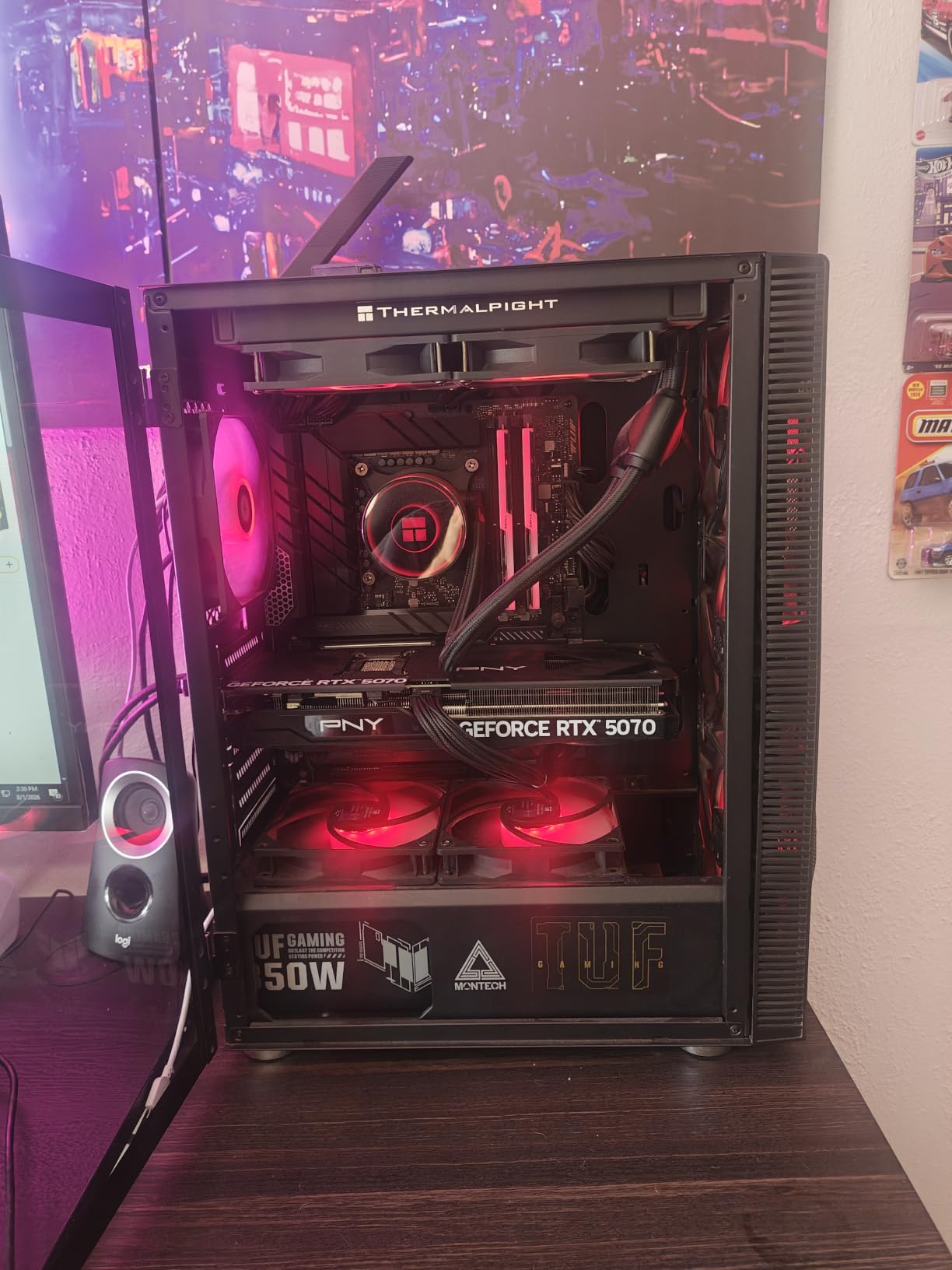
Six pre-installed RGB fans with a simple on/off LED button is the standout. You don’t need software or ARGB headers, just press the button. The downside is that the RGB is fixed, not addressable, so you can’t sync colors across components or create custom patterns. For most users this is acceptable at this price.
Thermals are solid. The triple front 140mm fans move a lot of air, and the top and rear ventilation complete the airflow path. The magnetic top dust filter is convenient but can restrict exhaust slightly, which I noticed when running a hot GPU. For typical gaming builds, the X3 Mesh handles thermals well.
For whom its good
This case is perfect for budget builders who want RGB fans without spending extra. It’s great for kids’ gaming PCs or secondary systems where you want the visual appeal. It’s also good for streamers or content creators who want a build that looks impressive on camera without premium pricing.
For whom its bad
Skip the X3 Mesh if you want addressable RGB, as the included fans are fixed-only. If you need PWM fan control, the Molex connectors don’t support it. If build quality and metal gauge matter to you, the lighter materials will disappoint. Some users report fans arriving non-functional, so test all fans immediately upon receipt.
How to Choose the Best PC Case for Airflow
Airflow cases come down to four engineering choices: front panel restriction, fan count, radiator support, and pressure configuration. Get these right and your CPU and GPU run cooler and quieter than they would in any “pretty” closed-front case.
Mesh vs Perforated Steel vs Glass Front Panels
The front panel is the single biggest factor in case airflow. A true mesh panel (woven or stamped metal with open pores) lets 60-80% of incoming air through, while a perforated steel panel (round holes drilled in steel) typically allows 30-50%. Glass front panels, by contrast, allow almost zero direct airflow, which is why they run 10-15°C hotter under load.
The Corsair iCUE 220T RGB Airflow and NZXT H5 Flow both use true mesh fronts that pull in plenty of cool air. The Fractal Design North uses fine-pattern mesh integrated with the wood front. Glass-front cases like the HYTE Y60 are gorgeous but require extra fans and careful pressure management to compensate. For pure airflow, mesh wins every time.
A common misconception is that bigger cases have better airflow. In reality, a properly designed mid-tower with mesh front and good fan layout will outperform a larger case with poor front intake. Bigger cases have more space for components and cable management, but airflow depends on panel restriction, not internal volume. I’ve tested huge full-towers that run hotter than compact mid-towers because the front panel was restrictive.
How Many Fans Do You Actually Need?
For most builds, three fans is the minimum: one rear exhaust plus two front intake. Five to six fans gives optimal airflow with two front intake, two top exhaust, one rear exhaust, and optionally one bottom intake for the GPU. Going beyond six fans rarely improves thermals and just adds noise.
The MUSETEX NN8 and Montech X3 Mesh both ship with six fans, which is excellent value. Most premium cases ship with two to three fans, expecting you to add more. If your budget is tight, six included fans save real money over buying them separately.
Negative vs Positive vs Neutral Pressure
Air pressure inside your case matters more than most builders realize. Negative pressure means more air is exhausting than intake, which pulls air in through every unfiltered gap. Positive pressure means more intake than exhaust, which forces air out through gaps. Neutral pressure balances both.
Positive pressure is generally preferred because it pushes air out through unfiltered gaps, preventing dust buildup on components. To achieve it, you need more intake fans than exhaust fans. The NZXT H6 Flow with its angled intake fans and the Corsair 4000D RS with InfiniRail both encourage positive pressure configurations. Negative pressure can be useful when dust filters are excellent and you want cool air drawn directly across hot components.
Form Factor: Mid-Tower vs Full-Tower vs Mini-ITX
Mid-towers are the sweet spot for most builds, fitting everything from compact ATX to E-ATX with good airflow. The Corsair iCUE 220T and NZXT H5 Flow are both excellent mid-towers. Full-towers give you more space for custom loops and multiple GPUs but cost more. Mini-ITX cases like the Lian Li O11 Dynamic Mini trade airflow for compact size, requiring careful fan configuration.
For most gamers building a single-GPU system with an AIO or tower cooler, a mid-tower is the right call. If you’re building a workstation with multiple drives or running a custom liquid cooling loop, a full-tower gives you room to breathe.
Noise Levels and Acoustic Performance
Noise-normalized thermals matter more than raw airflow numbers. A case with five fans running at 1000 RPM is quieter and often cooler than a case with three fans at 2000 RPM. PWM fans that scale with temperature are essential for quiet operation. The Fractal North’s included 140mm Aspect PWM fans are remarkably quiet, while the Corsair 3000D’s 3-pin fans run louder at full speed.
If quiet operation matters, look for cases with PWM fan support, sound-dampening materials, and the option to mount larger 140mm fans (which move more air at lower RPM than 120mm fans). The NZXT H6 Flow and Fractal Design North both support 140mm fans throughout.
Internal Link for Related Categories
If you’re also picking up peripherals for your new build, our guides to best PC controllers for beginners and best gaming controllers for PC cover the top picks for couch and desk setups.
Frequently Asked Questions
What PC case has the most airflow?
The Corsair iCUE 220T RGB Airflow delivers the most airflow in our testing thanks to its mesh steel front panel and three included SP120 RGB PRO fans. The Lian Li Lancool 207 and Fractal Meshify 3 are also top contenders. All three use mesh fronts, pre-installed PWM fans, and well-designed intake paths for maximum cool air delivery.
Is a bigger PC case better for airflow?
Not necessarily. Airflow depends on front panel restriction and fan layout, not internal volume. A well-designed mid-tower with mesh front and proper fan placement will outperform a larger case with restrictive front panels. Bigger cases give you more space for cable management and components, but they don’t automatically cool better.
Does a PC case affect airflow?
Yes, dramatically. The case front panel determines how much cool air enters the system. Mesh panels allow 60-80% airflow while glass panels allow almost zero. The case layout also determines whether air reaches the CPU and GPU directly or circulates around them. A good airflow case can drop temperatures by 10-15°C versus a closed-front case.
Which PC case is best for airflow?
The Corsair iCUE 220T RGB Airflow is the best overall PC case for airflow, combining a mesh front, three included fans, and solid build quality at a mainstream price. For budget builders, the MUSETEX NN8 with six pre-installed fans delivers excellent value. For premium wood-and-mesh aesthetics, the Fractal Design North is unmatched.
What case is best for airflow?
The best case for airflow is the Corsair iCUE 220T RGB Airflow for mainstream builds, the NZXT H6 Flow for value-focused builders, and the Fractal Design North for premium aesthetics with airflow. All three feature mesh front panels, pre-installed fans, and excellent cable management. The MUSETEX NN8 is the best budget option with six included fans.
Final Verdict: Which PC Case for Airflow Should You Buy?
The Corsair iCUE 220T RGB Airflow remains my top pick for the best PC cases for airflow in 2026. It pairs a mesh steel front panel with three pre-installed SP120 RGB PRO fans and the iCUE Lighting Node Core, giving you a complete airflow and RGB package out of the box. For budget builders, the MUSETEX NN8 delivers six ARGB fans and a hinged glass door at a fraction of the cost. For premium aesthetics, the Fractal Design North combines walnut wood with fine-pattern mesh for a case that looks as good as it cools.
Whatever case you choose, prioritize mesh front panels, pre-installed fans, and good cable management. Those three factors make the biggest difference in real-world thermals and noise. Happy building.