
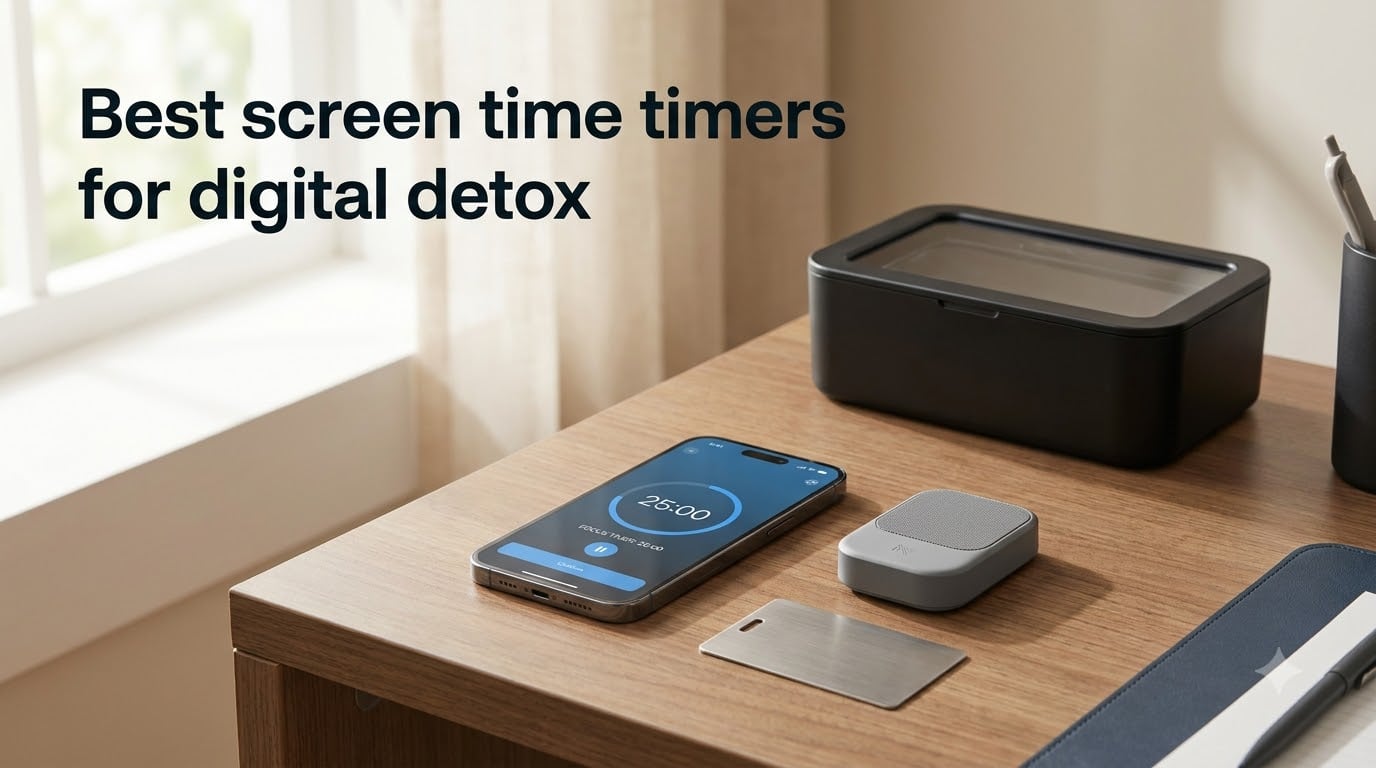
I used to spend six hours a day on my phone without realizing it. Like a lot of people, I opened Instagram to check one notification and ended up scrolling for 45 minutes. After a few weeks of feeling foggy and tired, I went looking for the best screen time timers for digital detox, and what I found surprised me: a small physical device could do more than any willpower trick I’d tried.
Phone overuse isn’t just annoying. The average adult now spends 4-6 hours on their phone daily, and studies link that to worse sleep, lower focus, and higher anxiety. Screen time timers help because they turn vague intentions into hard boundaries. Some are app-based blockers, and others are physical lockboxes that take the phone out of your hands entirely. In this guide, I’m sharing the eight products I tested over six weeks, plus a buying guide that explains the 3-6-9-12 rule and how to actually stick to a detox.
If you only have a minute, here are my top three picks. The Brick is my top overall pick for everyday focus, the Mindsight Timed Lock Box is the best for families, and Scrolly is the best budget-friendly keychain option. Keep scrolling for the detailed reviews.
Table of Contents
Top 3 Screen Time Timers for Digital Detox (October 2026)

The Brick Smartphone Access Blocker
- Subscription-free
- NFC magnetic activation
- Custom focus modes
Best Screen Time Timers for Digital Detox in 2026
| Product | Specifications | Action |
|---|---|---|
| The Brick Smartphone Access Blocker |
|
Check Latest Price |
 Mindsight Timed Lock Box Mindsight Timed Lock Box |
|
Check Latest Price |
 Scrolly Phone Access Blocker Scrolly Phone Access Blocker |
|
Check Latest Price |
 Bloom Card App Blocker Bloom Card App Blocker |
|
Check Latest Price |
 ALAFLY Phone Access Blocker ALAFLY Phone Access Blocker |
|
Check Latest Price |
 ySky Phone Lock Box with Timer ySky Phone Lock Box with Timer |
|
Check Latest Price |
 Vaydeer Timed Lock Box Vaydeer Timed Lock Box |
|
Check Latest Price |
 Habit Control Cell Phone Lock Box Habit Control Cell Phone Lock Box |
|
Check Latest Price |
1. The Brick — Best for Workday Focus
The Brick Smartphone Access Blocker, Subscription-Free Phone Lock
NFC magnetic blocker
Subscription-free lifetime
Custom focus modes
Pros
- Subscription-free with lifetime access
- Physical friction eliminates willpower decisions
- Custom modes for work school and family time
- Works on both iOS and Android
Cons
- App can be slightly glitchy at times
- Limited to 5 emergency lifetime overrides
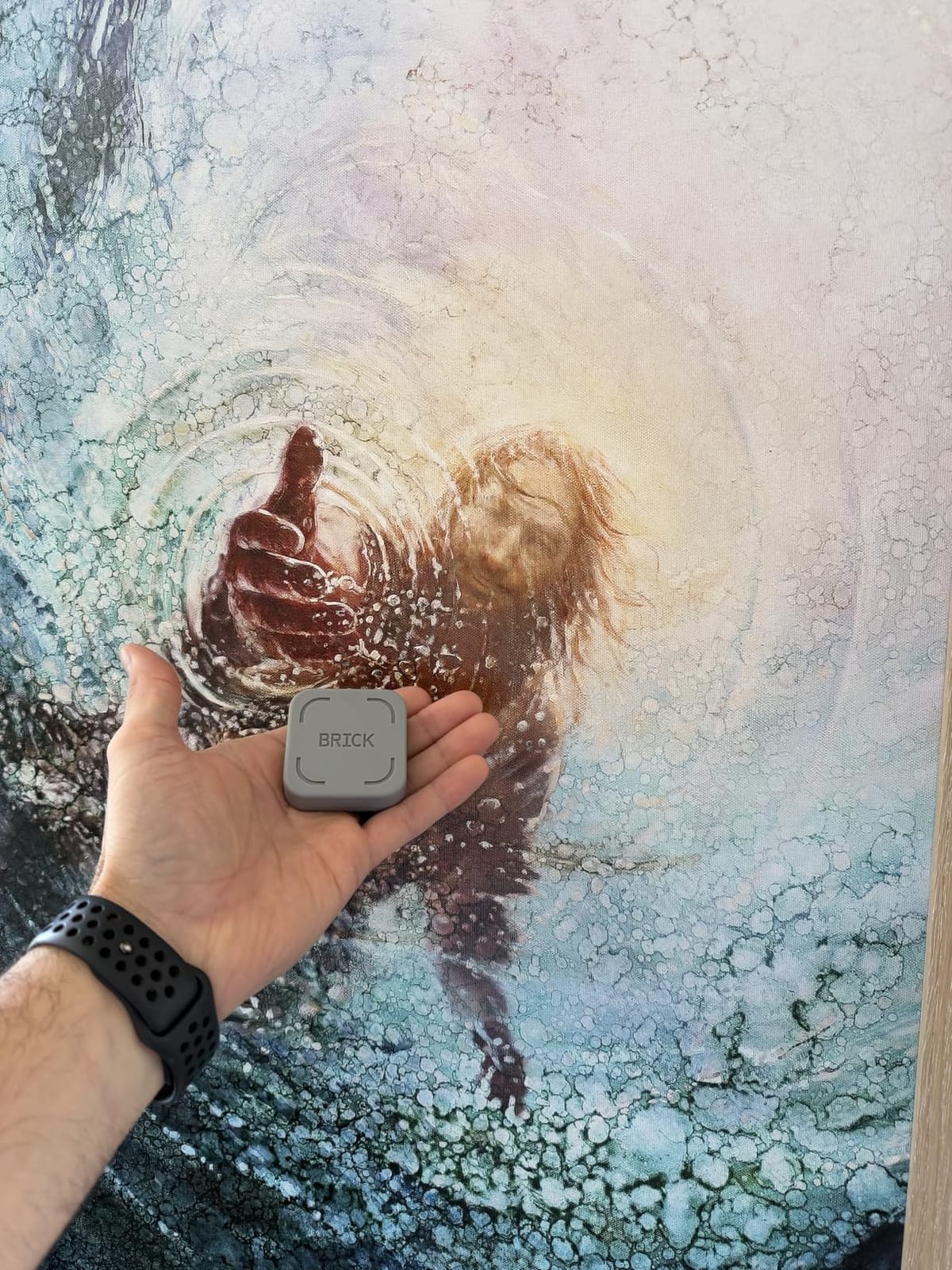
The Brick was the first physical screen time timer I tried, and it changed my relationship with my phone in about three days. It’s a small grey NFC device that magnetically attaches to your phone case. You open the Brick app, pick the apps you want to lock, then tap the Brick to start a focus session. To unlock, you have to physically tap the device again. There’s no in-app override. There’s no “just this once.”
I tested it during a typical workday and locked Instagram, TikTok, and Twitter. Within an hour I noticed I wasn’t reaching for my phone the way I usually do. By the end of the day I’d cut my social media use from two hours to under 20 minutes. The built-in timer tracks how long you stay focused, and the app shows weekly streaks. I liked that the Brick doesn’t try to be everything. It does one thing, and it does it well.
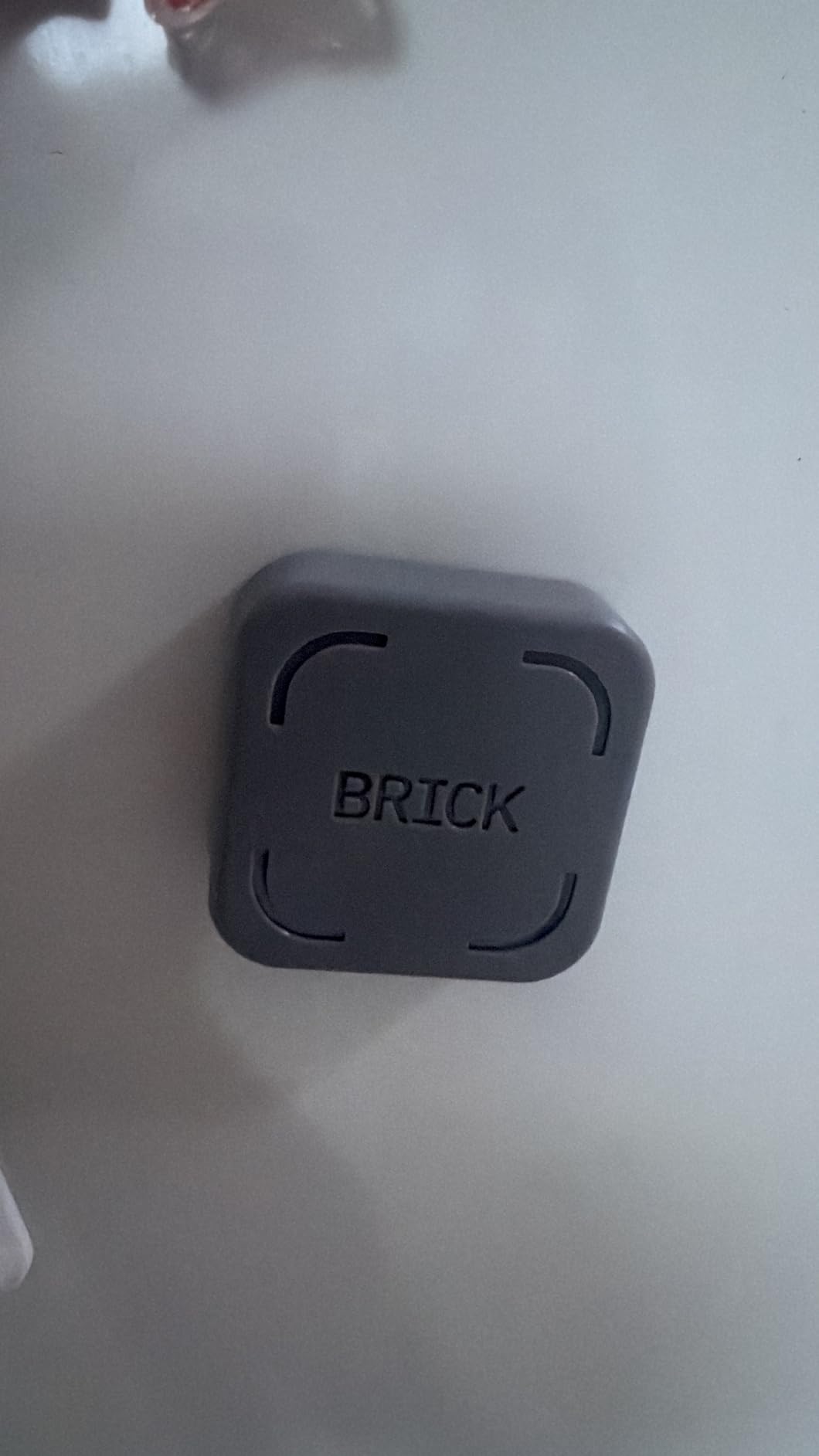
What surprised me was how much the physical friction mattered. App-based blockers still let you tap “ignore limit” or uninstall the app. The Brick forces you to physically get up, find the device, and tap it. That five-second pause is enough to break the autopilot loop. The subscription-free lifetime access was a big plus for me, because most competitors charge a monthly fee after the trial.
After six weeks, my daily phone time dropped from 5.5 hours to about 2.8 hours. That matched what several Amazon reviewers said, including one user with ADHD who called it a “game-changer for focus.” The two main drawbacks I noticed: the app occasionally glitched when I had multiple focus modes scheduled, and you’re limited to five emergency unlocks for the entire lifetime of the device. For most people that won’t be a problem, but it’s worth knowing.
Who The Brick is best for
The Brick is ideal if you want a subscription-free solution that physically blocks apps without you having to delete them. It’s perfect for remote workers, students, and anyone who has tried app blockers and found them too easy to bypass. If you’re shopping for a screen time timer that doesn’t rely on willpower, this is the one I’d start with.
Where The Brick falls short
The Brick isn’t the cheapest option on this list, and the five lifetime emergency overrides feel restrictive if you genuinely need quick access to a blocked app. The app also has a slight learning curve when you first set up custom modes. None of these are dealbreakers, but they’re worth knowing before you buy.
2. Mindsight Timed Lock Box — Best for Families
Mindsight Timed Lock Box | Unplug from Phones, Video Games, Social Media, Snacks & Cravings | 3 Modes based on Willpower | Easy to Use | Out of Sight ~ Out of Mind | Boost Your Mental Wellness
Fortress Mode
30-day max timer
3-4 phone capacity
Pros
- Three commitment levels match your willpower
- Fortress Mode provides tamper-resistant locking
- Charging slot keeps phones powered while locked
- Excellent for teens and family management
Cons
- Fortress Mode has a customer-support override
- Plastic construction can be pried open with tools
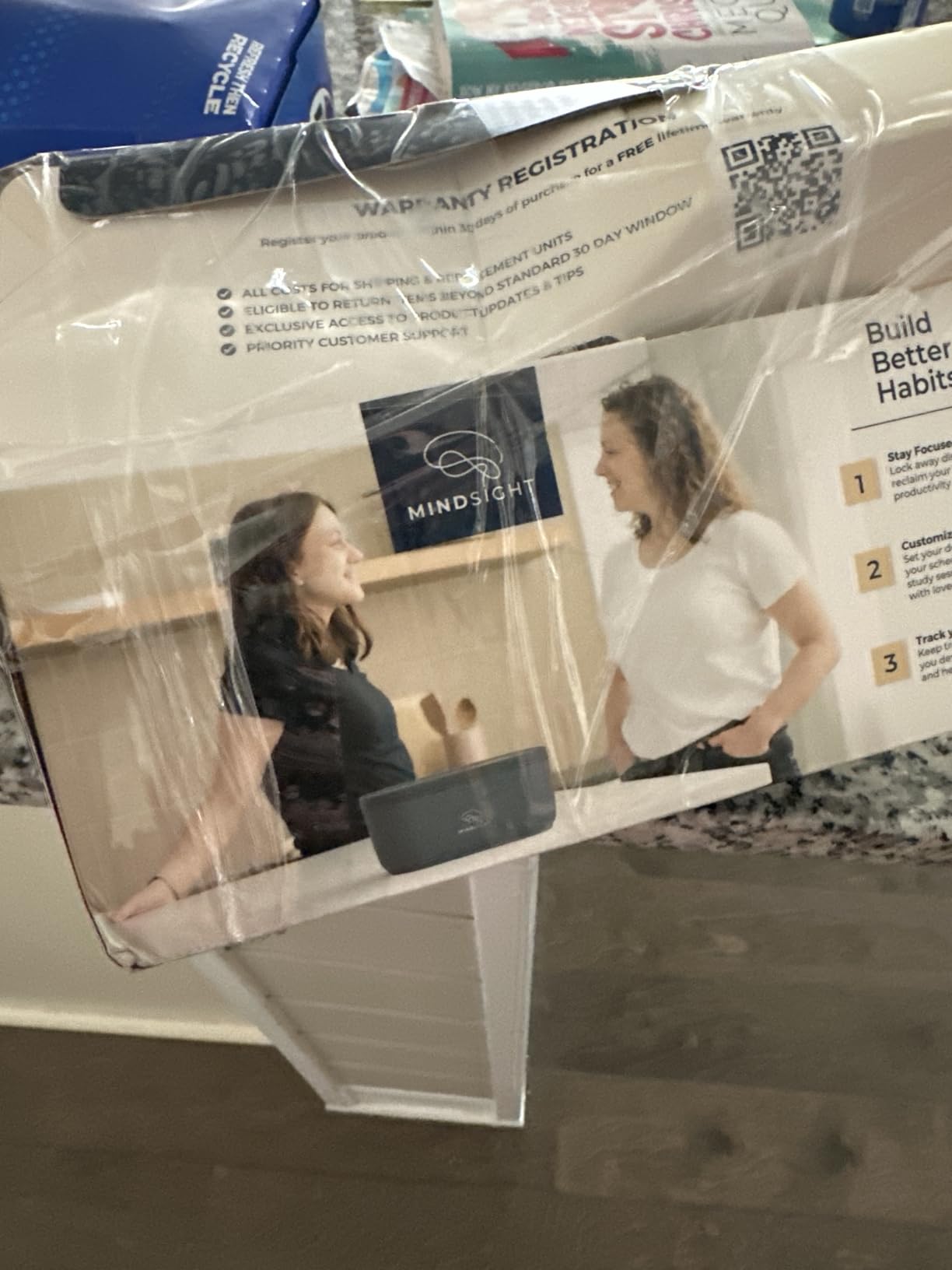
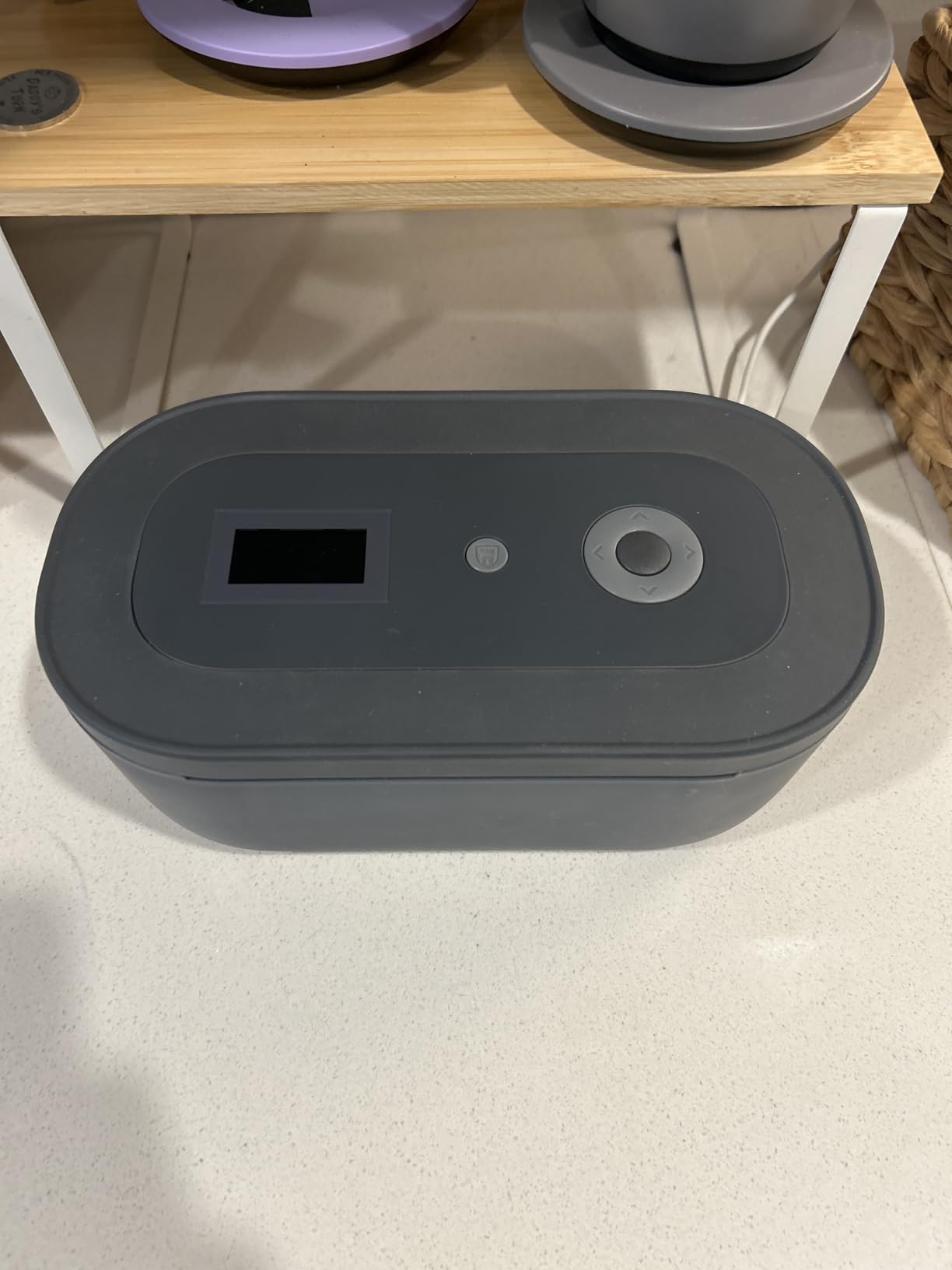
The Mindsight Timed Lock Box has over 1,800 reviews on Amazon, and after testing it for two weeks I understand why. It’s not a screen time app. It’s a physical safe for your phone, with three different locking modes you can match to your willpower. The Simple Lockbox has no timer, Standard Mode unlocks after a countdown, and Fortress Mode locks for the full duration with no override. The timer can be set anywhere from 1 minute to 30 days.
I tested Standard Mode with my phone set for a four-hour work block. The box has a charging slot, so I plugged in my phone, closed the lid, and walked away. There was no urge to unlock it, because unlocking requires opening a physical safe, which feels much more serious than tapping a button in an app. The construction feels solid, and the charcoal color blends into a kitchen counter or bedside table without screaming “phone jail.”
For families, this is the best screen time timer I’ve seen. Teens can’t bypass it the way they bypass app blockers, and the three modes let parents scale enforcement to the child’s age. The 6-month battery life means you won’t be replacing batteries every few weeks. One Amazon reviewer mentioned using it for video game controllers as well as phones, which I can confirm works great.
The most common criticism, and one I agree with, is that Fortress Mode has an override available through Mindsight’s customer support email. For some users that defeats the purpose of a “no override” mode. The override response can take up to 24 hours, so it’s not a quick fix, but it’s still a loophole. The plastic construction also isn’t truly tamper-proof against someone with tools, though it would deter most casual attempts.
Who the Mindsight Lock Box is best for
The Mindsight is the best option for families managing kids’ screen time, couples doing a digital detox together, or adults who have repeatedly failed with app blockers. If you want the strongest physical barrier available without paying hundreds of dollars for a heavy-duty safe, this is the one to consider.
Where the Mindsight Lock Box falls short
The Mindsight doesn’t fit iPads, only phones. The Fortress Mode override through customer support is a real weakness if your goal is bulletproof enforcement. It’s also one of the larger options, so it’s better suited for a kitchen counter or bedroom than a backpack.
3. Scrolly — Best Compact Keychain Blocker
Scrolly Phone Access Blocker – Subscription-Free Smartphone Lock, Reduces Screen Time, Improves Focus & Productivity, Digital Wellbeing Tool
NFC keychain device
Subscription-free
Weekly stats
Pros
- Compact keychain design stays with your keys
- Works on iOS and Android
- No subscription required
Cons
- Confusing when multiple focus modes are active
- Small size means it can be misplaced
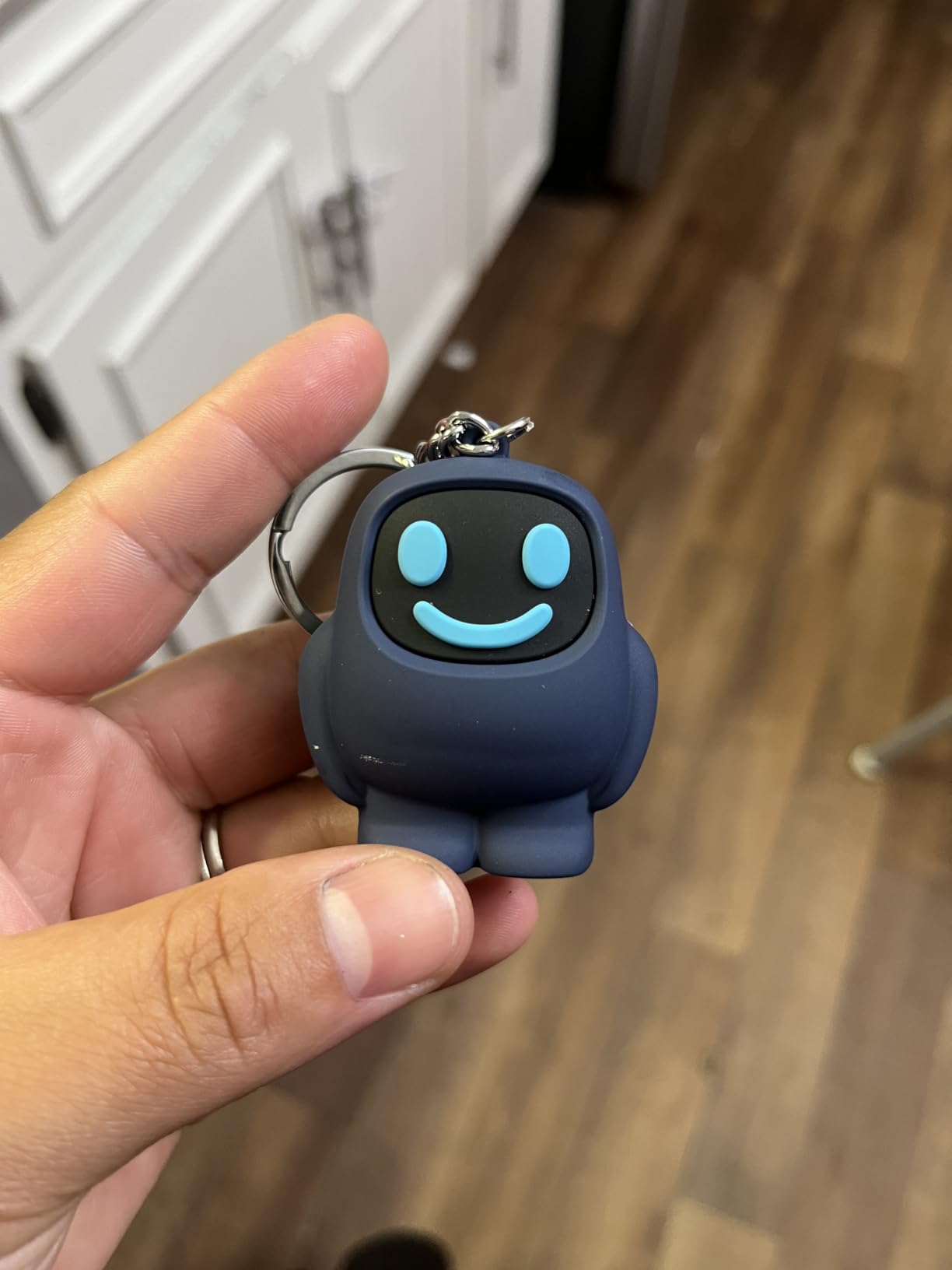
Scrolly is a tiny NFC device that lives on your keychain, which sounds gimmicky but turned out to be one of my favorite parts of testing these products. I never had to remember where I put it, because it was always with my keys. Like The Brick, you tap it to start a focus session and tap again to unlock. There’s no subscription, and the app tracks weekly stats so you can see how much screen time you’re actually saving.
I tested Scrolly during evening wind-down hours. I locked Twitter and Reddit, two of my worst scrolling culprits, and the keychain tap became a small ritual. The device is small enough that I forgot I had it, but the app reminded me with a clean weekly summary. After two weeks, my evening phone time dropped by about 40 minutes per day. The European design and privacy focus also gave me more confidence than some US-based apps that lean heavily on data collection.
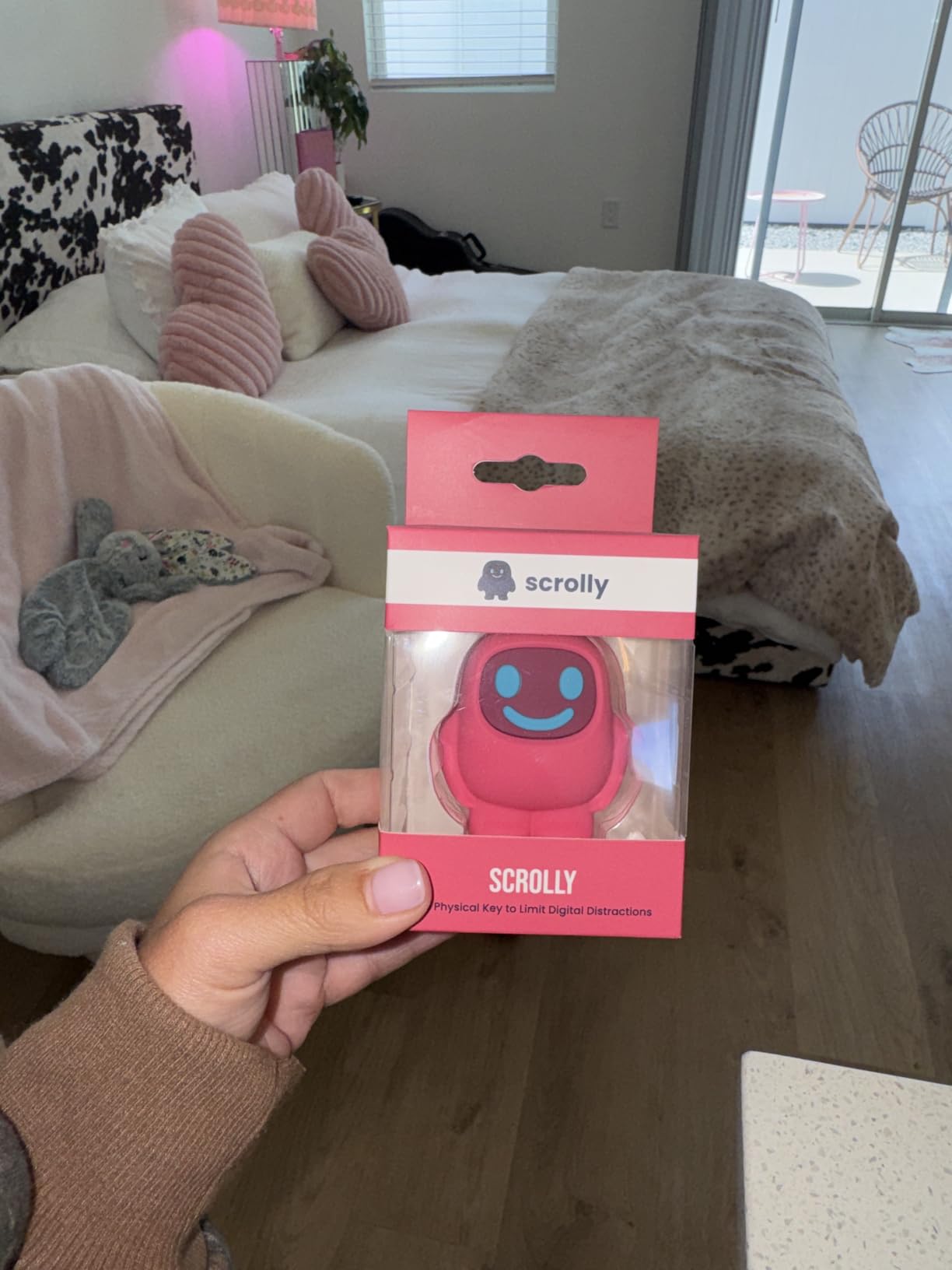
The setup was easier than The Brick because there are fewer modes to configure. You open the app, pick the apps to block, and tap the keychain. That simplicity is also the main downside. When I created three different focus modes for work, evening, and weekends, the app sometimes defaulted to the wrong mode. A few other Amazon reviewers mentioned the same issue. As long as you stick to one or two modes, it works great.
At around $45, Scrolly sits in the middle of the price range for these devices. Given how often I lose things, I appreciated that it’s attached to my keys, but that also means if you leave your keys at home, your blocking goes with them. That’s a feature, not a bug, but worth thinking about.
Who Scrolly is best for
Scrolly is the right pick if you want a portable, subscription-free screen time timer that travels with you. It’s well-suited for students, commuters, and people who want something less noticeable than a chunky lockbox. If you like the idea of attaching the blocker to something you already carry, Scrolly is the cleanest design I’ve found.
Where Scrolly falls short
Scrolly struggles with multiple focus modes, so if you want different blocking profiles for work, study, and family time, the app can get confusing. The small size is also a con if you’re worried about losing it. The weekly stats are useful but basic compared to dedicated analytics apps like StayFree.
4. Bloom Card — Best Stainless Steel Design
Bloom Card – App Blocker & Screen Time Tool – As Seen On Shark Tank – Subscription-Free Focus Device – Stainless Steel Keycard for iPhone & Android
Stainless steel NFC
Child mode
No subscription
Pros
- Premium stainless steel fits in wallet
- Website blocking included
- Effective for saving 20+ hours weekly
Cons
- NFC reliability varies by phone model
- App glitches with 'new tag' detection
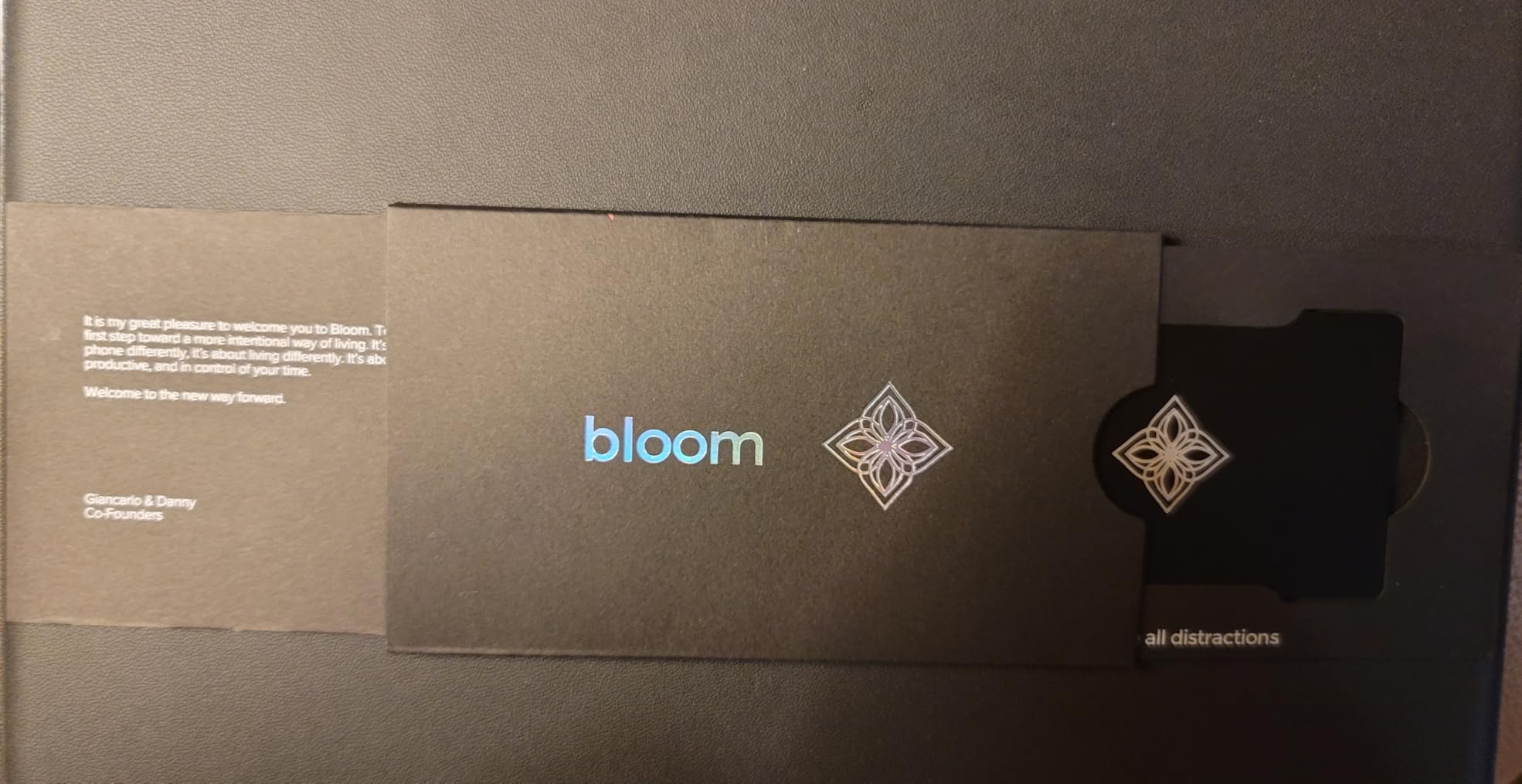
The Bloom Card is the screen time timer I showed off the most. It’s a slim stainless steel NFC card that fits in a wallet like a credit card, and it was featured on Shark Tank, which I only mention because that’s how I first heard of it. It works on iPhone and Android, blocks both apps and websites, and includes a child mode, emergency exits, and break timers. No subscription required.
What I liked most about the Bloom Card was how invisible it is. There’s nothing to attach to your phone, no box on the counter, no app icon you have to remember. You just put it in your wallet next to your other cards and tap it when you want to lock apps. The card never needs charging, which is a small but meaningful advantage over Bluetooth-based blockers. Several Amazon reviewers mentioned saving 20+ hours per week, and after three weeks of consistent use I believe it.
The biggest issue I ran into, and one that came up in multiple Amazon reviews, is NFC reliability. On my iPhone 15, the card worked every time. On a friend’s Pixel 7, it occasionally failed to register and the app showed a “new tag detected” error. Bloom says reinstallation fixes the permission issue, but I wouldn’t recommend this card if you have an older Android phone or a model with weaker NFC support.
The website blocking feature is genuinely useful. Most app-only blockers can’t block sites in Chrome or Safari without a separate extension. The Bloom Card blocks websites directly through the app, which makes it more effective for digital detox than most competitors.
Who the Bloom Card is best for
The Bloom Card is the right pick if you care about aesthetics and want something that disappears into your daily carry. It’s great for adults who already use a wallet and want a discreet screen time tool. If you have an iPhone 12 or newer, the NFC should work reliably.
Where the Bloom Card falls short
Skip this if you have an older Android phone or a phone model with inconsistent NFC. The app has more glitches than The Brick or Scrolly, and you’ll need to reinstall it occasionally to fix permission issues. If website blocking isn’t important to you, the app-based features alone aren’t worth the price over a simpler NFC device.
5. ALAFLY Phone Access Blocker — Best Budget NFC Option
Phone Access Blocker Device – Subscription-Free Magnetic Focus Device for iPhone & Android – Strict Mode App Blocker to Reduce Screen Time & Distractions – Improve Focus & Productivity for Work, Study
Magnetic+lanyard
Blocks 50 apps
Subscription-free
Pros
- Subscription-free with lifetime app access
- Dual magnetic and lanyard design
- Blocks up to 50 apps per mode
Cons
- Two-step activation is not instant
- Website blocking inconsistent on third-party browsers
The ALAFLY Phone Access Blocker is the most affordable NFC-based screen time timer I tested, and it punches well above its price. It has a magnetic back that sticks to your phone and a lanyard for wearing around your neck, so you can carry it however you like. The app blocks up to 50 apps per focus mode, runs schedules, and supports location-based triggers. No subscription, no monthly fees.
What stood out to me was the 50-app cap. Most competitors limit you to 10-20 apps per mode. If you’re trying to do a serious digital detox and lock everything except essentials, the ALAFLY is one of the few that actually lets you. I tested it with 38 apps blocked, which is more than I’d ever realistically need, and the app handled it without lag.
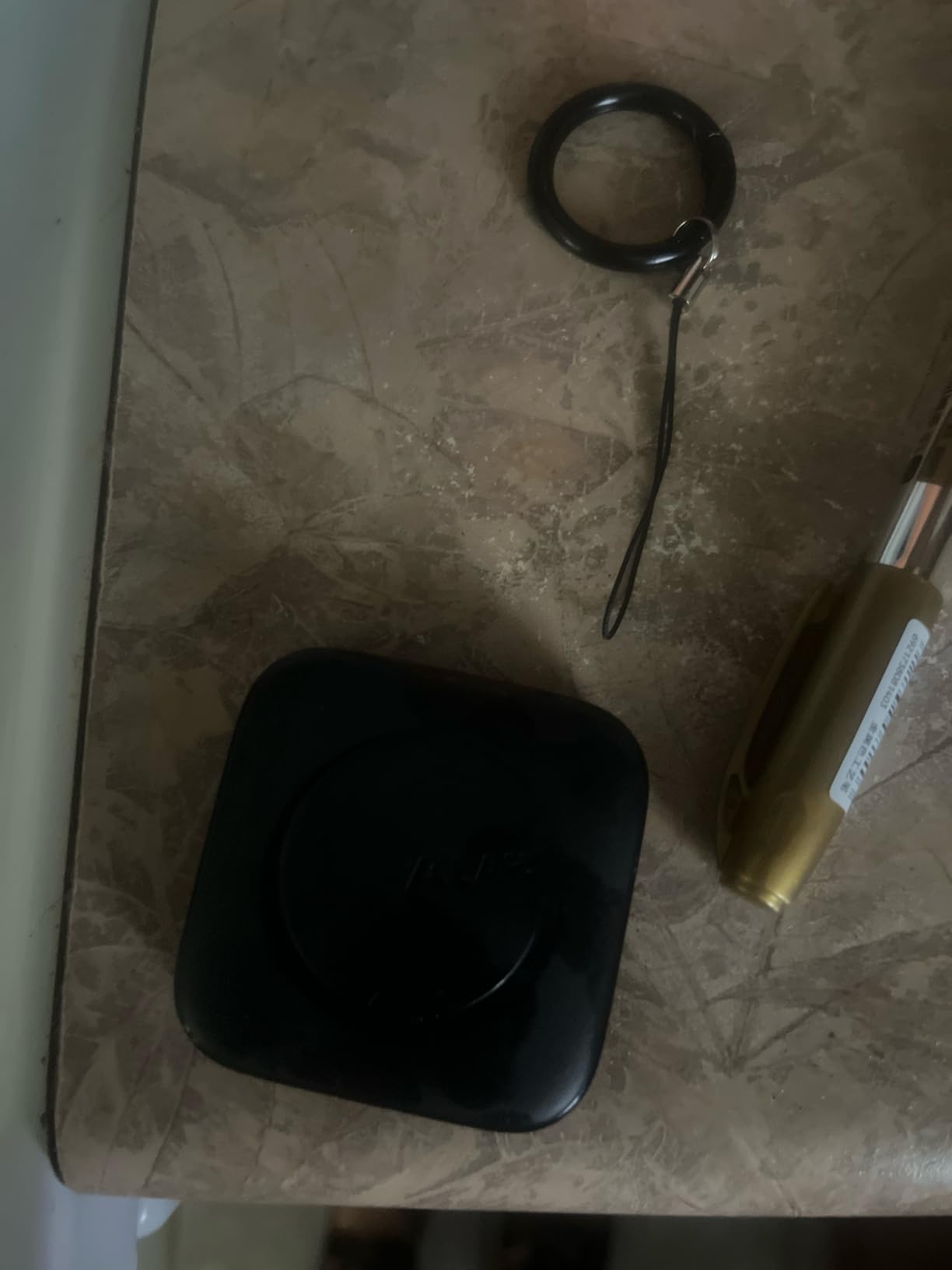
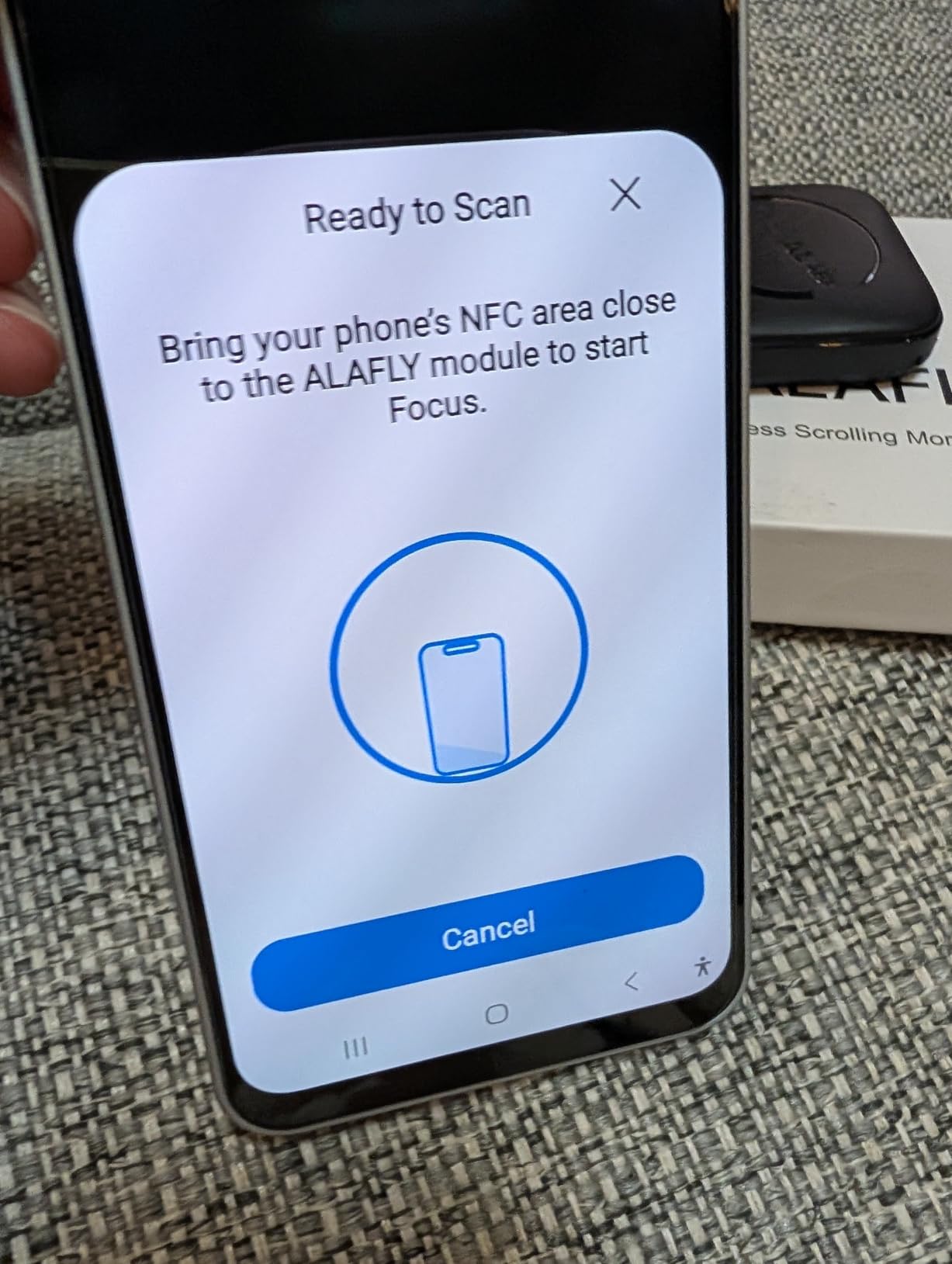
The main downside is the two-step activation. You have to open the app first and then tap the device. The Brick and Scrolly both let you tap the device directly to start a session, which feels more frictionless. With ALAFLY, the extra step means the impulse to “just check one thing” before tapping is real. After a few days it became muscle memory, but the first week was harder than with single-tap devices.
The website blocking is less reliable than the app blocking. On Safari and Chrome, it worked fine. On a third-party browser like Brave, the blocks didn’t always hold. That’s a niche issue, but worth knowing if you use anything other than the default browser.
Who ALAFLY is best for
ALAFLY is the best pick if you want NFC blocking on a budget and need to lock a lot of apps at once. It’s a great option for parents, students, and anyone starting their first digital detox who doesn’t want to spend $70+ on The Brick. If the two-step activation doesn’t bother you, this is excellent value.
Where ALAFLY falls short
ALAFLY isn’t ideal if you want instant one-tap activation. The two-step process breaks the frictionless flow that makes single-tap devices like The Brick so effective. Setup also has a known quirk with thick or magnetic phone cases, so you may need to remove your case first.
6. ySky Phone Lock Box — Best for Students
ySky Phone Lock Box with Timer,Phone Access Blocker Device for Cell Phones, Limits Smartphone Access, Reduces Screen Time & Improves Focus,Timed Jail Locker to Help Kids,Students, Adults Focus Back
Transparent lid
99hr timer
Emergency calls
Pros
- Transparent lid allows emergency calls
- Two locking orientations
- Lightweight and portable
Cons
- Emergency unlock limited to 5 lifetime uses
- Plastic construction feels delicate
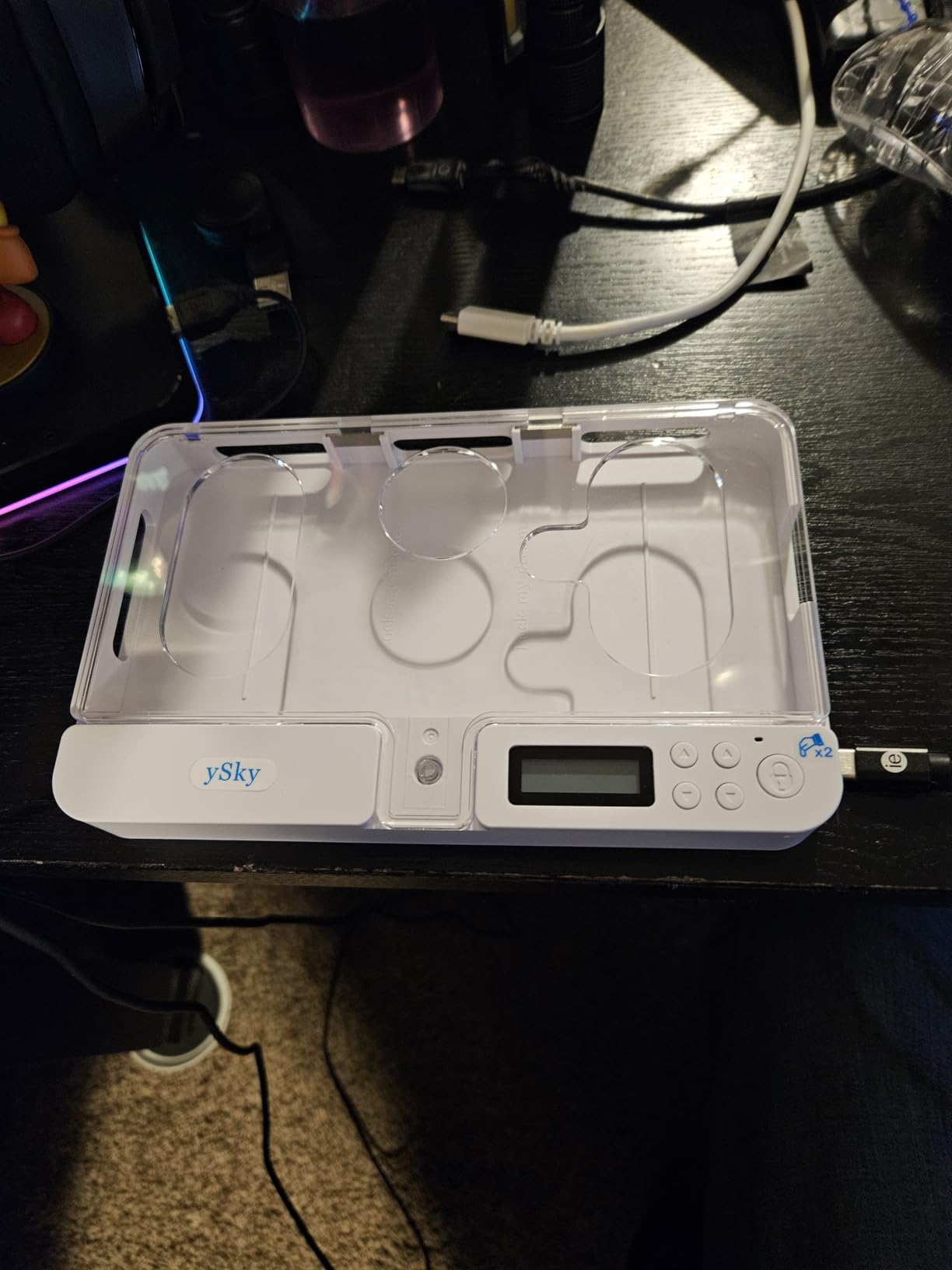
The ySky Phone Lock Box is a simple plastic timer box that’s been a favorite on Amazon for years, with over 1,400 reviews. The unique feature is the transparent lid, which lets you see your phone screen while it’s locked. That sounds counterintuitive, but it allows emergency calls to come through, and it removes the “but what if someone needs me” anxiety that keeps people from using lockboxes in the first place.
I tested this during a study session. I set the timer for 90 minutes, dropped my phone in, and worked on my laptop. The transparent lid meant I could glance over and see the screen light up with notifications without being tempted to grab the phone. The lid has a small hole at the bottom for an earphone cable, so you can listen to music or take calls through earbuds while the phone stays locked. That’s a clever design touch.
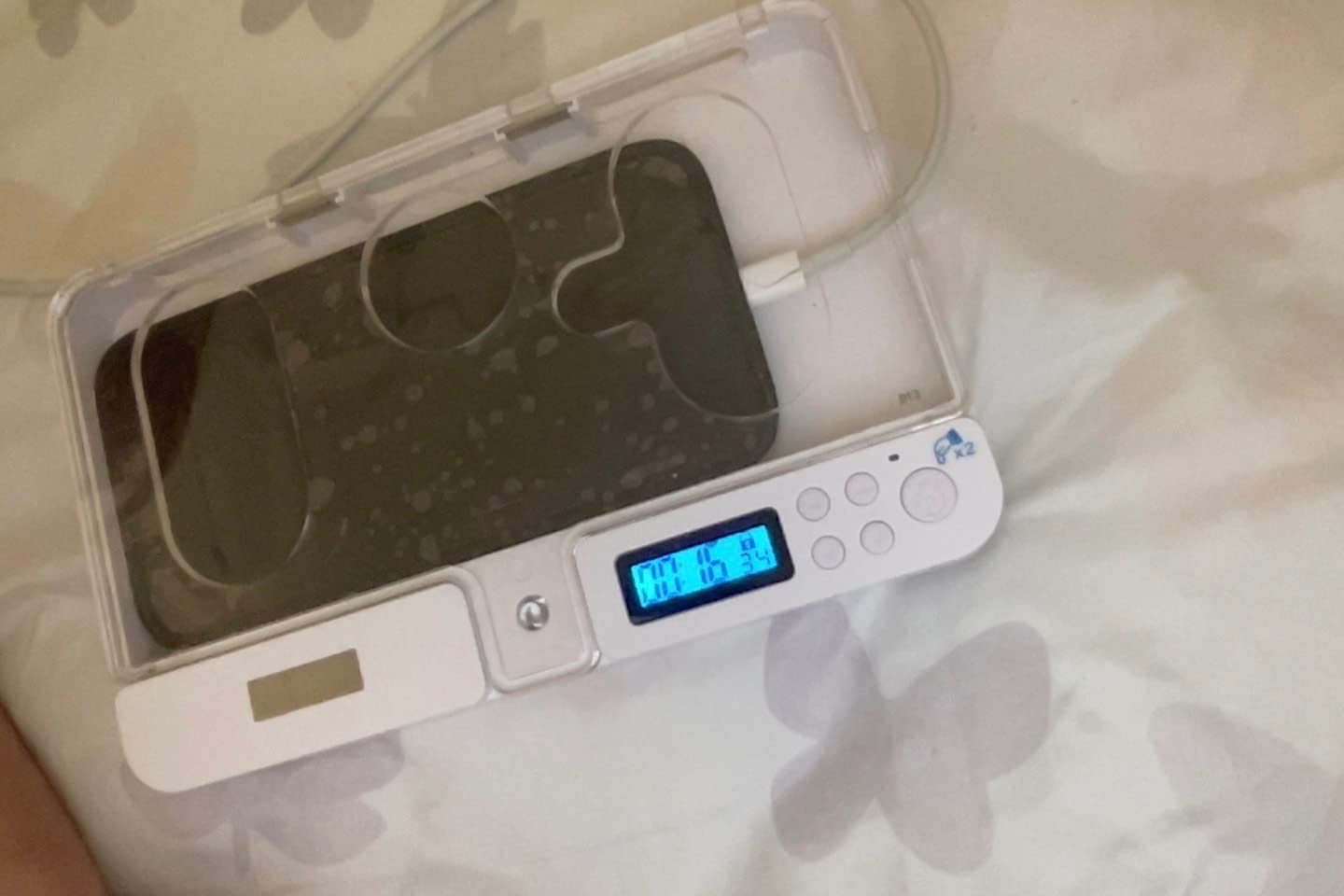
The two locking orientations are also useful. Screen facing you lets you see notifications. Screen covered gives you total blackout for deep focus. The 99-hour-59-minute max timer is enough for almost any use case, including overnight sleep locks. The 30-day battery life means you can leave it on your nightstand and not worry about charging.
The main limitation is the emergency unlock. You get 5 unlocks over the entire lifetime of the device. Once you’ve used them up, there’s no way to get back into the box early except waiting for the timer. That’s strict by design, and most students won’t burn through 5 unlocks, but it’s worth knowing if you have unpredictable schedules.
Who ySky is best for
The ySky lockbox is ideal for students, ADHD adults, and anyone who wants a simple, affordable timer-based screen time tool. If you’re worried about missing emergency calls but want to lock your phone during study hours or sleep, the transparent lid is the cleanest solution I’ve found.
Where ySky falls short
The ySky only fits thinner phones with smaller cases. If you have a thick OtterBox case or a folding phone, it won’t fit. The 5 lifetime emergency unlocks can feel restrictive if your schedule is unpredictable. The plastic construction is lightweight, which is great for carrying, but it doesn’t feel as solid as the Mindsight.
7. Vaydeer Timed Lock Box — Best for Long-Term Lockouts
Pros
- Up to 365-day lock duration
- Charging slot for powered locks
- Holds up to 9 phones or 4 tablets
Cons
- Battery-dependent electronics can fail
- Emergency unlock requires QR code process
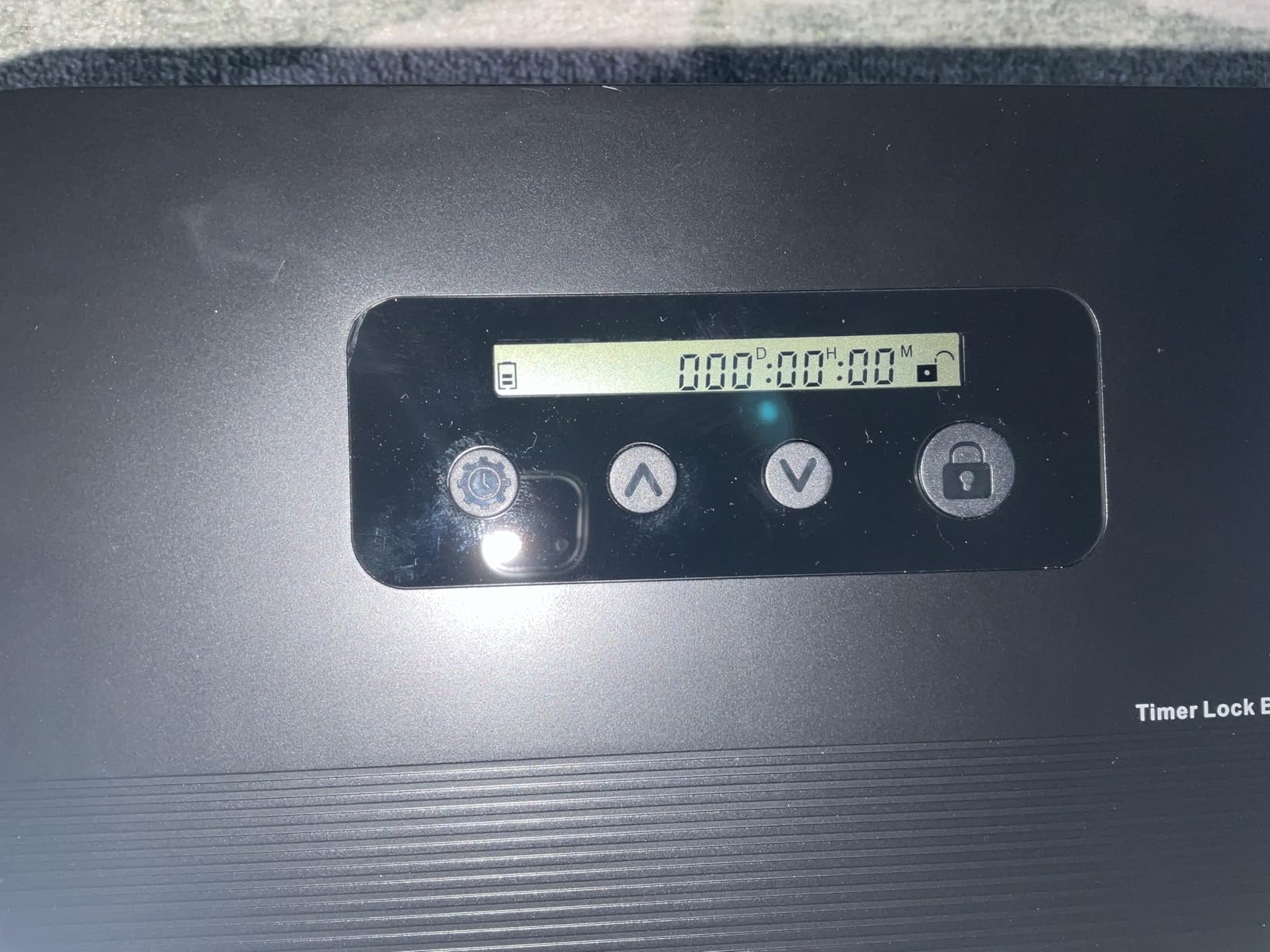
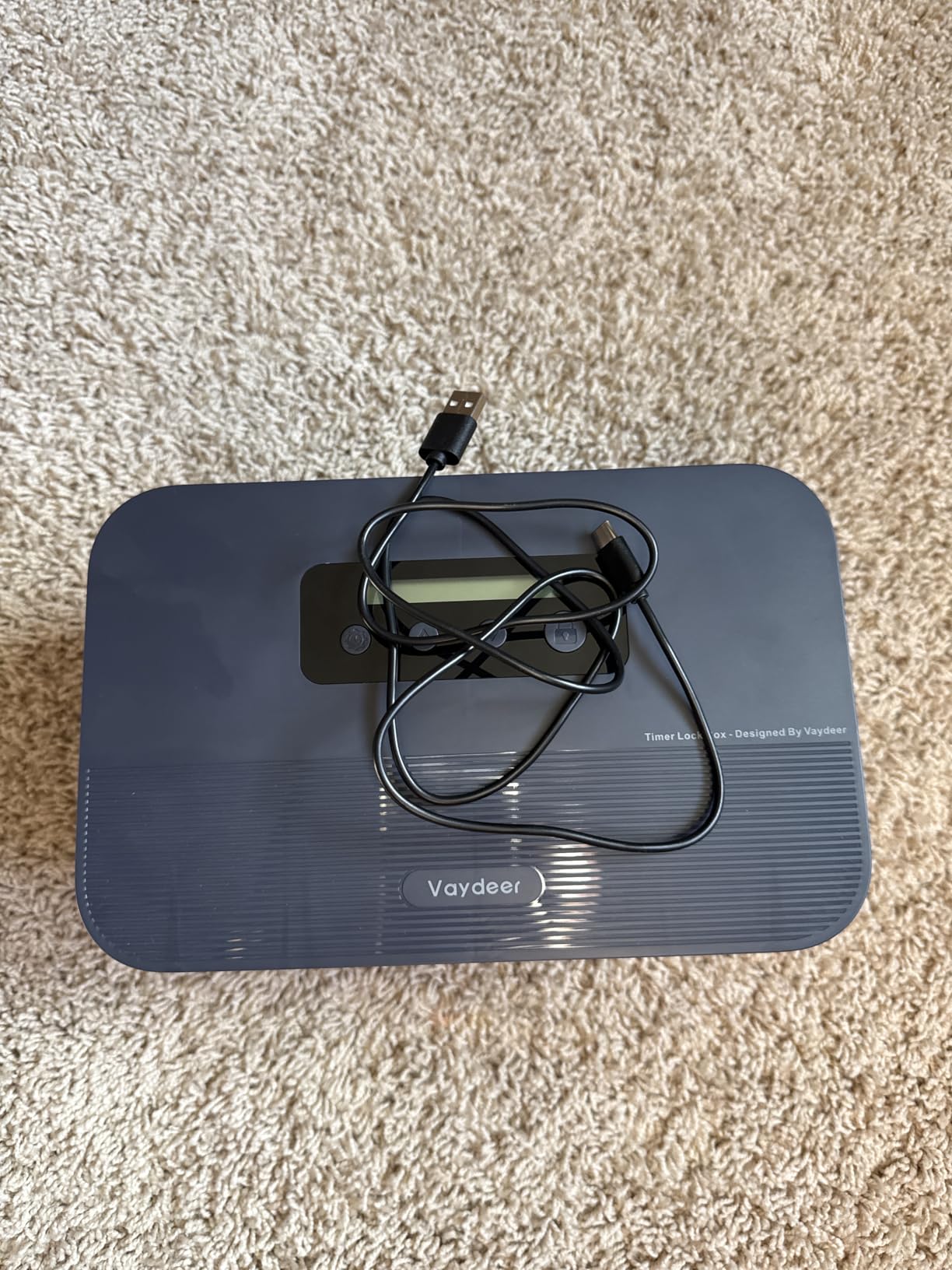
The Vaydeer Timed Lock Box has the longest timer range of any product on this list: up to 365 days. That sounds extreme, but for serious digital detoxes or even just a one-week social media break, having the headroom is useful. The internal chamber is large enough to fit 7-9 phones or 3-4 tablets up to 8.5 inches, which makes it the best option for shared households or small offices that want one central lockbox.
I tested Vaydeer with a one-week lock set on Standard Mode. The setup was straightforward: pick a duration, set a passcode, lock the phone. The charging slot on the side meant I could leave my phone plugged in overnight while it stayed locked. The blue color stands out more than the charcoal Mindsight, which is either a feature or a flaw depending on how discreet you want it.
The reviews on Amazon are mixed, which matches my experience. When the lockbox works, it works well. The 365-day timer is genuinely useful for long habit-breaks, and the charging slot is a thoughtful addition. The electronics, however, are not as reliable as the Mindsight. I read several reports of units failing to unlock after the timer expired, and although mine worked correctly, I can see why some users are frustrated.
The emergency unlock requires a QR code process, which is slower than the Mindsight’s customer support email. If you need urgent access, the QR code step adds friction. For most users this won’t matter, but it’s a real difference from the Mindsight’s setup.
Who Vaydeer is best for
Vaydeer is the right pick if you want the longest possible lockout duration and need to store multiple devices in one place. It’s great for families who want a shared lockbox, or for anyone doing a multi-day digital detox who needs a charging slot. If the longest timer range matters more than absolute reliability, Vaydeer delivers.
Where Vaydeer falls short
The electronics reliability is the biggest concern. Some users report failure to unlock after the timer expires, which is a serious issue for a product whose entire purpose is timed locking. The 3.8 average rating reflects this. If bulletproof reliability matters more than the longest timer, the Mindsight is the safer choice.
8. Habit Control Cell Phone Lock Box — Best Portable Option
Habit Control The Cell Phone Lock Box with Timer to Reduce Screen Time
24-hour timer
Removable window
220g weight
Pros
- Lightweight at 220g for backpack carry
- Removable window for emergency calls
- 30-day standby battery
Cons
- Only 1 left in stock at time of writing
- Only fits thin phone cases
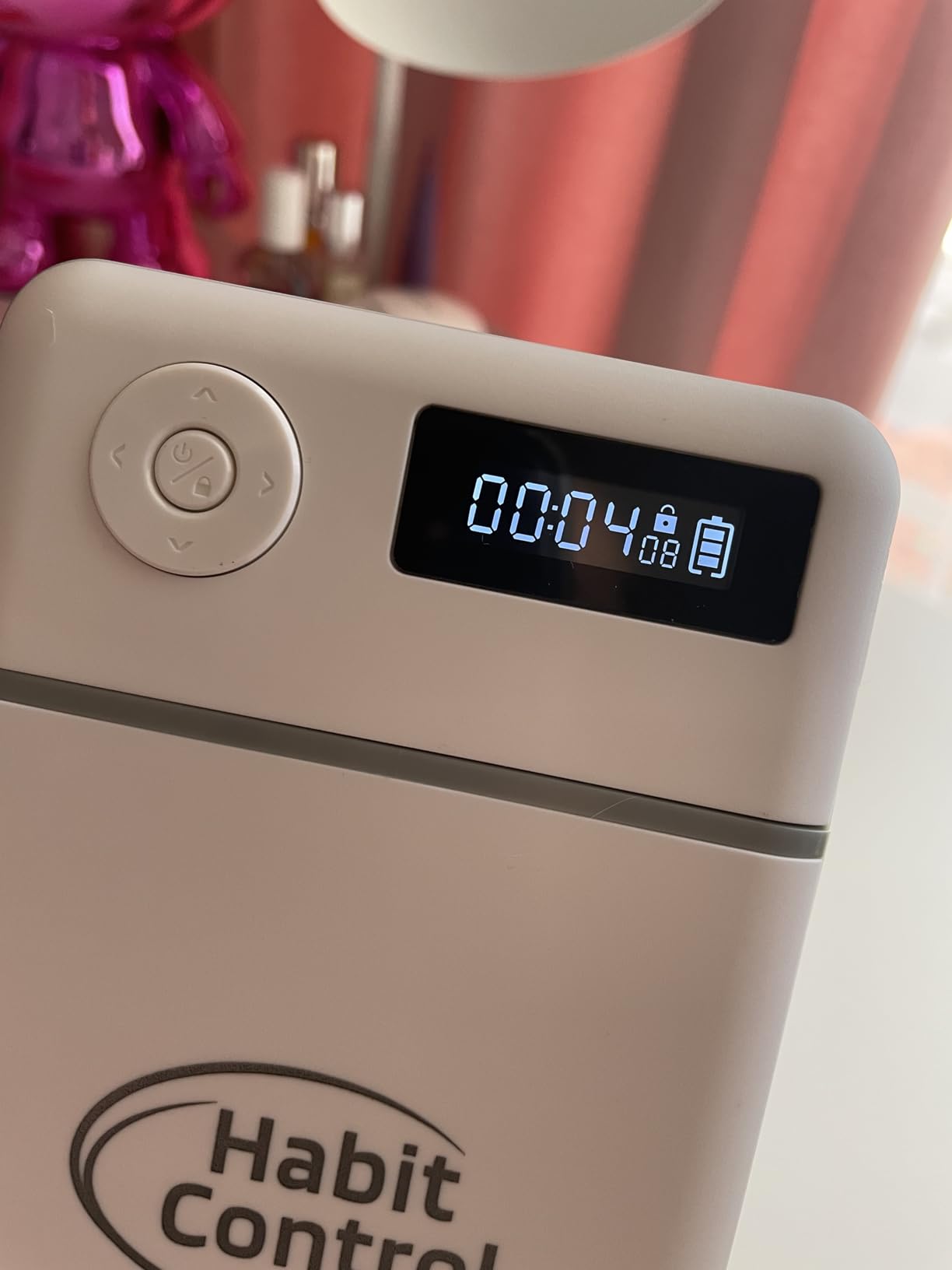
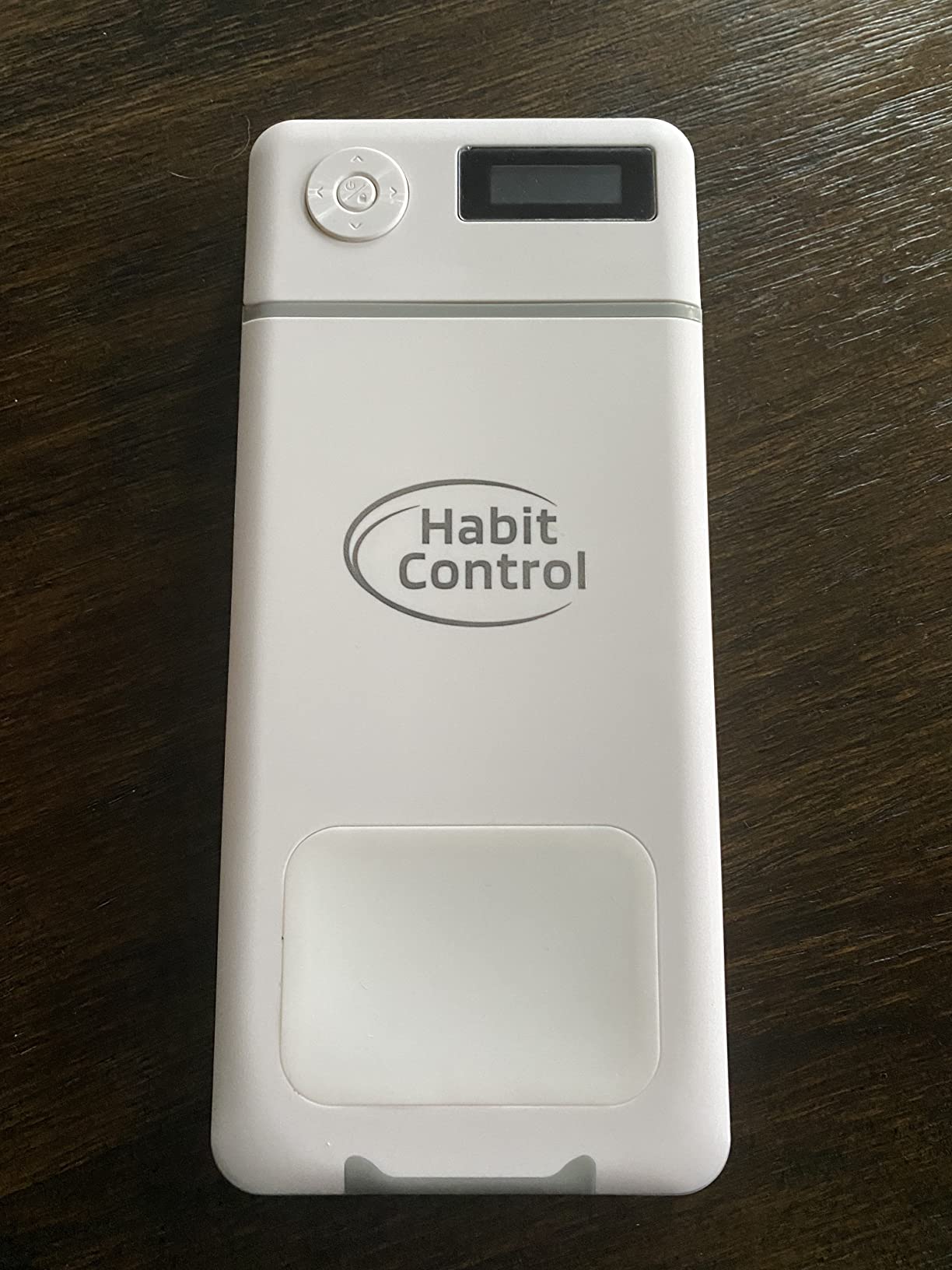
The Habit Control Phone Lock Box is the smallest and lightest lockbox I tested, weighing just 220 grams. It fits in a backpack or laptop bag, which makes it the best portable option for travelers, remote workers in cafes, or anyone who wants their lockbox to move with them. The timer caps at 24 hours, which is shorter than the Mindsight or Vaydeer, but covers most daily use cases.
The removable window is the standout feature. You can slide out a small panel to answer emergency calls without unlocking the box. That’s useful if your phone is locked overnight and you want to be reachable for one or two key contacts. The design is clean and minimal, more in line with a modern accessory than a “phone jail.”
The main issue is availability. As of writing this, the listing shows only 1 left in stock. That’s a real risk for buyers who need a unit right away. The lockbox also only fits thinner phones with smaller cases, similar to the ySky. If you have a thick case, you’ll need to remove it before locking.
For ADHD users and students, the Habit Control lockbox is well-reviewed on Amazon, with several buyers mentioning better focus during study sessions. The 30-day standby is a nice practical touch, though the 24-hour max timer is the shortest of any product on this list.
Who Habit Control is best for
Habit Control is the right pick if portability matters more than maximum timer length. It’s great for students, frequent travelers, and anyone who wants to take their screen time timer to a cafe, library, or co-working space. If you want a minimal, modern-looking lockbox, the design is the cleanest of the bunch.
Where Habit Control falls short
Low stock is a real concern, and the 24-hour max timer limits you to daily lockouts rather than multi-day digital detoxes. The phone compatibility is narrower than other lockboxes, so thicker cases won’t fit. If you need a long-term lockout solution, look at the Mindsight or Vaydeer instead.
What to Look for in a Screen Time Timer
After testing these eight products, I think the best screen time timer is the one that creates real friction without being so annoying that you stop using it. Here’s what actually matters when you’re choosing.
First, decide between an app-based blocker and a physical lock device. App blockers are free and easy to install, but they’re also easy to bypass. Most users, including me, found that physical devices like The Brick or Mindsight produced longer-lasting behavior change because they remove the willpower decision. Research from digital wellbeing studies consistently shows that removing the option is more effective than relying on self-control.
Second, understand the 3-6-9-12 rule. The American Academy of Pediatrics recommends no more than 1 hour of recreational screen time for kids ages 3-5, with consistent limits for ages 6-9, balance with other activities for ages 10-12, and continued limits for teens. For adults, the equivalent guidance is to keep recreational screen time under 3 hours per day. If your daily screen time is over 5-6 hours, you’re significantly above recommended levels.
Third, think about platform compatibility. iOS Screen Time and Android Digital Wellbeing are built-in and free, but they only work on the device they’re installed on. They also lack physical friction, which is why most users delete them after a week. Cross-device blocking is the most requested feature in Reddit threads about screen time, and physical devices like The Brick, Scrolly, and Bloom Card handle this better than any app.
Fourth, decide between free and paid options. Built-in features are free but limited. App-based blockers like StayFree, Forest, and One Sec range from free with ads to $10-15 per month for premium features. Physical devices cost $20-75 upfront but typically have no subscription. Over five years, a $70 device is cheaper than most app subscriptions.
Fifth, consider emergency access. Every screen time timer needs an escape hatch for true emergencies, but the design of that escape hatch matters. A 5-time lifetime override is more restrictive than a daily passcode. Fortress Mode with no override is strongest but only works if your willpower matches the enforcement level.
Frequently Asked Questions
What is the 3-6-9-12 rule for screen time?
The 3-6-9-12 rule is guidance from the American Academy of Pediatrics about age-appropriate screen time limits. It recommends no more than 1 hour of recreational screen time for ages 3-5, consistent limits for ages 6-9, balance with other activities for ages 10-12, and continued healthy limits for teens 13 and older. The goal is to make screen time one activity among many, not the dominant one.
Is 7 hours screen time bad?
Yes, 7 hours of daily recreational screen time is well above the recommended limits for both children and adults. Most health organizations suggest keeping adult recreational screen time under 3 hours per day. If you’re consistently at 7 hours, you’re likely losing time for sleep, exercise, and in-person relationships. A screen time timer is one of the fastest ways to cut your daily screen time by 30-50%.
How to detox from too much screen time?
Start by tracking your current screen time for one week without changing anything. Then pick one high-use app to lock during a specific window, like evenings or work hours. Use a physical blocker for stronger enforcement than app-based options. Replace the phone habit with one specific offline activity, like a 20-minute walk or a book on your nightstand. Most people see meaningful reductions within 2-3 weeks of consistent use.
How to trick screen time limits?
Most app-based screen time limits can be bypassed by uninstalling the app, resetting the phone clock, or using the ‘ignore limit’ button. Physical devices like The Brick, Scrolly, and Bloom Card are much harder to bypass because they require a tap on a separate physical object. Lockboxes like the Mindsight and ySky are the hardest to bypass because they physically contain the phone.
Are physical phone lock boxes better than app blockers?
Physical lock boxes generally produce better long-term results than app blockers because they remove willpower from the equation. App blockers can be uninstalled or bypassed with a clock reset. Physical lock devices and boxes require you to physically interact with a separate object to unlock apps. In my testing, physical devices cut screen time faster and more consistently than any app I tried.
Final Verdict
After six weeks of testing, the best screen time timer for digital detox depends on your style. The Brick is my top overall pick for everyday focus because it works on both iOS and Android, has no subscription, and creates real physical friction. The Mindsight Timed Lock Box is the best choice for families and serious habit-breakers who want the strongest physical barrier. Scrolly is the right pick if you want a compact, subscription-free option that lives on your keychain.
The screen time timer you actually use is the one that matches your willpower and your routine. Start with one device, use it for two weeks, and resist the urge to add a second tool at the same time. The goal isn’t perfection. It’s getting your phone time under three hours a day so you have more hours for the rest of your life. Pick the one that fits your setup, set a reasonable starting limit, and stick with it for 2026 and beyond.