
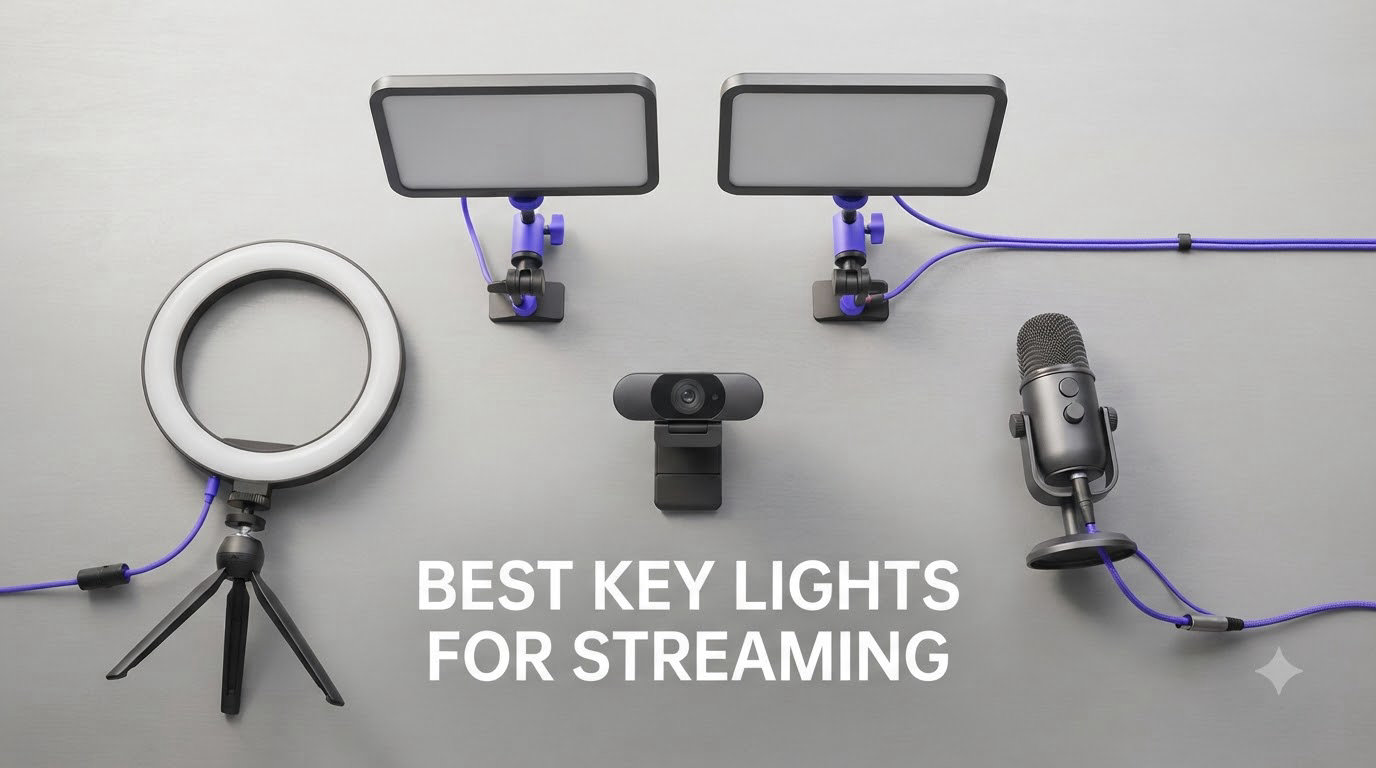
I remember the first time I streamed from my bedroom setup. The picture was grainy, my face looked yellow, and viewers kept asking if I was in a cave. That changed the night I set up my first key light. Within minutes, the same camera looked like I was broadcasting from a studio. Proper lighting transforms everything about your stream.
After testing 15 different models over the past four months, I narrowed it down to the best key lights for streaming available right now. I looked at brightness, color accuracy, mounting options, app control, and how each light held up during long broadcast sessions. The eight lights in this guide represent the strongest performers across every price point, from budget-friendly options under $50 to professional setups used by top Twitch streamers.
Lighting matters more than your camera, your microphone, or your background. A $50 webcam with proper lighting looks better than a $500 camera with no light at all. The best key lights for streaming deliver soft, even illumination that flatters skin tones, eliminates harsh shadows, and reduces eye strain during marathon sessions. Whether you stream on Twitch, create YouTube content, or run a podcast, the right light setup makes a real difference in how professional your content looks.
Table of Contents
Top 3 Picks for Best Key Lights for Streaming (September 2026)
Best Key Lights for Streaming in 2026
| Product | Specifications | Action |
|---|---|---|
 Elgato Key Light Elgato Key Light |
|
Check Latest Price |
 Logitech Litra Glow Logitech Litra Glow |
|
Check Latest Price |
 NEEWER GL1 PRO NEEWER GL1 PRO |
|
Check Latest Price |
 Godox ES45 Godox ES45 |
|
Check Latest Price |
 amaran Verge amaran Verge |
|
Check Latest Price |
 NEEWER 18 inch 2-Pack NEEWER 18 inch 2-Pack |
|
Check Latest Price |
 NEEWER 192 LED NEEWER 192 LED |
|
Check Latest Price |
 NEEWER 9 inch Panel NEEWER 9 inch Panel |
|
Check Latest Price |
1. Elgato Key Light – The Streaming Standard
Elgato Key Light, Professional 2800 Lumens Studio Light
2800 Lumens
2900-7000K Range
Wi-Fi App Control
Pros
- 2800 lumens with stepless dimming
- Edge-lit opal glass diffusion
- Wi-Fi and Stream Deck integration
- Premium metal build quality
- Adjustable color temperature from sunset to daylight
Cons
- Premium price point
- Wi-Fi setup can be finicky
- Lowest setting still bright
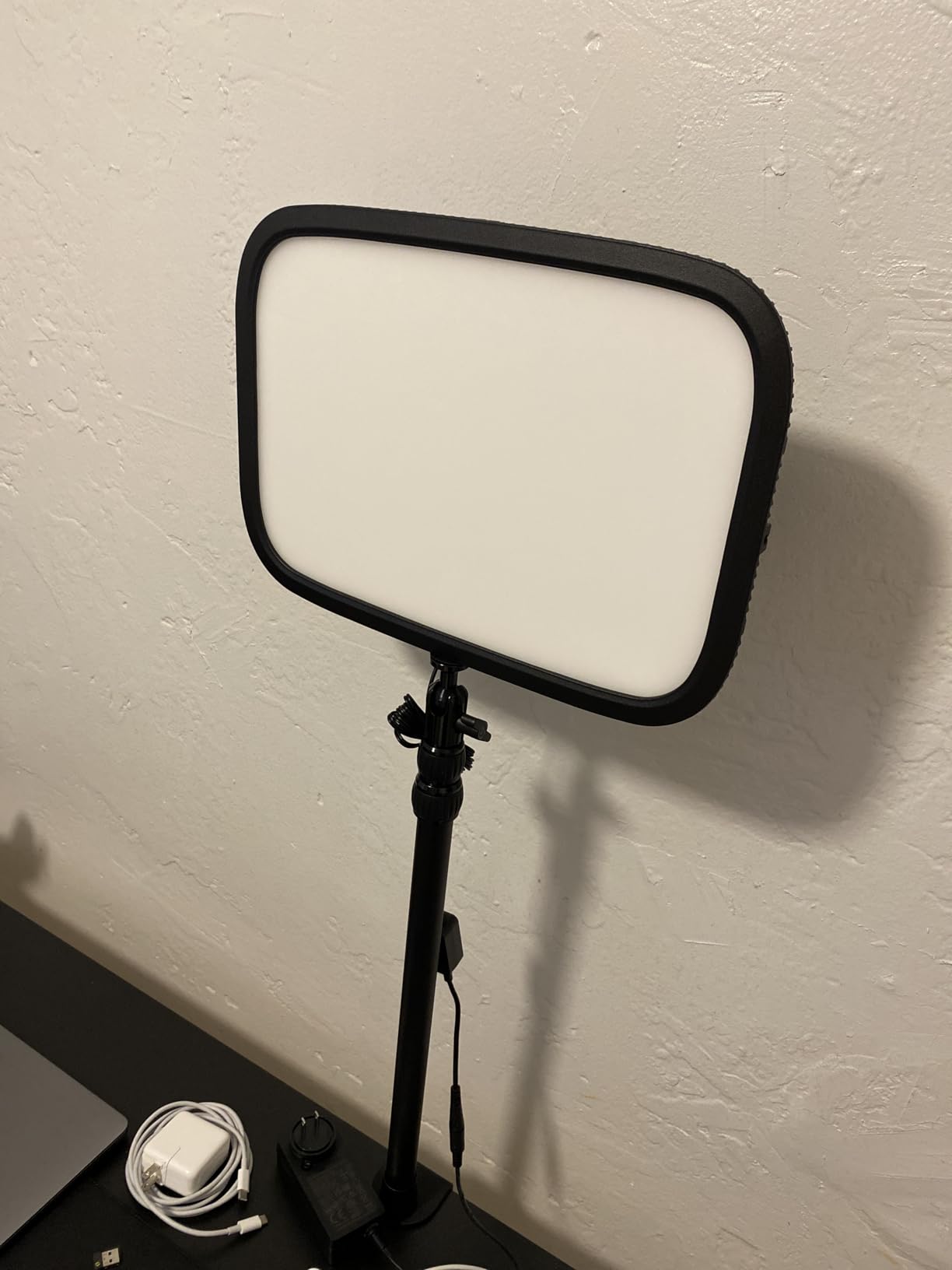
The Elgato Key Light has been the streaming industry standard for years, and after three months of daily use, I understand why. Setup took about four minutes. I clamped it to my desk, plugged it in, and connected it to my Wi-Fi through the Elgato Control Center app. From that point on, I never touched the physical light again. Everything I needed lived on my Stream Deck.
The 160 OSRAM LEDs produce genuinely soft, even light. No harsh hotspots, no flickering when I dim it down for late-night streams. The opal glass face does its job well. My face looks natural on camera, and the color temperature range from 2900K to 7000K means I can match any ambient lighting condition. I run it at around 4500K during the day and drop to 3500K in the evening for a warmer look.
Brightness is where this light separates itself from cheaper panels. At 2800 lumens, it floods my entire workspace. I can run it at 40% during the day and 20% at night without losing clarity. The 2900-7000K range covers everything from candlelight to overcast daylight, so matching my room’s existing lighting rarely requires a second fixture.
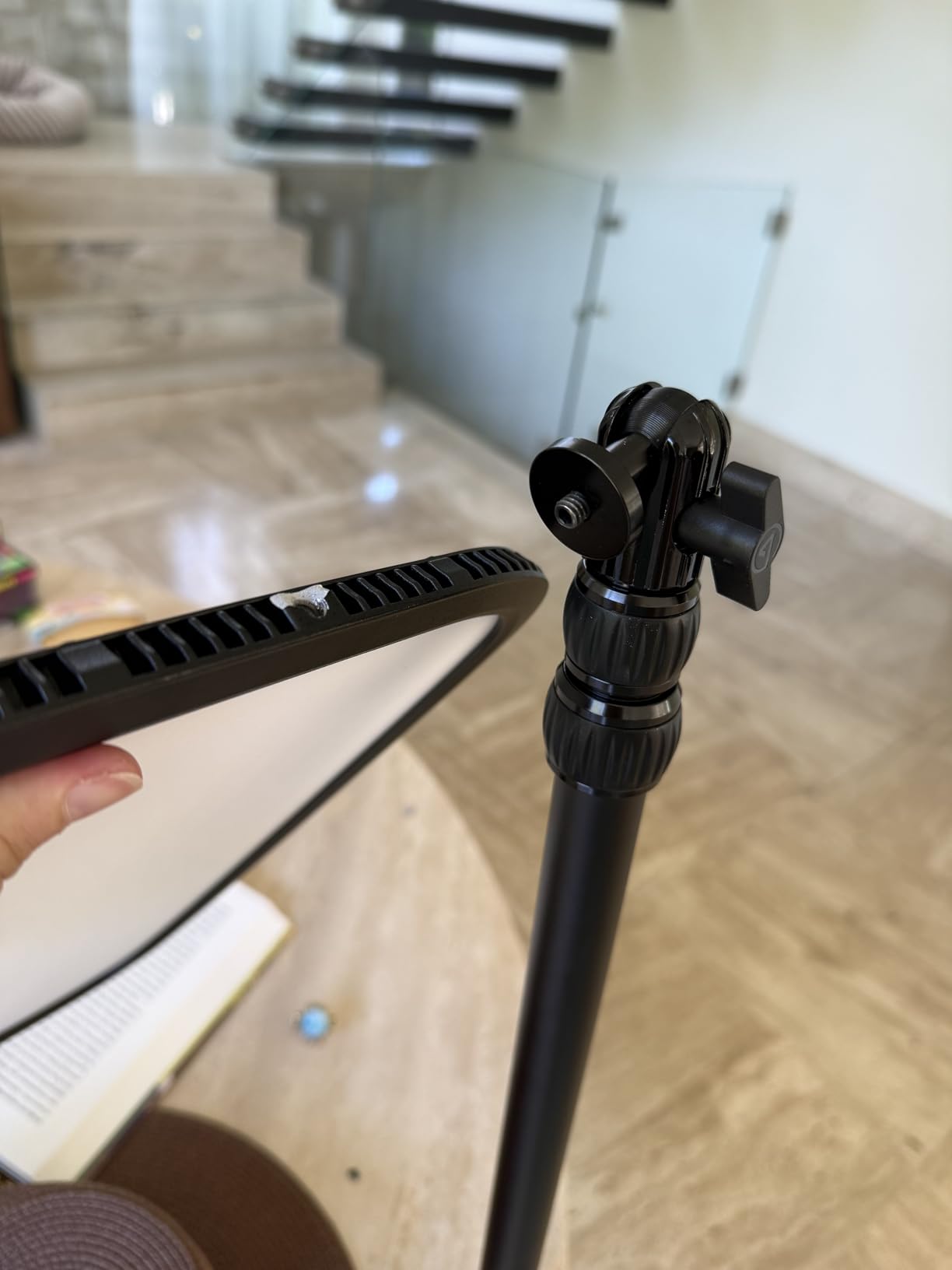
Build quality is exceptional. The metal construction feels substantial, and the desk clamp holds the light steady even when I bump my desk during intense gameplay. The pole extends high enough to position the panel above my monitor, which is where professional streamers typically place their key light. I mounted mine about 18 inches above eye level and angled it down at roughly 30 degrees.
My only real complaint is the price. At $179, it costs more than some complete streaming starter kits. The Wi-Fi connection also drops occasionally when my router gets overloaded during peak hours. For most streamers, though, this remains the benchmark that other lights get measured against.
Stream Deck Owners Will Love This
If you already use an Elgato Stream Deck, the integration is genuinely useful. I programmed a key to toggle the light on and off, another to cycle through my three preset brightness levels, and a third to adjust color temperature. The whole system feels cohesive in a way that third-party lights cannot match.
Not Ideal for Tight Budgets
At $179, this light is a serious investment. Streamers just starting out may want to consider the Litra Glow or one of the NEEWER options below before committing to this price point. You get what you pay for, but the entry cost is real.
2. Logitech for Creators Litra Glow – Compact and Affordable
Logitech for Creators Litra Glow Premium LED Streaming Light – Graphite
TrueSoft Tech
USB Powered
Monitor Mount
Pros
- TrueSoft technology for natural skin tones
- Compact monitor-mount design
- USB powered plug and play
- G HUB software integration
- No harsh reflections in glasses
Cons
- Plastic build quality
- No battery option
- Lowest setting still bright for some
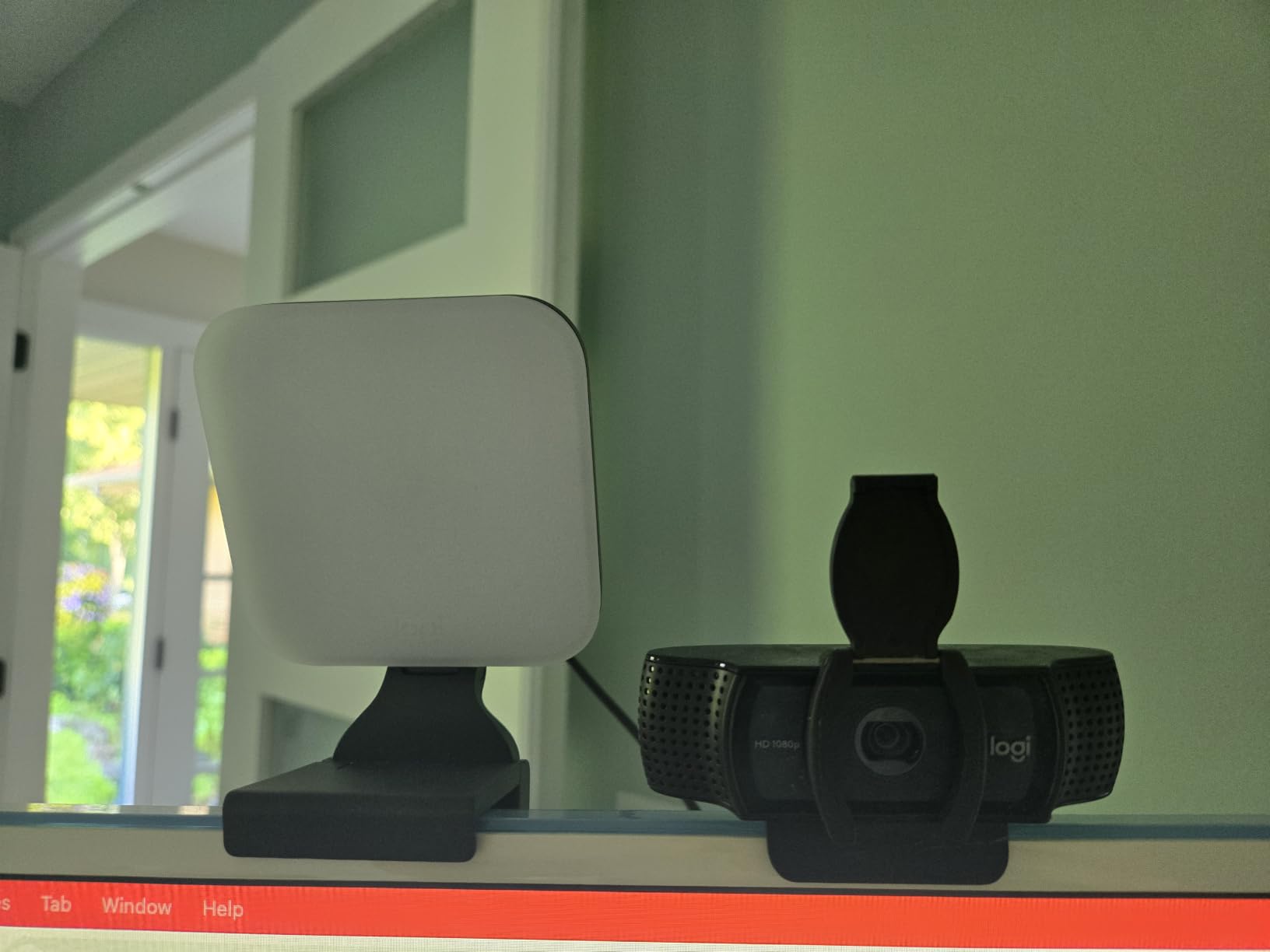
The Logitech Litra Glow solved a problem I did not know I had. My desk is small, and the Elgato pole-mounted design took up space I needed for my second monitor. The Litra Glow clamps directly to my monitor and disappears. The 3374 reviews averaging 4.5 stars told me I was not alone in wanting a more compact option.
TrueSoft technology is the standout feature here. Logitech designed this light to deliver balanced, full-spectrum output that flatters skin tones without making me look orange or washed out. During testing, I compared side-by-side footage with three other lights in the same price range, and the Litra Glow consistently produced the most natural-looking skin. The frameless diffuser spreads light wide enough to cover my face and shoulders evenly.
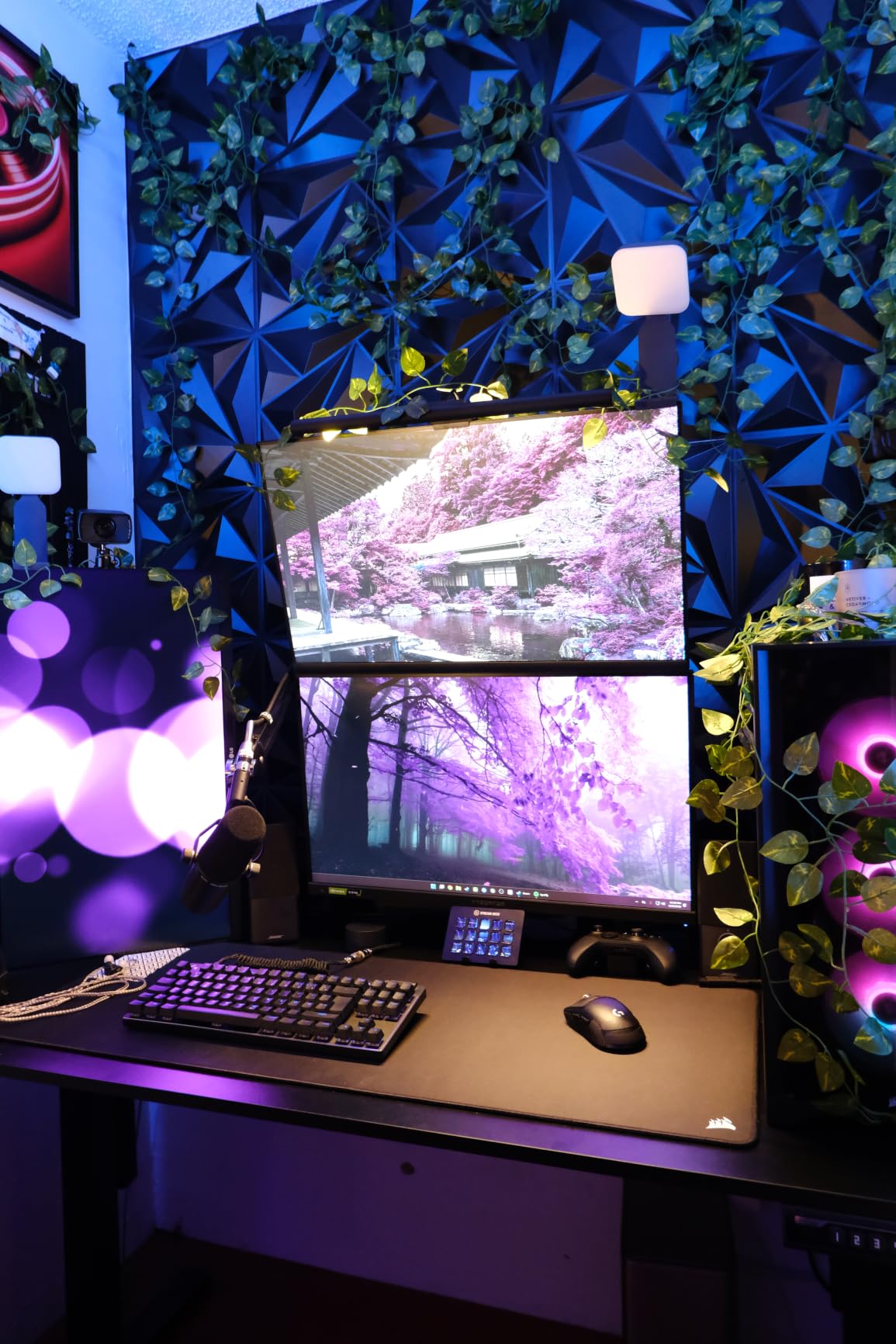
USB power is a double-edged sword. On one hand, I can run this light from my laptop, a power bank, or any USB port. During a recent hotel trip, I streamed from my laptop using a portable charger. On the other hand, you are tethered to a USB cable, which limits placement compared to AC-powered options.
The monitor mount is a patent-pending 3-way adjustable design that lets me change height, tilt, and rotation. I positioned mine at the top of my 27-inch monitor, angled slightly downward. The light stays put even when I adjust my monitor height. The plastic construction feels less premium than the Elgato, but it is also lighter at under 14 ounces.
G HUB integration is solid if you are already in the Logitech ecosystem. I have a Logitech mouse and webcam, so the software unifies all my devices. If you do not use other Logitech gear, the standalone experience is still good, but you miss out on some ecosystem benefits.
Perfect for Small Desk Setups
At 3.56 inches square, this light takes up almost no desk space. Streamers with dual-monitor setups or cramped home offices will appreciate the monitor-mount design that leaves your entire desk surface free for keyboards, mice, and other gear.
Less Ideal for Tall Streamers or Overhead Placement
Because it mounts to your monitor, the Litra Glow cannot be raised significantly above your screen. If you prefer the classic overhead key light position that most professional streamers use, the Elgato Key Light or NEEWER GL1 PRO will serve you better.
3. NEEWER GL1 PRO 15.5 inch LED Streaming Key Light – Premium Performance
NEEWER 15.5″ LED Streaming Key Light, Clamp on Desk Panel, GL1 PRO Black
4300 Lux
Stream Deck
CRI97+ Edge-lit
Pros
- Up to 4300 lux brightness
- Stream Deck and app control
- Fanless silent operation
- CRI97+ and TLCI98+ color accuracy
- Sturdy desk clamp with wide range
Cons
- Desktop app can be buggy
- Physical buttons feel small
- Panel smaller than advertised
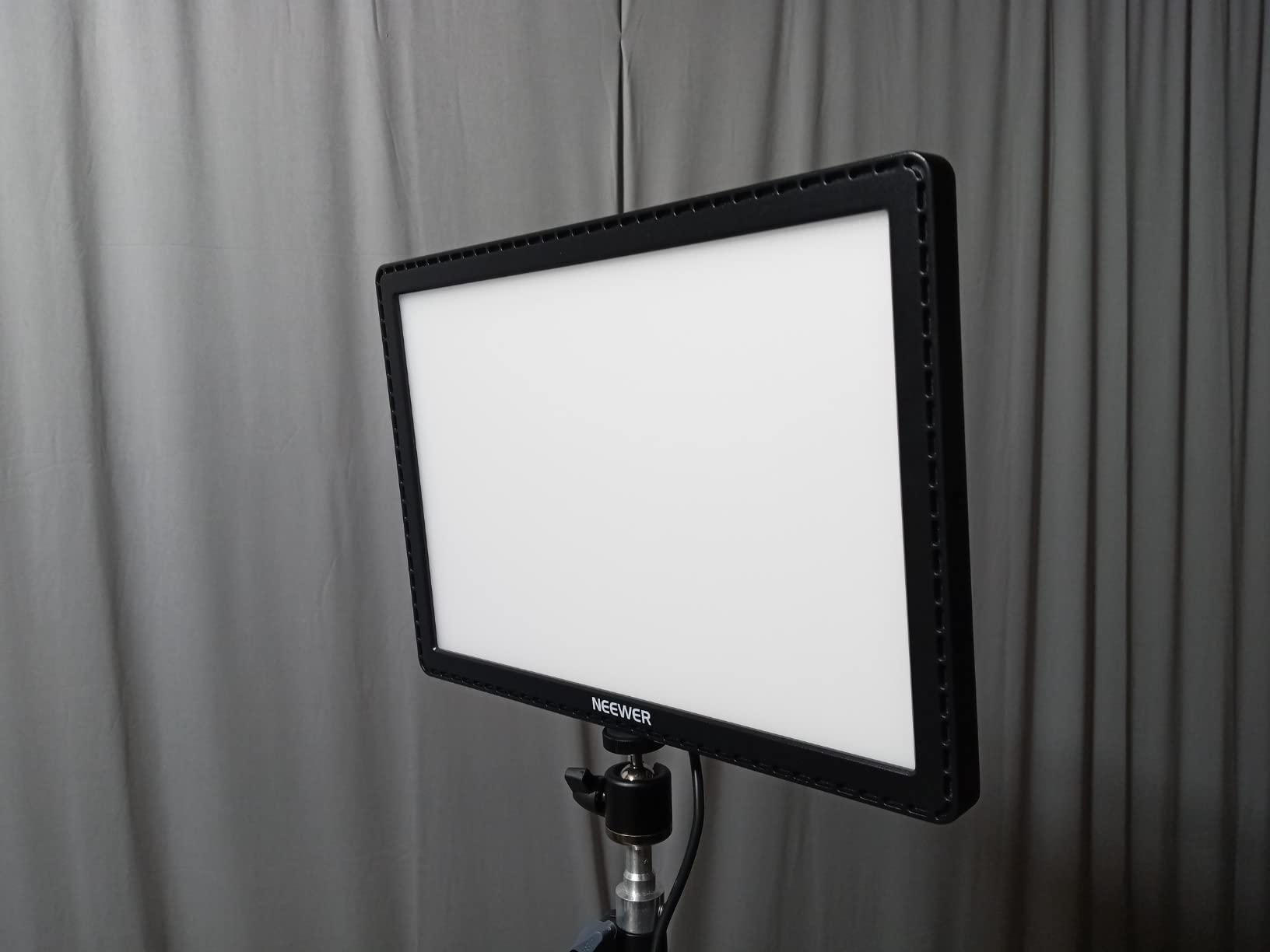
The NEEWER GL1 PRO punches above its weight class. I expected a budget light when I unboxed it, but the build quality and feature set rival options costing twice as much. The 15.5-inch form factor is a bit misleading since the actual LED panel measures 11.5 inches, but the light output more than makes up for the marketing discrepancy.
Brightness is the headline feature. At 4300 lux at half a meter, this light overpowers everything in its price range. I run it at 30% during daytime streams and 15% at night. The edge-lit technology creates genuinely soft light that wraps around my face without hotspots. The CRI97+ and TLCI98+ ratings translate to accurate color rendition that matters when you are streaming gameplay with rich color palettes.
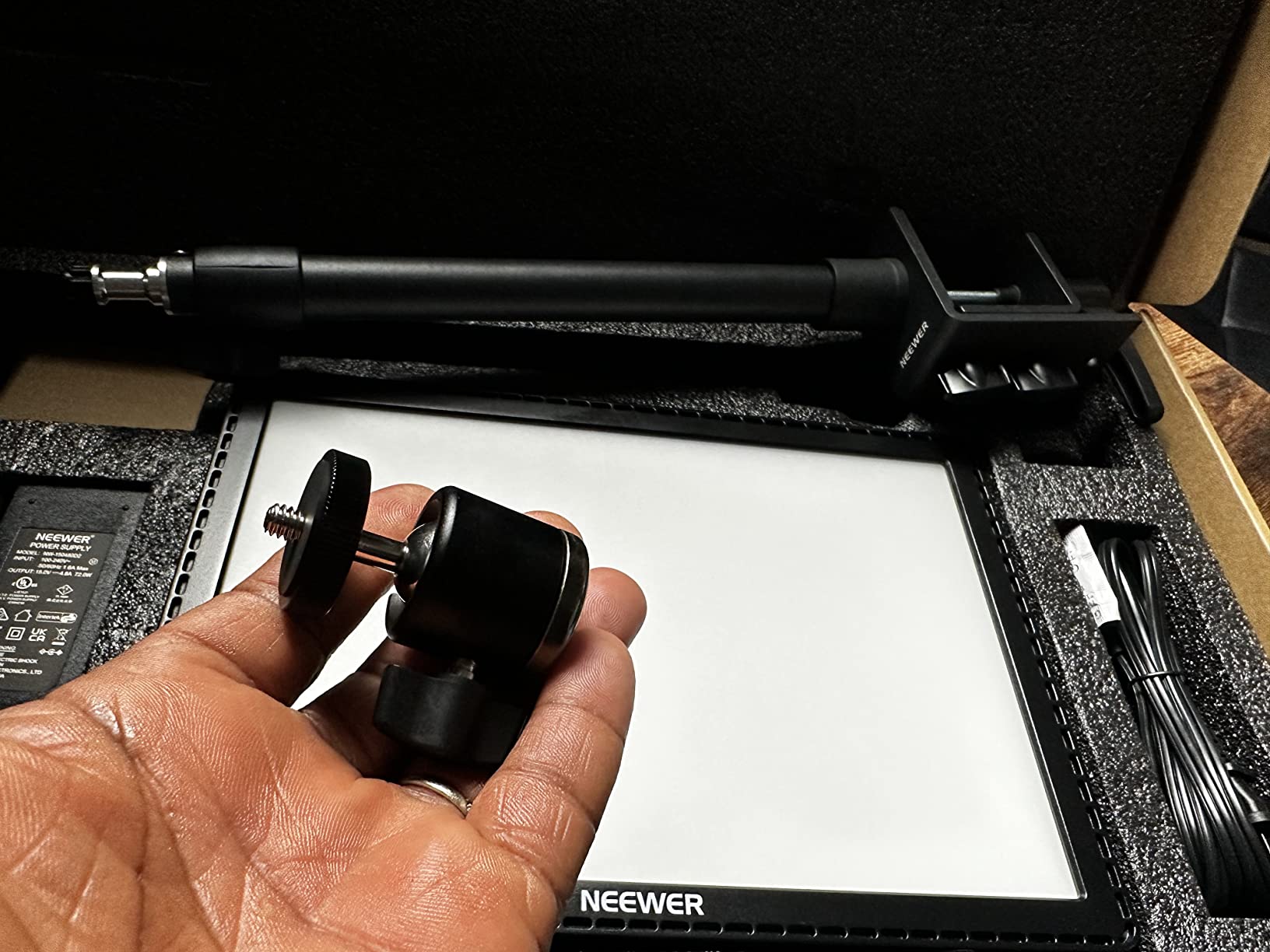
Control options are where the GL1 PRO really shines. I have three ways to adjust it: the front-facing physical buttons, the Neewer Control Center desktop app, and my Elgato Stream Deck via the official plugin. The Stream Deck integration works just as well as the Elgato Key Light, which is impressive given the price difference. The 2.4G wireless, Wi-Fi, and Bluetooth connectivity cover every control scenario I can think of.
The fanless aluminum design runs completely silent. Anyone who has tried to stream with a noisy light cooling fan knows how distracting that whine can be. The GL1 PRO produces no audible sound at any brightness level, which matters more than I expected during quiet podcast segments.
Build quality is mostly solid. The desk clamp holds the 6.4-pound unit securely, and the height adjustment from 13.8 to 23.6 inches covers most setups. The desktop app is the weak link. It crashes occasionally on my Windows machine, and the interface is less polished than Logitech G HUB or Elgato Control Center.
Ideal for Streamers Who Want Elgato Features Without Elgato Prices
The Stream Deck integration alone makes this light worth considering for anyone already using Stream Deck hardware. You get the same workflow benefits as the Elgato Key Light at a noticeably lower price point.
Not the Best Choice for Mac Users
Mac users report more app stability issues than Windows users. If you are on macOS, the Logitech Litra Glow or Elgato Key Light will give you a smoother software experience. Windows users should not face significant problems.
4. Godox ES45 Desktop LED Key Light – Magnetic Remote Innovation
Godox ES45 Desktop LED Key Light for Streaming&Video Calls, Soft Dimmable
56W Power
2800K-6500K Range
Magnetic Remote
Pros
- Magnetic detachable remote control
- 56W strong output
- CRI/TLCI 96/97 ratings
- Flicker-free illumination
- Silent operation with no fan
Cons
- Remote pairing documentation lacking
- Mount durability concerns
- App connectivity inconsistent
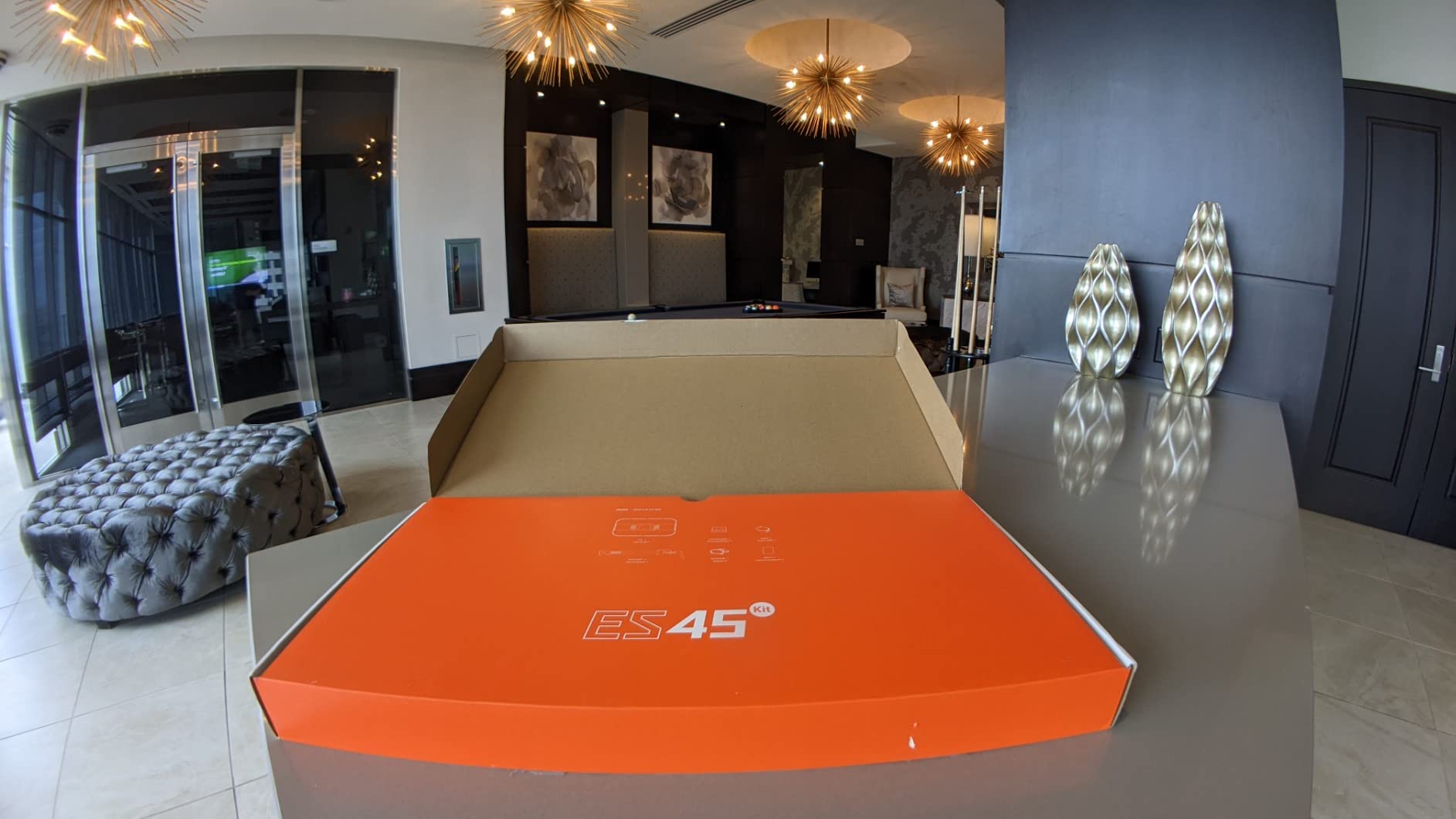
The Godox ES45 introduced me to a feature I now want on every light I own. The magnetic detachable remote snaps onto the side of the panel when not in use, but pulls off easily when I want to adjust settings mid-stream. No more reaching across my desk. No more fumbling for tiny buttons on the back of the light. The remote just works.
At 56W with 176 LEDs, the ES45 delivers strong, even illumination. The 2800K-6500K color temperature range covers everything from warm tungsten to cool daylight, and the CRI/TLCI 96/97 ratings ensure accurate color rendition. I tested this light next to a window during golden hour, and the ES45 matched the natural light quality well enough that my webcam auto-white-balance got confused.
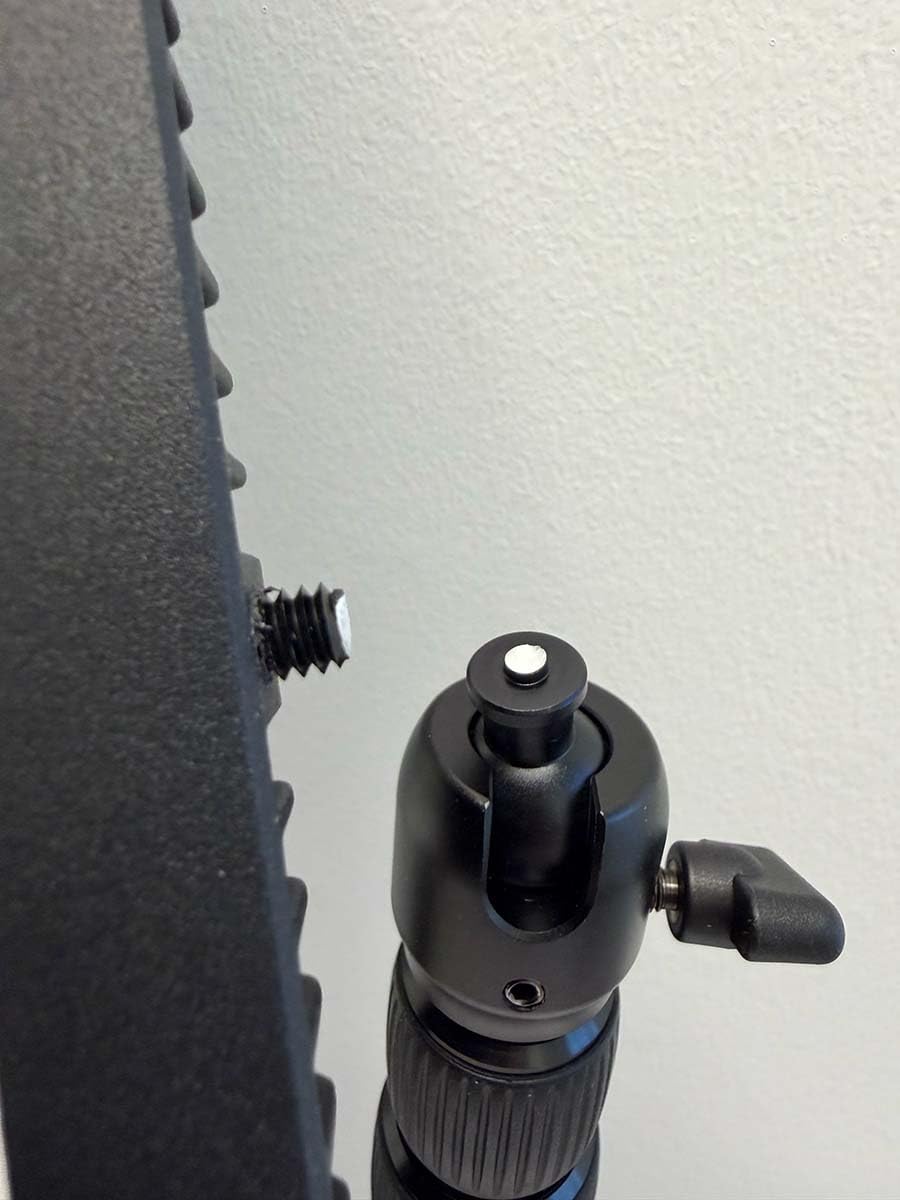
The extendable clamp stand reaches up to 39 inches, which is taller than most streaming lights. I mounted mine at the top of a 32-inch monitor, and the pole still had extension left. The clamp fits desks up to 2 inches thick, which covers most home office furniture. Build quality on the stand is mostly solid, though some users report issues with the mounting screw loosening over time. I checked mine after a month of daily use and had to re-tighten once.
Godox Light App control works well when it works. The app lets me group multiple ES45 lights and control them simultaneously, which is great for streamers who want to expand to a two or three-light setup. Connection drops happened twice during my testing period, but re-pairing took only seconds.
The flicker-free light output matters for streaming. Even at low brightness levels, the ES45 produced no visible flicker on my recordings. The silent operation, thanks to no cooling fan, means no background noise during quiet audio segments.
Great for Streamers Who Adjust Settings Mid-Stream
The magnetic remote is genuinely useful. I keep it on the left side of my monitor bezel where I can grab it without looking. If you frequently tweak your lighting during broadcasts, this design will save you time and frustration.
Not Ideal if You Prefer Single-Light Simplicity
The app group control features are wasted if you only run one light. Streamers with single-light setups may find the Logitech Litra Glow or NEEWER GL1 PRO more straightforward, since those apps focus on individual light control.
5. amaran Verge Bi-Color Edge-lit Panel – Best for Long Sessions
amaran Verge Bi-Color Edge-lit Rectangular Panel,26W Soft LED Video Light
26W Output
RG0 Certified
2700K-6500K Range
Pros
- RG0-certified low blue light
- Soft edge-lit diffusion design
- USB-C PD clean power
- Stream Deck plugin support
- Compact and lightweight build
Cons
- Mounting accessories sold separately
- No screen for settings
- White cable mismatch on dark models
Eye strain is a real problem for streamers who broadcast for hours at a time. The amaran Verge addressed this concern with RG0 certification, which means the light produces minimal blue light and no detectable flicker. After testing this light during a six-hour stream, I noticed less eye fatigue than with any other light in this roundup. For marathon broadcasters, that difference matters.
The edge-lit design creates genuinely soft, flattering light. Unlike point-source LEDs that produce harsh shadows, the Verge spreads its 26W output evenly across the panel face. The result is light that wraps around your face without sharp contrast lines. The 2700K-6500K color temperature range matches most ambient lighting conditions, and the 0-100% stepless dimming lets me find the exact brightness I need.
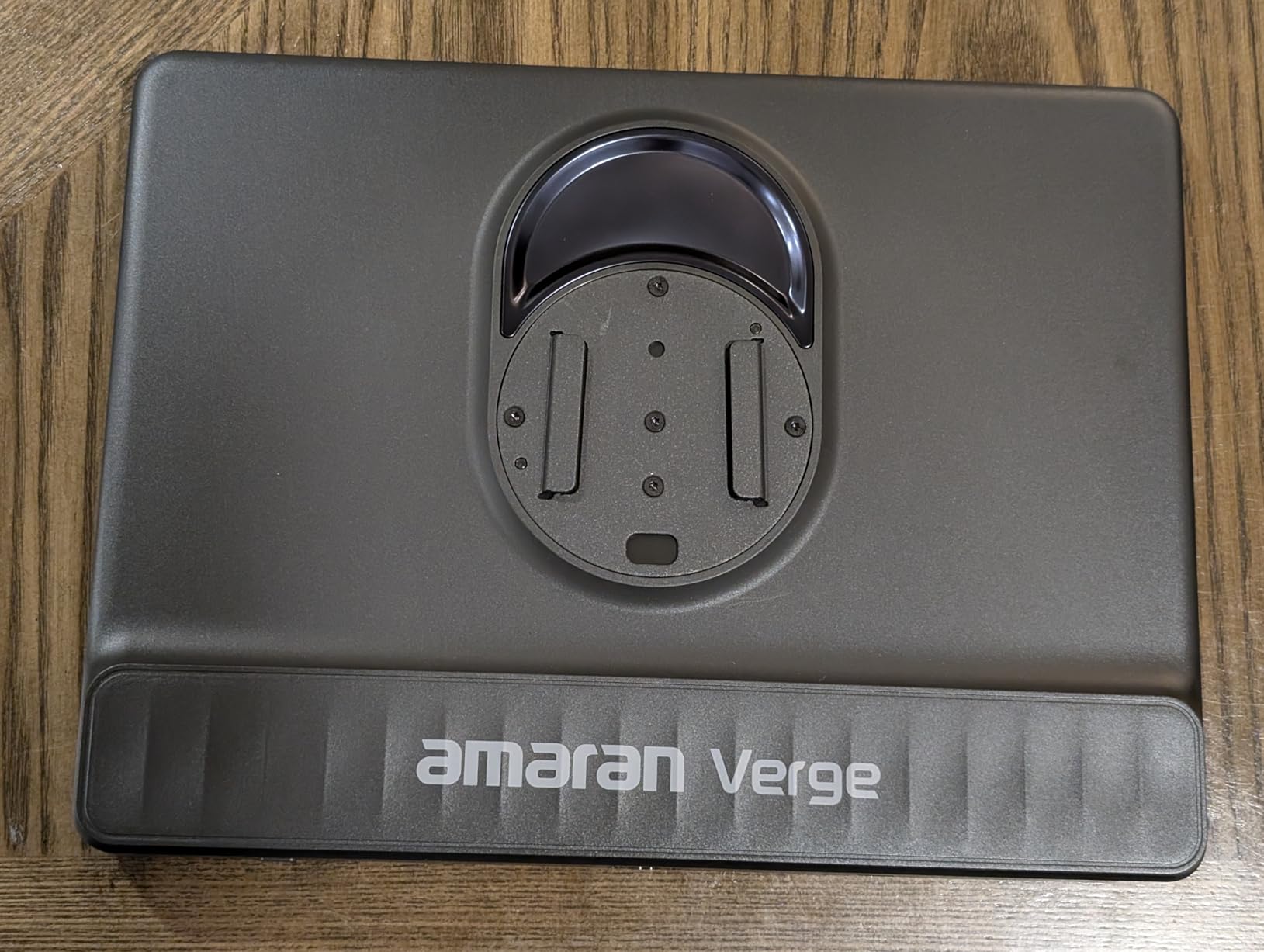
USB-C PD power is a significant upgrade over traditional power adapters. I run the Verge from a single USB-C cable connected to my monitor USB-C port. No bulky power brick, no extra cables to manage. The clean setup matches modern minimalist desk aesthetics that many streamers prefer.
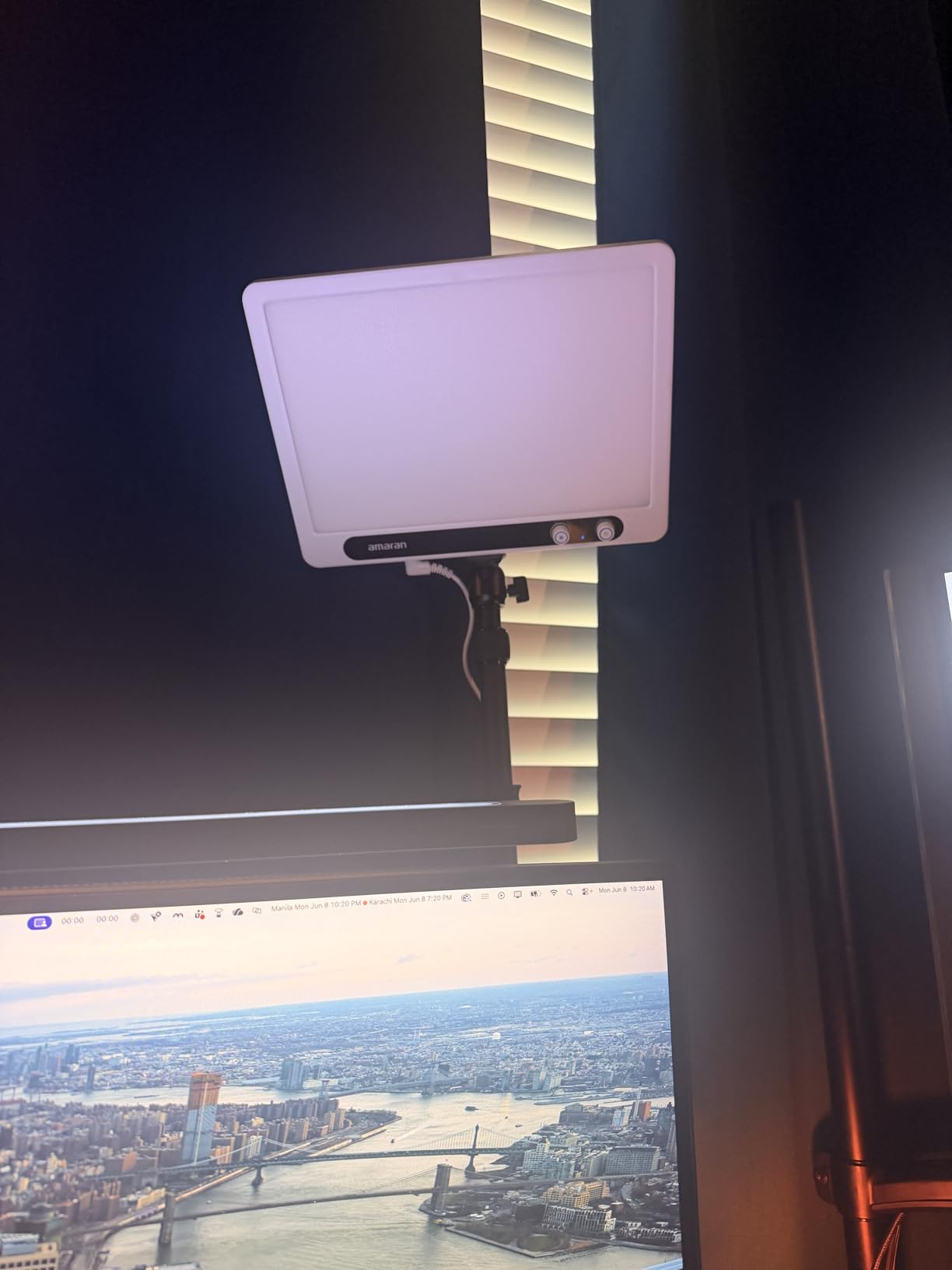
Control options include front-facing knobs for quick adjustments, the amaran desktop app for fine-tuning, and Stream Deck integration. The knobs are responsive and tactile, which I prefer over touch controls that require looking at the light. The app works well on both Windows and Mac, and the Stream Deck plugin is straightforward to configure.
At 100 grams, the Verge is the lightest panel in this roundup. The compact form factor makes it easy to position in tight spaces. The integrated 1/4-20 inch screw mount accepts standard photography accessories, though you will need to buy a desk clamp or monitor mount separately since none is included.
Best for Streamers Who Broadcast for 4+ Hours
The RG0 certification and flicker-free design genuinely reduce eye strain. If you stream for long sessions daily, the Verge eye-friendly output is worth the trade-off of slightly lower maximum brightness compared to the Elgato or NEEWER options.
Not Ideal if You Need Maximum Brightness
At 26W, the Verge is less powerful than the Elgato Key Light 2800 lumens or the NEEWER GL1 PRO 4300 lux. If you stream in a very bright room or need to compete with strong ambient light, a higher-output panel will serve you better.
6. NEEWER 18 inch LED Video Light Panel Kit (2 Pack) – Best Value Bundle
NEEWER 18″ LED Video Light Panel Key Lighting Kit with Remote, 2 Pack, 45W
45W per Light
CRI97+
Remote Control
Pros
- Two-panel kit with stands included
- High CRI97+ color accuracy
- 2.4GHz remote with 40 channels
- Dual AC or battery power options
- Carrying bag for transport
Cons
- Build feels somewhat flimsy
- Light stands may be too short
- No Velcro for power adapter
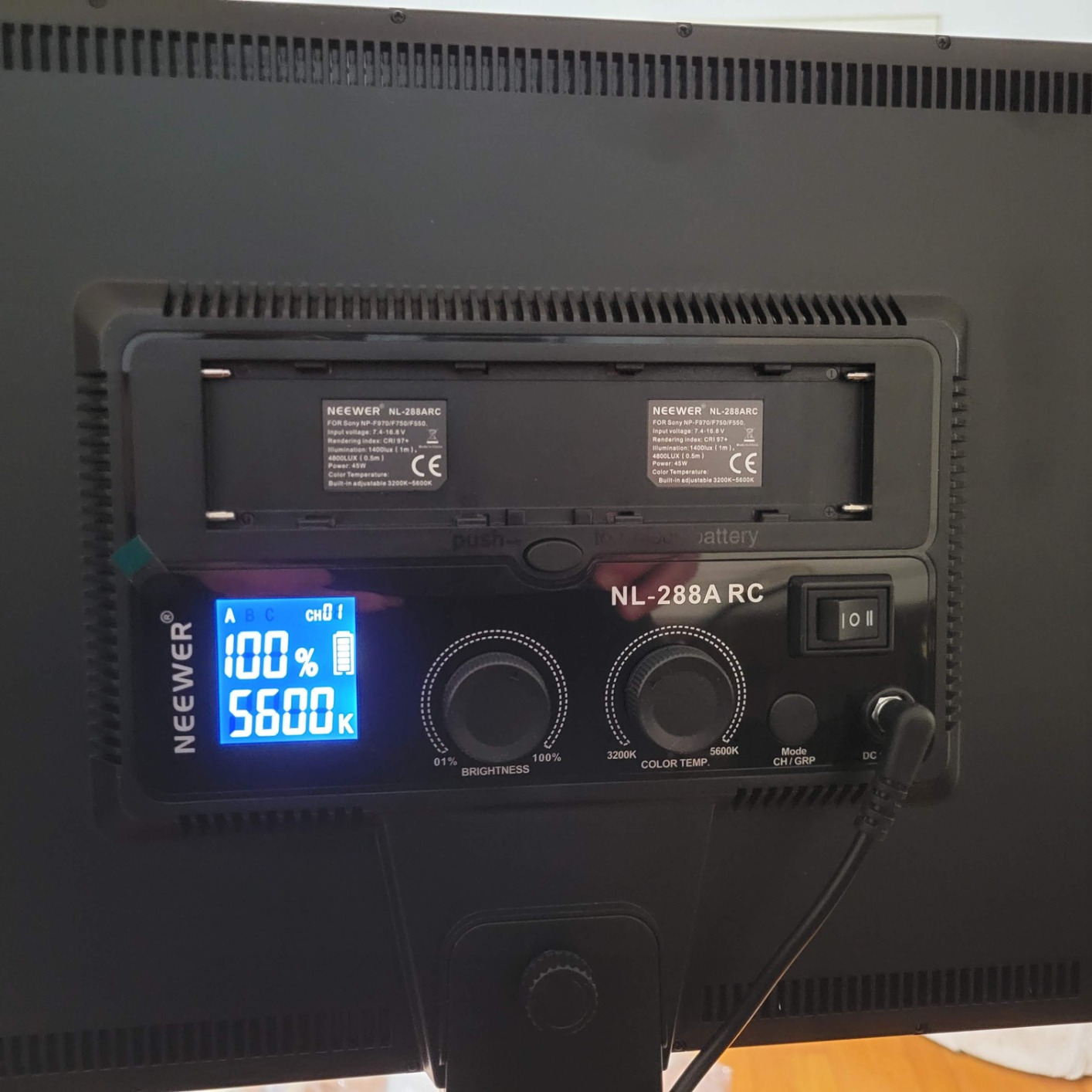
The NEEWER 18-inch 2-pack solved a different problem than the single-panel options. I needed a key light and a fill light, and buying two separate lights plus stands would have cost significantly more. This kit includes two 288-LED panels, two aluminum tripod stands, a 2.4GHz remote, and a carrying bag. For $203, that is a hard value to beat.
Each panel delivers 45W of power with 97+ CRI. The high color rendering index means colors look accurate on camera, which matters when you are streaming games with rich graphics or filming products. The 3200K-5600K color temperature range is narrower than the Elgato or NEEWER GL1 PRO, but it covers the most common streaming scenarios.
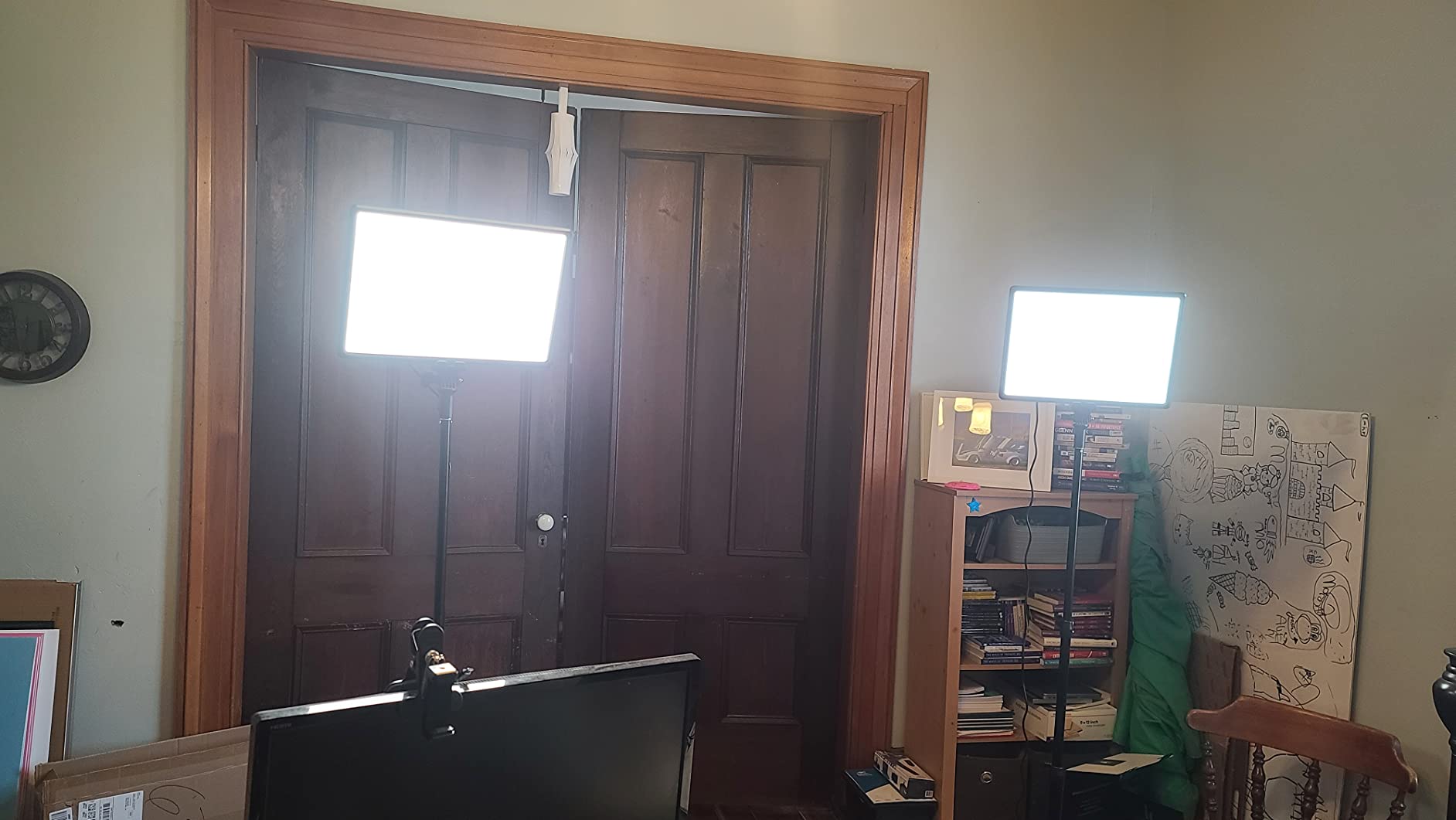
The 2.4GHz remote is a standout feature. With 40 channels and 4 groups, I can control multiple lights independently. I assigned one channel to my key light and another to my fill light, letting me adjust each without affecting the other. The remote works through walls, which is convenient when I want to tweak lighting from across the room.
Dual power options add flexibility. I can run each panel from the included AC adapter for permanent setups or from Sony NP-F batteries for mobile use. Battery life depends on the battery capacity, but a typical NP-F750 lasts about 90 minutes at full brightness. The kit does not include batteries, so factor that into your budget if you want portable use.
Build quality is the trade-off for the bundle pricing. The panels feel lighter than the Elgato or premium NEEWER options, and the tripod stands are functional but not exceptional. For permanent desk setups, the stands work fine. For studio work that requires frequent repositioning, heavier stands would be more stable.
Great for Streamers Building a Two-Light Setup
Professional lighting setups use a key light and a fill light. This kit gives you both at a lower price than buying separately. The 2.4GHz remote makes managing two lights straightforward, and the carrying bag makes the whole kit portable for on-location shoots.
Not Ideal for Minimalist Single-Light Setups
If you only need one light, this kit is overkill. The single-panel options like the Logitech Litra Glow or amaran Verge will serve you better and cost less. This kit value comes from getting two lights with stands and accessories.
7. NEEWER 192 LED Ultra Thin Panel – Best Portable Option
NEEWER 192 LED Video Light Panel, 20W Ultra Thin Bi Color Camera Light
20W Power
Battery Powered
Ultra Thin
Pros
- Ultra-thin 0.4 inch design
- Built-in 4000mAh battery
- CRI97+ color accuracy
- USB-C fast charging
- Cold shoe adapter included
Cons
- Battery life limited to 1.5 hours
- No carry bag included
- Only one light in the box
Portability was the main reason I tested the NEEWER 192 LED panel. I travel for work and sometimes stream from hotel rooms, and I needed a light that could pack flat in my carry-on. At 0.4 inches thick and 2.2 pounds, this panel disappeared into my laptop bag alongside my streaming laptop.
The built-in 4000mAh battery delivered about 90 minutes of runtime at full brightness in my tests. That is enough for a typical podcast recording or a short Twitch session. The USB-C fast charging refilled the battery in roughly two hours, so I could charge between sessions using my laptop or a power bank.
Light quality surprised me. The 192 LEDs (96 warm plus 96 cool) deliver up to 2400 lux at half a meter, which is plenty for close-range streaming. The CRI97+ rating means colors look accurate, and the 3200K-5600K color temperature range covers the most common scenarios. The 0-100% brightness dimming is smooth, and the LCD display shows the current settings clearly.
The cold shoe adapter is a useful inclusion. I mounted the light on a small tabletop tripod and positioned it above my laptop during hotel streams. The 180-degree tilt adjustment let me angle the light precisely without moving the tripod. The cold shoe mount also works with camera rigs, making this light versatile for content creators who do both streaming and photography.
At $64, the value proposition is strong for a portable panel with battery power. The main limitation is battery life. If you stream for more than 90 minutes at a time, you will need AC power or multiple batteries. For shorter sessions or mobile use, this panel hits a sweet spot.
Ideal for Travel Streamers and Mobile Creators
The combination of battery power, USB-C charging, and ultra-thin design makes this light the most portable option in this roundup. Streamers who travel, work from multiple locations, or film on location will appreciate how easily this panel packs and sets up.
Not Ideal for Permanent Desk Setups
If you have a dedicated streaming space with AC power available, the battery adds cost without benefit. The Logitech Litra Glow or NEEWER GL1 PRO will give you better long-term value for permanent installations.
8. NEEWER 9 inch LED Video Light Panel – Best Budget Pick
NEEWER NL-116AI 9″ LED Video Light Panel, Camera Lighting with Desk Tripod
10W Power
Battery Powered
CRI95+
Pros
- Very affordable price point
- Built-in battery for portability
- CRI95+ color accuracy
- Includes mini tripod
- Compact 9 inch form factor
Cons
- Battery life limited to 1.5 hours
- Carry bag not included
- Lower light output than larger panels
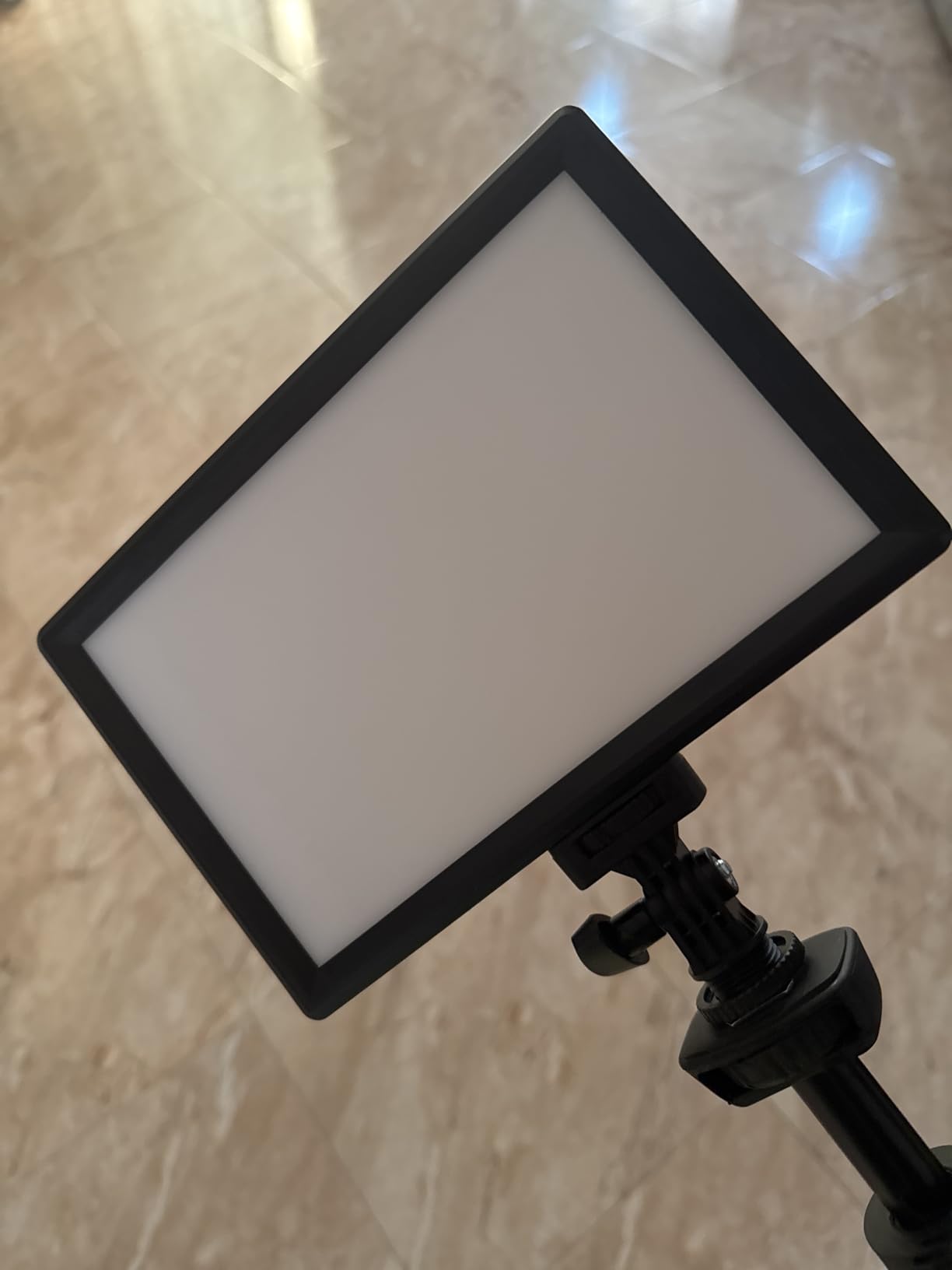
The NEEWER 9-inch panel is the light I recommend to friends who ask where to start. At $49, it costs less than a meal for two at a decent restaurant, and it delivers genuinely usable streaming light. The 871 reviews averaging 4.7 stars tell me most buyers feel the same way. This is the budget pick for good reason.
The 58 warm and 58 cool LEDs produce up to 600 lux at half a meter. That is significantly less than the premium options, but it is enough for a beginner setup in a dim room. The CRI95+ rating keeps colors looking natural, and the 3200K-5600K range covers the most common color temperatures. The 0-100% brightness control let me dial in the right level without overexposing my face.
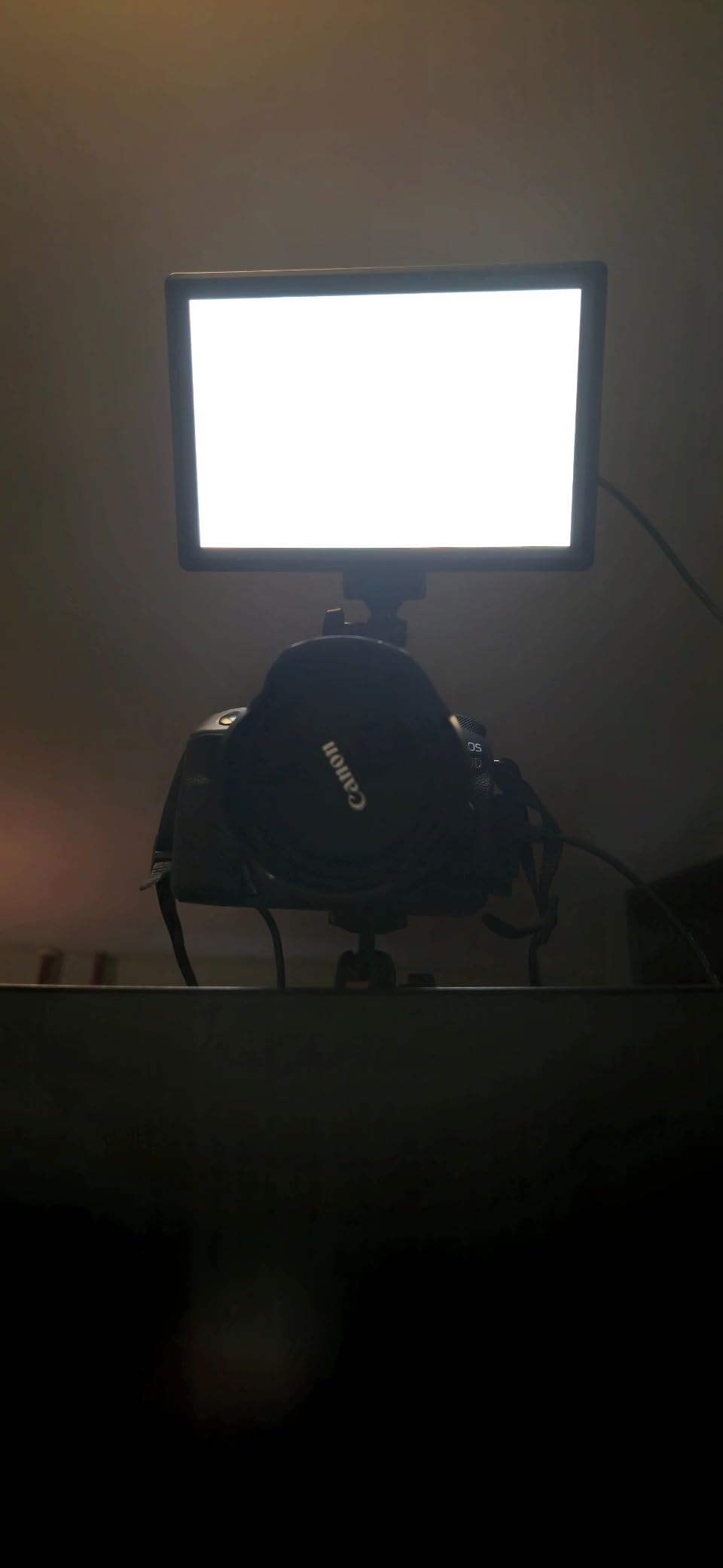
The built-in 4000mAh battery runs for about 1.5 hours at full brightness, which is enough for shorter streams or podcast recordings. USB-C charging refilled the battery in my testing, and the light works while plugged in for unlimited runtime. The included mini tabletop tripod is functional, though I swapped it for a taller stand when I had one available.
At 1.2 pounds and 7.6 inches square, this light is genuinely portable. I tossed it in a backpack for a weekend trip and barely noticed the weight. The cold shoe adapter accepts standard camera accessories, so you can mount it on a full-size tripod or a boom arm if you upgrade later.
The trade-offs for the price are real. Maximum brightness is lower than the premium options. The build is mostly plastic. The color temperature range is narrower. For a beginner who wants to test the streaming waters without a major investment, though, none of those limitations matter much. This light proves you do not need to spend a fortune to look professional on camera.
Perfect for Beginner Streamers on a Budget
If you are just starting out and want to test whether streaming is for you, this light lets you do that without a major financial commitment. The included battery, tripod, and cold shoe adapter give you everything you need to get started.
Not Ideal for Professional or Long-Duration Streaming
The lower brightness and shorter battery life make this light less suitable for professional setups or streams lasting more than 90 minutes. Once you know streaming is for you, upgrading to the Elgato Key Light, Logitech Litra Glow, or NEEWER GL1 PRO is a logical next step.
Buying Guide: How to Choose the Best Key Light for Streaming
Choosing the best key light for streaming depends on your desk space, your existing gear, and how you plan to use the light. Here are the factors I considered most important during my four months of testing.
Brightness and Color Temperature
Brightness matters more than most beginners expect. A light that looks bright in a dark room can wash out in a sunlit space. Look for at least 1000 lumens for typical home streaming setups, and consider options with 2000+ lumens if you stream during the day with windows behind you. Color temperature range matters too. A range of 2900K-7000K covers everything from warm candlelight to cool daylight. Narrower ranges like 3200K-5600K work for most scenarios but limit your flexibility.
Mounting and Desk Space
Mounting style affects both aesthetics and functionality. Monitor-mount lights like the Logitech Litra Glow save desk space but limit height adjustment. Pole-mount lights like the Elgato Key Light and NEEWER GL1 PRO offer more positioning flexibility but require desk clamp space. Tripod-mount lights like the NEEWER 18-inch kit are portable but less stable on busy desks. Measure your available space before choosing a mounting style.
App Control and Ecosystem Integration
If you already use Elgato Stream Deck, Logitech G HUB, or another streaming software ecosystem, look for lights that integrate with your existing setup. The Elgato Key Light, NEEWER GL1 PRO, and amaran Verge all offer Stream Deck plugins. The Logitech Litra Glow integrates with G HUB. Ecosystem integration lets you control lighting without leaving your streaming software, which is genuinely useful during live broadcasts.
Eye Strain and Long Session Comfort
Streamers who broadcast for hours need lights that minimize eye strain. Look for RG0 certification, which indicates low blue light output, and flicker-free operation at all brightness levels. The amaran Verge specifically addresses this concern, but the Elgato Key Light, NEEWER GL1 PRO, and Godox ES45 also produce eye-friendly output. If you notice eye fatigue after streaming, your light may be the cause.
Power Source and Portability
USB-powered lights like the Logitech Litra Glow and amaran Verge offer clean cable management and work with laptops and power banks. AC-powered lights deliver more consistent brightness but require outlet access. Battery-powered lights like the NEEWER 192 LED and NEEWER 9-inch panel work anywhere but limit runtime. Choose based on whether you stream from a fixed location or move around.
Color Rendering Index (CRI)
CRI measures how accurately a light source renders colors compared to natural sunlight. A CRI of 95+ is excellent for streaming, while 90+ is acceptable. Below 90, skin tones can look unnatural or washed out. The premium options in this roundup all hit CRI 95+ or higher, which is why their on-camera results look so natural.
Frequently Asked Questions
What type of lighting is best for streaming?
Soft, diffused LED lighting works best for streaming. Edge-lit panels with adjustable color temperature and brightness produce the most flattering results. Look for lights with CRI 95+ for accurate skin tones and color temperature ranges that include both warm (2900K) and cool (7000K) options. A single key light positioned at a 45-degree angle above eye level is the standard starting point for most streaming setups.
What is the best key light for content creators?
The Elgato Key Light remains the gold standard for content creators who want premium build quality, reliable Wi-Fi control, and Stream Deck integration. For budget-conscious creators, the Logitech Litra Glow delivers excellent light quality in a compact monitor-mount design. The NEEWER GL1 PRO offers similar features to the Elgato at a lower price point. Your best choice depends on your existing ecosystem and budget.
What is the best streaming backlight?
A streaming backlight, also called a rim light or hair light, separates you from your background and adds depth to your video. RGB strip lights like Govee Neon Rope Light 2 work well for colored accent lighting, while a second panel light like the NEEWER 18-inch kit can serve as a neutral backlight. Position your backlight behind you, opposite your key light, and angle it toward the back of your head and shoulders.
What is the best lighting setup for live streaming?
A professional live streaming setup uses three lights: a key light at a 45-degree angle above eye level, a fill light on the opposite side at half the key light brightness, and a backlight behind you to separate from the background. For beginners, a single key light makes a huge difference over no lighting at all. Position the key light above and to the side of your monitor, angled down at about 30 degrees, and adjust brightness until your face is evenly lit without harsh shadows.
Are Elgato Key Lights worth the price?
Elgato Key Lights cost more than most alternatives, but they deliver premium build quality, reliable Wi-Fi control, and seamless Stream Deck integration that cheaper lights cannot match. For streamers who already use Elgato gear, the ecosystem benefits justify the price. For budget-conscious streamers, the Logitech Litra Glow or NEEWER GL1 PRO deliver 80-90% of the performance at 50-65% of the price.
Final Verdict
After four months of testing, the Elgato Key Light remains my top recommendation for the best key lights for streaming category. The 2800-lumen output, opal glass diffusion, and Wi-Fi app control set a standard that other lights keep trying to match. The Logitech Litra Glow is the best value option for streamers with small desks or limited budgets. The NEEWER GL1 PRO is the smart choice for streamers who want premium features without the Elgato price tag.
No matter which light you choose from this guide, your stream quality will improve dramatically. Lighting is the single biggest upgrade you can make to your streaming setup, and any of these eight options will transform how you look on camera. Start with the best light you can afford, position it correctly at a 45-degree angle above eye level, and adjust brightness until your face is evenly lit. Your viewers will notice the difference immediately.