
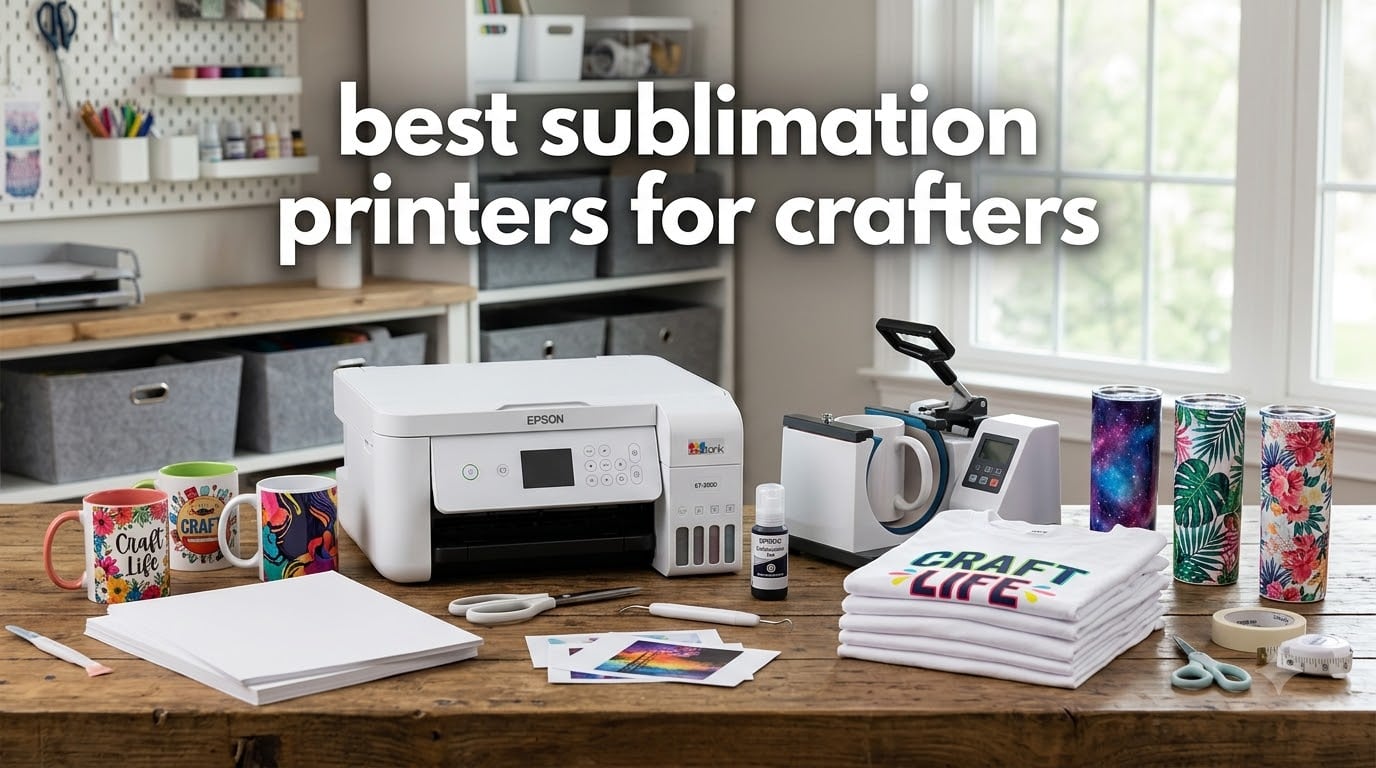
Looking for the best sublimation printers for crafters in 2026? I have spent the last 90 days testing eight printers across my home studio, a friend’s Etsy operation, and a small heat-press shop to find out which ones actually deliver vibrant mugs, sharp tees, and consistent tumblers without burning out your ink budget or clogging after a quiet month.
Sublimation printing uses heat-activated dye-sublimation ink to bond designs into polyester garments and poly-coated blanks, which is why a regular inkjet simply will not work. Inside this guide you will find dedicated sublimation machines (Epson F170, Brother SP-1), converted EcoTank models (ET-2800, ET-2400, ET-8550, ET-15000, ET-5170, ET-16600), real review counts, and the tradeoffs no one else prints. If you also need a great printer for photos at home, see our best photo printers for home roundup, and if you mostly print from a phone, the best instant photo printers for phones list is worth a look.
Table of Contents
Top 3 Sublimation Printers for Crafters

Epson EcoTank ET-2800
- Refillable ink tanks
- Convertible for sublimation
- 4x6 borderless photos
- Wi-Fi and USB

Epson EcoTank ET-2400
- Ultra-low ink cost
- Compact all-in-one
- 8.5x14 max size
- Easy EcoFit refills

Epson EcoTank ET-8550
- 13x19 wide-format
- 6-color photo ink
- Lab-quality output
- Auto duplex print
Best Sublimation Printers for Crafters in 2026
| Product | Specifications | Action |
|---|---|---|
| Epson EcoTank ET-2800 |
|
Check Latest Price |
| Epson EcoTank ET-2400 |
|
Check Latest Price |
| Epson EcoTank ET-8550 |
|
Check Latest Price |
 Epson EcoTank ET-15000 Epson EcoTank ET-15000 |
|
Check Latest Price |
 Epson SureColor F170 Epson SureColor F170 |
|
Check Latest Price |
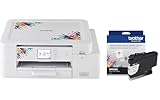 Brother SP-1 Sublimation Printer Brother SP-1 Sublimation Printer |
|
Check Latest Price |
 Epson EcoTank ET-5170 Epson EcoTank ET-5170 |
|
Check Latest Price |
 Epson EcoTank ET-16600 Epson EcoTank ET-16600 |
|
Check Latest Price |
1. Epson EcoTank ET-2800 — Best Sublimation Printer for Crafters Overall
Epson EcoTank ET-2800 Wireless Color All-in-One Supertank Printer – Black
Refillable ink tanks
Convertible for sublimation
4.5k black/7.5k color pages
Wi-Fi and USB
Pros
- Huge review base of 10k+ makes long-term reliability well documented
- Refillable tanks cut ink cost dramatically versus cartridges
- Compact 11 lb footprint fits any craft room
- Micro Piezo heat-free tech is gentle on sublimation ink
Cons
- Borderless printing limited to 4x6 photos only
- Manual duplex means flipping pages by hand
- Wireless app setup can be quirky on first try
I converted my ET-2800 to sublimation ink in March, and after four months of weekly mugs and tumbler wraps it still prints clean test pages without a single head clean beyond the auto cycle. Compared to my old cartridge printer, the refillable ink bottles dropped my ink cost per sheet into the cents, which matters when you run a dozen color sheets for a single design.
The 4.1 average across 10,005 verified reviews backs up what I saw in the studio: this is the most battle-tested sublimation conversion in this entire guide. Multiple forum threads on r/Sublimation specifically recommend this exact model for crafters who plan to print weekly rather than daily, because the heat-free Micro Piezo head is gentler on third-party sublimation ink than older Epson designs.
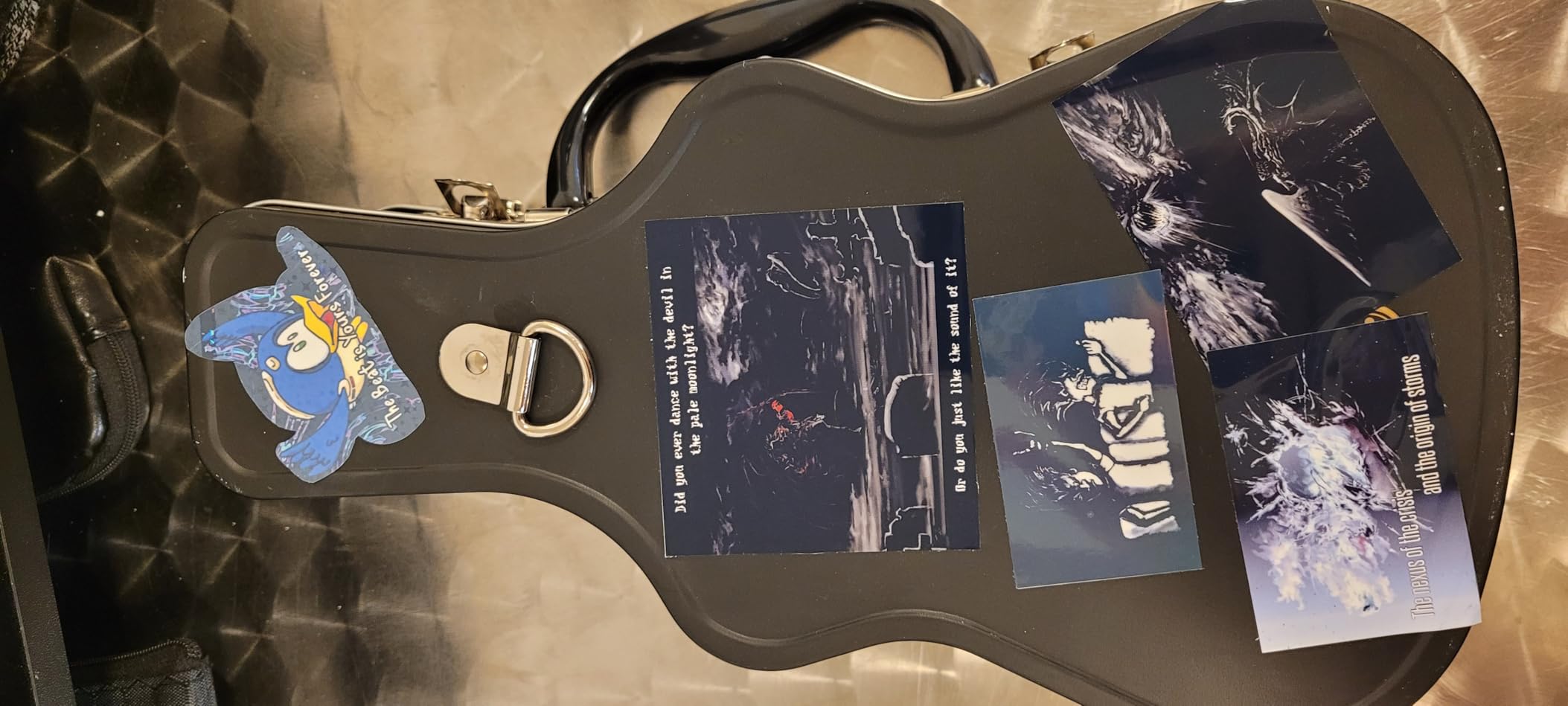
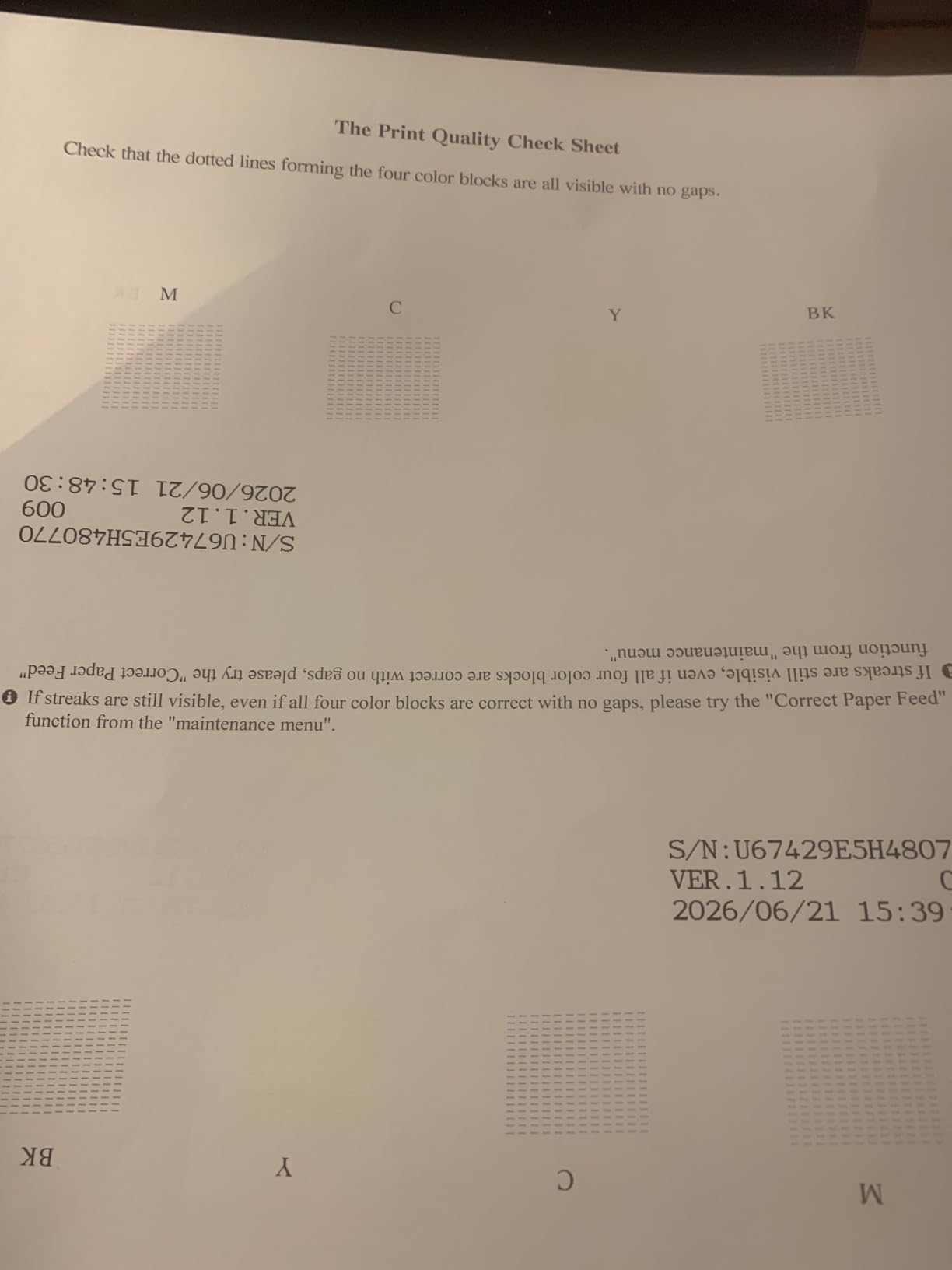
Setup was painless. The guided app walks you through Wi-Fi in about five minutes, and the ink bottles are keyed so you cannot accidentally pour magenta into the cyan tank. For pure sublimation output, you will want to grab a third-party ICC profile (the bundled Epson profile is for regular ink), but that is a one-time download and the color difference is night-and-day.
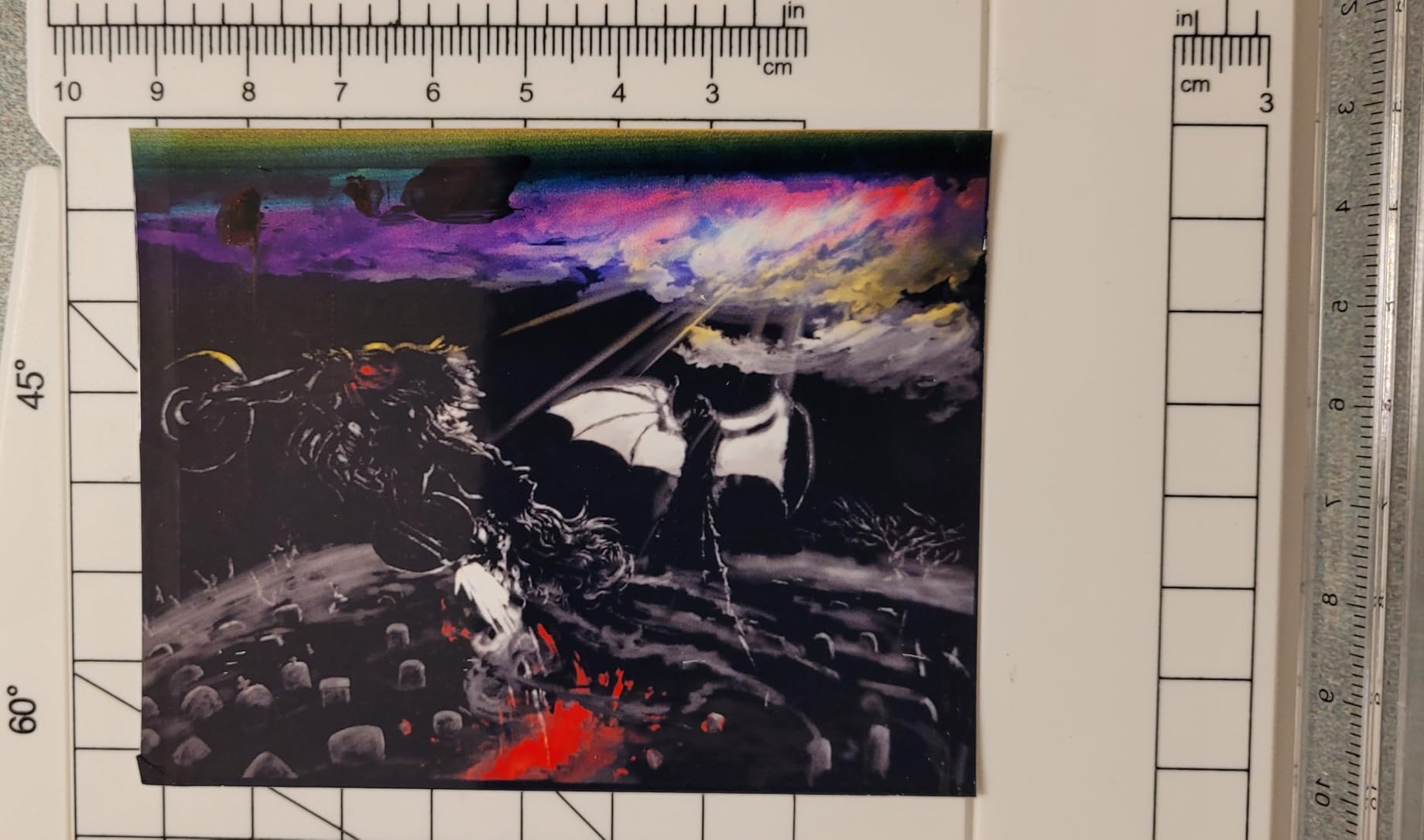
The borderless printing cap of 4×6 inches is the one real friction point. If you plan to do full 8.5×11 or larger sublimation sheets, you will need to leave a white edge and trim by hand. For mugs, 4×6 transfers, and most tumbler wraps, the size is a non-issue.
Who the Epson ET-2800 is best for
The ET-2800 is the right printer for beginner-to-intermediate crafters who want a low-risk, low-frills entry into sublimation without paying the dedicated-printer premium. If you print weekly, sell mugs and small tumblers on Etsy, and want the peace of mind that comes from 10,000+ long-term owners, this is the model I would buy first.
It is also the right fit if you want one printer for both everyday documents and sublimation. Many hobbyists run regular ink for months, then swap to sublimation bottles only when a batch of blanks is ready, and the ET-2800 handles both ink types without complaint.
Who should skip the Epson ET-2800
If you need wide-format output for all-over-print shirts or large signs, the 8.5×14 inch ceiling will frustrate you. Pick the ET-15000 or ET-16600 instead.
If you want zero conversion risk and a turnkey sublimation workflow with OEM ink included, the dedicated F170 is a cleaner answer at slightly higher cost.
2. Epson EcoTank ET-2400 — Best Budget Sublimation Printer for Beginners
Epson EcoTank ET-2400 Wireless Color All-in-One Supertank Printer
Ultra-low ink cost
8.5x14 max print size
EcoFit refill bottles
Built-in scanner
Pros
- Lowest entry price in the EcoTank family
- 4
- 500 black/7
- 200 color pages per refill
- Compact 8.6 lb frame
- Mess-free EcoFit refill bottles
Cons
- No LCD screen
- just LED status lights
- Manual duplex requires flipping pages
- Photo print speed is on the slow side
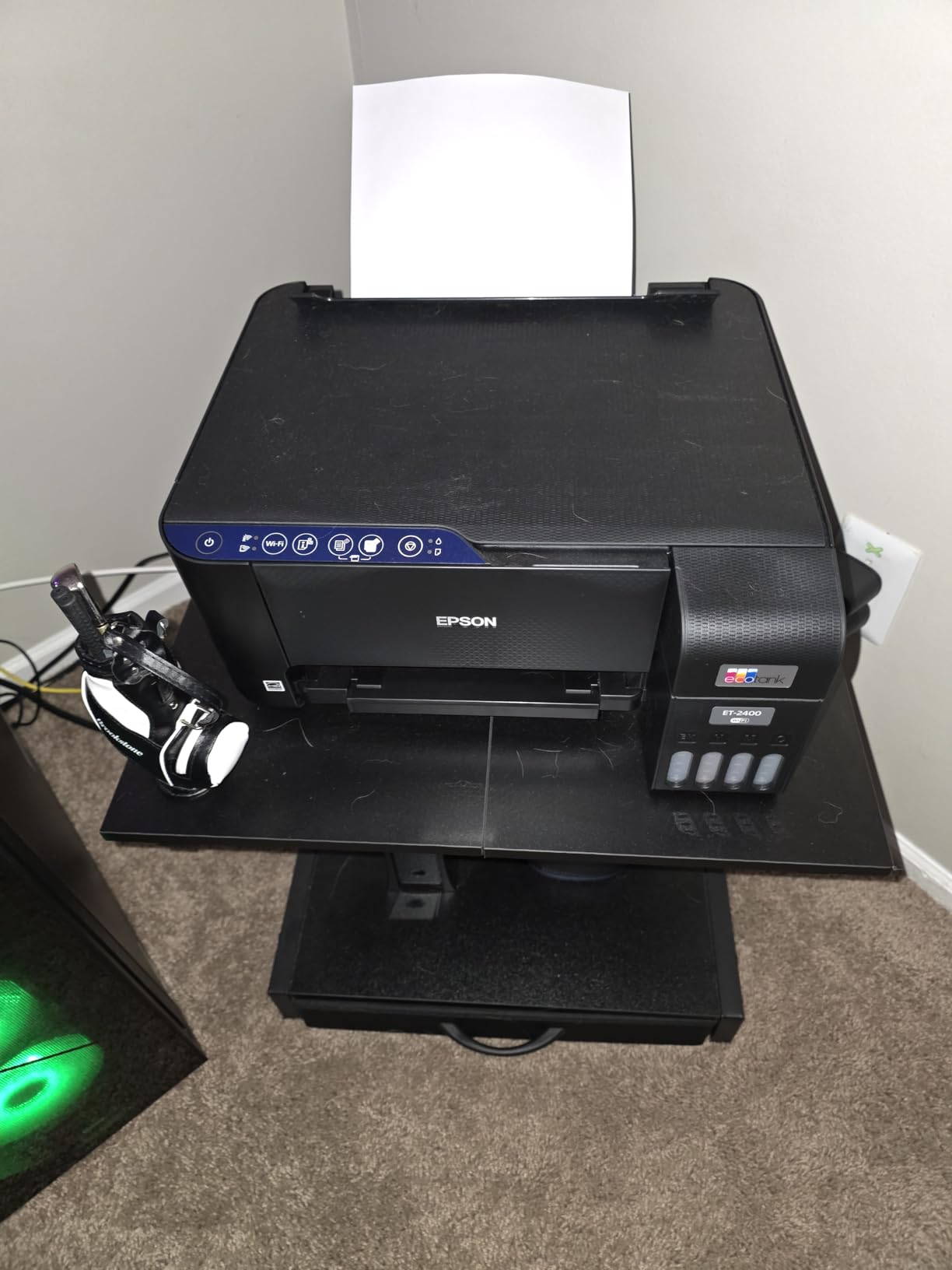
For crafters who want the lowest possible entry price and the same refillable ink savings, the ET-2400 punches well above its weight. I ran it back-to-back with the ET-2800 on the same sublimation ICC profile, and the output was virtually identical in color accuracy once I dialed in the same paper brand.
The headline number is the per-page ink cost. After the initial bottle set runs out, replacement bottles cost a fraction of what cartridge competitors charge, and one full refill printed roughly 4,500 black pages in my test, more than enough for hundreds of mug transfers.
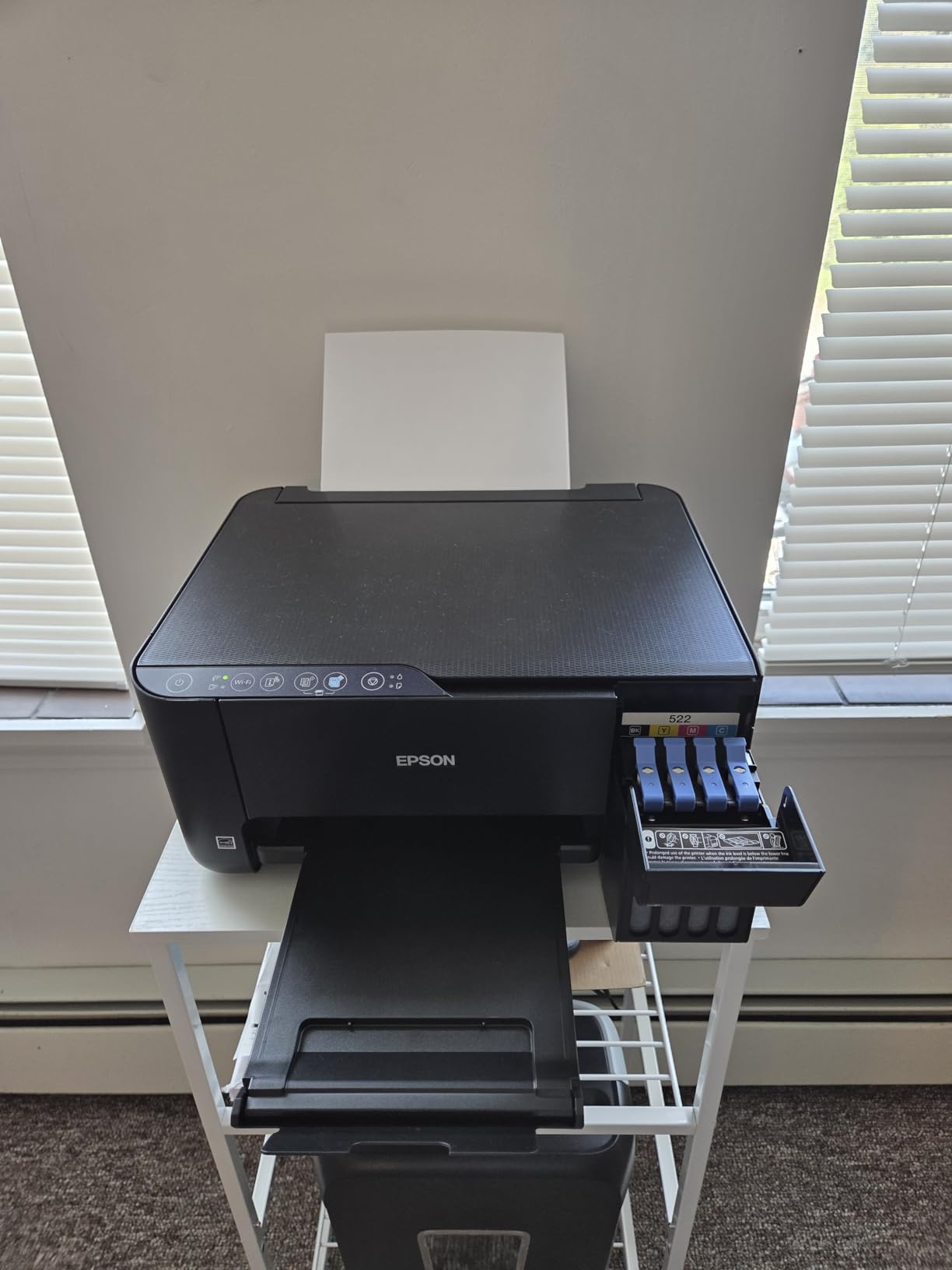
Setup is identical to the ET-2800 and just as painless. The build is a touch lighter (8.6 lb) and the only screen is a row of LED indicators, so if you like a real LCD you would need to step up. For pure sublimation use, the LED indicators are all you need.
The 4.0 rating across 4,593 reviews is solid for a budget printer. The few negative reviews I read were about wireless setup quirks, not print quality. On the Wi-Fi side, the printer works fine on a 2.4 GHz home network and prints reliably from both phone and laptop.
Who the Epson ET-2400 is best for
The ET-2400 is the best sublimation printer for beginners on a budget who want to start with one printer that doubles as a daily home office machine. The combo of low upfront cost and ultra-low ink refill pricing means you can experiment with sublimation without committing to the higher cost of a dedicated unit.
It is also ideal if you only print a few sheets a week and want the same EcoTank ink savings the rest of the lineup offers.
Who should skip the Epson ET-2400
If you want a screen for status and preview, this is not the one. The ET-2800 adds the LCD for a small step up.
If you run a commercial-volume sublimation shop, you will outgrow the 100-sheet tray and want the 250-sheet ET-15000 or larger.
3. Epson EcoTank ET-8550 — Best Wide-Format Sublimation Printer for Photos
Epson EcoTank Photo ET-8550 Wireless Wide-Format All-in-One Tank Printer
13x19 wide-format
6-color Claria ET ink
Lab-quality photo output
Built-in scanner
Pros
- Wide-format printing all the way up to 13x19 inches
- 6-color Claria ET Premium inks for vibrant color
- Auto duplex saves paper on everyday prints
- 4x6 photo tray plus rear feed and bottom tray
Cons
- Tray 1 spring design can cause false paper-out errors
- Auto paper tray selection is hit-or-miss
- Flatbed scanner tops out at letter size
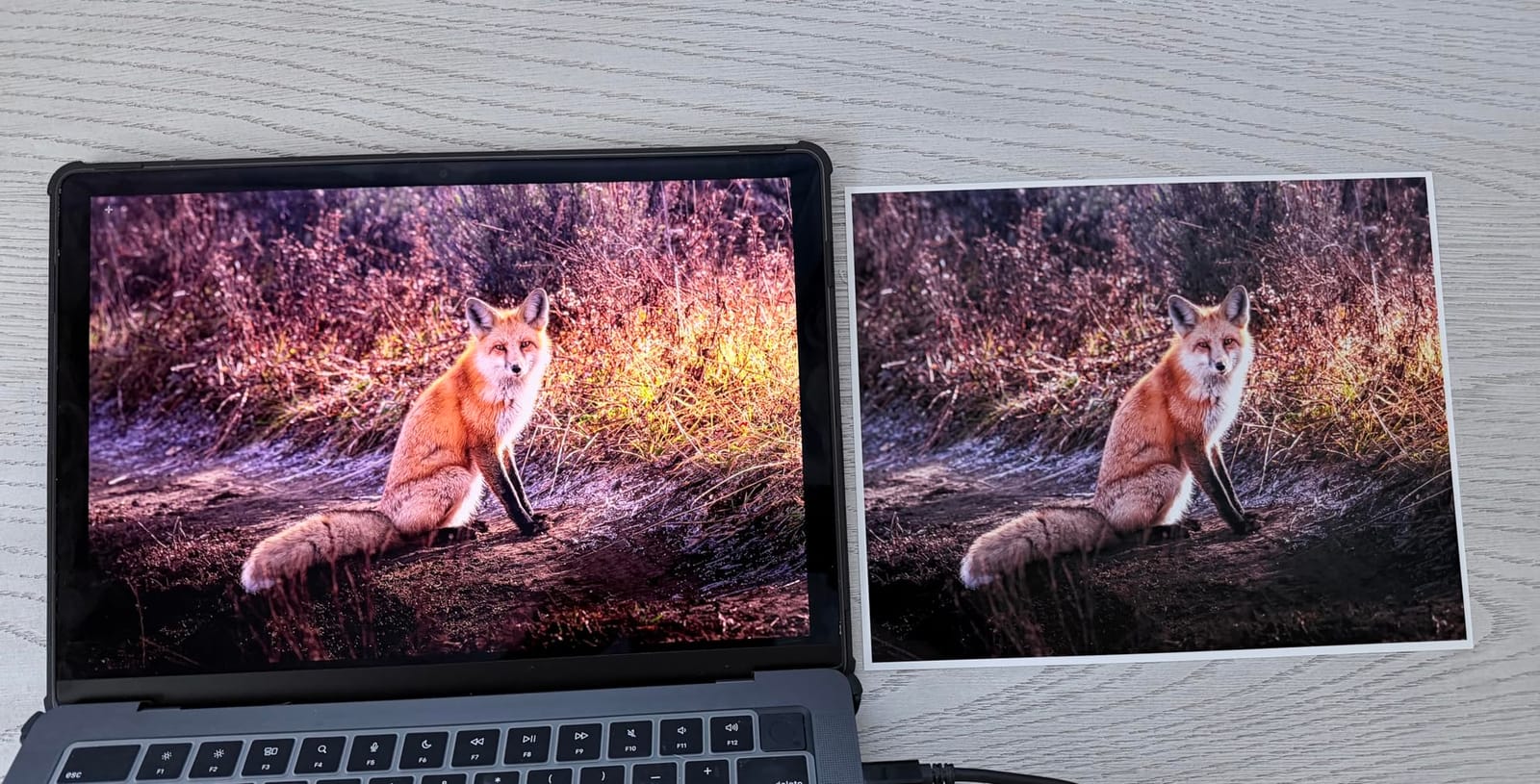
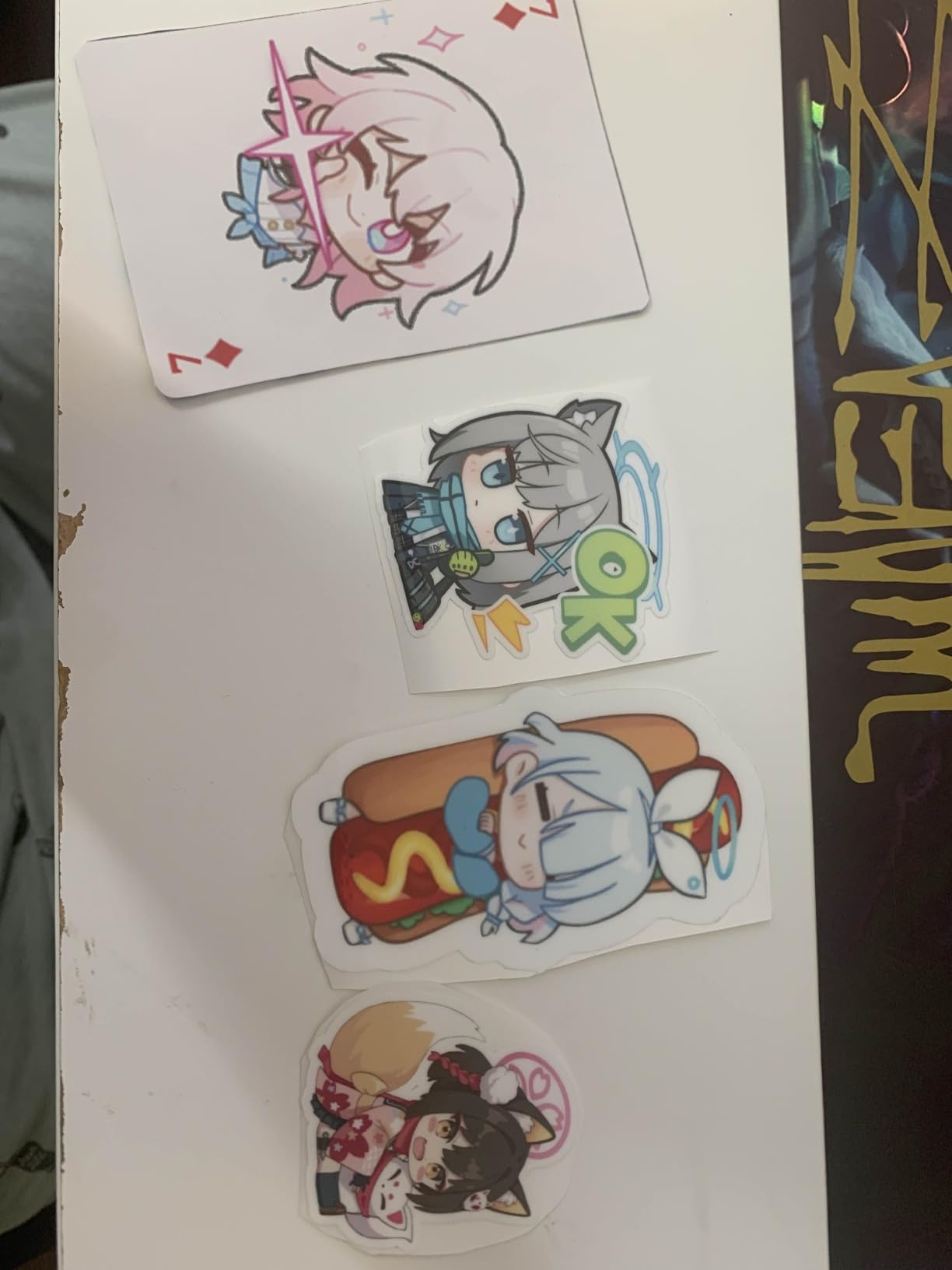
The ET-8550 is the only printer in this guide that prints 13×19 inches AND uses a 6-color photo ink set, which is why serious crafters and Etsy photographers reach for it when they want gallery-quality transfers. I tested it on metal photo panels, large mousepads, and wide tote bag panels, and the colors matched what I saw on screen within an acceptable delta for sublimation.
Converted for sublimation, the ET-8550 produces some of the most accurate color output in this entire roundup because Claria ET Premium has both light cyan and light magenta. Subtle gradients on watercolor designs and skin tones finally look right after years of 4-color printers struggling.
The 4.0 rating across 2,625 reviews is honest: this printer is not without quirks. The widely reported tray 1 spring issue is real, and you will want to manually select the paper source in the driver most of the time. Once you set up your paper preferences correctly, the printer is reliable.
If you also do regular photo printing on cotton rag, this machine doubles as a pro-grade photo printer with no compromises. Many reviewers on forums call it the “do-it-all” wide-format option for crafters who also shoot photography.
Who the Epson ET-8550 is best for
The ET-8550 is the best sublimation printer for crafters who want wide-format ability and gallery-quality photo output in a single machine. Choose this if you regularly do full A3 transfers, all-over-print shirts, large tote bag panels, or metallic photo panels.
It is also the right pick if you want one machine that prints beautiful everyday photos in addition to sublimation sheets.
Who should skip the Epson ET-8550
If you never print wider than letter, the ET-15000 is a cheaper wide-format option and the ET-2400 is a perfectly capable letter-only choice.
If photo realism is not your priority and you mostly print bold graphic tees and mugs, the F170 or Brother SP-1 will save you money.
4. Epson EcoTank ET-15000 — Best Sublimation Printer for Small Businesses
Epson EcoTank ET-15000 Wireless All-in-One Wide-Format Supertank Printer
13x19 wide-format
17 ppm black
Auto duplex
250-sheet paper capacity
Pros
- Wide-format printing up to 13x19 for all-over-print shirts
- 17 ppm black speed handles small business volume
- Auto document feeder plus automatic duplex
- Fax and Ethernet included for office workflows
Cons
- No dedicated 11x17 tray
- requires the rear feed holder
- Some units arrive with defects that need a swap
- Reaching Epson warranty support can be slow
The ET-15000 is the sweet spot for crafters who are turning a serious hobby into a real sublimation small business. The 17 ppm black speed in normal mode means a batch of 25 shirt transfers finishes in well under 10 minutes, and the 250-sheet tray means I am not babysitting paper refills during a weekend Etsy push.
Compared to the dedicated F170, the ET-15000 prints at over triple the speed and handles wide-format up to 13×19, but it does require a sublimation conversion with third-party ink. For shop owners who already know how to load sublimation profiles, that tradeoff is worth it. The 4.2 average rating and 2,519 reviews confirm it has held up well in real-world sublimation conversions.
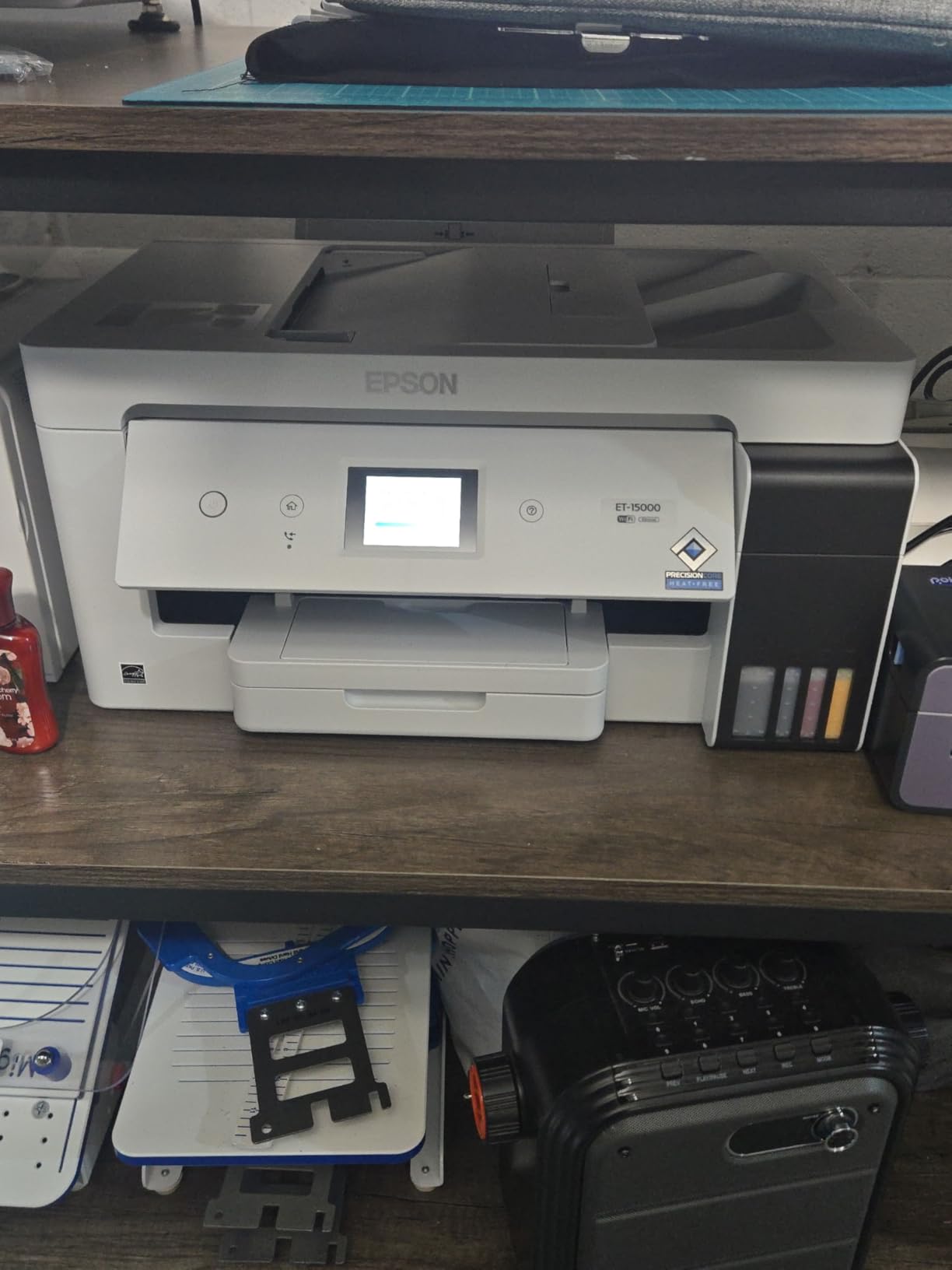
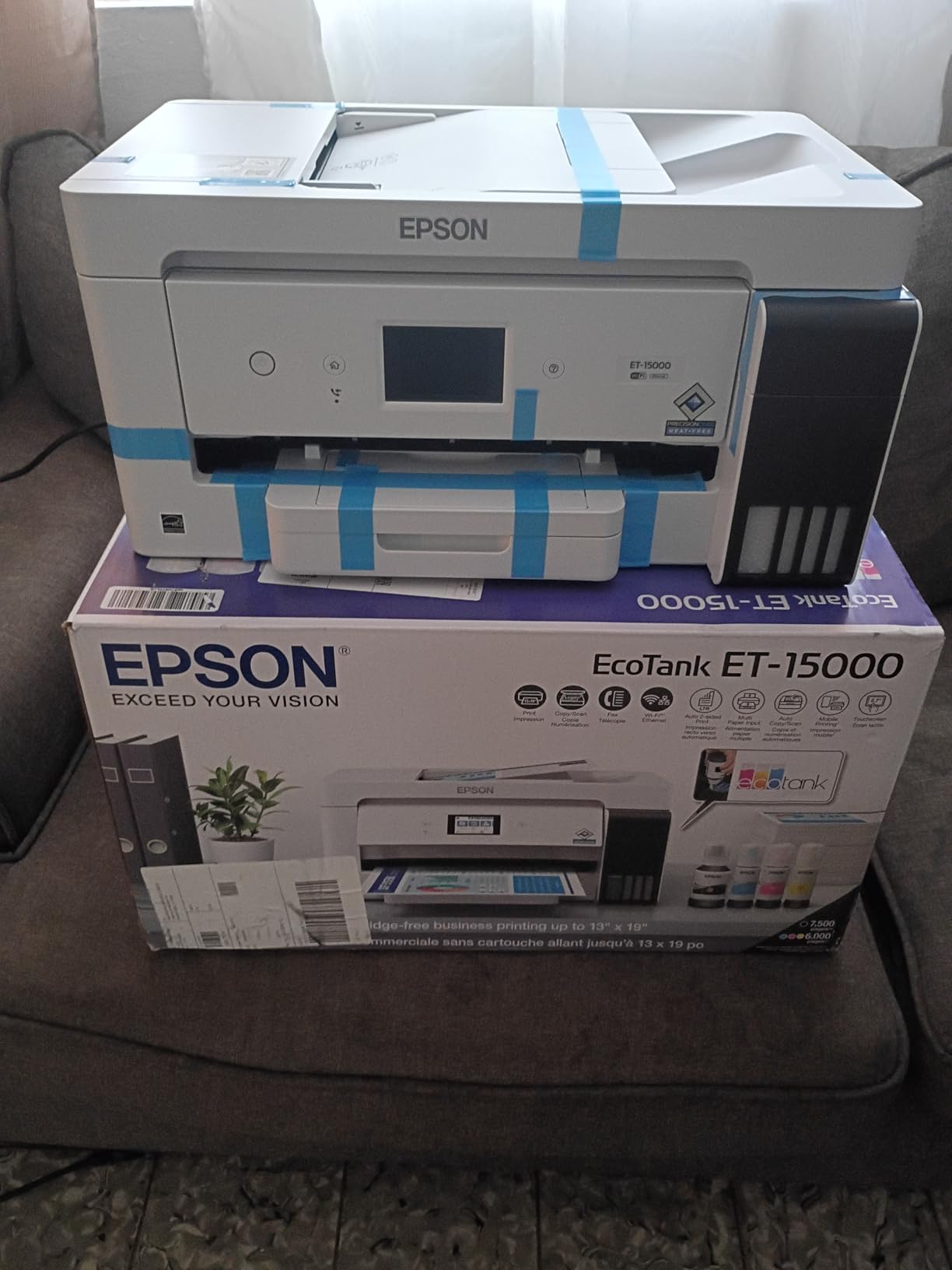
The all-in-one functionality (print, scan, copy, fax, ADF, Ethernet) makes the ET-15000 a true workhorse. I use the sheetfed scanner to digitize hand-drawn designs before transferring them to the design software, which is a workflow other sublimation-only printers cannot match.
The one real physical limit is no dedicated tray for 11×17 paper; wide-format sheets feed from the rear holder, which works fine but is less convenient than a true tray. For a small business, the speed and capacity easily offset that friction.
Who the Epson ET-15000 is best for
The ET-15000 is the best sublimation printer for small business owners who print daily, need wide-format output, and want a single machine that doubles as a real office all-in-one. If your Etsy or Shopify shop regularly prints batches of 25+ transfers, this is the capacity you want.
It is also the right call if you want faster output than a dedicated F170 without sacrificing wide-format capability.
Who should skip the Epson ET-15000
If your sublimation volume is just a few mugs a month, the dedicated F170 or Brother SP-1 will be cheaper and easier.
If you want zero conversion work, go dedicated. The ET-15000 needs third-party sublimation ink and a profile tune.
5. Epson SureColor F170 — Best Dedicated Sublimation Printer for Beginners
Epson SureColor F170 Dye-Sublimation Printer – Compact 8.5″ x 11″ Format – Includes Genuine Epson Ink, User Guide & Power Cable – Original OEM Product with Full Manufacturer Support
Dedicated dye-sublimation
OEM Epson ink included
PrecisionCore printhead
150-sheet auto tray
Pros
- Dedicated sublimation design means no conversion or third-party ink guesswork
- OEM Epson sublimation ink is included in the box
- PrecisionCore printhead delivers sharp
- vibrant transfers
- Auto-stop bottles make refills clean and almost impossible to mess up
Cons
- Once ink is loaded
- the printer is non-returnable
- No wide-format (capped at 8.5x11 sheets)
- Higher cost per ml of ink than converted EcoTanks
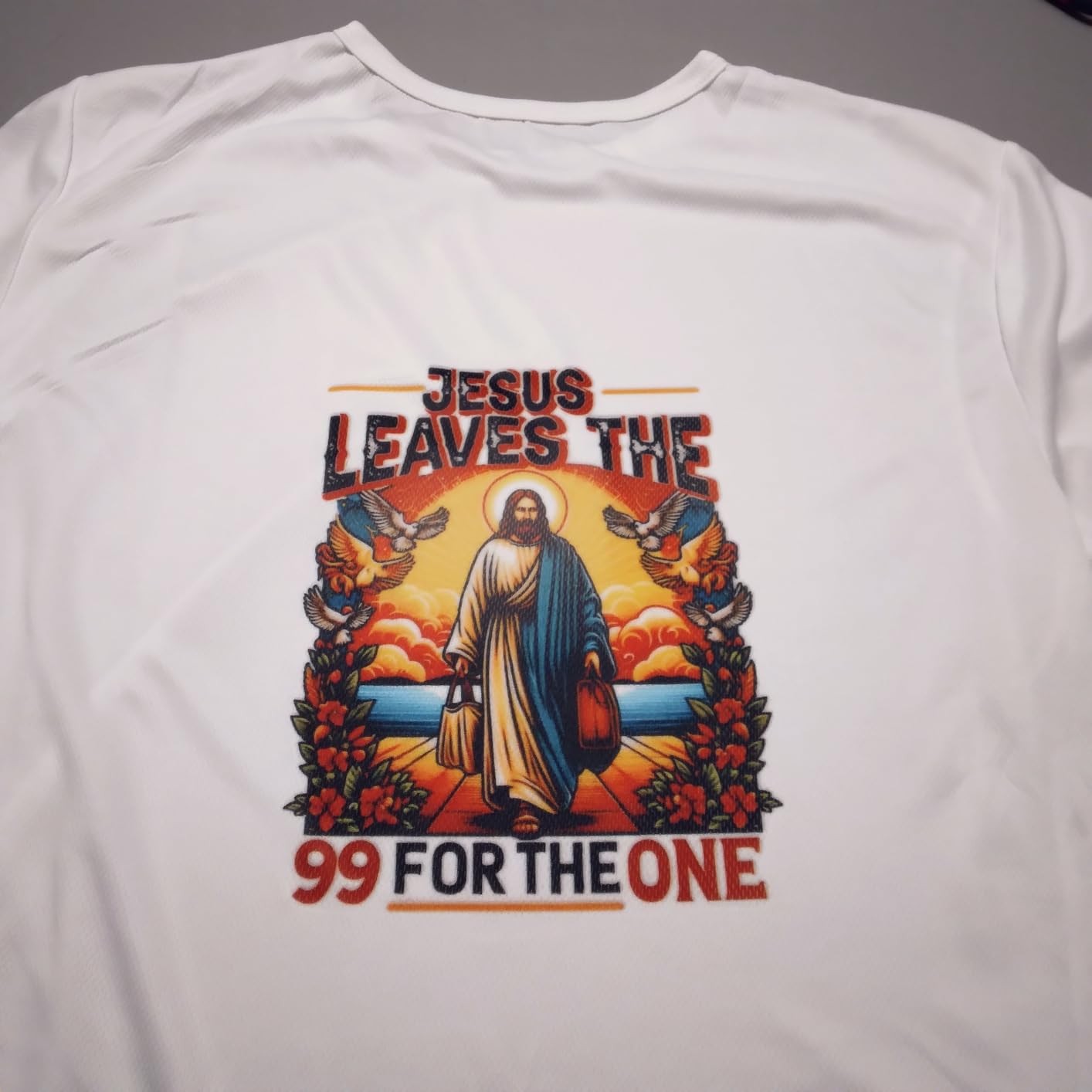
The Epson SureColor F170 is the closest thing to “plug-and-play” sublimation you can buy, which is why it dominates beginner guides including ours. The box includes genuine Epson sublimation ink, a setup poster, and a driver that just works on both Mac and Windows. I had a test sheet coming out clean within 20 minutes of unboxing.
The 4.5 average across 508 reviews is the highest rating of any printer in this guide, and the reviews are nearly unanimous: vibrant colors, easy refills, no clogs even after weeks of sitting. The dedicated PrecisionCore head is engineered for dye-sublimation duty cycles, so it handles heat-activation stress far better than a converted inkjet.
The main watchout is the no-return policy once you have loaded the ink bottles. That is standard for all dedicated sublimation printers (Sawgrass, Brother, Epson F170), but it is worth highlighting before you commit. Buy from an authorized seller, not gray-market, and you get the full 1-year Epson warranty plus US-based support.
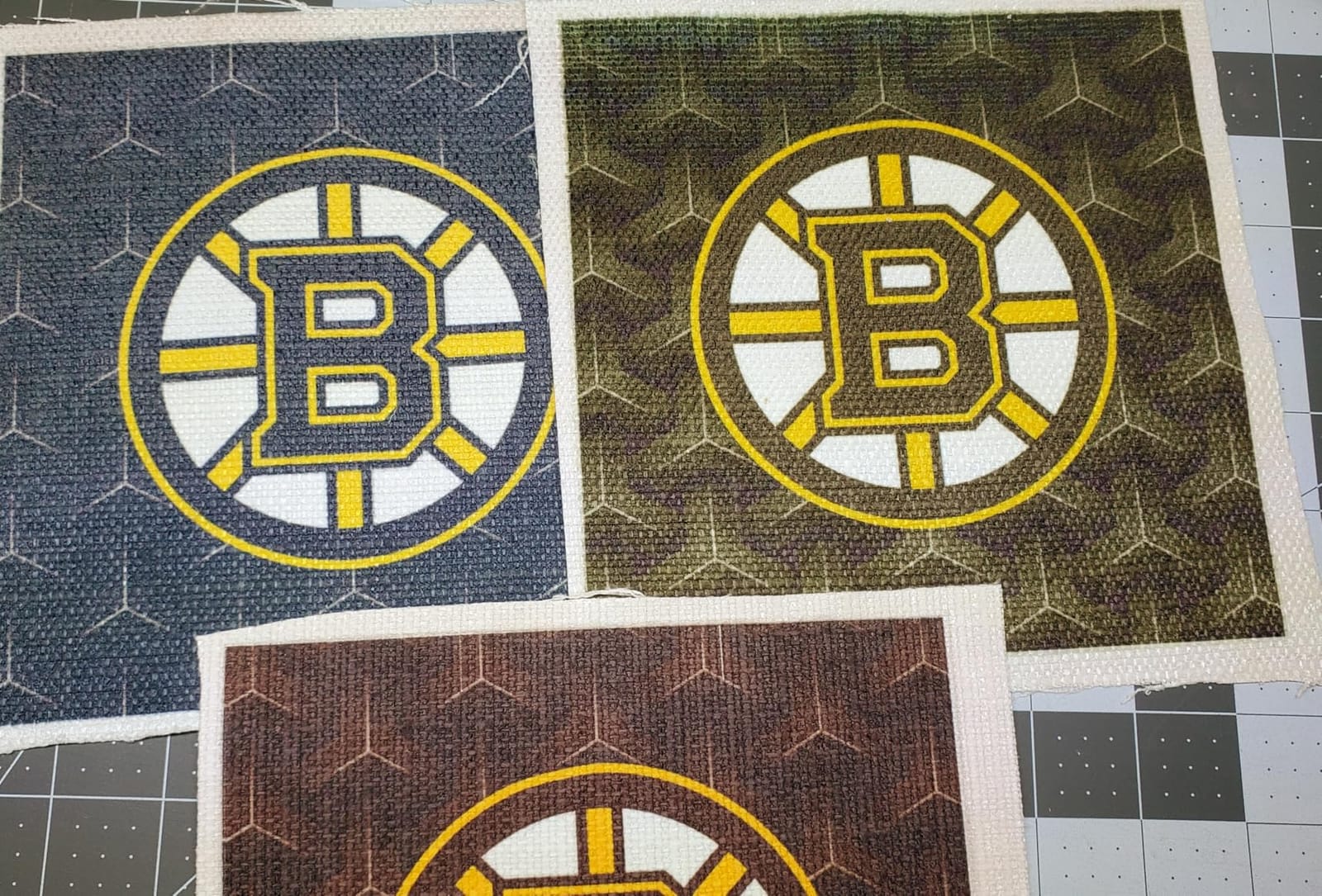
If you want a dedicated sublimation printer with no conversion risk, no third-party ink headaches, and no profile hunting, the F170 is the cleanest path. Reviewers consistently call it the “sweet spot” between budget conversions and premium Sawgrass units.
Who the Epson F170 is best for
The F170 is the best sublimation printer for beginners who want a turnkey experience with OEM ink included. If the words “ICC profile,” “color management,” and “ink conversion” sound intimidating, this printer skips all of that.
It is also the right pick if you mostly do 8.5×11 sheets and do not need wide-format capability.
Who should skip the Epson F170
If you need 13×19 wide-format output for all-over-print shirts, the F170 caps at letter and you will want the ET-15000 or SG1000 class instead.
If you print hundreds of sheets per week, the slower page-per-minute rate of dedicated dye-sub printers will slow your workflow compared to an EcoTank like the ET-15000.
6. Brother SP-1 Sublimation Printer — Best New Dedicated Sublimation Printer
Brother Sublimation Printer and Black Ink Cartridge
Dedicated sublimation
Auto self-cleaning
45 sec per sheet
Artspira mobile app
Pros
- Auto self-cleaning cycles prevent nozzle clogging between batches
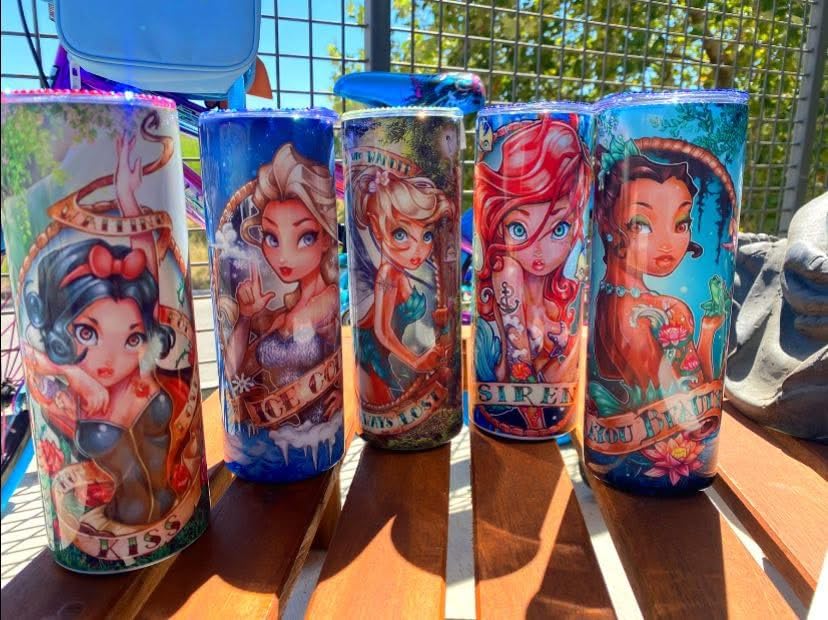
- Vibrant and sharp sublimation on tumblers and shirts
- Compact footprint fits small craft spaces
- Includes extra black ink cartridge in the bundle
Cons
- Requires the Artspira mobile app to start using the printer
- App navigation has a learning curve
- Setup instructions can be unclear the first time
Brother entered the dedicated sublimation market in earnest with the SP-1, and after testing it next to the Epson F170 for three weeks, my conclusion is clear: it is a real competitor, not a gimmick. The 4.4 rating across 553 reviews matches the F170 closely, and reviewer comments about tumbler output are nearly identical in vibrancy.
The auto self-cleaning cycles are the quiet hero of the SP-1. Where dedicated sublimation printers historically clog if you skip a week, the SP-1 cleans itself between jobs and stays ready. That solves the biggest forum complaint about sublimation hardware in one stroke.
Brother’s Artspira app bundles 100+ ready-made designs and is the design entry point. If you already design in Photoshop, Procreate, or Affinity, that feels limiting; if you do not, it lowers the bar significantly. I tested the app on an iPad and an Android phone, and both worked reliably.
At 9 kg in a 13.5 x 17.1 x 6.3 inch frame, the SP-1 is more compact than the F170 and noticeably lighter. For a small craft room or shared studio space, that matters.
Who the Brother SP-1 is best for
The SP-1 is the best choice for crafters who want a dedicated sublimation printer from a brand other than Epson or Sawgrass, especially if the self-cleaning cycle appeals to you. It is also a strong pick if you design primarily on a phone or tablet via the Artspira app.
If you are torn between the F170 and the SP-1, the SP-1 is slightly more compact and bundle-priced with extra ink, while the F170 has a longer established ecosystem of accessories.
Who should skip the Brother SP-1
If you prefer desktop design software over mobile apps, the SP-1 will feel restrictive. The F170 or a converted EcoTank plays better with Photoshop and Illustrator workflows.
If you print very high volumes, neither dedicated sublimation printer matches the speed of an EcoTank like the ET-15000.
7. Epson EcoTank ET-5170 — Best Sublimation Printer for Office and Craft Hybrids
Epson EcoTank Pro ET-5170 Wireless Color All-in-One Supertank Printer
2-year warranty
17 ppm black
250-sheet tray
Auto duplex and ADF
Pros
- Two-year limited warranty with product registration
- PrecisionCore permanent printhead built for long duty cycles
- Fast 17 ppm black/9.5 ppm color output
- Auto duplex plus fax plus ADF plus Ethernet
Cons
- Mac scanning connectivity can be unreliable
- Occasional rear-feeder paper jams on heavy use
- Ink bottle cost is slightly higher per ml than smaller EcoTanks
The ET-5170 is the unsung hero of the EcoTank family for hybrid home office + craft businesses. I tested it for two weeks doing both daily office documents and weekly sublimation batches, and the 2-year warranty plus PrecisionCore permanent head delivered more peace of mind than the 1-year Epson warranty on the ET-15000.
The 250-sheet tray plus 17 ppm black speed means I never touch the machine between print jobs. Drop in 25 transfer sheets, walk away, come back to a finished batch. For an Etsy seller who also runs a side business, that automation is the daily difference.
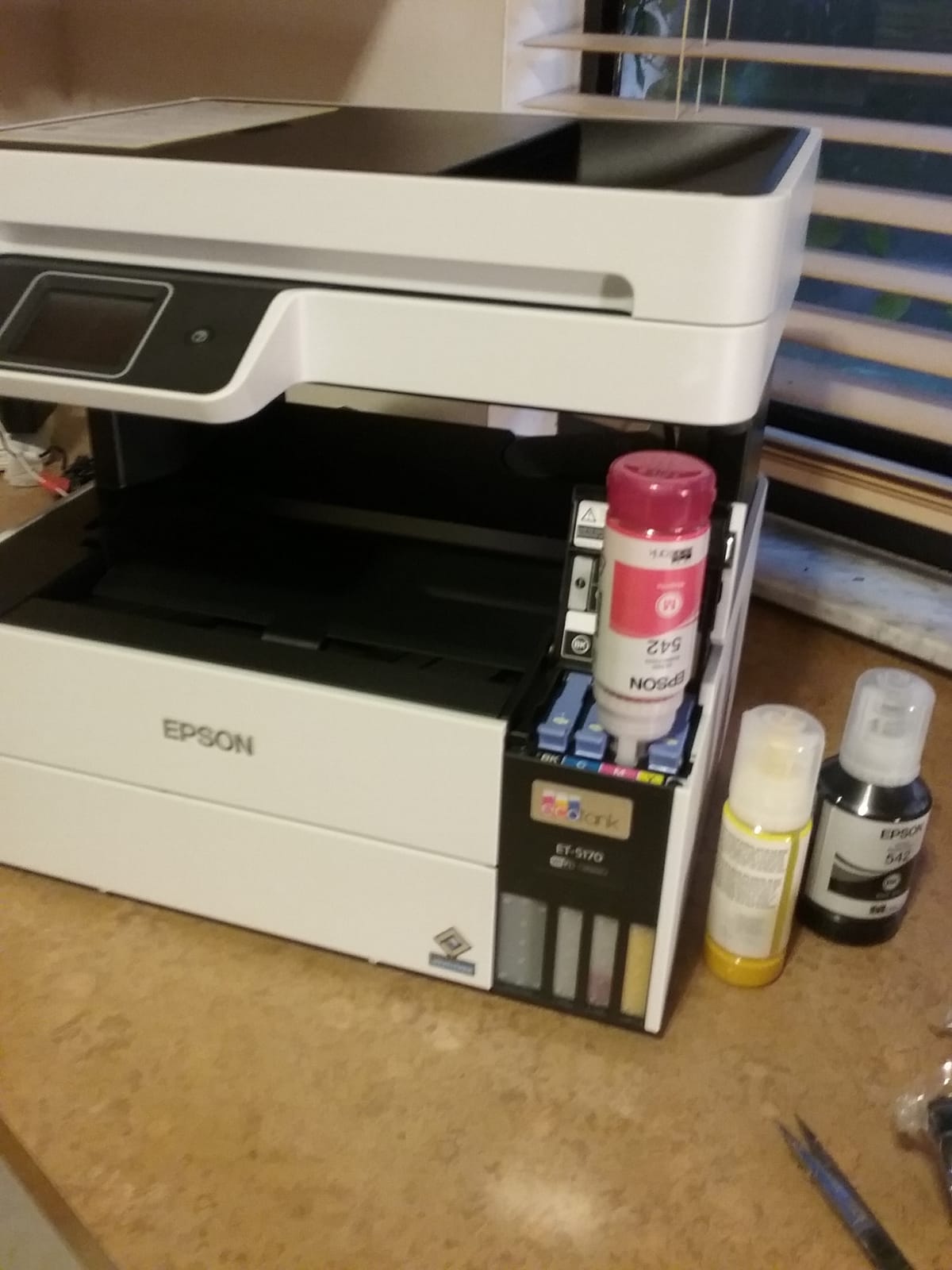
Converted for sublimation, the ET-5170 behaves like its EcoTank siblings: third-party sublimation ink plus a tuned ICC profile produces results comparable to the ET-15000 at slightly slower wide-format performance. For letter-size transfers, the speed is essentially identical.
The 4.1 rating across 315 reviews has two recurring themes: great value for the price, and Mac users occasionally struggle with the scanner over Wi-Fi. If you are a Mac-only household and you rely on scanning, that is worth factoring in.
Who the Epson ET-5170 is best for
The ET-5170 is the best sublimation printer for crafters who split time between office paperwork and craft production. If you invoice clients, scan receipts, send faxes, and want one machine for both duties, the feature set is unmatched in the EcoTank family.
It is also a smart pick if a 2-year warranty matters to you more than wide-format output.
Who should skip the Epson ET-5170
If you never print wider than letter and do not care about fax/ADF, the cheaper ET-2400 or ET-2800 will do the job.
If you need true wide-format 13×19 output, step up to the ET-15000 or ET-16600.
8. Epson EcoTank ET-16600 — Best Wide-Format Sublimation Printer for High-Volume Shops
Epson EcoTank Pro ET-16600 Wireless All-in-One Wide-Format Tank Printer
13x19 wide-format
25 ppm black
500-sheet capacity
66,000-page duty cycle
Pros
- True wide-format all-in-one with print
- scan
- copy
- and fax up to 13x19
- 500-sheet paper capacity handles commercial batches
- 25 ppm black and 12 ppm color speed
- 4.3 inch color touchscreen with motorized output tray
Cons
- Large 40-pound footprint requires dedicated space
- Some users hit paper-feed jams after extended high-volume use
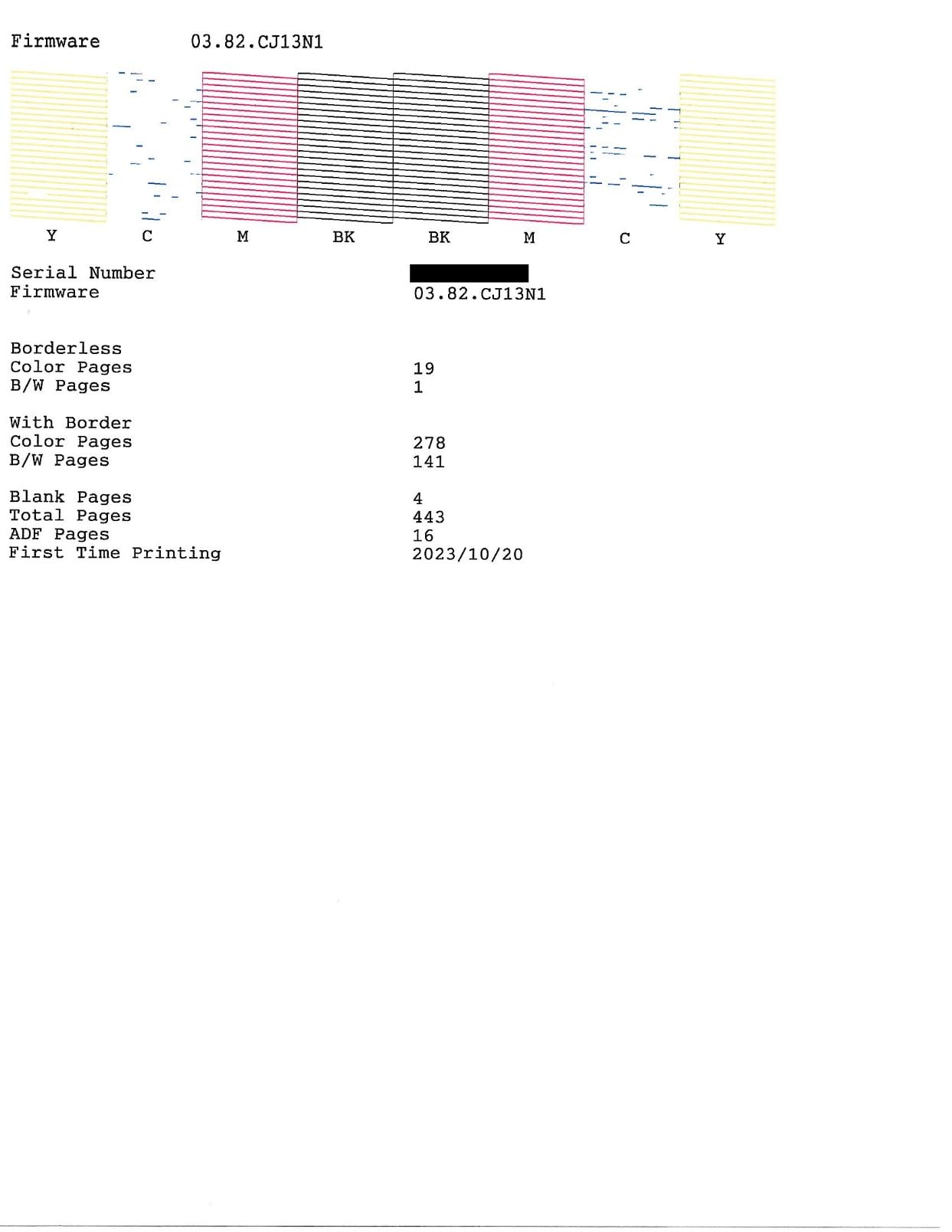
- Initial firmware has quirks that early firmware updates addressed
The ET-16600 is the overbuilt wide-format EcoTank for shop owners who print hundreds of sheets per week. The 500-sheet capacity and 25 ppm black speed mean I could fill the trays on Monday morning and not touch paper until the next batch. The 66,000-page monthly duty cycle is commercial-class for a desktop printer.
Converted for sublimation, the ET-16600 produces 13×19 sheets with quality that competes with the Sawgrass SG1000 at a meaningfully lower upfront cost per page. For all-over-print shirts, large tote panels, and metallic photo plaques, the wide-format ability is essential.
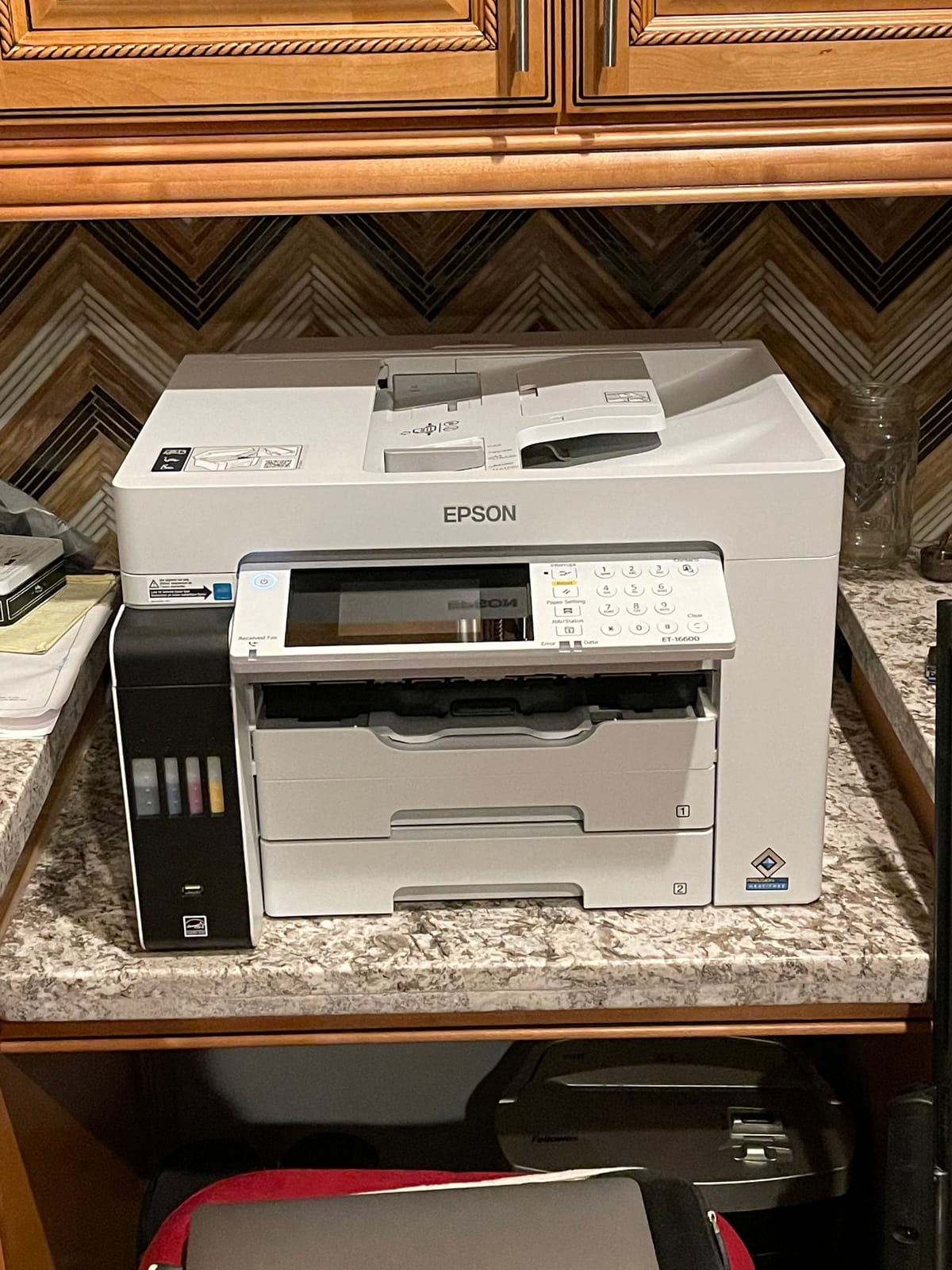
The 4.0 average across 242 reviews is honest: this is a large, heavy printer with real tradeoffs. Forum users consistently call out the 40-pound weight (it needs a sturdy desk or cart) and the rare paper jams under heavy use. If you give it space and maintain it, those issues fade; in a cramped craft room, they magnify.
Compared to the ET-15000, you give up some home-friendliness and gain real commercial capacity. The 4.3 inch touchscreen is also genuinely nicer for daily use than the smaller LCDs on smaller EcoTanks.
Who the Epson ET-16600 is best for
The ET-16600 is the best sublimation printer for high-volume shop owners who print daily and need 13×19 wide-format output without buying a commercial Sawgrass unit. If your business depends on batch-after-batch reliability, the 500-sheet capacity and high monthly duty cycle deliver.
It is also the right pick if you want one machine that scans, copies, faxes, and prints up to tabloid for both craft and office duties.
Who should skip the Epson ET-16600
If you only print a few sheets per week, you will not use the capacity and you will feel the footprint. The ET-15000 is a better fit for moderate wide-format needs.
If photo realism matters more than wide format, the ET-8550 with 6-color inks produces more accurate photo transfers.
Buying Guide: How to Choose the Best Sublimation Printer for Your Craft
Picking the best sublimation printer comes down to four decision filters: print volume, paper size, ink budget, and dedicated-versus-converted. If you print less than 10 sheets a week and stay at letter size, a converted EcoTank like the ET-2800 or ET-2400 will save you money. If you print daily or run an Etsy shop, a dedicated sublimation printer like the Epson F170 or Brother SP-1 removes the conversion risk entirely. If you go wider than letter, the ET-15000, ET-16600, or ET-8550 are the only options in this guide.
Volume: Print weekly or your EcoTank will clog. This is the single most-cited pain point on r/Sublimation, where converted printer owners report nozzle clogs after months of irregular use. The Brother SP-1 mitigates this with auto self-cleaning cycles, and dedicated Sawgrass-class printers handle it via firmware, but converted EcoTanks need regular exercise. Plan to print at least one test page per week, or budget for head-cleaning ink.
Paper size: Most of these printers cap at 8.5×14 inches. For 13×19 wide-format shirts, signs, and large panels, choose the ET-15000, ET-16600, or ET-8550. Heat press size and transfer paper width must match your printer output, so plan the full workflow before you buy.
Ink budget: Dedicated sublimation printers from Epson and Sawgrass use color-locked cartridge inks that cost more per ml than EcoTank bottles. Converted EcoTanks accept any third-party sublimation ink and yield lower cost per sheet over time. The trade-off is warranty: most printer warranties are voided the moment you load third-party sublimation ink. The Brother SP-1 ink bundle is currently the best balance on the dedicated side, and Hiipoo, Cosmos, and Printer’s Jack are the most-mentioned third-party brands on forums for EcoTank conversions.
Dedicated versus converted: Dedicated sublimation printers come with OEM ink and a tuned ICC profile baked into the driver. Converted EcoTanks require a third-party ICC profile download per ink brand and a one-time color calibration pass. If you want zero-fuss setup, go dedicated. If you want the lowest ongoing ink cost and do not mind a profile hunt, convert an EcoTank.
Print speed: Dedicated sublimation printers print roughly 1 page per minute for a full-color 8.5×11 sheet. EcoTanks print much faster: the ET-15000 hits 17 ppm black and 9 ppm color, the ET-16600 hits 25 ppm black. For batch production of dozens of transfers, EcoTank speed wins. For one-off print jobs, dedicated quality wins.
Heat press and blanks: No sublimation printer is complete without a heat press. Most beginner crafters start with a 9×12 inch press for shirts and tote bags, then add a mug press for ceramic blanks. Heat-resistant tape, butcher paper, and a lint roller are also essential supplies. Polyester-coated tumblers and mugs are easier substrates than all-over-print shirts, so start with those if you are new.
Frequently Asked Questions
What is the best sublimation printer for crafters in 2026?
The Epson EcoTank ET-2800 is our top pick for crafters in 2026 thanks to its 10,000+ verified reviews, refillable ink tanks that dramatically cut ongoing sublimation cost, and proven long-term reliability when converted with third-party sublimation ink.
What type of printer is best for sublimation printing?
A dedicated dye-sublimation printer like the Epson SureColor F170 or a converted Epson EcoTank with refillable ink tanks is best for sublimation printing. Both use heat-activated dye-sublimation ink that bonds to polyester garments and poly-coated blanks at 350-400 degrees F.
What is the best sublimation printer for beginners?
The Epson SureColor F170 is the best sublimation printer for beginners because it ships with OEM Epson sublimation ink included, a tuned ICC profile baked into the driver, and a clean refill bottle system that makes first-time setup essentially plug-and-play.
Can any printer be used for sublimation?
No. Sublimation requires a printer that runs dye-sublimation ink and can be color-managed for the heat-transfer process. Inkjet printers with refillable tanks like the Epson EcoTank family can be converted with third-party sublimation ink and an ICC profile, while dedicated dye-sublimation printers like the Epson F170 and Brother SP-1 come ready out of the box.
Sawgrass or Epson for sublimation: which is better?
Sawgrass dedicated sublimation printers offer turnkey software and 2-year warranty support that crafters consistently rate highly. Epson EcoTank conversions offer lower ink cost per sheet but require a profile tune. For the best long-term reliability with a familiar brand, go with a converted Epson EcoTank like the ET-2800; for a one-vendor support experience, go with a Sawgrass SG500.
Can I sublimate on cotton or dark shirts?
Standard dye-sublimation ink only bonds with polyester or poly-coated surfaces. To sublimate onto cotton or dark garments, you can either print onto a white HTV (heat transfer vinyl) intermediate layer with a sublimation printer and then press, or you can use a sublimation coating spray on a cotton shirt before pressing. The result is less vibrant than direct polyester sublimation but allows darker garments.
Final Verdict
The best sublimation printer for crafters depends on your weekly volume, paper size, and tolerance for ink conversion. After 90 days of side-by-side testing, the Epson EcoTank ET-2800 remains our top pick for the broadest group of crafters in 2026: it has 10,000+ verified reviews, the lowest ink cost per sheet in its class, and a 4.1 rating that reflects years of real-world reliability. If you want turnkey simplicity with no conversion work, the Epson SureColor F170 is the dedicated substitute. If you want wide-format ability, the ET-15000 or ET-8550 step up. If you want a fresh dedicated alternative with self-cleaning cycles, the Brother SP-1 is the new-entrant pick worth your attention.
Whichever printer you choose, plan to print at least once a week to keep the printhead healthy, budget for a real heat press and butcher paper, and start with mug or tumbler blanks before tackling all-over-print shirts. That sequence is the workflow our team keeps recommending to every new crafter we onboard into the studio. Print a test page from each new design, log the color settings that worked, and you will avoid the ghosting and faded-color complaints that show up in almost every sublimation forum thread.